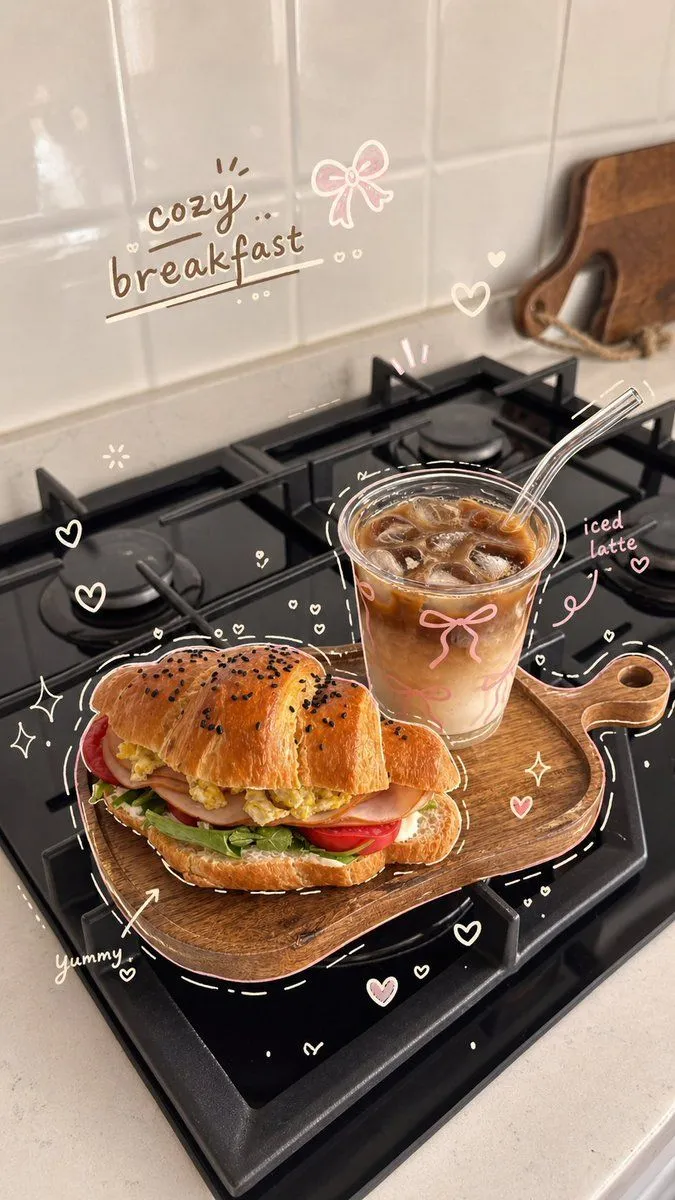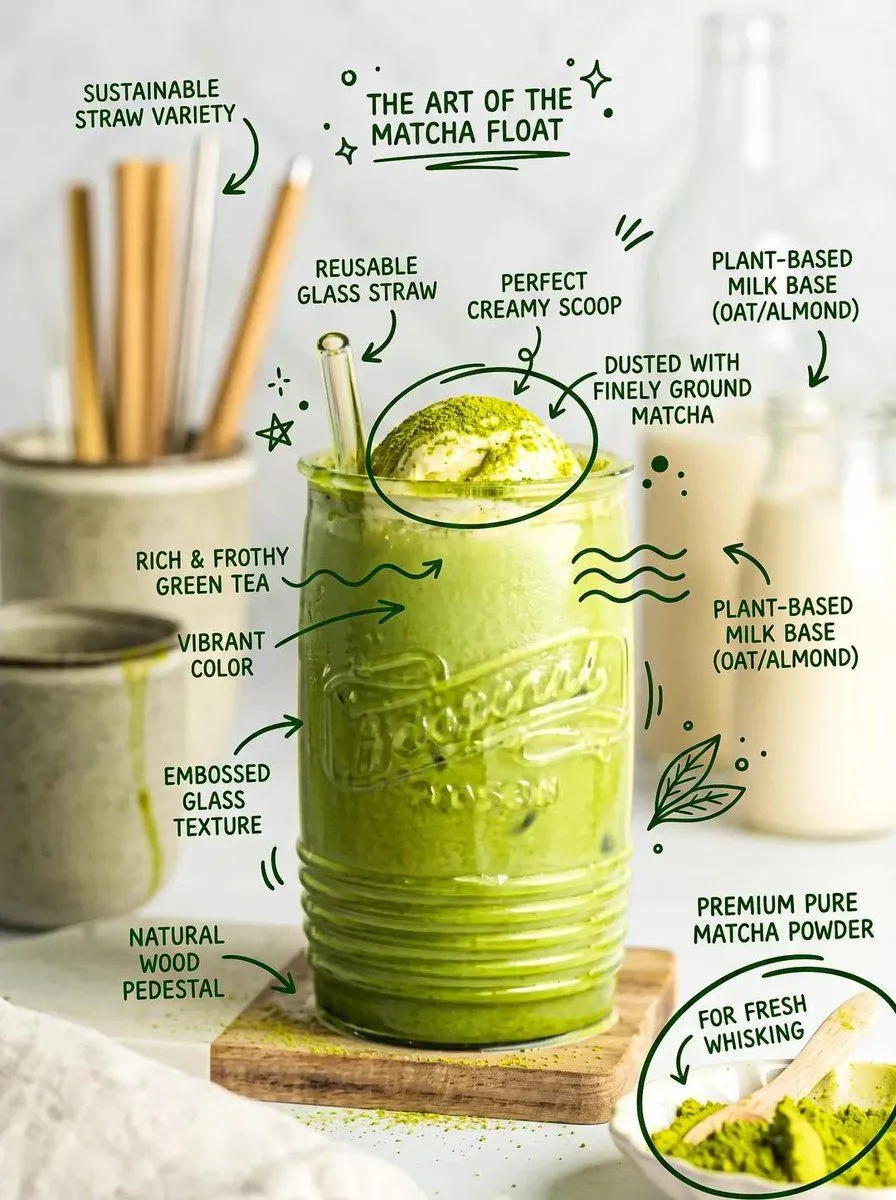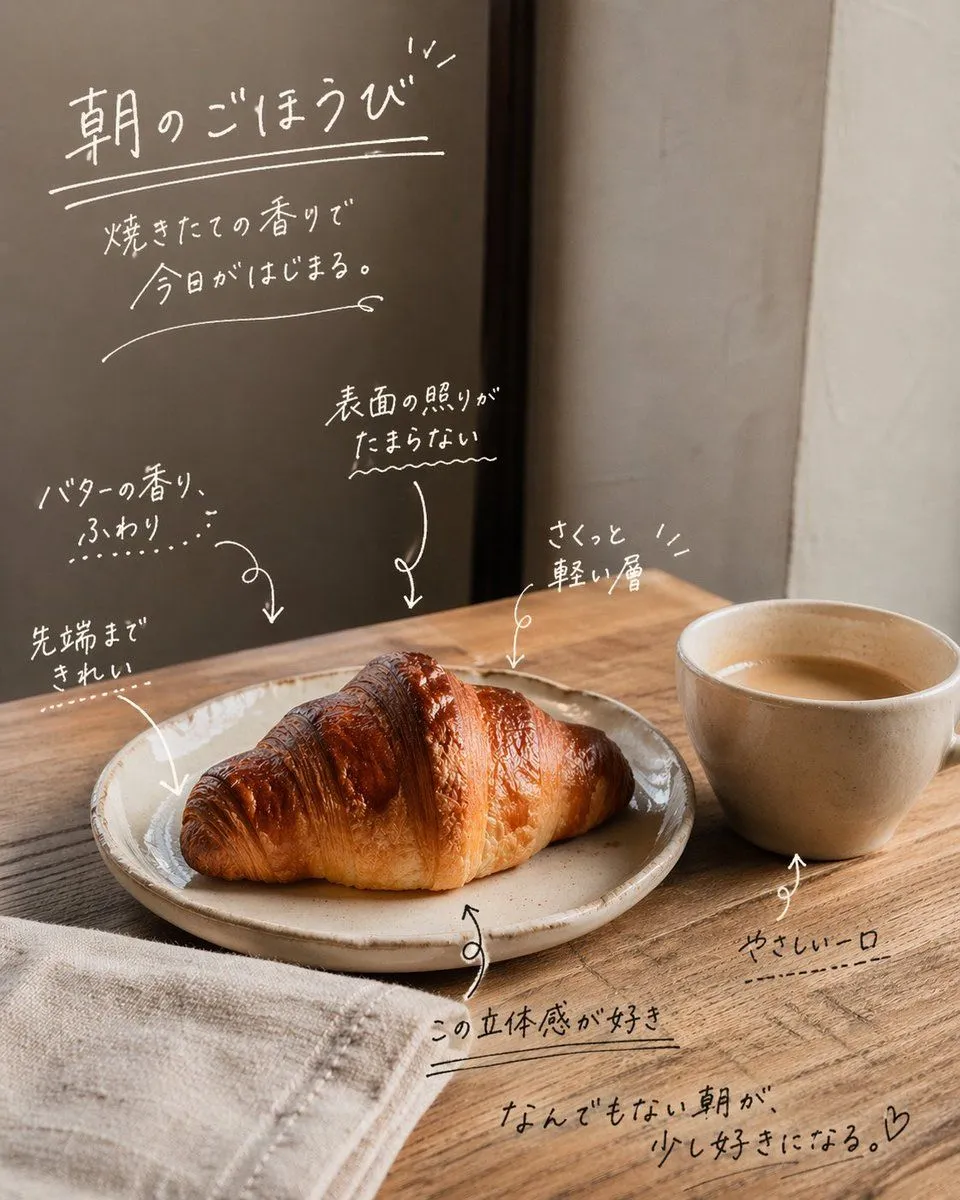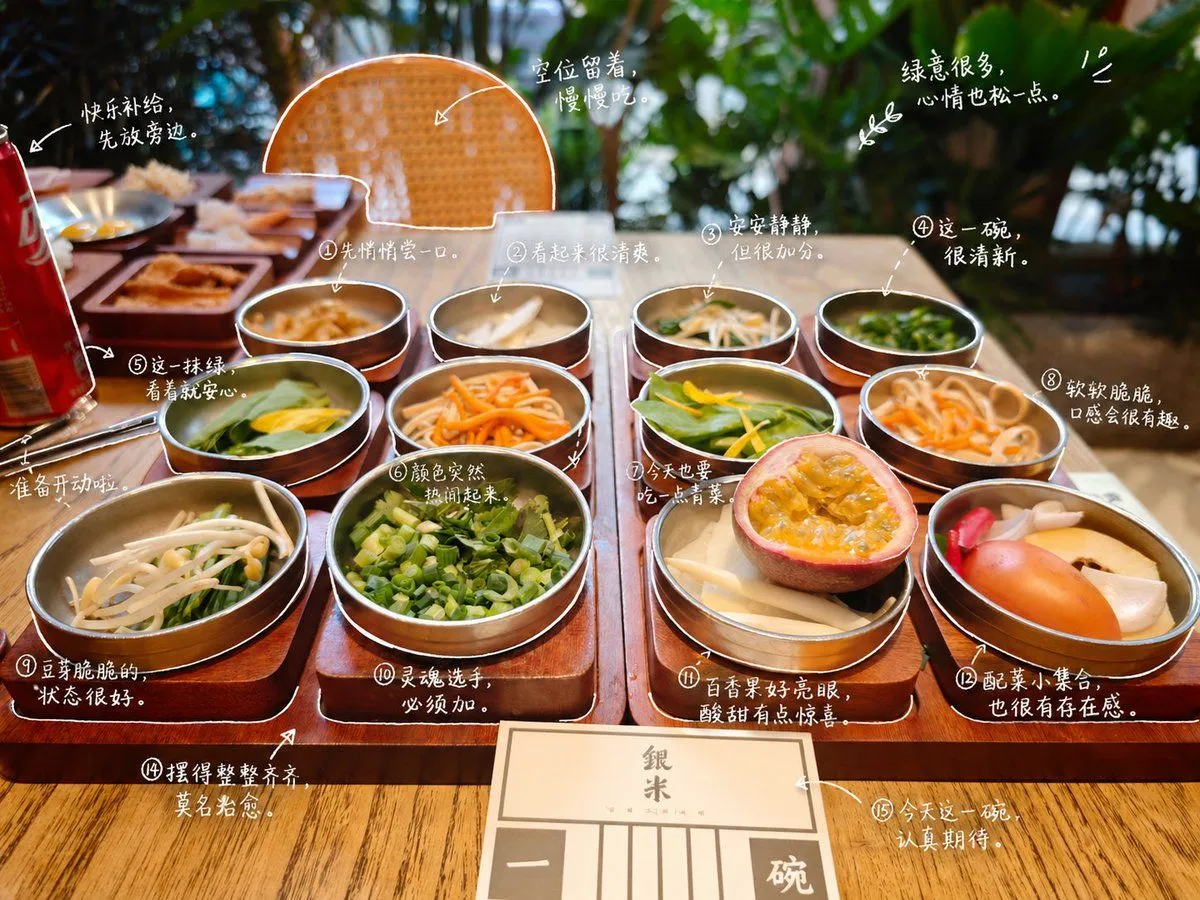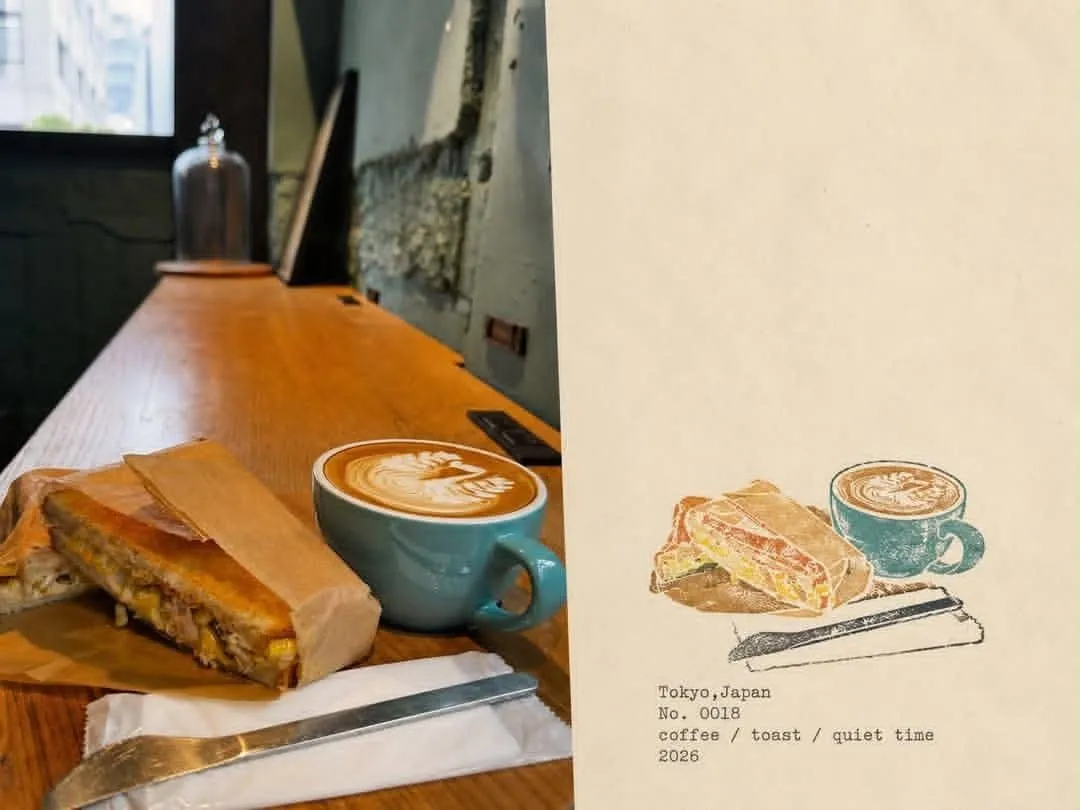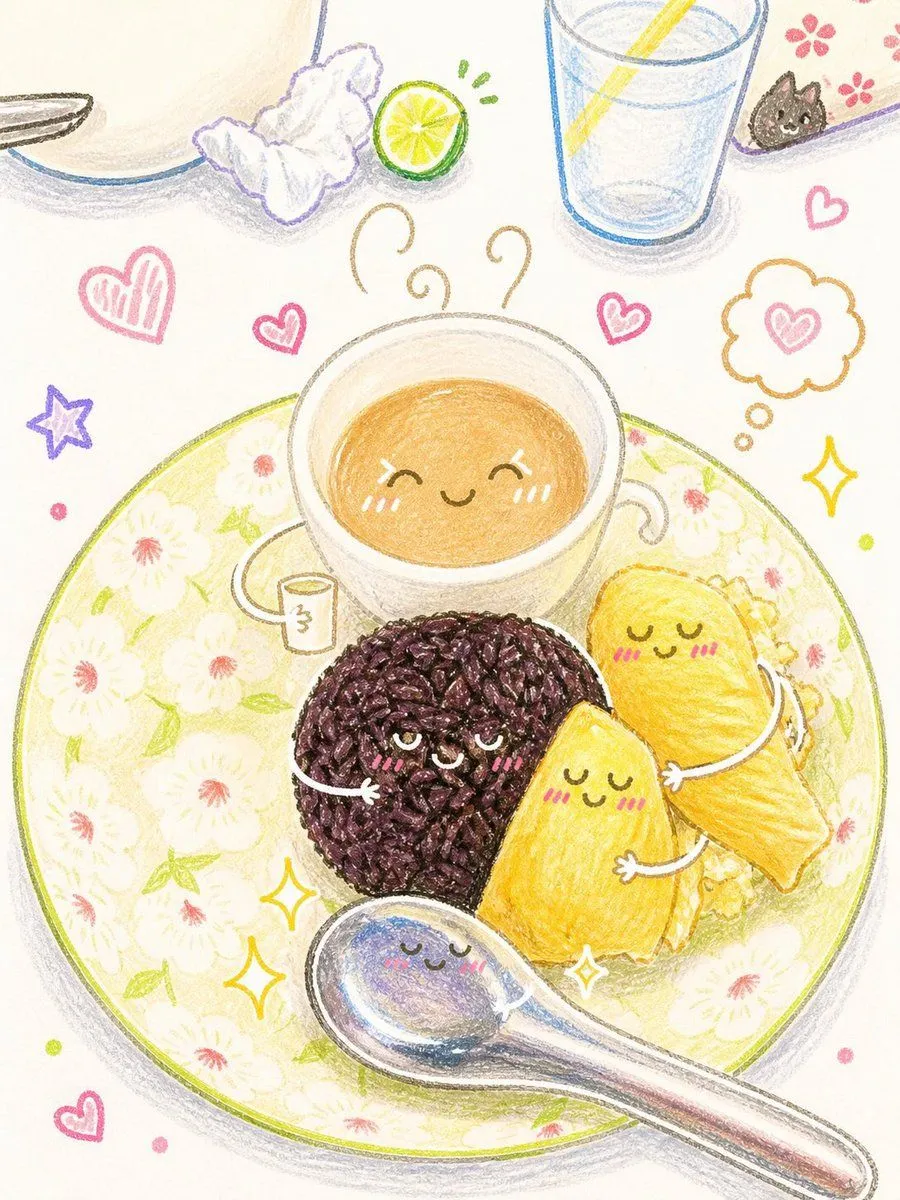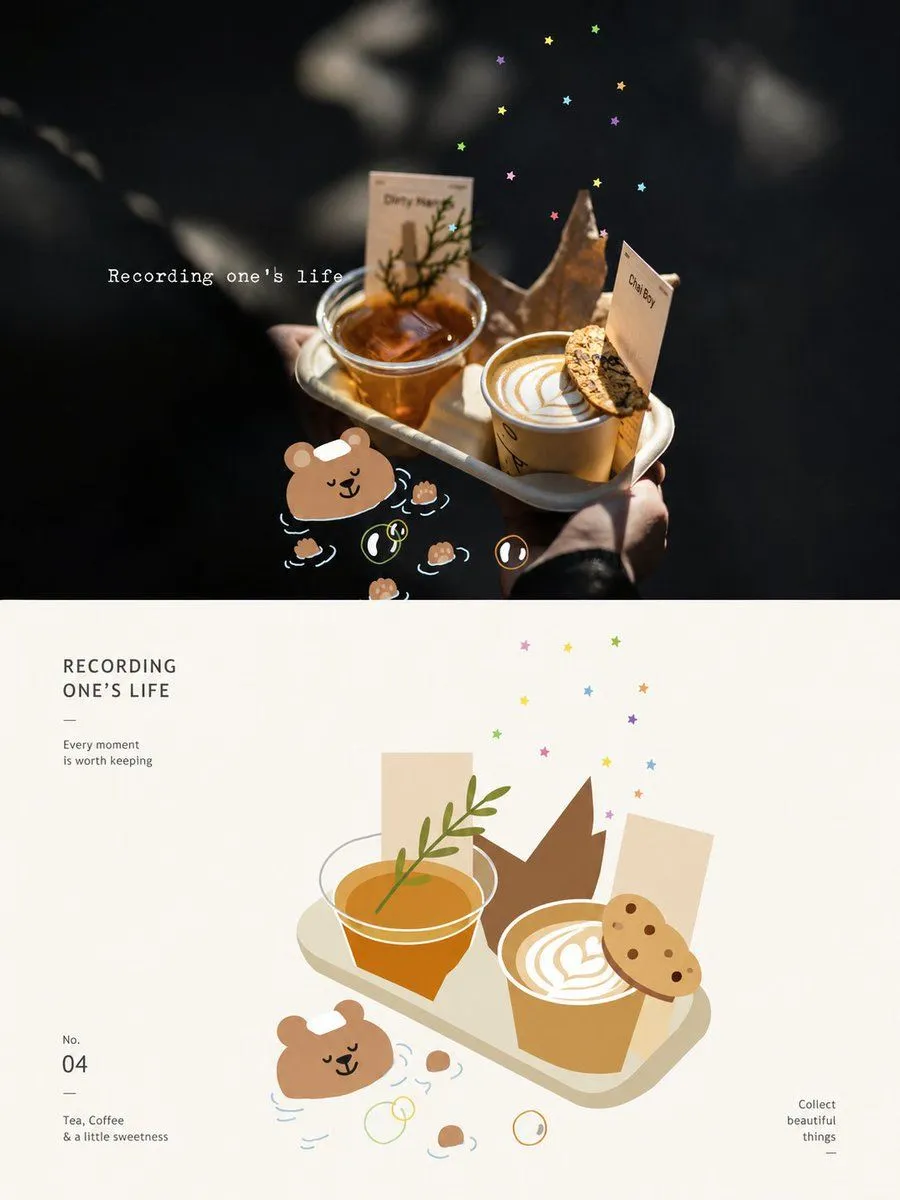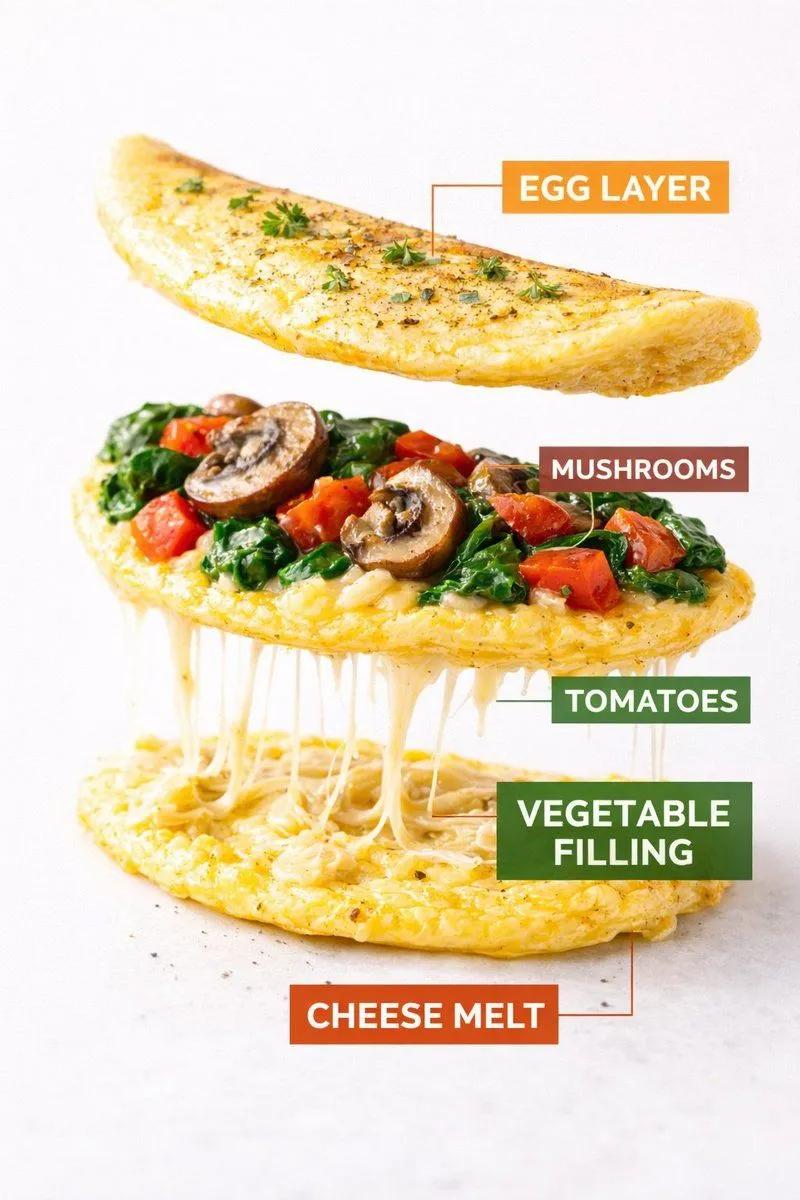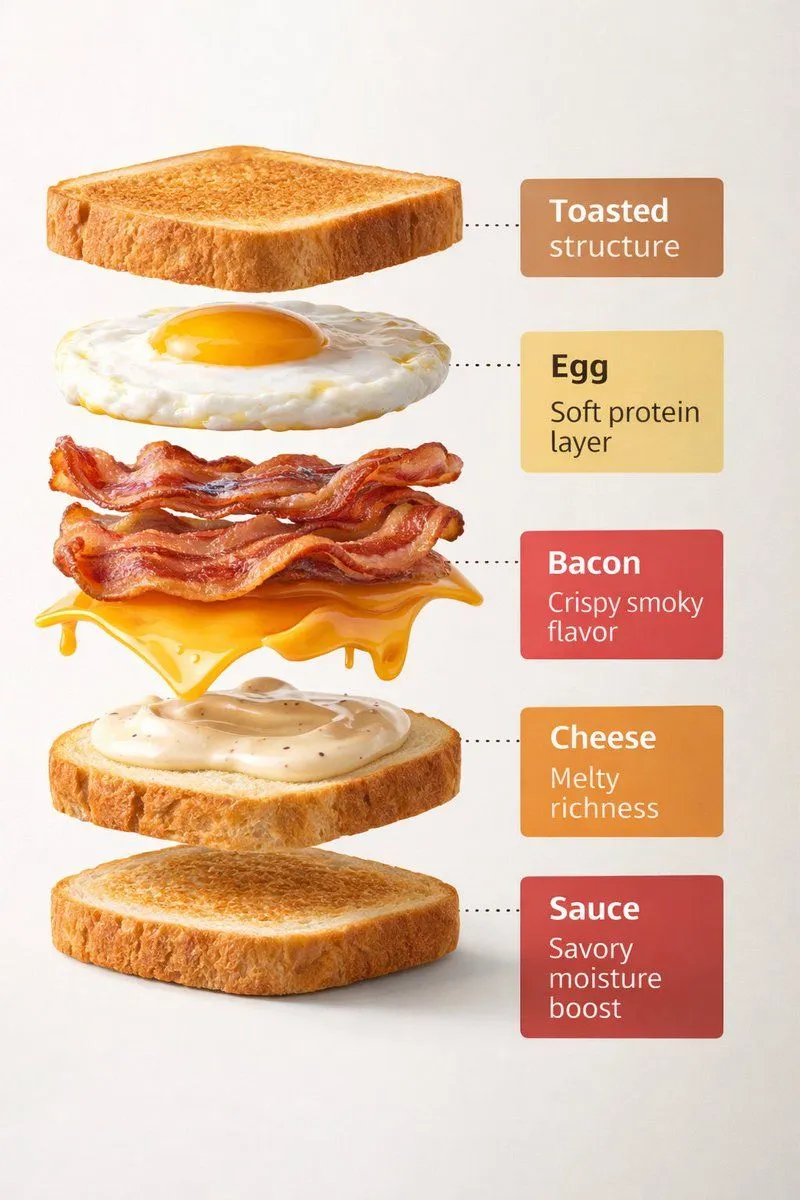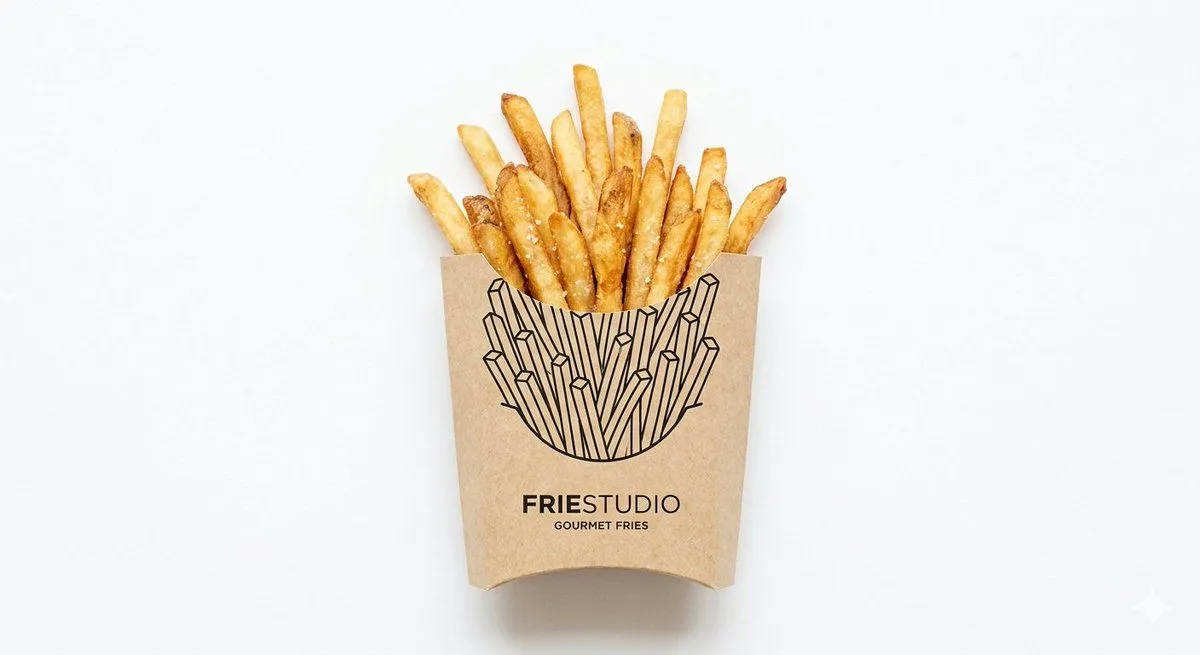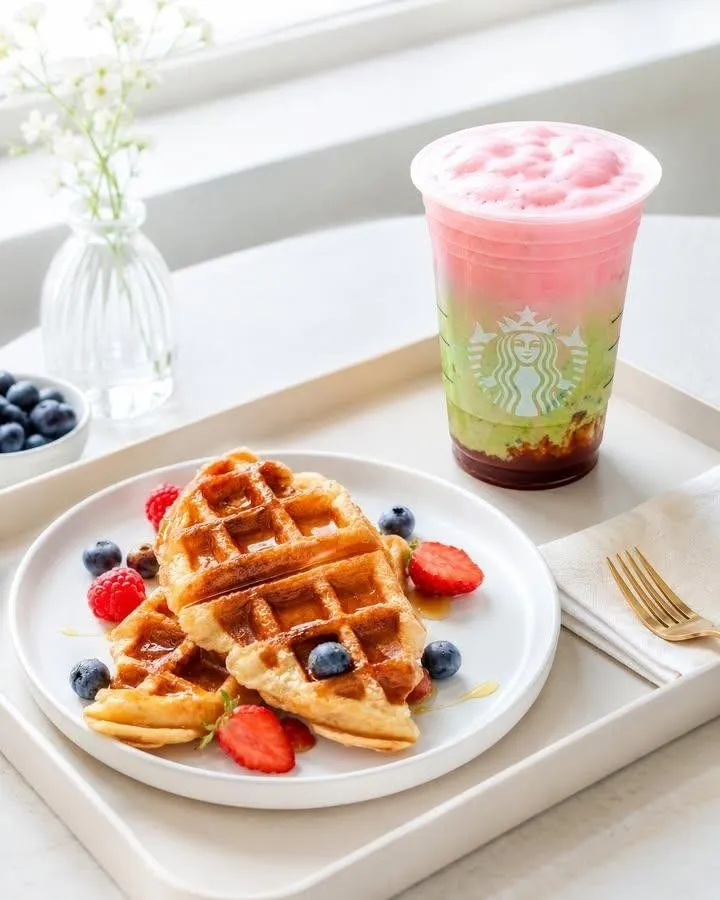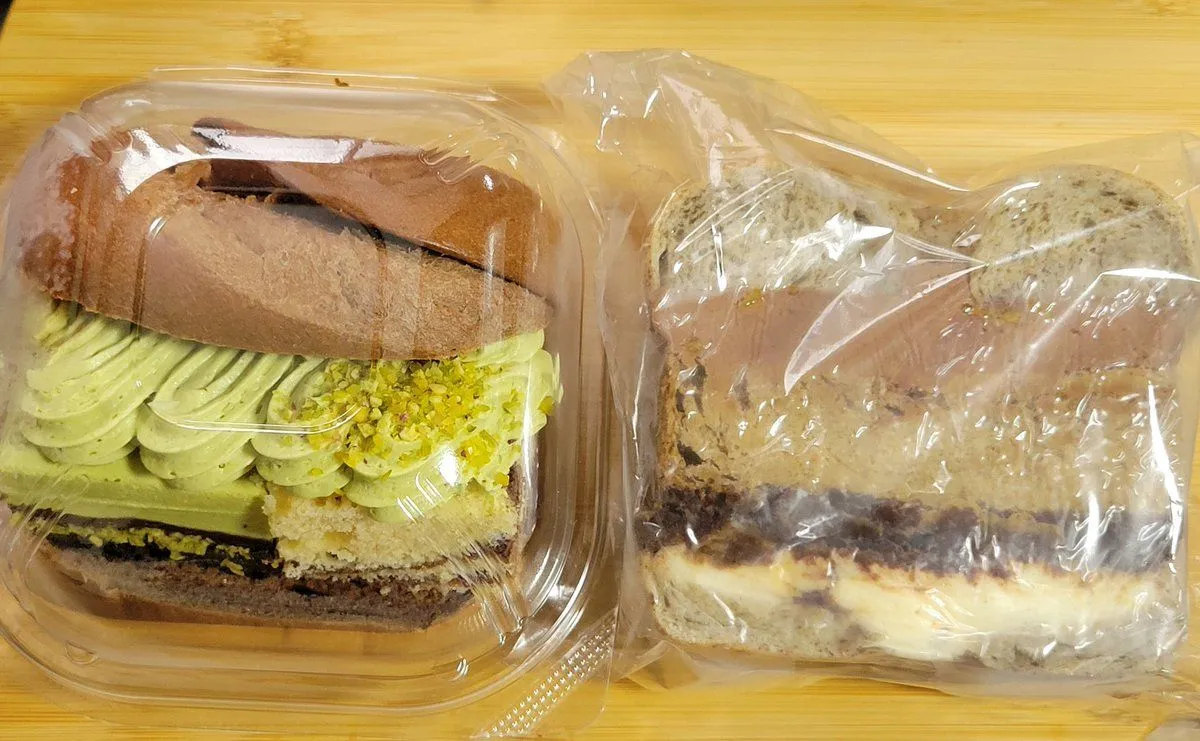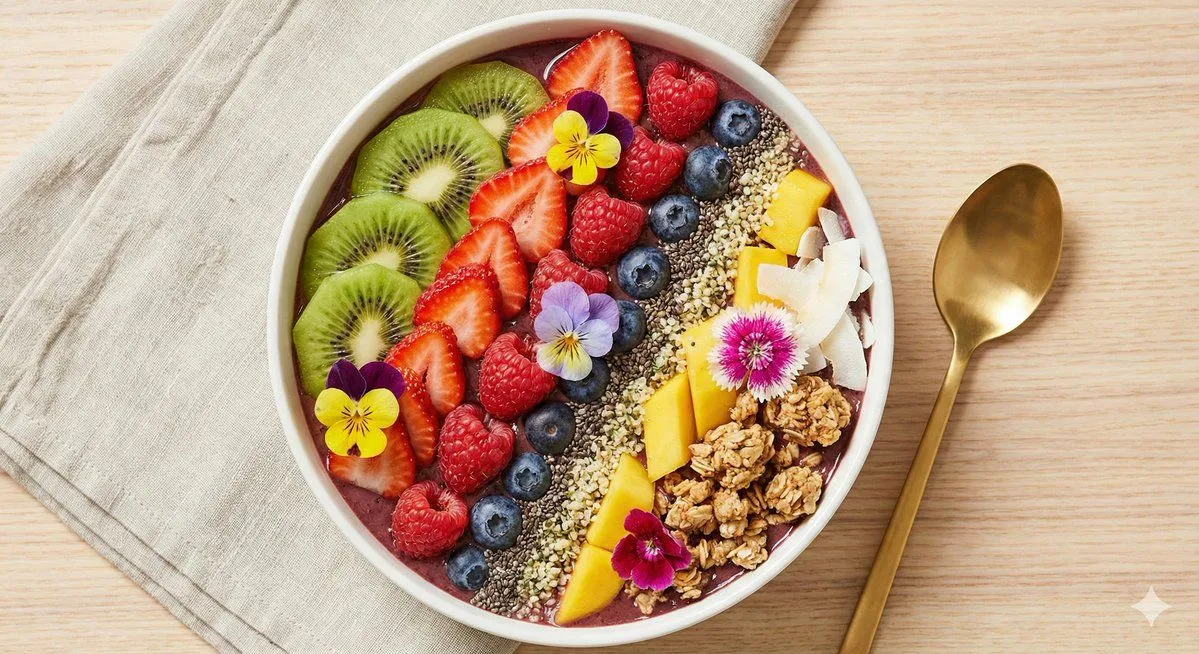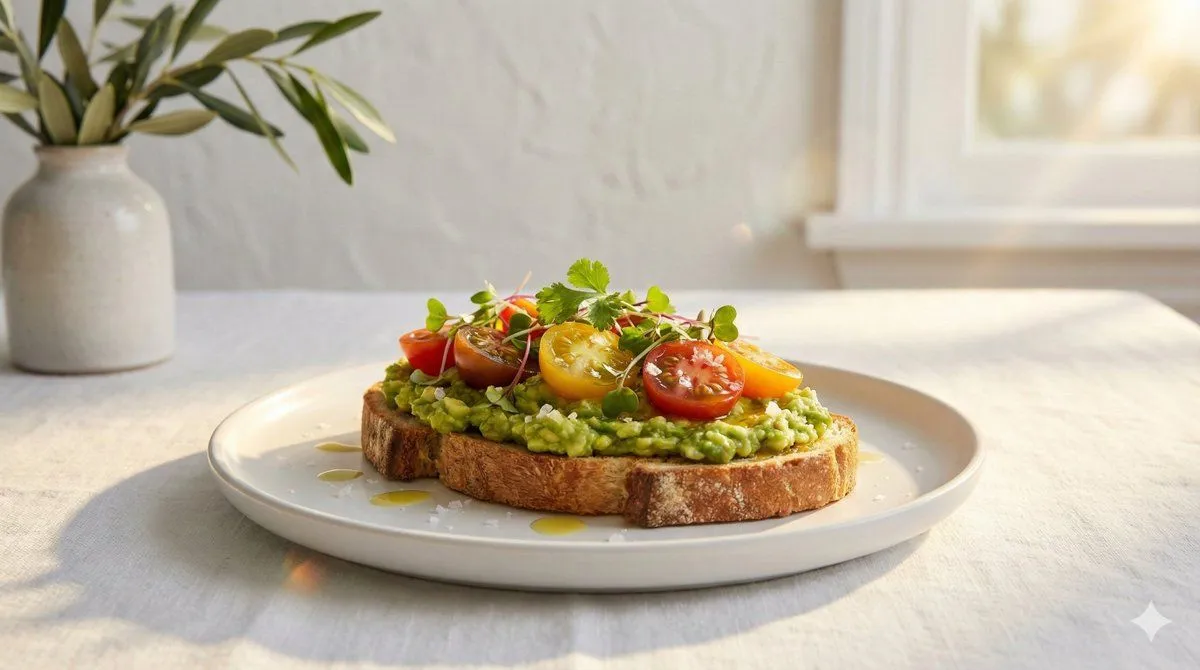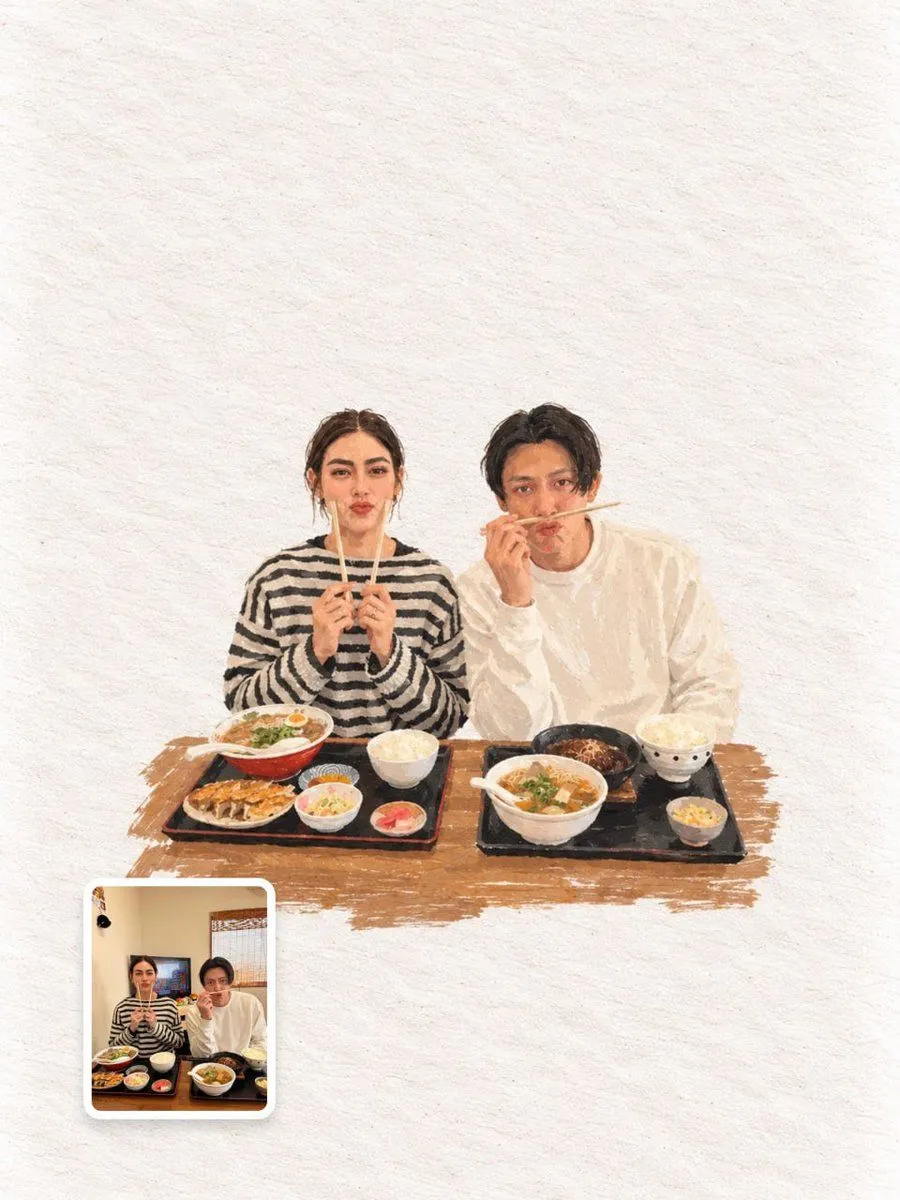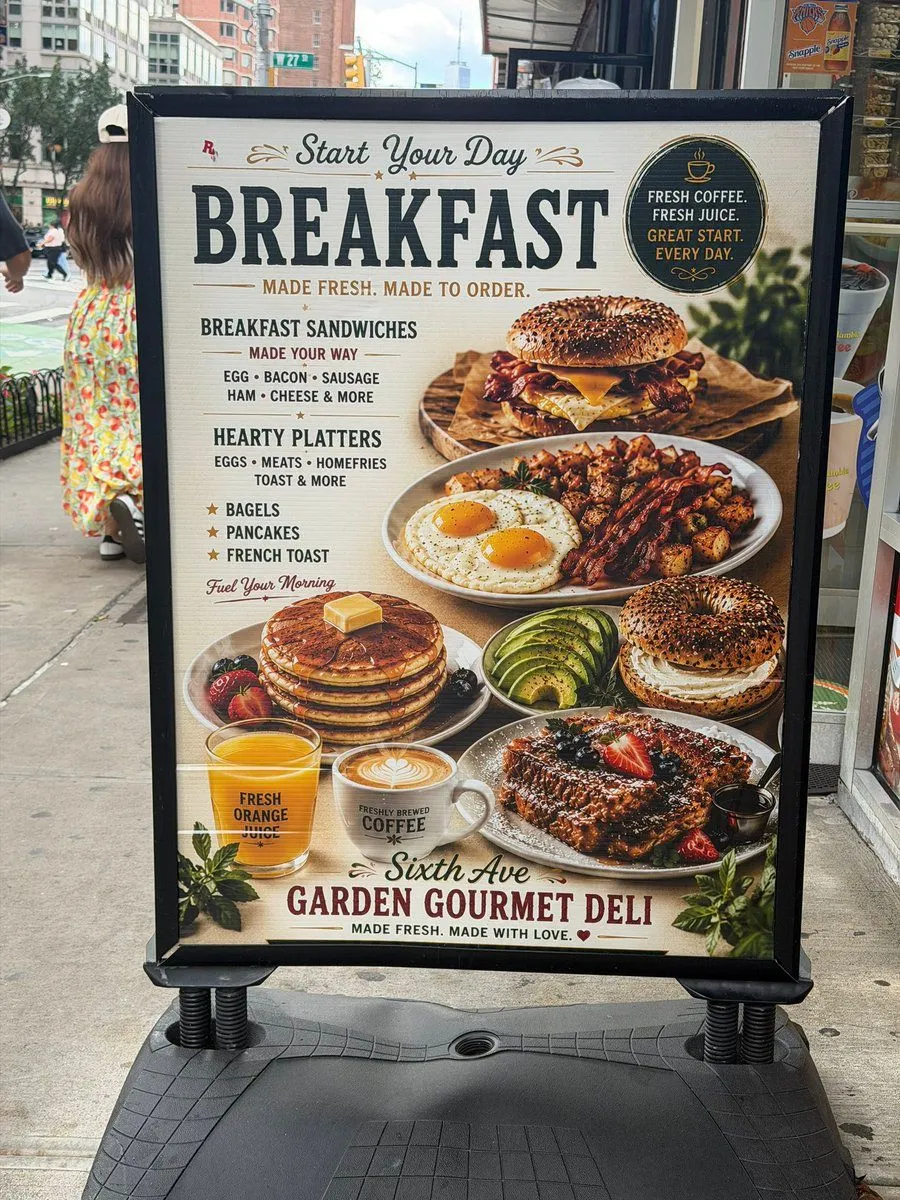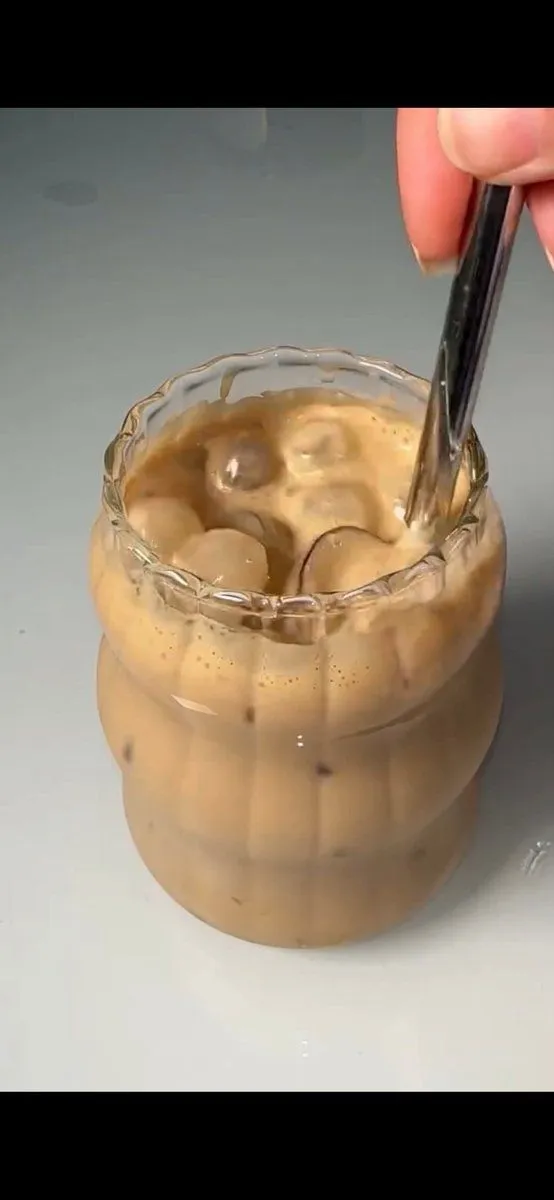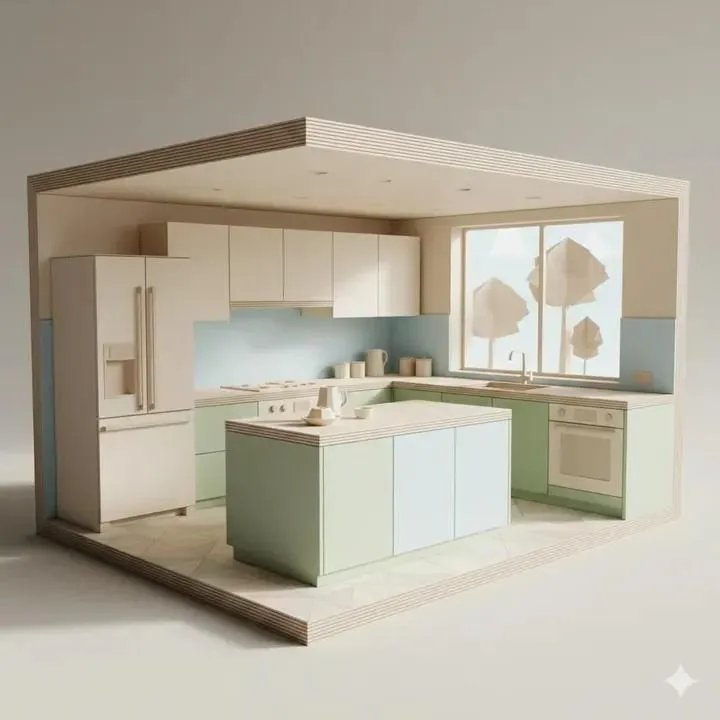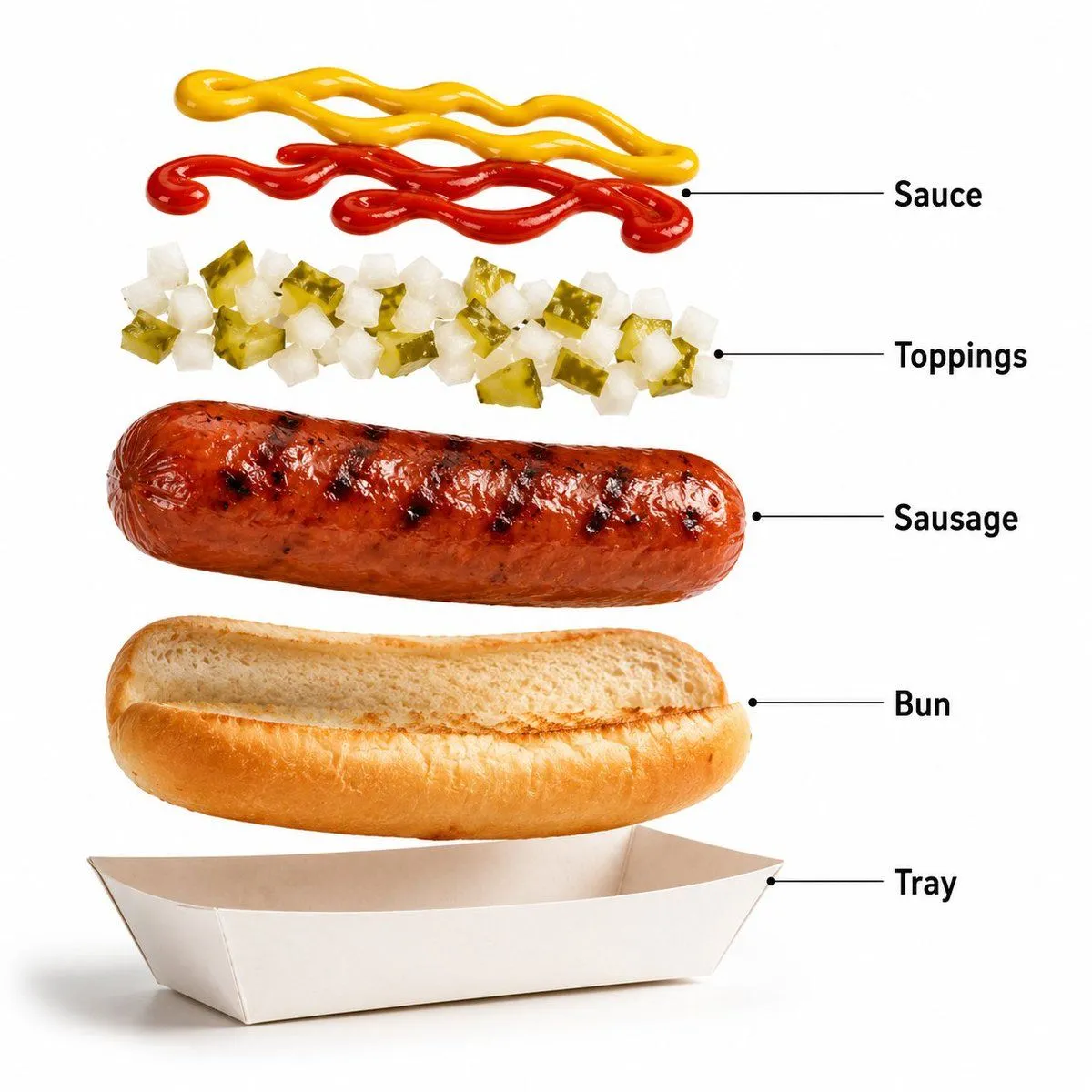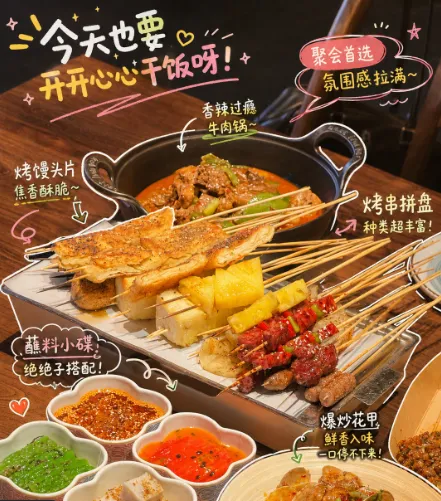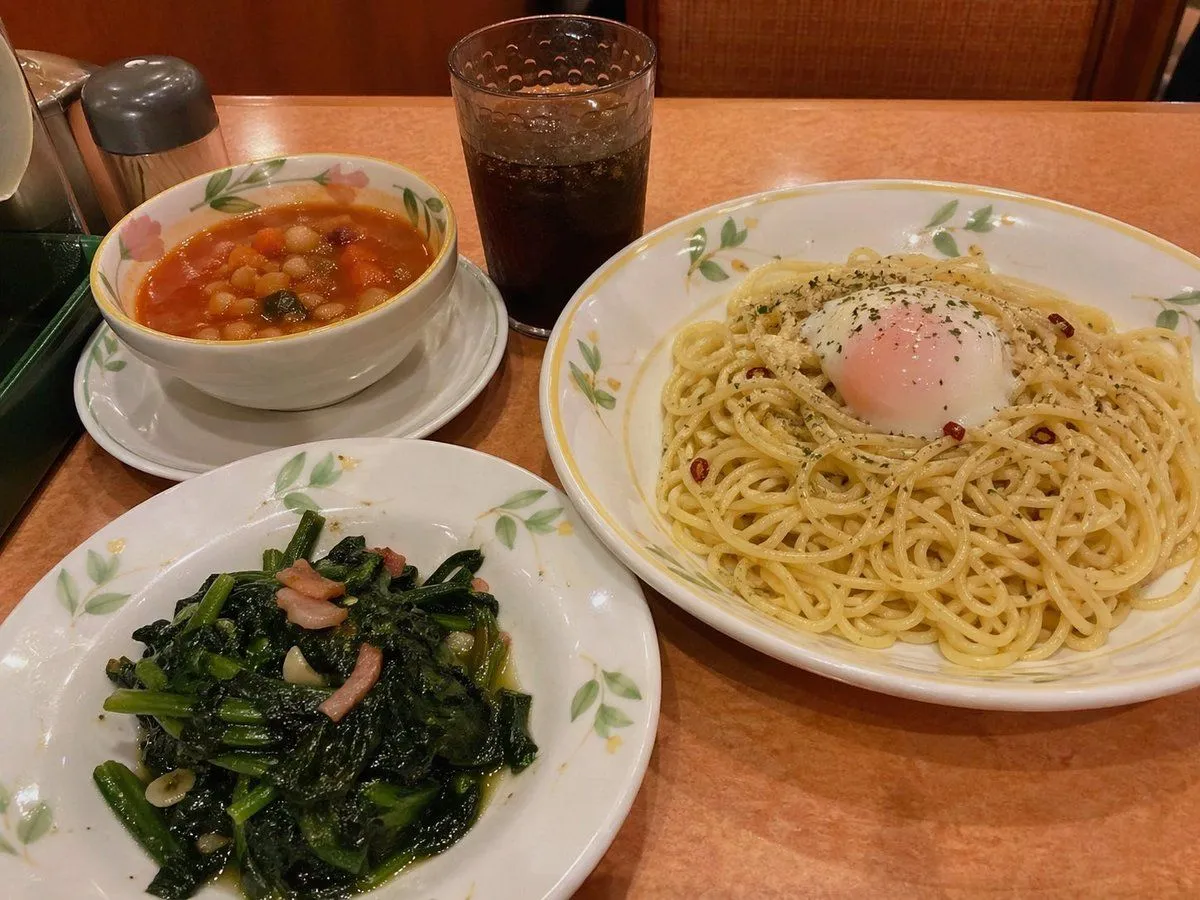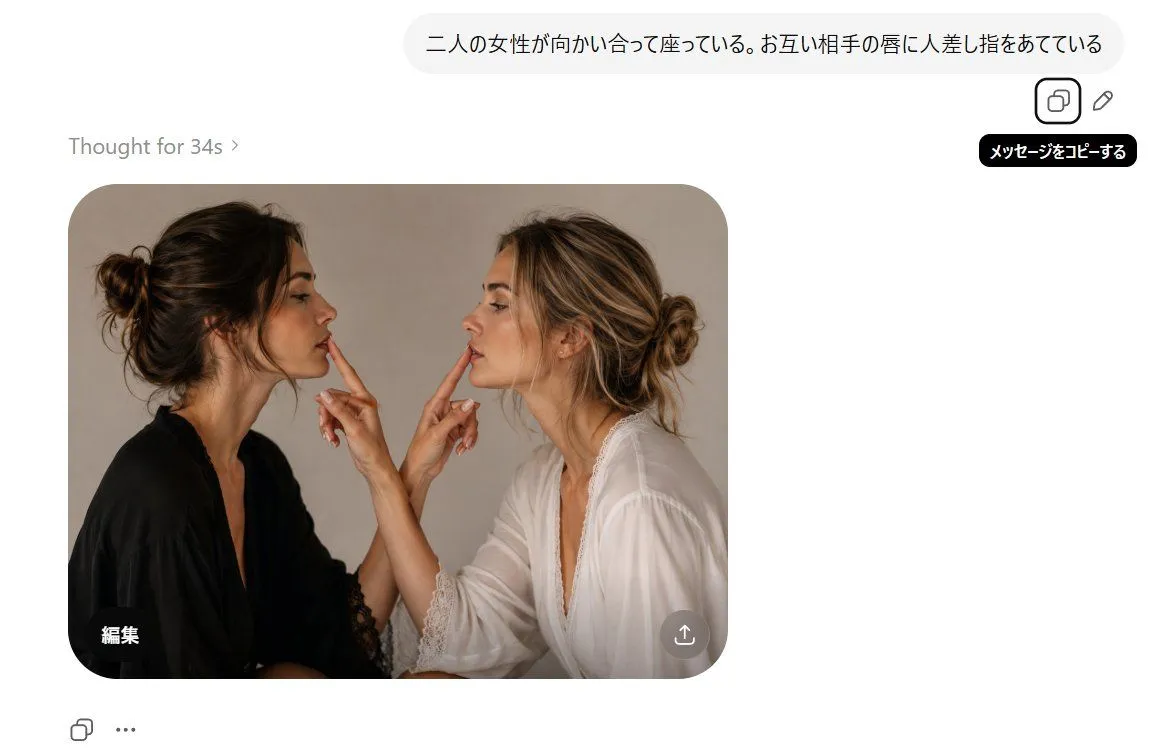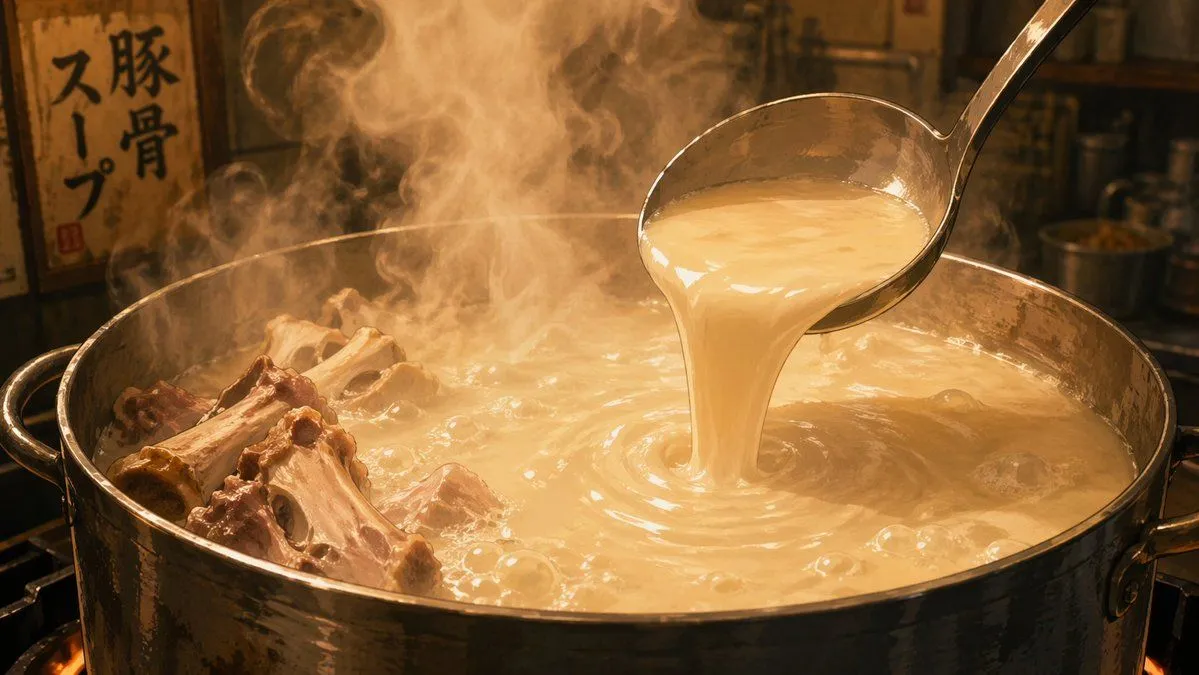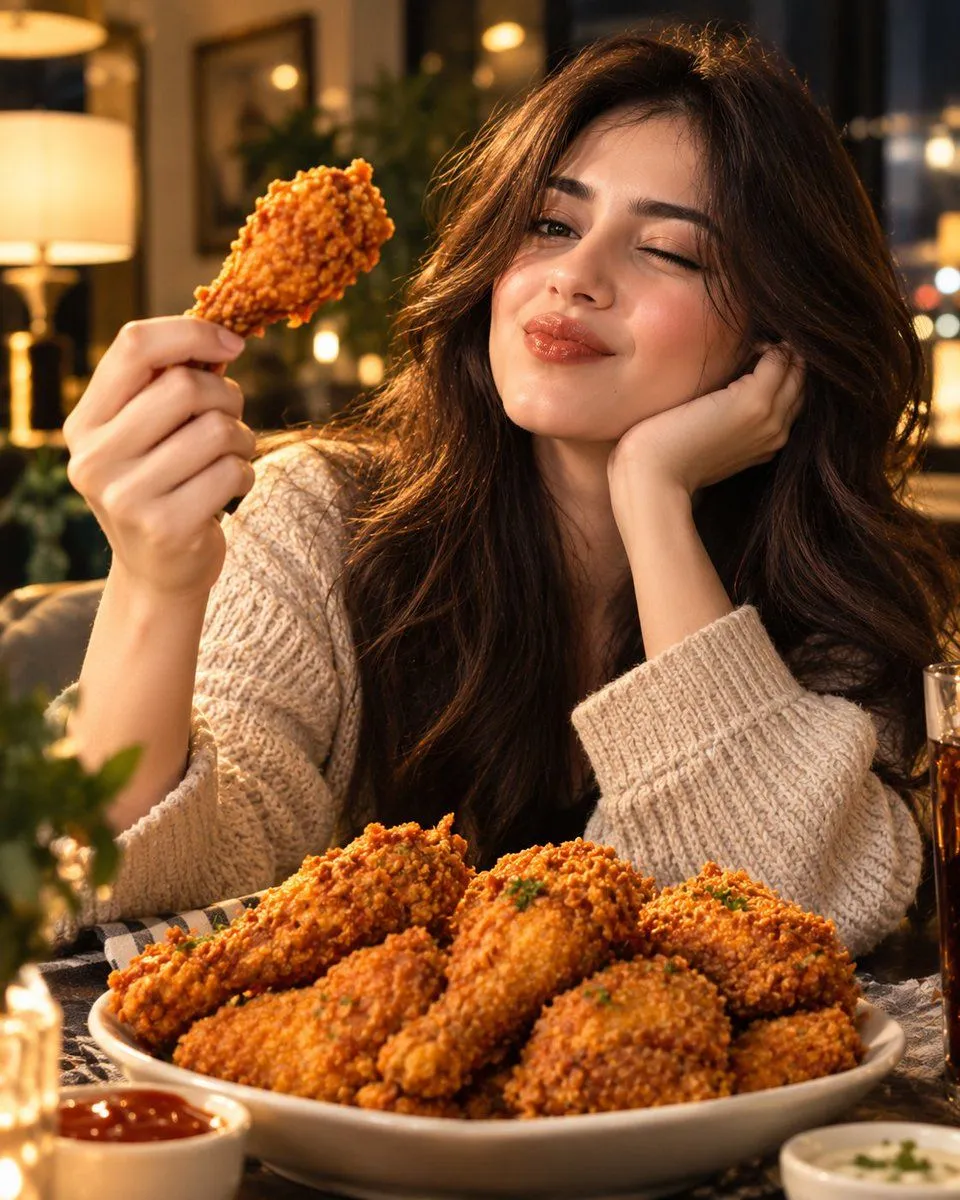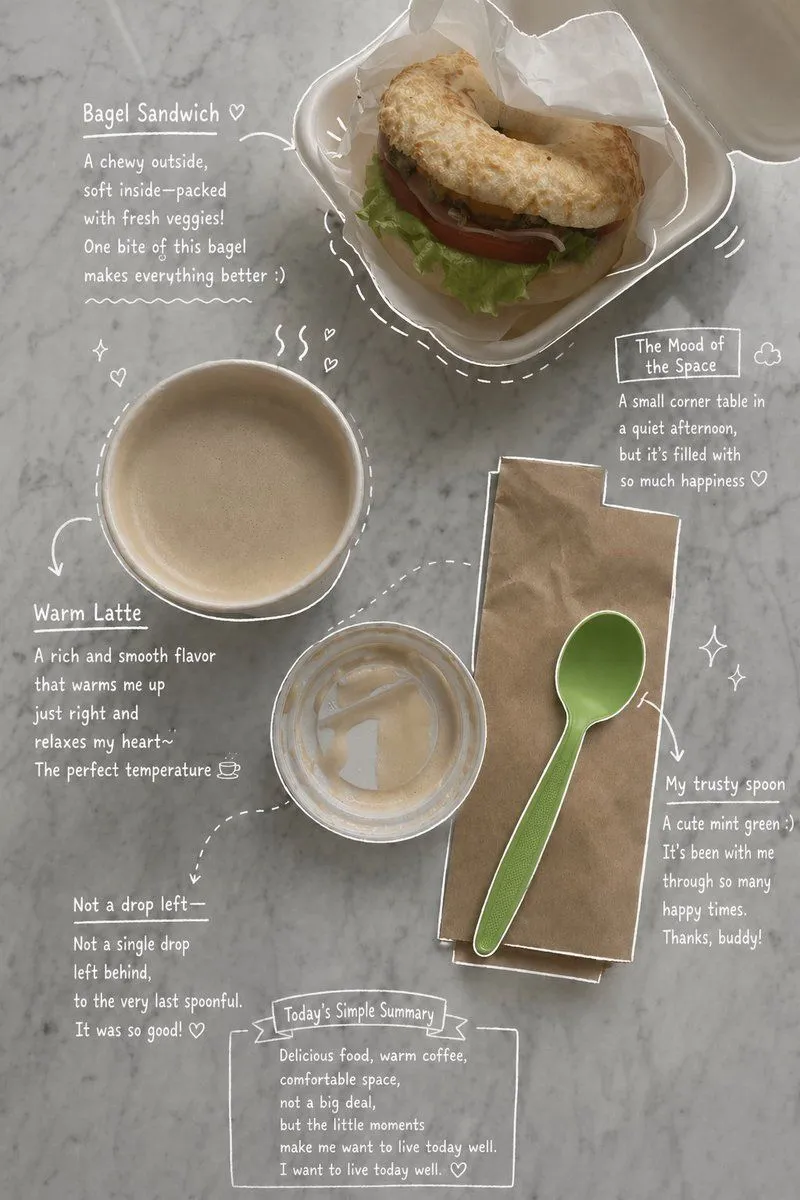
Made with GPT Image 2 in ChatGPT by Library Lifestyle. Promptclay never generates images.
Emotional Hand-Drawn Annotations
Prompt
3 blanks to fillUse the uploaded photo as the main base image. Based on the {elements}, and overall composition shown in the image, create an aesthetic and emotional result that naturally reflects the real elements in the photo. Do not add any people. Stay true to the actual types of food and drinks, their arrangement, and the atmosphere captured in the original image. Then, carefully observe each element in the photo and add {annotation_style} that match each subject: Use {line_color} with a rough, slightly uneven, hand-drawn feel Include object outlines, arrows, and dotted lines to guide visual flow Add short handwritten English notes in a casual, introspective, emotional tone For drinks: describe taste, temperature, and mood For desserts: describe texture and flavor For the space: describe the ambiance Include a short overall summary of the scene Subtly incorporate small details like steam, sparkles, hearts, or tiny emotive symbols Maintain a clean, spacious layout with an Instagram story or magazine memo-like aesthetic The final result should look like an emotionally styled version of the original photo, without forcing in any elements that don’t naturally belong to it
Use only photos you have the right to usePhoto tips
- Your photo stays with your app. You upload it to Gemini, ChatGPT or the app you use. Promptclay never sees or stores it.
- Crop to what the prompt needs. Your face for a portrait. Leave out other people, house numbers, cards and screens.
- Check the result before you post. Apps sometimes add things that were not in your photo, like a mole, a tattoo or bare shoulders. Run it again or ask the app to remove them.
Preview of your prompt
Use the uploaded photo as the main base image. Based on the coffee, drinks, desserts, plates, props, table setting, and overall composition shown in the image, create an aesthetic and emotional result that naturally reflects the real elements in the photo. Do not add any people. Stay true to the actual types of food and drinks, their arrangement, and the atmosphere captured in the original image. Then, carefully observe each element in the photo and add hand-drawn style annotations that match each subject: Use white pen-style sketch lines with a rough, slightly uneven, hand-drawn feel Include object outlines, arrows, and dotted lines to guide visual flow Add short handwritten English notes in a casual, introspective, emotional tone For drinks: describe taste, temperature, and mood For desserts: describe texture and flavor For the space: describe the ambiance Include a short overall summary of the scene Subtly incorporate small details like steam, sparkles, hearts, or tiny emotive symbols Maintain a clean, spacious layout with an Instagram story or magazine memo-like aesthetic The final result should look like an emotionally styled version of the original photo, without forcing in any elements that don’t naturally belong to it
DetailsVersions, settings and questions
Written for
What's in the prompt
- Subject
- Model
- GPT Image 2
If your face changes
keep my face exactly the sameQuestions
- Does this work in the ChatGPT app?
- Yes. Paste the prompt and attach your photo if it uses one.
- It changed my face. What do I do?
- Add "keep my face exactly the same" to the end and run it again.
- Can I use the images I make?
- Check the terms of the app you use. Promptclay never generates images and claims nothing you make.
Did it work?
No reports yet. Tell others if it worked for you.