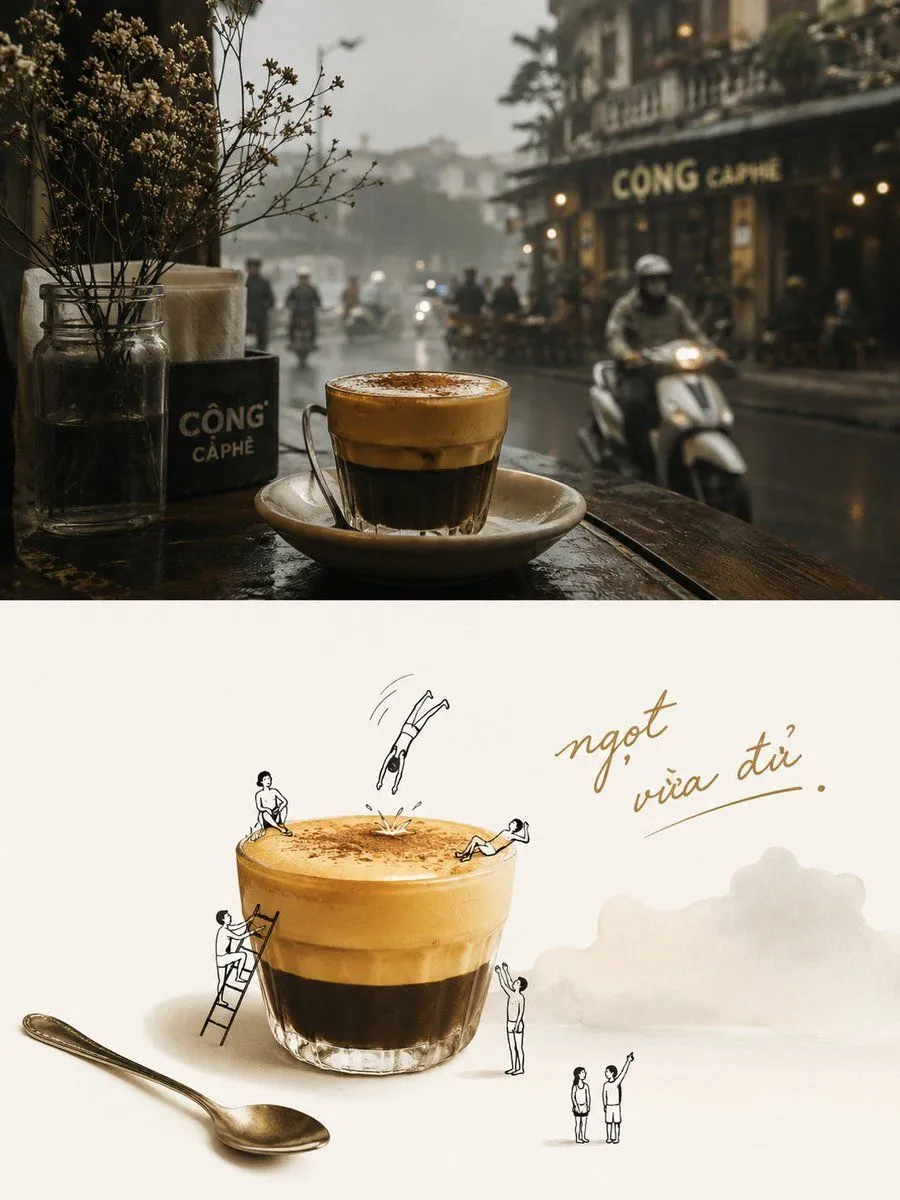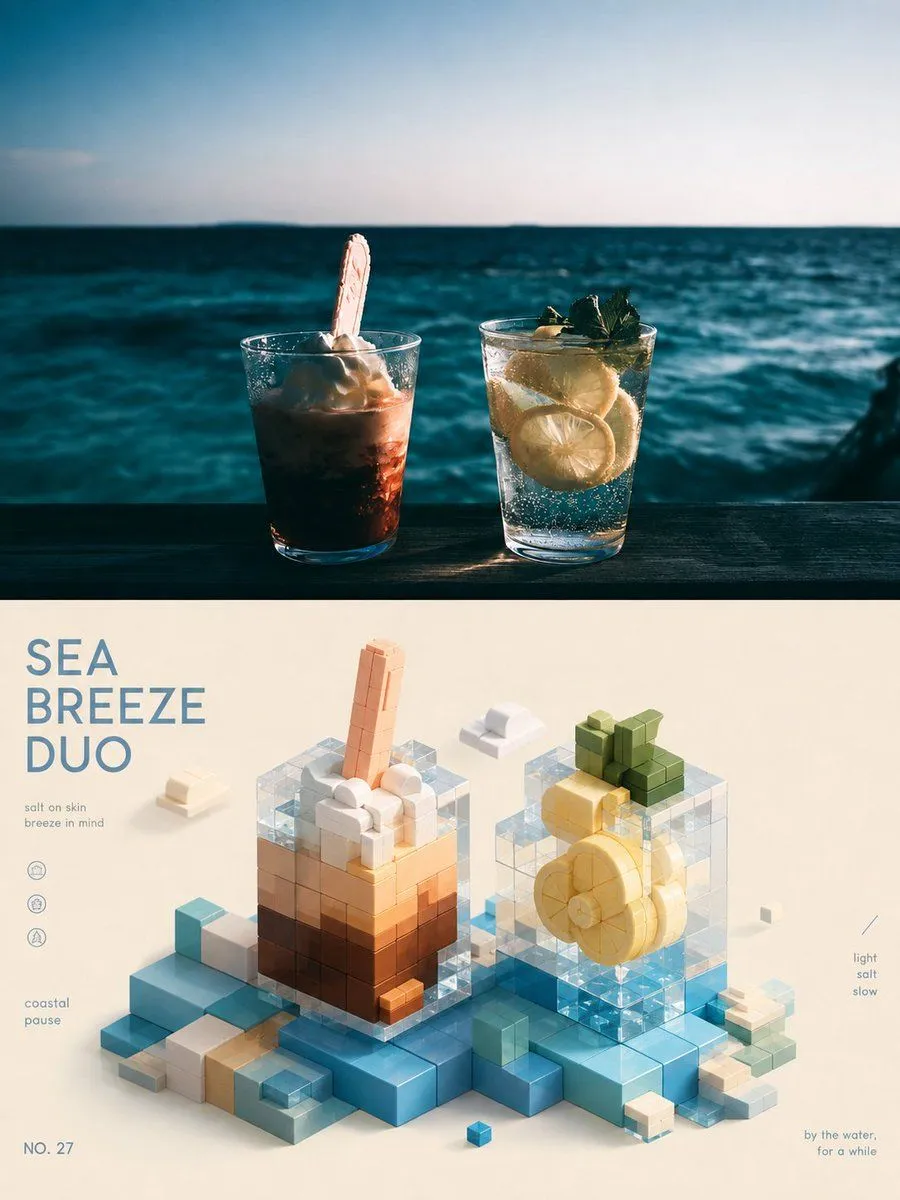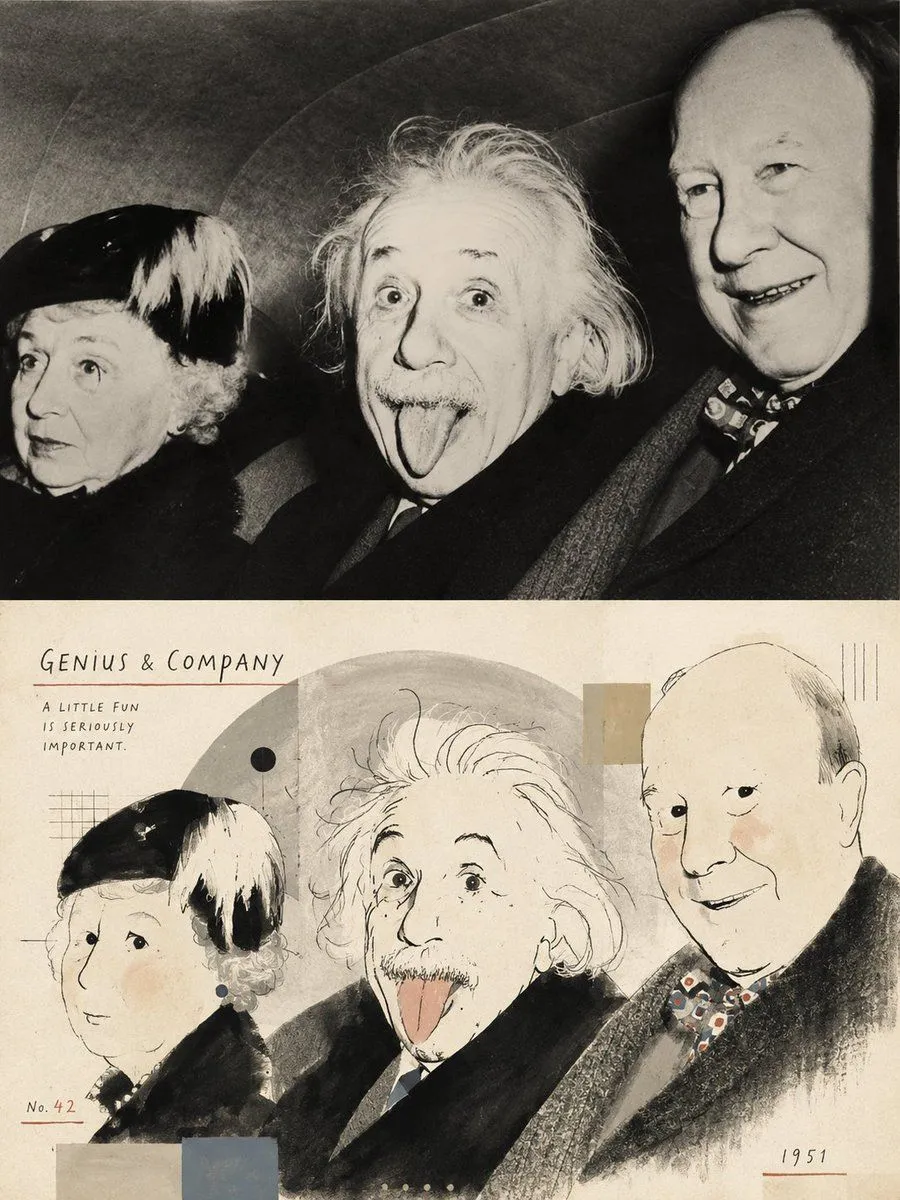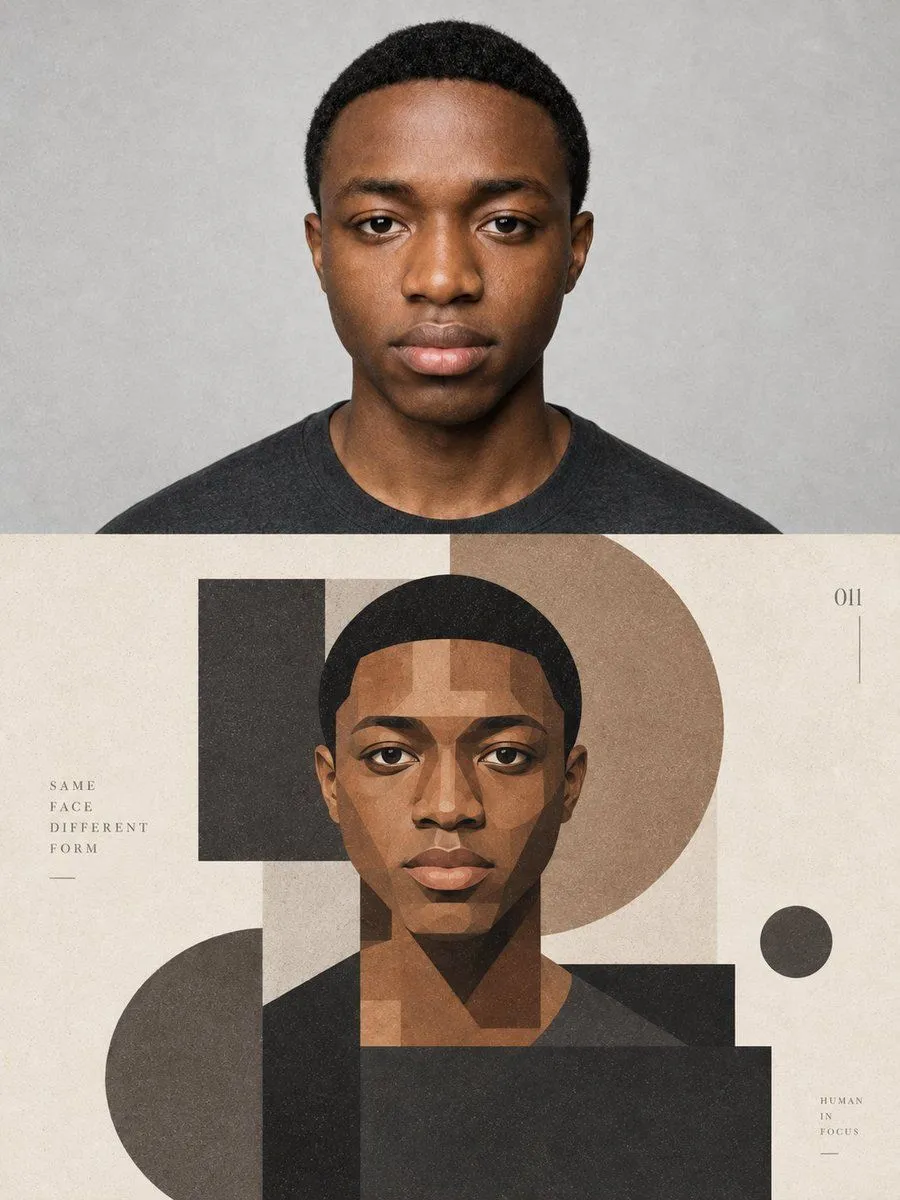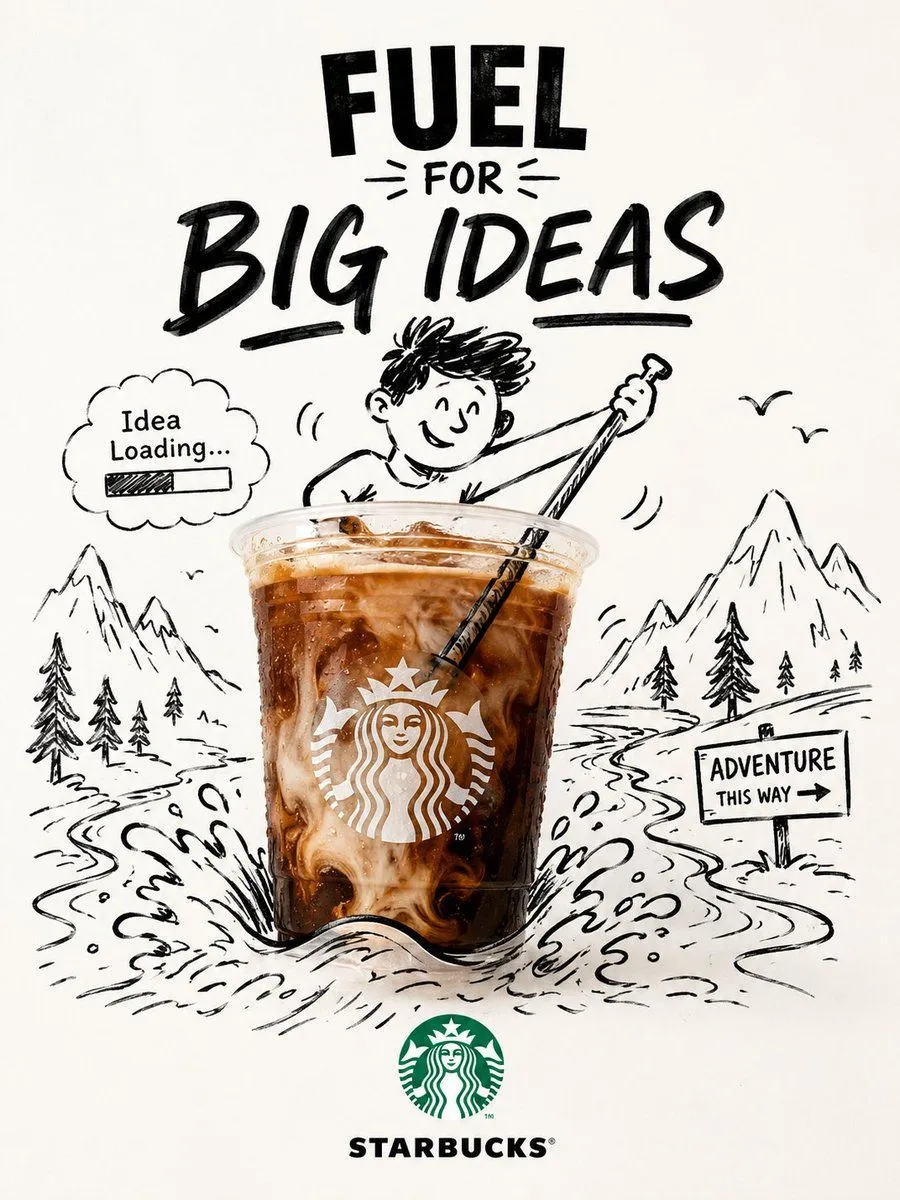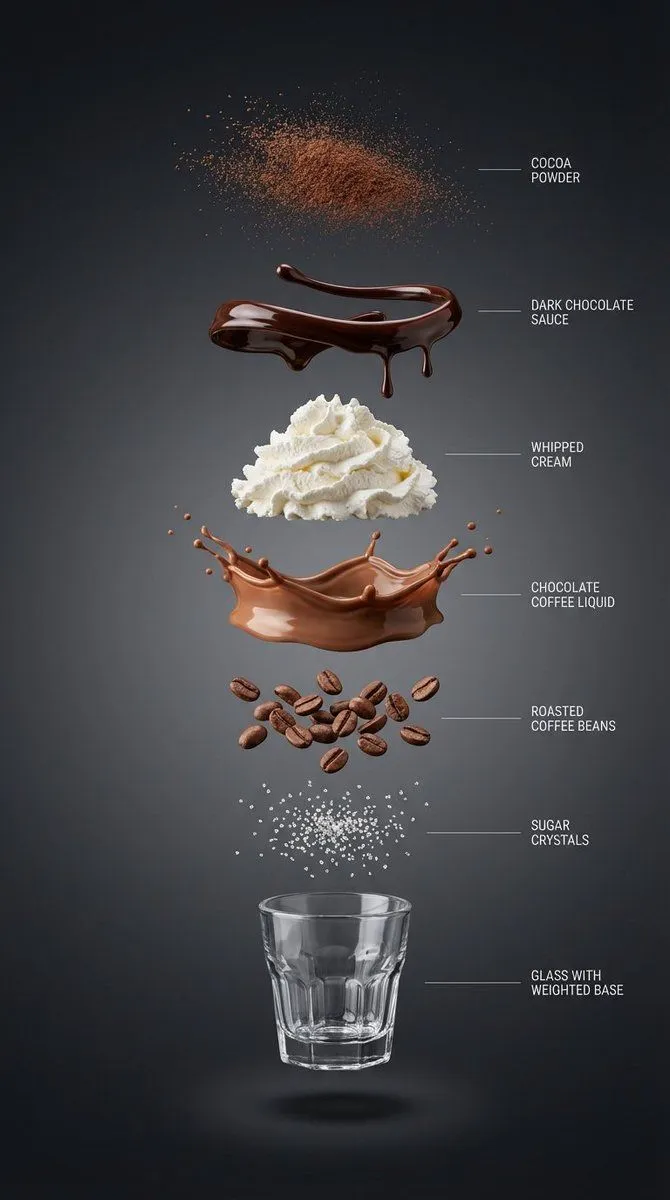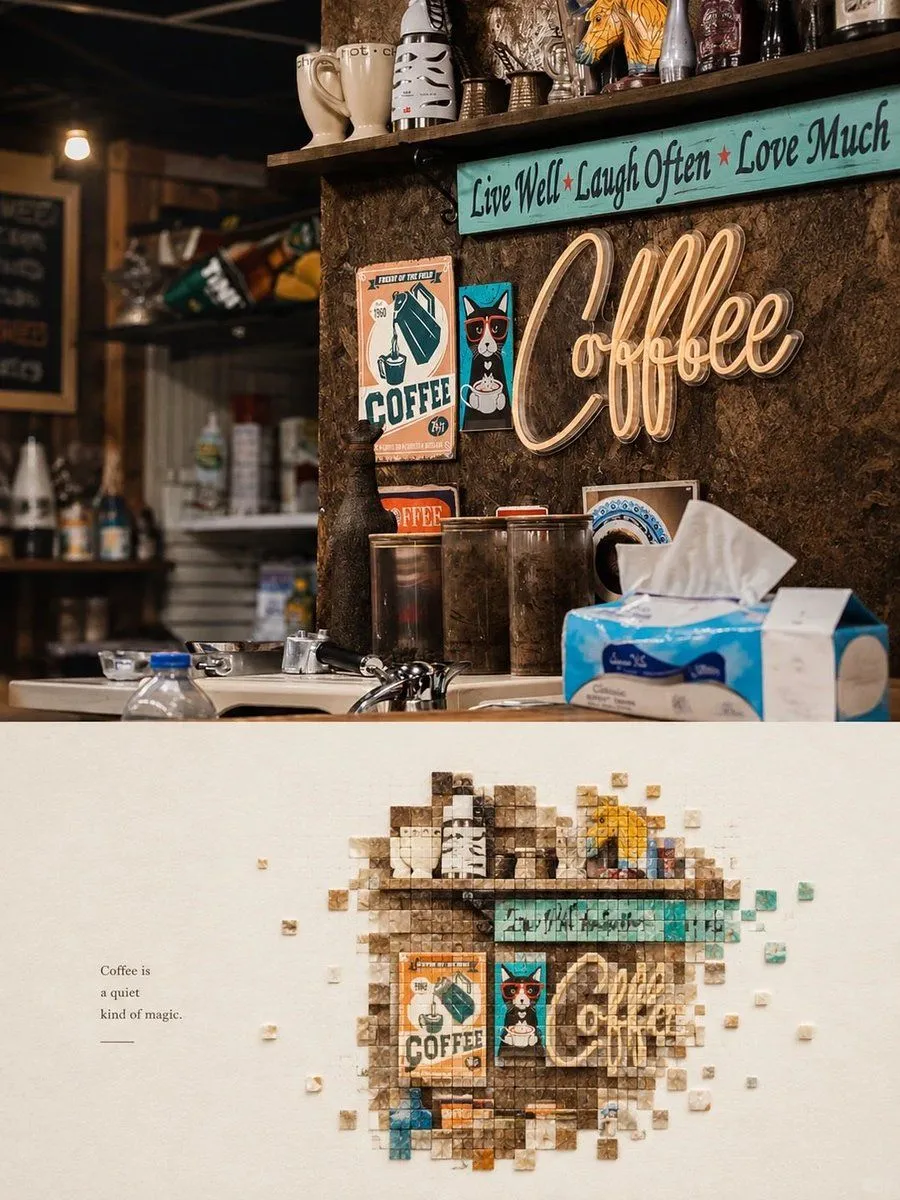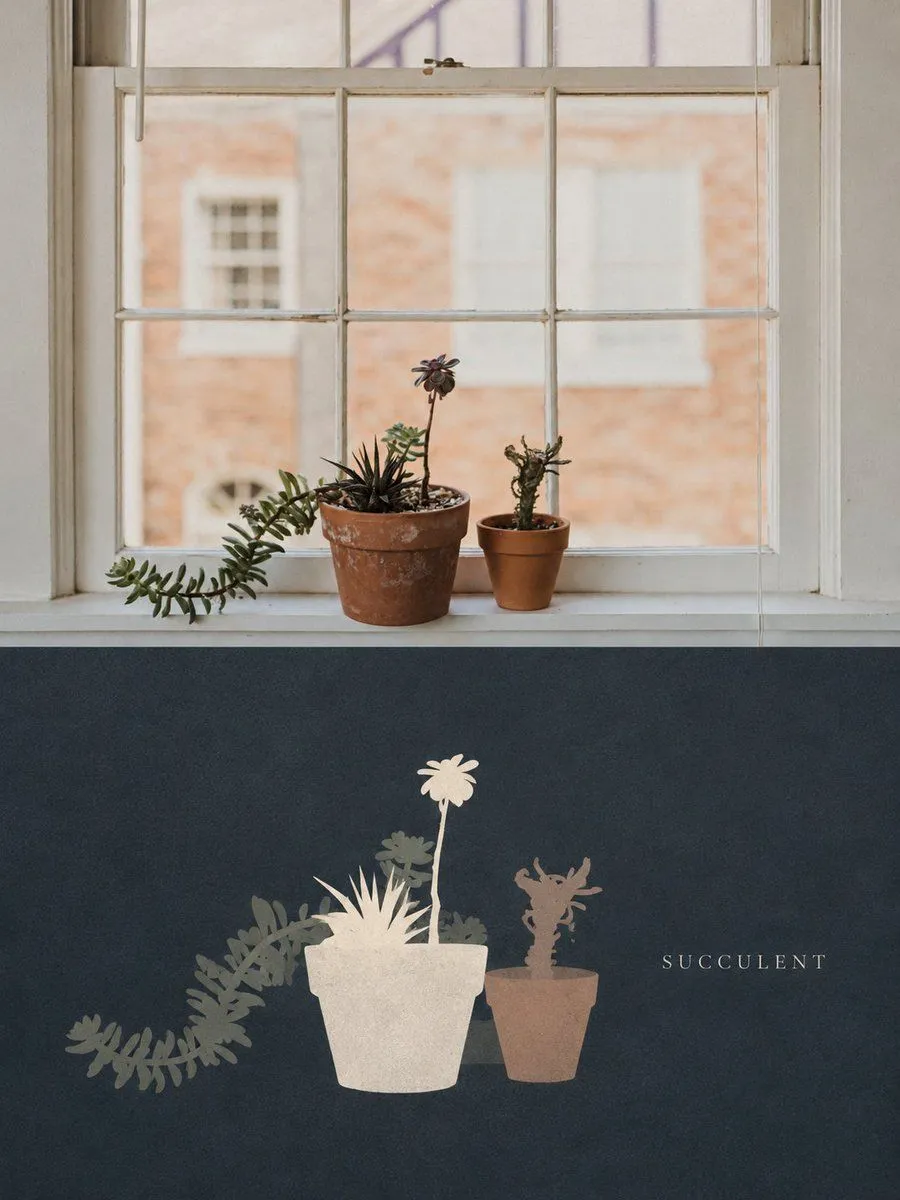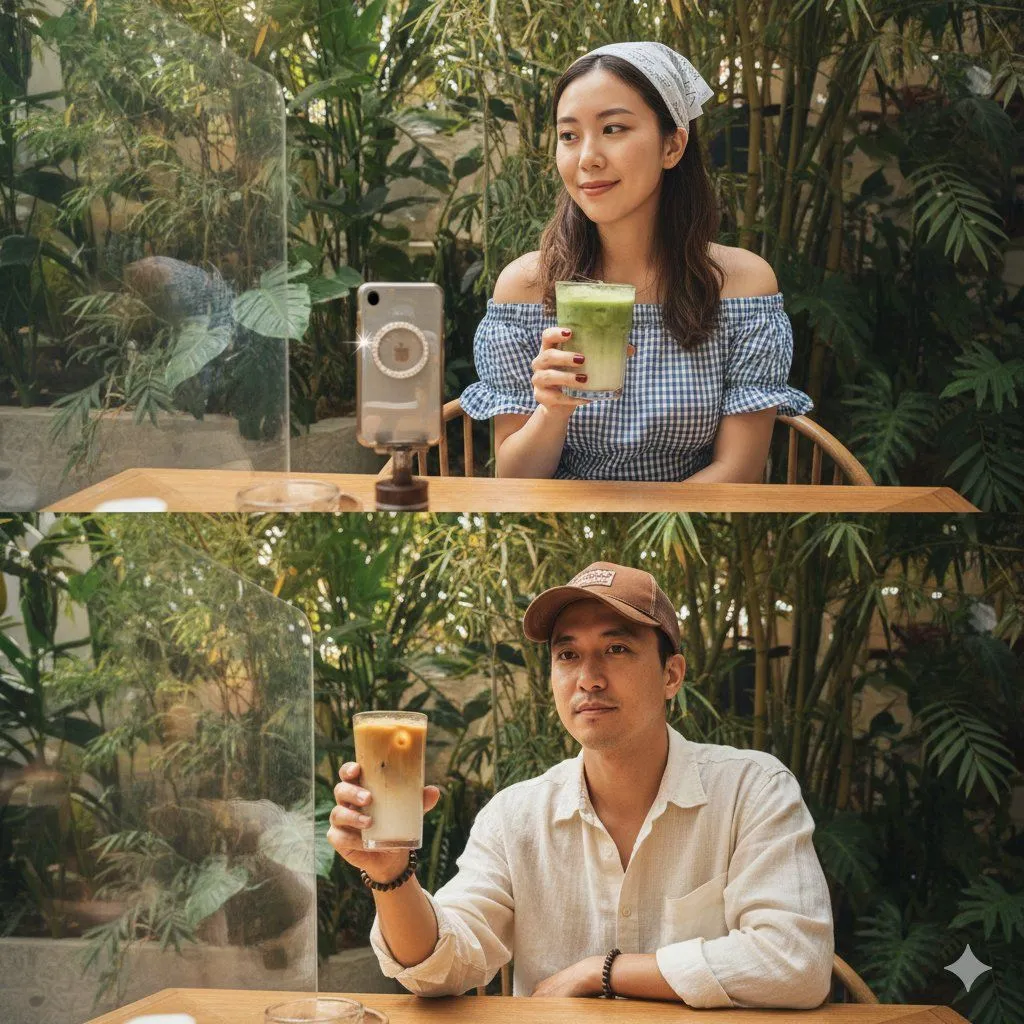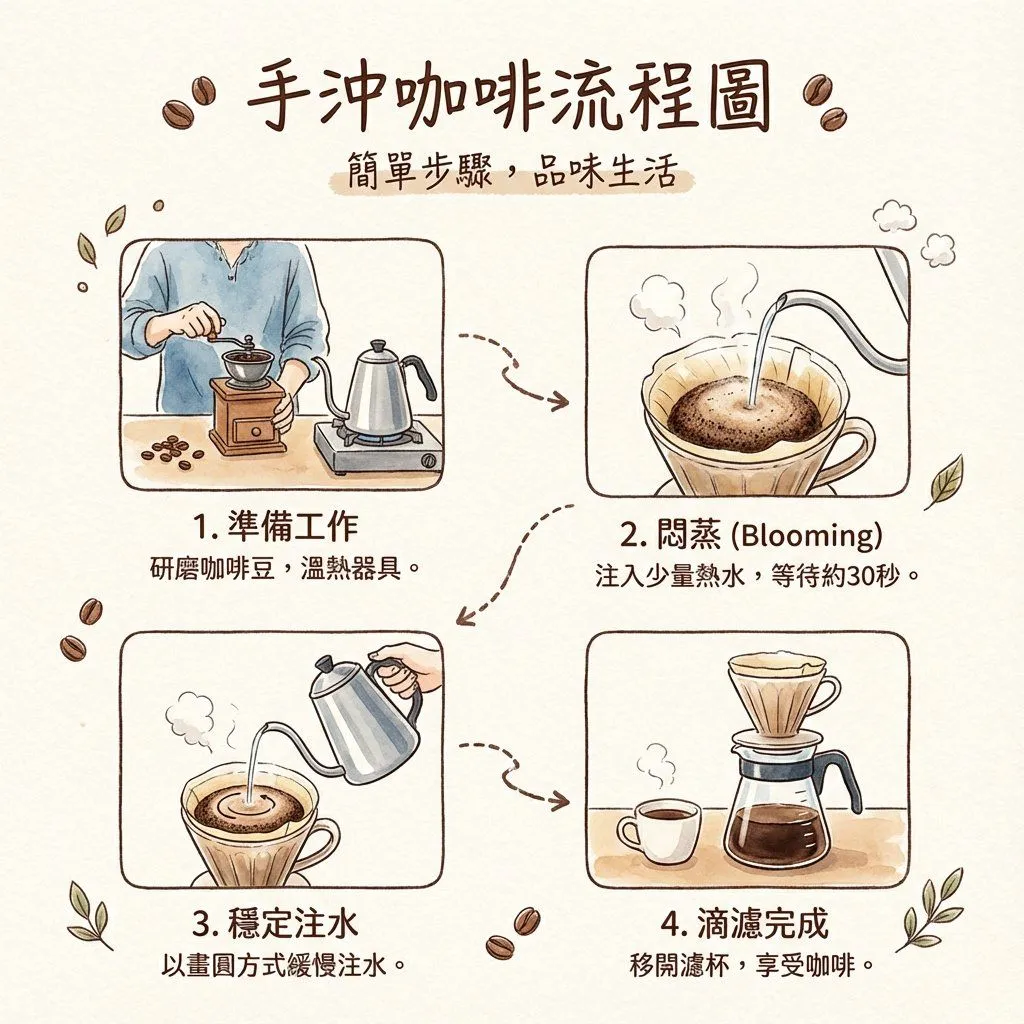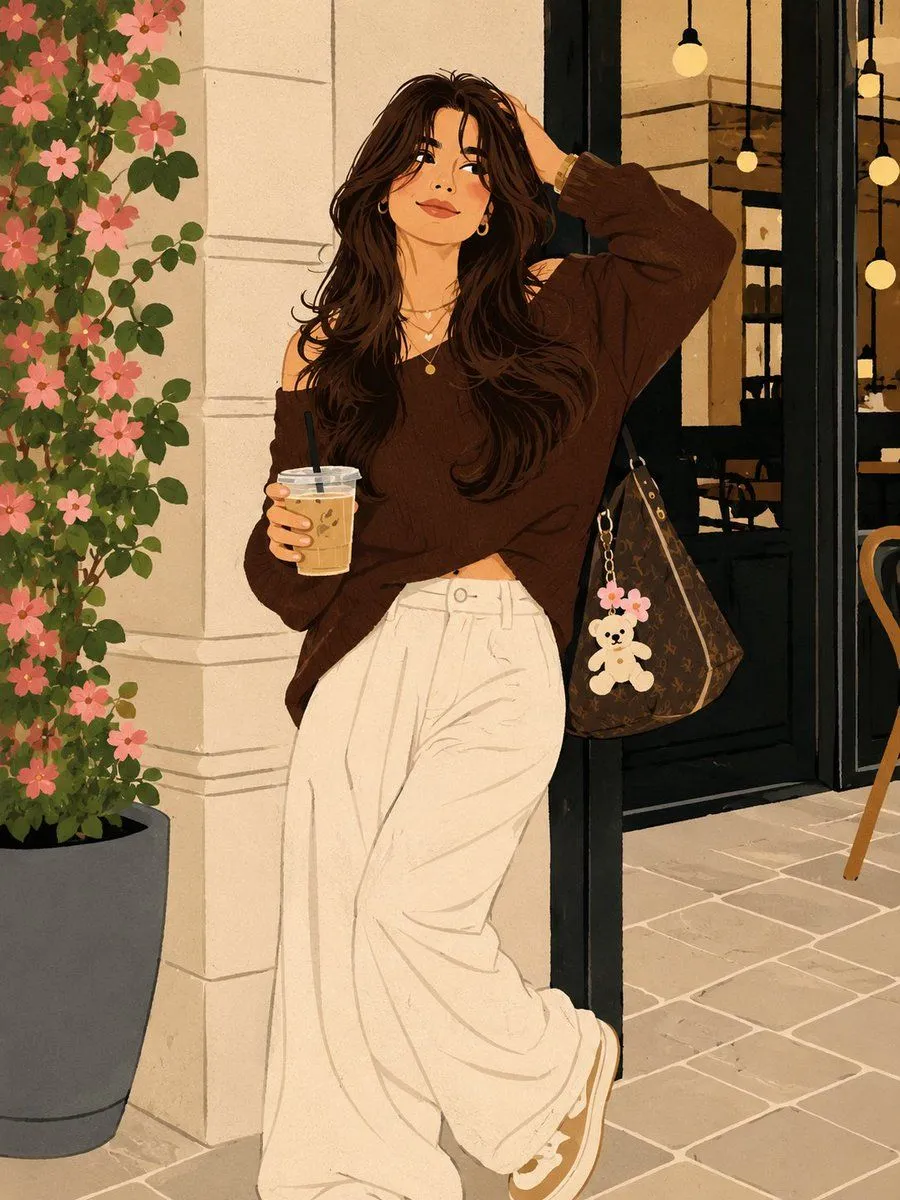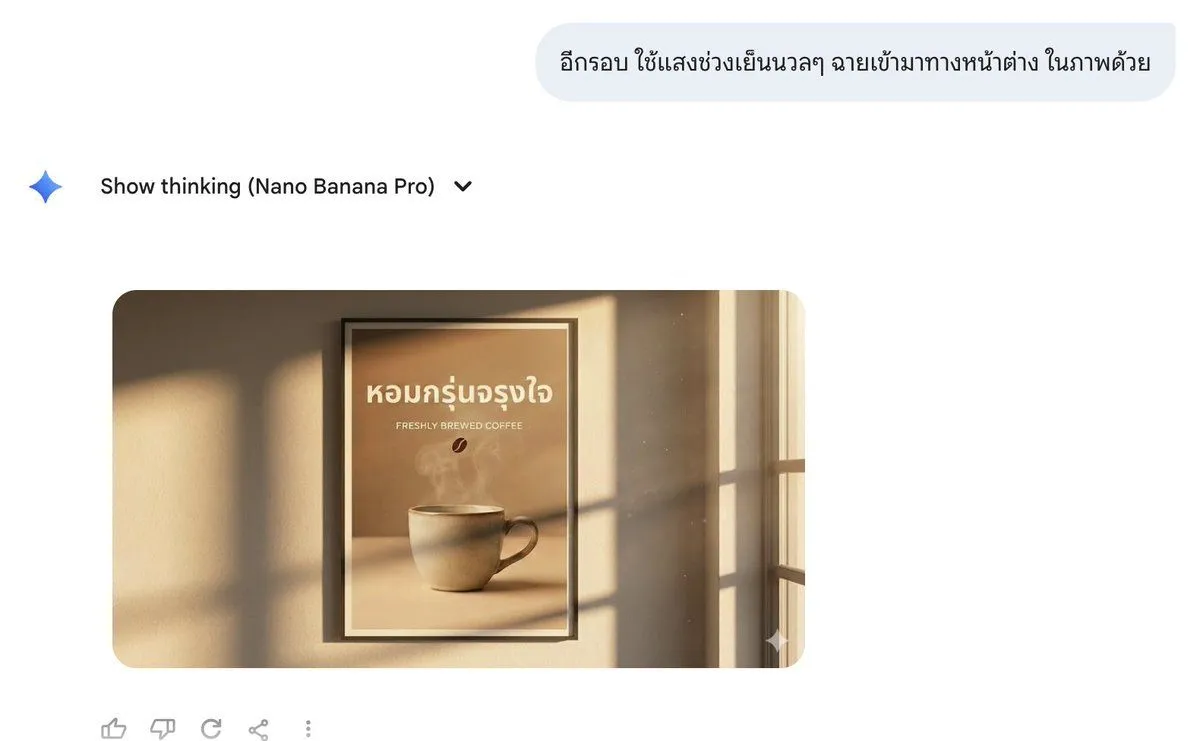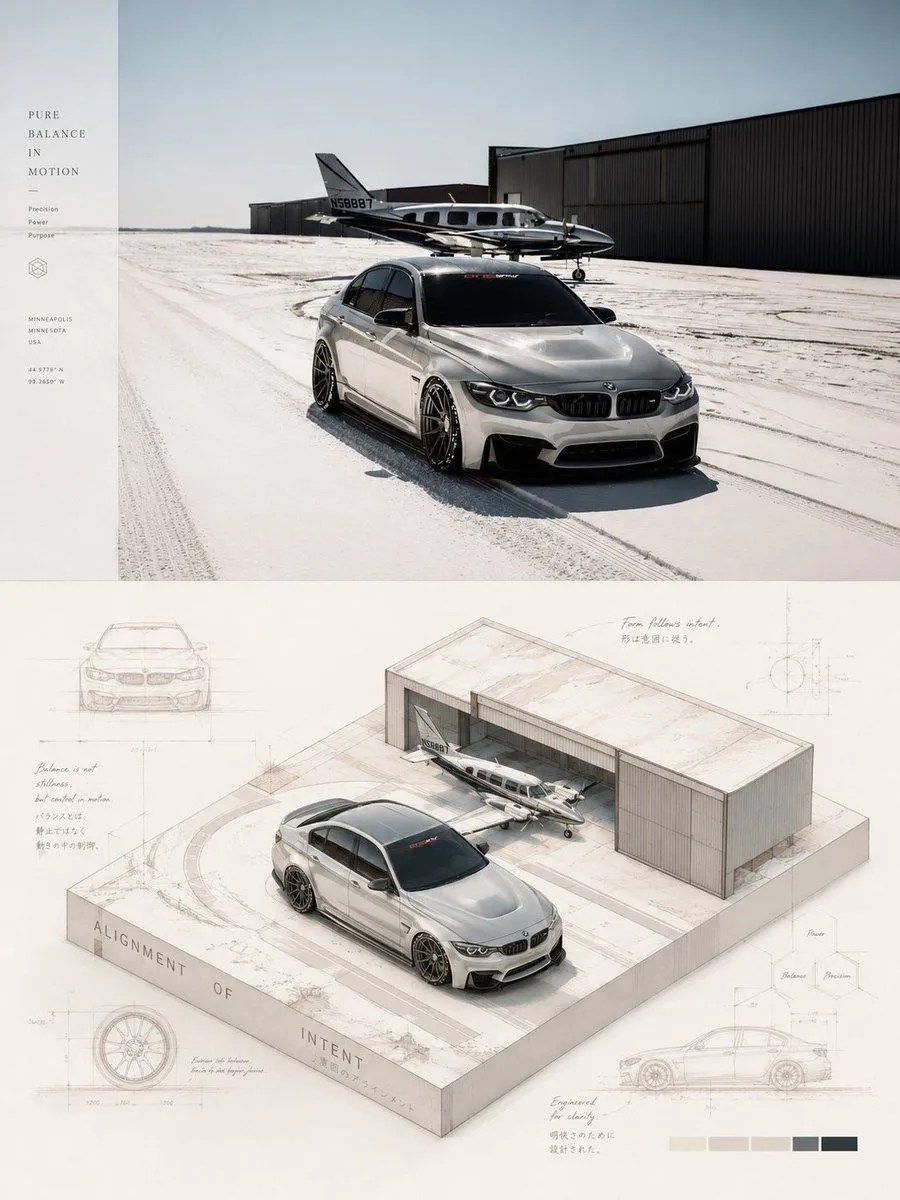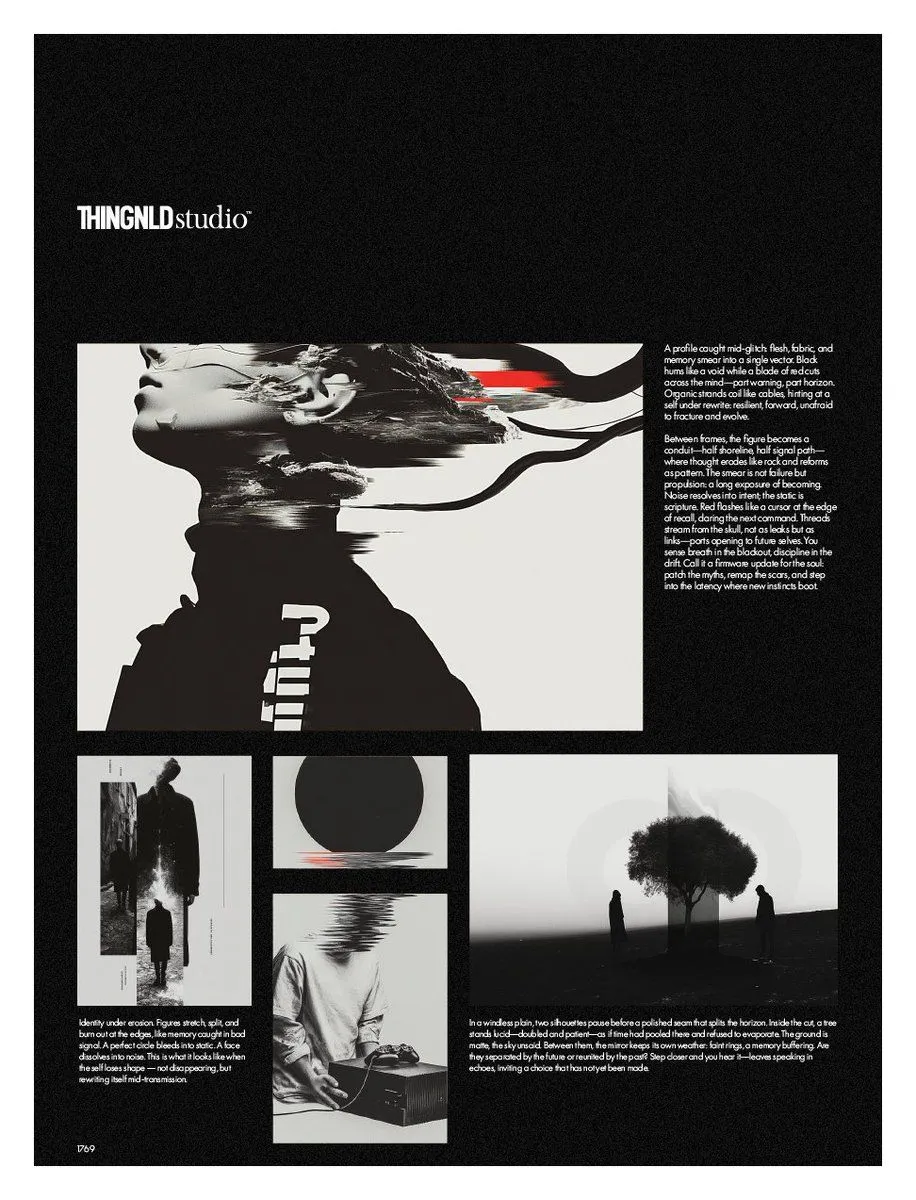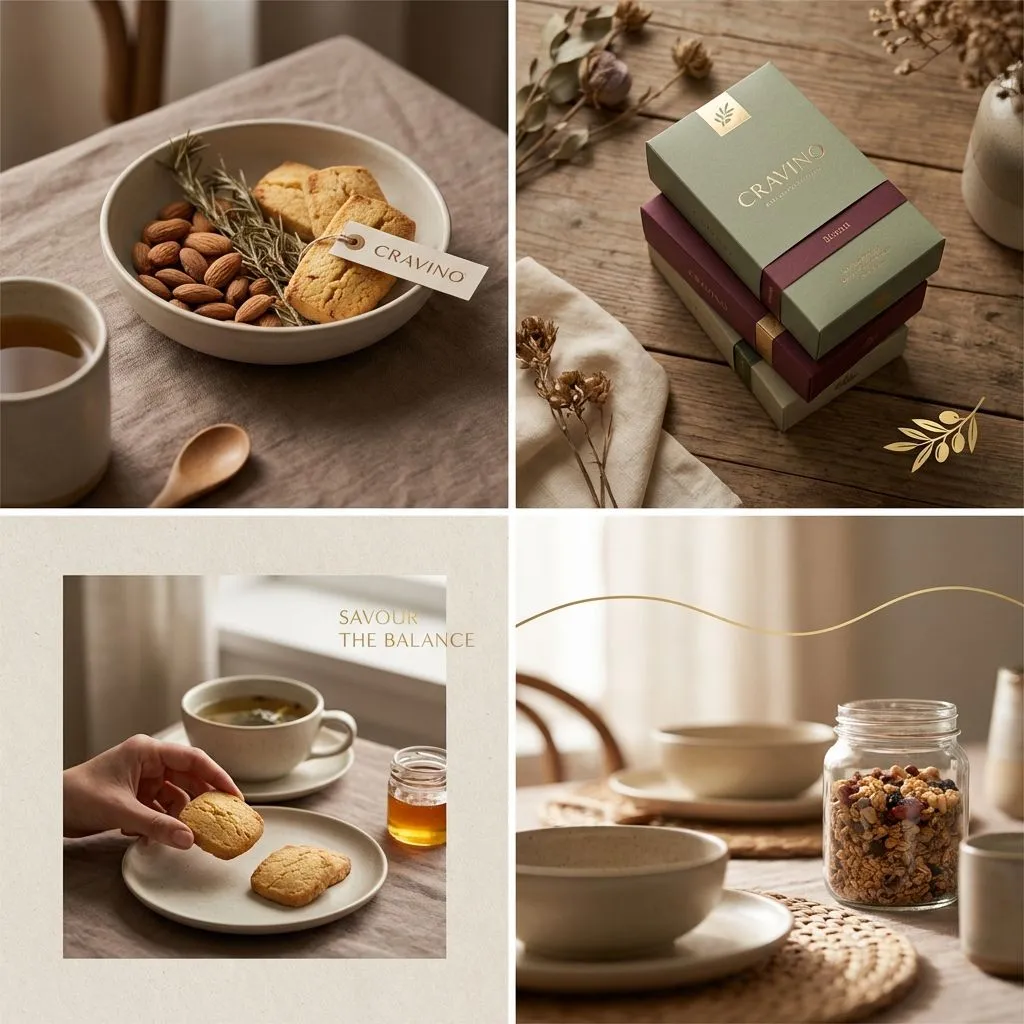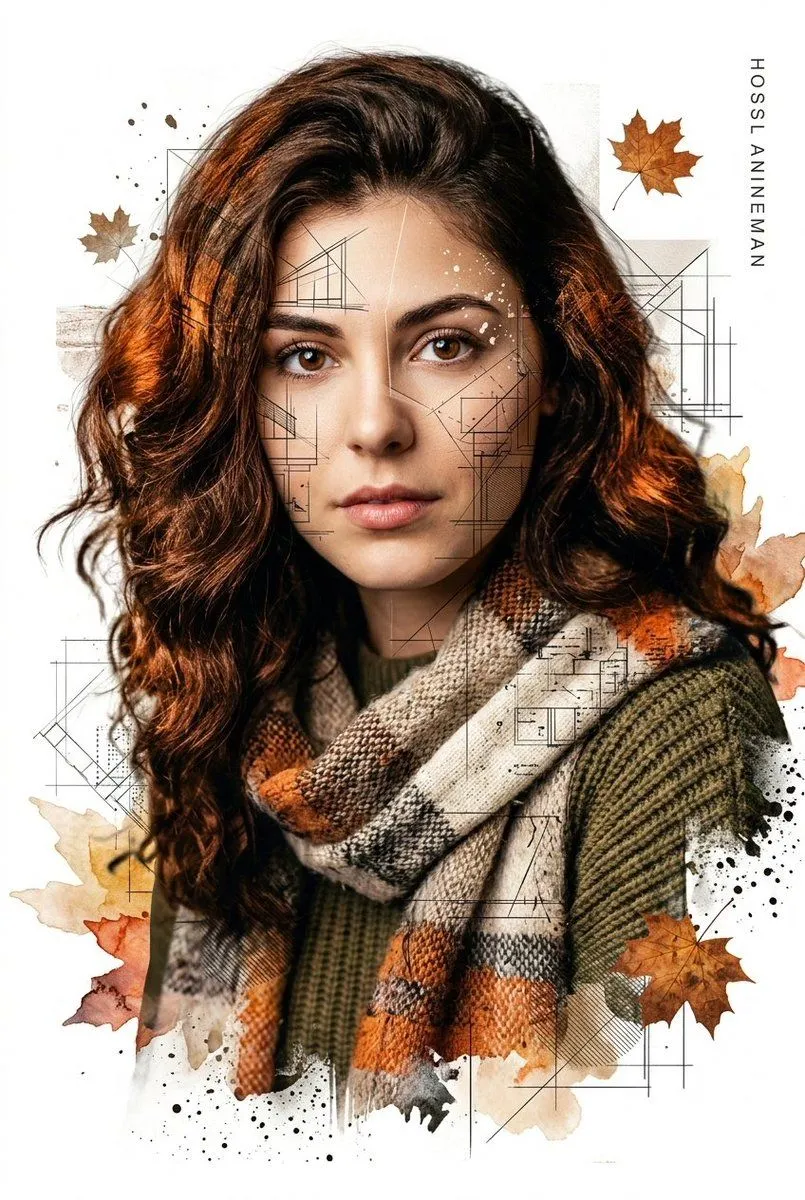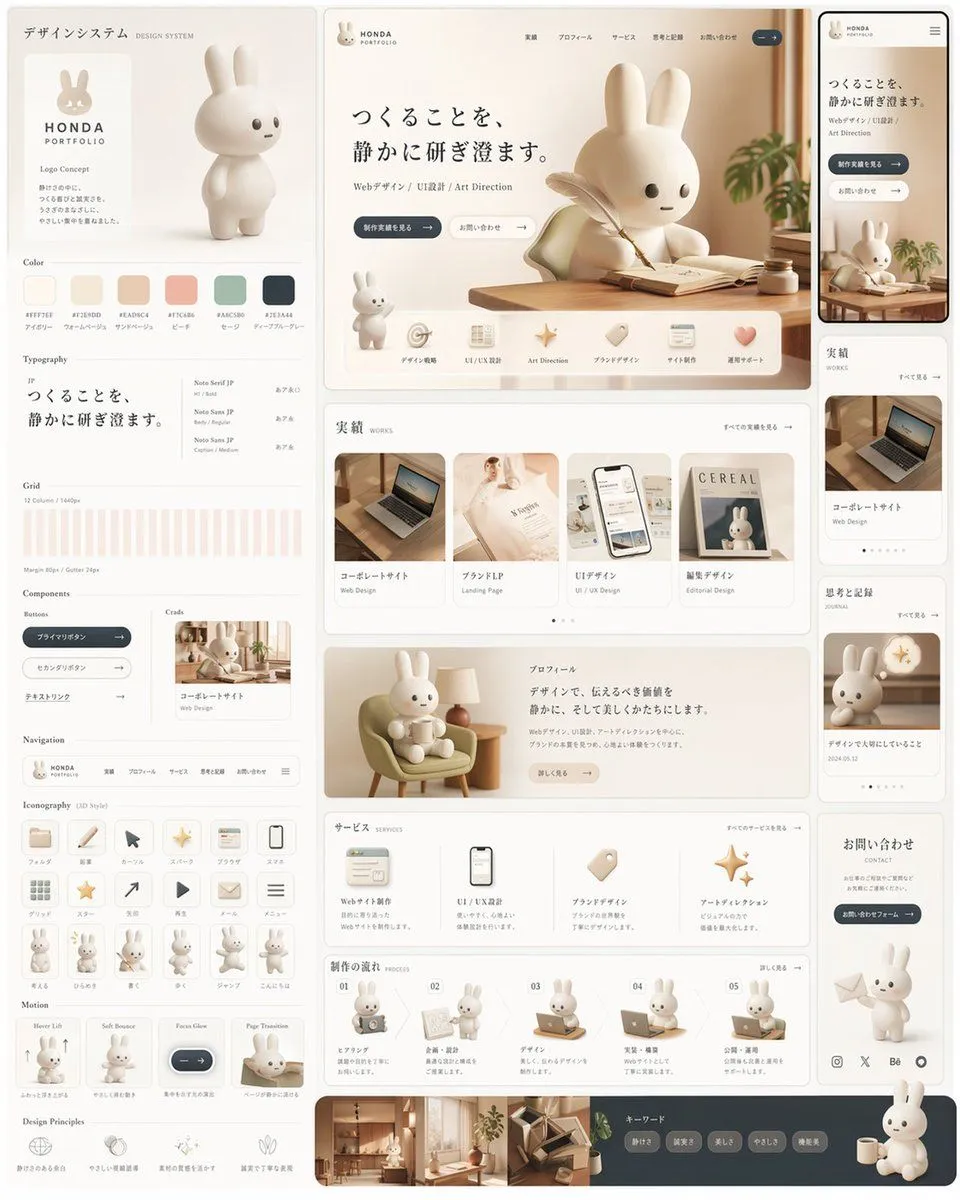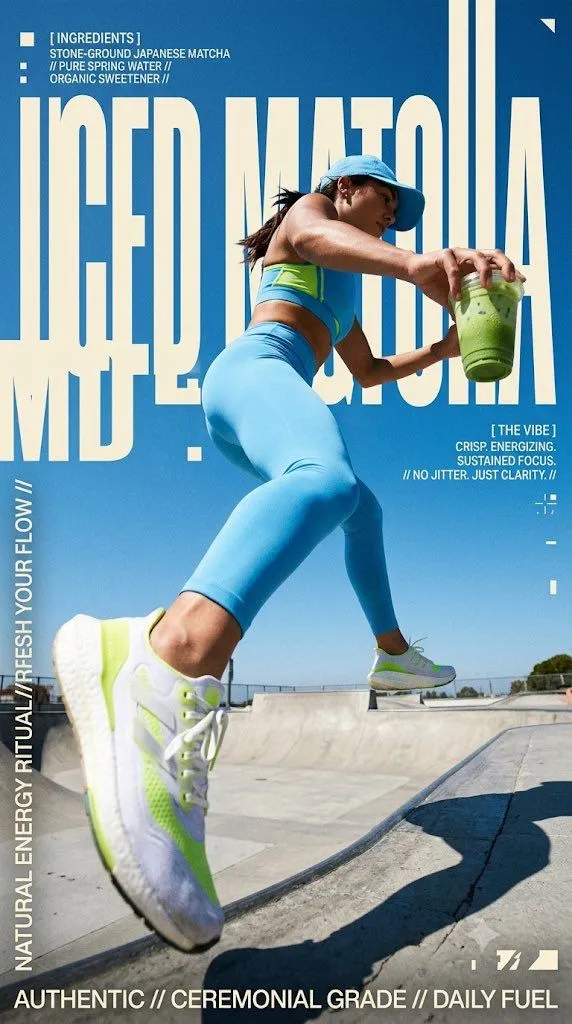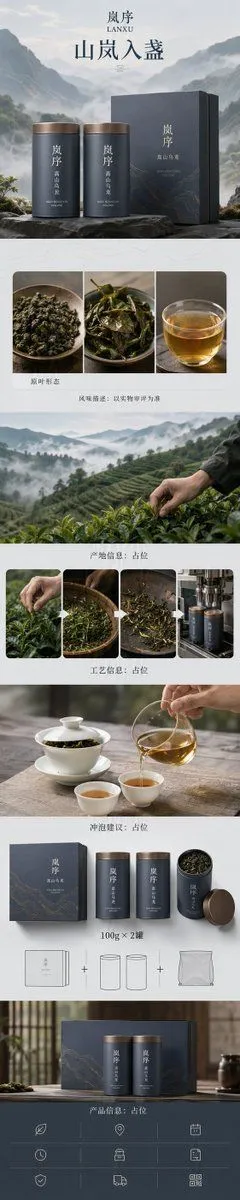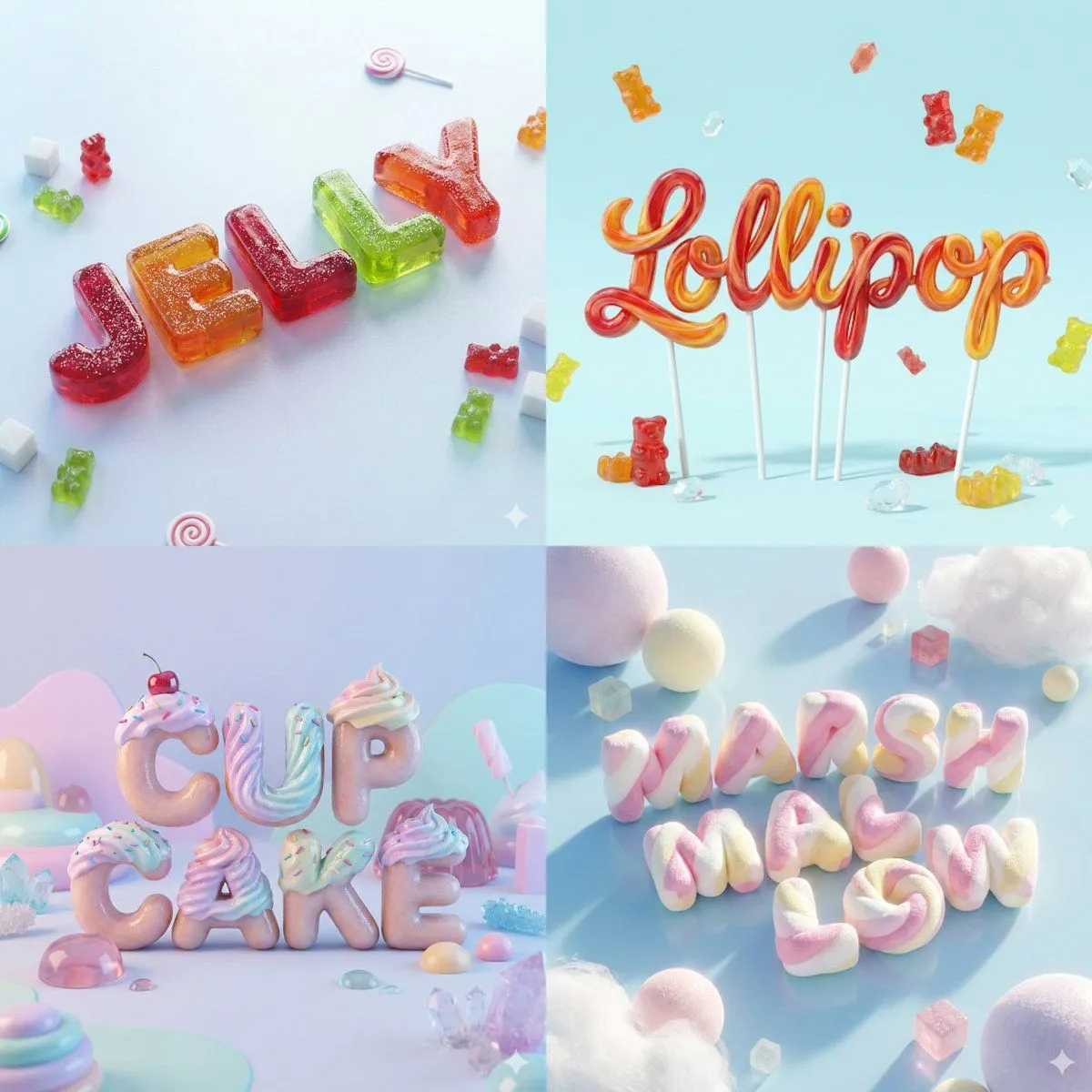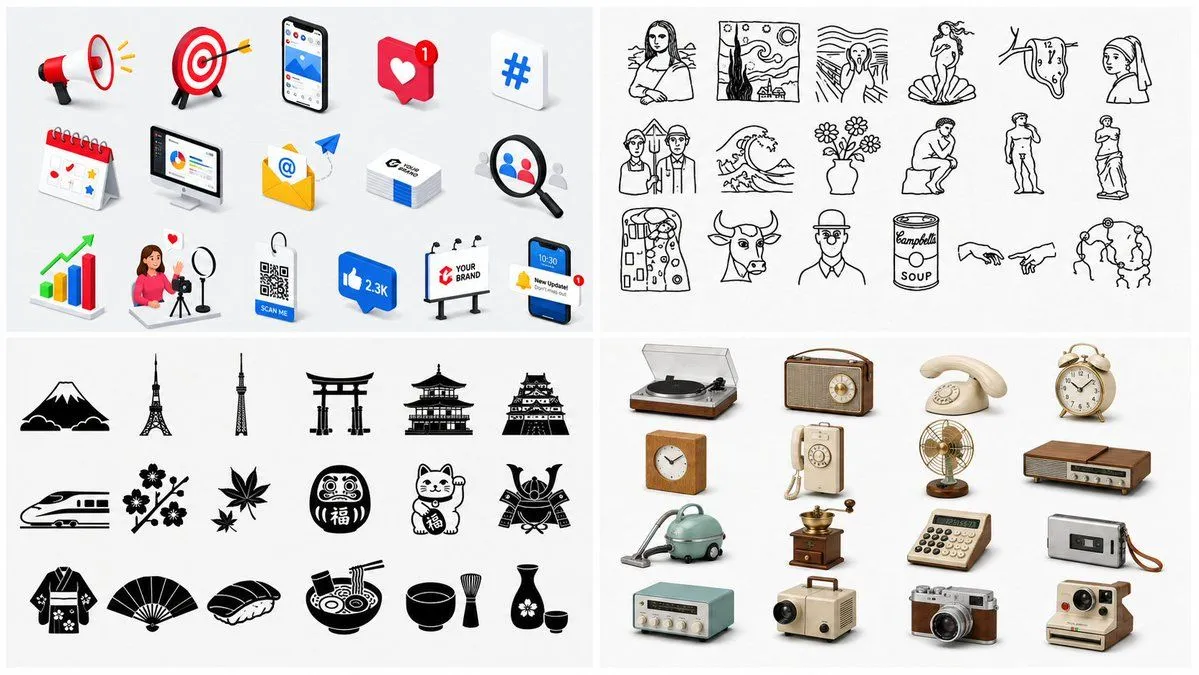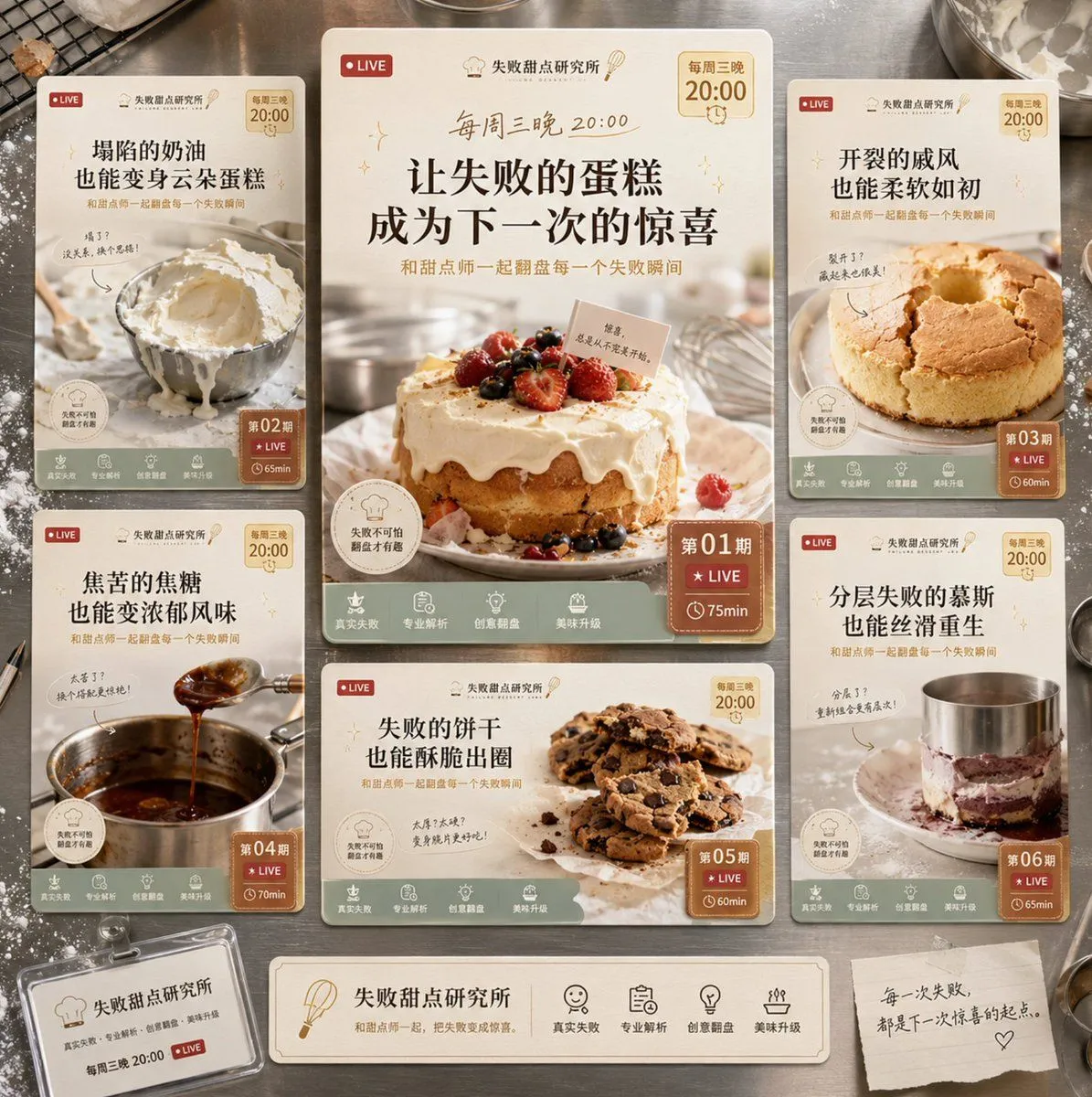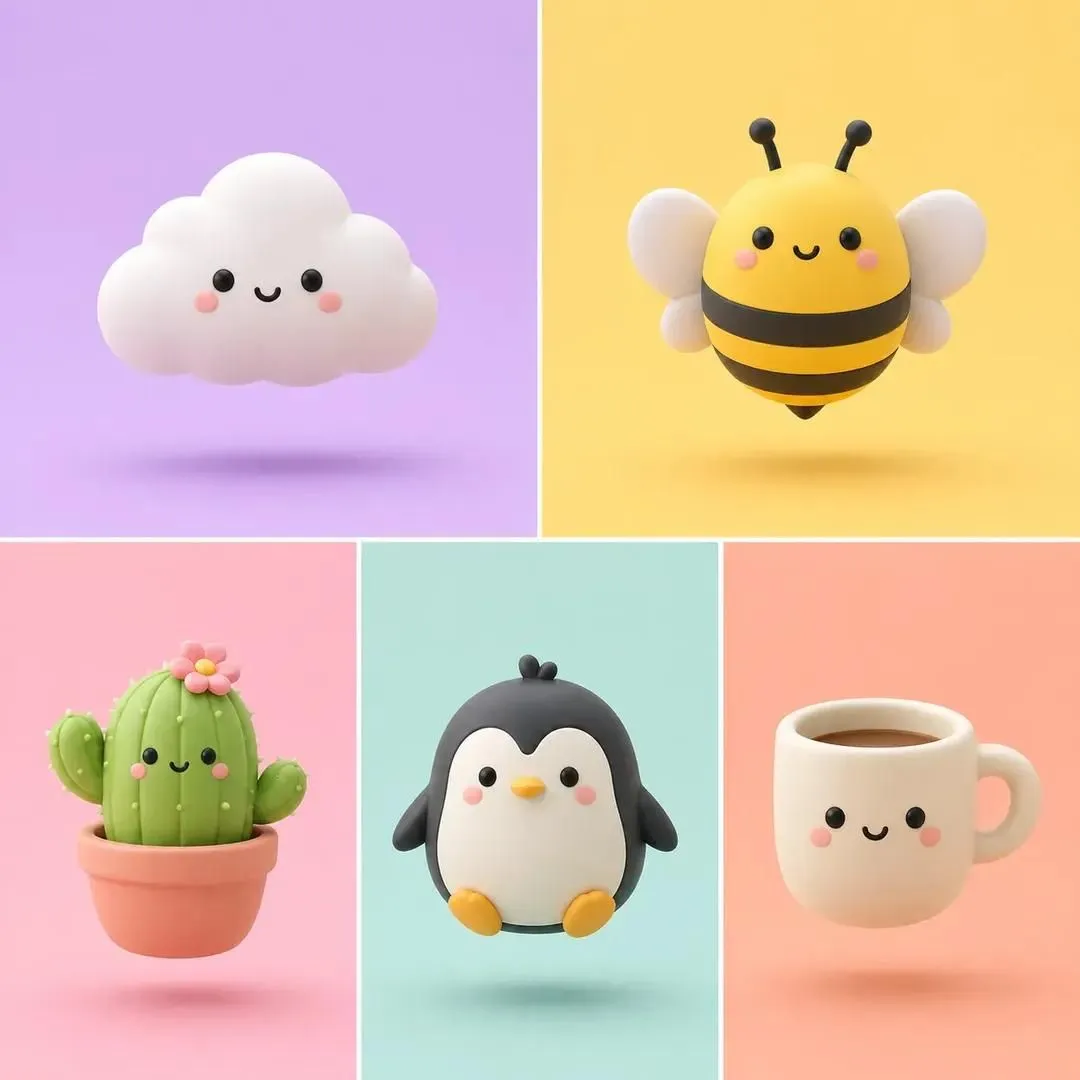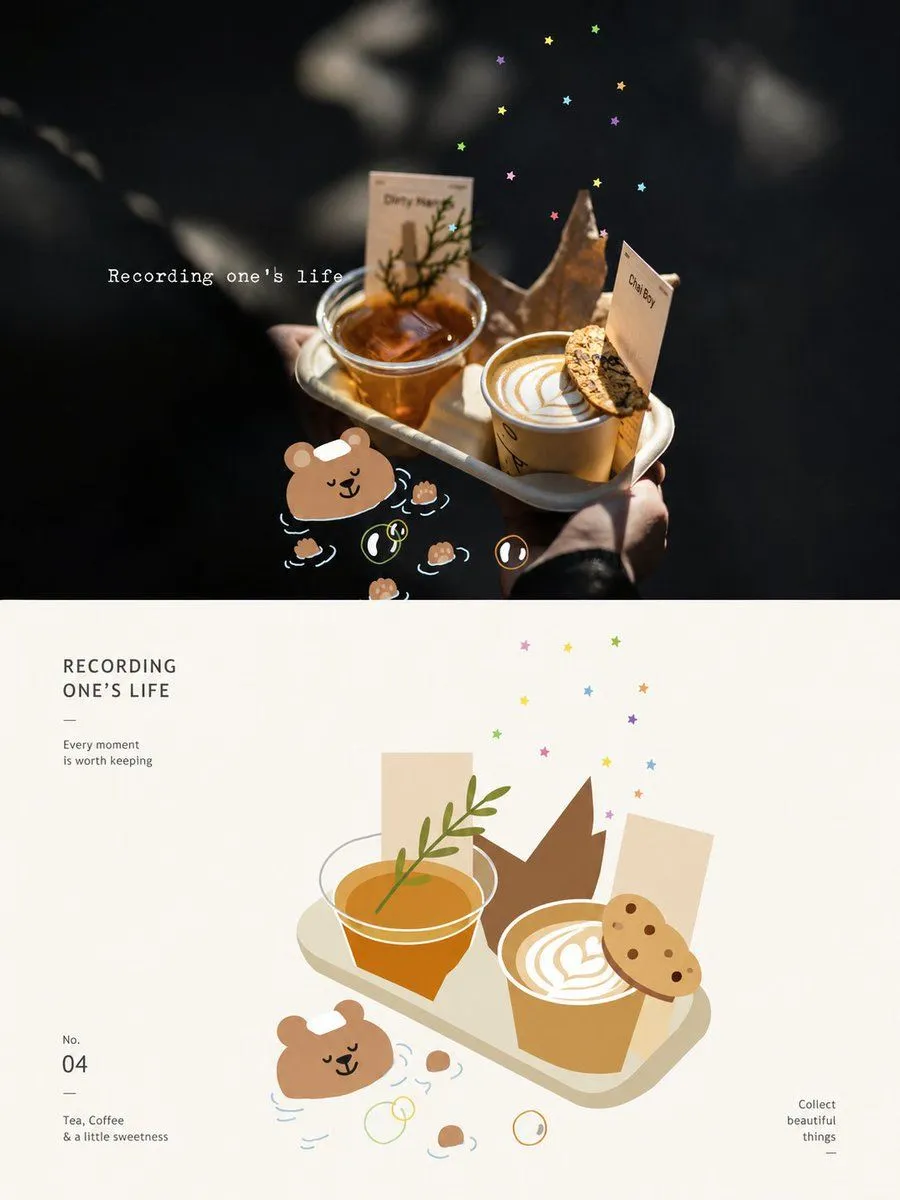
Made with GPT Image 2 in ChatGPT by Library Typography. Promptclay never generates images.
Geometric Flat Poster Transformation
Prompt
3 blanks to fillTransform each uploaded photo into a standalone high-end design poster. Use a 3:4 vertical composition split 1:1 into two sections. The top half retains the original photo with high-end color grading to give it an art magazine or exhibition feel. The bottom half extracts the most recognizable {core_elements} and reconstructs them into a {art_style} artistic expression. Use simple shapes, flat blocks, clean outlines, and white space, compressing complex info into key visual elements that remain recognizable as the subject above. The composition of the lower half should emphasize order, visual weight, and balance. Use off-white or light matching backgrounds with ample white space. Colors should be extracted from the photo and transformed into a {color_mood} palette—bright, pure, soft, and warm. Add minimal text for titles or annotations in a refined editorial style. The overall look should be sophisticated, modern, and elegant, avoiding cheap filters or cartoonish effects.
Use only photos you have the right to usePhoto tips
- Your photo stays with your app. You upload it to Gemini, ChatGPT or the app you use. Promptclay never sees or stores it.
- Crop to what the prompt needs. Your face for a portrait. Leave out other people, house numbers, cards and screens.
- Check the result before you post. Apps sometimes add things that were not in your photo, like a mole, a tattoo or bare shoulders. Run it again or ask the app to remove them.
Preview of your prompt
Transform each uploaded photo into a standalone high-end design poster. Use a 3:4 vertical composition split 1:1 into two sections. The top half retains the original photo with high-end color grading to give it an art magazine or exhibition feel. The bottom half extracts the most recognizable subject, silhouette, structure, pose, and narrative and reconstructs them into a geometric and flat artistic expression. Use simple shapes, flat blocks, clean outlines, and white space, compressing complex info into key visual elements that remain recognizable as the subject above. The composition of the lower half should emphasize order, visual weight, and balance. Use off-white or light matching backgrounds with ample white space. Colors should be extracted from the photo and transformed into a humanistic and healing palette—bright, pure, soft, and warm. Add minimal text for titles or annotations in a refined editorial style. The overall look should be sophisticated, modern, and elegant, avoiding cheap filters or cartoonish effects.
DetailsVersions, settings and questions
Written for
What's in the prompt
- Subject
- Model
- GPT Image 2
If your face changes
keep my face exactly the sameQuestions
- Does this work in the ChatGPT app?
- Yes. Paste the prompt and attach your photo if it uses one.
- It changed my face. What do I do?
- Add "keep my face exactly the same" to the end and run it again.
- Can I use the images I make?
- Check the terms of the app you use. Promptclay never generates images and claims nothing you make.
Did it work?
No reports yet. Tell others if it worked for you.