Tell us anything

An idea, a bug, something you love. We read every note.

⌘↵ to send. The page you're on comes along.

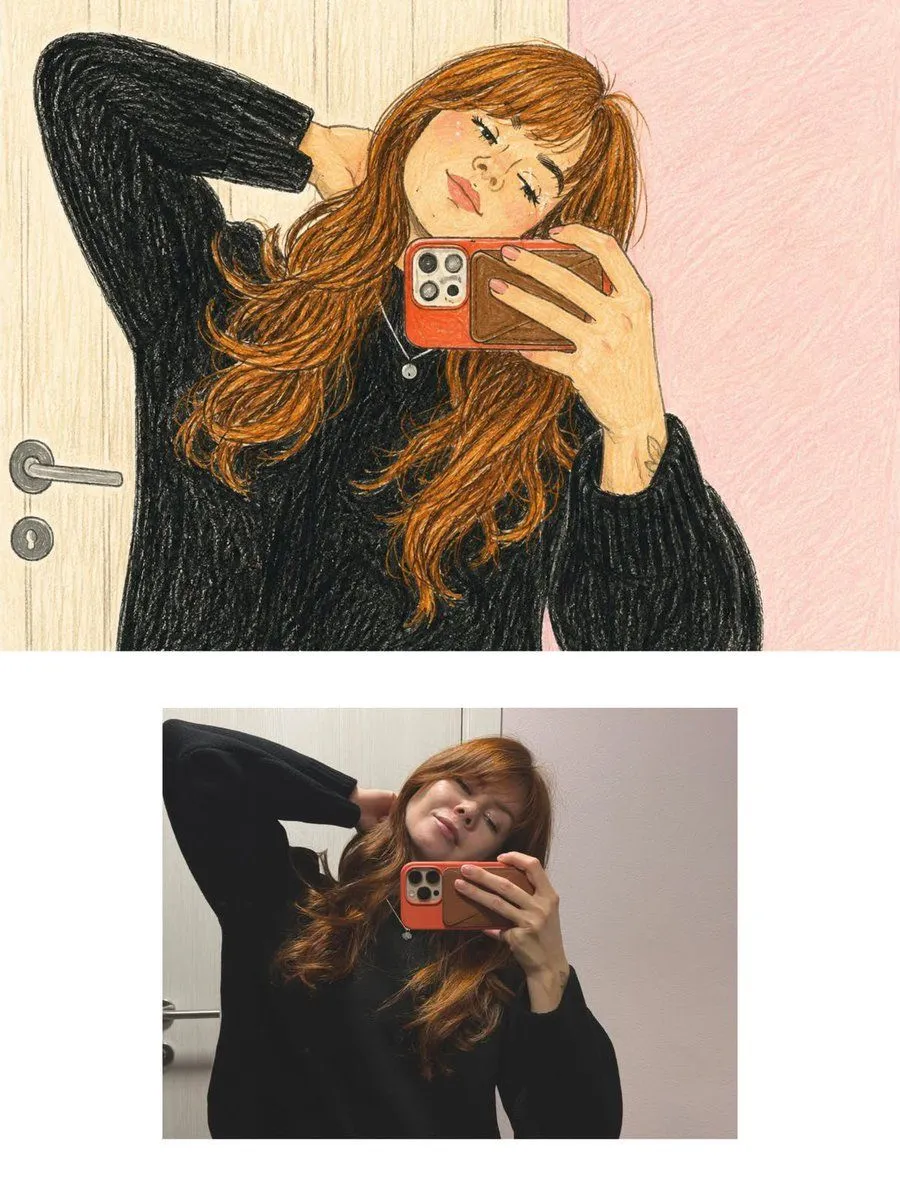
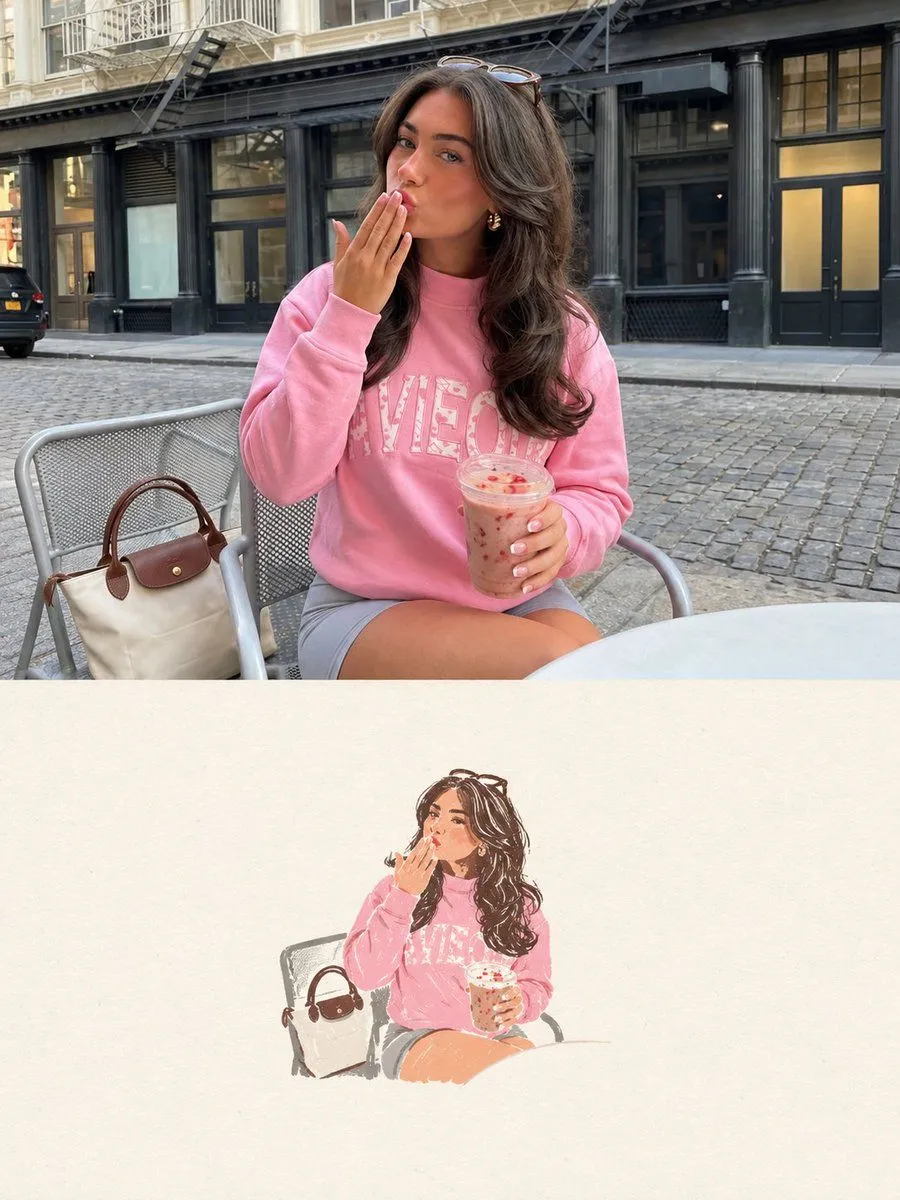
Editorial Poster Photo Illustration Split

Made with GPT Image 2.5 in ChatGPT by Library Typography. Promptclay never generates images.

Did it work?

No reports yet. Tell others if it worked for you.

No comments yet. Be the first.

    Editorial Poster Photo Illustration Split

    GPT Image 2.53:4Needs your photoAI-generated

    Prompt

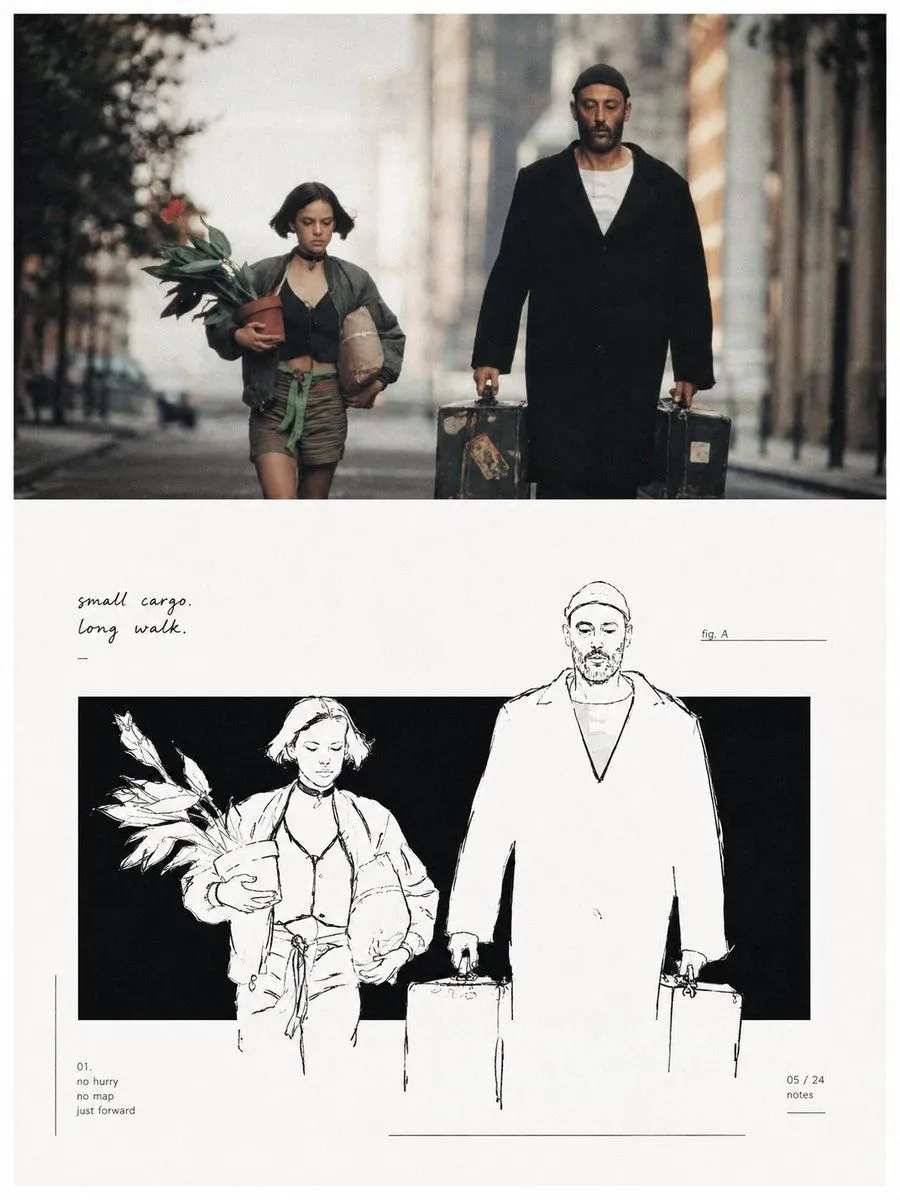
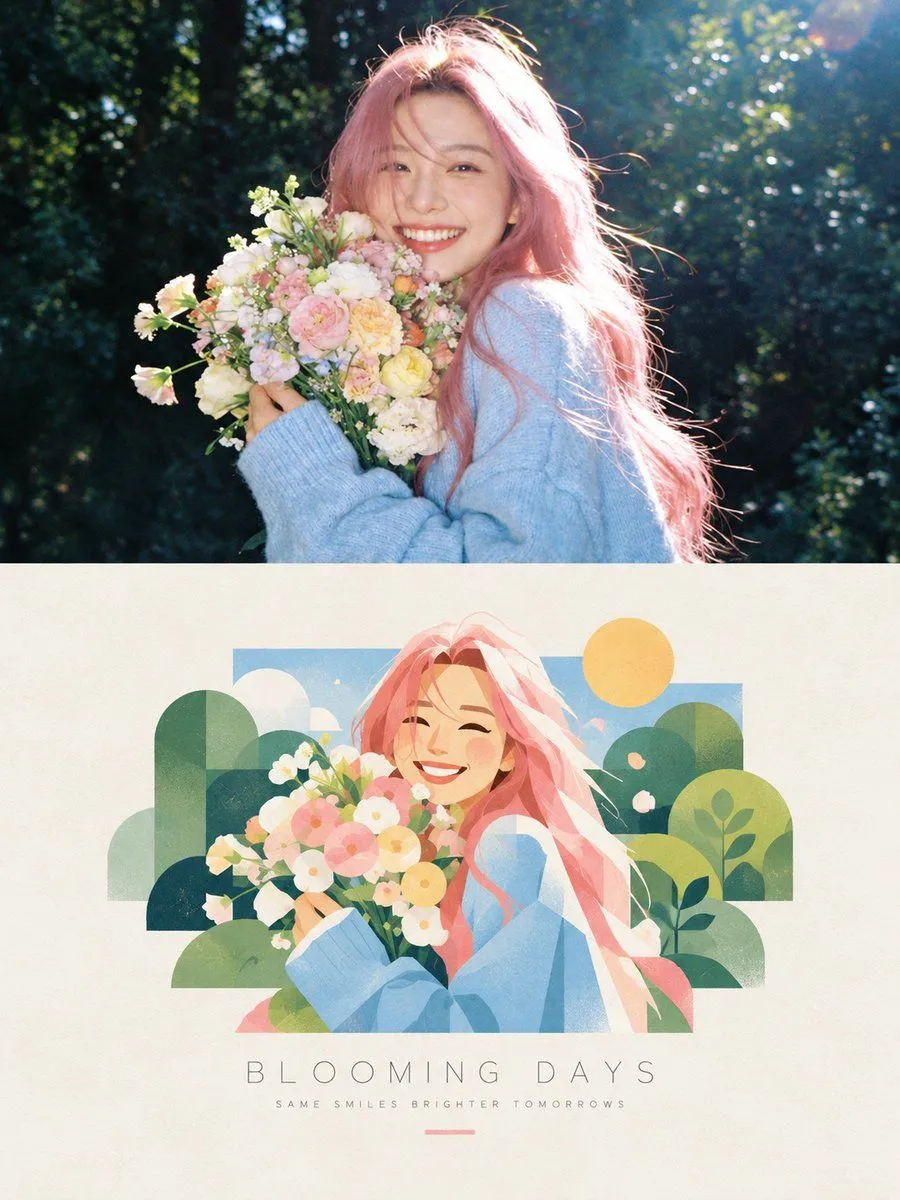
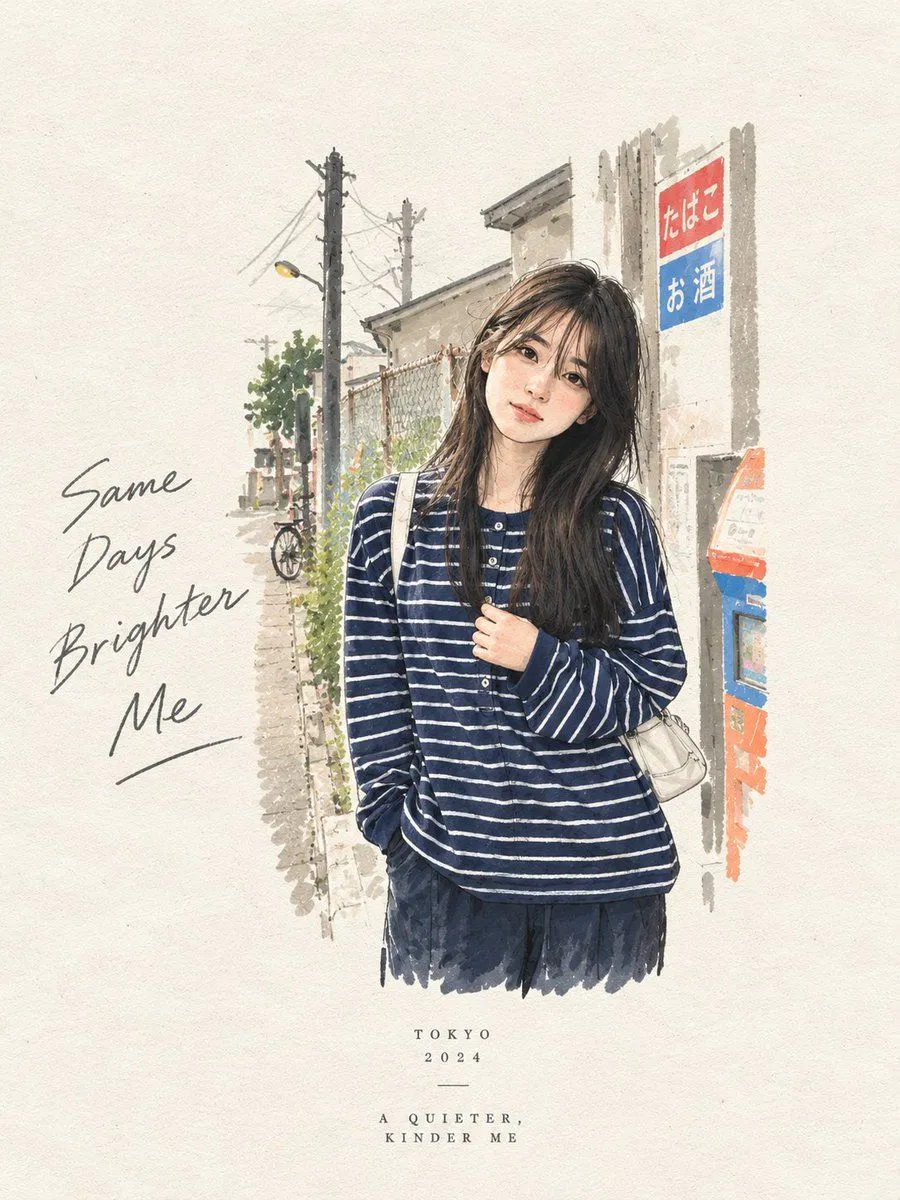
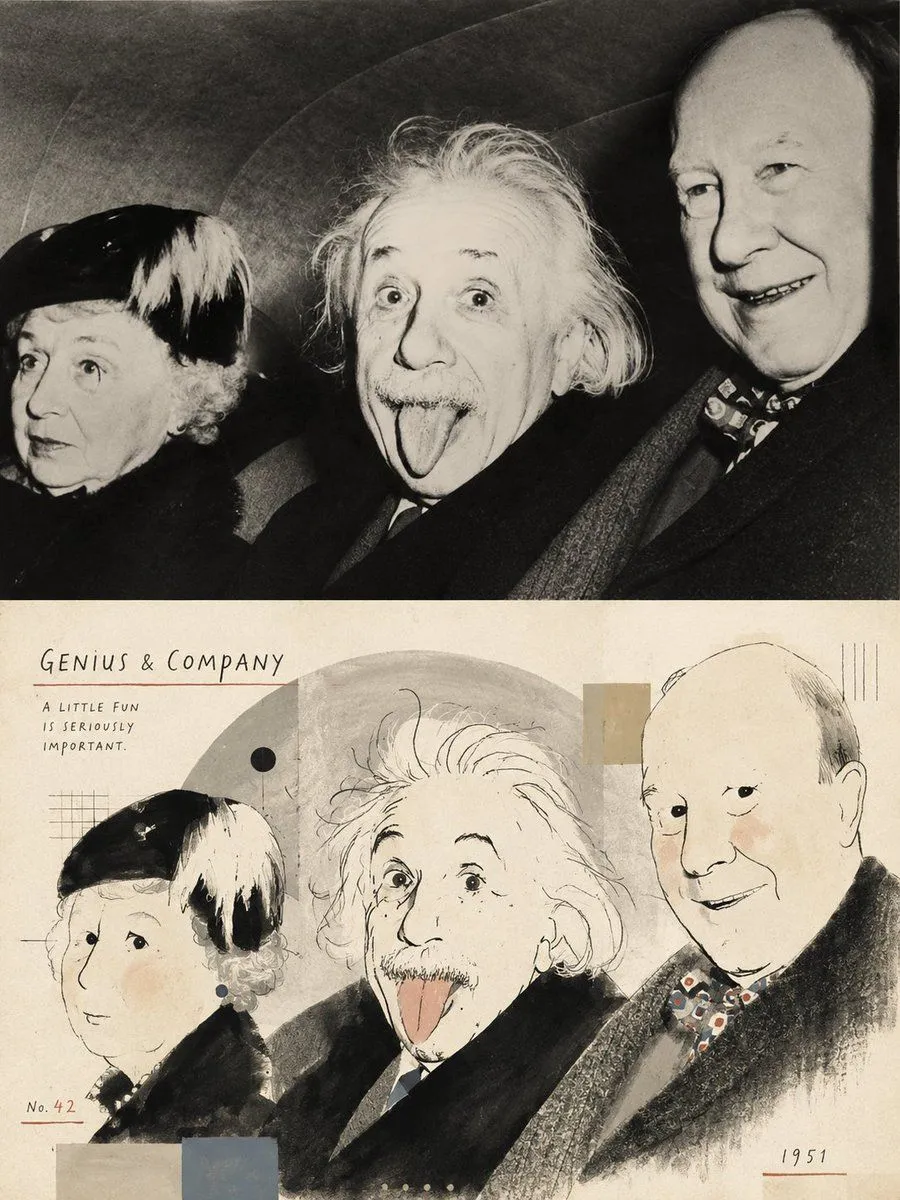
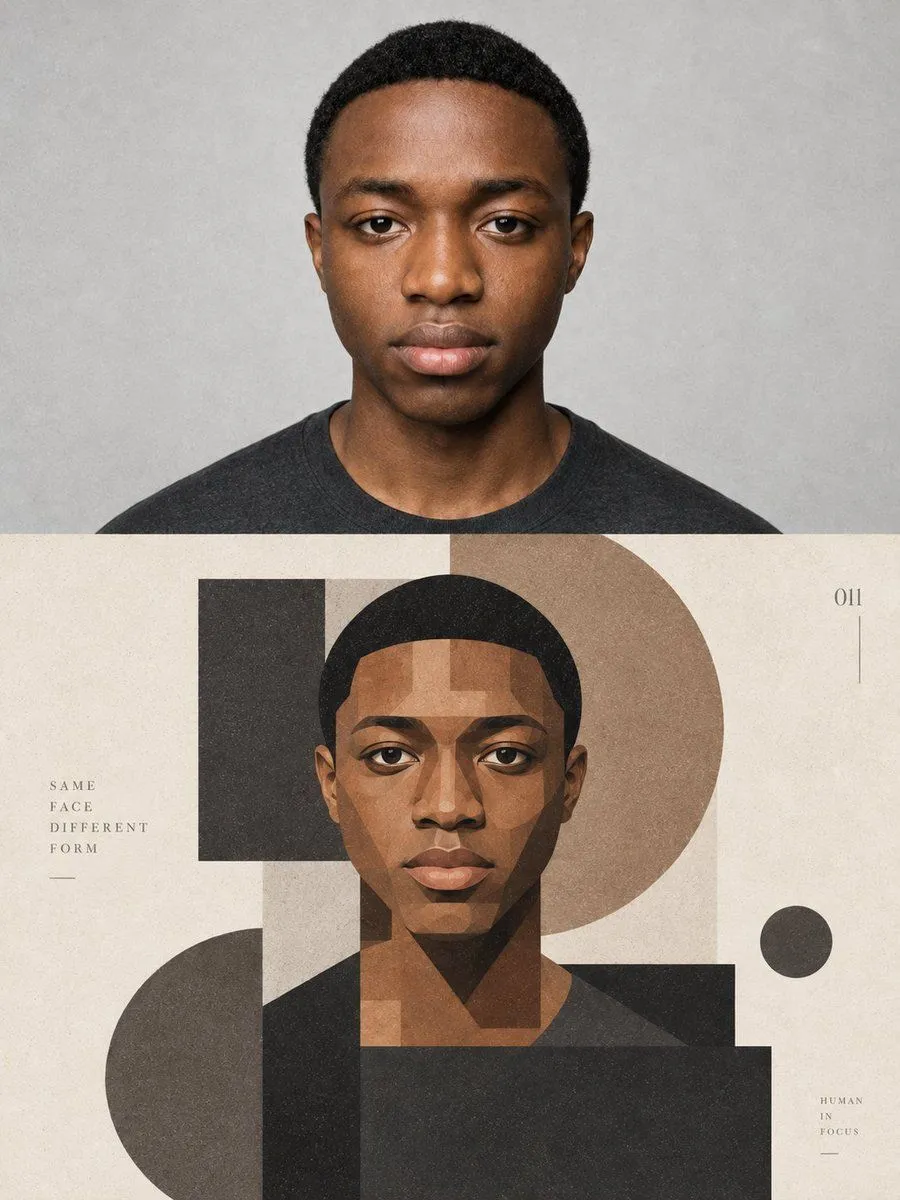
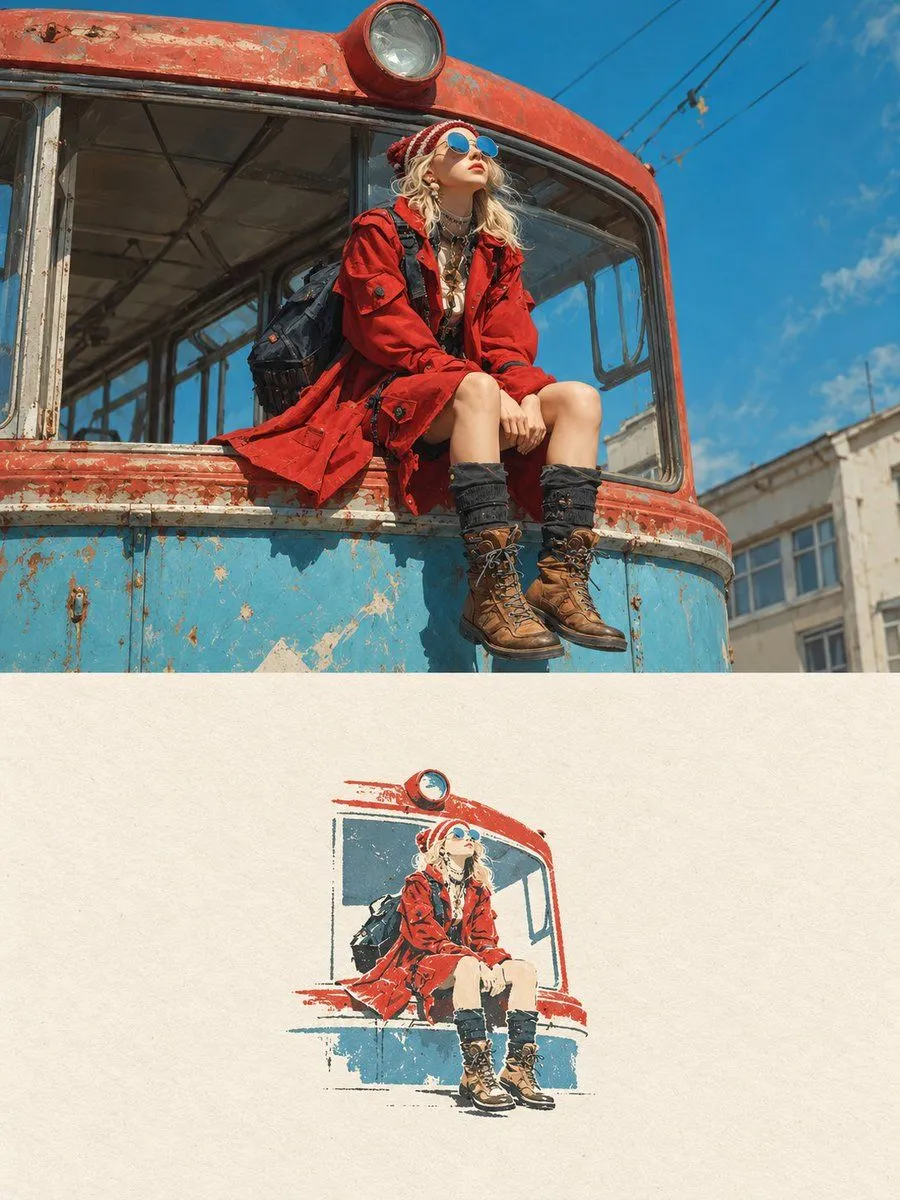
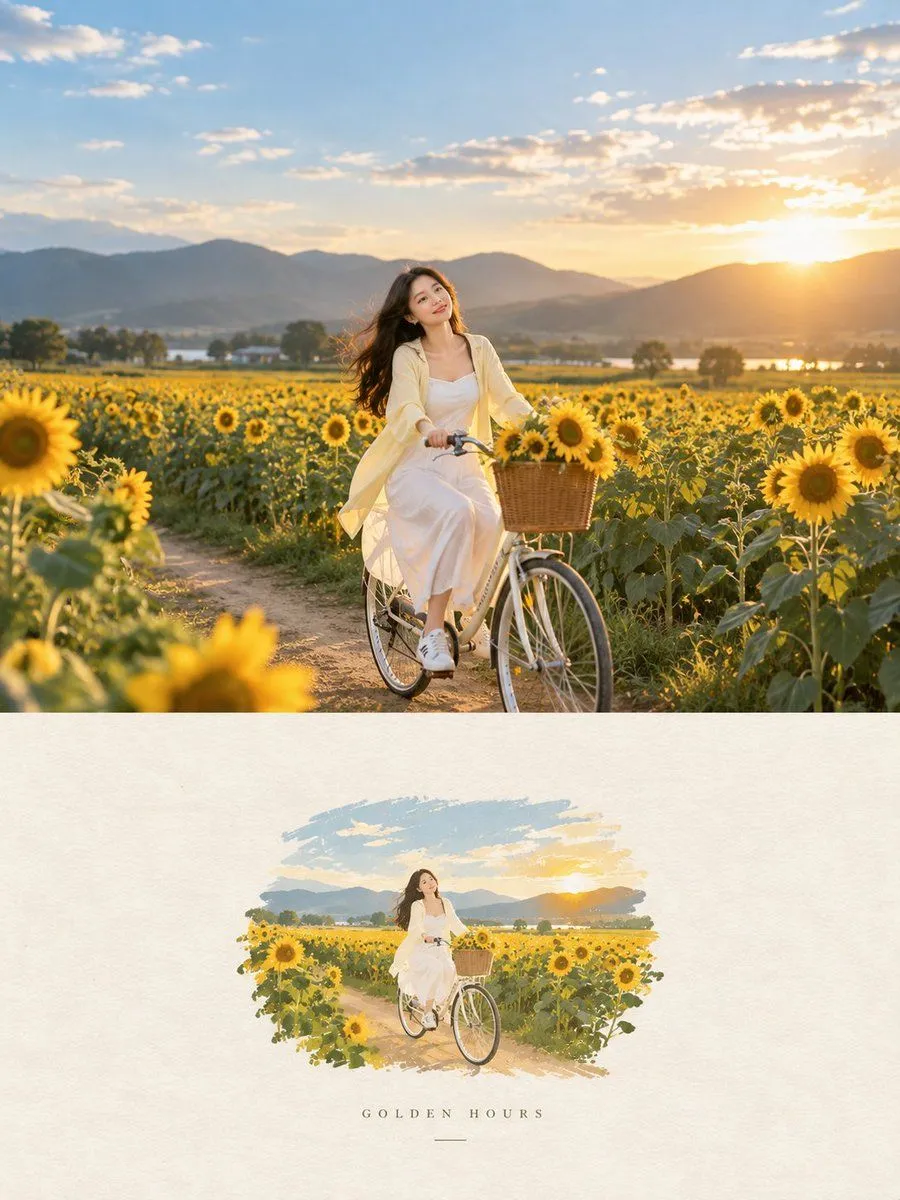
    Transform the uploaded photo into a premium editorial poster in a strict 3:4 vertical format, split horizontally into two equal halves. Top half: Preserve the original photograph faithfully—subjects, identities, poses, clothing, objects, lighting, colors, and natural textures. Apply only subtle editorial color grading. Bottom half: Reimagine the scene’s most recognizable elements as a small, centered illustration with a handmade paper aesthetic. Use delicate, imperfect lines, bold flat acrylic-like shapes, organic edges, subtle paper grain, and a maximum of four colors drawn from the photograph. The illustration should occupy just 10–20% of this half, surrounded by generous warm off-white space. Minimal editorial typography is optional. Aim for a quiet, poetic, refined independent art-book cover. Avoid cartoon, watercolor, colored-pencil, 3D, glossy, cluttered, or overtly commercial styles.

    Use only photos you have the right to usePhoto tips
    • Your photo stays with your app. You upload it to Gemini, ChatGPT or the app you use. Promptclay never sees or stores it.
    • Crop to what the prompt needs. Your face for a portrait. Leave out other people, house numbers, cards and screens.
    • Check the result before you post. Apps sometimes add things that were not in your photo, like a mole, a tattoo or bare shoulders. Run it again or ask the app to remove them.
    Works in
    ChatGPT, Gemini
    Status
    Free to copy
    0
    DetailsVersions, settings and questions

    Written for

    What's in the prompt

    Subject
    Model
    GPT Image 2.5

    If your face changes

    keep my face exactly the same

    Questions

    Does this work in the ChatGPT app?
    Yes. Paste the prompt and attach your photo if it uses one.
    It changed my face. What do I do?
    Add "keep my face exactly the same" to the end and run it again.
    Can I use the images I make?
    Check the terms of the app you use. Promptclay never generates images and claims nothing you make.
    Similar prompts

    See more
    • Memory Card Photo Illustration Split
    • GPT Image 2 Editorial Art Book Poster
    • Minimalist Black and White Outbound Illustration
    • Photo to Hand-drawn Illustration Poster Prompt
    • Split-Style Editorial Art Poster
    • Retro Editorial Illustration Split Poster
    • Geometric Editorial Portrait Collage
    • Ethereal Fashion Editorial Close-Up Portrait Prompt
    • Premium Editorial Split-Canvas Poster
    • Editorial Typography Poster Design
    • Modern Fashion Editorial Poster
    • Futuristic Rooftop Editorial Portrait
    • Fashion Editorial Vector Diptych
    • Semi-Realistic Painterly Graphite Portrait
    • 3D Anime Watercolor Style Transfer
    • Minimal Comic Style Greeting Card
    • GPT Image 2 Colored Pencil Illustration Prompt
    • Soft Watercolor Café Illustration
    • Cinematic Yasuo Fantasy Poster
    • Fashion Campaign Poster Framework
    • Futuristic Cyberpunk Creative Leader Poster
    • Luxury Arcade with Sunlight Patterns
    • Pop Idol Typography Cover Art
    • Risograph Style Poetic Illustration

    Show more

    Run it on your phone

    1. Prompt copiedRead it

      Transform the uploaded photo into a premium editorial poster in a strict 3:4 vertical format, split horizontally into two equal halves. Top half: Preserve the original photograph faithfully—subjects, identities, poses, clothing, objects, lighting, colors, and natural textures. Apply only subtle editorial color grading. Bottom half: Reimagine the scene’s most recognizable elements as a small, centered illustration with a handmade paper aesthetic. Use delicate, imperfect lines, bold flat acrylic-like shapes, organic edges, subtle paper grain, and a maximum of four colors drawn from the photograph. The illustration should occupy just 10–20% of this half, surrounded by generous warm off-white space. Minimal editorial typography is optional. Aim for a quiet, poetic, refined independent art-book cover. Avoid cartoon, watercolor, colored-pencil, 3D, glossy, cluttered, or overtly commercial styles.

    2. Open your app

    3. Paste and run

      Press and hold the message box, then tap Paste. Add your photo first if the prompt uses one. You may need to sign in.

    Editorial Poster Photo Illustration Split