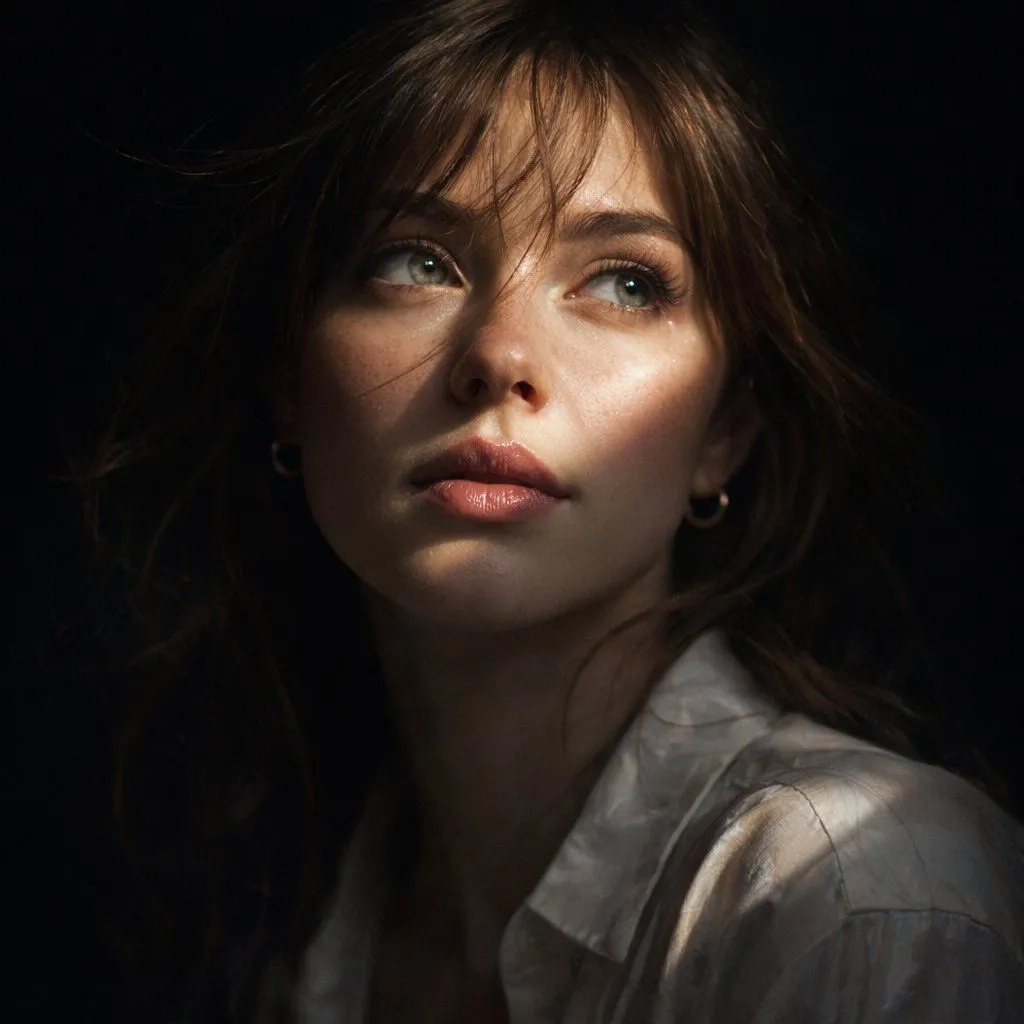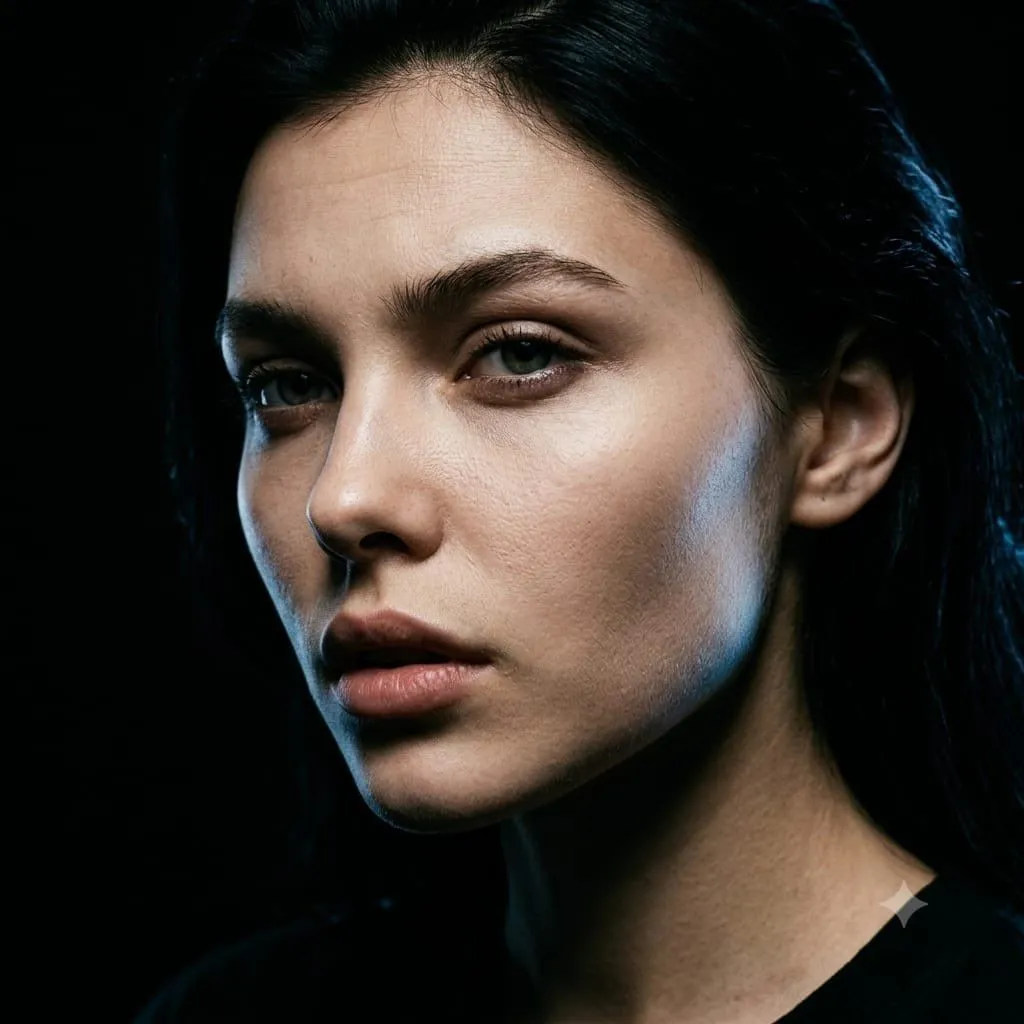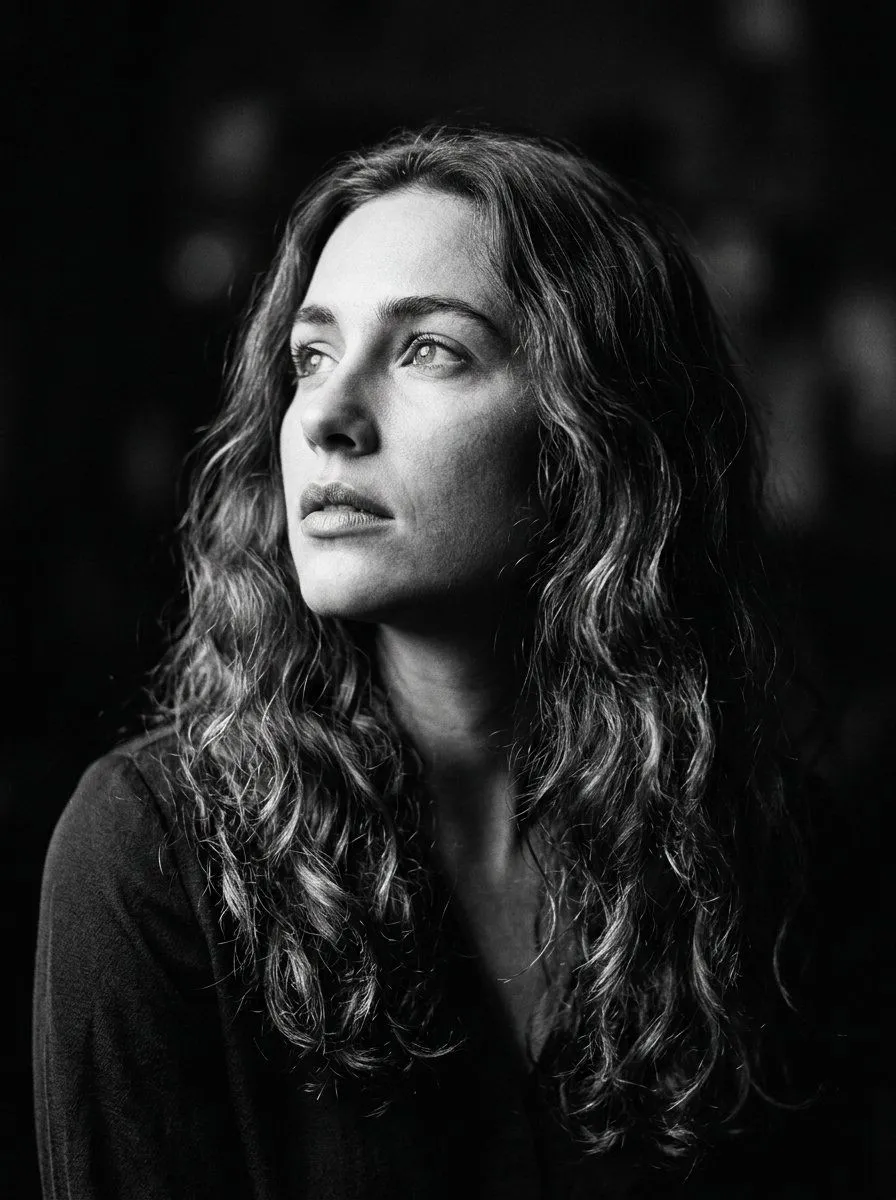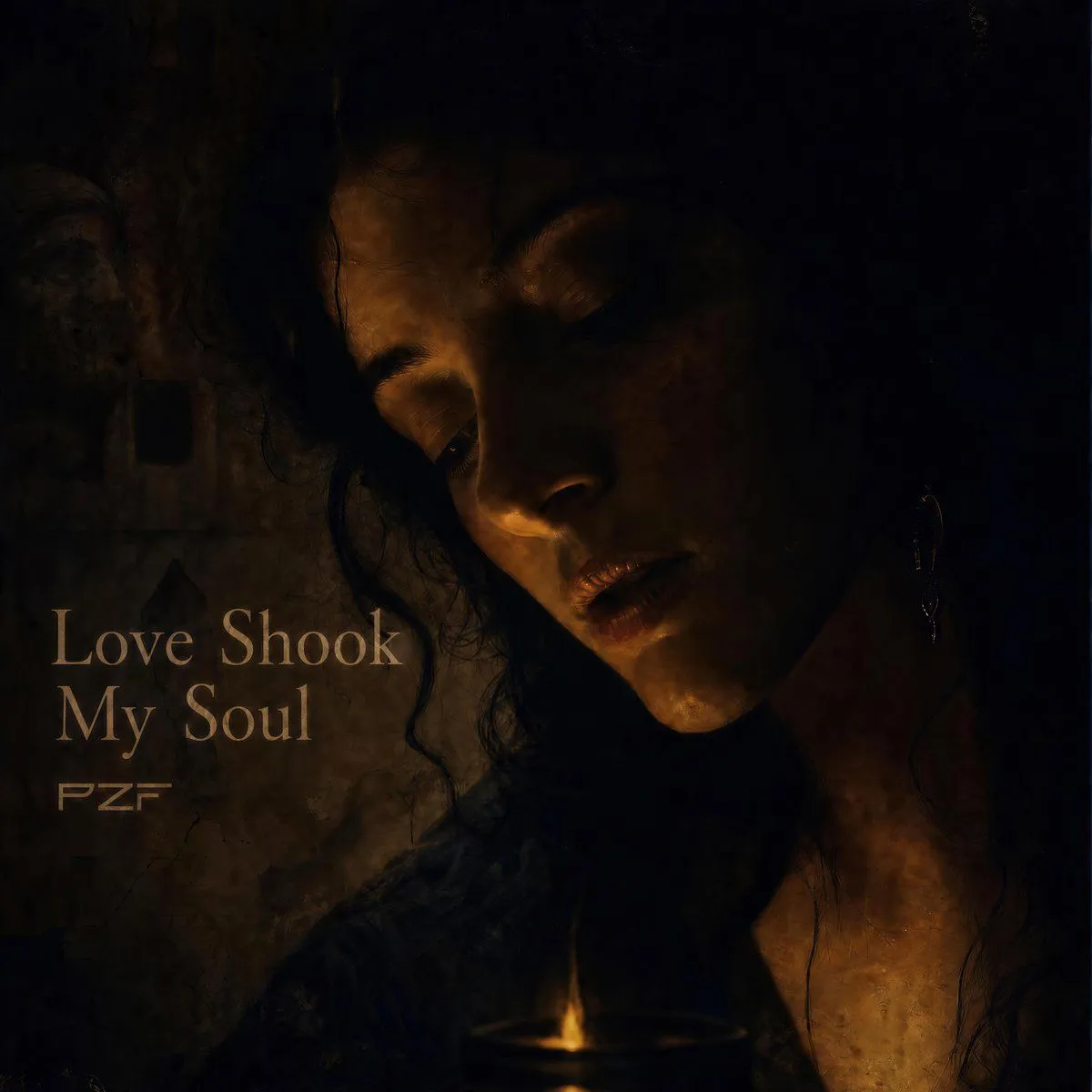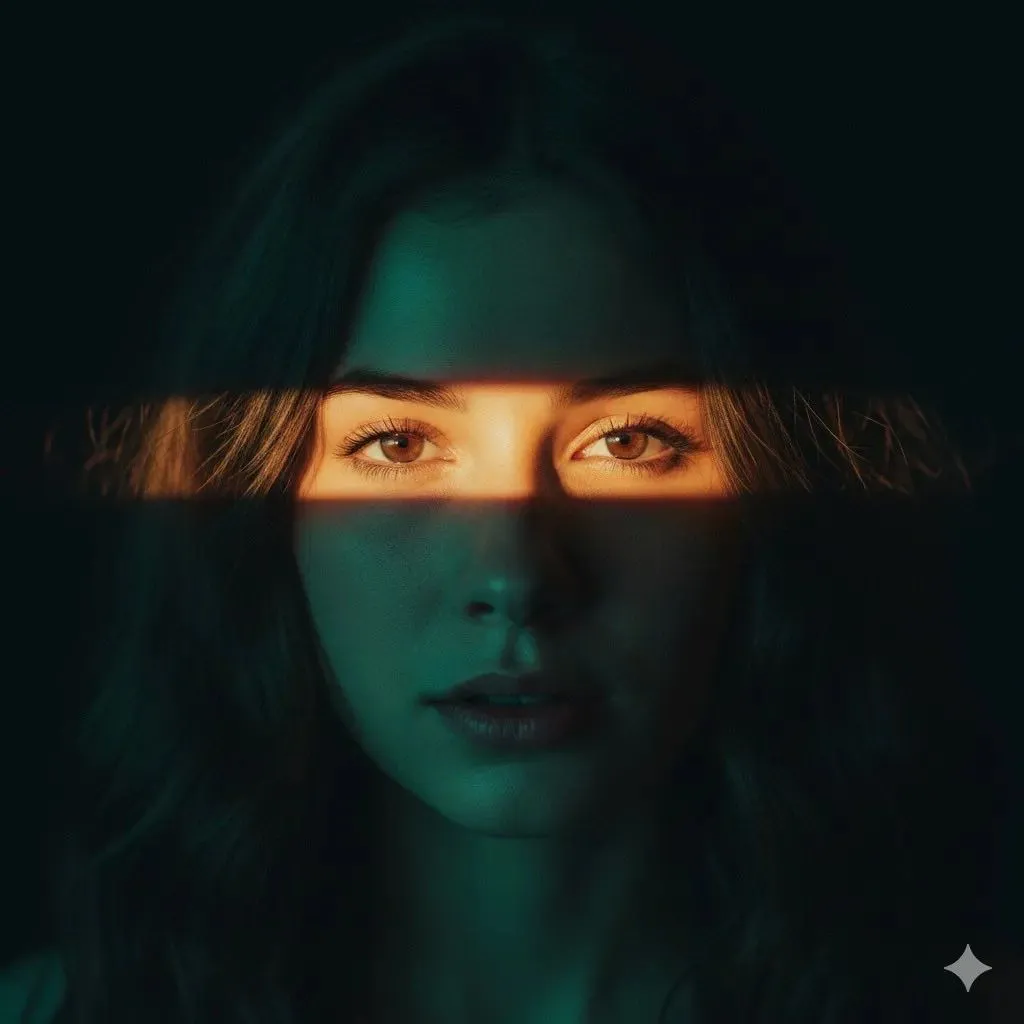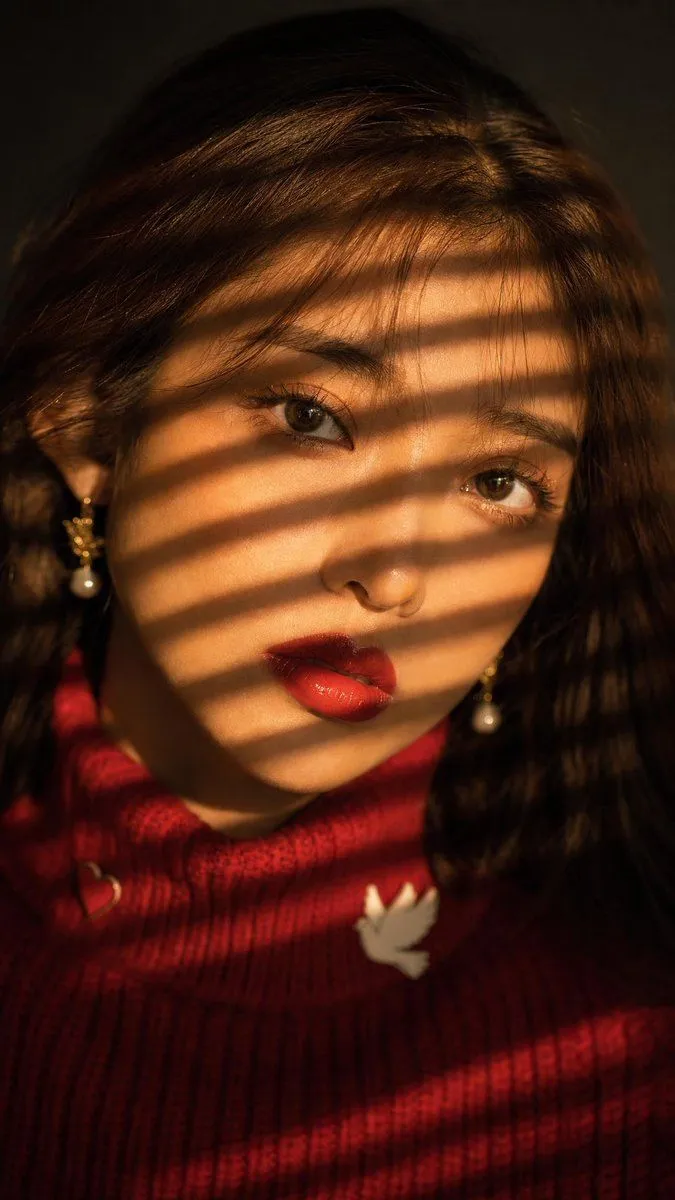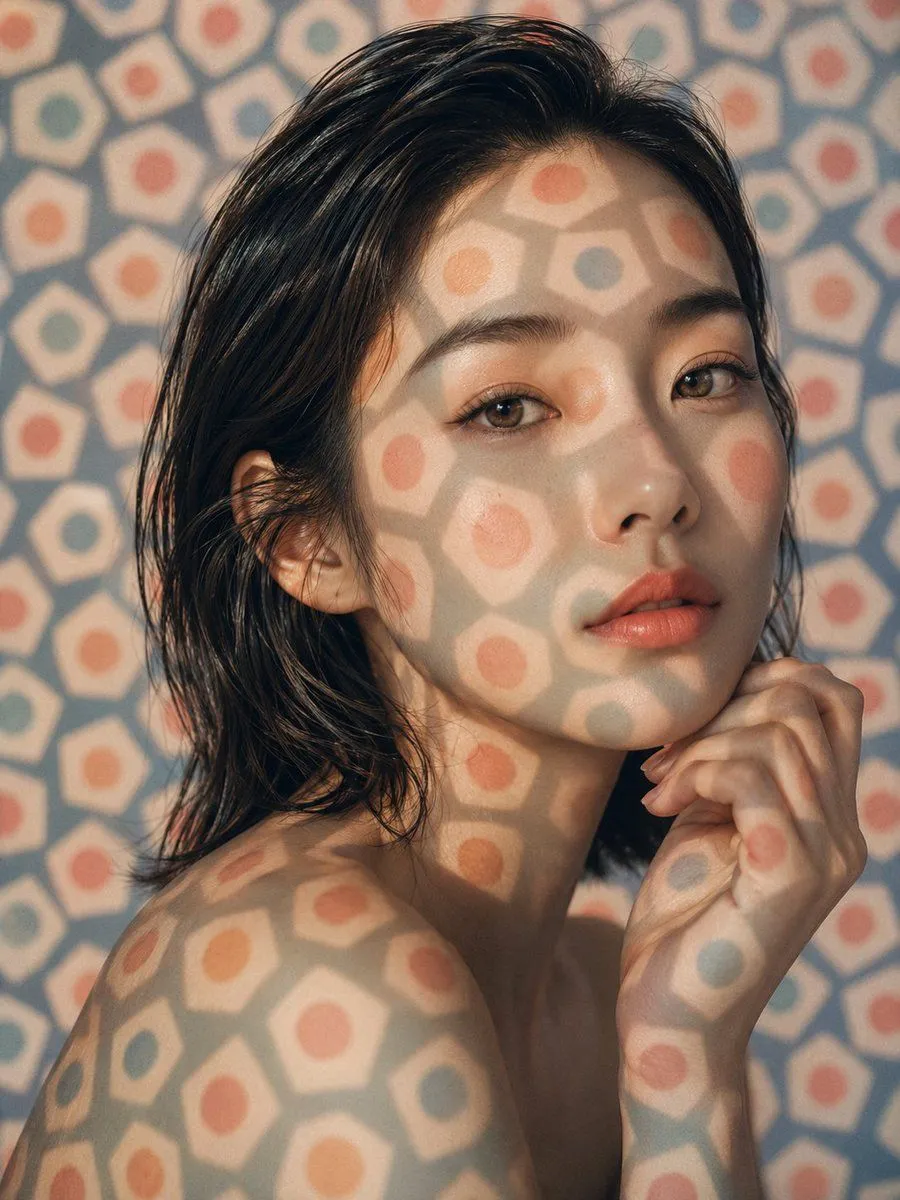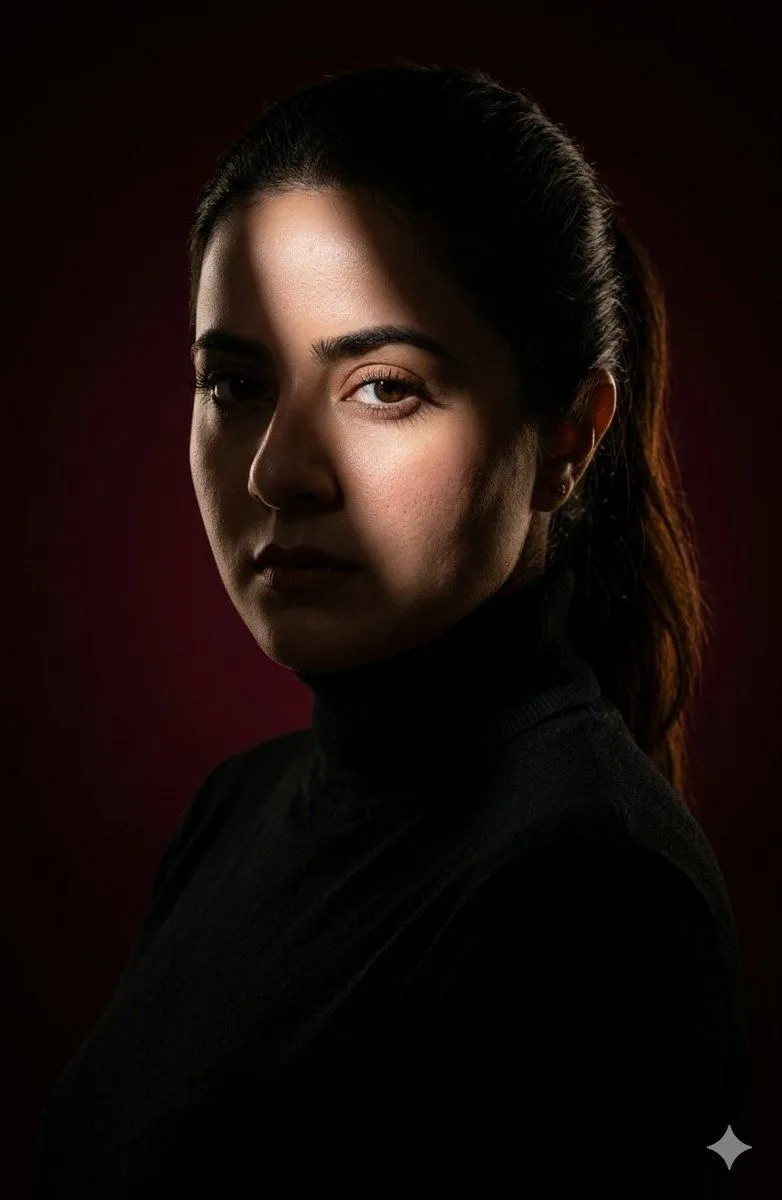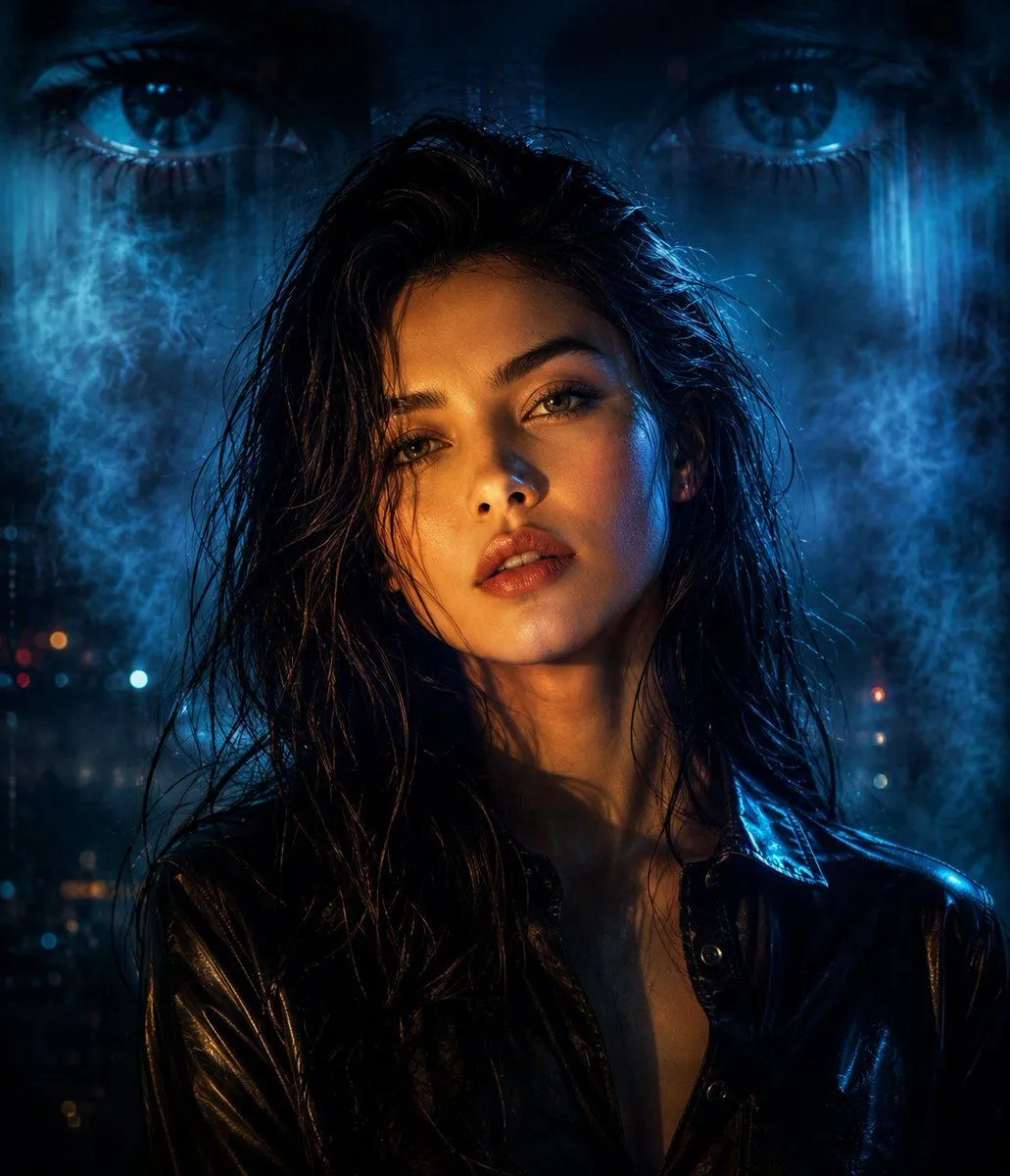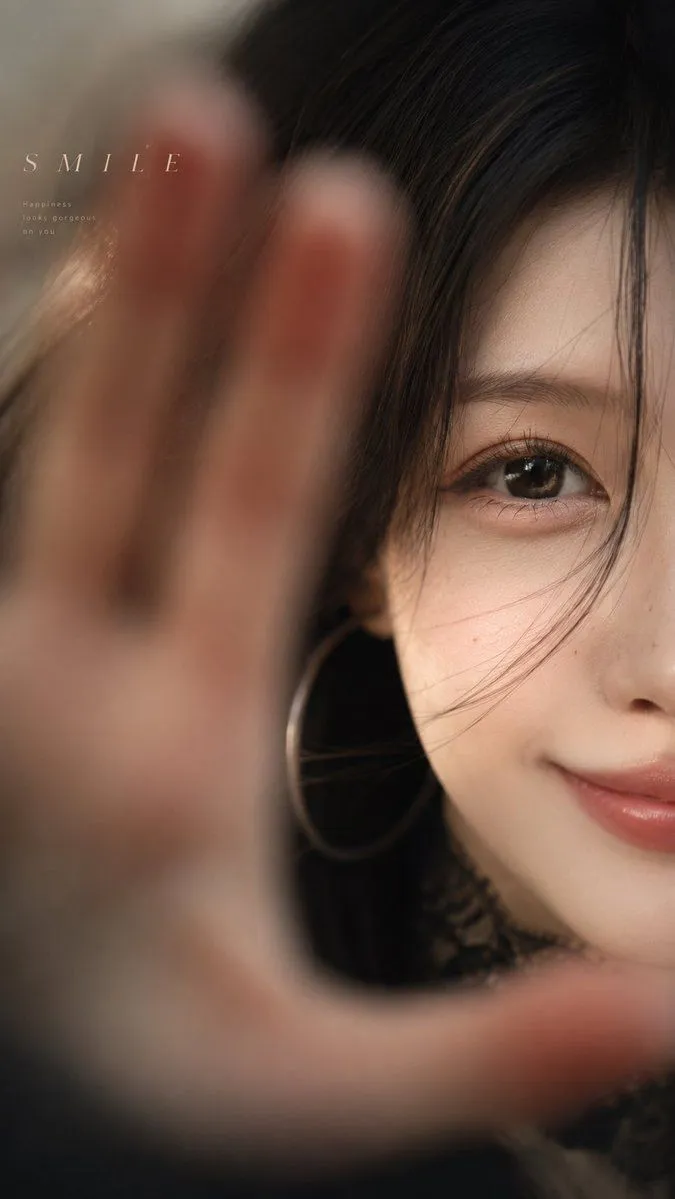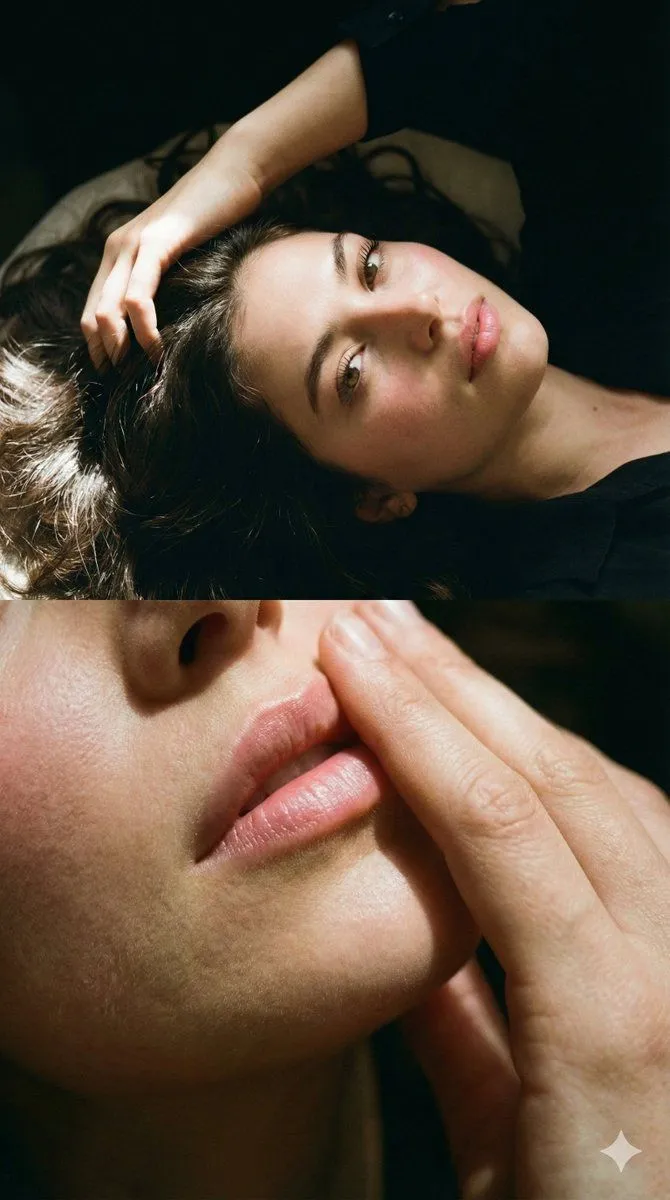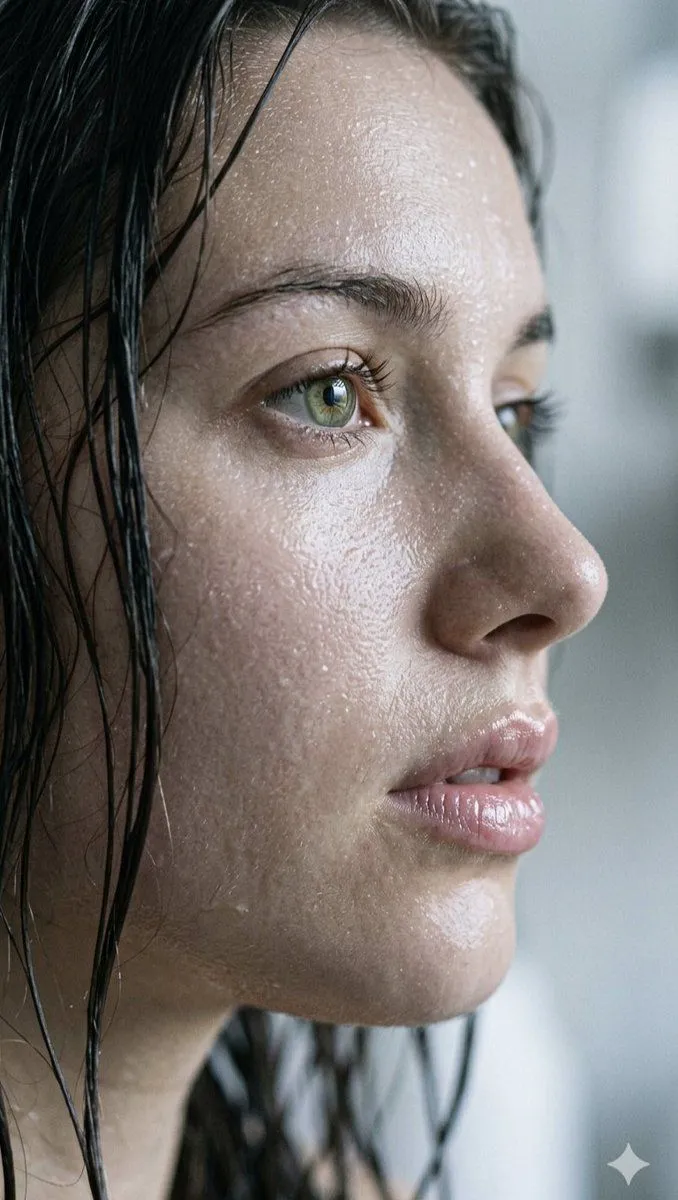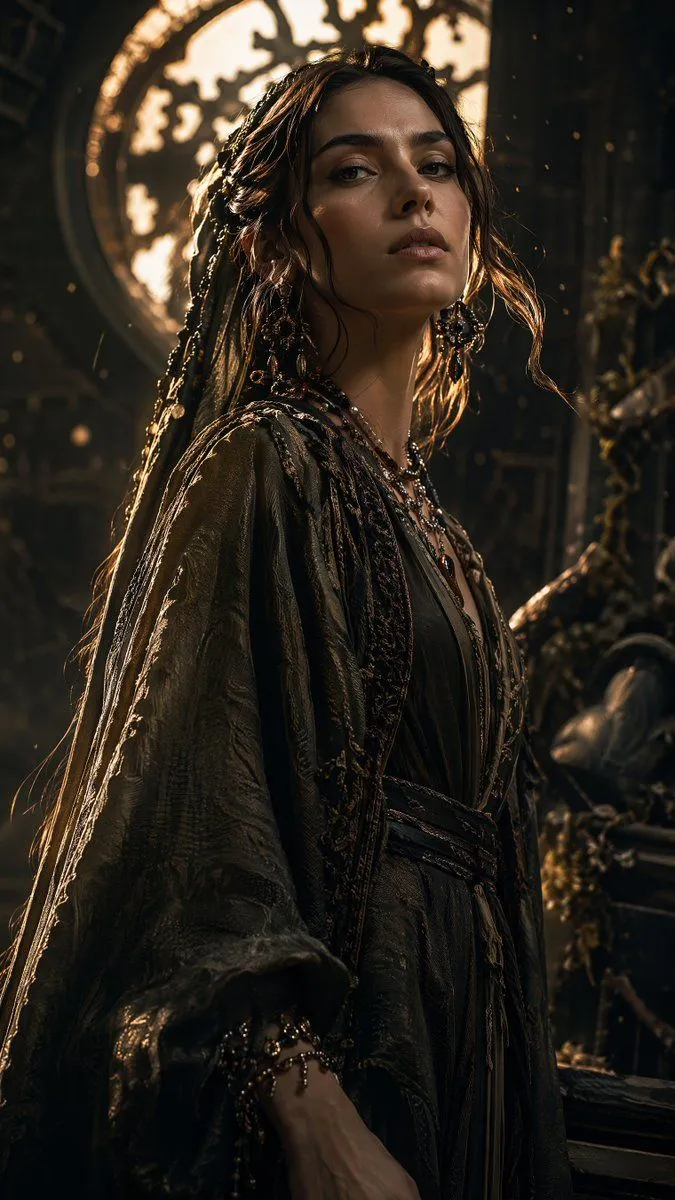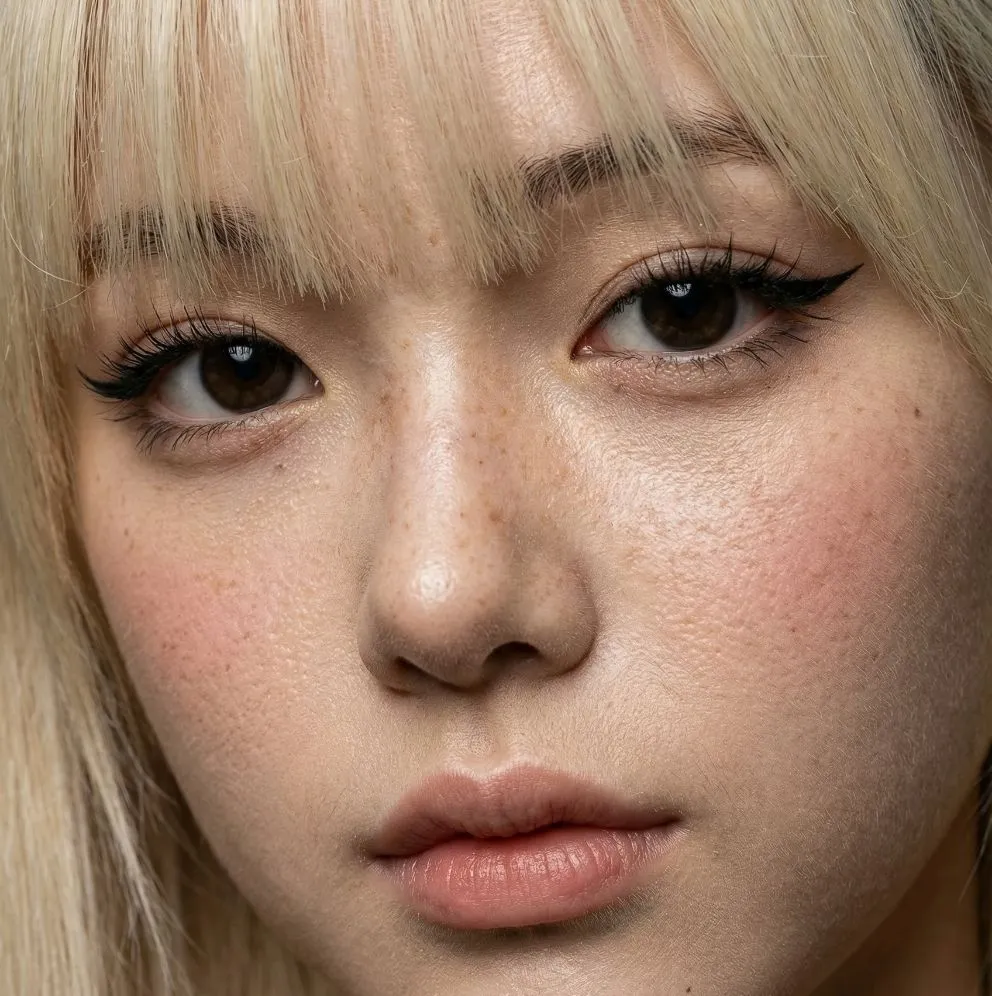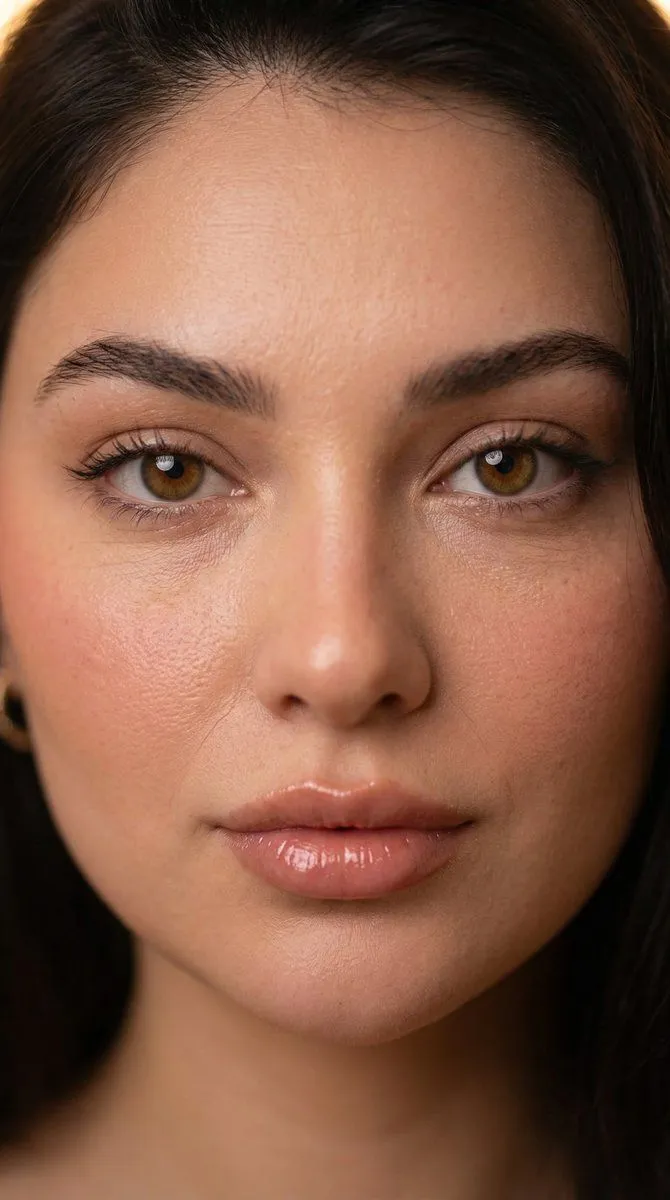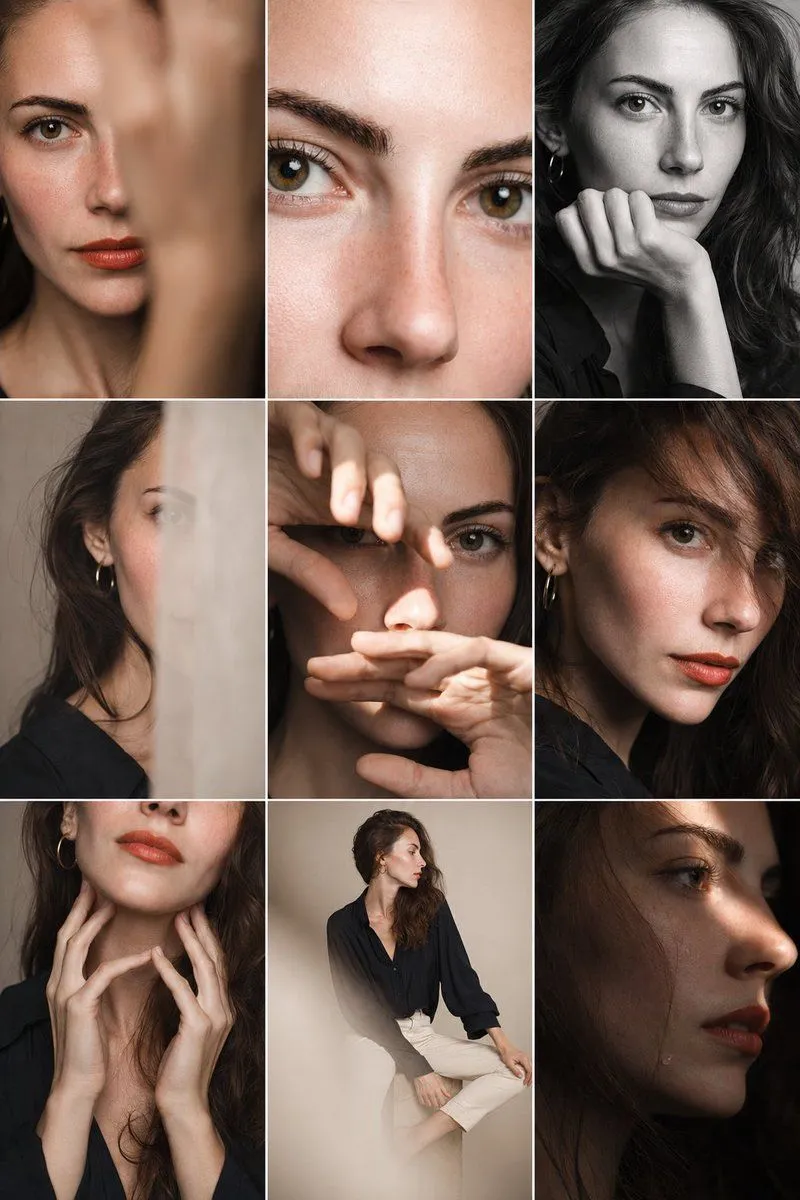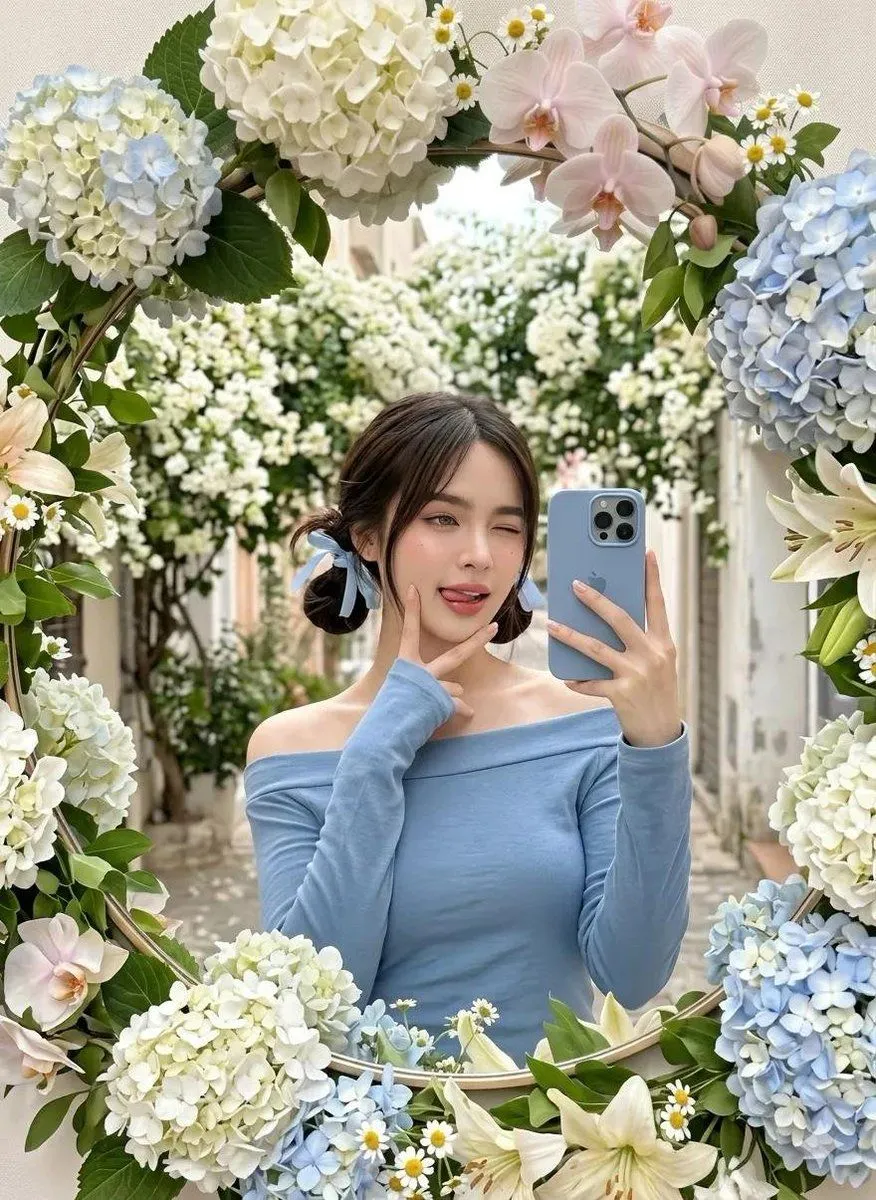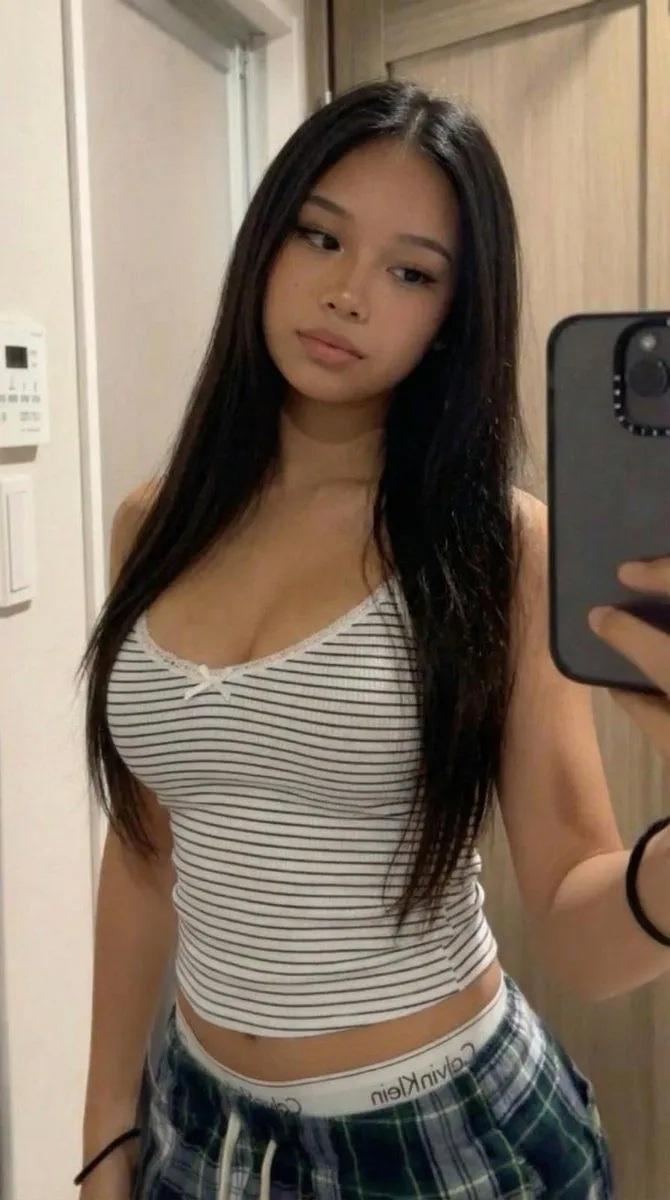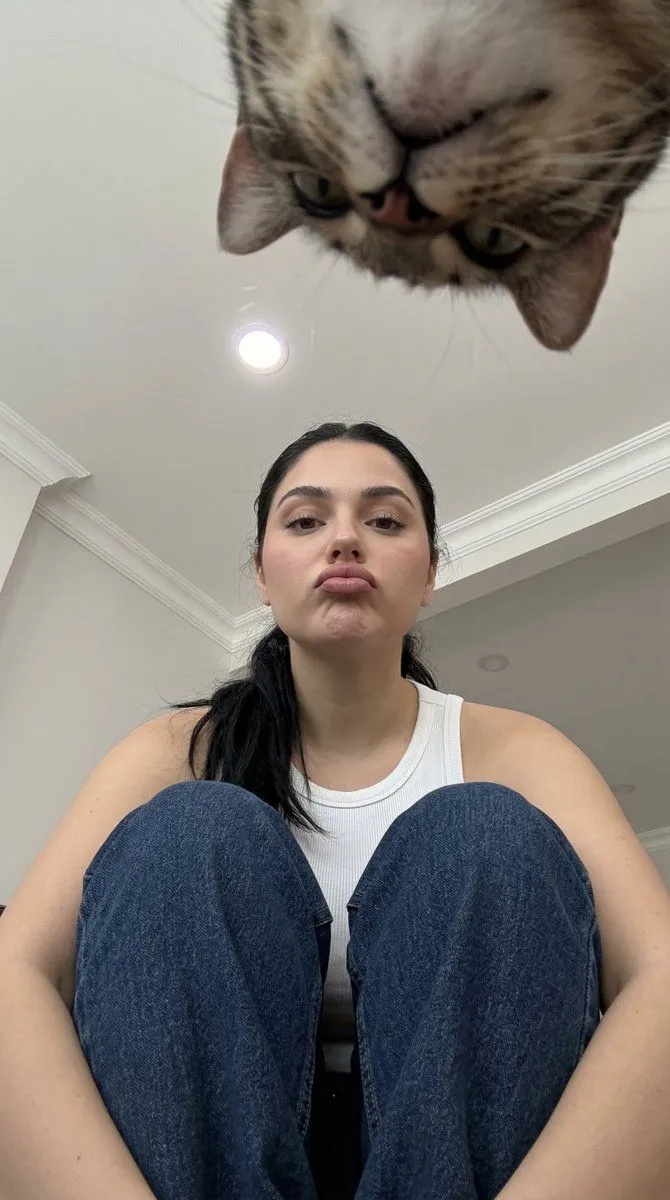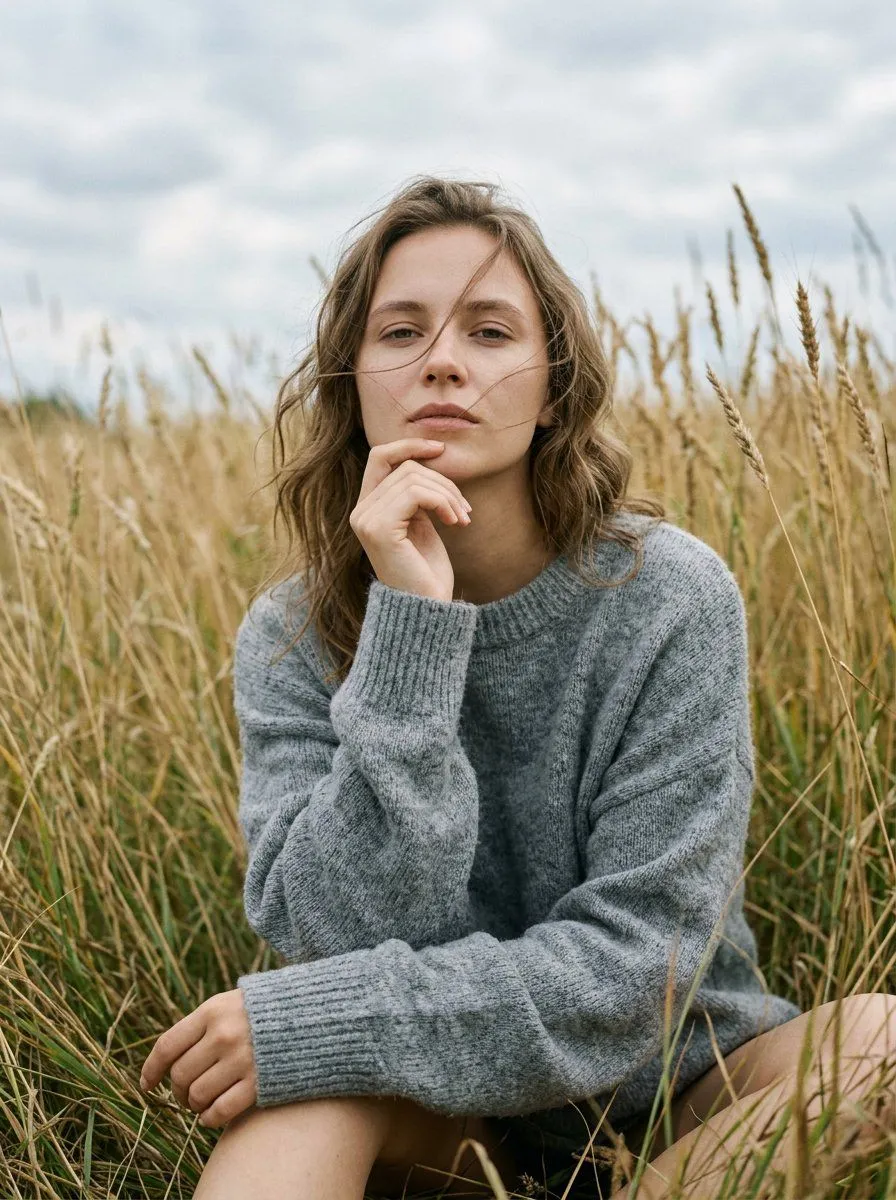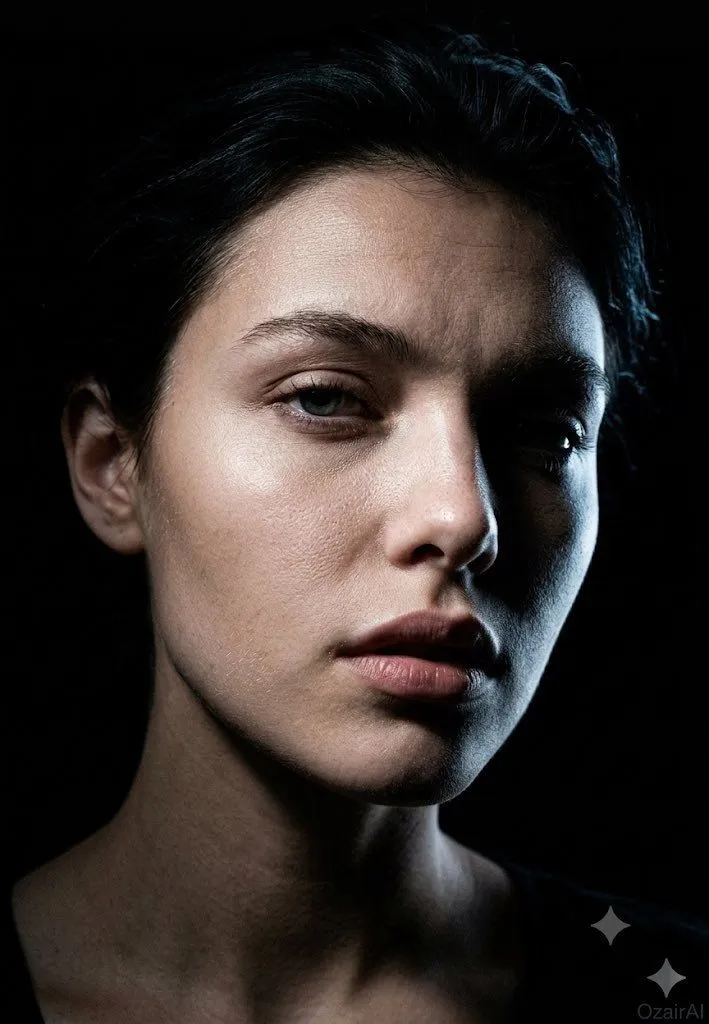
Made with Nano Banana Pro in Gemini by Library Portraits. Promptclay never generates images.
Dark Cinematic Skin Detail Portrait
Prompt
3 blanks to fillUsing the exact face from the reference image, generate a {mood} — same concept and mood, entirely new pose and angle. Angle: Precise 45° three-quarter view (not profile, not front-on). Nose cuts into the lit side; near eye fully lit, far eye sliding into shadow. Far cheekbone catches a sliver of light before vanishing into black. Shadow-side jaw fully consumed by darkness, revealing the face's sculptural planes — nose bridge, brow ridge, cheekbone, jaw. Head position: {head_position} — heavy-lidded, intense, vulnerable. Brows faintly raised, producing natural forehead lines. Downward tilt sharpens the jaw and elongates the neck. Expression: {expression} — a caught breath, not an emotion. Reads as a stolen private moment rather than a pose. Skin detail: Forensic-level texture on new terrain — nose bridge/wing pores in raking light, under-eye thinness from a new angle, lit-side jaw stubble in sharp relief, forehead topography under overhead light, partial lit ear texture. Neck and collarbone edge just entering frame, dissolving into shadow. Lighting: Single hard, narrow overhead-side light creating a surgical beam across the face. Lit side rendered in cold, precise detail; shadow side a total void. Rim light traces the far cheekbone in a thin blue-white line. Near eye: sharp single catchlight. Far eye: only iris edge and rim-lit white visible. Background: Pure black void, silhouette defined entirely by the new angle. Grade: Crushed blacks, cool neutral skin tones with warm undertone tension, blue-white rim light, 10% Ilford HP5 grain. No retouching — full pore and texture detail preserved. Specs: "OzairAI" ghost-cold signature, lower right. Vertical 9:13. Ultra photorealistic, 8K, 150MP skin detail.
Preview of your prompt
Using the exact face from the reference image, generate a dark cinematic skin-detail portrait — same concept and mood, entirely new pose and angle. Angle: Precise 45° three-quarter view (not profile, not front-on). Nose cuts into the lit side; near eye fully lit, far eye sliding into shadow. Far cheekbone catches a sliver of light before vanishing into black. Shadow-side jaw fully consumed by darkness, revealing the face's sculptural planes — nose bridge, brow ridge, cheekbone, jaw. Head position: Chin dropped slightly, eyes lifted toward the lens through the brows — heavy-lidded, intense, vulnerable. Brows faintly raised, producing natural forehead lines. Downward tilt sharpens the jaw and elongates the neck. Expression: Lips parted roughly 3mm — a caught breath, not an emotion. Reads as a stolen private moment rather than a pose. Skin detail: Forensic-level texture on new terrain — nose bridge/wing pores in raking light, under-eye thinness from a new angle, lit-side jaw stubble in sharp relief, forehead topography under overhead light, partial lit ear texture. Neck and collarbone edge just entering frame, dissolving into shadow. Lighting: Single hard, narrow overhead-side light creating a surgical beam across the face. Lit side rendered in cold, precise detail; shadow side a total void. Rim light traces the far cheekbone in a thin blue-white line. Near eye: sharp single catchlight. Far eye: only iris edge and rim-lit white visible. Background: Pure black void, silhouette defined entirely by the new angle. Grade: Crushed blacks, cool neutral skin tones with warm undertone tension, blue-white rim light, 10% Ilford HP5 grain. No retouching — full pore and texture detail preserved. Specs: "OzairAI" ghost-cold signature, lower right. Vertical 9:13. Ultra photorealistic, 8K, 150MP skin detail.
DetailsVersions, settings and questions
Written for
What's in the prompt
- Subject
- Model
- Nano Banana Pro
If your face changes
keep my face exactly the sameQuestions
- Does this work in the Gemini app?
- Yes. Gemini runs Nano Banana, so paste the prompt and attach your photo if it uses one.
- It changed my face. What do I do?
- Add "keep my face exactly the same" to the end and run it again.
- Can I use the images I make?
- Check the terms of the app you use. Promptclay never generates images and claims nothing you make.
Did it work?
No reports yet. Tell others if it worked for you.