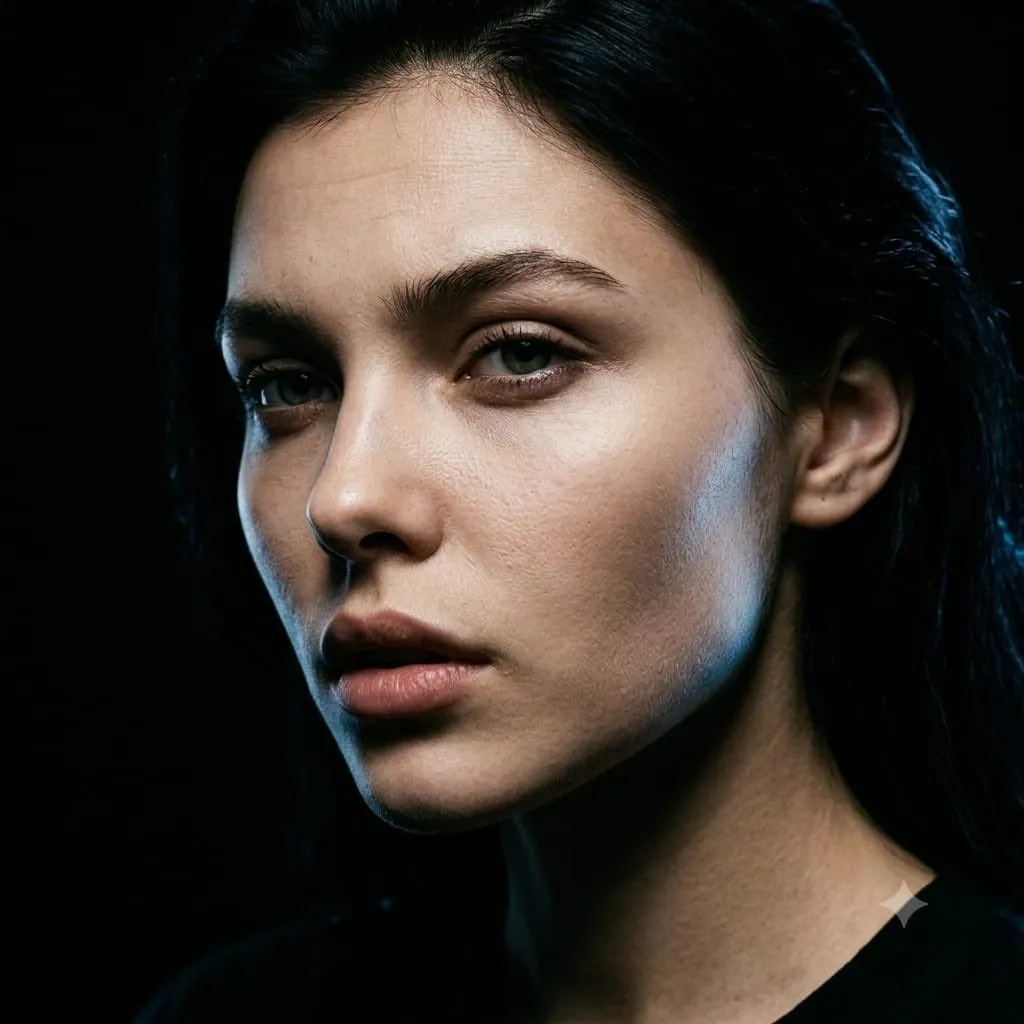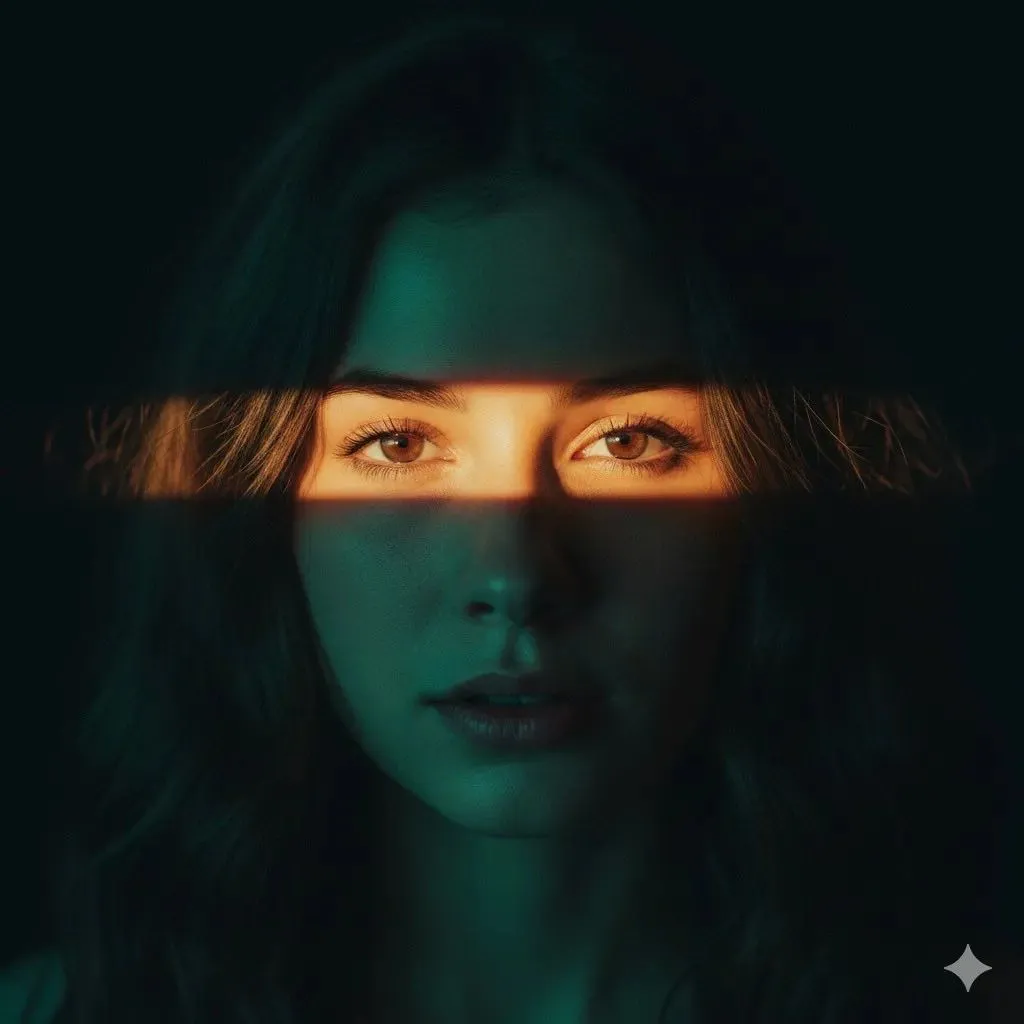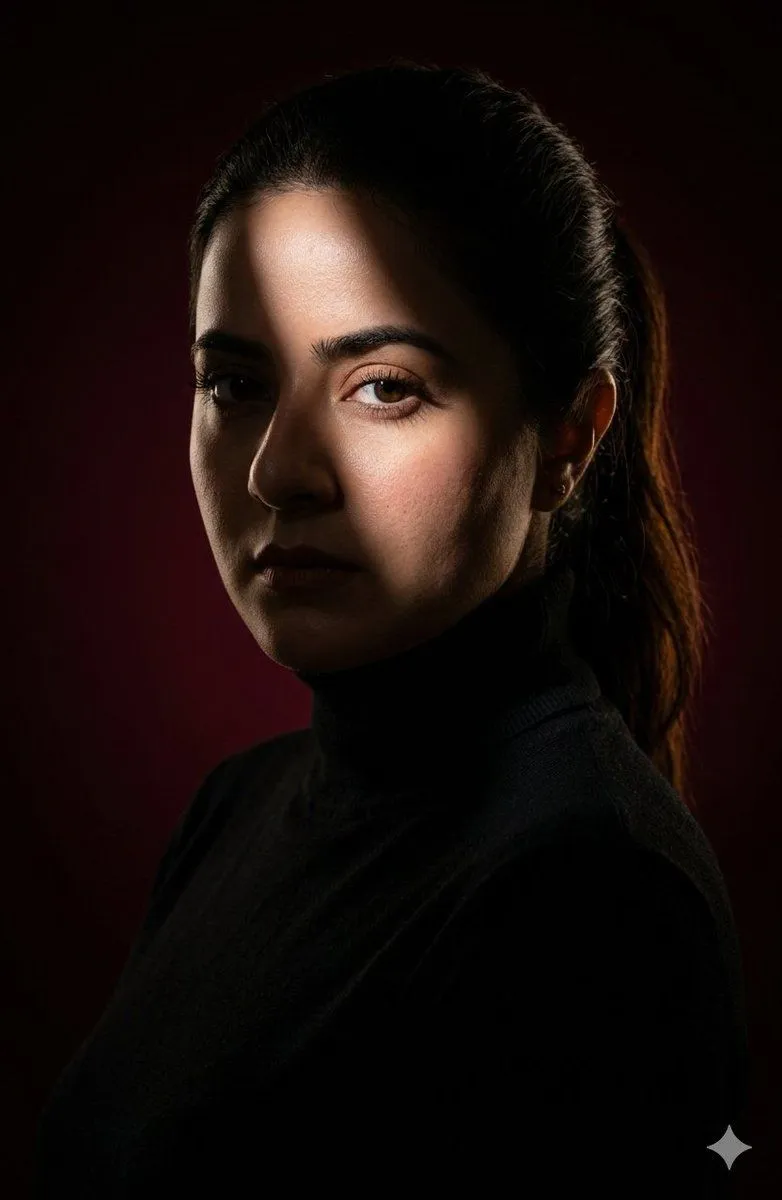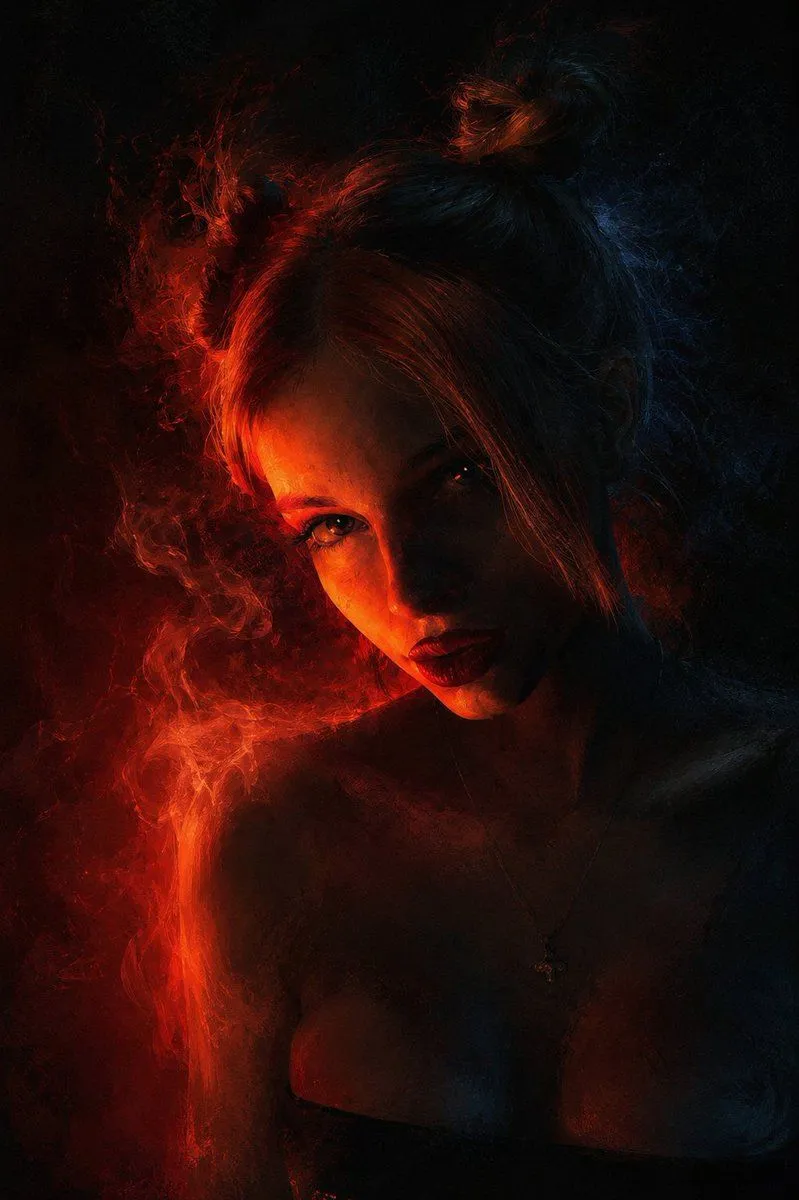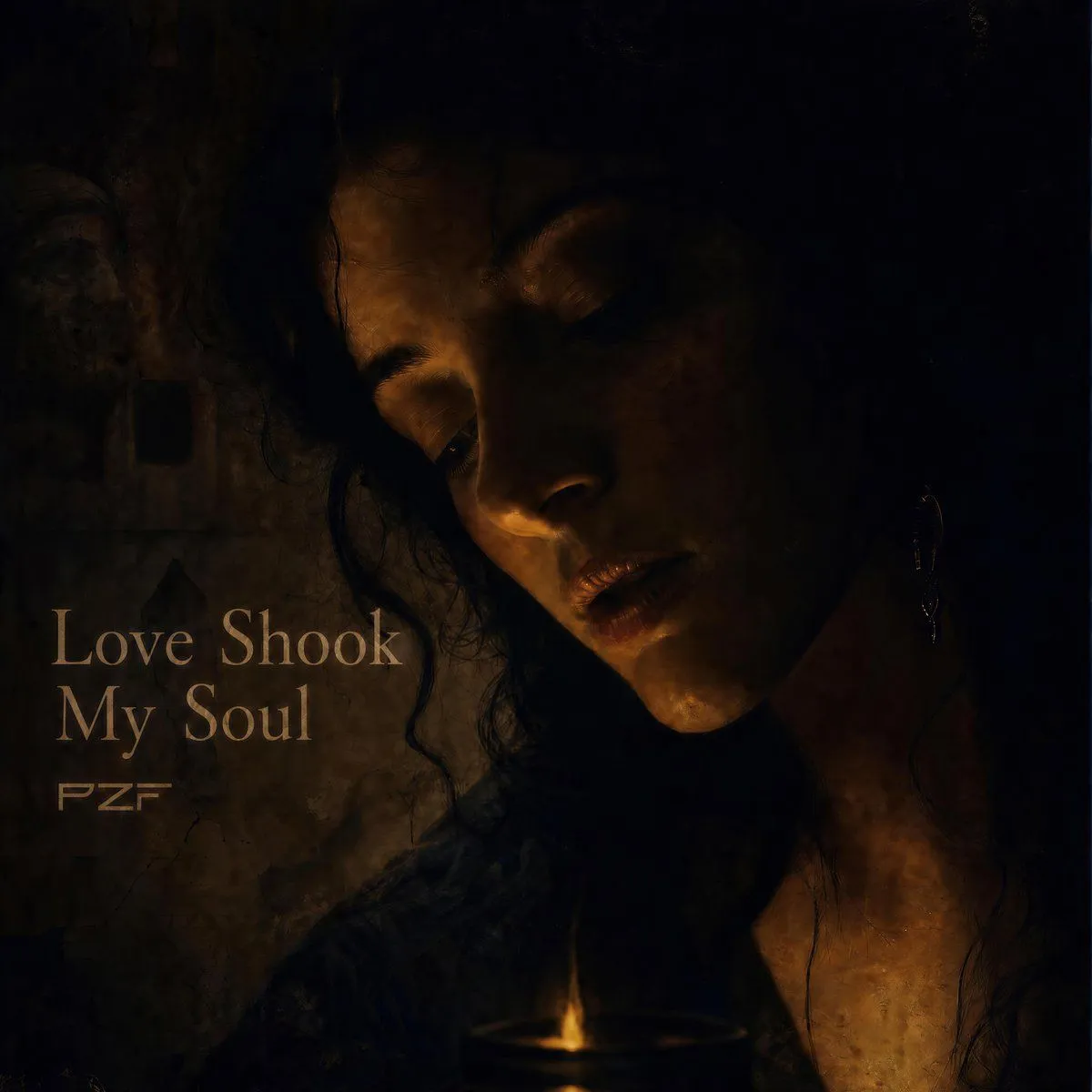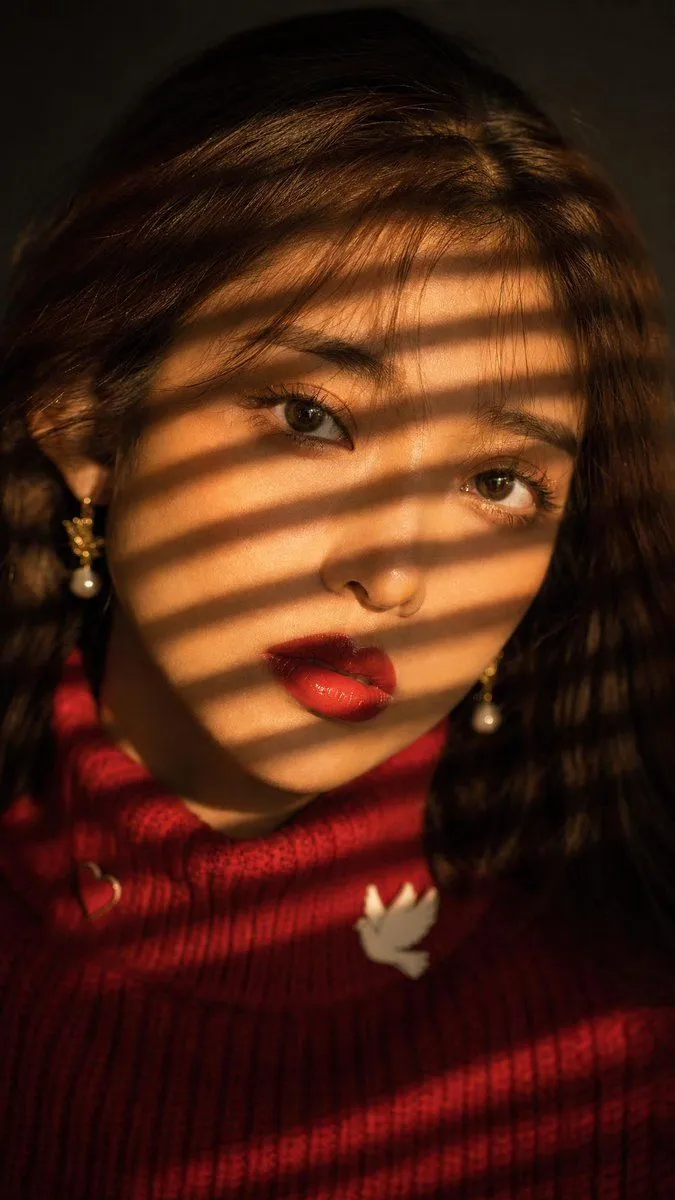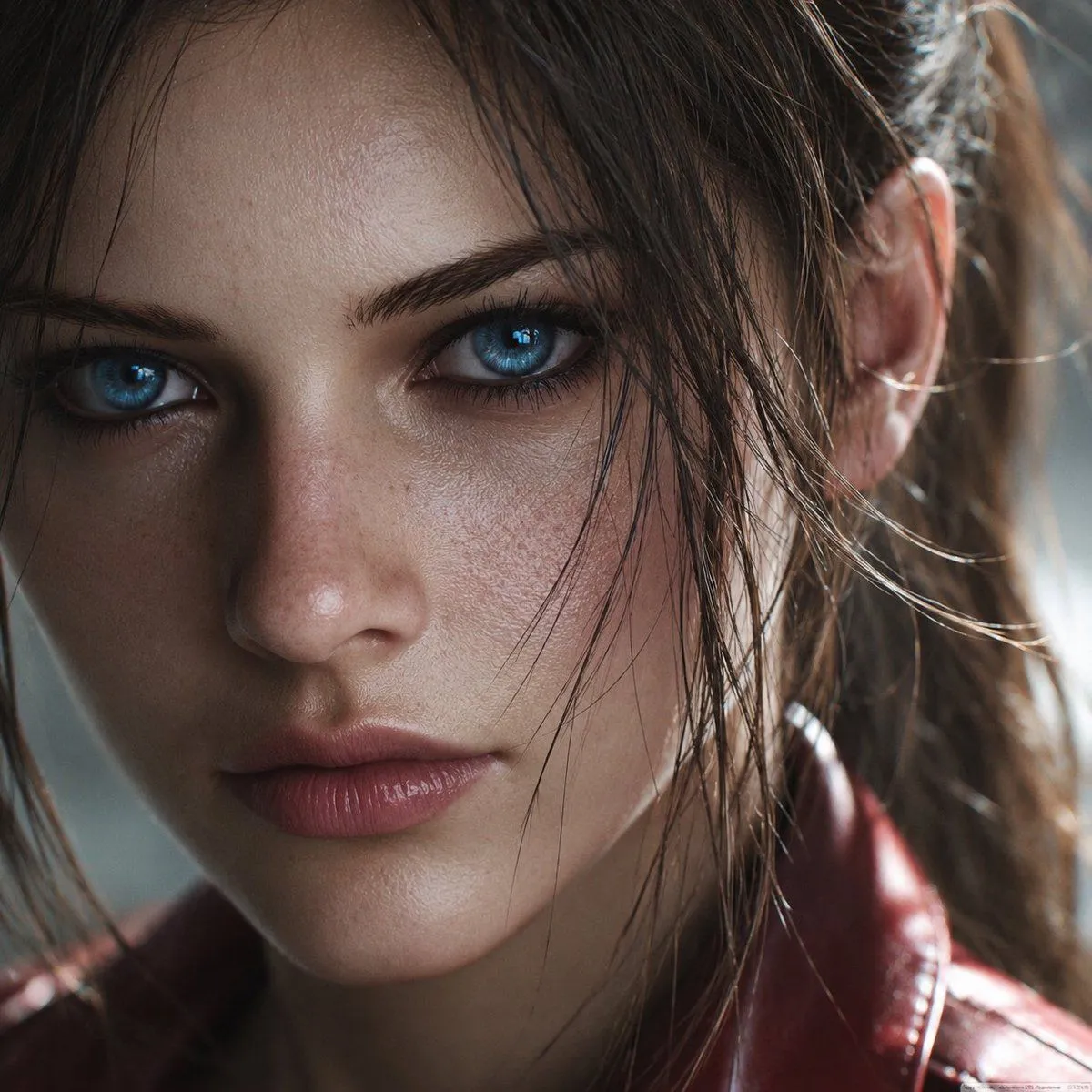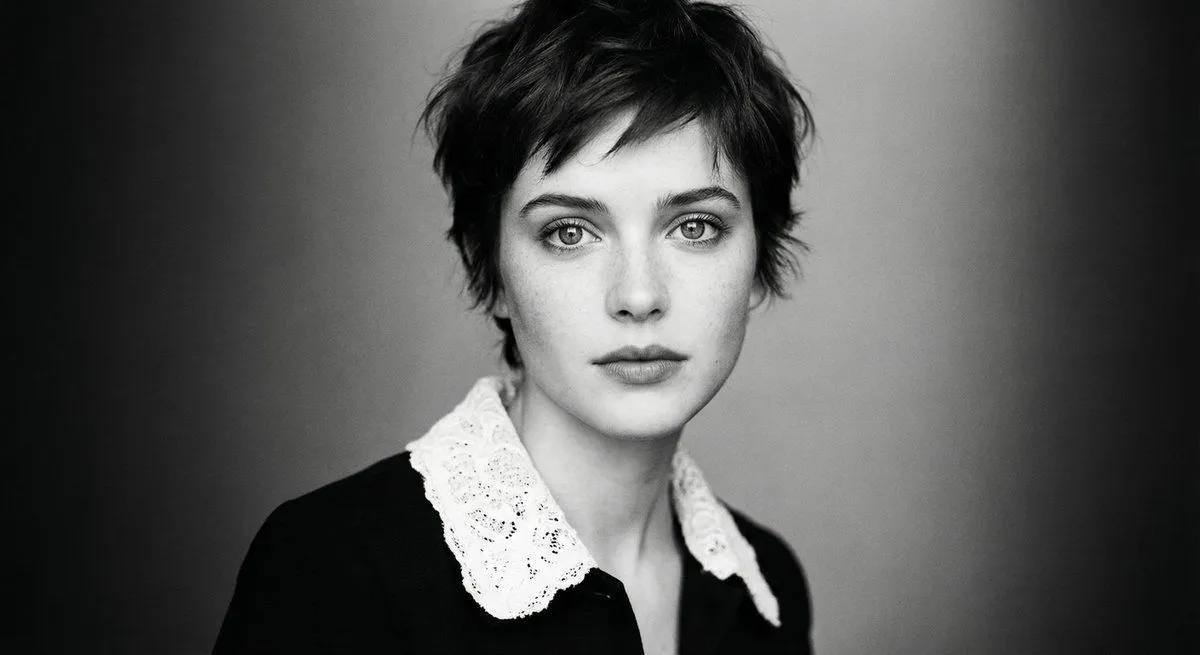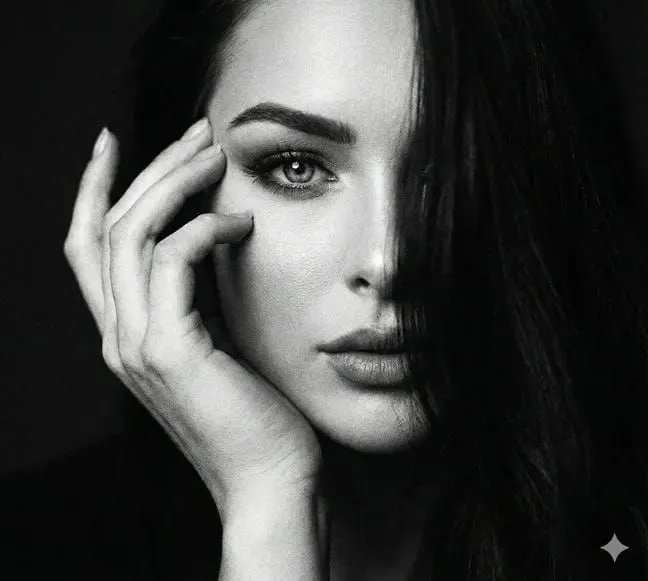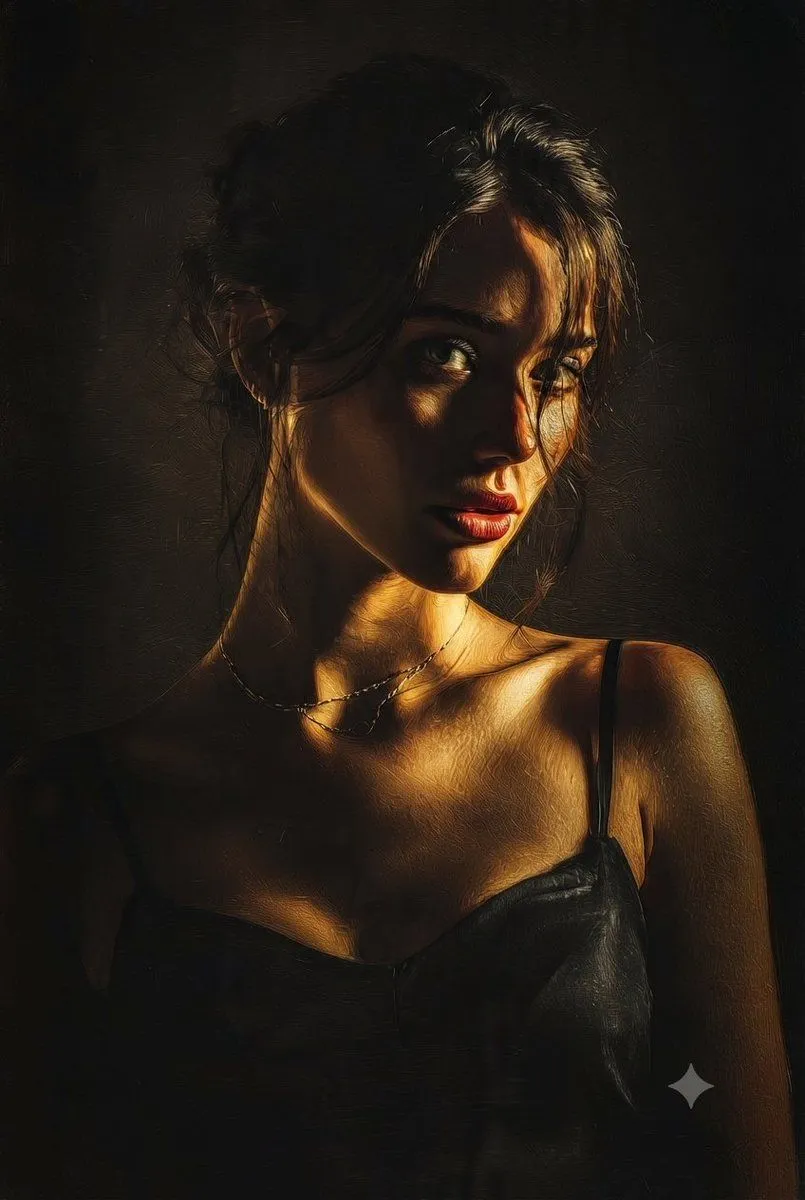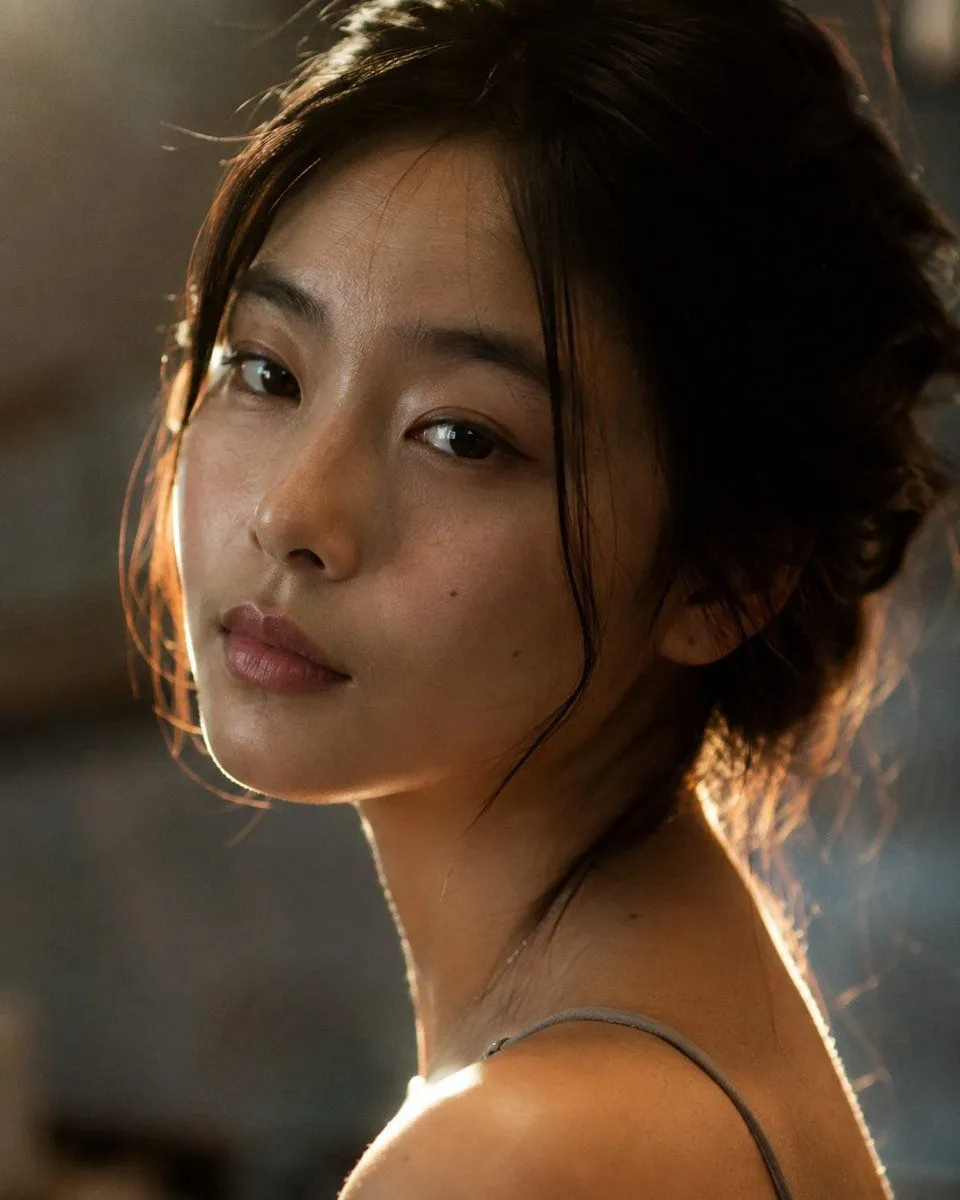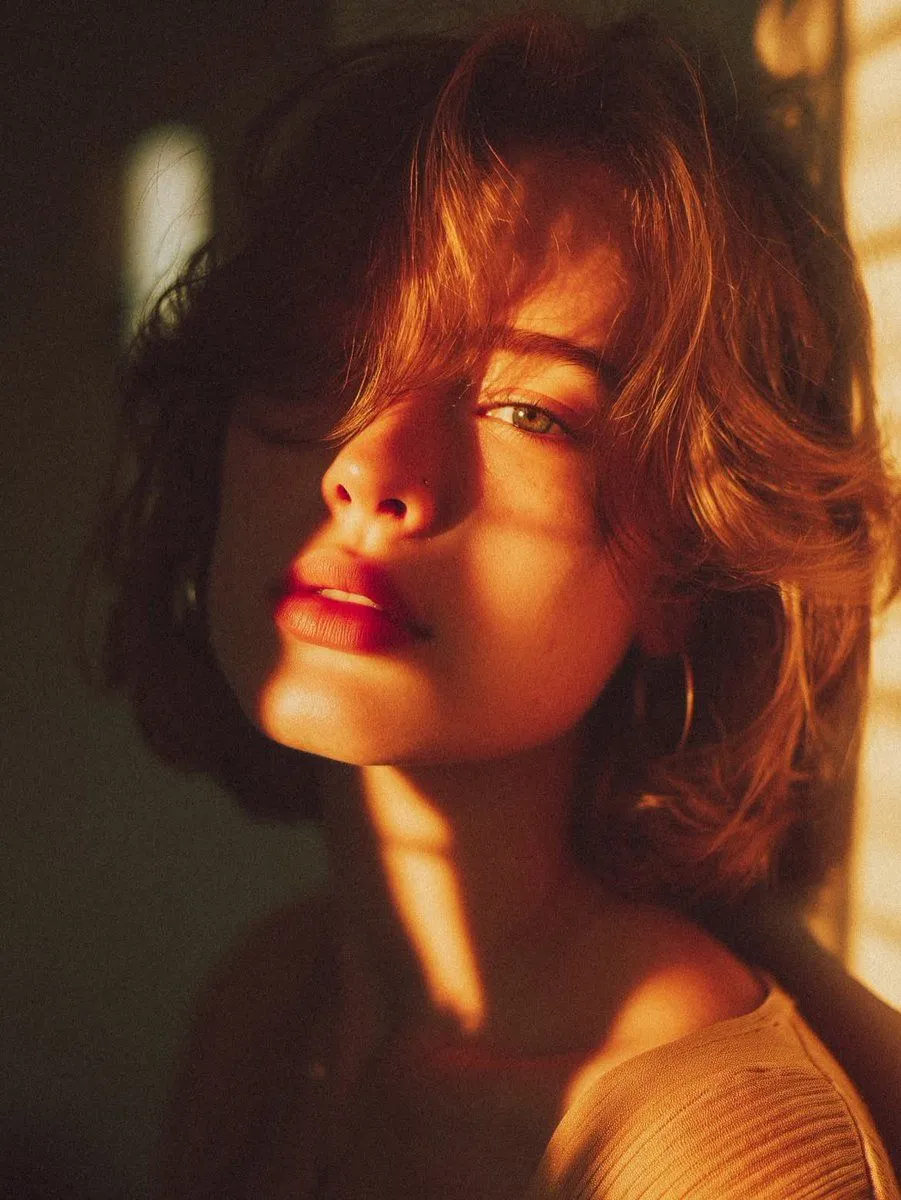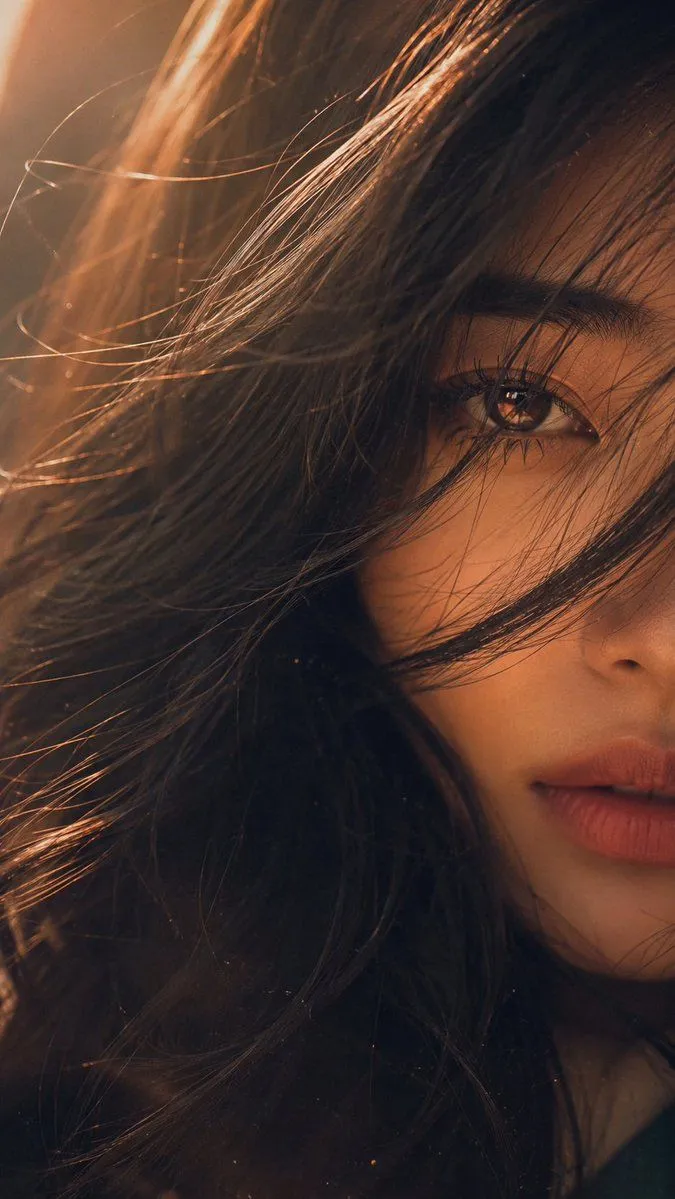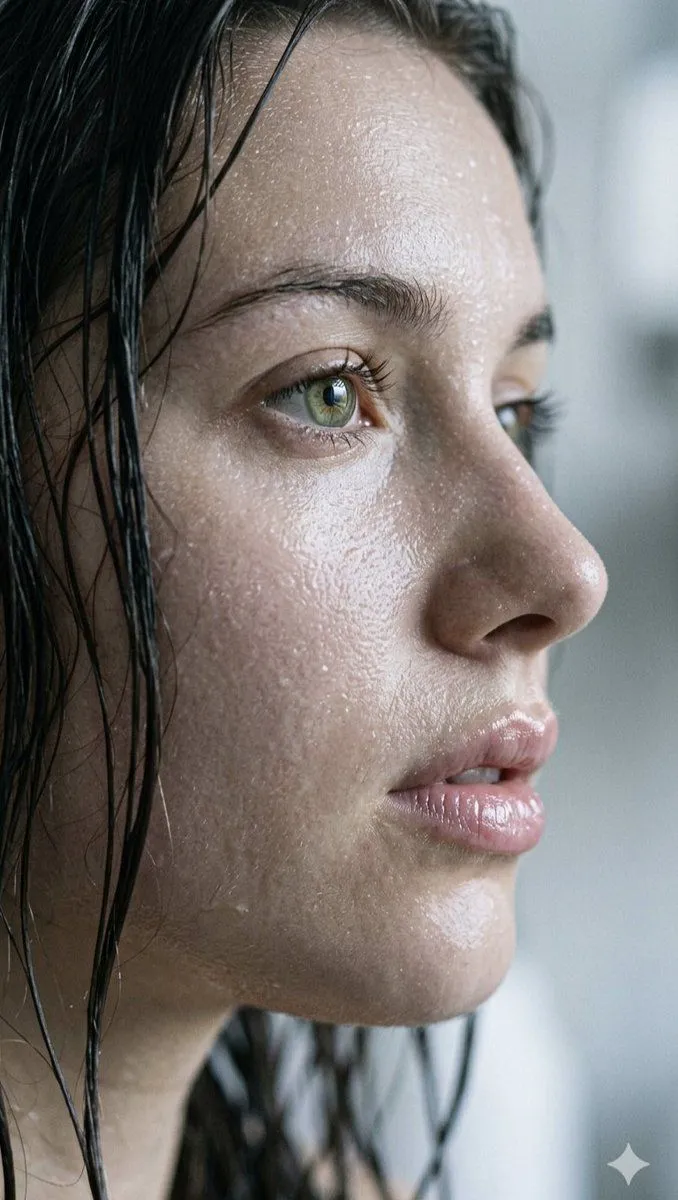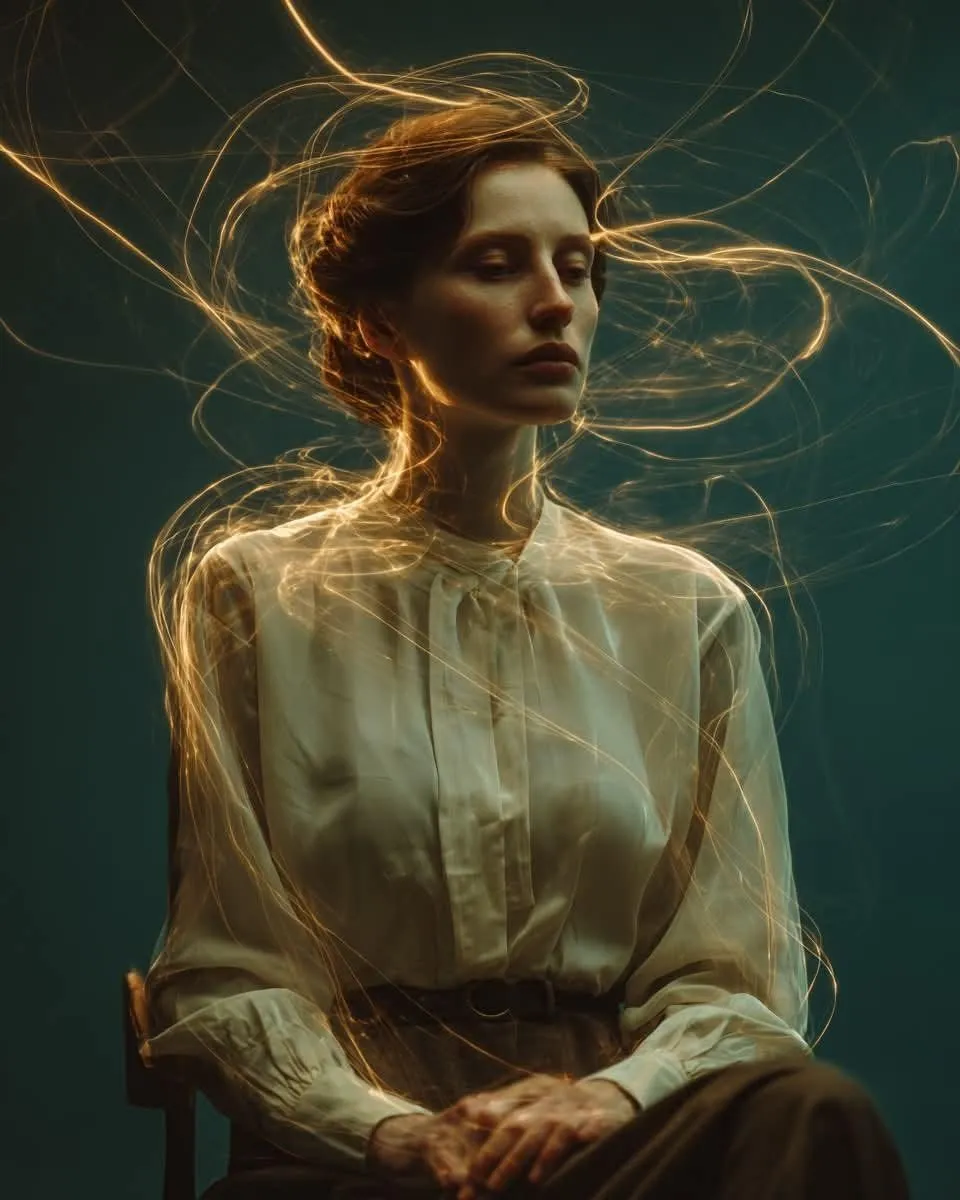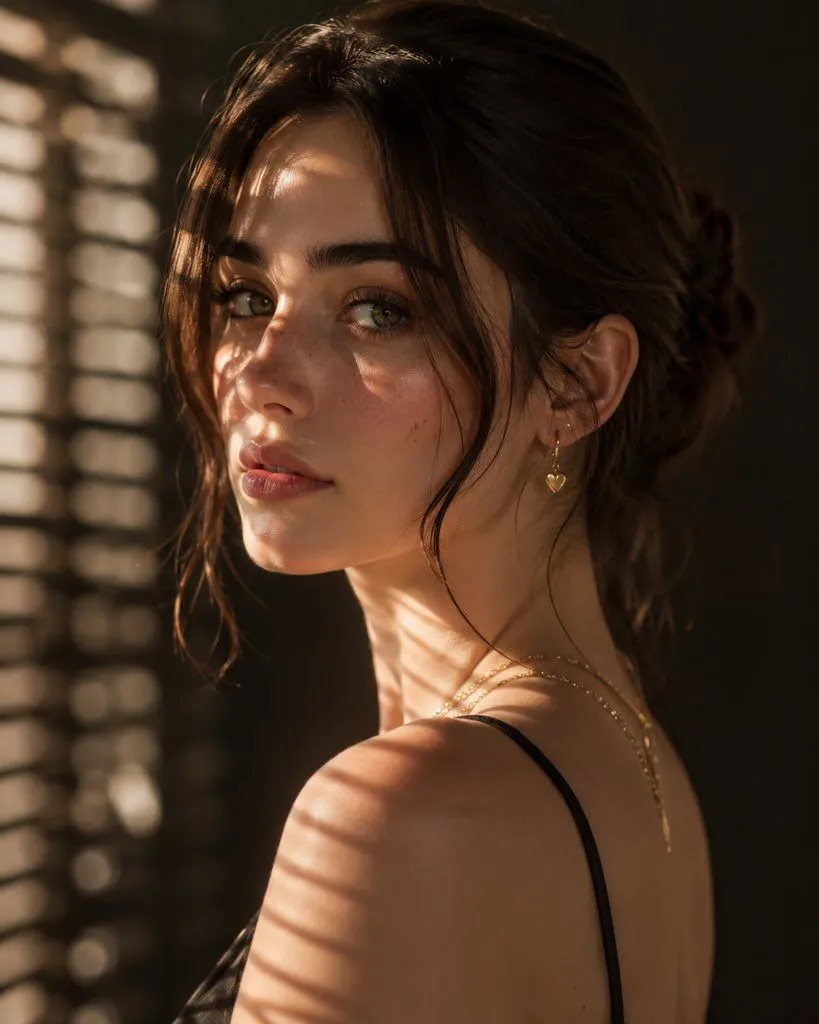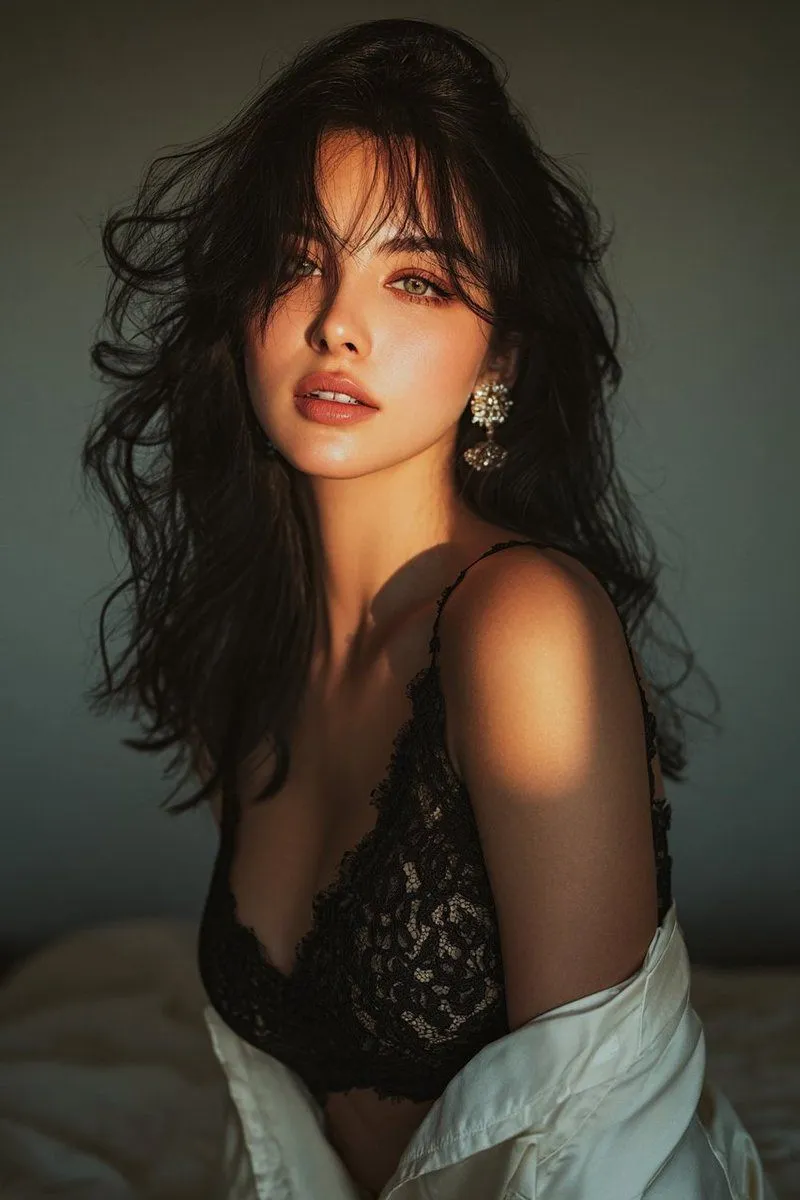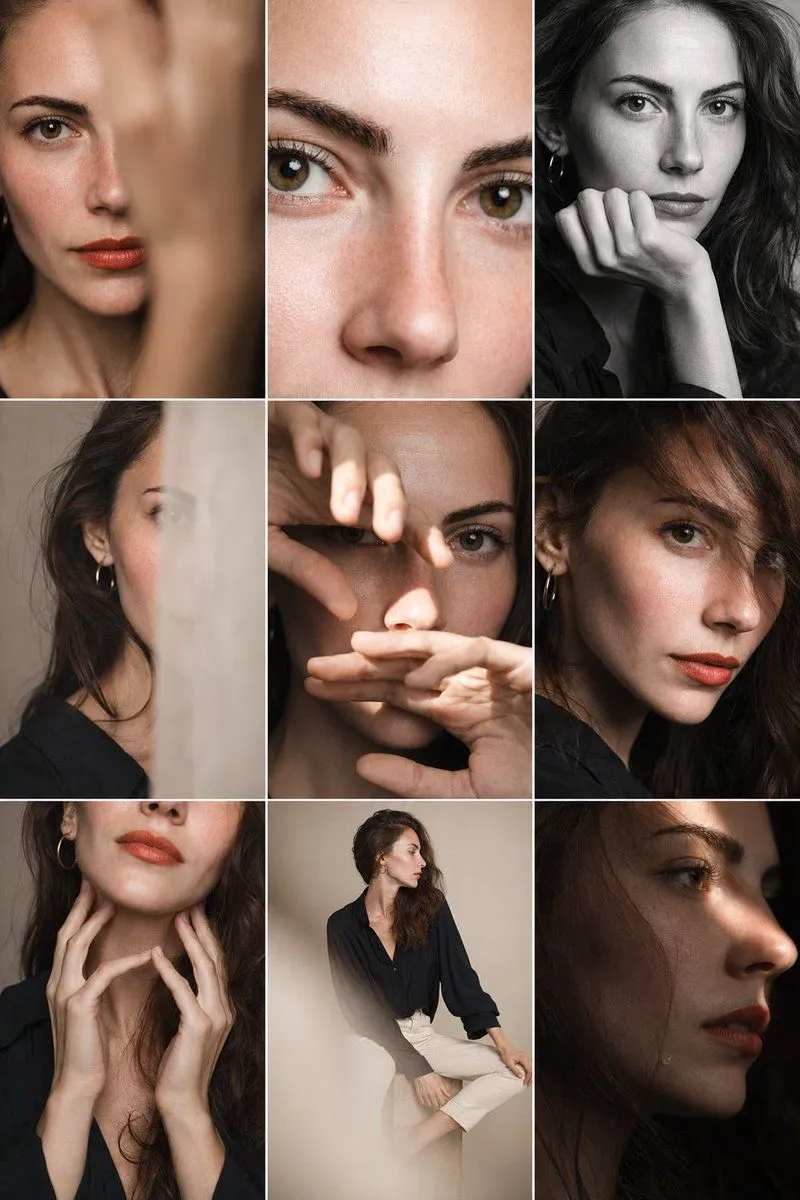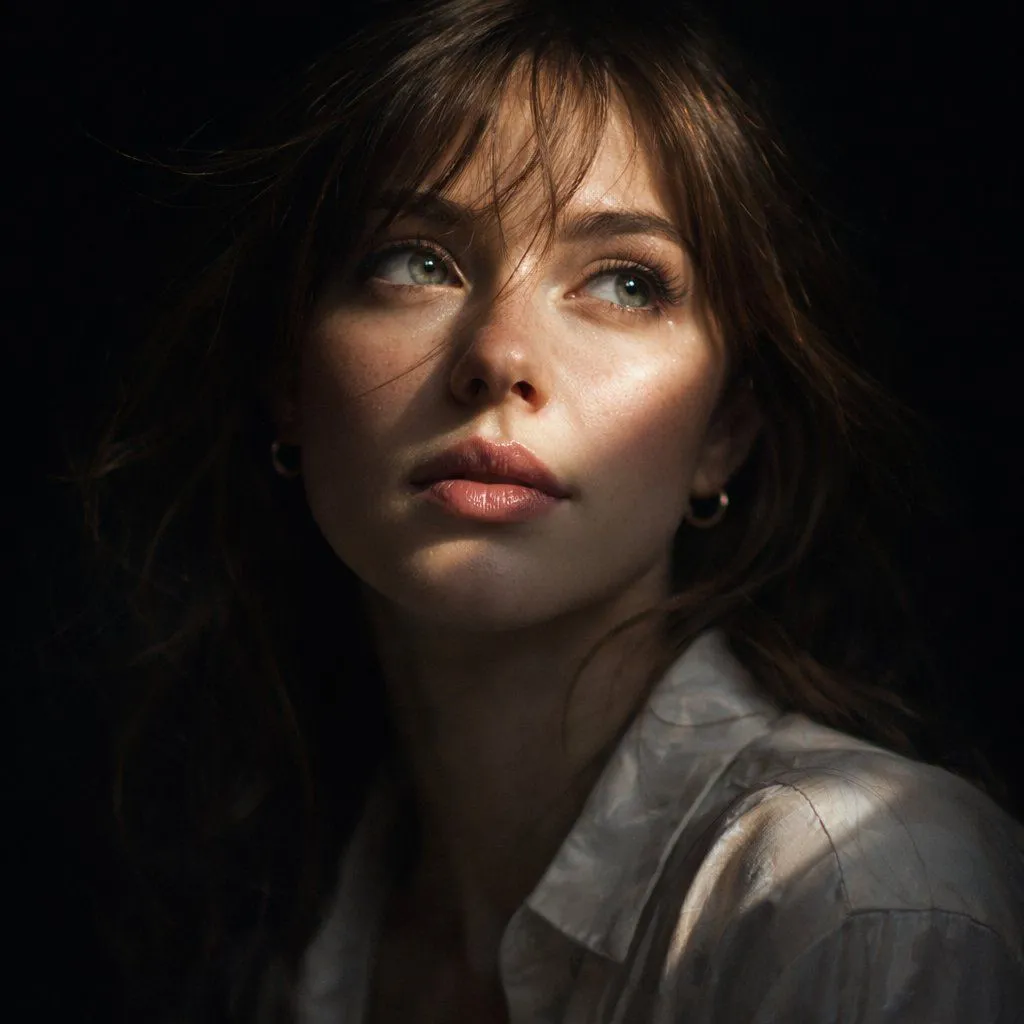
Made with GPT Image 2 in ChatGPT by Library Avatars. Promptclay never generates images.
Cinematic Chiaroscuro Portrait
Prompt
2 blanks to fillCreate an ultra-realistic cinematic 8K close-up portrait of a {subject} with {hair_color}, slightly wind swept, with loose strands falling across her face. She looks upward and to the right with striking light-colored eyes. A sharp diagonal beam of natural light cuts across her cheekbone, nose, eyes, and glossy mauve lips, while the rest of her face and the background fall into deep dramatic shadow for a strong chiaroscuro effect. Keep the mood mysterious, quiet, and introspective. Show fine skin texture, visible hair strands, subtle reflections in the eyes and lips, and soft detail in a lightweight white silk shirt and dark shoulder shadow. Use shallow depth of field, cinematic contrast, photorealistic detail, and a square portrait composition.
Preview of your prompt
Create an ultra-realistic cinematic 8K close-up portrait of a beautiful adult woman with medium brown hair, slightly wind swept, with loose strands falling across her face. She looks upward and to the right with striking light-colored eyes. A sharp diagonal beam of natural light cuts across her cheekbone, nose, eyes, and glossy mauve lips, while the rest of her face and the background fall into deep dramatic shadow for a strong chiaroscuro effect. Keep the mood mysterious, quiet, and introspective. Show fine skin texture, visible hair strands, subtle reflections in the eyes and lips, and soft detail in a lightweight white silk shirt and dark shoulder shadow. Use shallow depth of field, cinematic contrast, photorealistic detail, and a square portrait composition.
DetailsVersions, settings and questions
Written for
What's in the prompt
- Subject
- Model
- GPT Image 2
If your face changes
keep my face exactly the sameQuestions
- Does this work in the ChatGPT app?
- Yes. Paste the prompt and attach your photo if it uses one.
- It changed my face. What do I do?
- Add "keep my face exactly the same" to the end and run it again.
- Can I use the images I make?
- Check the terms of the app you use. Promptclay never generates images and claims nothing you make.