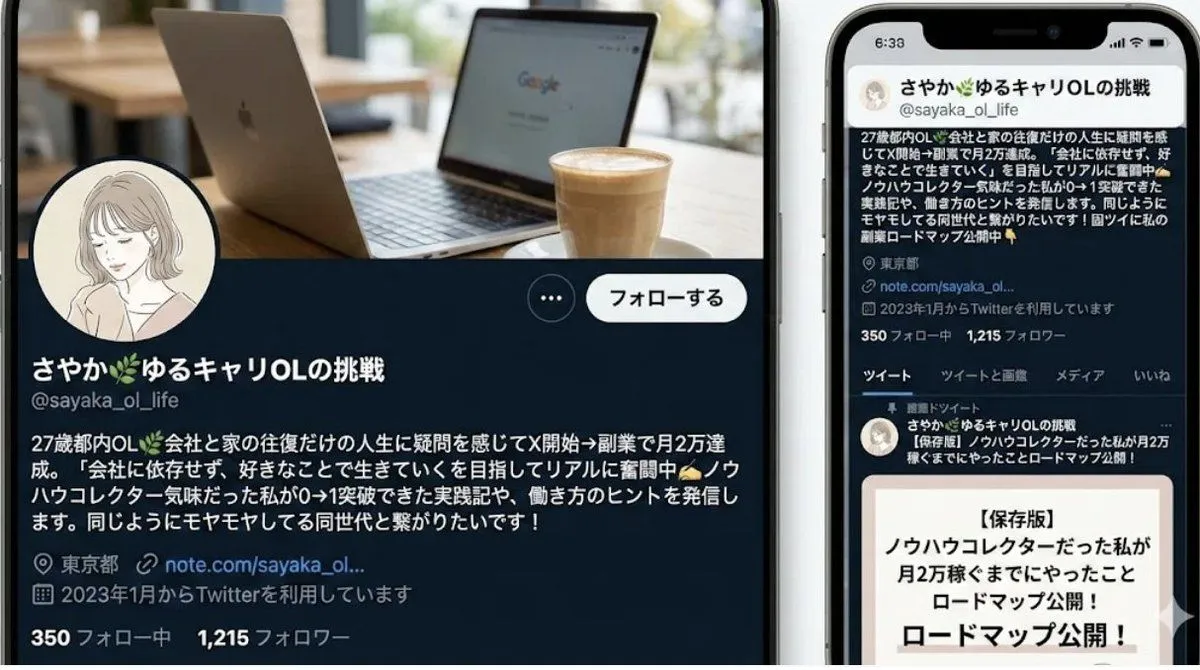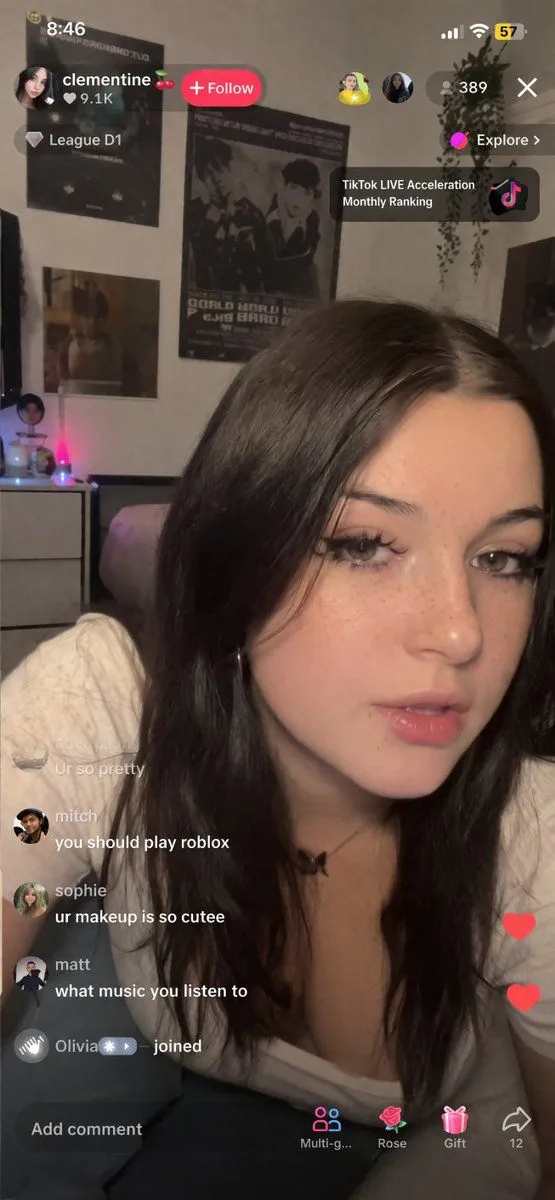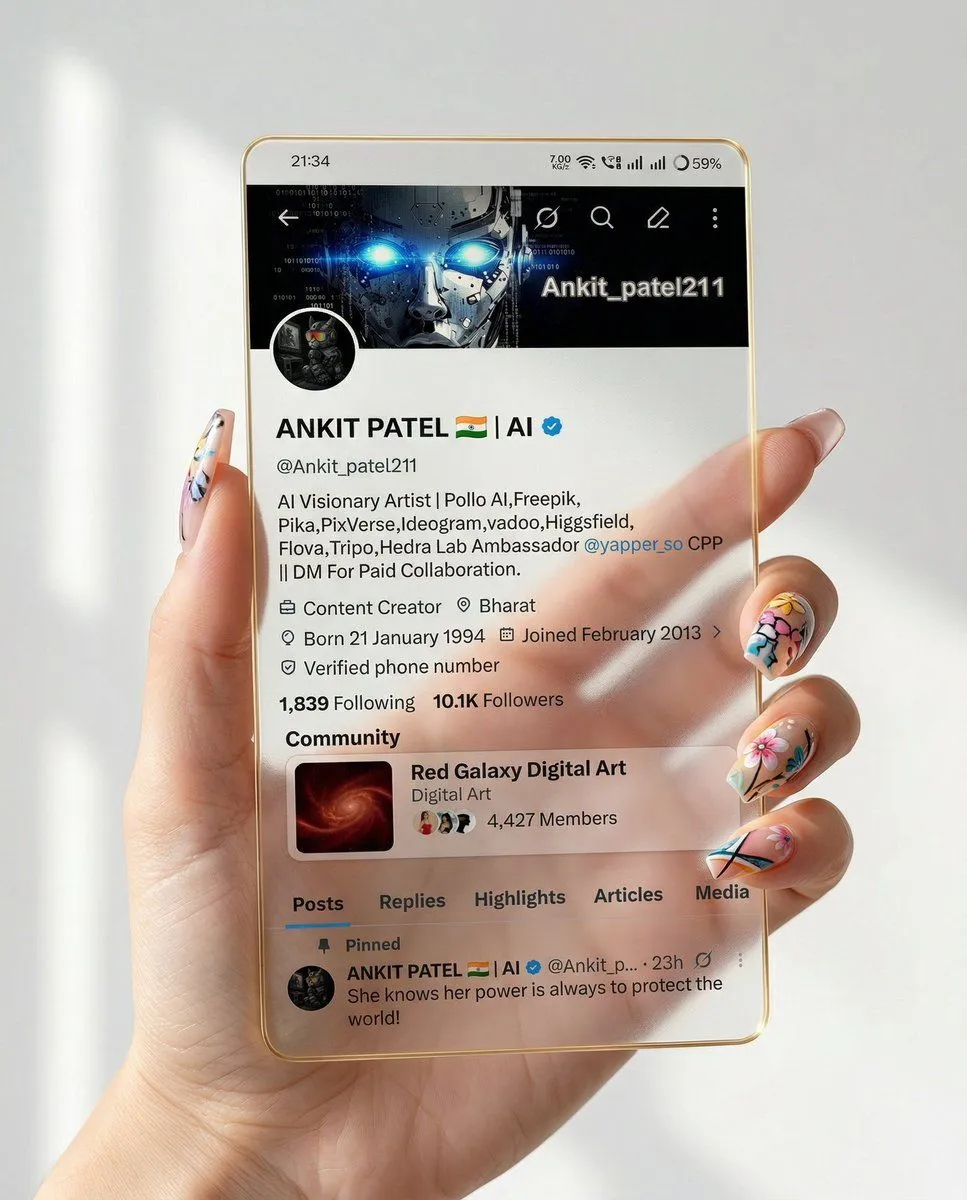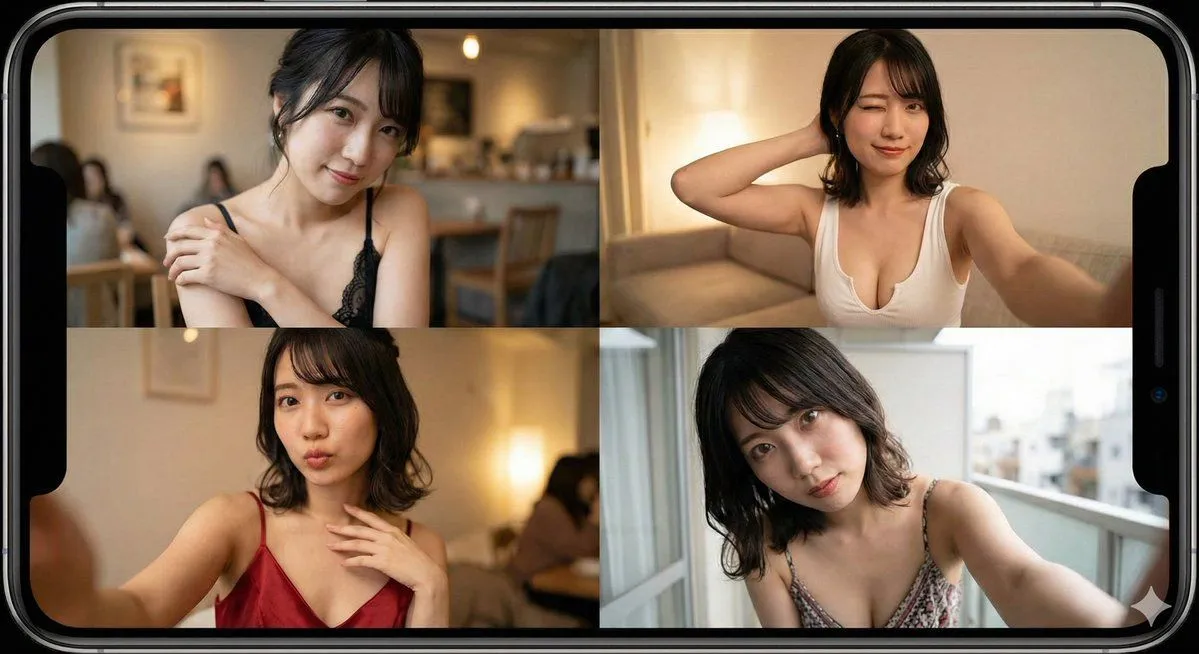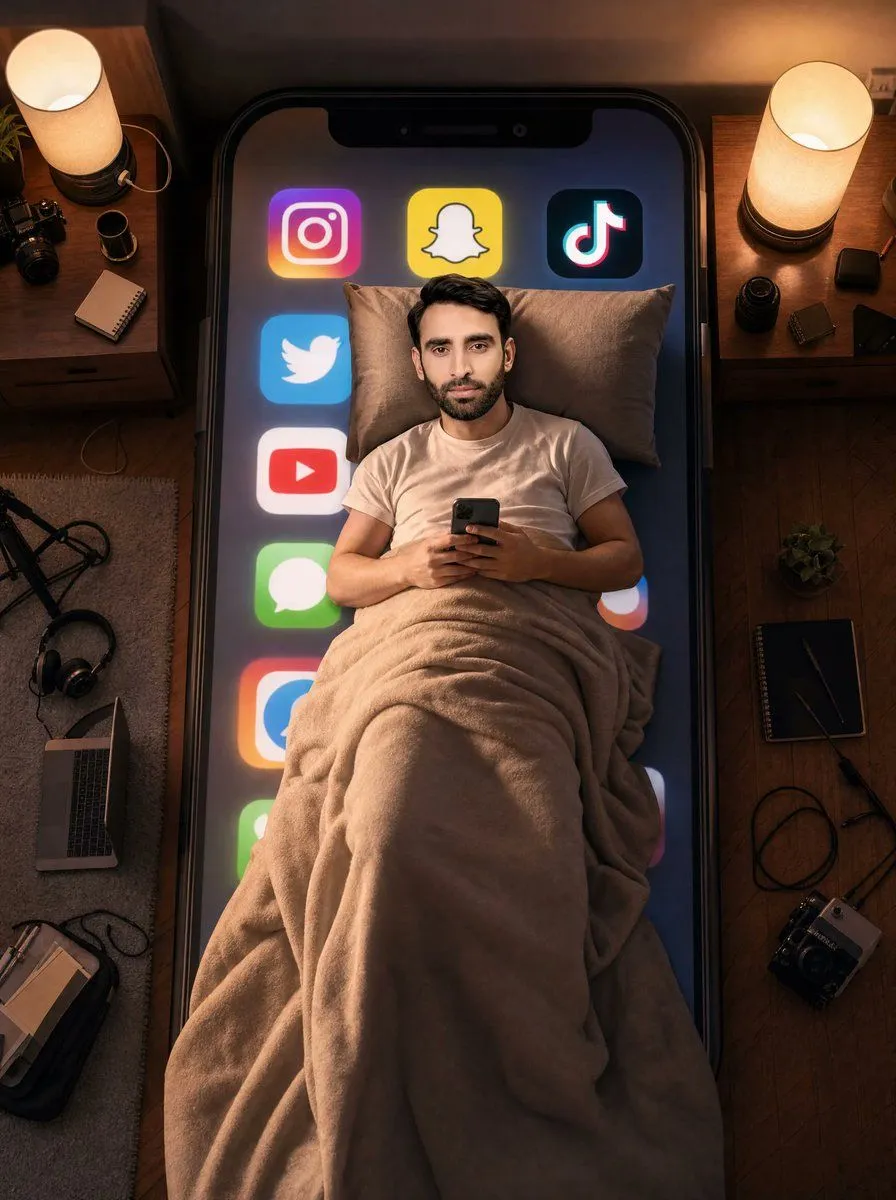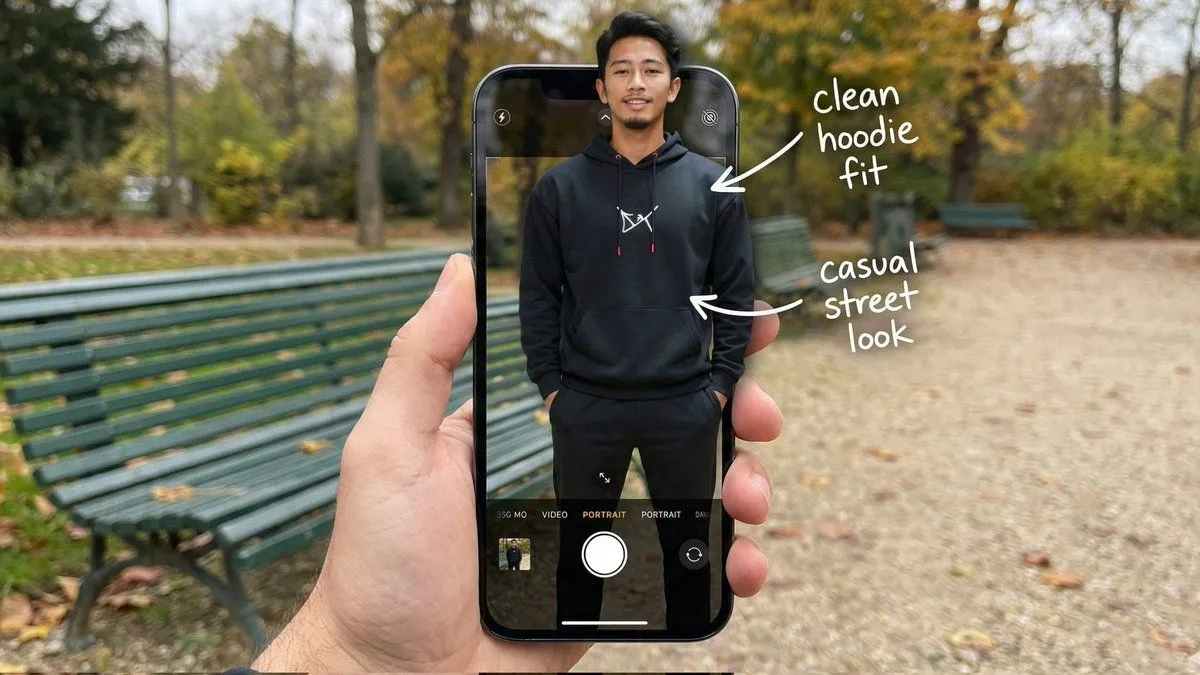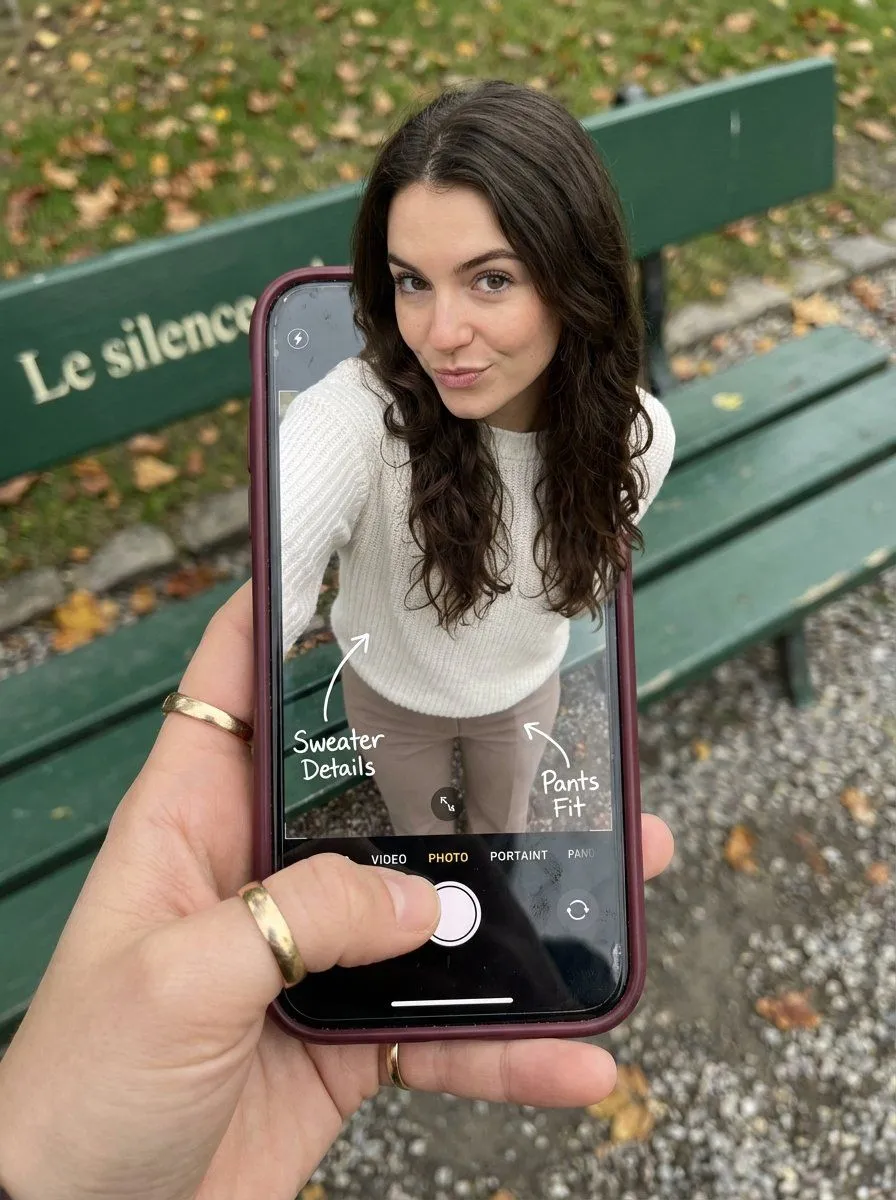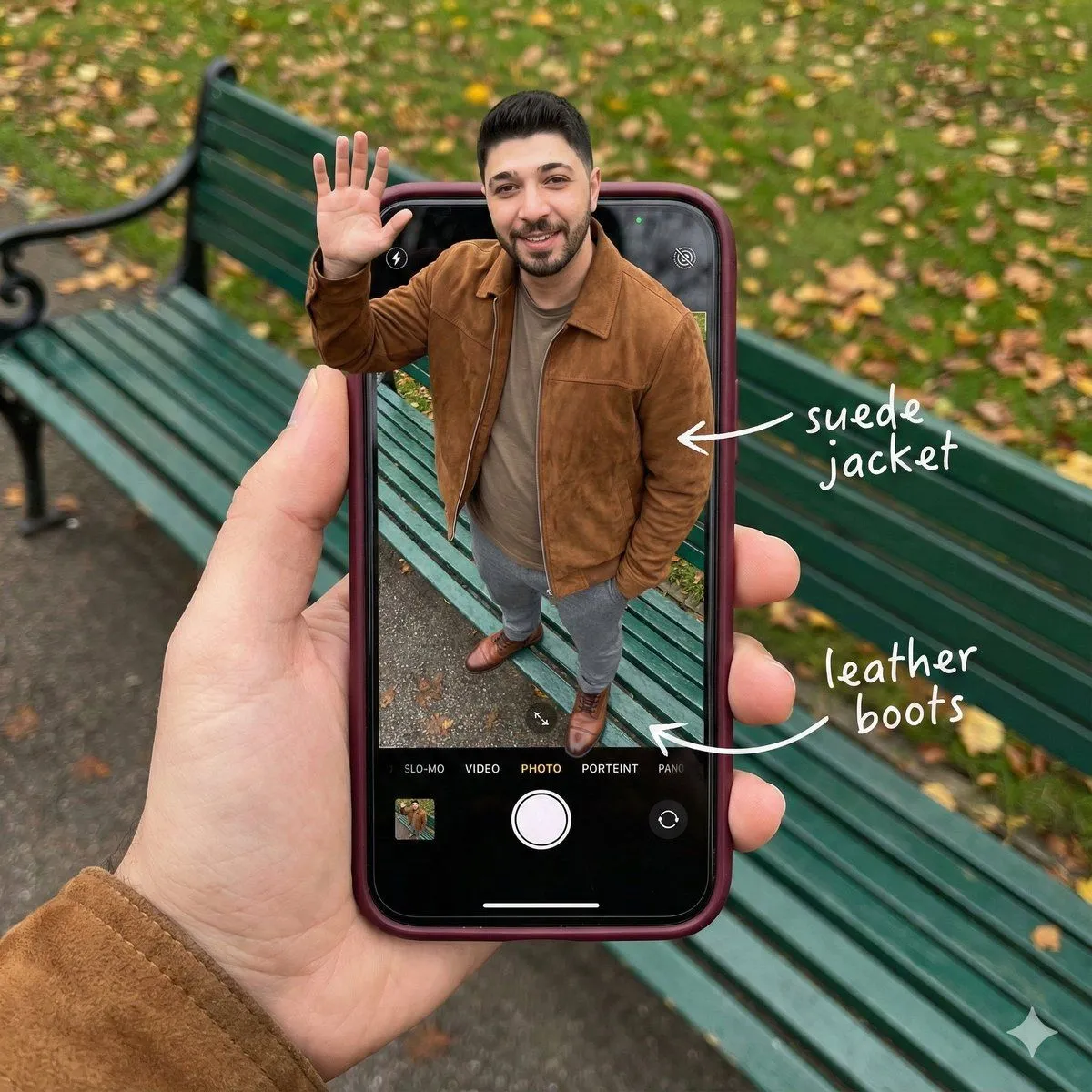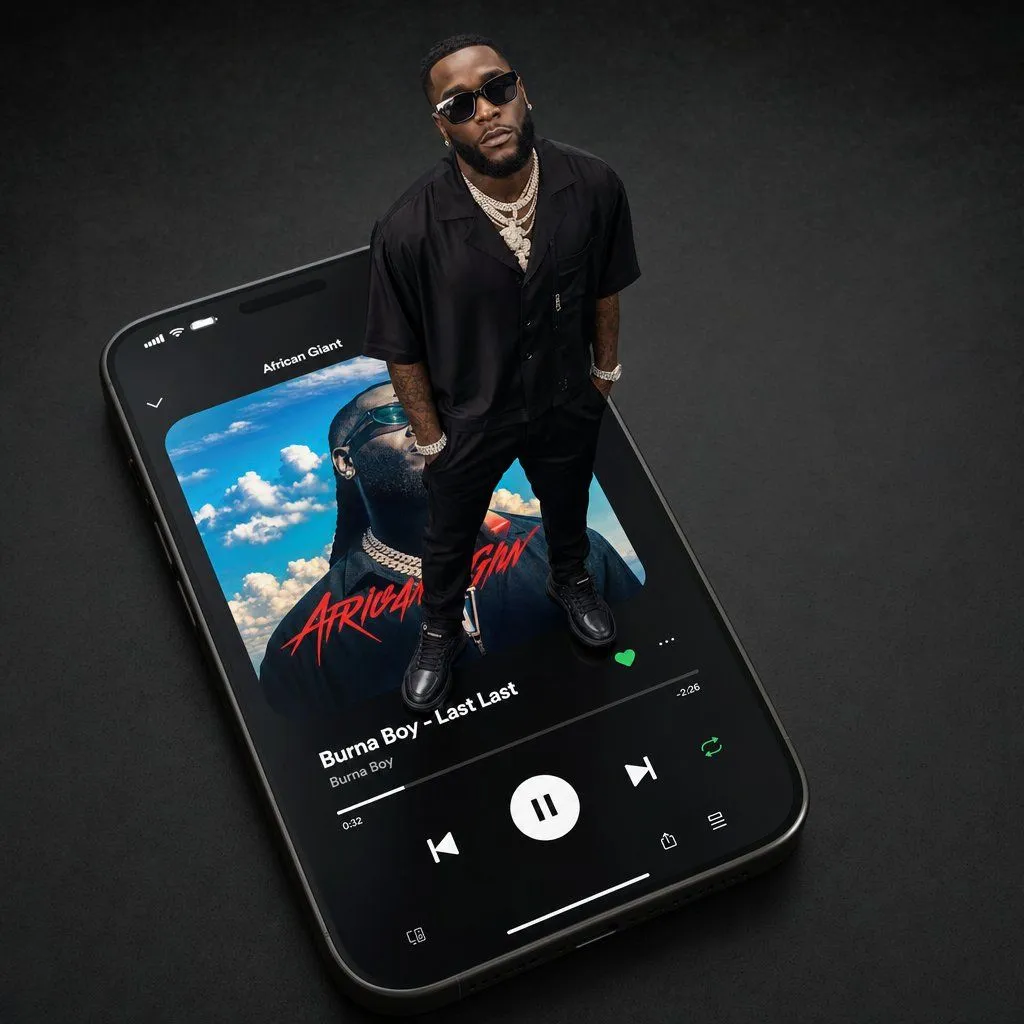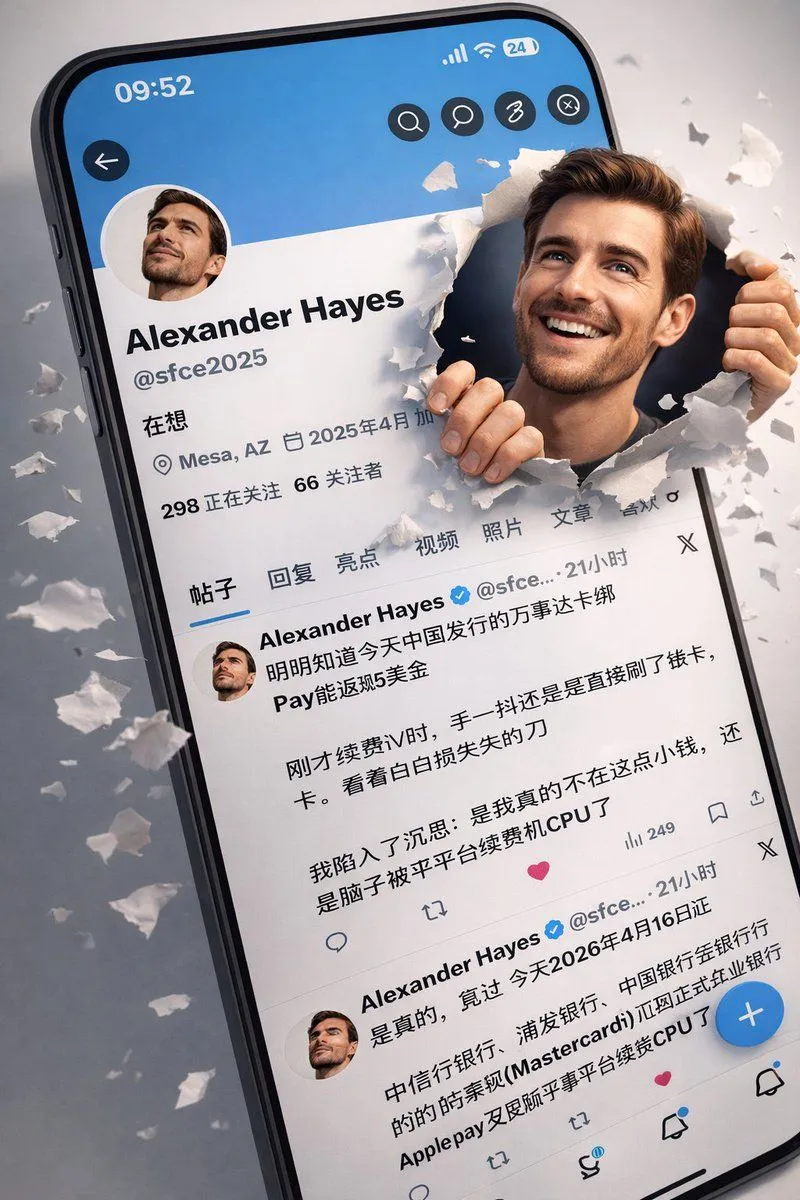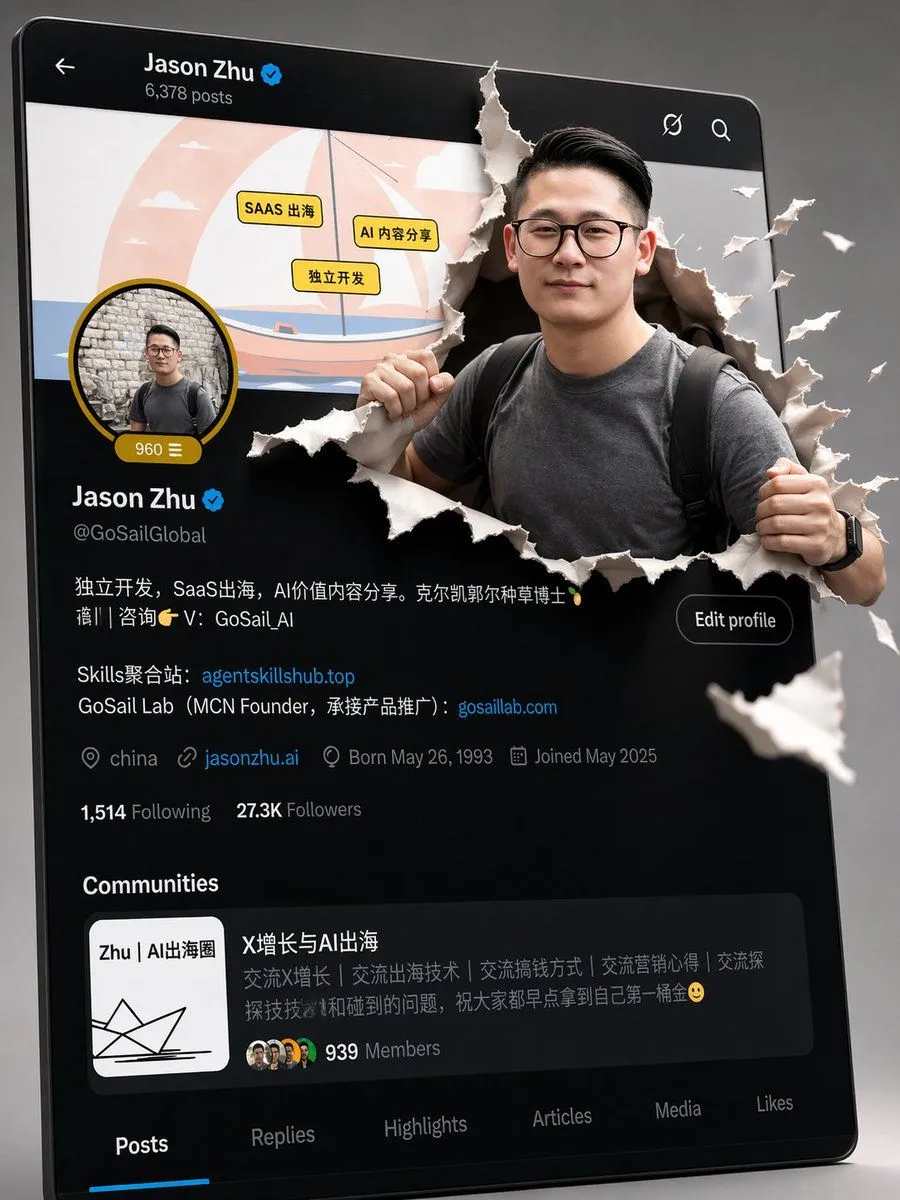
Made with GPT Image 2 in ChatGPT, collected by Library Brand. Promptclay never generates images.
Did it work?
No reports yet. Tell others if it worked for you.
Cross-Device Social Media Feed
Prompt
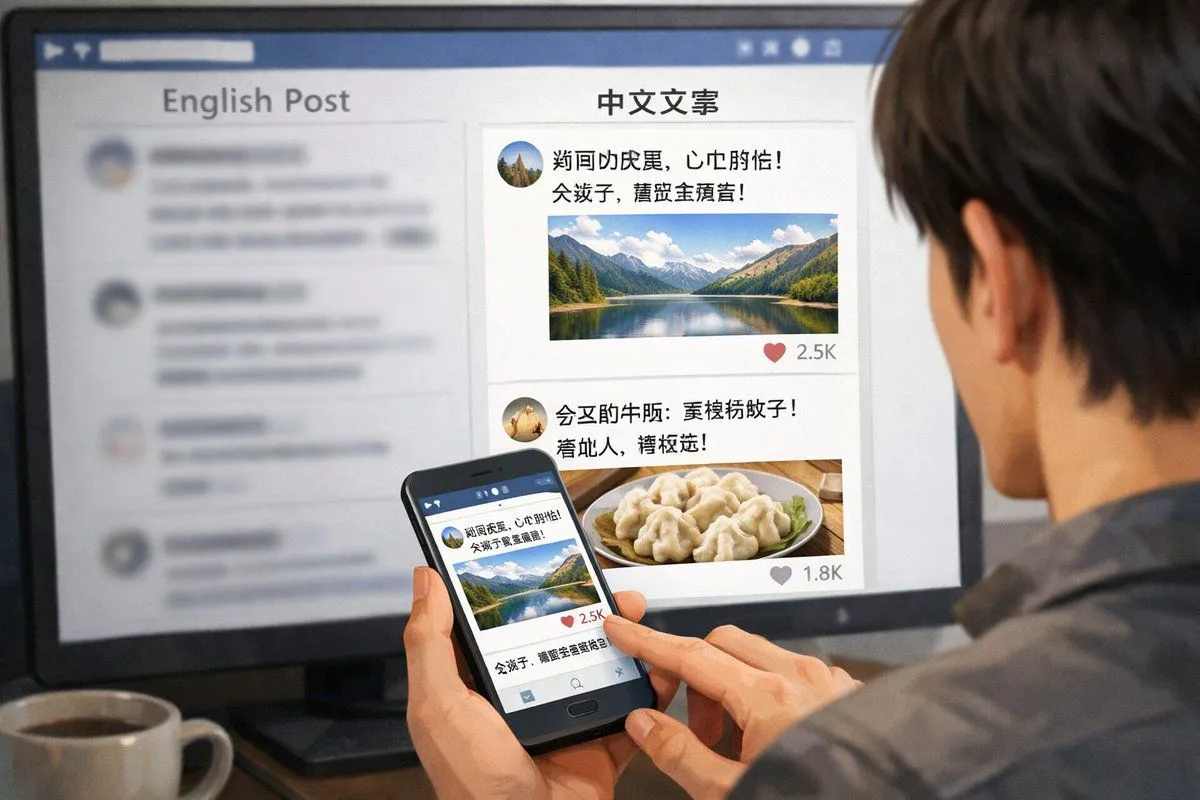
5 blanks to fillA realistic over-the-shoulder shot of a person with dark hair wearing a grey shirt, sitting at a desk and looking at a large computer monitor while holding a black smartphone. On the desk in the bottom left corner is a {drink_on_desk}. The monitor displays a split-screen social media interface. The left column has the header "{left_column_header}" with blurred-out feed items below it. The right column is in sharp focus with the header "{right_column_header}". Below this right header are 2 distinct social media posts: the top post features an avatar, pseudo-Chinese text, {first_post_image}, and a heart icon with "2.5K"; the bottom post features an avatar, pseudo-Chinese text, {second_post_image}, and a heart icon with "1.8K". The person is holding the smartphone in their left hand and tapping the screen with their right index finger. The phone screen displays the exact same mountain lake social media post seen on the monitor. The image has a shallow depth of field, blurring the left side of the screen to emphasize the right column and the phone.
Preview of your prompt
A realistic over-the-shoulder shot of a person with dark hair wearing a grey shirt, sitting at a desk and looking at a large computer monitor while holding a black smartphone. On the desk in the bottom left corner is a white mug filled with black coffee. The monitor displays a split-screen social media interface. The left column has the header "English Post" with blurred-out feed items below it. The right column is in sharp focus with the header "中文文案". Below this right header are 2 distinct social media posts: the top post features an avatar, pseudo-Chinese text, a landscape photo of a mountain lake, and a heart icon with "2.5K"; the bottom post features an avatar, pseudo-Chinese text, a photo of dumplings on a plate, and a heart icon with "1.8K". The person is holding the smartphone in their left hand and tapping the screen with their right index finger. The phone screen displays the exact same mountain lake social media post seen on the monitor. The image has a shallow depth of field, blurring the left side of the screen to emphasize the right column and the phone.
DetailsVersions, settings and questions
Written for
What's in the prompt
- Subject
- Model
- GPT Image 2
If your face changes
keep my face exactly the sameQuestions
- Does this work in the ChatGPT app?
- Yes. Paste the prompt and attach your photo if it uses one.
- It changed my face. What do I do?
- Add "keep my face exactly the same" to the end and run it again.
- Can I use the images I make?
- Check the terms of the app you use. Promptclay never generates images and claims nothing you make.