Tell us anything

An idea, a bug, something you love. We read every note.

⌘↵ to send. The page you're on comes along.

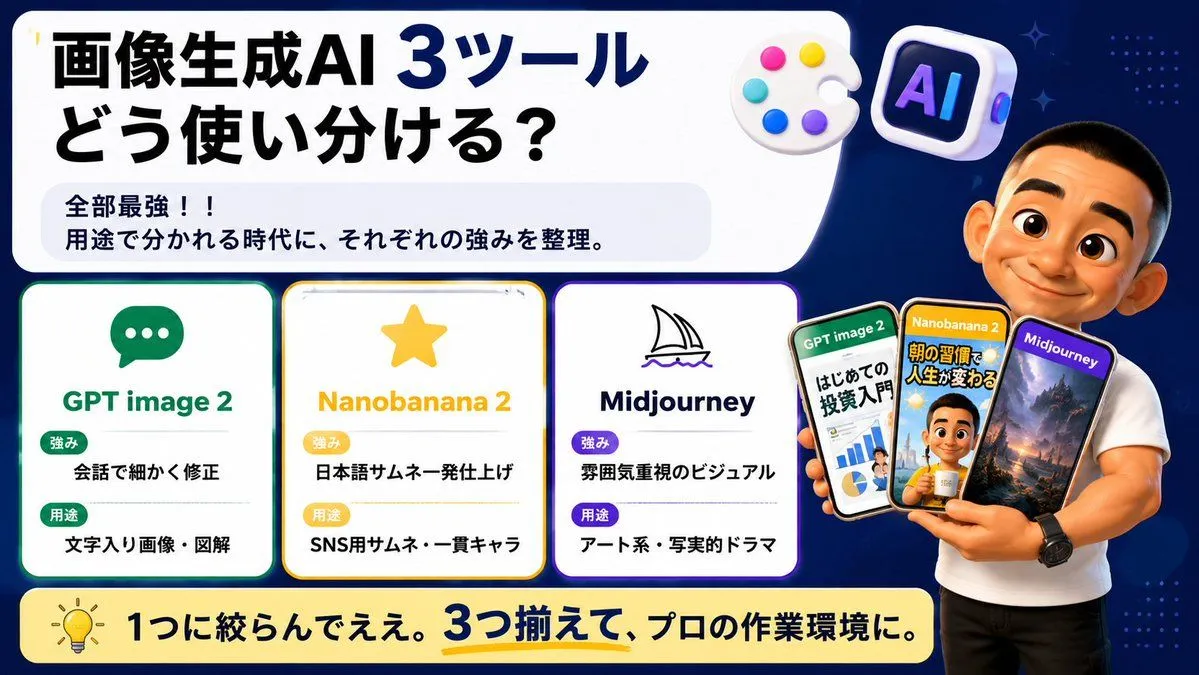
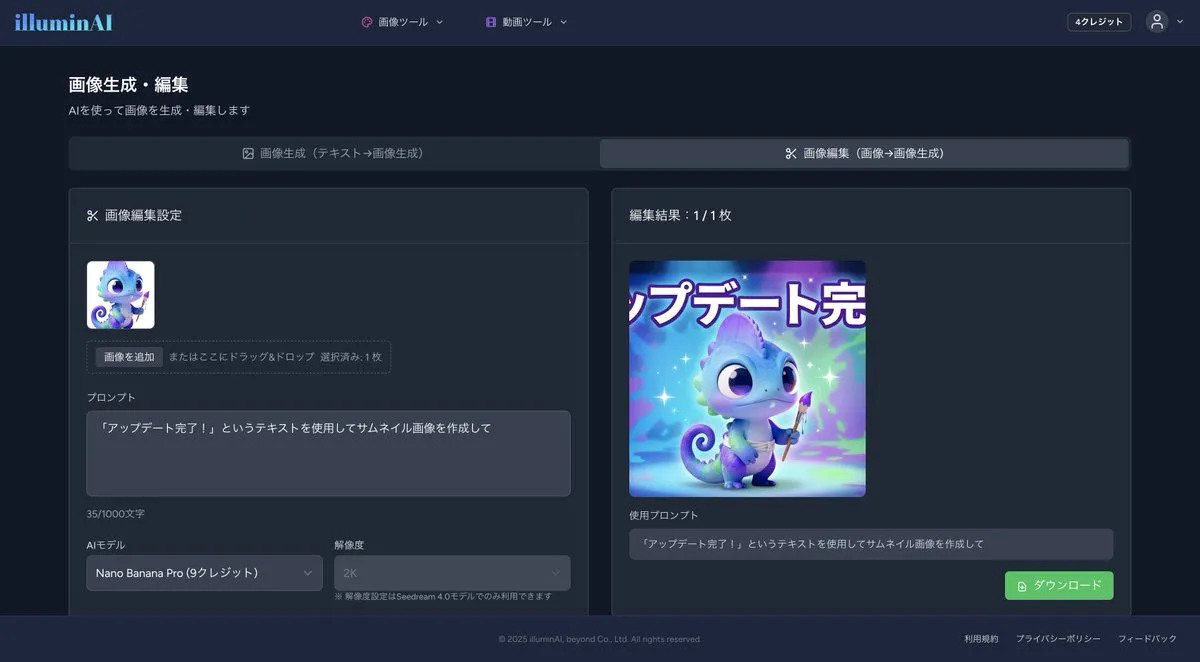
Creating a Thumbnail Image with Text Overlay

Made with Nano Banana Pro in Gemini by Library Social. Promptclay never generates images.

Did it work?

No reports yet. Tell others if it worked for you.

No comments yet. Be the first.

    Creating a Thumbnail Image with Text Overlay

    Nano Banana Pro16:9AI-generated

    Prompt

    1 blank to fill

    Create a thumbnail image using the text "{text}"

    Works in
    Gemini, ChatGPT
    Status
    Free to copy
    0
    DetailsVersions, settings and questions

    Written for

    What's in the prompt

    Subject
    Model
    Nano Banana Pro

    If your face changes

    keep my face exactly the same

    Questions

    Does this work in the Gemini app?
    Yes. Gemini runs Nano Banana, so paste the prompt and attach your photo if it uses one.
    It changed my face. What do I do?
    Add "keep my face exactly the same" to the end and run it again.
    Can I use the images I make?
    Check the terms of the app you use. Promptclay never generates images and claims nothing you make.
    Similar prompts

    See more
    • Anime TCG Card Illustration Prompt
    • Dark AI Generation Dashboard Screenshot
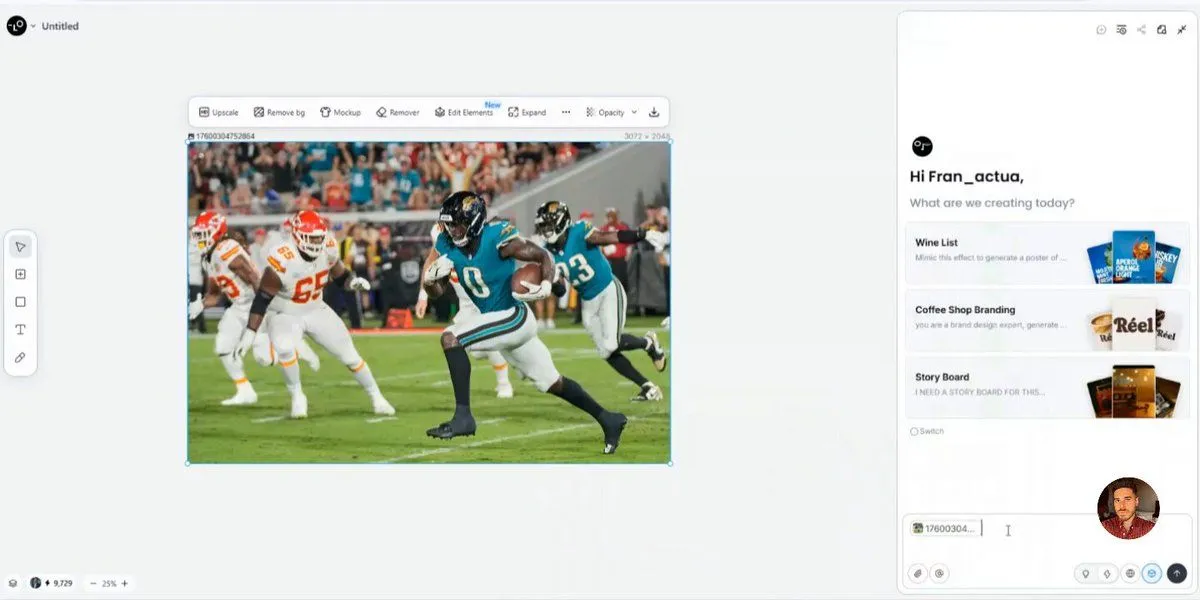
    • AI Image Generator UI Mockup
    • Infographic Generation from Images and Text using Nano Banana Pro
    • Anime Announcement Poster Template
    • AI Artifact Removal Instruction
    • Various playful test prompts for Nano Banana
    • 12-Panel Sticker/Emoji Grid Generation Prompt
    • Exploded View Disassembly of Apple Watch Ultra and iPhone
    • Generating Hollywood Detective Scene Images with Character Reference
    • Generating Purikura-style Photos with Animals using GPT Image 1.5
    • Generating Prompts from Reference Images with Nano Banana Pro
    • System Prompt for Nano Banana Pro Image Prompt Deconstruction
    • Thumbnail text overlay based on attachment
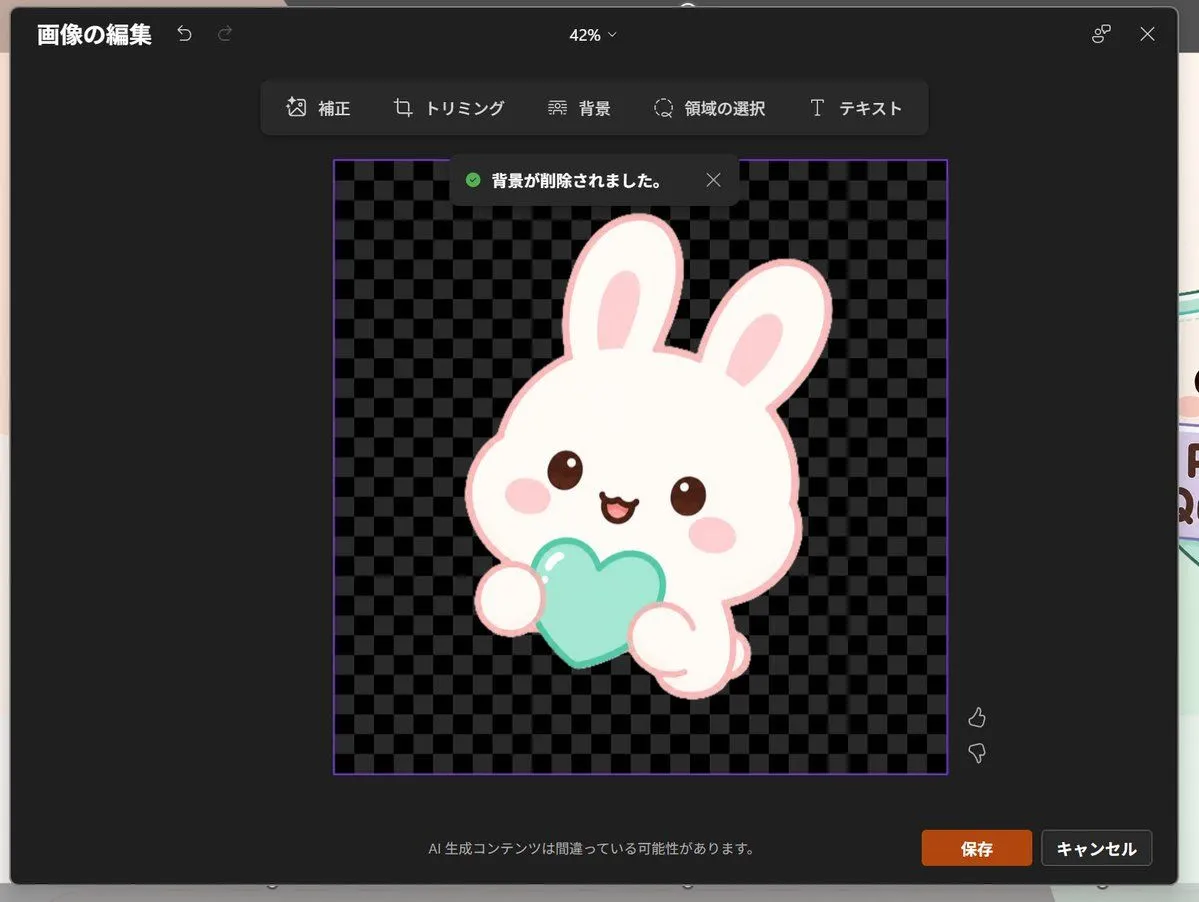
    • Japanese PowerPoint Bunny Icon Editor
    • Cartoon version of an existing image
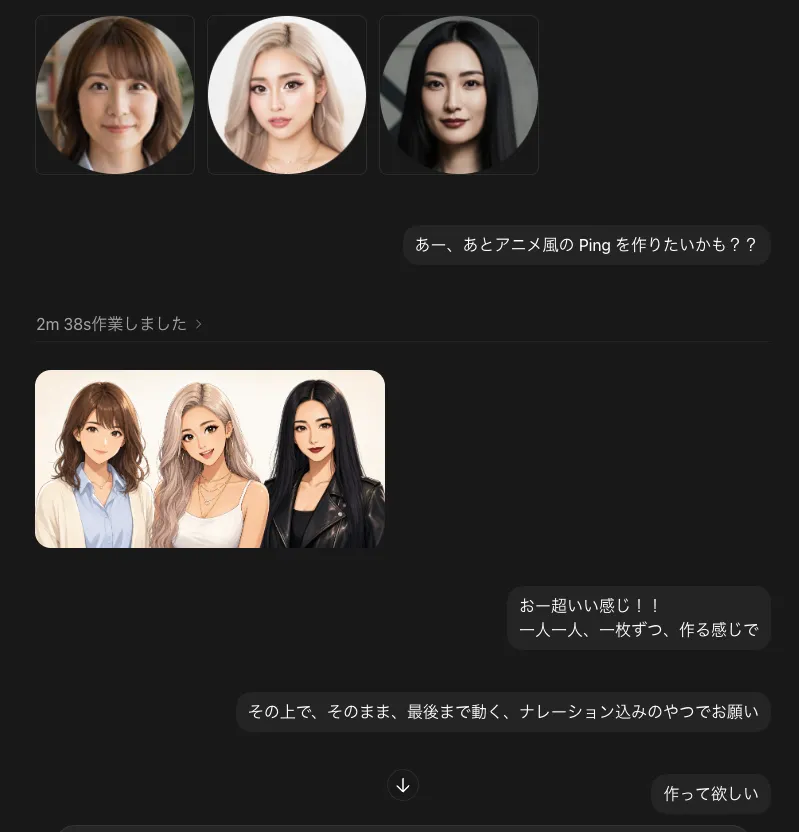
    • Dark Chat UI Anime Conversion Screenshot
    • Japanese AI Tool Comparison Thumbnail
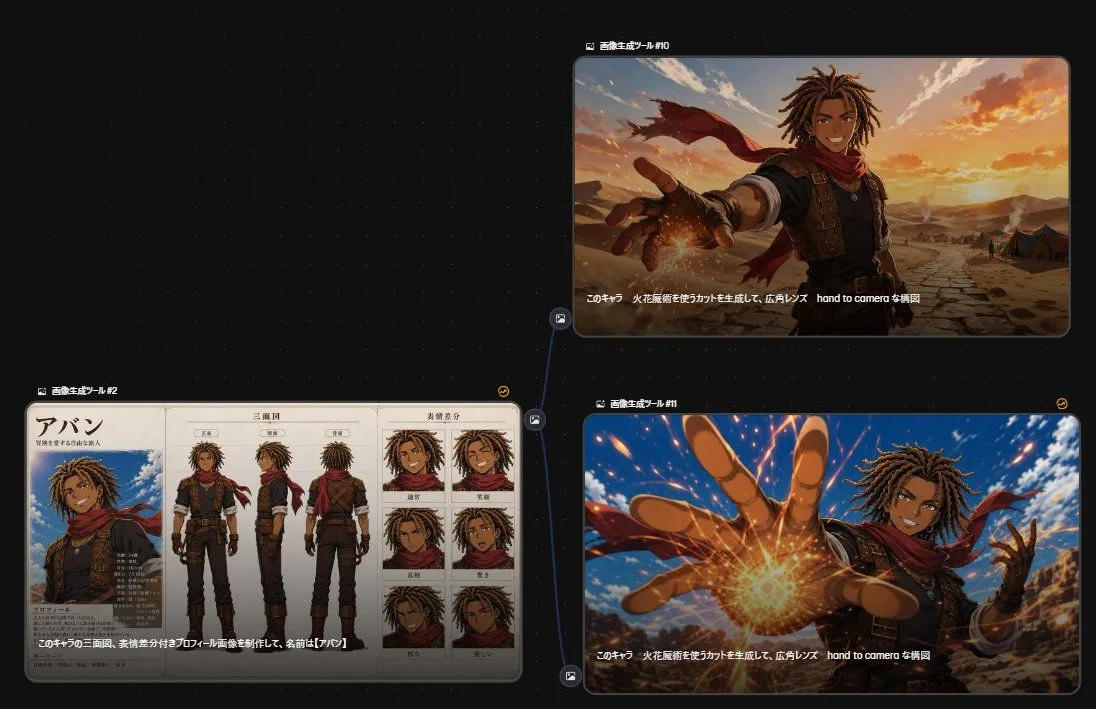
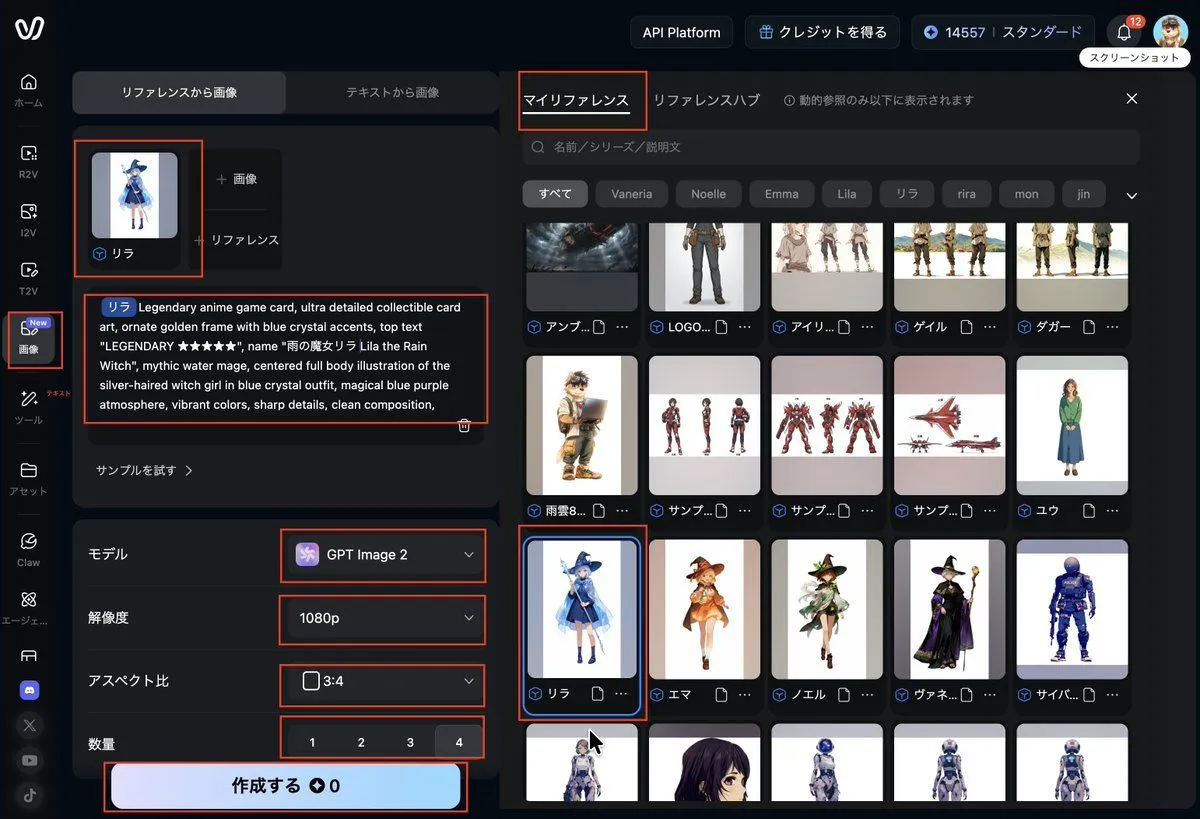
    • Anime Character Generation Workflow
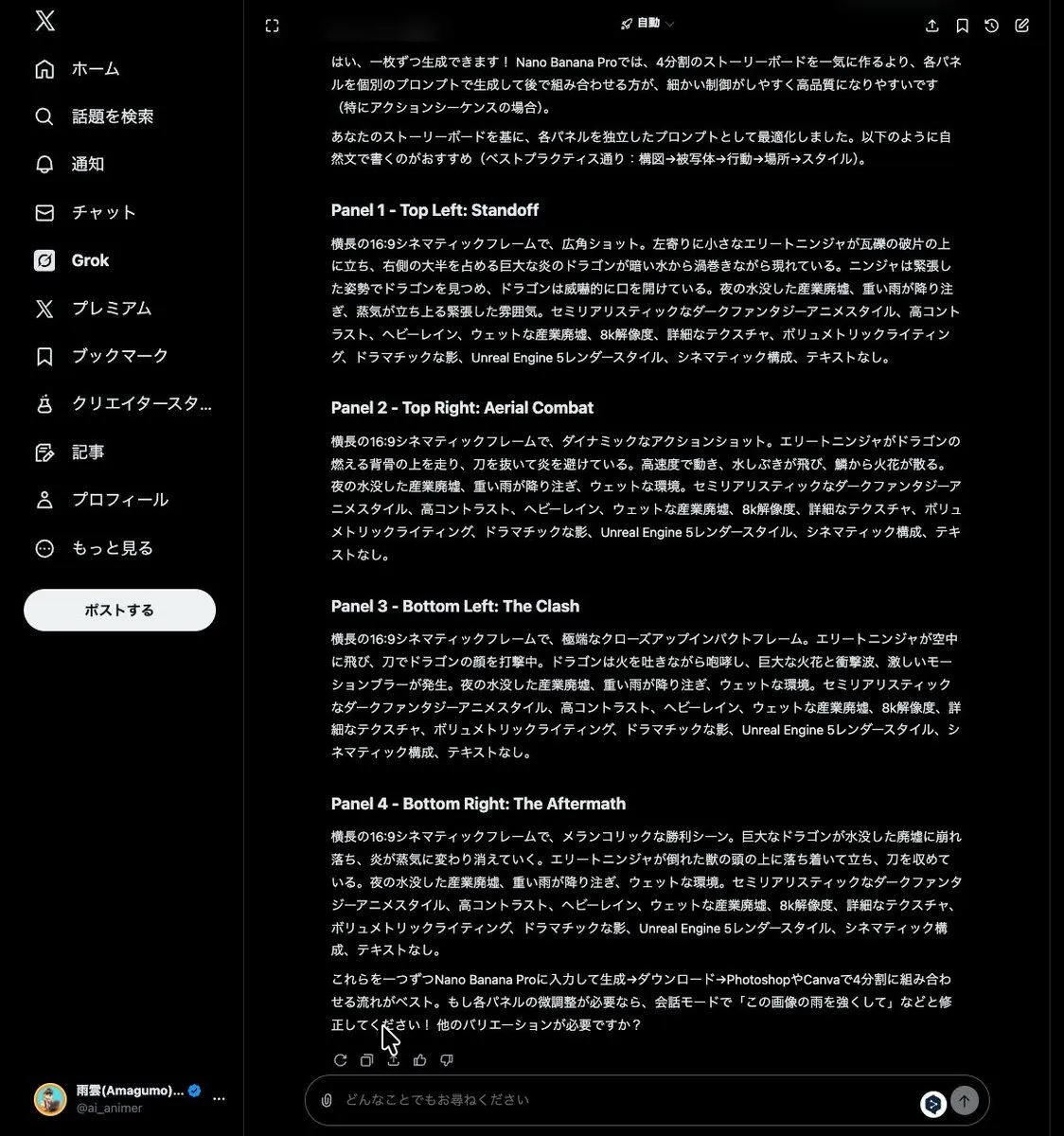
    • Grok Instruction for Generating Nano Banana Pro Image Prompts
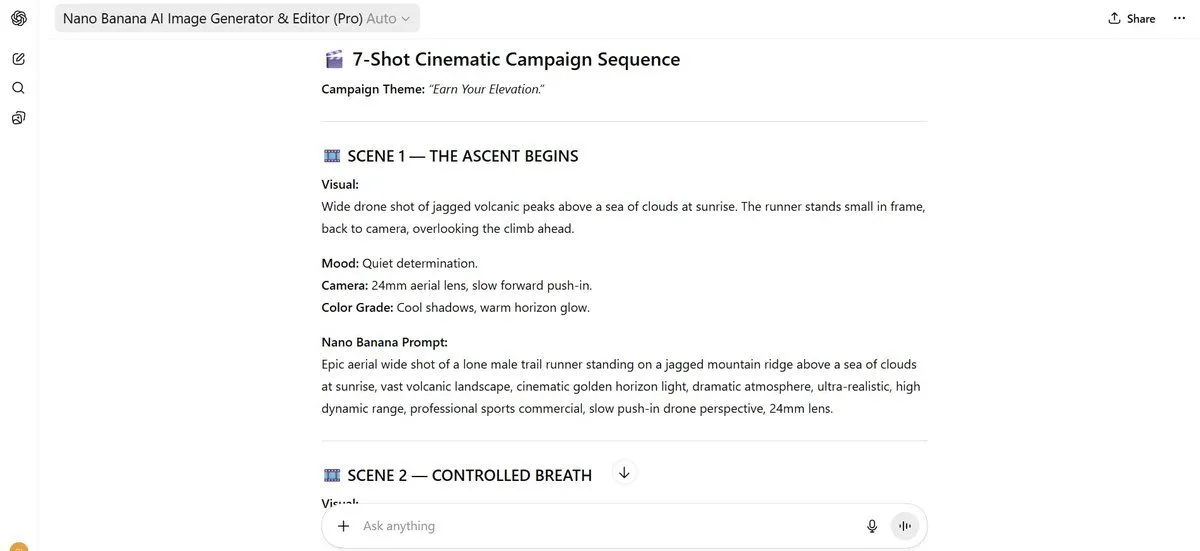
    • 7-Shot Cinematic Campaign Sequence Prompt
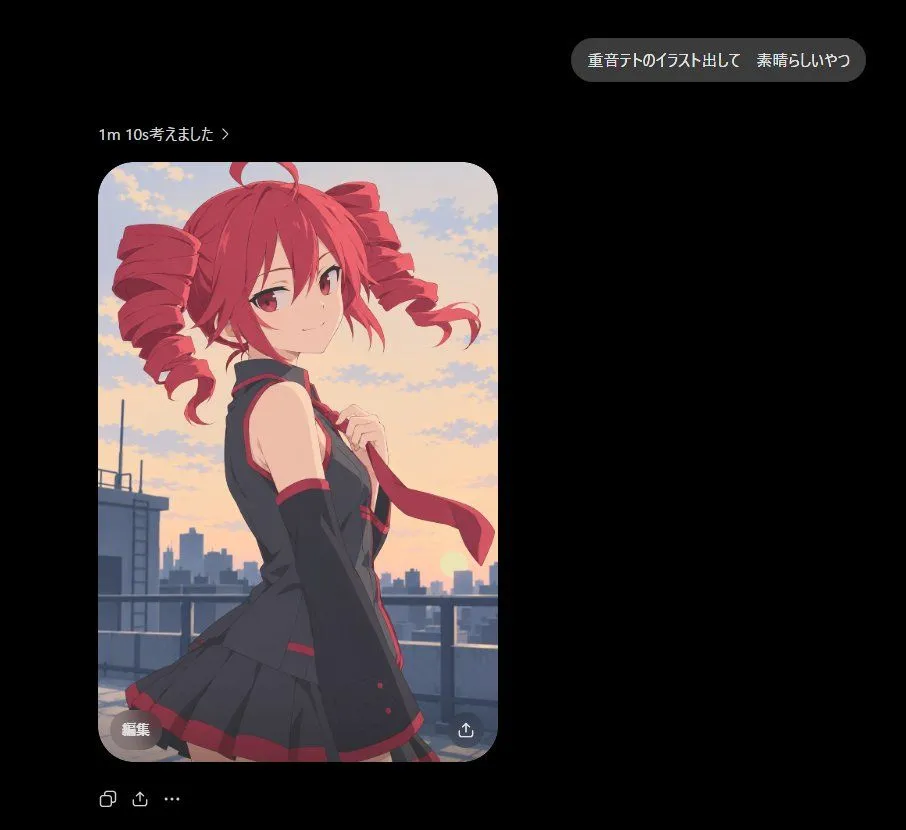
    • Dark Chat Anime Generation Screenshot
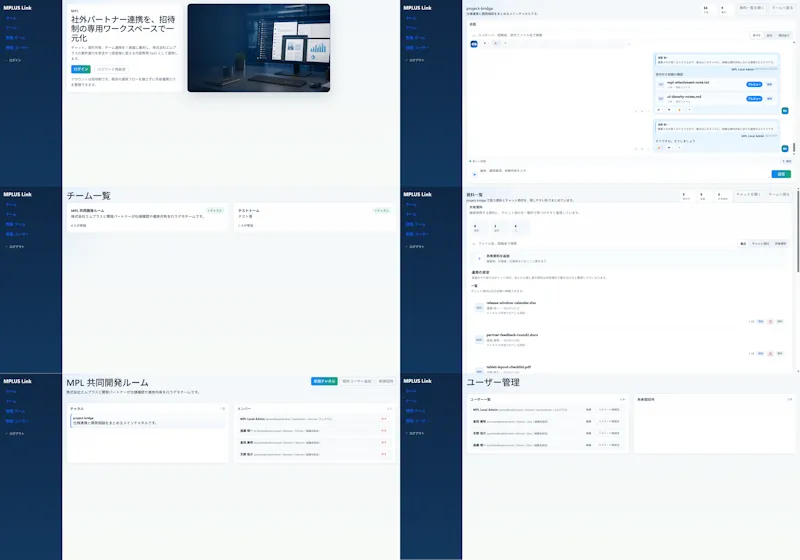
    • Modern MPLUS Link UI Redesign
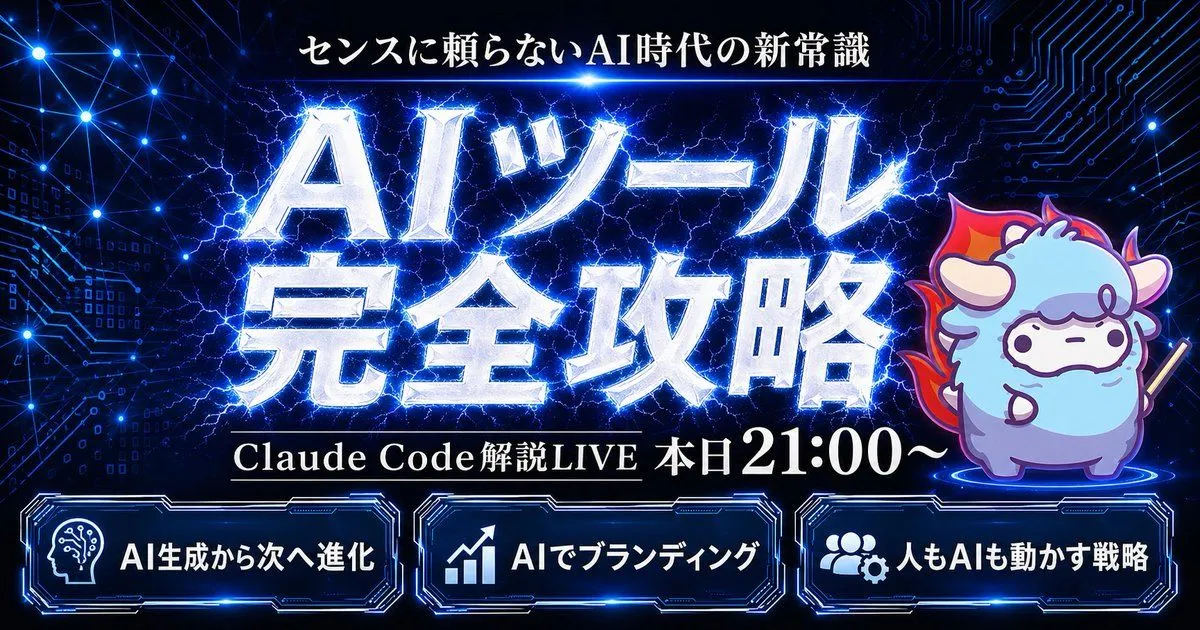
    • Cyber AI Webinar Thumbnail

    Show more

    Run it on your phone

    1. Prompt copiedRead it

      Create a thumbnail image using the text "{text}"

    2. Open your app

    3. Paste and run

      Press and hold the message box, then tap Paste. Add your photo first if the prompt uses one. You may need to sign in.

    Creating a Thumbnail Image with Text Overlay