Tell us anything

An idea, a bug, something you love. We read every note.

⌘↵ to send. The page you're on comes along.

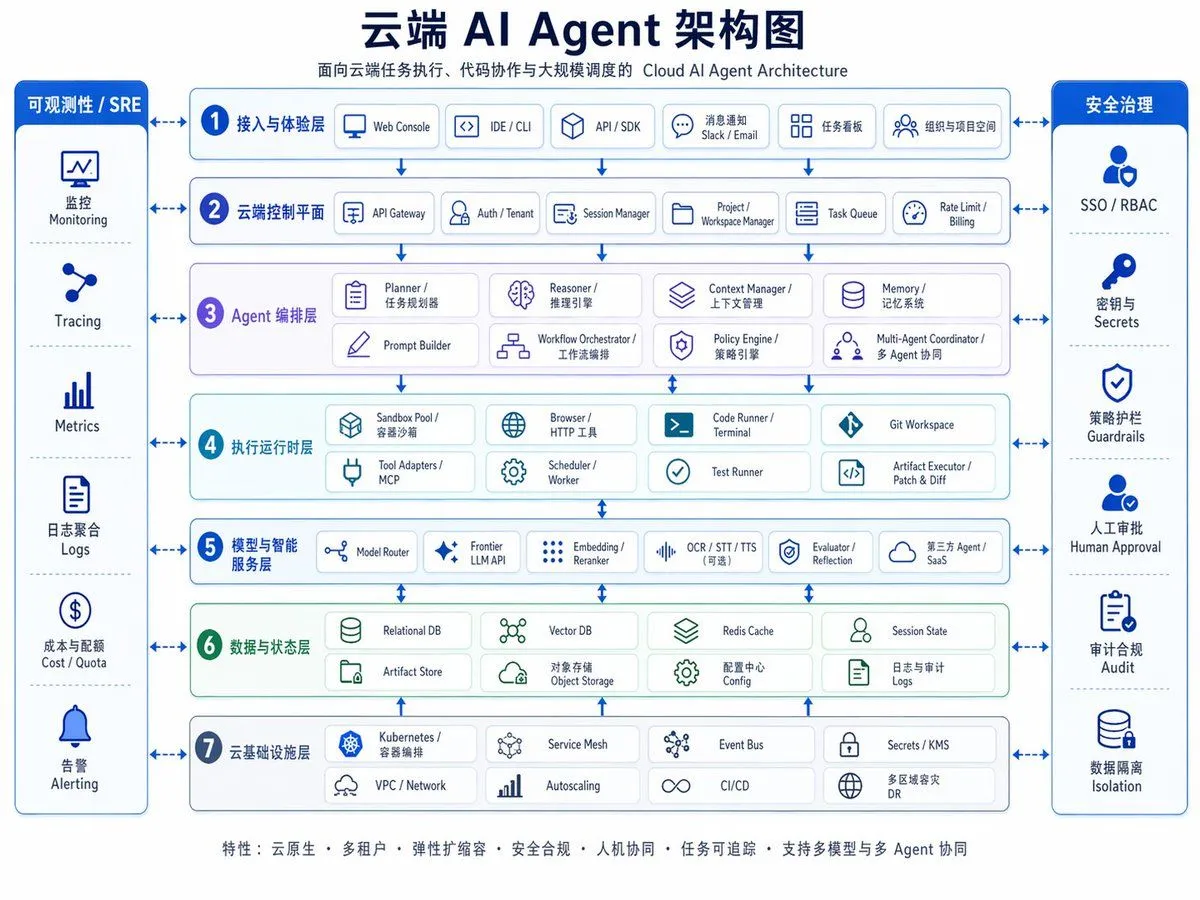
Cloud AI Agent Architecture Diagram

Made with GPT Image 2 in ChatGPT by Library Explainers. Promptclay never generates images.

Did it work?

No reports yet. Tell others if it worked for you.

No comments yet. Be the first.

    Cloud AI Agent Architecture Diagram

    GPT Image 24:3AI-generated

    Prompt

    {"type":"enterprise cloud AI architecture infographic","style":"clean corporate vector diagram, white background, blue and teal palette, rounded rectangles, thin blue outlines, subtle shadows, Chinese-first bilingual labels with smaller English subtitles, symmetrical layout, presentation-slide quality","canvas":{"aspect_ratio":"4:3","resolution":"1024x768"},"title_block":{"headline":"{argument name=\"headline text\" default=\"云端 AI Agent 架构图\"}","subtitle":"面向云端任务执行、代码协作与大规模调度的 Cloud AI Agent Architecture","position":"top center"},"layout":{"center":{"type":"stacked architecture layers","count":7,"numbered":true,"layers":[{"index":1,"title":"接入与体验层","english":"access and experience layer","count":5,"items":["Web Console","IDE / CLI","API / SDK","消息通知 Slack / Email","任务看板 组织与项目空间"]},{"index":2,"title":"云端控制平面","english":"cloud control plane","count":6,"items":["API Gateway","Auth / Tenant","Session Manager","Project / Workspace Manager","Task Queue","Rate Limit / Billing"]},{"index":3,"title":"Agent 编排层","english":"agent orchestration layer","count":8,"items":["Planner / 任务规划器","Reasoner / 推理引擎","Context Manager / 上下文管理","Memory / 记忆系统","Prompt Builder","Workflow Orchestrator / 工作流编排","Policy Engine / 策略引擎","Multi-Agent Coordinator / 多 Agent 协同"]},{"index":4,"title":"执行运行时层","english":"execution runtime layer","count":8,"items":["Sandbox Pool / 容器沙箱","Browser / HTTP 工具","Code Runner / Terminal","Git Workspace","Tool Adapters / MCP","Scheduler / Worker","Test Runner","Artifact Executor / Patch & Diff"]},{"index":5,"title":"模型与智能服务层","english":"model and intelligence services layer","count":6,"items":["Model Router","Frontier LLM API","Embedding / Reranker","OCR / STT / TTS(可选)","Evaluator / Reflection","第三方 Agent / SaaS"]},{"index":6,"title":"数据与状态层","english":"data and state layer","count":8,"items":["Relational DB","Vector DB","Redis Cache","Session State","Artifact Store","对象存储 Object Storage","配置中心 Config","日志与审计 Logs"]},{"index":7,"title":"云基础设施层","english":"cloud infrastructure layer","count":8,"items":["Kubernetes / 容器编排","Service Mesh","Event Bus","Secrets / KMS","VPC / Network","Autoscaling","CI/CD","多区域容灾 DR"]}]},"left_sidebar":{"title":"可观测性 / SRE","position":"left","count":6,"items":["监控 Monitoring","Tracing","Metrics","日志聚合 Logs","成本与配额 Cost / Quota","告警 Alerting"]},"right_sidebar":{"title":"安全治理","position":"right","count":6,"items":["SSO / RBAC","密钥与 Secrets","策略护栏 Guardrails","人工审批 Human Approval","审计合规 Audit","数据隔离 Isolation"]},"connectors":"bidirectional blue arrows linking both sidebars to every central layer, plus vertical arrows between each architecture layer"},"visual_details":{"icons":"simple blue line icons in every box, one icon per module","boxes":"rounded white cards with pale blue or pale green tinted section backgrounds","section_colors":{"layers_1_2_5_7":"light blue","layer_3":"light lavender","layer_4":"light cyan","layer_6":"light green","sidebars":"deep royal blue headers with white text"},"typography":"bold dark navy Chinese headline, smaller gray-blue subtitle, medium-weight Chinese section labels, compact bilingual item labels"},"footer":{"position":"bottom center","text":"{argument name=\"footer text\" default=\"特性:云原生 • 多租户 • 弹性扩缩容 • 安全合规 • 人机协同 • 任务可追踪 • 支持多模型与多 Agent 协同\"}"},"quality":"crisp infographic, balanced spacing, high legibility, polished enterprise architecture slide suitable for keynote, documentation, and product marketing"}

    Works in
    ChatGPT, Gemini
    Status
    Free to copy
    0
    DetailsVersions, settings and questions

    Written for

    What's in the prompt

    Subject
    Model
    GPT Image 2

    If your face changes

    keep my face exactly the same

    Questions

    Does this work in the ChatGPT app?
    Yes. Paste the prompt and attach your photo if it uses one.
    It changed my face. What do I do?
    Add "keep my face exactly the same" to the end and run it again.
    Can I use the images I make?
    Check the terms of the app you use. Promptclay never generates images and claims nothing you make.
    Similar prompts

    See more
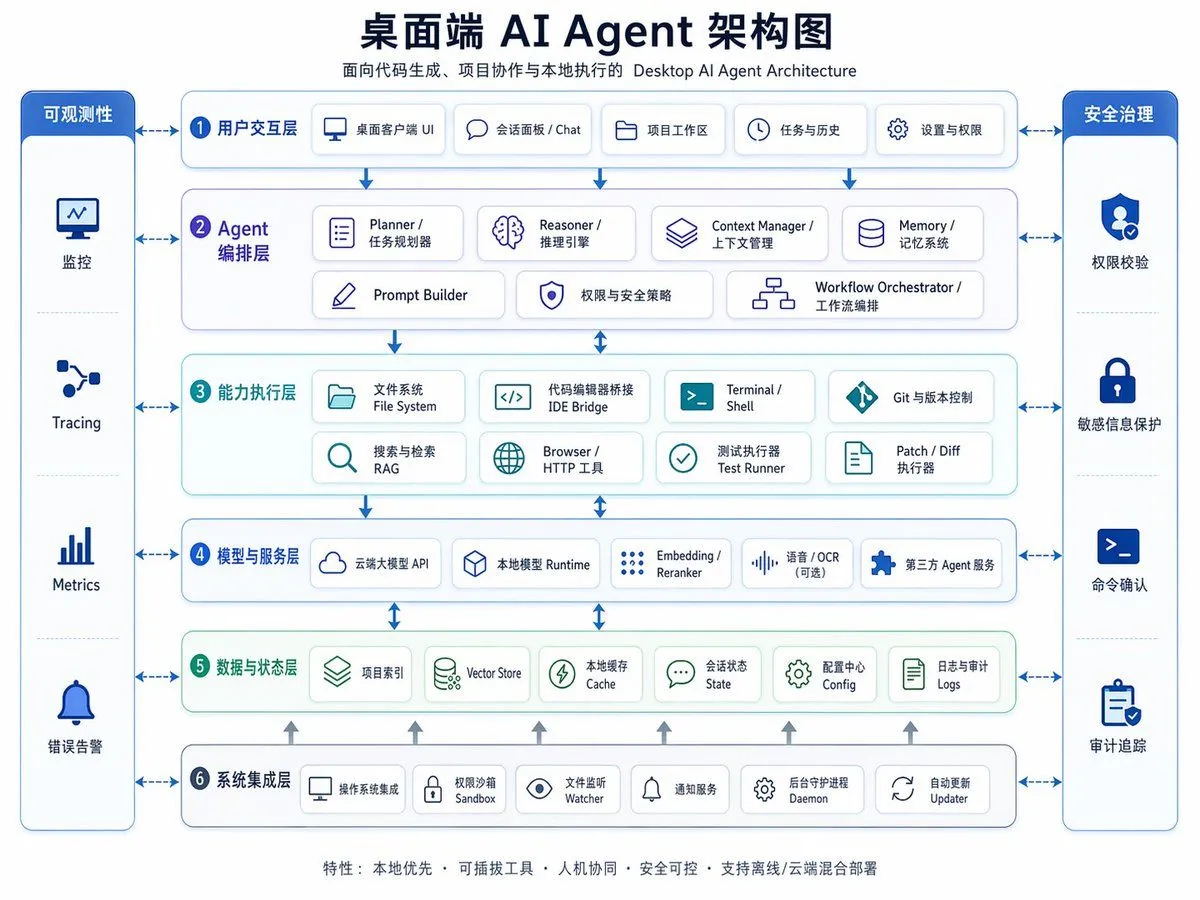
    • Desktop AI Agent Architecture Diagram
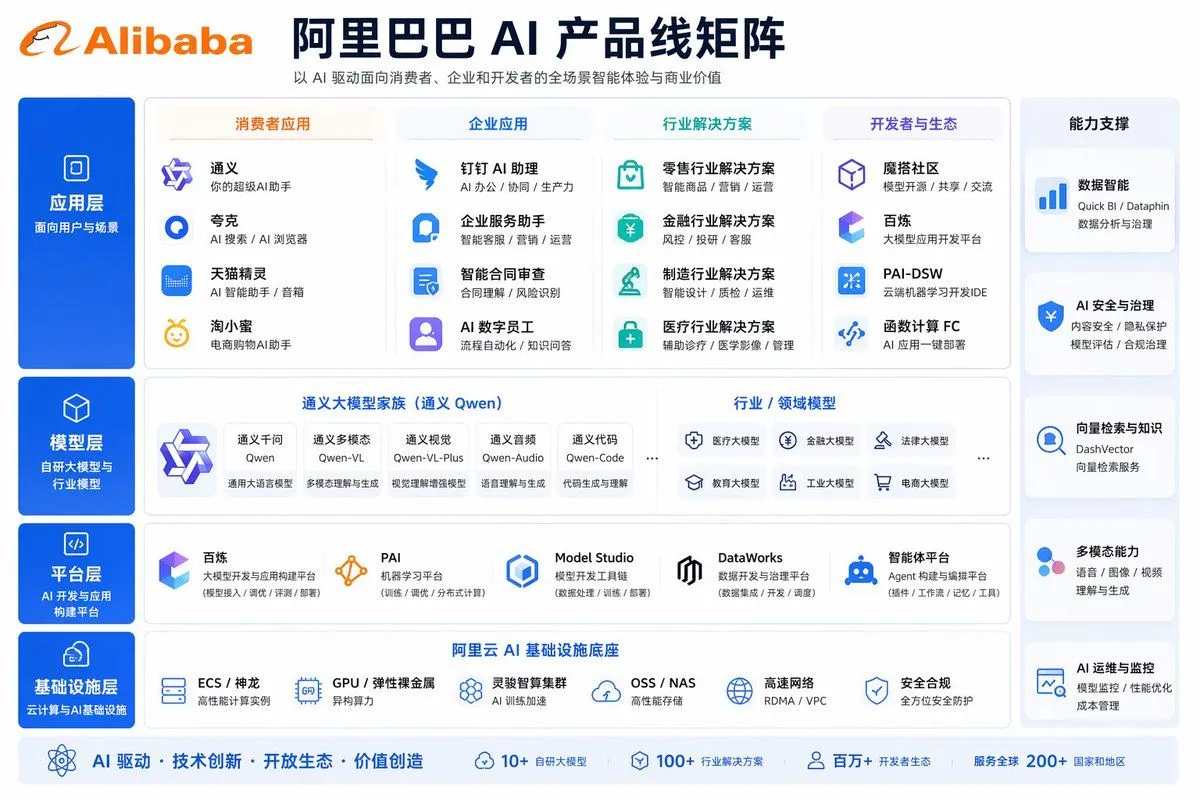
    • Corporate AI Product Line Infographic
    • High-detail IT careers infographic (Thai/English mix)
    • Bilingual diagram from a research paper
    • Hand-drawn Anime Swimsuit Portrait
    • 2026 AI Image Tool Tier List
    • AI-Proof Prompt Generation (Japanese)
    • AgentBoard SaaS Landing and Dashboard UI
    • Portfolio strategy overview diagram from attachment
    • Japanese AI Consulting OGP Banner
    • NOVALITH SaaS Landing Page Hero
    • Wireframe to Corporate Web Banner
    • Japanese AI Training Banner
    • Futuristic AI Summit Poster
    • Japanese AI Game Launch Dashboard
    • Neon Blue AI Video Editing Thumbnail
    • Neon Japanese AI IDE Landing Poster
    • Japanese AI Conversation Slide
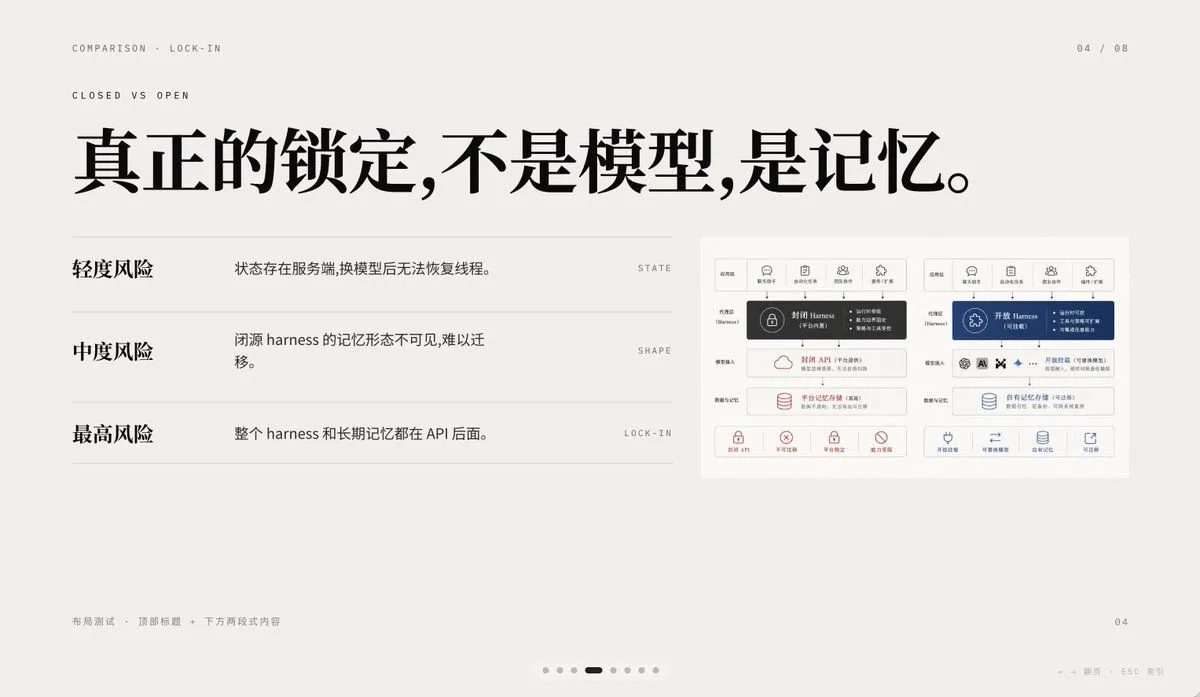
    • Minimal AI Lock-In Comparison Slide
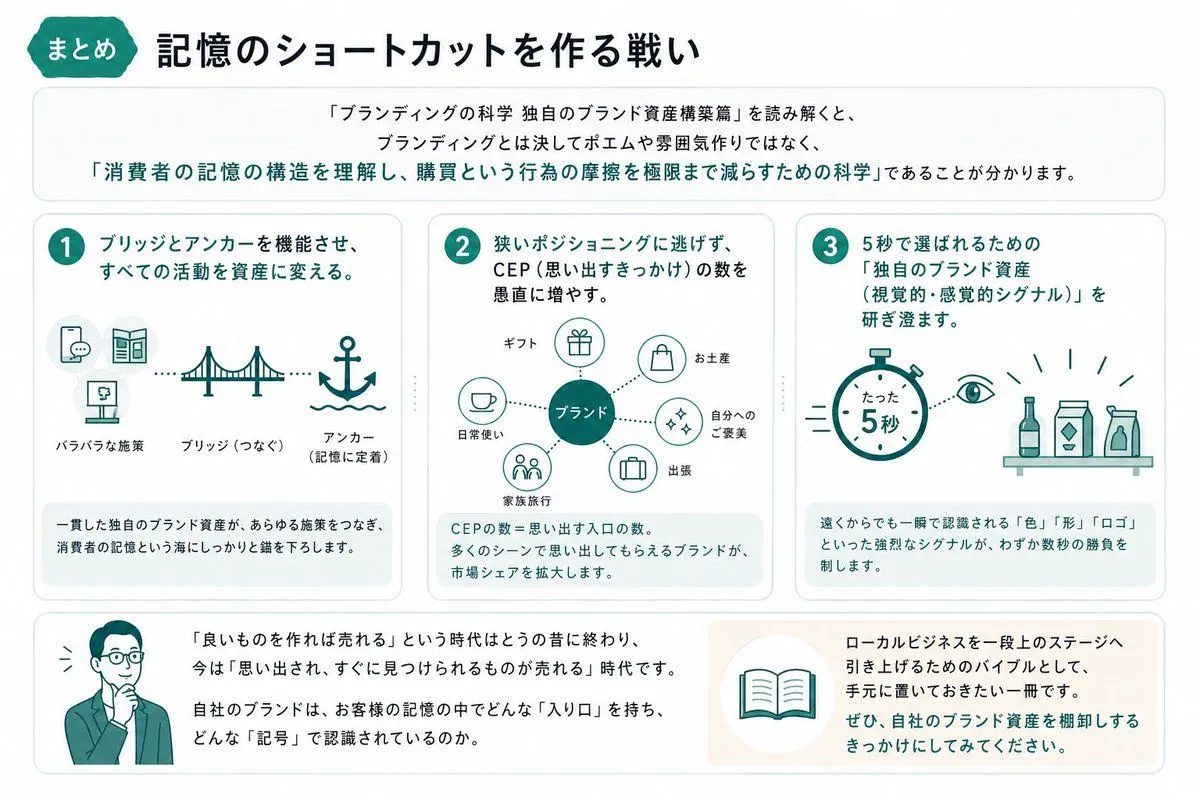
    • Japanese Branding Strategy Infographic
    • Tech Tutorial Thumbnail with UI Mockup
    • Cyberpunk Flash Sale Landing Hero
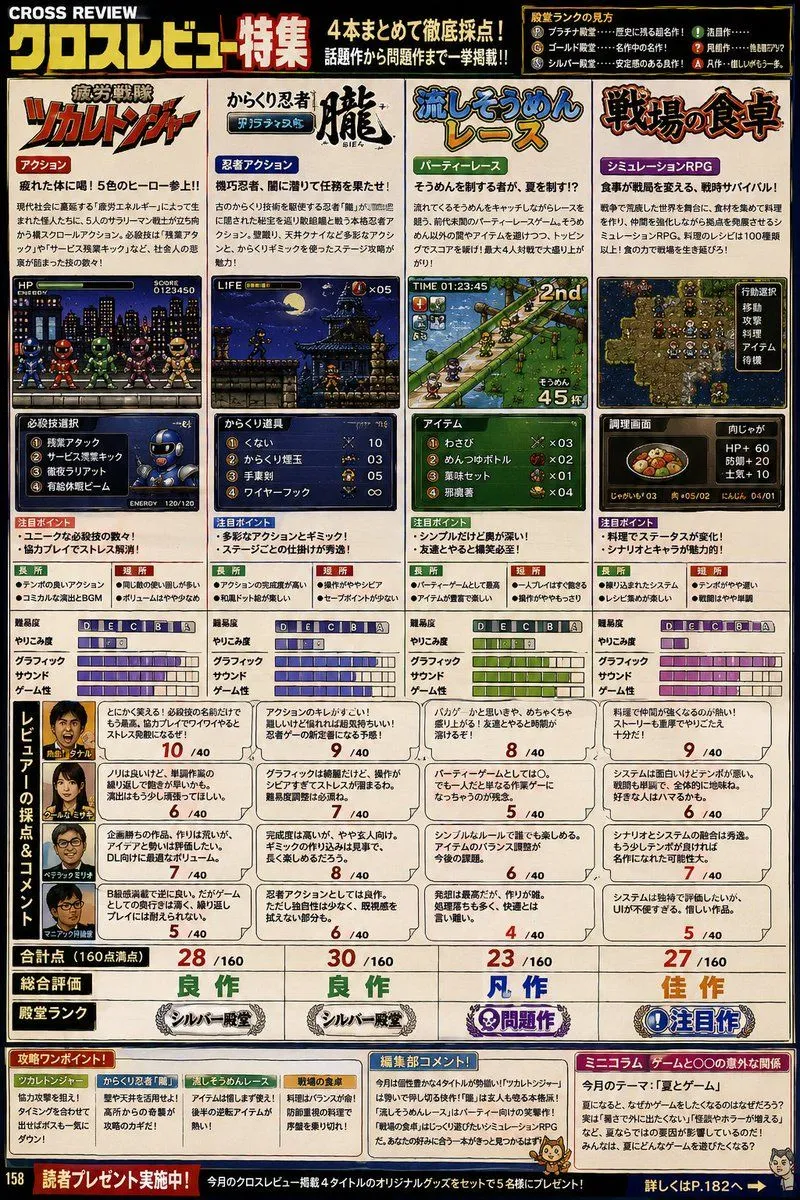
    • Retro Japanese Gaming Magazine Review Page
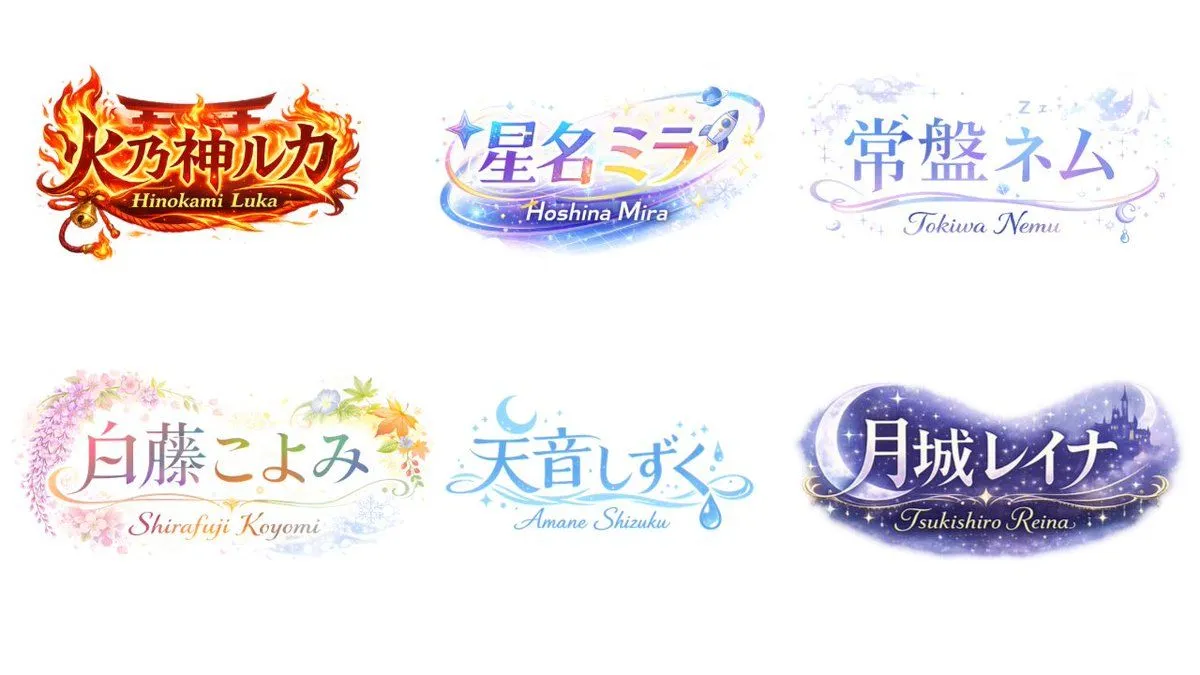
    • VTuber Logo Concept Grid

    Show more

    Run it on your phone

    1. Prompt copiedRead it

      {"type":"enterprise cloud AI architecture infographic","style":"clean corporate vector diagram, white background, blue and teal palette, rounded rectangles, thin blue outlines, subtle shadows, Chinese-first bilingual labels with smaller English subtitles, symmetrical layout, presentation-slide quality","canvas":{"aspect_ratio":"4:3","resolution":"1024x768"},"title_block":{"headline":"{argument name=\"headline text\" default=\"云端 AI Agent 架构图\"}","subtitle":"面向云端任务执行、代码协作与大规模调度的 Cloud AI Agent Architecture","position":"top center"},"layout":{"center":{"type":"stacked architecture layers","count":7,"numbered":true,"layers":[{"index":1,"title":"接入与体验层","english":"access and experience layer","count":5,"items":["Web Console","IDE / CLI","API / SDK","消息通知 Slack / Email","任务看板 组织与项目空间"]},{"index":2,"title":"云端控制平面","english":"cloud control plane","count":6,"items":["API Gateway","Auth / Tenant","Session Manager","Project / Workspace Manager","Task Queue","Rate Limit / Billing"]},{"index":3,"title":"Agent 编排层","english":"agent orchestration layer","count":8,"items":["Planner / 任务规划器","Reasoner / 推理引擎","Context Manager / 上下文管理","Memory / 记忆系统","Prompt Builder","Workflow Orchestrator / 工作流编排","Policy Engine / 策略引擎","Multi-Agent Coordinator / 多 Agent 协同"]},{"index":4,"title":"执行运行时层","english":"execution runtime layer","count":8,"items":["Sandbox Pool / 容器沙箱","Browser / HTTP 工具","Code Runner / Terminal","Git Workspace","Tool Adapters / MCP","Scheduler / Worker","Test Runner","Artifact Executor / Patch & Diff"]},{"index":5,"title":"模型与智能服务层","english":"model and intelligence services layer","count":6,"items":["Model Router","Frontier LLM API","Embedding / Reranker","OCR / STT / TTS(可选)","Evaluator / Reflection","第三方 Agent / SaaS"]},{"index":6,"title":"数据与状态层","english":"data and state layer","count":8,"items":["Relational DB","Vector DB","Redis Cache","Session State","Artifact Store","对象存储 Object Storage","配置中心 Config","日志与审计 Logs"]},{"index":7,"title":"云基础设施层","english":"cloud infrastructure layer","count":8,"items":["Kubernetes / 容器编排","Service Mesh","Event Bus","Secrets / KMS","VPC / Network","Autoscaling","CI/CD","多区域容灾 DR"]}]},"left_sidebar":{"title":"可观测性 / SRE","position":"left","count":6,"items":["监控 Monitoring","Tracing","Metrics","日志聚合 Logs","成本与配额 Cost / Quota","告警 Alerting"]},"right_sidebar":{"title":"安全治理","position":"right","count":6,"items":["SSO / RBAC","密钥与 Secrets","策略护栏 Guardrails","人工审批 Human Approval","审计合规 Audit","数据隔离 Isolation"]},"connectors":"bidirectional blue arrows linking both sidebars to every central layer, plus vertical arrows between each architecture layer"},"visual_details":{"icons":"simple blue line icons in every box, one icon per module","boxes":"rounded white cards with pale blue or pale green tinted section backgrounds","section_colors":{"layers_1_2_5_7":"light blue","layer_3":"light lavender","layer_4":"light cyan","layer_6":"light green","sidebars":"deep royal blue headers with white text"},"typography":"bold dark navy Chinese headline, smaller gray-blue subtitle, medium-weight Chinese section labels, compact bilingual item labels"},"footer":{"position":"bottom center","text":"{argument name=\"footer text\" default=\"特性:云原生 • 多租户 • 弹性扩缩容 • 安全合规 • 人机协同 • 任务可追踪 • 支持多模型与多 Agent 协同\"}"},"quality":"crisp infographic, balanced spacing, high legibility, polished enterprise architecture slide suitable for keynote, documentation, and product marketing"}

    2. Open your app

      This prompt is long, so it is copied instead of sent in the link. Paste it in the app.

    3. Paste and run

      Press and hold the message box, then tap Paste. Add your photo first if the prompt uses one. You may need to sign in.

    Cloud AI Agent Architecture Diagram