Tell us anything

An idea, a bug, something you love. We read every note.

⌘↵ to send. The page you're on comes along.

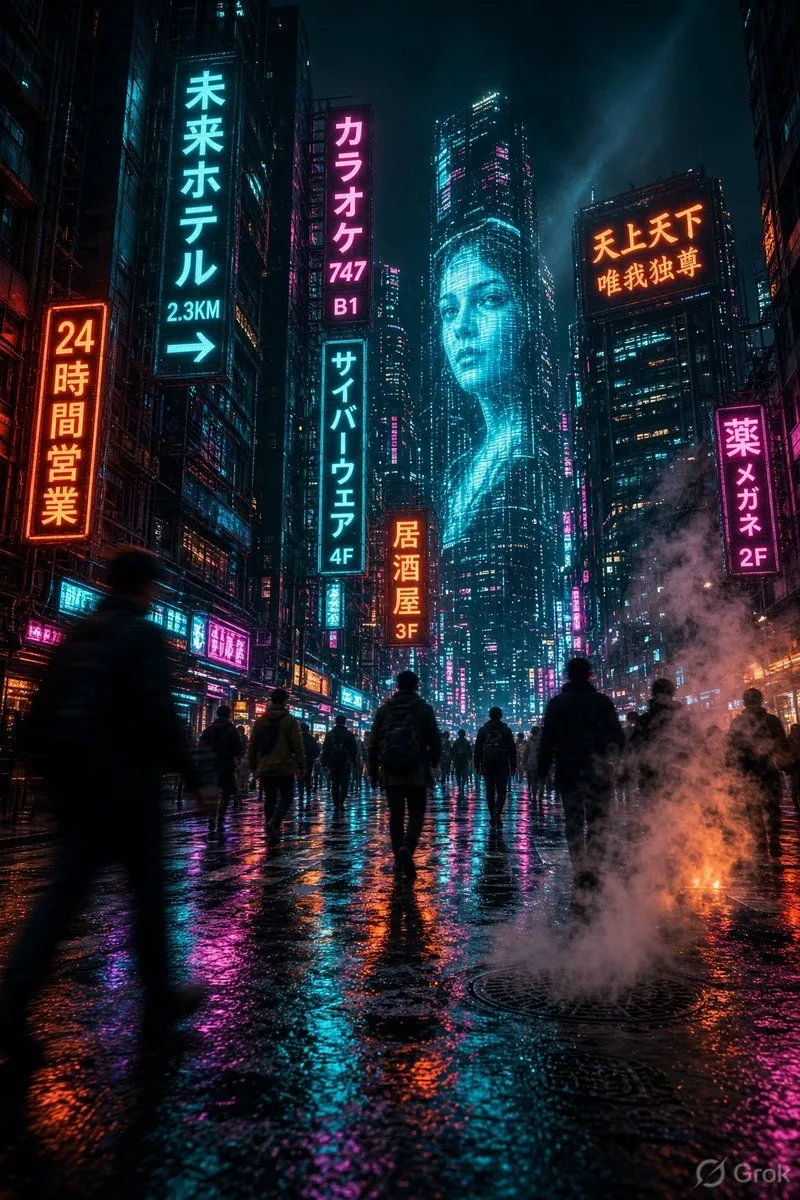
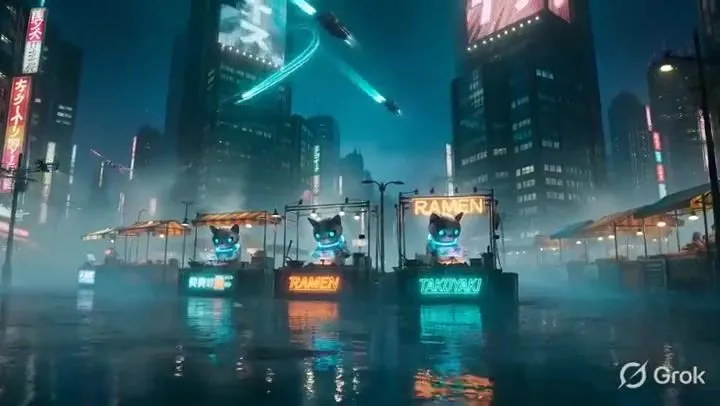
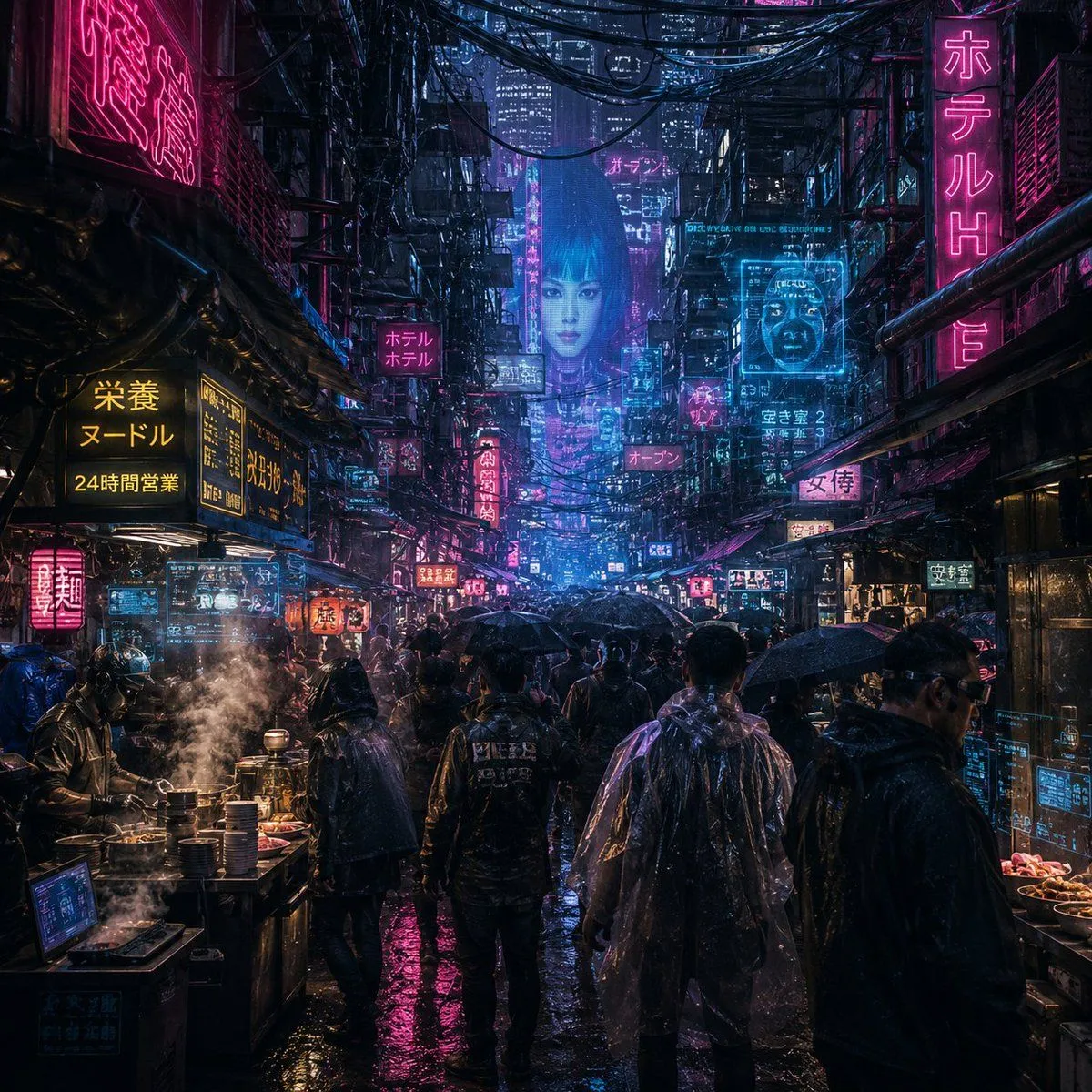
Cinematic Cyberpunk Neo-Tokyo Street Market

Made with Grok Imagine in Gemini by Library Cinema. Promptclay never generates images.

Did it work?

No reports yet. Tell others if it worked for you.

No comments yet. Be the first.

    Cinematic Cyberpunk Neo-Tokyo Street Market

    Grok Imagine16:9AI-generated

    Prompt

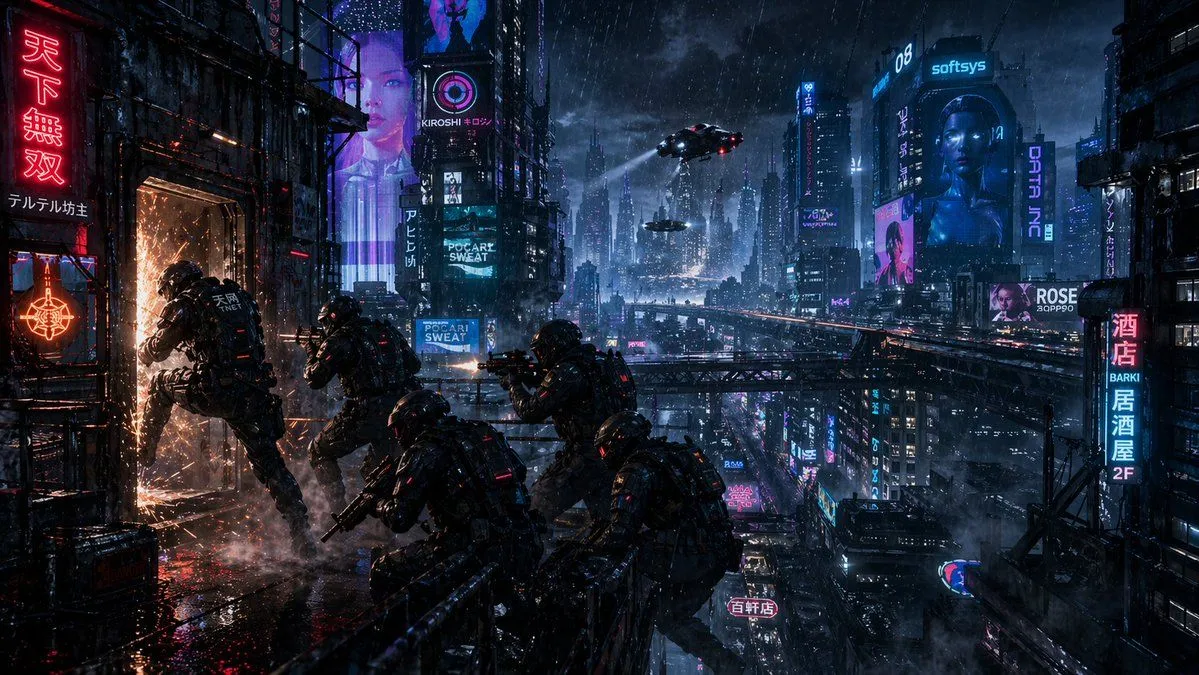
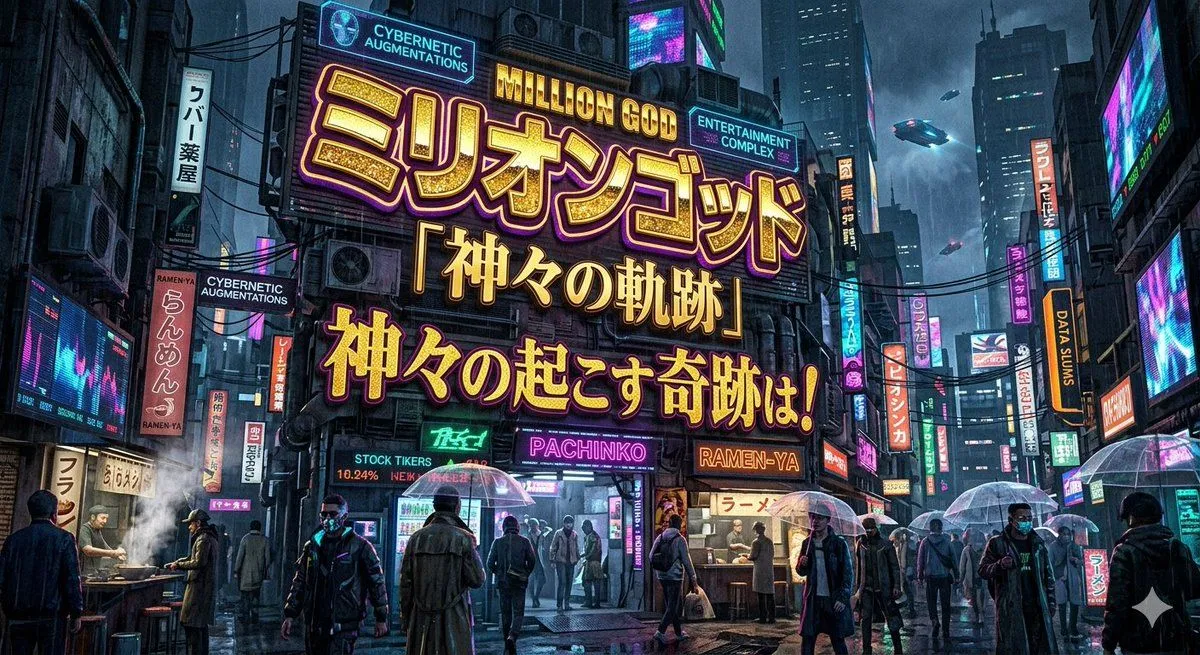
    Cinematic cyberpunk concept art masterpiece, 8K ultra HD resolution, Blade Runner 2049 and Ghost in the Shell aesthetic, torrential rain pouring down on a chaotic neon-drenched night street market in neo-Tokyo 2087, adorable android cats with glowing cyan cybernetic eyes and holographic collars running glowing ramen and takoyaki stalls, floating holographic cherry blossom petals mixing with raindrops and reflecting in massive puddles, swarms of sleek flying delivery drones with red LED trails weaving between towering megastructures covered in animated billboards and animated kanji signs, wet reflective chrome surfaces, volumetric god rays from neon signs cutting through thick fog and steam, flying cars streaking in the distant sky, ultra-detailed wet textures on every surface, cinematic teal-orange color grading, atmospheric depth, masterpiece, intricate details, best quality, hyper-stylized cyberpunk atmosphere --stylize 650 --v 6.

    Works in
    Gemini, ChatGPT
    Status
    Free to copy
    0
    DetailsVersions, settings and questions

    Written for

    What's in the prompt

    Subject
    Model
    Grok Imagine

    If your face changes

    keep my face exactly the same

    Questions

    Does this work in the Gemini app?
    Yes. Gemini runs Nano Banana, so paste the prompt and attach your photo if it uses one.
    It changed my face. What do I do?
    Add "keep my face exactly the same" to the end and run it again.
    Can I use the images I make?
    Check the terms of the app you use. Promptclay never generates images and claims nothing you make.
    Similar prompts

    See more
    • Cyberpunk Rainy Night Market
    • Noisy Cyberpunk Rain Alley
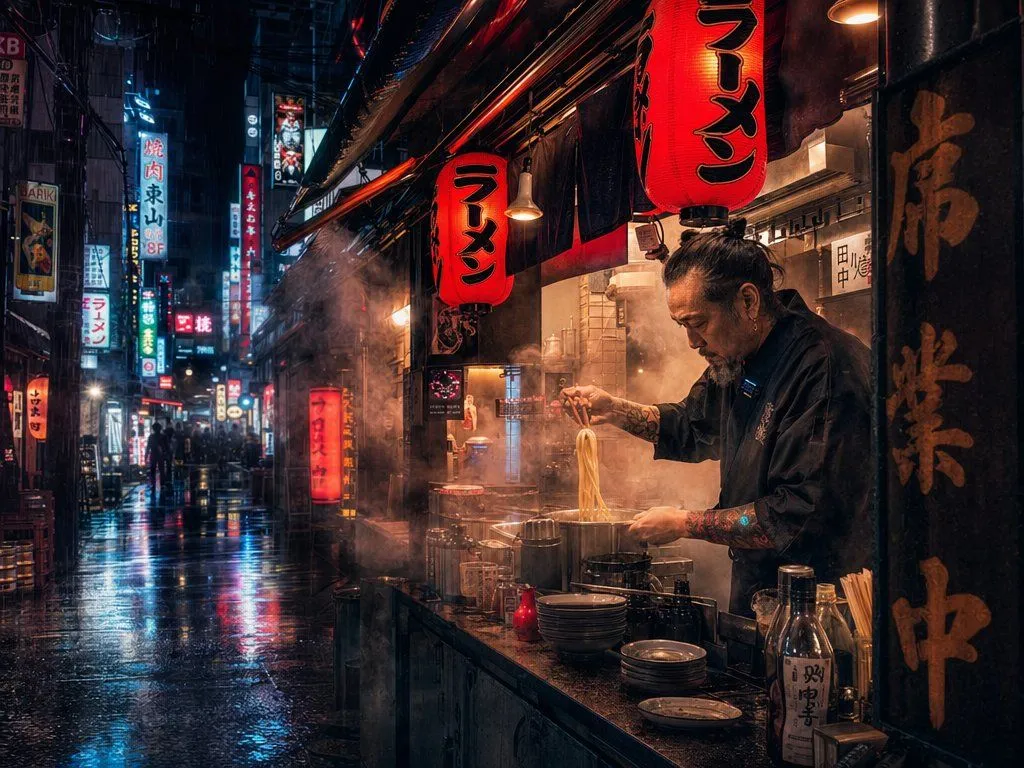
    • Rainy Tokyo Ramen Alley
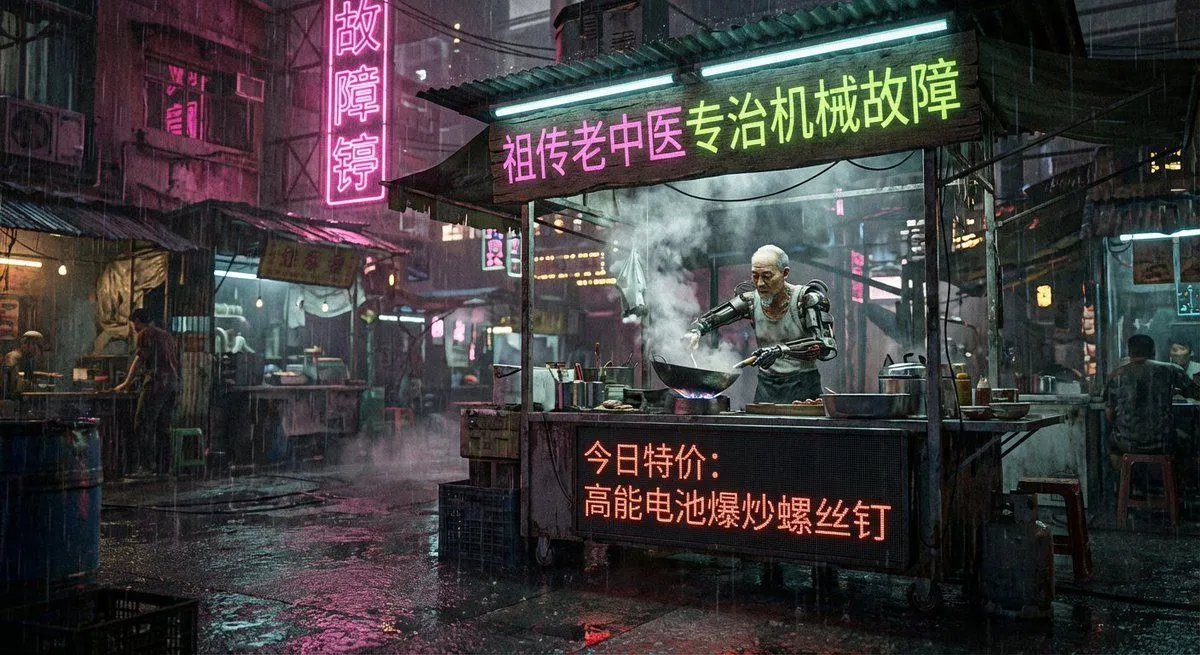
    • Cyberpunk 80s Chinese street stall scene
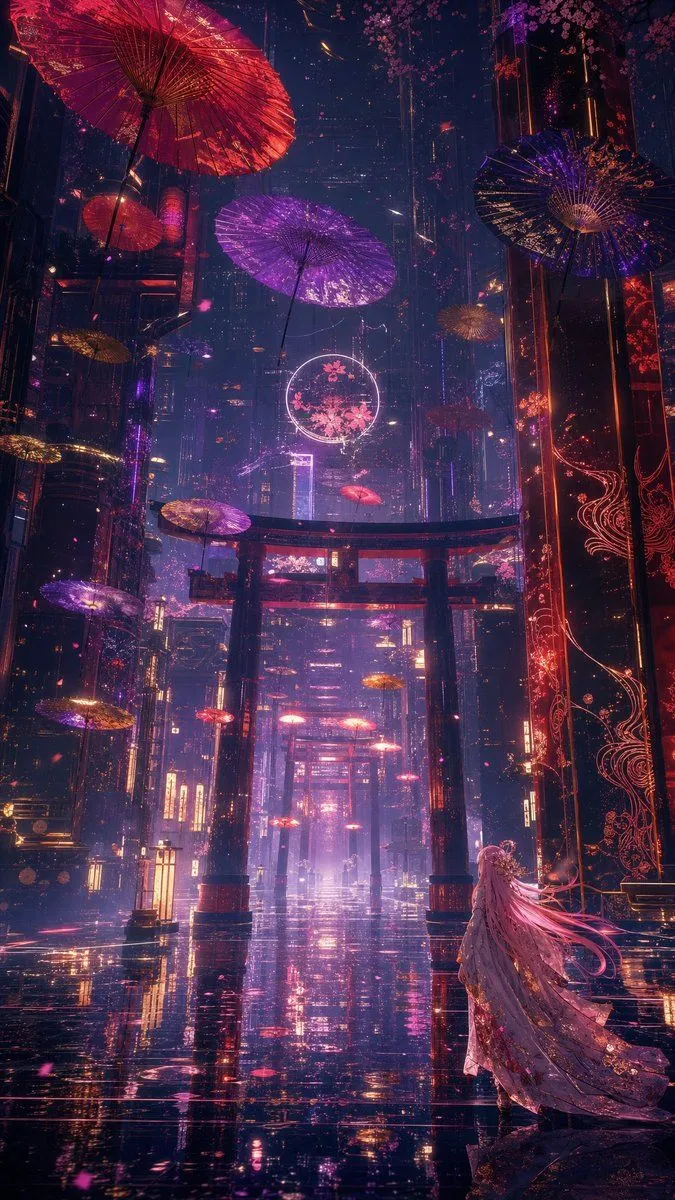
    • Neon Kyoto Rain Alley
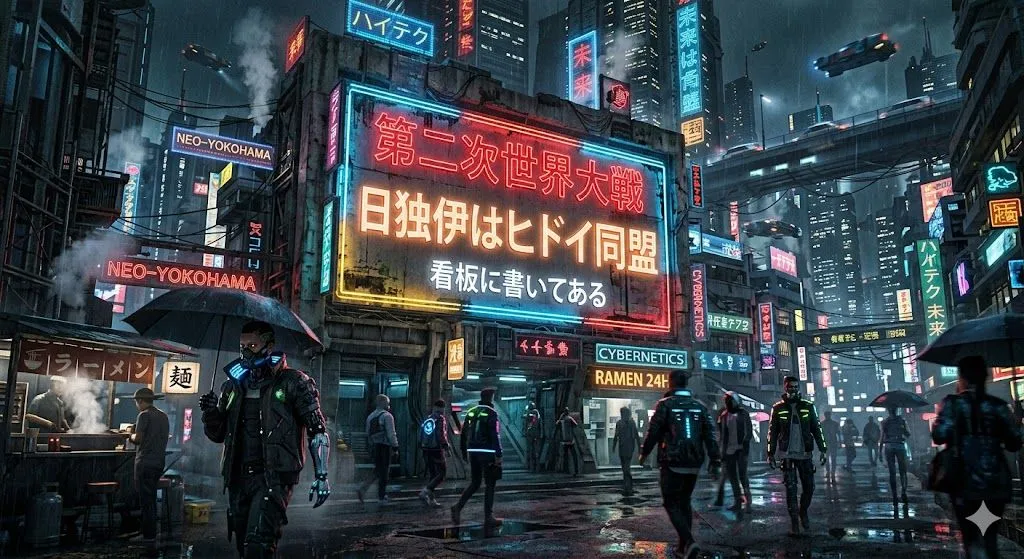
    • Cyberpunk World War II Signboard
    • Cyberpunk Neon City Street
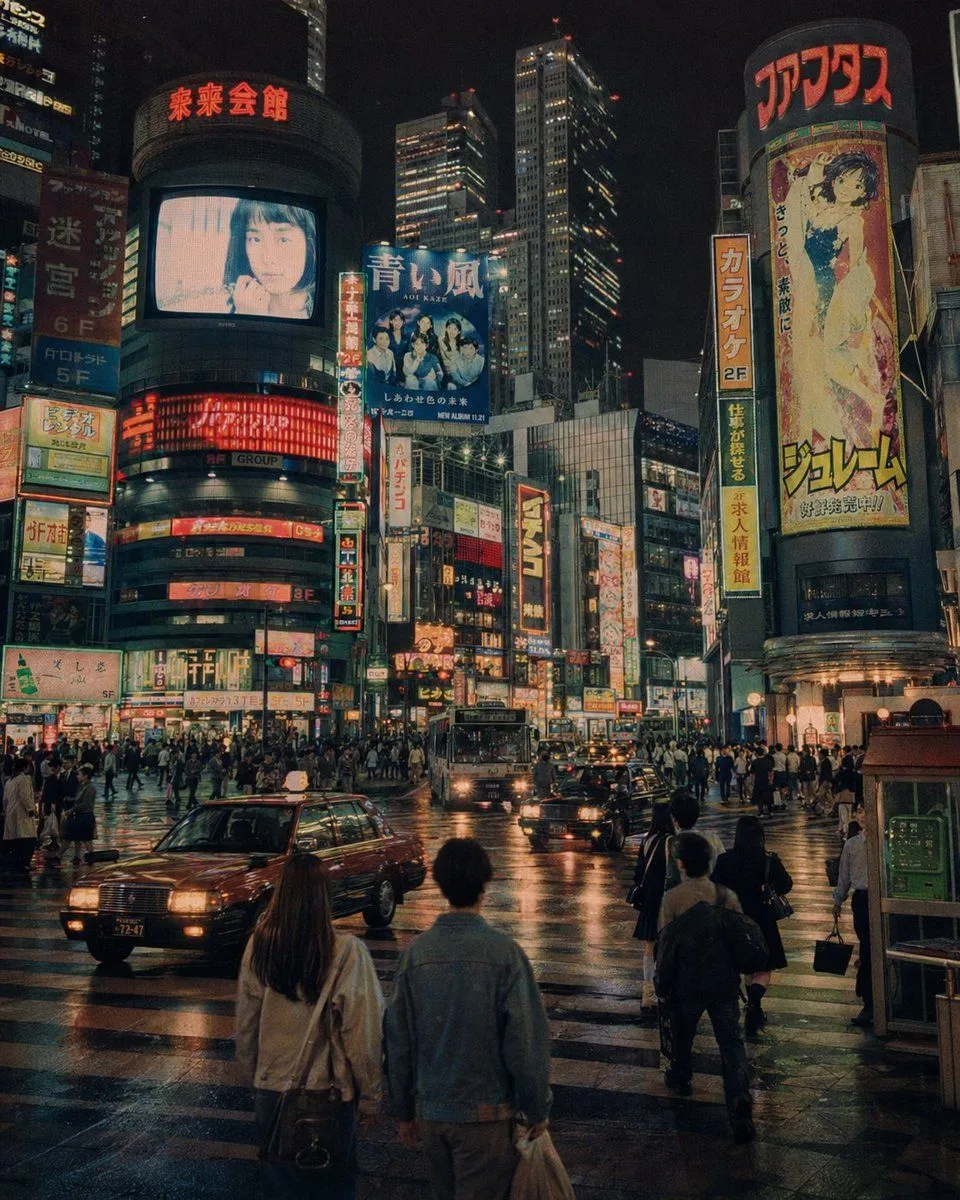
    • Alternate 1990s Futuristic Shibuya
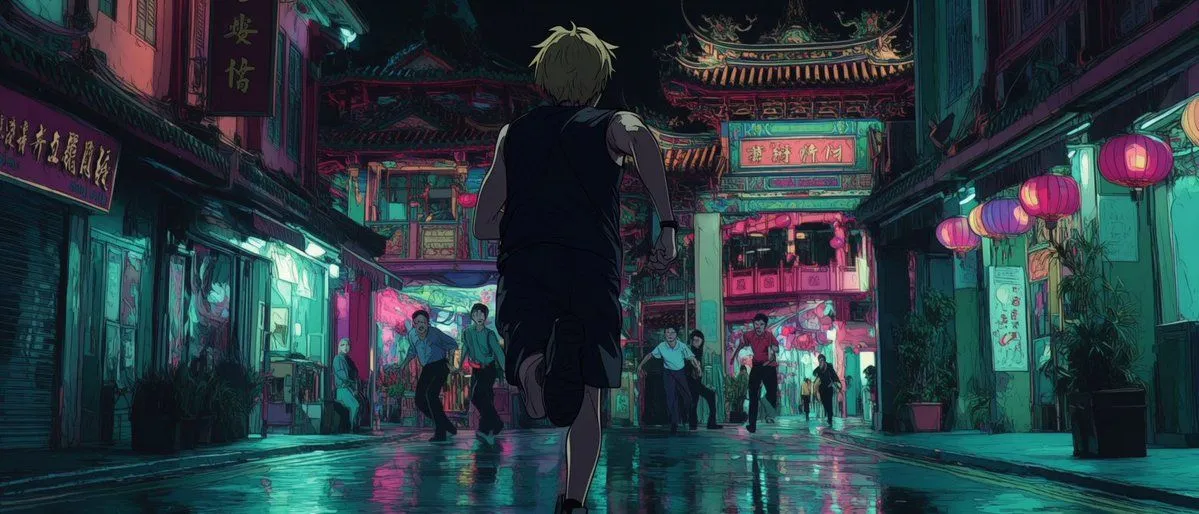
    • Neon Temple Chase
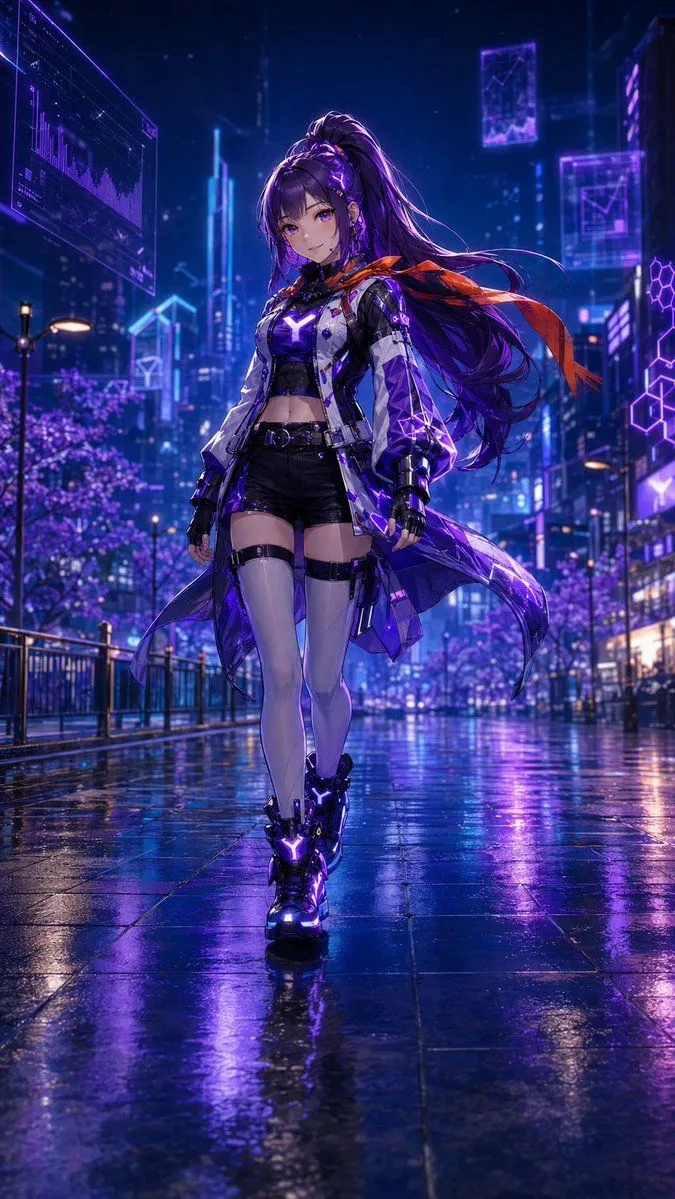
    • Cyberpunk Anime Heroine in Neon Rain
    • Cyber Ninja vs. Holographic Alien Fight PromptVideo, 0:15
    • Cinematic Sci-Fi Action Short Video PromptVideo, 0:10
    • Cinematic Cyberpunk Tokyo Street Scene Prompt
    • Cyberpunk Neon Ninja Samurai
    • Cyberpunk Motorcycle Chase in Neon Megacity
    • Cyberpunk Realism Portrait in Shinjuku Rain
    • Blade Runner Opening Style Image
    • Cinematic Luxury Automotive Editorial Poster
    • Cyberpunk Rooftop Breach Raid
    • Music Image Visualization Prompt (Lyrics Focus)
    • Cyberpunk Horror Mashup
    • Cyberpunk Sign with Custom Text
    • Cyberpunk Anime Revenge Movie Poster
    • Cyberpunk Formula Neo Racing HUD

    Show more

    Run it on your phone

    1. Prompt copiedRead it

      Cinematic cyberpunk concept art masterpiece, 8K ultra HD resolution, Blade Runner 2049 and Ghost in the Shell aesthetic, torrential rain pouring down on a chaotic neon-drenched night street market in neo-Tokyo 2087, adorable android cats with glowing cyan cybernetic eyes and holographic collars running glowing ramen and takoyaki stalls, floating holographic cherry blossom petals mixing with raindrops and reflecting in massive puddles, swarms of sleek flying delivery drones with red LED trails weaving between towering megastructures covered in animated billboards and animated kanji signs, wet reflective chrome surfaces, volumetric god rays from neon signs cutting through thick fog and steam, flying cars streaking in the distant sky, ultra-detailed wet textures on every surface, cinematic teal-orange color grading, atmospheric depth, masterpiece, intricate details, best quality, hyper-stylized cyberpunk atmosphere --stylize 650 --v 6.

    2. Open your app

    3. Paste and run

      Press and hold the message box, then tap Paste. Add your photo first if the prompt uses one. You may need to sign in.