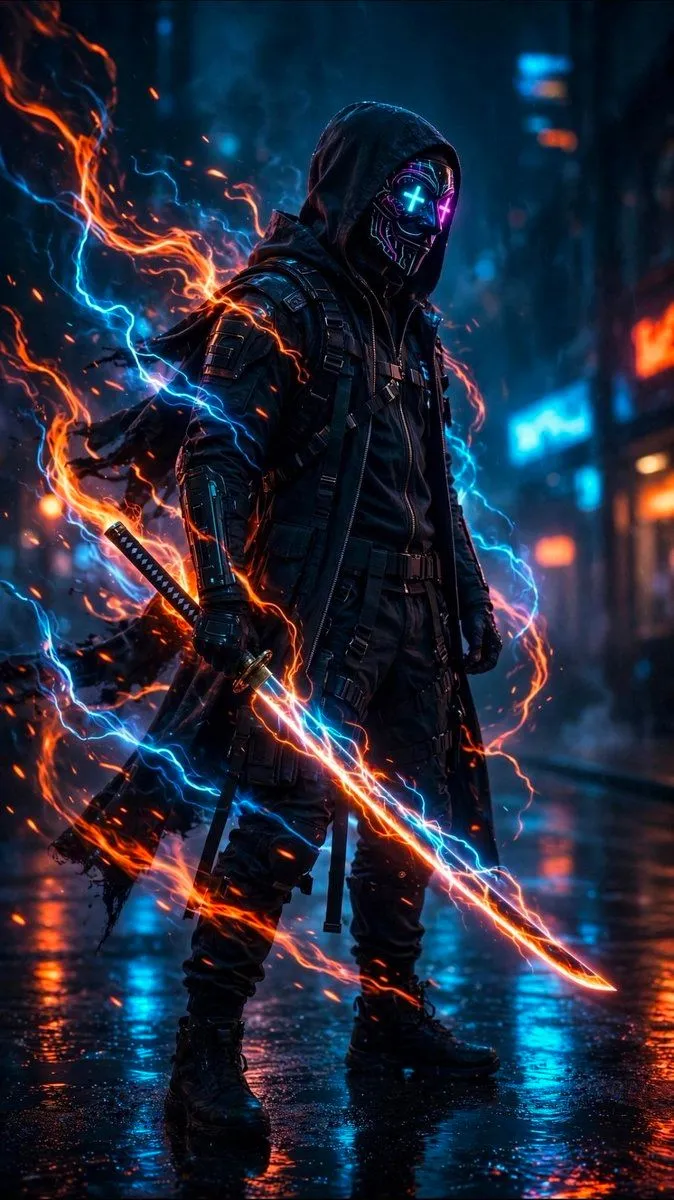
Cyberpunk Neon Ninja Samurai
Create a vertical cinematic cyberpunk action portrait of a lone futuristic ninja-samurai standing in a rain-soaked neon city street at night. The subject is a full-body male figure in a black hooded tactical outfit with layered leather armor, straps, utility harnesses, armored forearms, gloves, cargo pants, and heavy combat boots. His face is hidden by a glossy black cyber mask with glowing neon circuitry and two bright X-shaped eyes, one cyan and one magenta; the hood casts deep shadow over the mask. He holds exactly one katana in his right hand, angled diagonally downward across the foreground, with a glowing energy blade wrapped in orange fire and blue electrical arcs. A second sheathed sword is visible at his left hip/back. Surround him with dramatic swirling elemental energy: one large orange flame ribbon looping from the left side behind his shoulder down around the sword, and one bright cyan lightning stream crossing behind and around him, with many small sparks and embers. The environment is a dark futuristic alley or street with blurred blue and orange neon signs, wet reflective pavement, rain mist, and bokeh city lights in the background. Use high contrast teal-and-orange color grading, volumetric haze, rim lighting, realistic glossy reflections, cinematic depth of field, sharp detailed character textures, and dynamic motion in the energy effects. The character should feel intimidating, calm, and powerful, standing upright and facing slightly to the right. Customize the main figure as character_name, the outfit color as outfit_color, the mask eye colors as mask_eye_colors, the sword energy colors as sword_energy_colors, and the setting as setting. No text, no watermark, no extra characters, no cartoon style.