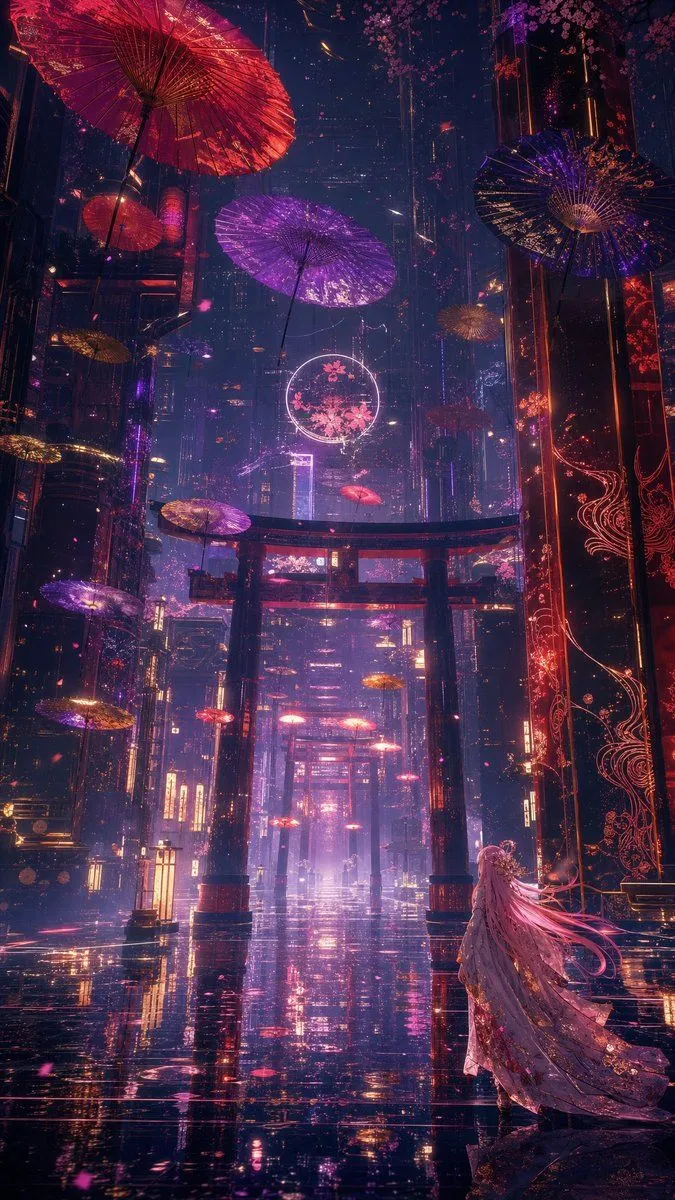
Neon Kyoto Rain Alley
Create a vertical cinematic fantasy cyberpunk cityscape at night in a neon-soaked futuristic Kyoto-inspired alley after rain, with a glossy black reflective street stretching into deep perspective. The scene contains 13 visible floating Japanese parasols: 1 huge red parasol dominating the upper left corner, 1 large violet parasol near the upper center, 1 dark indigo parasol on the upper right, 1 small red parasol on the left balcony, 1 small gold parasol at mid-left, 1 small gold parasol near the upper-right distance, 1 violet parasol at lower left, 1 gold-violet parasol at lower-left midground, 1 gold parasol near the lower-left edge, 1 red parasol in the central distance, 1 red parasol just below the foreground gate, and 2 tiny red parasols farther down the avenue. Add three red torii gates aligned down the center of the street, the nearest gate large and silhouetted against pink-purple haze. Towering dark skyscrapers rise on both sides, decorated with glowing red filigree patterns, vertical neon signs, suspended cables, cherry blossom branches, and drifting pink petals. Place a lone female figure in the lower right foreground, viewed from behind, wearing a long ornate flowing kimono or cloak in pale lavender and rose gold, with extremely long hair_color hair streaming to the right as if caught by wind; she gazes toward the illuminated gates and distant city. Use a color palette of neon_palette, intense wet reflections, volumetric mist, glowing particles, high contrast rim lighting, intricate detail, epic scale, dreamlike atmosphere, anime-inspired dark fantasy, ultra-detailed concept art, 9:16 portrait composition, no readable text, no borders, no watermark.