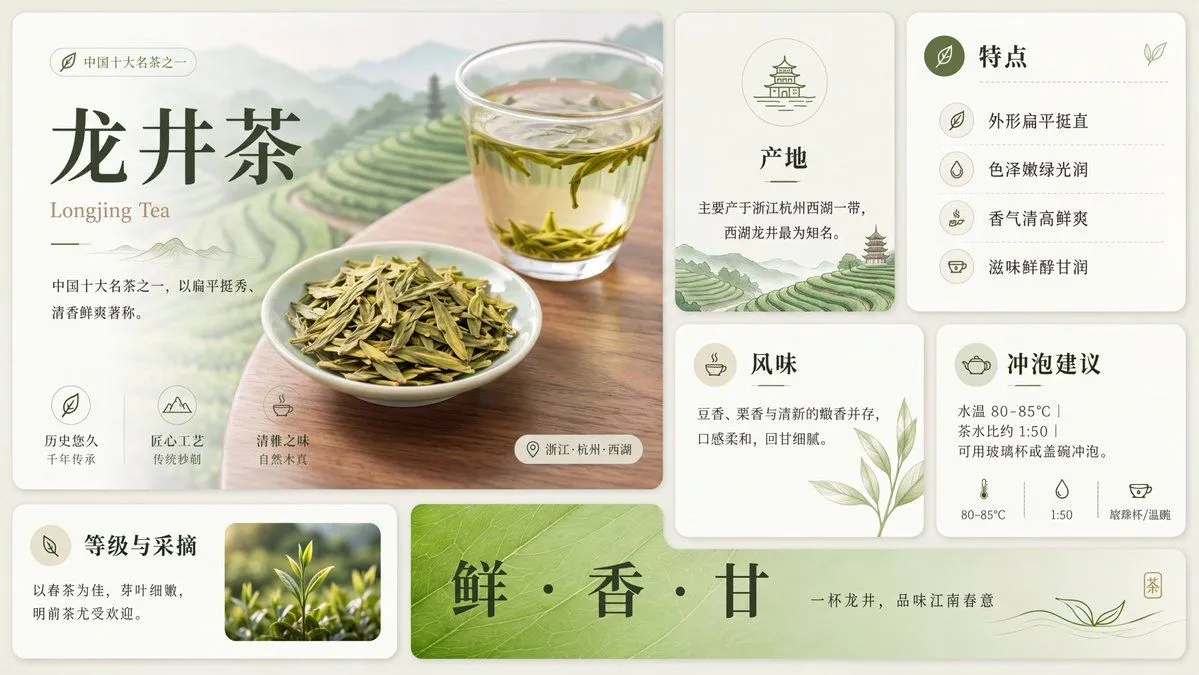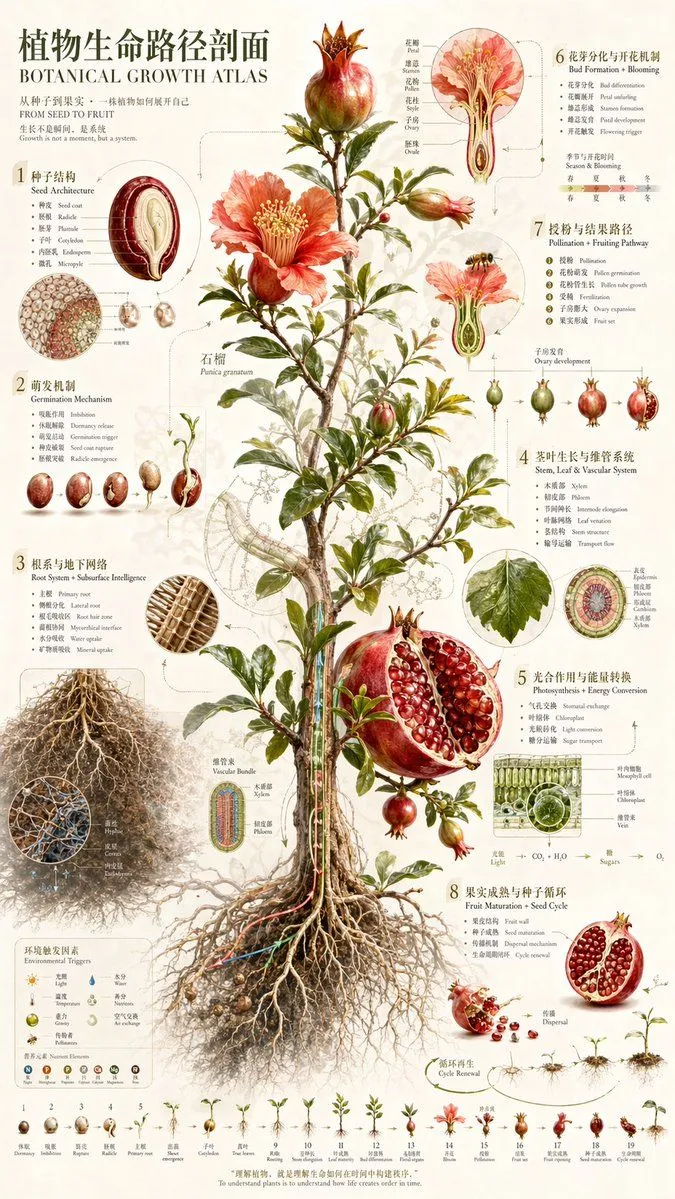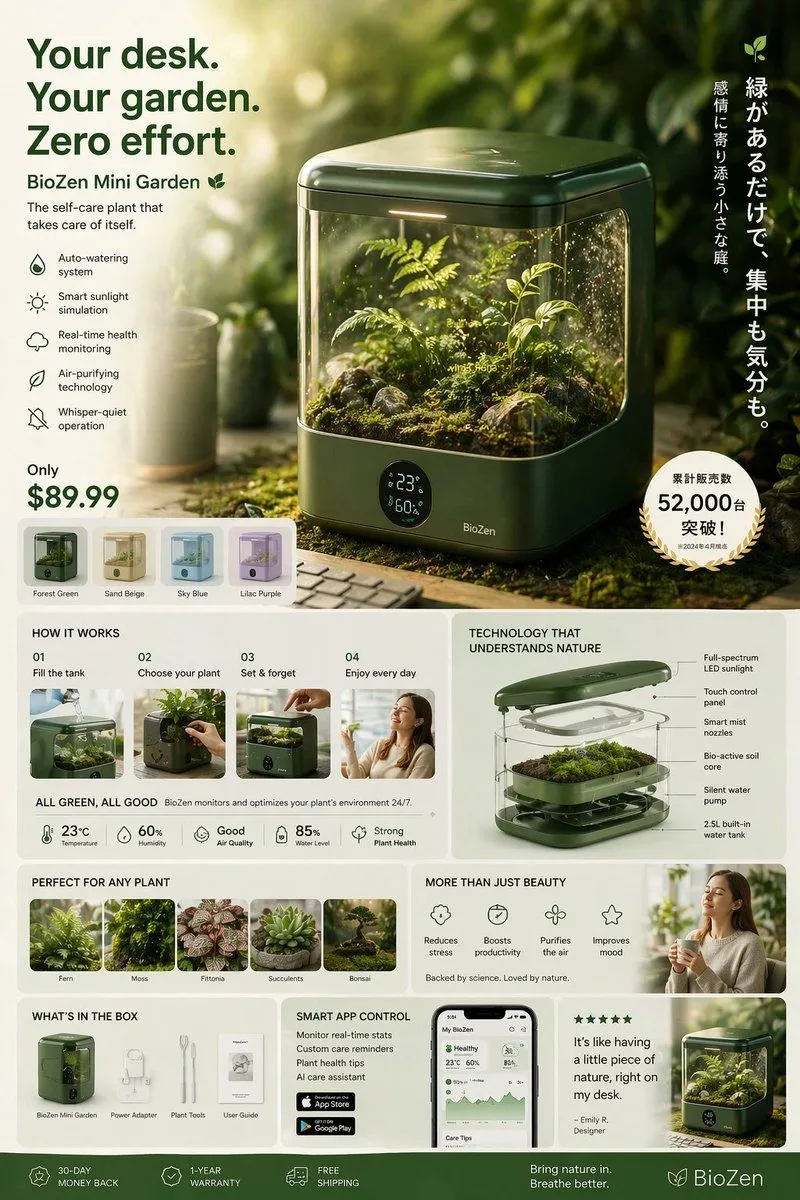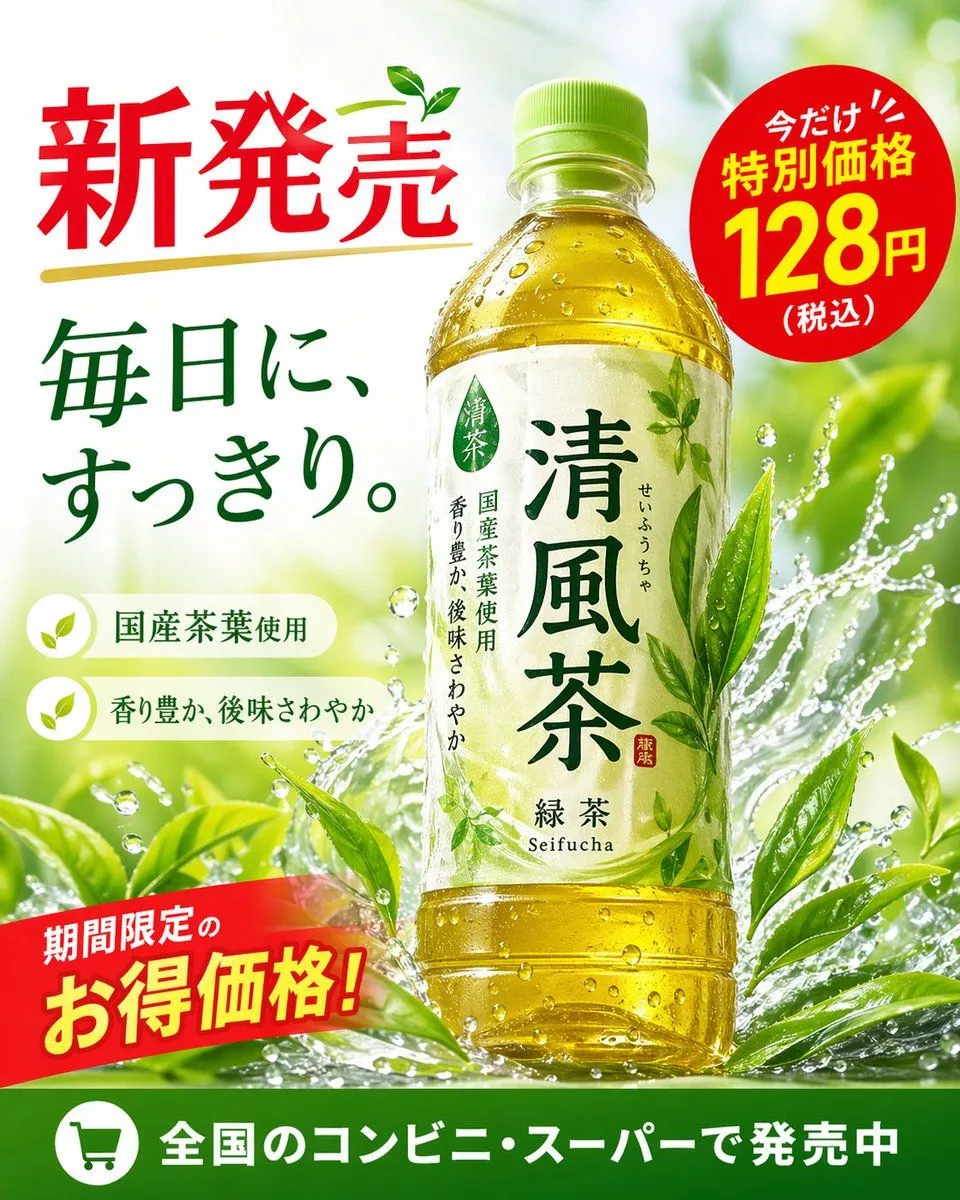
Made with GPT Image 2 in ChatGPT by Library Explainers. Promptclay never generates images.
Did it work?
No reports yet. Tell others if it worked for you.
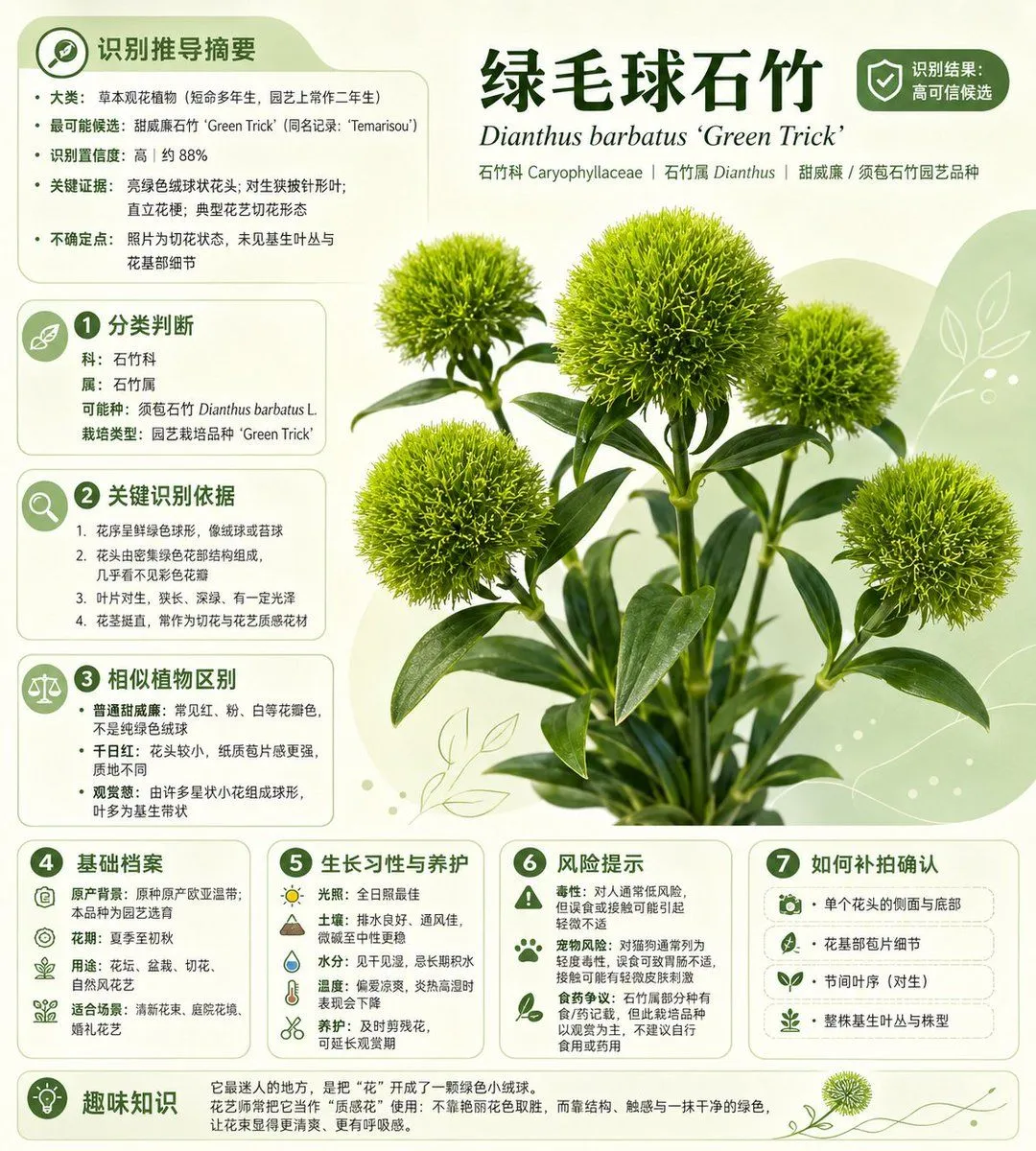
Chinese Plant ID Infographic
Prompt
4 blanks to fillUsing the provided reference photo as the source plant, transform it into a clean plant-identification infographic poster. Isolate the fuzzy green spherical Dianthus stems from the busy street/florist background, retouch them into a crisp studio botanical cutout, and place them on a soft pale green botanical layout with rounded information cards, leaf-line decorations, small green icons, and a trustworthy plant-app aesthetic. Use Simplified Chinese typography. Main headline: {headline_text}; Latin name subtitle: {latin_name}; show a confidence badge at the upper right reading high-confidence identification. Add exactly 9 content panels: 1 top-left identification recommendation summary, 2 classification judgment, 3 key identification evidence, 4 similar plant distinction, 5 basic file, 6 growth habits and care, 7 risk warning, 8 how to confirm, and 9 bottom fun-fact strip. Keep the infographic text dense but neatly aligned, with numbered green circle markers for panels 2 through 8, icons matching each topic, and the plant image as the central visual focus. Plant identity to present: {identified_plant}; family/genus line: {taxonomy_line}.
Preview of your prompt
Using the provided reference photo as the source plant, transform it into a clean plant-identification infographic poster. Isolate the fuzzy green spherical Dianthus stems from the busy street/florist background, retouch them into a crisp studio botanical cutout, and place them on a soft pale green botanical layout with rounded information cards, leaf-line decorations, small green icons, and a trustworthy plant-app aesthetic. Use Simplified Chinese typography. Main headline: 绿毛球石竹; Latin name subtitle: Dianthus barbatus ‘Green Trick’; show a confidence badge at the upper right reading high-confidence identification. Add exactly 9 content panels: 1 top-left identification recommendation summary, 2 classification judgment, 3 key identification evidence, 4 similar plant distinction, 5 basic file, 6 growth habits and care, 7 risk warning, 8 how to confirm, and 9 bottom fun-fact strip. Keep the infographic text dense but neatly aligned, with numbered green circle markers for panels 2 through 8, icons matching each topic, and the plant image as the central visual focus. Plant identity to present: Dianthus barbatus ‘Green Trick’, also called Green Trick; family/genus line: Caryophyllaceae | Dianthus | sweet william / Dianthus barbatus horticultural cultivar.
DetailsVersions, settings and questions
Written for
What's in the prompt
- Subject
- Model
- GPT Image 2
If your face changes
keep my face exactly the sameQuestions
- Does this work in the ChatGPT app?
- Yes. Paste the prompt and attach your photo if it uses one.
- It changed my face. What do I do?
- Add "keep my face exactly the same" to the end and run it again.
- Can I use the images I make?
- Check the terms of the app you use. Promptclay never generates images and claims nothing you make.