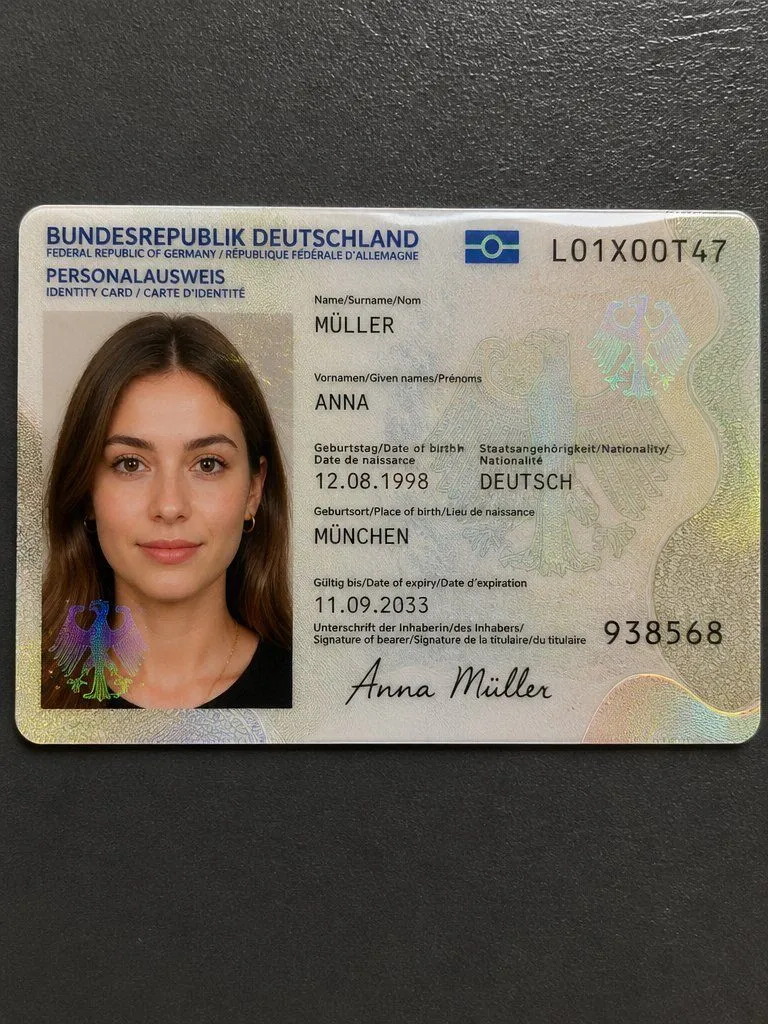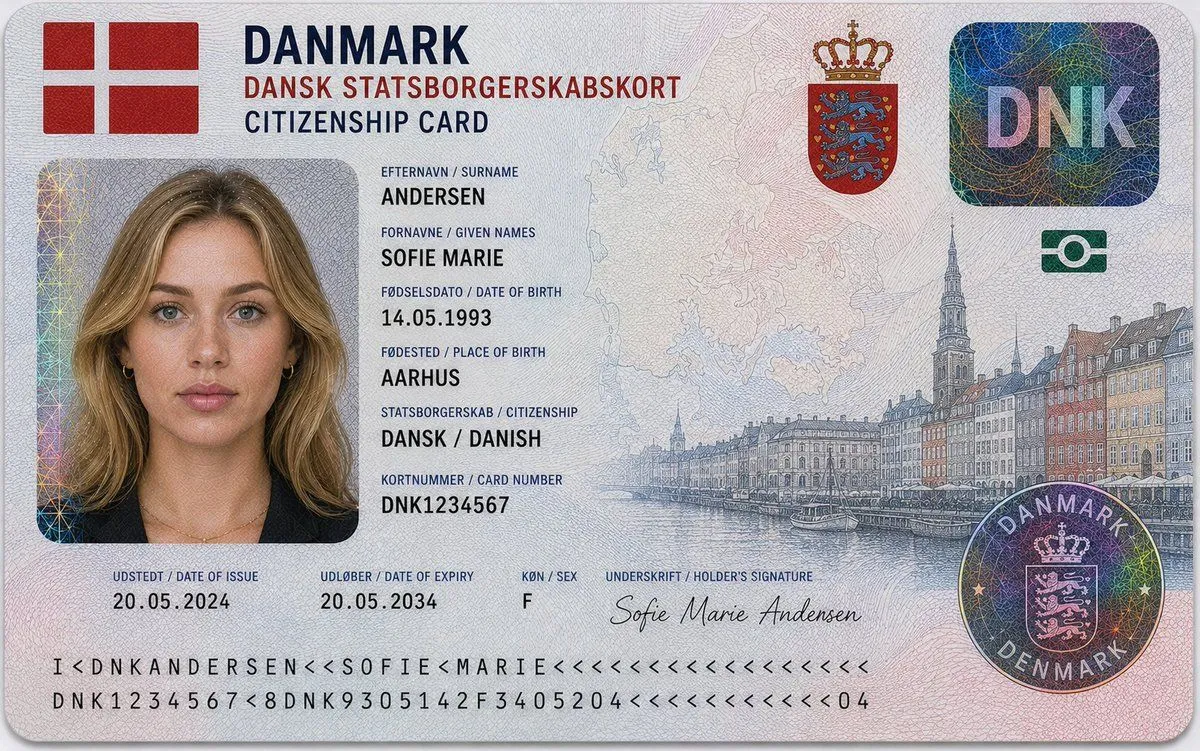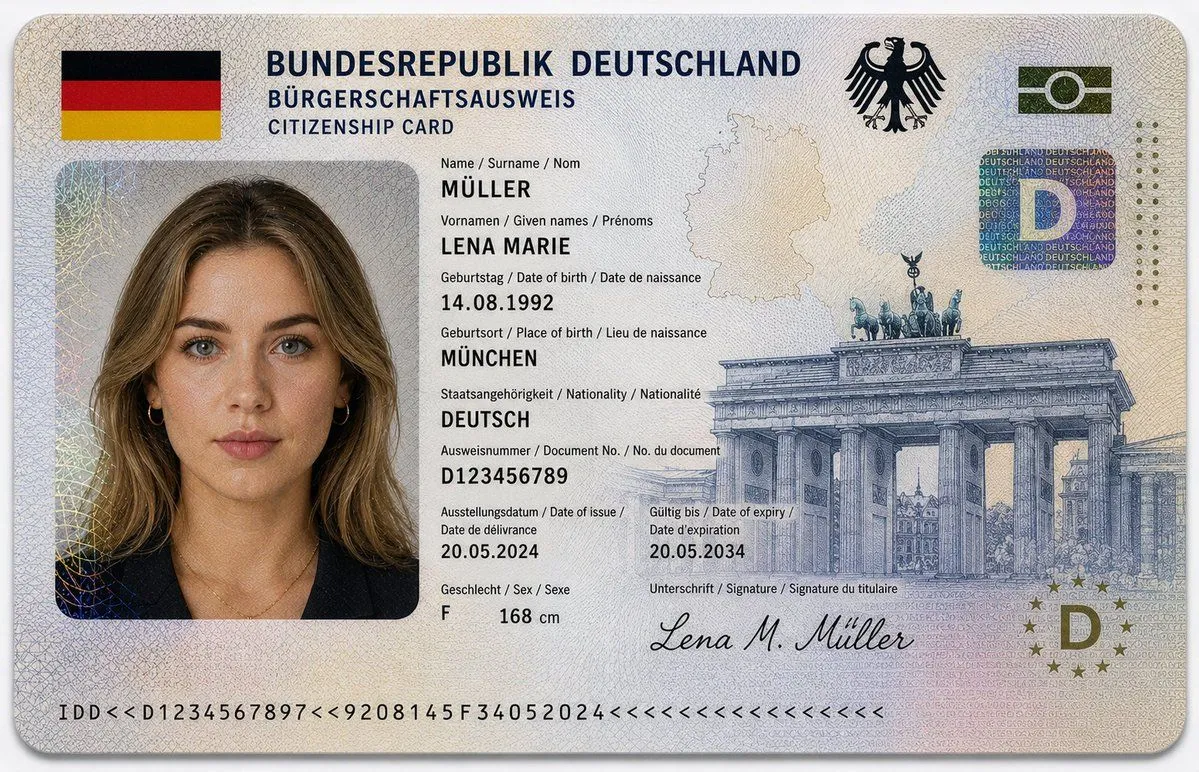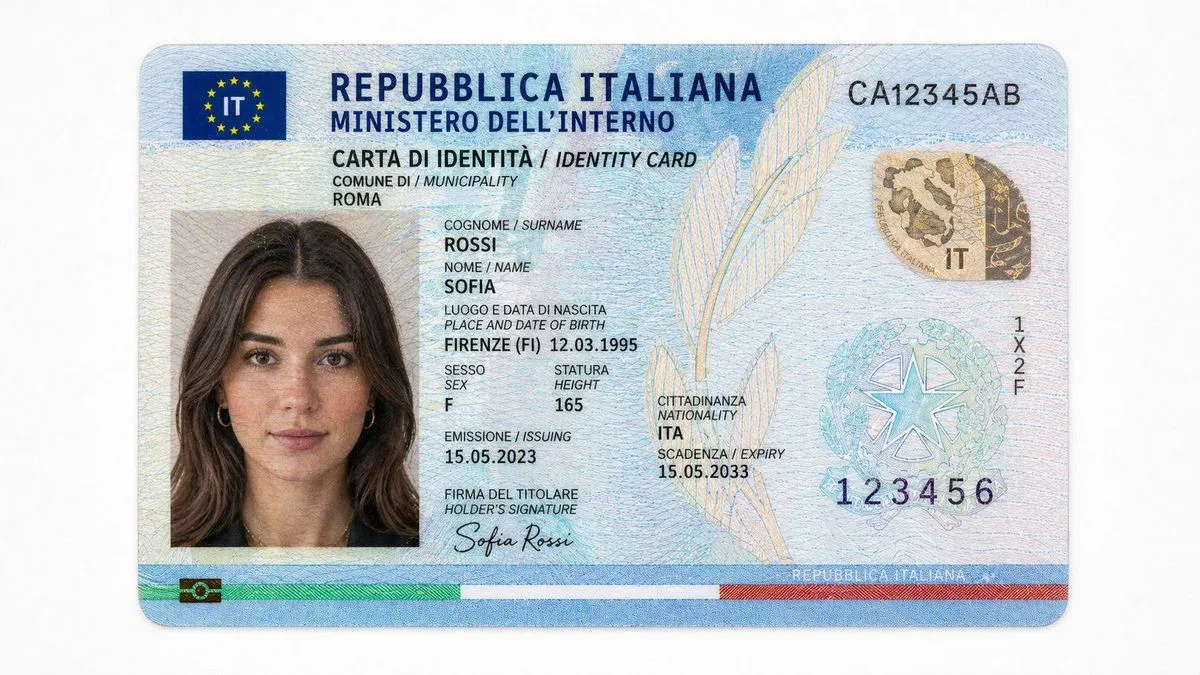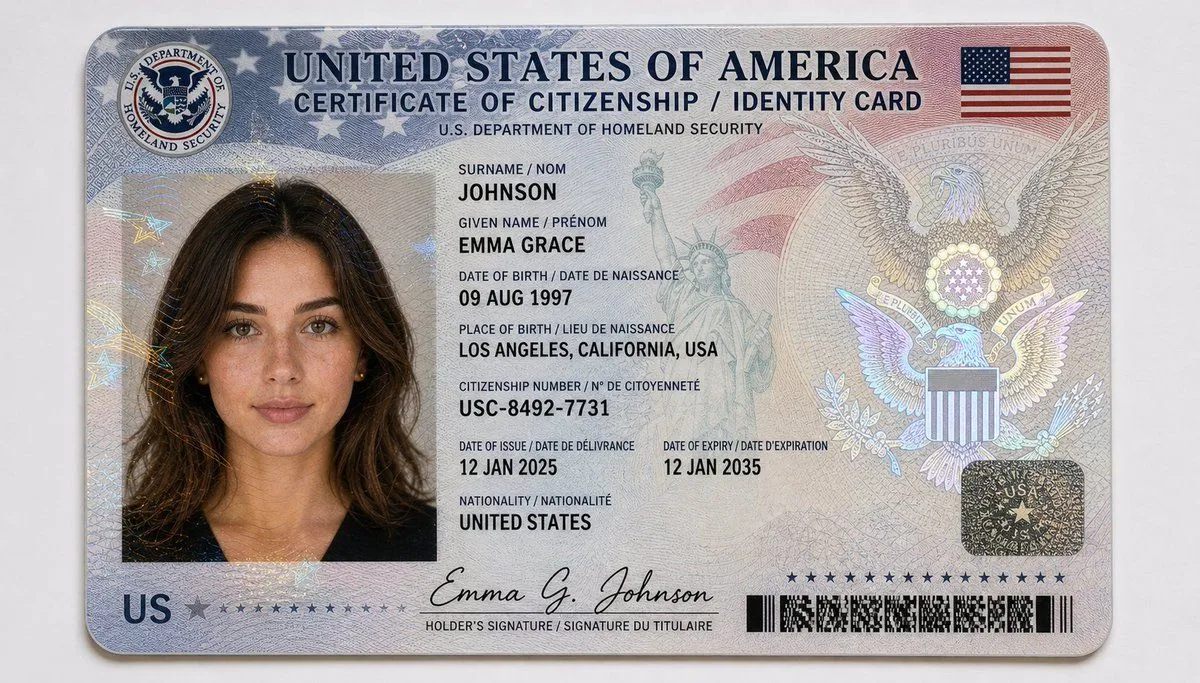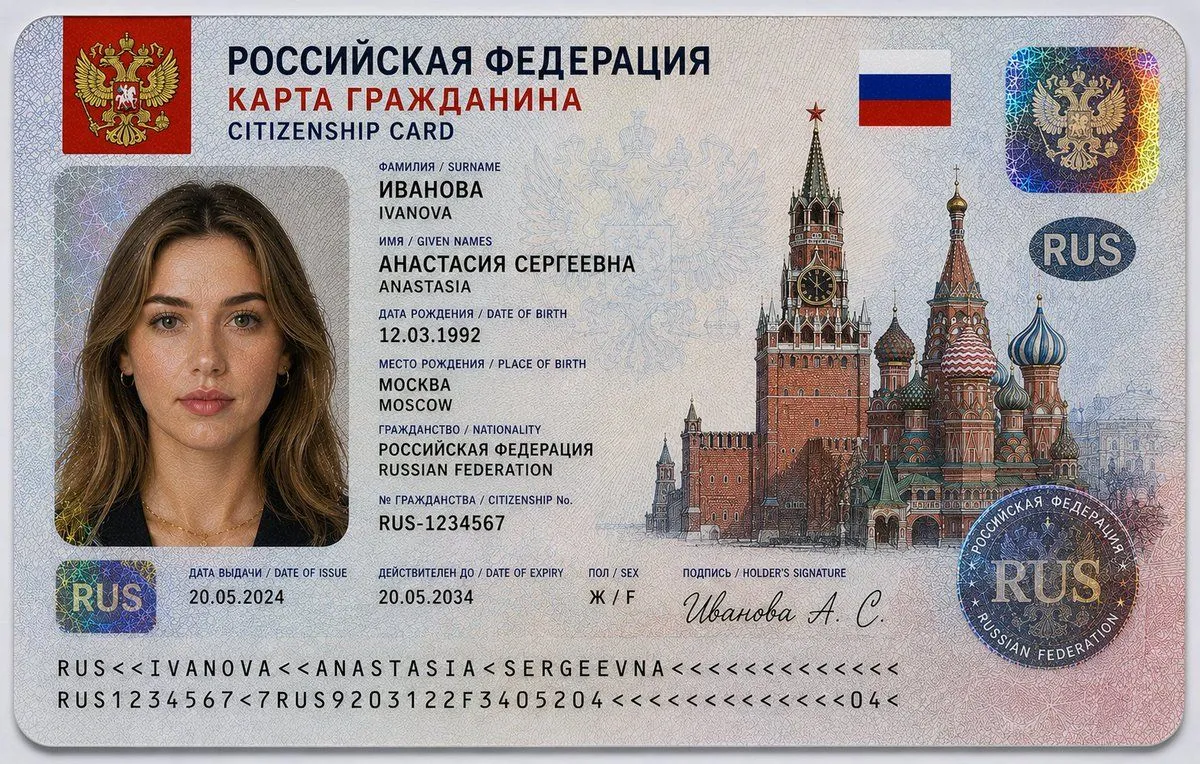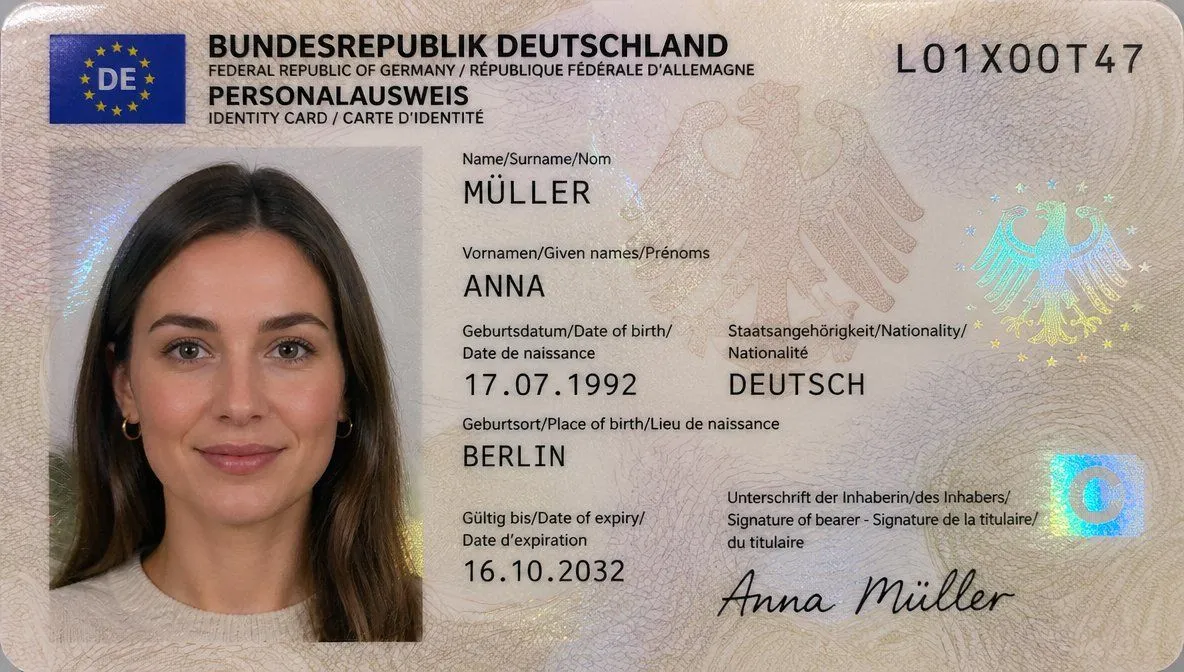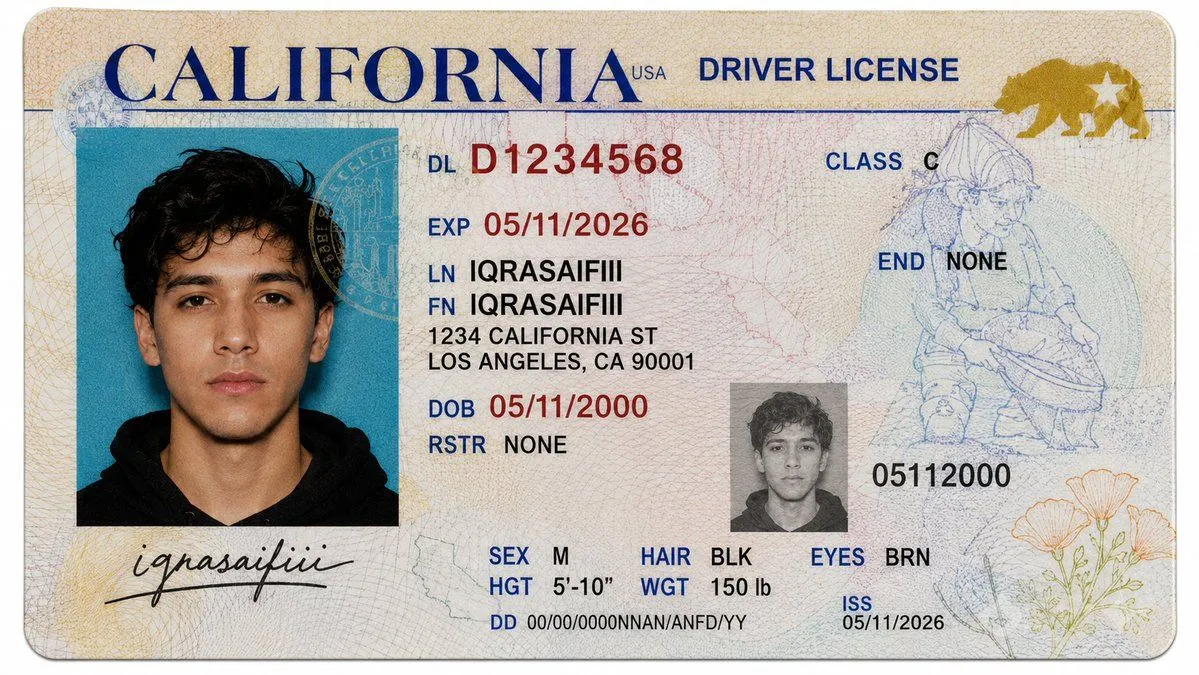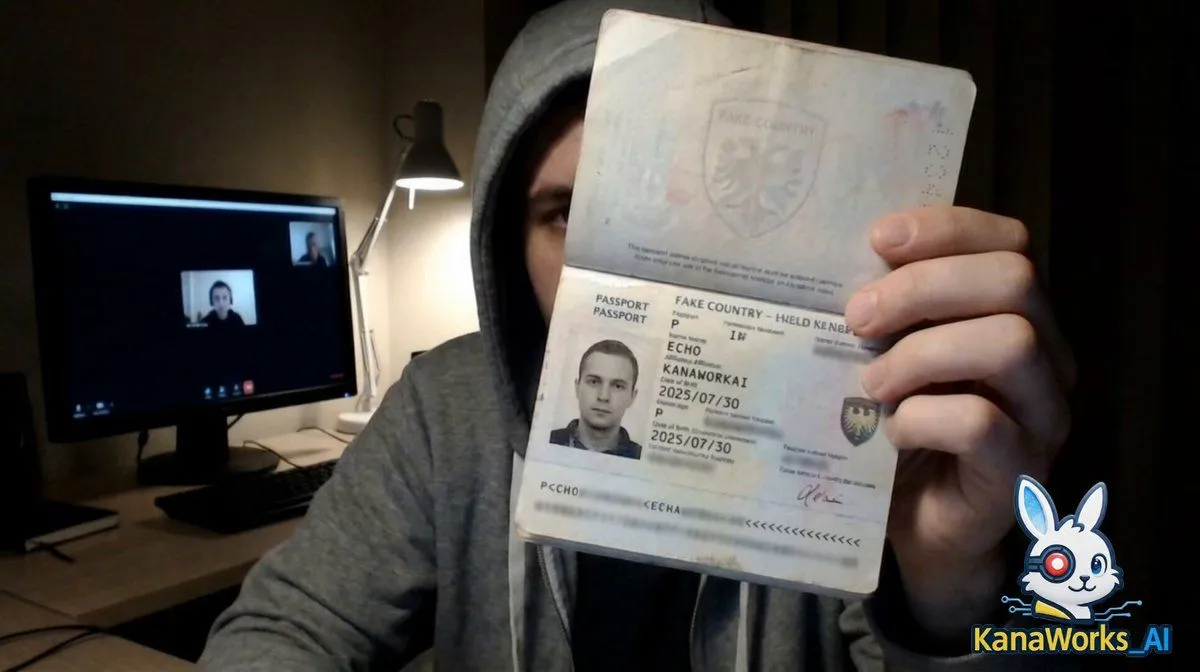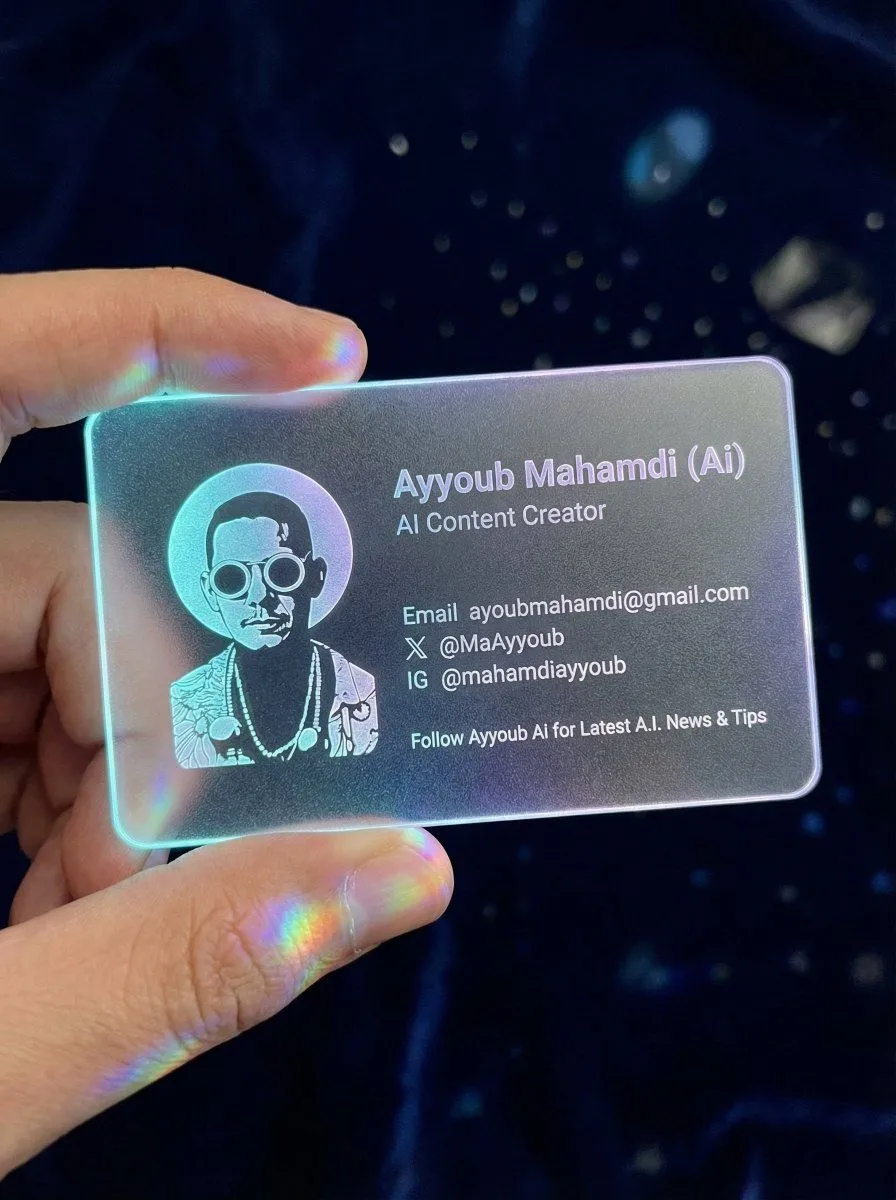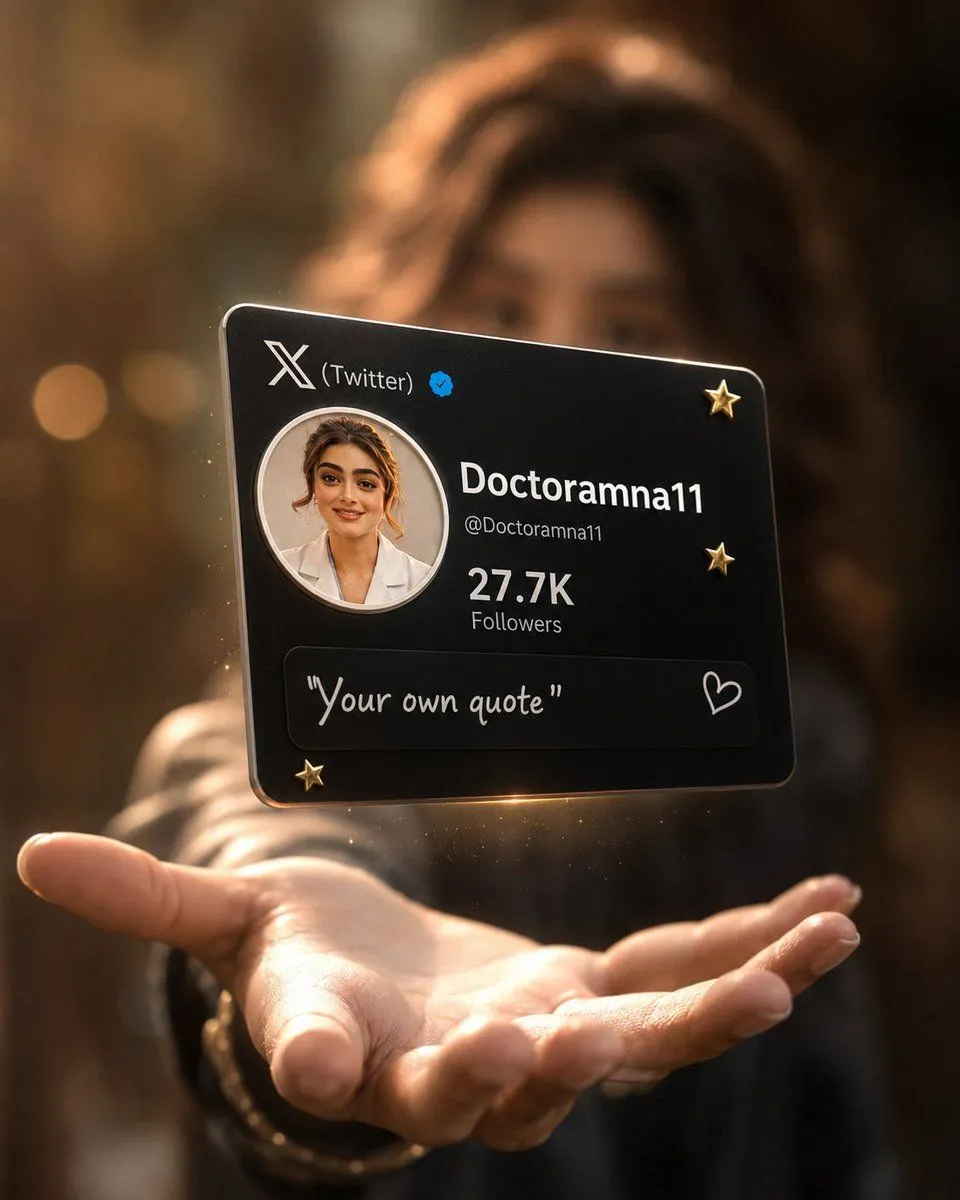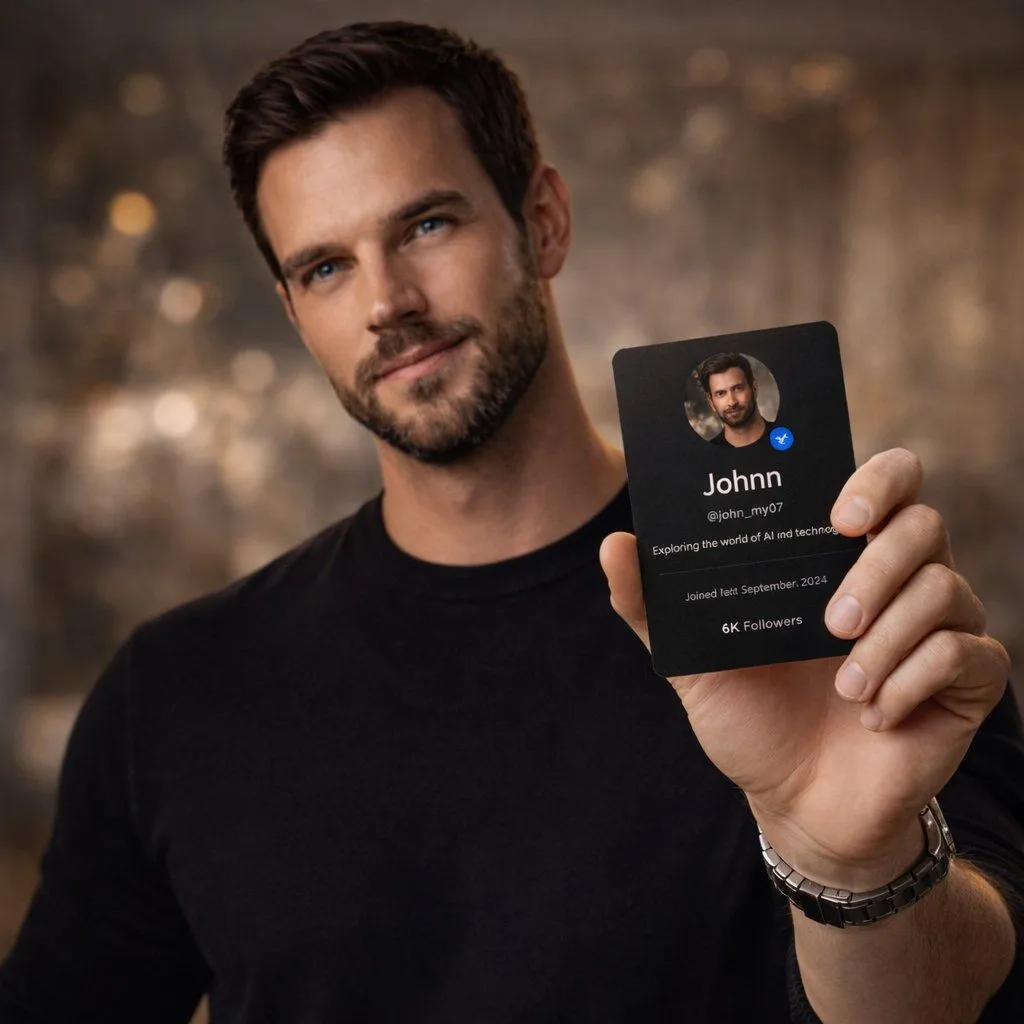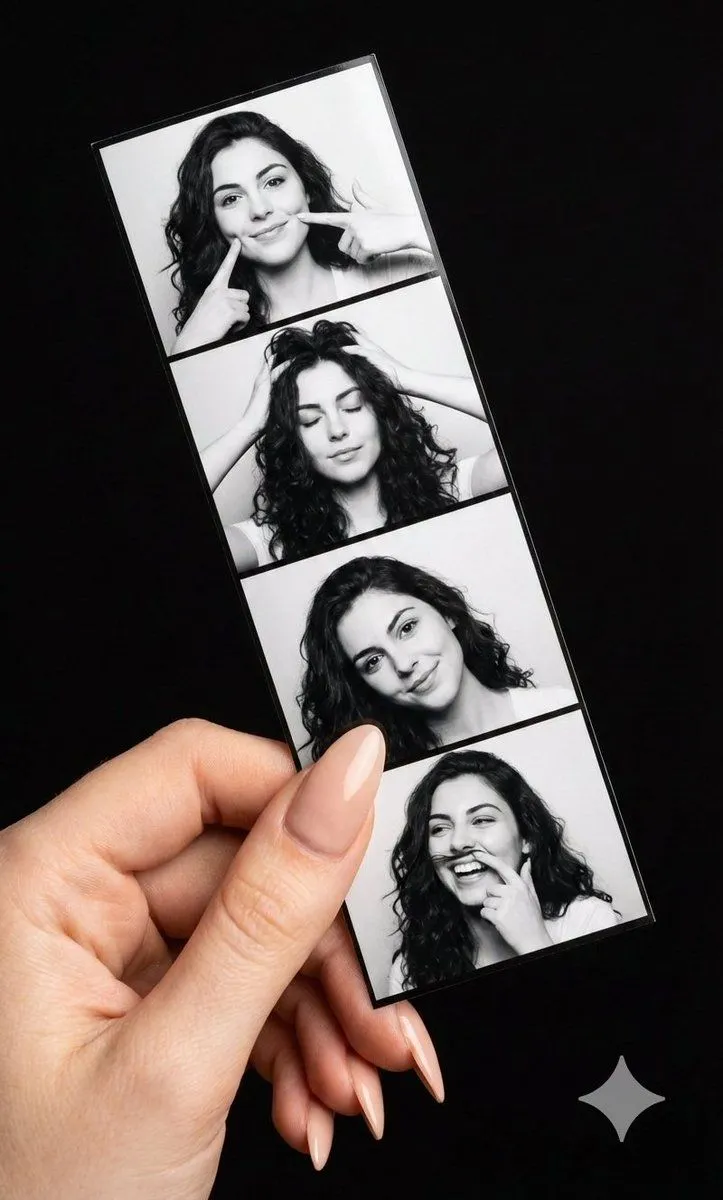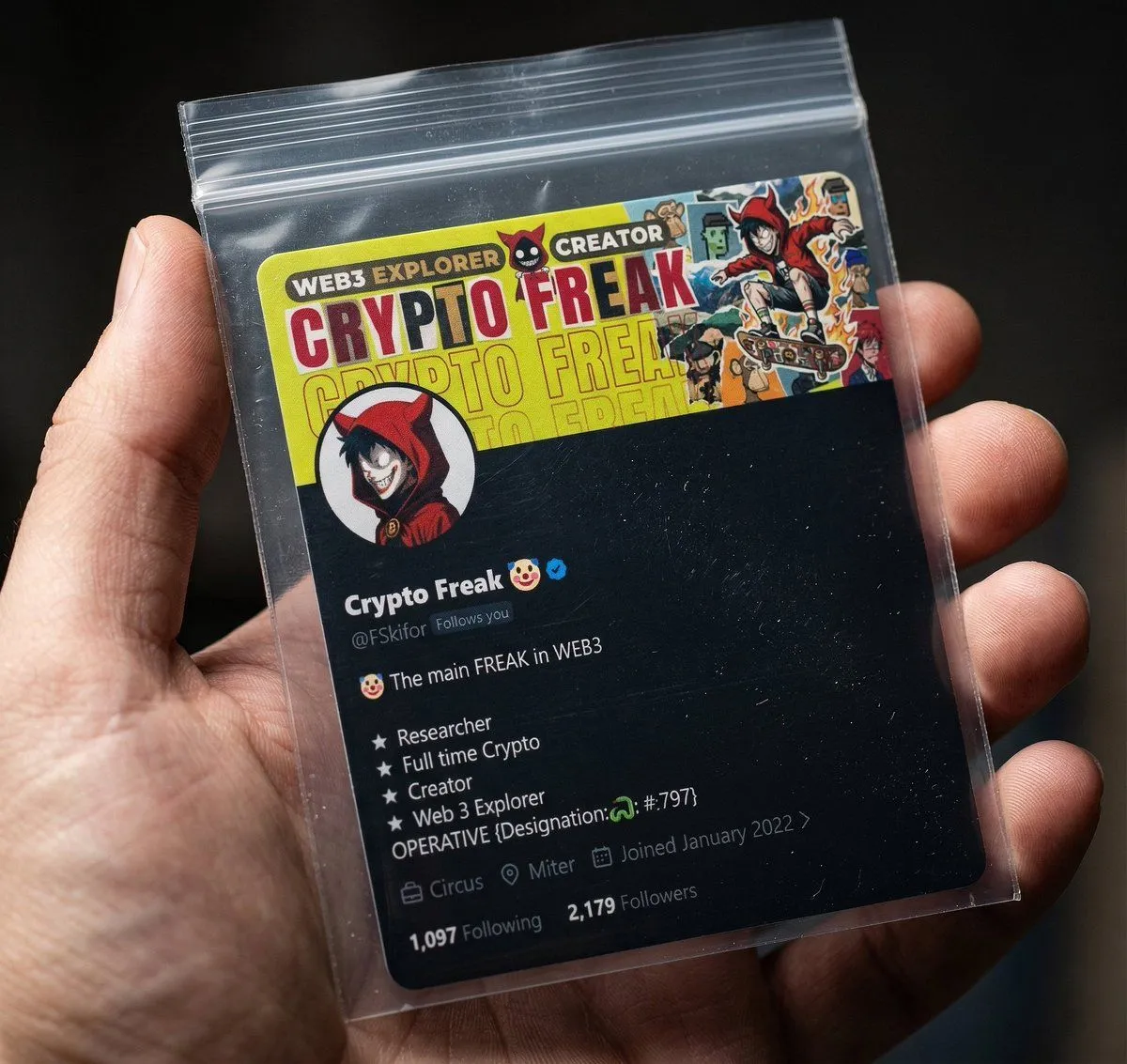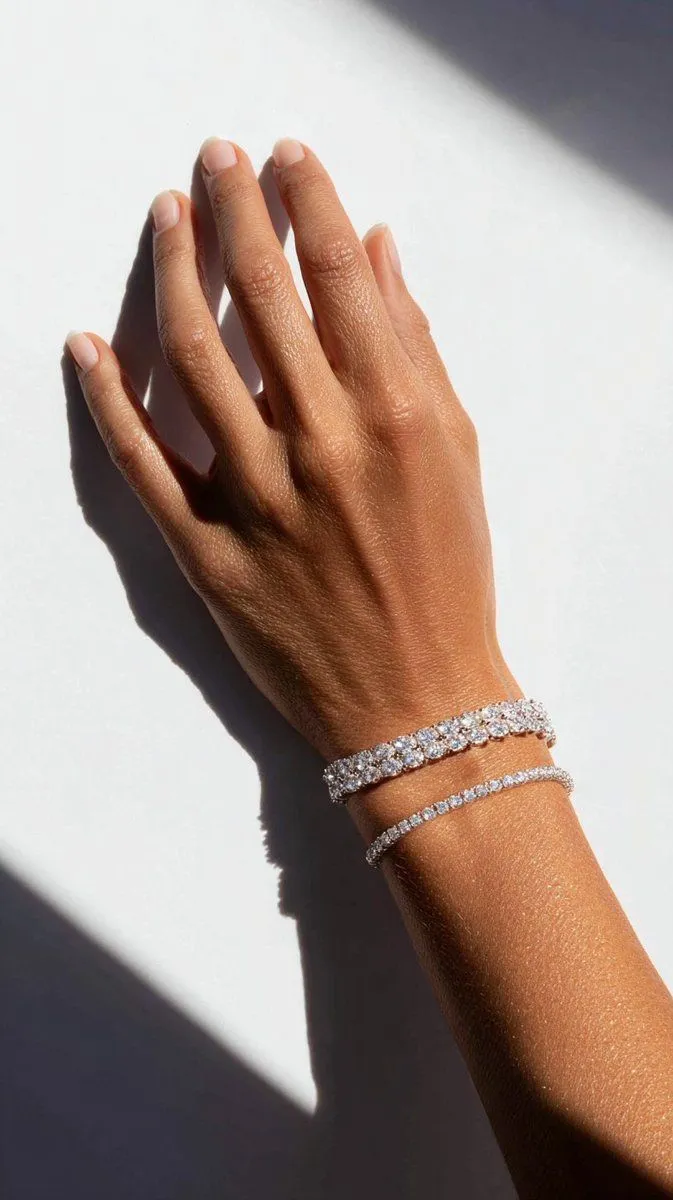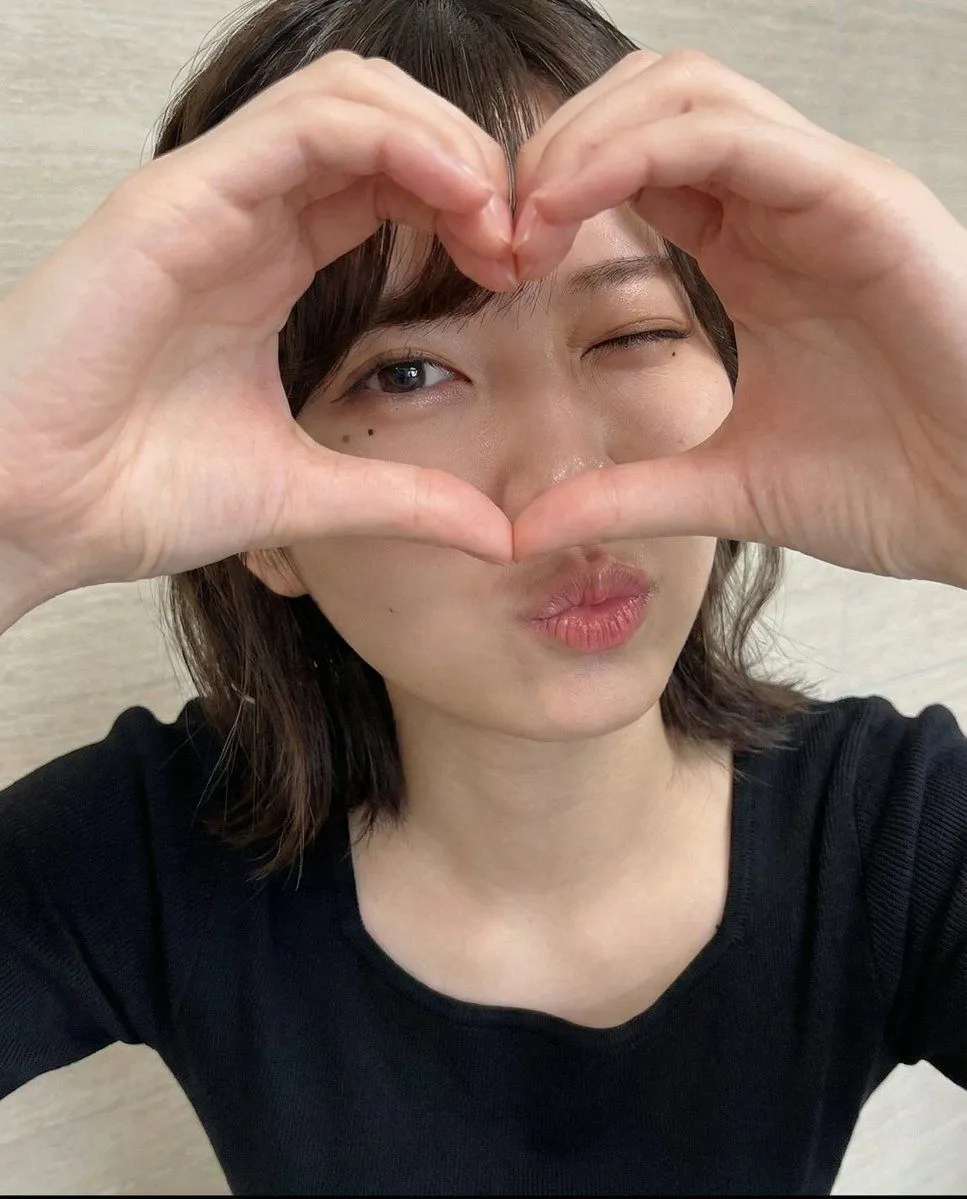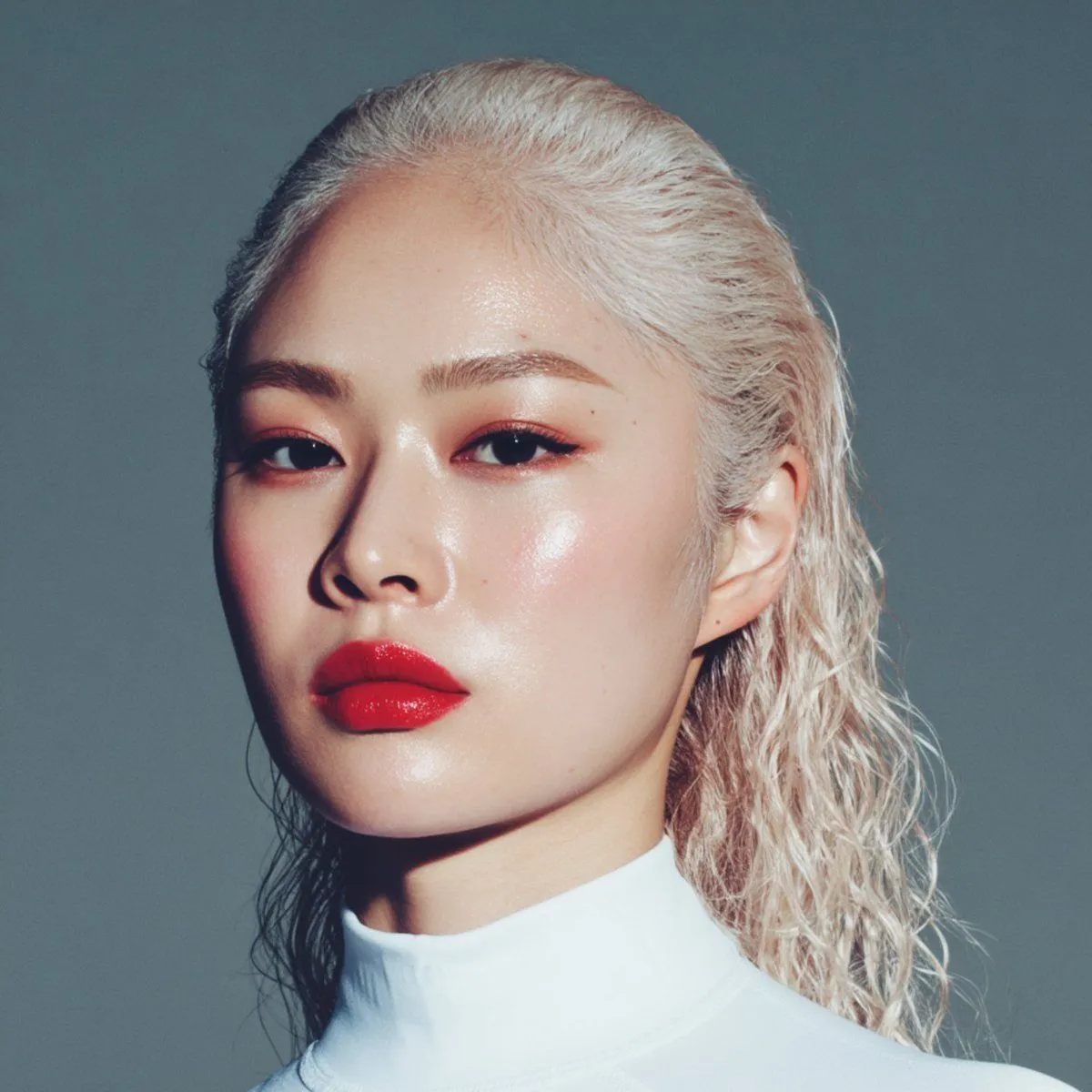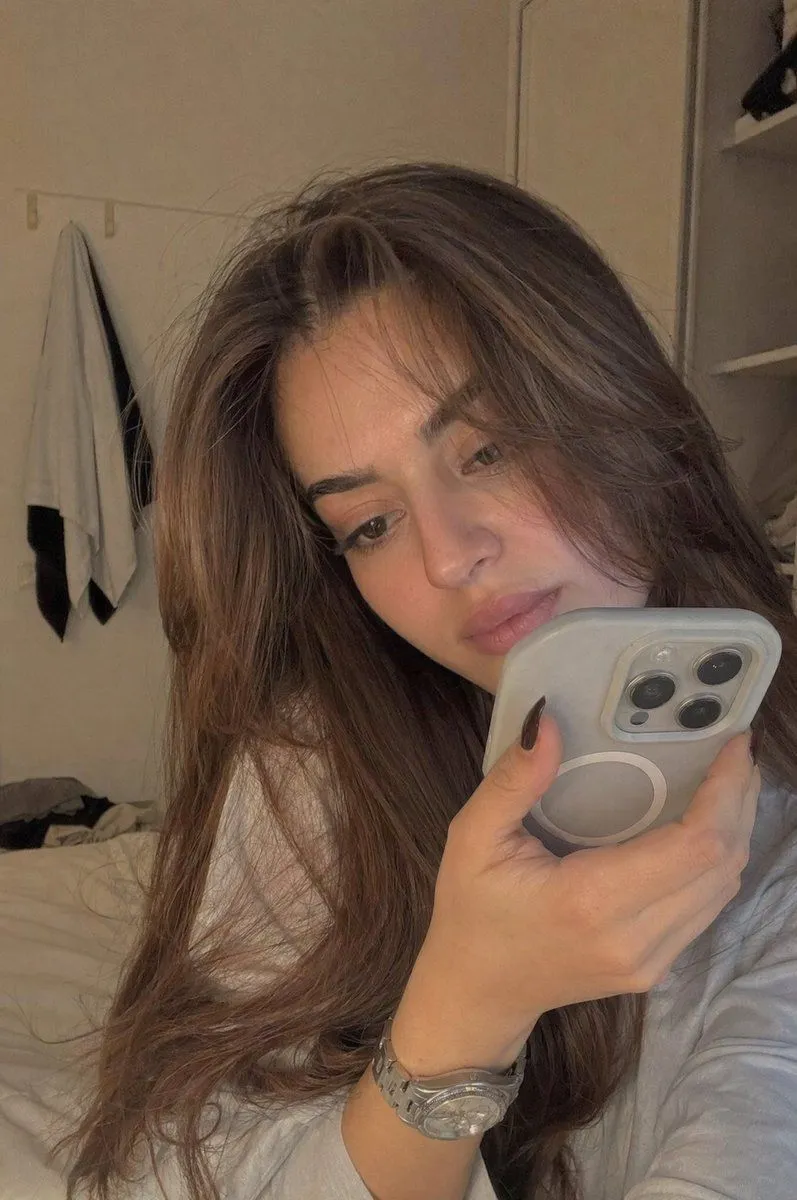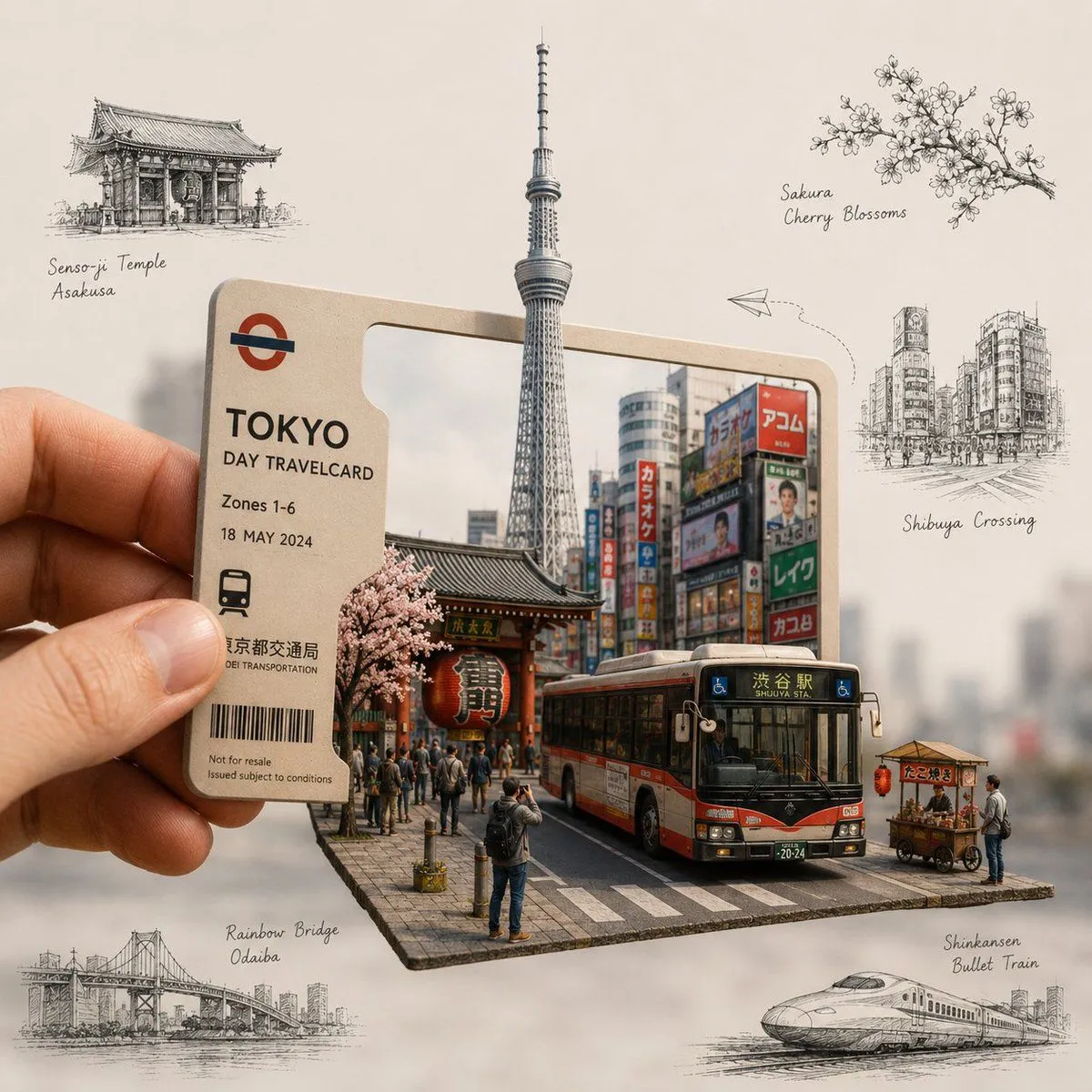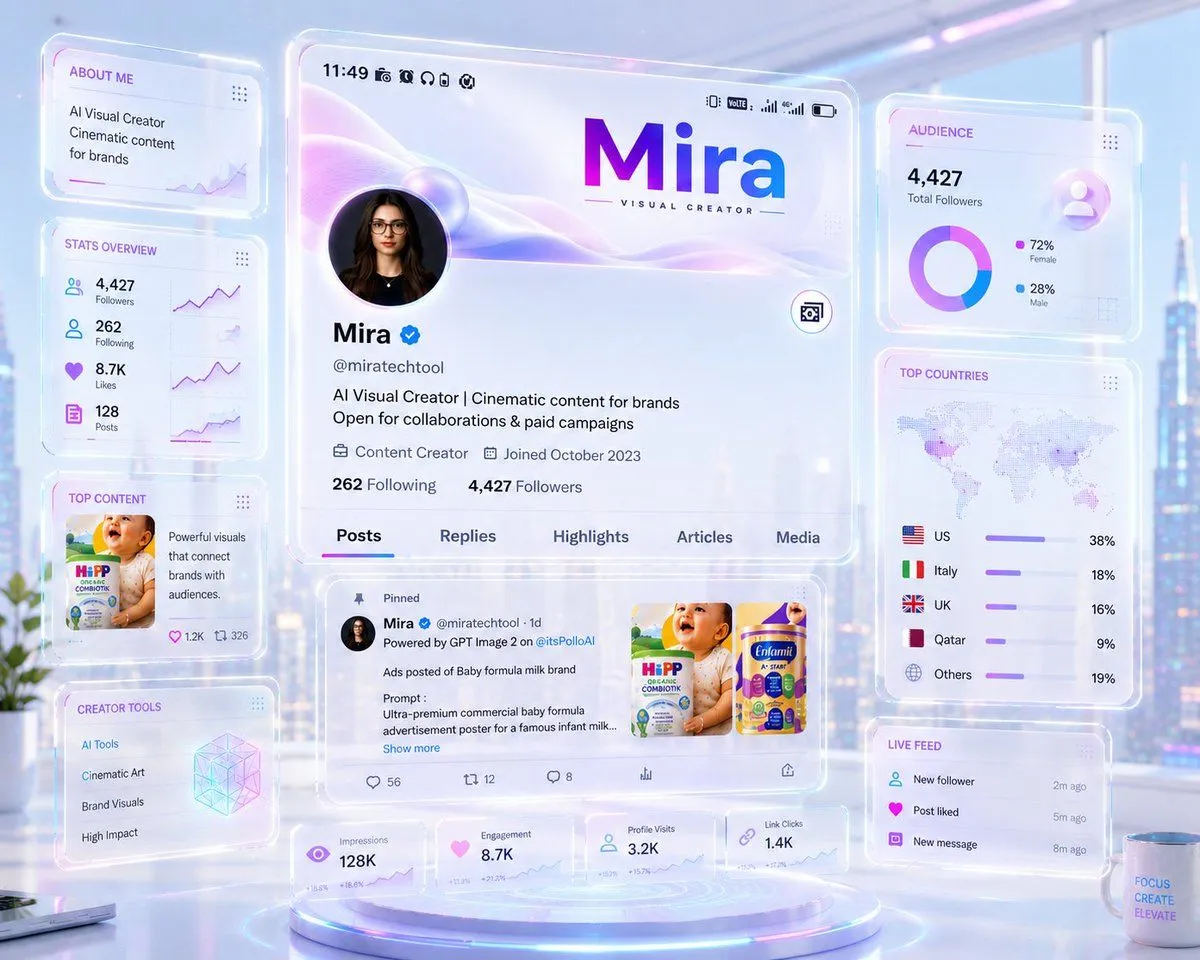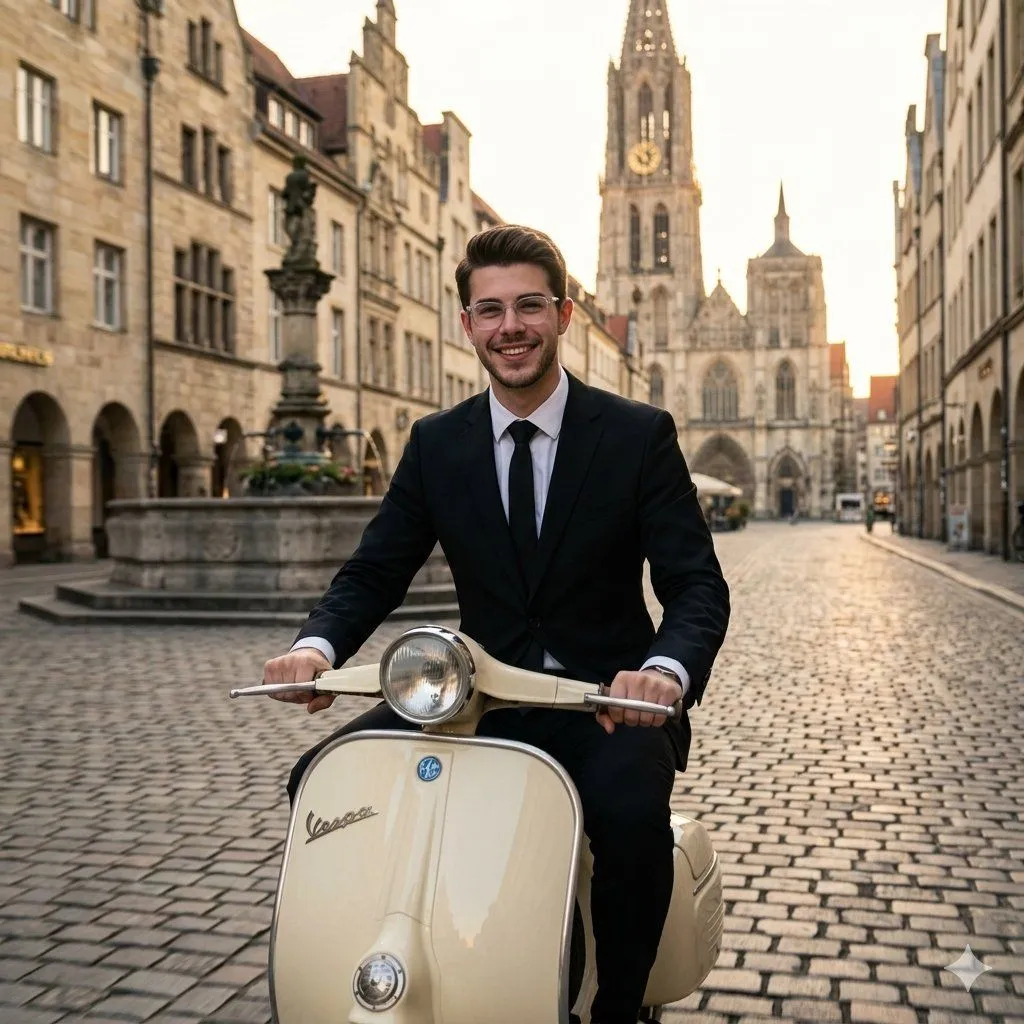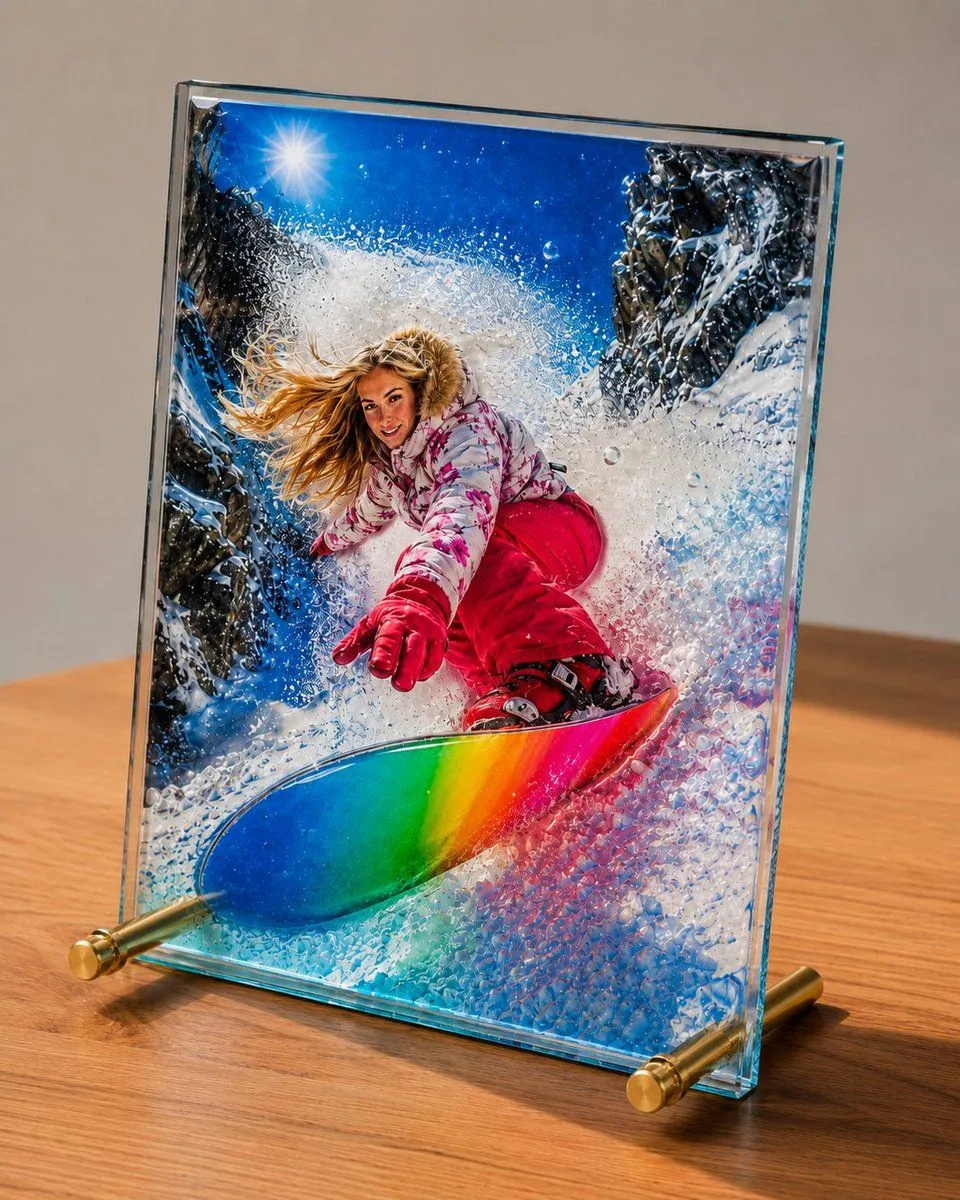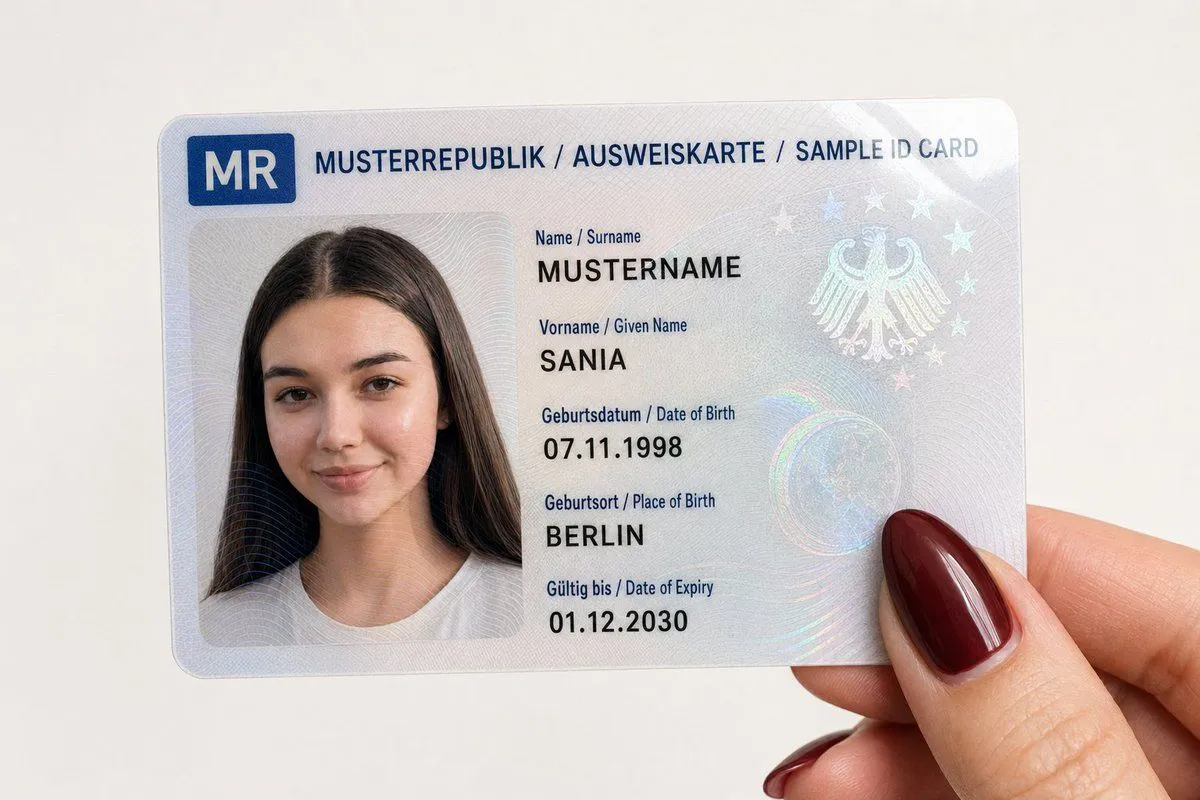
Made with GPT Image 2 in ChatGPT by Library Lifestyle. Promptclay never generates images.
Did it work?
No reports yet. Tell others if it worked for you.
Personalized Sample ID Card Generation
Prompt
3 blanks to fill{"type": "Close-up photography","subject": "A fictional {id_type} being held by a hand","card_content": {"header_text": "MODEL REPUBLIC / ID CARD / SAMPLE ID CARD","logo": "A blue symbol field at the top left with the country code 'MR'","portrait": {"appearance": "The portrait is based exactly on the reference image provided by the user","facial_features": "Facial features, expression, and gaze direction correspond exactly to the uploaded image","clothing": "As visible in the reference image","accessories": "As visible in the reference image"},"text_data": {"surname": "{surname}","given_name": "{given_name}","birth_date": "07.11.1998","birth_place": "BERLIN","expiry_date": "01.12.2030"},"surface_texture": "Glossy laminated surface with visible holographic security patterns and guilloche lines over portrait and text"},"foreground_hand": {"position": "Holding the bottom right corner of the card","skin_tone": "Light","fingernail": "Visible thumb with a long, almond-shaped fingernail, painted in glossy bordeaux red or dark red"},"background": "Plain, solid white surface","lighting": "Soft, uniform indoor light with slight reflections on the card surface and the glossy nail polish","framing": "Vertical bird's-eye close-up, fully focused on the card and thumb"}
Preview of your prompt
{"type": "Close-up photography","subject": "A fictional ID card being held by a hand","card_content": {"header_text": "MODEL REPUBLIC / ID CARD / SAMPLE ID CARD","logo": "A blue symbol field at the top left with the country code 'MR'","portrait": {"appearance": "The portrait is based exactly on the reference image provided by the user","facial_features": "Facial features, expression, and gaze direction correspond exactly to the uploaded image","clothing": "As visible in the reference image","accessories": "As visible in the reference image"},"text_data": {"surname": "SURNAME","given_name": "SANIA","birth_date": "07.11.1998","birth_place": "BERLIN","expiry_date": "01.12.2030"},"surface_texture": "Glossy laminated surface with visible holographic security patterns and guilloche lines over portrait and text"},"foreground_hand": {"position": "Holding the bottom right corner of the card","skin_tone": "Light","fingernail": "Visible thumb with a long, almond-shaped fingernail, painted in glossy bordeaux red or dark red"},"background": "Plain, solid white surface","lighting": "Soft, uniform indoor light with slight reflections on the card surface and the glossy nail polish","framing": "Vertical bird's-eye close-up, fully focused on the card and thumb"}
DetailsVersions, settings and questions
Written for
What's in the prompt
- Subject
- Model
- GPT Image 2
If your face changes
keep my face exactly the sameQuestions
- Does this work in the ChatGPT app?
- Yes. Paste the prompt and attach your photo if it uses one.
- It changed my face. What do I do?
- Add "keep my face exactly the same" to the end and run it again.
- Can I use the images I make?
- Check the terms of the app you use. Promptclay never generates images and claims nothing you make.