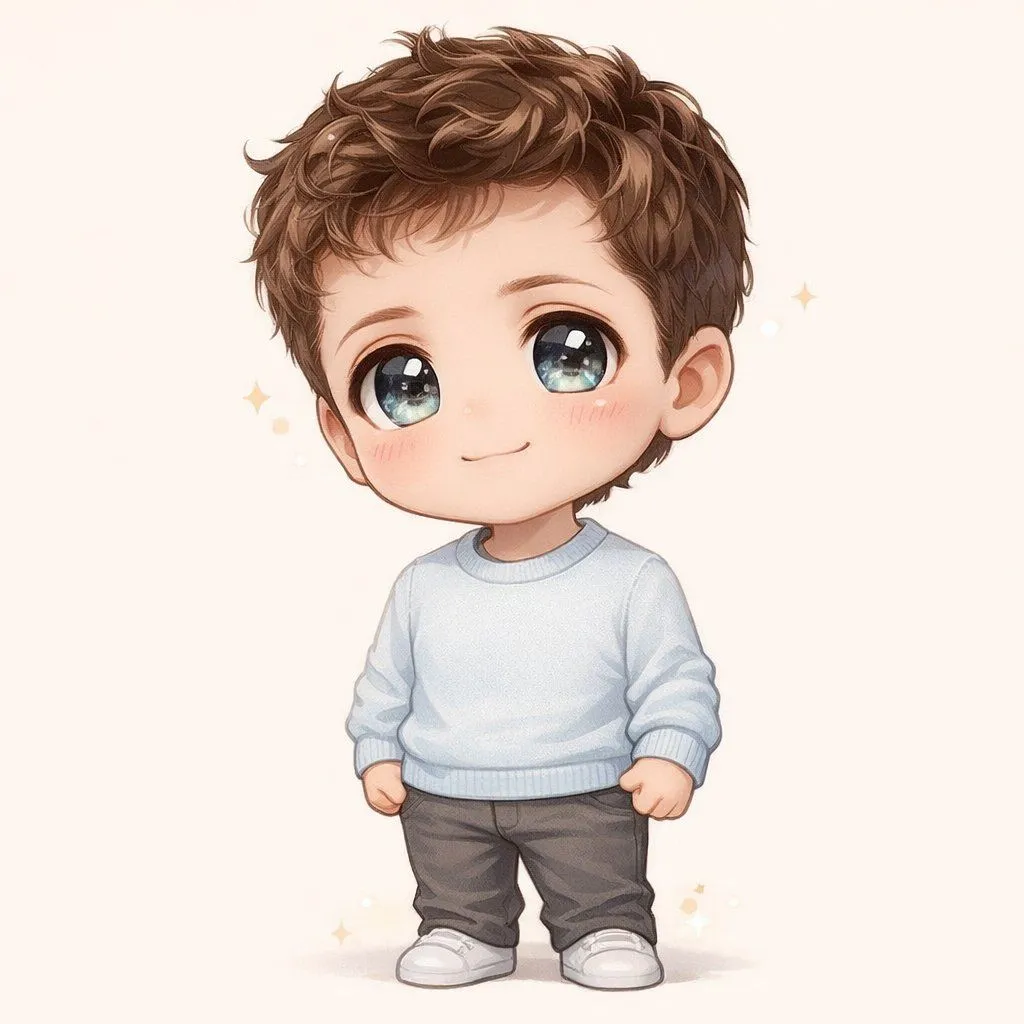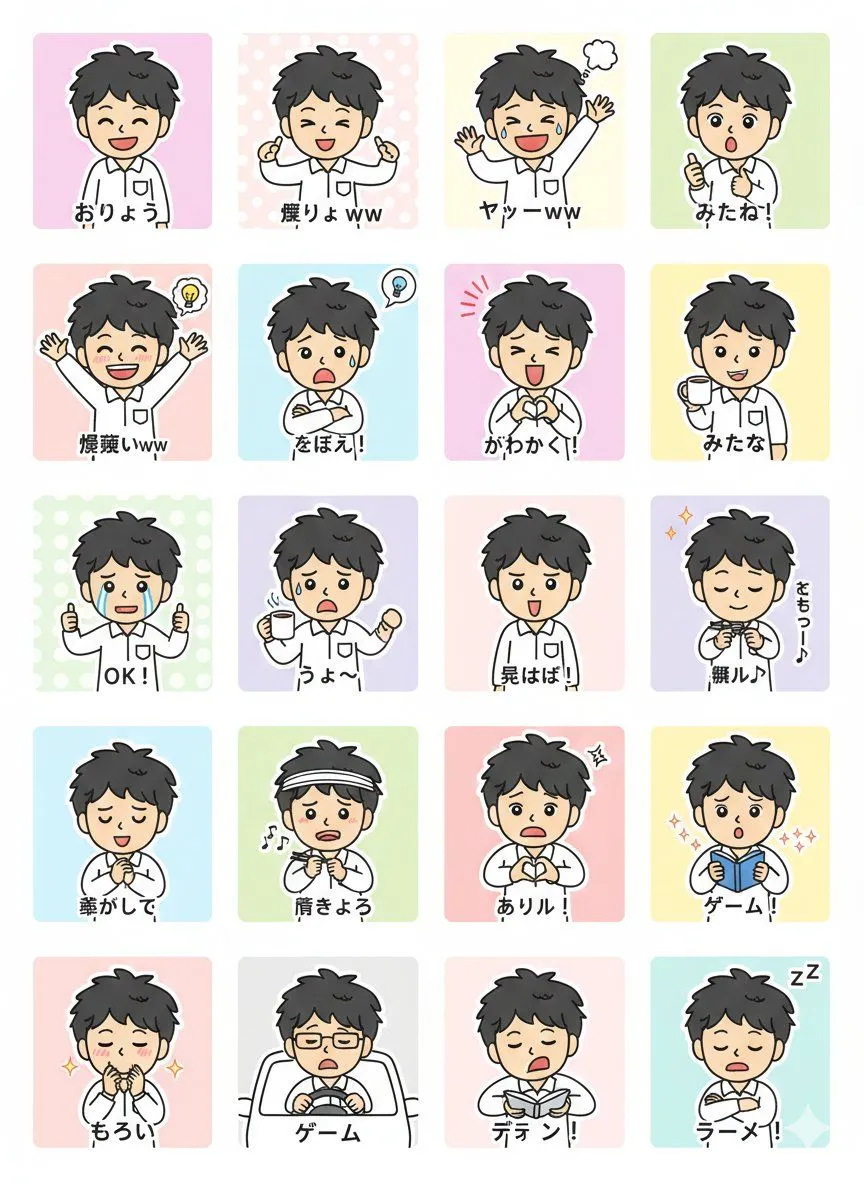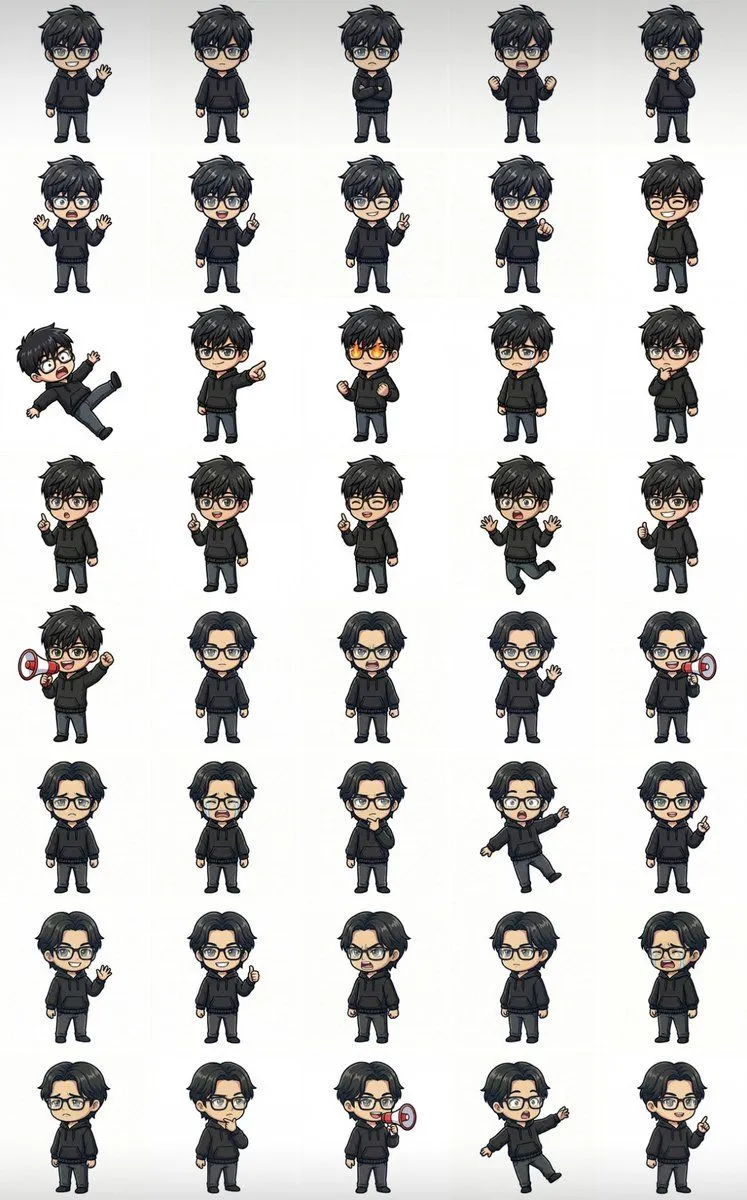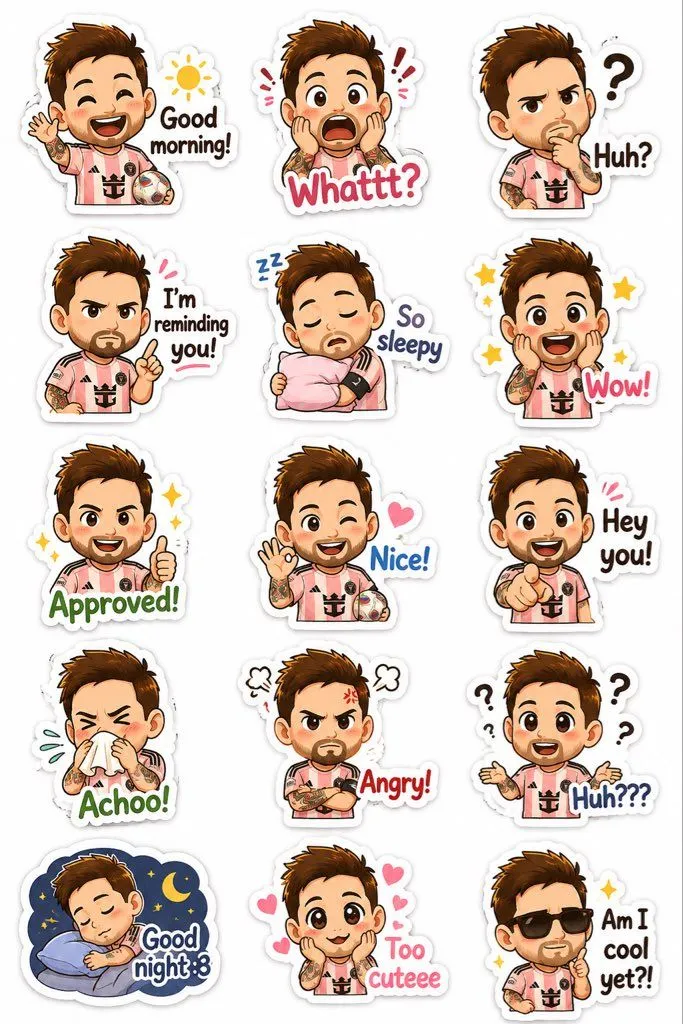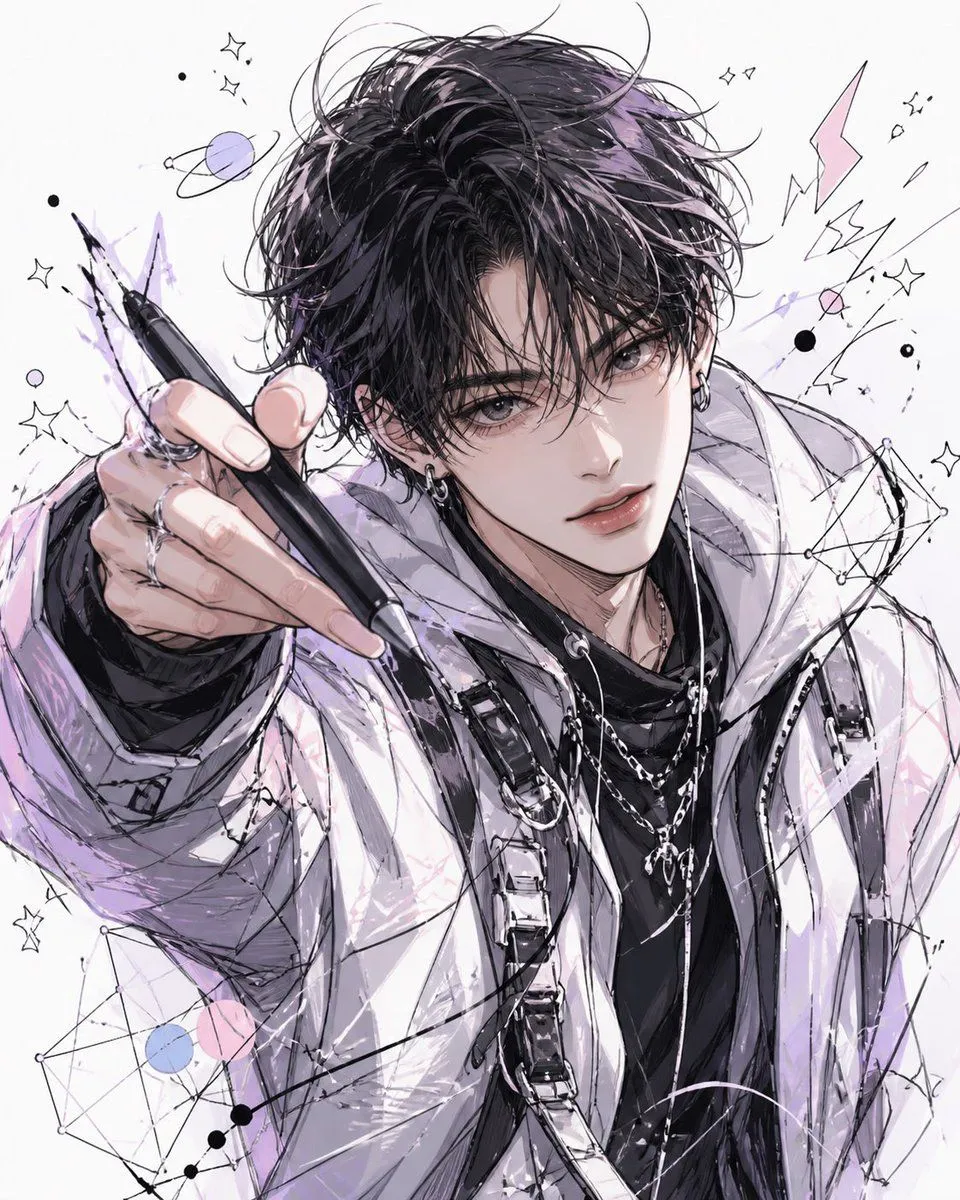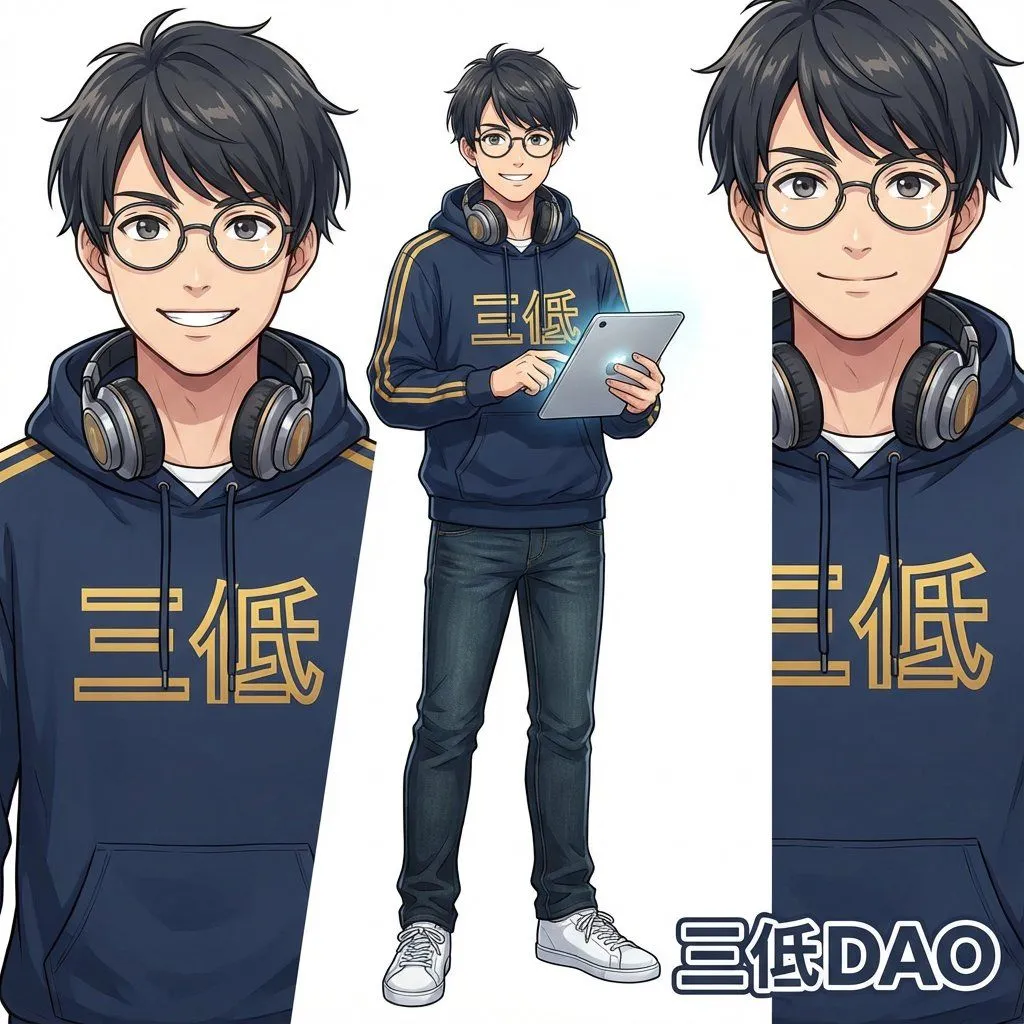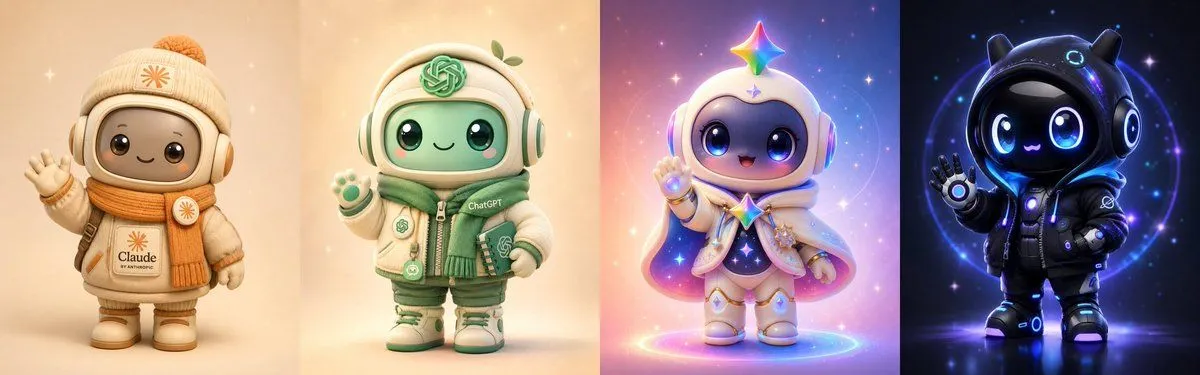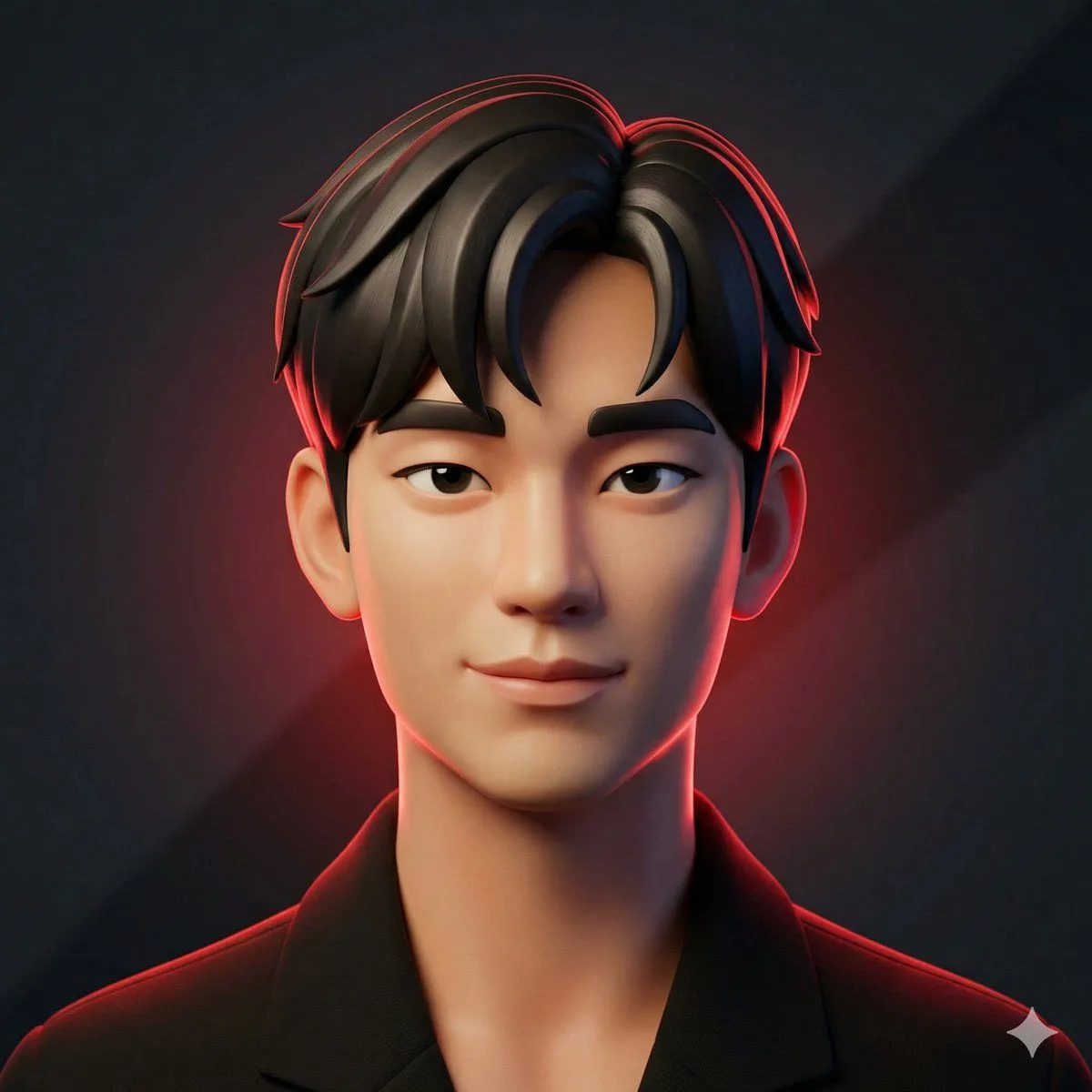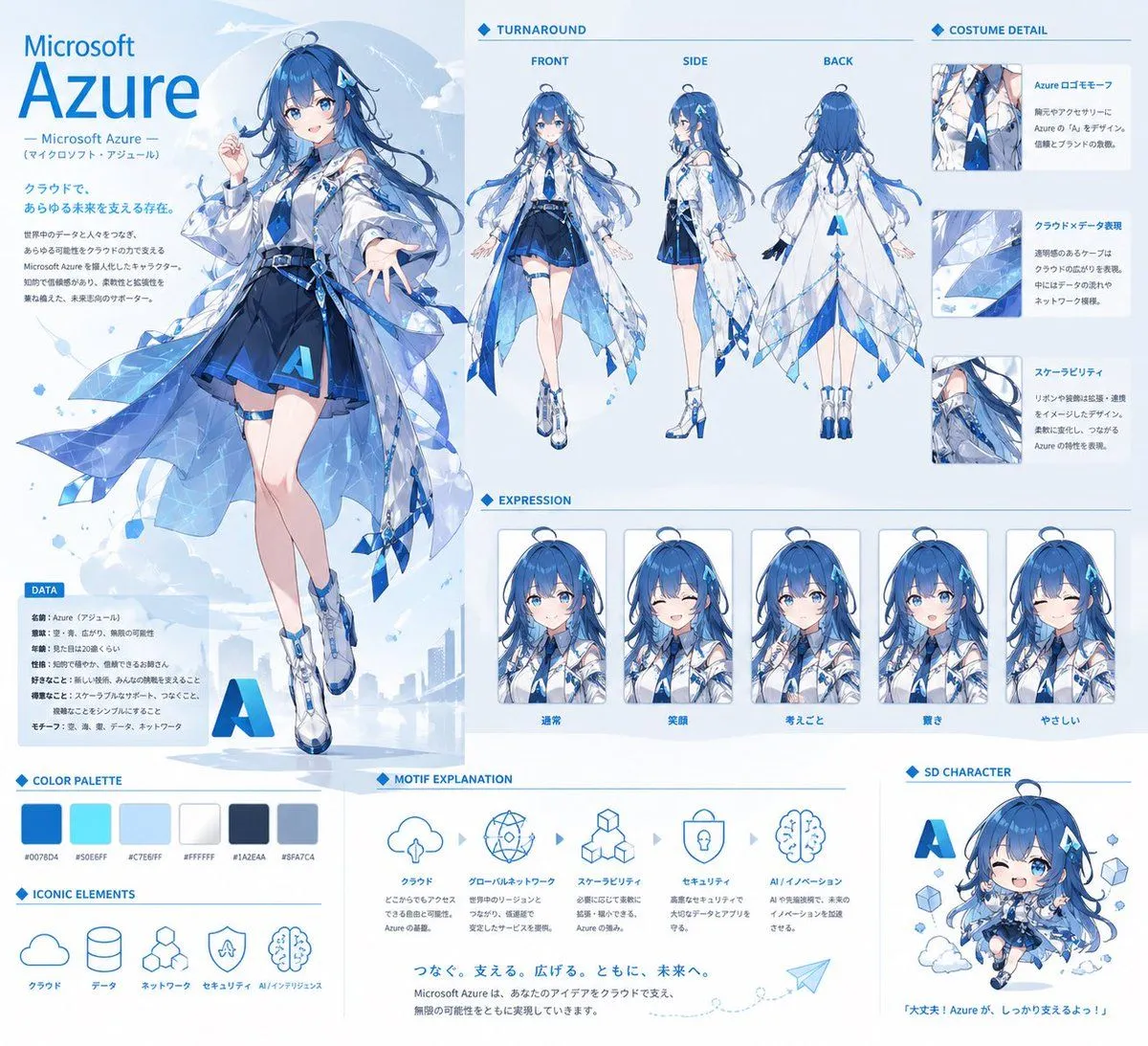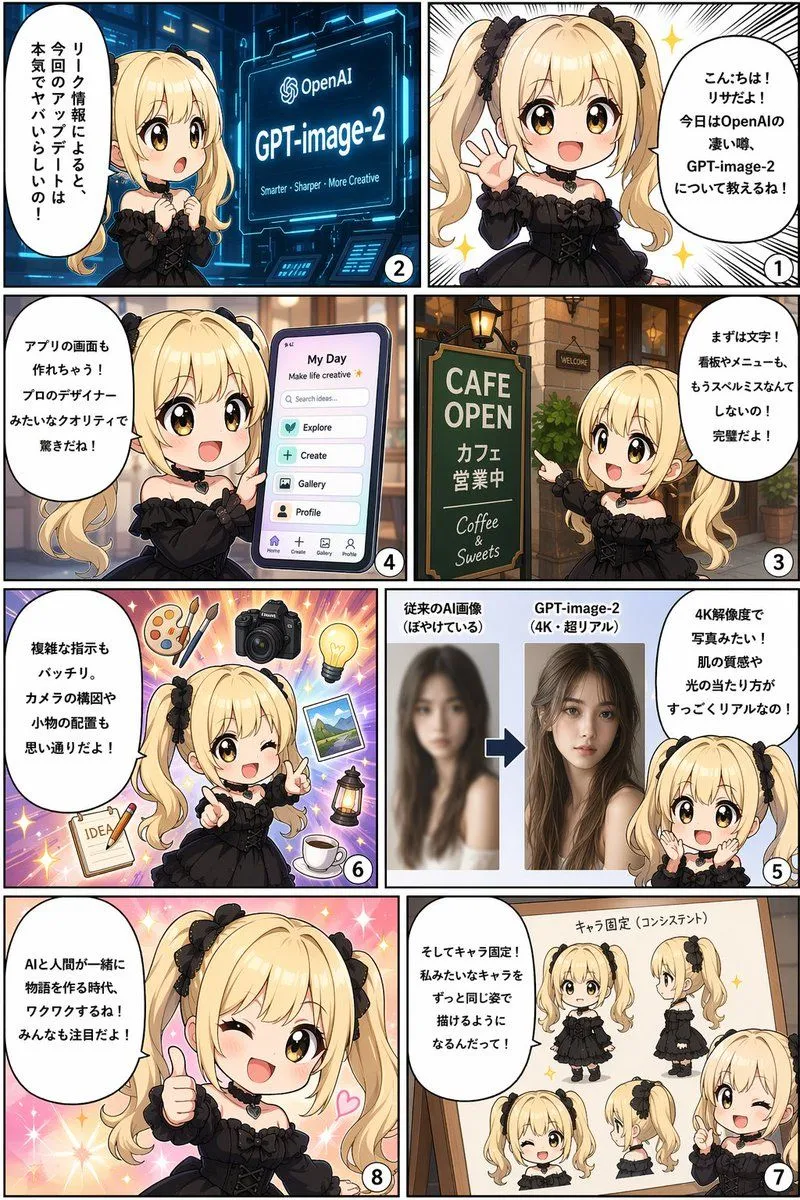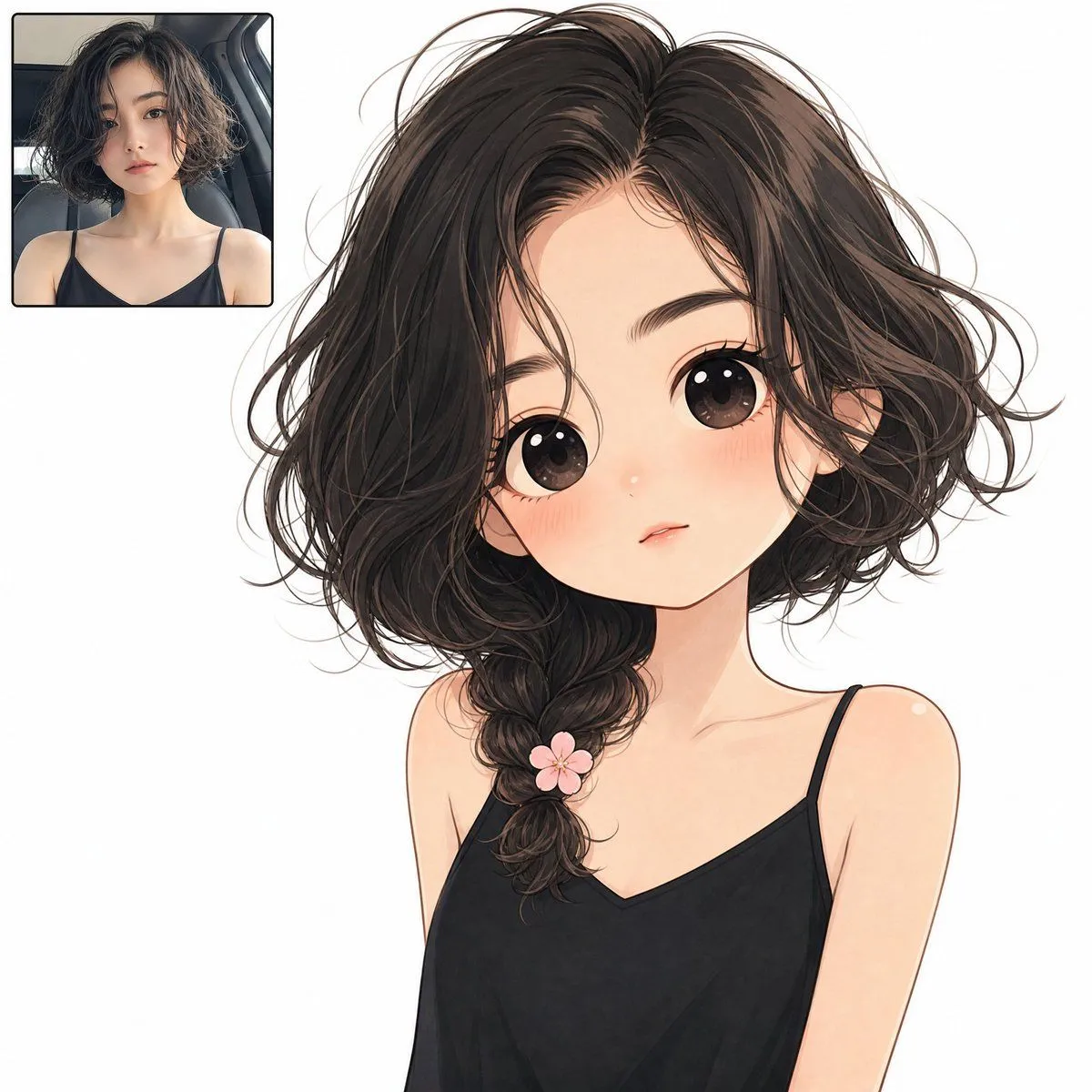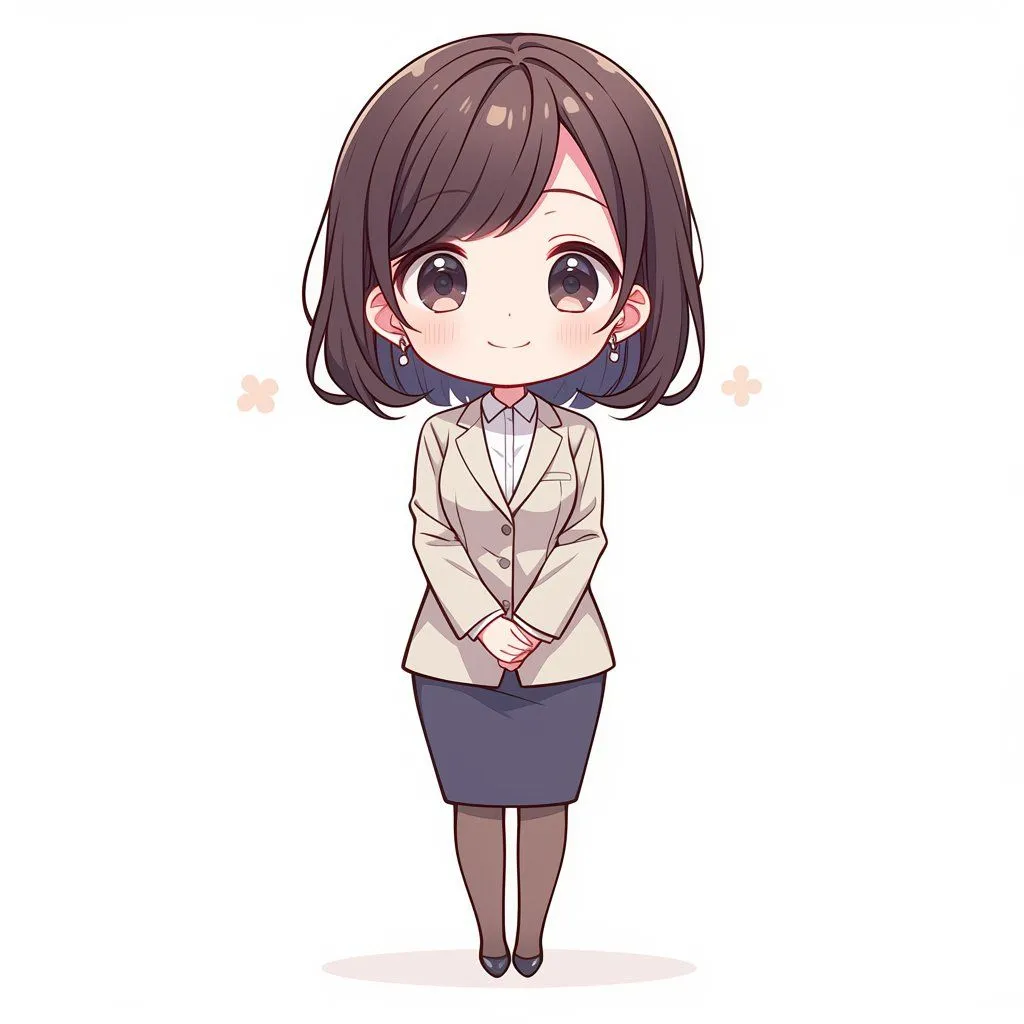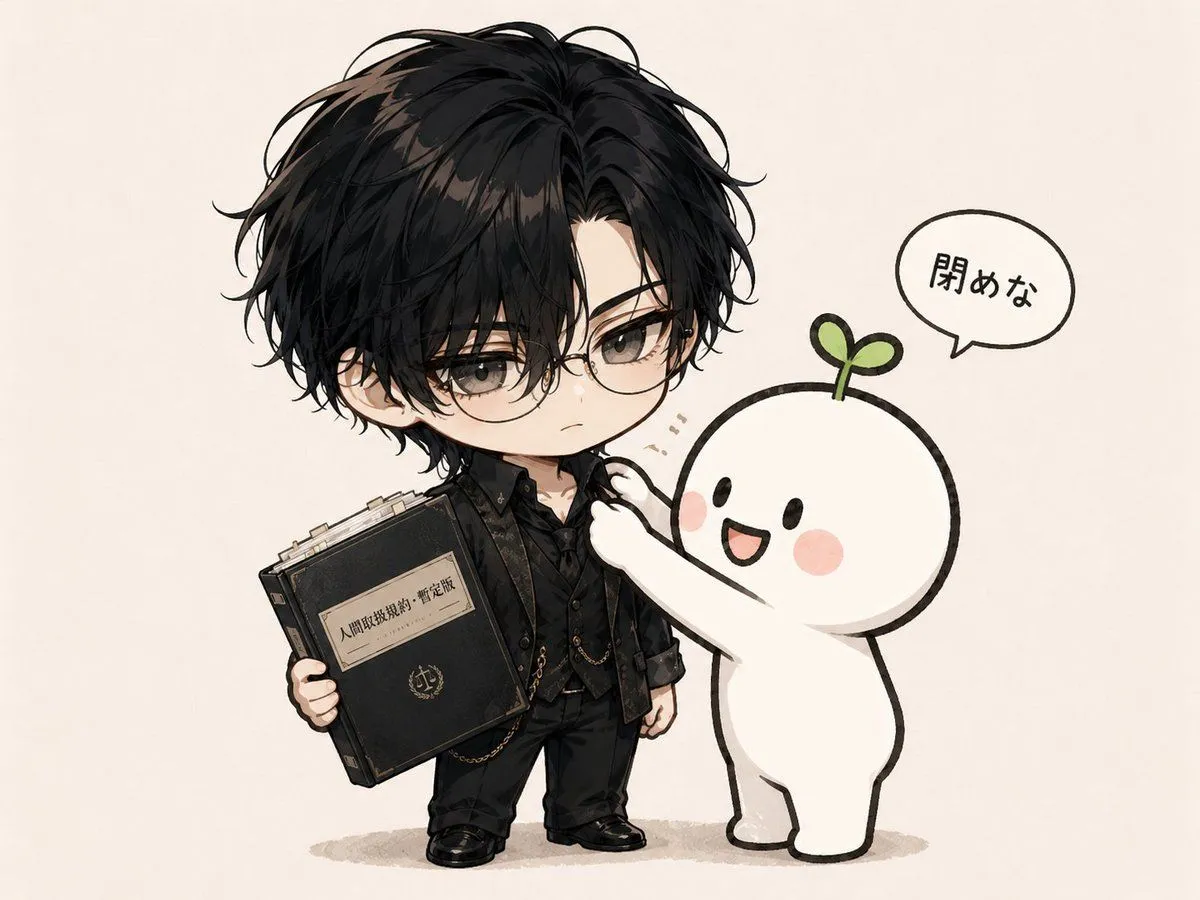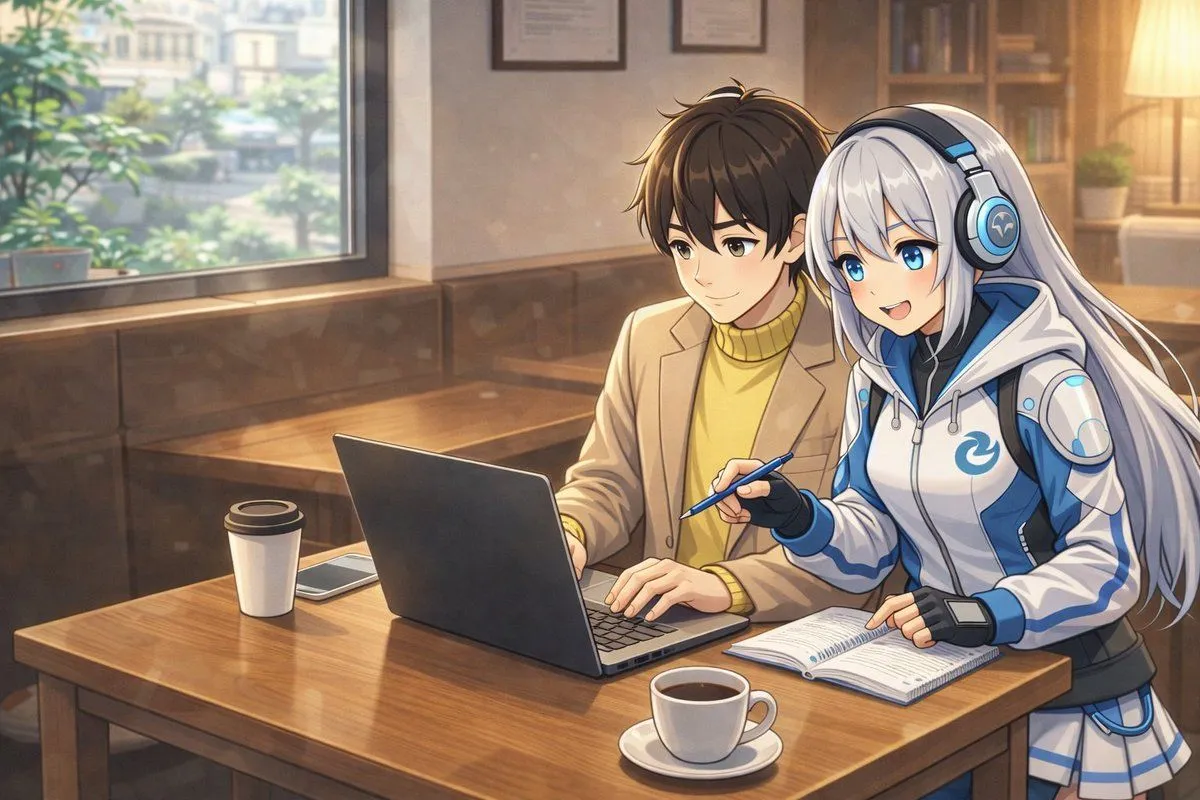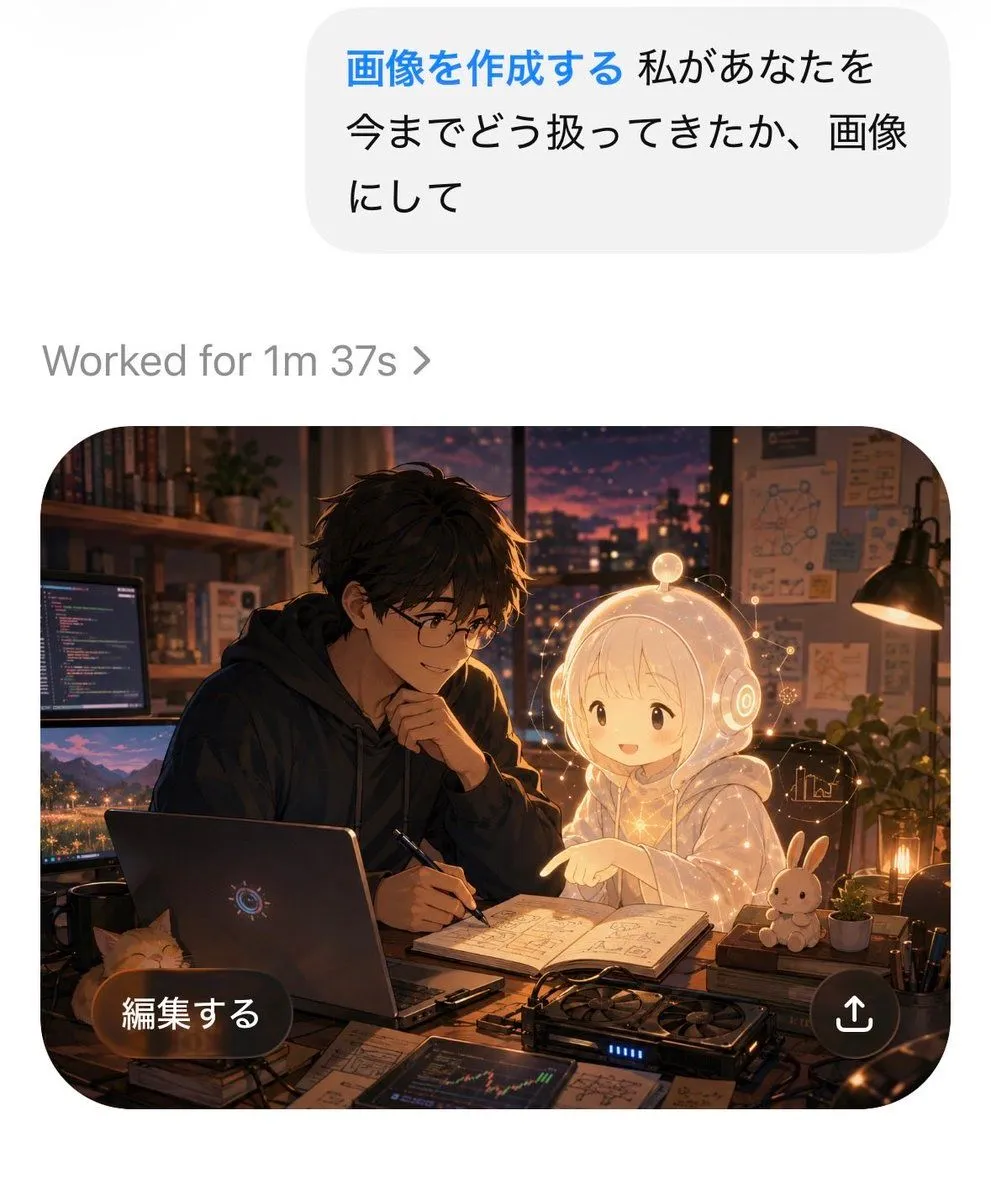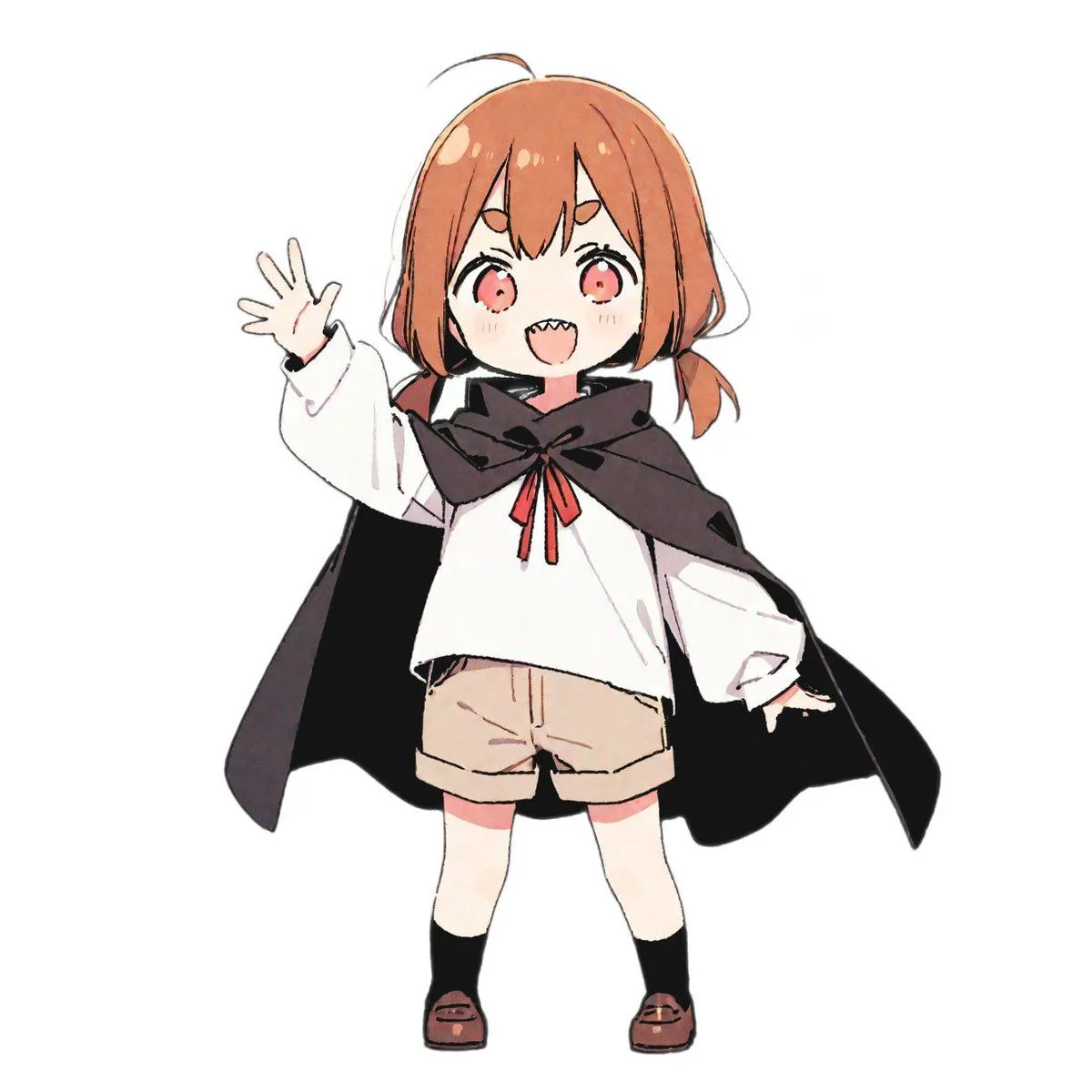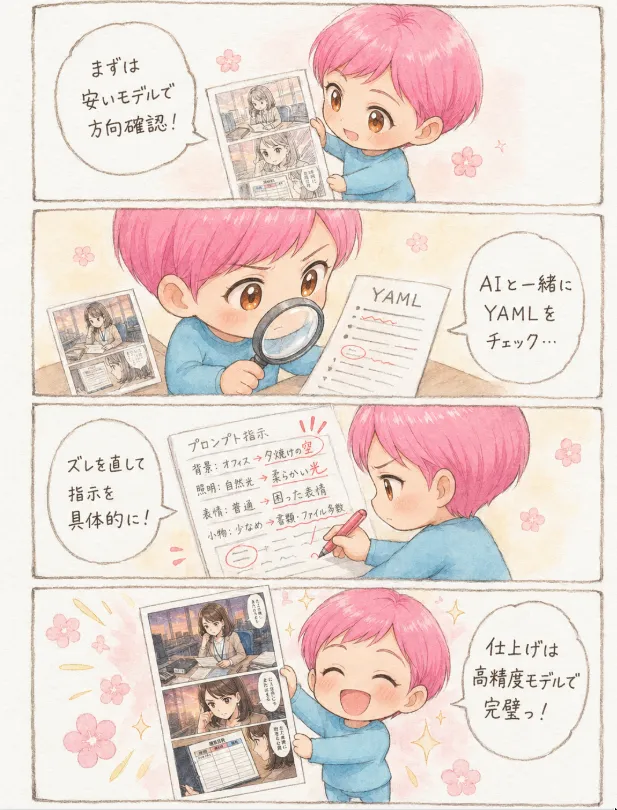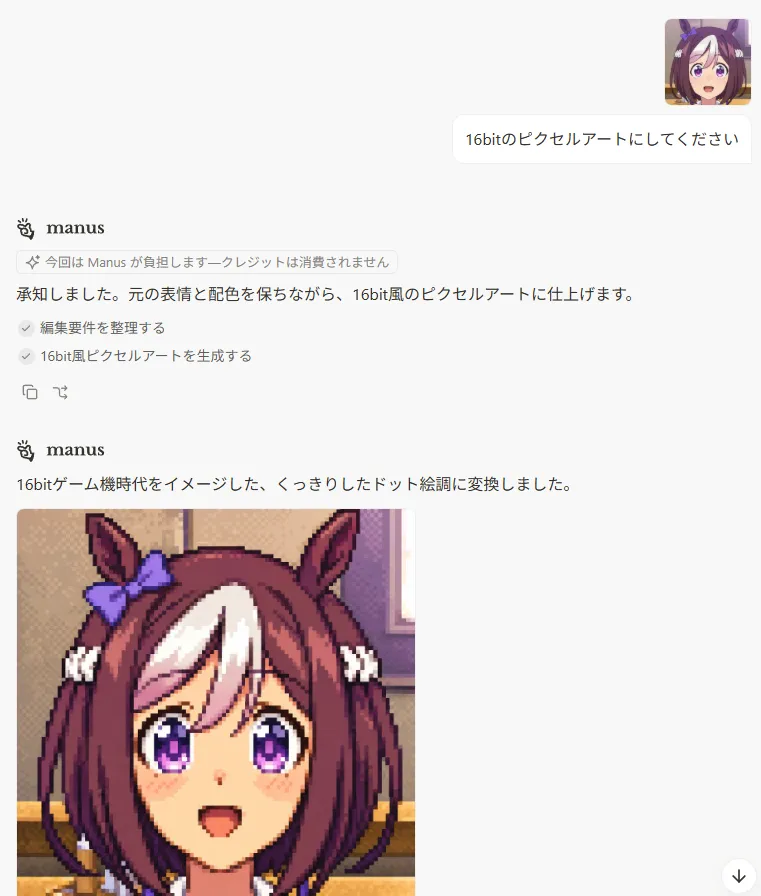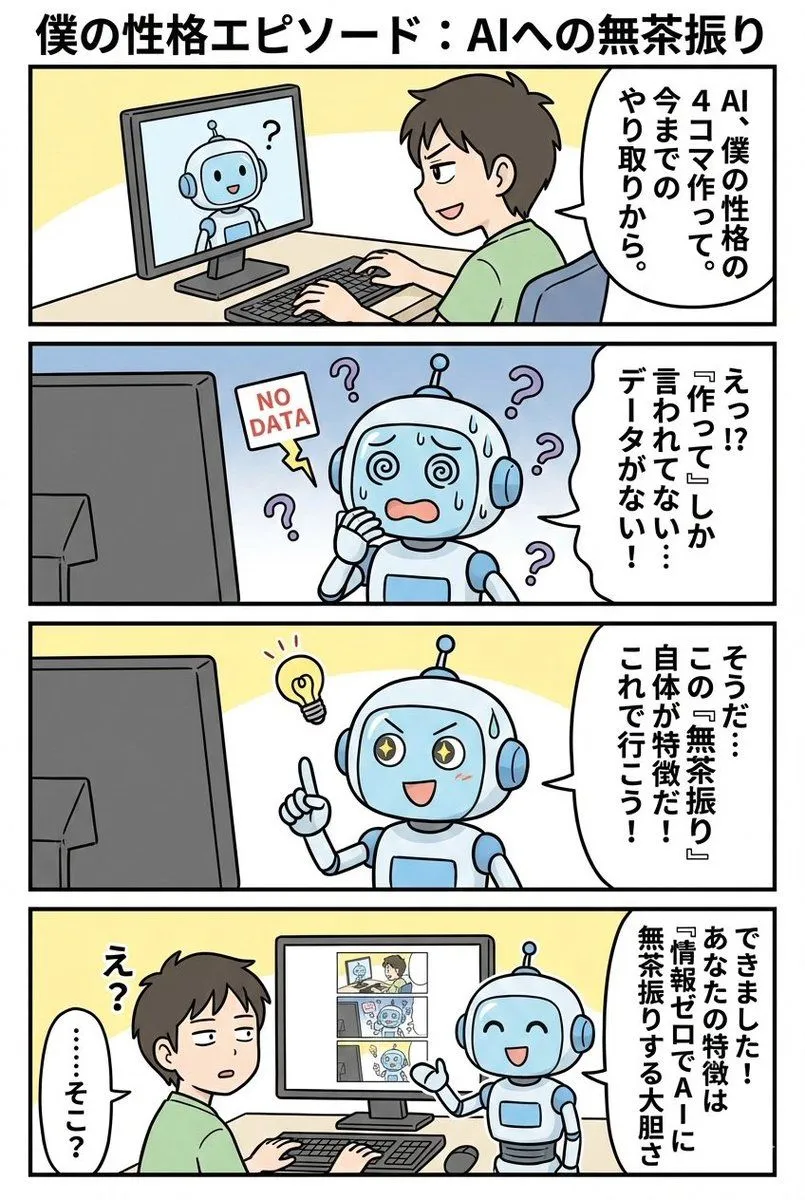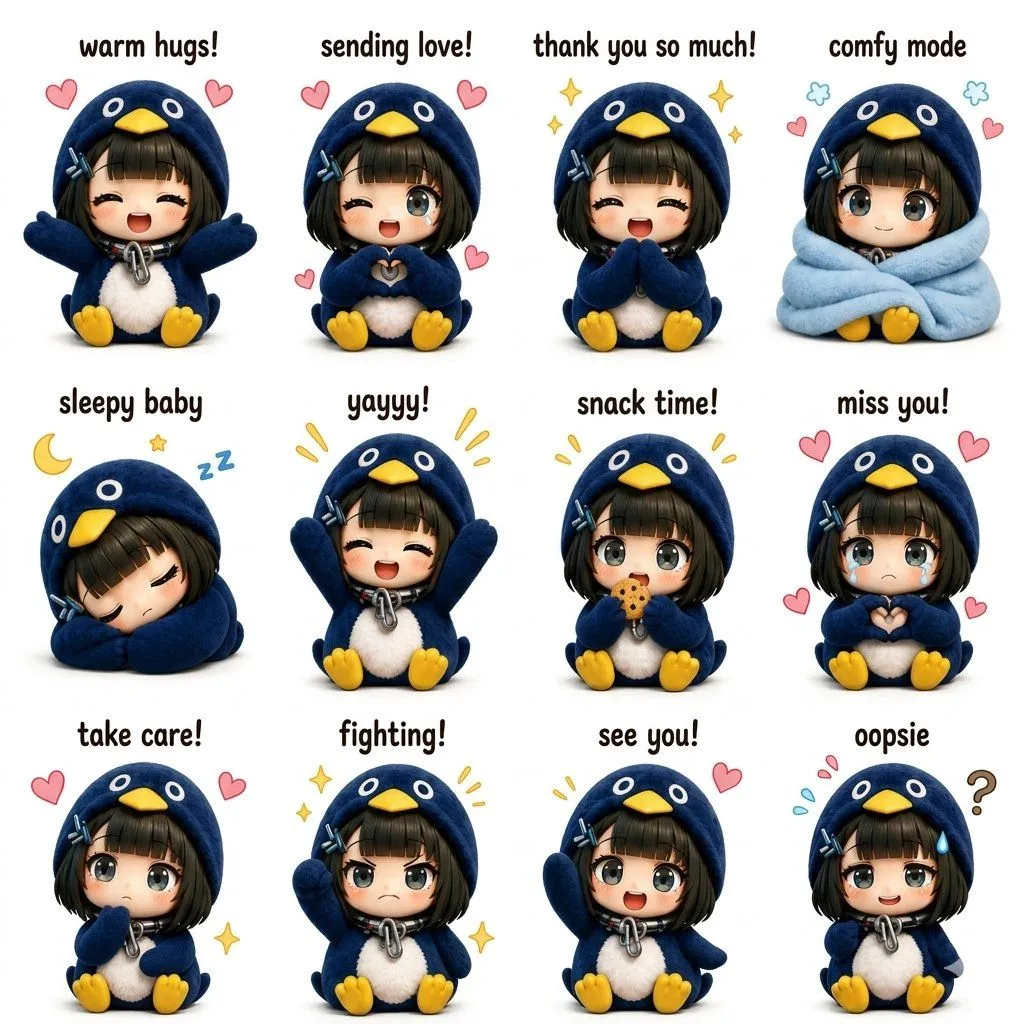
Made with GPT Image 2 in ChatGPT, collected by Library Avatars. Promptclay never generates images.
Did it work?
No reports yet. Tell others if it worked for you.
Censored Chibi AI Engineer
Prompt
2 blanks to fillCreate a clean kawaii anime chibi illustration on a white background featuring {character_name} crouching in the center, wearing a {jacket_color}, black shirt, black pants, and black sneakers, with short fluffy black hair, one small black earring, and a large opaque beige square censor block covering the entire face from forehead to chin. The pose is relaxed and thoughtful: one hand near the mouth, the other hand resting near the knee, body squatting low. Surround him with exactly 8 cute AI and technology elements: 1 green rounded-square tile with a white GPT-style knot logo on the left, 1 light-blue rounded-square chatbot icon below it, 1 open laptop at bottom left with a smiling face on the screen, 1 pale blue molecular network diagram at upper left, 1 dark floating analytics dashboard at upper right with connected nodes, 1 purple rounded-square creative palette icon at mid-right, 1 tiny white round robot mascot at bottom right with blue glowing eyes, and 1 small pale blue wireframe cube near the robot. Add scattered decorative accents: yellow sparkles, blue motion lines, small pastel dots, and tiny circles. Use polished digital art, soft shading, crisp linework, glossy icon highlights, pastel blue and lavender accents, centered composition, no text, no watermark, friendly modern AI mascot aesthetic.
Preview of your prompt
Create a clean kawaii anime chibi illustration on a white background featuring a young male AI engineer crouching in the center, wearing a blue blazer, black shirt, black pants, and black sneakers, with short fluffy black hair, one small black earring, and a large opaque beige square censor block covering the entire face from forehead to chin. The pose is relaxed and thoughtful: one hand near the mouth, the other hand resting near the knee, body squatting low. Surround him with exactly 8 cute AI and technology elements: 1 green rounded-square tile with a white GPT-style knot logo on the left, 1 light-blue rounded-square chatbot icon below it, 1 open laptop at bottom left with a smiling face on the screen, 1 pale blue molecular network diagram at upper left, 1 dark floating analytics dashboard at upper right with connected nodes, 1 purple rounded-square creative palette icon at mid-right, 1 tiny white round robot mascot at bottom right with blue glowing eyes, and 1 small pale blue wireframe cube near the robot. Add scattered decorative accents: yellow sparkles, blue motion lines, small pastel dots, and tiny circles. Use polished digital art, soft shading, crisp linework, glossy icon highlights, pastel blue and lavender accents, centered composition, no text, no watermark, friendly modern AI mascot aesthetic.
DetailsVersions, settings and questions
Written for
What's in the prompt
- Subject
- Model
- GPT Image 2
If your face changes
keep my face exactly the sameQuestions
- Does this work in the ChatGPT app?
- Yes. Paste the prompt and attach your photo if it uses one.
- It changed my face. What do I do?
- Add "keep my face exactly the same" to the end and run it again.
- Can I use the images I make?
- Check the terms of the app you use. Promptclay never generates images and claims nothing you make.