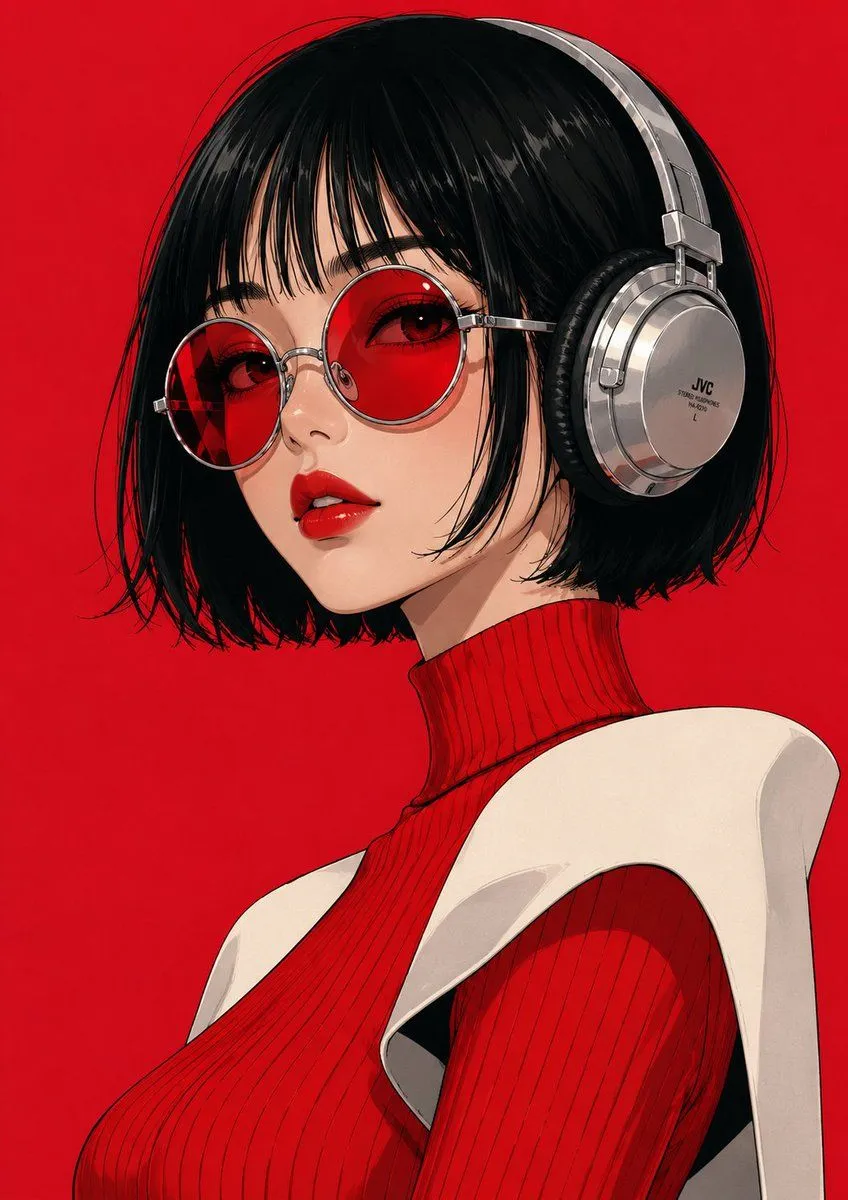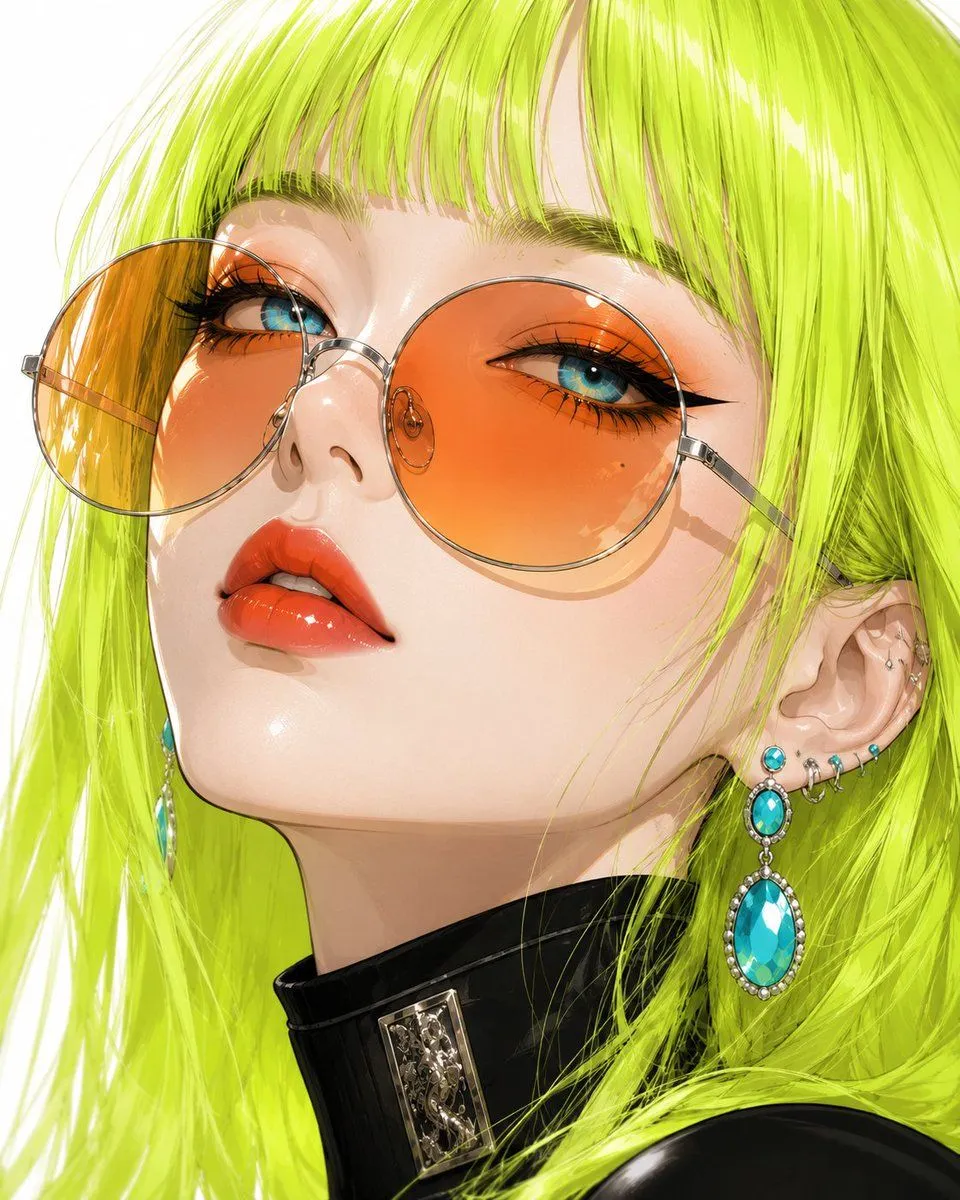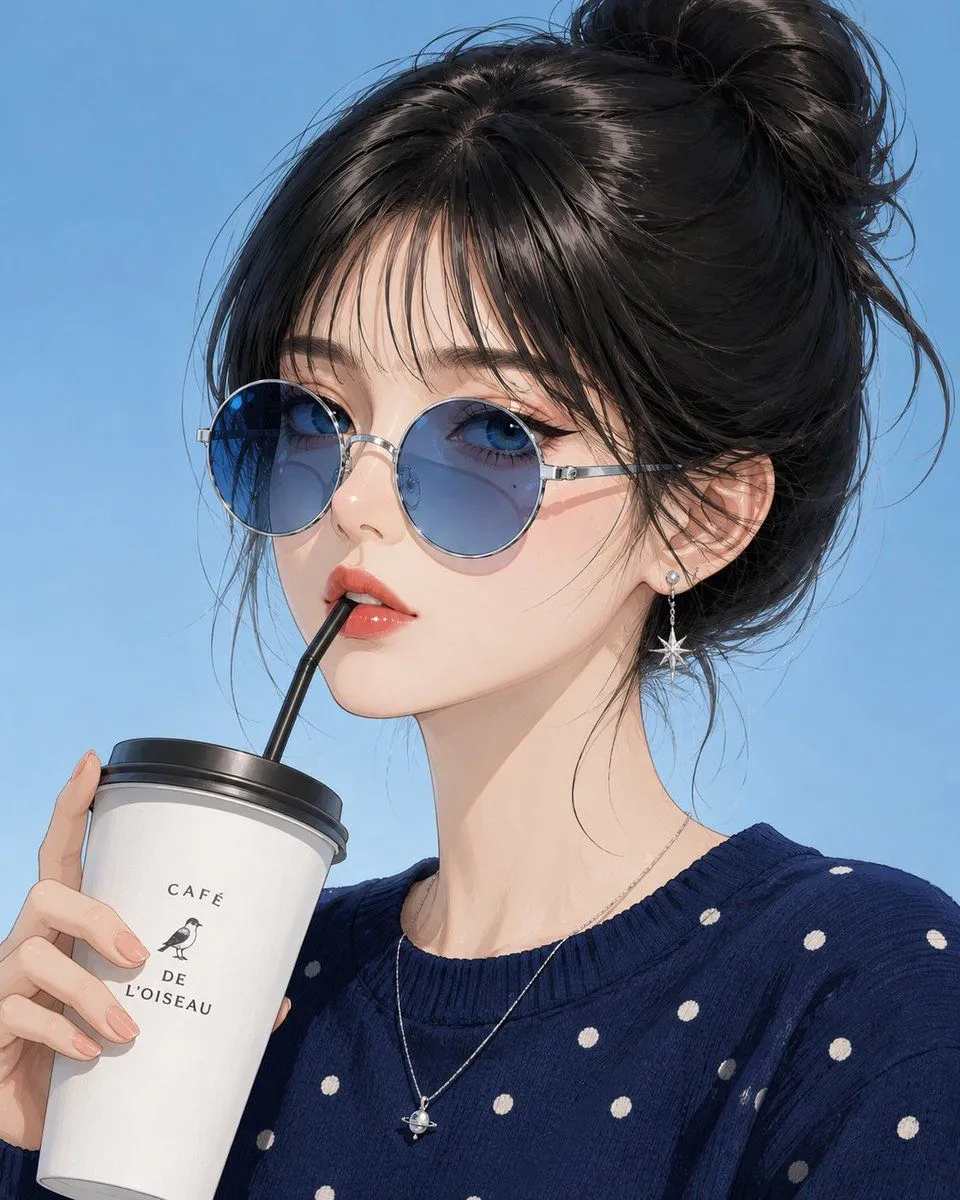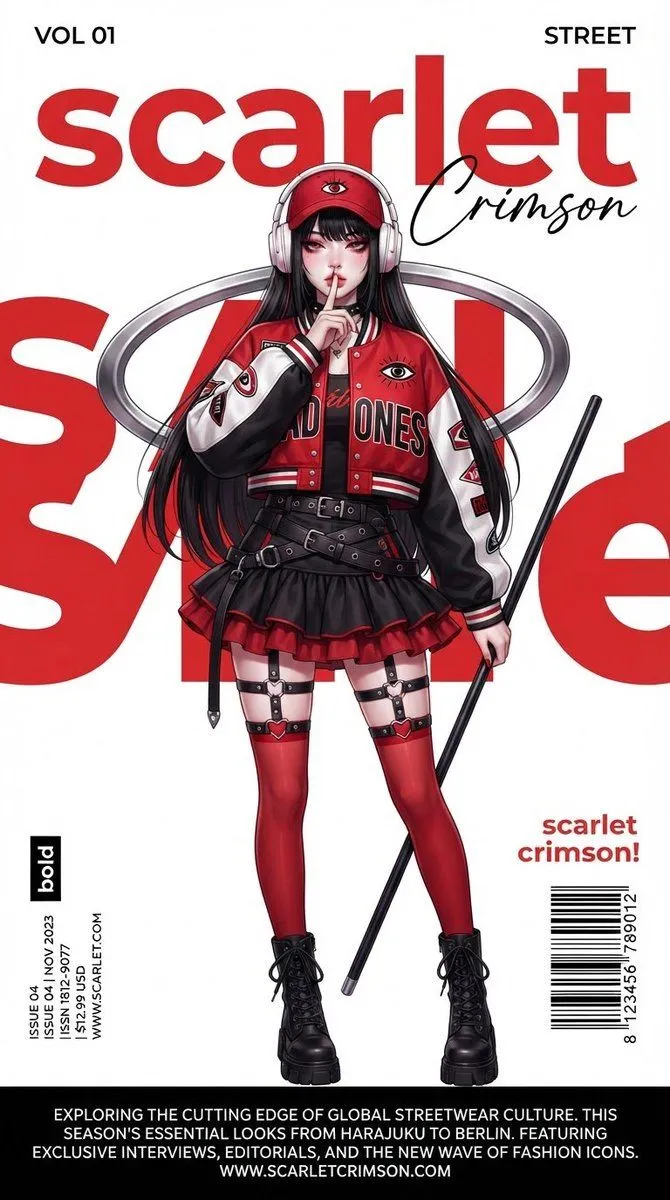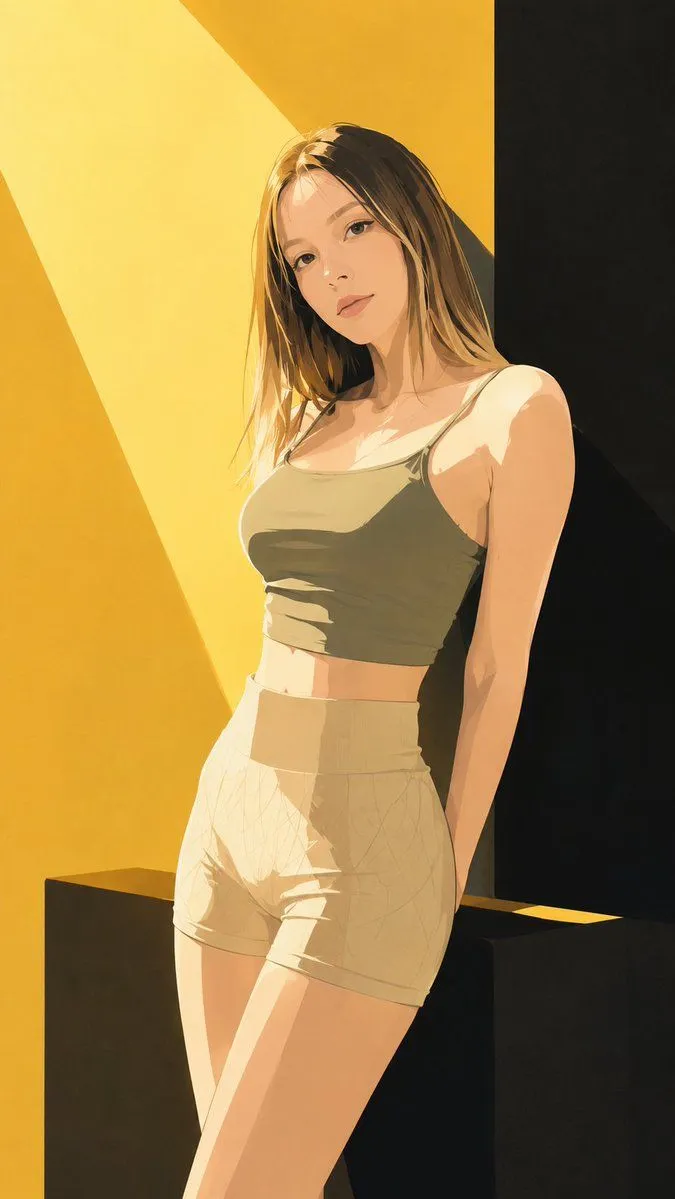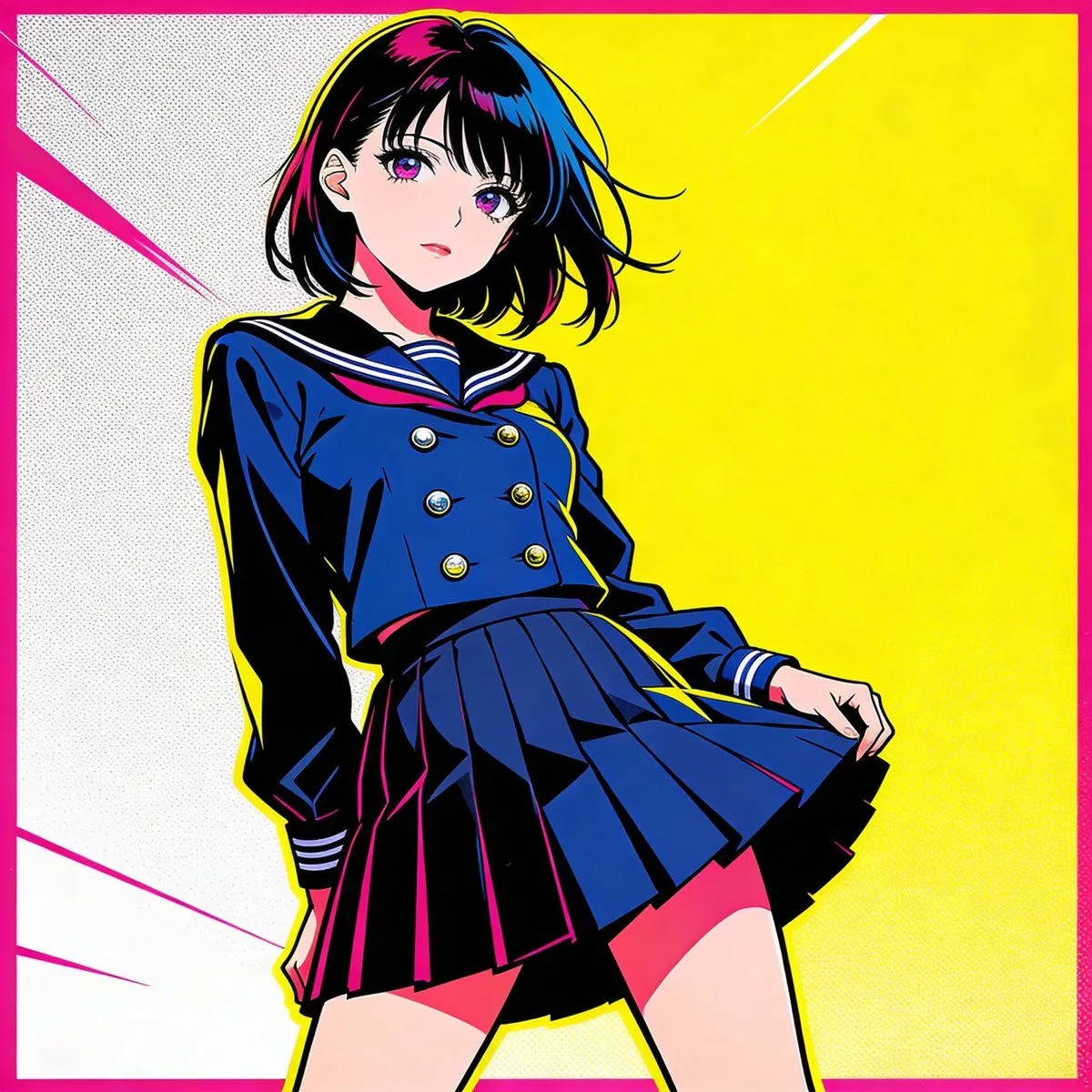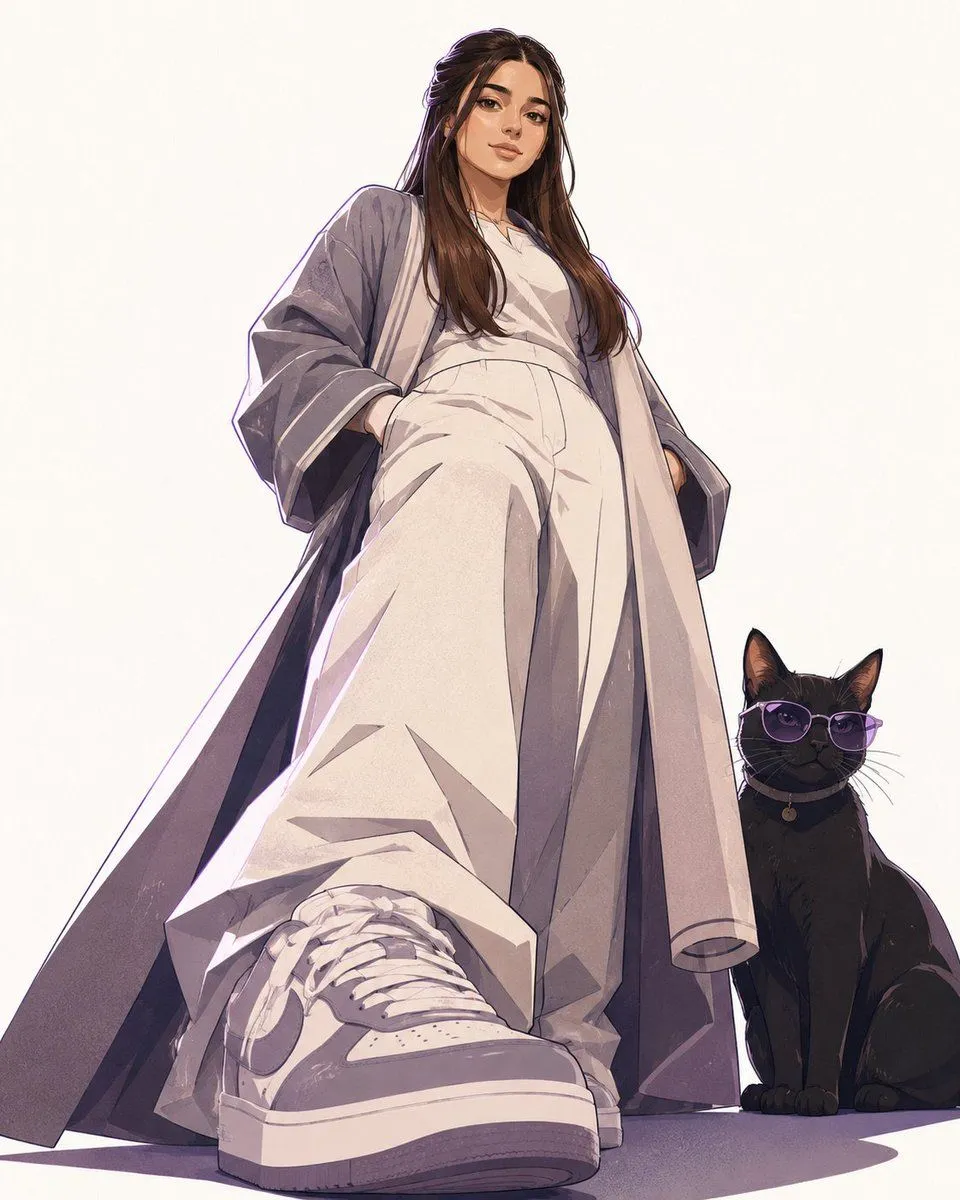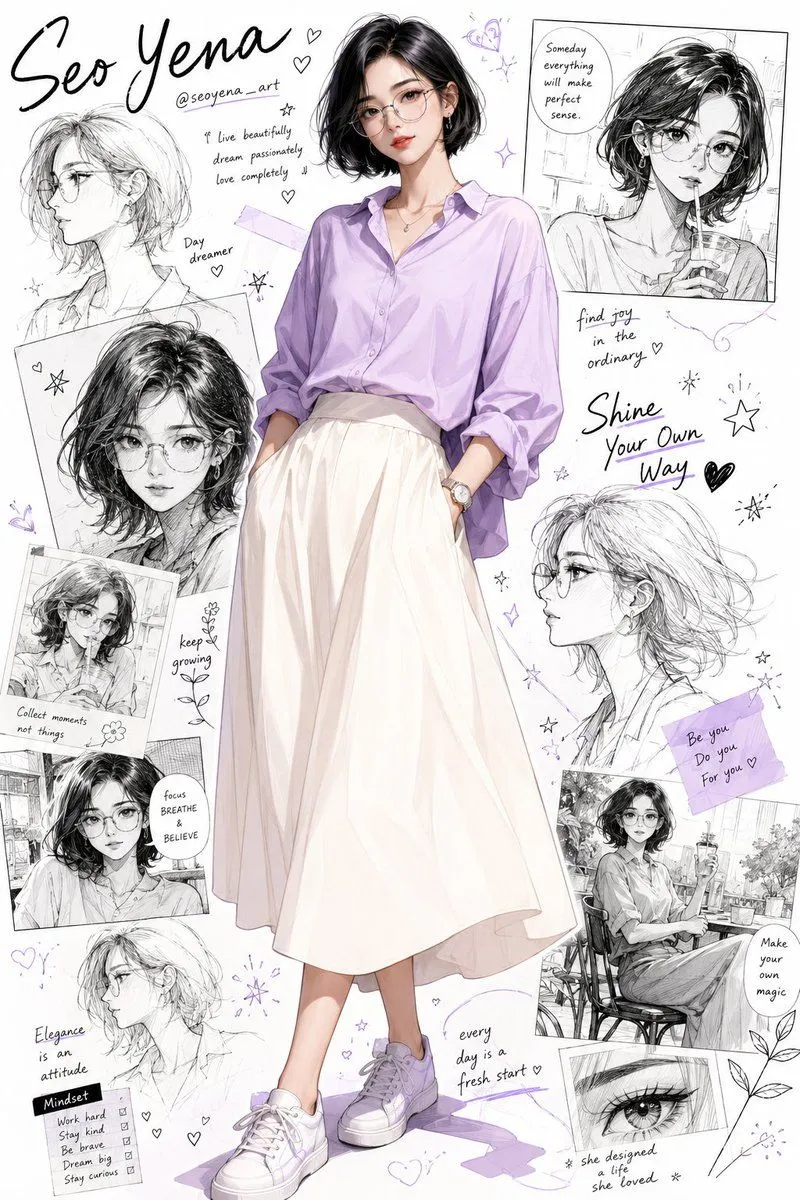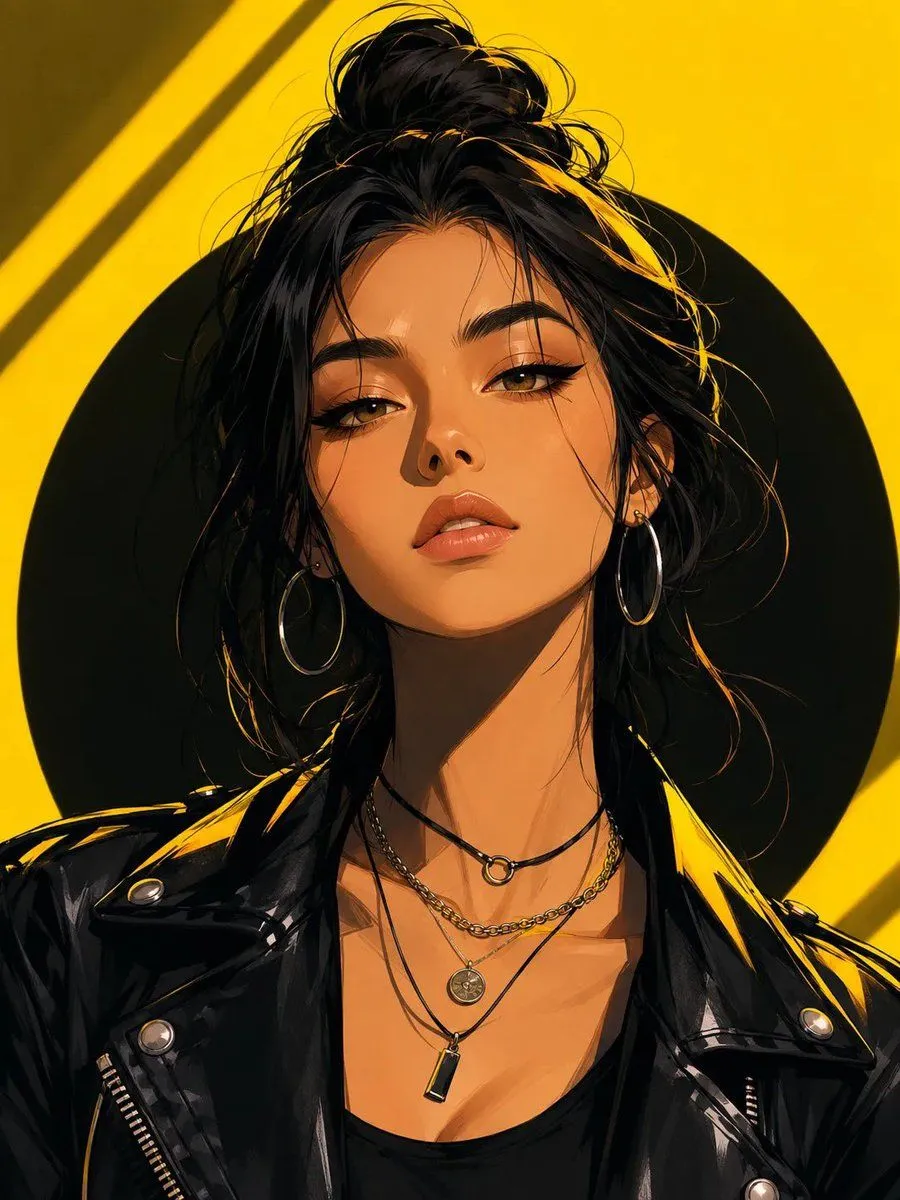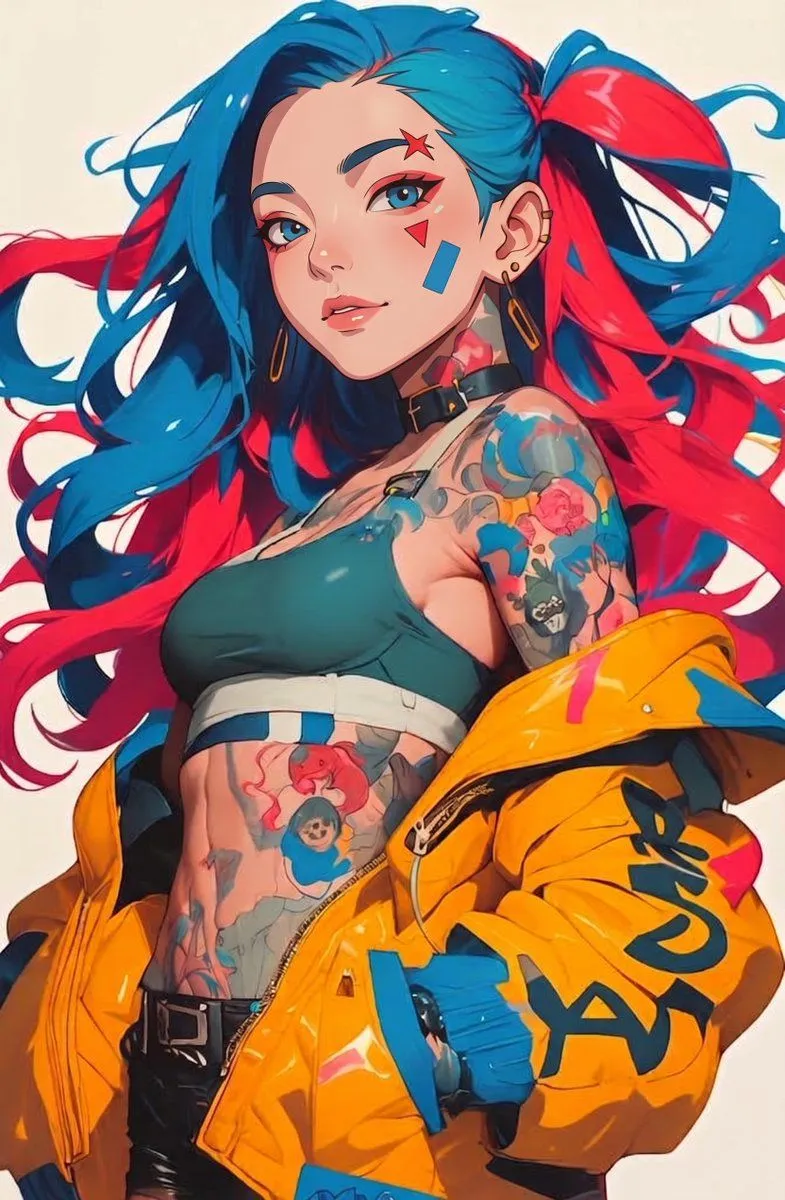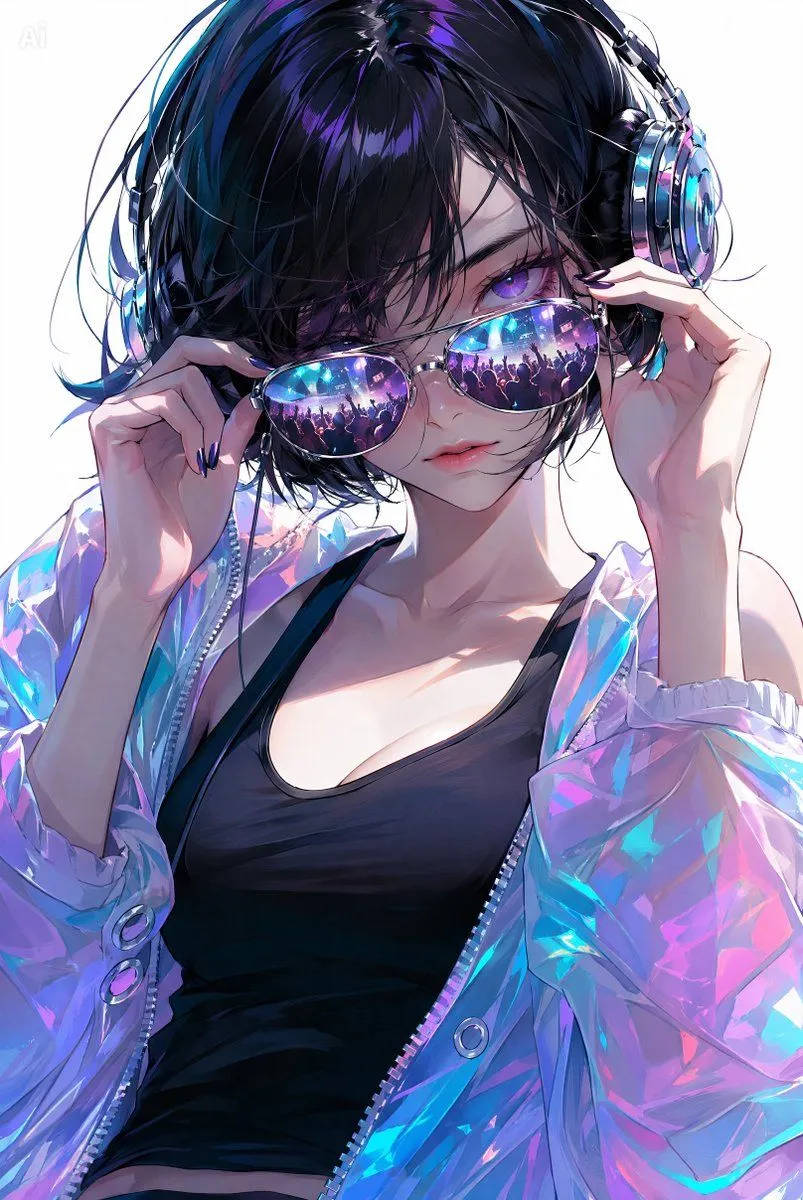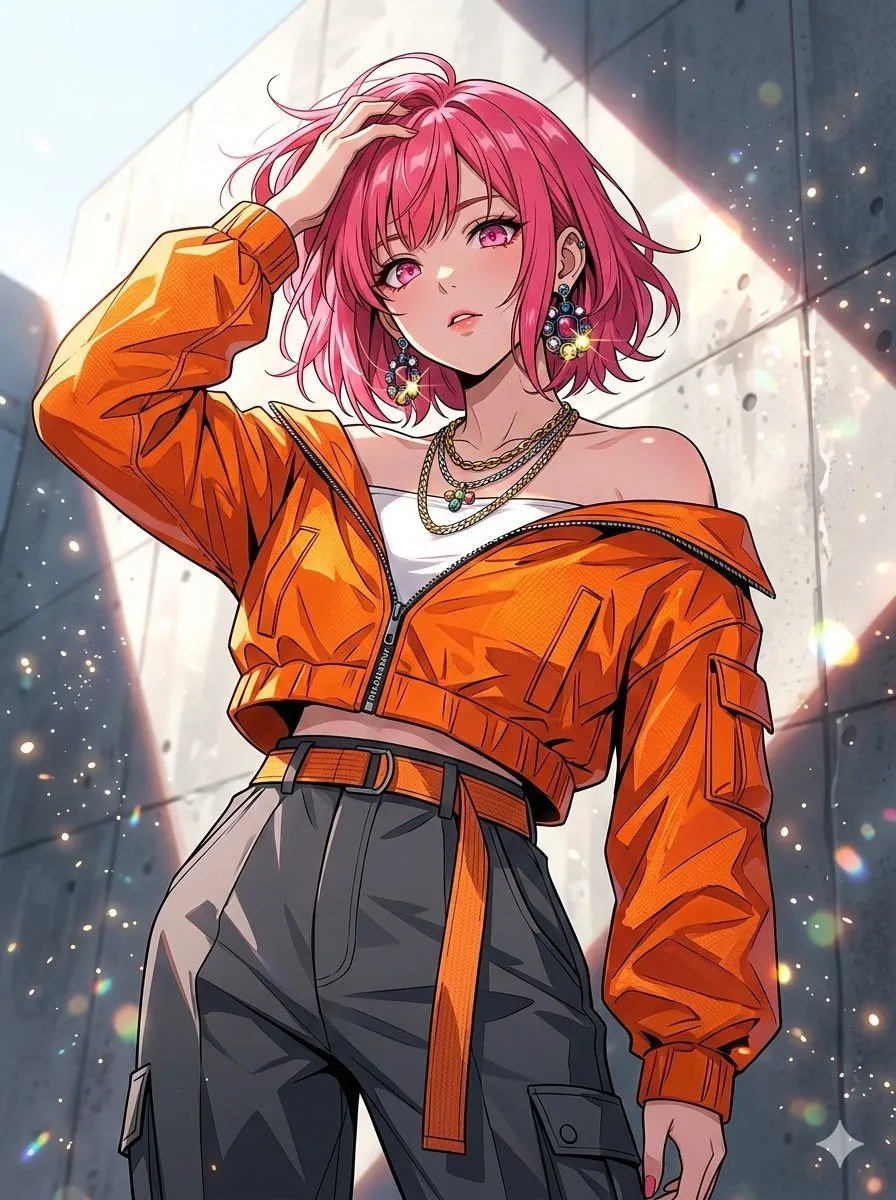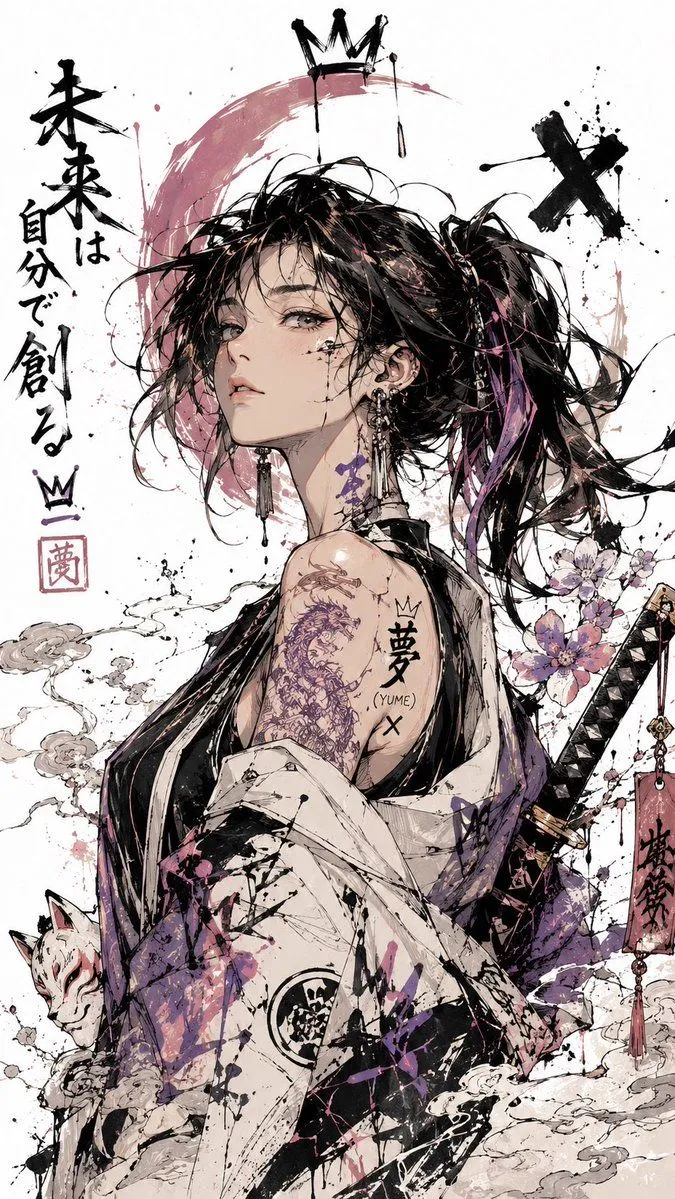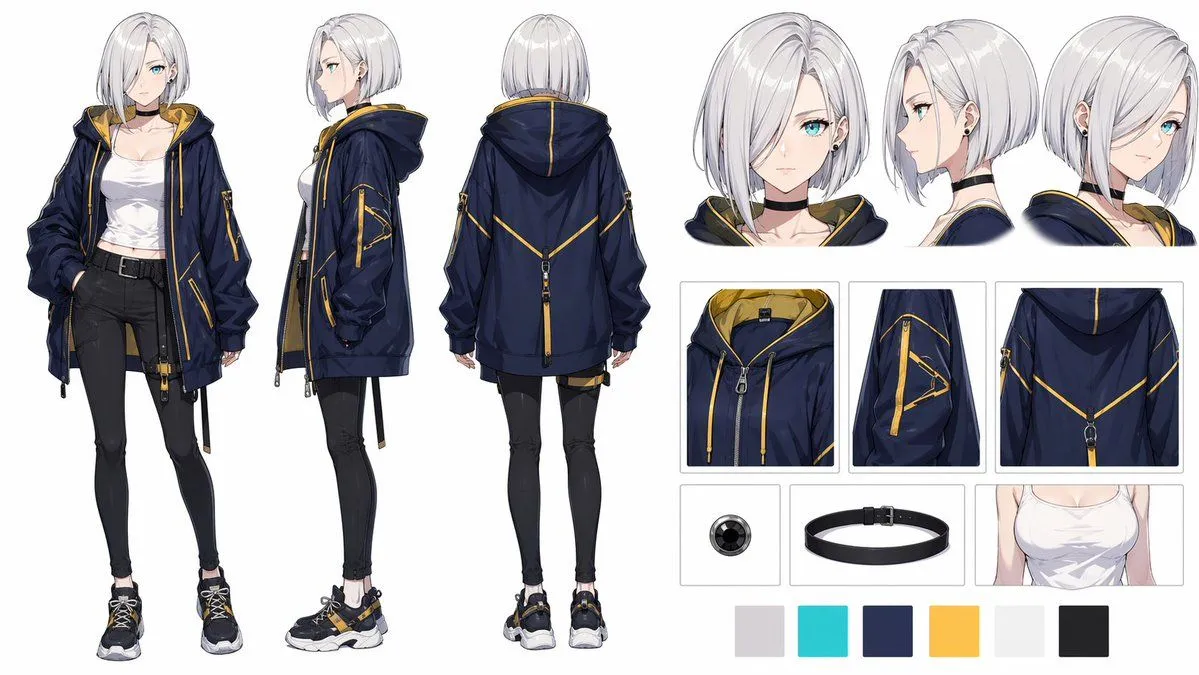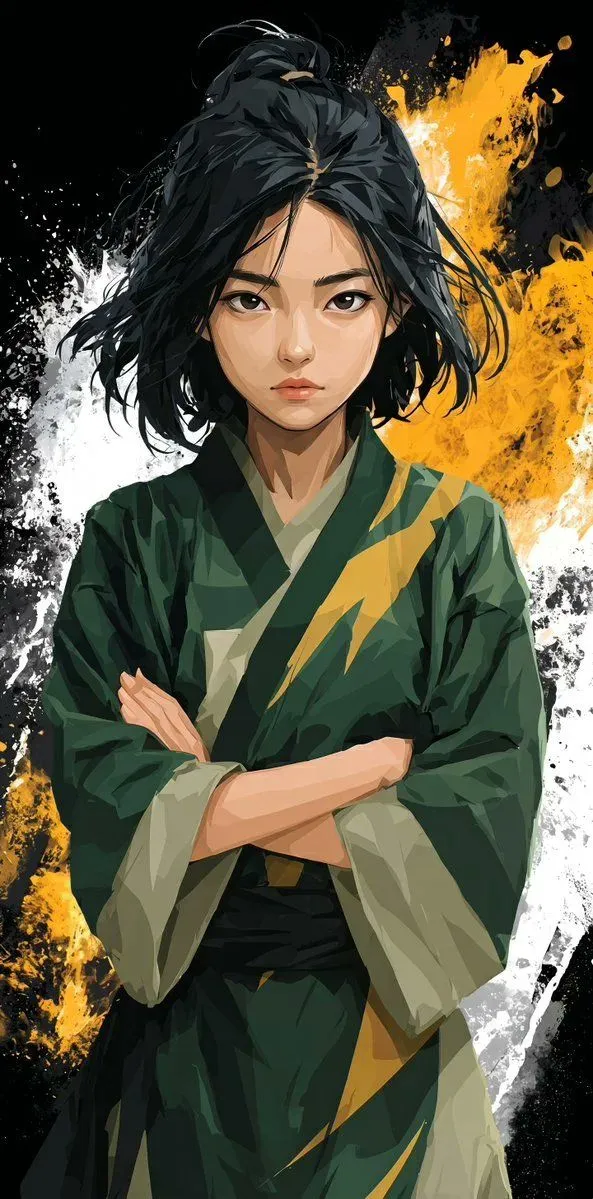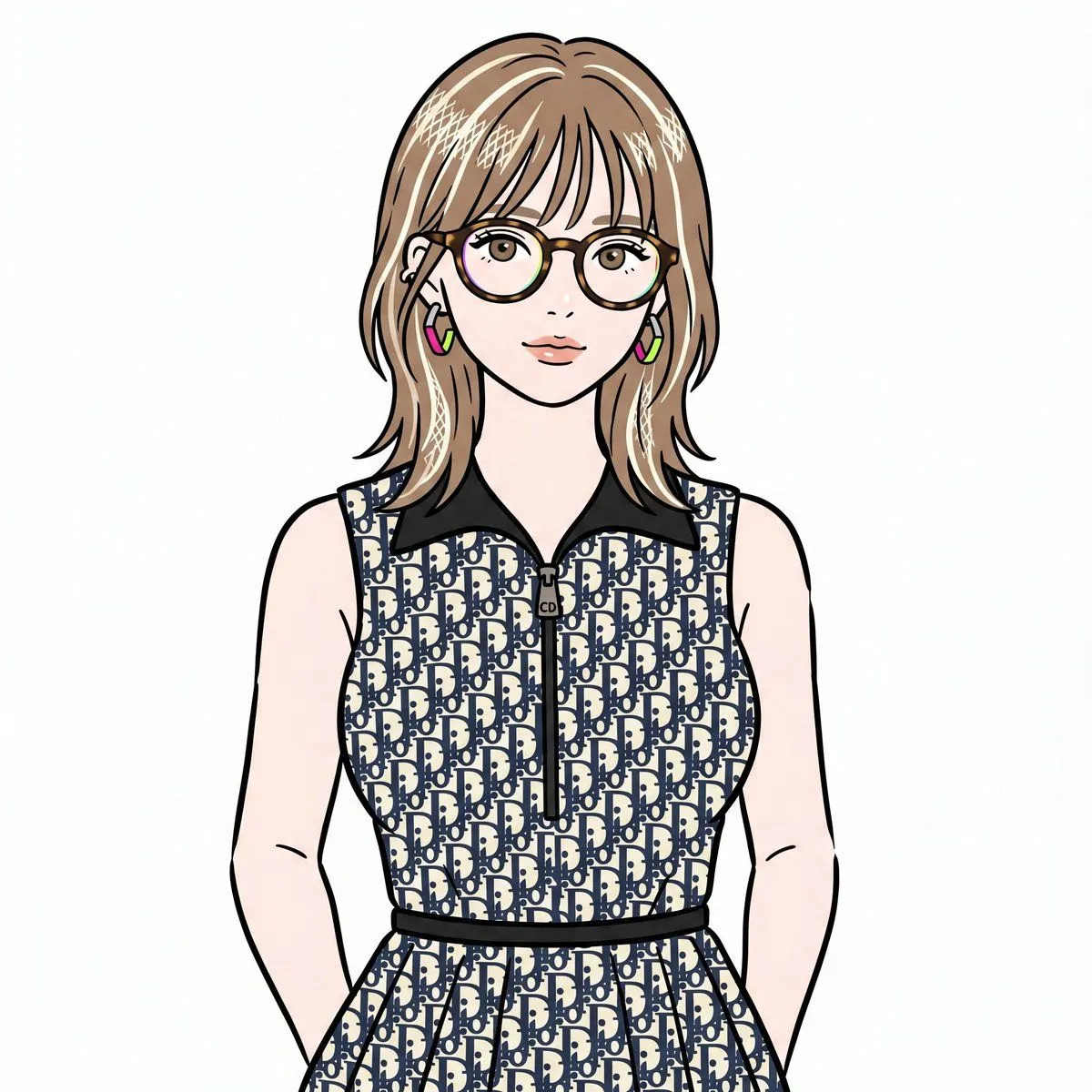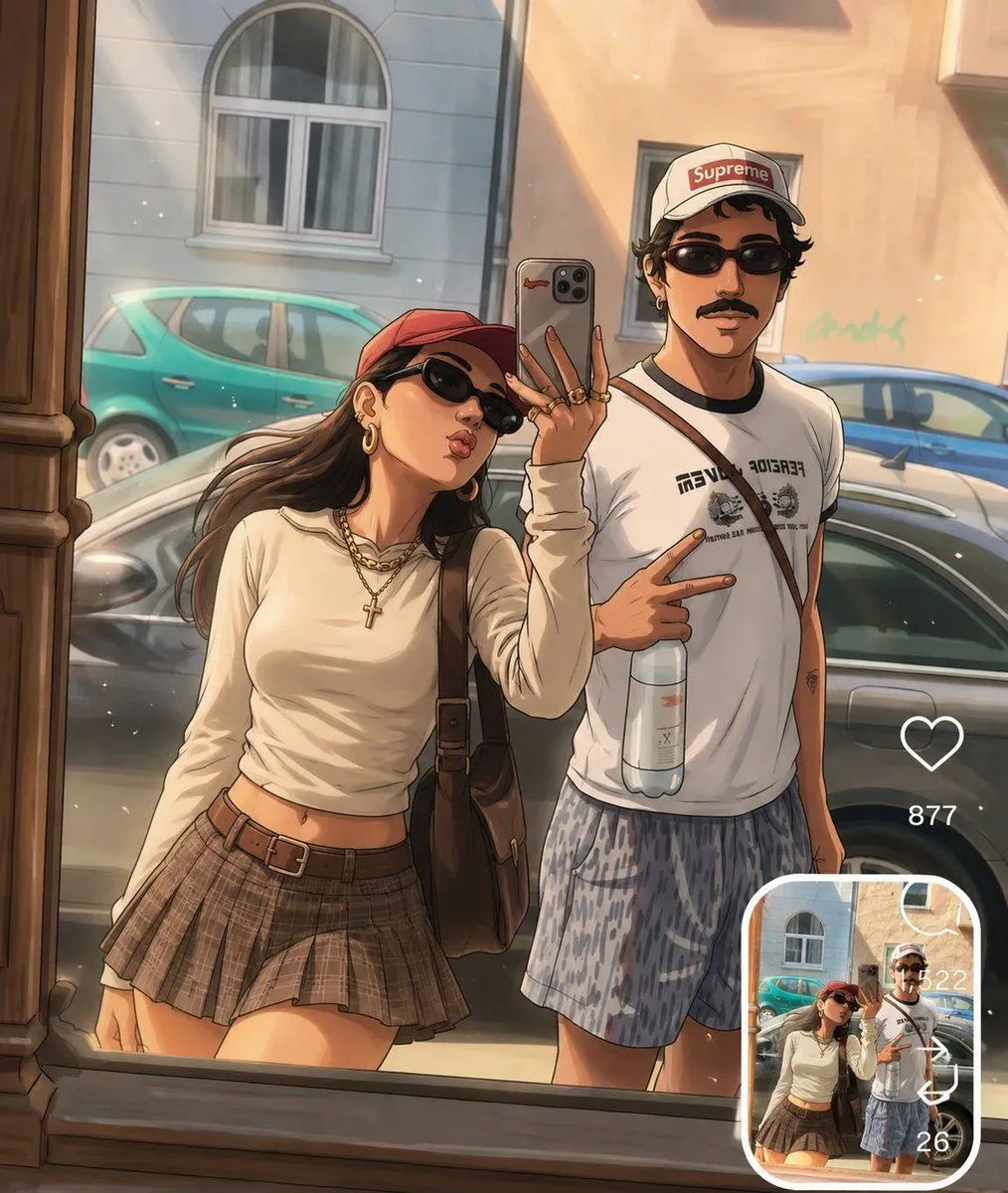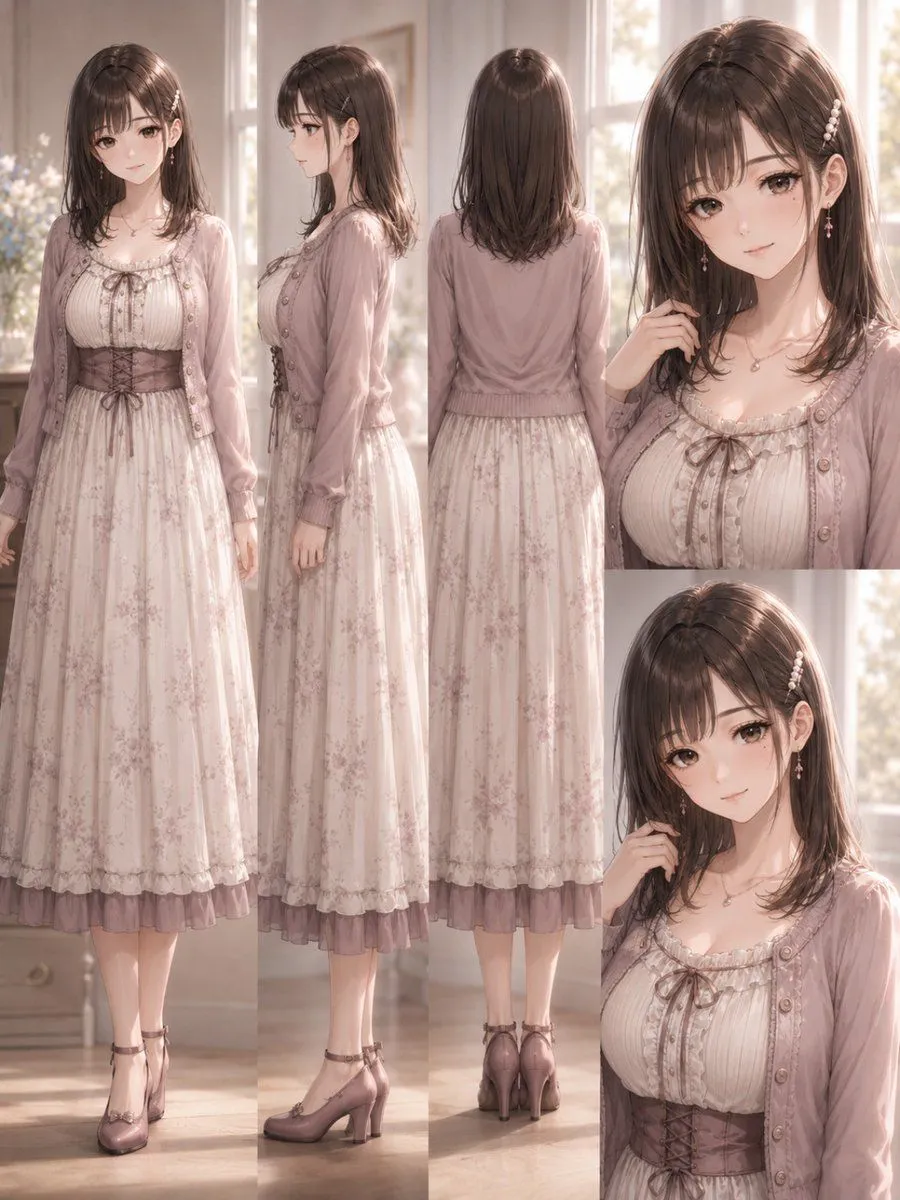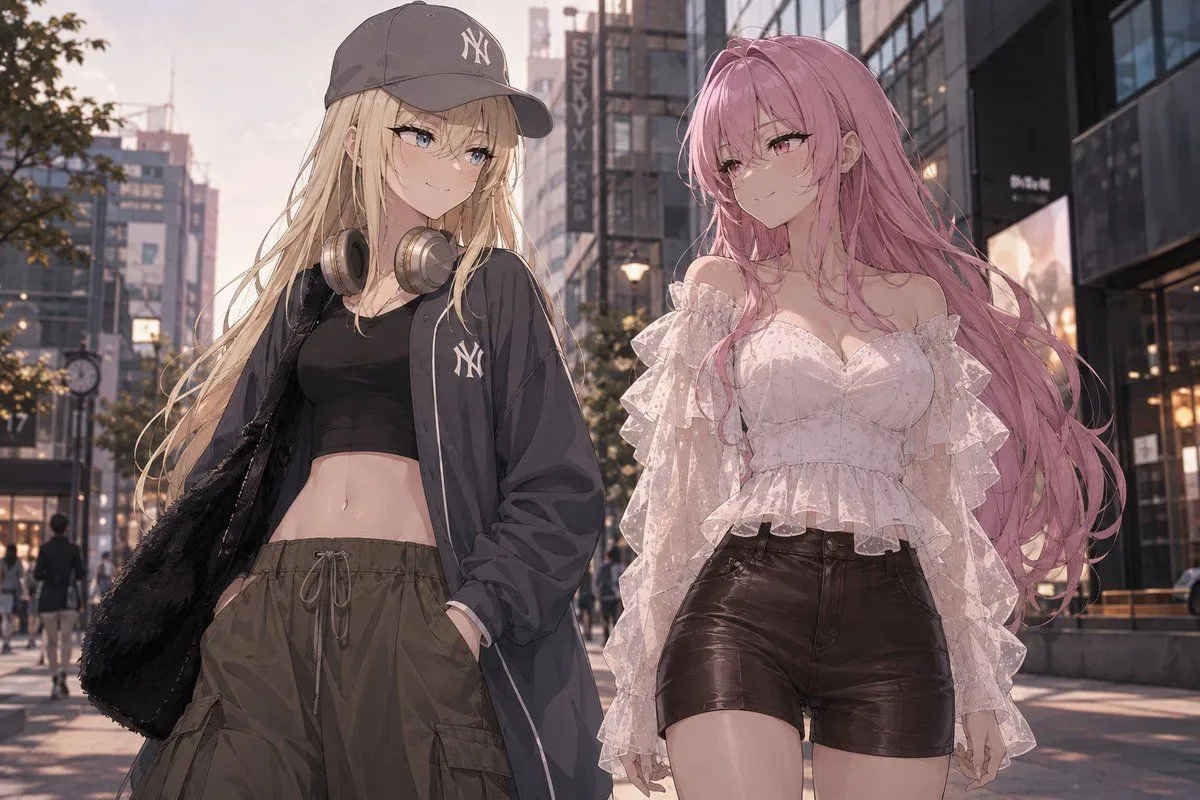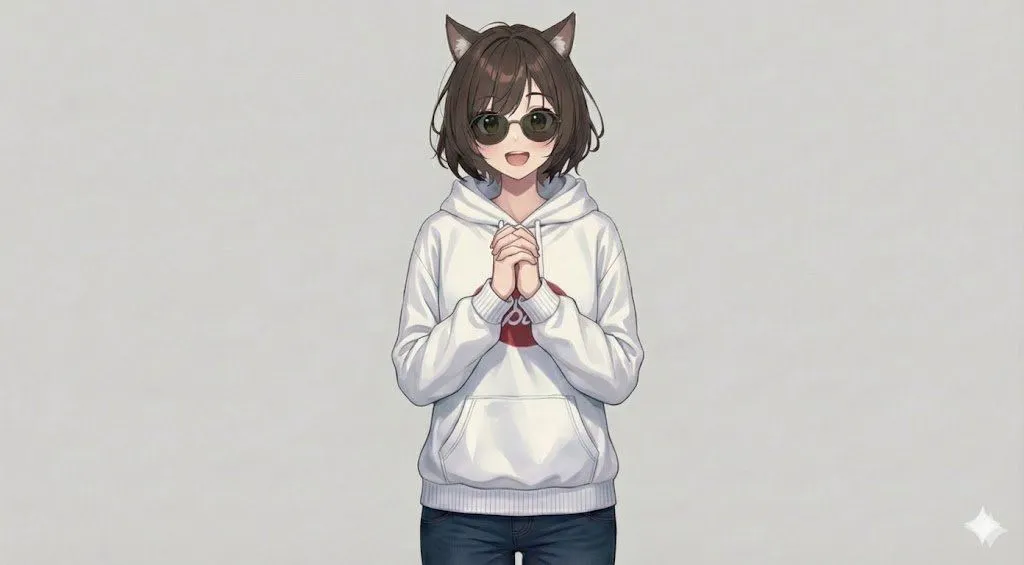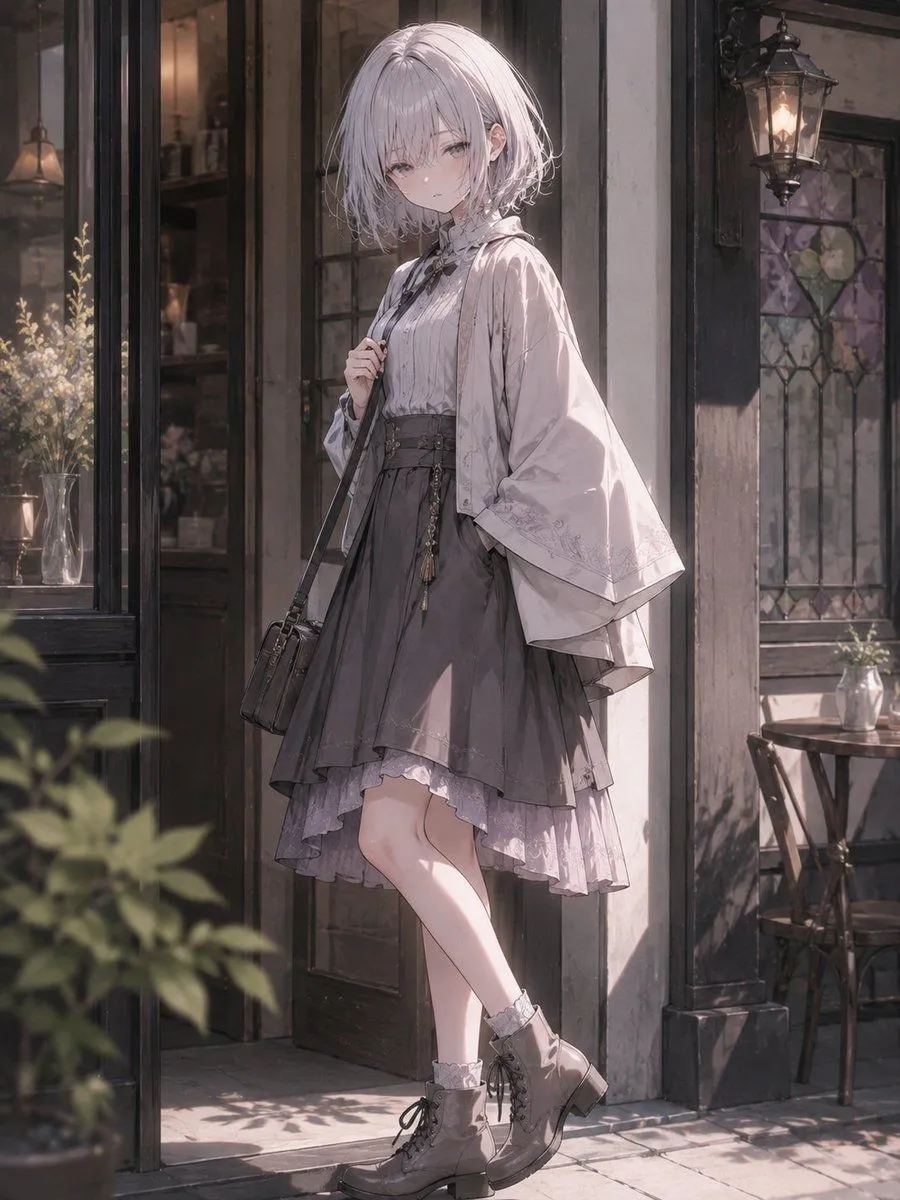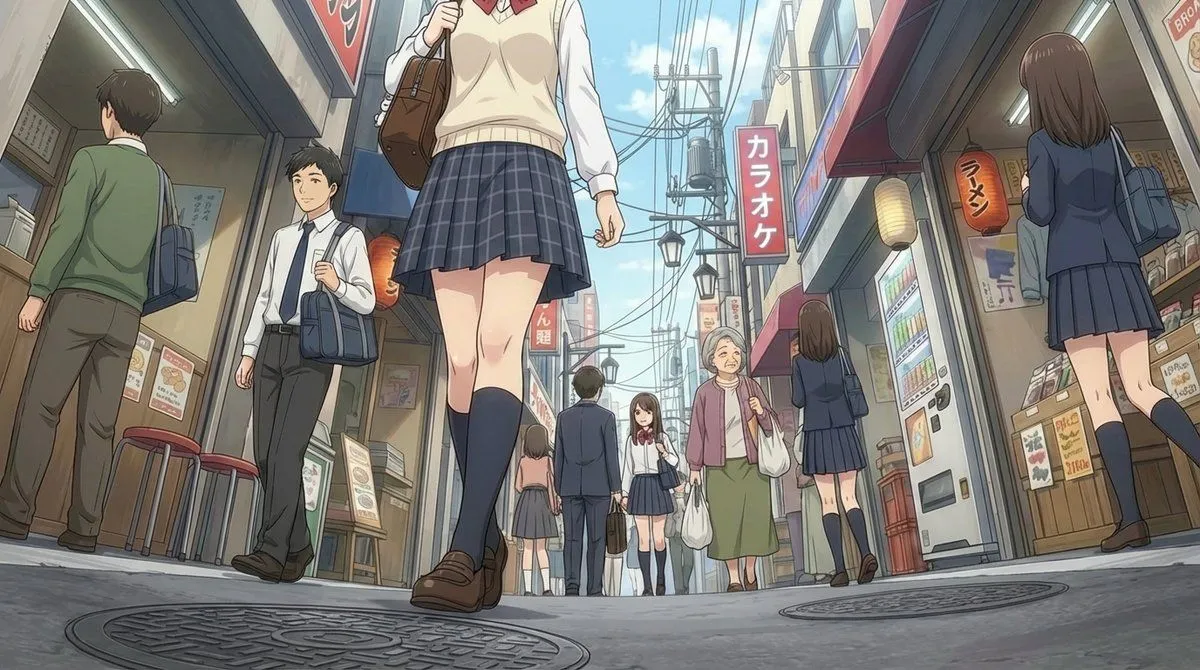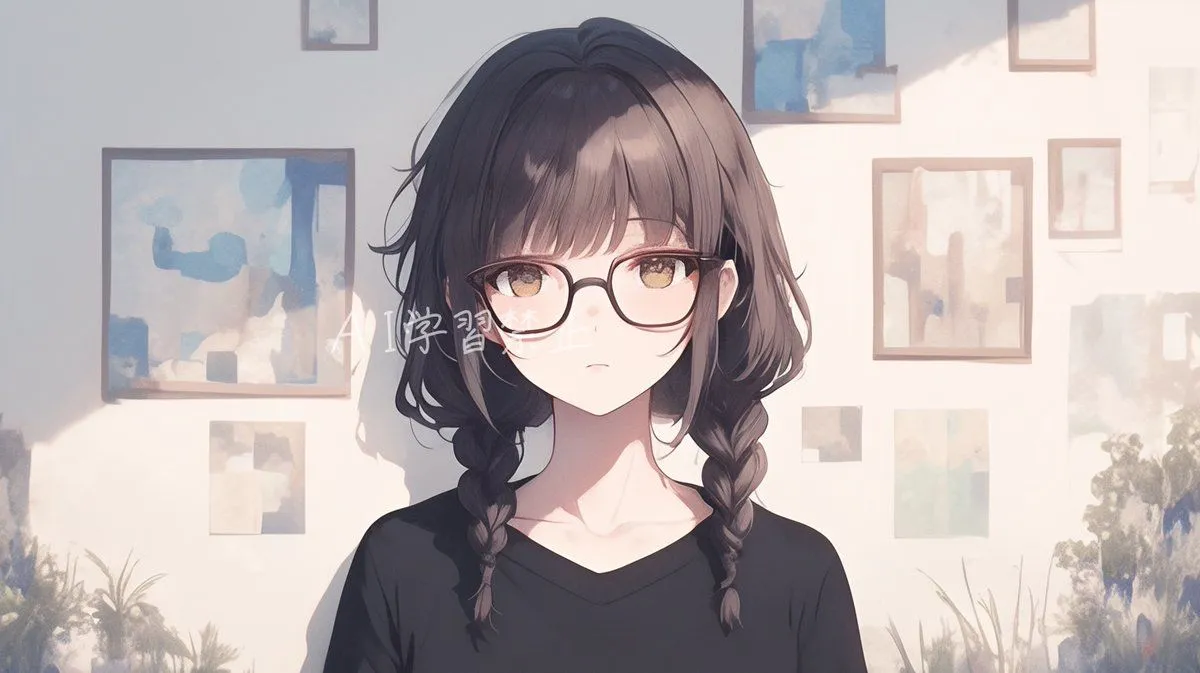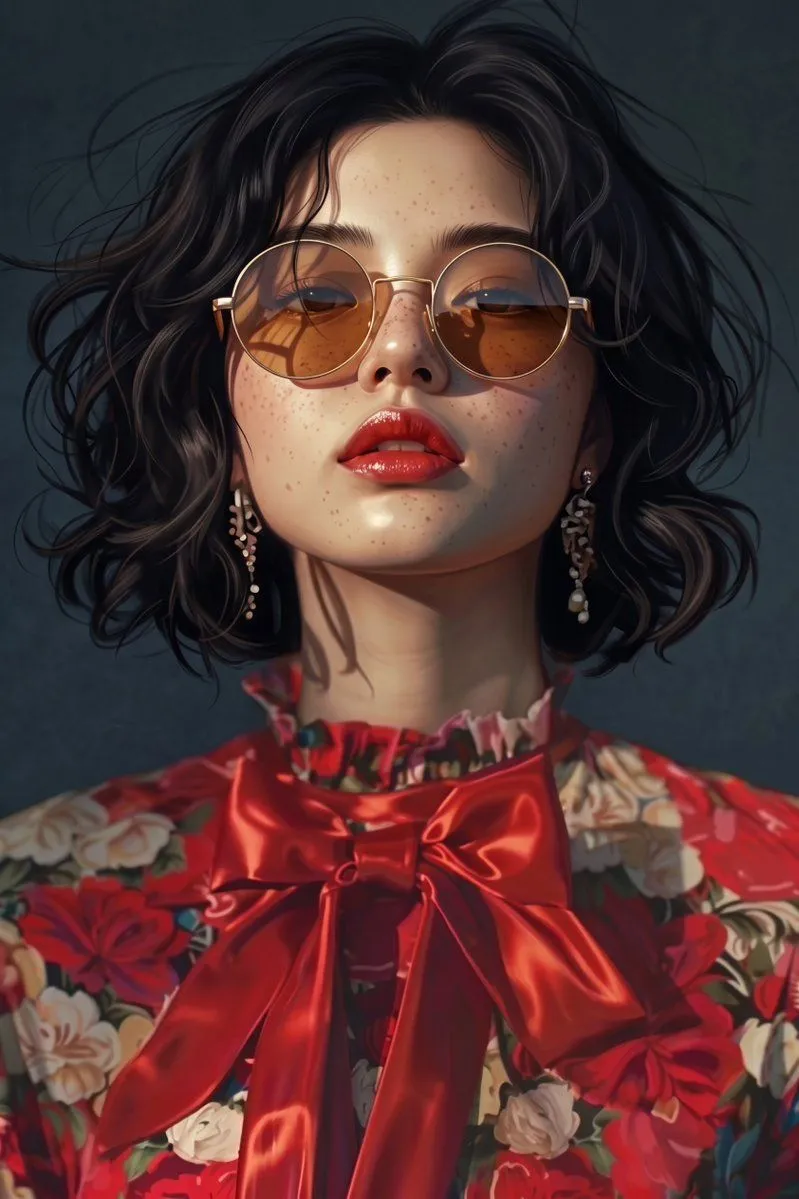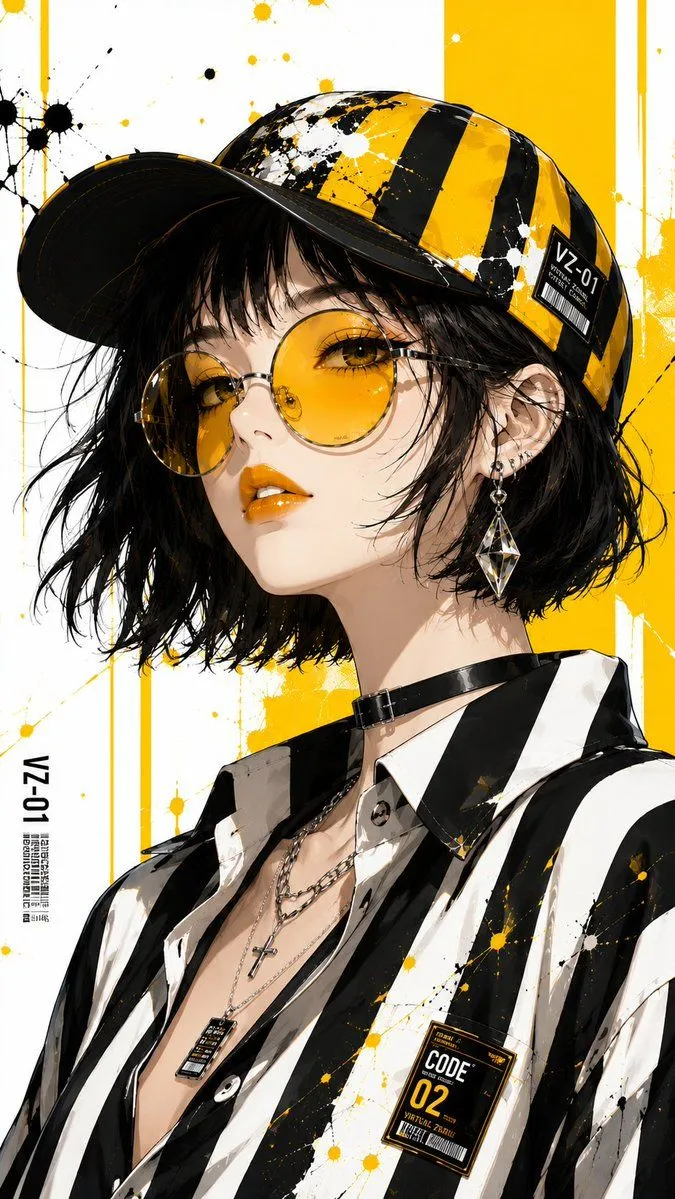
Made with GPT Image 2 in ChatGPT by Library Lifestyle. Promptclay never generates images.
Anime Fashion Editorial Streetwear Portrait
Prompt
3 blanks to fillCreate an ultra-detailed anime fashion editorial portrait inspired by luxury streetwear, graphic pop art, and contemporary Japanese fashion illustration. Depict a stylish young woman with flawless porcelain skin, a {hair_style}, {lip_color} lips, and expressive {eye_color} eyes partially visible behind oversized round yellow-tinted sunglasses. Dress her in an oversized black-and-white vertically striped button-up shirt, layered silver necklaces, a sleek black choker, and elegant geometric crystal earrings. Complete the look with a black-and-yellow striped baseball cap featuring artistic paint-splatter graphics. Pose her in a relaxed three-quarter close-up against a clean white background accented by bold yellow geometric panels and paint splashes. Use high-key studio lighting, premium cel shading, immaculate linework, graphic editorial composition, bold monochrome contrast with vivid yellow highlights, and ultra-detailed 8K illustration quality.
Preview of your prompt
Create an ultra-detailed anime fashion editorial portrait inspired by luxury streetwear, graphic pop art, and contemporary Japanese fashion illustration. Depict a stylish young woman with flawless porcelain skin, a short tousled jet-black bob, glossy metallic amber lips, and expressive golden-brown eyes partially visible behind oversized round yellow-tinted sunglasses. Dress her in an oversized black-and-white vertically striped button-up shirt, layered silver necklaces, a sleek black choker, and elegant geometric crystal earrings. Complete the look with a black-and-yellow striped baseball cap featuring artistic paint-splatter graphics. Pose her in a relaxed three-quarter close-up against a clean white background accented by bold yellow geometric panels and paint splashes. Use high-key studio lighting, premium cel shading, immaculate linework, graphic editorial composition, bold monochrome contrast with vivid yellow highlights, and ultra-detailed 8K illustration quality.
DetailsVersions, settings and questions
Written for
What's in the prompt
- Subject
- Model
- GPT Image 2
If your face changes
keep my face exactly the sameQuestions
- Does this work in the ChatGPT app?
- Yes. Paste the prompt and attach your photo if it uses one.
- It changed my face. What do I do?
- Add "keep my face exactly the same" to the end and run it again.
- Can I use the images I make?
- Check the terms of the app you use. Promptclay never generates images and claims nothing you make.
Did it work?
No reports yet. Tell others if it worked for you.