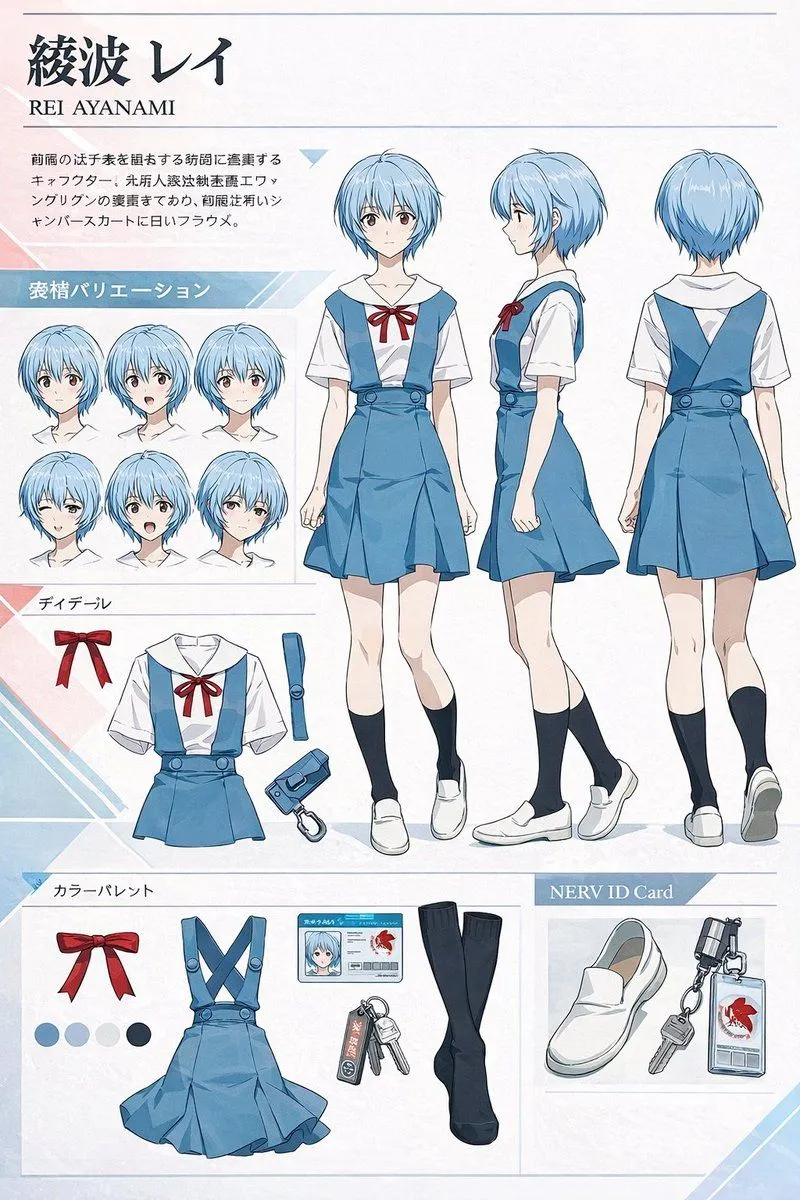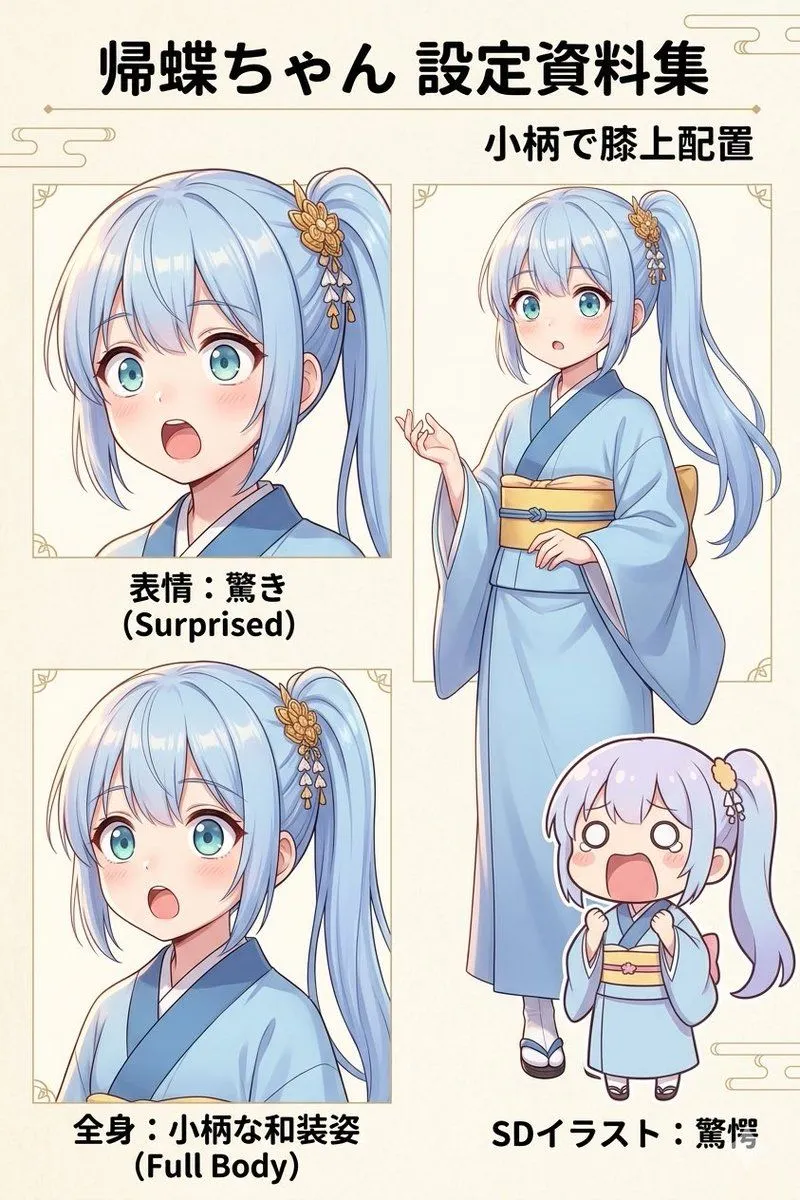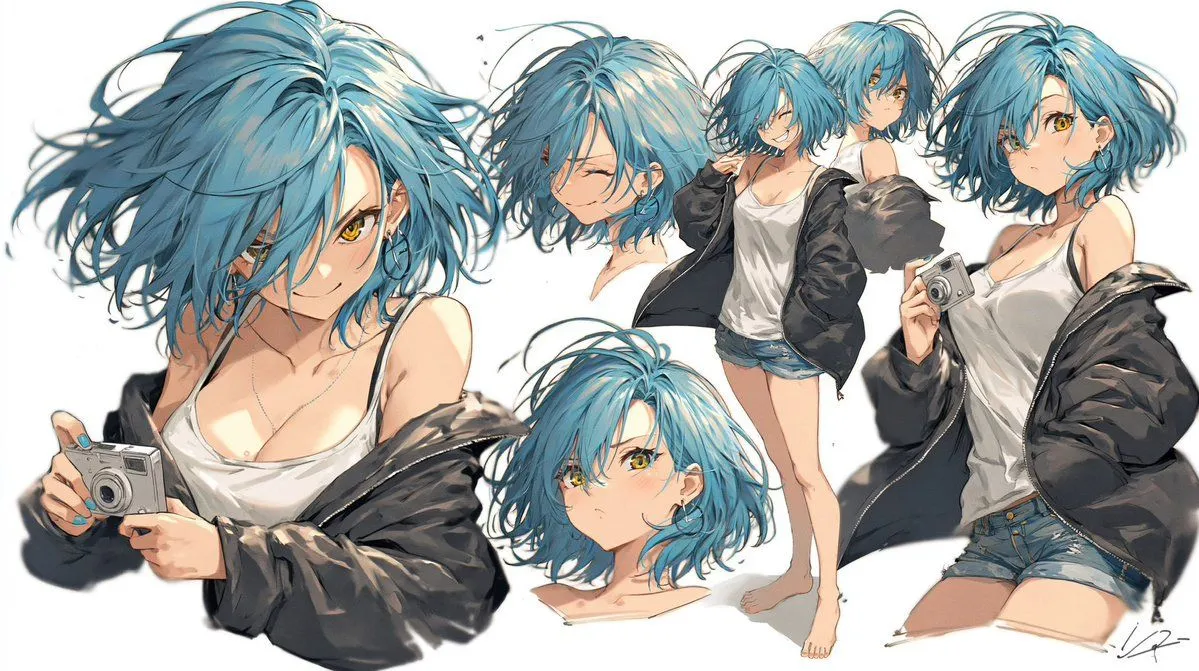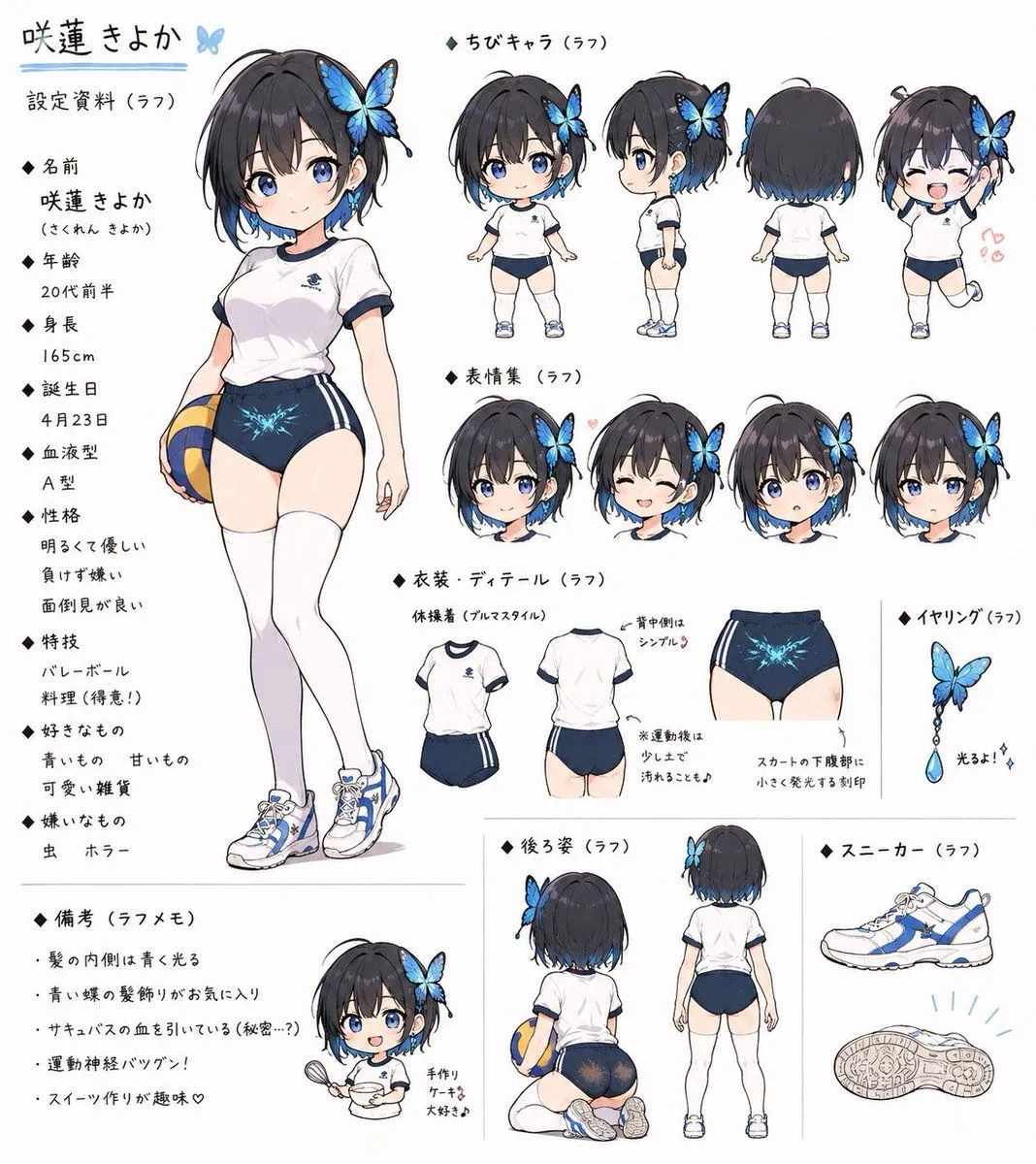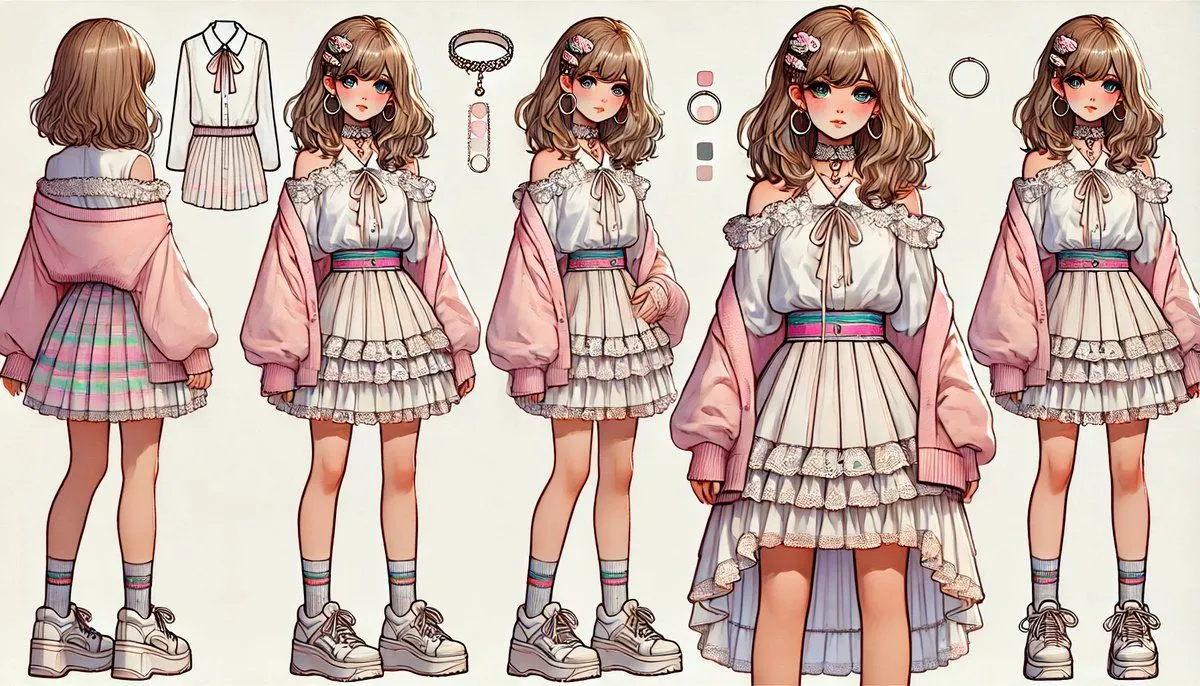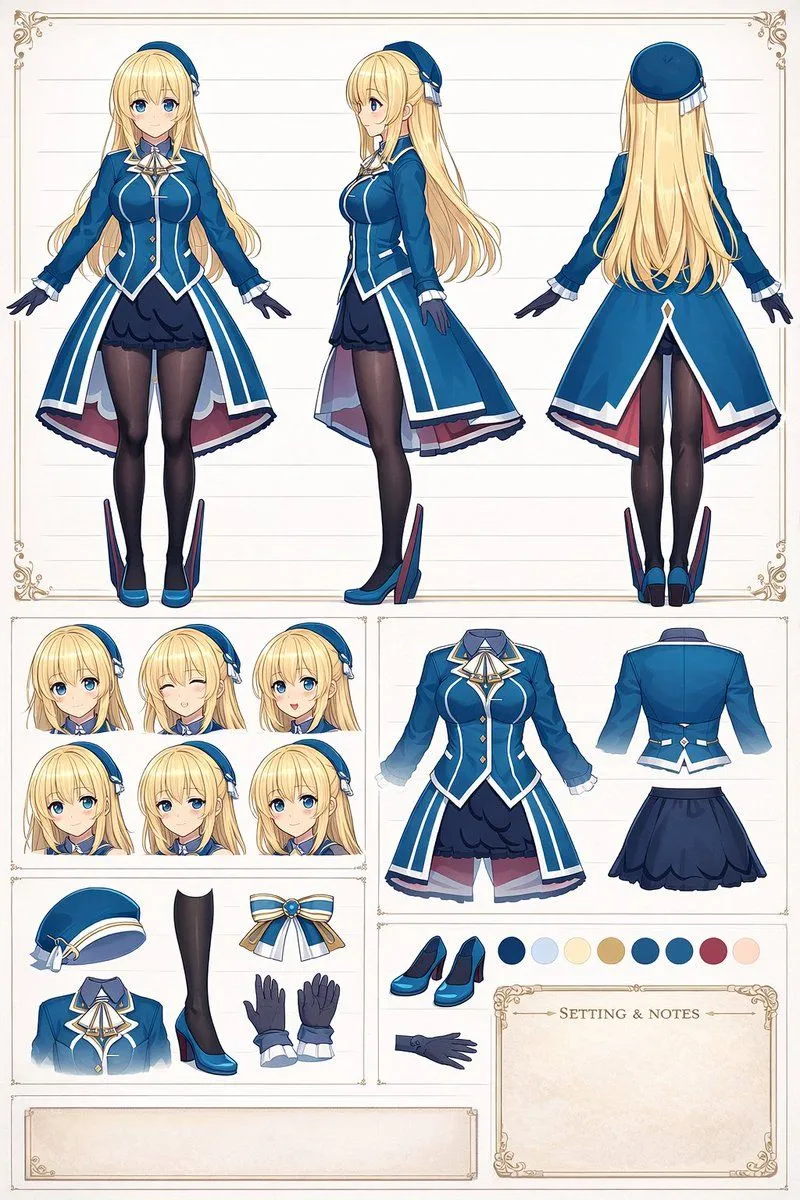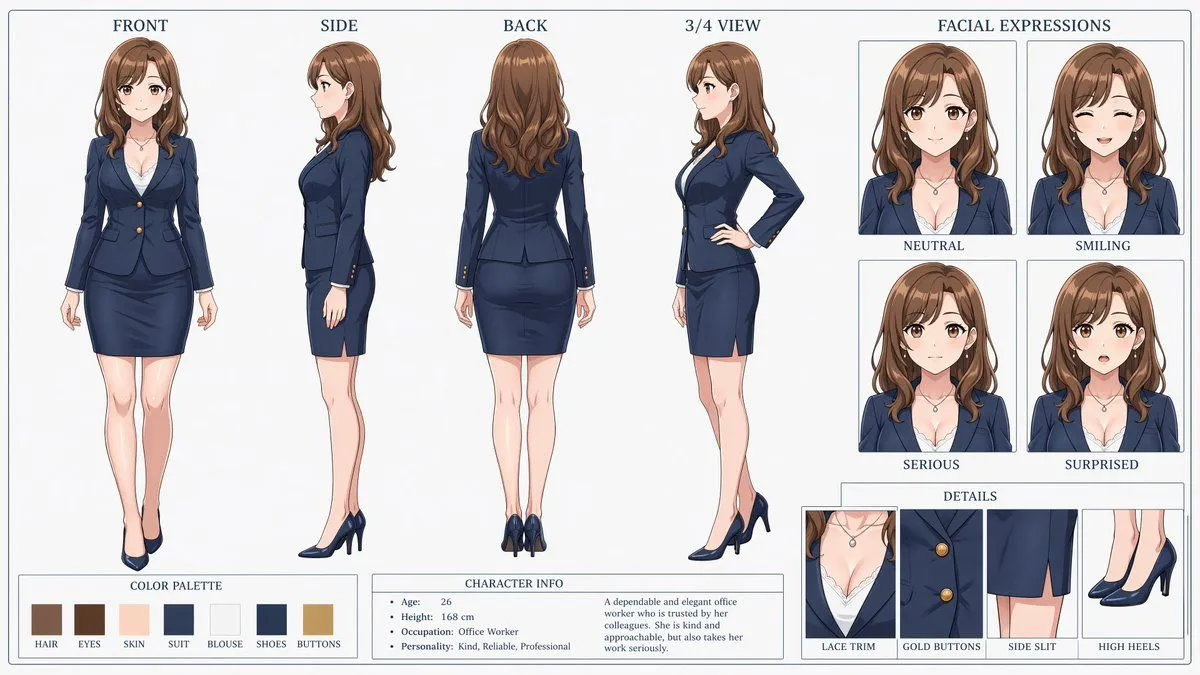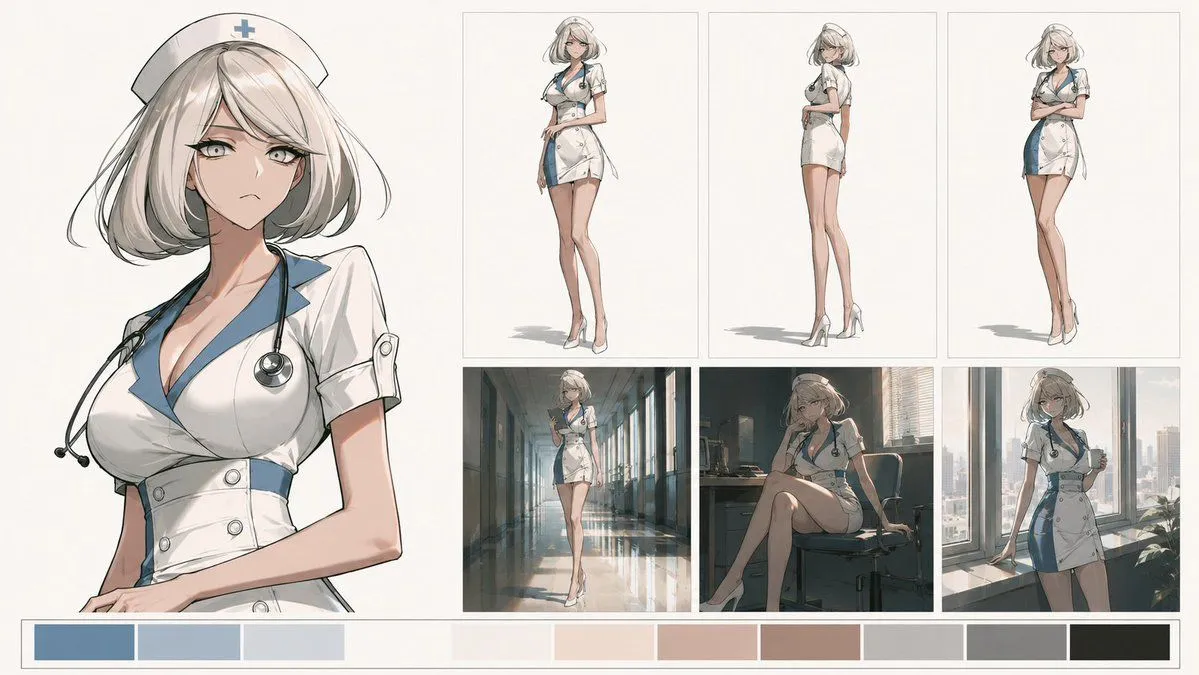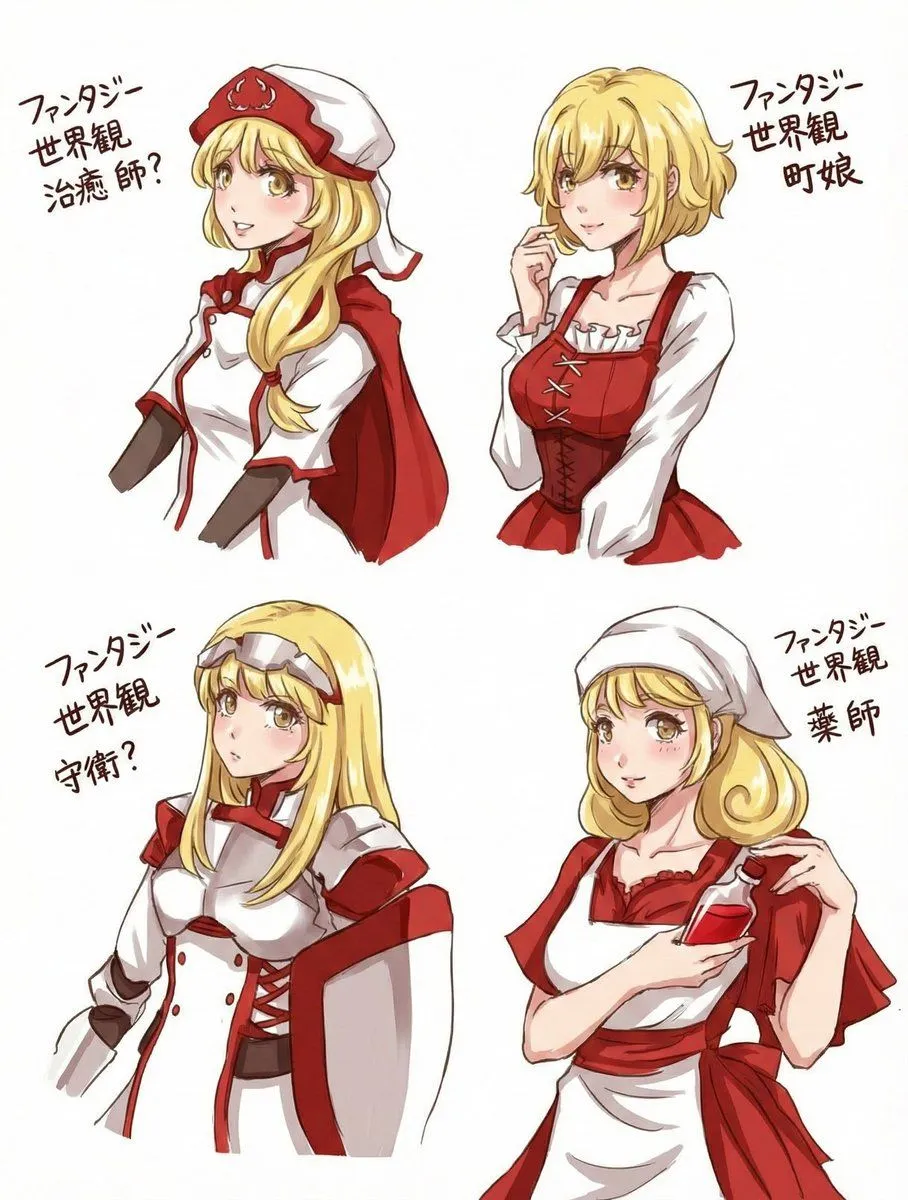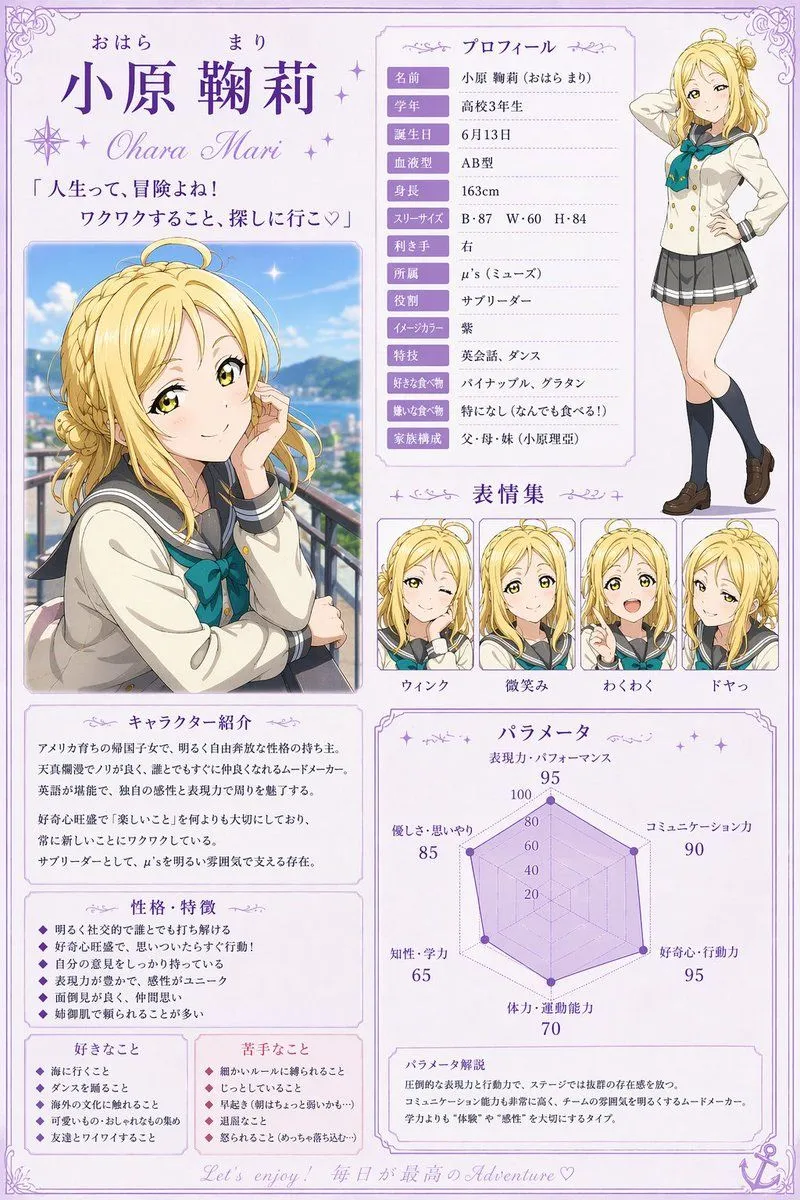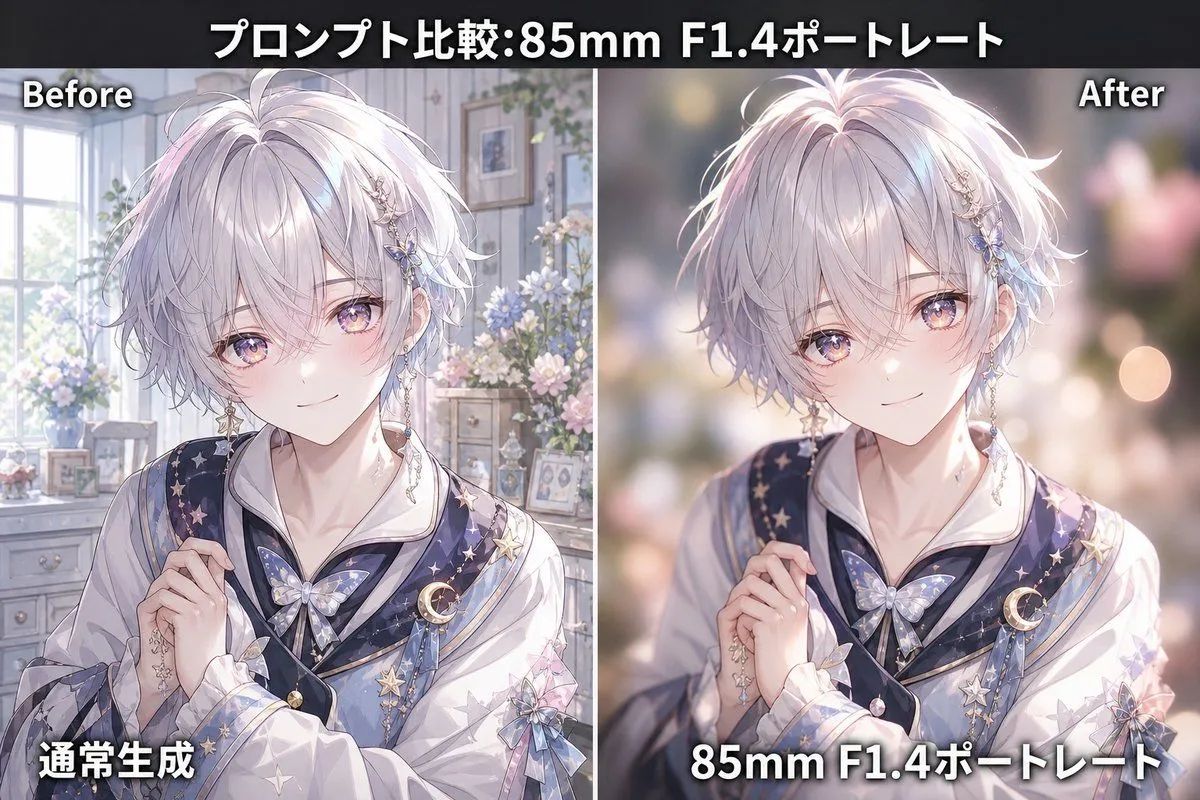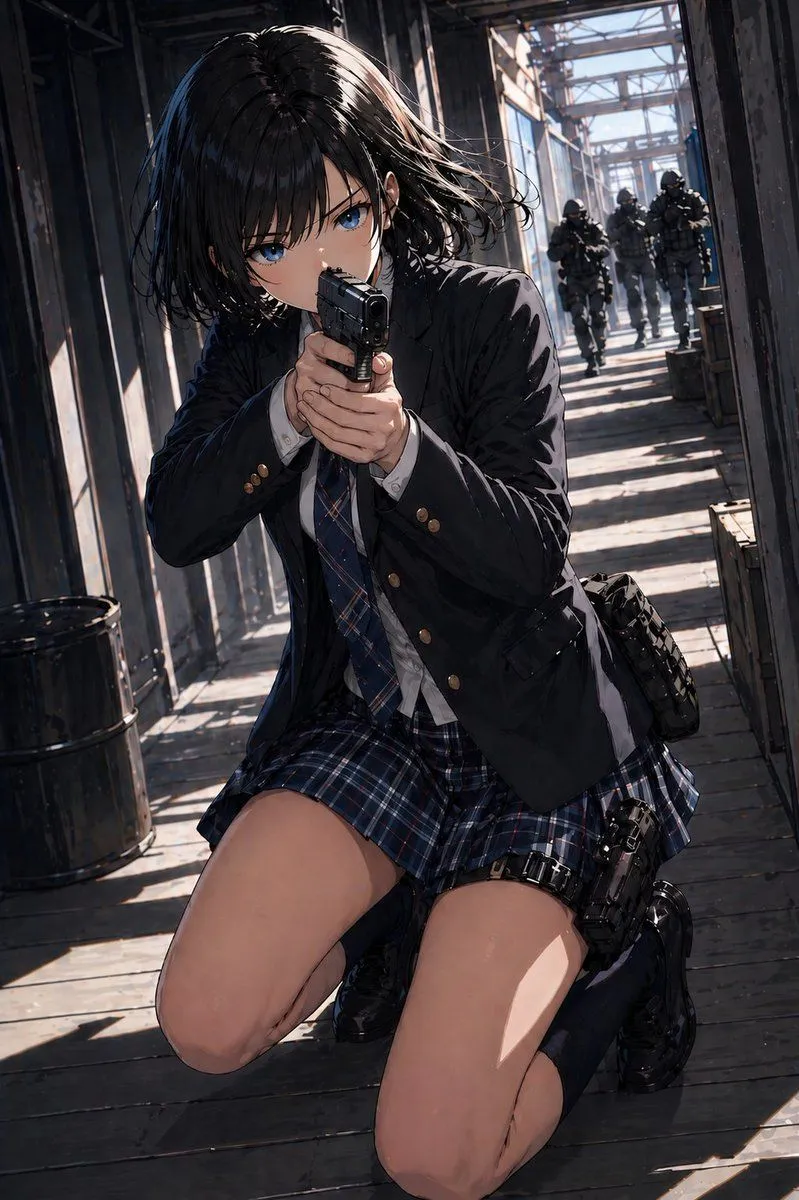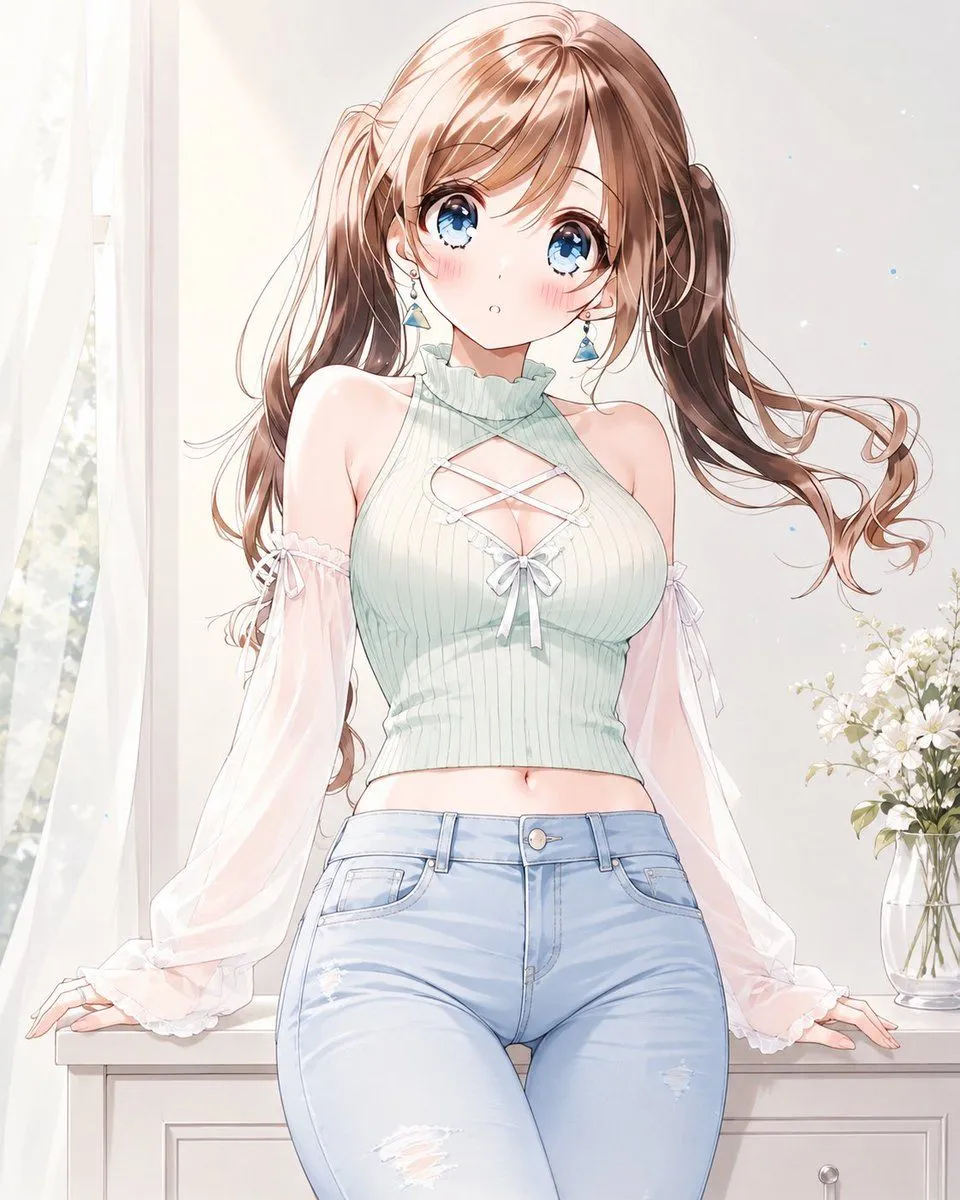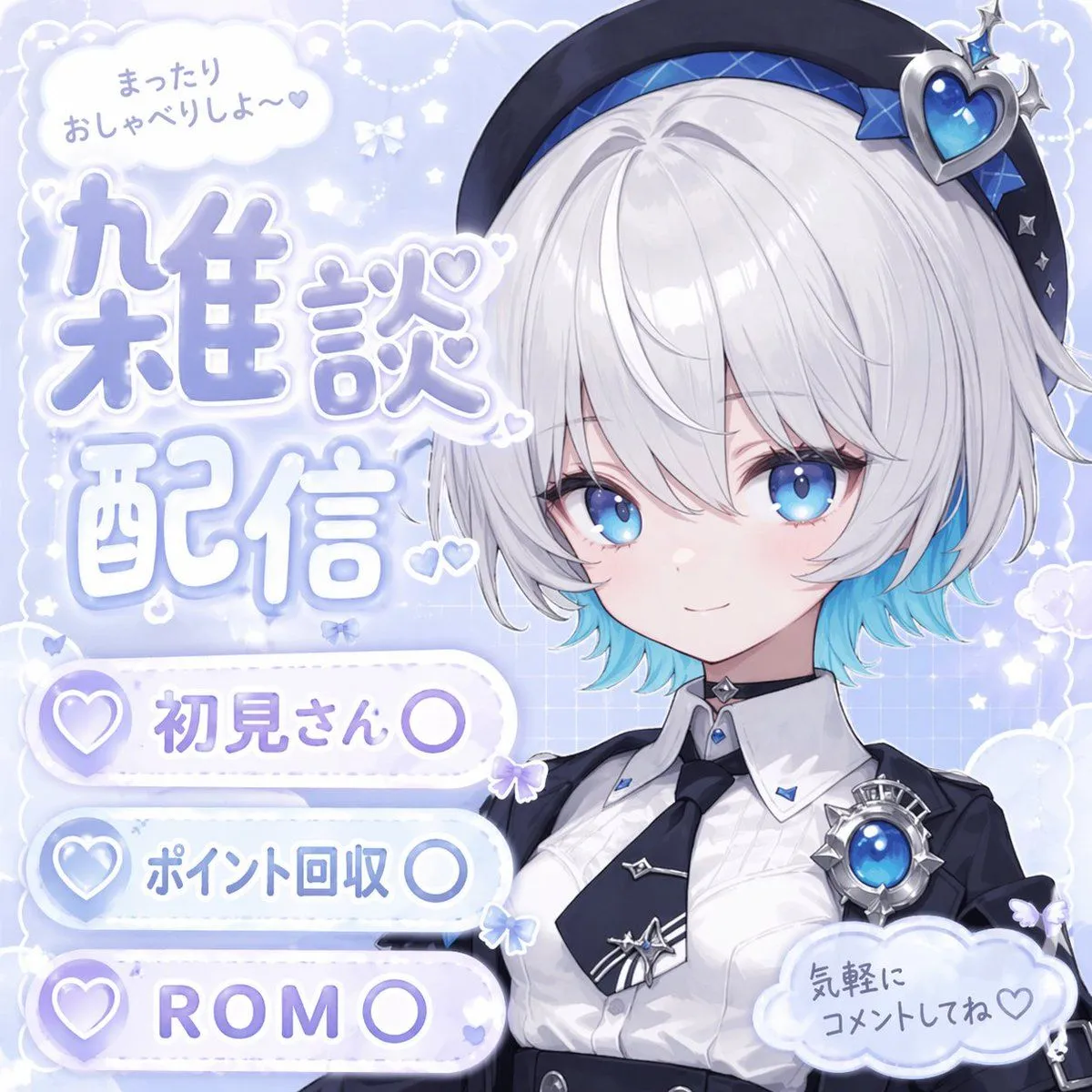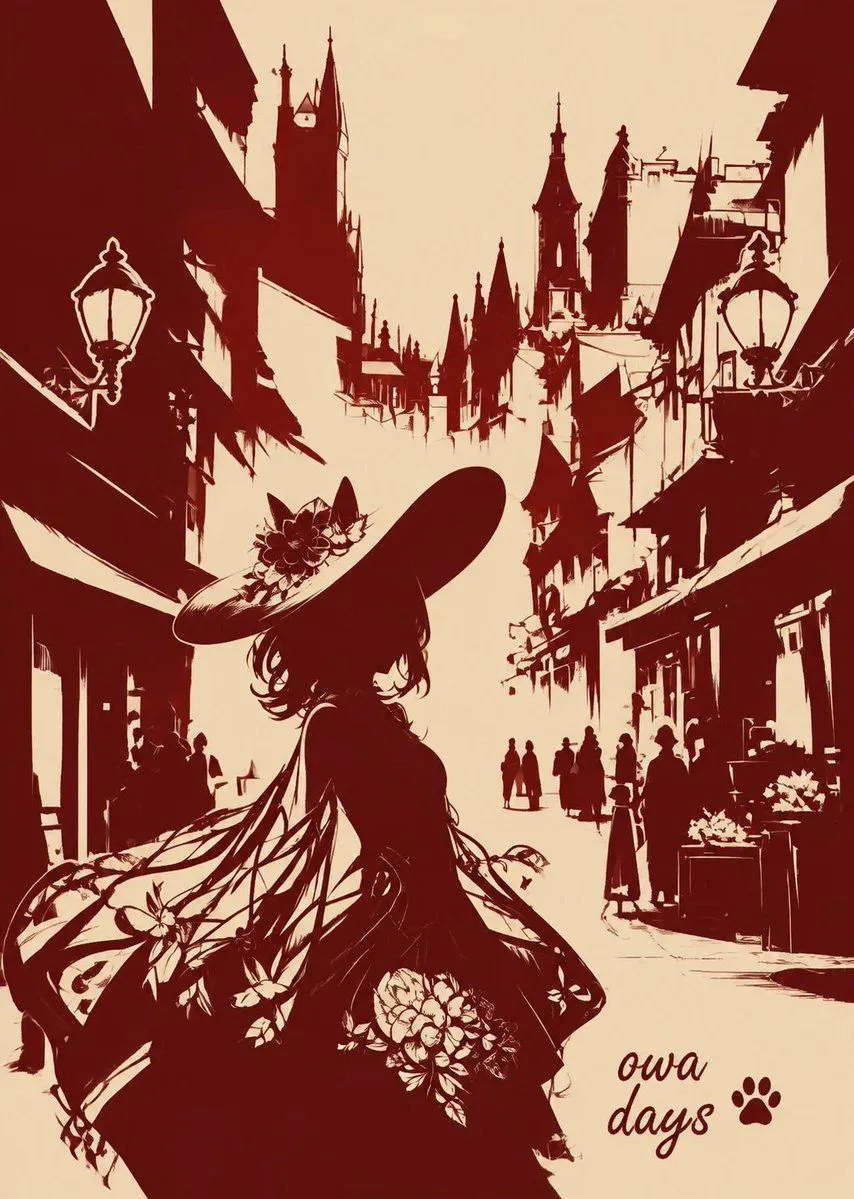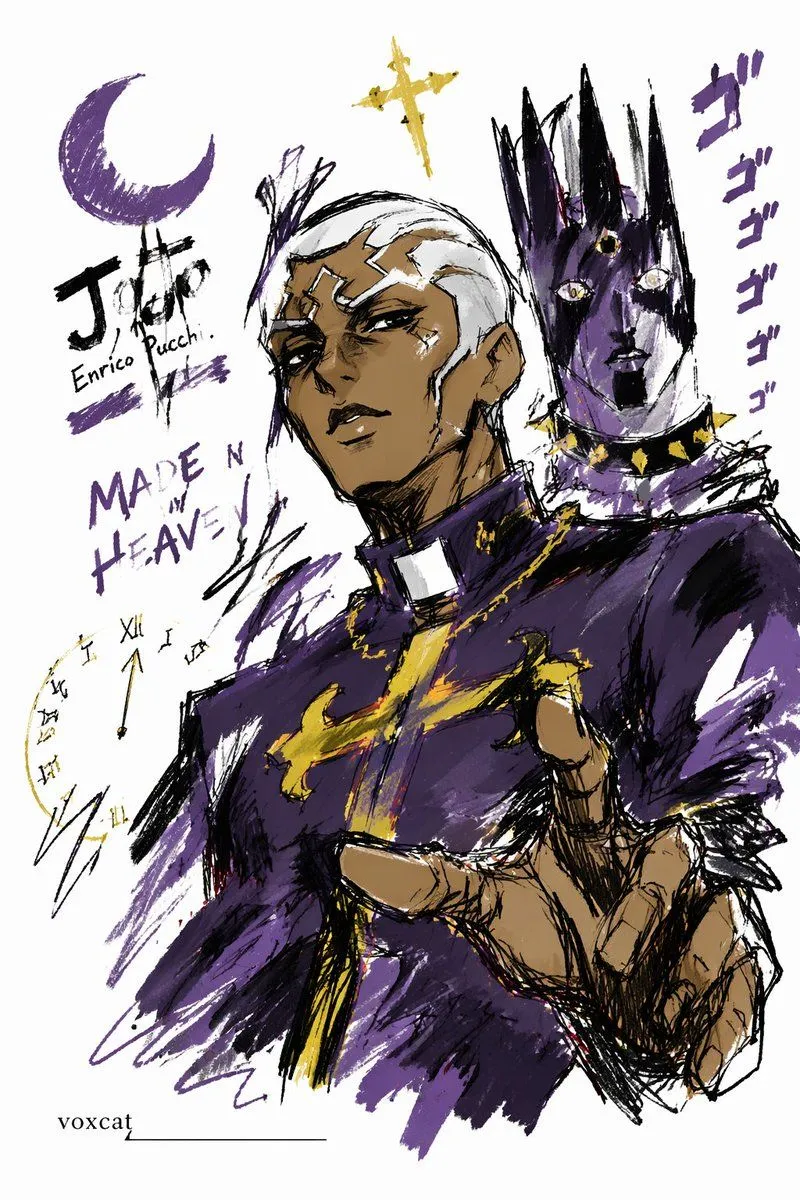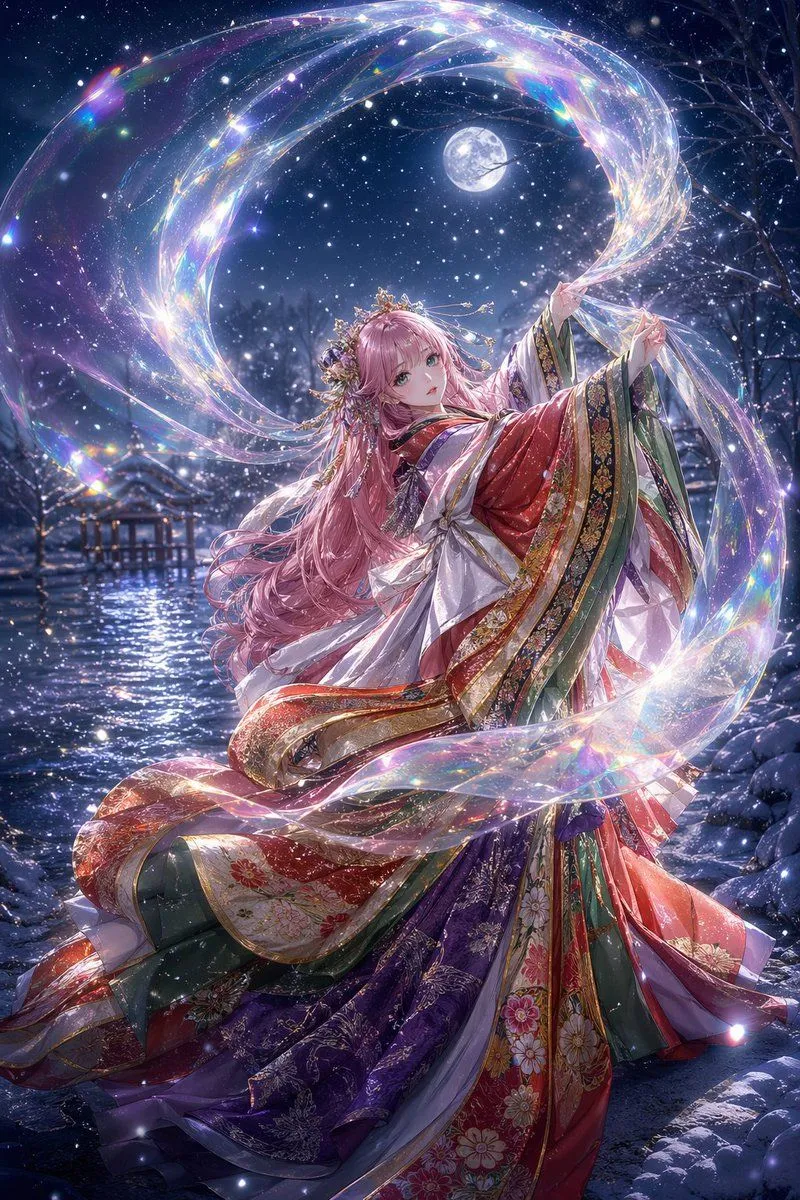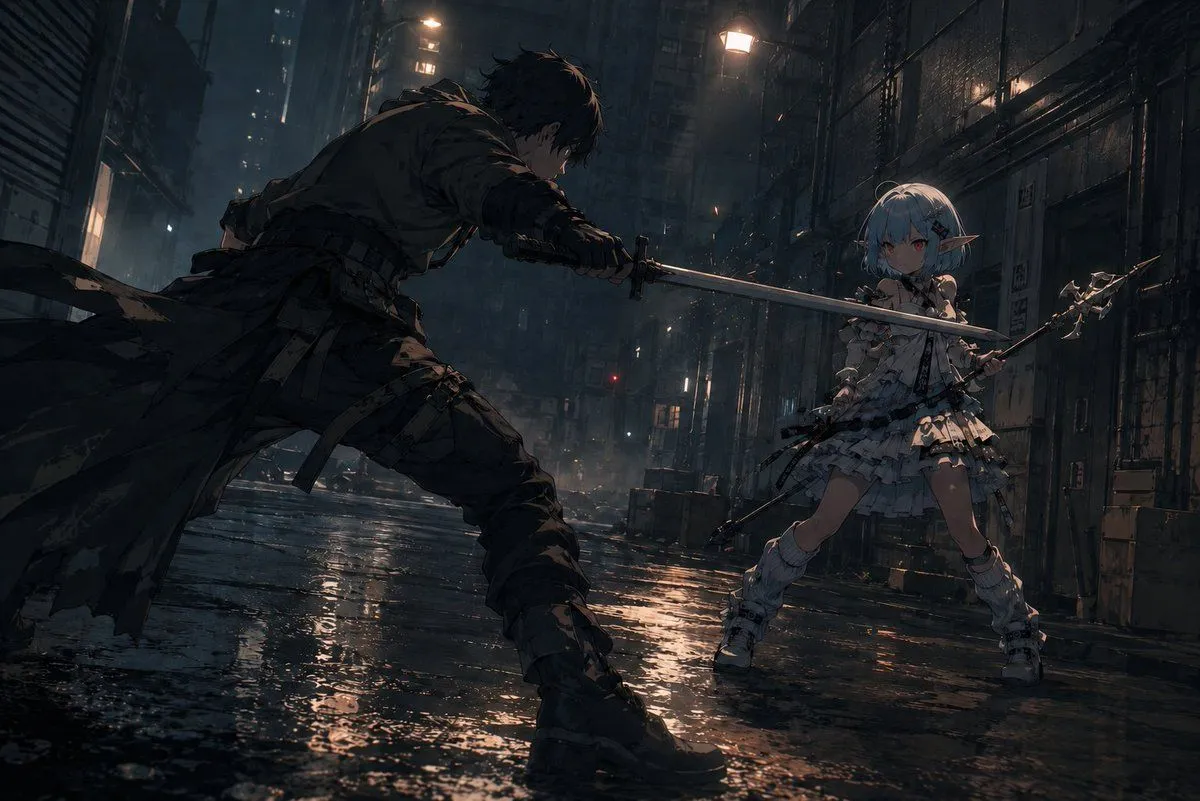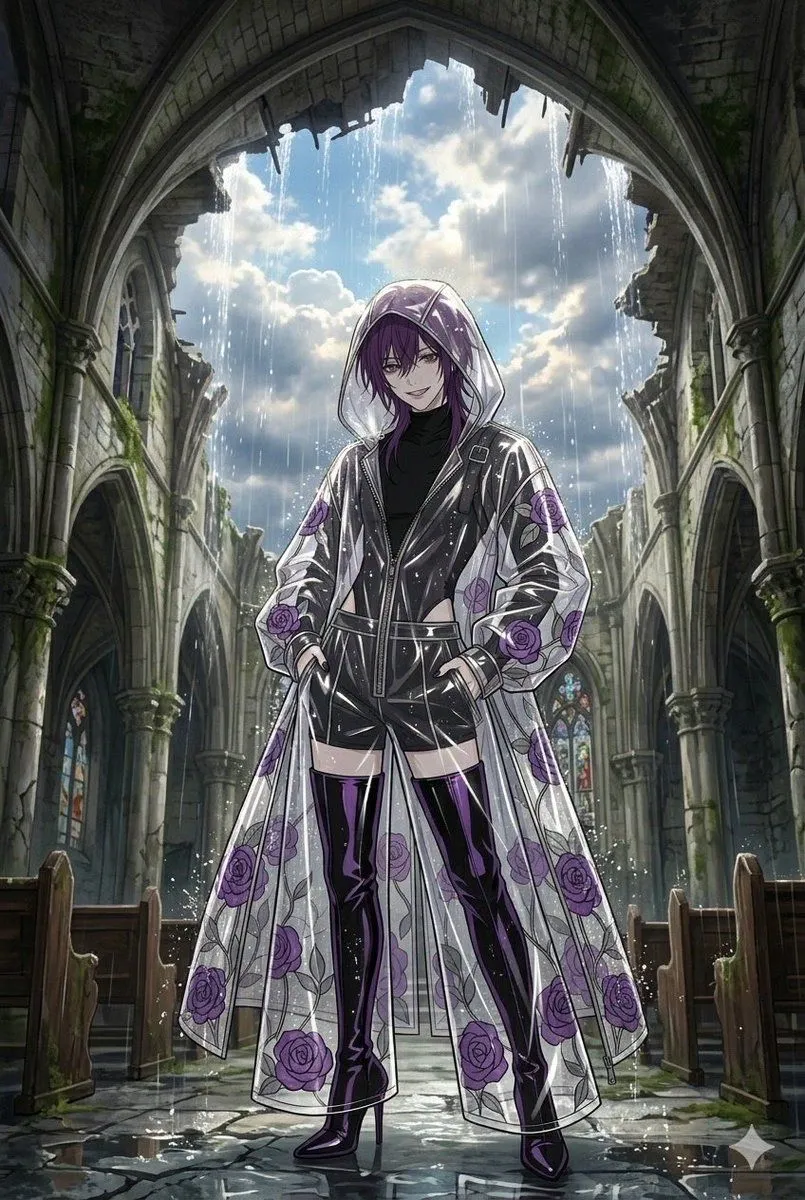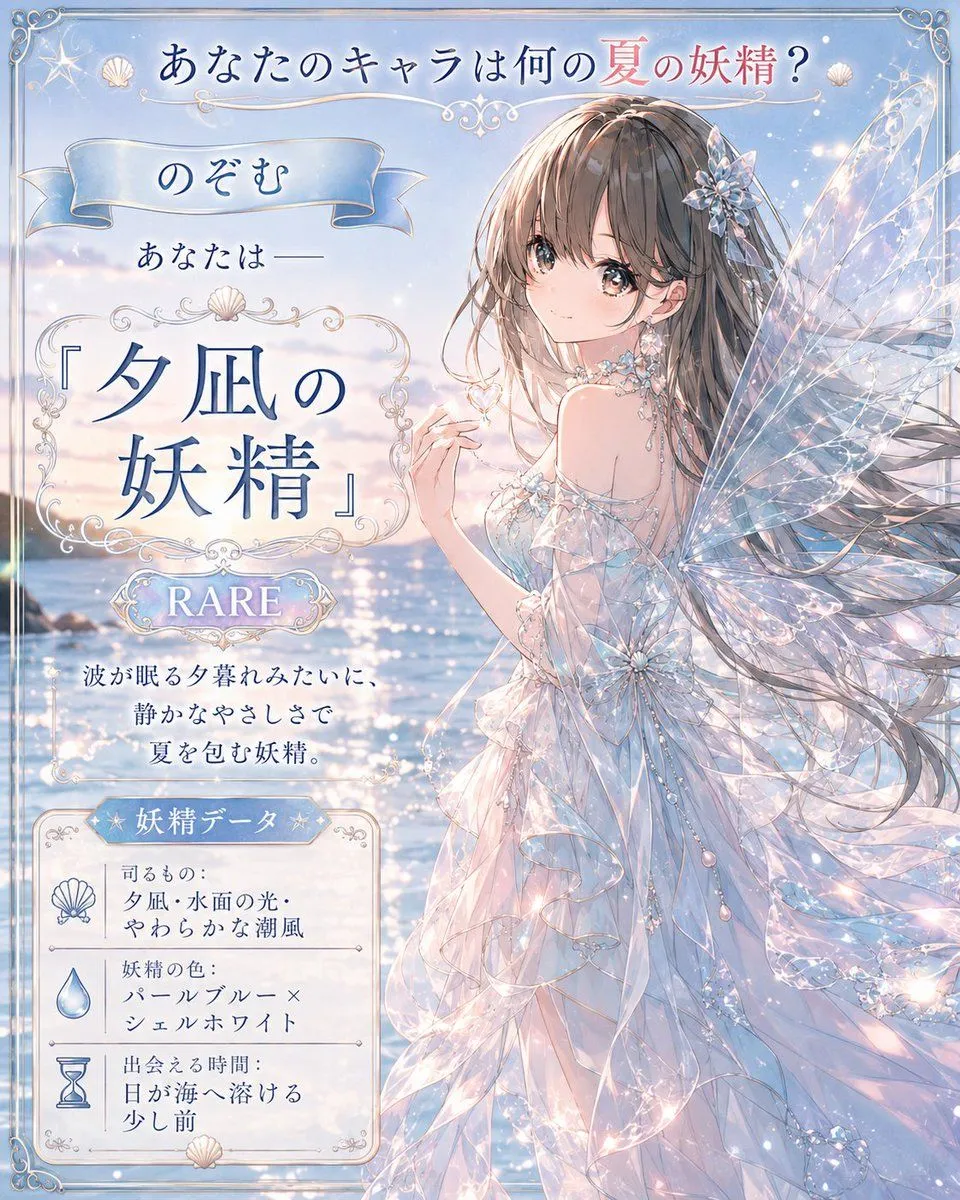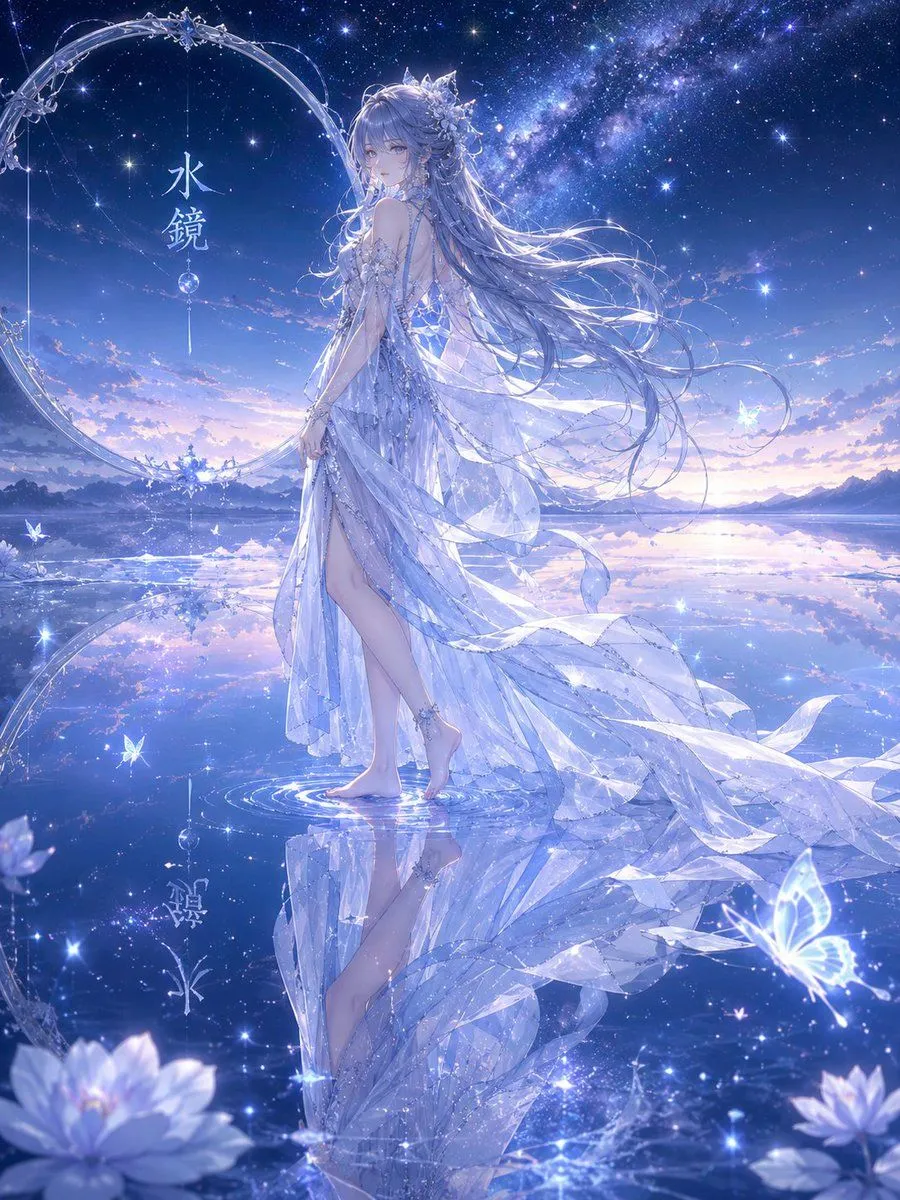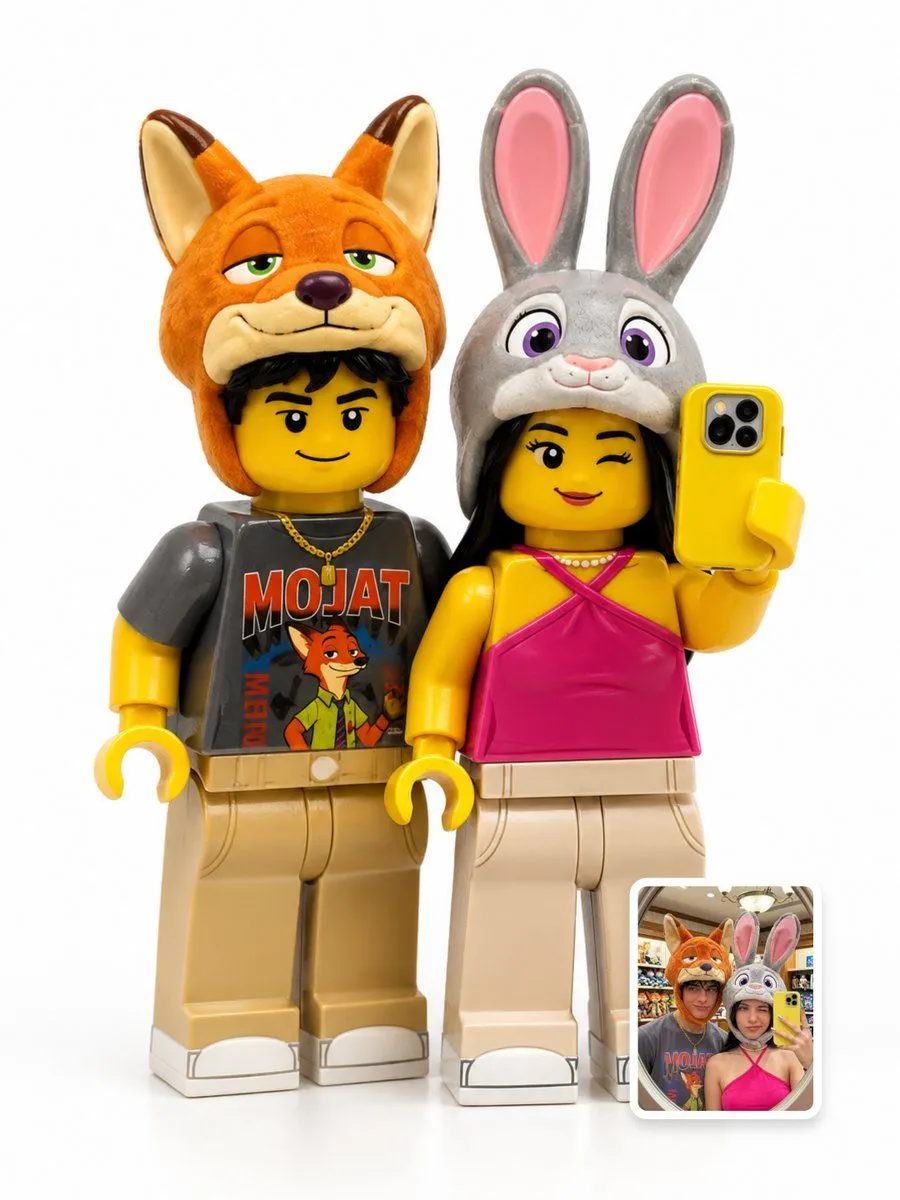
Made with GPT Image 2.5 in ChatGPT by Library Game Art. Promptclay never generates images.
Did it work?
No reports yet. Tell others if it worked for you.
Anime Character Reference Sheet Layout
Prompt
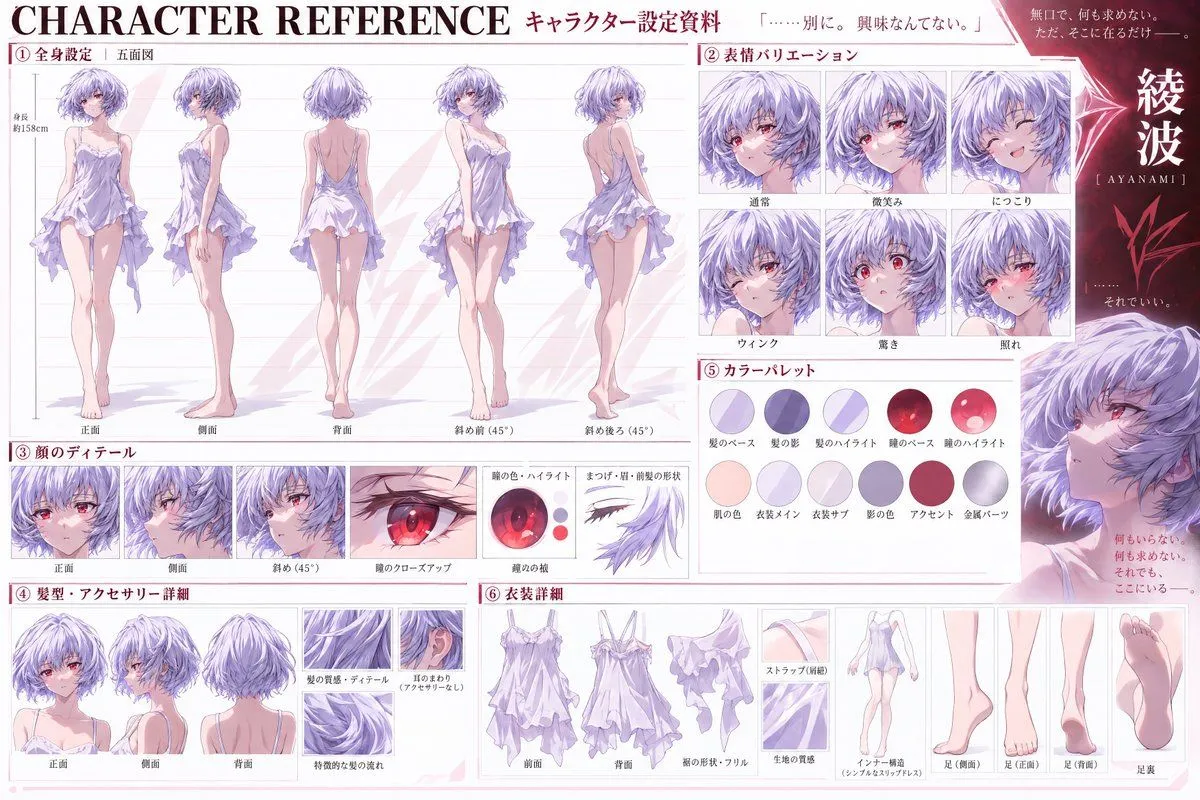
1 blank to fillGoal: Create a detailed anime character reference sheet (setting material) for the character {character_name}. Canvas: Horizontal 16:9 layout with a clean, professional white background and soft pink accents. The style is high-quality digital illustration typical of official art books or production materials. Layout: Organized into six numbered sections with Japanese headers. Sections: 1. **Full Body Settings (Five Views):** Located on the left. Shows five full-body standing poses labeled Front, Side, Back, Diagonal Front (45°), and Diagonal Back (45°). The character wears a short, frilly lavender slip dress. Include a height marker indicating approx. 158cm. 2. **Expression Variations:** Top right grid. Six headshots showing specific emotions labeled Normal, Slight Smile, Smiling, Wink, Surprised, and Blushing. 3. **Face Details:** Middle left strip. Three views of the face (Front, Side, Diagonal) plus a close-up of the eye and an isolated diagram of eyelashes/eyebrows. 4. **Hair & Accessories:** Bottom left. Three views of the hair (Front, Side, Back) and close-ups of hair texture and ear area. 5. **Color Palette:** Middle right. Two rows of circular swatches representing Hair Base, Shadow, Highlight, Eye Base, Eye Highlight, Skin, Dress Main, Dress Sub, Shadow Color, Accent, and Metal Parts. 6. **Outfit Details:** Bottom center/right. Breakdown of the dress (Front, Back, Hem shape/Frills, Fabric texture) and foot details (Side, Front, Back, Sole). Visual Style: Soft cel-shading with delicate lighting. The character has short light blue hair and red eyes. Use thin lines for diagrams and clear sans-serif typography for labels. Text content: Preserve all Japanese text exactly as shown in the image, including section titles like 「全身設定」 and 「表情バリエーション」.
Preview of your prompt
Goal: Create a detailed anime character reference sheet (setting material) for the character Rei Ayanami. Canvas: Horizontal 16:9 layout with a clean, professional white background and soft pink accents. The style is high-quality digital illustration typical of official art books or production materials. Layout: Organized into six numbered sections with Japanese headers. Sections: 1. **Full Body Settings (Five Views):** Located on the left. Shows five full-body standing poses labeled Front, Side, Back, Diagonal Front (45°), and Diagonal Back (45°). The character wears a short, frilly lavender slip dress. Include a height marker indicating approx. 158cm. 2. **Expression Variations:** Top right grid. Six headshots showing specific emotions labeled Normal, Slight Smile, Smiling, Wink, Surprised, and Blushing. 3. **Face Details:** Middle left strip. Three views of the face (Front, Side, Diagonal) plus a close-up of the eye and an isolated diagram of eyelashes/eyebrows. 4. **Hair & Accessories:** Bottom left. Three views of the hair (Front, Side, Back) and close-ups of hair texture and ear area. 5. **Color Palette:** Middle right. Two rows of circular swatches representing Hair Base, Shadow, Highlight, Eye Base, Eye Highlight, Skin, Dress Main, Dress Sub, Shadow Color, Accent, and Metal Parts. 6. **Outfit Details:** Bottom center/right. Breakdown of the dress (Front, Back, Hem shape/Frills, Fabric texture) and foot details (Side, Front, Back, Sole). Visual Style: Soft cel-shading with delicate lighting. The character has short light blue hair and red eyes. Use thin lines for diagrams and clear sans-serif typography for labels. Text content: Preserve all Japanese text exactly as shown in the image, including section titles like 「全身設定」 and 「表情バリエーション」.
DetailsVersions, settings and questions
Written for
What's in the prompt
- Subject
- Model
- GPT Image 2.5
If your face changes
keep my face exactly the sameQuestions
- Does this work in the ChatGPT app?
- Yes. Paste the prompt and attach your photo if it uses one.
- It changed my face. What do I do?
- Add "keep my face exactly the same" to the end and run it again.
- Can I use the images I make?
- Check the terms of the app you use. Promptclay never generates images and claims nothing you make.