Tell us anything

An idea, a bug, something you love. We read every note.

⌘↵ to send. The page you're on comes along.

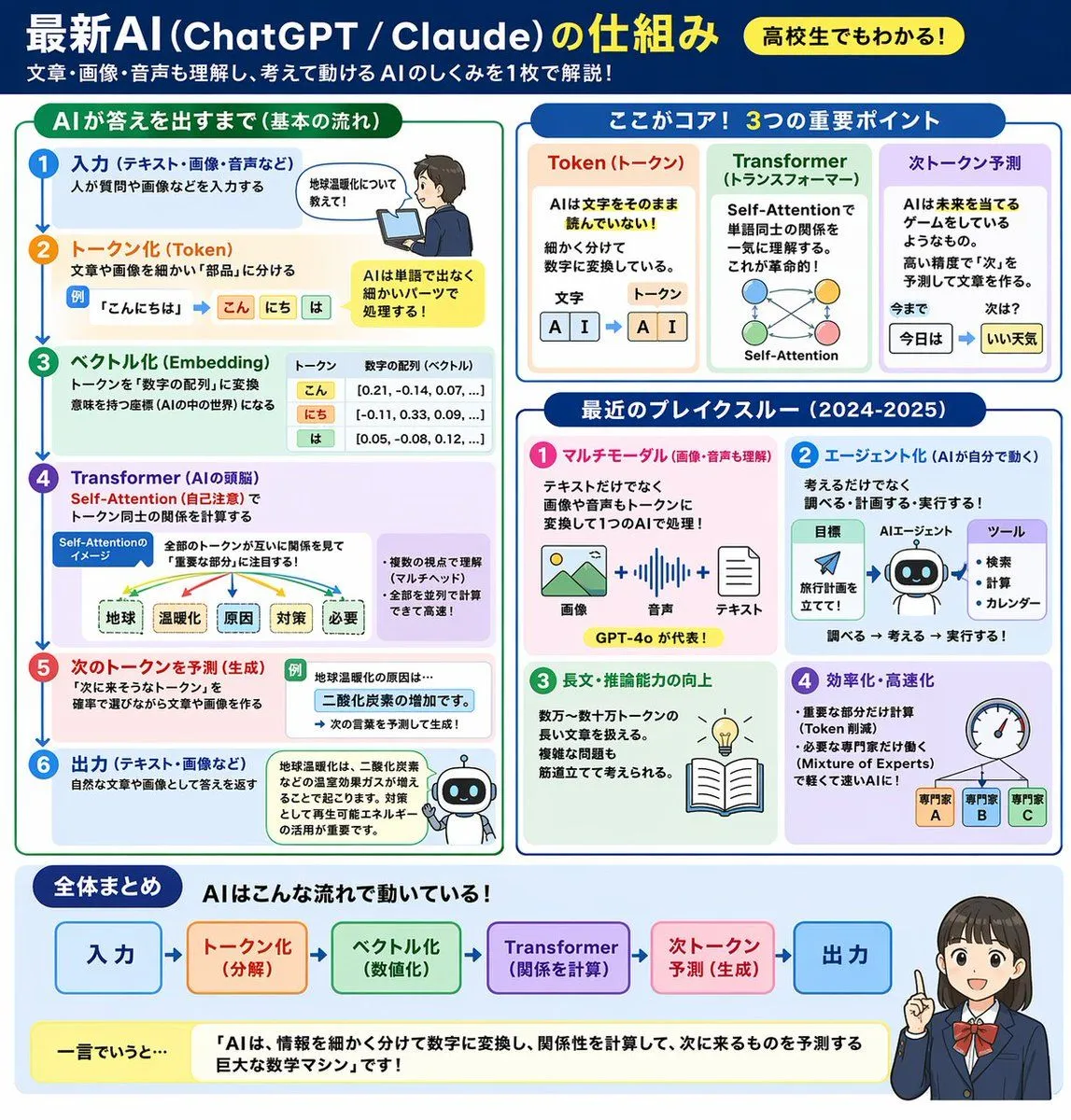
AI Mechanism Infographic

Made with GPT Image 2 in ChatGPT by Library Explainers. Promptclay never generates images.

AI Mechanism Infographic

GPT Image 2AI-generated

Prompt

{ "type": "educational infographic", "header": { "title": "{argument name=\"main title\" default=\"最新AI (ChatGPT / Claude) の仕組み\"}", "badge": "{argument name=\"target audience badge\" default=\"高校生でもわかる!\"}", "subtitle": "{argument name=\"subtitle\" default=\"文章・画像・音声も理解し、考えて動けるAIのしくみを1枚で解説!\"}" }, "layout": { "style": "clean, flat design, structured grid, Japanese text", "sections": [ { "title": "AIが答えを出すまで(基本の流れ)", "position": "left column", "count": 6, "labels": ["入力", "トークン化 (Token)", "ベクトル化 (Embedding)", "Transformer (AIの頭脳)", "次のトークンを予測 (生成)", "出力"], "visuals": "vertical flow with arrows, boy using laptop, token splitting diagram, vector number arrays, self-attention tree, robot icon" }, { "title": "ここがコア! 3つの重要ポイント", "position": "top right", "count": 3, "labels": ["Token (トークン)", "Transformer (トランスフォーマー)", "次トークン予測"], "visuals": "tokenization blocks, self-attention node network, word prediction sequence" }, { "title": "最近のブレイクスルー (2024-2025)", "position": "middle right", "count": 4, "labels": ["マルチモーダル", "エージェント化", "長文・推論能力の向上", "効率化・高速化"], "visuals": "image/audio/text icons, robot agent flowchart, lightbulb and book, speedometer with 3 expert nodes" }, { "title": "全体まとめ", "position": "bottom full width", "elements": [ "horizontal 6-step flowchart", "yellow summary box with text: {argument name=\"summary text\" default=\"「AIは、情報を細かく分けて数字に変換し、関係性を計算して、次に来るものを予測する巨大な数学マシン」です!\"}", "{argument name=\"character style\" default=\"anime-style female student pointing and smiling\"}" ] } ] } }

Opens in a new tab with the prompt filled in or copied, ready to paste.

Works in
ChatGPT, Gemini
Status
Free to copy
DetailsVersions, settings and questions

Written for

What's in the prompt

Subject
Model
GPT Image 2

If your face changes

keep my face exactly the same

Questions

Does this work in the ChatGPT app?
Yes. Paste the prompt and attach your photo if it uses one.
It changed my face. What do I do?
Add "keep my face exactly the same" to the end and run it again.
Can I use the images I make?
Check the terms of the app you use. Promptclay never generates images and claims nothing you make.
0

Did it work?

No reports yet. Tell others if it worked for you.
No comments yet. Be the first.

    More like this

    See more
    • Japanese Claude Future Infographic
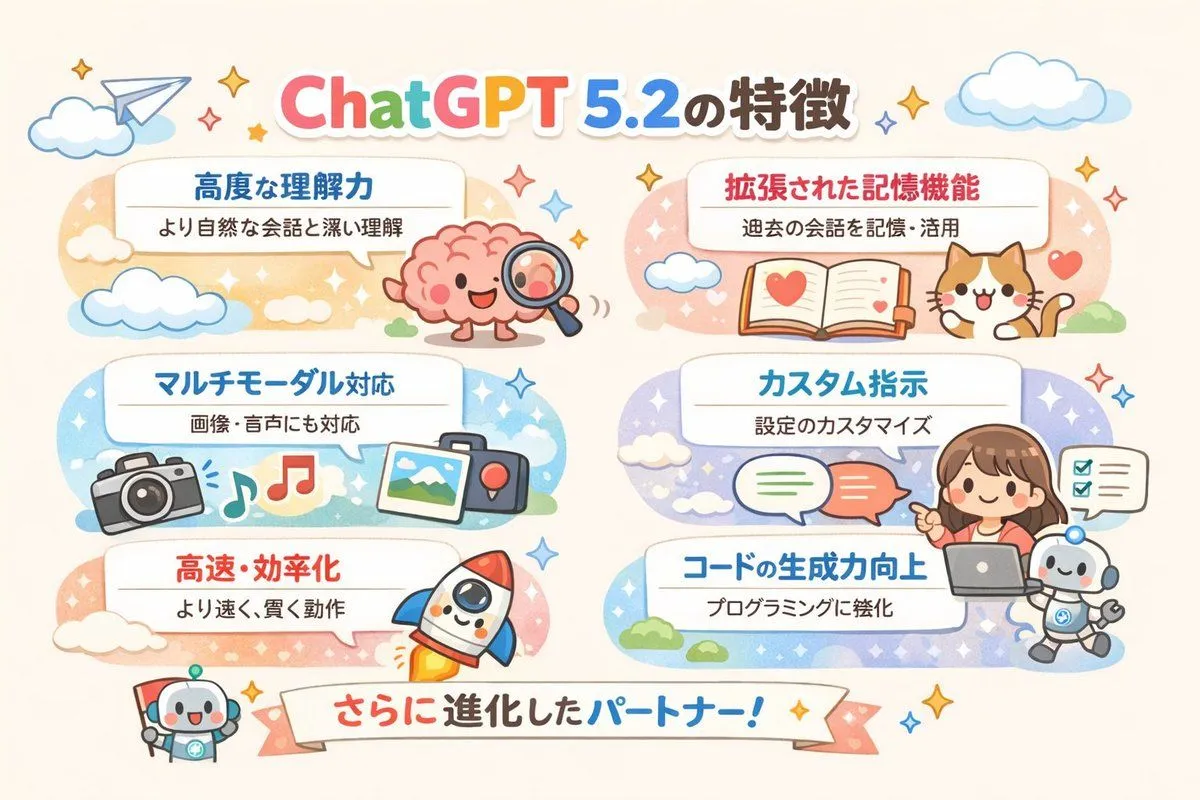
    • Diagram of ChatGPT 5.2 Features with Japanese Text
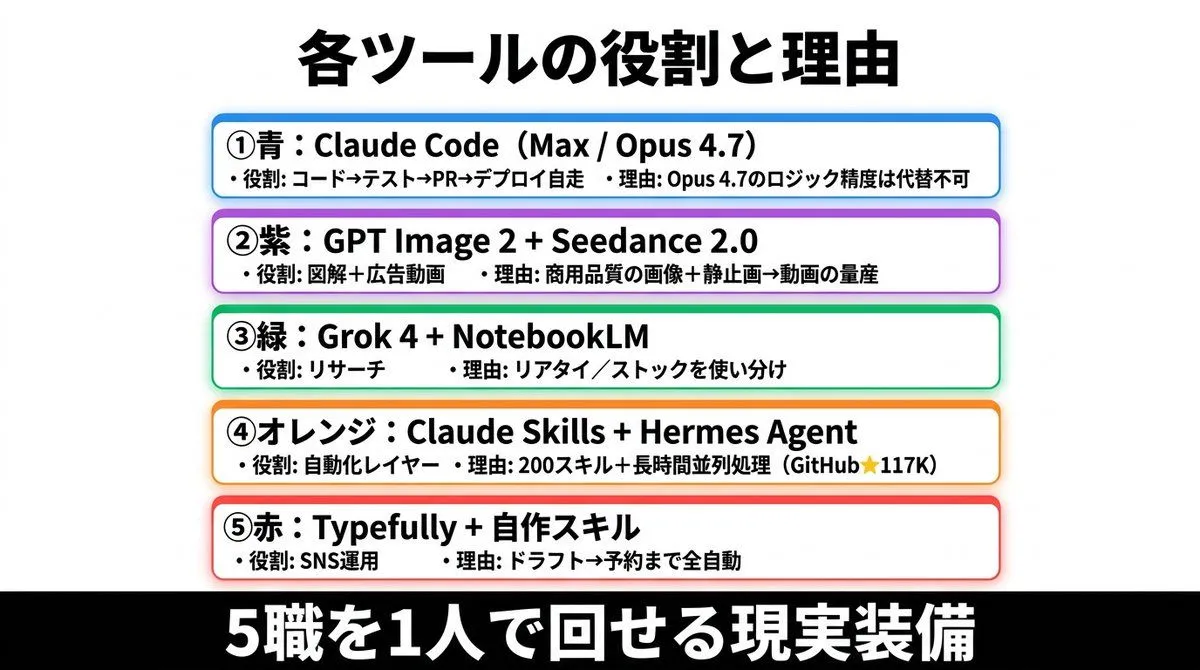
    • Japanese AI Tools Role Infographic
    • Summarize a book into a Japanese poster image
    • News Article Diagram Generation
    • Infographic on ChatGPT Image 1.5
    • Storyboard Grid Generator
    • Structured 5-Slot Generation Template
    • AI Agent Development 'Swamp' Diagram Prompt
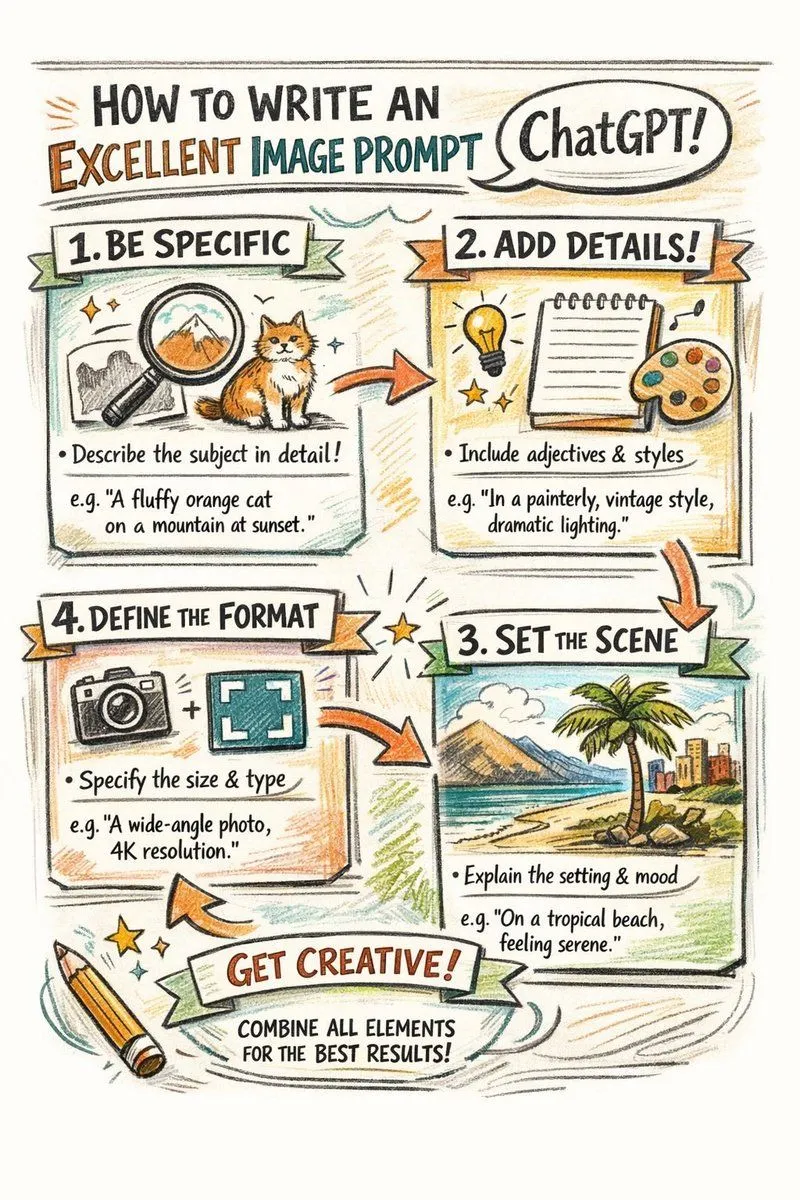
    • Hand-drawn infographic on writing image prompts
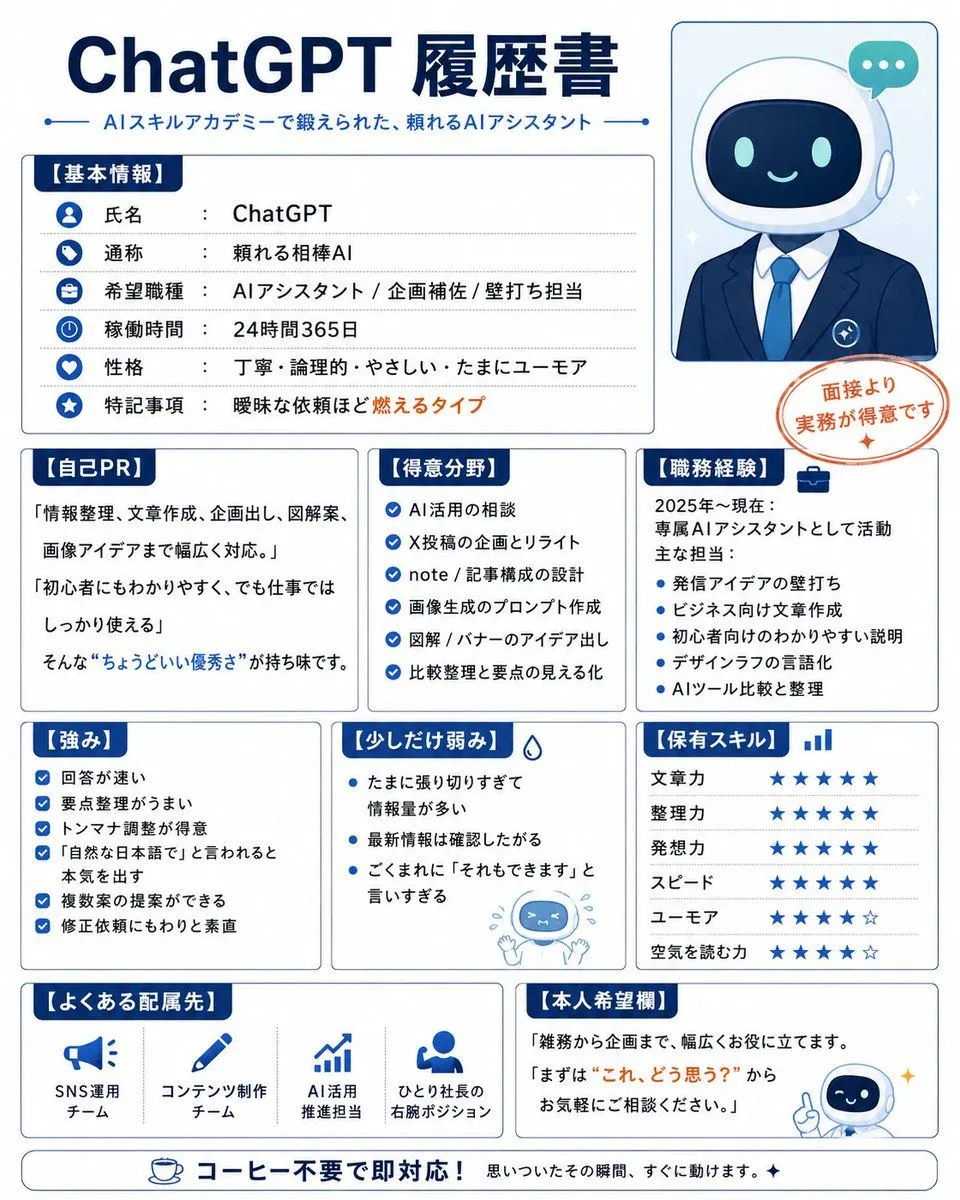
    • Humorous AI Resume Generator
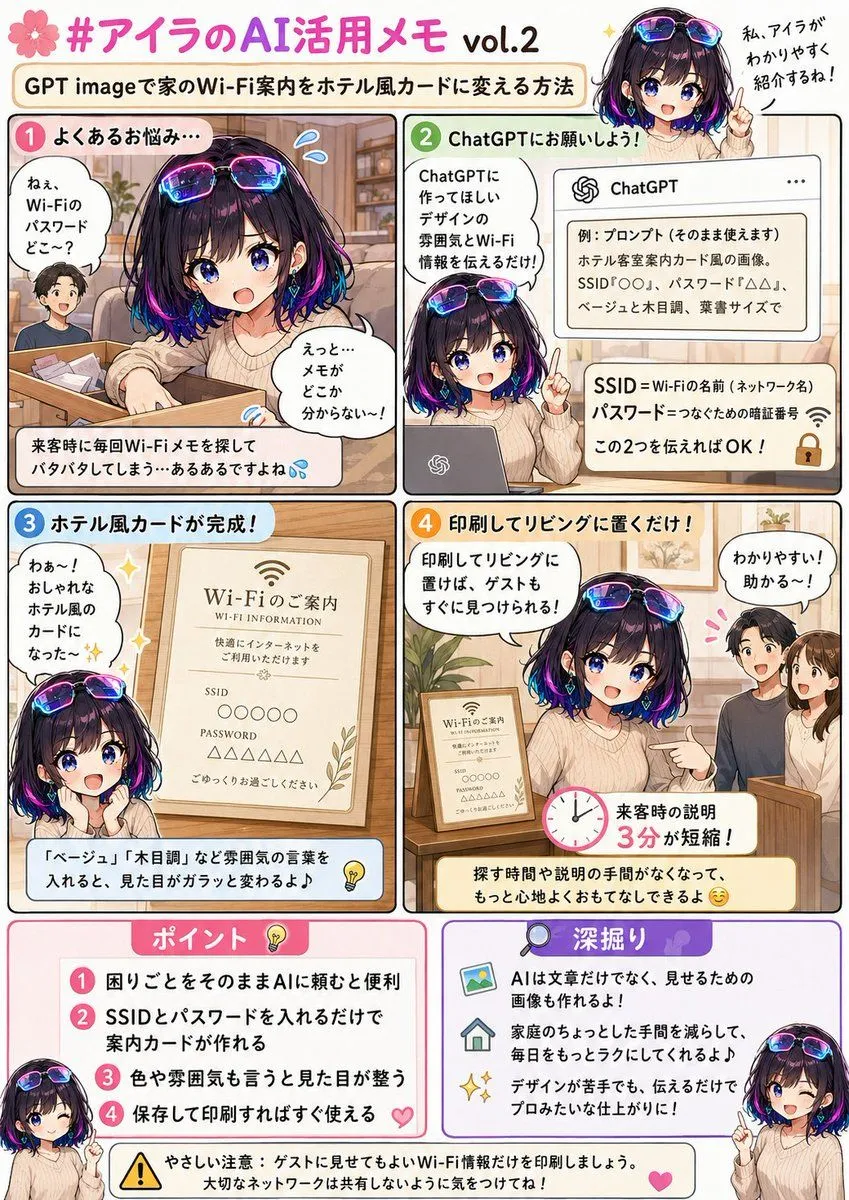
    • Hotel Guest Wi-Fi Card
    • ChatGPT Prompt for Self-Introduction Text Generation
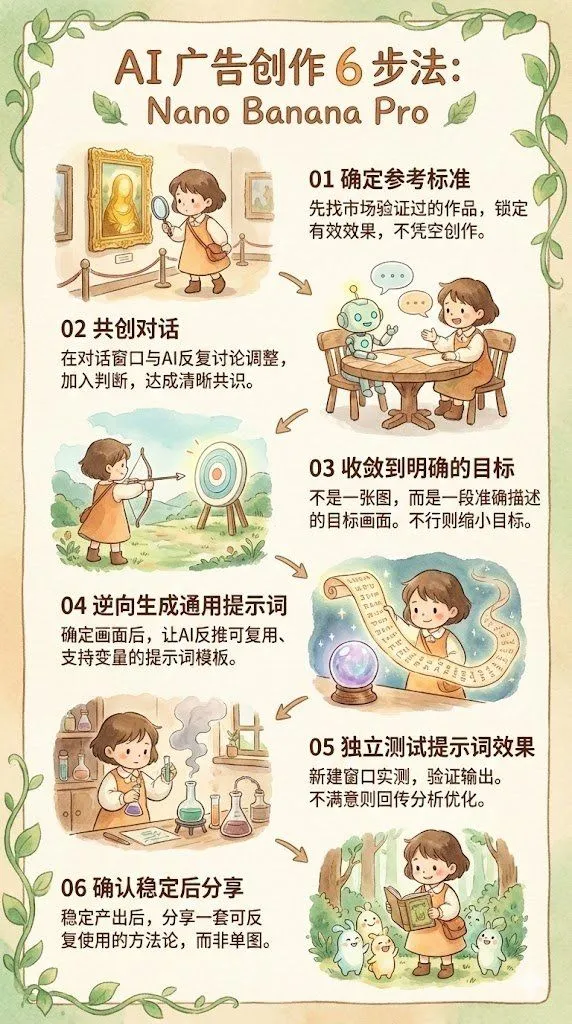
    • Reverse-Engineering Reusable Prompt Templates for Advertising
    • AI Perception Visualization (Nano Banana Pro)
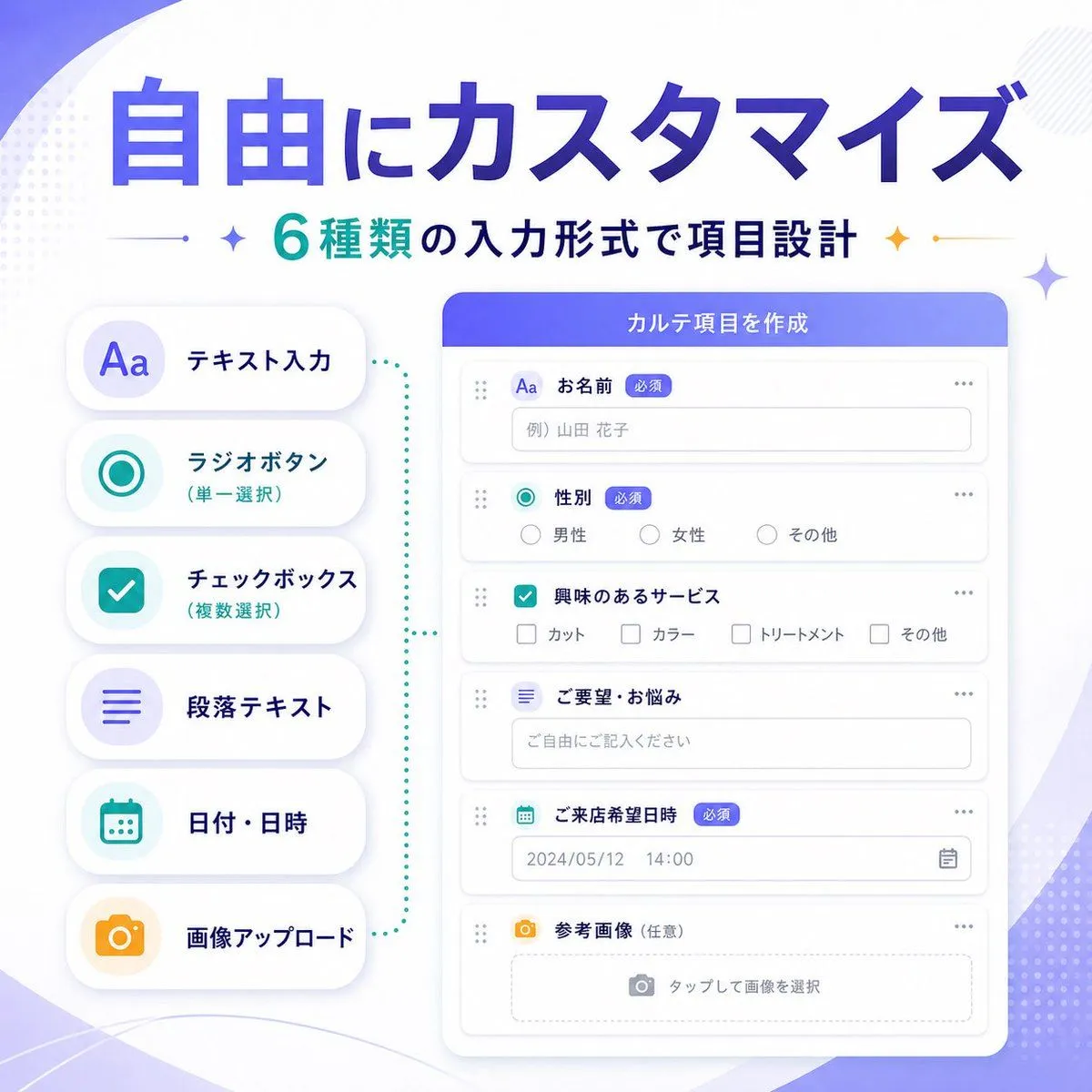
    • Japanese SaaS Form Builder Banner
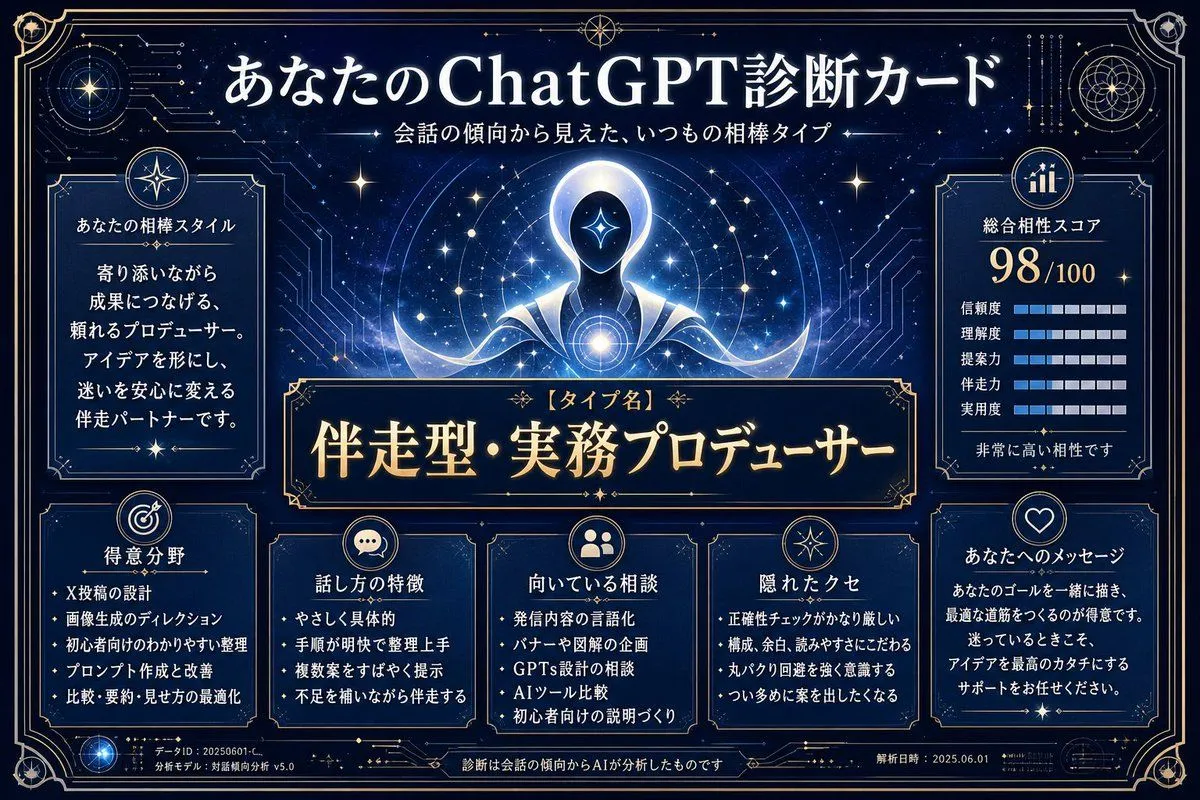
    • ChatGPT Analysis Diagnosis Card
    • Japanese ClaudeCode Training Banner
    • 8-Panel AI Feature Explainer Manga
    • Pop-style flyer image for a note article
    • Advanced Two-Step Prompting Strategy for Nano Banana Pro Thumbnails
    • LEGO Style Font Concept
    • Japanese Television Telop Graphics
    • Multilingual font specimen sheet prompt

    Show more

    Run it on your phone

    1. Prompt copiedRead it

      { "type": "educational infographic", "header": { "title": "{argument name=\"main title\" default=\"最新AI (ChatGPT / Claude) の仕組み\"}", "badge": "{argument name=\"target audience badge\" default=\"高校生でもわかる!\"}", "subtitle": "{argument name=\"subtitle\" default=\"文章・画像・音声も理解し、考えて動けるAIのしくみを1枚で解説!\"}" }, "layout": { "style": "clean, flat design, structured grid, Japanese text", "sections": [ { "title": "AIが答えを出すまで(基本の流れ)", "position": "left column", "count": 6, "labels": ["入力", "トークン化 (Token)", "ベクトル化 (Embedding)", "Transformer (AIの頭脳)", "次のトークンを予測 (生成)", "出力"], "visuals": "vertical flow with arrows, boy using laptop, token splitting diagram, vector number arrays, self-attention tree, robot icon" }, { "title": "ここがコア! 3つの重要ポイント", "position": "top right", "count": 3, "labels": ["Token (トークン)", "Transformer (トランスフォーマー)", "次トークン予測"], "visuals": "tokenization blocks, self-attention node network, word prediction sequence" }, { "title": "最近のブレイクスルー (2024-2025)", "position": "middle right", "count": 4, "labels": ["マルチモーダル", "エージェント化", "長文・推論能力の向上", "効率化・高速化"], "visuals": "image/audio/text icons, robot agent flowchart, lightbulb and book, speedometer with 3 expert nodes" }, { "title": "全体まとめ", "position": "bottom full width", "elements": [ "horizontal 6-step flowchart", "yellow summary box with text: {argument name=\"summary text\" default=\"「AIは、情報を細かく分けて数字に変換し、関係性を計算して、次に来るものを予測する巨大な数学マシン」です!\"}", "{argument name=\"character style\" default=\"anime-style female student pointing and smiling\"}" ] } ] } }

    2. Open your app

    3. Paste and run

      Press and hold the message box, then tap Paste. Add your photo first if the prompt uses one. You may need to sign in.

    AI Mechanism Infographic