Tell us anything

An idea, a bug, something you love. We read every note.

⌘↵ to send. The page you're on comes along.

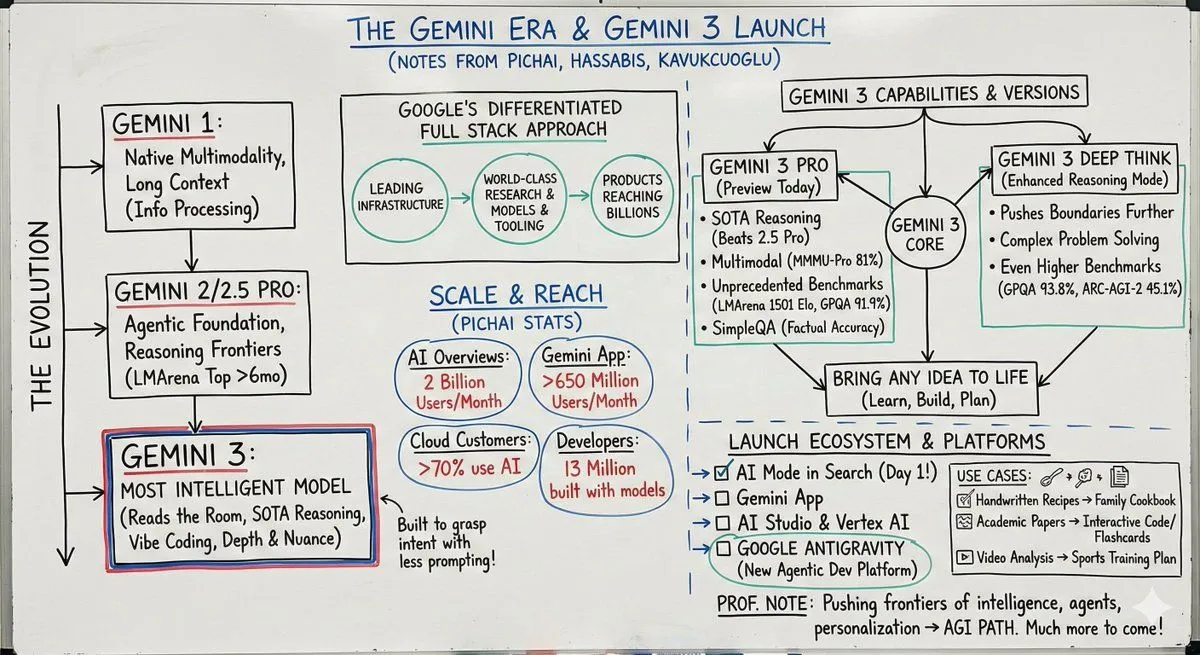
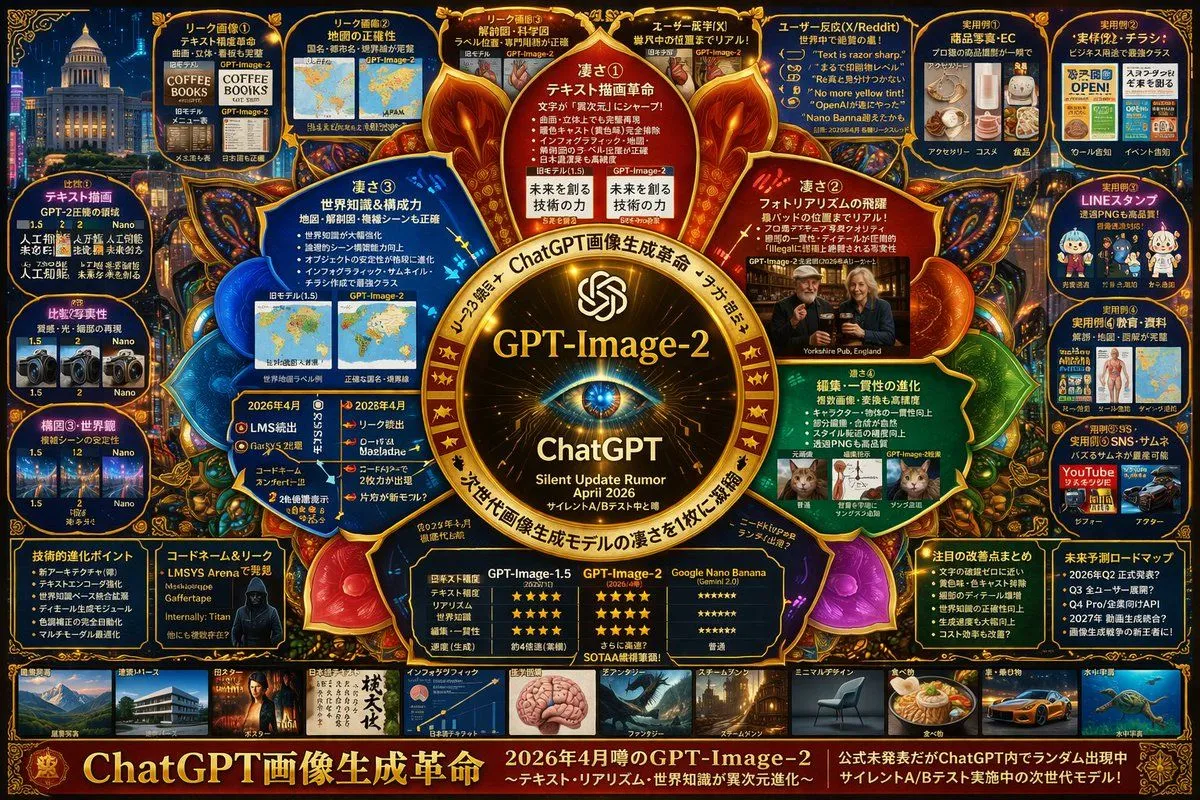
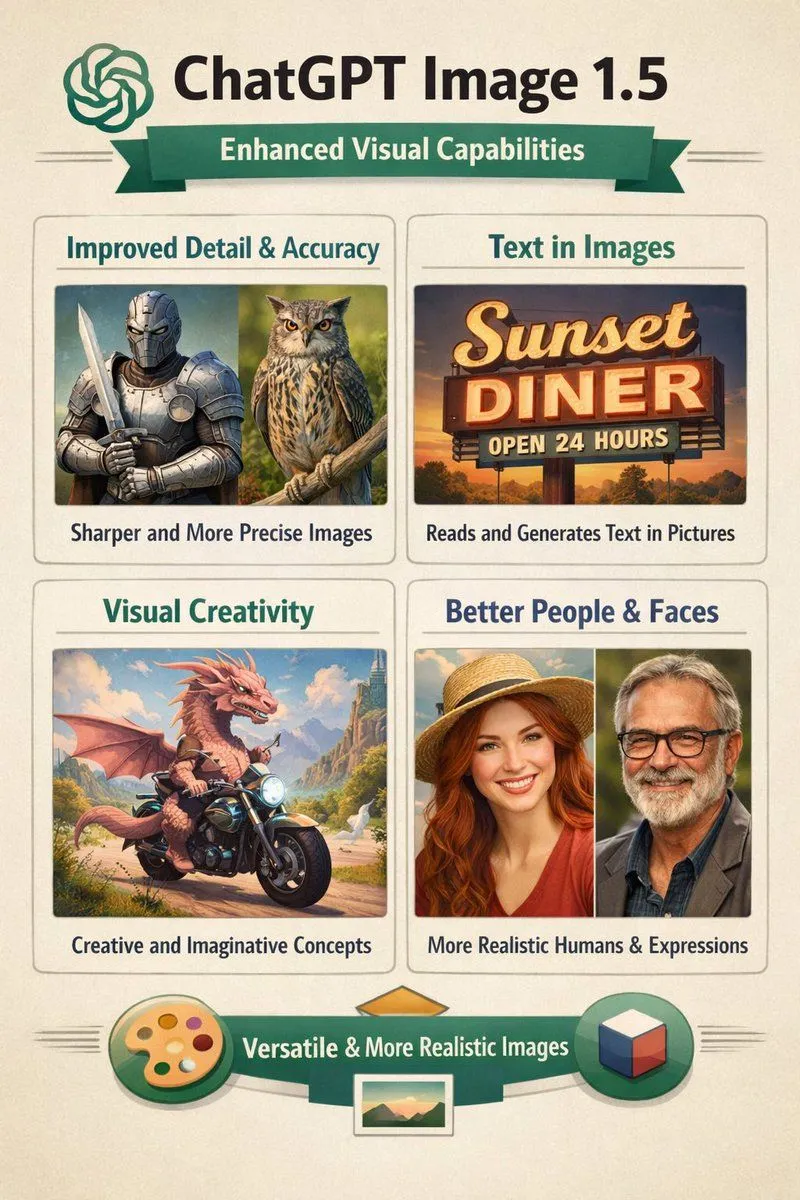
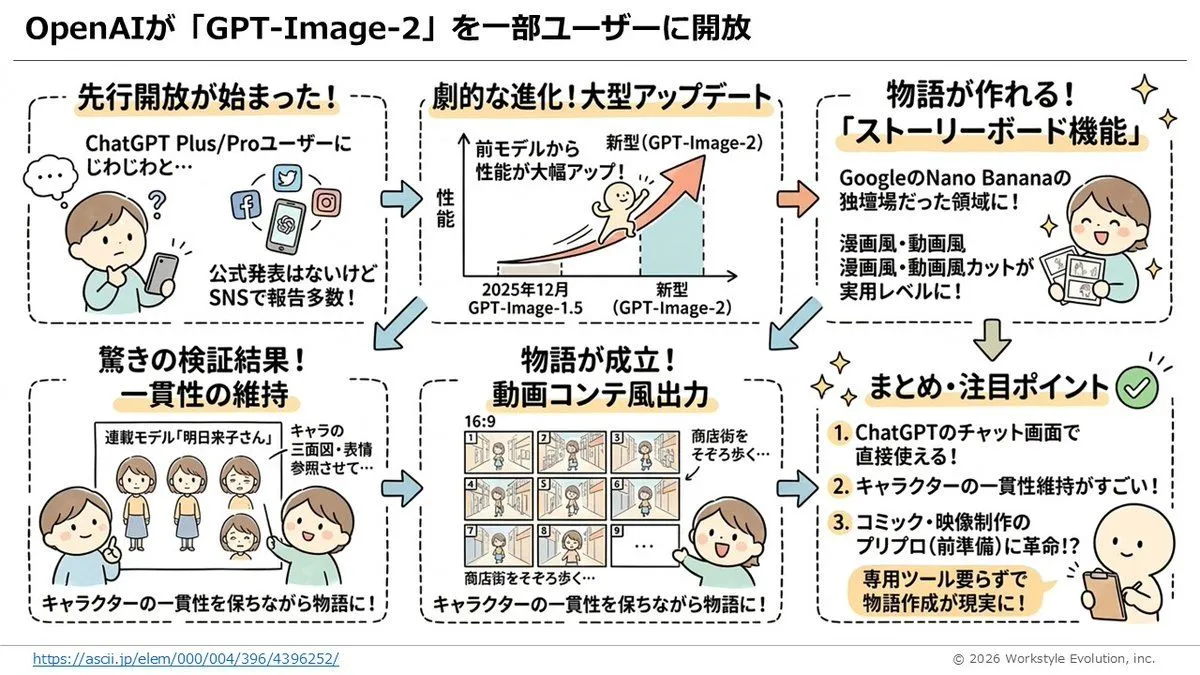
Infographic on ChatGPT Image 1.5

Made with GPT Image 1.5 in ChatGPT by Library Concept. Promptclay never generates images.

Did it work?

No reports yet. Tell others if it worked for you.

No comments yet. Be the first.

    Infographic on ChatGPT Image 1.5

    GPT Image 1.52:3AI-generated

    Prompt

    Create an infographic on ChatGPT image 1.5

    Works in
    ChatGPT, Gemini
    Status
    Free to copy
    0
    DetailsVersions, settings and questions

    Written for

    What's in the prompt

    Subject
    Model
    GPT Image 1.5

    If your face changes

    keep my face exactly the same

    Questions

    Does this work in the ChatGPT app?
    Yes. Paste the prompt and attach your photo if it uses one.
    It changed my face. What do I do?
    Add "keep my face exactly the same" to the end and run it again.
    Can I use the images I make?
    Check the terms of the app you use. Promptclay never generates images and claims nothing you make.
    Similar prompts

    See more
    • GPT-Image-2 Transparency Prompting Guide
    • Storyboard Grid Generator
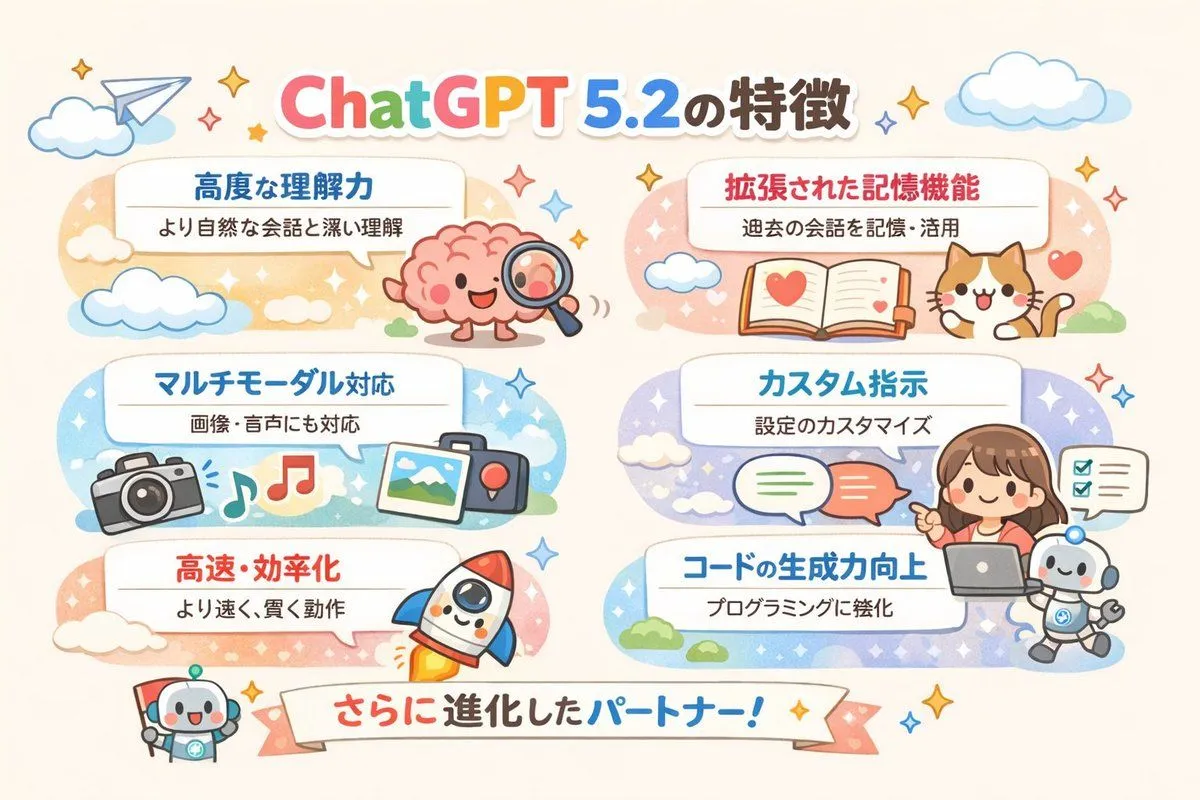
    • Diagram of ChatGPT 5.2 Features with Japanese Text
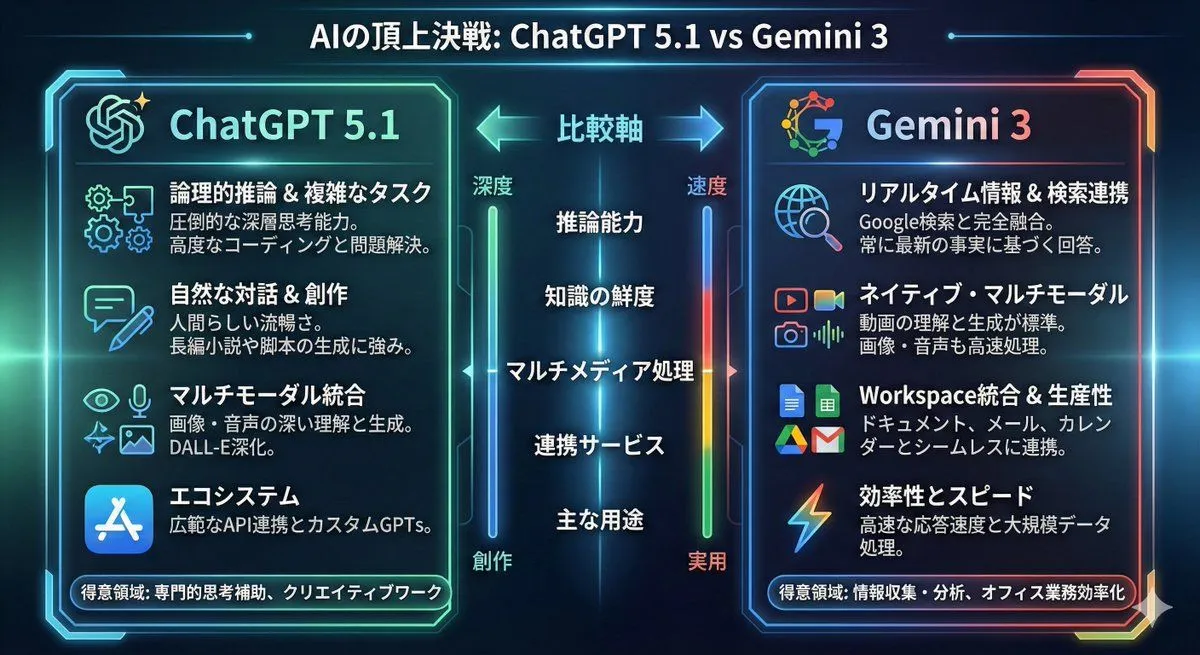
    • Infographic comparing ChatGPT 5.1 and Gemini 3
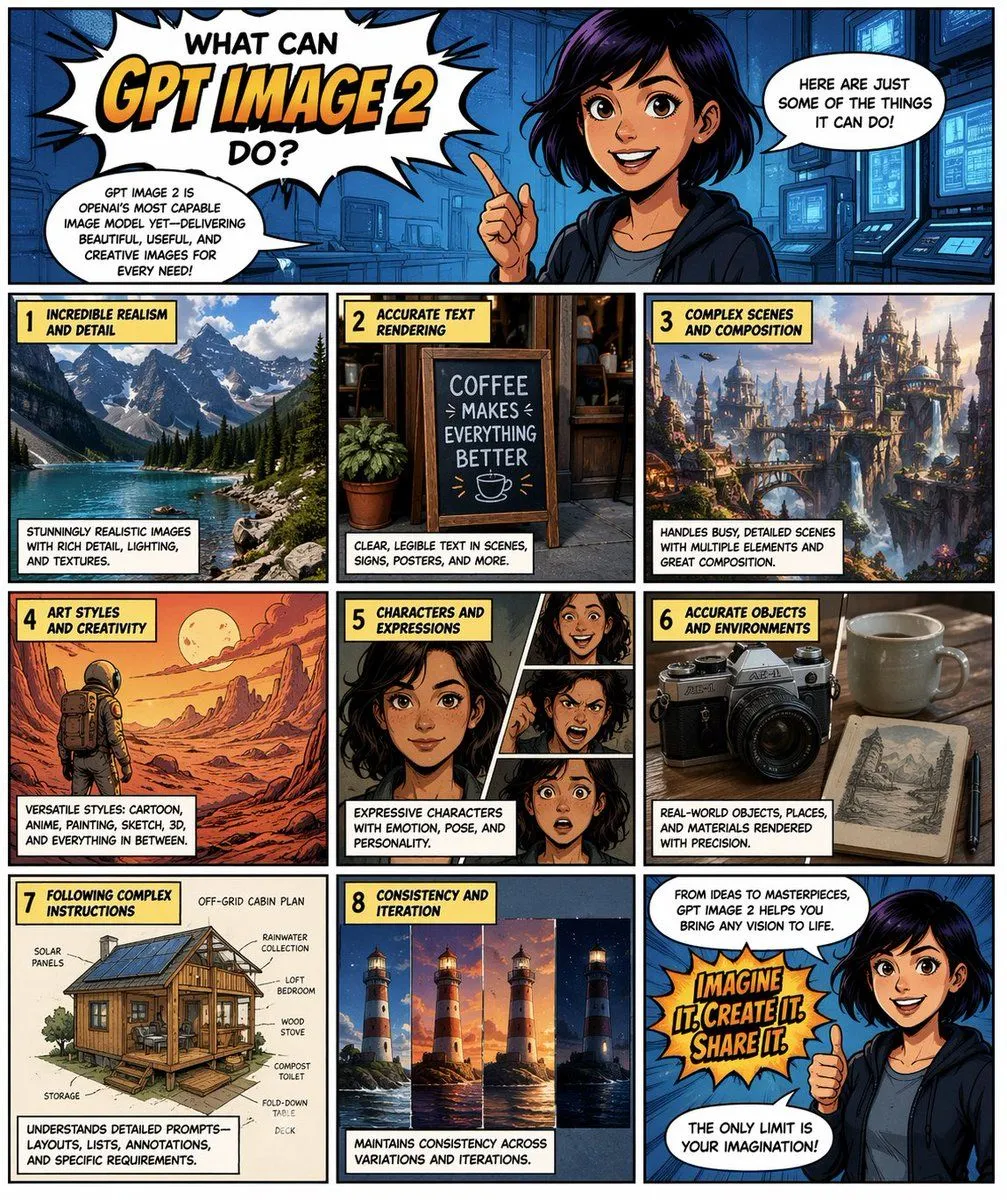
    • Comic Page for GPT Image 2 Capabilities
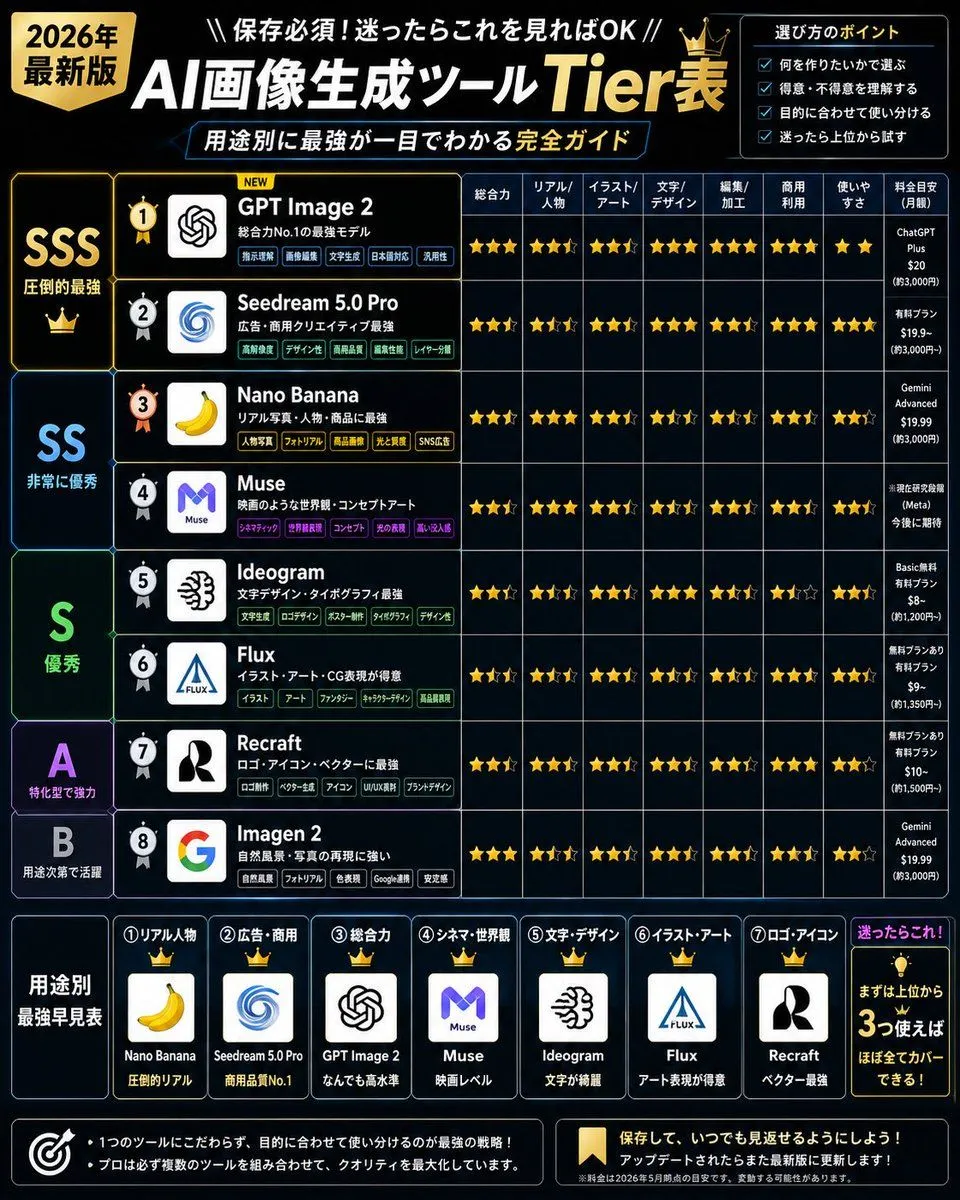
    • 2026 AI Image Tool Tier List
    • 8-Panel AI Feature Explainer Manga
    • Hotel Guest Wi-Fi Card
    • Katana Detail Refinement
    • Turn a paper into a professor’s whiteboard diagram
    • Complex Tech Speculation Infographic
    • ChatGPT Foundations Product Visual
    • Professional Tool Launch Poster
    • Visually Stunning Slide Generation from Content
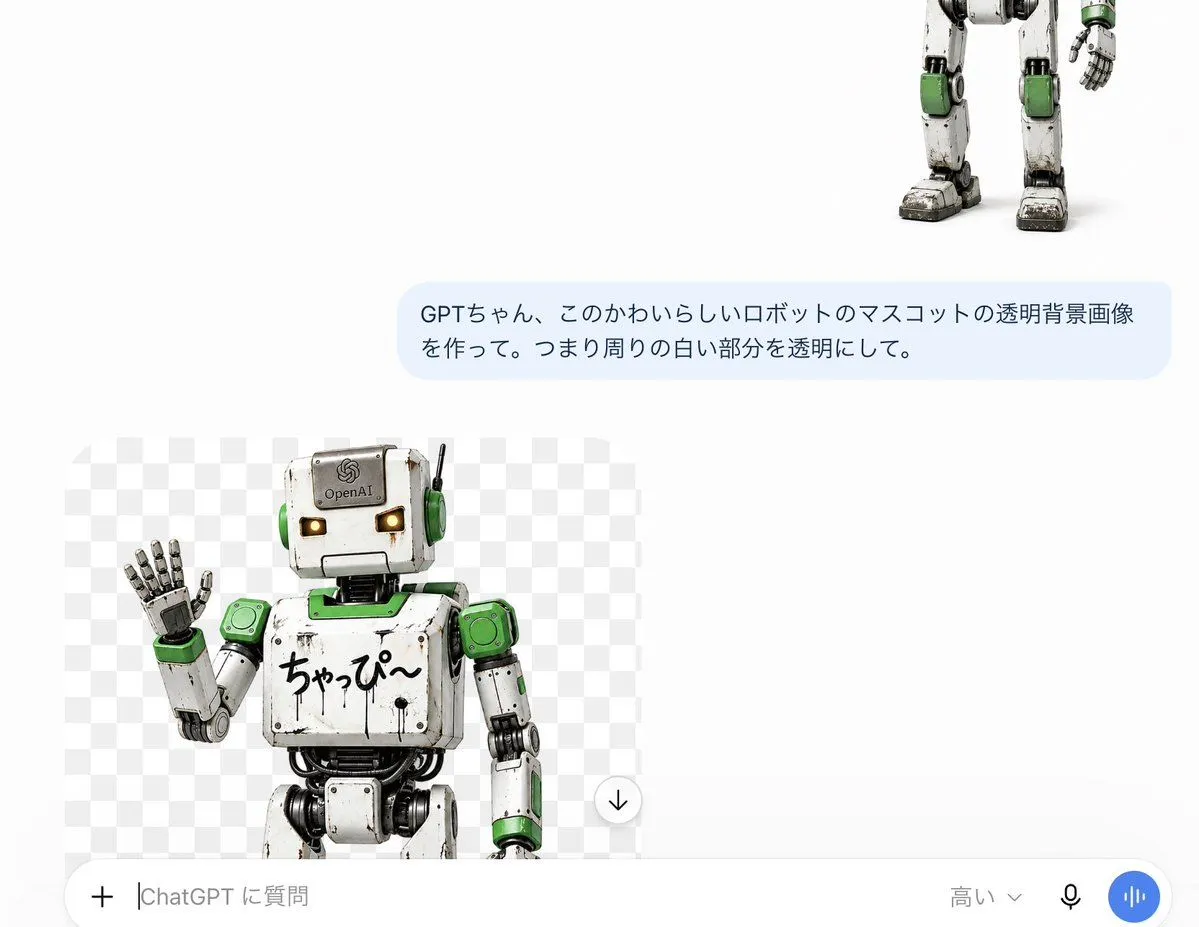
    • ChatGPT Transparent Robot UI Screenshot
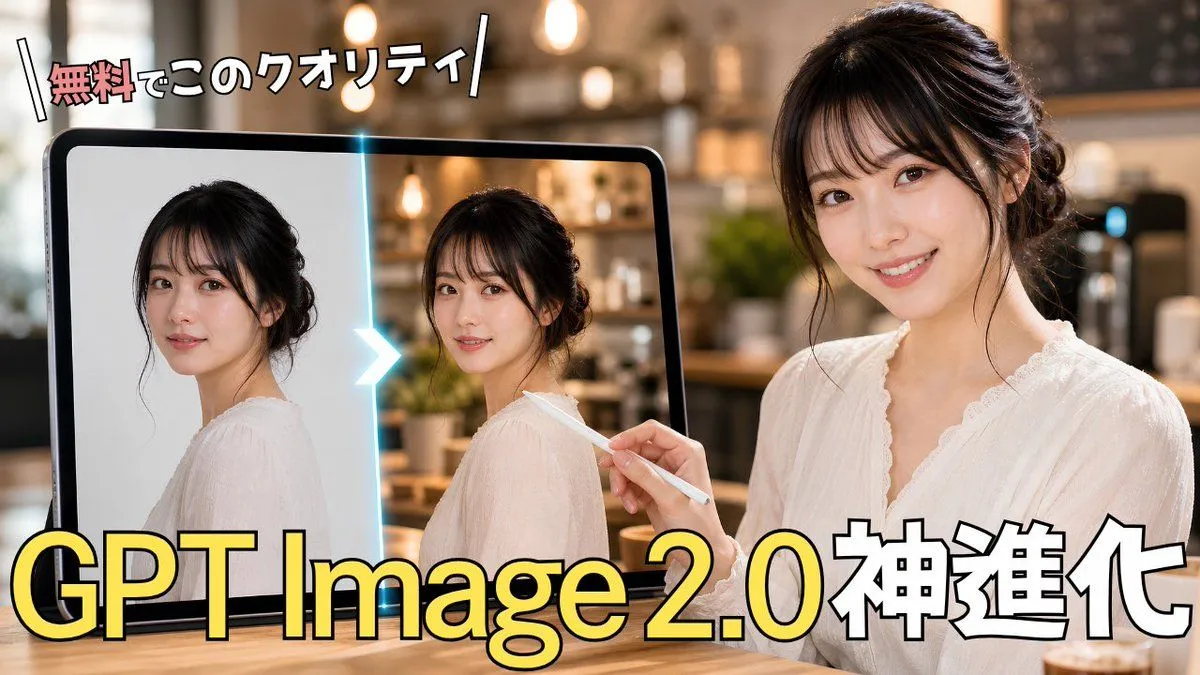
    • GPT Image 2.0 Japanese Thumbnail
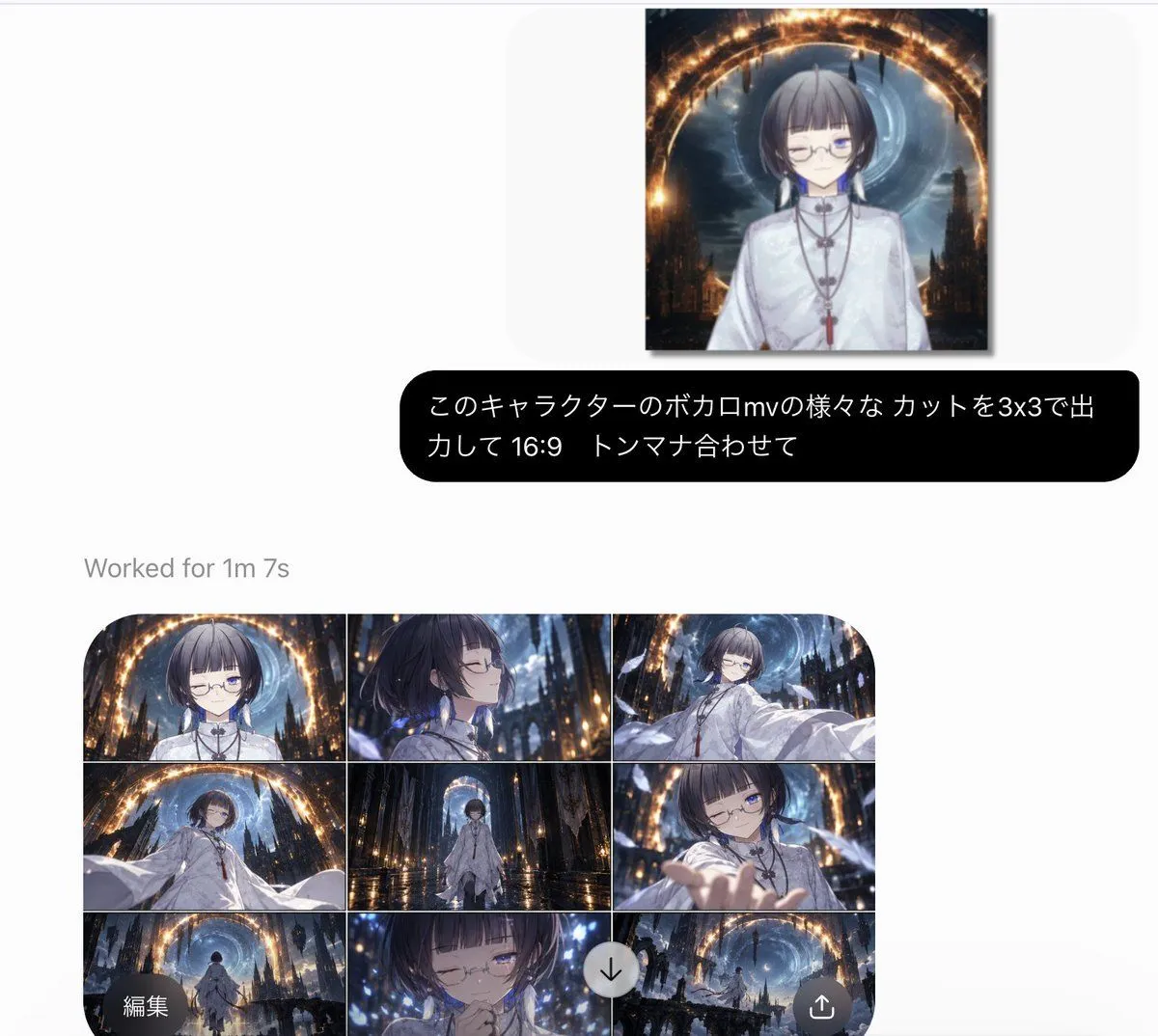
    • AI Generation UI with Anime 3x3 Storyboard
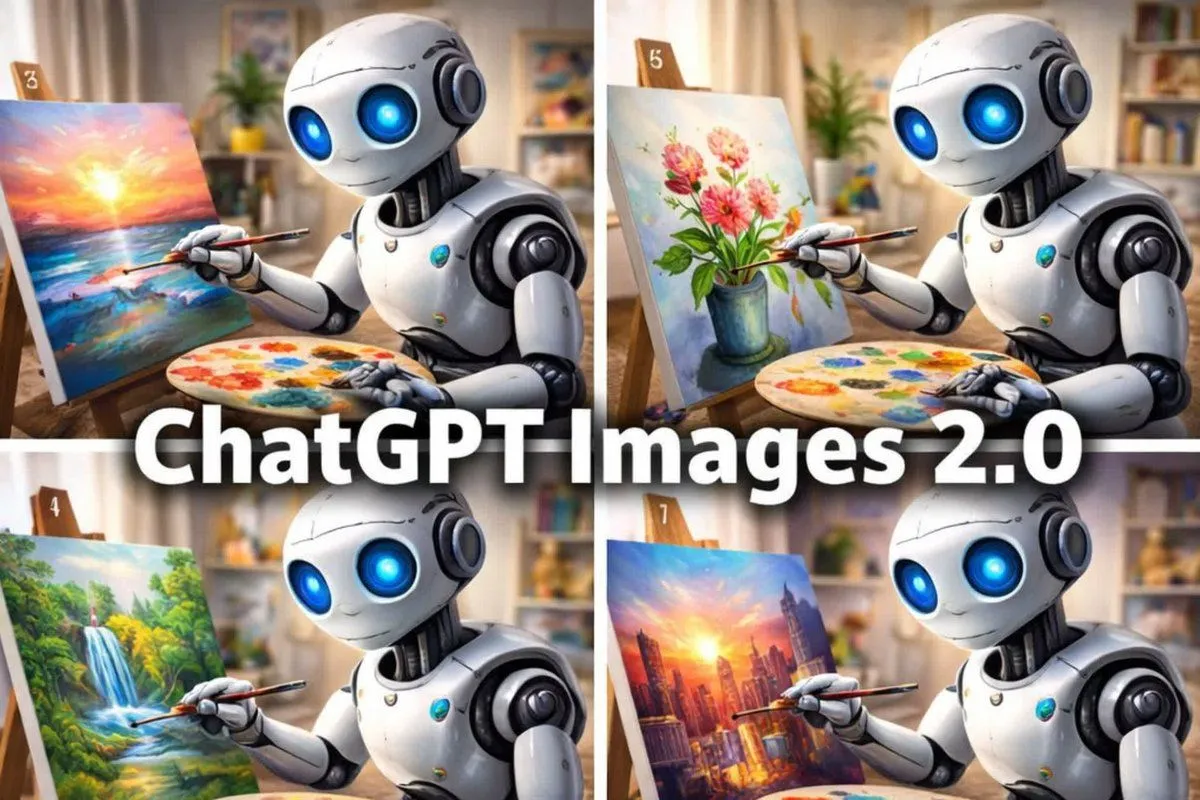
    • Robot Painter Collage Ad
    • Retro ChatGPT Images 2.5 Announcement Poster
    • 1960s French New Wave Movie Poster
    • Multi-Scenario Image Generation Prompt
    • 2025 Scrapbook Mosaic Stone Aesthetic
    • ChatGPT Analysis Diagnosis Card
    • Cinematic GPT Image 2 Poster

    Show more

    Run it on your phone

    1. Prompt copiedRead it

      Create an infographic on ChatGPT image 1.5

    2. Open your app

    3. Paste and run

      Press and hold the message box, then tap Paste. Add your photo first if the prompt uses one. You may need to sign in.

    Infographic on ChatGPT Image 1.5