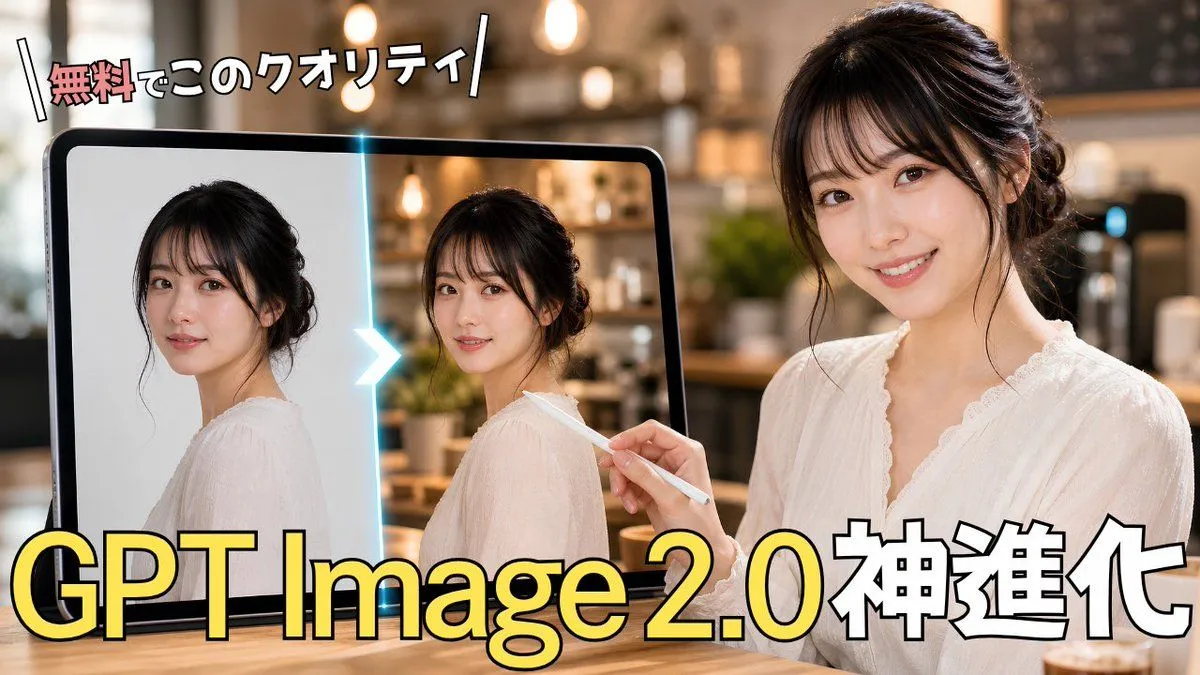
GPT Image 2.0 Japanese Thumbnail
Create a high-impact Japanese YouTube thumbnail about AI image generation improvement. Canvas: 16:9 horizontal thumbnail, photorealistic with bold creator-thumbnail typography. Scene: a warm, softly blurred cafe interior with pendant lights and bokeh in the background, wooden table foreground. On the right side, show 1 young Japanese woman in a white lace blouse, hair in a loose elegant updo, seated and facing slightly left; her face is covered by a flat rectangular beige blur/mosaic block to anonymize her. She holds 1 white stylus in her right hand, pointing toward a large tablet on the left. On the left side, show 1 large black-framed tablet standing upright; on its screen are exactly 2 side-by-side portrait images of the same woman in a white blouse, each with a beige rectangular blur over the face. The left portrait looks like a simpler original image on a light plain background, and the right portrait looks enhanced, with more realistic cafe lighting and detail. Between the 2 tablet portraits, place 1 glowing cyan vertical divider with 1 bright white-blue chevron arrow pointing from left to right, indicating before-to-after enhancement. Text: place a small energetic Japanese headline at the top left reading top_headline_text, with the first word in red/pink and the remaining characters in white, thick black outline, slightly tilted, with decorative diagonal slash marks on both sides. Place the main headline across the bottom in huge bold lettering reading main_headline_text; make “GPT Image 2.0” bright yellow with black outline and subtle shadow, and make “神進化” white with black outline. Keep exactly 2 visible text blocks: the top headline and the bottom headline. Overall style: glossy, professional Japanese tech tutorial thumbnail, strong contrast, warm cinematic lighting, shallow depth of field, clean composition, no logos or watermarks, no extra text. Customization: the woman should appear as subject_description, the setting should be background_setting, and the topic should visually imply topic.