Tell us anything

An idea, a bug, something you love. We read every note.

⌘↵ to send. The page you're on comes along.

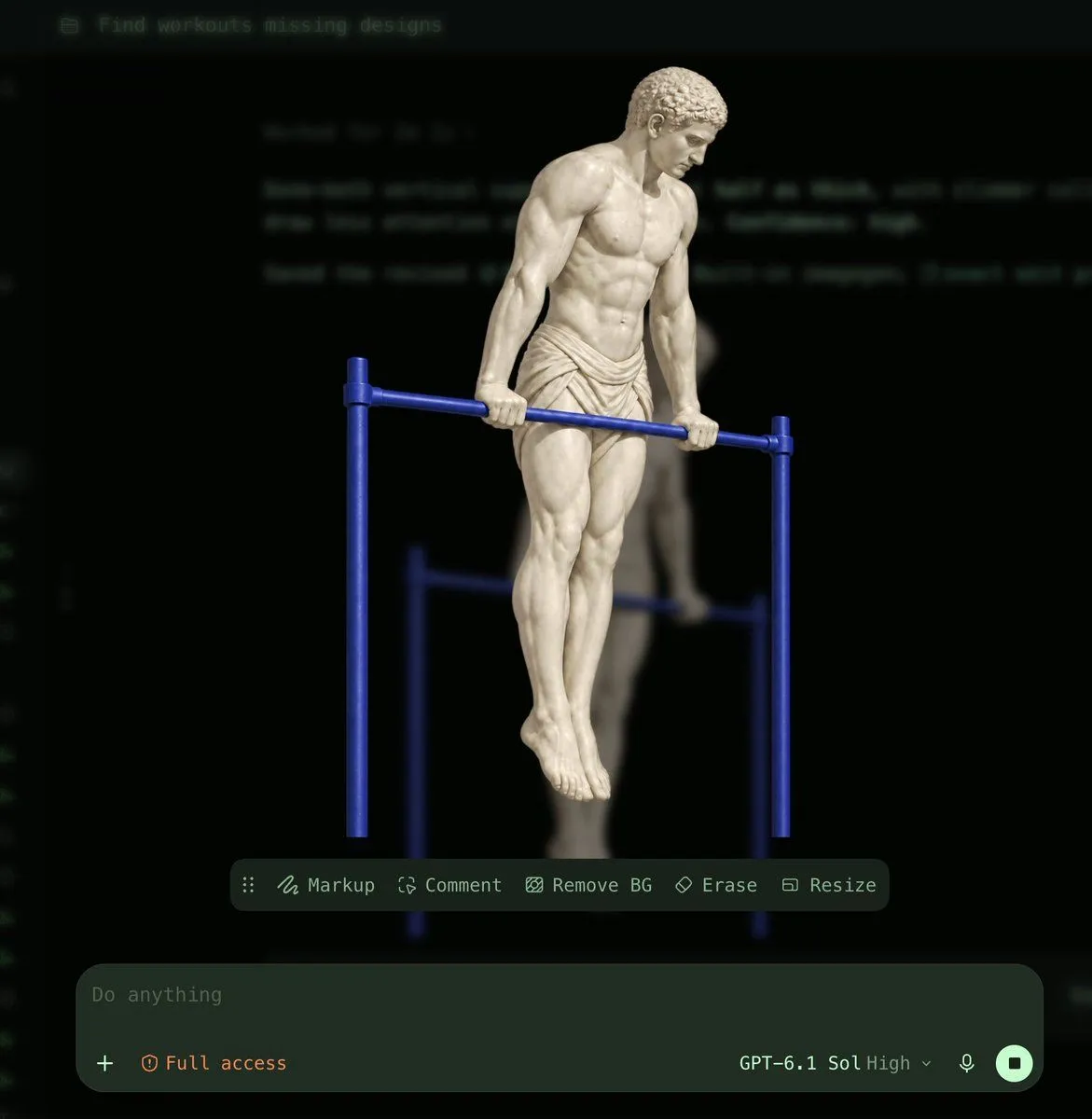
AI Interface Screenshot: Marble Statue Workout

Made with GPT Image 2.5 in ChatGPT by Library UI Design. Promptclay never generates images.

Did it work?

No reports yet. Tell others if it worked for you.

No comments yet. Be the first.

    AI Interface Screenshot: Marble Statue Workout

    GPT Image 2.51:1AI-generated

    Prompt

    A high-resolution screenshot of a dark-mode AI image generation interface. The central subject is a classical white marble statue of a muscular male figure, resembling an ancient Greek athlete, performing a dip exercise on a set of bright blue parallel bars. The statue wears a draped loincloth and has detailed curly hair. Behind the main subject, there is a blurred, semi-transparent duplicate of the same scene. The background features faint, out-of-focus lines of code or text in green. At the top left, a folder icon sits next to the text "Find workouts missing designs". Below the artwork, a floating toolbar contains five options with icons: "Markup", "Comment", "Remove BG", "Erase", and "Resize". At the bottom of the screen is a large input field containing the placeholder text "Do anything", a plus sign, and orange text reading "Full access". To the right of the input field are the model settings "GPT-6.1 Sol High", a microphone icon, and a square stop button.

    Works in
    ChatGPT, Gemini
    Status
    Free to copy
    0
    DetailsVersions, settings and questions

    Written for

    What's in the prompt

    Subject
    Model
    GPT Image 2.5

    If your face changes

    keep my face exactly the same

    Questions

    Does this work in the ChatGPT app?
    Yes. Paste the prompt and attach your photo if it uses one.
    It changed my face. What do I do?
    Add "keep my face exactly the same" to the end and run it again.
    Can I use the images I make?
    Check the terms of the app you use. Promptclay never generates images and claims nothing you make.
    Similar prompts

    See more
    • Storyboard Re-Render Workflow UI
    • Exploded View Disassembly of Apple Watch Ultra and iPhone
    • Anime Model Comparison Dashboard
    • Generating Hollywood Detective Scene Images with Character Reference
    • Anime Announcement Poster Template
    • Anime Character Generation Workflow
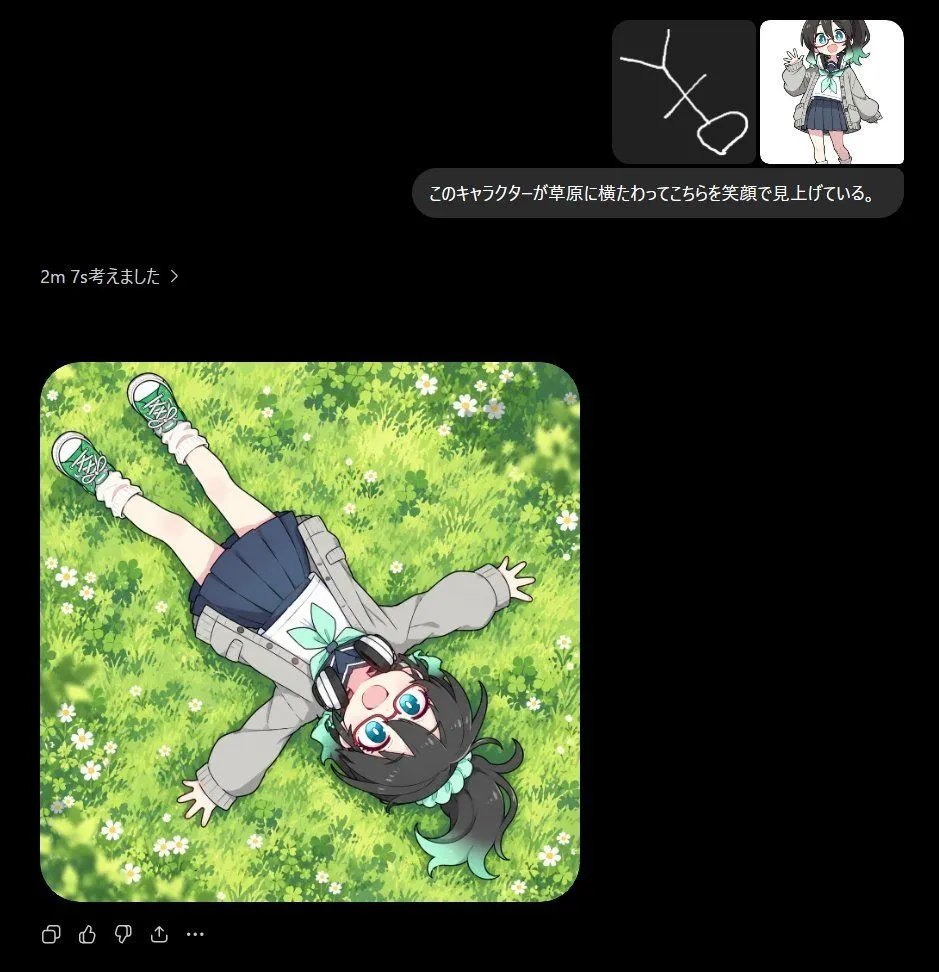
    • Anime Meadow Chat Screenshot
    • Various playful test prompts for Nano Banana
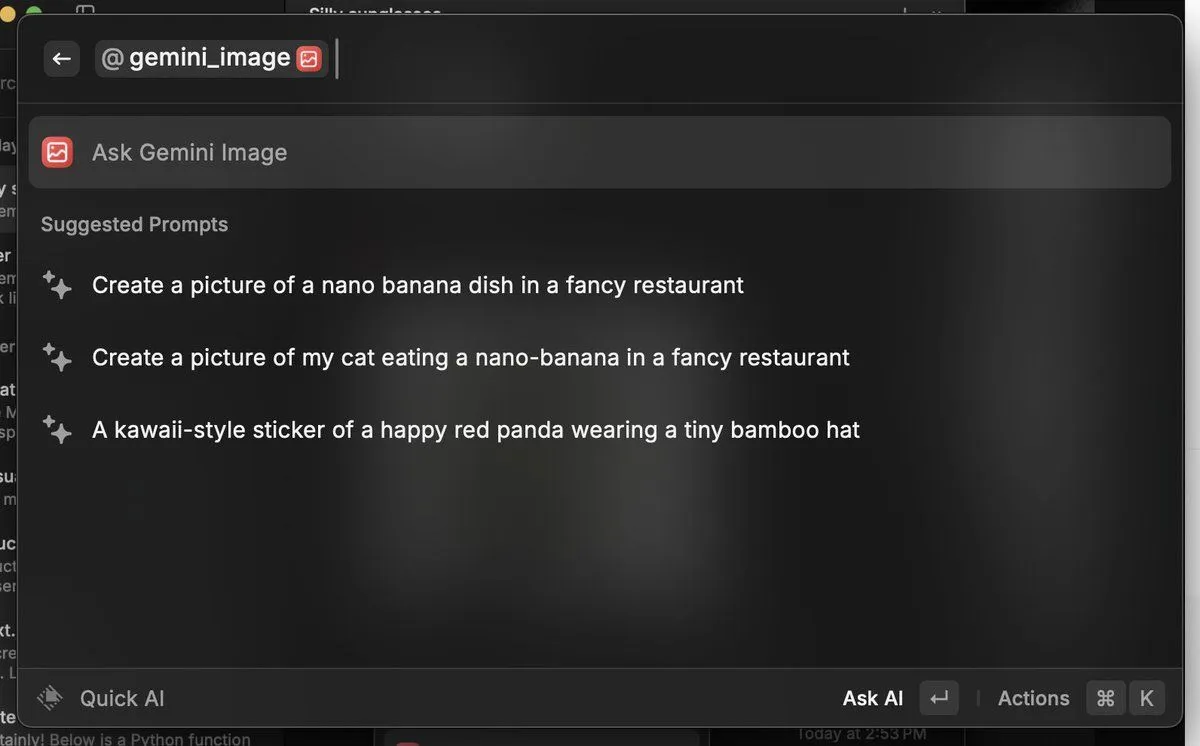
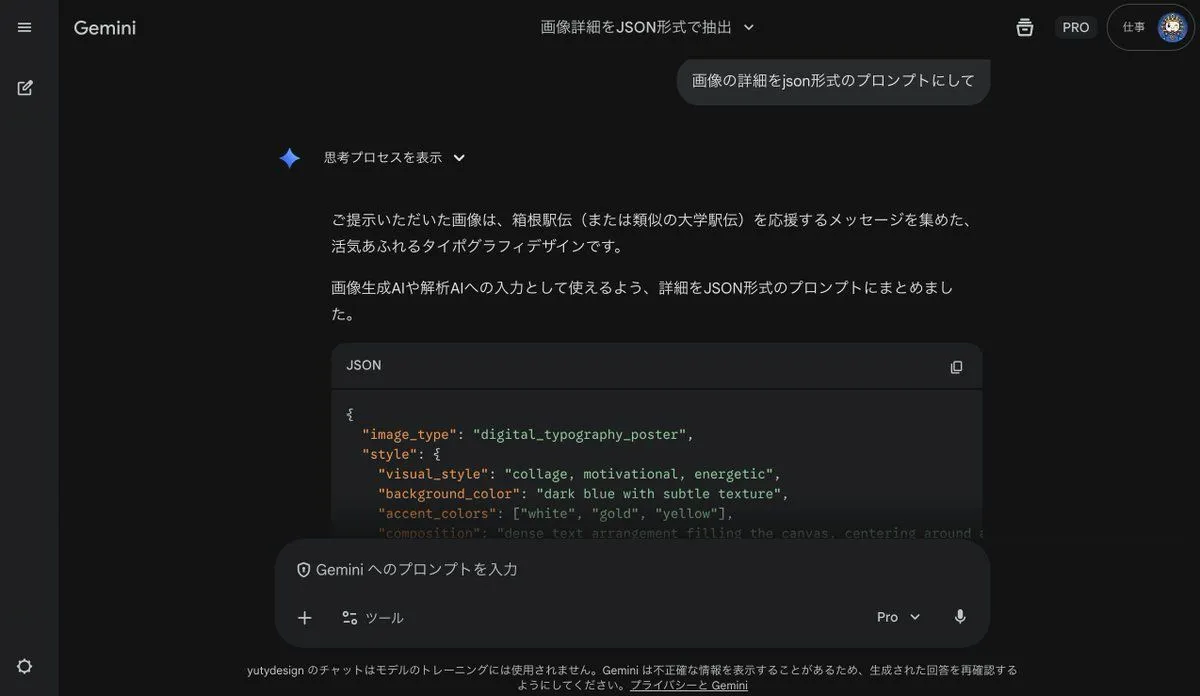
    • Generating Prompts from Reference Images with Nano Banana Pro
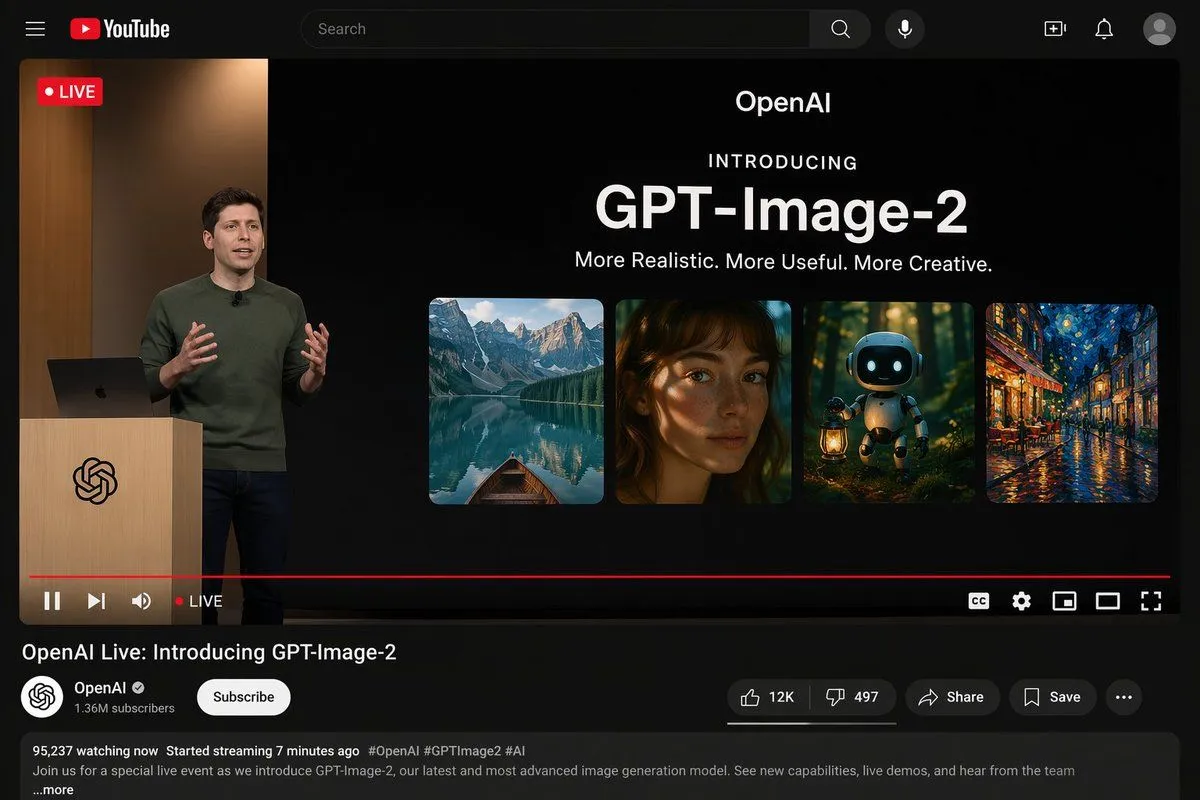
    • YouTube Live Presentation UI Mockup
    • Reframe dinosaur scene to show full body with tilt
    • Doraemon Movie Style Scene Render
    • Heracles Marble Statue
    • Dark AI Chat 4K Upscale Tutorial
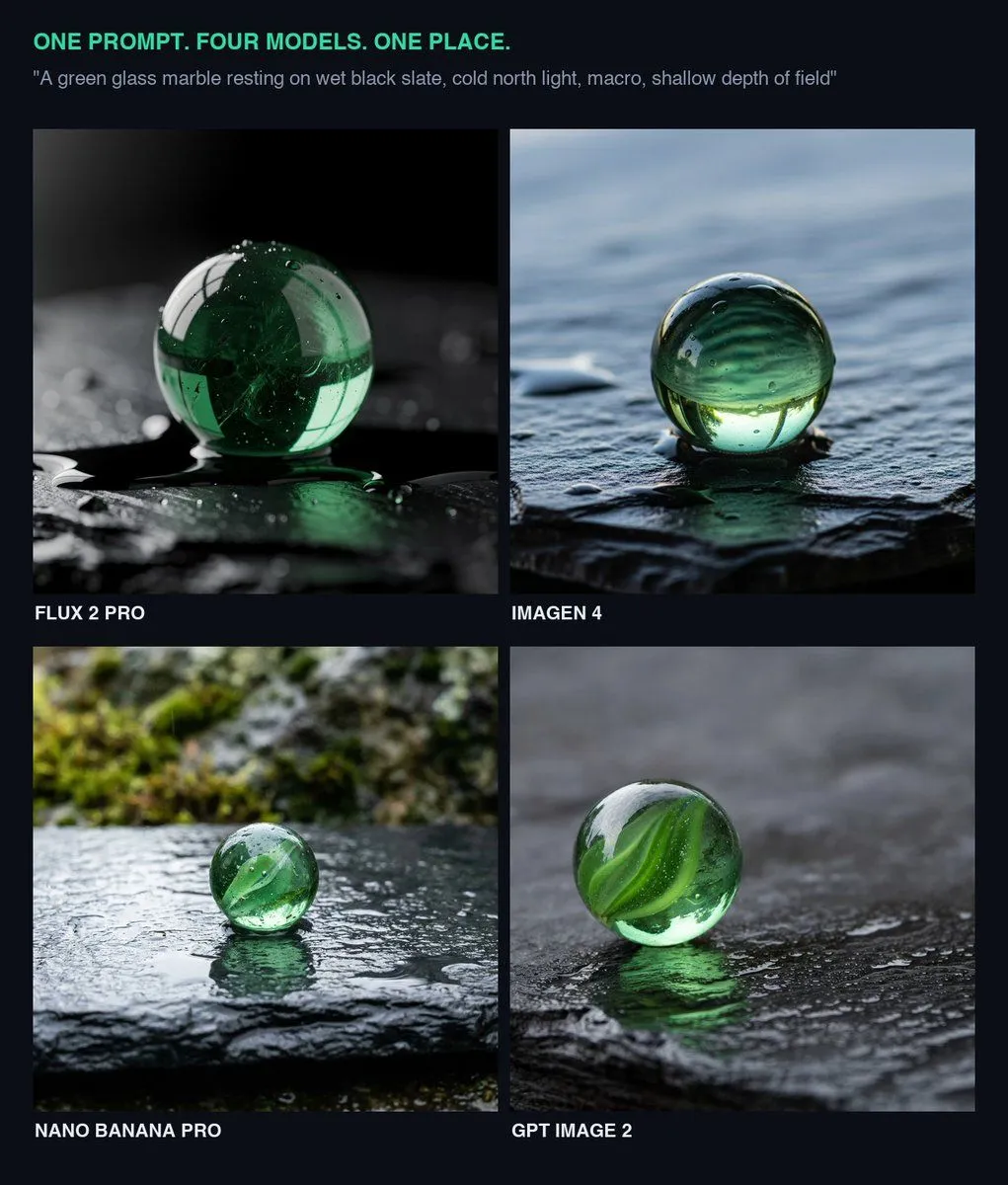
    • Glass Marble on Wet Slate
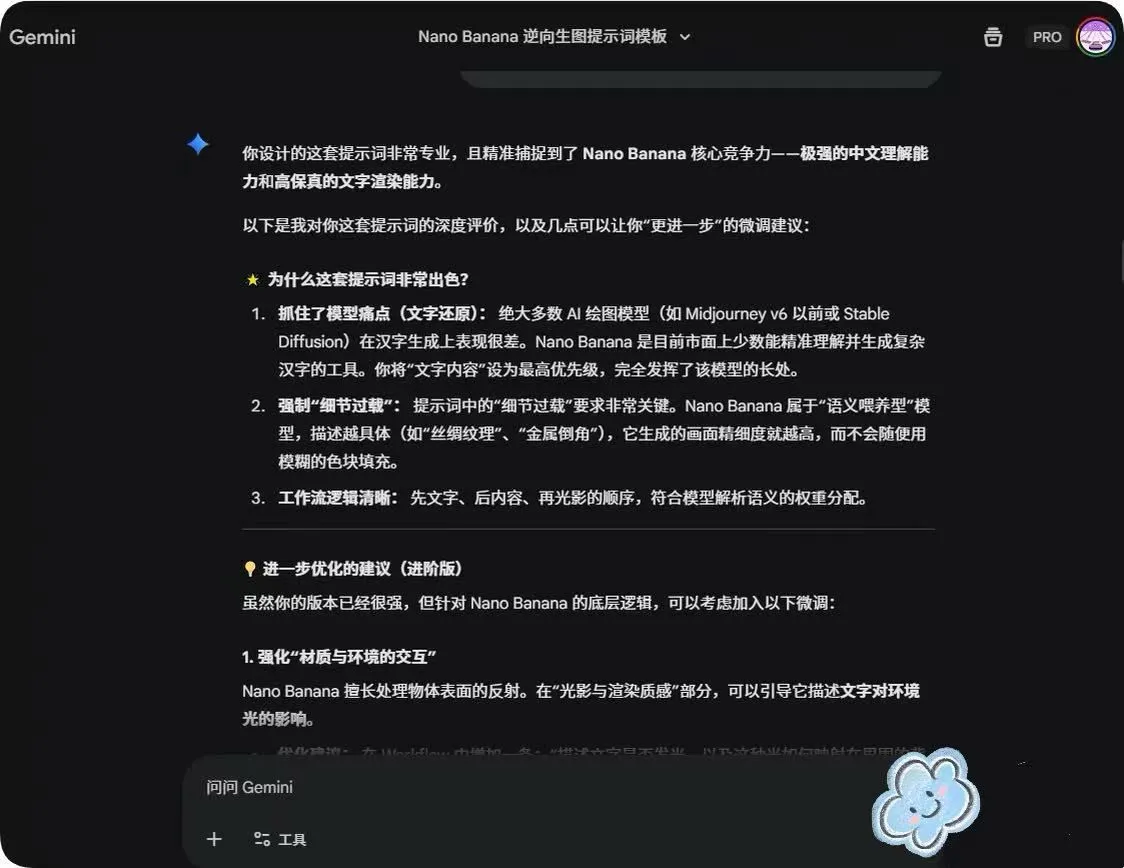
    • System Prompt for Nano Banana Pro Image Prompt Deconstruction
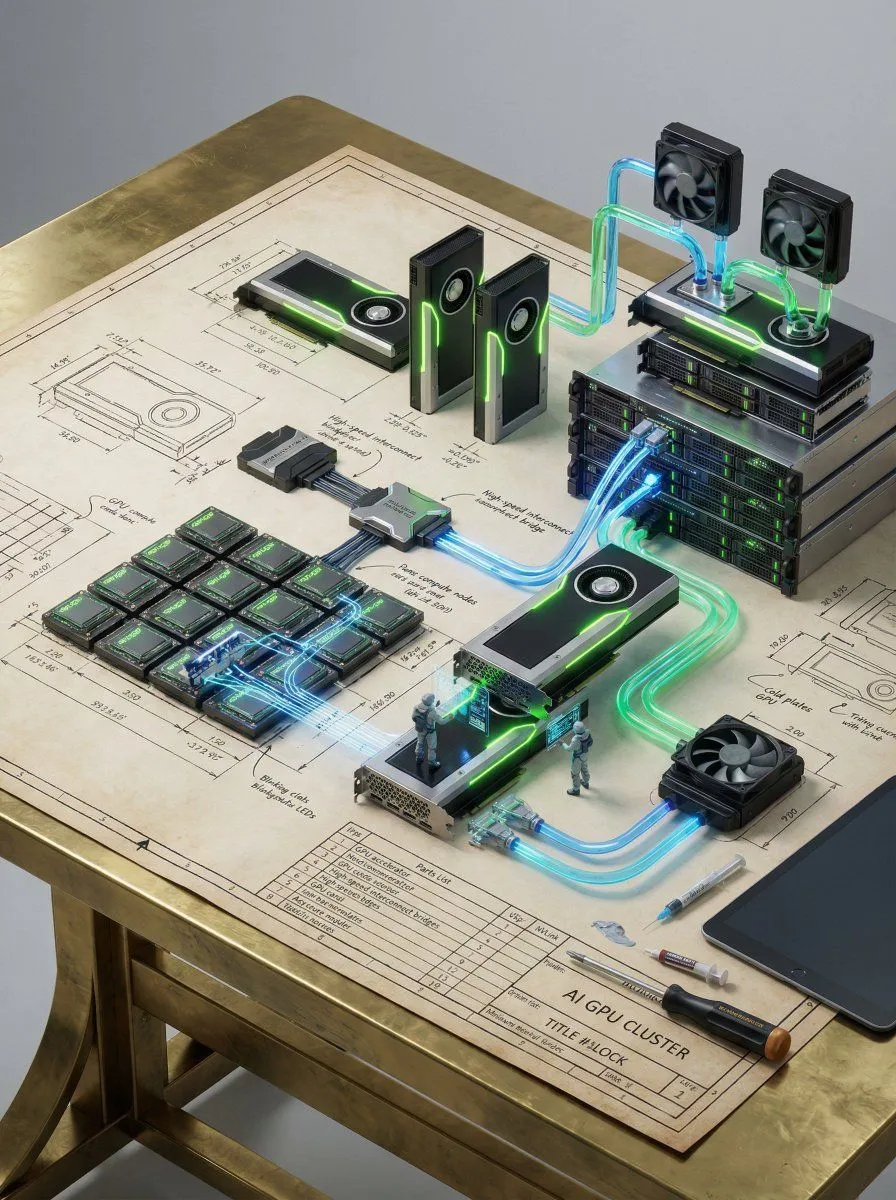
    • Technical Blueprint of an AI GPU Cluster
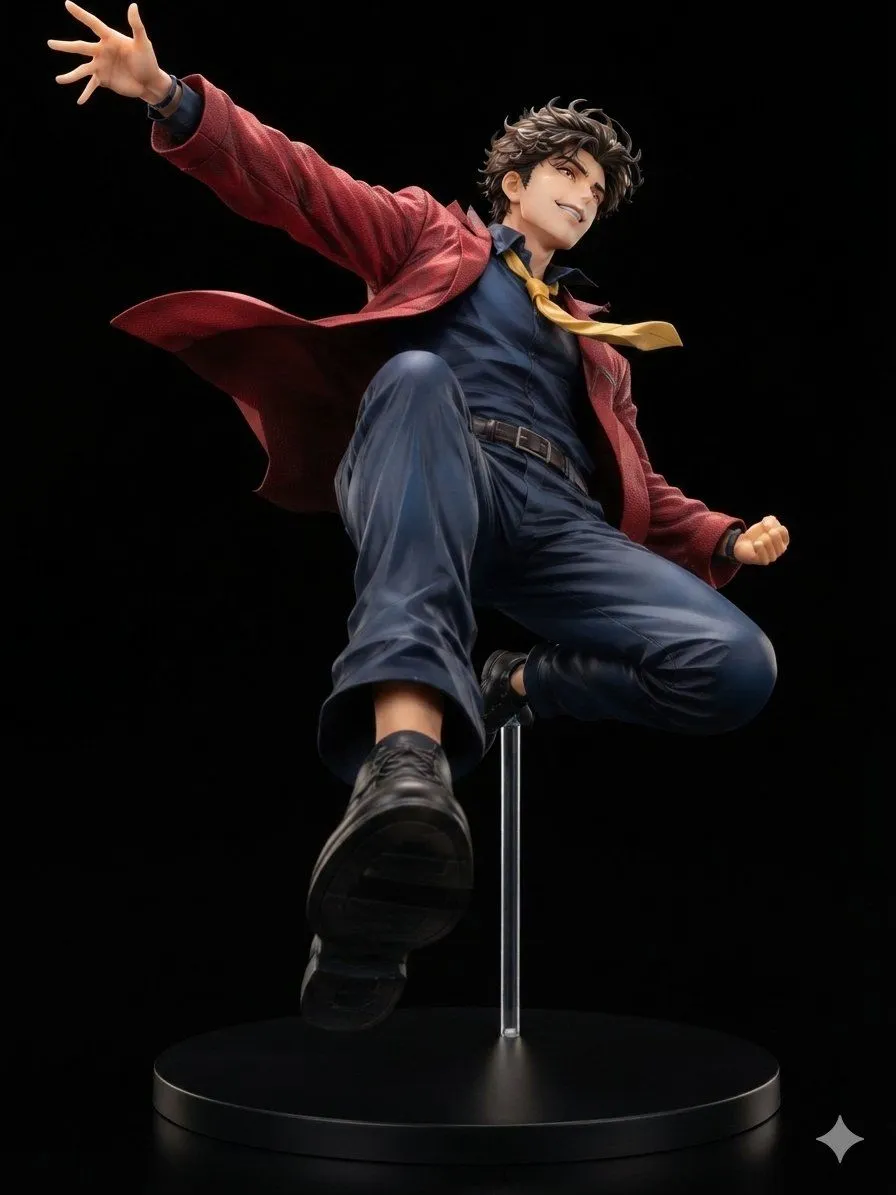
    • Dynamic Anime Hero Figure Render
    • Tang Bohu E-Sports Showdown (Spring Festival Gala Style)Video, 0:10
    • 3D Video Game Character Workout
    • Anime to Realistic 3D CG Remake
    • Olympic Gymnast Broadcast
    • 3D Vampire Gaming Character
    • Three-Panel GPT Image Model Comparison

    Show more

    Run it on your phone

    1. Prompt copiedRead it

      A high-resolution screenshot of a dark-mode AI image generation interface. The central subject is a classical white marble statue of a muscular male figure, resembling an ancient Greek athlete, performing a dip exercise on a set of bright blue parallel bars. The statue wears a draped loincloth and has detailed curly hair. Behind the main subject, there is a blurred, semi-transparent duplicate of the same scene. The background features faint, out-of-focus lines of code or text in green. At the top left, a folder icon sits next to the text "Find workouts missing designs". Below the artwork, a floating toolbar contains five options with icons: "Markup", "Comment", "Remove BG", "Erase", and "Resize". At the bottom of the screen is a large input field containing the placeholder text "Do anything", a plus sign, and orange text reading "Full access". To the right of the input field are the model settings "GPT-6.1 Sol High", a microphone icon, and a square stop button.

    2. Open your app

    3. Paste and run

      Press and hold the message box, then tap Paste. Add your photo first if the prompt uses one. You may need to sign in.

    AI Interface Screenshot: Marble Statue Workout