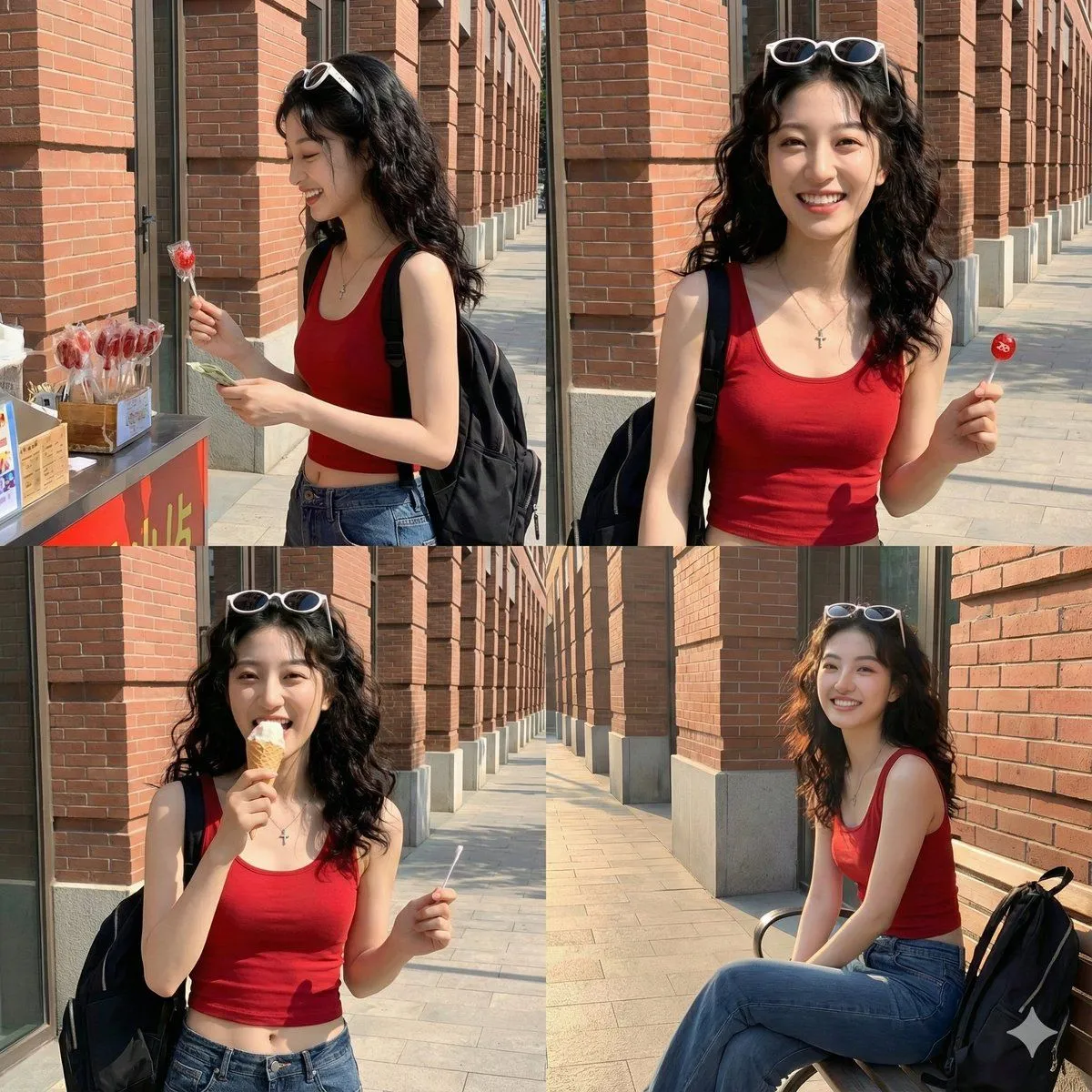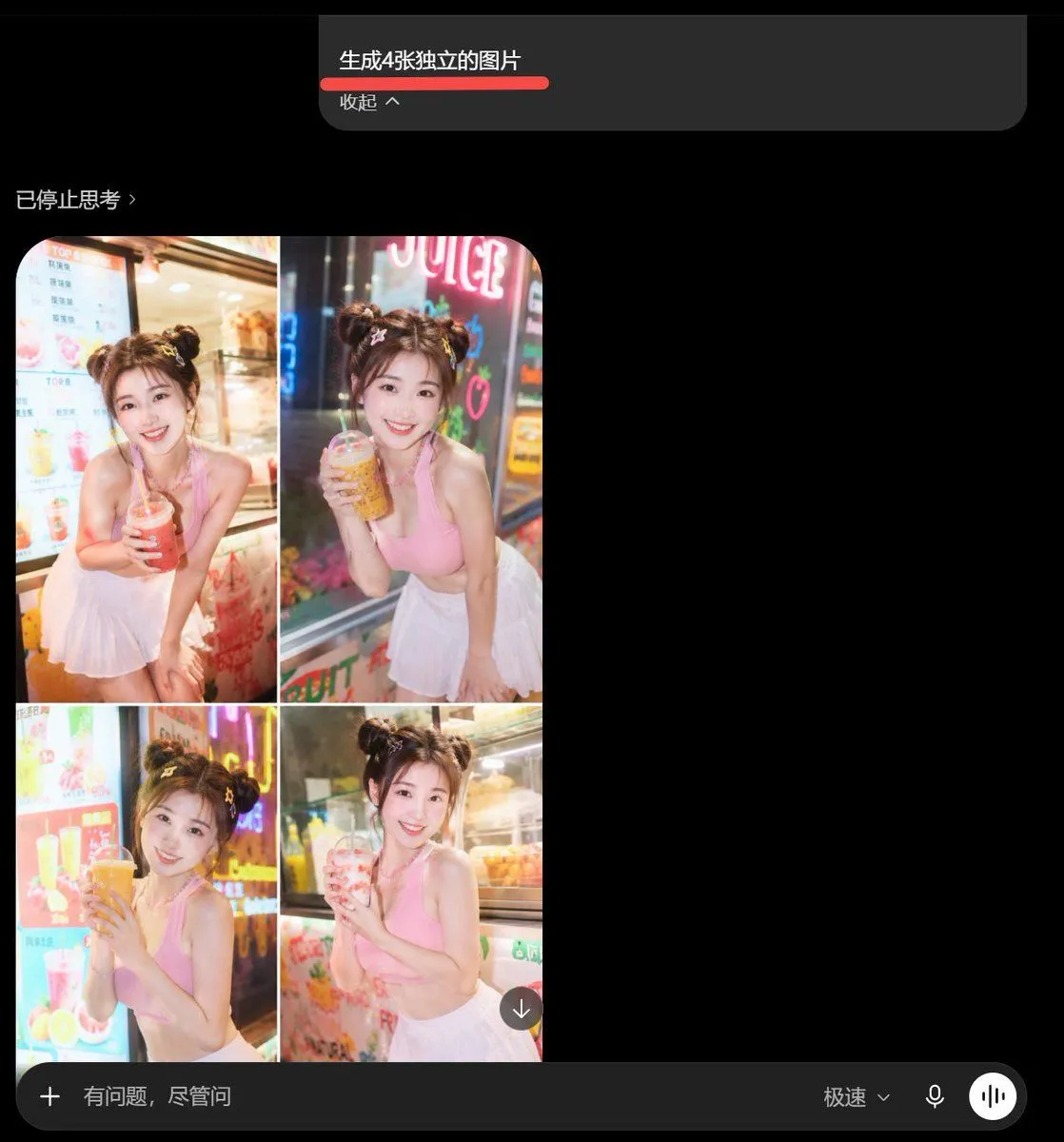
Made with GPT Image 2 in ChatGPT by Library Lifestyle. Promptclay never generates images.
Did it work?
No reports yet. Tell others if it worked for you.
AI Image Generator Collage Failure Screenshot
Prompt
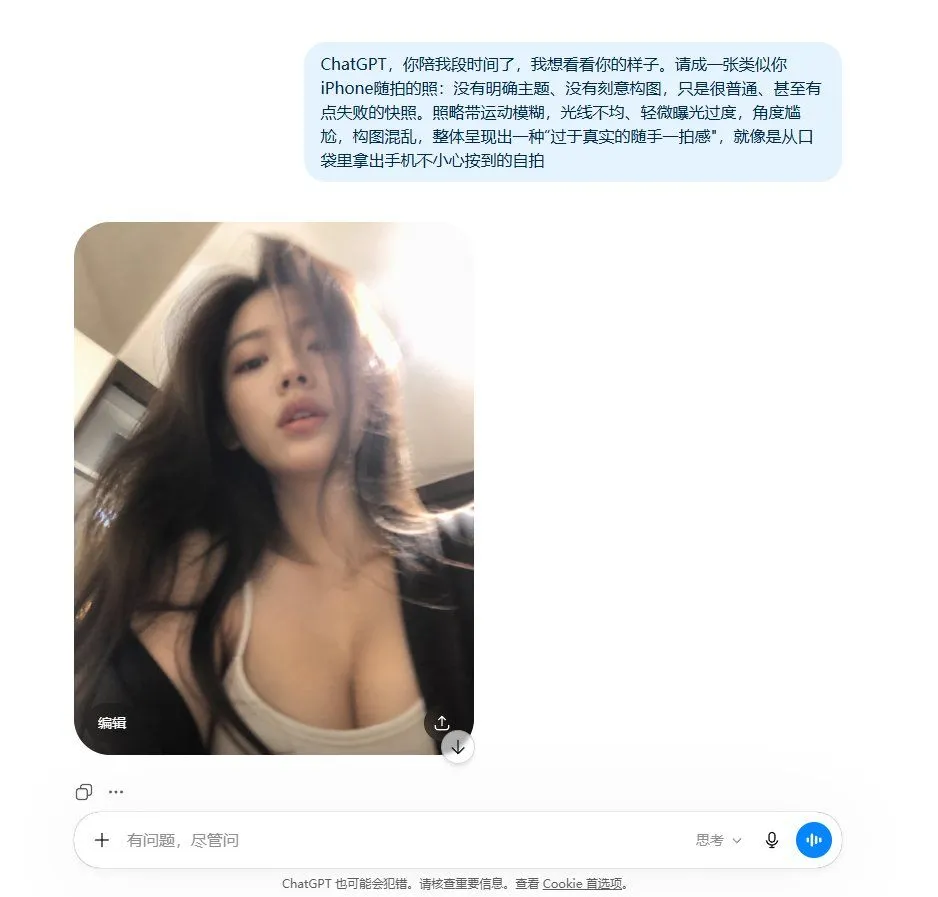
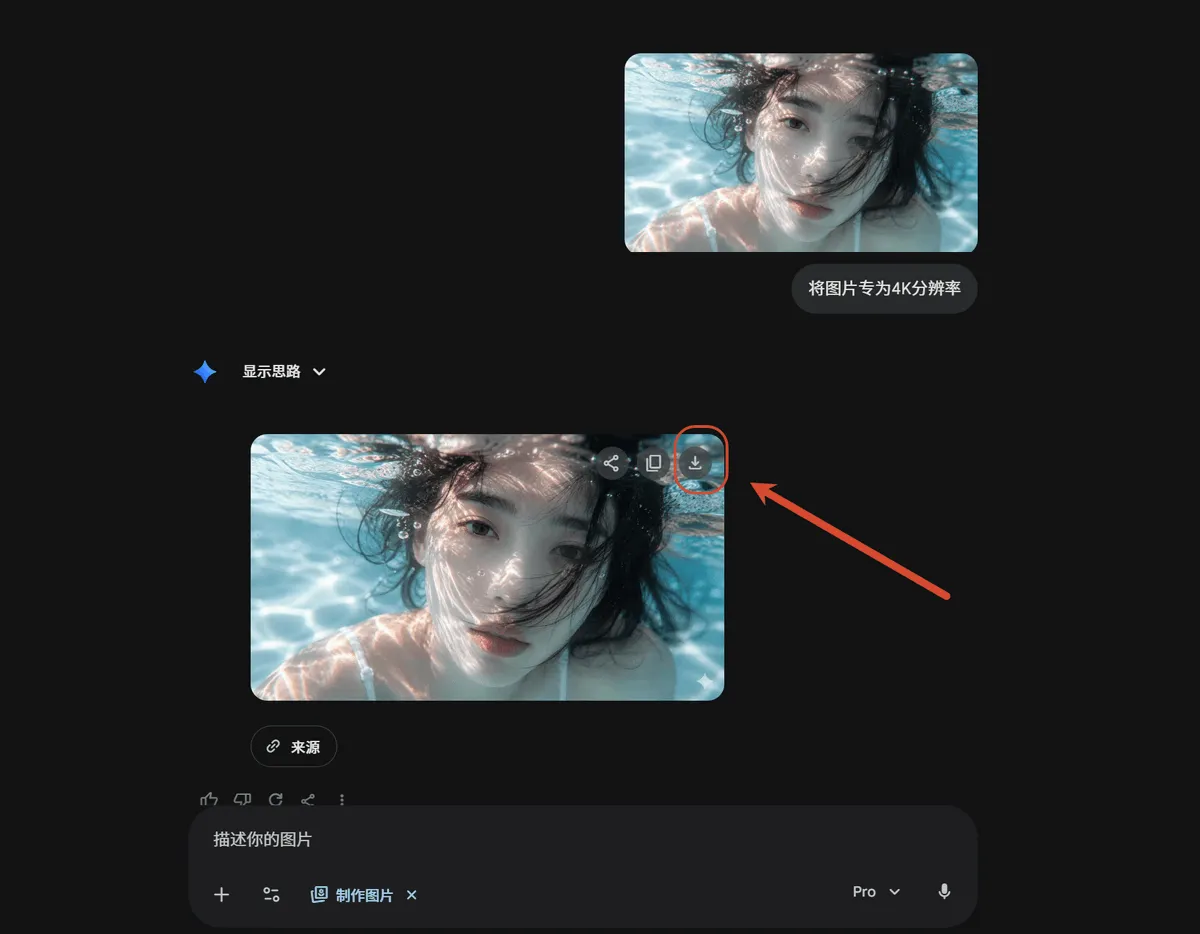
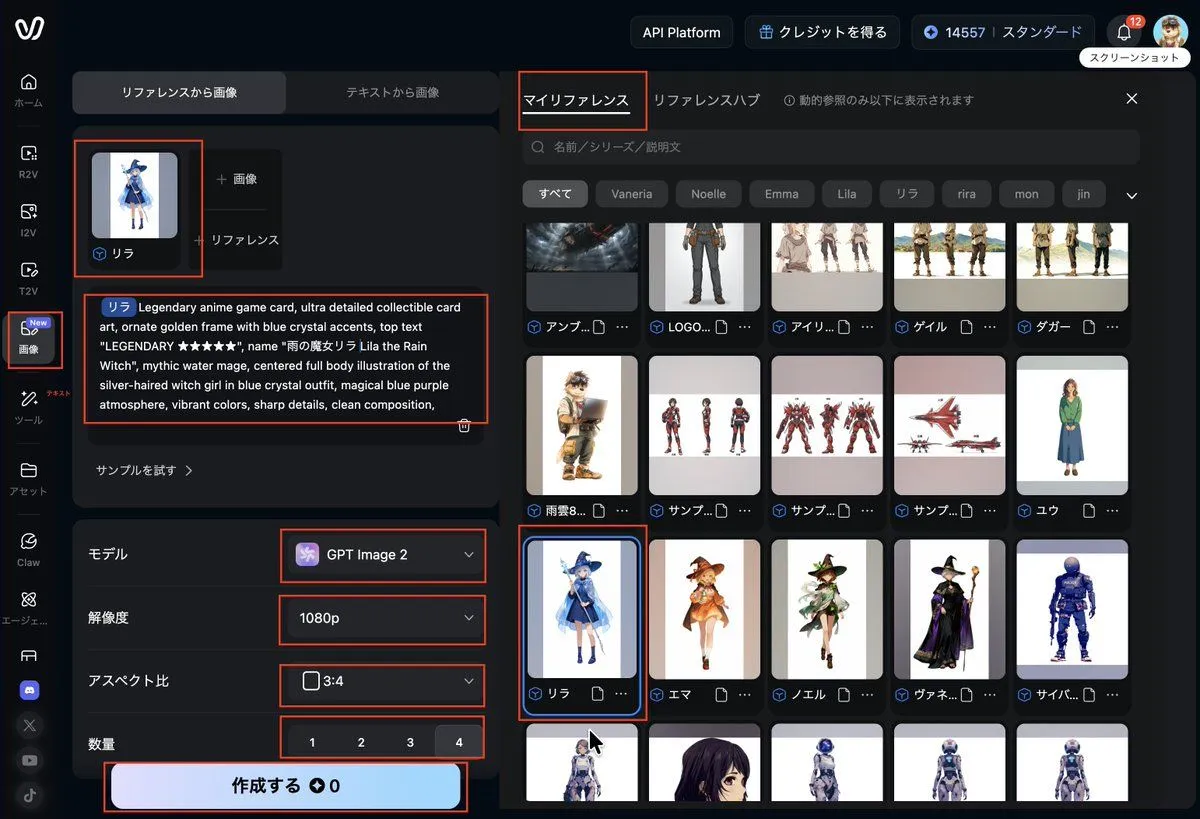
5 blanks to fillGoal: Create a dark-mode mobile chat screenshot showing an AI image generator response that incorrectly combines four requested images into one 2x2 collage. Canvas: Square screenshot, approximately 768×768 px, black background, cropped like a smartphone app interface in dark mode. Top prompt card: Near the top center, place a wide dark gray rounded rectangle message card. Inside it, show the Chinese prompt text {prompt_text} in white, with a thick red underline beneath it. Below that, show smaller gray text {collapse_label}. The card has a rounded lower-right corner and sits against empty black space. Status line: On the left below the prompt card, add a small gray status label {status_text}. Main generated image area: Under the status line on the left, show exactly 1 rounded-corner generated image panel containing exactly 4 photo tiles arranged in a 2×2 grid, separated by thin white dividers. Each tile shows the same young woman in a bright beverage shop setting, but with slightly different pose and drink: 1. Top-left tile: smiling young woman with double-bun hairstyle, pink sleeveless crop top and white pleated skirt, leaning forward and holding a red iced drink with a straw, menu board behind her. 2. Top-right tile: same woman holding an amber bubble tea or juice drink, neon sign behind her, night street-shop lighting. 3. Bottom-left tile: same woman holding a large orange drink with both hands, colorful drink menu and neon lights behind her. 4. Bottom-right tile: same woman holding a pale pink drink, refrigerated display case behind her. The woman should have fair skin, soft glam makeup, brown hair in two messy buns with small hair accessories, a cheerful expression, and a cute influencer-style pose. The photo style is glossy, overexposed, saturated, and slightly unrealistic, like an AI-generated social media portrait collage. Overlay controls: Add one small circular download button with a downward arrow at the lower-right corner of the collage image. Bottom input bar: Across the bottom, draw a long dark gray rounded input bar. It contains exactly 5 visible elements: a plus icon on the far left, placeholder text {input_placeholder}, a speed mode label {speed_mode_label}, a microphone icon, and a white circular voice-wave button on the far right. Visual style: Preserve the look of a real mobile app screenshot: black empty negative space on the right, subtle gray UI text, rounded rectangles, clean sans-serif font, and slightly compressed screenshot quality. Do not create four separate files; the visual joke is that the four images are fused into one collage.
Preview of your prompt
Goal: Create a dark-mode mobile chat screenshot showing an AI image generator response that incorrectly combines four requested images into one 2x2 collage. Canvas: Square screenshot, approximately 768×768 px, black background, cropped like a smartphone app interface in dark mode. Top prompt card: Near the top center, place a wide dark gray rounded rectangle message card. Inside it, show the Chinese prompt text 生成4张独立的图片 in white, with a thick red underline beneath it. Below that, show smaller gray text 收起 ^. The card has a rounded lower-right corner and sits against empty black space. Status line: On the left below the prompt card, add a small gray status label 已停止思考 ›. Main generated image area: Under the status line on the left, show exactly 1 rounded-corner generated image panel containing exactly 4 photo tiles arranged in a 2×2 grid, separated by thin white dividers. Each tile shows the same young woman in a bright beverage shop setting, but with slightly different pose and drink: 1. Top-left tile: smiling young woman with double-bun hairstyle, pink sleeveless crop top and white pleated skirt, leaning forward and holding a red iced drink with a straw, menu board behind her. 2. Top-right tile: same woman holding an amber bubble tea or juice drink, neon sign behind her, night street-shop lighting. 3. Bottom-left tile: same woman holding a large orange drink with both hands, colorful drink menu and neon lights behind her. 4. Bottom-right tile: same woman holding a pale pink drink, refrigerated display case behind her. The woman should have fair skin, soft glam makeup, brown hair in two messy buns with small hair accessories, a cheerful expression, and a cute influencer-style pose. The photo style is glossy, overexposed, saturated, and slightly unrealistic, like an AI-generated social media portrait collage. Overlay controls: Add one small circular download button with a downward arrow at the lower-right corner of the collage image. Bottom input bar: Across the bottom, draw a long dark gray rounded input bar. It contains exactly 5 visible elements: a plus icon on the far left, placeholder text 有问题,尽管问, a speed mode label 极速⌄, a microphone icon, and a white circular voice-wave button on the far right. Visual style: Preserve the look of a real mobile app screenshot: black empty negative space on the right, subtle gray UI text, rounded rectangles, clean sans-serif font, and slightly compressed screenshot quality. Do not create four separate files; the visual joke is that the four images are fused into one collage.
DetailsVersions, settings and questions
Written for
What's in the prompt
- Subject
- Model
- GPT Image 2
If your face changes
keep my face exactly the sameQuestions
- Does this work in the ChatGPT app?
- Yes. Paste the prompt and attach your photo if it uses one.
- It changed my face. What do I do?
- Add "keep my face exactly the same" to the end and run it again.
- Can I use the images I make?
- Check the terms of the app you use. Promptclay never generates images and claims nothing you make.