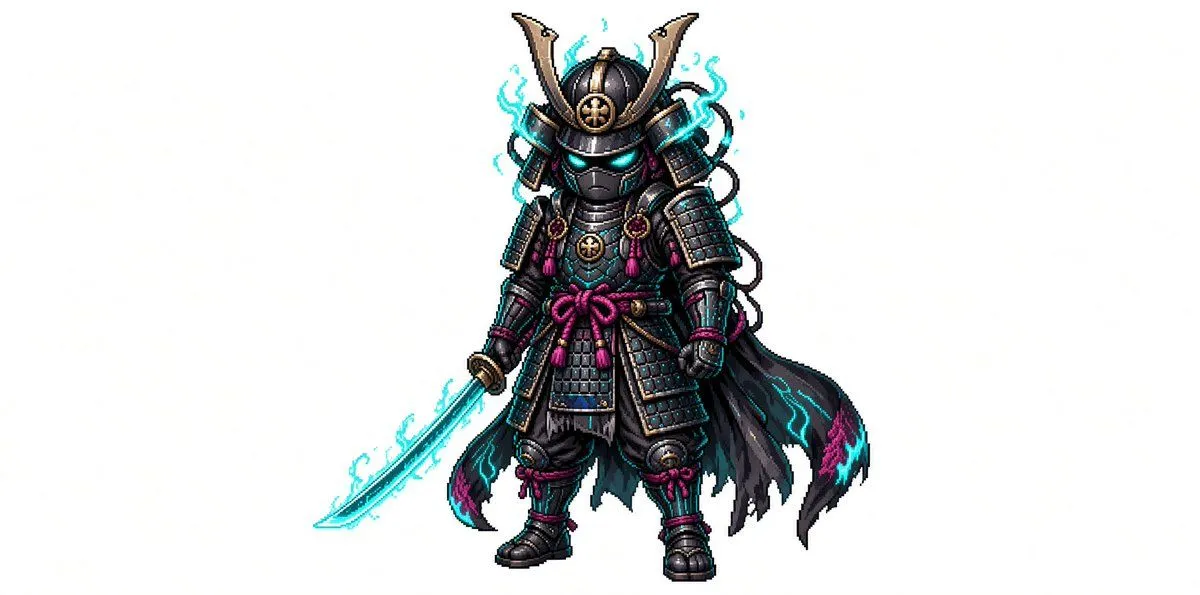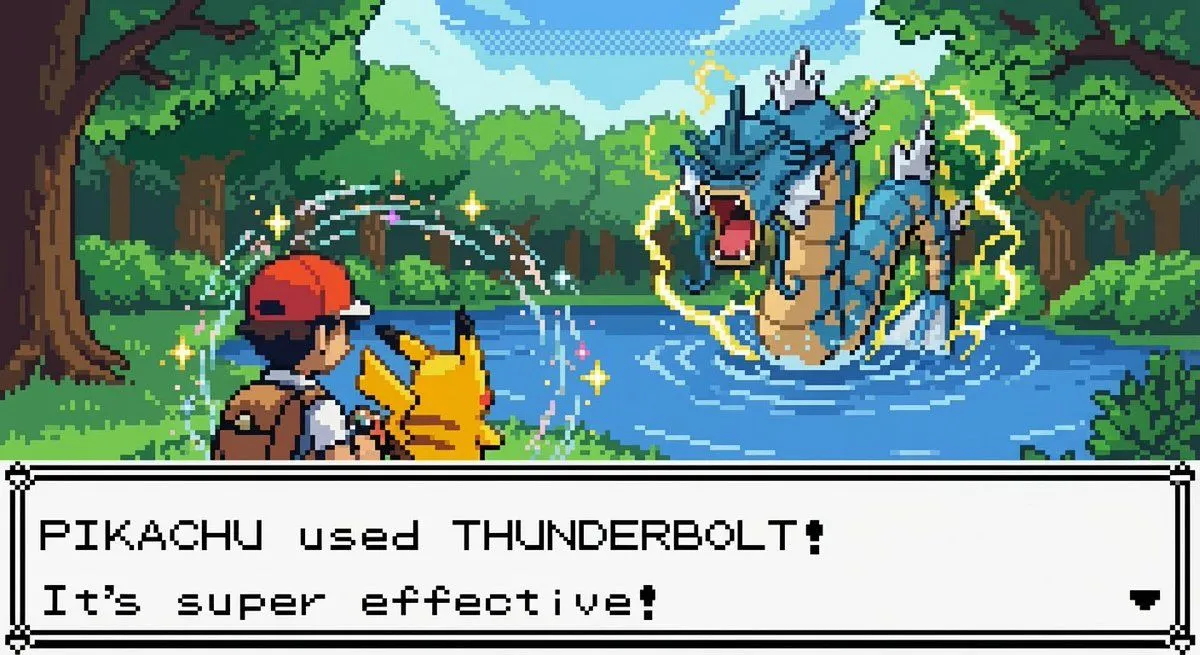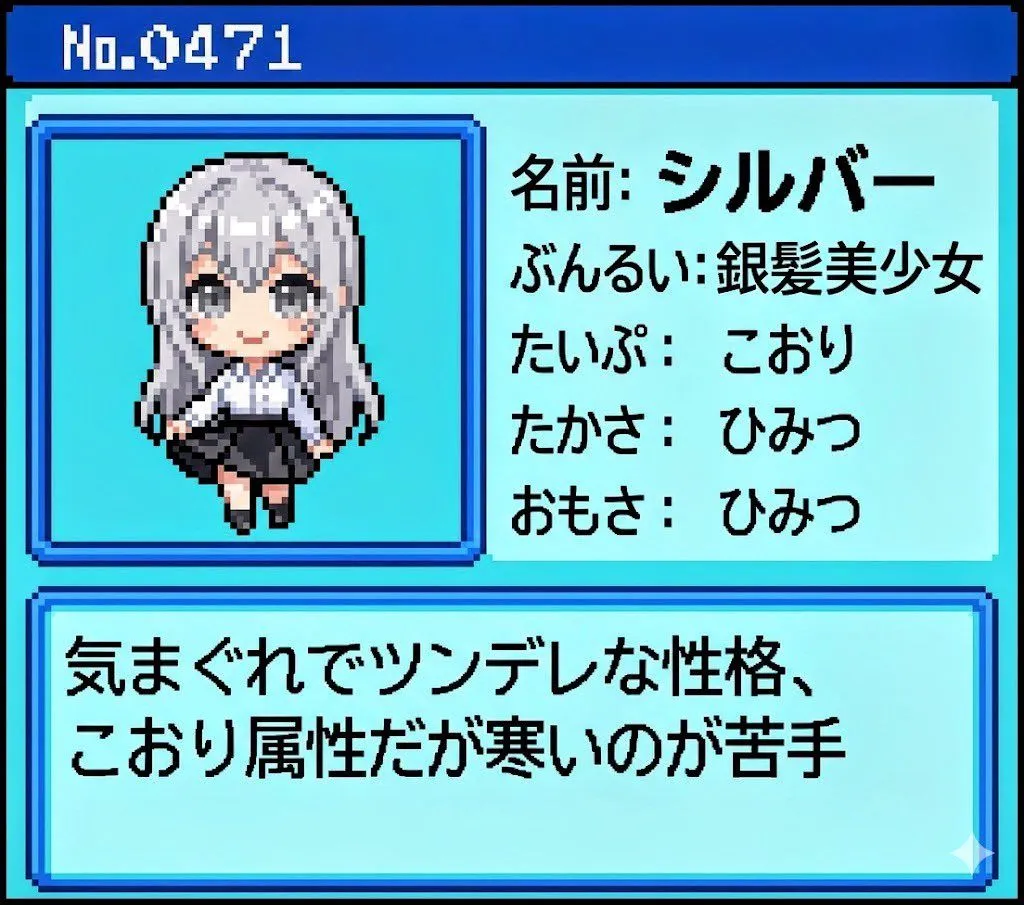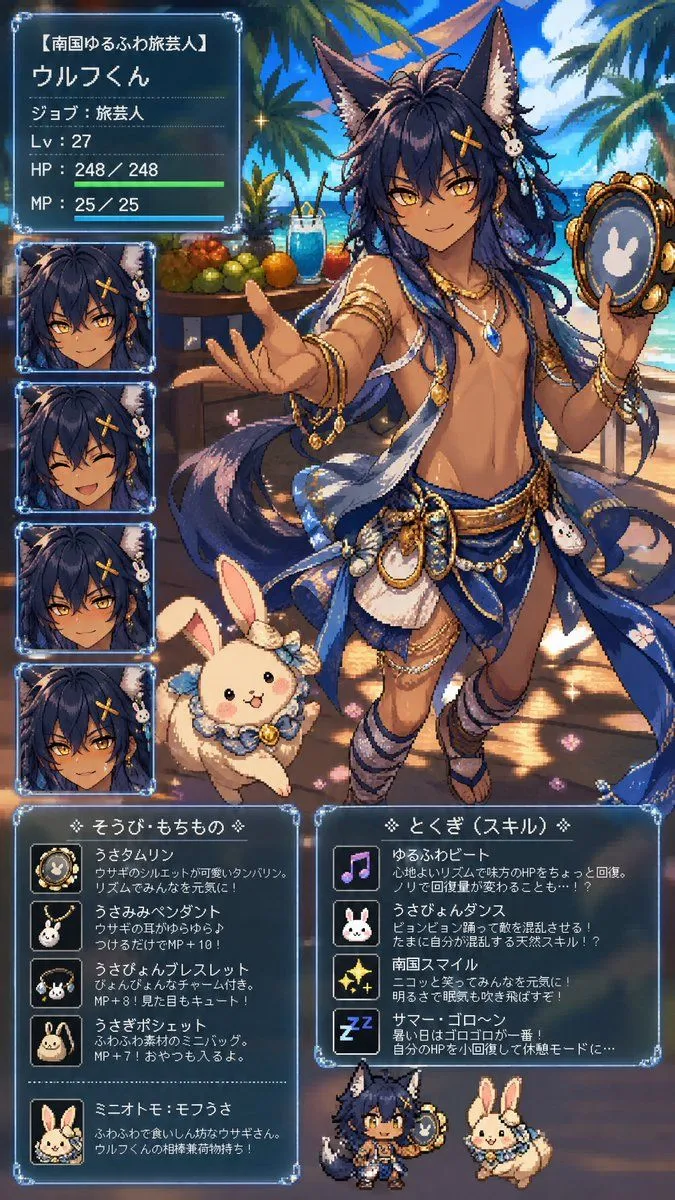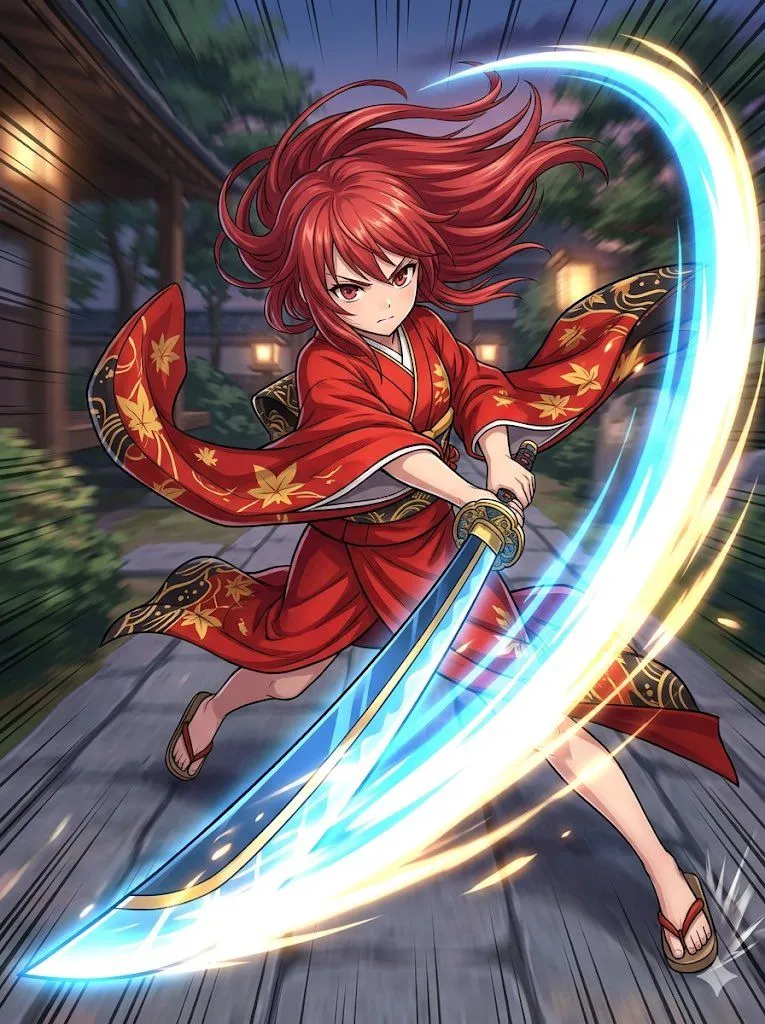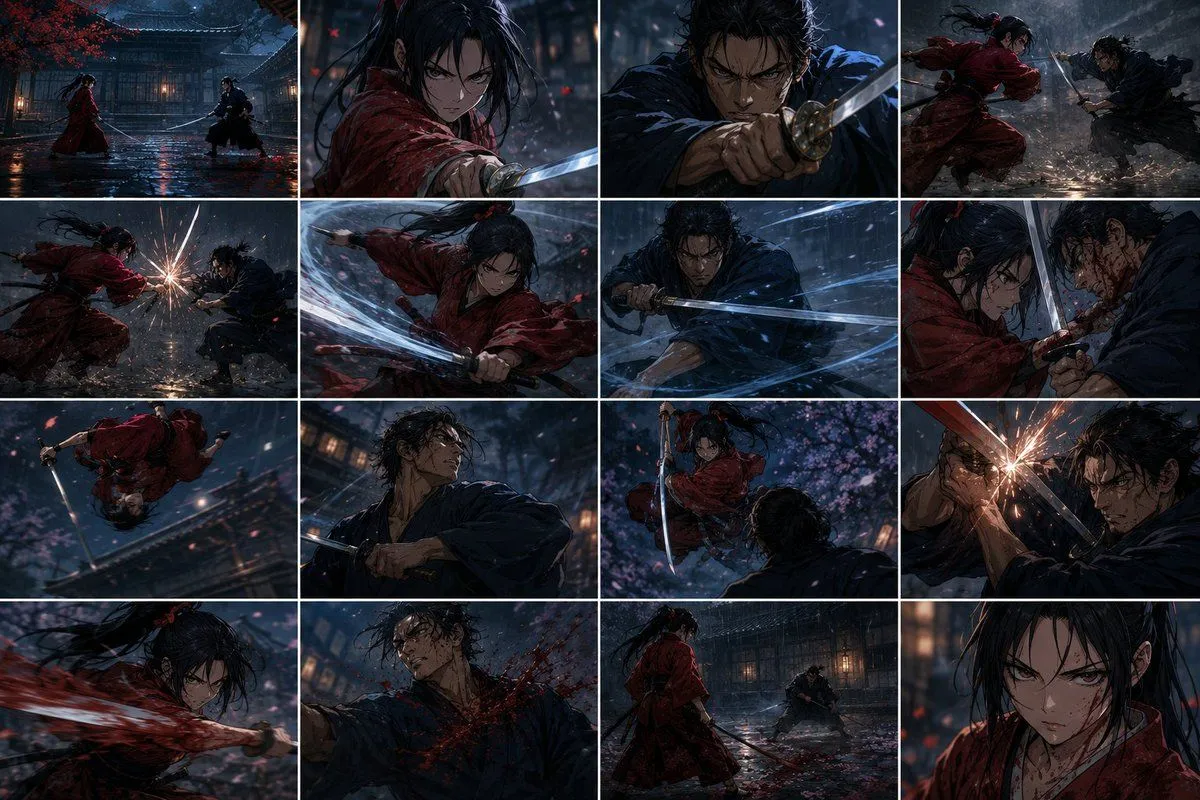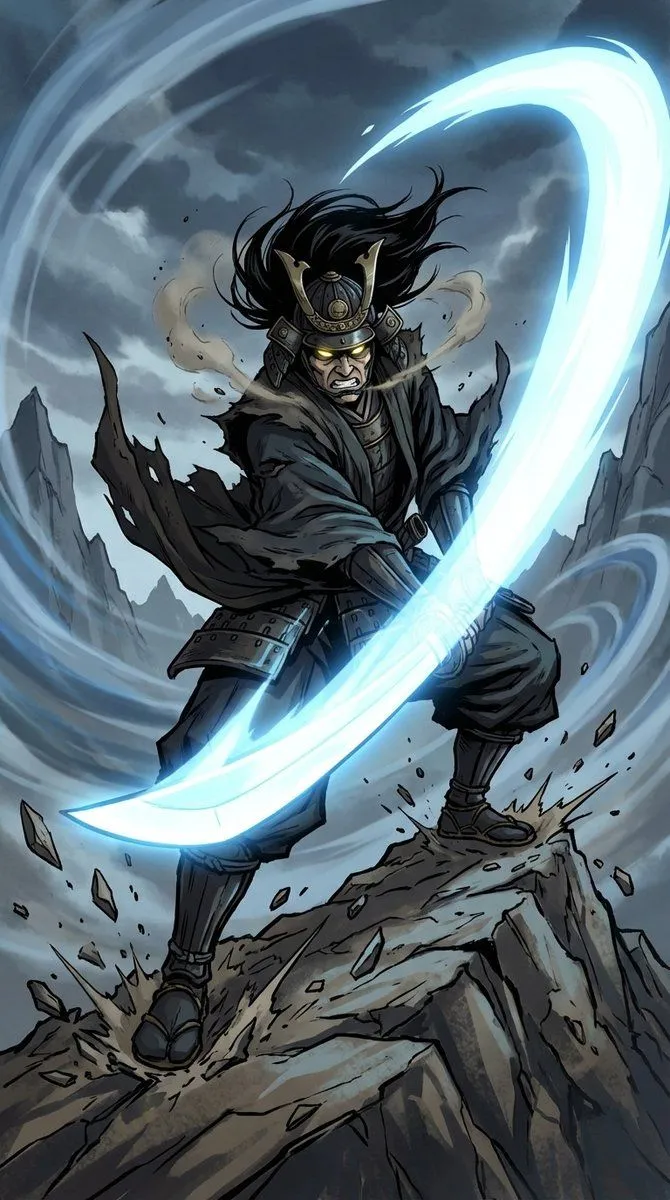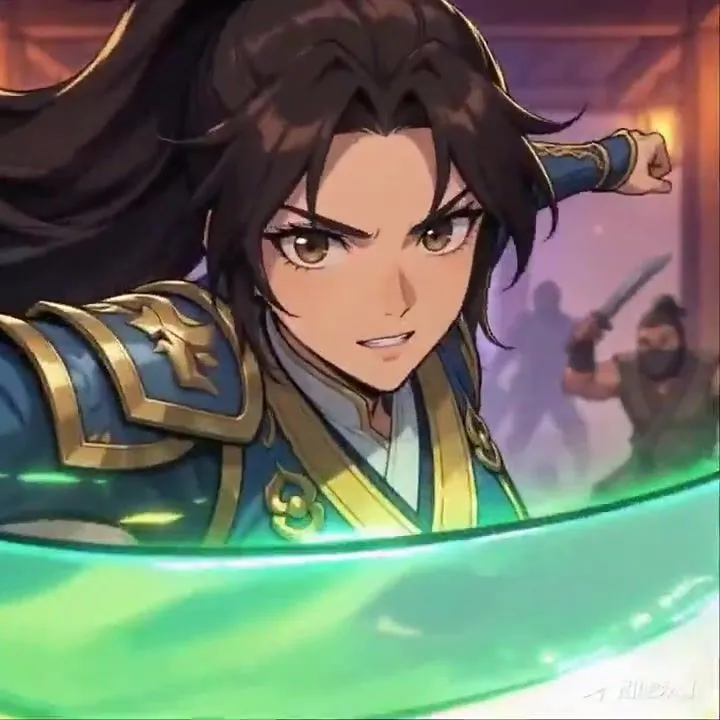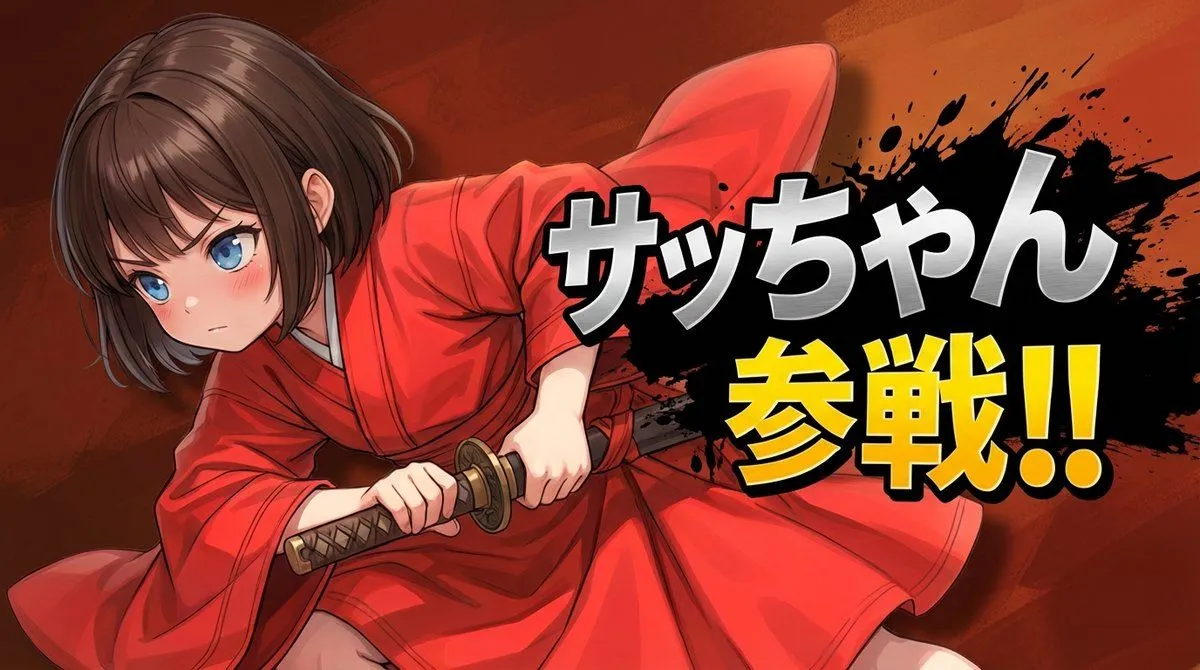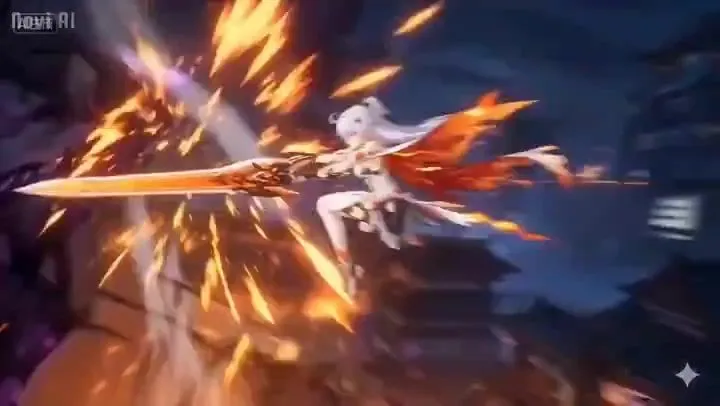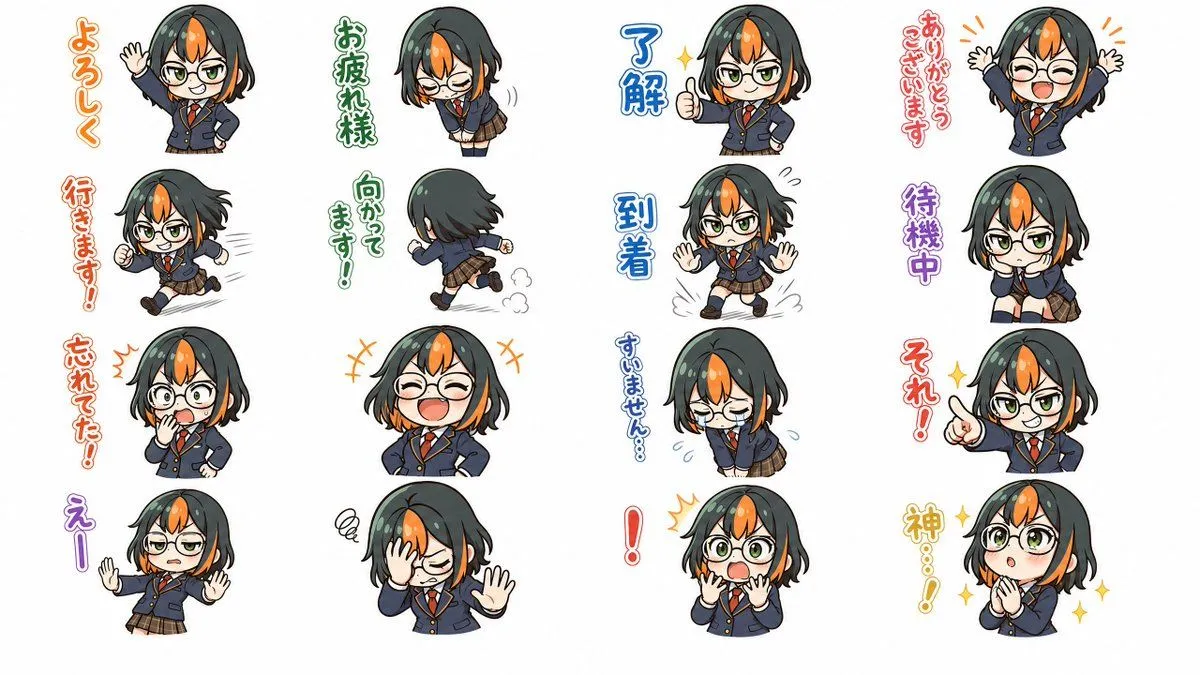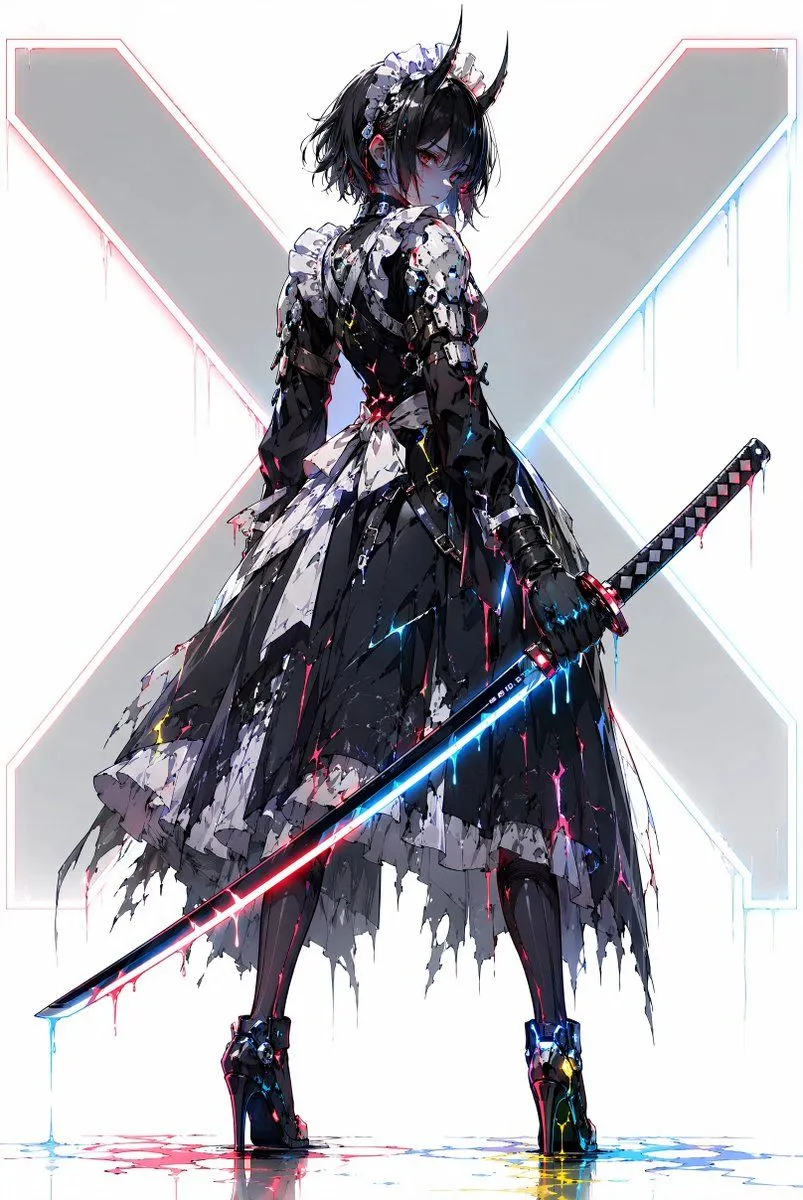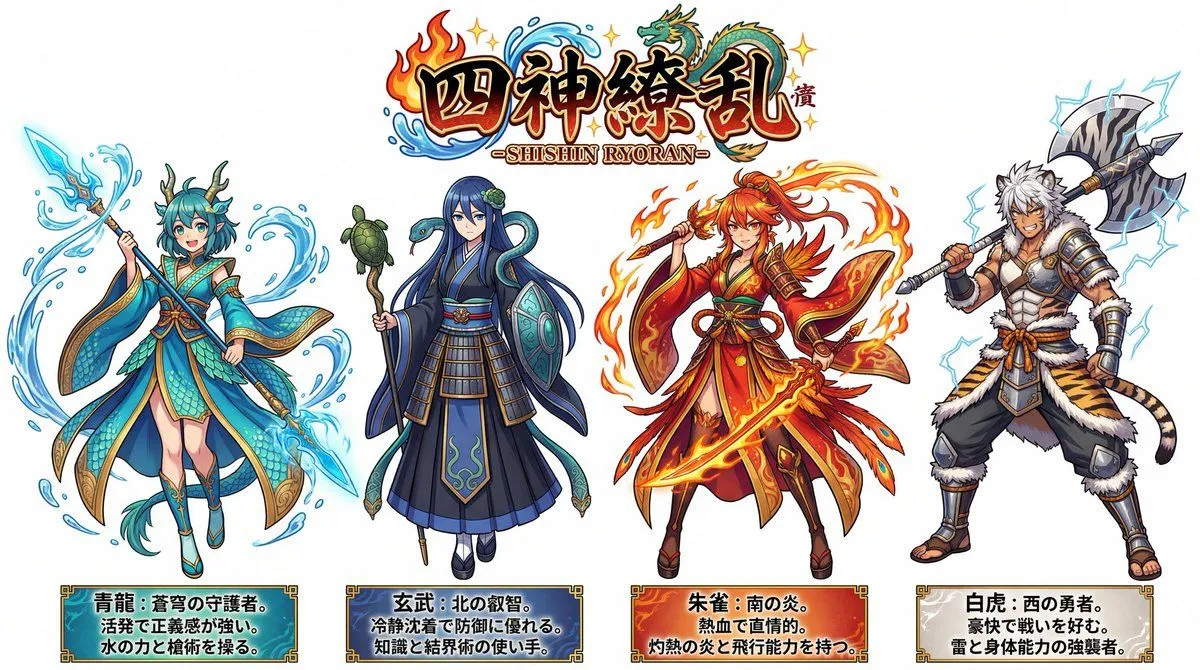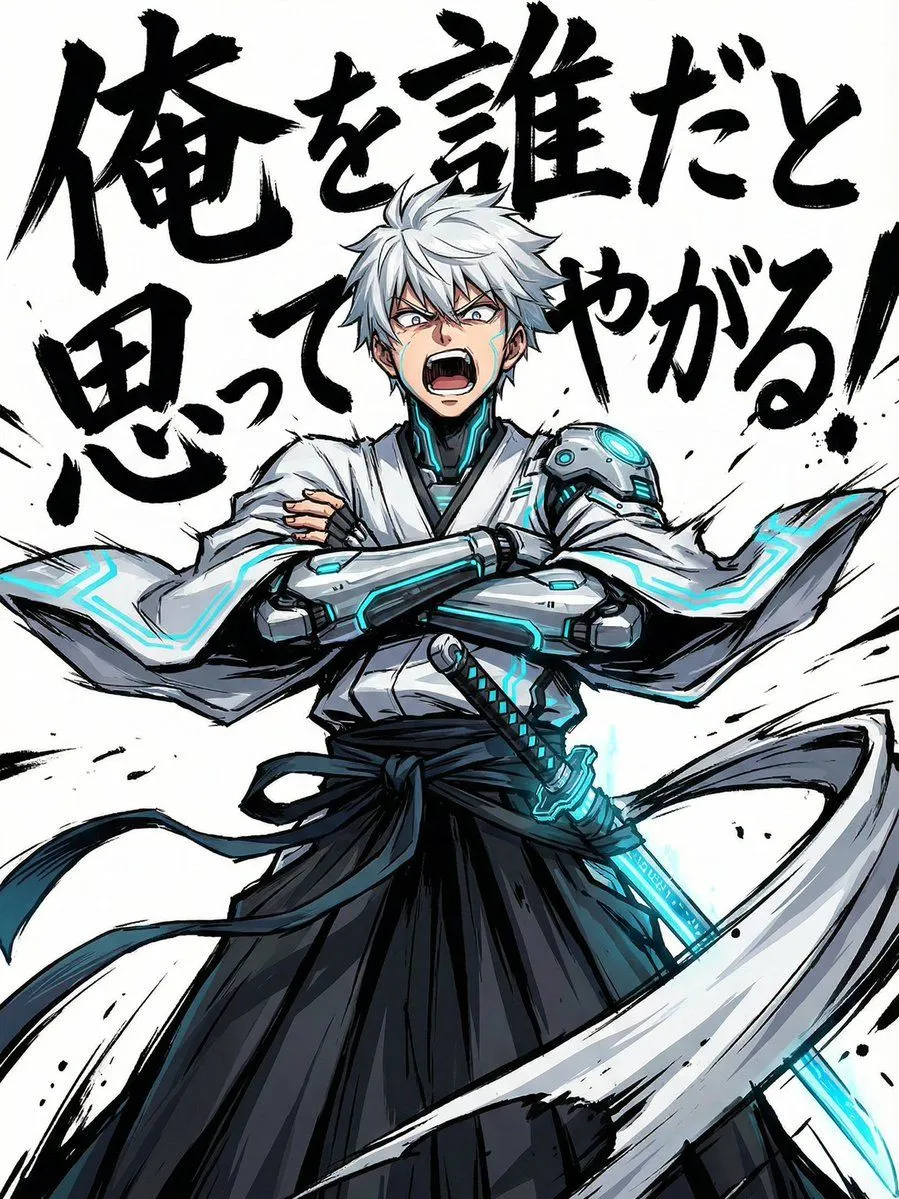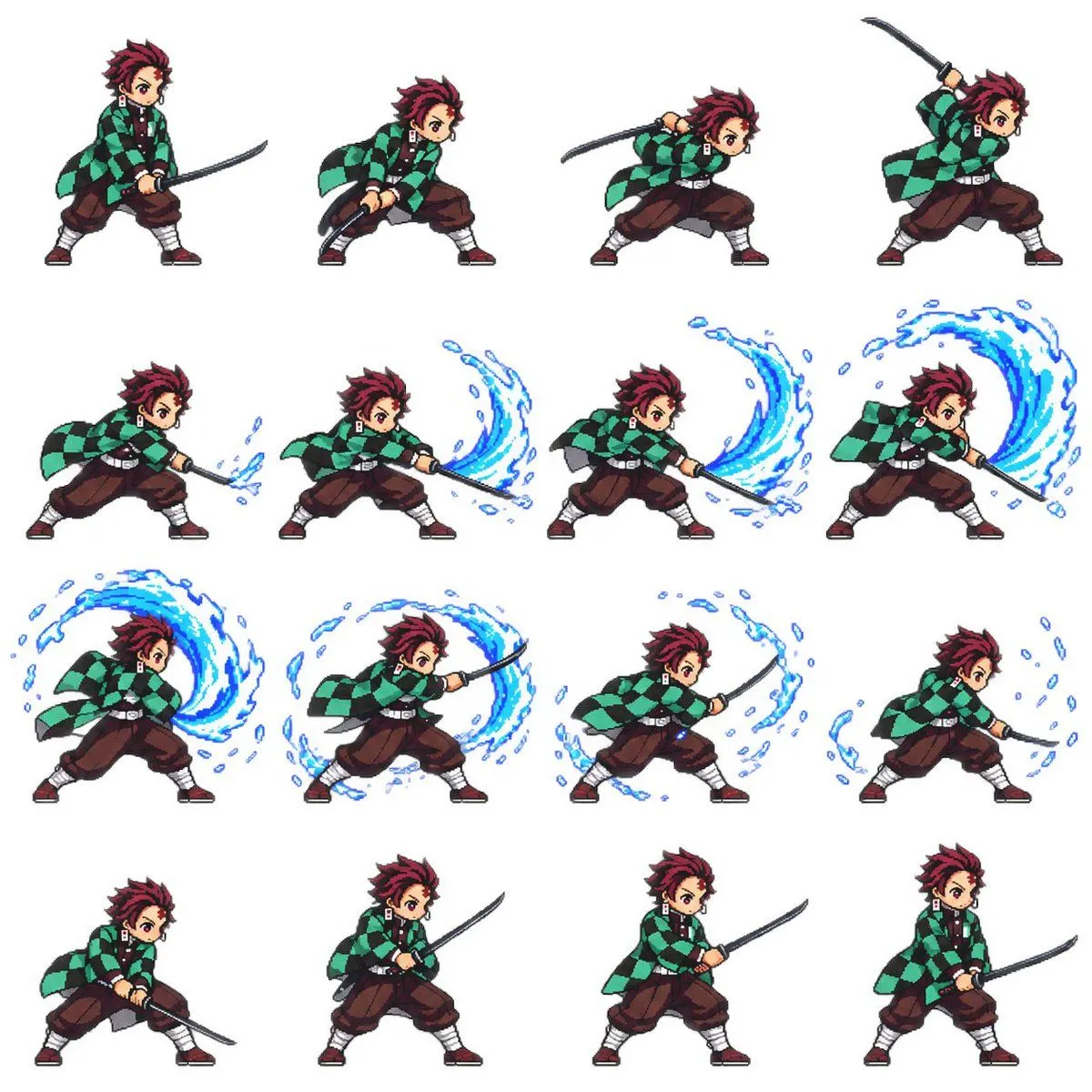
Made with GPT Image 2.5 in ChatGPT by Library Game Art. Promptclay never generates images.
Did it work?
No reports yet. Tell others if it worked for you.
4x4 Pixel Art Sword Sprite Sheet
Prompt
2 blanks to fillGoal: Create a clean 4×4 pixel-art combat sprite sheet for {character_name}, showing one complete sword attack animation sequence suitable for a 2D side-scrolling game. Canvas: Square white canvas, no border, no background scenery, no shadows except subtle pixel grounding if needed. Arrange exactly 16 separate full-body sprites in a perfectly spaced 4-column by 4-row grid, all facing right, each sprite roughly the same scale and centered in its grid cell. Character details: The character is a teenage anime swordsman with spiky dark burgundy hair, determined eyes, hanafuda-style rectangular earrings, a green-and-black checkered haori coat over a dark uniform, loose brown hakama-style pants, white leg wraps, dark red sandals, and a black katana. Keep the character recognizable but rendered as crisp retro pixel art with black outlines, limited colors, and readable small-scale details. Animation sequence: Show exactly 16 discrete poses, counted left to right and top to bottom: 1) ready stance holding katana low in both hands, 2) crouched wind-up with sword drawn back, 3) forward lean with sword raised behind shoulder, 4) high overhead preparation with katana lifted, 5) first low slash beginning with a small blue water splash at the blade tip, 6) stronger horizontal slash with a short blue water arc, 7) broad sweeping slash with a medium crescent of water, 8) extended forward slash with a large blue water wave curling upward, 9) full circular water effect behind the character during the follow-through, 10) forward thrusting follow-through with a large blue crescent wave wrapping around the sword, 11) fading spiral water fragments around the body and blade, 12) final small water droplets dissipating near the blade, 13) low recovery crouch with sword down, 14) standing recovery with sword held diagonally forward, 15) relaxed guard stance with sword forward, 16) return to ready stance holding the katana low. Visual style: Authentic 16-bit / 32-bit fighting-game pixel art, sharp hard-edged pixels, no anti-aliased painterly look, expressive anime proportions with a slightly chibi game-sprite silhouette, dynamic cloth motion in the haori, clear readable sword poses, energetic but compact animation frames. Effects: Use {elemental_effect} only during the middle attack frames. The water should appear as cyan and deep-blue pixelated crescents, splashes, droplets, and curved brush-like waves that grow, peak, and dissipate across frames 5 through 12. Constraints: Exactly 16 sprites, exactly 4 rows and 4 columns, no labels, no UI, no text, no extra characters, no duplicate background elements, maintain consistent character proportions and costume details across every frame.
Preview of your prompt
Goal: Create a clean 4×4 pixel-art combat sprite sheet for Tanjiro Kamado, showing one complete sword attack animation sequence suitable for a 2D side-scrolling game. Canvas: Square white canvas, no border, no background scenery, no shadows except subtle pixel grounding if needed. Arrange exactly 16 separate full-body sprites in a perfectly spaced 4-column by 4-row grid, all facing right, each sprite roughly the same scale and centered in its grid cell. Character details: The character is a teenage anime swordsman with spiky dark burgundy hair, determined eyes, hanafuda-style rectangular earrings, a green-and-black checkered haori coat over a dark uniform, loose brown hakama-style pants, white leg wraps, dark red sandals, and a black katana. Keep the character recognizable but rendered as crisp retro pixel art with black outlines, limited colors, and readable small-scale details. Animation sequence: Show exactly 16 discrete poses, counted left to right and top to bottom: 1) ready stance holding katana low in both hands, 2) crouched wind-up with sword drawn back, 3) forward lean with sword raised behind shoulder, 4) high overhead preparation with katana lifted, 5) first low slash beginning with a small blue water splash at the blade tip, 6) stronger horizontal slash with a short blue water arc, 7) broad sweeping slash with a medium crescent of water, 8) extended forward slash with a large blue water wave curling upward, 9) full circular water effect behind the character during the follow-through, 10) forward thrusting follow-through with a large blue crescent wave wrapping around the sword, 11) fading spiral water fragments around the body and blade, 12) final small water droplets dissipating near the blade, 13) low recovery crouch with sword down, 14) standing recovery with sword held diagonally forward, 15) relaxed guard stance with sword forward, 16) return to ready stance holding the katana low. Visual style: Authentic 16-bit / 32-bit fighting-game pixel art, sharp hard-edged pixels, no anti-aliased painterly look, expressive anime proportions with a slightly chibi game-sprite silhouette, dynamic cloth motion in the haori, clear readable sword poses, energetic but compact animation frames. Effects: Use bright blue water breathing arcs only during the middle attack frames. The water should appear as cyan and deep-blue pixelated crescents, splashes, droplets, and curved brush-like waves that grow, peak, and dissipate across frames 5 through 12. Constraints: Exactly 16 sprites, exactly 4 rows and 4 columns, no labels, no UI, no text, no extra characters, no duplicate background elements, maintain consistent character proportions and costume details across every frame.
DetailsVersions, settings and questions
Written for
What's in the prompt
- Subject
- Model
- GPT Image 2.5
If your face changes
keep my face exactly the sameQuestions
- Does this work in the ChatGPT app?
- Yes. Paste the prompt and attach your photo if it uses one.
- It changed my face. What do I do?
- Add "keep my face exactly the same" to the end and run it again.
- Can I use the images I make?
- Check the terms of the app you use. Promptclay never generates images and claims nothing you make.