Tell us anything

An idea, a bug, something you love. We read every note.

⌘↵ to send. The page you're on comes along.

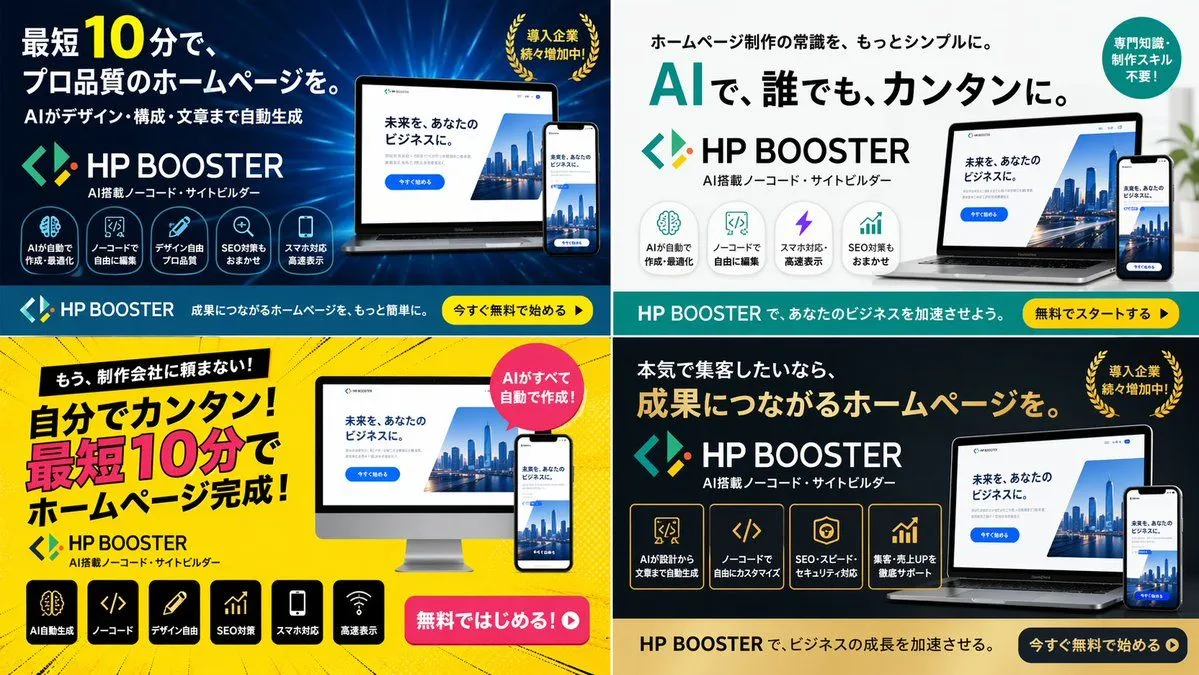
4-Panel SaaS Ad Banner Variations

Made with GPT Image 2 in ChatGPT by Library Brand. Promptclay never generates images.

Did it work?

No reports yet. Tell others if it worked for you.

No comments yet. Be the first.

    4-Panel SaaS Ad Banner Variations

    GPT Image 216:9AI-generated

    Prompt

    { "type": "4-panel ad banner variation grid", "product": { "name": "{argument name=\"product name\" default=\"HP BOOSTER\"}", "subtitle": "AI搭載ノーコード・サイトビルダー", "logo": "blue and green angle brackets with a diamond" }, "common_elements": { "device_mockups": "laptop and smartphone (desktop monitor in bottom-left panel) displaying a website with a city skyline, text '未来を、あなたのビジネスに。', and a blue '今すぐ始める' button" }, "layout": { "grid": "2x2", "panels": [ { "position": "top-left", "theme": "dark blue gradient with tech lines", "headline": "{argument name=\"main headline 1\" default=\"最短10分で、プロ品質のホームページを。\"}", "sub_headline": "AIがデザイン・構成・文章まで自動生成", "badge": "gold laurel wreath with text '導入企業続々増加中!'", "icon_count": 5, "icon_labels": ["AIが自動で作成・最適化", "ノーコードで自由に編集", "デザイン自由プロ品質", "SEO対策もおまかせ", "スマホ対応高速表示"], "bottom_bar": "teal background, yellow button '今すぐ無料で始める ▶'" }, { "position": "top-right", "theme": "white and light gray", "headline": "{argument name=\"main headline 2\" default=\"AIで、誰でも、カンタンに。\"}", "pre_headline": "ホームページ制作の常識を、もっとシンプルに。", "badge": "teal circle with text '専門知識・制作スキル不要!'", "icon_count": 4, "icon_labels": ["AIが自動で作成・最適化", "ノーコードで自由に編集", "スマホ対応・高速表示", "SEO対策もおまかせ"], "bottom_bar": "teal background, yellow button '無料でスタートする ▶'" }, { "position": "bottom-left", "theme": "bright yellow with comic-book action lines", "headline": "{argument name=\"main headline 3\" default=\"自分でカンタン!最短10分でホームページ完成!\"}", "pre_headline": "もう、制作会社に頼まない!", "badge": "pink circle with text 'AIがすべて自動で作成!'", "icon_count": 6, "icon_labels": ["AI自動生成", "ノーコード", "デザイン自由", "SEO対策", "スマホ対応", "高速表示"], "call_to_action": "pink pill button '無料ではじめる!▶'" }, { "position": "bottom-right", "theme": "dark gray and black", "headline": "{argument name=\"main headline 4\" default=\"成果につながるホームページを。\"}", "pre_headline": "本気で集客したいなら、", "badge": "gold laurel wreath with text '導入企業続々増加中!'", "icon_count": 4, "icon_labels": ["AIが設計から文章まで自動生成", "ノーコードで自由にカスタマイズ", "SEO・スピード・セキュリティ対応", "集客・売上UPを徹底サポート"], "bottom_bar": "gold background, dark blue button '今すぐ無料で始める ▶'" } ] } }

    Works in
    ChatGPT, Gemini
    Status
    Free to copy
    0
    DetailsVersions, settings and questions

    Written for

    What's in the prompt

    Subject
    Model
    GPT Image 2

    If your face changes

    keep my face exactly the same

    Questions

    Does this work in the ChatGPT app?
    Yes. Paste the prompt and attach your photo if it uses one.
    It changed my face. What do I do?
    Add "keep my face exactly the same" to the end and run it again.
    Can I use the images I make?
    Check the terms of the app you use. Promptclay never generates images and claims nothing you make.
    Similar prompts

    See more
    • Japanese SaaS Form Builder Banner
    • Japanese Accounting SaaS Hero Banner
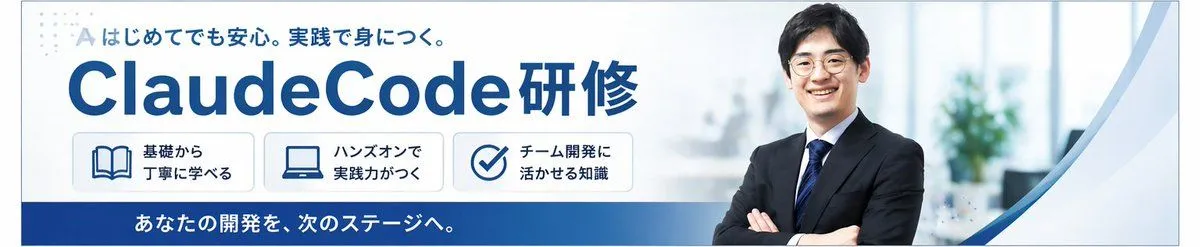
    • Japanese ClaudeCode Training Banner
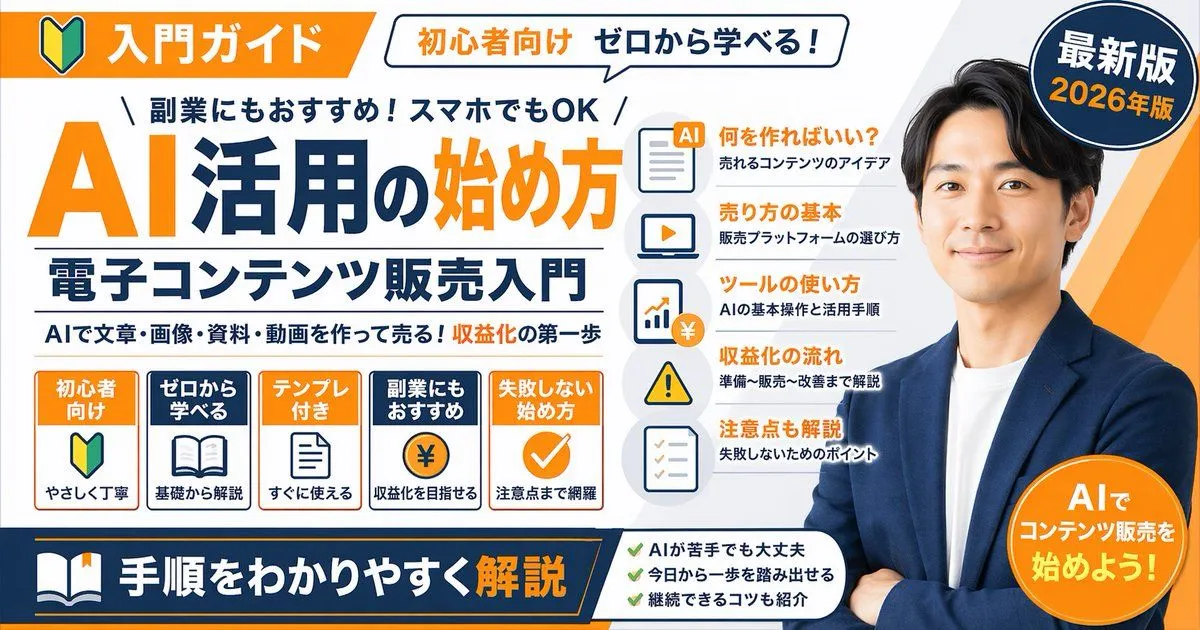
    • Japanese AI Training Banner
    • Japanese Educational Promo Banner
    • Japanese AI Consulting OGP Banner
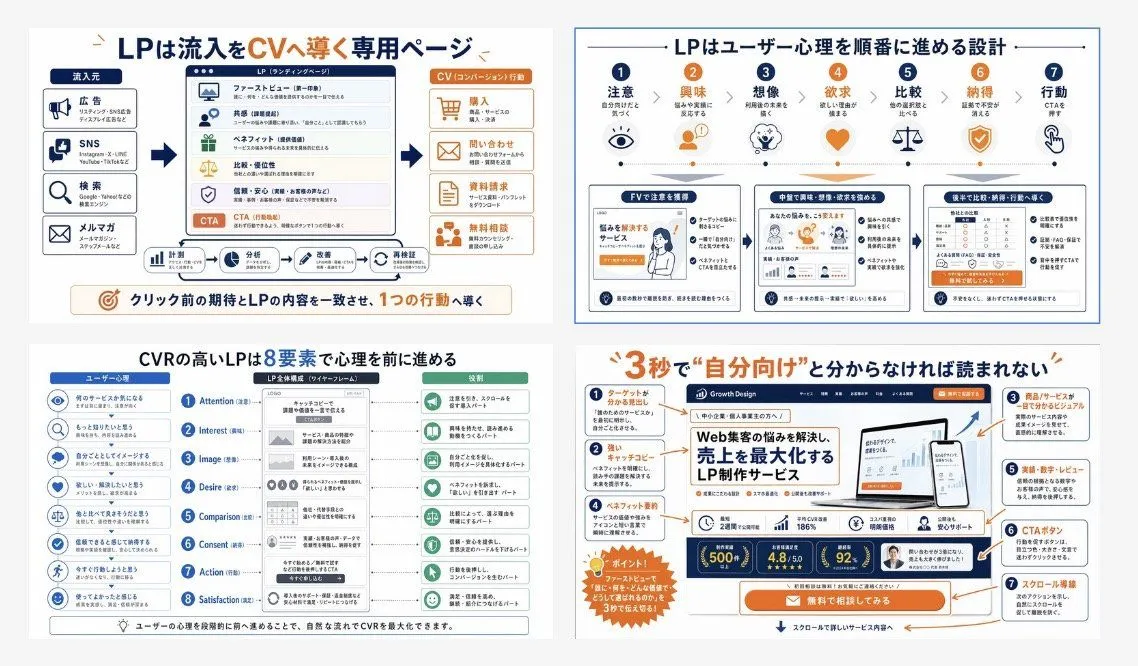
    • Japanese LP Conversion Infographic Grid
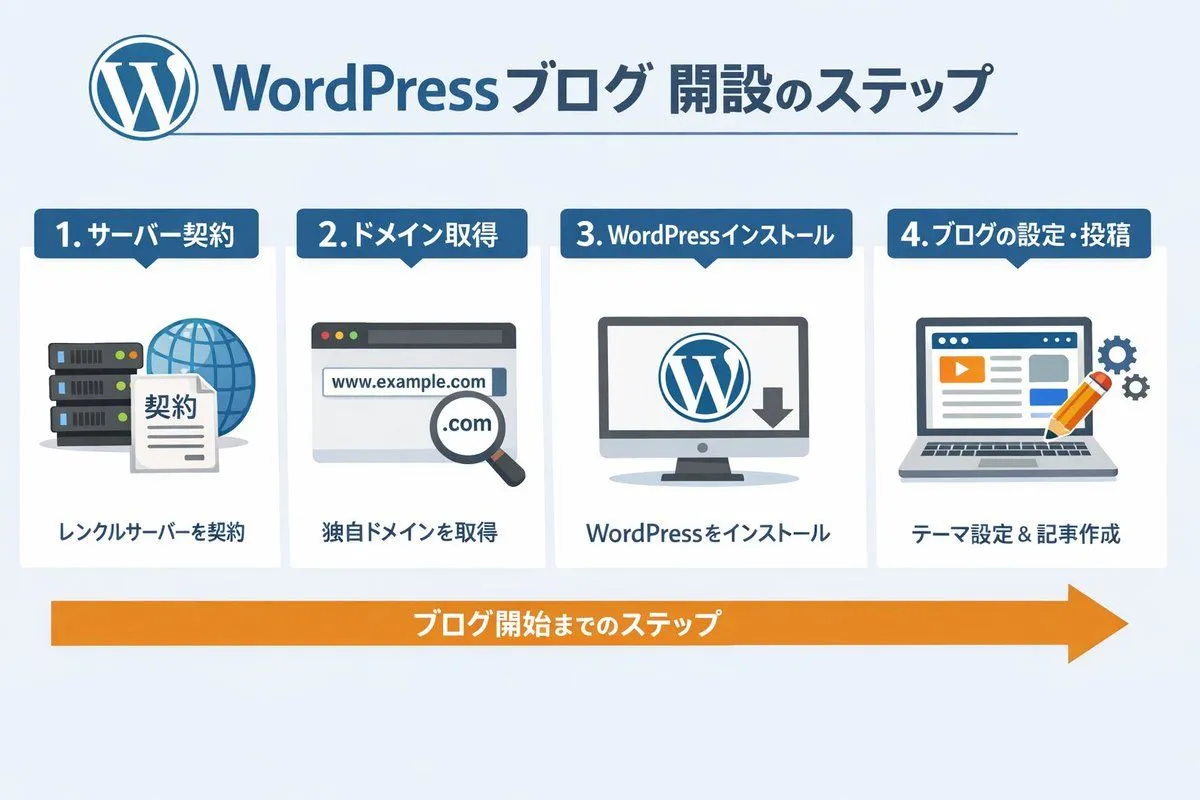
    • WordPress Blog Setup Diagram Generation Prompt
    • Image Generation Prompt for HTML/CSS Explanation Diagram
    • Portfolio image for a fictional web designer
    • AI Chat Screenshot with Ad Design Grids
    • Generate a room that looks like life is being enjoyed to the fullest
    • Japanese Webinar Thumbnail Generator
    • Banner Generation Prompt for Model Comparison
    • Dark AI Viewer with Course Website Preview
    • Neon Japanese AI IDE Landing Poster
    • Generate four square images at once
    • Design Management Prompt Template for NotebookLM
    • Kickstarter Campaign Generator Prompt
    • News Article Diagram Generation
    • Neon Blue AI Video Editing Thumbnail
    • Cyberpunk Flash Sale Landing Hero
    • Mechanical Keyboard Product Page Mockup
    • Storyboard Grid Generator

    Show more

    Run it on your phone

    1. Prompt copiedRead it

      { "type": "4-panel ad banner variation grid", "product": { "name": "{argument name=\"product name\" default=\"HP BOOSTER\"}", "subtitle": "AI搭載ノーコード・サイトビルダー", "logo": "blue and green angle brackets with a diamond" }, "common_elements": { "device_mockups": "laptop and smartphone (desktop monitor in bottom-left panel) displaying a website with a city skyline, text '未来を、あなたのビジネスに。', and a blue '今すぐ始める' button" }, "layout": { "grid": "2x2", "panels": [ { "position": "top-left", "theme": "dark blue gradient with tech lines", "headline": "{argument name=\"main headline 1\" default=\"最短10分で、プロ品質のホームページを。\"}", "sub_headline": "AIがデザイン・構成・文章まで自動生成", "badge": "gold laurel wreath with text '導入企業続々増加中!'", "icon_count": 5, "icon_labels": ["AIが自動で作成・最適化", "ノーコードで自由に編集", "デザイン自由プロ品質", "SEO対策もおまかせ", "スマホ対応高速表示"], "bottom_bar": "teal background, yellow button '今すぐ無料で始める ▶'" }, { "position": "top-right", "theme": "white and light gray", "headline": "{argument name=\"main headline 2\" default=\"AIで、誰でも、カンタンに。\"}", "pre_headline": "ホームページ制作の常識を、もっとシンプルに。", "badge": "teal circle with text '専門知識・制作スキル不要!'", "icon_count": 4, "icon_labels": ["AIが自動で作成・最適化", "ノーコードで自由に編集", "スマホ対応・高速表示", "SEO対策もおまかせ"], "bottom_bar": "teal background, yellow button '無料でスタートする ▶'" }, { "position": "bottom-left", "theme": "bright yellow with comic-book action lines", "headline": "{argument name=\"main headline 3\" default=\"自分でカンタン!最短10分でホームページ完成!\"}", "pre_headline": "もう、制作会社に頼まない!", "badge": "pink circle with text 'AIがすべて自動で作成!'", "icon_count": 6, "icon_labels": ["AI自動生成", "ノーコード", "デザイン自由", "SEO対策", "スマホ対応", "高速表示"], "call_to_action": "pink pill button '無料ではじめる!▶'" }, { "position": "bottom-right", "theme": "dark gray and black", "headline": "{argument name=\"main headline 4\" default=\"成果につながるホームページを。\"}", "pre_headline": "本気で集客したいなら、", "badge": "gold laurel wreath with text '導入企業続々増加中!'", "icon_count": 4, "icon_labels": ["AIが設計から文章まで自動生成", "ノーコードで自由にカスタマイズ", "SEO・スピード・セキュリティ対応", "集客・売上UPを徹底サポート"], "bottom_bar": "gold background, dark blue button '今すぐ無料で始める ▶'" } ] } }

    2. Open your app

      This prompt is long, so it is copied instead of sent in the link. Paste it in the app.

    3. Paste and run

      Press and hold the message box, then tap Paste. Add your photo first if the prompt uses one. You may need to sign in.

    4-Panel SaaS Ad Banner Variations