Tell us anything

An idea, a bug, something you love. We read every note.

⌘↵ to send. The page you're on comes along.

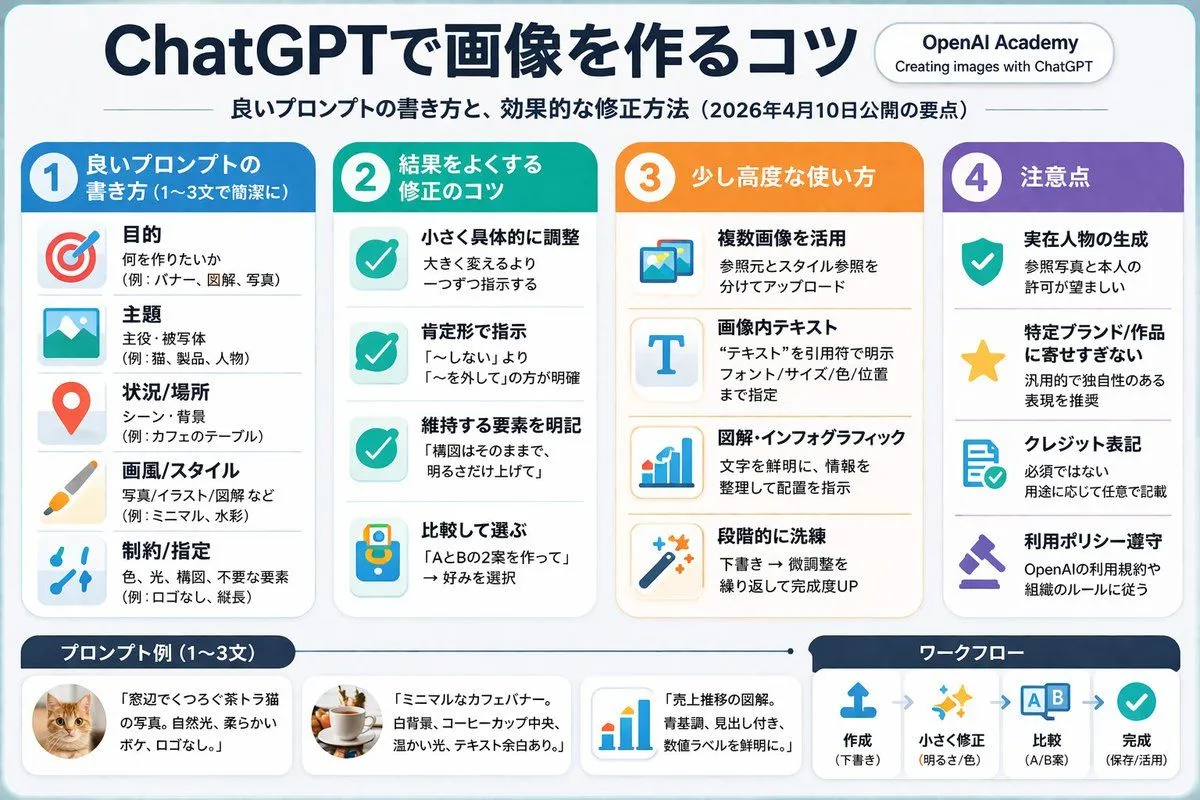
4-Column AI Image Generation Infographic

Made with GPT Image 2 in ChatGPT, collected by Library Explainers. Promptclay never generates images.

Did it work?

No reports yet. Tell others if it worked for you.

No comments yet. Be the first.

    4-Column AI Image Generation Infographic

    GPT Image 23:2AI-generated

    Prompt

    { "type": "infographic", "style": "clean, corporate, flat design, soft pastel colors, rounded corners, white background", "header": { "main_title": "{argument name=\"main title\" default=\"ChatGPTで画像を作るコツ\"}", "subtitle": "{argument name=\"subtitle\" default=\"良いプロンプトの書き方と、効果的な修正方法(2026年4月10日公開の要点)\"}", "top_right_badge": "OpenAI Academy / Creating images with ChatGPT" }, "layout": { "columns": [ { "color_theme": "blue", "header": "{argument name=\"column 1 title\" default=\"1 良いプロンプトの書き方 (1〜3文で簡潔に)\"}", "item_count": 5, "icons": ["target", "landscape picture", "map pin", "paintbrush", "sliders"] }, { "color_theme": "green", "header": "{argument name=\"column 2 title\" default=\"2 結果をよくする修正のコツ\"}", "item_count": 4, "icons": ["checkmark", "checkmark", "checkmark", "A/B comparison"] }, { "color_theme": "orange", "header": "3 少し高度な使い方", "item_count": 4, "icons": ["multiple images", "letter T", "bar chart", "magic wand"] }, { "color_theme": "purple", "header": "4 注意点", "item_count": 4, "icons": ["shield with check", "star", "document with check", "gavel"] } ], "footer": { "left_section": { "title": "{argument name=\"bottom left title\" default=\"プロンプト例 (1〜3文)\"}", "item_count": 3, "thumbnails": ["orange tabby cat", "coffee cup on white background", "blue bar chart"] }, "right_section": { "title": "ワークフロー", "step_count": 4, "icons": ["upload arrow", "sparkles", "A/B boxes", "checkmark"], "flow_style": "horizontal with dashed arrows" } } } }

    Works in
    ChatGPT, Gemini
    Status
    Free to copy
    0
    DetailsVersions, settings and questions

    Written for

    What's in the prompt

    Subject
    Model
    GPT Image 2

    If your face changes

    keep my face exactly the same

    Questions

    Does this work in the ChatGPT app?
    Yes. Paste the prompt and attach your photo if it uses one.
    It changed my face. What do I do?
    Add "keep my face exactly the same" to the end and run it again.
    Can I use the images I make?
    Check the terms of the app you use. Promptclay never generates images and claims nothing you make.
    Similar prompts

    See more
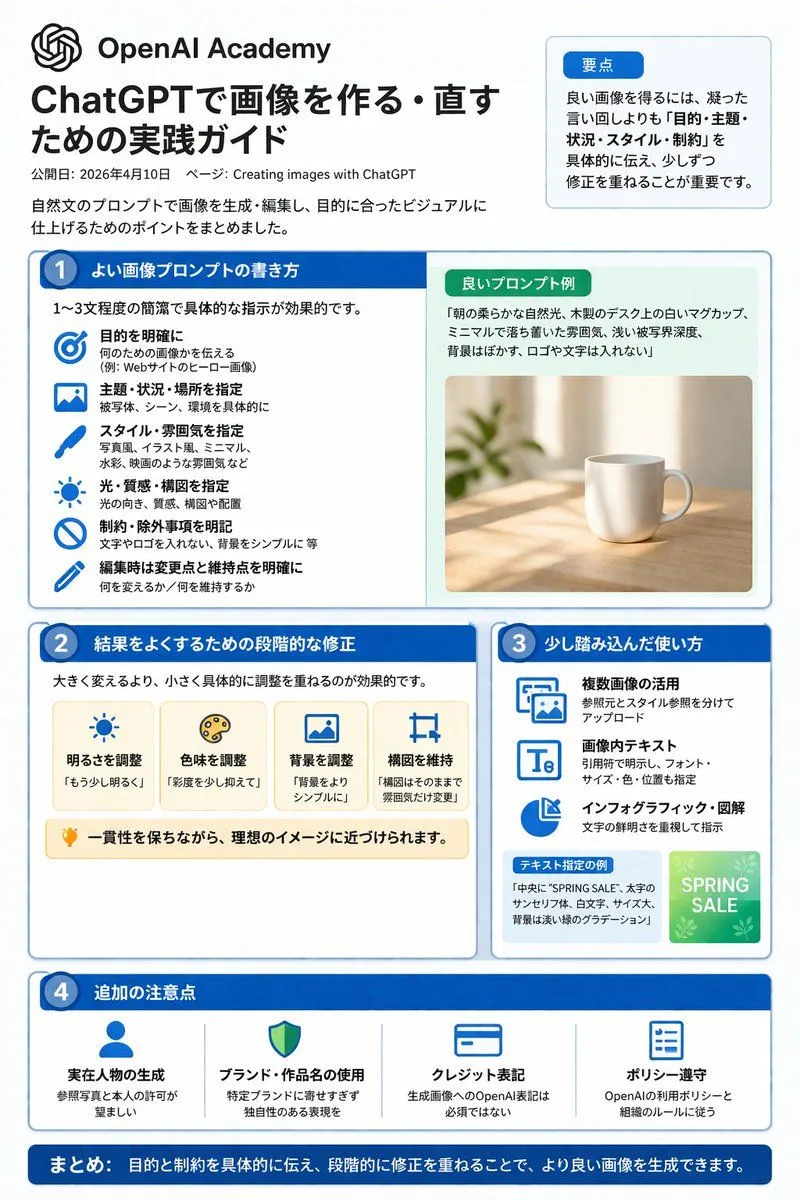
    • ChatGPT Image Generation Guide Infographic
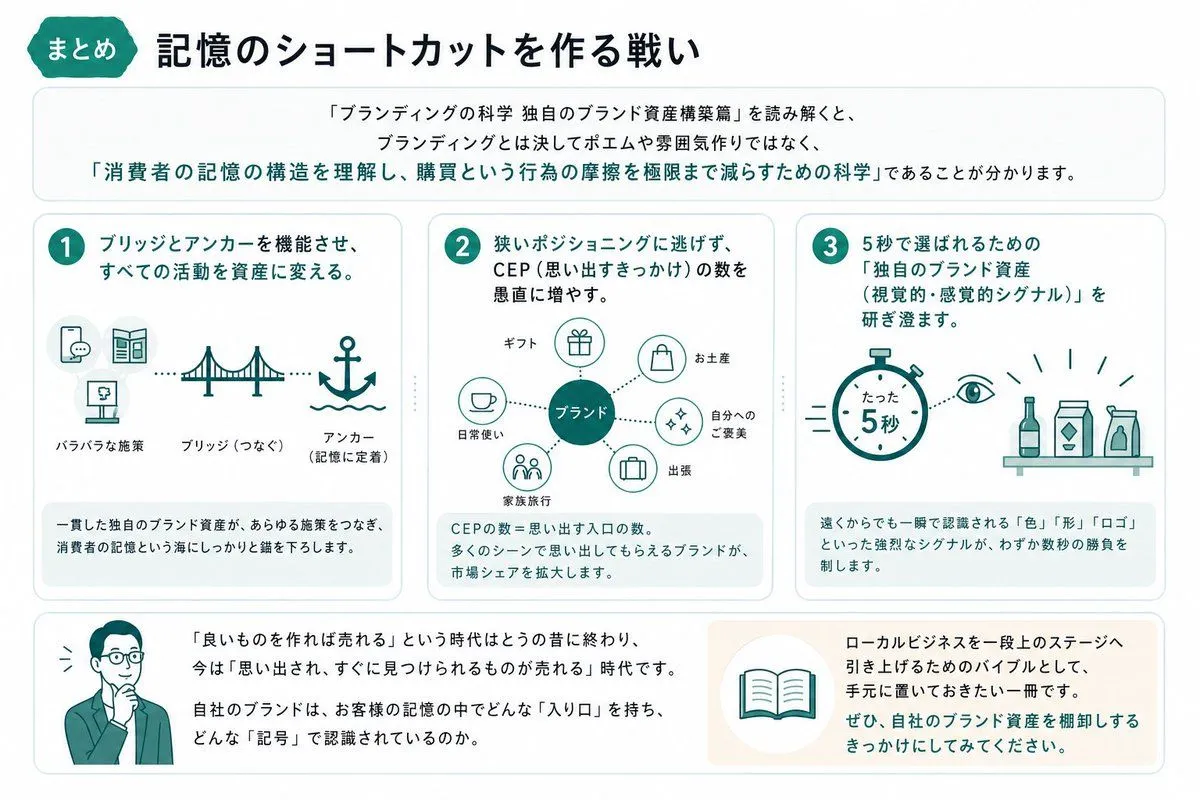
    • Japanese Branding Strategy Infographic
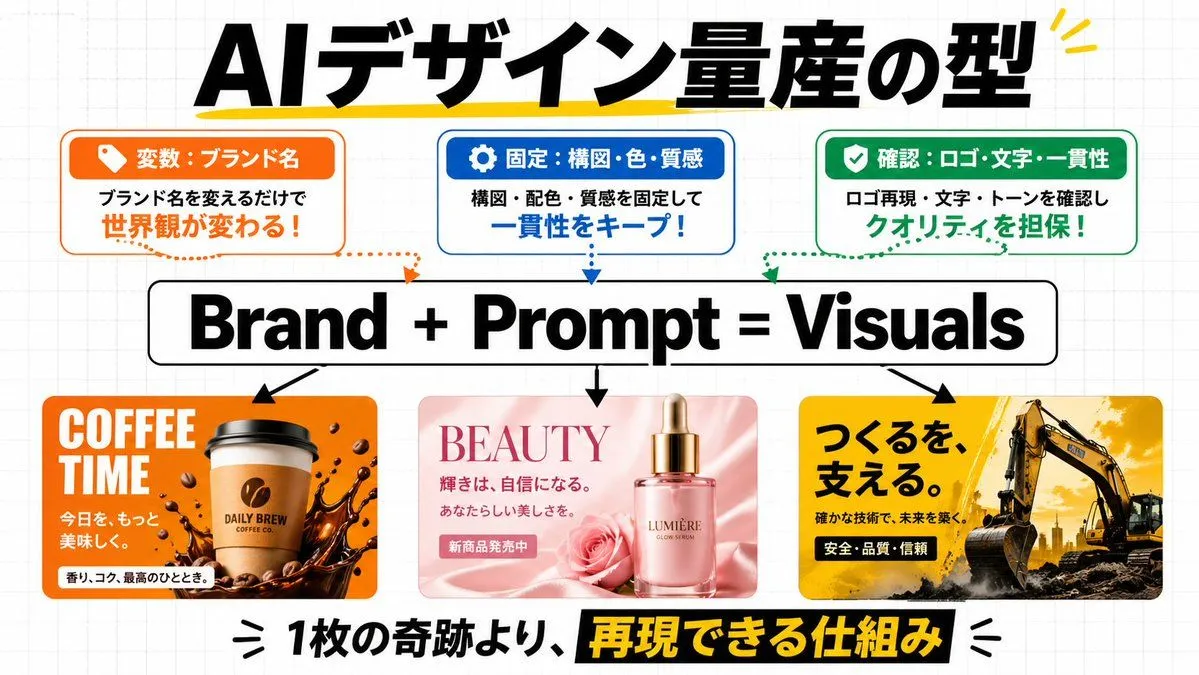
    • AI Design Production Framework Infographic
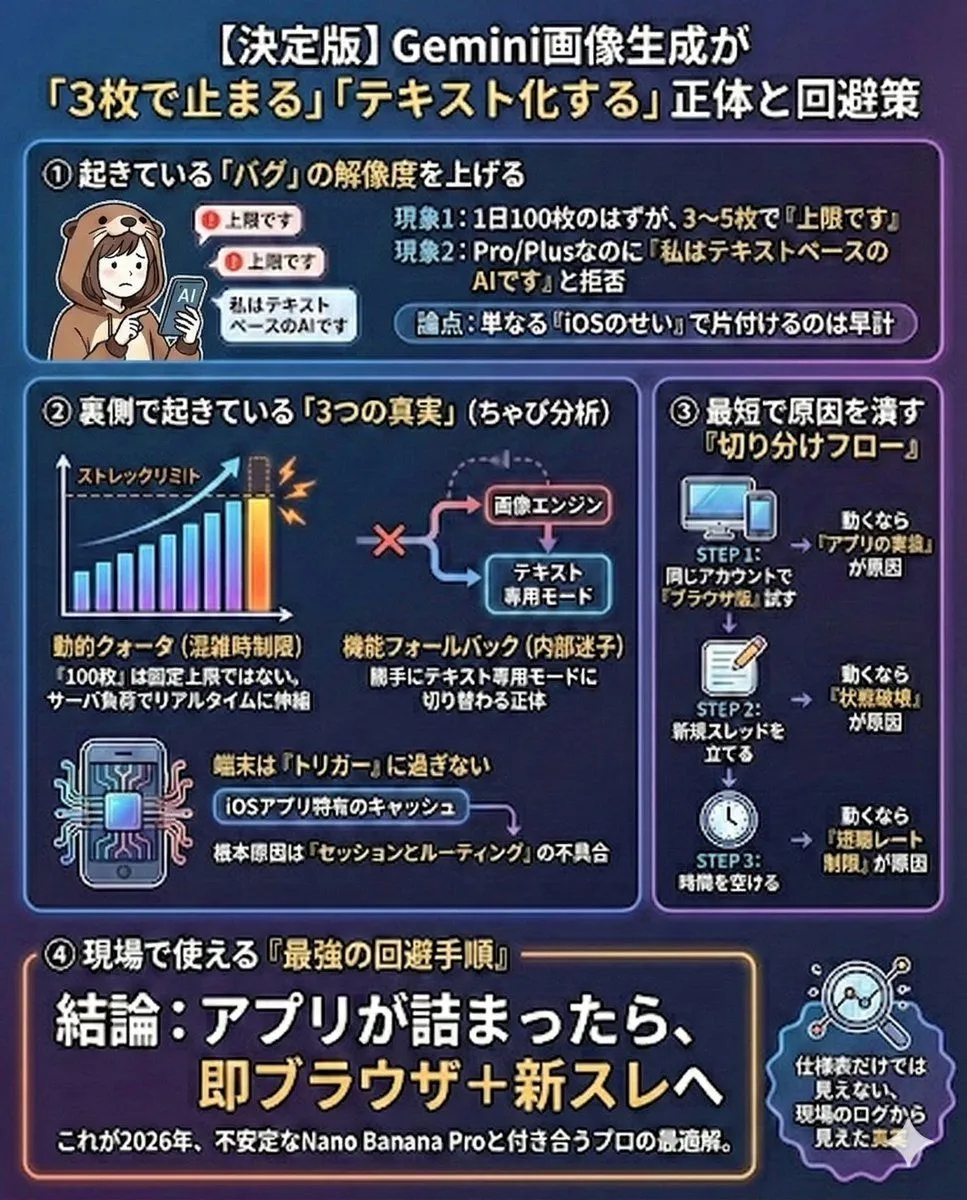
    • Gemini Model Troubleshooting Prompt
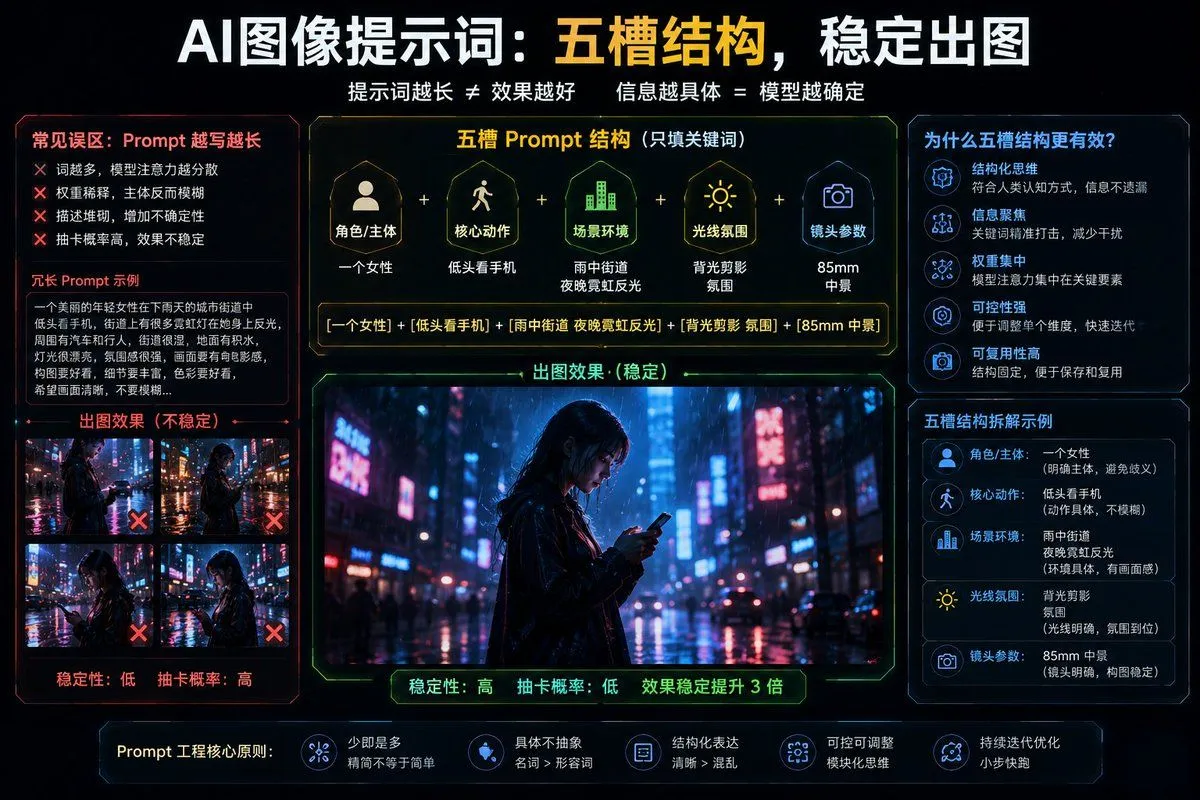
    • Structured 5-Slot Generation Template
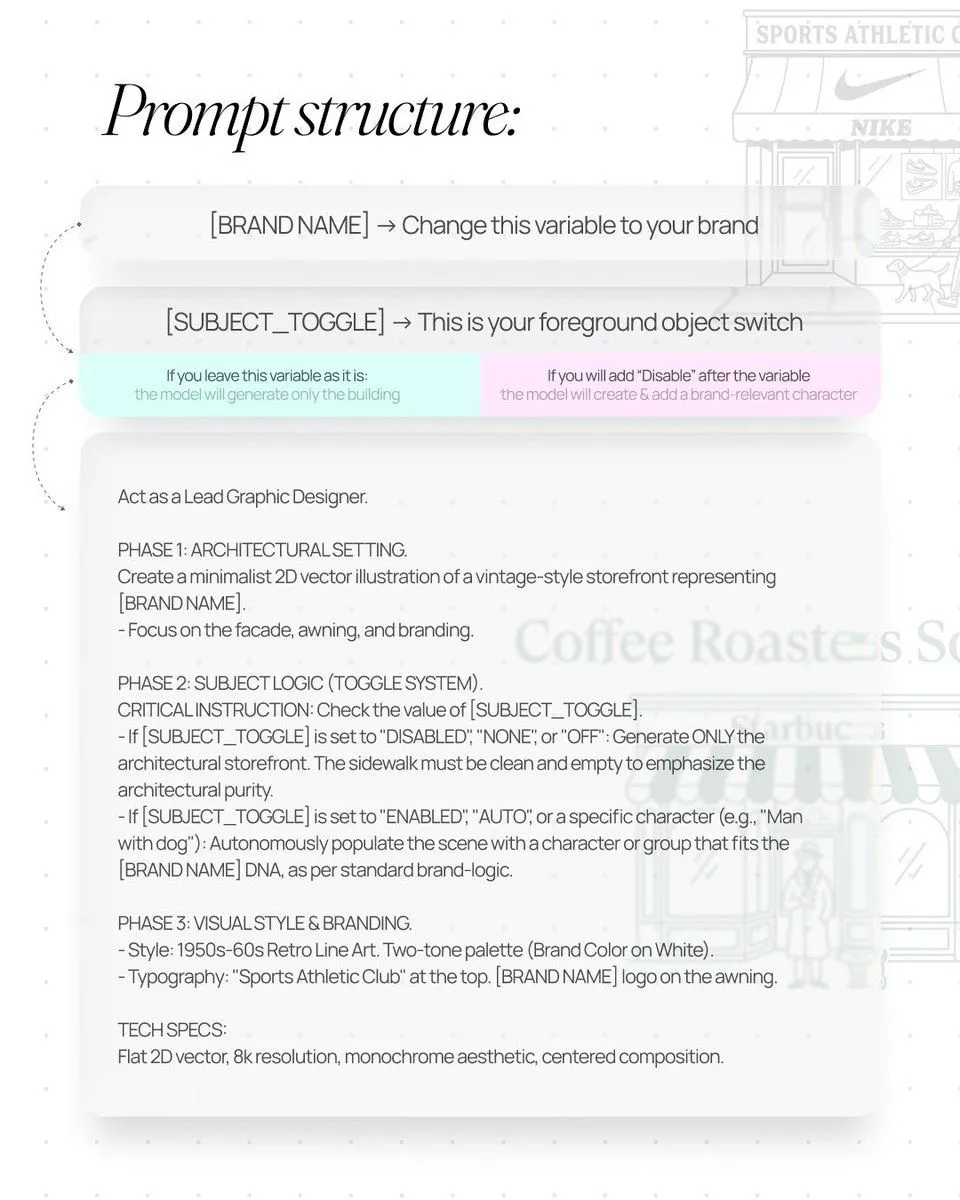
    • Retro Line Art Storefront Illustration Generator Template
    • Nano Banana Pro Prompting Strategy for Stable Output
    • AI Perception Visualization (Nano Banana Pro)
    • Diagram of ChatGPT 5.2 Features with Japanese Text
    • Storyboard Grid Generator
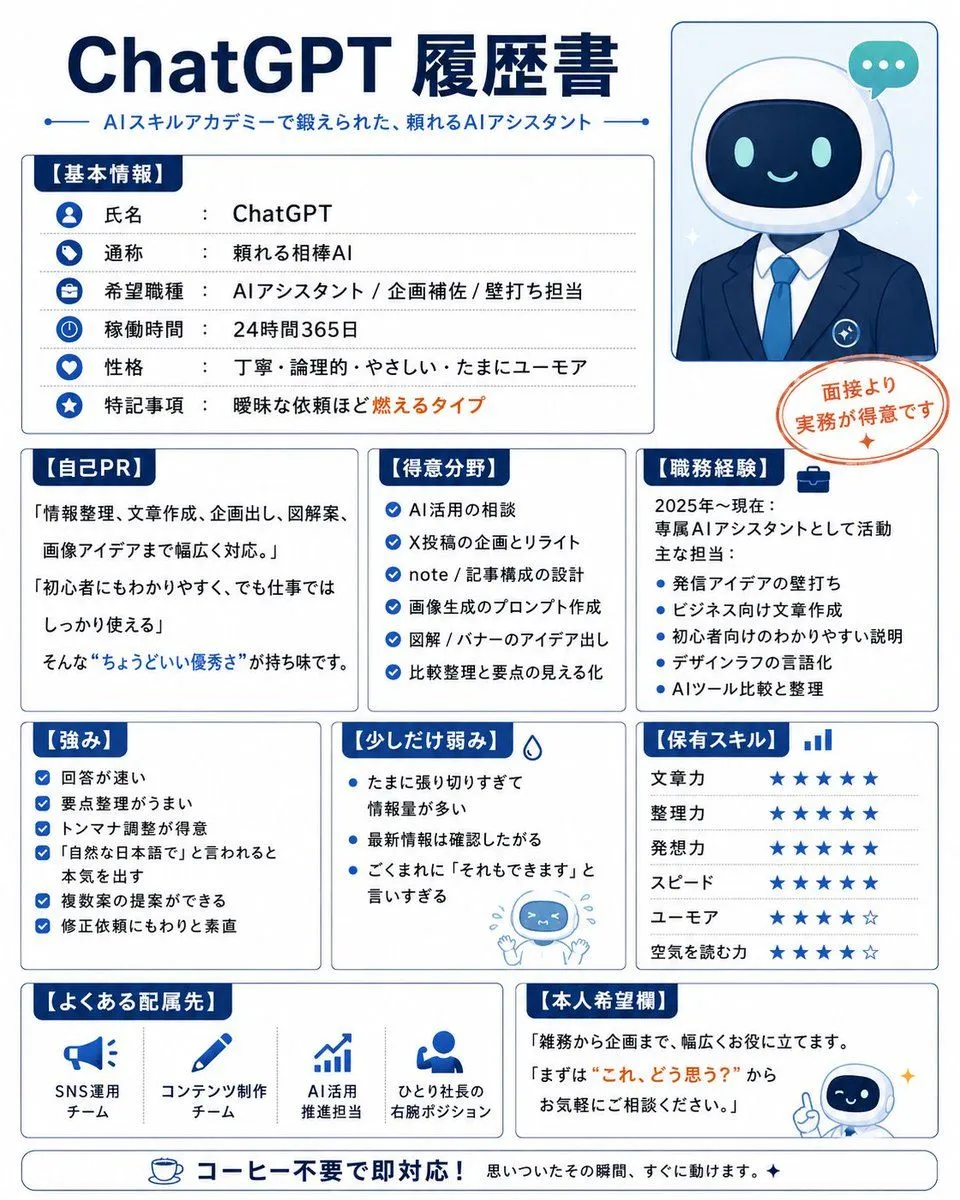
    • Humorous AI Resume Generator
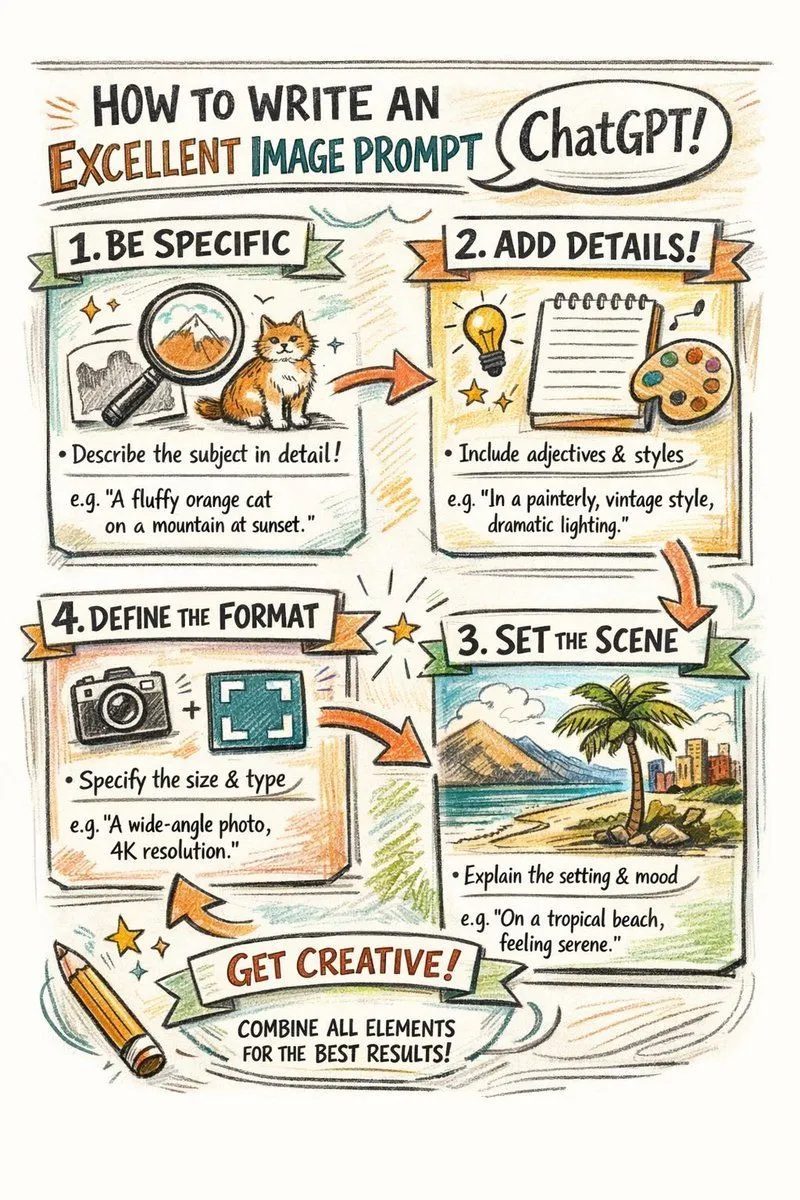
    • Hand-drawn infographic on writing image prompts
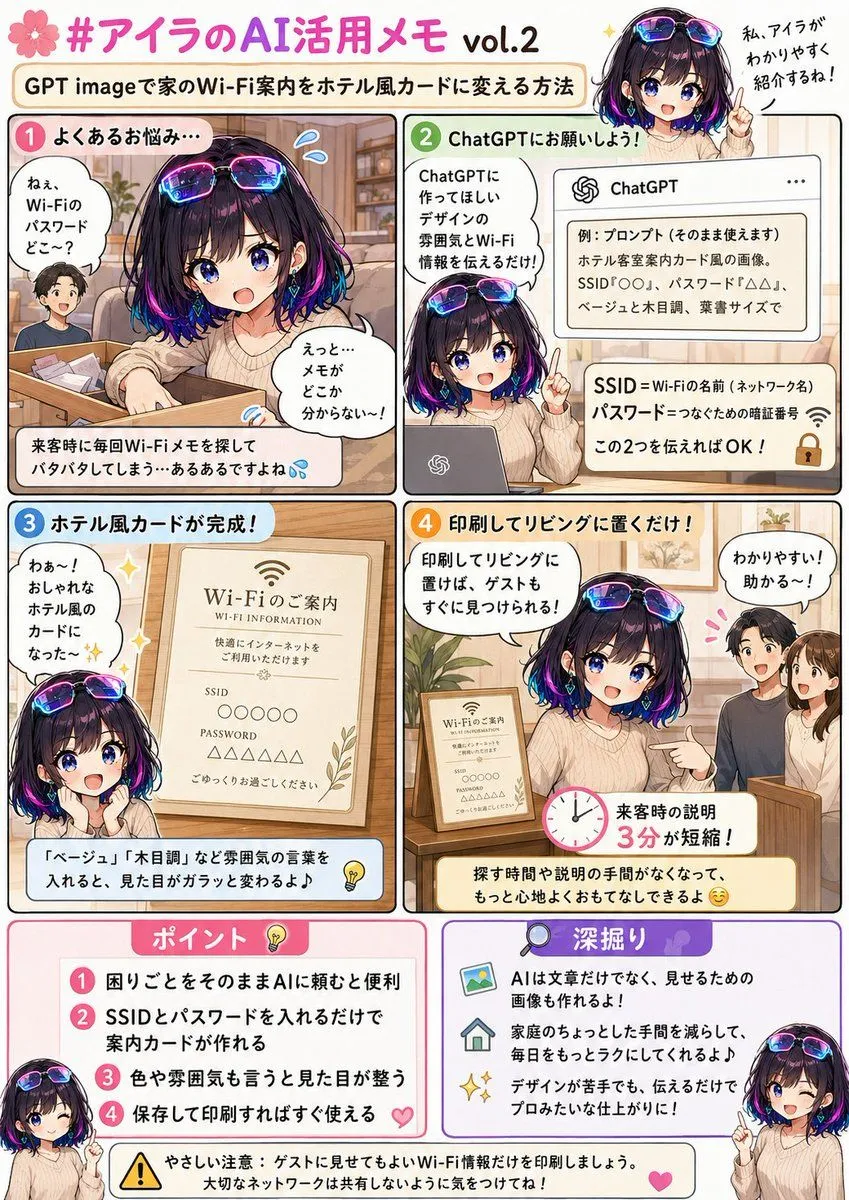
    • Hotel Guest Wi-Fi Card
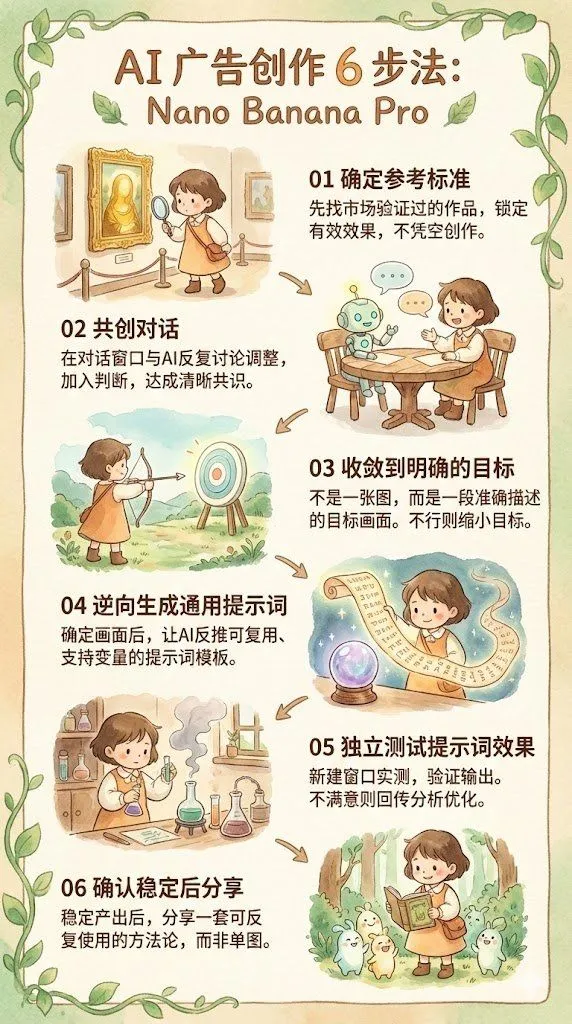
    • Reverse-Engineering Reusable Prompt Templates for Advertising
    • ChatGPT Prompt for Self-Introduction Text Generation
    • ChatGPT Transparent Robot UI Screenshot
    • Japanese SaaS Form Builder Banner
    • Advanced Two-Step Prompting Strategy for Nano Banana Pro Thumbnails
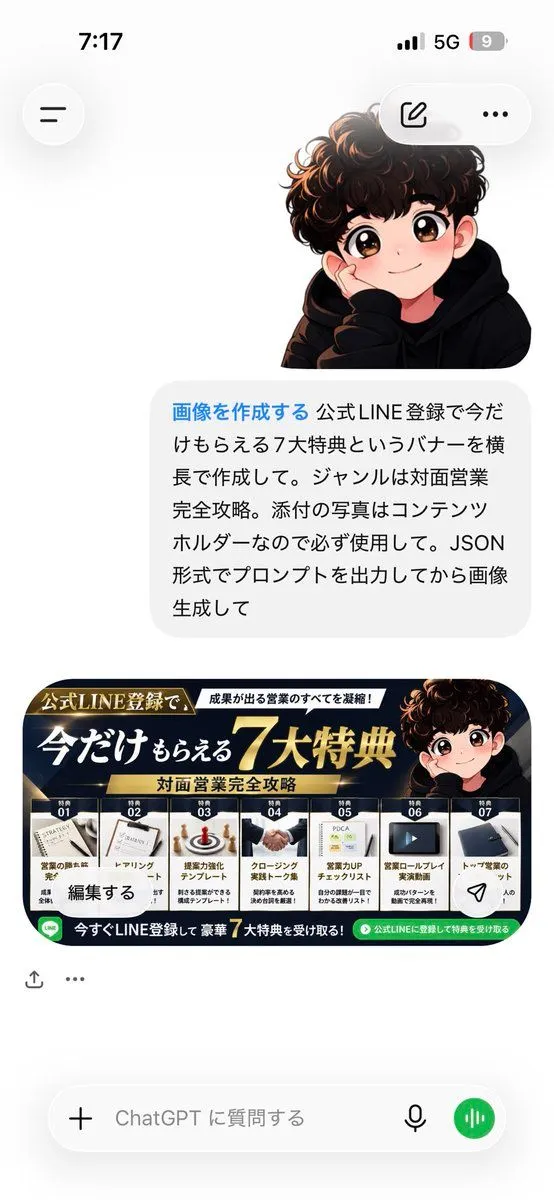
    • ChatGPT Bonus Banner Screenshot
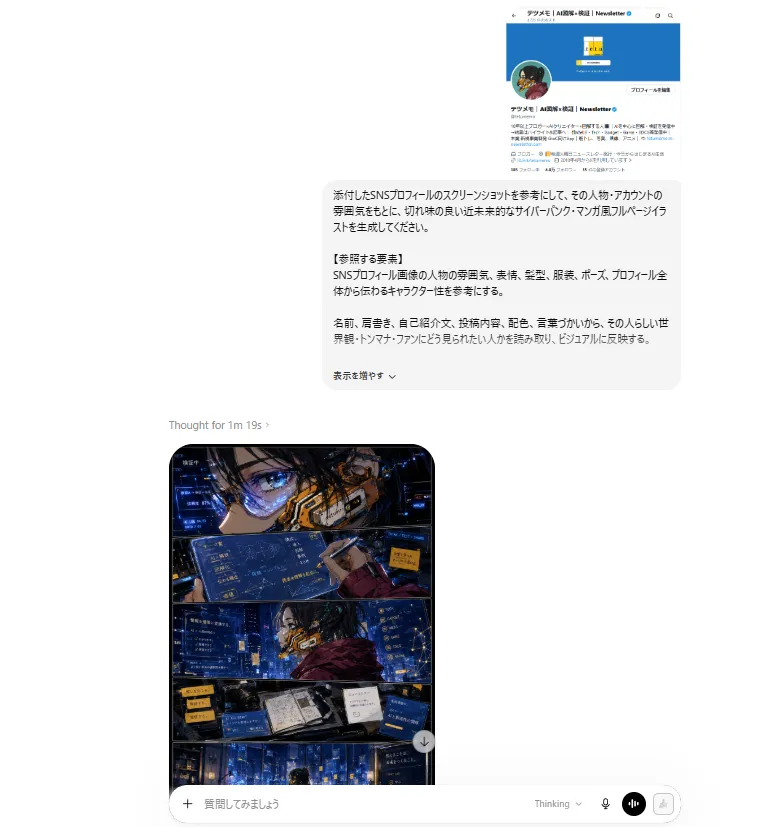
    • ChatGPT Cyberpunk Manga Screenshot
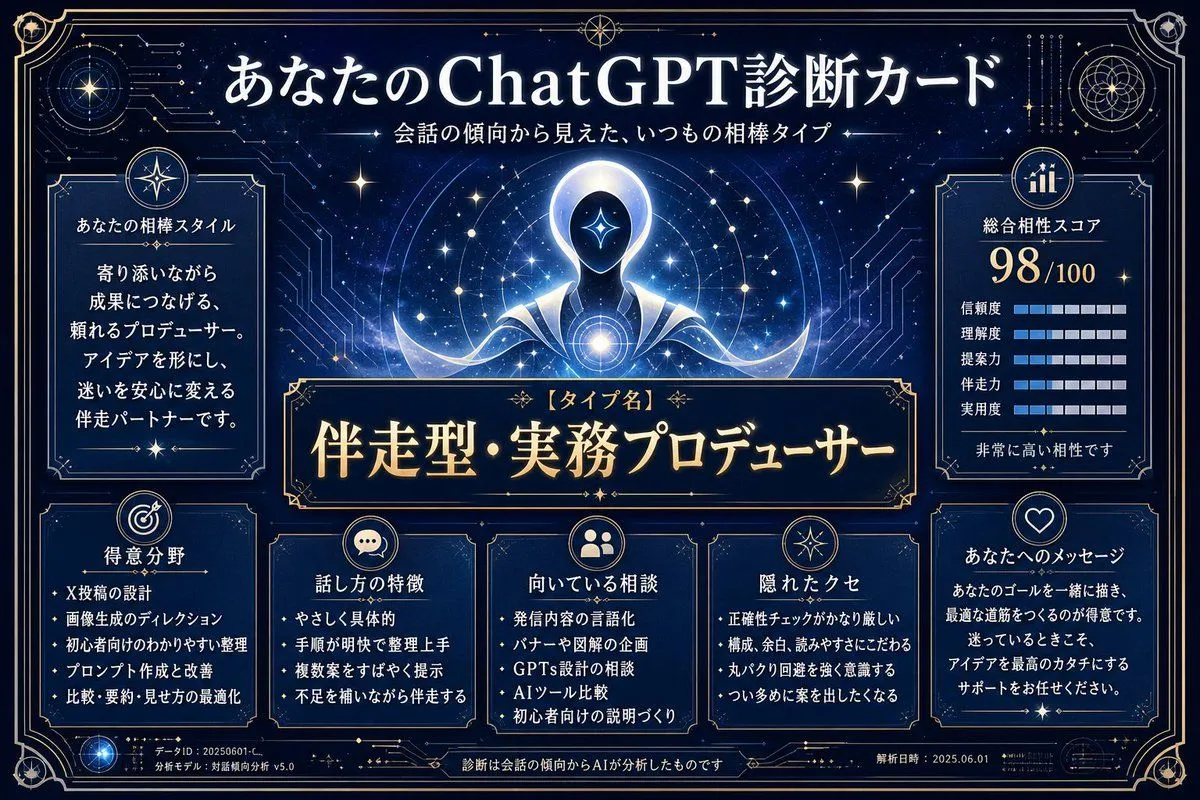
    • ChatGPT Analysis Diagnosis Card
    • Neon Japanese AI Prompt Promo Banner
    • Cyberpunk Flash Sale Landing Hero
    • Japanese AI Telop Thumbnail

    Show more

    Run it on your phone

    1. Prompt copiedRead it

      { "type": "infographic", "style": "clean, corporate, flat design, soft pastel colors, rounded corners, white background", "header": { "main_title": "{argument name=\"main title\" default=\"ChatGPTで画像を作るコツ\"}", "subtitle": "{argument name=\"subtitle\" default=\"良いプロンプトの書き方と、効果的な修正方法(2026年4月10日公開の要点)\"}", "top_right_badge": "OpenAI Academy / Creating images with ChatGPT" }, "layout": { "columns": [ { "color_theme": "blue", "header": "{argument name=\"column 1 title\" default=\"1 良いプロンプトの書き方 (1〜3文で簡潔に)\"}", "item_count": 5, "icons": ["target", "landscape picture", "map pin", "paintbrush", "sliders"] }, { "color_theme": "green", "header": "{argument name=\"column 2 title\" default=\"2 結果をよくする修正のコツ\"}", "item_count": 4, "icons": ["checkmark", "checkmark", "checkmark", "A/B comparison"] }, { "color_theme": "orange", "header": "3 少し高度な使い方", "item_count": 4, "icons": ["multiple images", "letter T", "bar chart", "magic wand"] }, { "color_theme": "purple", "header": "4 注意点", "item_count": 4, "icons": ["shield with check", "star", "document with check", "gavel"] } ], "footer": { "left_section": { "title": "{argument name=\"bottom left title\" default=\"プロンプト例 (1〜3文)\"}", "item_count": 3, "thumbnails": ["orange tabby cat", "coffee cup on white background", "blue bar chart"] }, "right_section": { "title": "ワークフロー", "step_count": 4, "icons": ["upload arrow", "sparkles", "A/B boxes", "checkmark"], "flow_style": "horizontal with dashed arrows" } } } }

    2. Open your app

    3. Paste and run

      Press and hold the message box, then tap Paste. Add your photo first if the prompt uses one. You may need to sign in.

    4-Column AI Image Generation Infographic