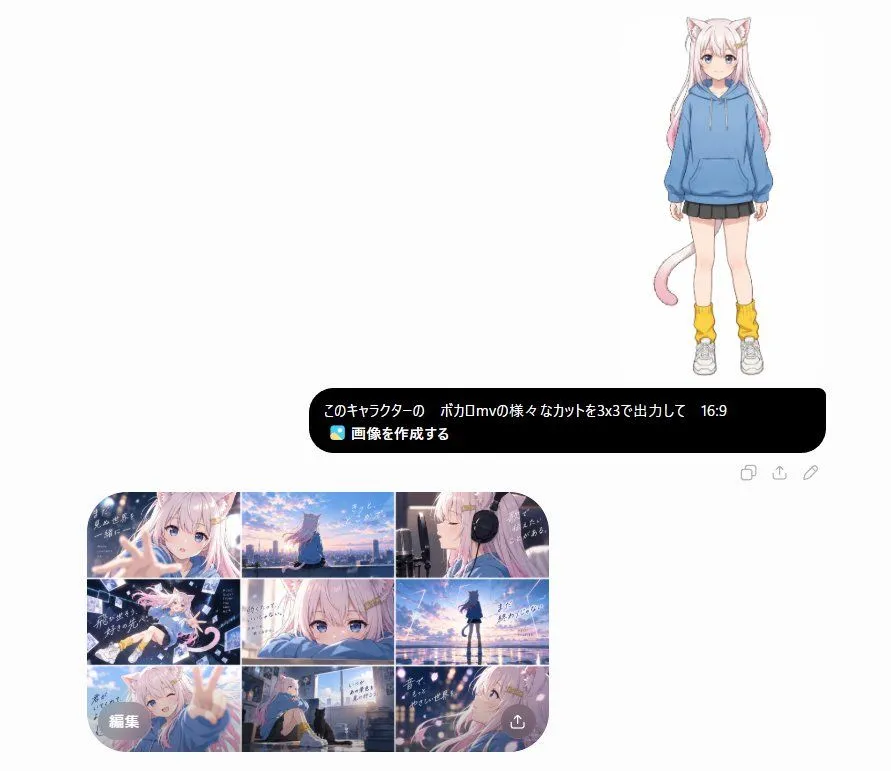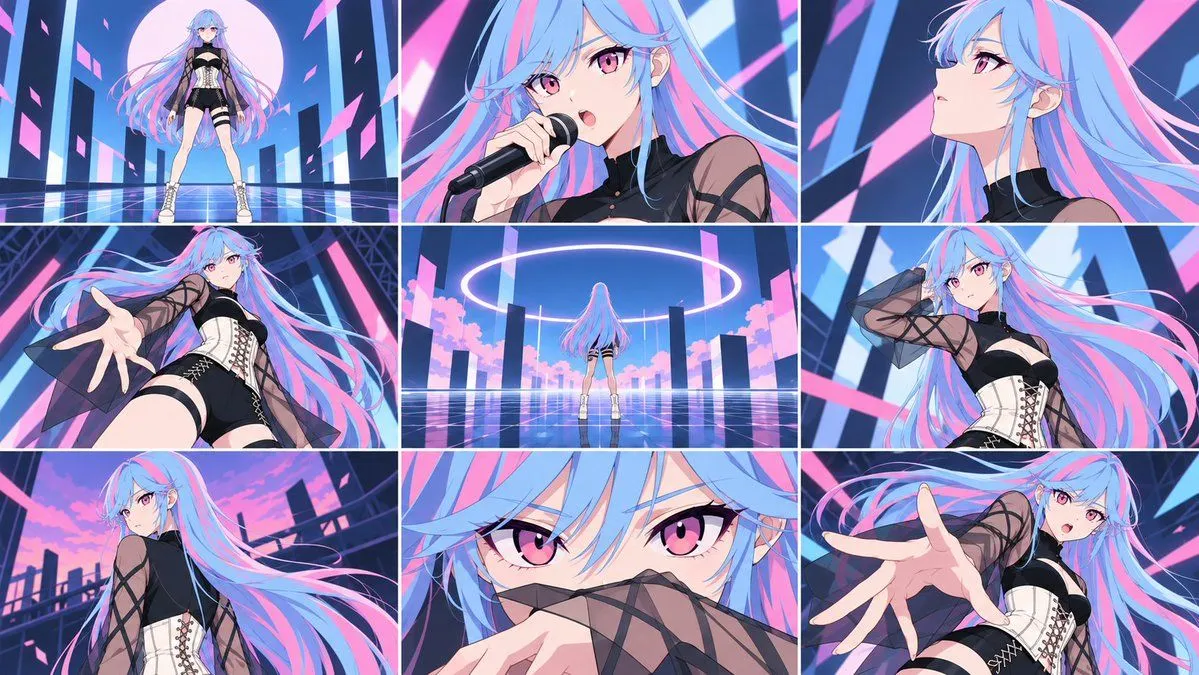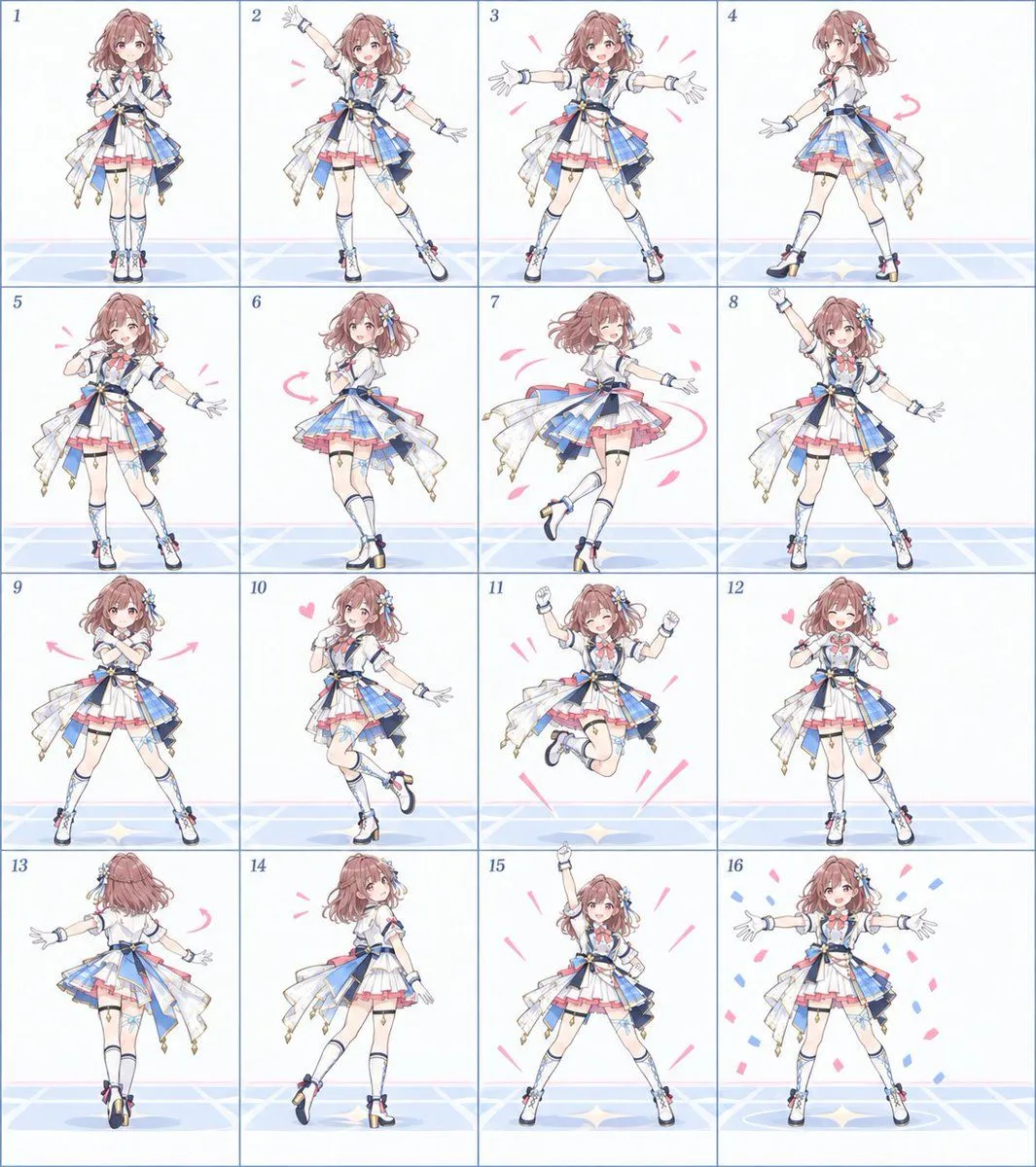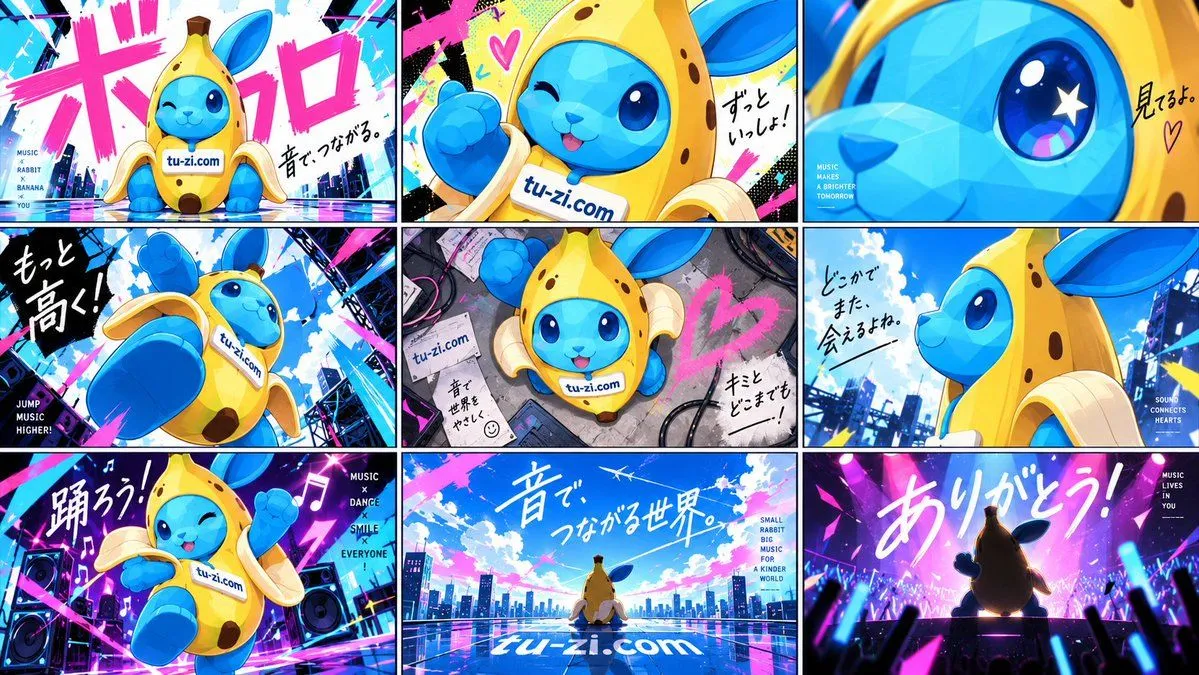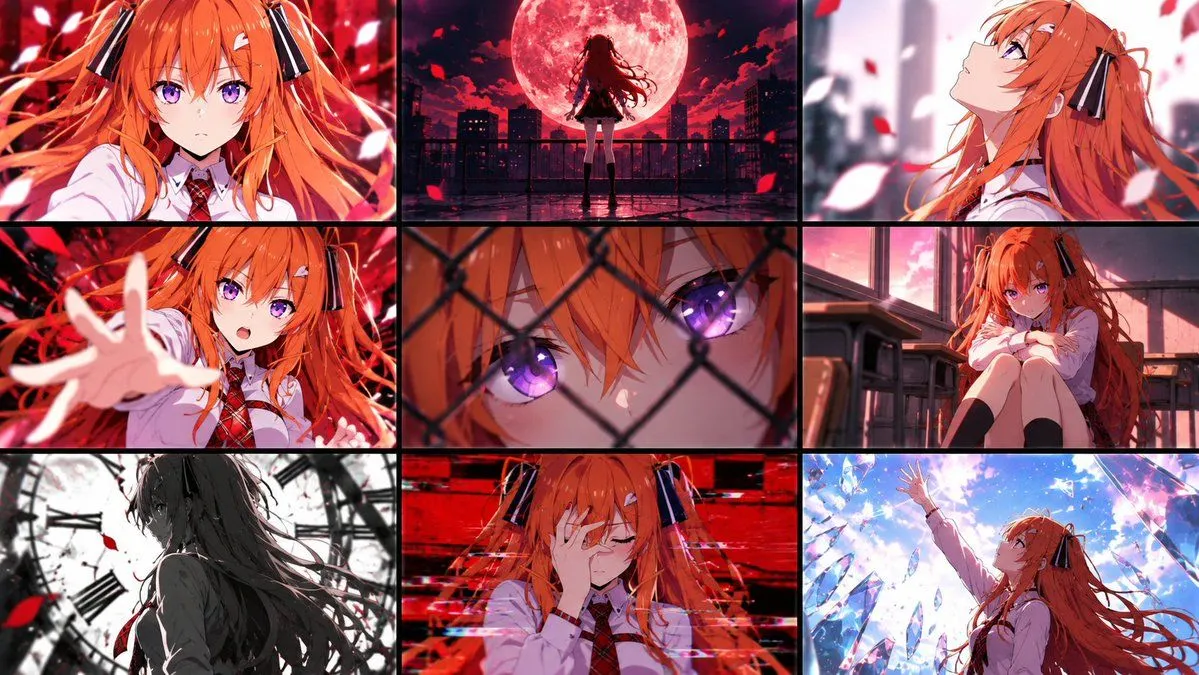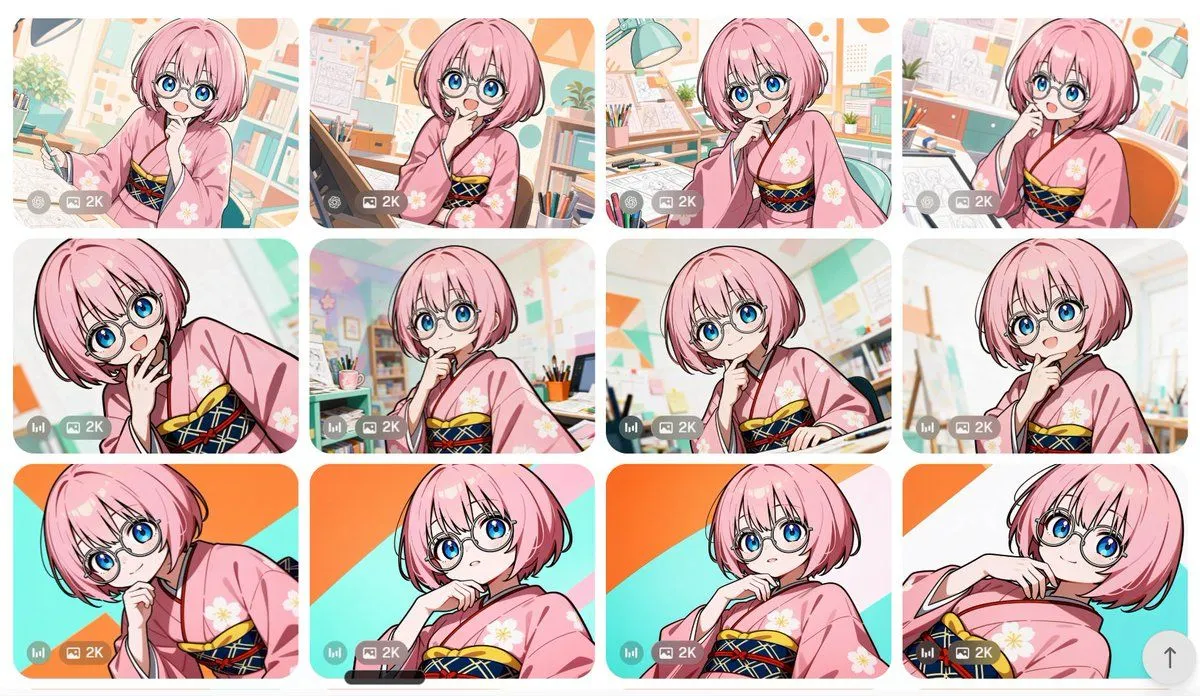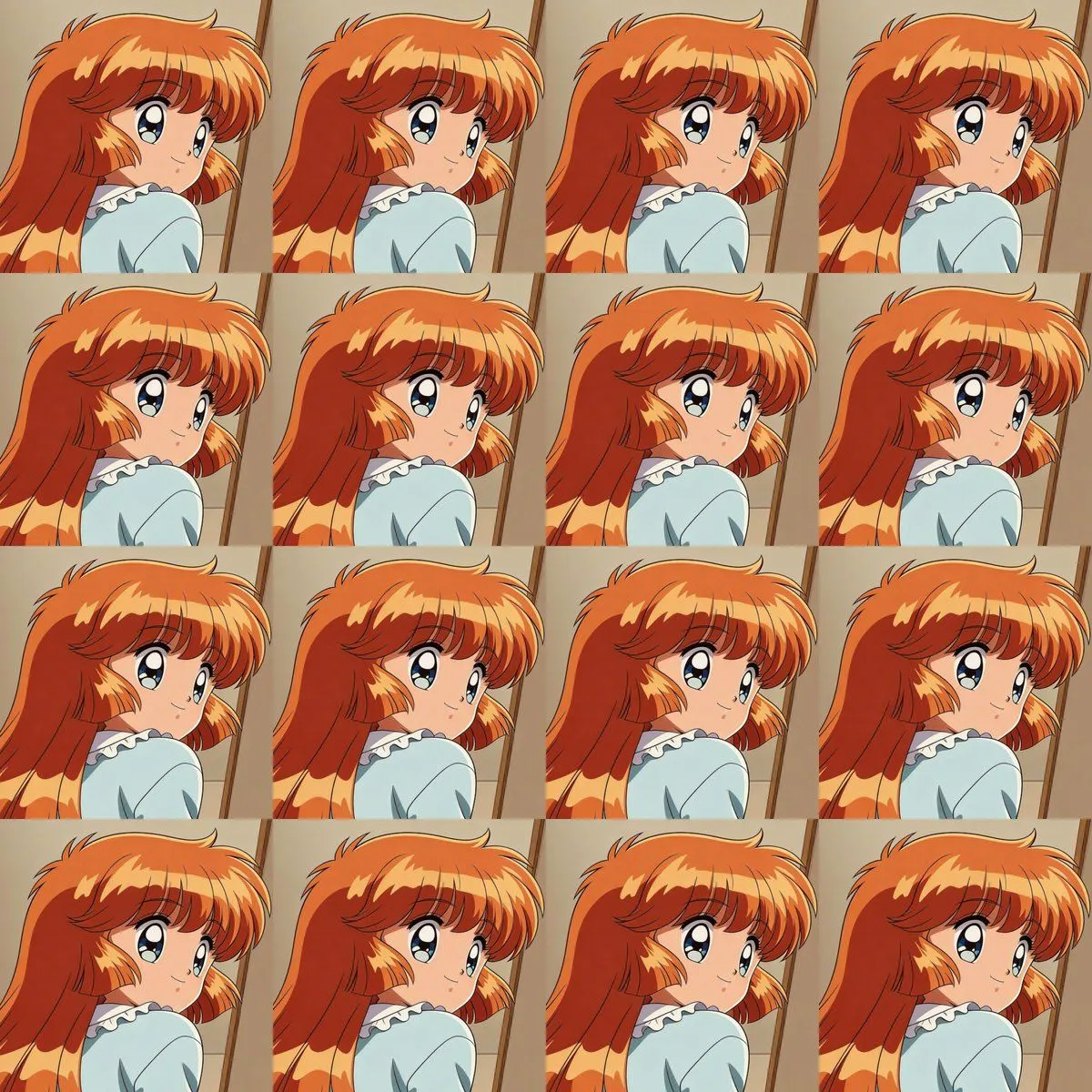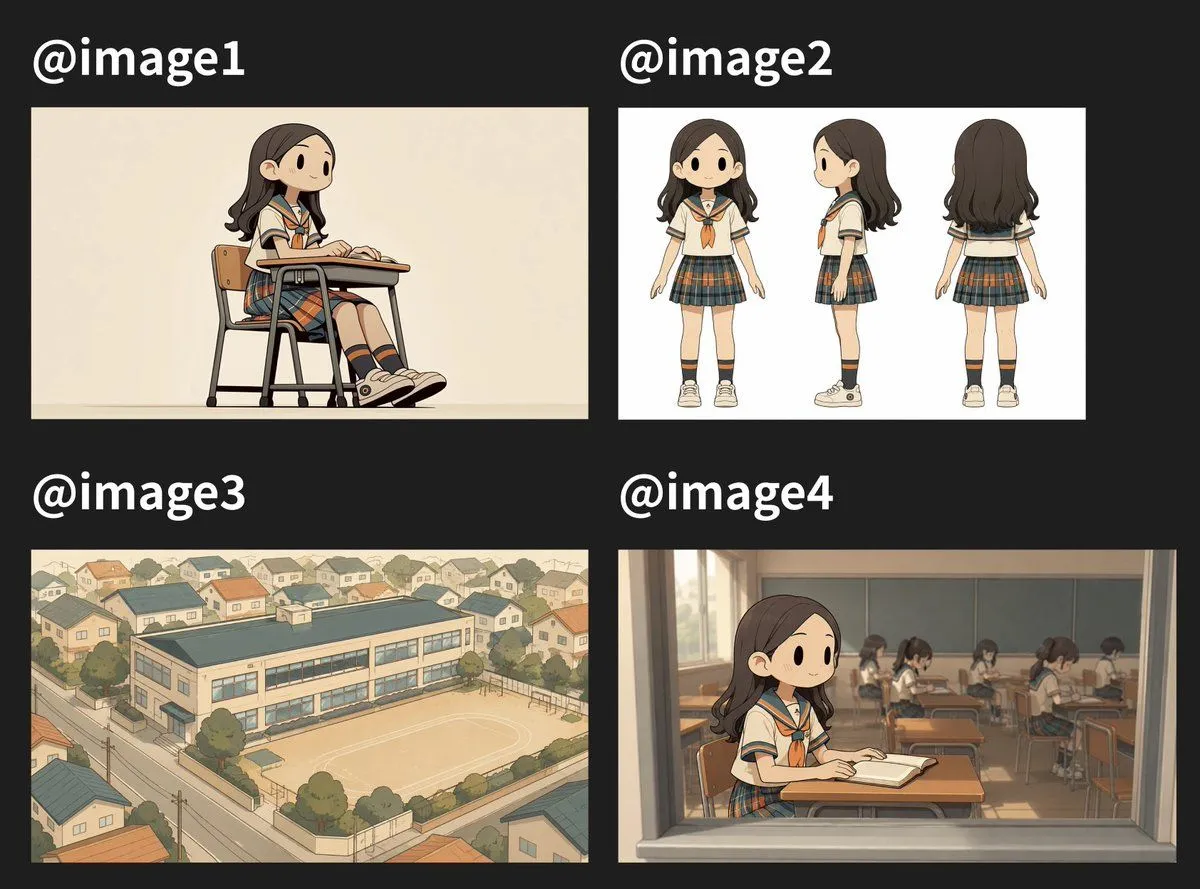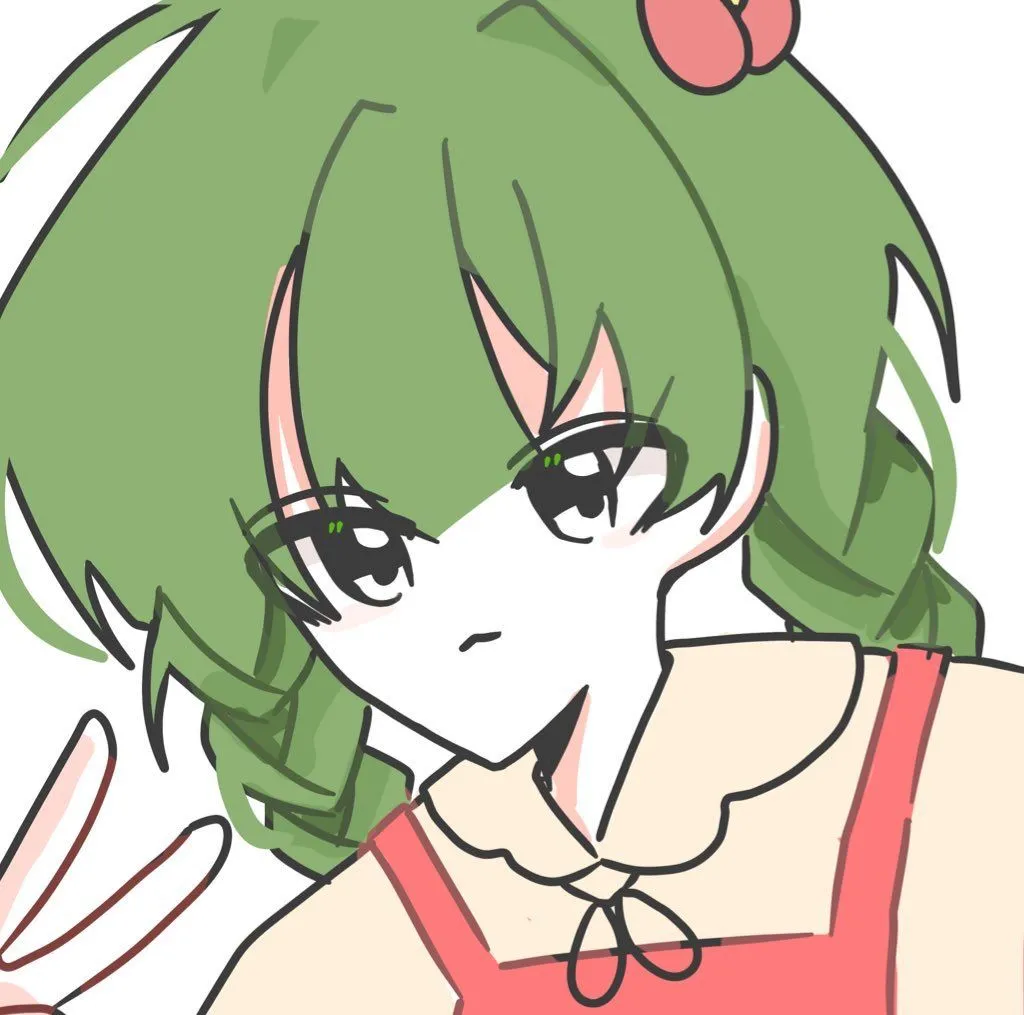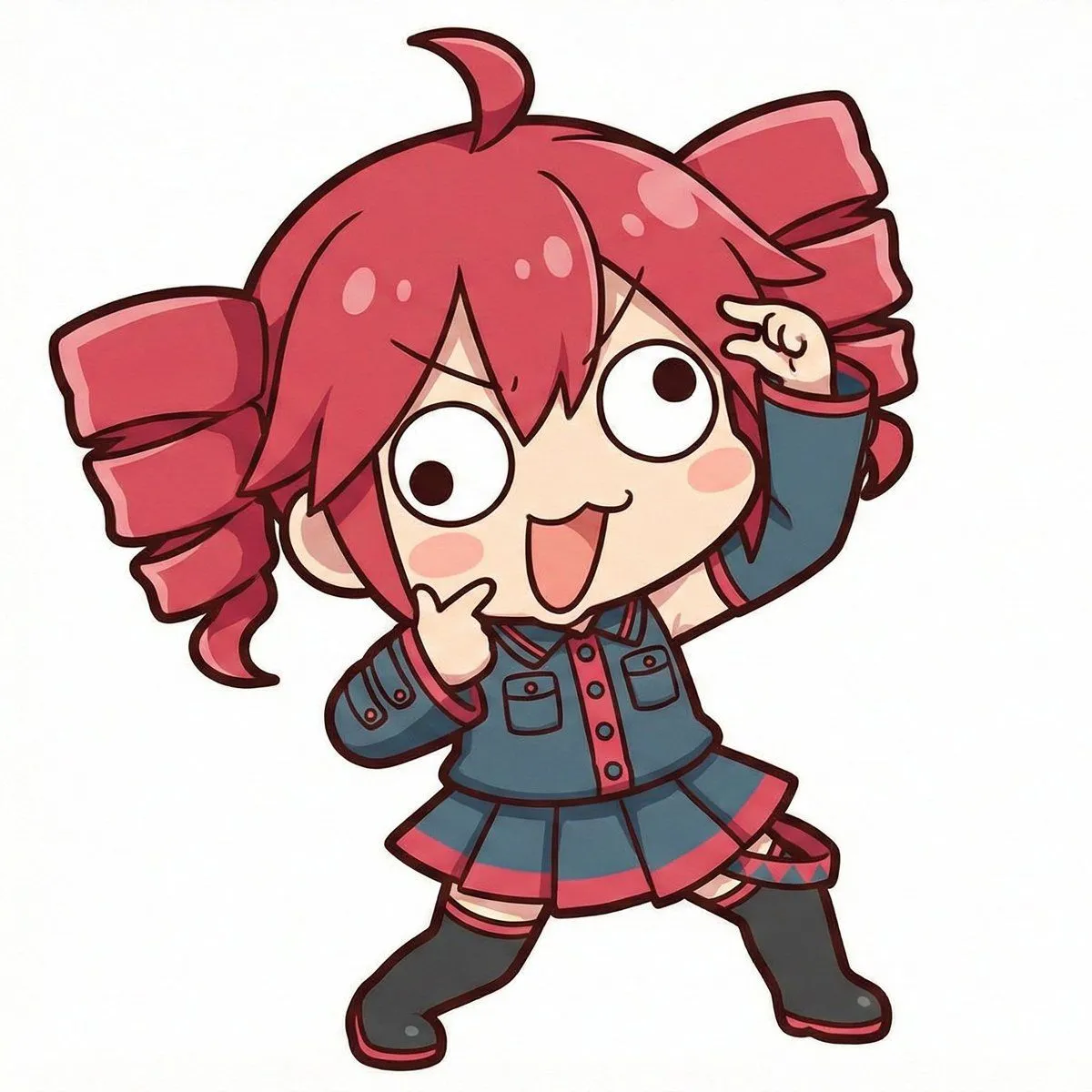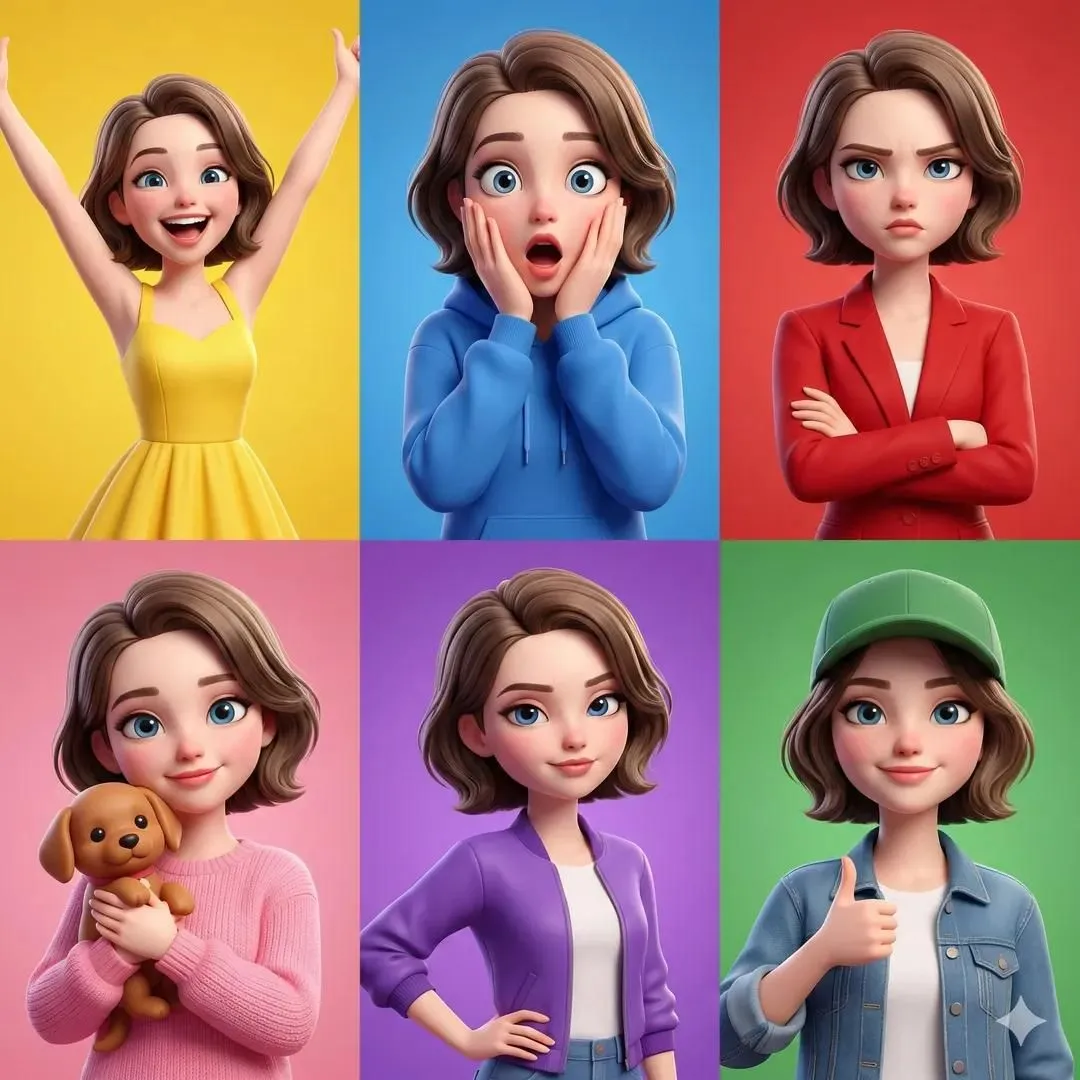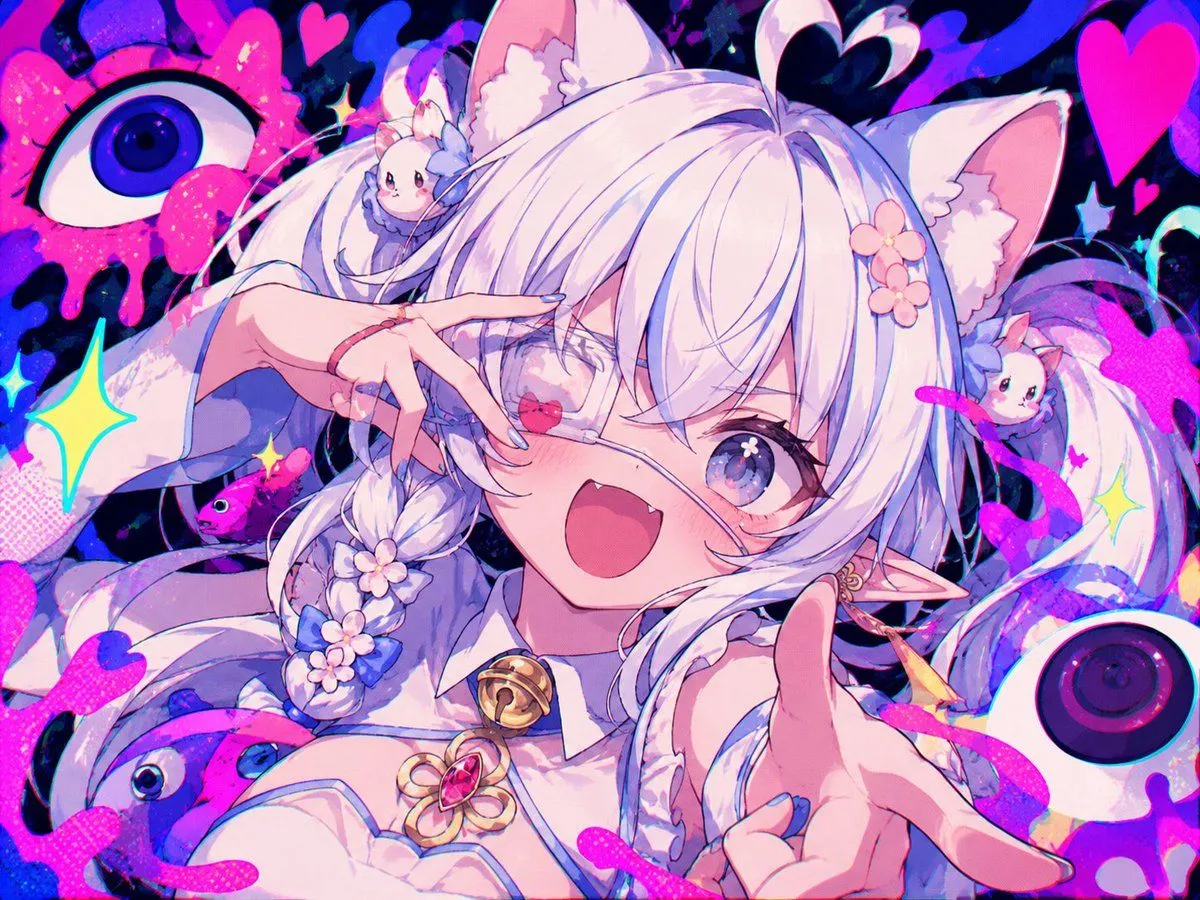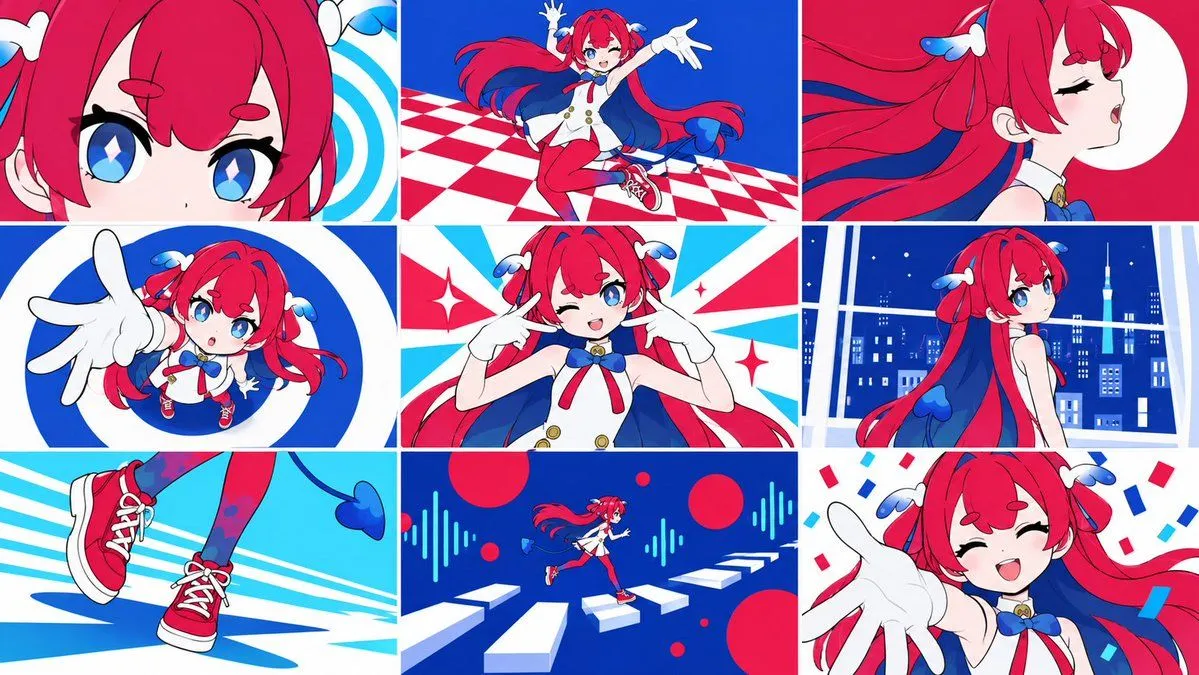
Made with GPT Image 2.5 in ChatGPT by Library Anime. Promptclay never generates images.
Did it work?
No reports yet. Tell others if it worked for you.
3x3 Vocaloid MV Character Cuts
Prompt
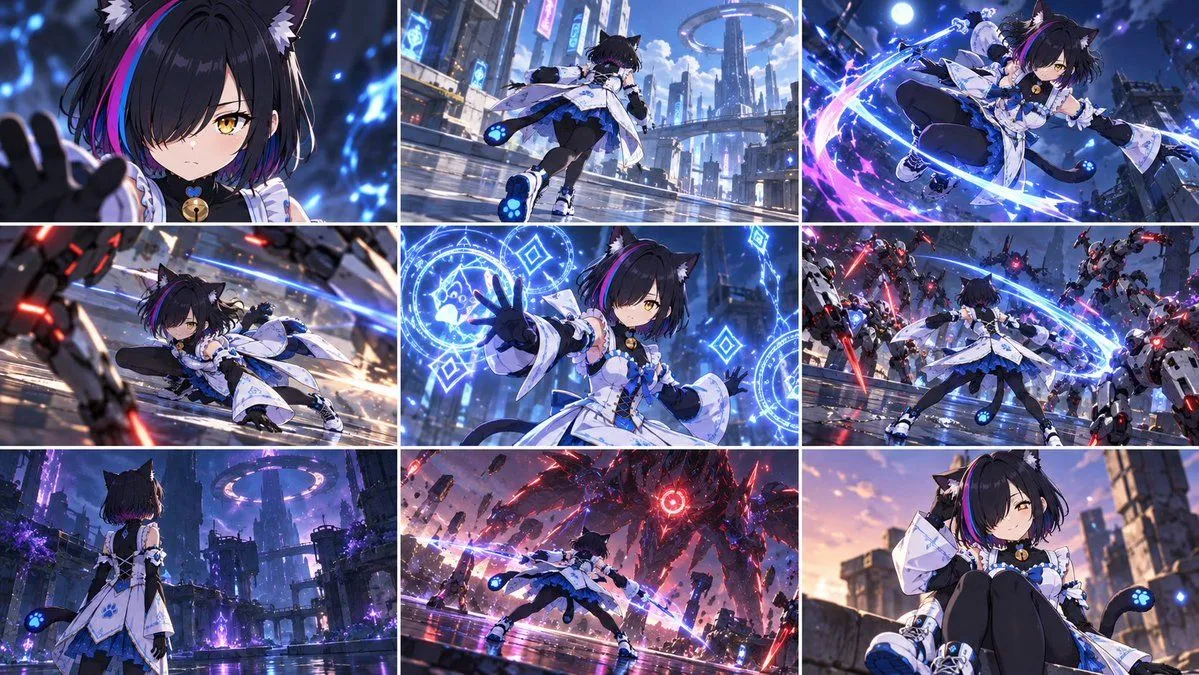
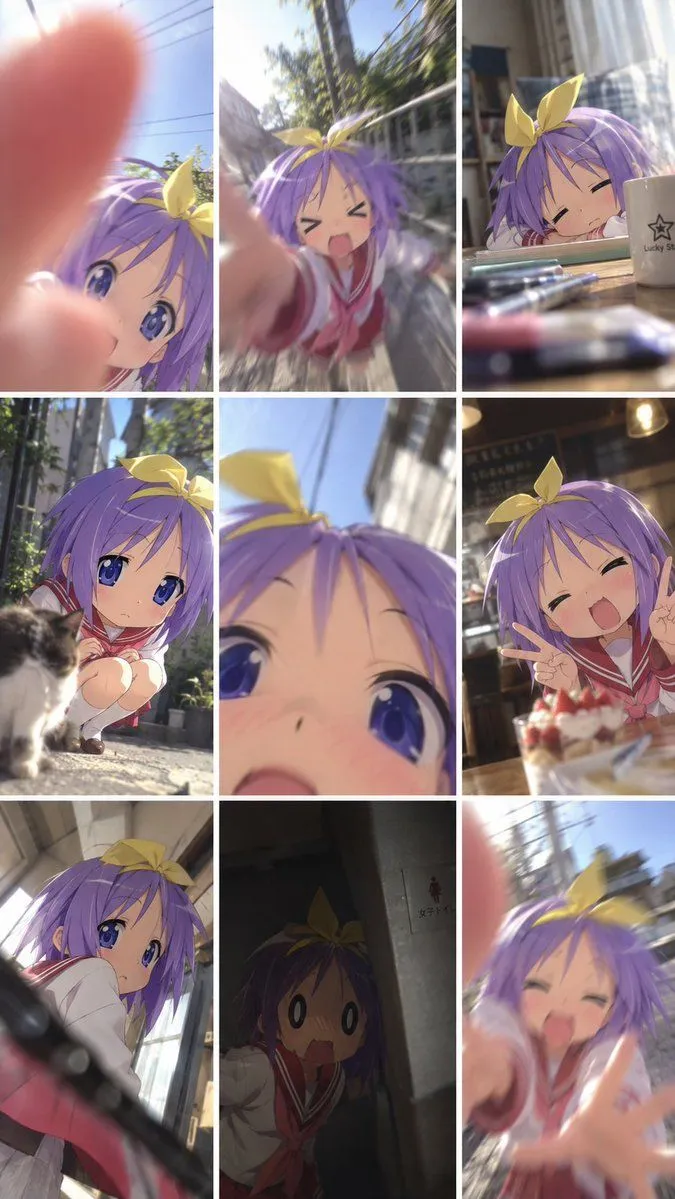
2 blanks to fillUsing REFERENCE_1 as the character base, create a {aspect_ratio} image made of exactly 9 equal panels in a 3×3 grid, like energetic Vocaloid music-video cuts. Keep the character design consistent, but vary pose, camera angle, crop, facial expression, and background in every panel. Use a flat, clean anime MV style with bold red, blue, cyan, and white graphic shapes, crisp line art, high contrast, and no UI, captions, watermark, or screenshot frame. Panel plan, exactly 9 cuts: 1. Extreme close-up crop of the character’s eyes and bangs with a blue-and-white spiral graphic background. 2. Full-body dynamic jump/dance pose on a red-and-white checkerboard floor against a deep blue background. 3. Side-profile close-up with eyes closed, hair flowing dramatically, and a large white circle on a red background. 4. Chibi-like forced-perspective shot reaching one gloved hand toward the camera inside a bold blue-and-white circular graphic. 5. Front upper-body idol pose, winking and pointing both fingers toward the cheeks, with red, cyan, and white burst shapes and sparkles. 6. Three-quarter back view looking over the shoulder in front of a blue nighttime city window scene. 7. Close-up of the red sneakers and legs running or stepping across cyan speed lines. 8. Tiny full-body running figure across floating white piano-key platforms, with red circles and cyan audio-wave graphics on a dark blue background. 9. Happy close-up reaching one gloved hand toward the viewer, smiling with eyes closed, surrounded by red and blue confetti. Overall direction: make the grid feel like a polished animated opening or Vocaloid MV storyboard for {character_name}; preserve the reference character’s identity while prioritizing varied cinematic cuts and rhythmic graphic backgrounds.
Preview of your prompt
Using REFERENCE_1 as the character base, create a 16:9 image made of exactly 9 equal panels in a 3×3 grid, like energetic Vocaloid music-video cuts. Keep the character design consistent, but vary pose, camera angle, crop, facial expression, and background in every panel. Use a flat, clean anime MV style with bold red, blue, cyan, and white graphic shapes, crisp line art, high contrast, and no UI, captions, watermark, or screenshot frame. Panel plan, exactly 9 cuts: 1. Extreme close-up crop of the character’s eyes and bangs with a blue-and-white spiral graphic background. 2. Full-body dynamic jump/dance pose on a red-and-white checkerboard floor against a deep blue background. 3. Side-profile close-up with eyes closed, hair flowing dramatically, and a large white circle on a red background. 4. Chibi-like forced-perspective shot reaching one gloved hand toward the camera inside a bold blue-and-white circular graphic. 5. Front upper-body idol pose, winking and pointing both fingers toward the cheeks, with red, cyan, and white burst shapes and sparkles. 6. Three-quarter back view looking over the shoulder in front of a blue nighttime city window scene. 7. Close-up of the red sneakers and legs running or stepping across cyan speed lines. 8. Tiny full-body running figure across floating white piano-key platforms, with red circles and cyan audio-wave graphics on a dark blue background. 9. Happy close-up reaching one gloved hand toward the viewer, smiling with eyes closed, surrounded by red and blue confetti. Overall direction: make the grid feel like a polished animated opening or Vocaloid MV storyboard for this character; preserve the reference character’s identity while prioritizing varied cinematic cuts and rhythmic graphic backgrounds.
DetailsVersions, settings and questions
Written for
What's in the prompt
- Subject
- Model
- GPT Image 2.5
If your face changes
keep my face exactly the sameQuestions
- Does this work in the ChatGPT app?
- Yes. Paste the prompt and attach your photo if it uses one.
- It changed my face. What do I do?
- Add "keep my face exactly the same" to the end and run it again.
- Can I use the images I make?
- Check the terms of the app you use. Promptclay never generates images and claims nothing you make.