The first rule in Google's own Nano Banana Pro prompting guide is Edit, don't re-roll: if a picture is 80% right, ask for the change you need instead of making a new one. We tried it on one picture and kept going.
The starting picture was made with Nano Banana Pro from a plain prompt: a young woman with auburn hair and freckles, white lace outfit and gloves, a basket of red roses, a rose garden. Close, but stiff.
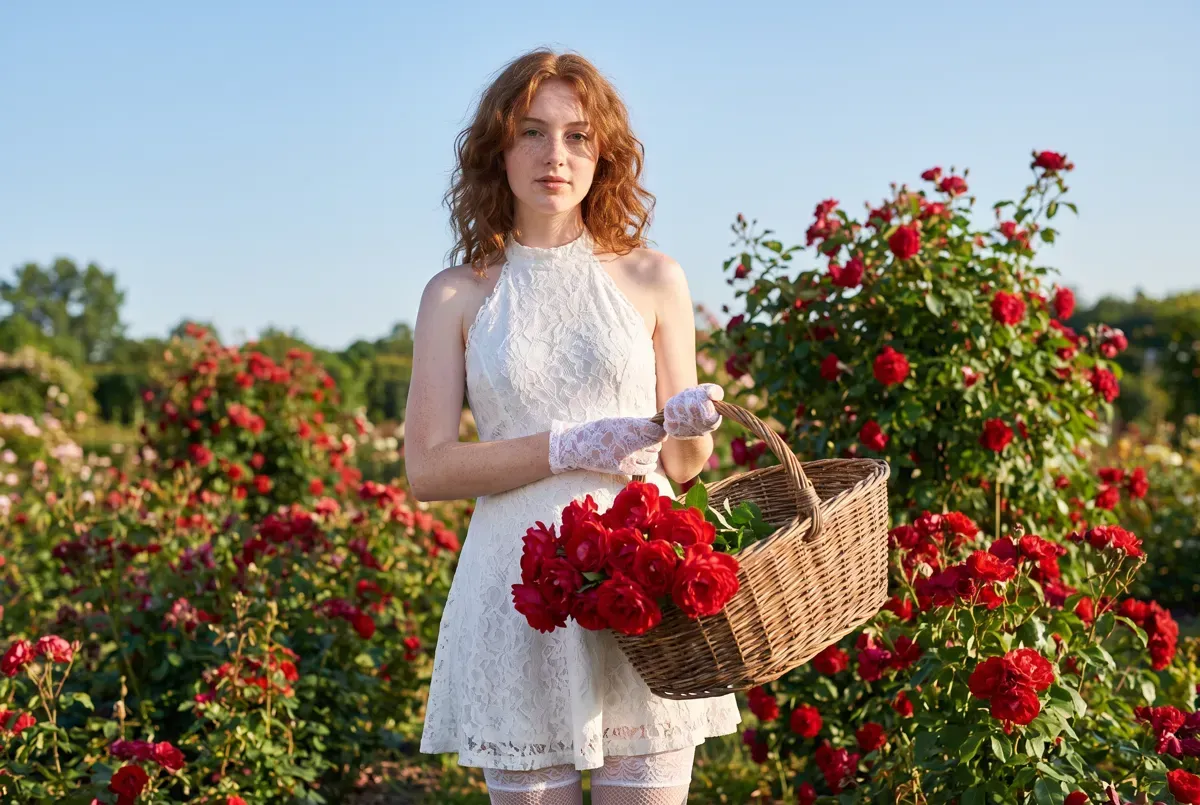
Don't re-roll for a new pose
We wanted her sitting. Re-rolling the same prompt with sitting on a low stone garden wall written in gave us a new woman: longer hair, another dress, cotton gloves. An edit kept her face, the lace and the garden.
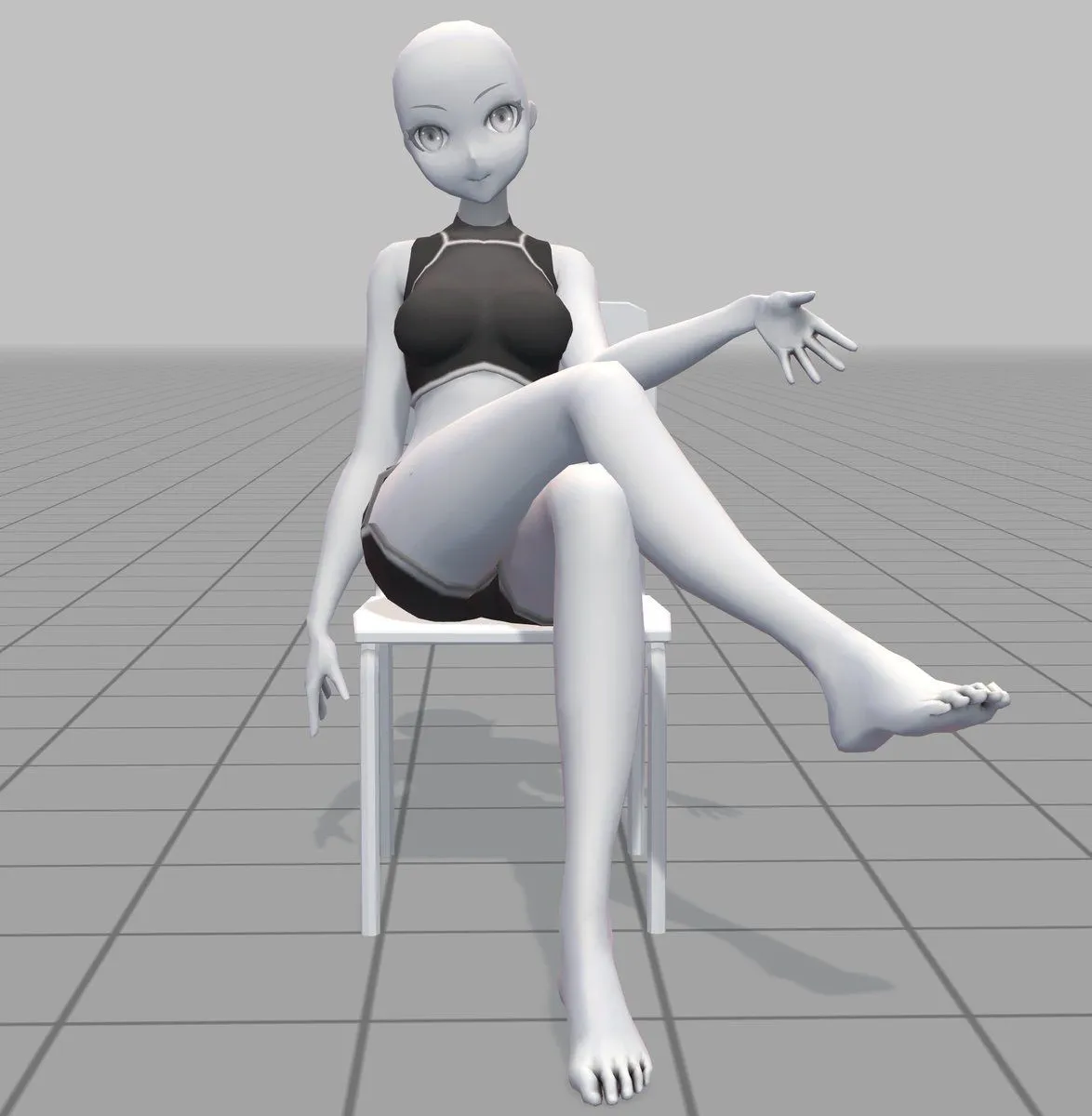
For the edit we drew the pose instead of describing it: a stick figure on a box, one arm out, a basket on its lap, made in a plain drawing app. We attached the starting picture first and the drawing second.
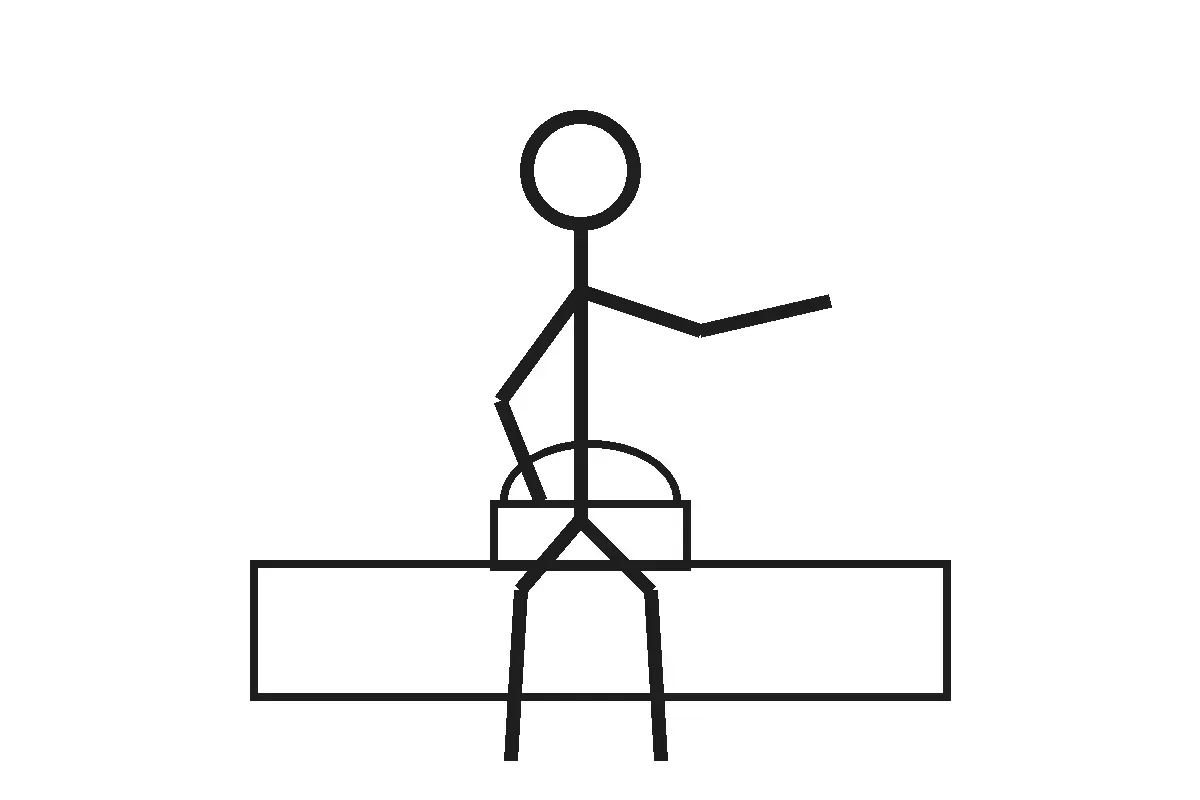
Nano Banana ProPrompt for Changing Character Pose using Reference Image
Change the character in the first image to the pose in the second image
Attach your picture first and the pose picture second. A rough stick figure was enough for us.
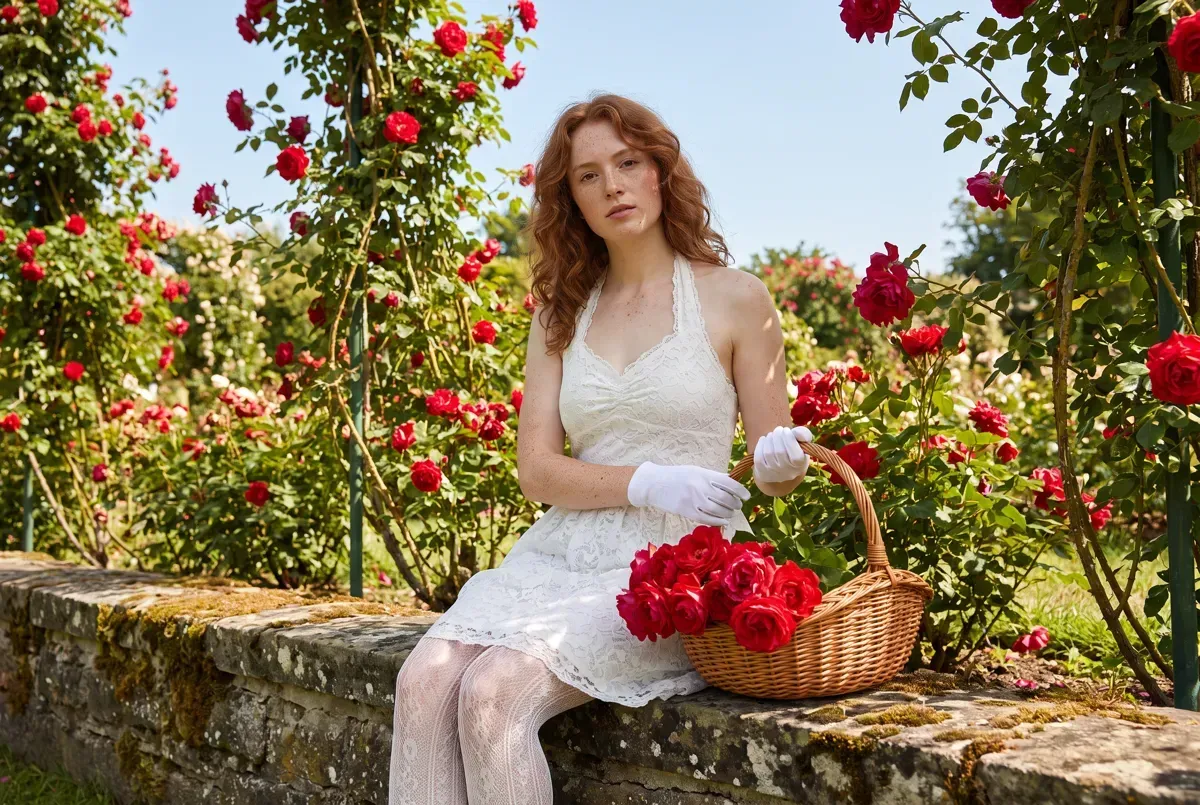 Before
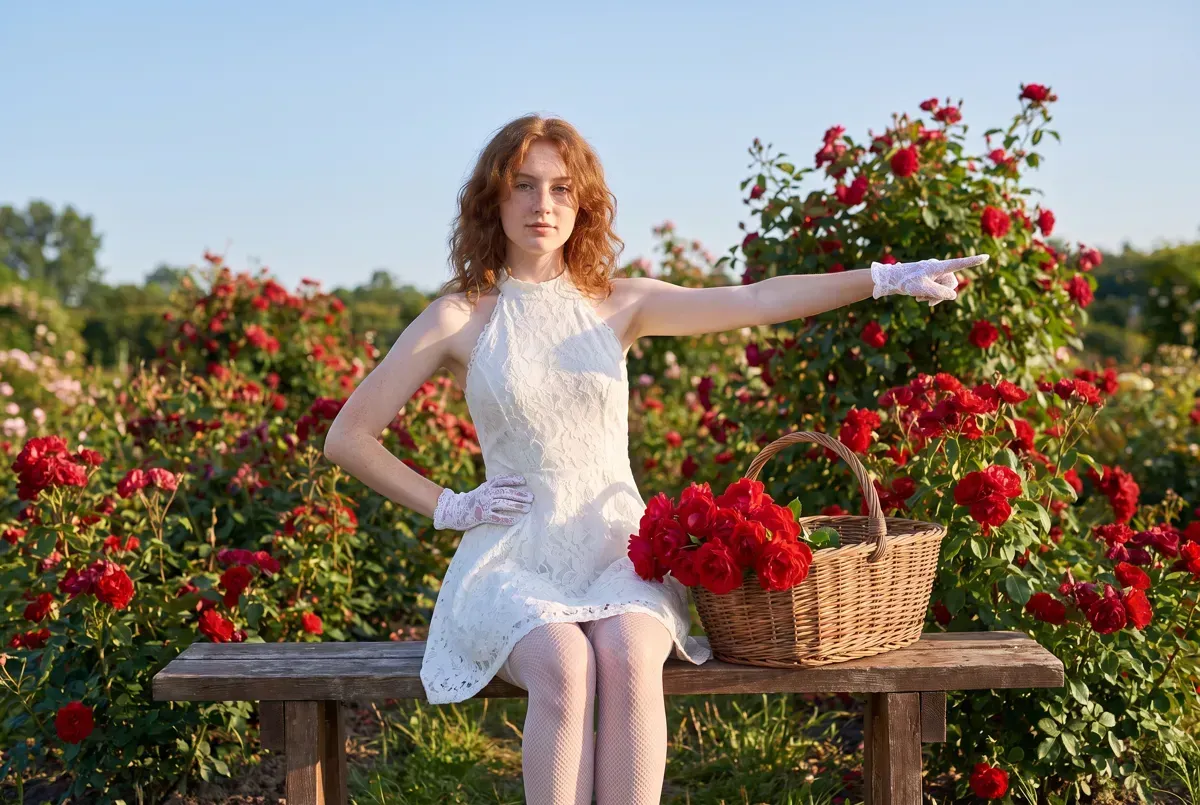 After
It read the drawing loosely. The box became a wooden bench, the basket moved beside her, and the reaching arm turned into a point. Her face, dress, gloves and the garden stayed.
One sentence for one change
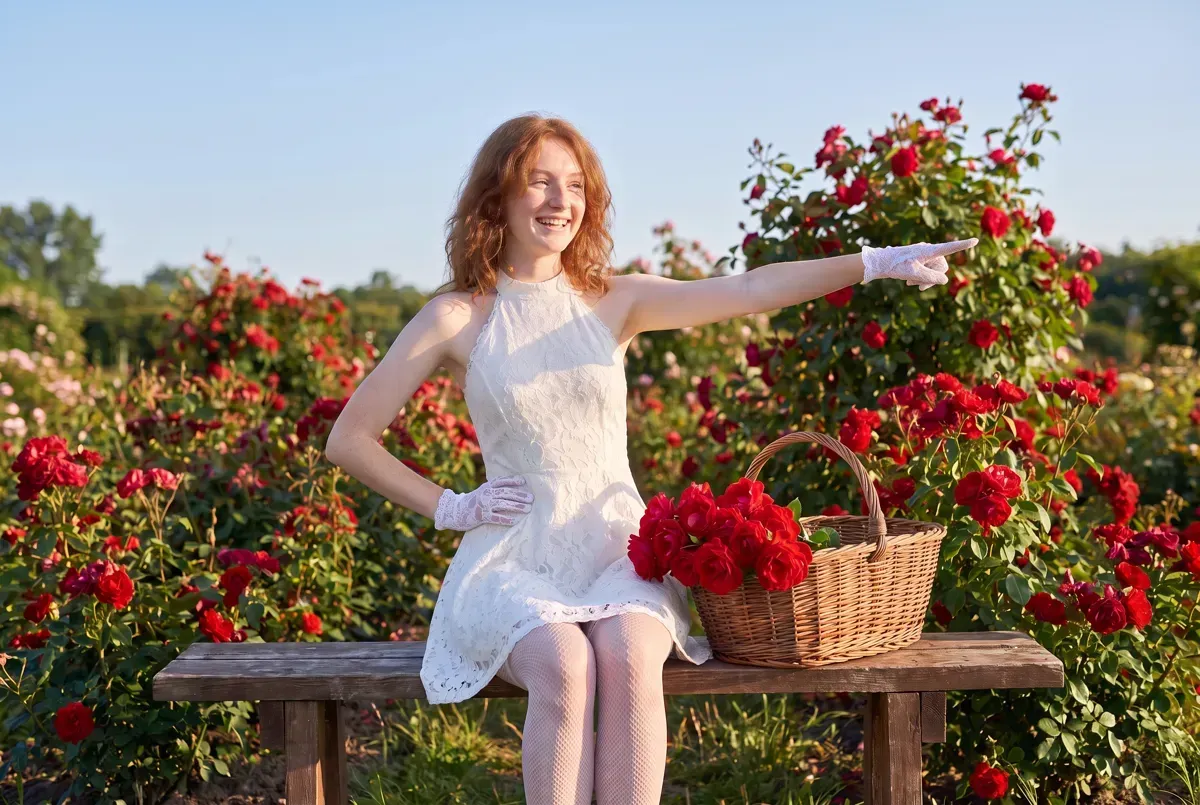
Next, she looked bored. We typed three words, Make her smile, and attached the last picture. She smiled and turned her head toward her pointing hand. The pose, the bench, the basket and the lace stayed put.
Nano Banana ProInstruction for conversational image editing in Nano Banana
After generation, you can give instructions in chat like "{background_change}" or "{expression_change}"
Send only the change. Ours was: Make her smile.
Say what must stay
A bigger change: snow. The first run brought the winter garden in, but dropped her pose: the pointing arm came down and both hands went to her lap. We added three words, Keep her pose., and ran it again on the same smiling picture. The pose and the smile stayed, and the basket filled with pine and berries.
Nano Banana ProConsistent Character Background Change Prompt
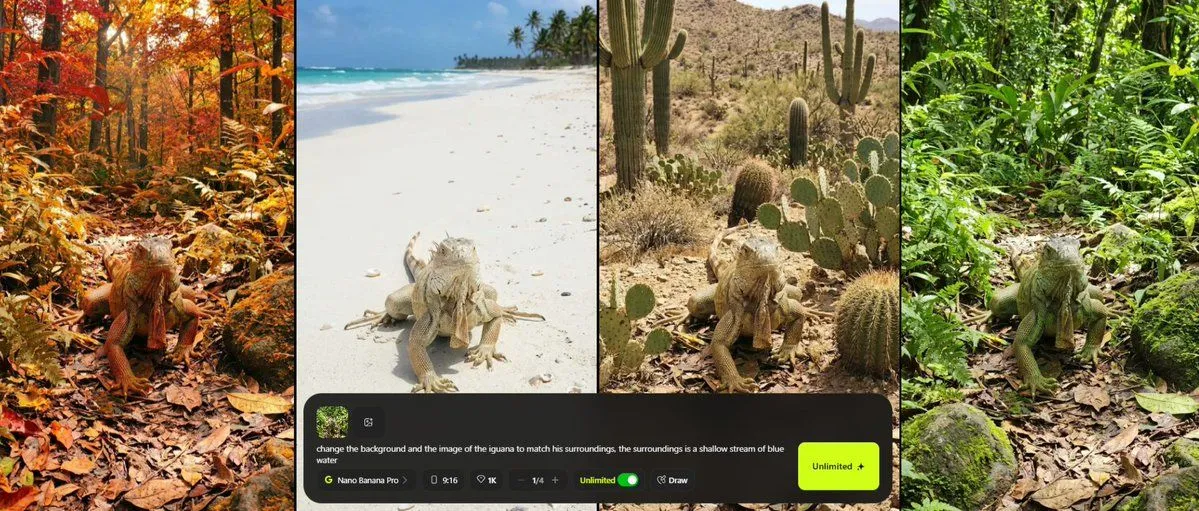
change the background and the image of the <your object> to match his surroundings, the surroundings is <your surroundings>
Ours: the basket, and a snowy winter garden. Then we added: Keep her pose.
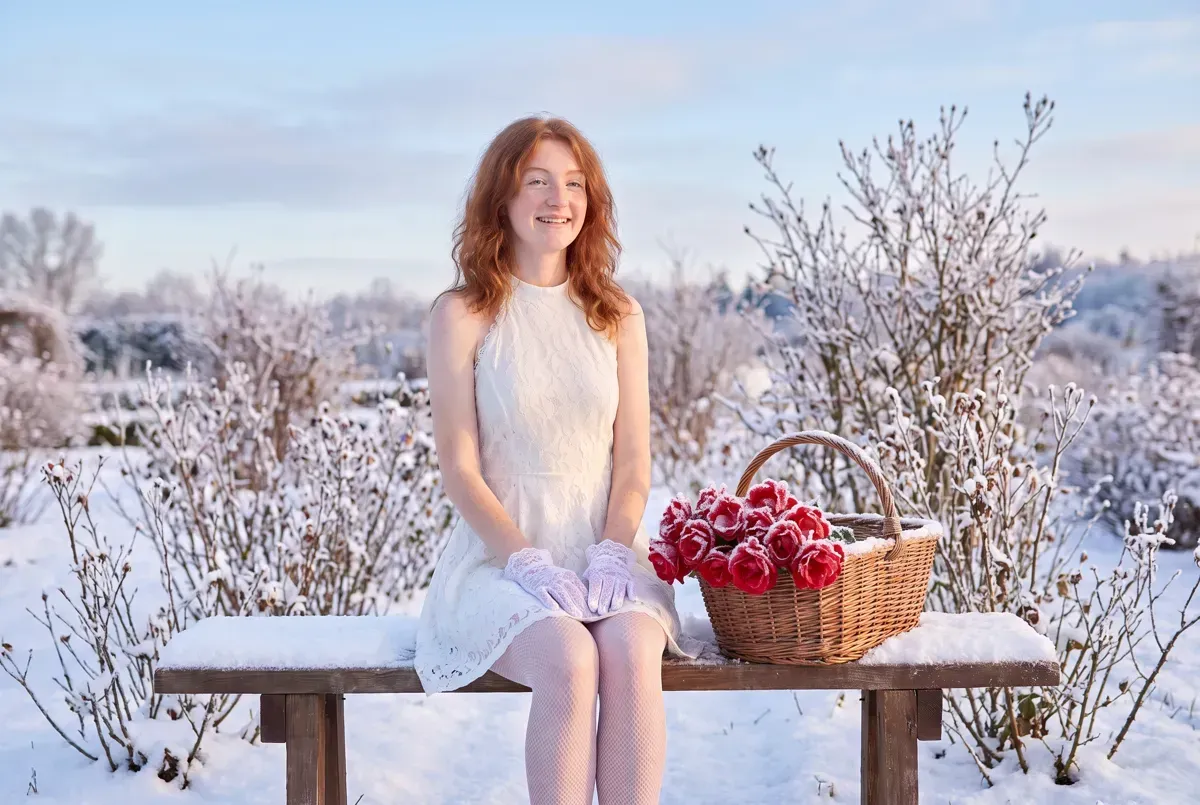 Before
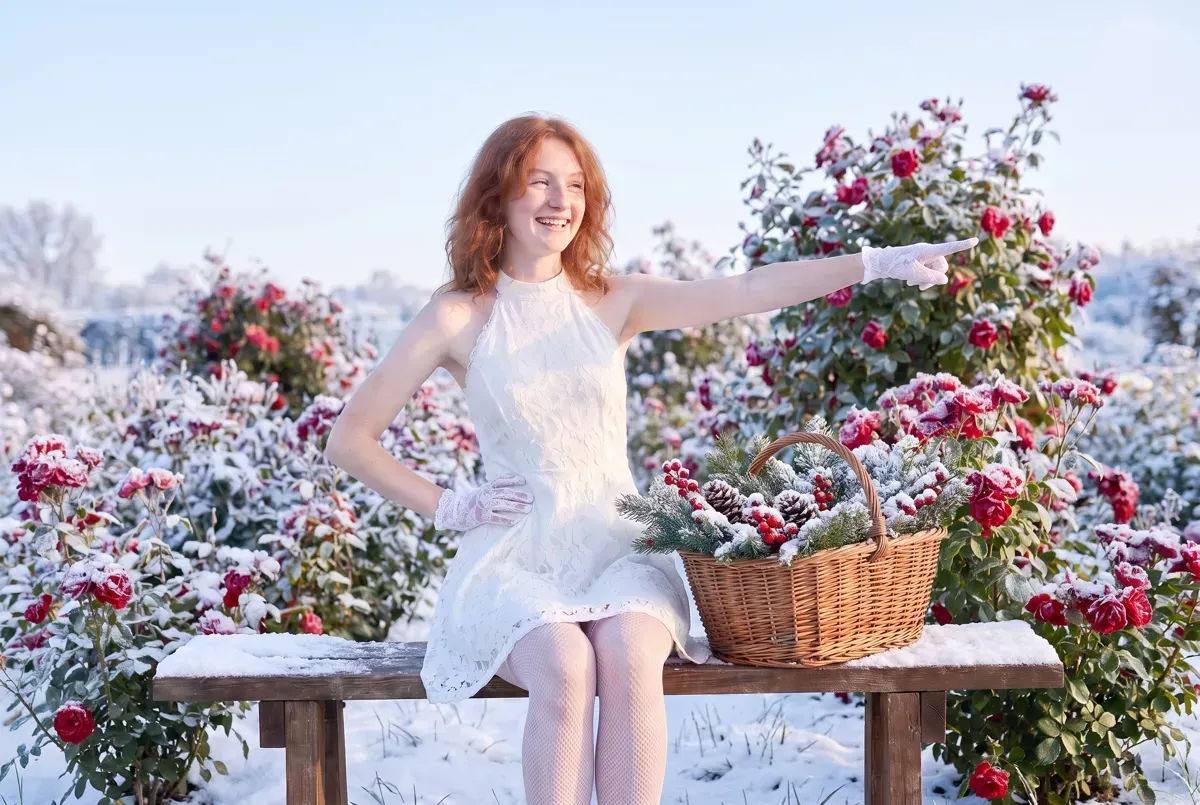 After
Check the whole picture after each edit
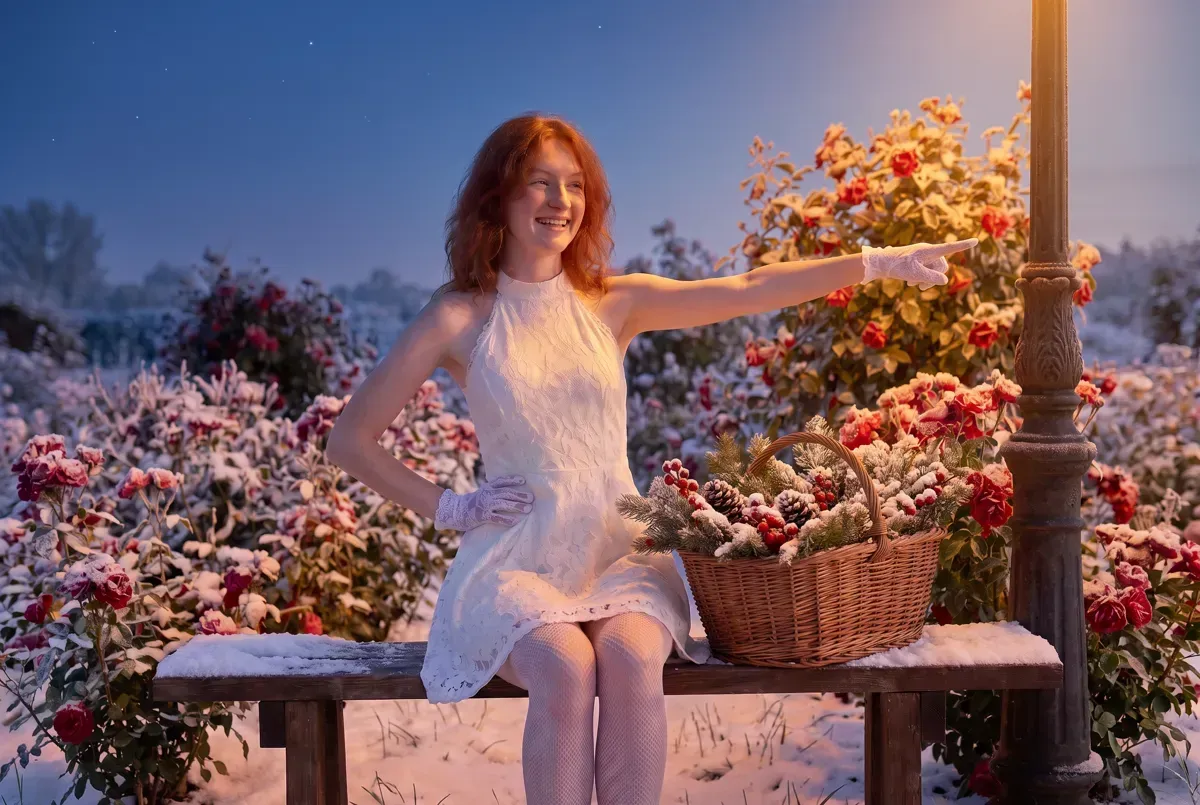
Next we sent Make it evening, with warm light from an old lamp post beside her. It did much more than that. The camera pulled back, the basket vanished and her stockings went. Only the light was meant to change.
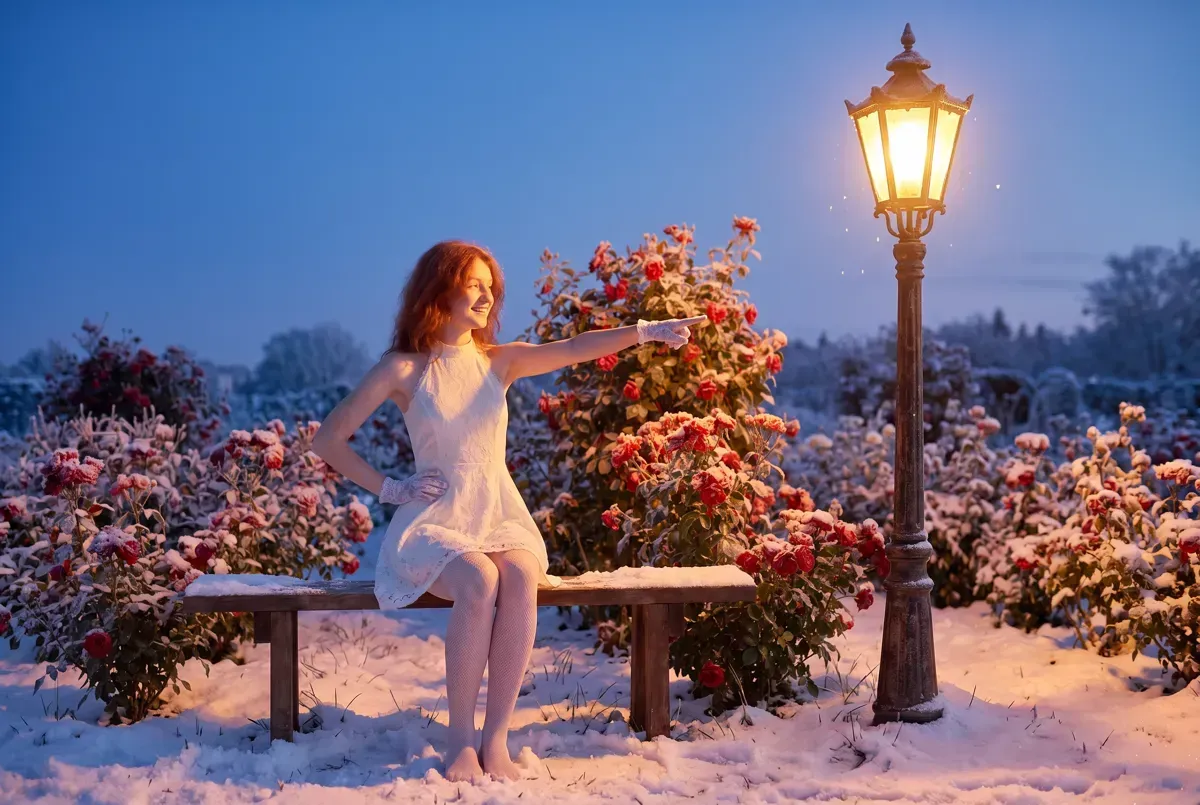 Before
 After
Run again with Keep the framing, the basket and her clothes the same. at the end, it changed the light and little else. Her face held through all four kept edits; the freckles faded a little at the snow edit.
Paint the spot you mean
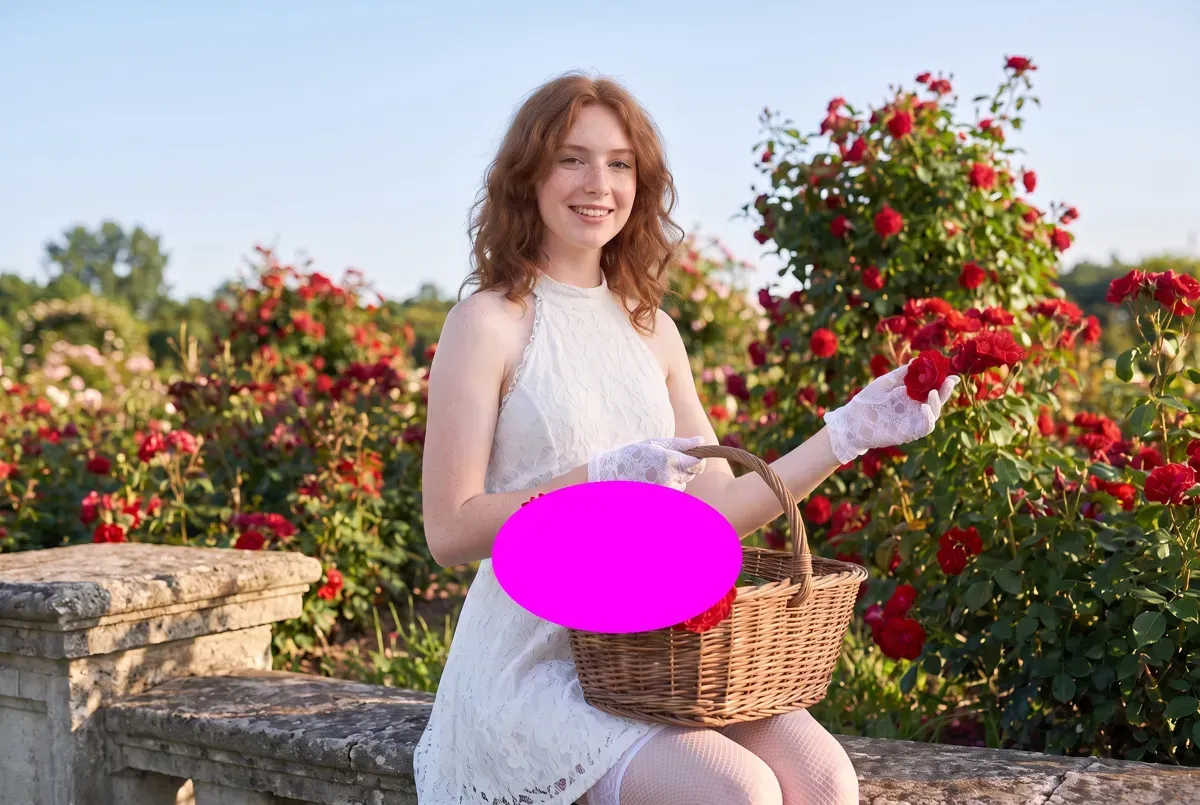
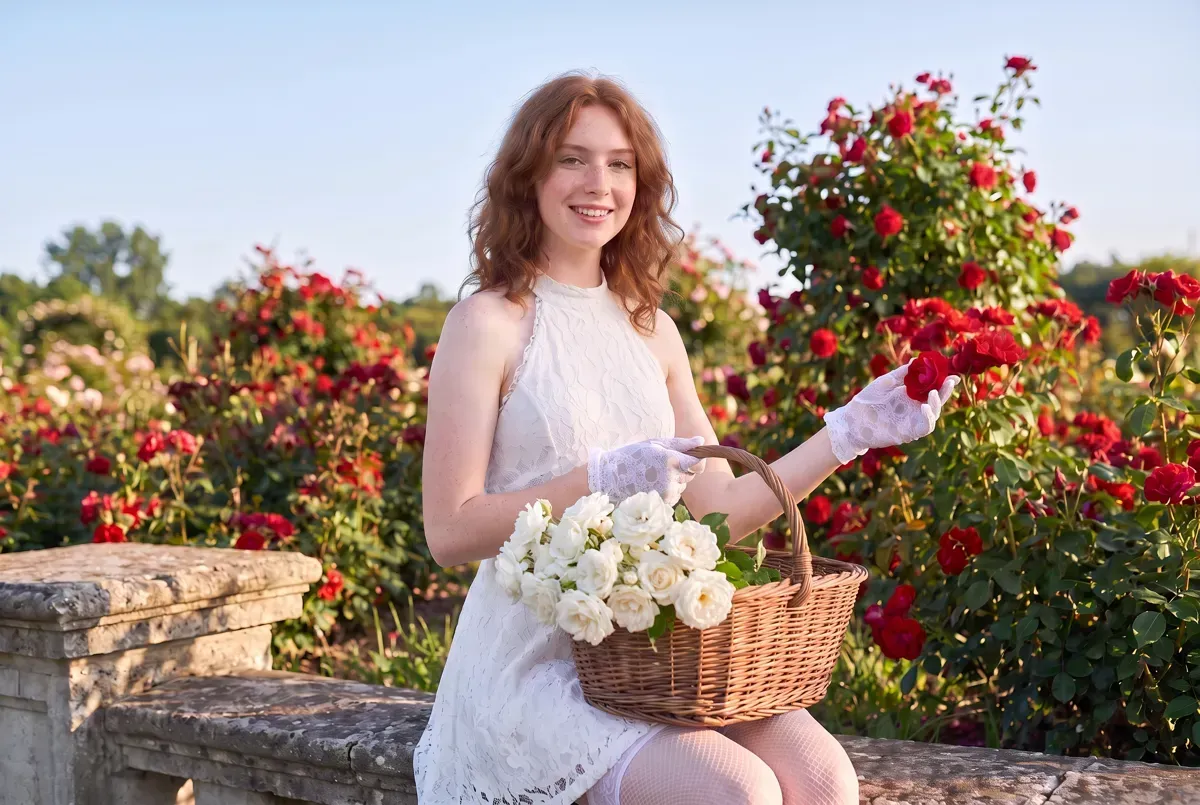
Words like the roses on the left can be read more than one way. A colour mark can't. On a smiling picture from our first round of edits, we painted a flat magenta oval over the roses in her basket, uploaded that, and asked for white roses in the marked place. Only the oval changed: the basket, her gloves and her smile stayed as they were.
Nano Banana ProObject Replacement Inpainting Prompt
Replace the magenta region with an object matching the size/shape/lighting of nearby {subject}, but in {color}. Keep everything else unchanged.
Paint the area in pure magenta in any photo editor first. Ours: roses, and white.
 Before
 After
Use a colour that appears nowhere else in the picture. Magenta works well in a garden; in a pink room, pick green.
More edits to try, by job
Google's guide lists what conversational editing covers: removing and adding objects, fixing old photos, colouring black and white pictures and swapping styles. Its tip is that you don't need to mask anything; you simply tell the model what to change naturally. The library prompts below each do one small job, grouped by what they change. We ran three of them on our pictures.
Change the light, keep the person
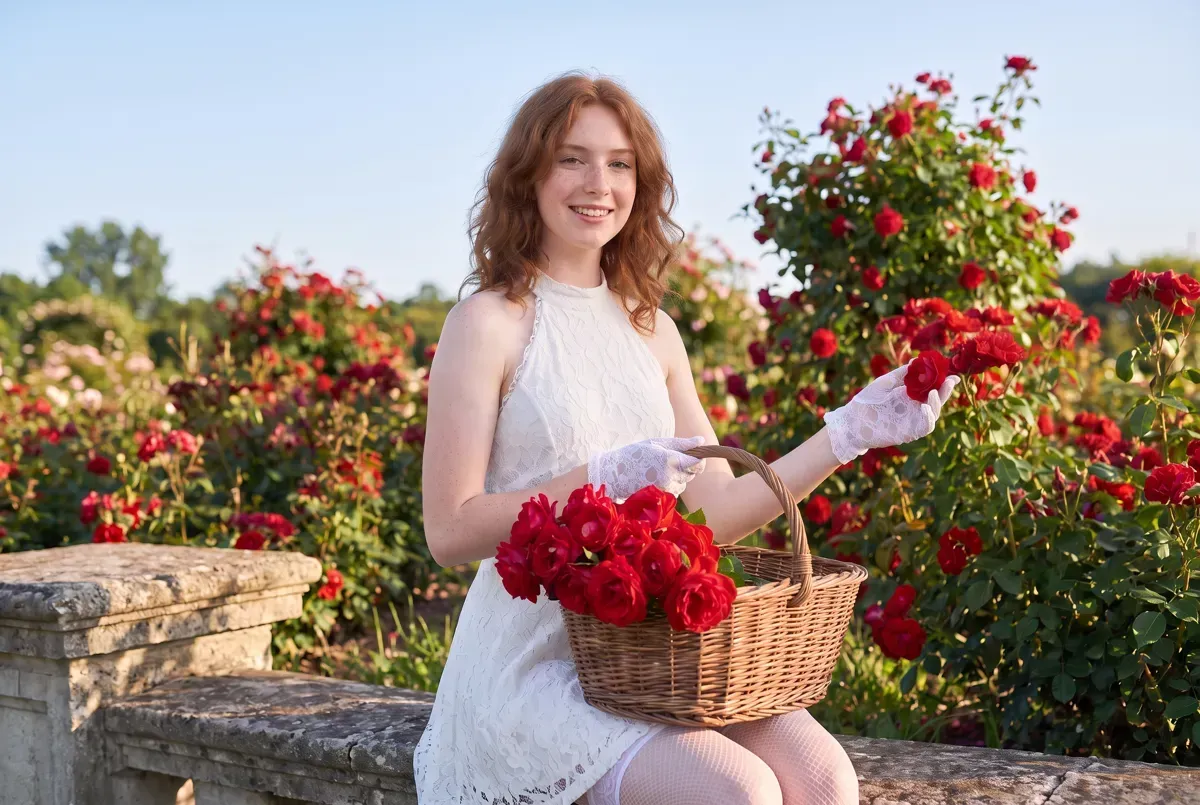
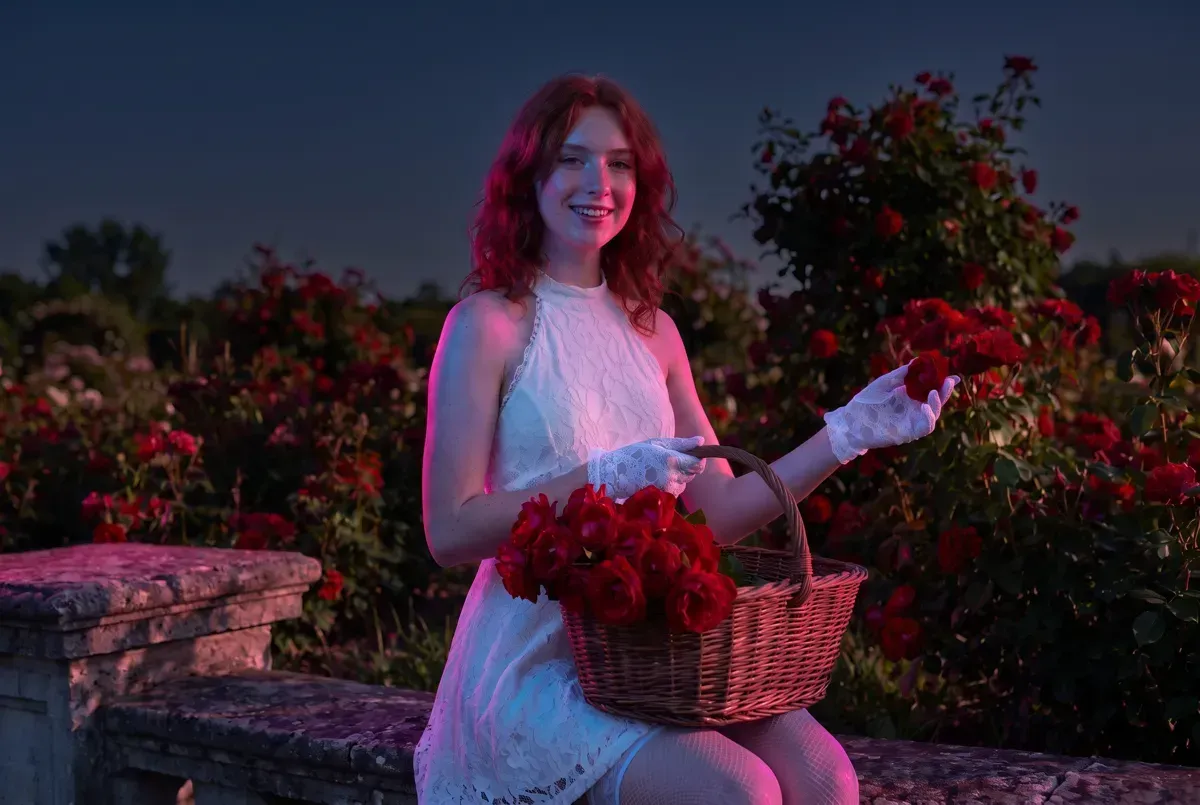
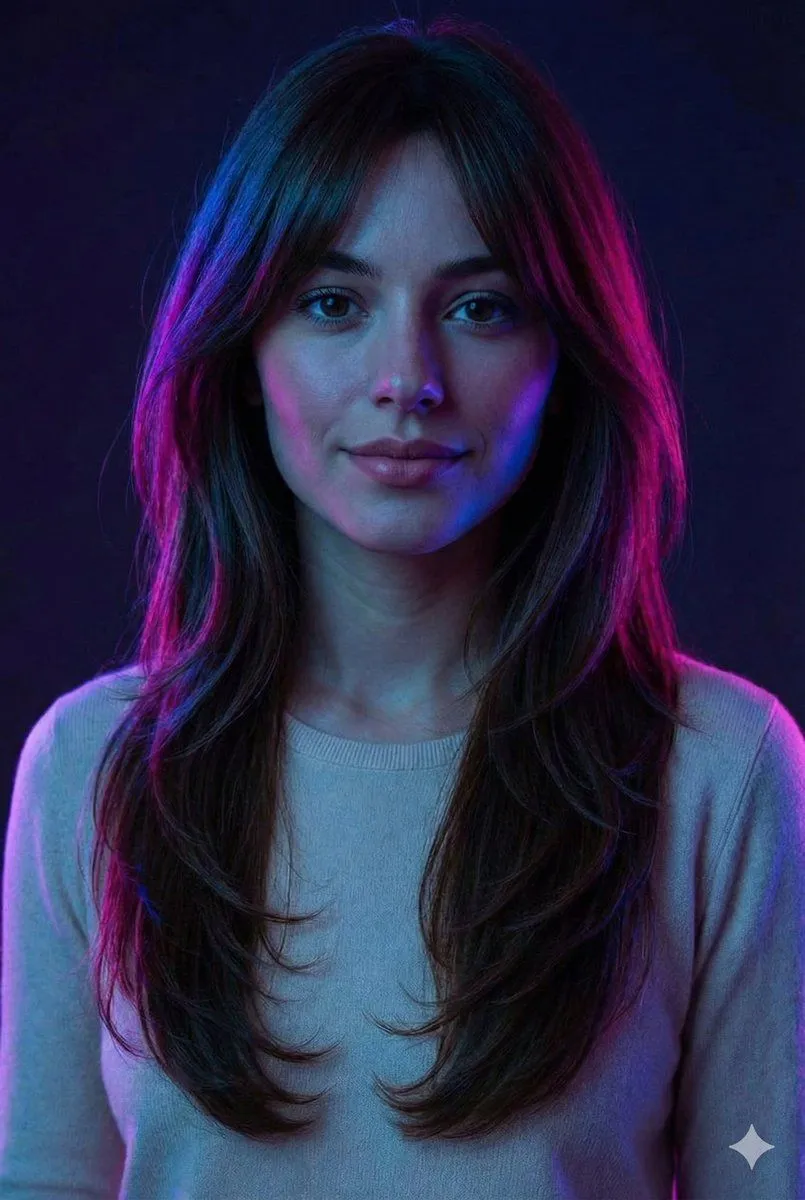
Light is the cheapest way to change the mood of a finished picture. This prompt lists everything that must stay before it names the light, then says lighting is the only change. We ran it on the same smiling picture from our first round that step 5 starts from. The garden went dark, pink and blue edge light came in, and her face, pose and basket did not move.
Nano Banana ProNeon Accent Lighting Portrait Prompt (Image Reference)
use the person from the uploaded photo as-is, keep the same face, body, proportions, skin texture and hairstyle, do not beautify, do not change facial structure or pose, dark base lighting with neon accent lighting, bright neon highlights along the edges of the face and hair, vivid color accents against darker shadows, lighting is the only change, do not normalize lighting or color, no auto exposure correction, no beauty lighting
Attach your picture. Swap the neon words for any light: candlelight, low winter sun, a single window.
 Before
 After
Repair a soft or damaged photo
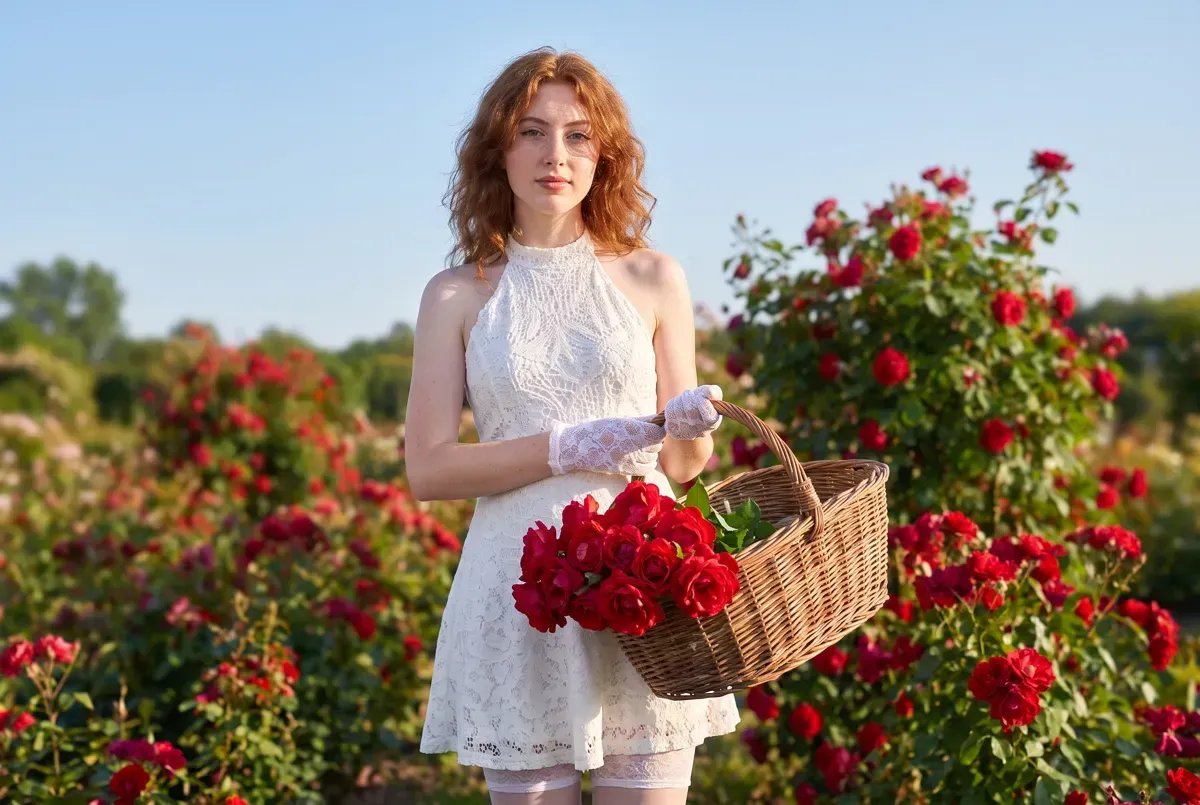
Restoration is an edit too. This prompt names the damage to remove and, at length, what must not change: pose, expression, framing, clothing, background. To test it we blurred our starting picture on purpose and ran the prompt once. Her face came back sharp and still hers, with the freckles in place; the background stayed soft.
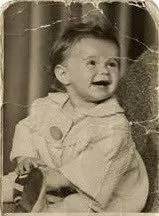
Nano Banana ProOld Photo Restoration Prompt for Nano Banana Pro 2.0
Restore and colorize the uploaded old photograph into a crystal-clear, photorealistic, high-detail image while preserving 100% of the original composition. Keep the exact same pose, expression, facial structure, proportions, framing, clothing, hairstyle, background, objects, and all details unchanged. Do not add, remove, move, or restyle anything. Remove blur, noise, scratches, fading, stains, and age-related damage. Recover natural sharpness, fine skin texture, realistic textures, true-to-life colors, and lifelike skin tones. No identity change, no stylization, no cartoon or CGI look, no plastic skin.
Upload the photo you want repaired. On a colour photo, the colorize part does nothing harmful.
 Before
 After
One caution from a second run. A shorter sharpening prompt from the library gave her darker lashes, darker lips and an earring she never wore. The long list of things to keep is what stopped that here.
Change the place
A new place is the biggest kind of edit, so it is where things drift most: our snow edit dropped her pose on the first try.
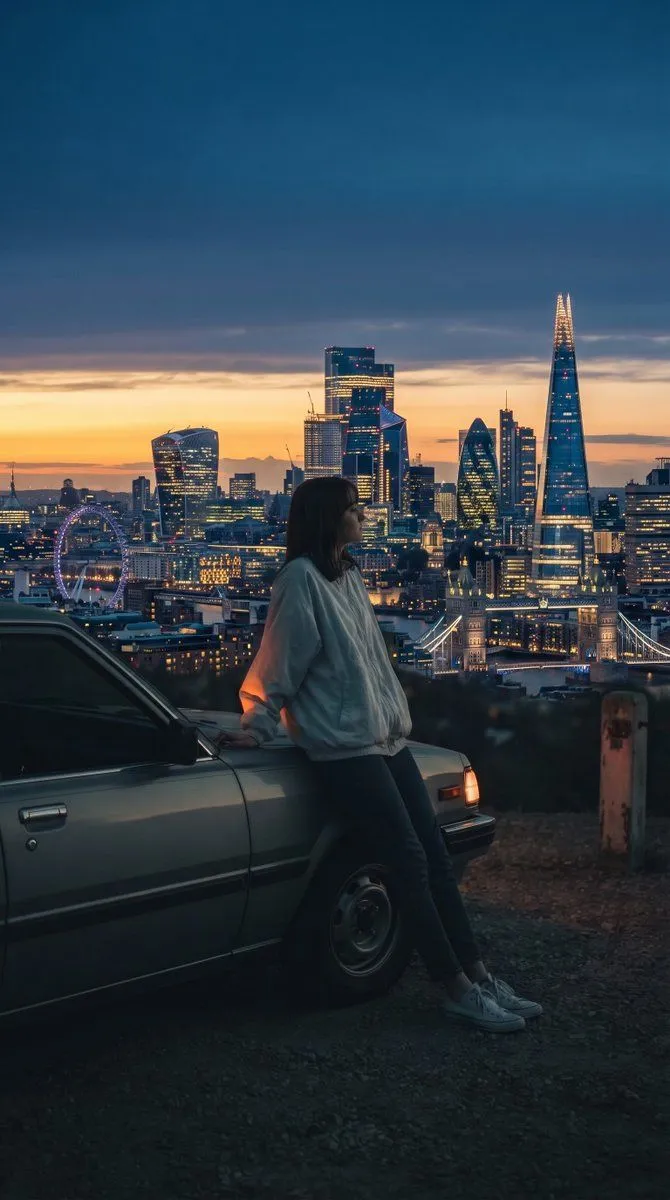
This one changes only the far background. The blanks are a city and what to show of it, so the edit stays behind the person. It suits night portraits where the lights in the distance are a blur anyway.
Nano Banana ProLondon Skyline Background Edit
Replace the far background city lights into {city} with several iconic {details}
Ask for a made-up skyline or a general view if you plan to share the picture widely.
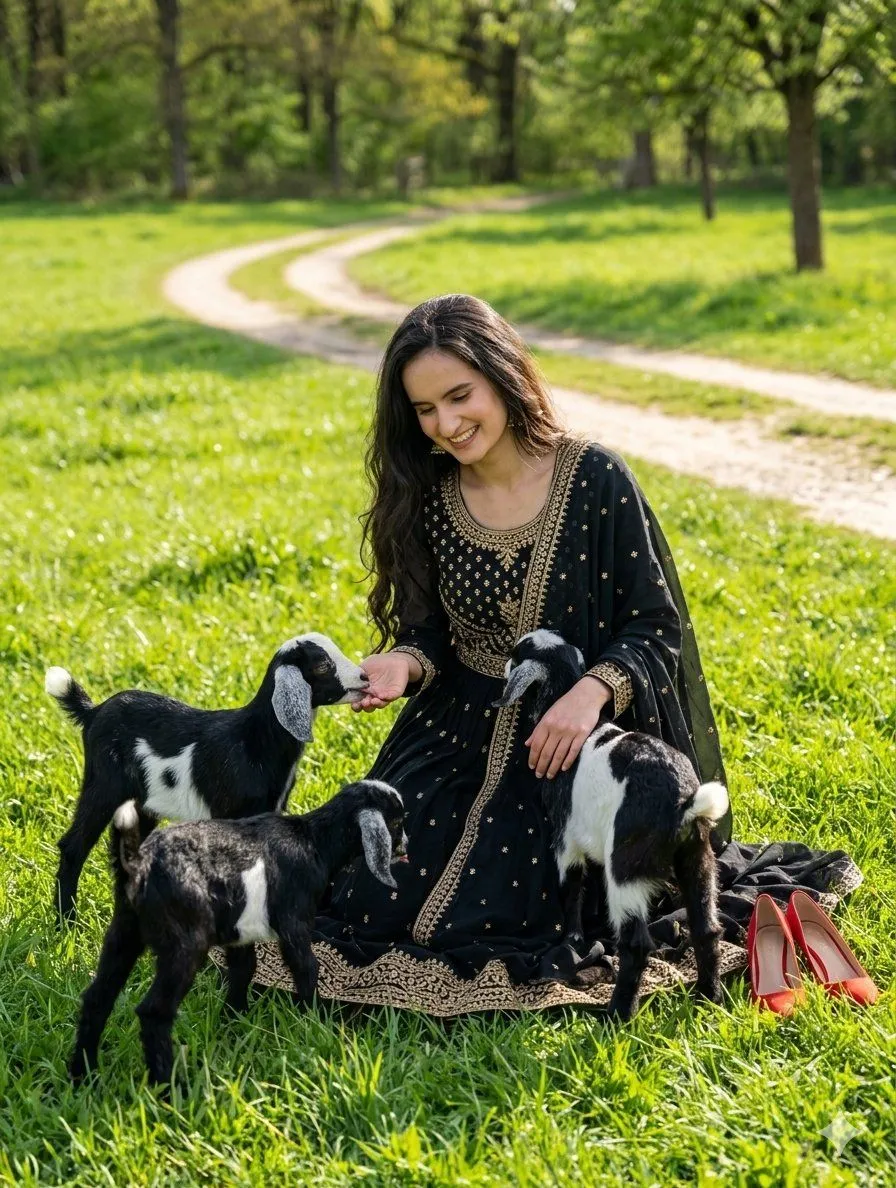
For adding things instead, this prompt splits the edit in two blanks: what to do with the scene, then what to add. The example adds three young goats around a woman in a field. Keep the instruction to one place change and the extra to one thing, or the edit stops being small.
Nano Banana ProNature Field Portrait Image Edit
{ "generation_details": { "model_id": "gemini-3-flash-image-nano-banana-2", "input_reference_image": "1000005827.jpg", "task": "image_edit_and_composition", "prompt": "{instruction} Add {extra_detail}; she is smiling and looking down at them affectionately. High definition face, 8k resolution, cinematic lighting.", "parameters": { "aspect_ratio": "4:5", "resolution": "3072x4096", "guidance_scale": 7.5, "output_format": "webp", "maintain_subject_identity": true }, "style_tags": [ "Photorealistic", "Nature Photography", "Soft Bokeh", "Vibrant Colors" ] } }
The prompt is written as JSON. Edit only the two blanks and leave the rest as it is.
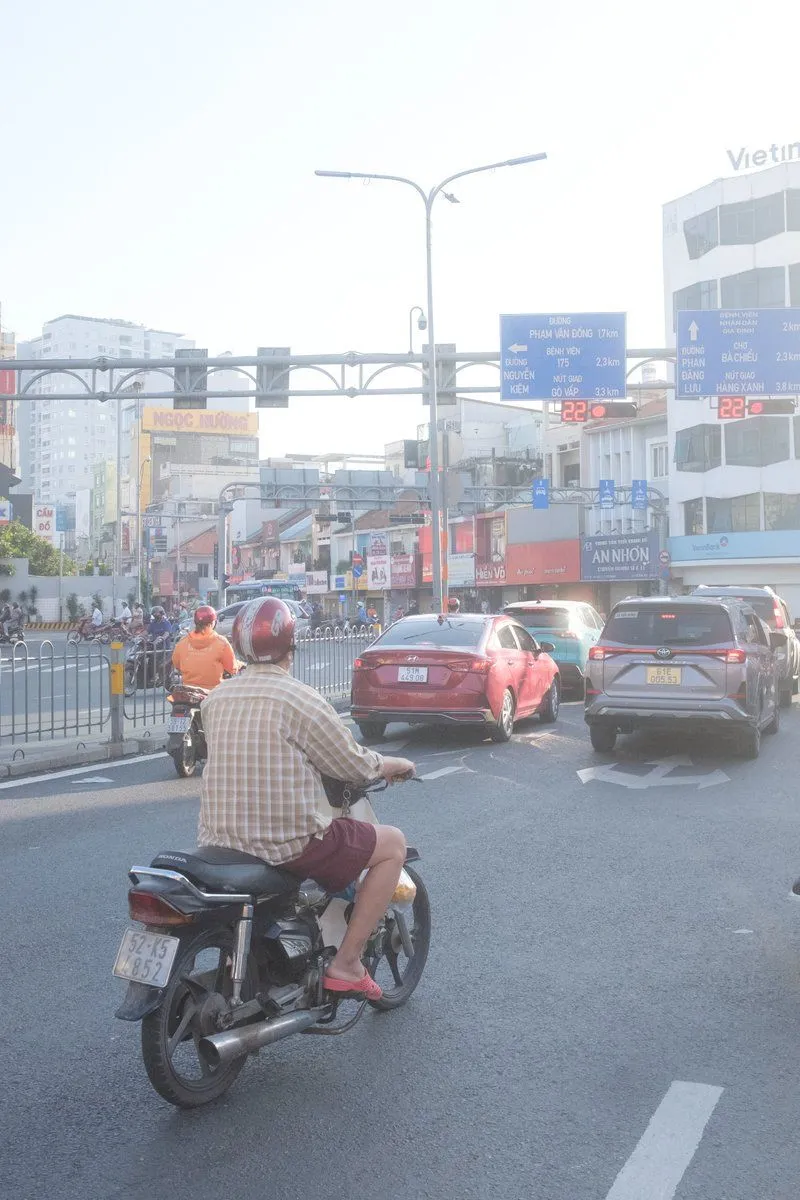
Weather is the simplest place change. The first line of this prompt asks for rain, and that is all most pictures need. The second line adds raincoats and motorbikes. We ran both lines on the starting picture, and it took her out of the garden onto a wet city street, on a scooter in a clear raincoat. Send the first line alone unless you want the street.
Nano Banana ProEdit city photo into rainy scene with Vietnamese bikers
Edit it so that it looks like it is raining. When it rains, Vietnamese people wear raincoats and ride motorbikes.
Every sentence in an edit is an instruction. Cut the ones your picture doesn't need.
Clean up
Small removals are where one-sentence edits shine. This one asks for the lettering laid over a picture to go, and nothing else. It works the same for a date stamp, a caption or a stray sign. Only remove marks from pictures that are yours to edit.
Nano Banana ProImage Overlay Text Removal Test
“Please remove the overlaid text from the image”
More looks to try
More edit prompts for Nano Banana Pro, each on its page.
Questions
Why not just generate it again?
A new generation makes new choices everywhere, so you lose what was already right. In our run the re-roll changed her face, dress and gloves; the edit kept all three and changed the pose.
How many edits can I make in a row?
We kept four in a row on one picture, and her face held through all of them. What moved was everything else: two of the four needed a second run with a keep list. Check the whole picture after each edit, not only the face.
Do I need the long prompt every time?
No. Our smile edit was three words. When the change is large, add one short sentence that lists what has to stay.
Can I edit a photo I took, not one I generated?
Yes. Google's guide shows edits on uploaded photos, from removing tourists to restoring old prints, and our restoration test started from an ordinary picture. Edit only photos you have the right to change, and ask before you edit someone else's face.
Do I need to mask the area I want changed?
No. Google's guide says you can just describe the change. When words are not exact enough, a flat colour mark works: our magenta oval changed only the roses under it.
Why did my edit change things I didn't ask for?
Usually because the prompt left room or asked for more than you meant. Our snow edit dropped her pose until we wrote Keep her pose, the evening edit lost the basket until we listed it, and the rain prompt's second sentence moved her to a city street. Name what must stay, and cut extra sentences.
The 14 prompts in this guide
 Prompt for Changing Character Pose using Reference ImageNano Banana Pro
 Instruction for conversational image editing in Nano BananaNano Banana Pro
 Consistent Character Background Change PromptNano Banana Pro
 Object Replacement Inpainting PromptNano Banana Pro
 Neon Accent Lighting Portrait Prompt (Image Reference)Nano Banana Pro
 Old Photo Restoration Prompt for Nano Banana Pro 2.0Nano Banana Pro
 London Skyline Background EditNano Banana Pro
 Nature Field Portrait Image EditNano Banana Pro
 Edit city photo into rainy scene with Vietnamese bikersNano Banana Pro
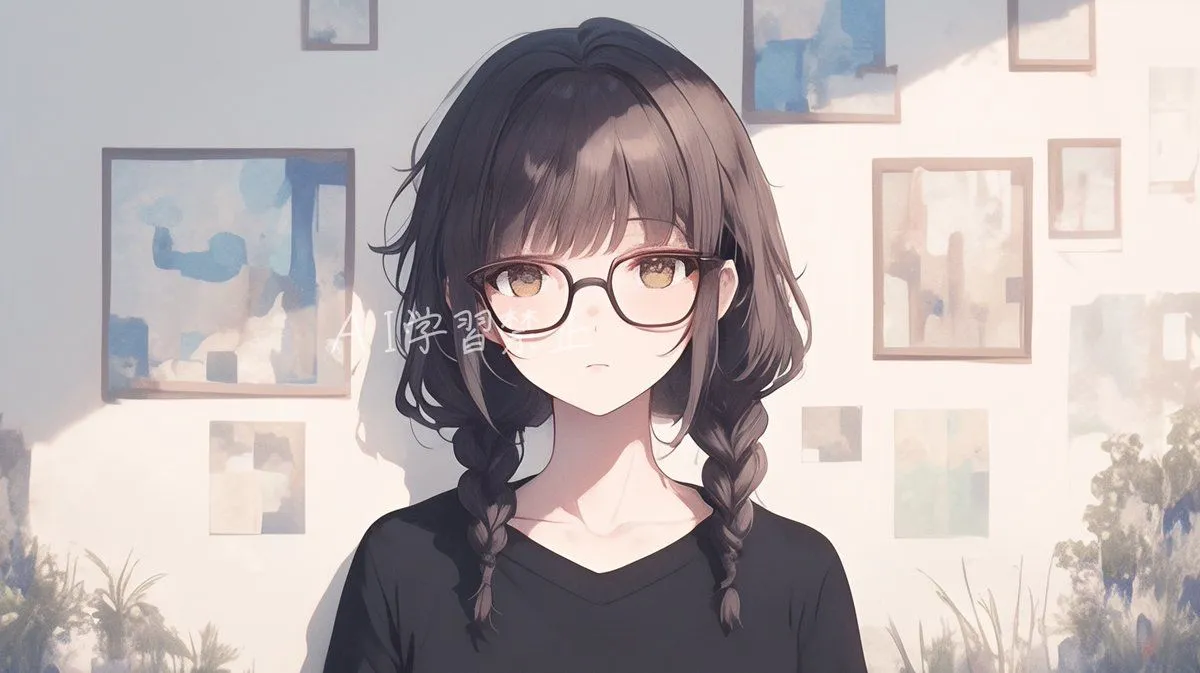 Image Overlay Text Removal TestNano Banana Pro
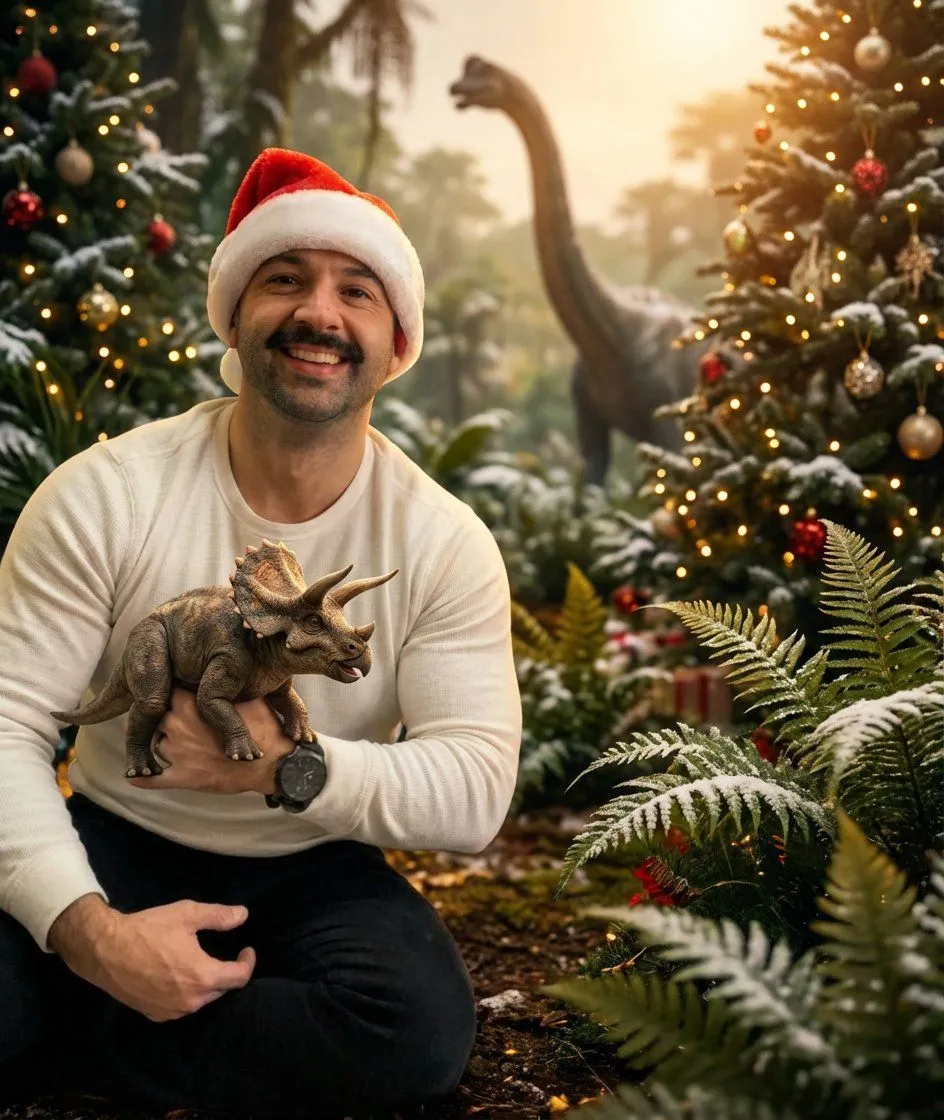 Image Editing: Background and Object ReplacementNano Banana Pro
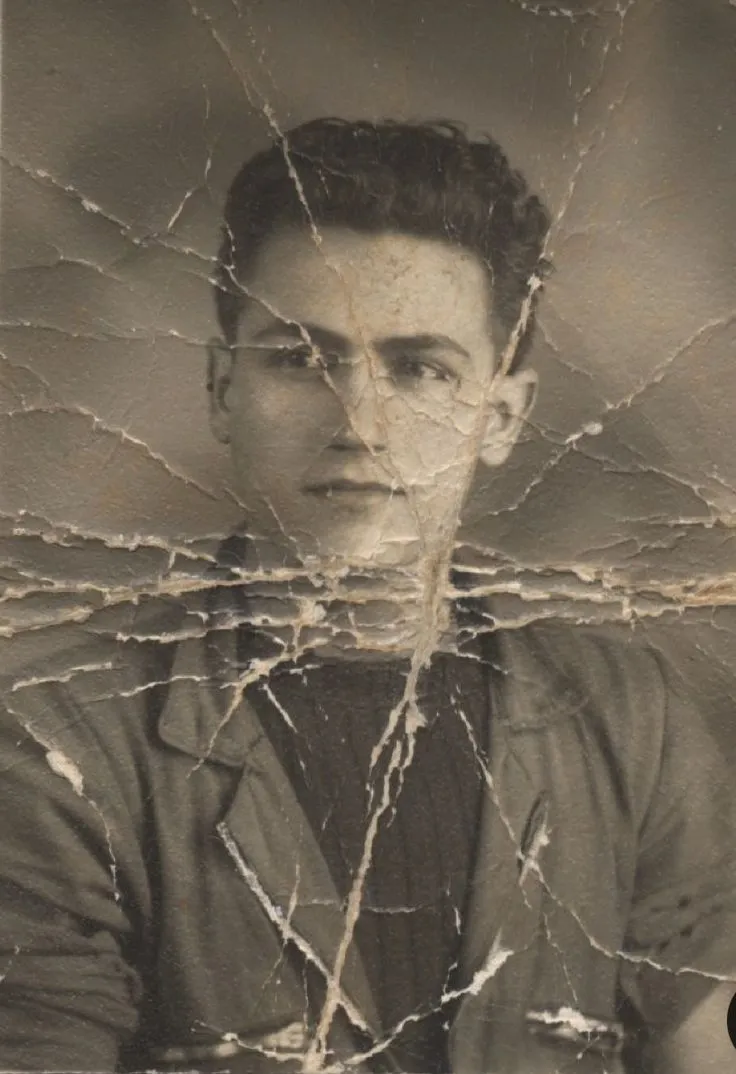 Image Restoration and Enhancement PromptNano Banana Pro
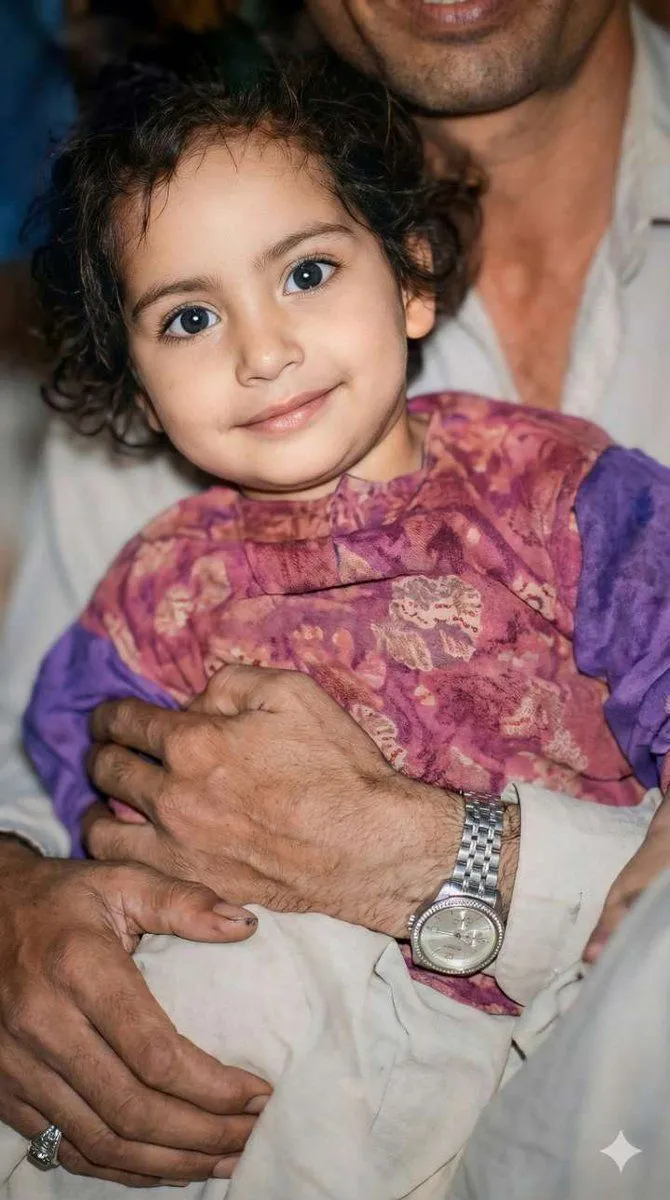 Old Photo Restoration and UpscalingNano Banana Pro
 Image Editing with Nano Banana: Removing a FenceNano Banana Pro
That is the whole guide.
Did it work for you?
Get promptclay's new guides by email
Check your inbox: tap the link we sent to confirm.