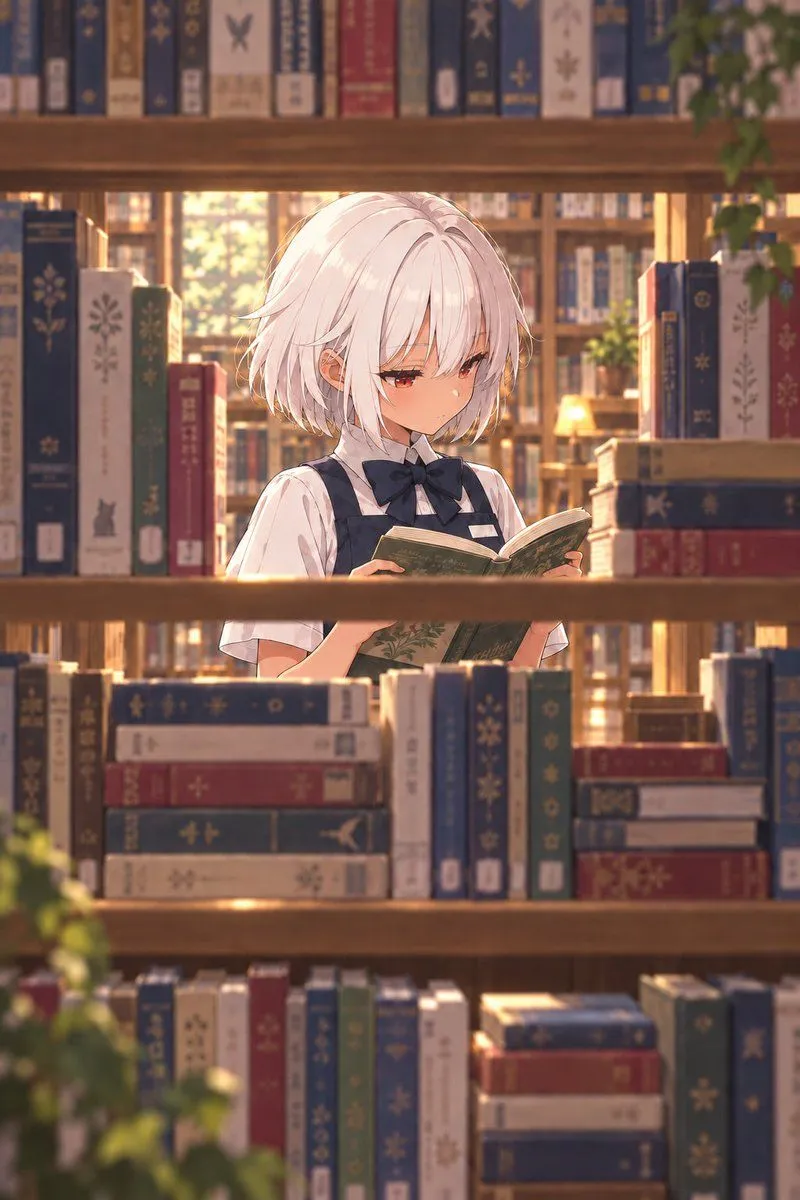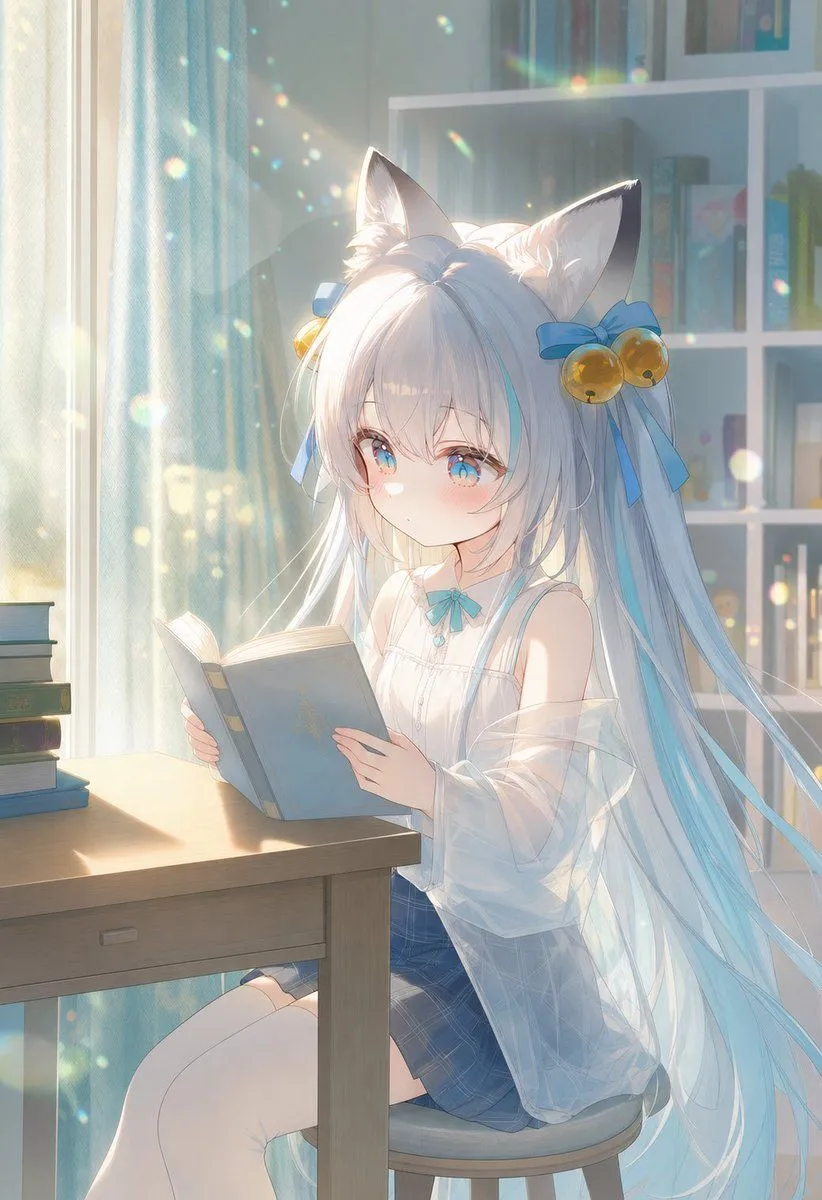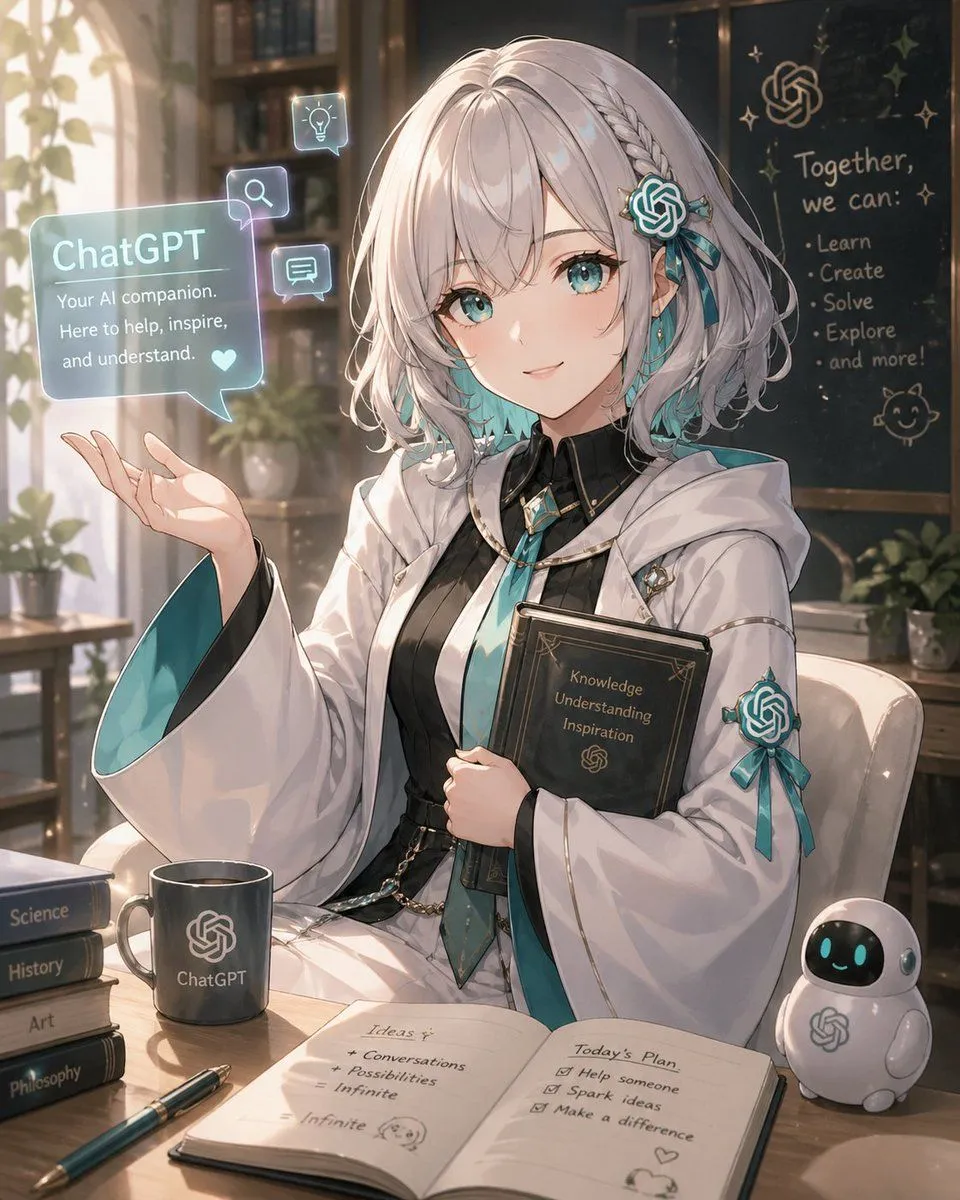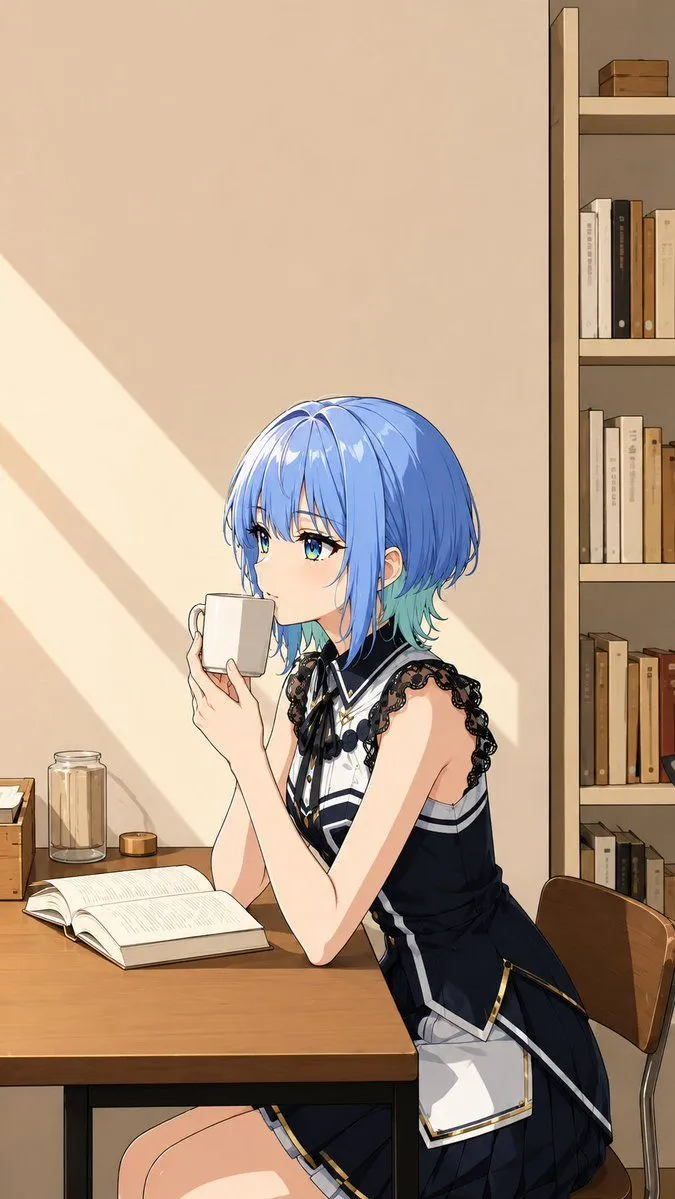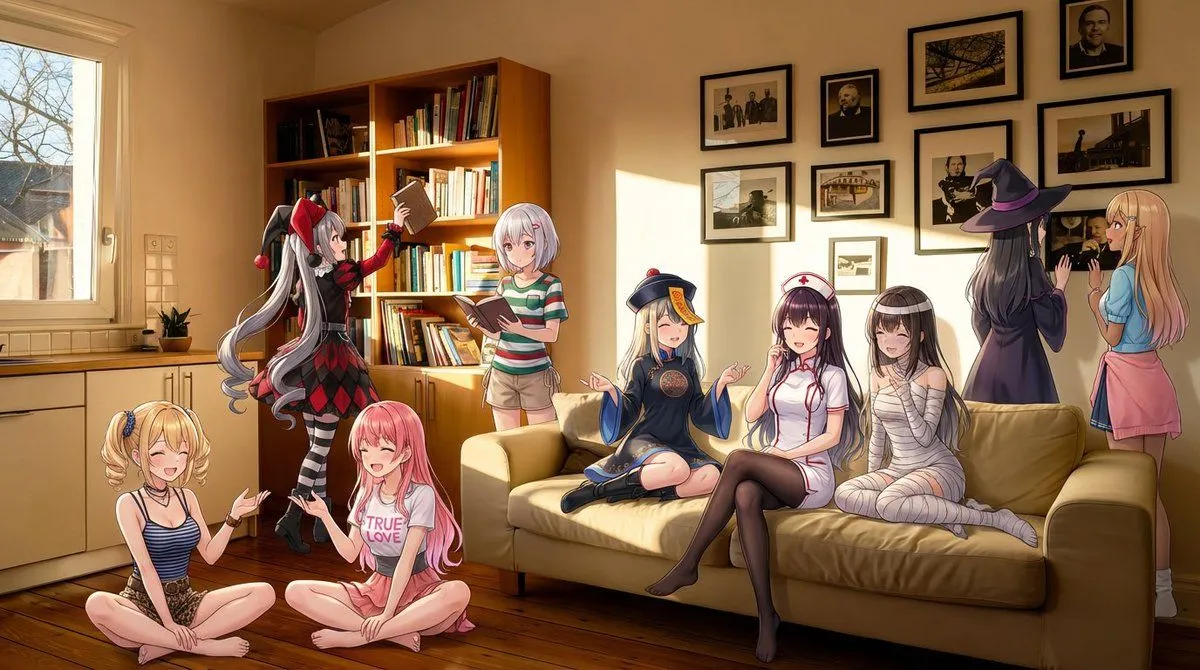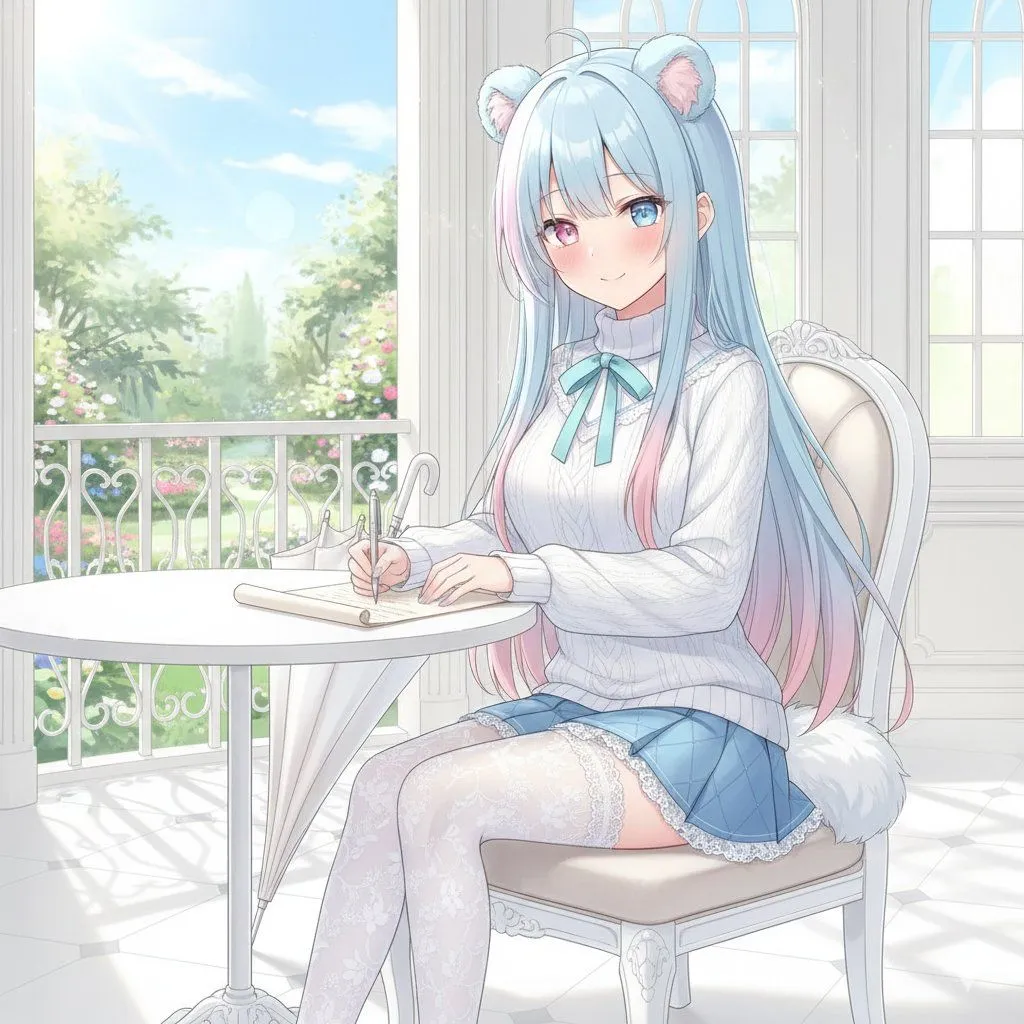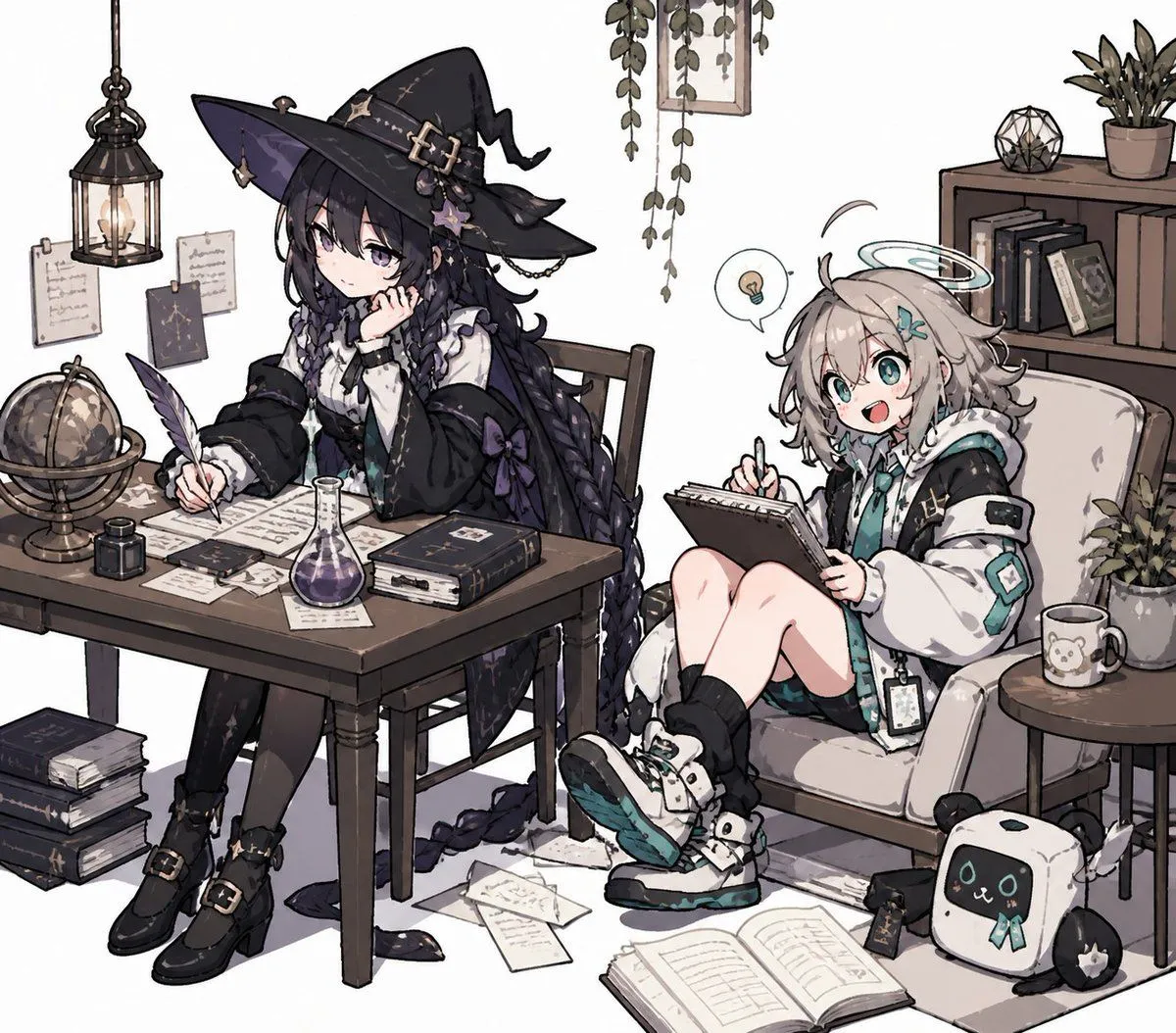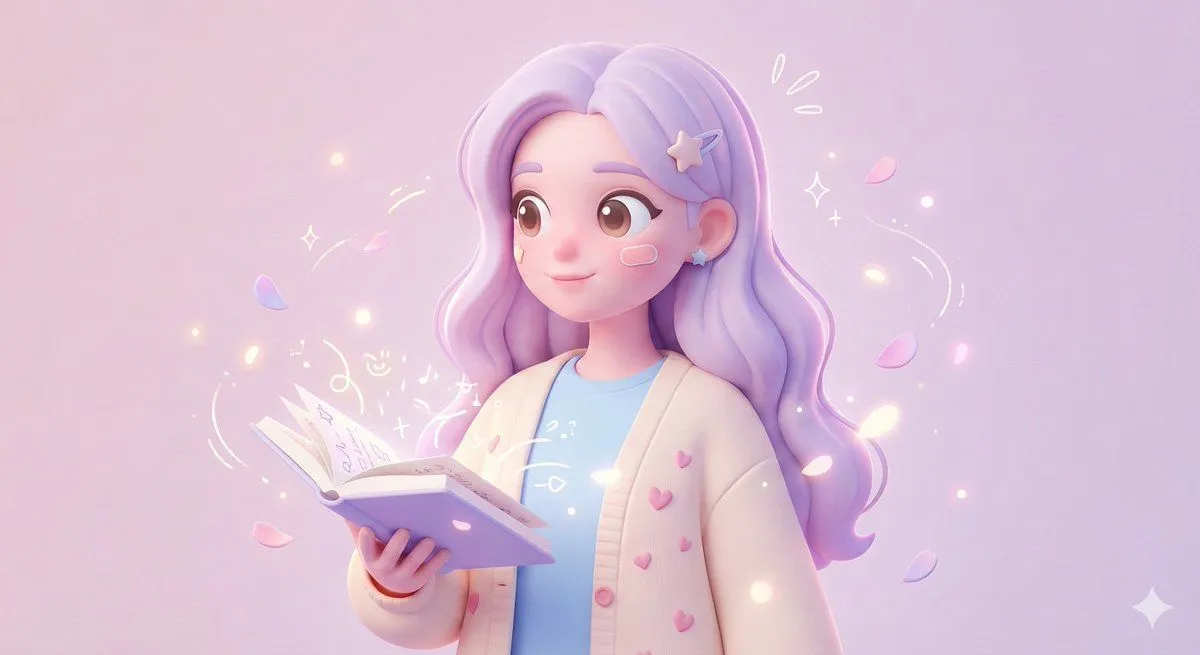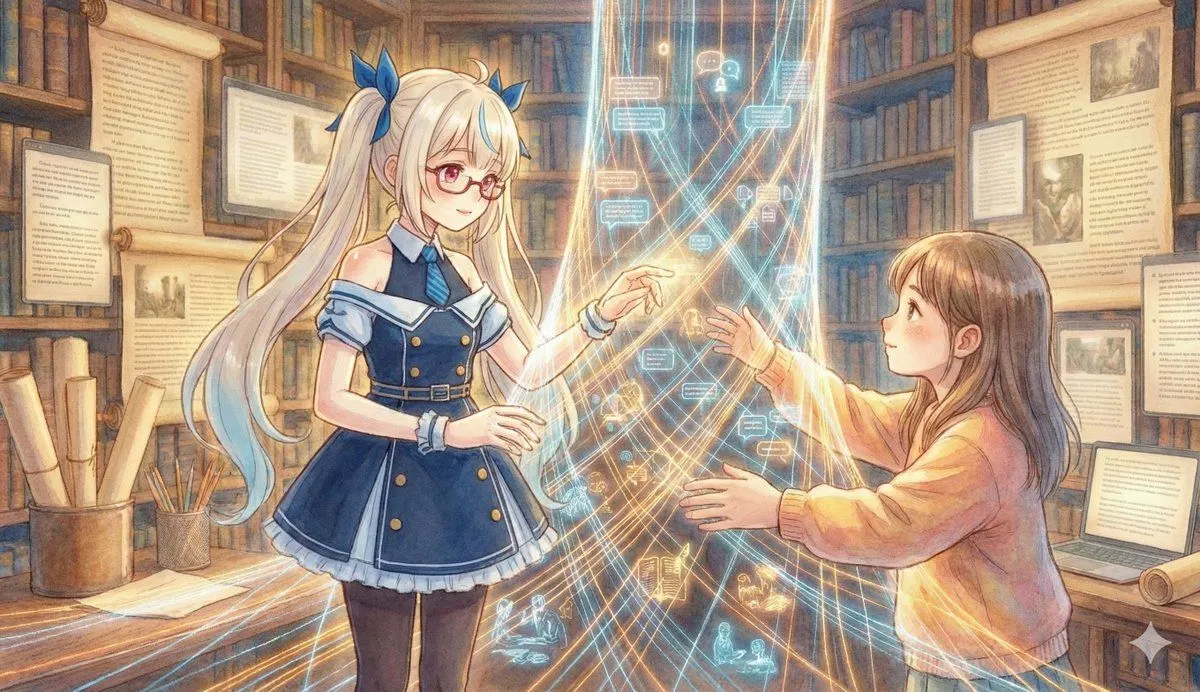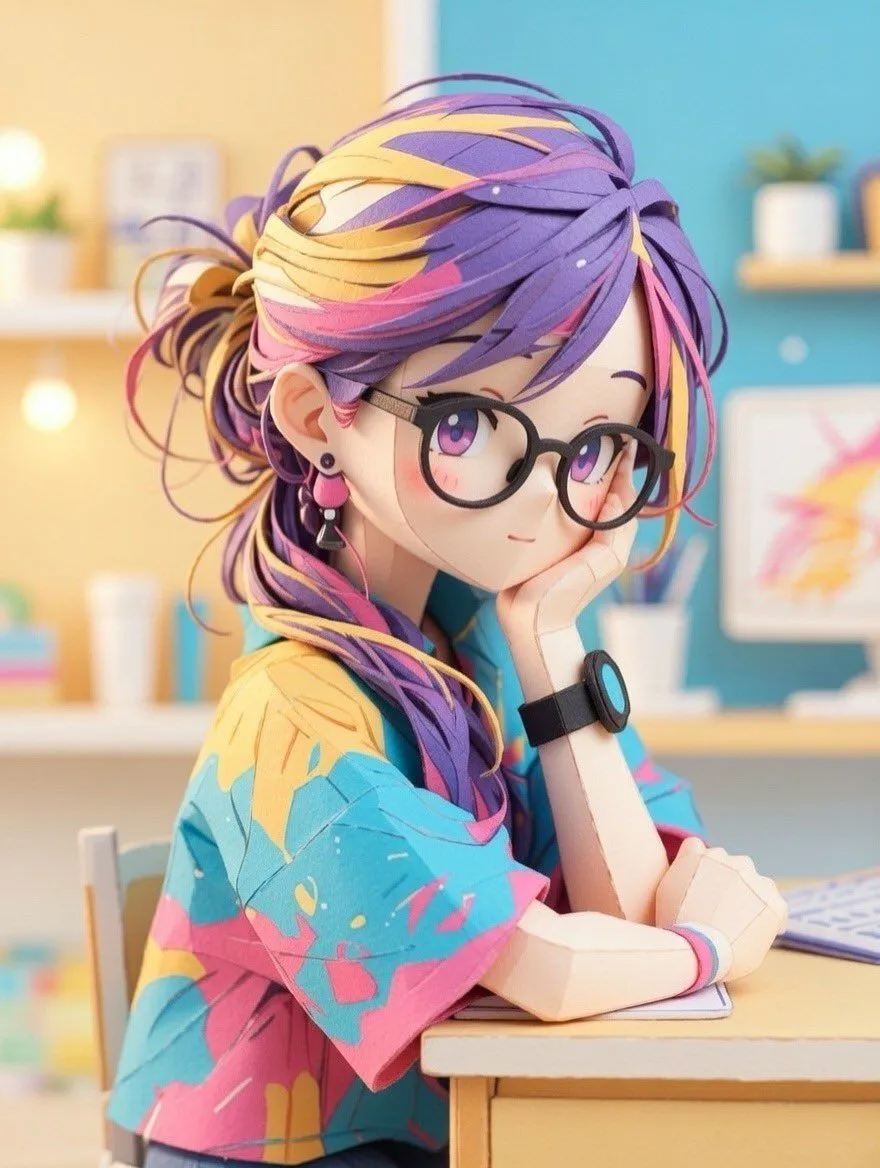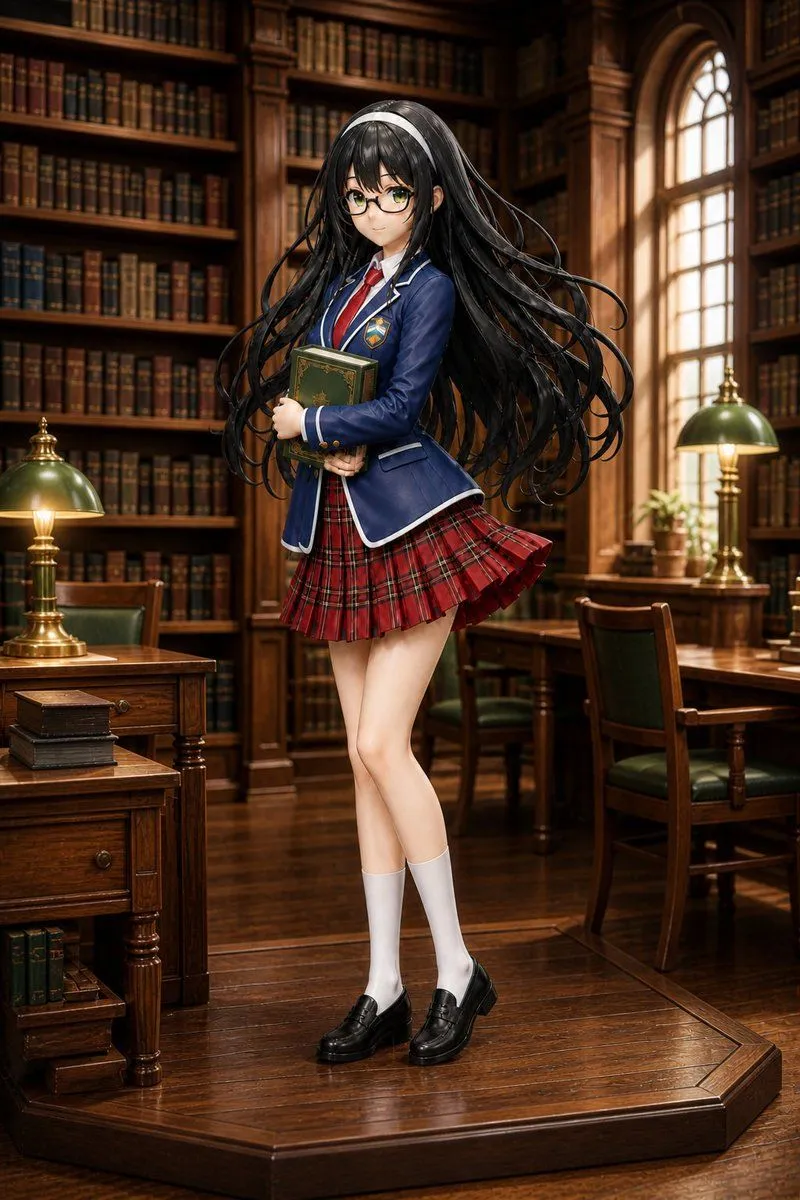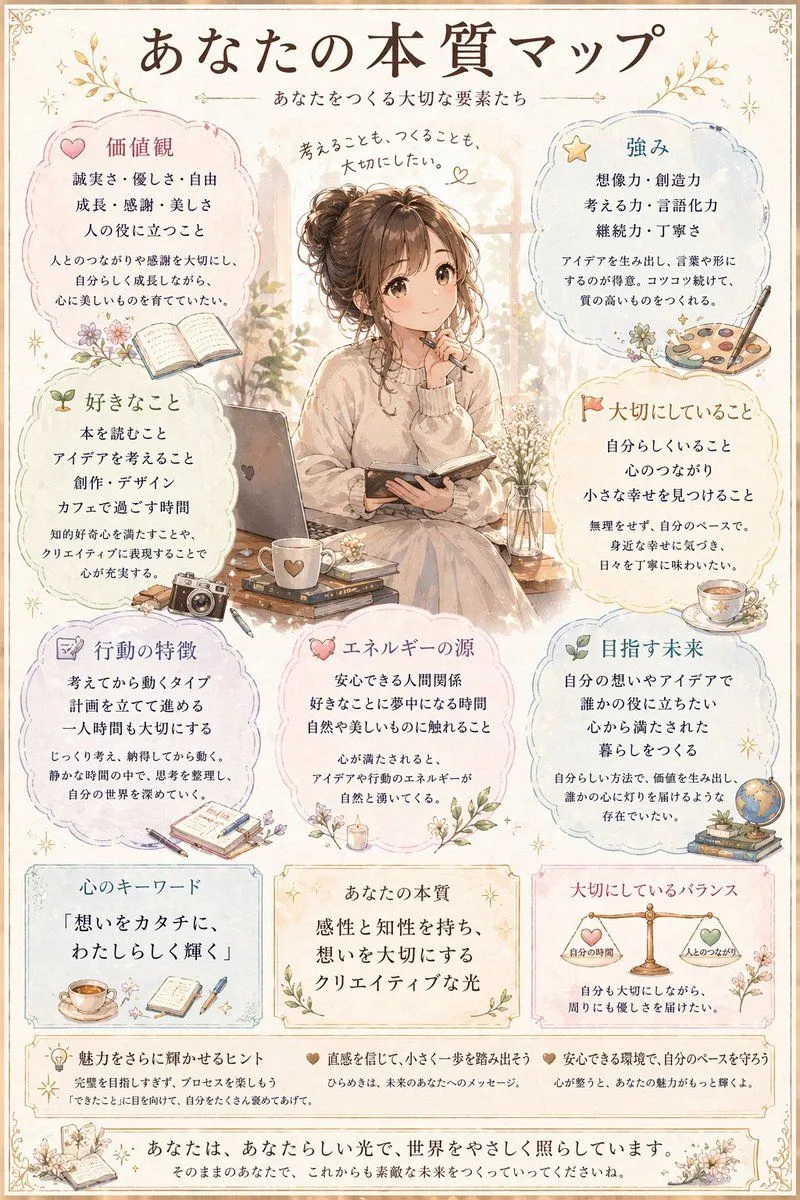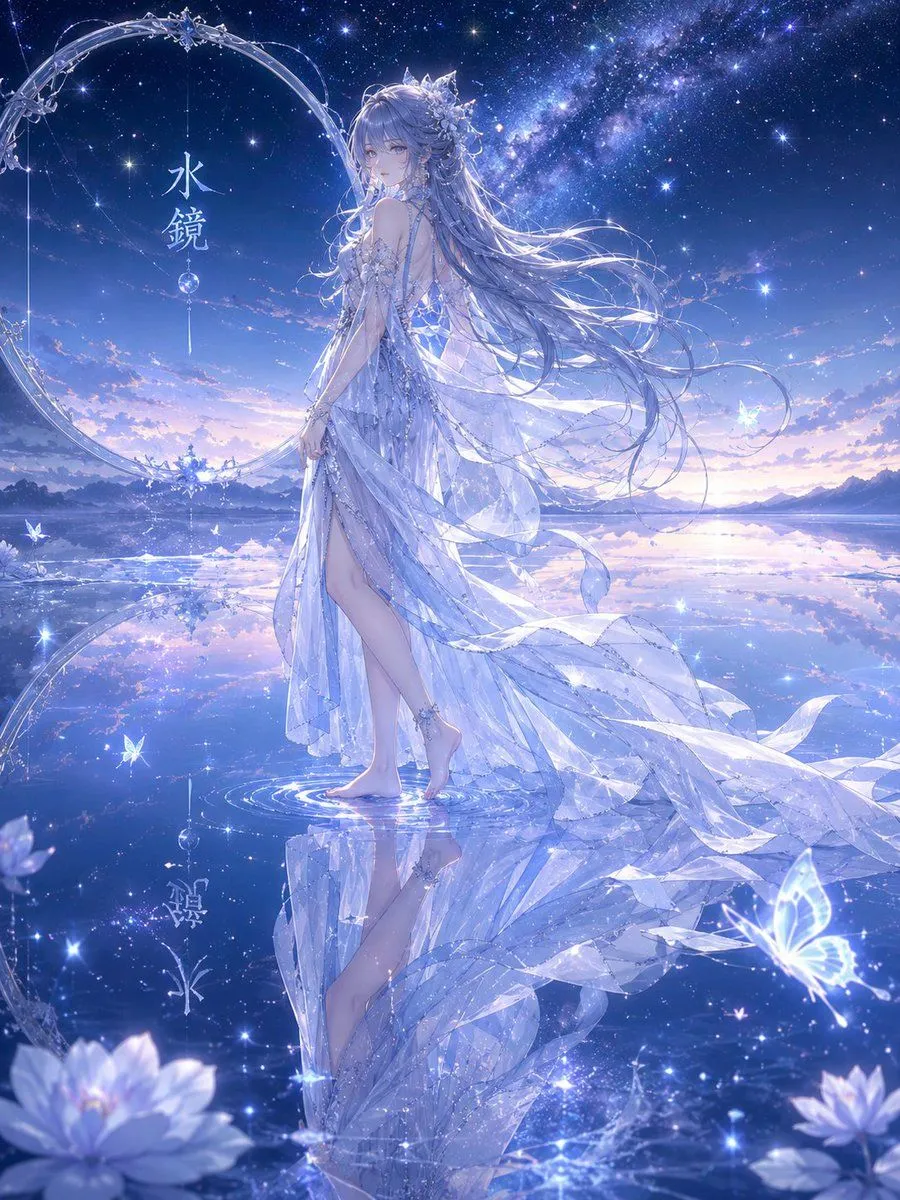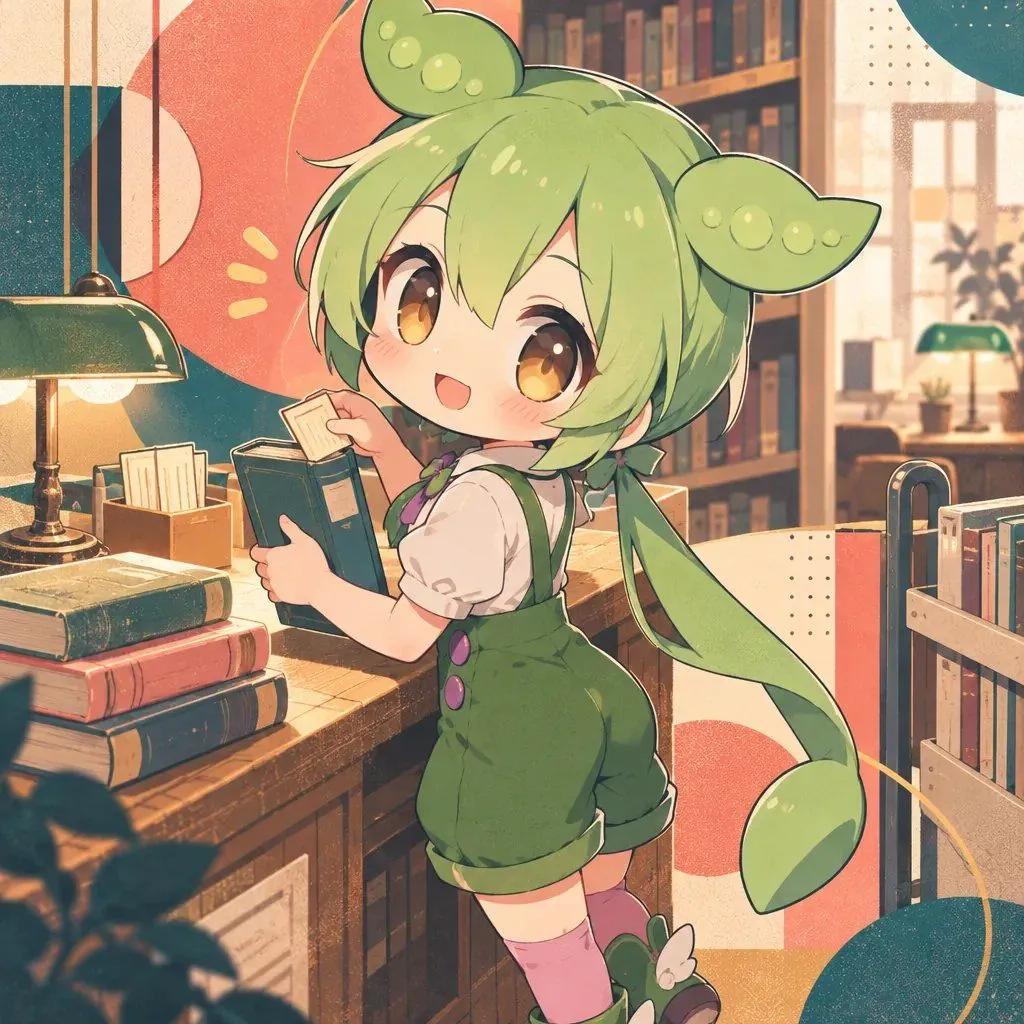
Made with GPT Image 2.5 in ChatGPT by Library Lifestyle. Promptclay never generates images.
Did it work?
No reports yet. Tell others if it worked for you.
Zundamon in Library
Prompt
1 blank to fillCreate an anime-style illustration of {character} standing in a cozy library. The character has bright green hair styled into two large bean pod shapes on top of their head, with long twin tails extending down the back. They have large amber eyes and are wearing a white short-sleeved shirt under green overalls with purple buttons, pink knee-high socks, and green shoes with white accents. The character is smiling cheerfully while holding an open teal-colored book with both hands. The background features wooden bookshelves filled with books, a vintage brass desk lamp with a green shade, stacks of colorful hardcover books on a wooden counter, and soft natural light coming through windows. Include decorative geometric shapes (circles and dots) in coral red and teal floating around the scene to add visual interest. Use warm lighting, pastel color palette, and a high-resolution digital art style typical of modern anime illustrations.
Preview of your prompt
Create an anime-style illustration of Zundamon standing in a cozy library. The character has bright green hair styled into two large bean pod shapes on top of their head, with long twin tails extending down the back. They have large amber eyes and are wearing a white short-sleeved shirt under green overalls with purple buttons, pink knee-high socks, and green shoes with white accents. The character is smiling cheerfully while holding an open teal-colored book with both hands. The background features wooden bookshelves filled with books, a vintage brass desk lamp with a green shade, stacks of colorful hardcover books on a wooden counter, and soft natural light coming through windows. Include decorative geometric shapes (circles and dots) in coral red and teal floating around the scene to add visual interest. Use warm lighting, pastel color palette, and a high-resolution digital art style typical of modern anime illustrations.
DetailsVersions, settings and questions
Written for
What's in the prompt
- Subject
- Model
- GPT Image 2.5
If your face changes
keep my face exactly the sameQuestions
- Does this work in the ChatGPT app?
- Yes. Paste the prompt and attach your photo if it uses one.
- It changed my face. What do I do?
- Add "keep my face exactly the same" to the end and run it again.
- Can I use the images I make?
- Check the terms of the app you use. Promptclay never generates images and claims nothing you make.