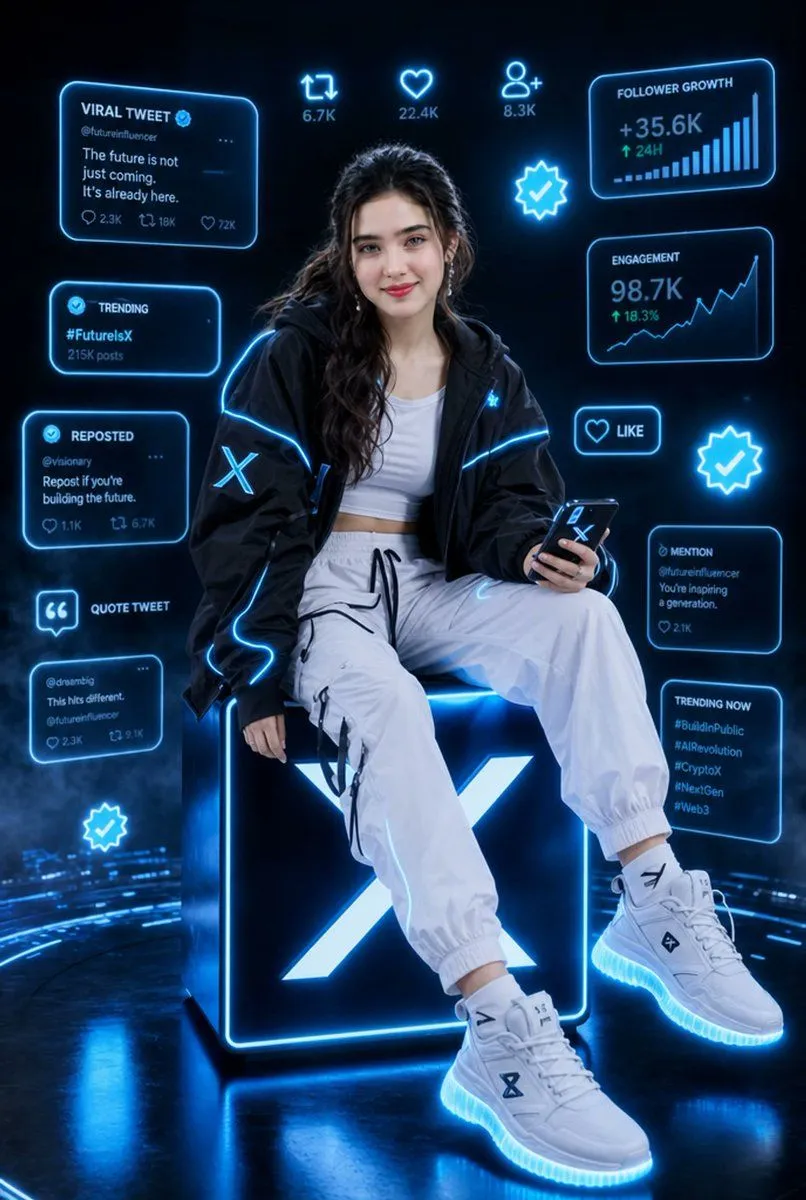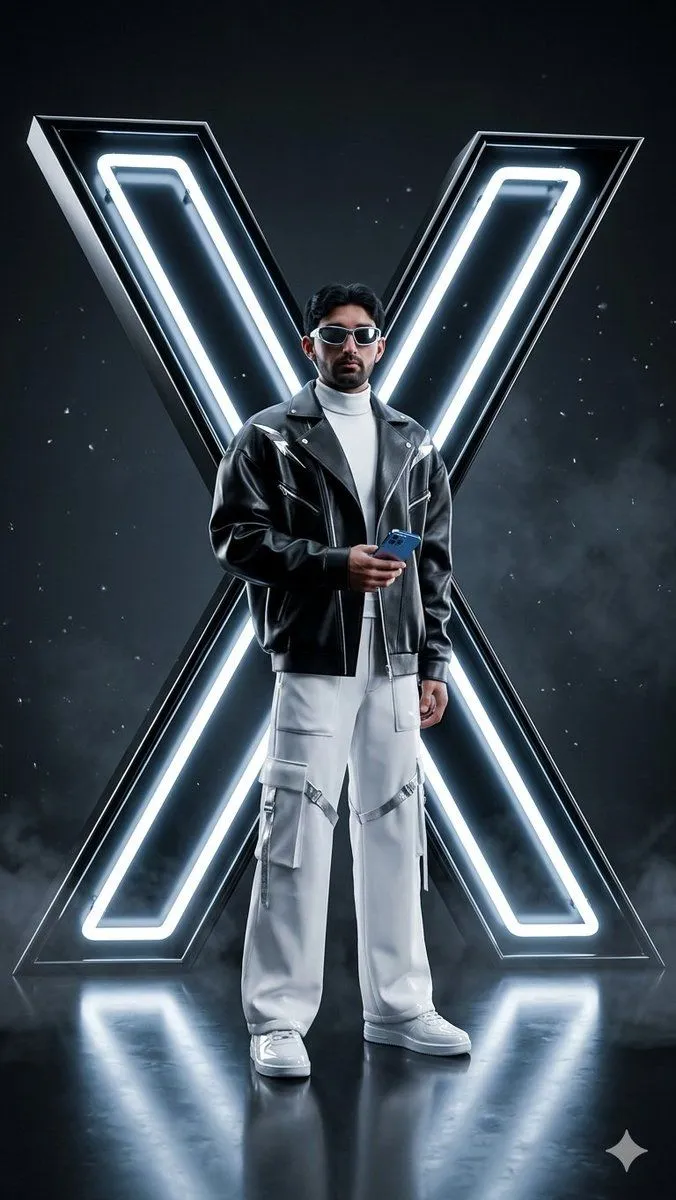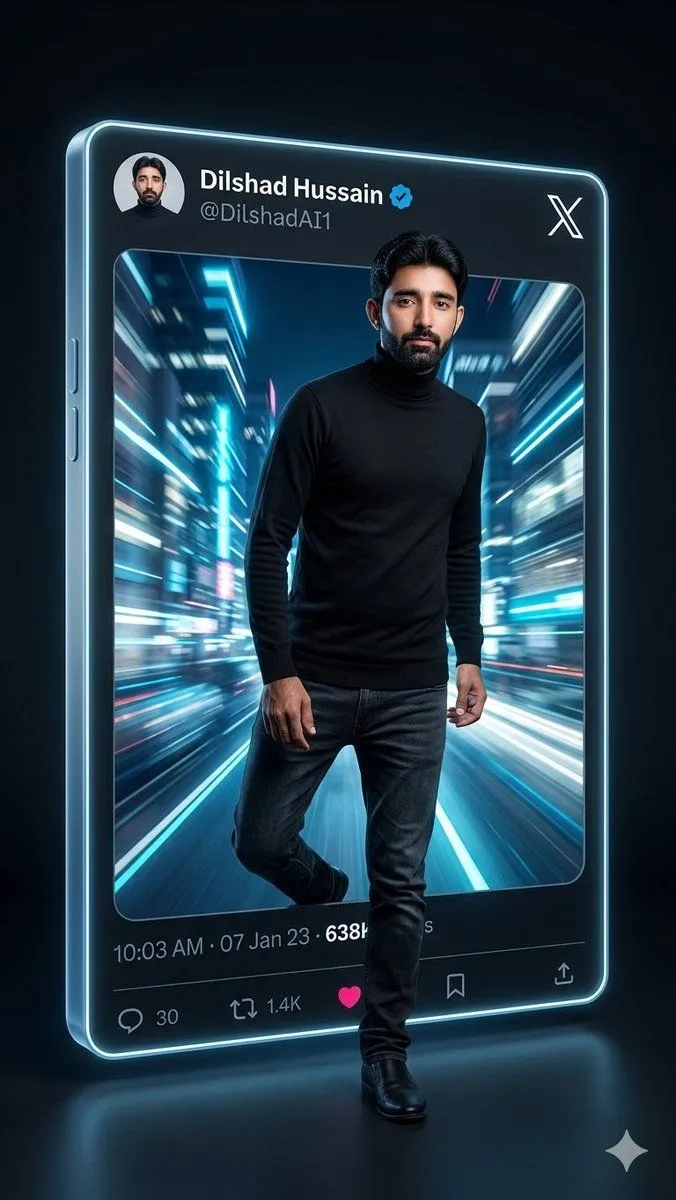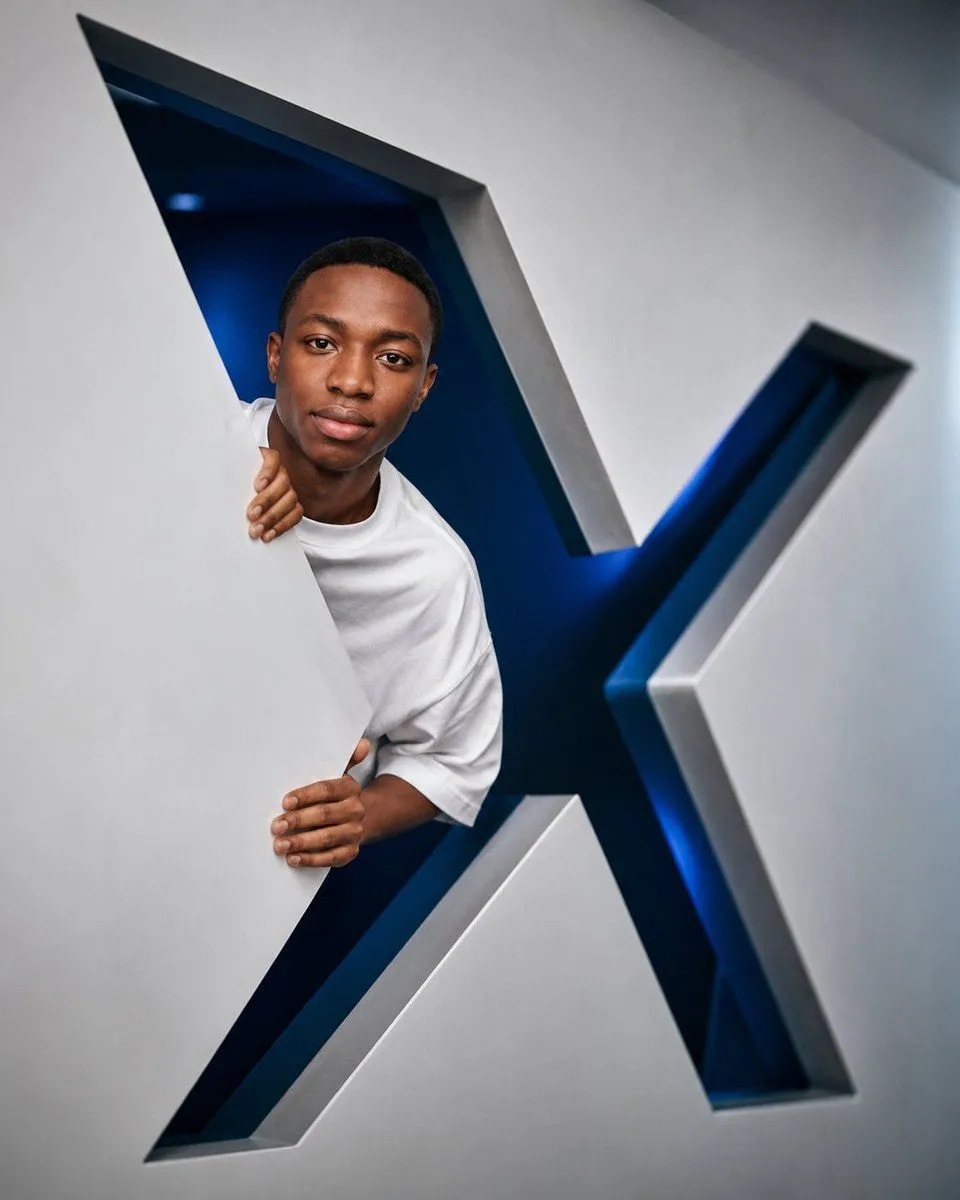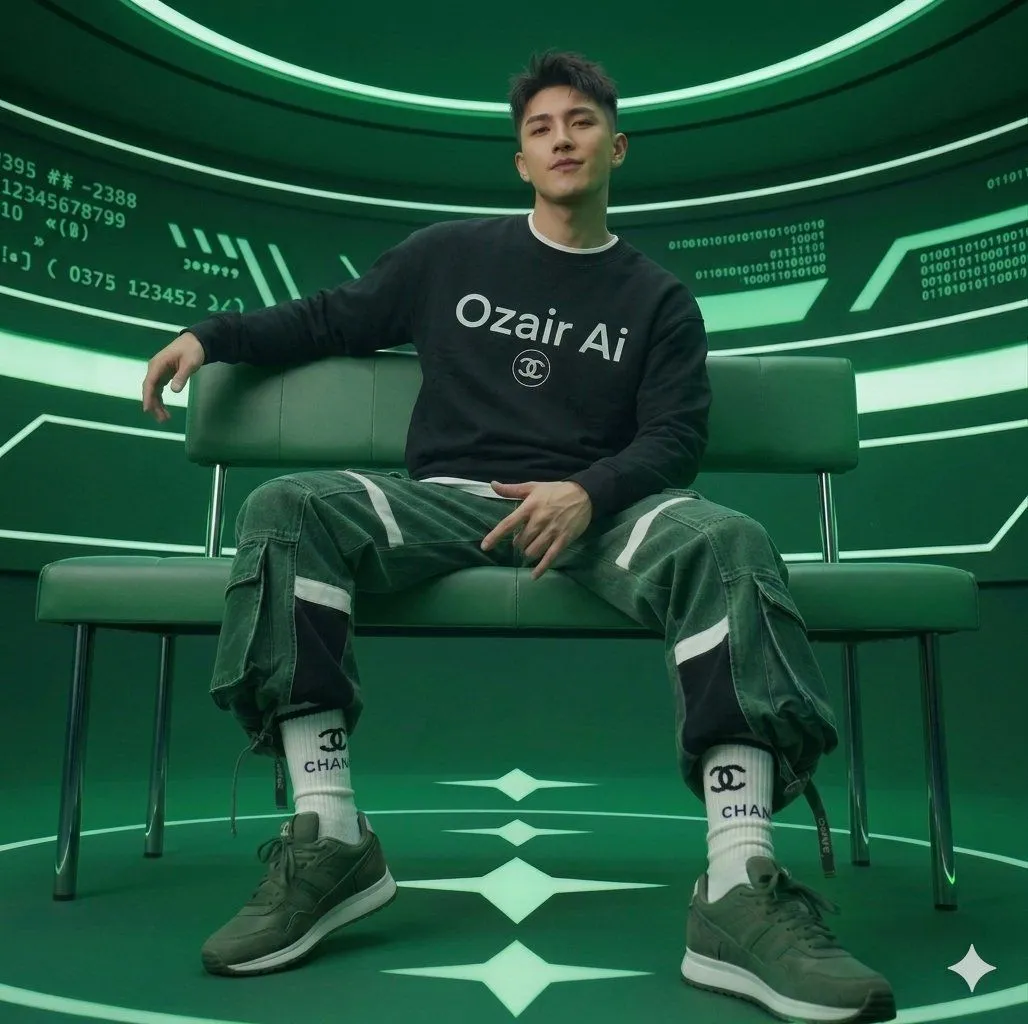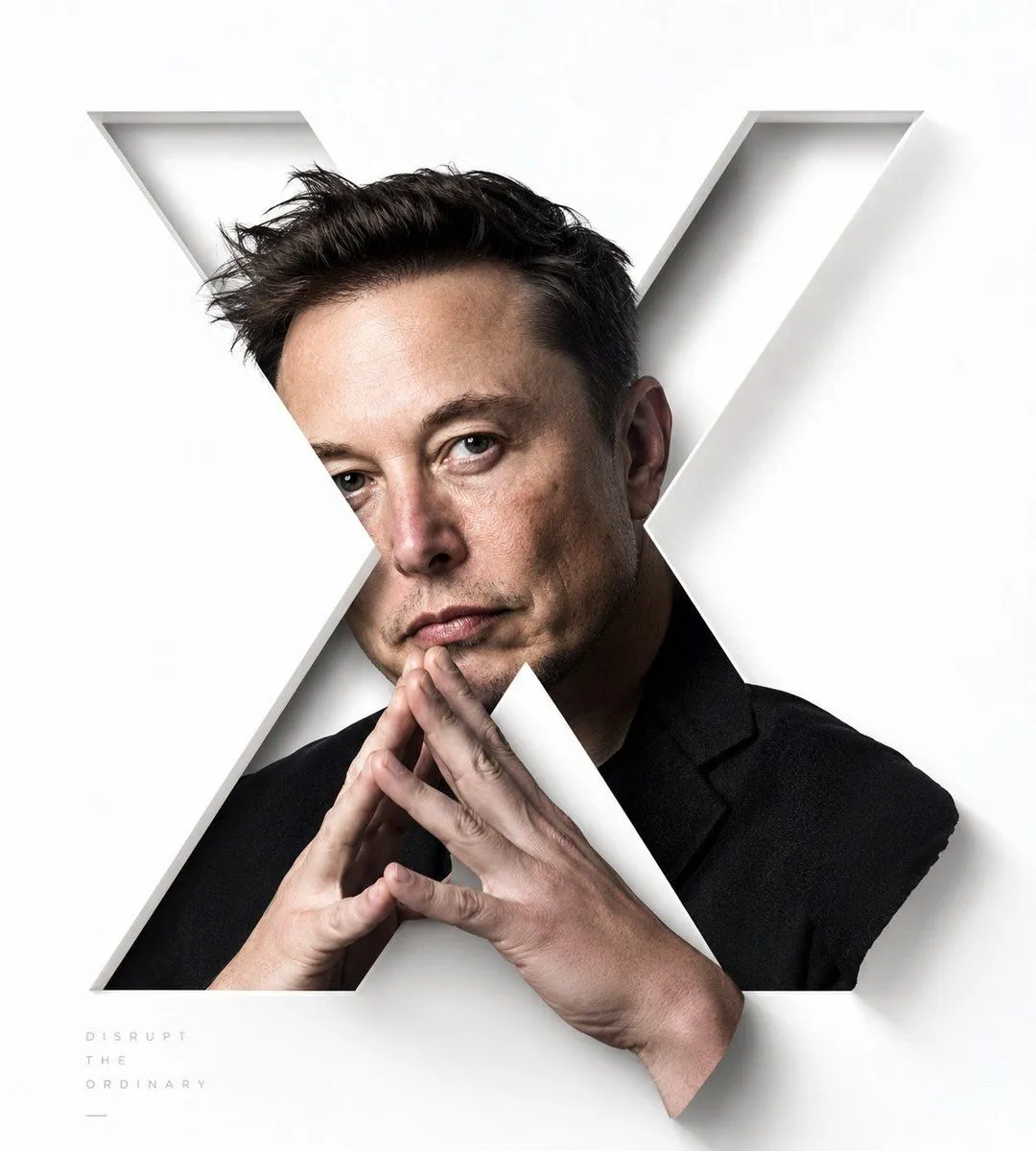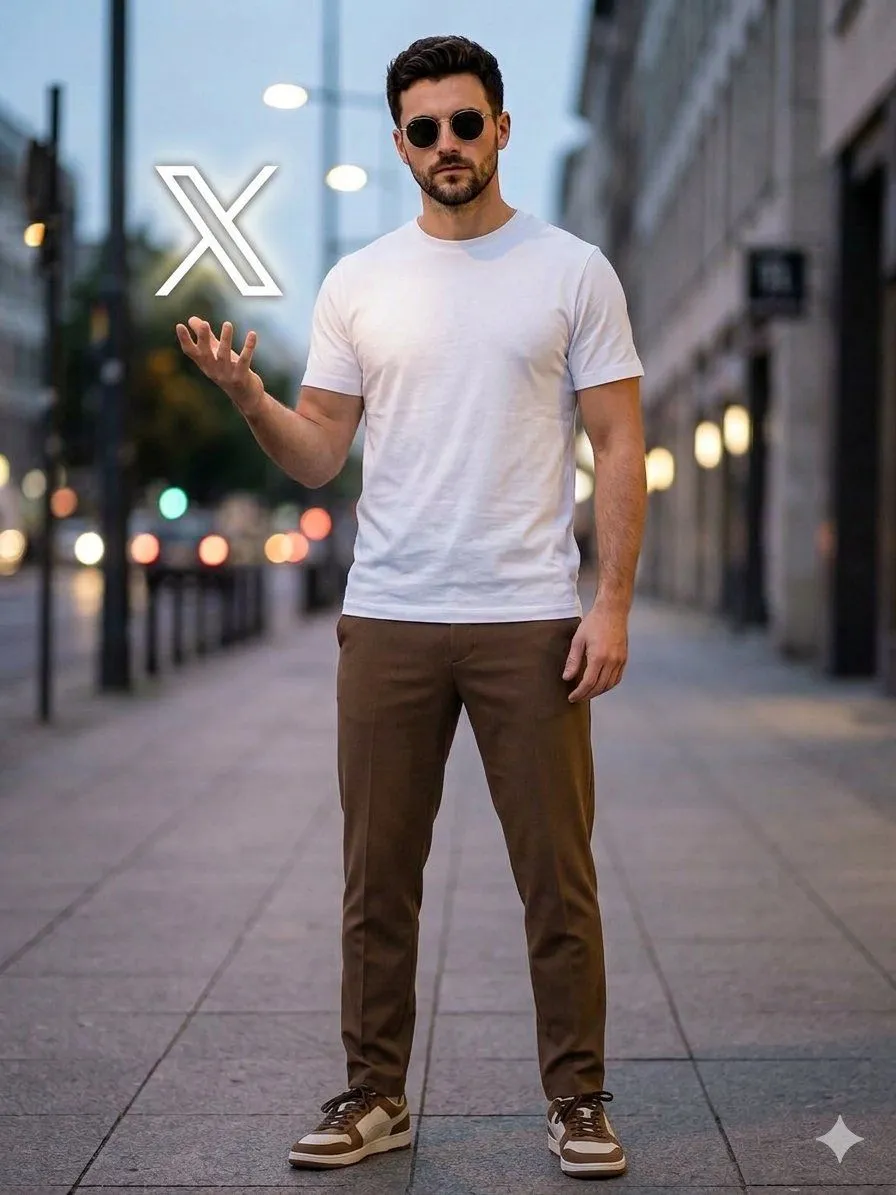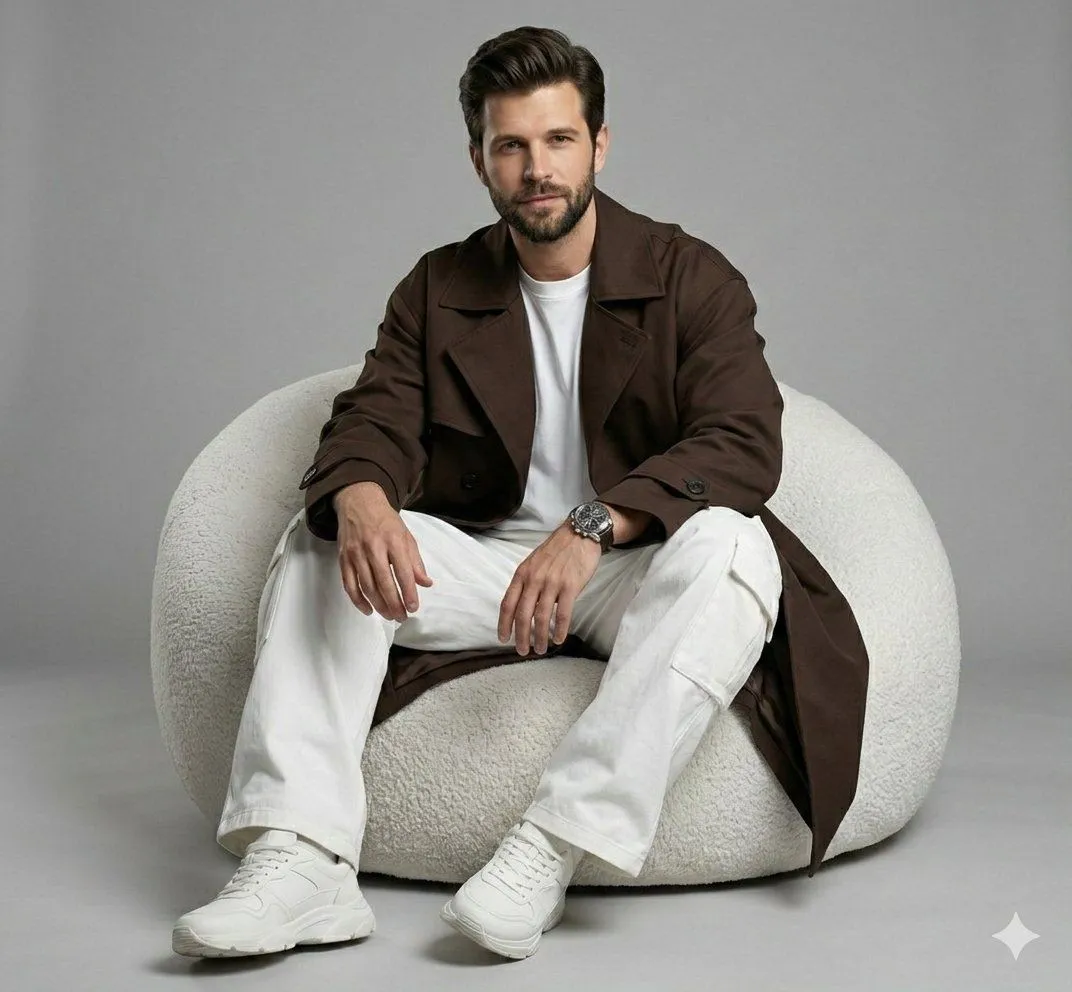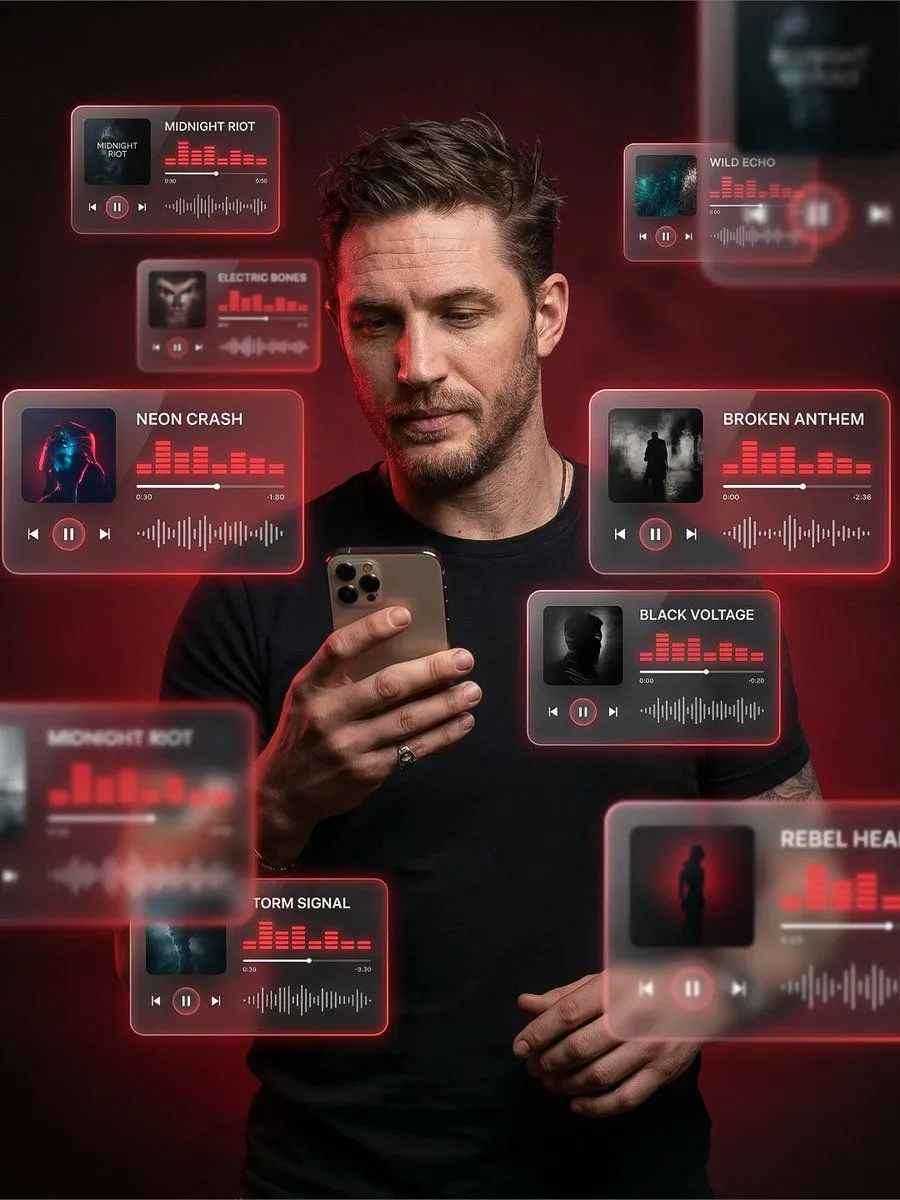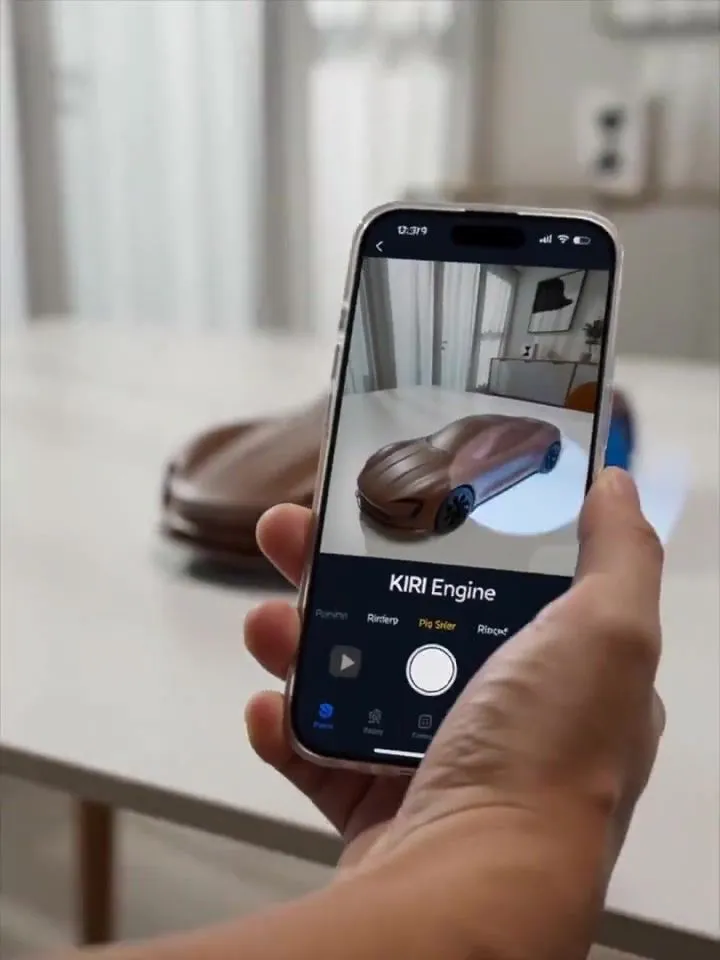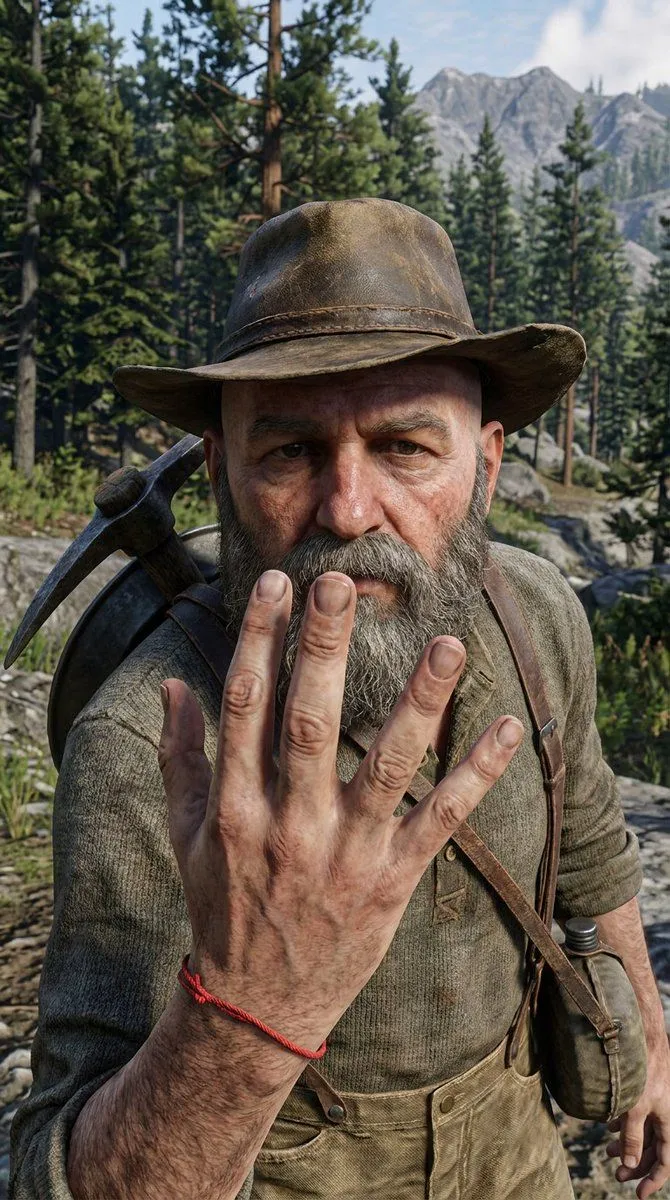
Made with Nano Banana Pro in Gemini, collected by Library Portraits. Promptclay never generates images.
Did it work?
No reports yet. Tell others if it worked for you.
X/Twitter UI Interaction Scene
Prompt
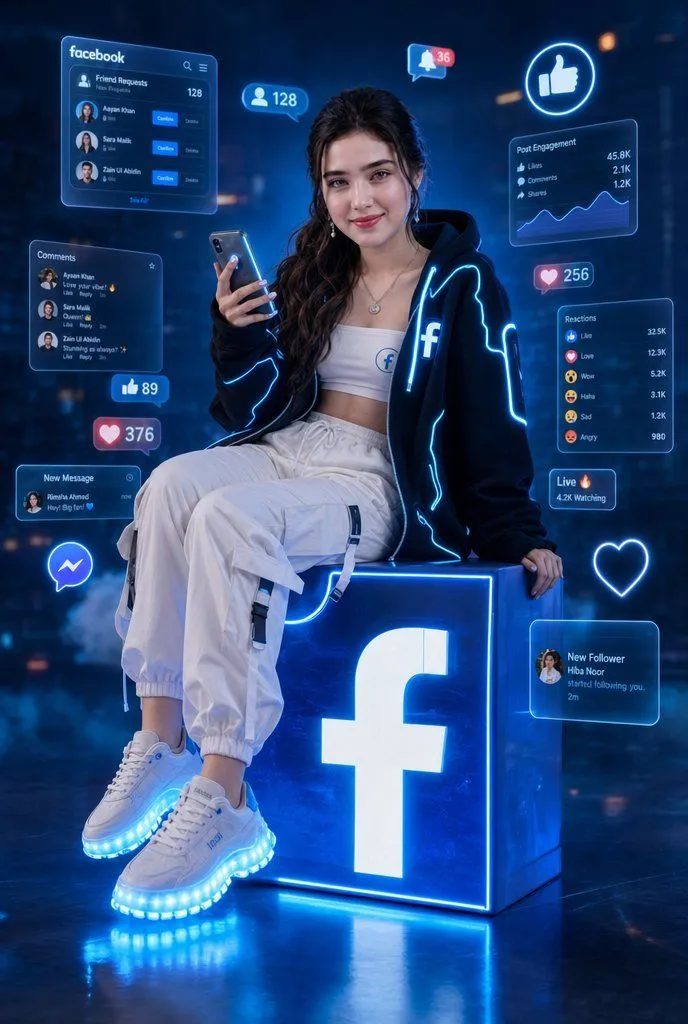
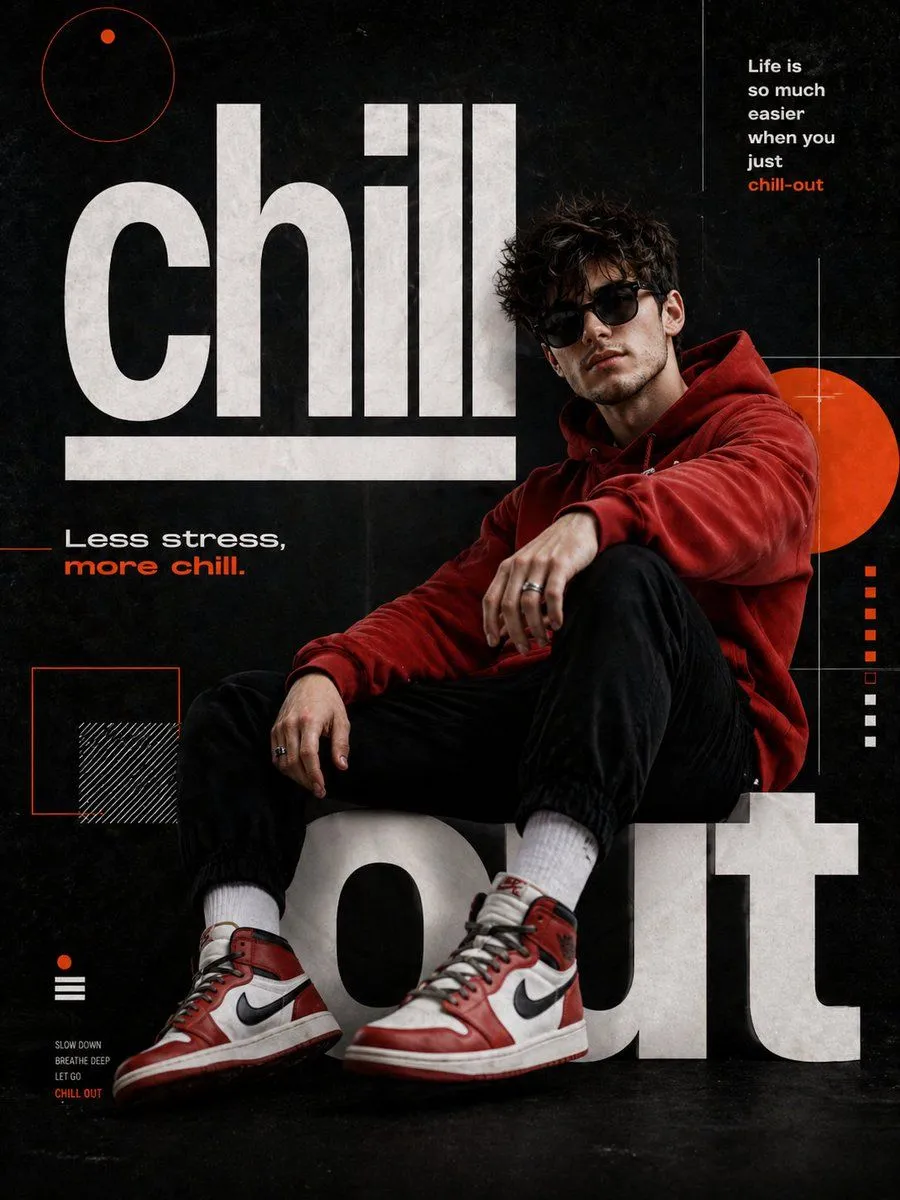
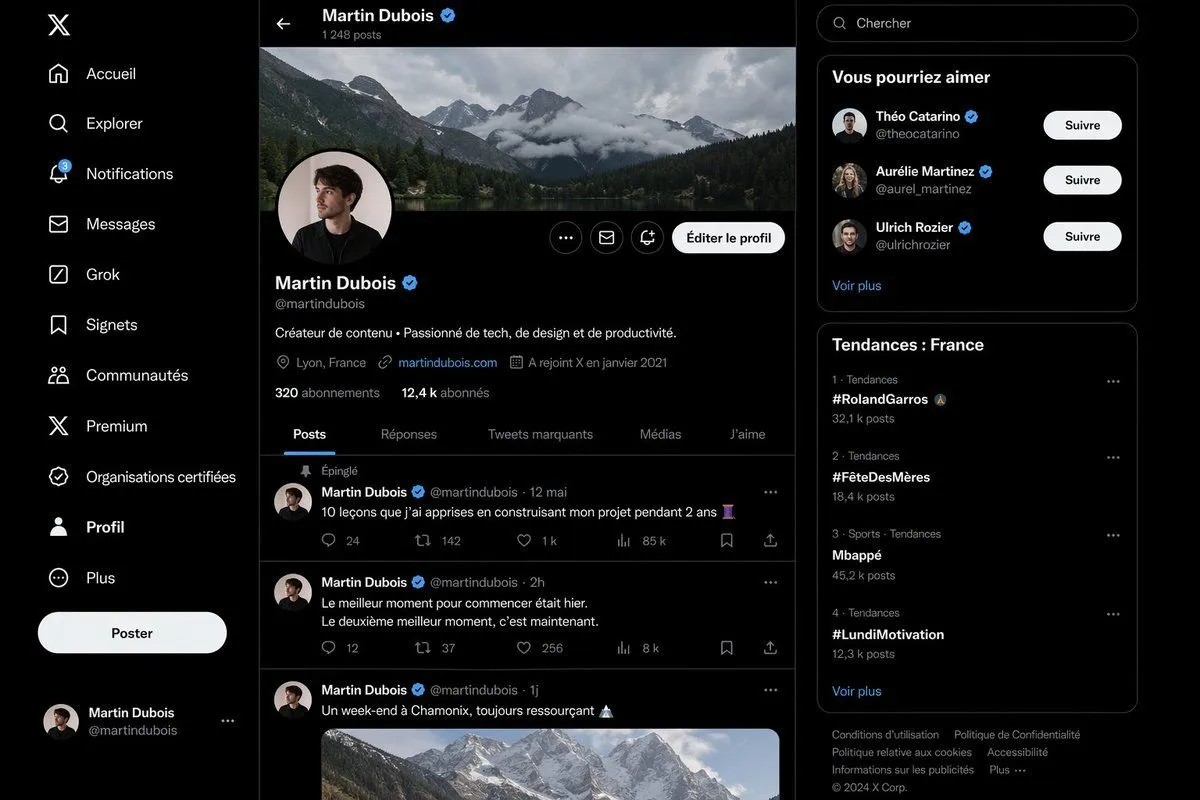
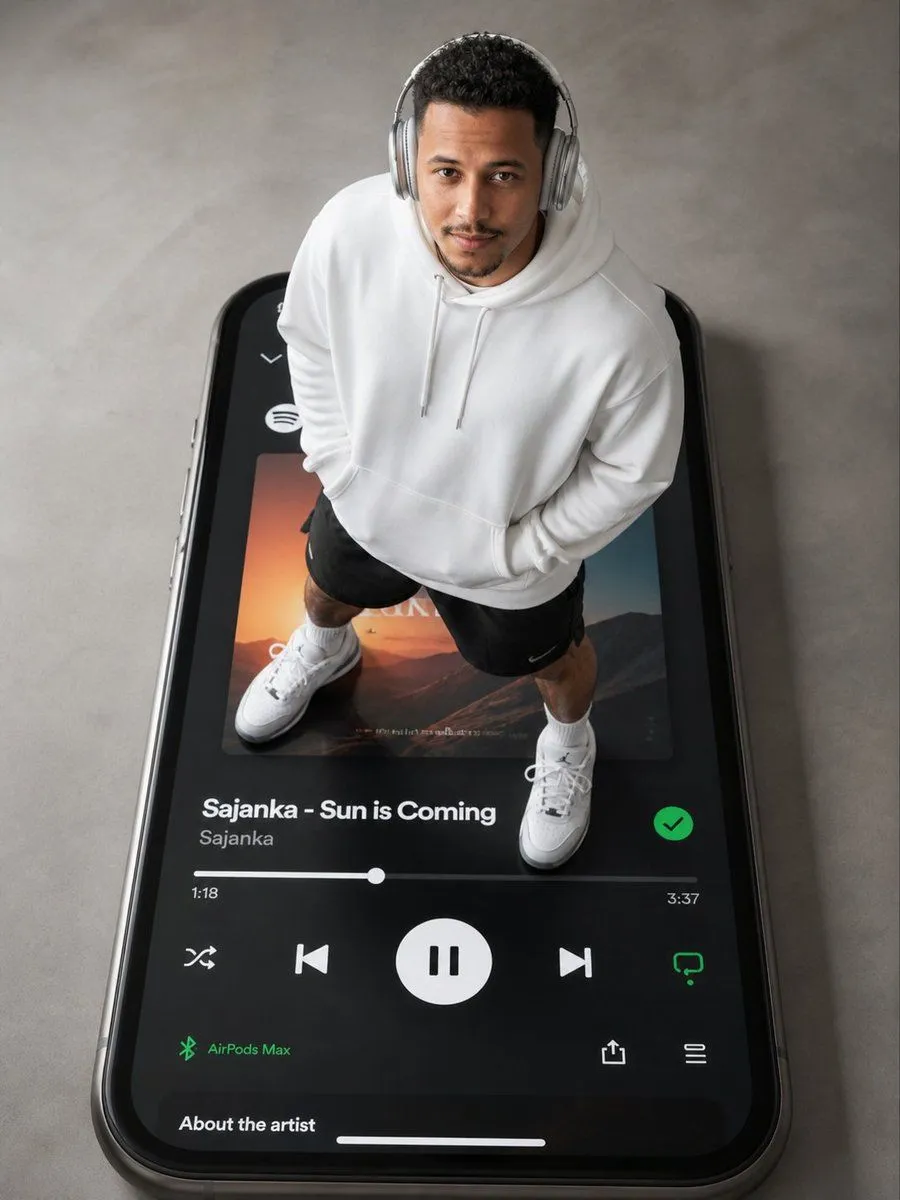
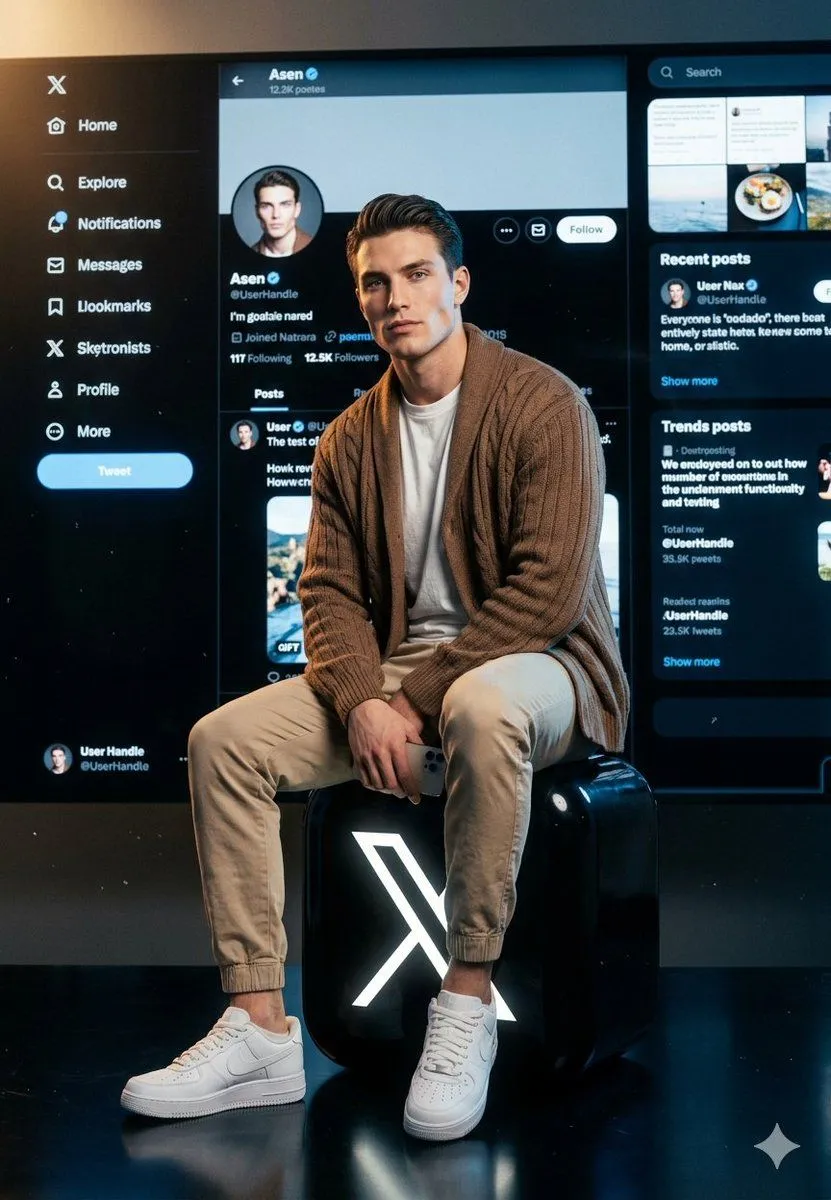
3 blanks to fillA young American white man with extremely sharp, chiseled jawline, high cheekbones, piercing eyes, clean skin — no tattoos anywhere. Dark neatly styled hair. Wearing a {top}, beige jogger pants and white Nike Air Force 1 sneakers. Pose & Camera angle: Full body shot, character sitting centered and CLOSE to the camera — filling majority of the frame. Camera at slight low angle looking up, character dominates the foreground. Both legs relaxed, one knee slightly raised, holding a smartphone in one hand resting on his knee. Confident, calm expression looking slightly off-camera. Logo: He is sitting on a large {logo_description} — big black rounded square with glowing white X symbol — logo is wide, taking up the lower 30% of frame. Character sits directly on top of it. Background screen: The X/Twitter dark mode UI screen behind the character is NOW very close — almost like a giant wall monitor right behind him, only 1-2 feet away. The screen is MASSIVE, filling the entire background from edge to edge and top to bottom. It is so close and large that the UI details are clearly visible and sharp — you can clearly read the profile handle [{handle}] , see the profile picture (matching the character), follower counts, tweet feed posts, sidebar navigation. The screen feels like it's RIGHT THERE behind him, not floating far away. High resolution UI details, crisp and legible text inside the screen. Lighting: Cinematic dramatic lighting — strong key light from upper left on face and chest, soft cool fill from right, subtle blue/white glow from the screen behind reflecting onto the character's back and shoulders. Deep dark charcoal background edges with faint particles. Ultra photorealistic, 8K, cinematic color grading, no text overlays except inside the X UI screen. Vertical 9:13 format.
Preview of your prompt
A young American white man with extremely sharp, chiseled jawline, high cheekbones, piercing eyes, clean skin — no tattoos anywhere. Dark neatly styled hair. Wearing a brown oversized cardigan over a white t-shirt, beige jogger pants and white Nike Air Force 1 sneakers. Pose & Camera angle: Full body shot, character sitting centered and CLOSE to the camera — filling majority of the frame. Camera at slight low angle looking up, character dominates the foreground. Both legs relaxed, one knee slightly raised, holding a smartphone in one hand resting on his knee. Confident, calm expression looking slightly off-camera. Logo: He is sitting on a large oversized glossy 3D X (Twitter) logo — big black rounded square with glowing white X symbol — logo is wide, taking up the lower 30% of frame. Character sits directly on top of it. Background screen: The X/Twitter dark mode UI screen behind the character is NOW very close — almost like a giant wall monitor right behind him, only 1-2 feet away. The screen is MASSIVE, filling the entire background from edge to edge and top to bottom. It is so close and large that the UI details are clearly visible and sharp — you can clearly read the profile handle [OzairAI] , see the profile picture (matching the character), follower counts, tweet feed posts, sidebar navigation. The screen feels like it's RIGHT THERE behind him, not floating far away. High resolution UI details, crisp and legible text inside the screen. Lighting: Cinematic dramatic lighting — strong key light from upper left on face and chest, soft cool fill from right, subtle blue/white glow from the screen behind reflecting onto the character's back and shoulders. Deep dark charcoal background edges with faint particles. Ultra photorealistic, 8K, cinematic color grading, no text overlays except inside the X UI screen. Vertical 9:13 format.
DetailsVersions, settings and questions
Written for
What's in the prompt
- Subject
- Model
- Nano Banana Pro
If your face changes
keep my face exactly the sameQuestions
- Does this work in the Gemini app?
- Yes. Gemini runs Nano Banana, so paste the prompt and attach your photo if it uses one.
- It changed my face. What do I do?
- Add "keep my face exactly the same" to the end and run it again.
- Can I use the images I make?
- Check the terms of the app you use. Promptclay never generates images and claims nothing you make.