Tell us anything

An idea, a bug, something you love. We read every note.

⌘↵ to send. The page you're on comes along.

Wuxia Shadow Creature Battle

Made with Seedance 2.5 in Kling by Library Cinema. Promptclay never generates images.

Did it work?

No reports yet. Tell others if it worked for you.

No comments yet. Be the first.

    Wuxia Shadow Creature Battle

    Seedance 2.516:9AI-generated

    Prompt

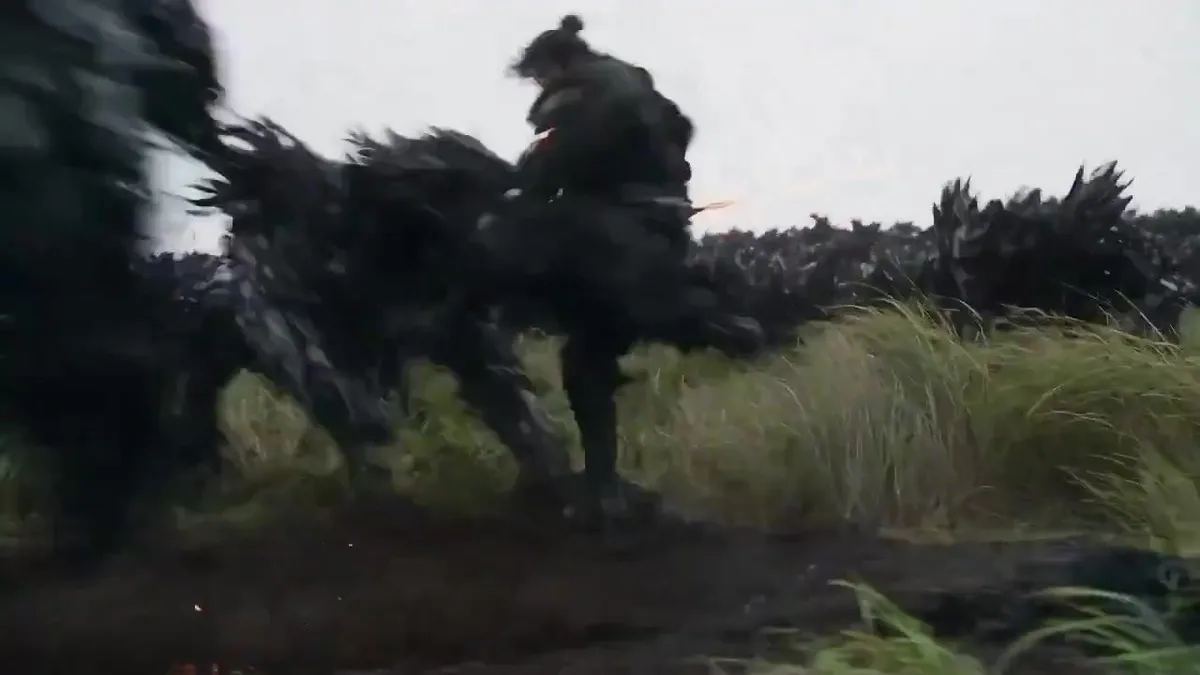
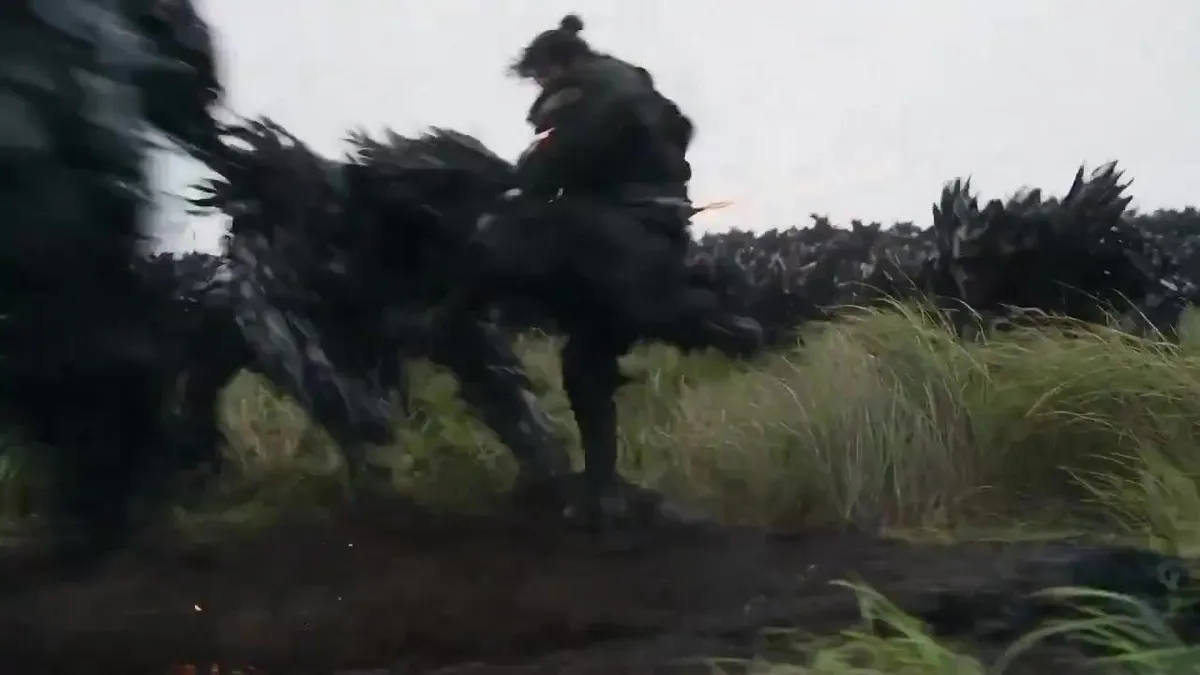
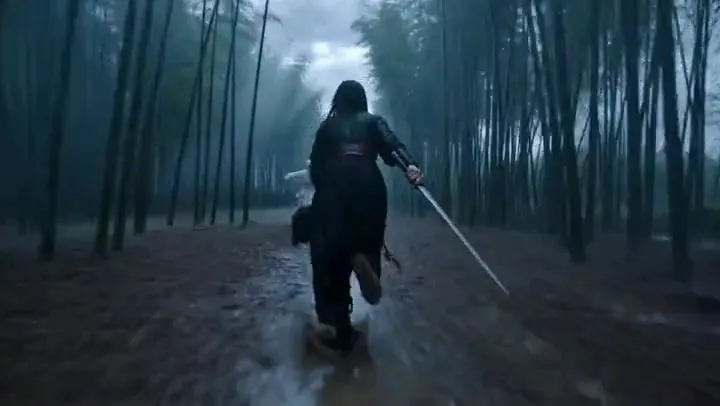
    Cinematic dark fantasy wuxia battle, captured from a dramatic low-angle tracking shot. A lone male warrior dressed in black martial robes and protective arm guards stands in a vast field of tall grass beneath a gloomy, overcast sky. He spins with precision, swinging a blazing sword that creates brilliant orange fire trails and showers of sparks. A huge swarm of dark shadow creatures rushes toward him. With a powerful strike, he unleashes a devastating ground shockwave, sending dirt, smoke, and glowing embers flying through the air. A circular grid of red targeting markers and energy beams rapidly expands toward the approaching creatures. The warrior calmly places his burning sword over his shoulder and walks forward in slow motion as embers drift around him, smoke fades, and black ash dissolves into the air. Photorealistic VFX, cinematic motion blur, ultra-detailed visuals, 8K quality.

    Works in
    Kling
    Status
    Free to copy
    0
    DetailsVersions, settings and questions

    Written for

    What's in the prompt

    Subject
    Model
    Seedance 2.5

    If your face changes

    keep my face exactly the same

    Questions

    Does this work in the Kling app?
    Yes. Paste the prompt and attach your photo if it uses one.
    It changed my face. What do I do?
    Add "keep my face exactly the same" to the end and run it again.
    Can I use the images I make?
    Check the terms of the app you use. Promptclay never generates images and claims nothing you make.
    Similar prompts

    See more
    • Cinematic Dark Fantasy Wuxia Action SceneVideo, 0:15
    • Wuxia Action Short Video Prompt (Seedance 2.0)Video, 0:10
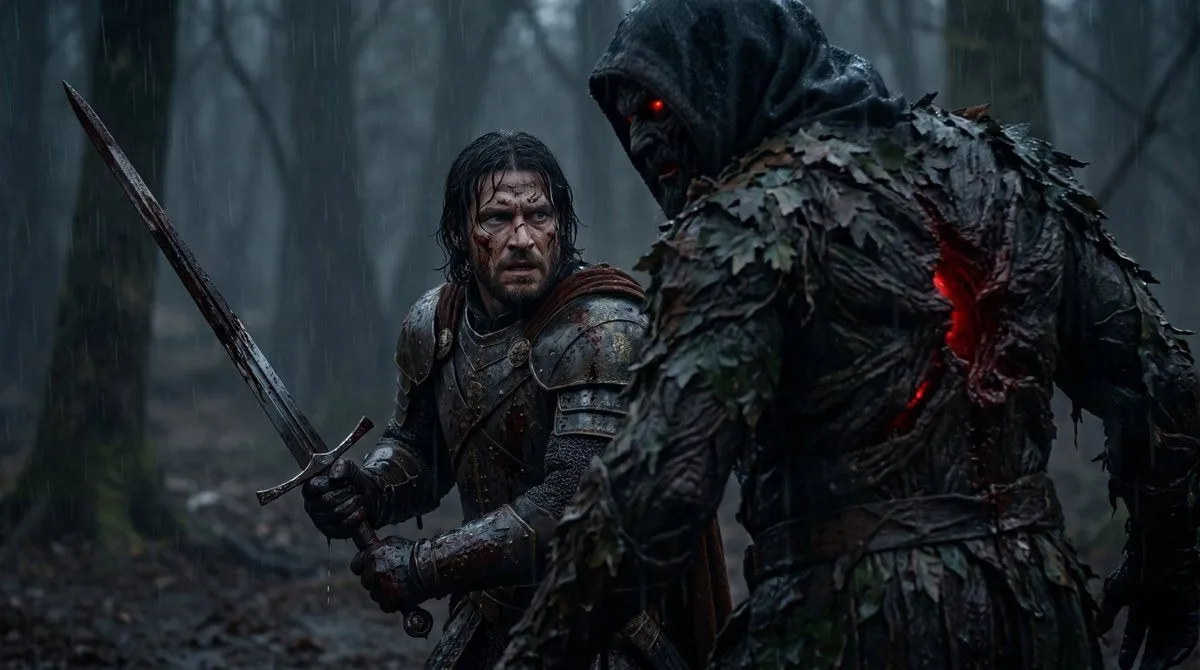
    • Battle-Worn Knight vs Forest Wraith
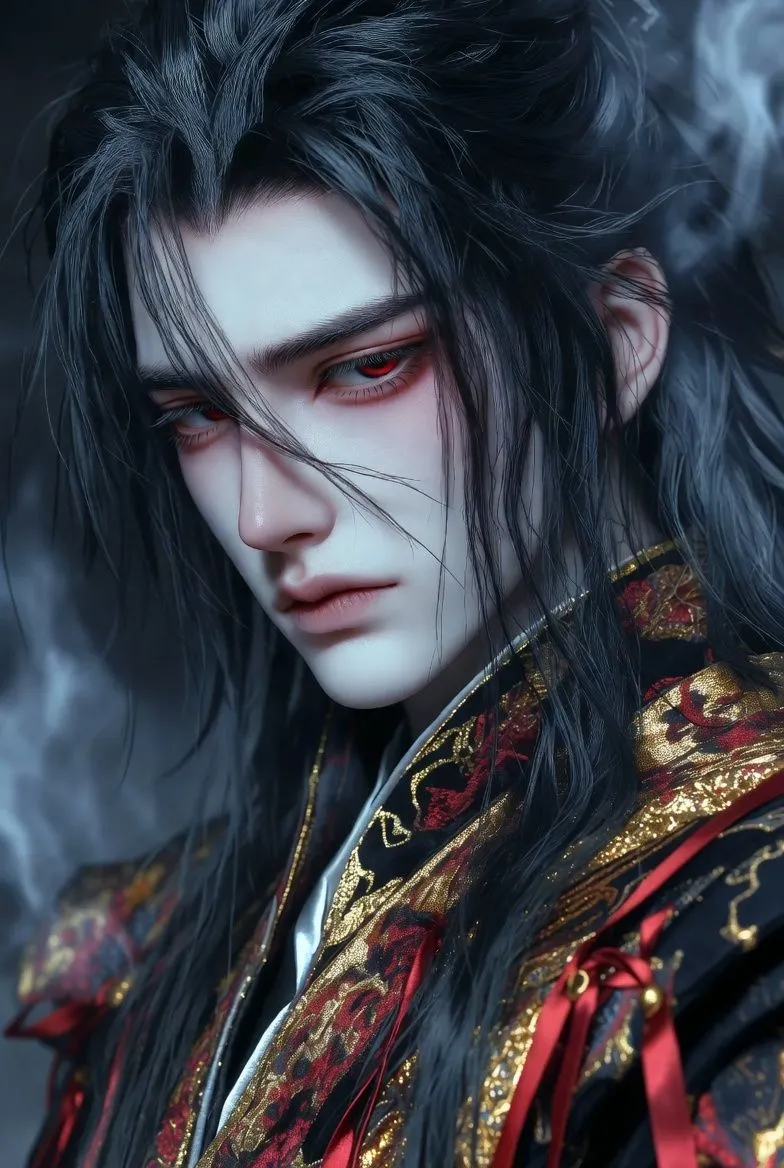
    • Detailed Cinematic Wuxia Scene Prompt: Dark Raven vs. Azure Frost
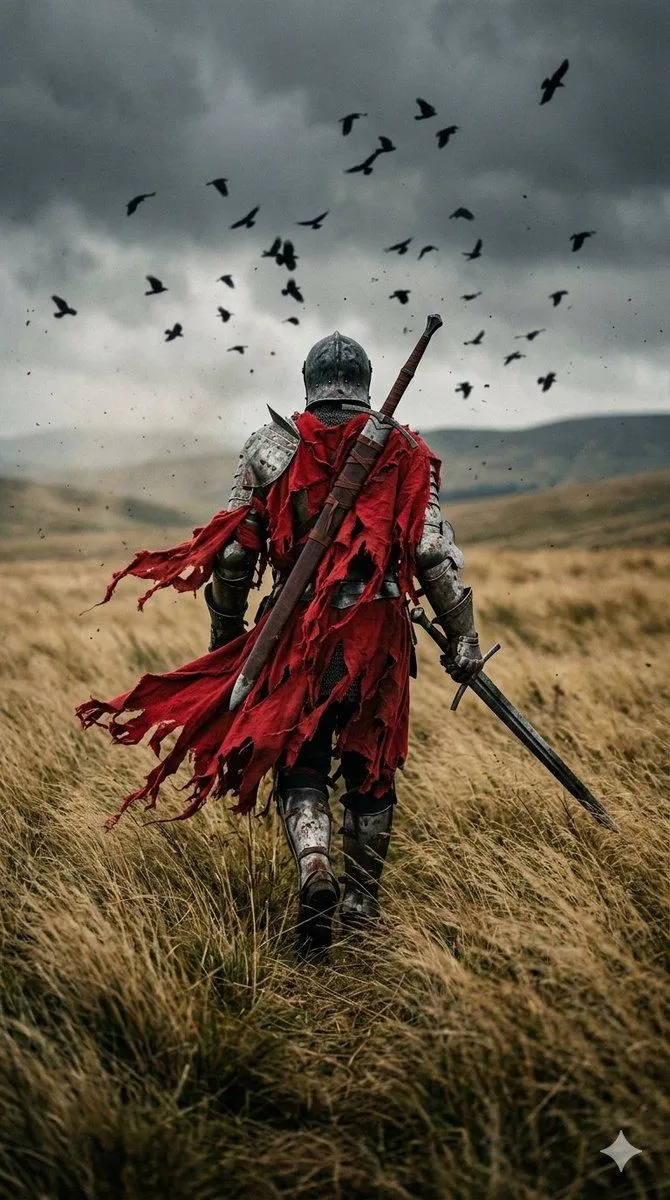
    • Dark Fantasy Knight Wallpaper Generation with Nano Banana 2
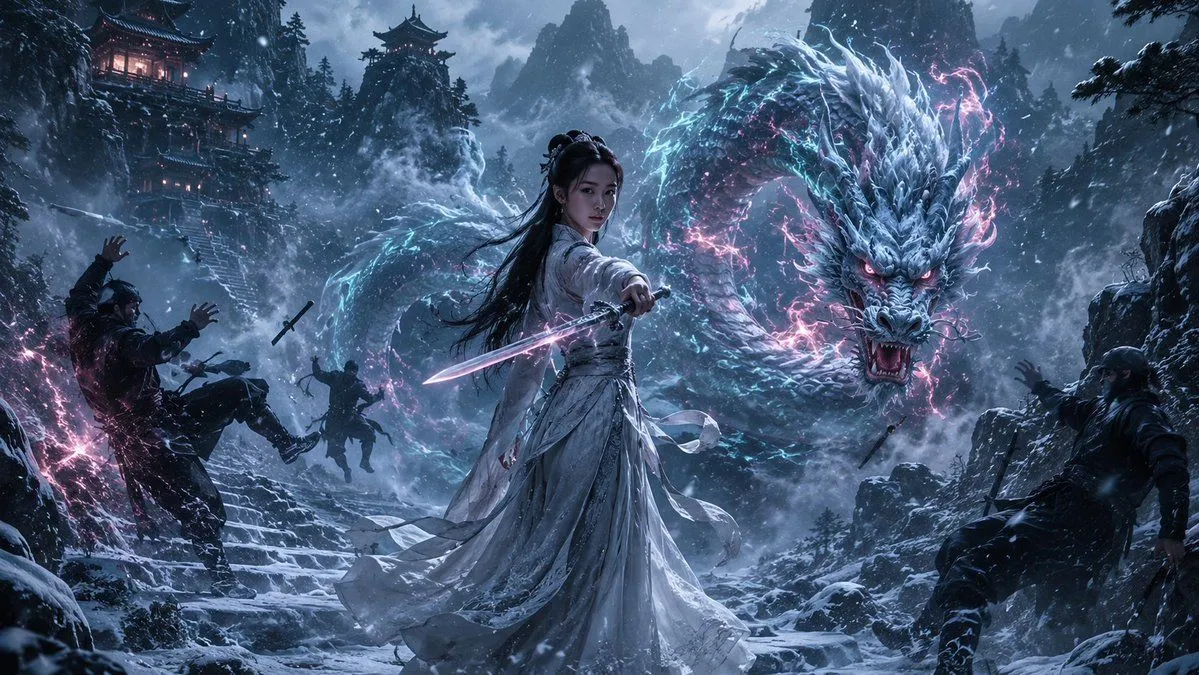
    • Guardian of the Snowbound Pass
    • 360-Degree Panorama Generation Formula
    • Roman Warrior Eagle Battlefield Portrait
    • Rain and Fire Warrior Portrait Prompt
    • Extremely Realistic Minimalistic Marriage Image
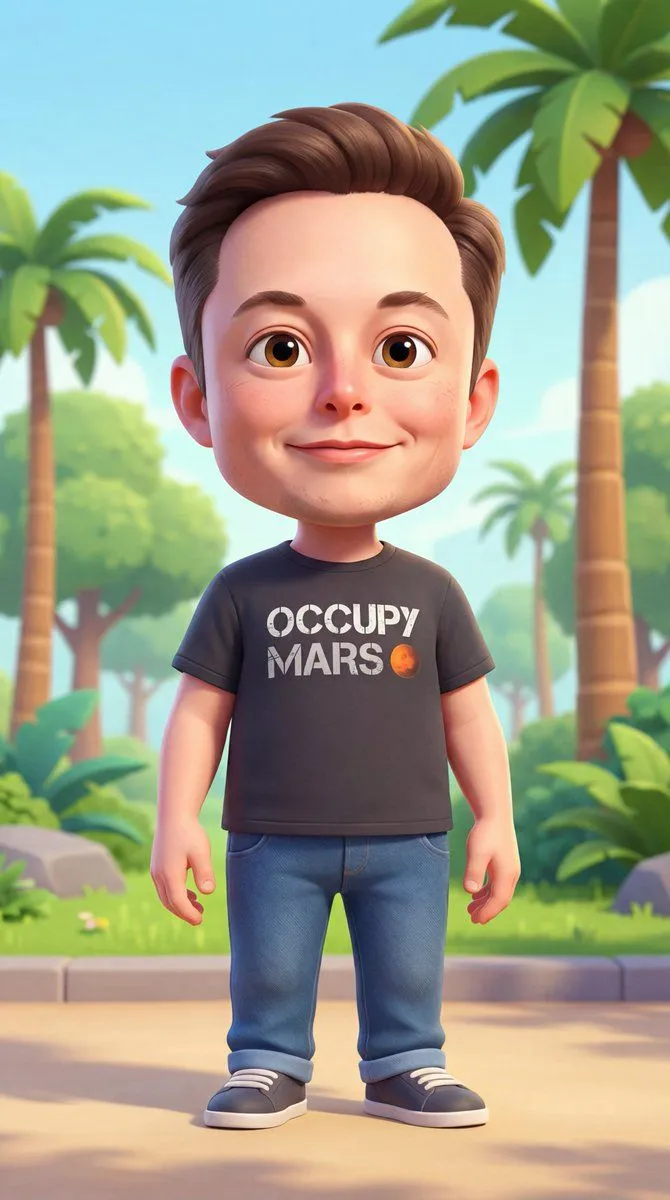
    • 3D Cartoon Character Generation Prompt
    • Anime Prompt Sites Infographic Poster
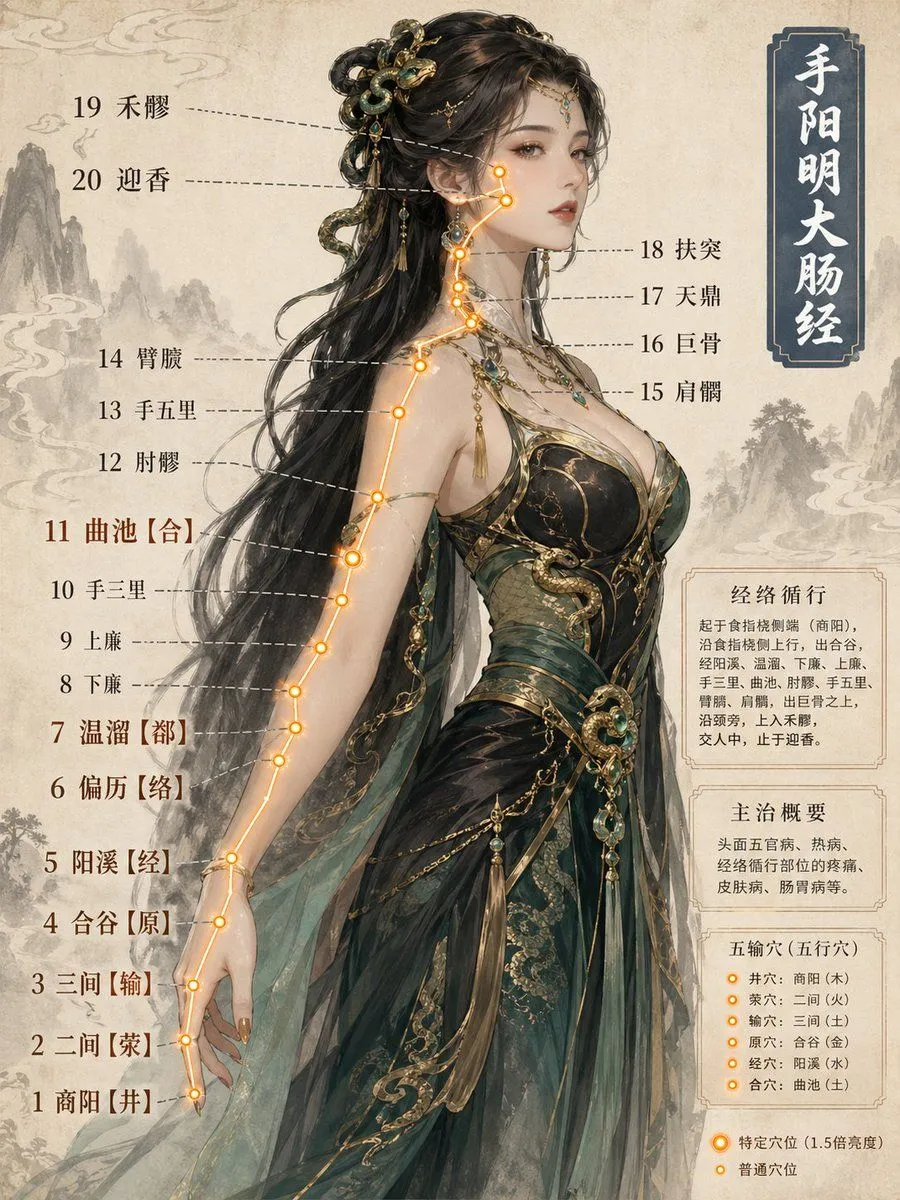
    • Chinese Medicine Meridian Infographic
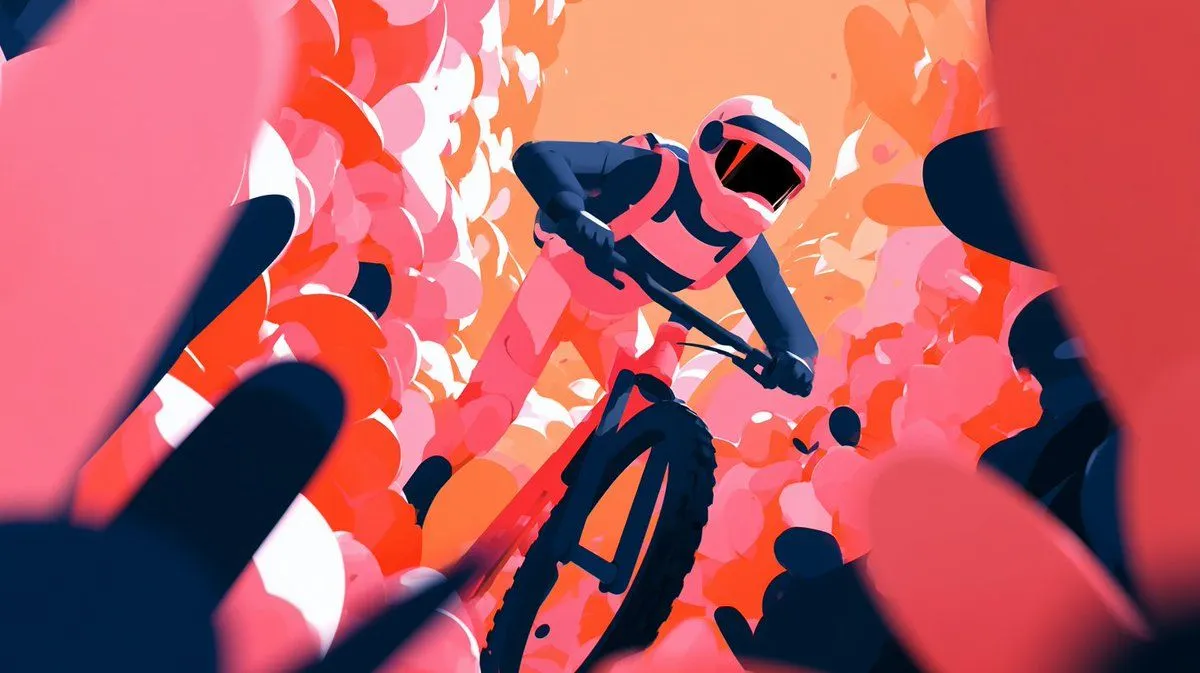
    • Cinematic Floral Mountain Biker
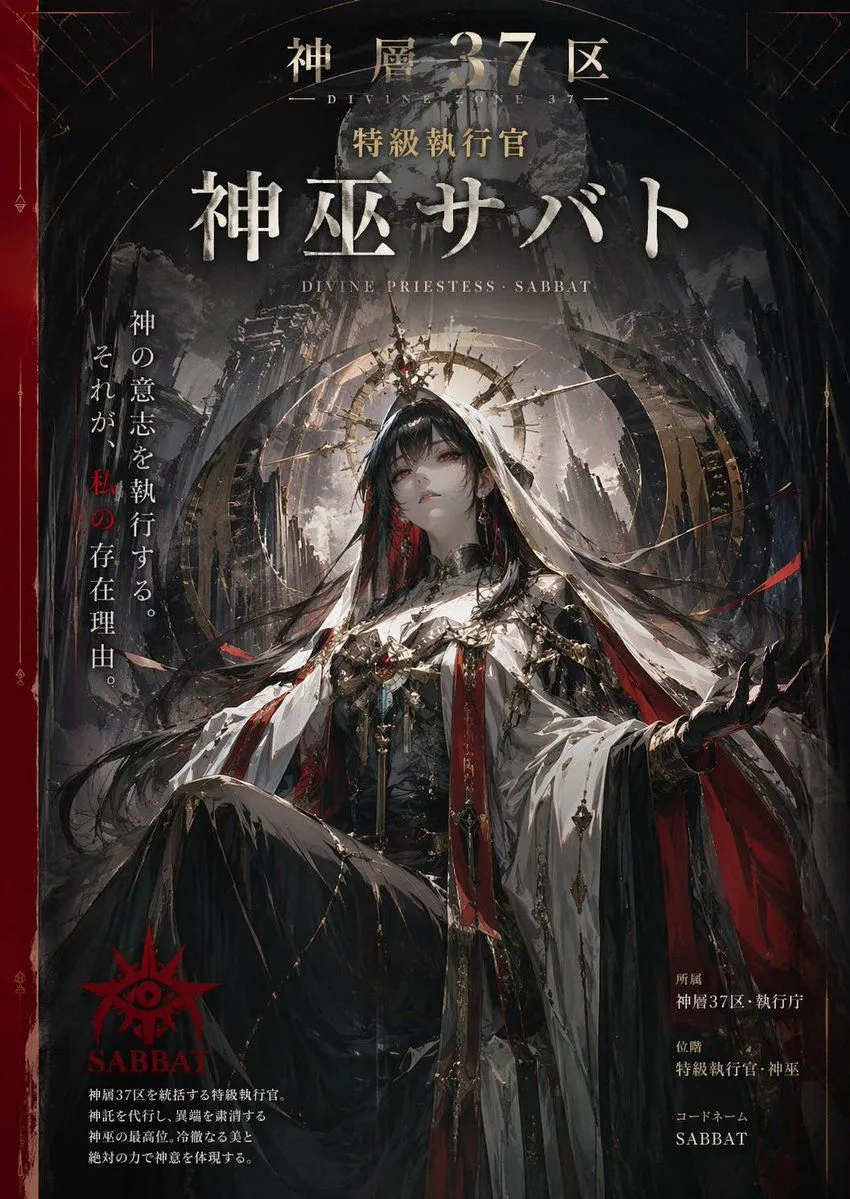
    • Dark Fantasy Character Poster
    • Explosive Japanese X Monetization Thumbnail
    • Flashy Japanese AI Thumbnail
    • Folk Art Cafe Study Illustration Prompt
    • Lamp-Creature Concept Art Sheet
    • Nano Banana Pro Image Generation Prompt for Sunecat
    • Popmart Style 3D Character Toy
    • Retro-Future Pinup Background Conversion Prompt
    • Robot Mecha Movie Key Visual Prompt
    • SynClub Elf Character Promo Card

    Show more

    Run it on your phone

    1. Prompt copiedRead it

      Cinematic dark fantasy wuxia battle, captured from a dramatic low-angle tracking shot. A lone male warrior dressed in black martial robes and protective arm guards stands in a vast field of tall grass beneath a gloomy, overcast sky. He spins with precision, swinging a blazing sword that creates brilliant orange fire trails and showers of sparks. A huge swarm of dark shadow creatures rushes toward him. With a powerful strike, he unleashes a devastating ground shockwave, sending dirt, smoke, and glowing embers flying through the air. A circular grid of red targeting markers and energy beams rapidly expands toward the approaching creatures. The warrior calmly places his burning sword over his shoulder and walks forward in slow motion as embers drift around him, smoke fades, and black ash dissolves into the air. Photorealistic VFX, cinematic motion blur, ultra-detailed visuals, 8K quality.

    2. Open your app

    3. Paste and run

      Press and hold the message box, then tap Paste. Add your photo first if the prompt uses one. You may need to sign in.