Tell us anything

An idea, a bug, something you love. We read every note.

⌘↵ to send. The page you're on comes along.

Wow! App Logo and Voiceover Video Prompt

Made with Grok Imagine in Gemini by Library Cinema. Promptclay never generates images.

Did it work?

No reports yet. Tell others if it worked for you.

No comments yet. Be the first.

    Wow! App Logo and Voiceover Video Prompt

    Grok Imagine16:9AI-generated

    Prompt

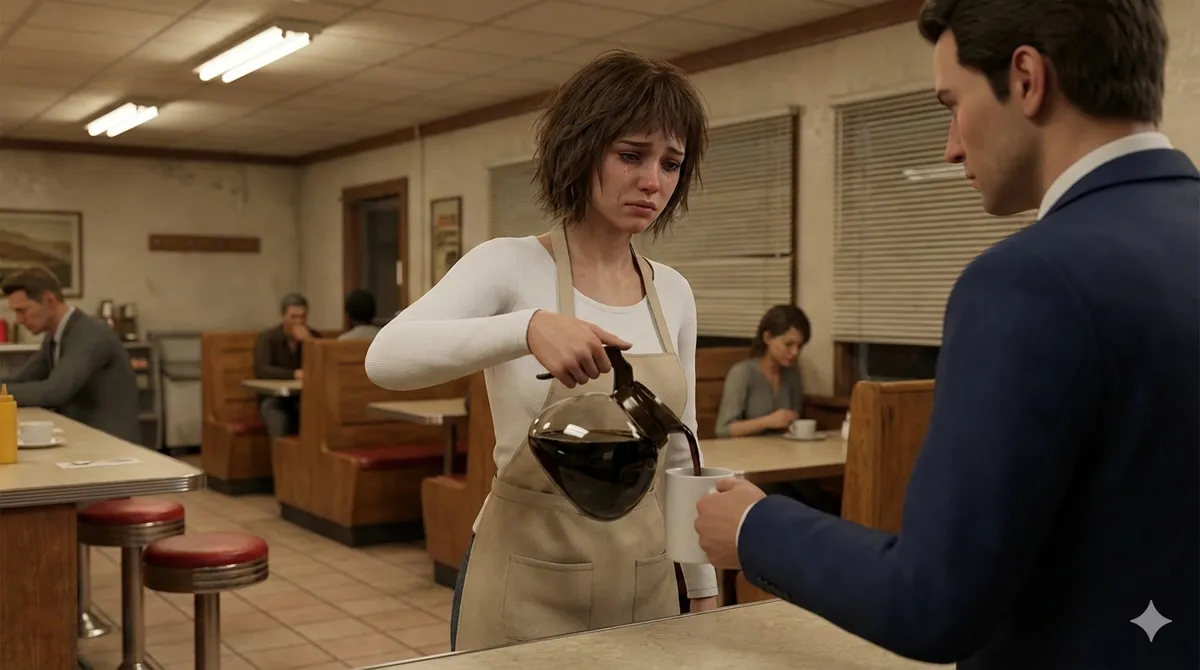
    A Wow! logo! Then an off-screen narration: “All this and much more, on the Wow! application...

    Works in
    Gemini, ChatGPT
    Status
    Free to copy
    0
    DetailsVersions, settings and questions

    Written for

    What's in the prompt

    Subject
    Model
    Grok Imagine

    If your face changes

    keep my face exactly the same

    Questions

    Does this work in the Gemini app?
    Yes. Gemini runs Nano Banana, so paste the prompt and attach your photo if it uses one.
    It changed my face. What do I do?
    Add "keep my face exactly the same" to the end and run it again.
    Can I use the images I make?
    Check the terms of the app you use. Promptclay never generates images and claims nothing you make.

    Similar prompts

    See more
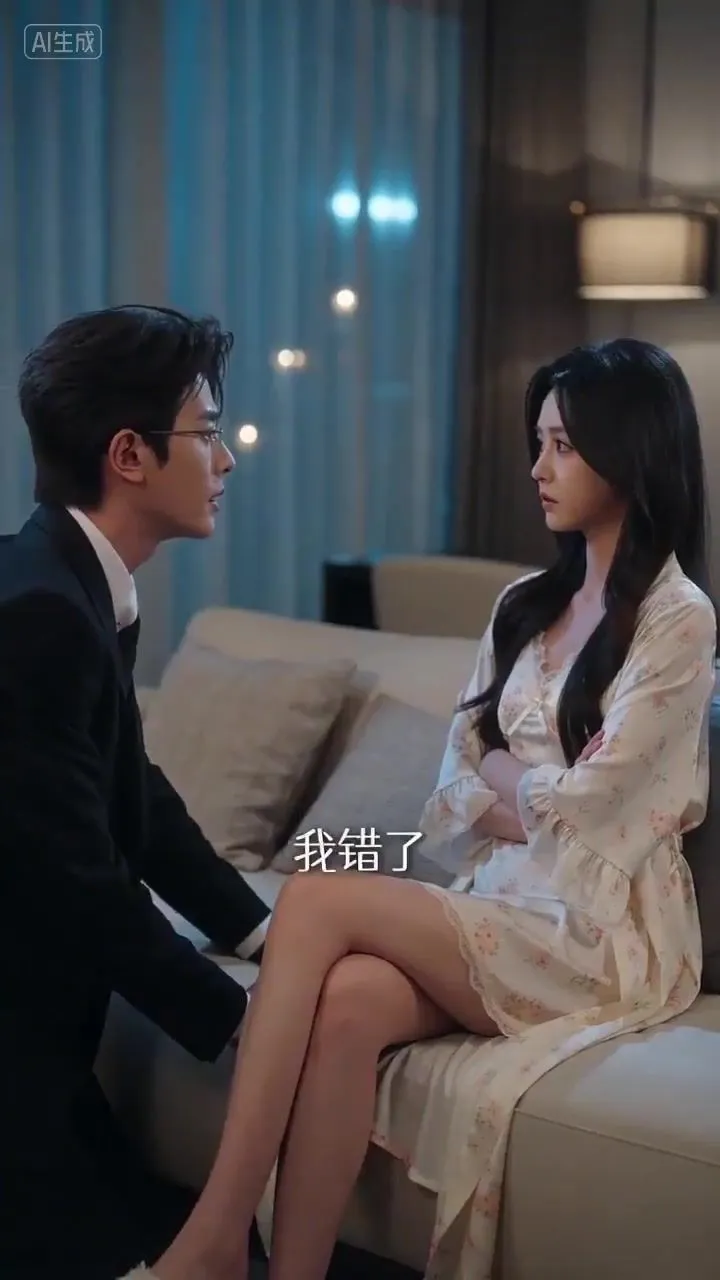
    • Seedance 2.0 prompt for generating a dramatic couple's argument sceneVideo, 0:15
    • Crimson Noir Lounge Scene
    • Cinematic Night Scene Prompt for Nano Banana
    • Cinematic Editorial Male Portrait
    • Cinematic Corporate Editorial Portrait
    • Moody Cinematic Suit Portrait
    • Cinematic Mystery Portrait with Face Reference
    • Cinematic Portrait of a Man in a Dimly Lit Hallway
    • Dramatic Cinematic Low-Angle Portrait Prompt (Reference Image Required)
    • Luxury Velvet Suit Neon Portrait
    • Executive Interaction with PaintingVideo, 0:10
    • Subtle Cinematic Scene Punch-In
    • Noir Subway Editorial Film Still
    • Cinematic Man in Doorway
    • Cinematic Superhero Rooftop Prompt
    • Convenience Store Cinematic Portrait
    • Photorealistic Superhero on Skyscraper Rooftop
    • Moody cinematic portrait from a photo
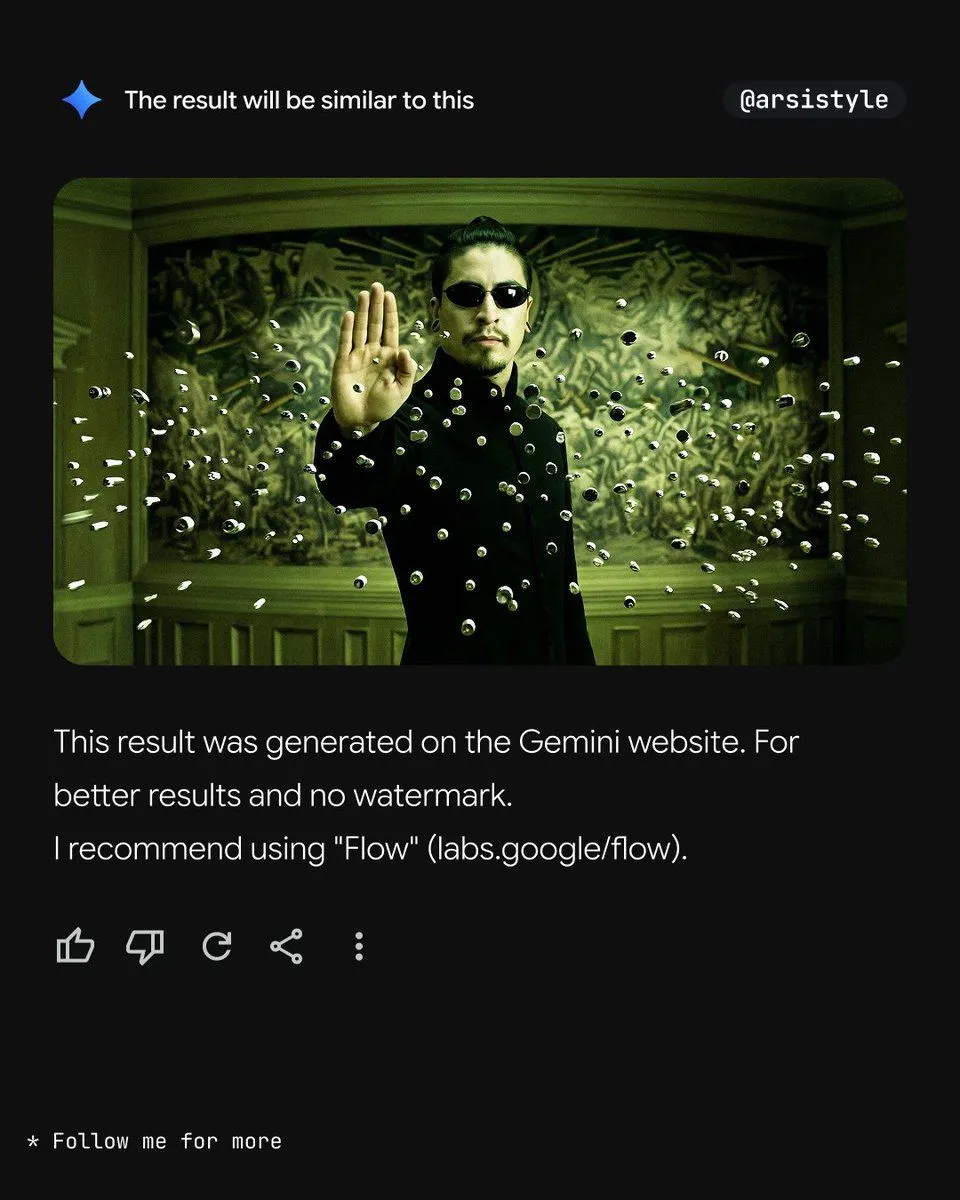
    • Cinematic Action Shot with Suspended Projectiles
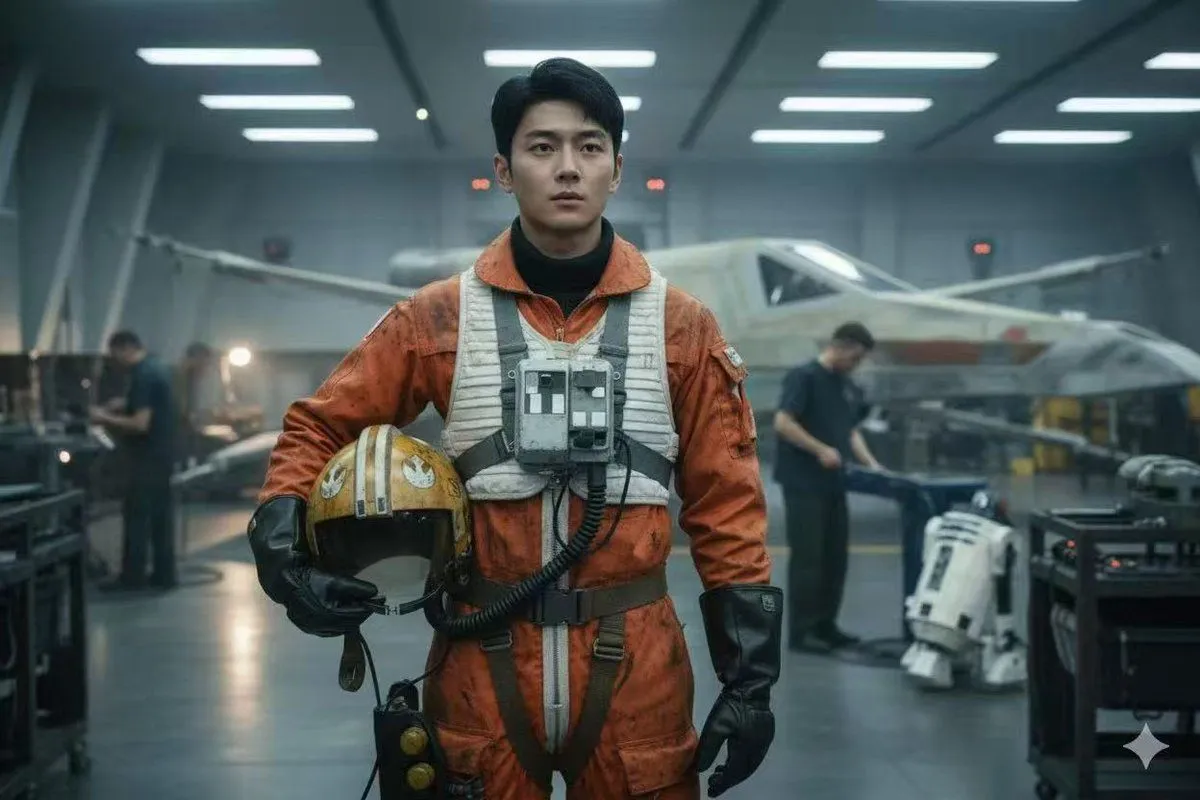
    • Rogue One Style Film Still Prompt
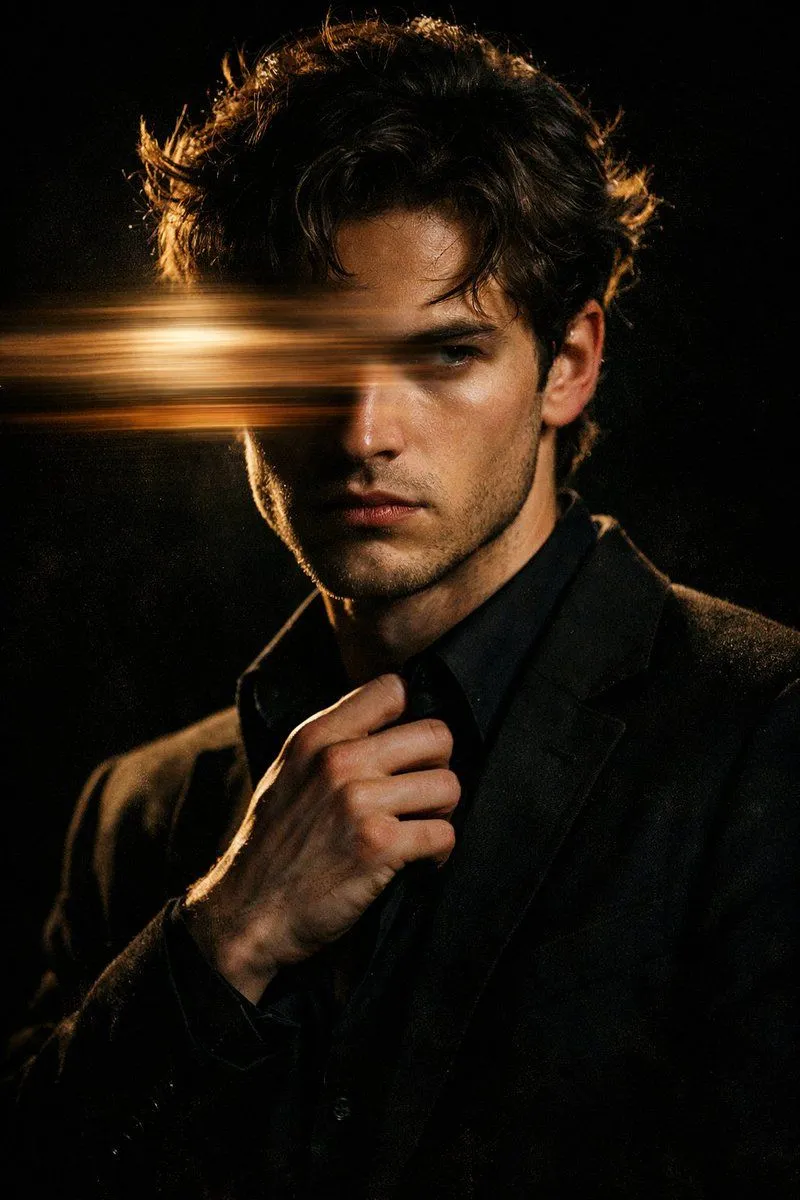
    • Moody Cinematic Portrait with Motion Blur and Directional Lighting
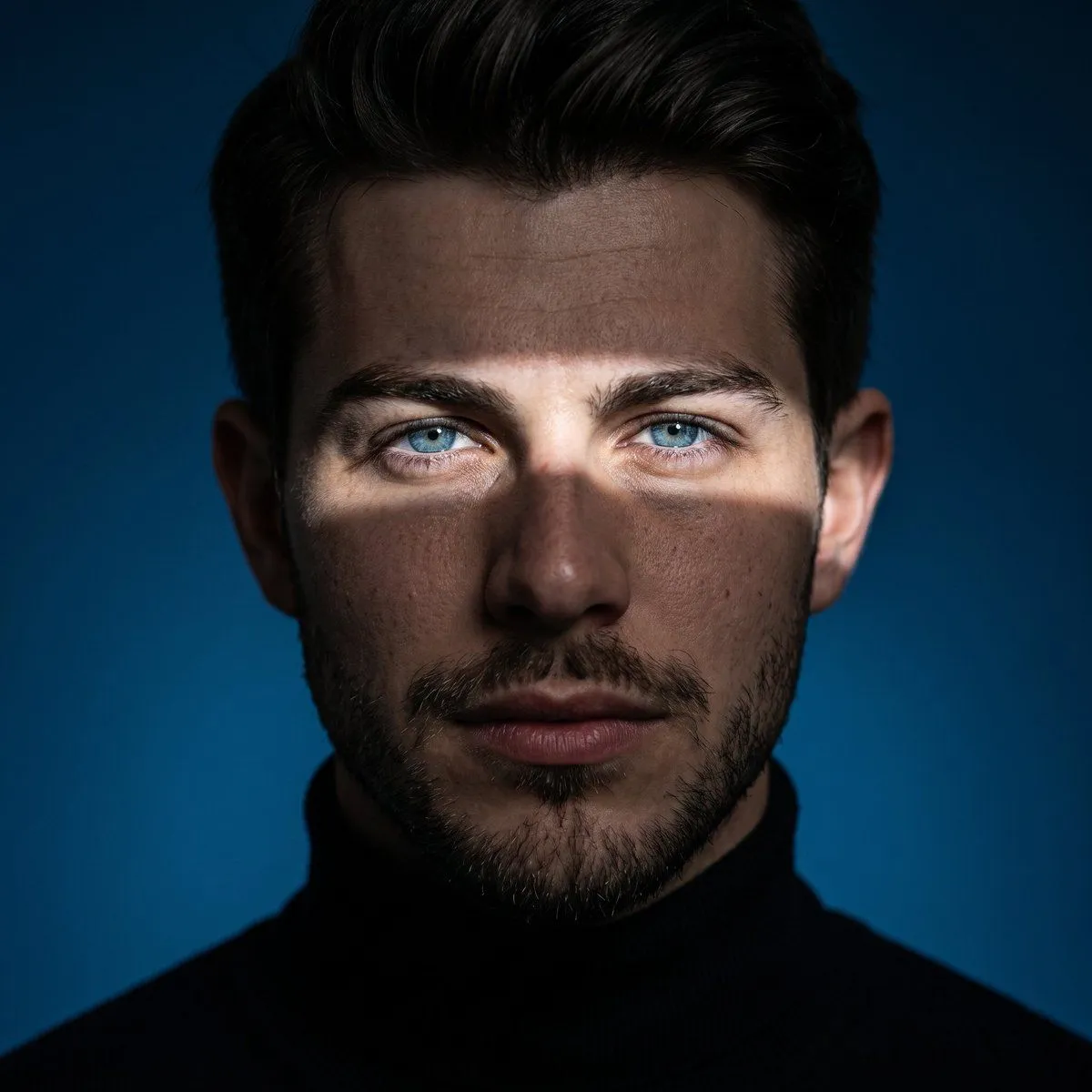
    • Ultra-Realistic Cinematic Studio Portrait
    • Animated version 3d blender
    • Cinematic Moonlight Rooftop Portrait Collage

    Show more

    Run it on your phone

    1. Prompt copiedRead it

      A Wow! logo! Then an off-screen narration: “All this and much more, on the Wow! application...

    2. Open your app

    3. Paste and run

      Press and hold the message box, then tap Paste. Add your photo first if the prompt uses one. You may need to sign in.