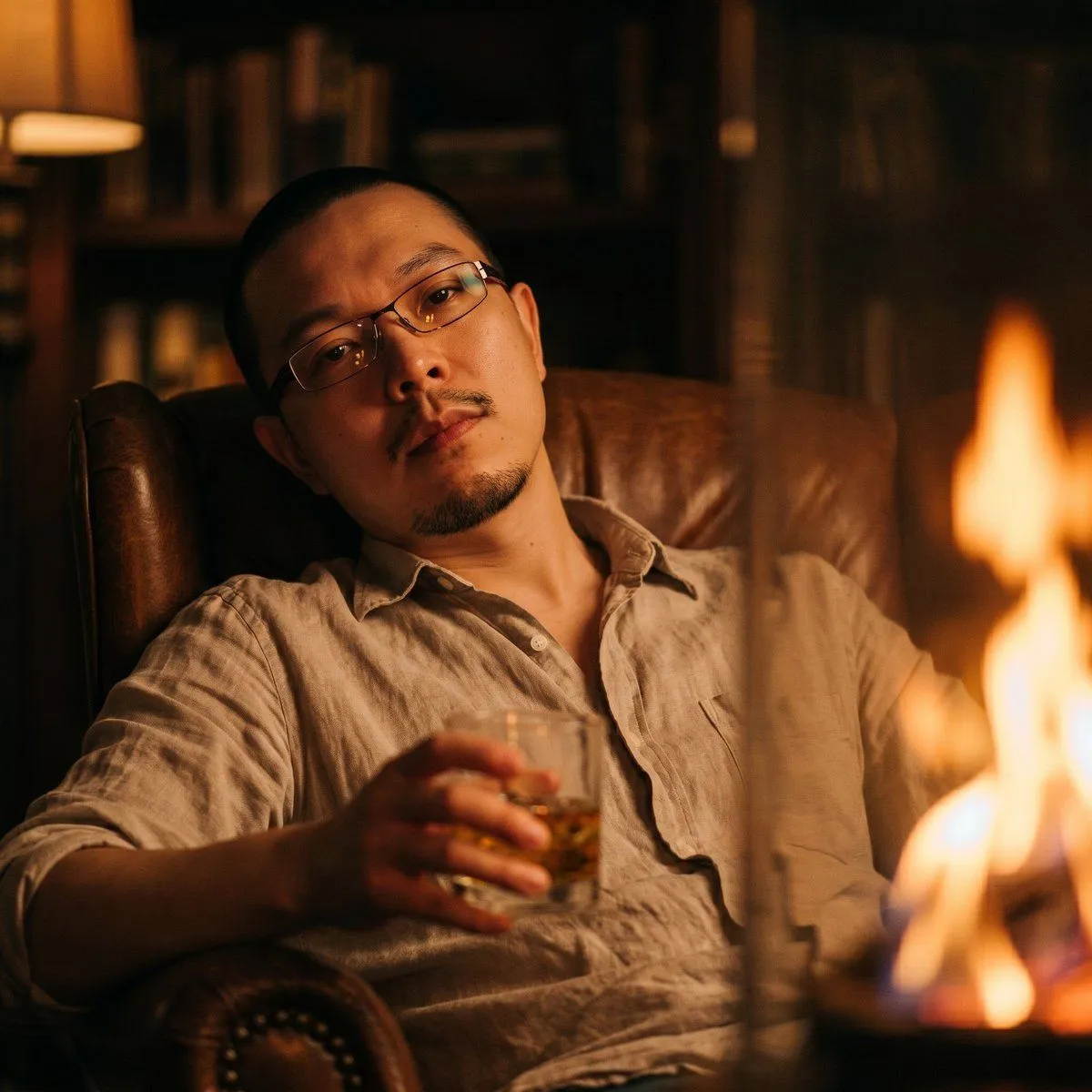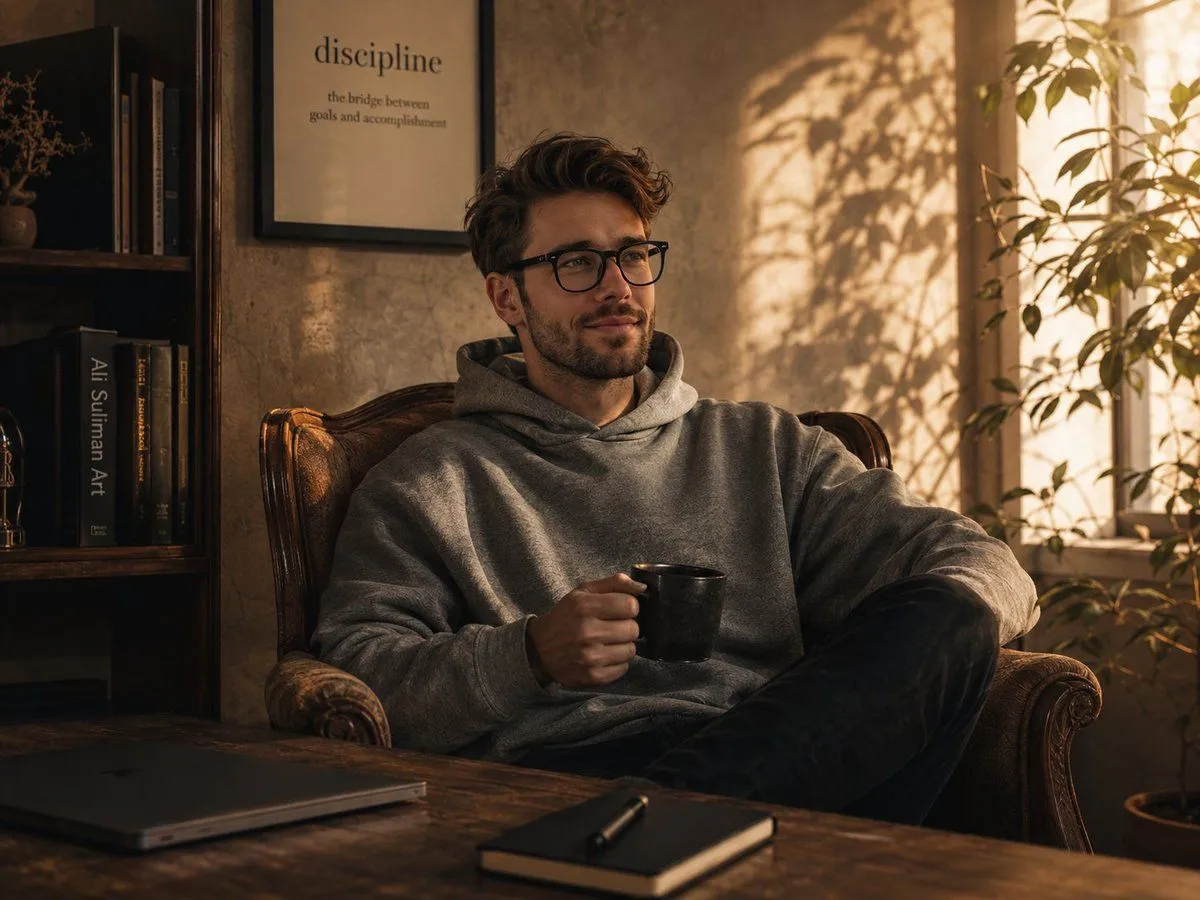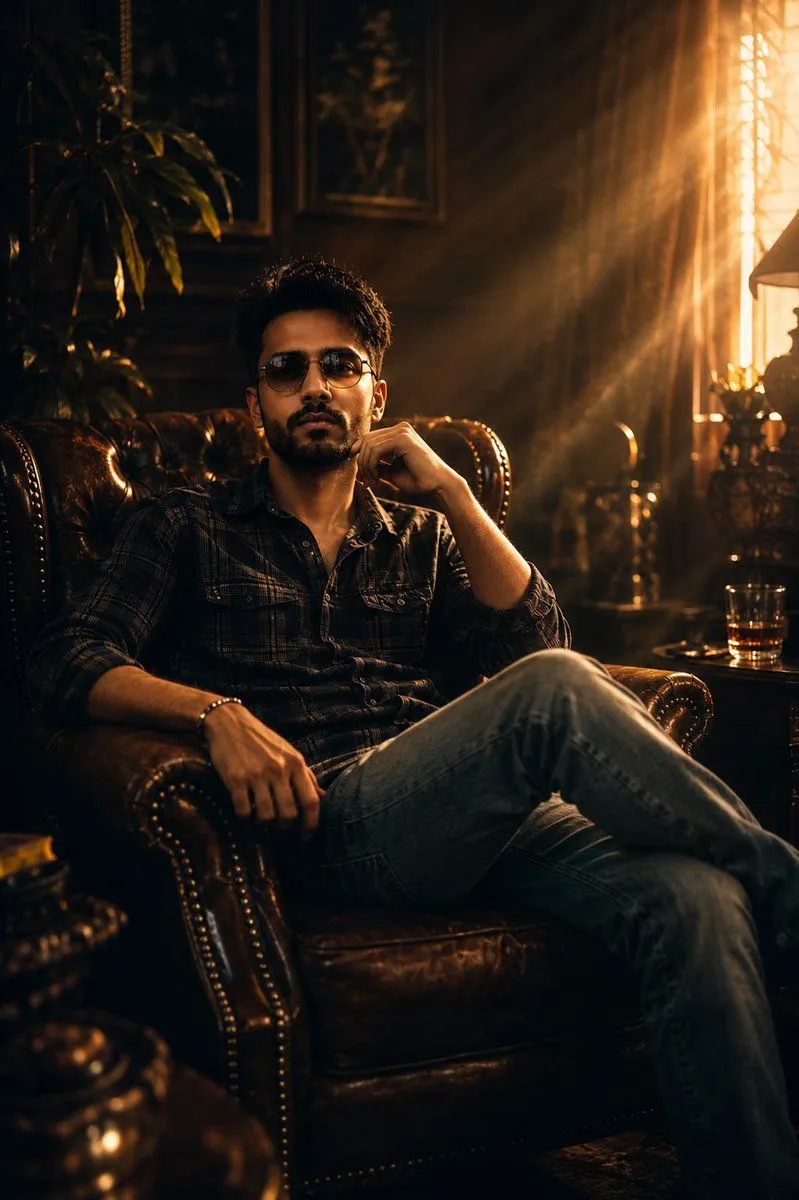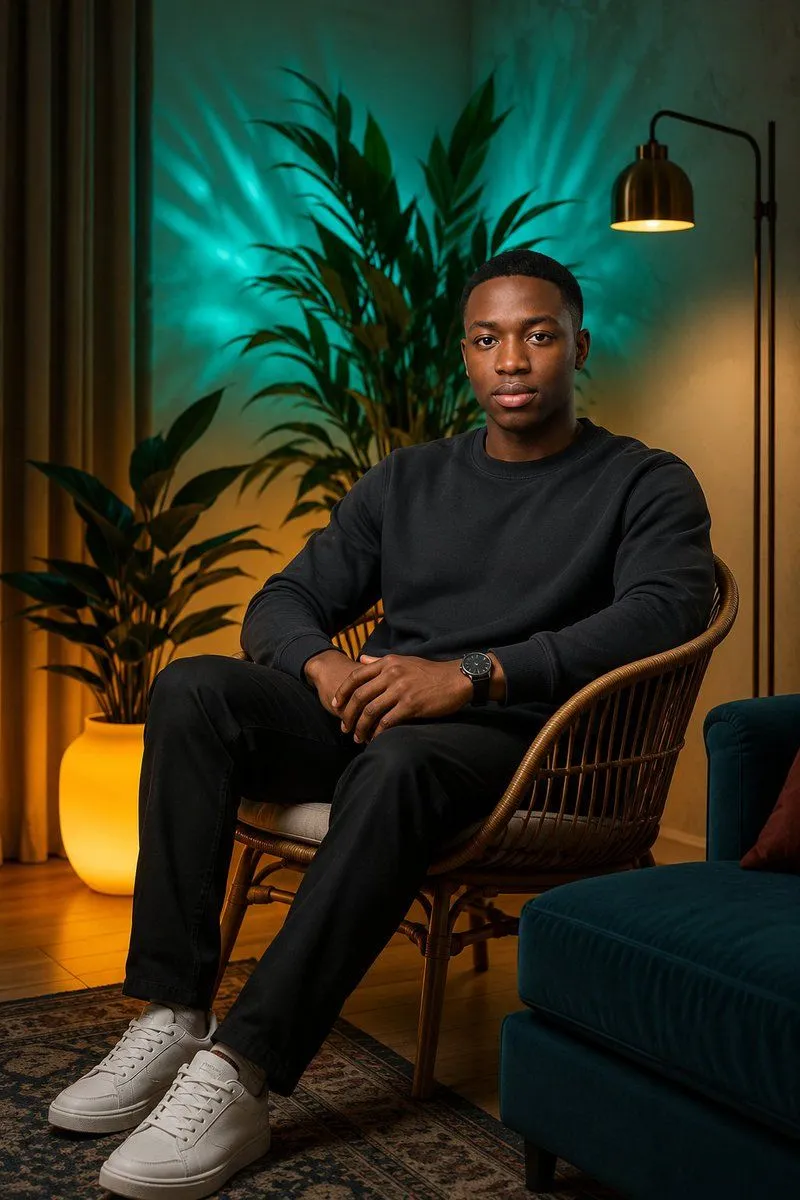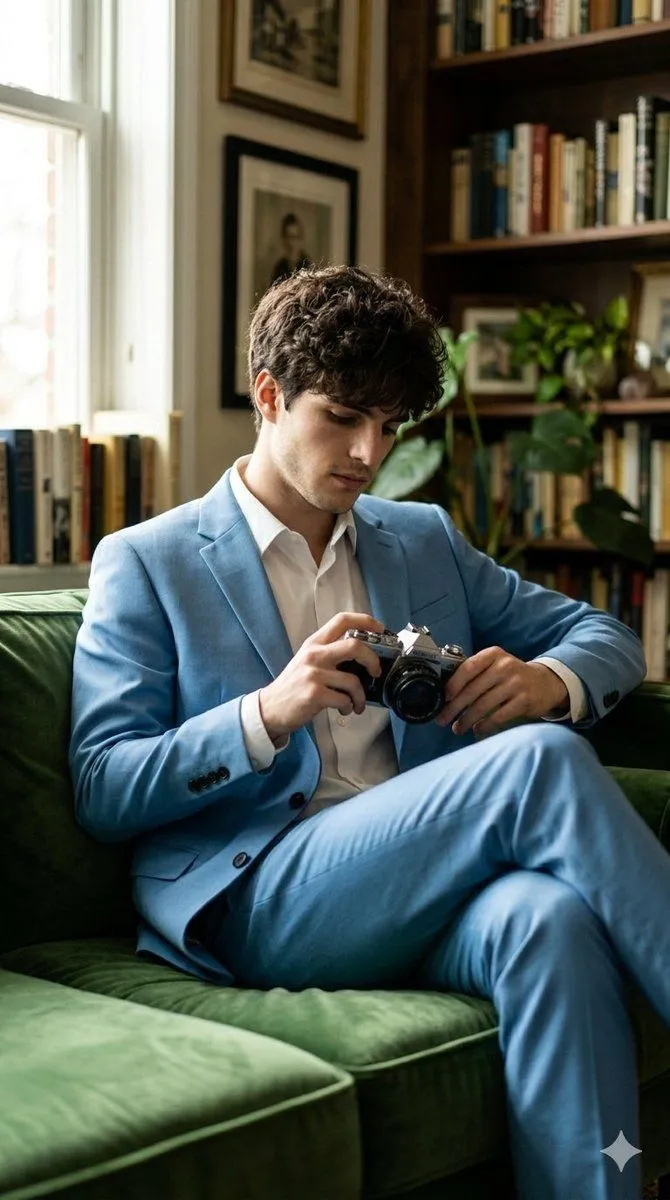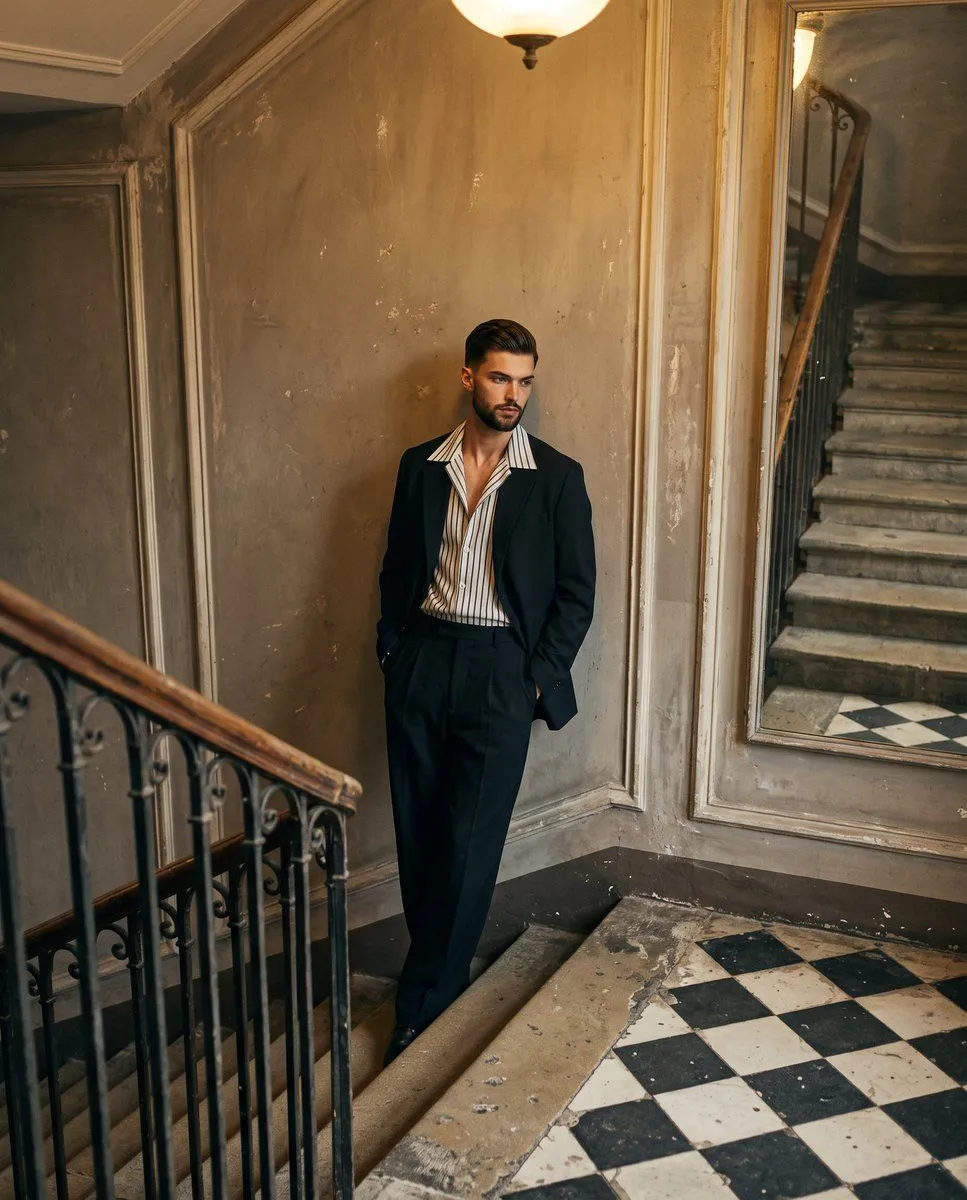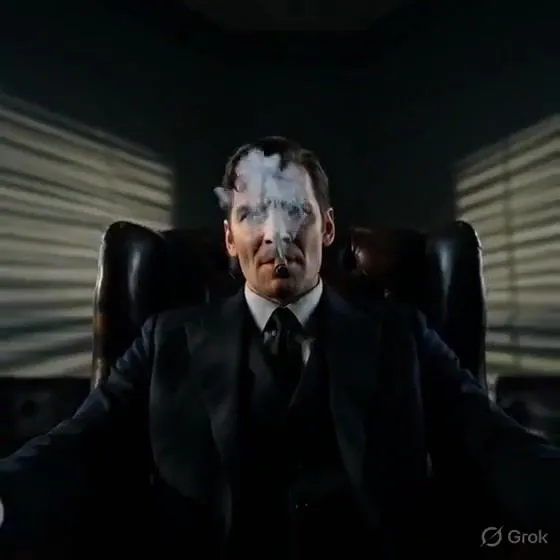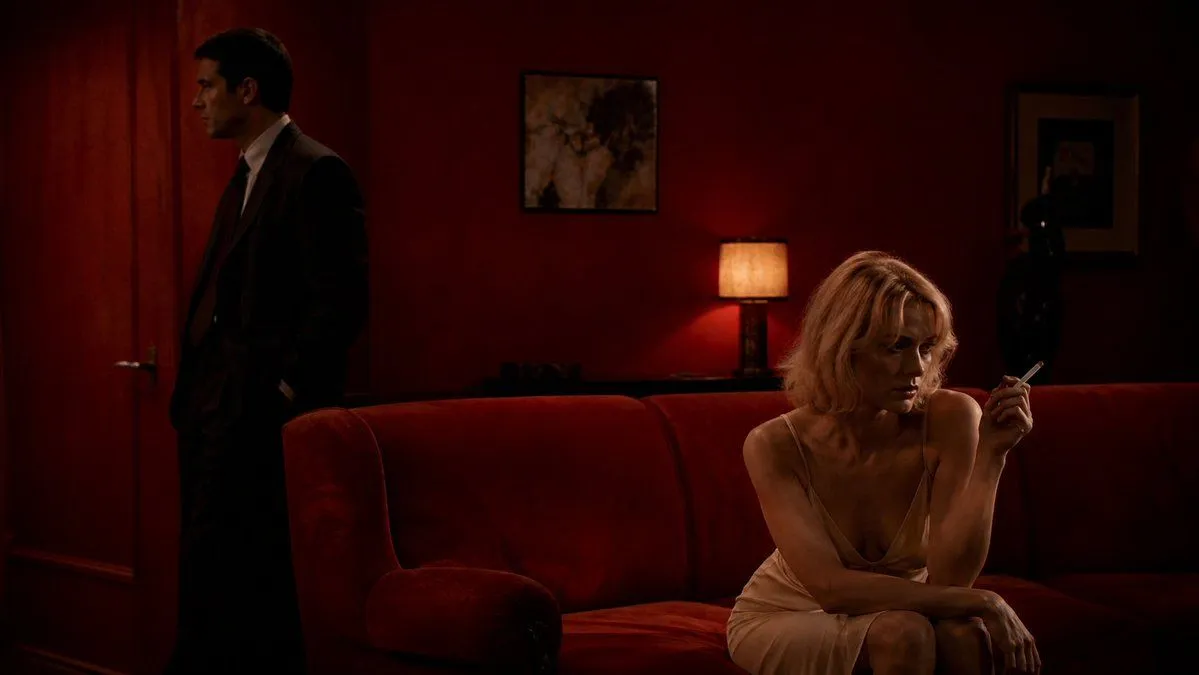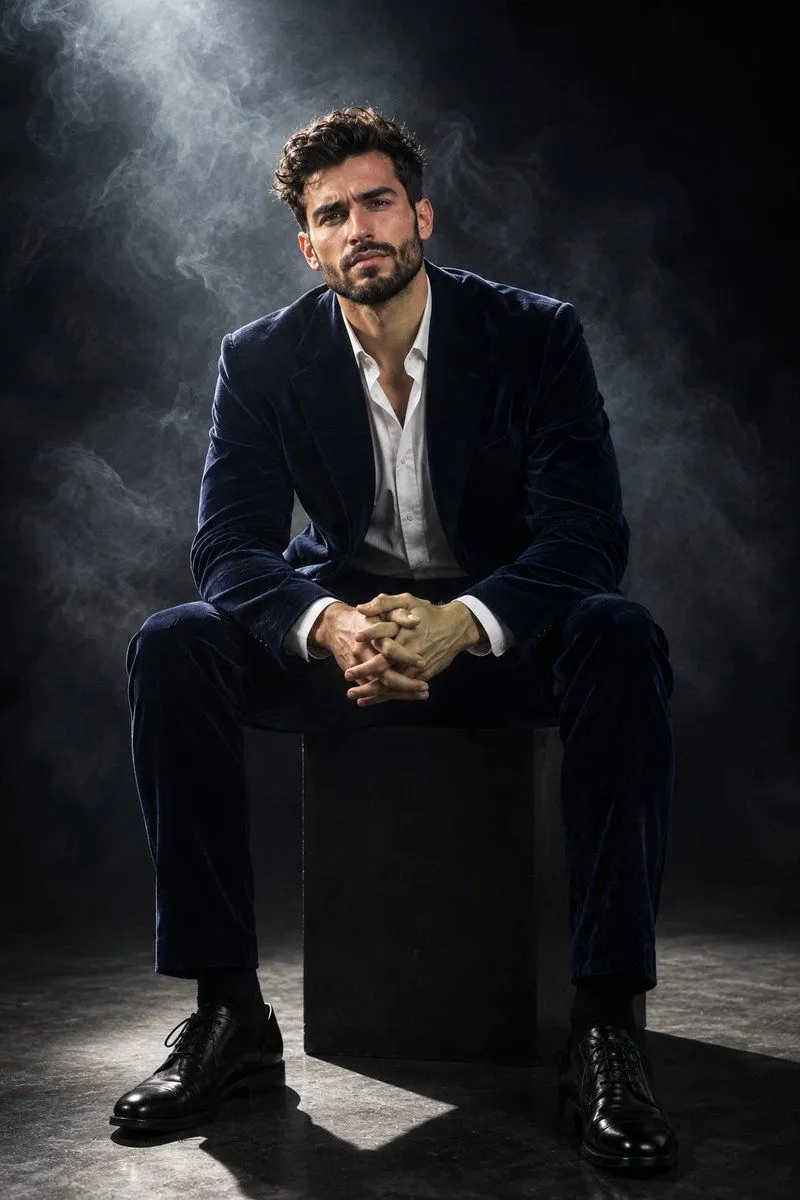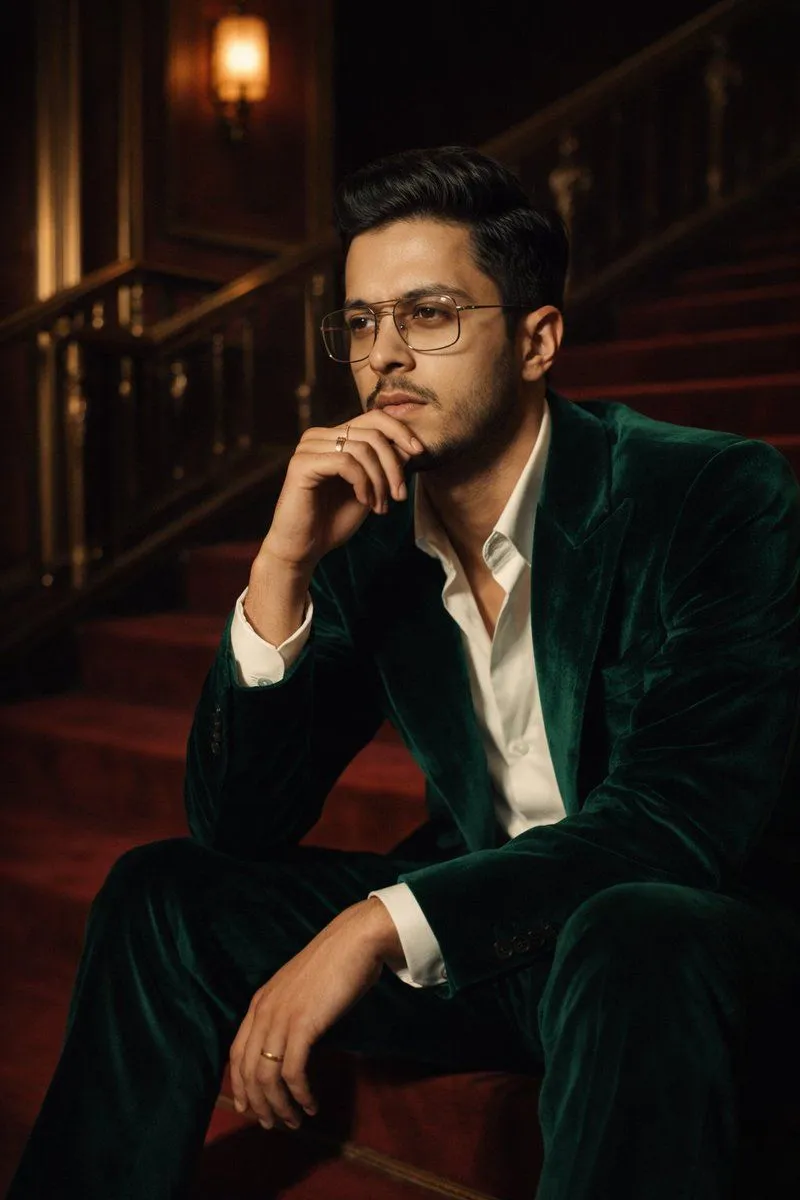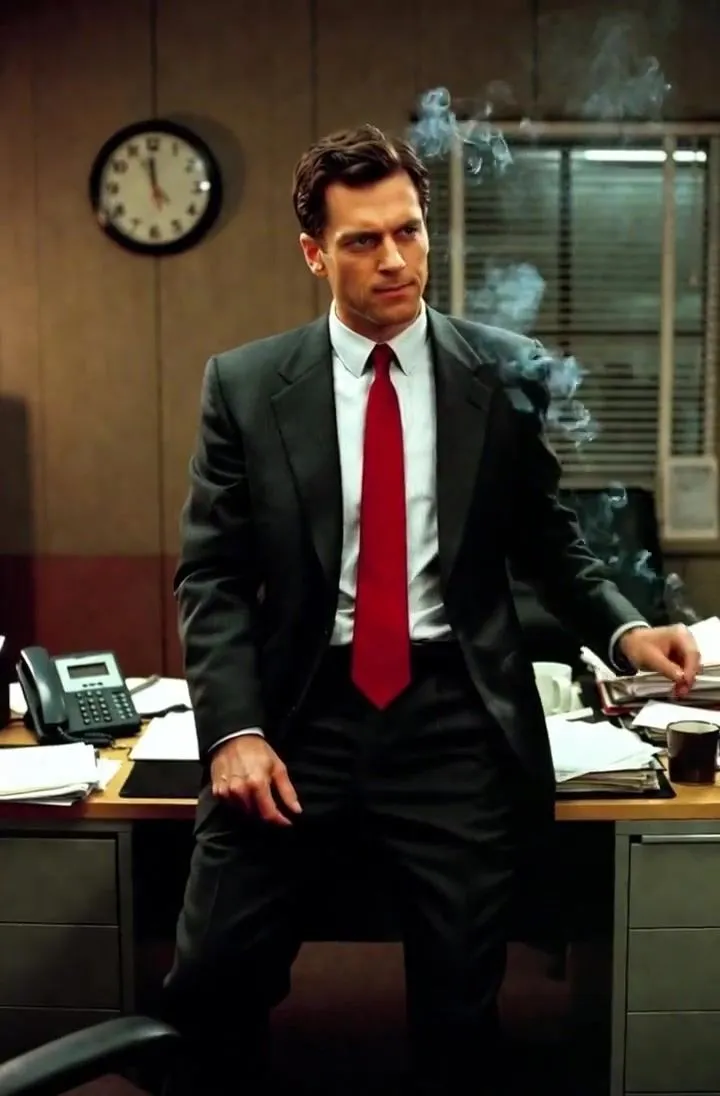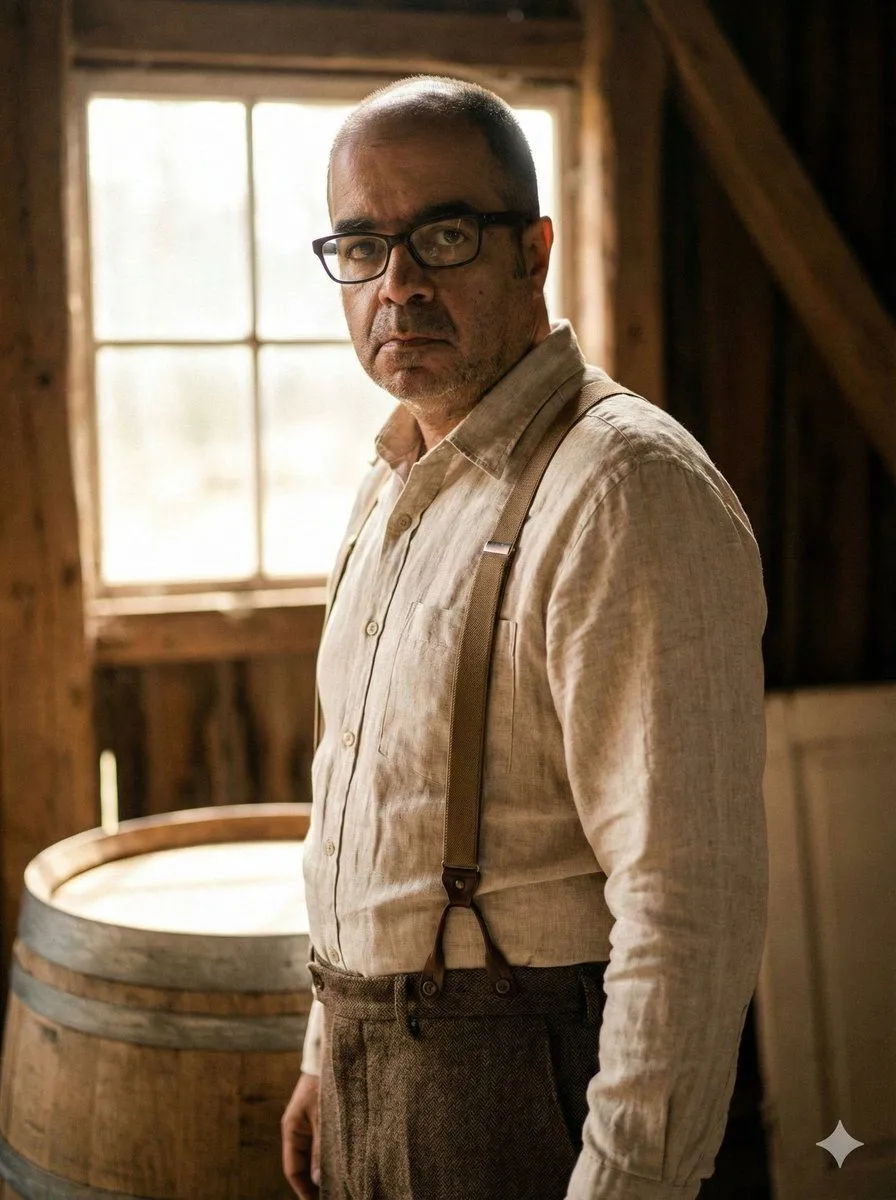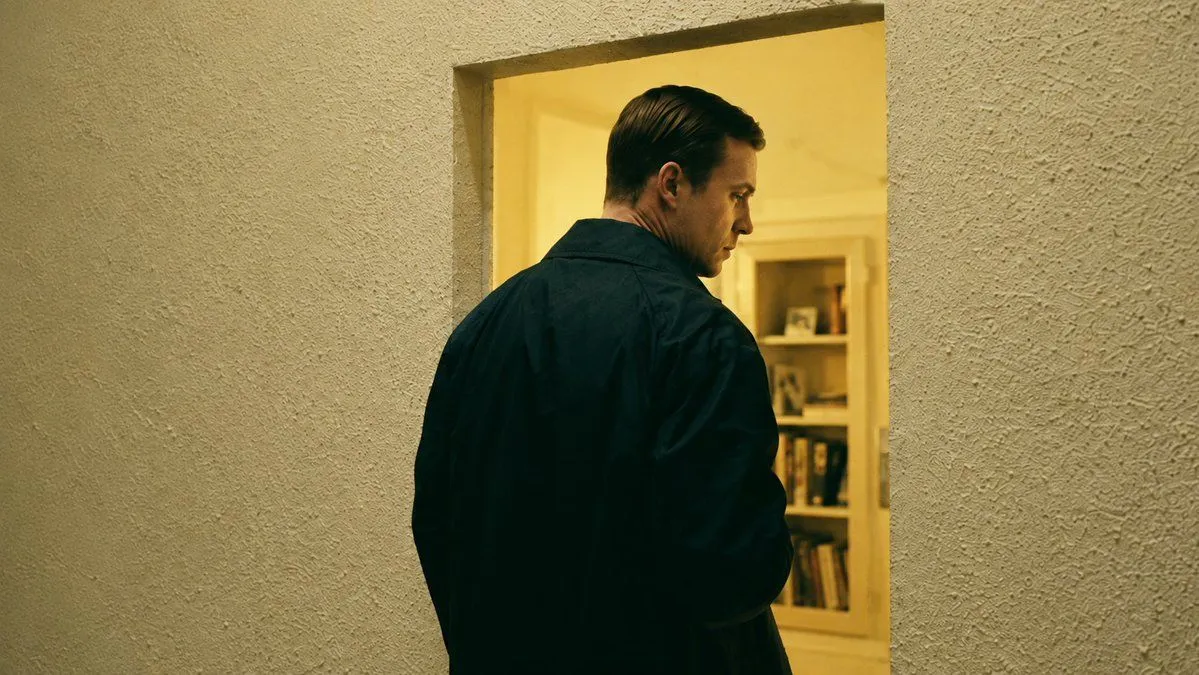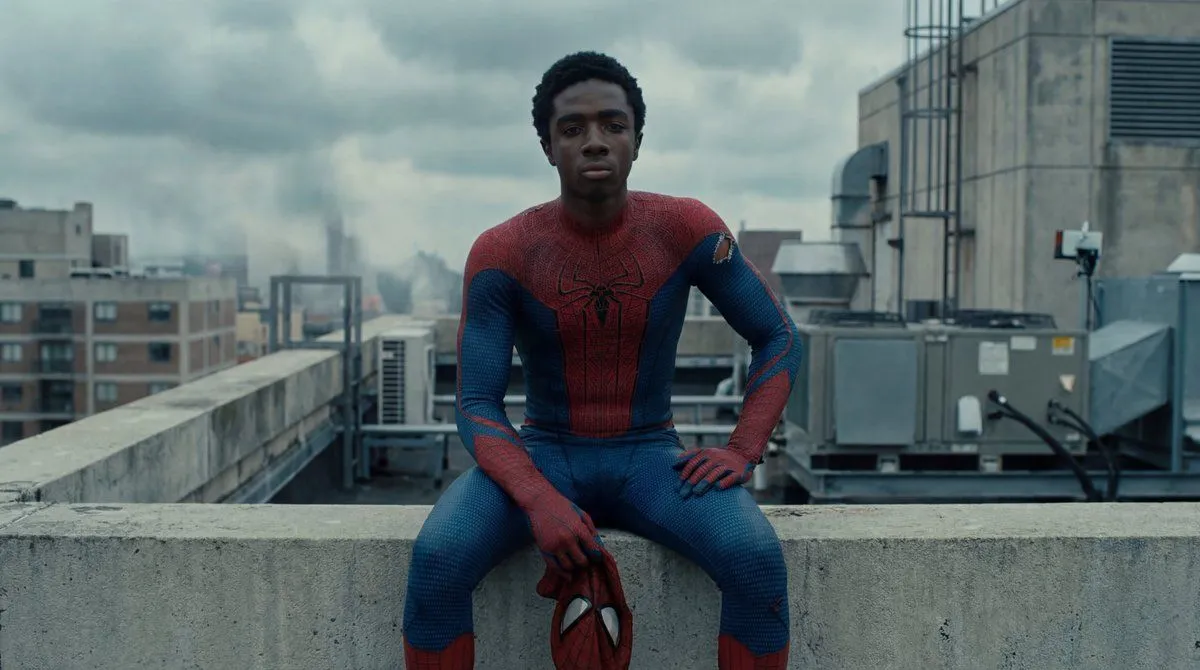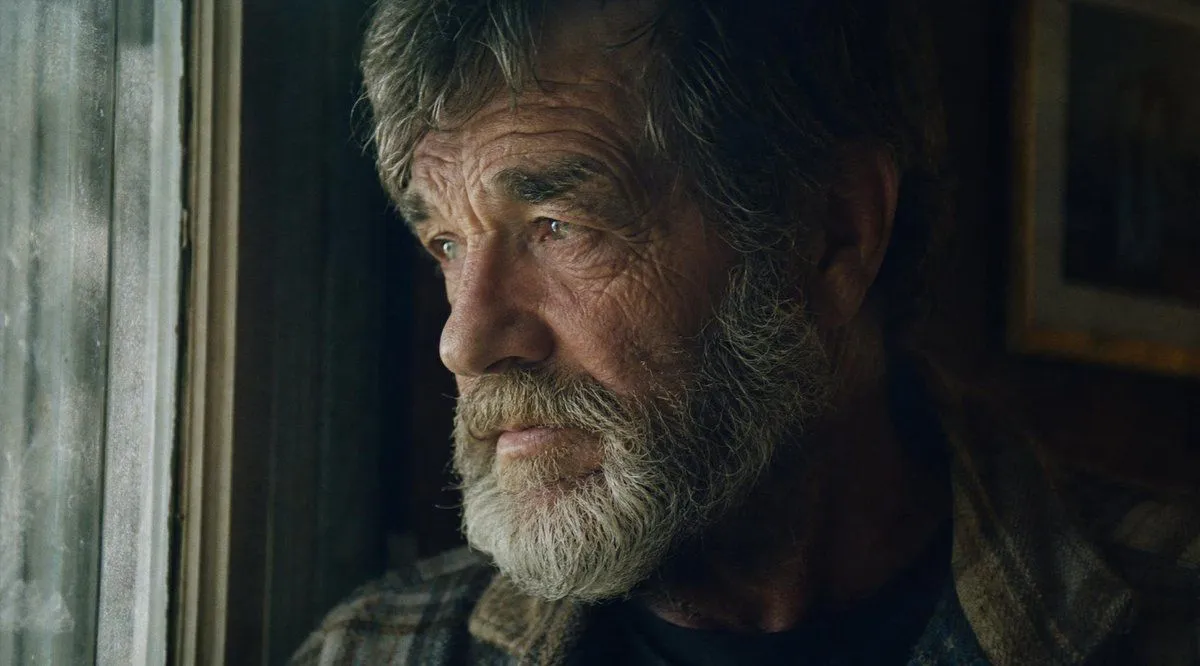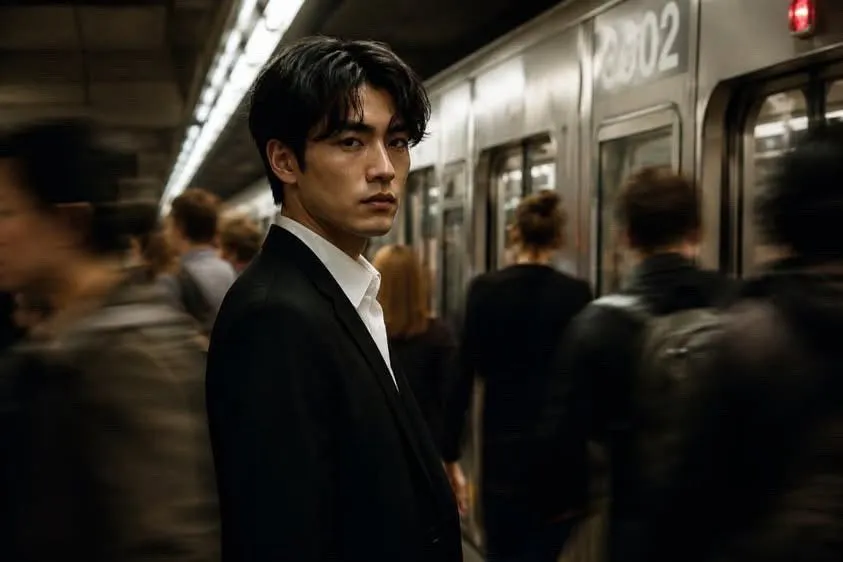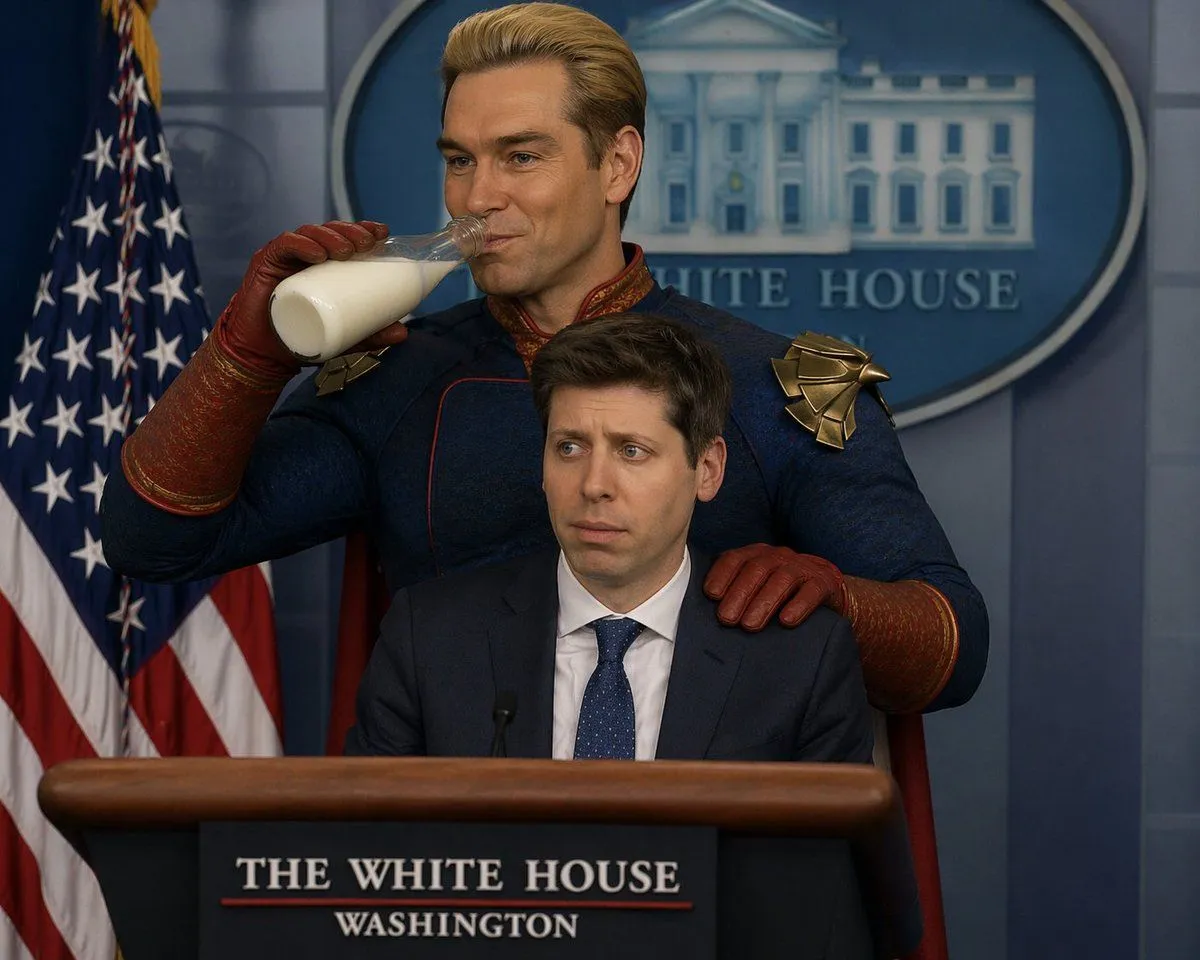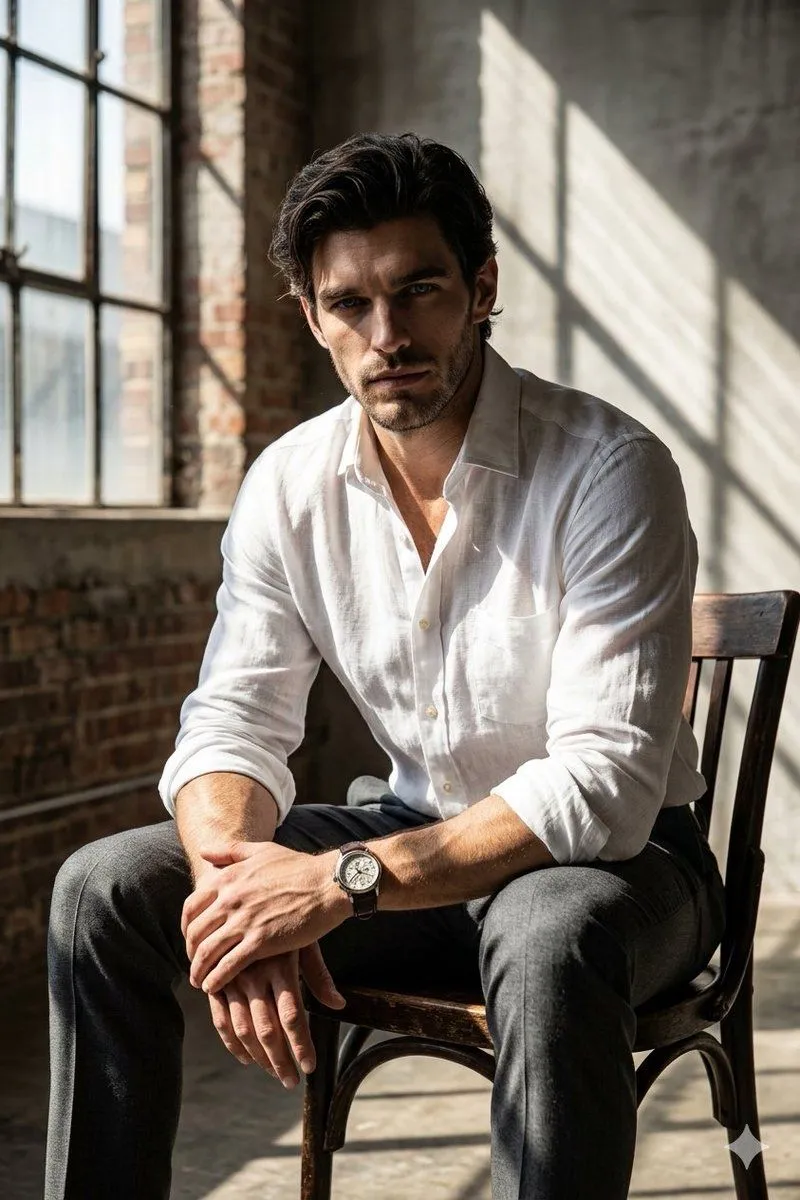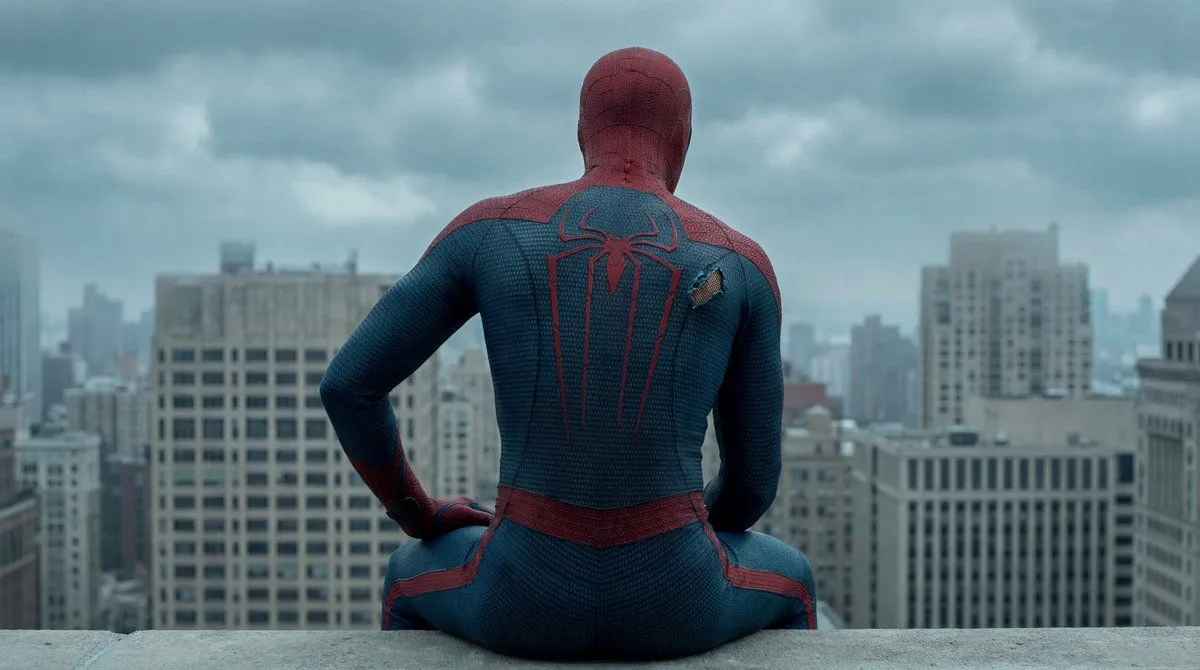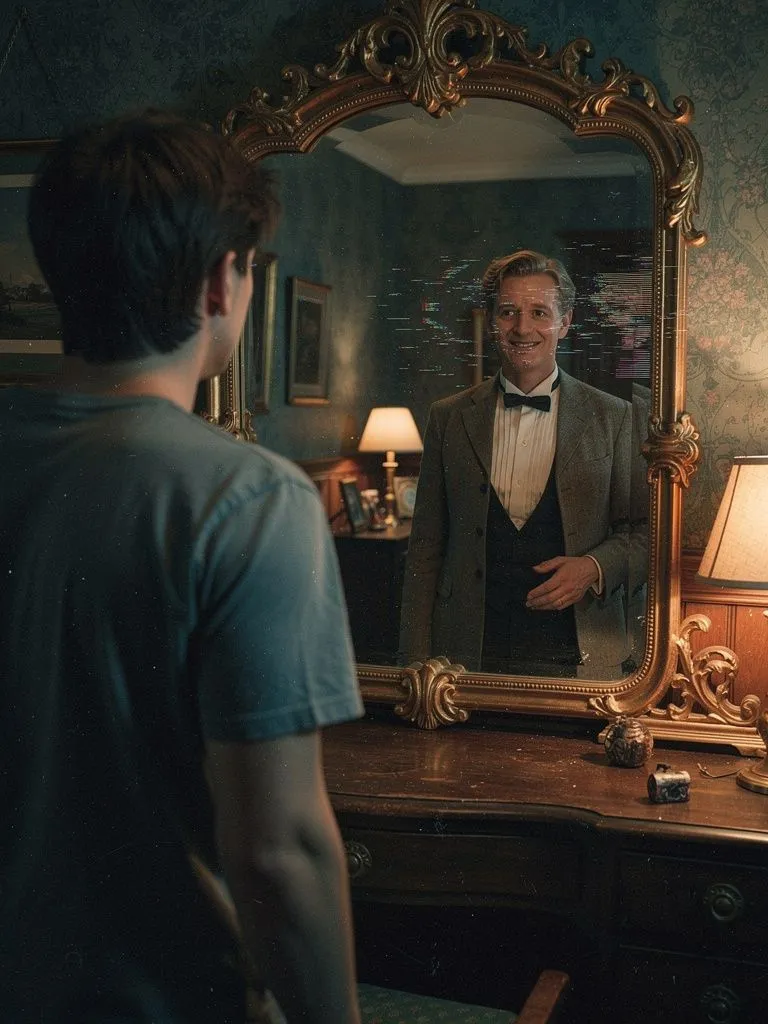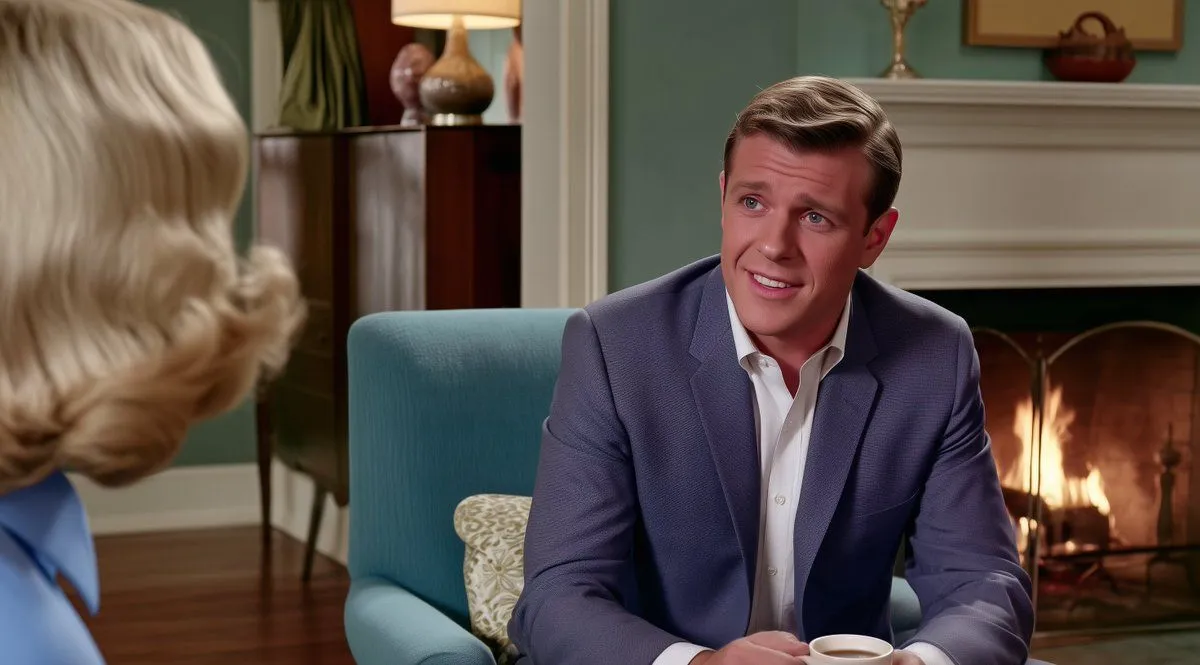
Made with GPT Image 2 in ChatGPT, collected by Library Anime. Promptclay never generates images.
Did it work?
No reports yet. Tell others if it worked for you.
Subtle Cinematic Scene Punch-In
Prompt
1 blank to fillUsing the provided reference image, make a very subtle production-style edit: keep the same living-room scene, characters, composition, camera angle, lighting, and mid-century film still look, but punch in slightly toward the right-side man and clean up the image. Preserve the woman as a blurred foreground shoulder/head on the left, the man seated in the teal chair, the fireplace, cabinet, lamp, and decor placement. Improve facial clarity, fabric texture, edge definition, and color consistency while maintaining a natural cinematic look. Do not change the actors, expressions, clothing, room layout, or add any new objects. Output in a {aspect_ratio} frame with the same warm indoor color grade.
Preview of your prompt
Using the provided reference image, make a very subtle production-style edit: keep the same living-room scene, characters, composition, camera angle, lighting, and mid-century film still look, but punch in slightly toward the right-side man and clean up the image. Preserve the woman as a blurred foreground shoulder/head on the left, the man seated in the teal chair, the fireplace, cabinet, lamp, and decor placement. Improve facial clarity, fabric texture, edge definition, and color consistency while maintaining a natural cinematic look. Do not change the actors, expressions, clothing, room layout, or add any new objects. Output in a 16:9 frame with the same warm indoor color grade.
DetailsVersions, settings and questions
Written for
What's in the prompt
- Subject
- Model
- GPT Image 2
If your face changes
keep my face exactly the sameQuestions
- Does this work in the ChatGPT app?
- Yes. Paste the prompt and attach your photo if it uses one.
- It changed my face. What do I do?
- Add "keep my face exactly the same" to the end and run it again.
- Can I use the images I make?
- Check the terms of the app you use. Promptclay never generates images and claims nothing you make.