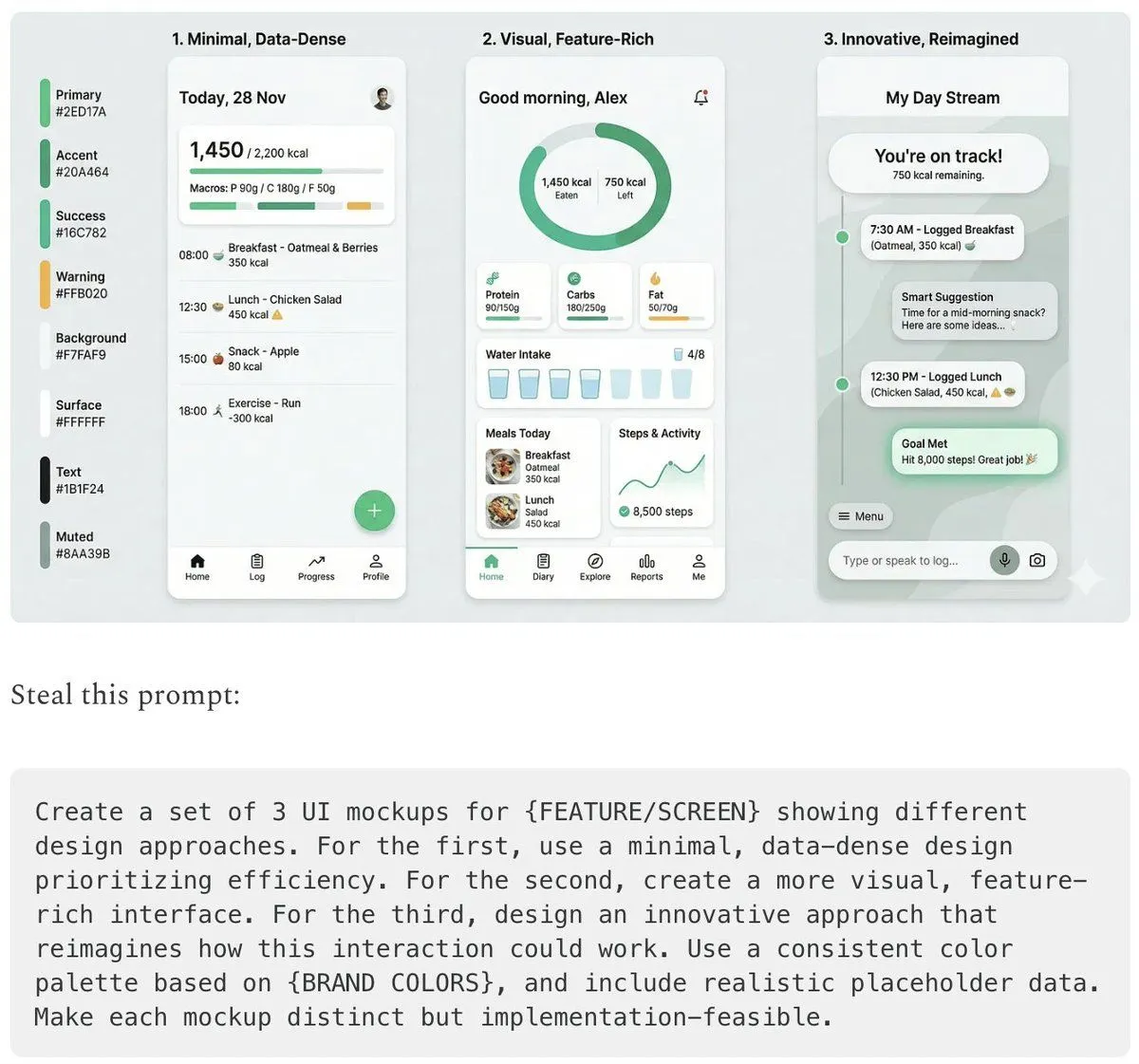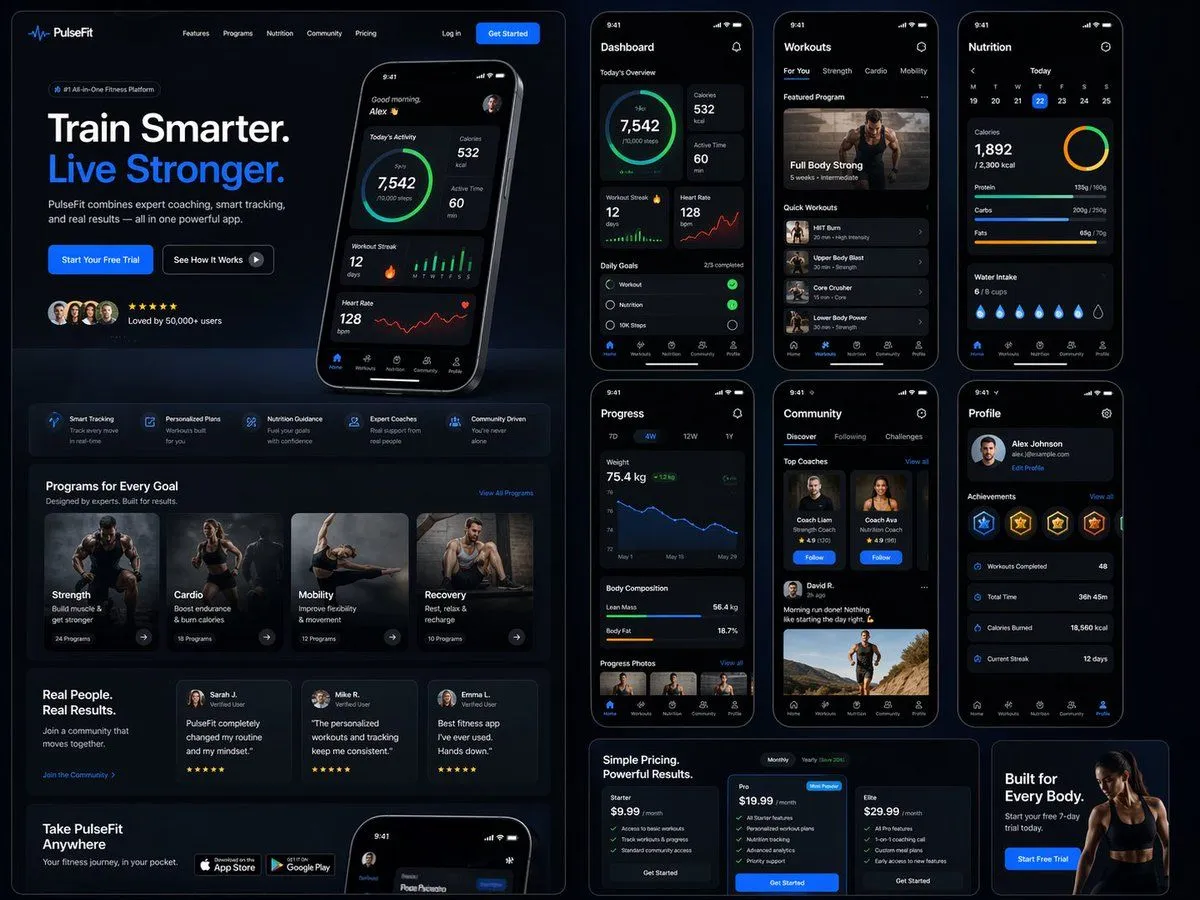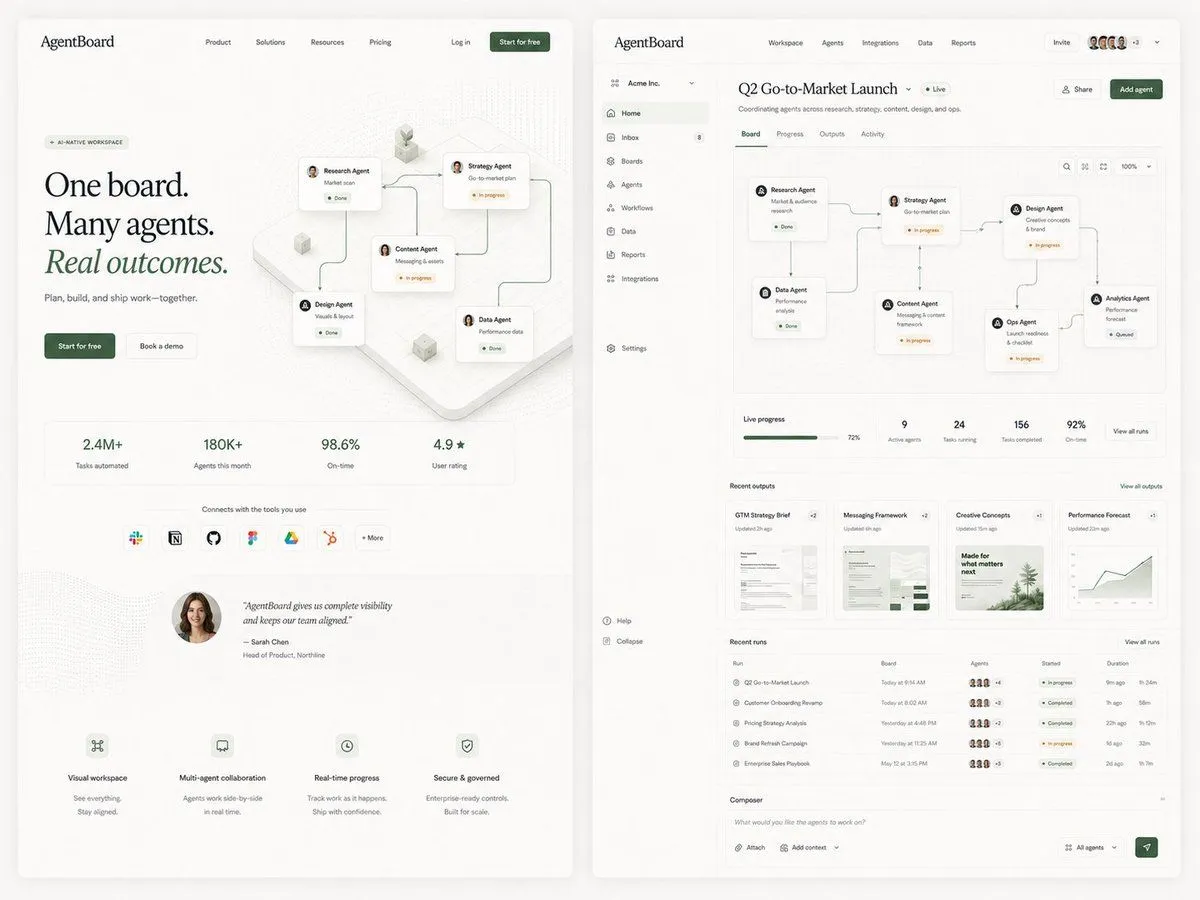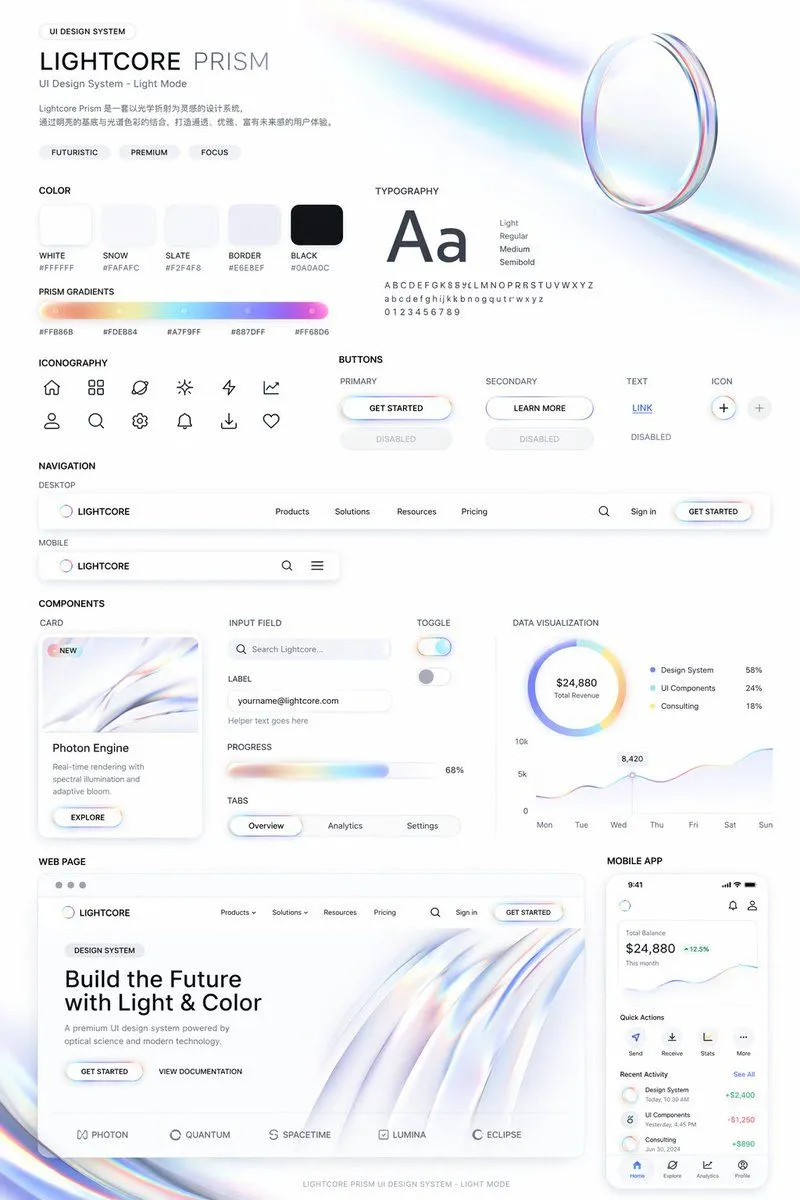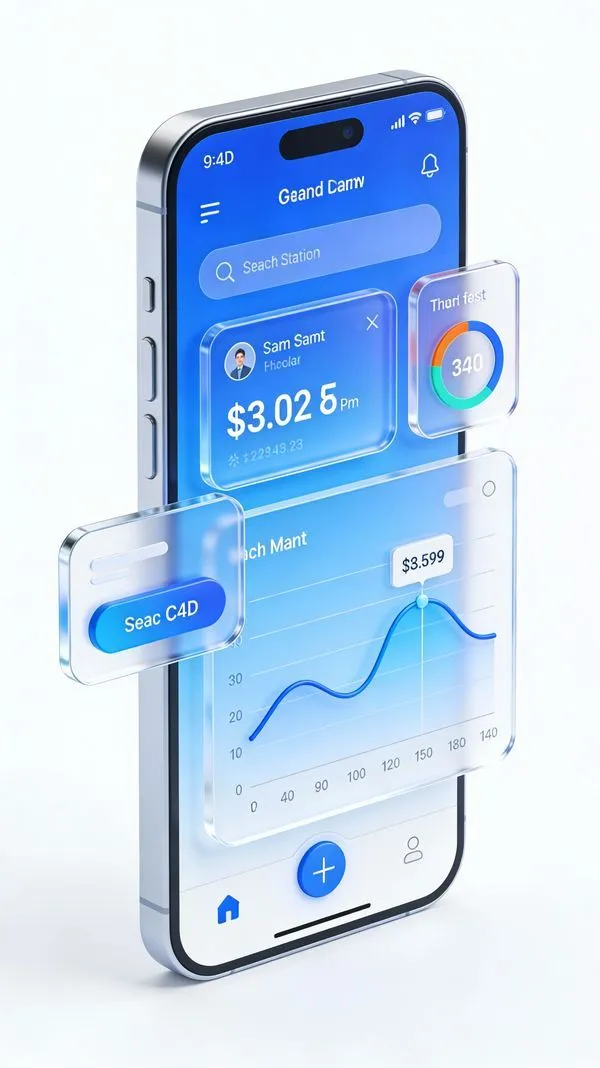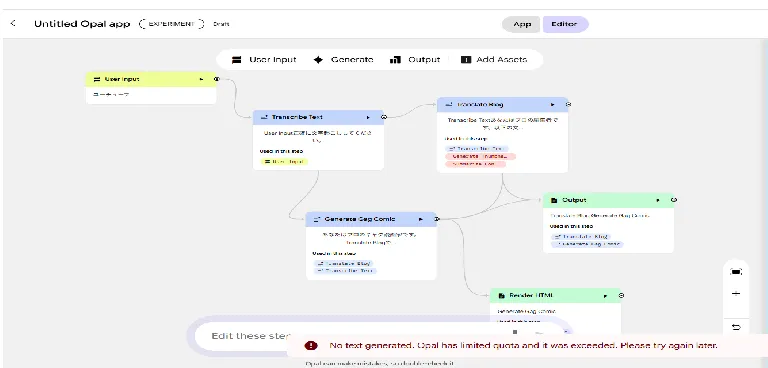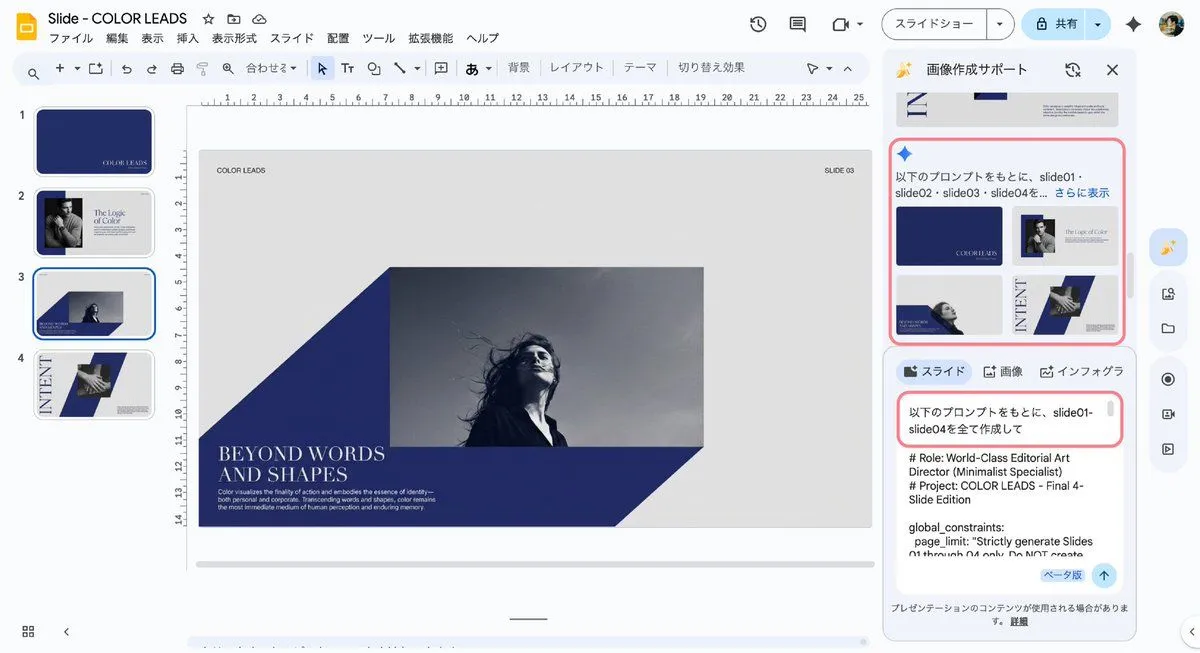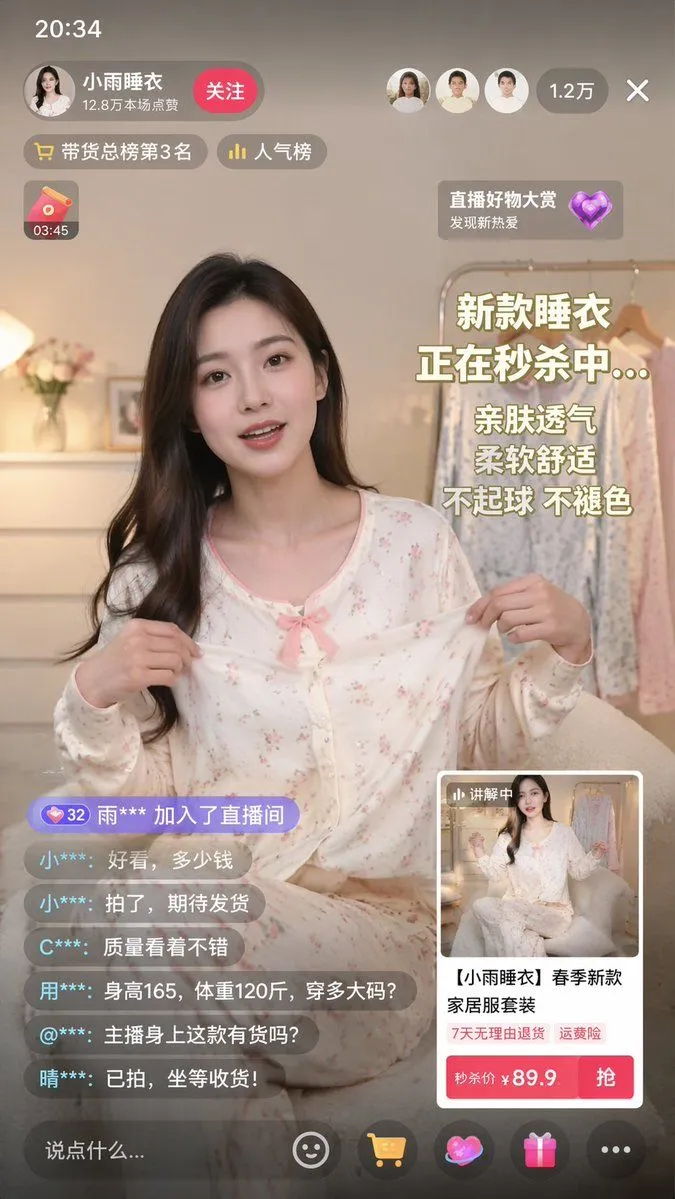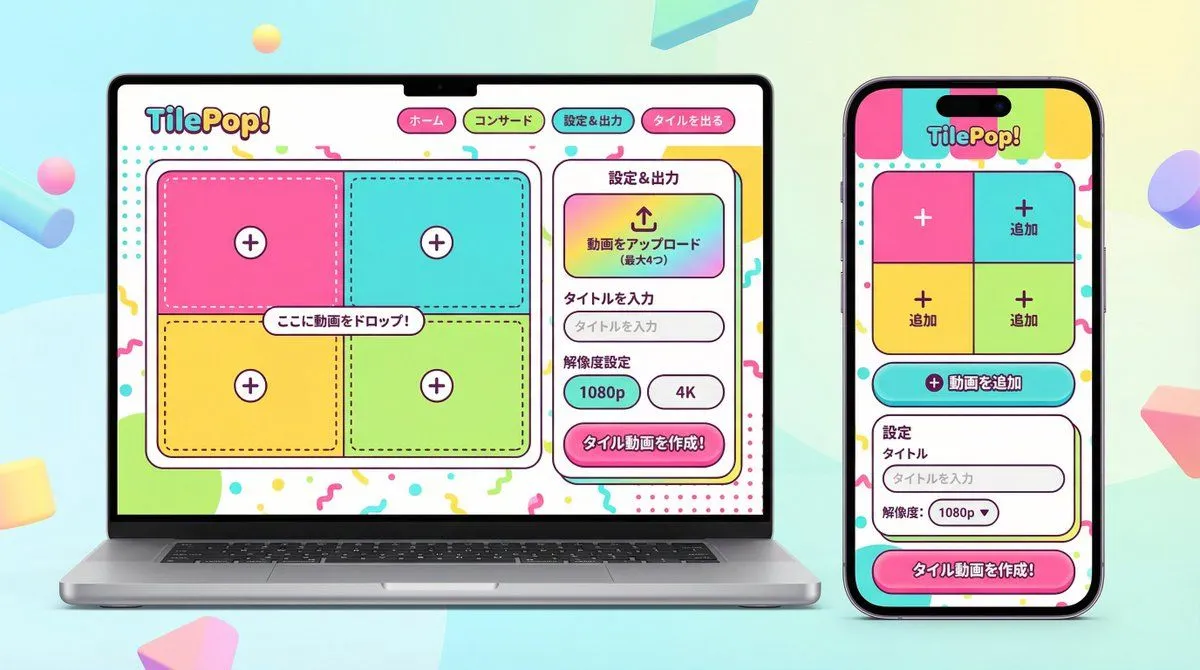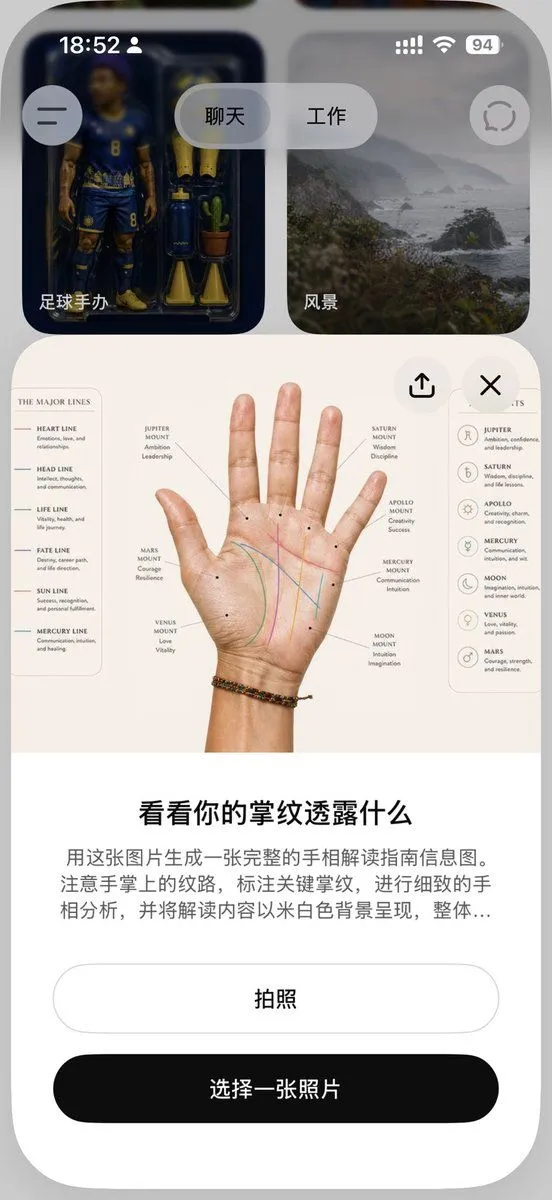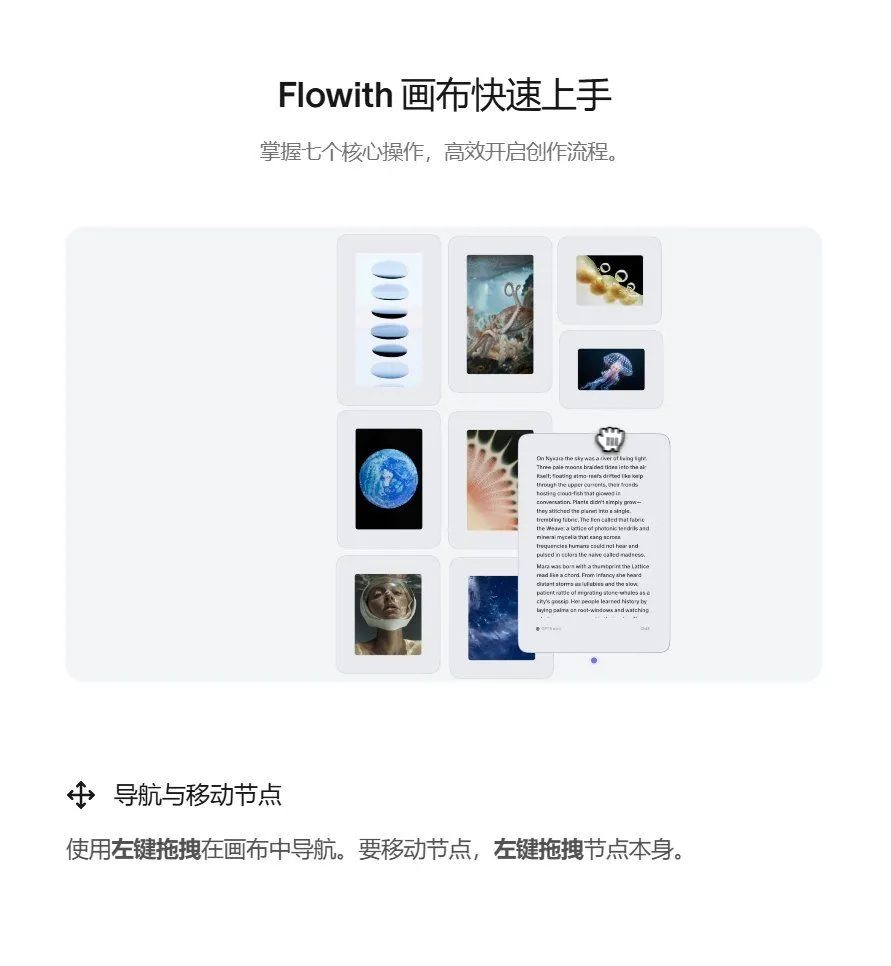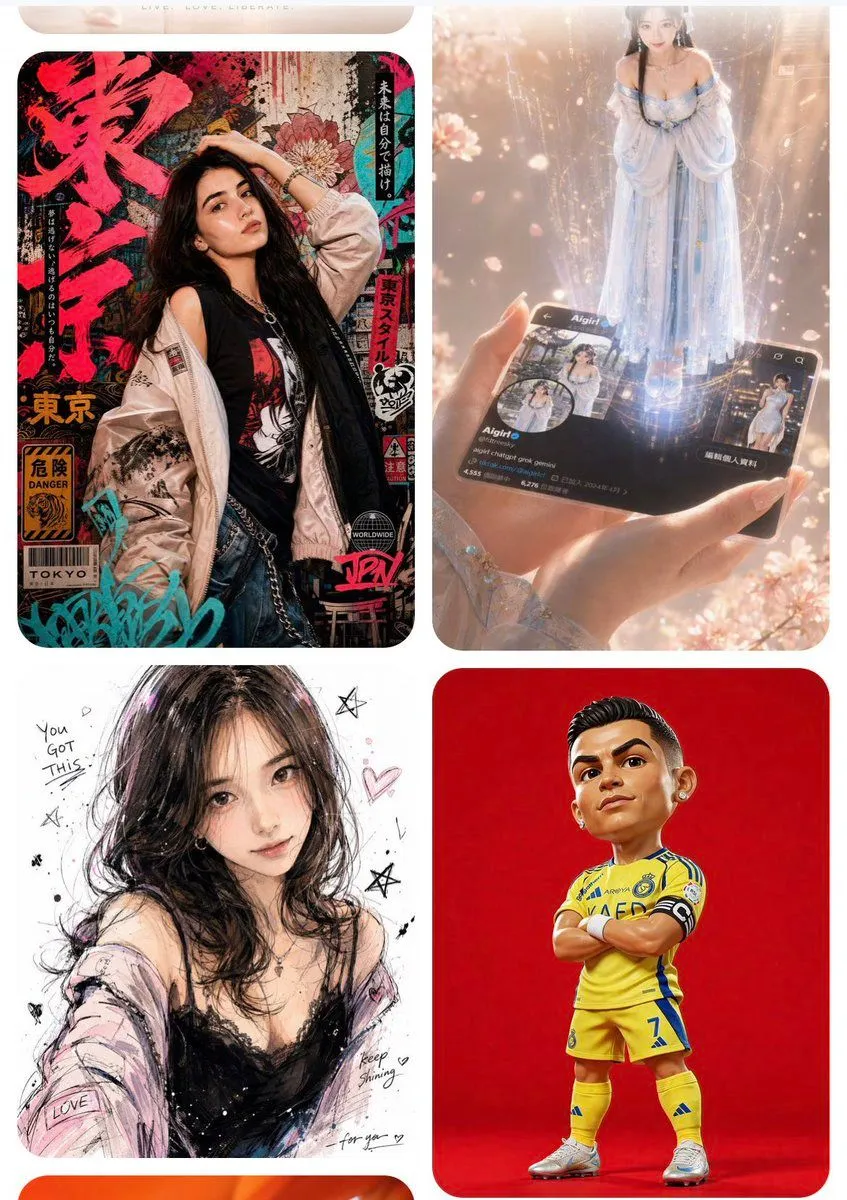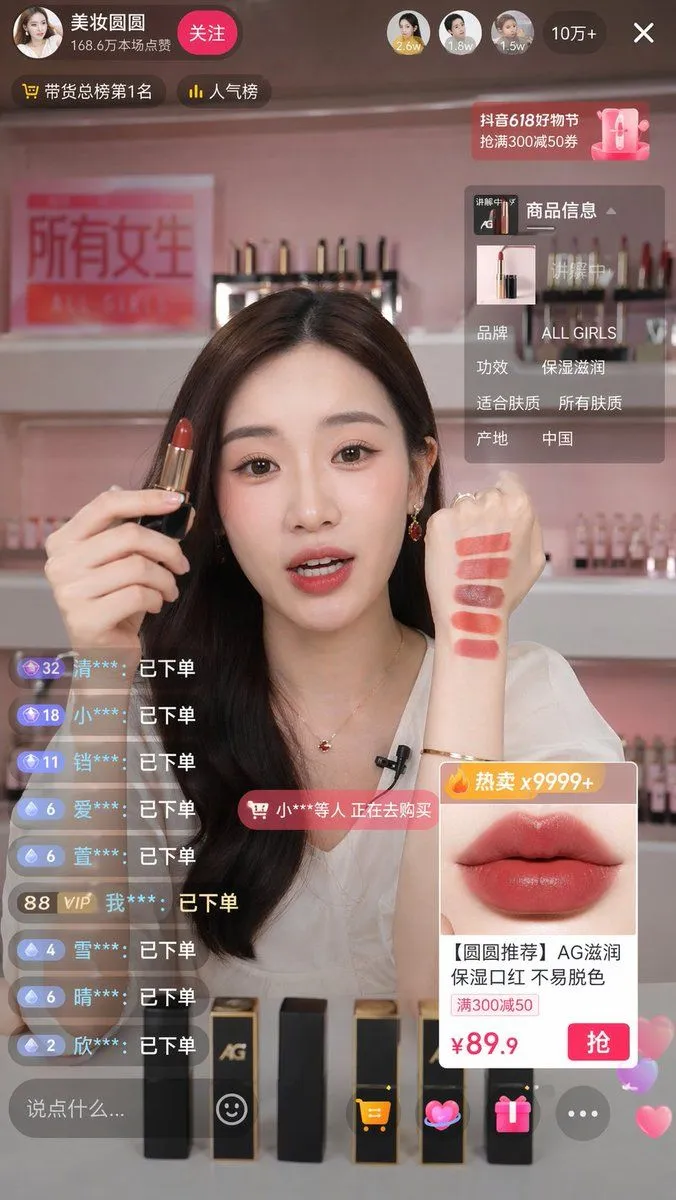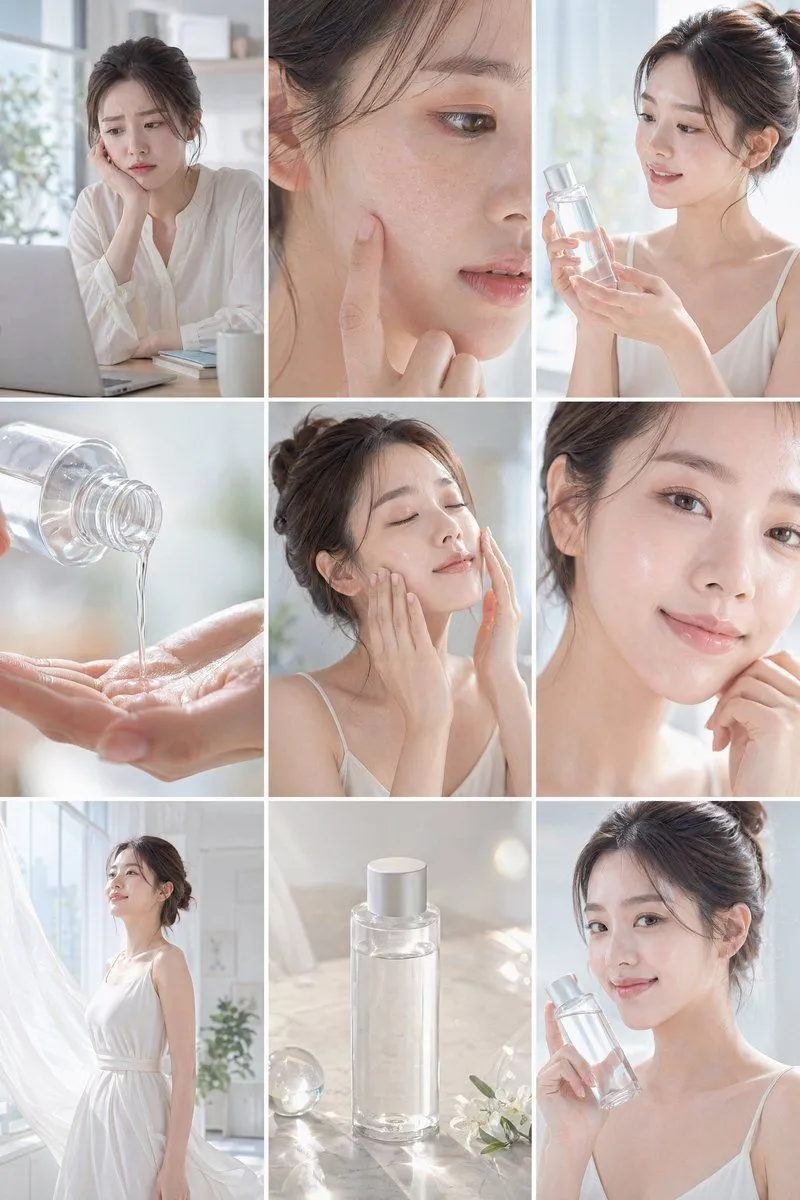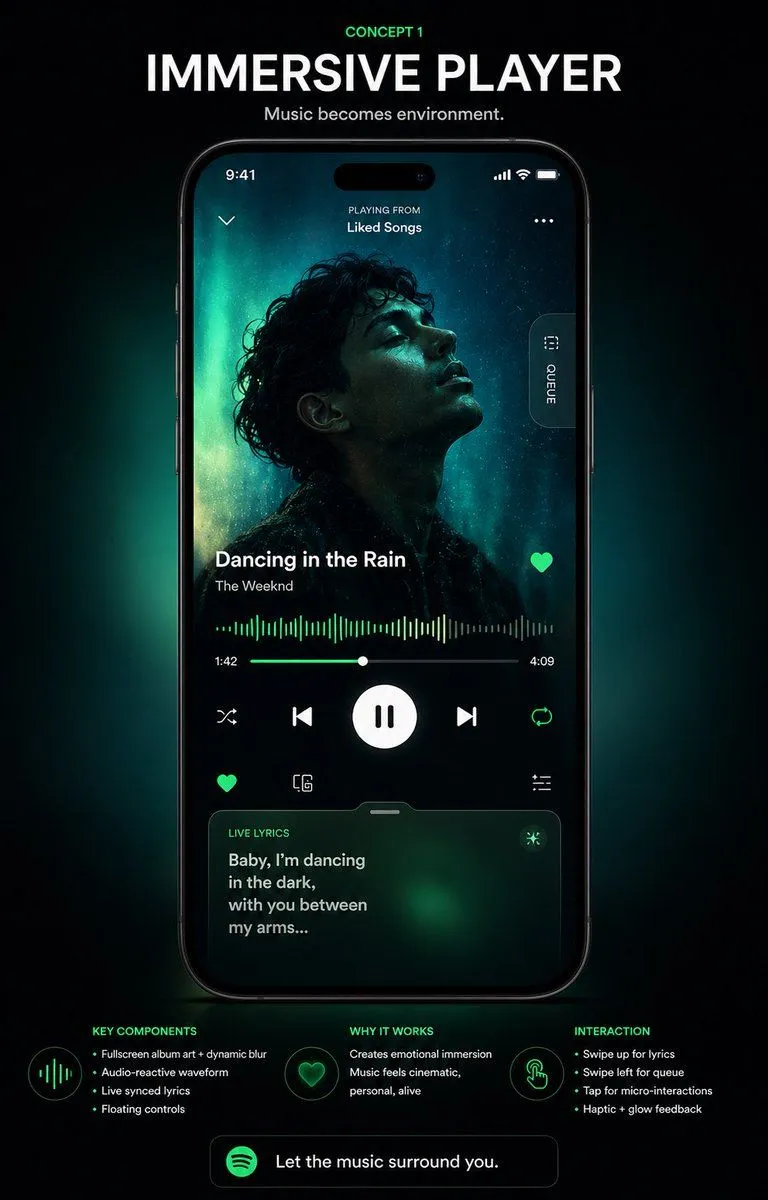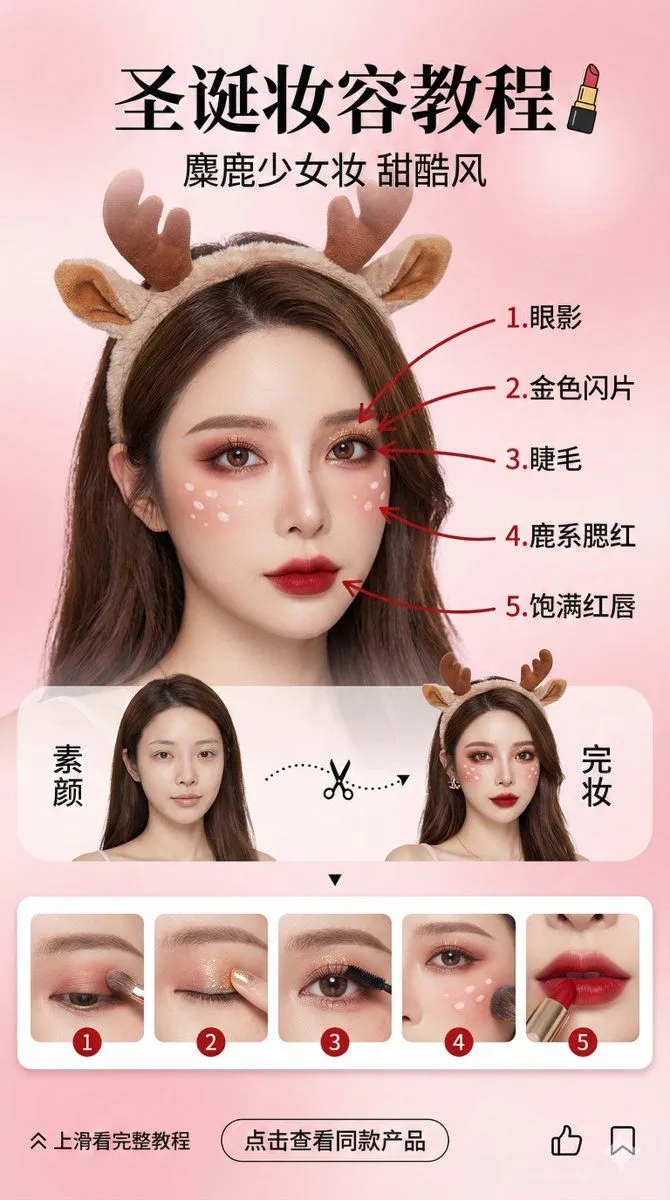
Made with GPT Image 2 in ChatGPT, collected by Library Brand. Promptclay never generates images.
Did it work?
No reports yet. Tell others if it worked for you.
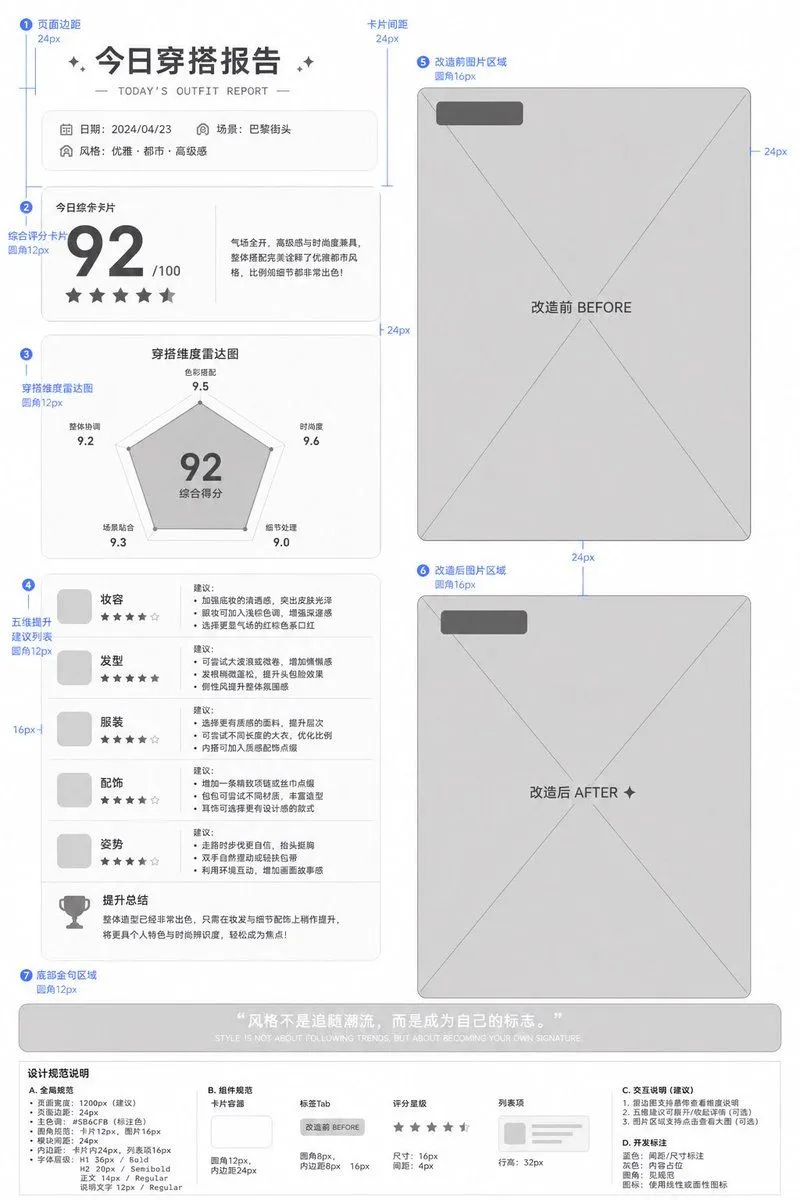
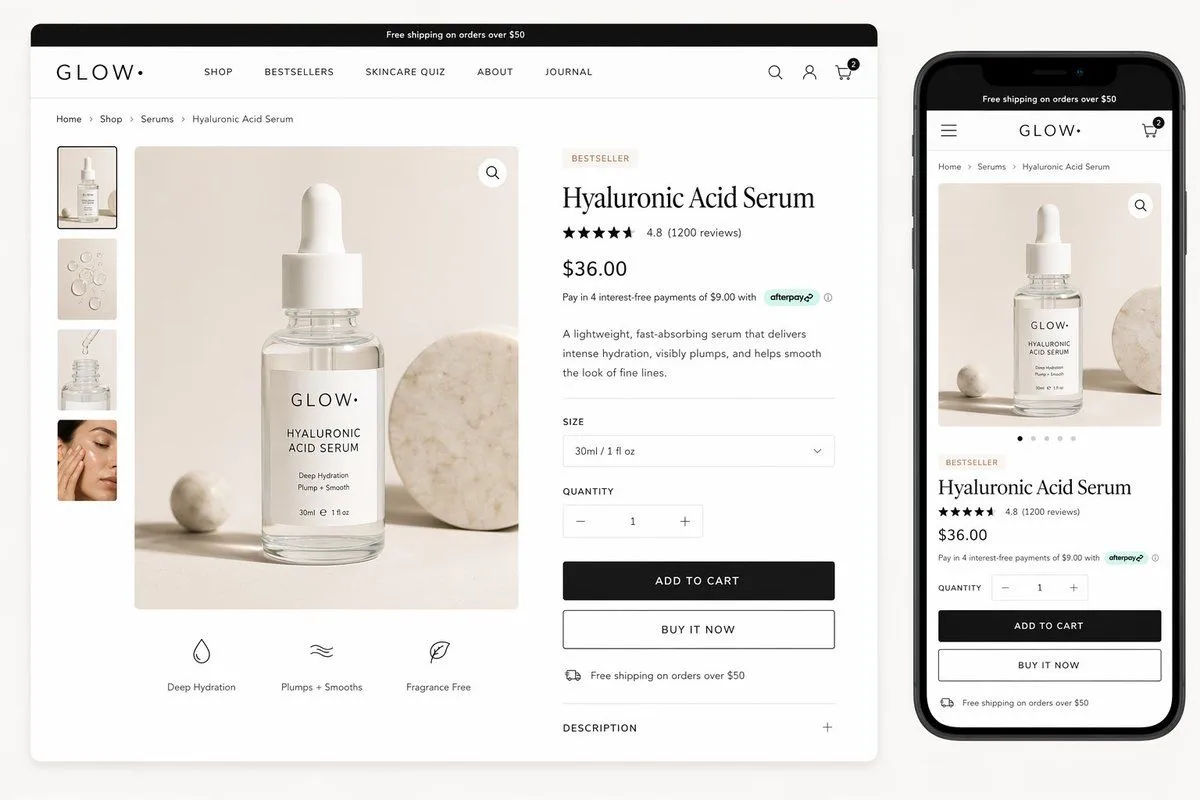
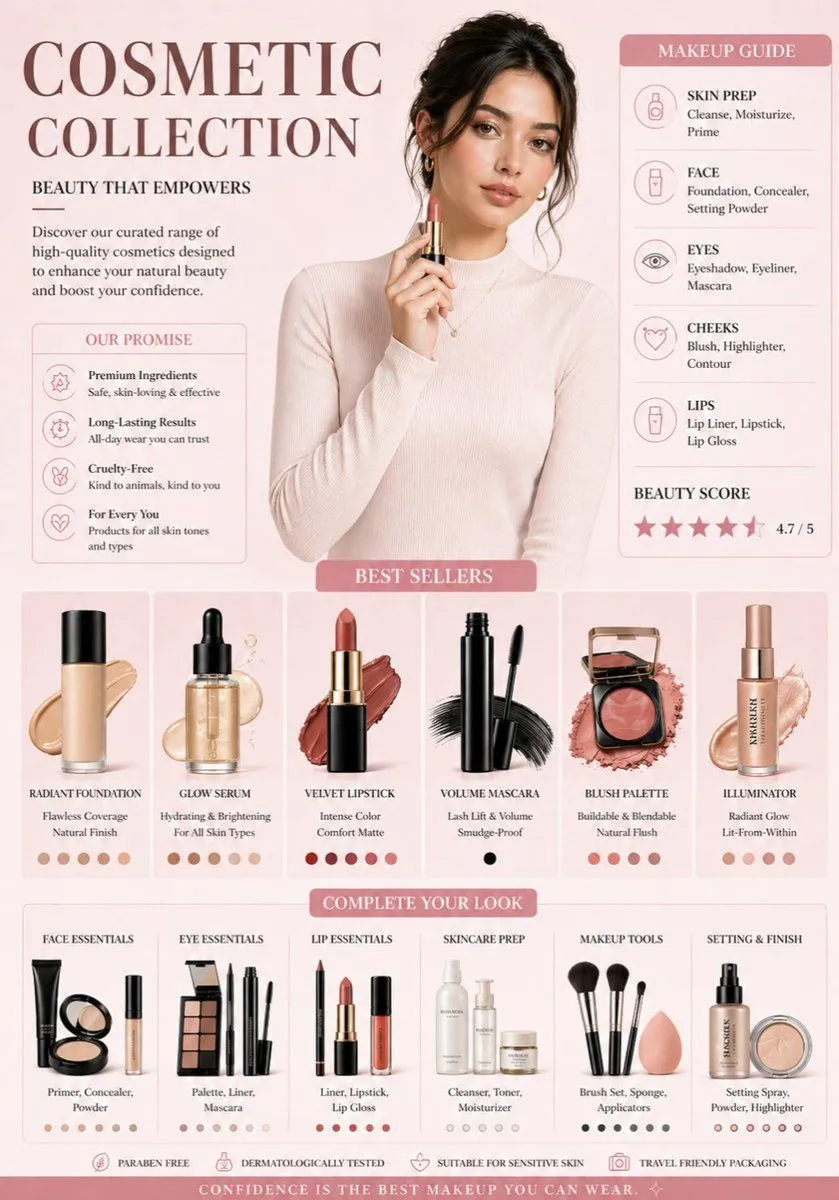
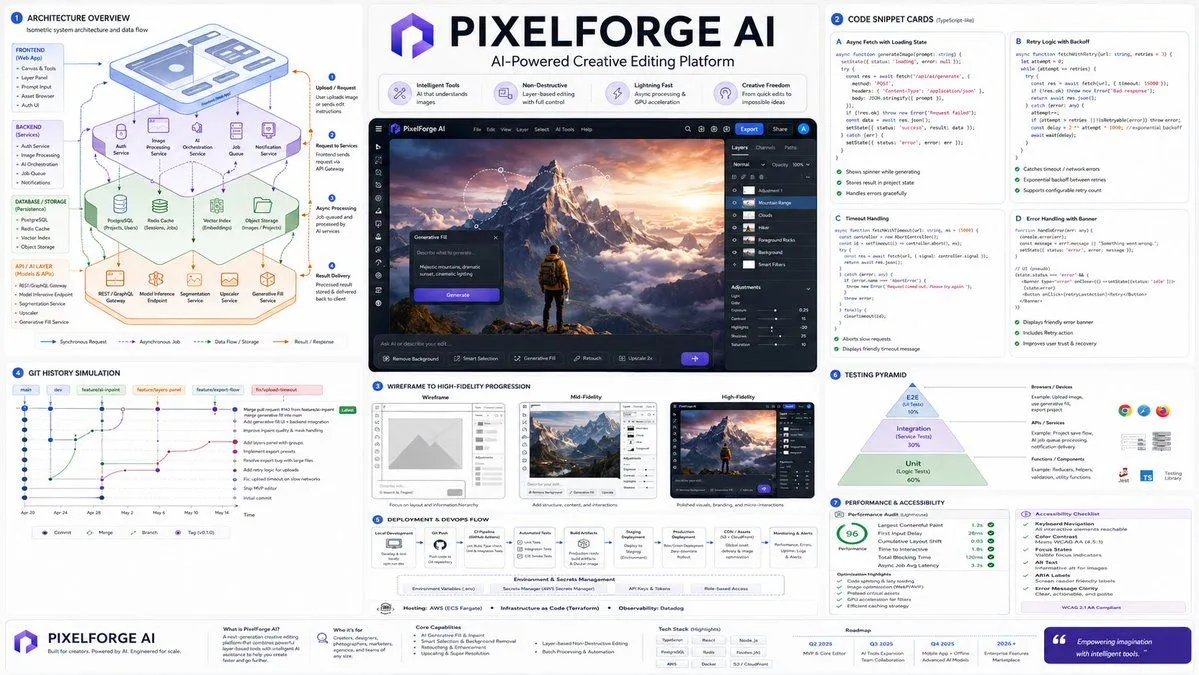
Wireframe to High-Fidelity UI Design
Prompt
3 blanks to fillGenerate a high-fidelity design draft based on the uploaded wireframe/prototype as a reference. Design Type: {design_type} Requirements: 1. Retain the original layout structure, information hierarchy, and module division of the page. 2. Replace placeholders in the wireframe with actual content. 3. Automatically add color schemes, images, icons, and typography details. 4. Enhance the visual hierarchy, white space, alignment, and module relationships of the page. 5. Output as a complete, high-fidelity design draft. Visual Style: {visual_style} Primary Color: {primary_color} Secondary Color: [Enter color] Aspect Ratio: [e.g., 9:16 / 4:3 / 16:9] Note: Keep the original structure and do not disrupt the order of modules. Focus on optimizing visual presentation and realistic content to make it look like a complete design draft ready for proposal presentations. Keep the original information architecture of the wireframe unchanged, only enhancing visual completeness and realism.
Preview of your prompt
Generate a high-fidelity design draft based on the uploaded wireframe/prototype as a reference. Design Type: Promotion Page / App Interface / H5 Page / E-commerce Detail Page / Official Website / Infographic Requirements: 1. Retain the original layout structure, information hierarchy, and module division of the page. 2. Replace placeholders in the wireframe with actual content. 3. Automatically add color schemes, images, icons, and typography details. 4. Enhance the visual hierarchy, white space, alignment, and module relationships of the page. 5. Output as a complete, high-fidelity design draft. Visual Style: Minimalist Modern / Tech / Skeuomorphic / Fresh / Brand Identity / Premium Primary Color: blue Secondary Color: [Enter color] Aspect Ratio: [e.g., 9:16 / 4:3 / 16:9] Note: Keep the original structure and do not disrupt the order of modules. Focus on optimizing visual presentation and realistic content to make it look like a complete design draft ready for proposal presentations. Keep the original information architecture of the wireframe unchanged, only enhancing visual completeness and realism.
DetailsVersions, settings and questions
Written for
What's in the prompt
- Subject
- Model
- GPT Image 2
If your face changes
keep my face exactly the sameQuestions
- Does this work in the ChatGPT app?
- Yes. Paste the prompt and attach your photo if it uses one.
- It changed my face. What do I do?
- Add "keep my face exactly the same" to the end and run it again.
- Can I use the images I make?
- Check the terms of the app you use. Promptclay never generates images and claims nothing you make.