Tell us anything

An idea, a bug, something you love. We read every note.

⌘↵ to send. The page you're on comes along.

Wes Anderson Style Global Travel Video Prompt for Seedance 2.0

Made with Seedance 2.0 in Kling by Library Cinema. Promptclay never generates images.

Did it work?

No reports yet. Tell others if it worked for you.

No comments yet. Be the first.

    Wes Anderson Style Global Travel Video Prompt for Seedance 2.0

    Seedance 2.016:9AI-generated

    Prompt

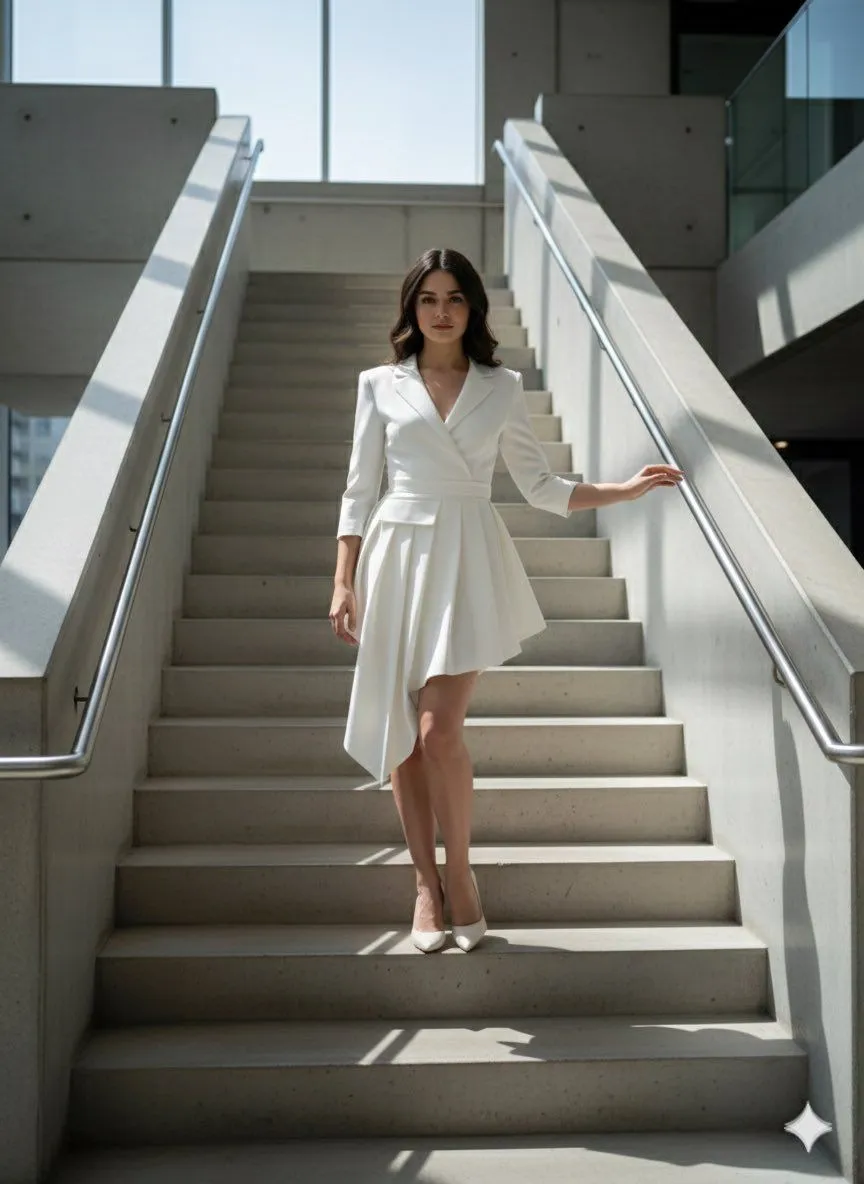
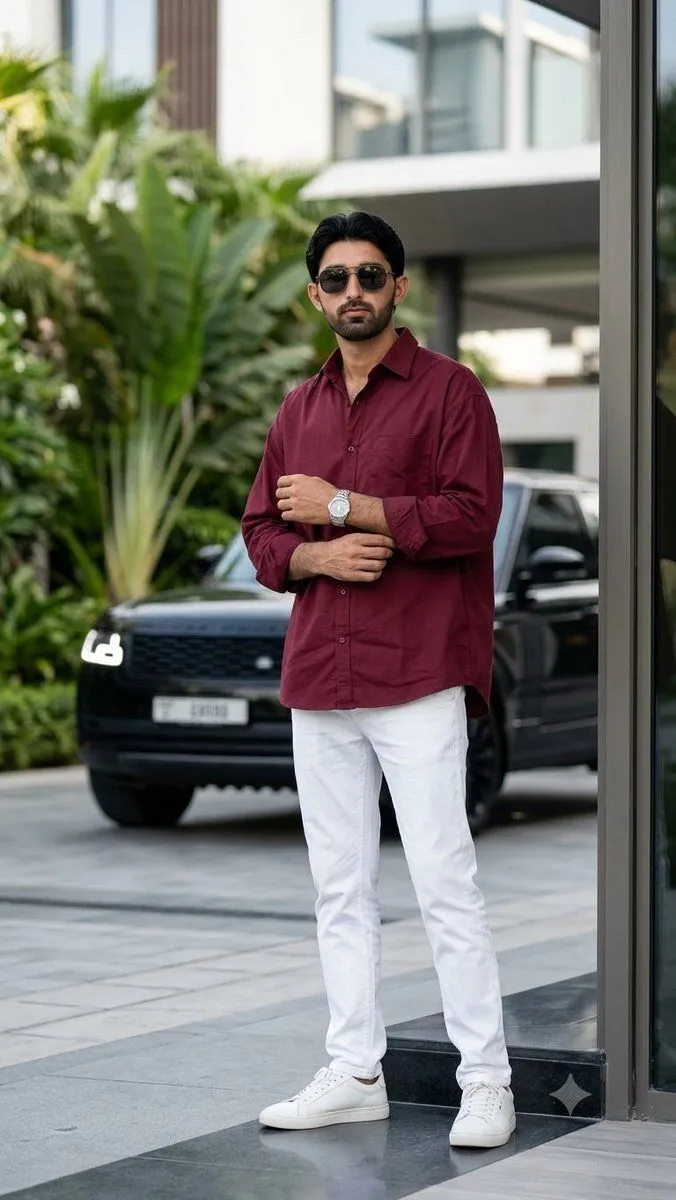
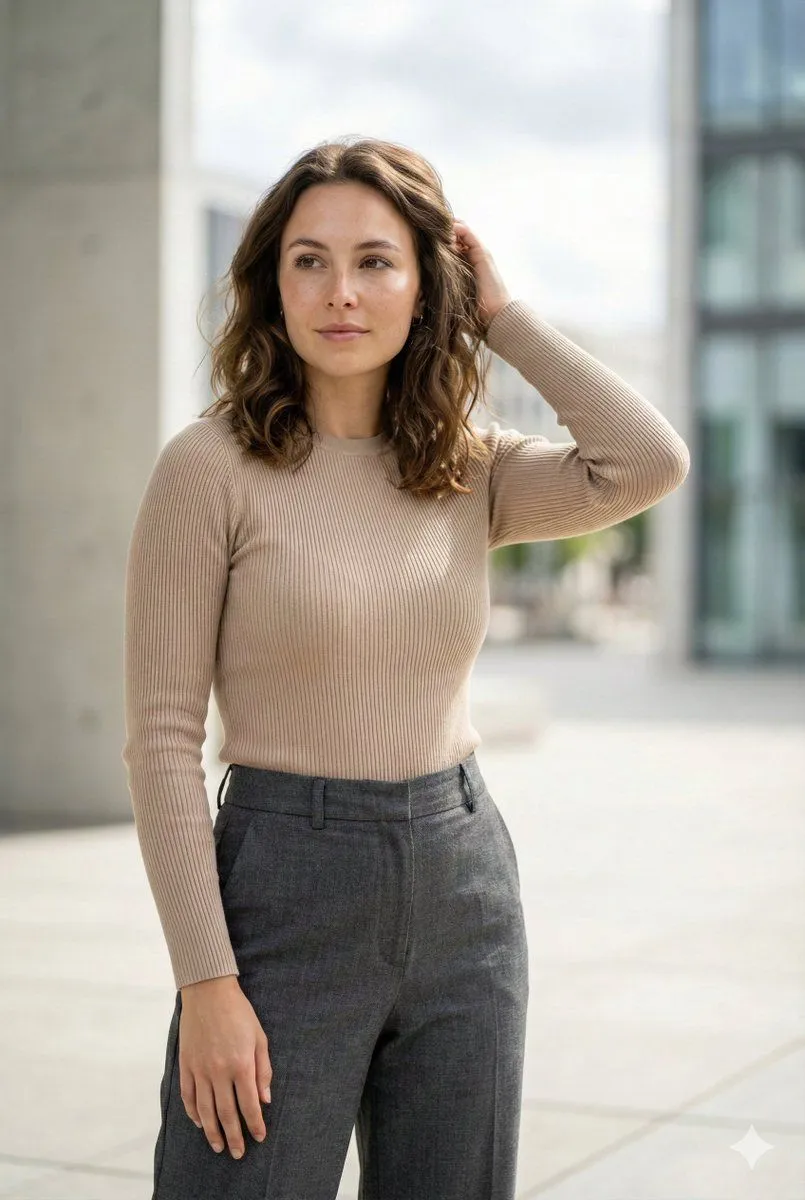
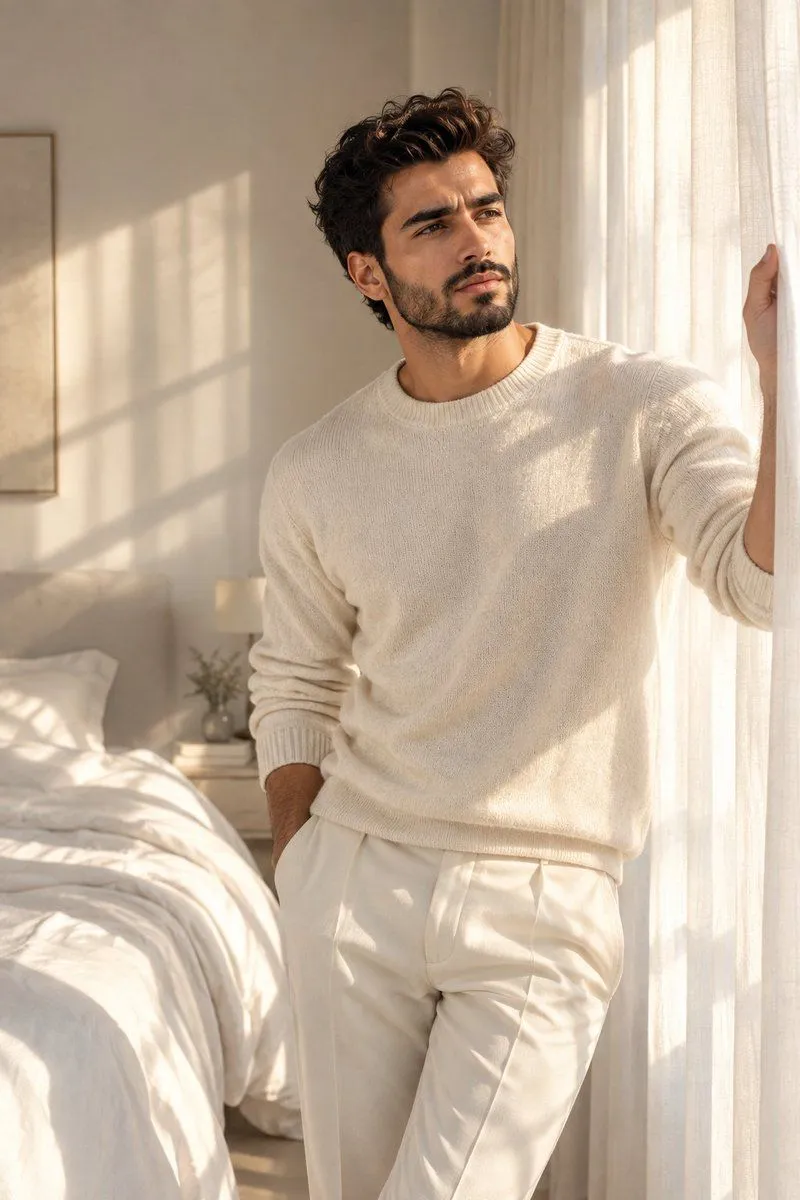
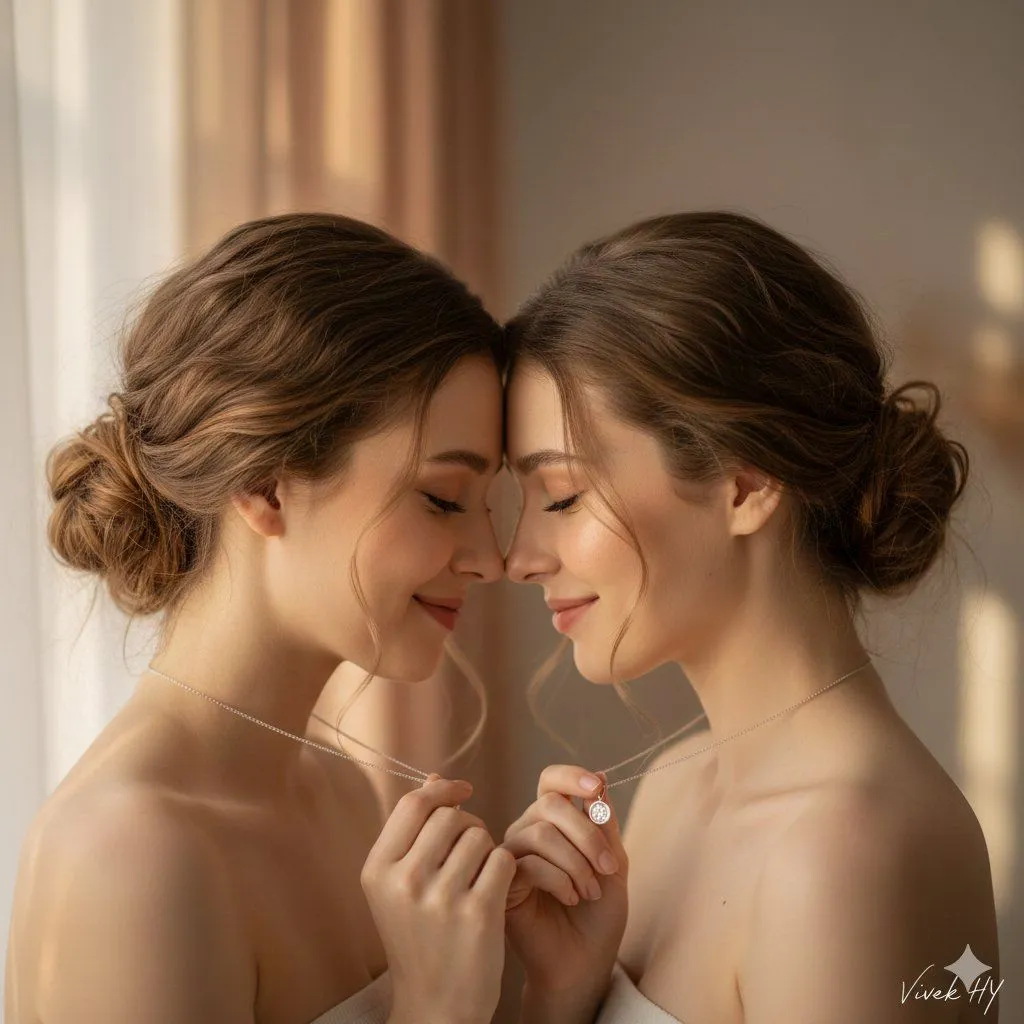
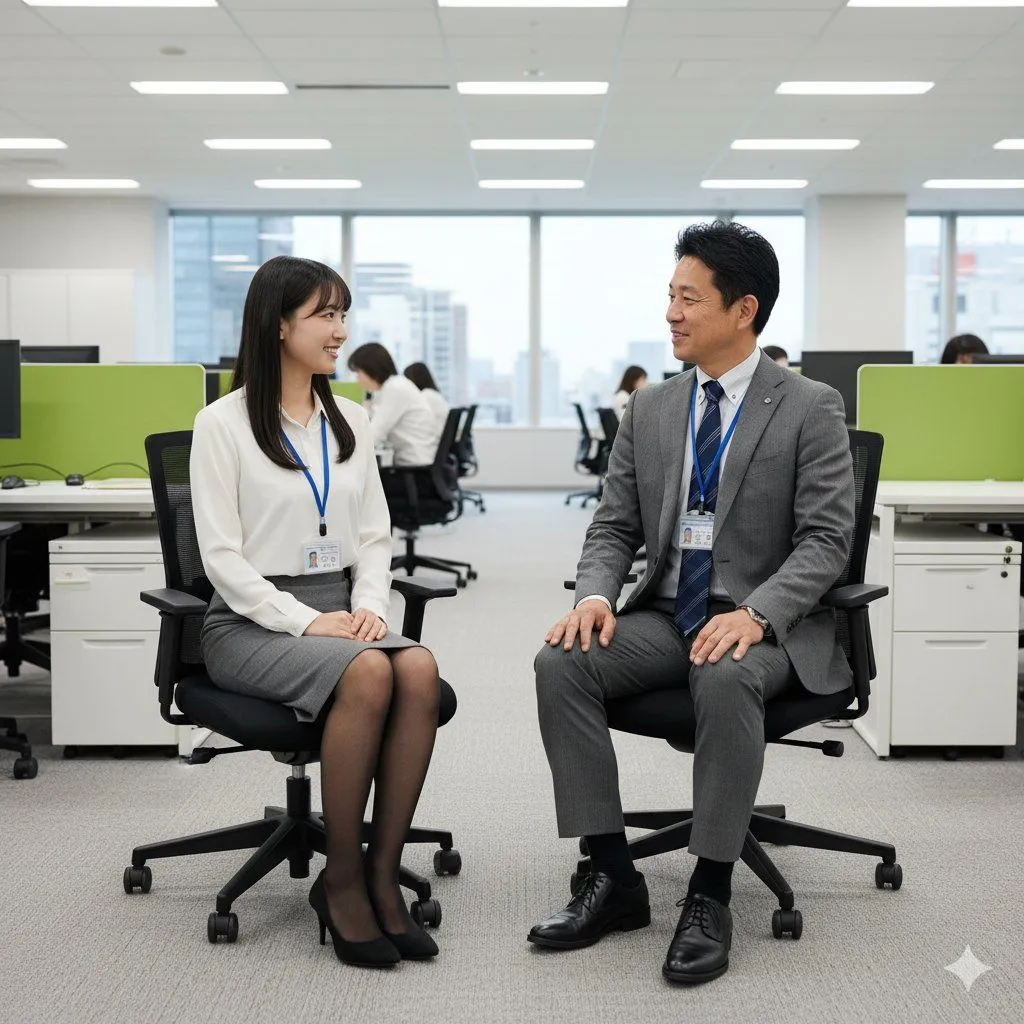
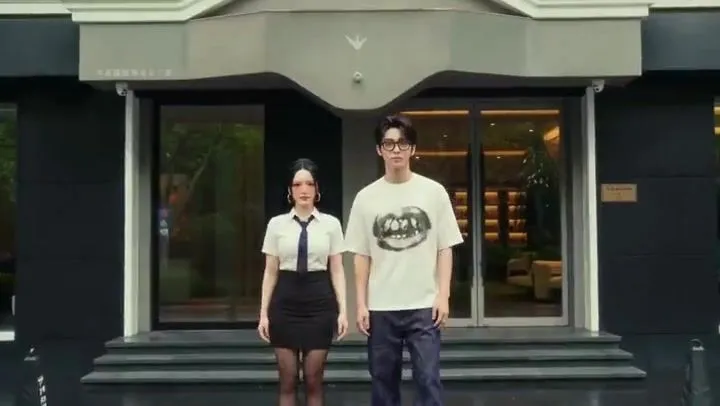
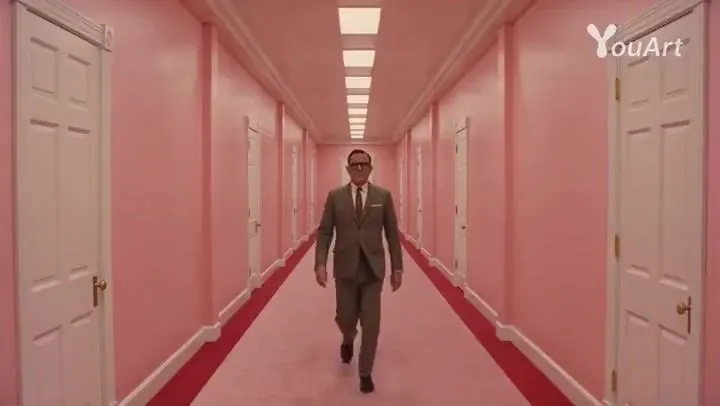
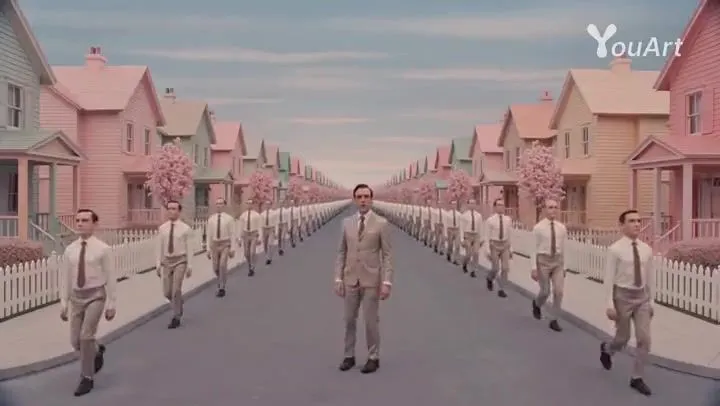
    Two people appearing (Image 1, Image 2, each wearing different clothes), Wes Anderson film style, high-definition quality + master-level camera work, the overall screen is yellow-green with high saturation, background music is a humorous and rhythmic viola piece, the characters do not speak throughout the process and sequentially check in at 6 major famous Chinese attractions: Shanghai → Guilin → Lijiang → Suzhou → Dunhuang → Lhasa. When switching attractions, the two change into local characteristic female clothing, with corresponding makeup and hairstyles, and the camera quickly cuts in. The characters' faces are clear, showing happy smiles and lively eyes. The two simultaneously perform actions such as walking, jumping, posing, and turning to face the camera; the weather is randomly sunny / rainy / snowy, and they hold an umbrella together when it rains or snows.

    Works in
    Kling
    Status
    Free to copy
    0
    DetailsVersions, settings and questions

    Written for

    What's in the prompt

    Subject
    Model
    Seedance 2.0

    If your face changes

    keep my face exactly the same

    Questions

    Does this work in the Kling app?
    Yes. Paste the prompt and attach your photo if it uses one.
    It changed my face. What do I do?
    Add "keep my face exactly the same" to the end and run it again.
    Can I use the images I make?
    Check the terms of the app you use. Promptclay never generates images and claims nothing you make.
    Similar prompts

    See more
    • Wes Anderson Style Movie TrailerVideo, 0:10
    • Wes Anderson Style Movie Trailer PromptVideo, 0:15
    • Narrative Cinematic Fashion Portrait Prompt
    • Urban Fashion Cinematic Portrait
    • Editorial Urban Fashion Portrait Prompt
    • Cinematic Luxury Fashion Portrait
    • Masterpiece Cinematic Portrait Prompt
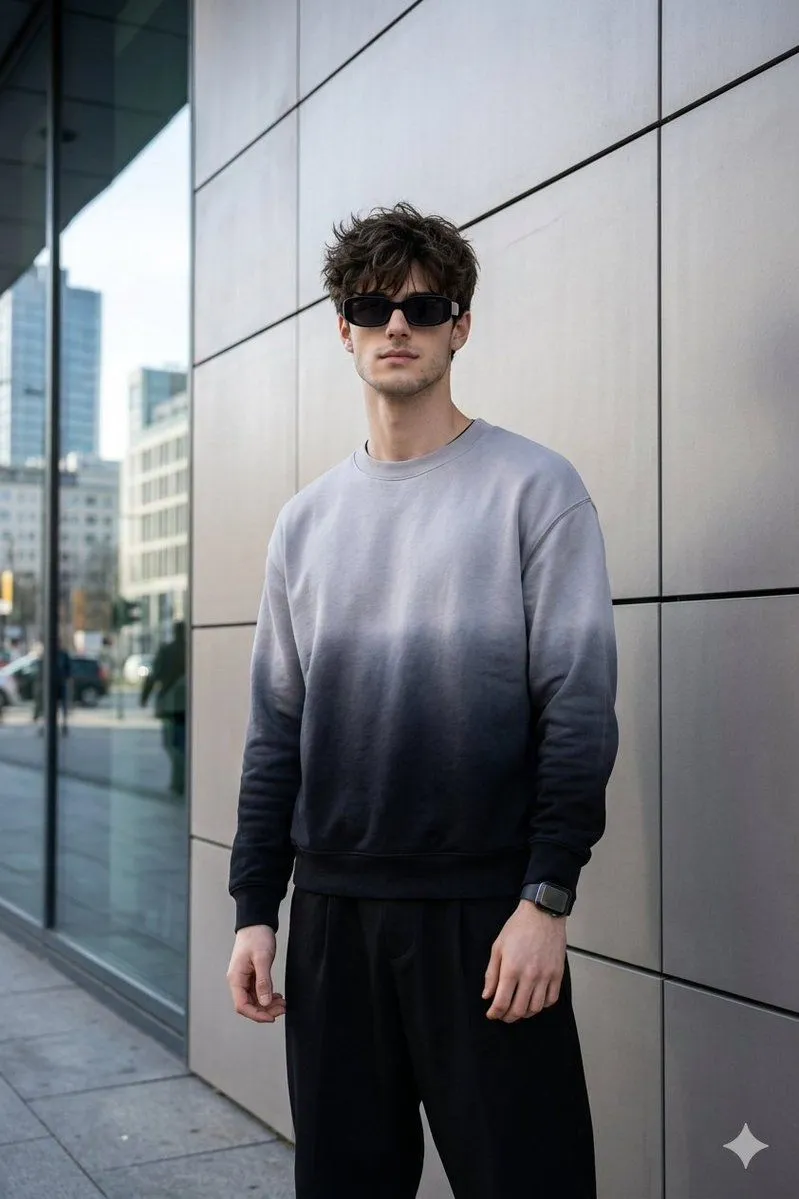
    • Stylish Portrait with Modern Architecture
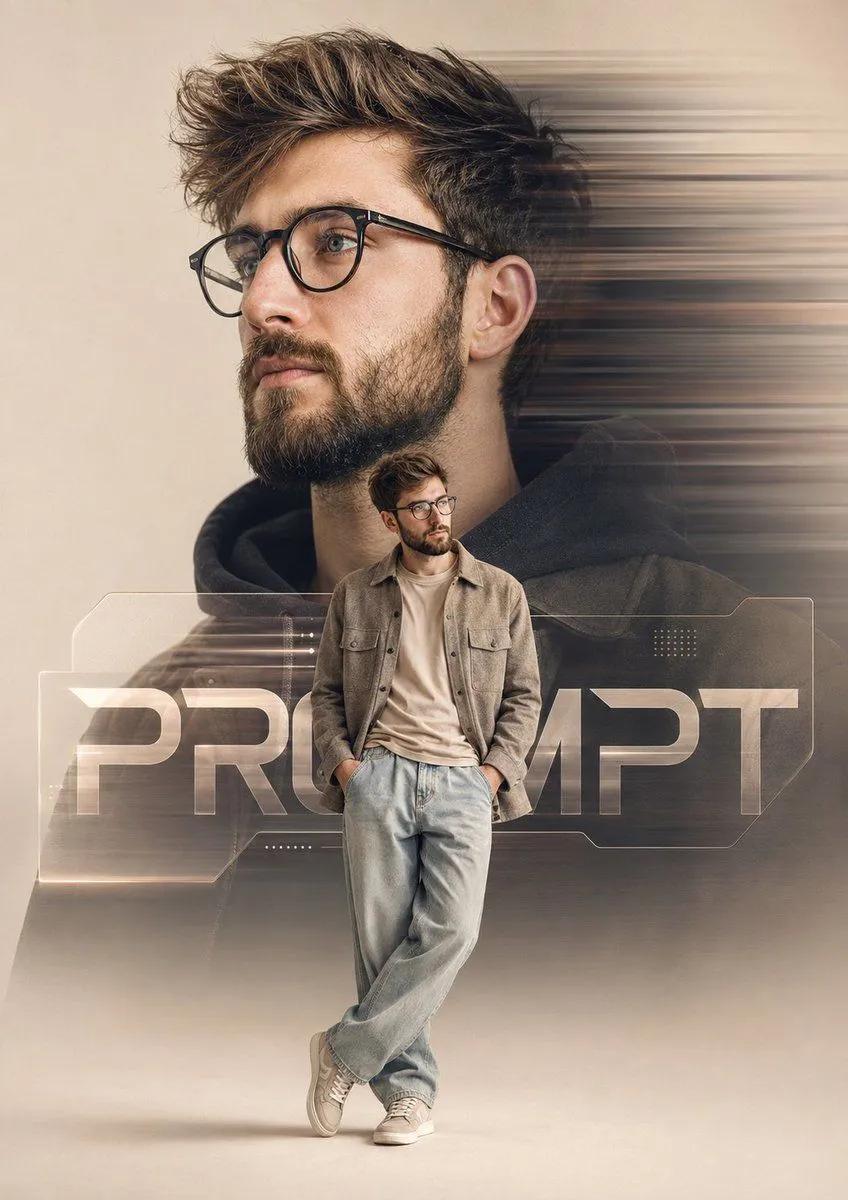
    • Cinematic Fashion Poster Prompt
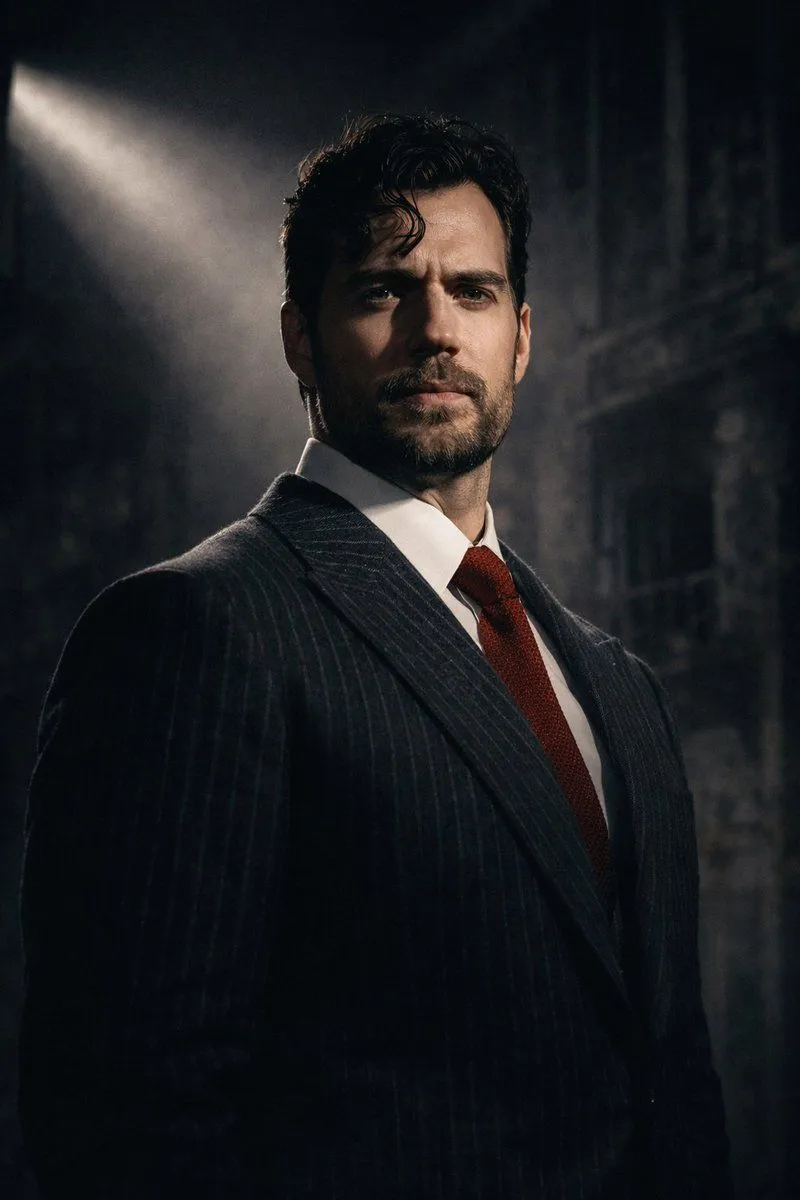
    • Dramatic Cinematic Low-Angle Portrait Prompt (Reference Image Required)
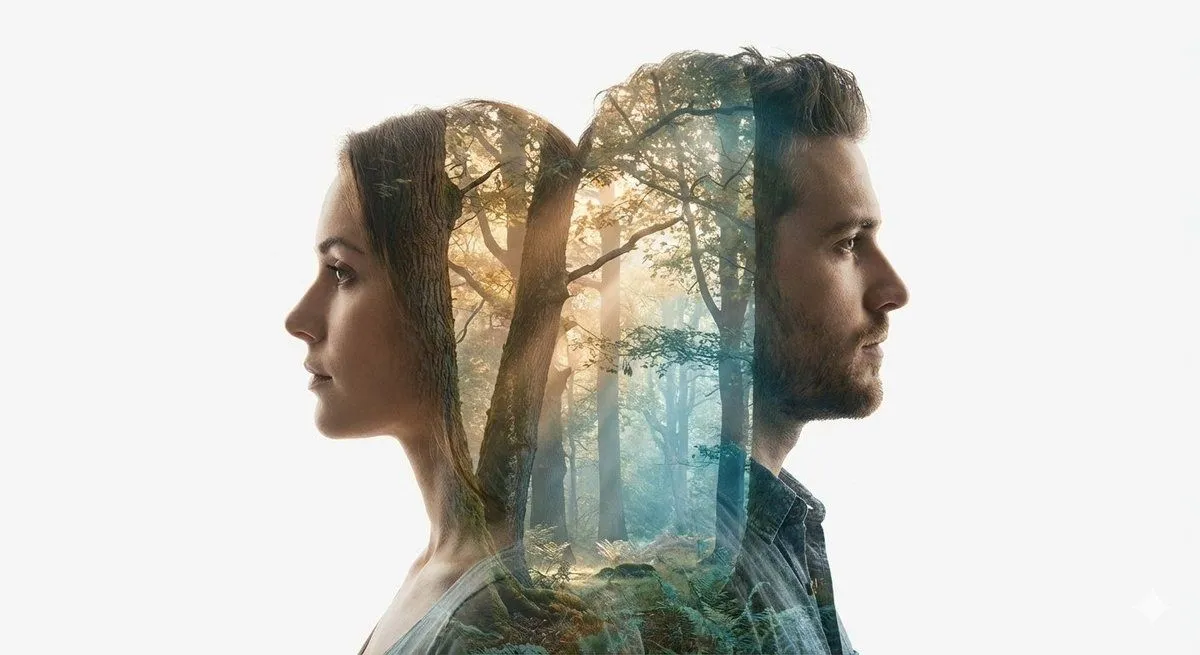
    • Cinematic Double-Exposure Portrait of Contrast and Connection
    • Soft Aesthetic Cinematic Portrait of Twins Prompt
    • Image-to-Image Instruction for Clothing Swap
    • Minimalist Traveler Airport Scene
    • Cinematic Studio Interview Scene
    • Image-to-Image Action Generation Template
    • Minimal Silhouette Spotlight Prompt with Signature
    • Chinese Drama Storyboard Sheet
    • Dynamic Double-Exposure Artistic Portrait
    • Cinematic Double-Exposure Beach Portrait
    • Y2K Teen Magazine Studio Portrait
    • Documentary Style Image Generation with Nano Banana Pro
    • 3x3 Storyboard Grid of a Young East Asian Woman
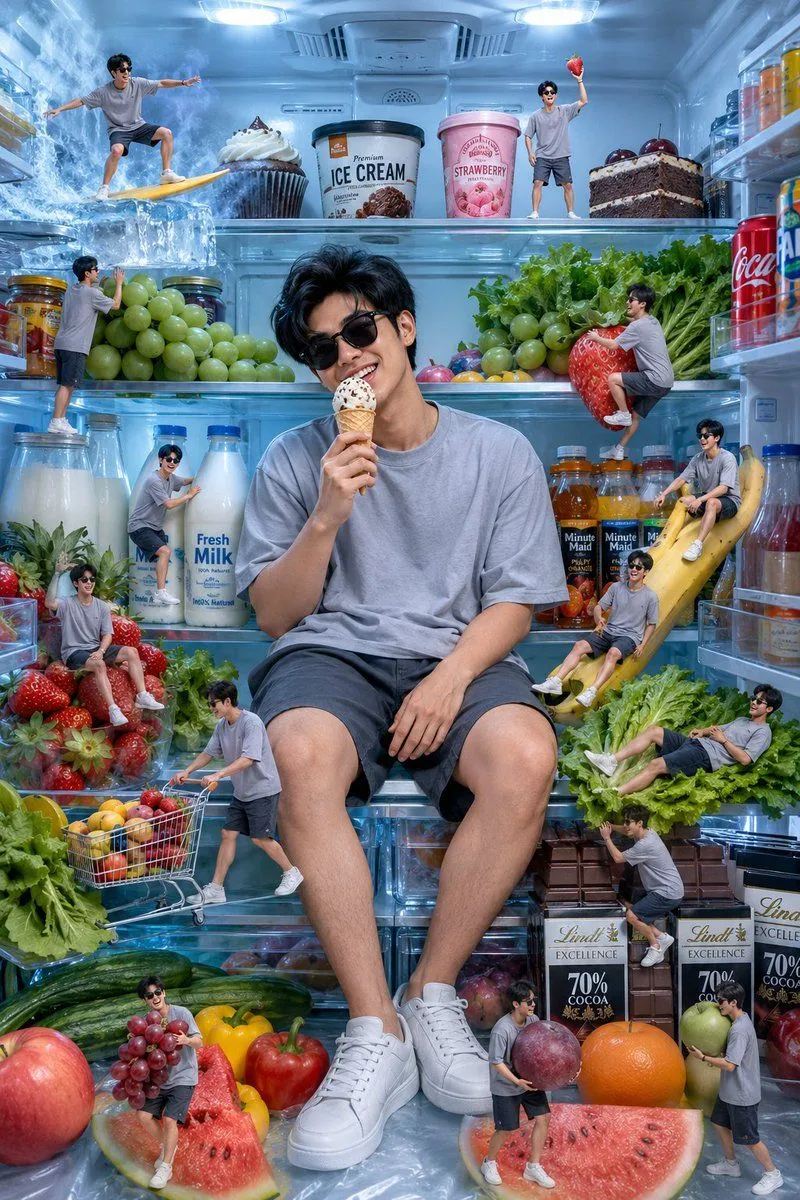
    • Miniature Man Inside Luxury Refrigerator

    Show more

    Run it on your phone

    1. Prompt copiedRead it

      Two people appearing (Image 1, Image 2, each wearing different clothes), Wes Anderson film style, high-definition quality + master-level camera work, the overall screen is yellow-green with high saturation, background music is a humorous and rhythmic viola piece, the characters do not speak throughout the process and sequentially check in at 6 major famous Chinese attractions: Shanghai → Guilin → Lijiang → Suzhou → Dunhuang → Lhasa. When switching attractions, the two change into local characteristic female clothing, with corresponding makeup and hairstyles, and the camera quickly cuts in. The characters' faces are clear, showing happy smiles and lively eyes. The two simultaneously perform actions such as walking, jumping, posing, and turning to face the camera; the weather is randomly sunny / rainy / snowy, and they hold an umbrella together when it rains or snows.

    2. Open your app

    3. Paste and run

      Press and hold the message box, then tap Paste. Add your photo first if the prompt uses one. You may need to sign in.