Tell us anything

An idea, a bug, something you love. We read every note.

⌘↵ to send. The page you're on comes along.

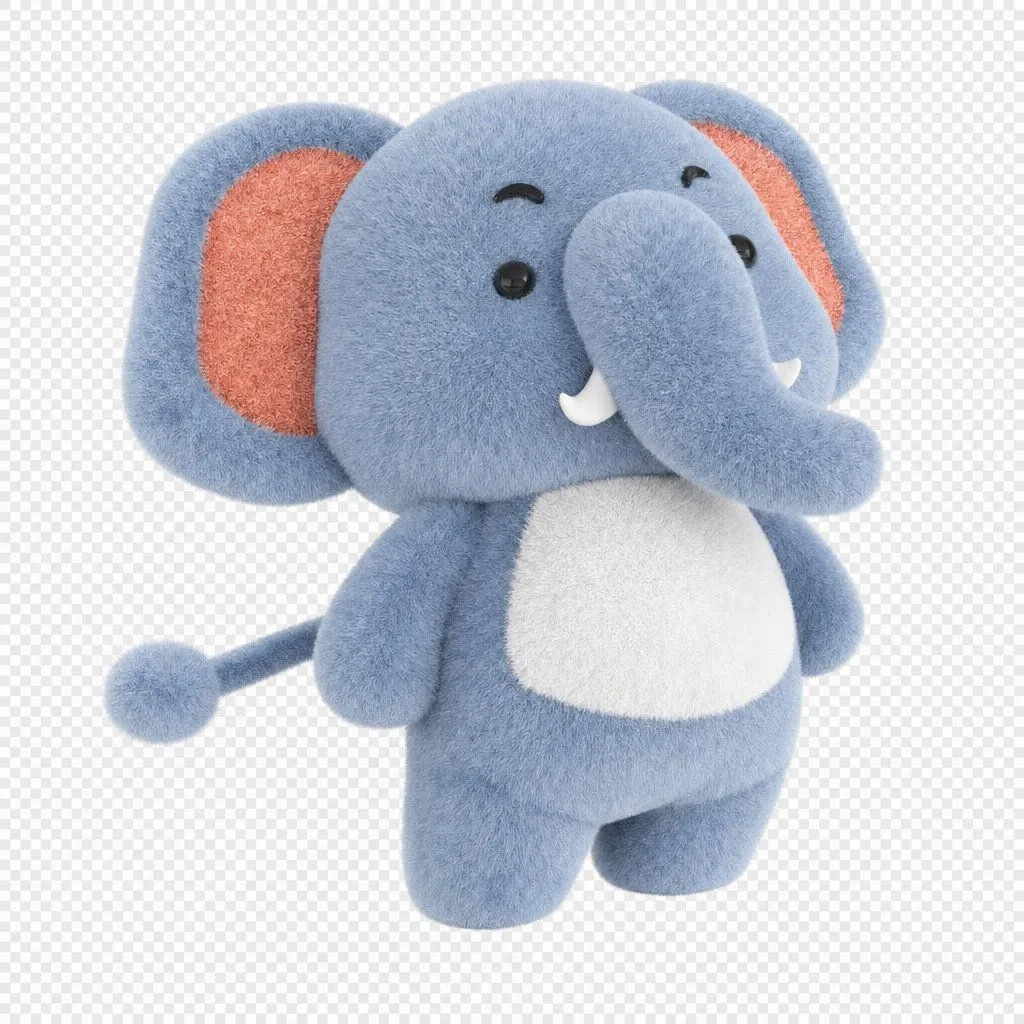
Weekly Baby Birds 3D Animation

Made with Seedance 2.5 in Kling by Library Cinema. Promptclay never generates images.

Did it work?

No reports yet. Tell others if it worked for you.

No comments yet. Be the first.

    Weekly Baby Birds 3D Animation

    Seedance 2.59:16AI-generated

    Prompt

    Create a cute 3D animated weekly video featuring adorable fluffy baby birds, one bird for each day from Monday to Saturday. Each scene has a different colorful bird standing in the center against a soft pastel background, with the day name displayed clearly at the top in large playful bubble letters. Monday: a tiny fluffy owl, Tuesday: a cute orange-breasted bird, Wednesday: a bright yellow canary, Thursday: a fluffy blue bird, Friday: a cute wide-eyed owl, Saturday: an adorable pink flamingo. Use soft studio lighting, rounded cartoon proportions, big expressive eyes, fluffy feather textures, charming innocent expressions, subtle sparkling particles, smooth gentle movements, clean minimal background, cute children’s animation style, high-quality 3D rendering. End with the pink flamingo happily waving its wings with “Bye Bye” text at the top. Vertical 9:16, smooth animation, consistent character quality.

    Works in
    Kling
    Status
    Free to copy
    0
    DetailsVersions, settings and questions

    Written for

    What's in the prompt

    Subject
    Model
    Seedance 2.5

    If your face changes

    keep my face exactly the same

    Questions

    Does this work in the Kling app?
    Yes. Paste the prompt and attach your photo if it uses one.
    It changed my face. What do I do?
    Add "keep my face exactly the same" to the end and run it again.
    Can I use the images I make?
    Check the terms of the app you use. Promptclay never generates images and claims nothing you make.
    Similar prompts

    See more
    • Object rotation and zoom prompt
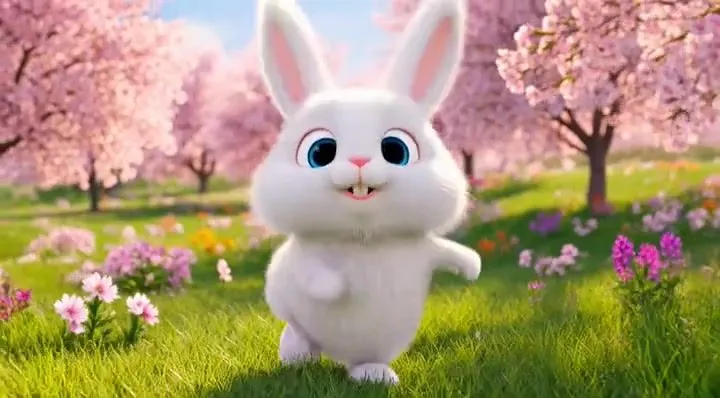
    • Video prompt of a fluffy bunny performing a hip-hop dance routineVideo, 0:06
    • Chibi Penguin Expression Grid
    • Structured Chibi Character Animation PromptVideo, 0:15
    • Pixar-Style 3D Animated Child Portrait with Animal
    • 3D Pixar Style Girl Family Portrait
    • 3D Render of Childlike Character in Puzzle Sweater
    • Reposition Fish in Foreground
    • Angel in a Cradle Image Generation Prompt
    • Generate a realistic figurine from a photo
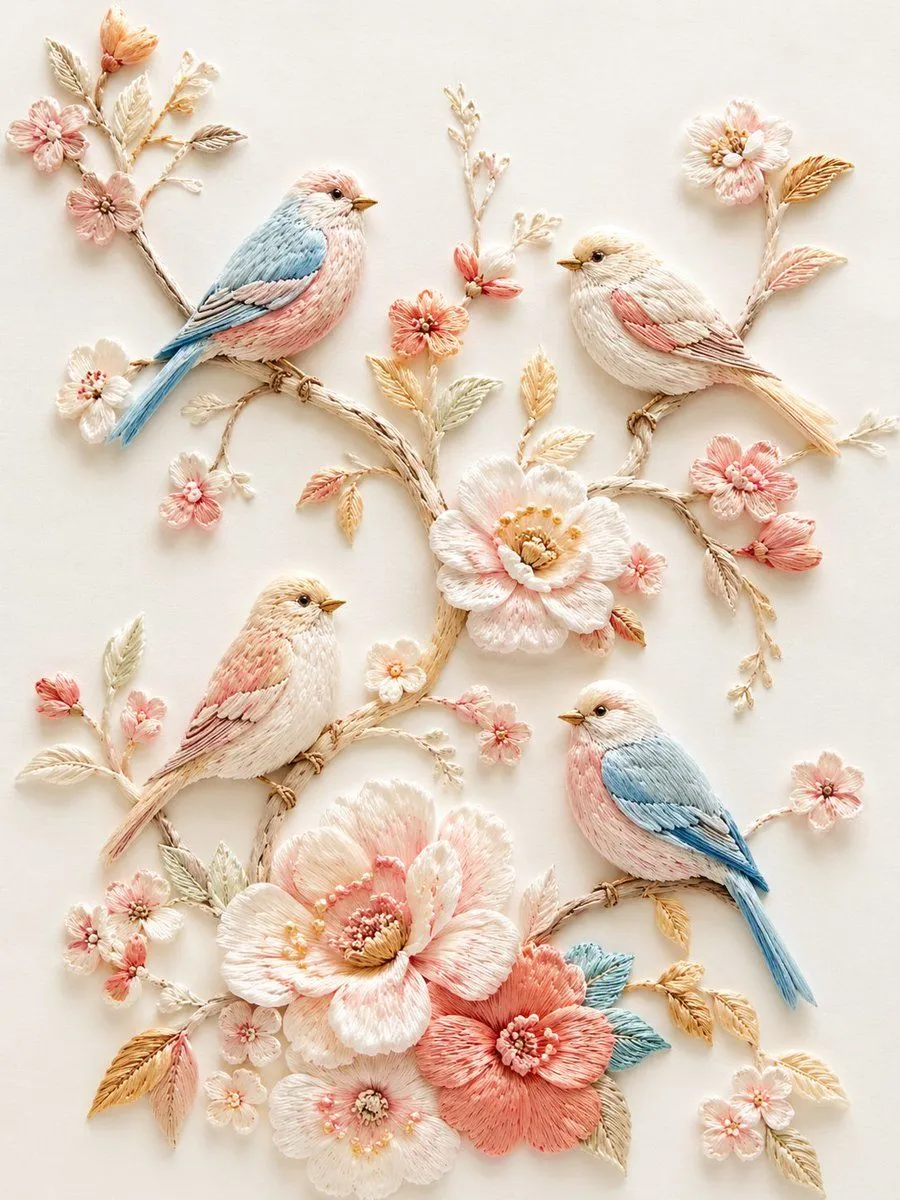
    • Exquisite Relief Embroidery Illustration
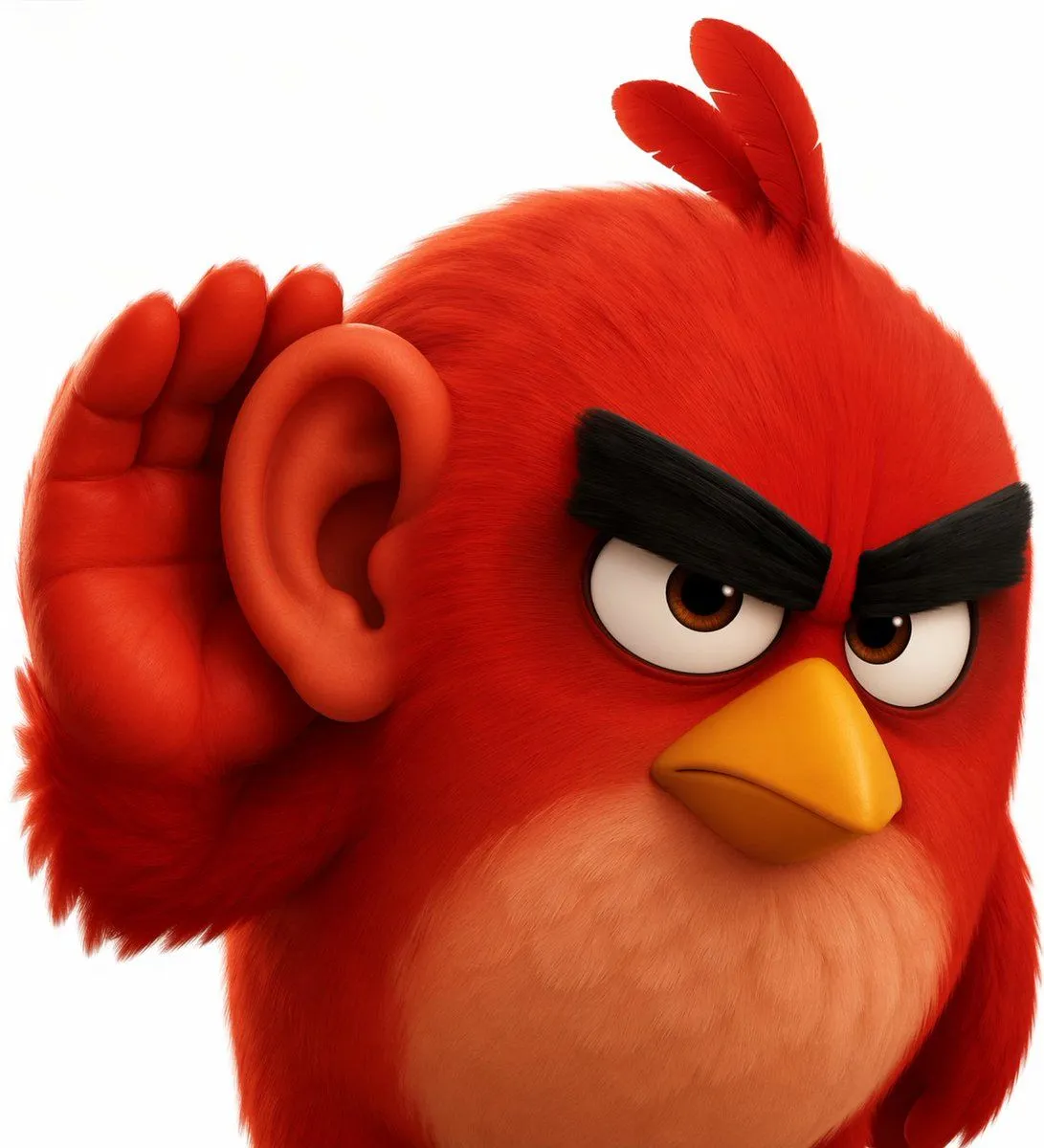
    • 3D Red Bird Listening with Human Ear
    • Cinematic Behind-the-Scenes VFX Artists Prompt
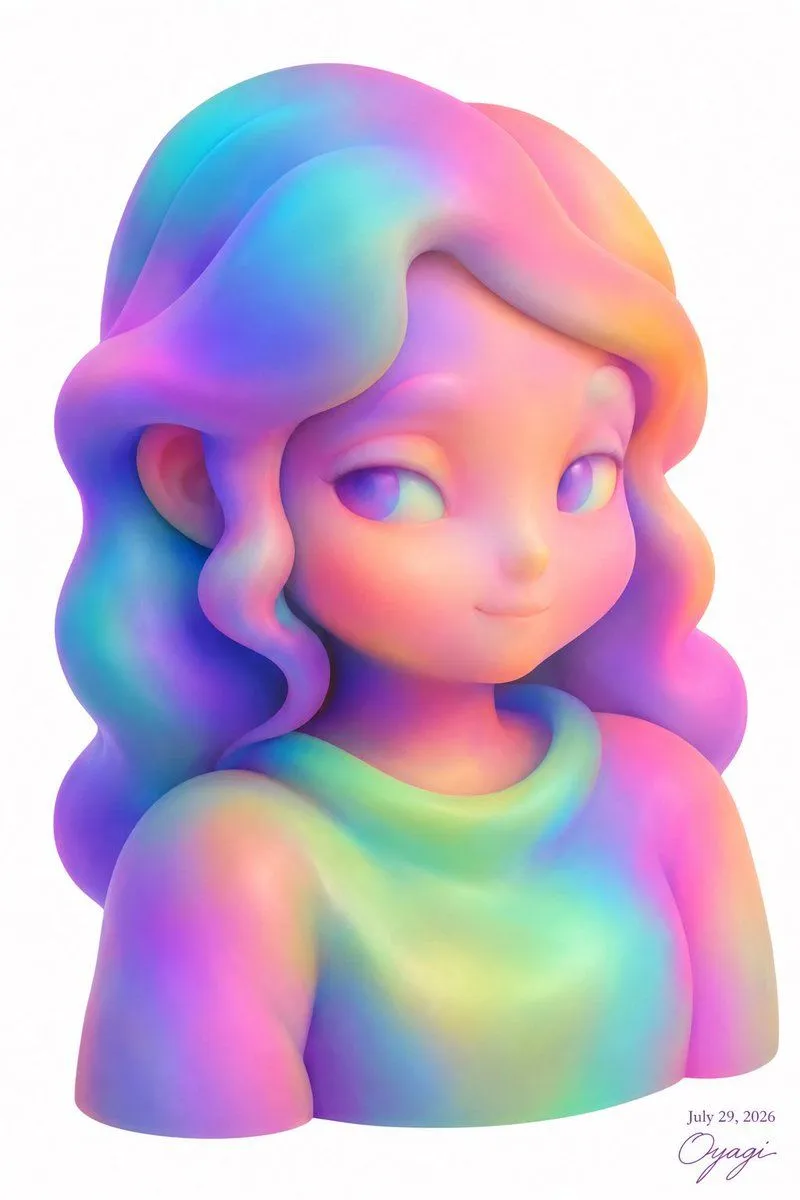
    • Pastel Rainbow 3D Girl Bust
    • Multi-Panel Comic Illustration
    • 3D Animated Boy Portrait
    • Meta-Prompt for Generating YAML-Structured Prompts from Images
    • Cloud shape doodle generation
    • Artistic Silhouette Amber Light Photography
    • Ultra-Realistic 3D Render of a Furry Logo
    • Two Fluffy Kawaii Cats
    • Inflated Doraemon Balloon Box
    • Vector Pop Art Portrait
    • Whimsical Pineapple House Illustration

    Show more

    Run it on your phone

    1. Prompt copiedRead it

      Create a cute 3D animated weekly video featuring adorable fluffy baby birds, one bird for each day from Monday to Saturday. Each scene has a different colorful bird standing in the center against a soft pastel background, with the day name displayed clearly at the top in large playful bubble letters. Monday: a tiny fluffy owl, Tuesday: a cute orange-breasted bird, Wednesday: a bright yellow canary, Thursday: a fluffy blue bird, Friday: a cute wide-eyed owl, Saturday: an adorable pink flamingo. Use soft studio lighting, rounded cartoon proportions, big expressive eyes, fluffy feather textures, charming innocent expressions, subtle sparkling particles, smooth gentle movements, clean minimal background, cute children’s animation style, high-quality 3D rendering. End with the pink flamingo happily waving its wings with “Bye Bye” text at the top. Vertical 9:16, smooth animation, consistent character quality.

    2. Open your app

    3. Paste and run

      Press and hold the message box, then tap Paste. Add your photo first if the prompt uses one. You may need to sign in.