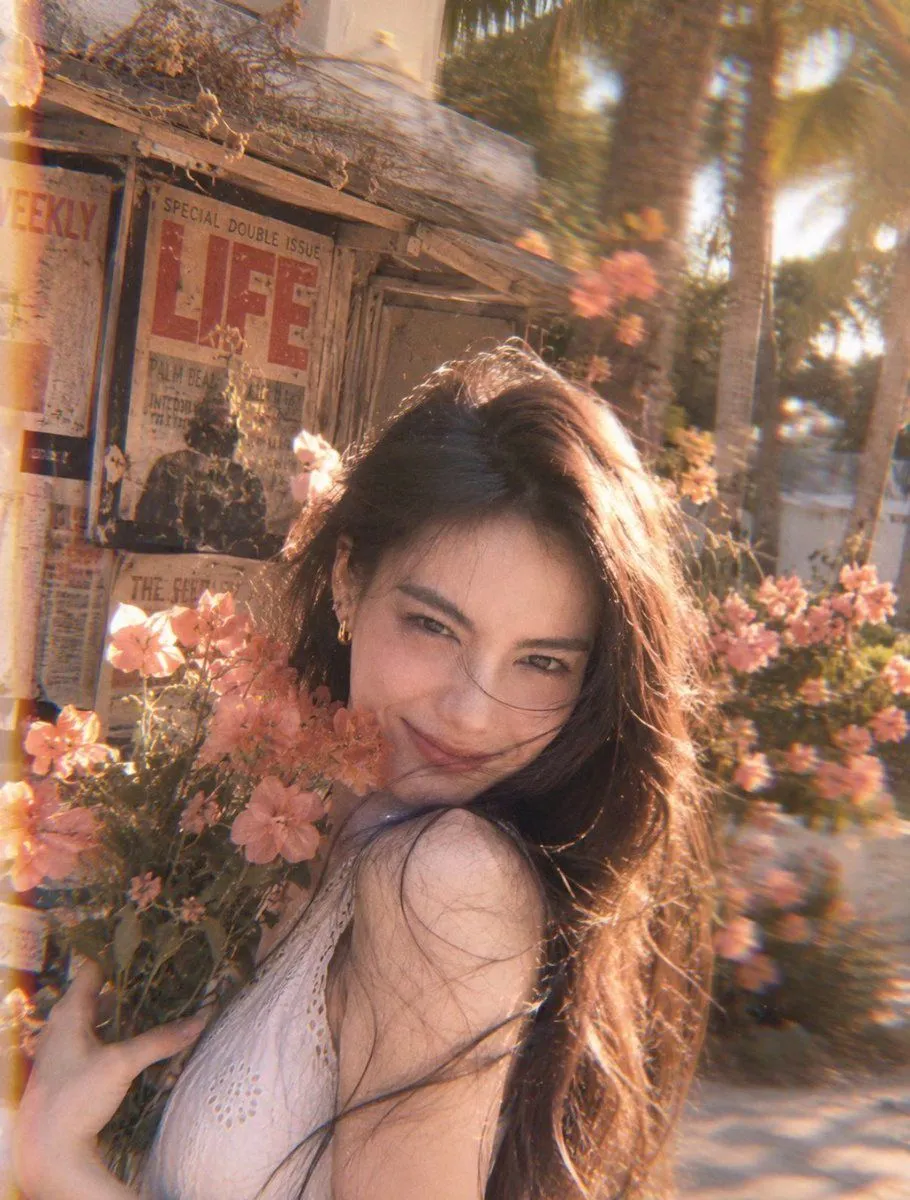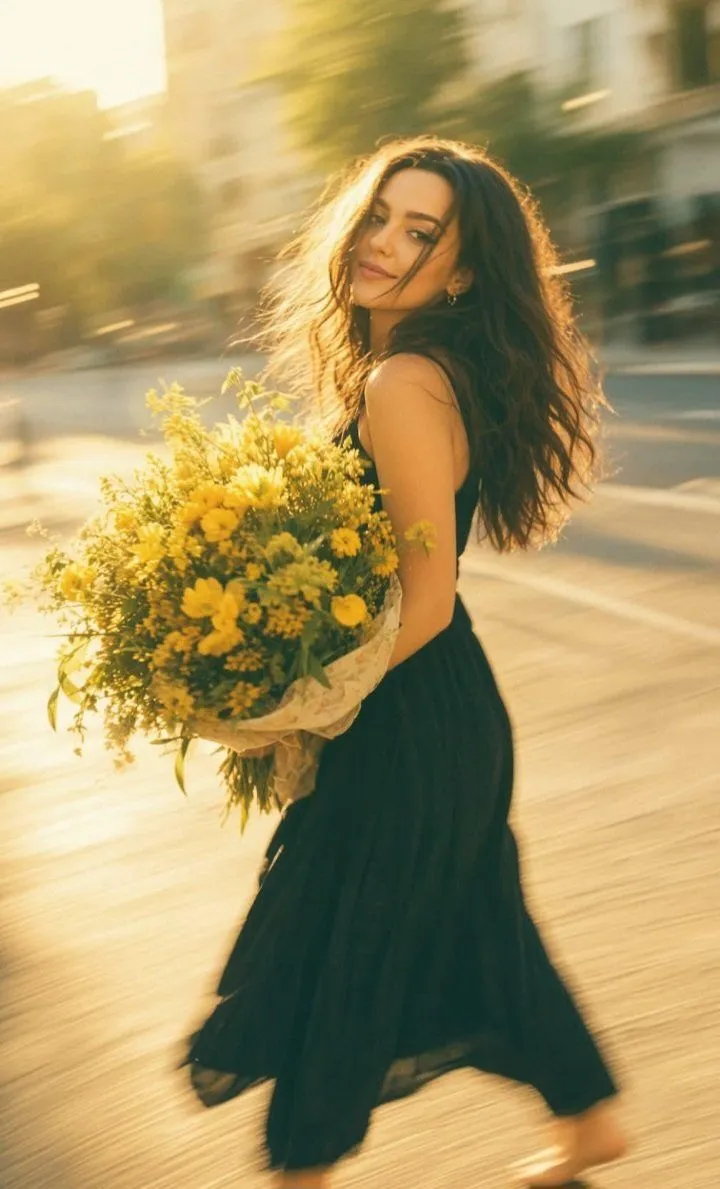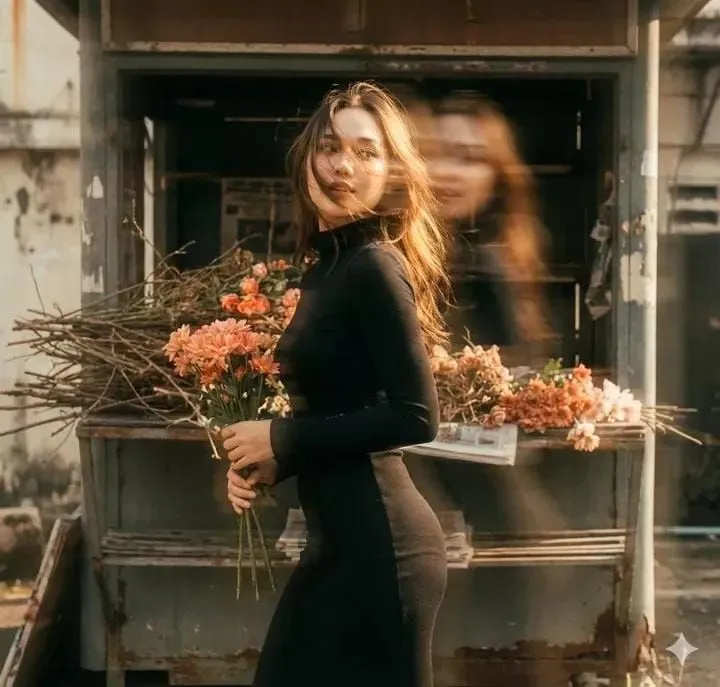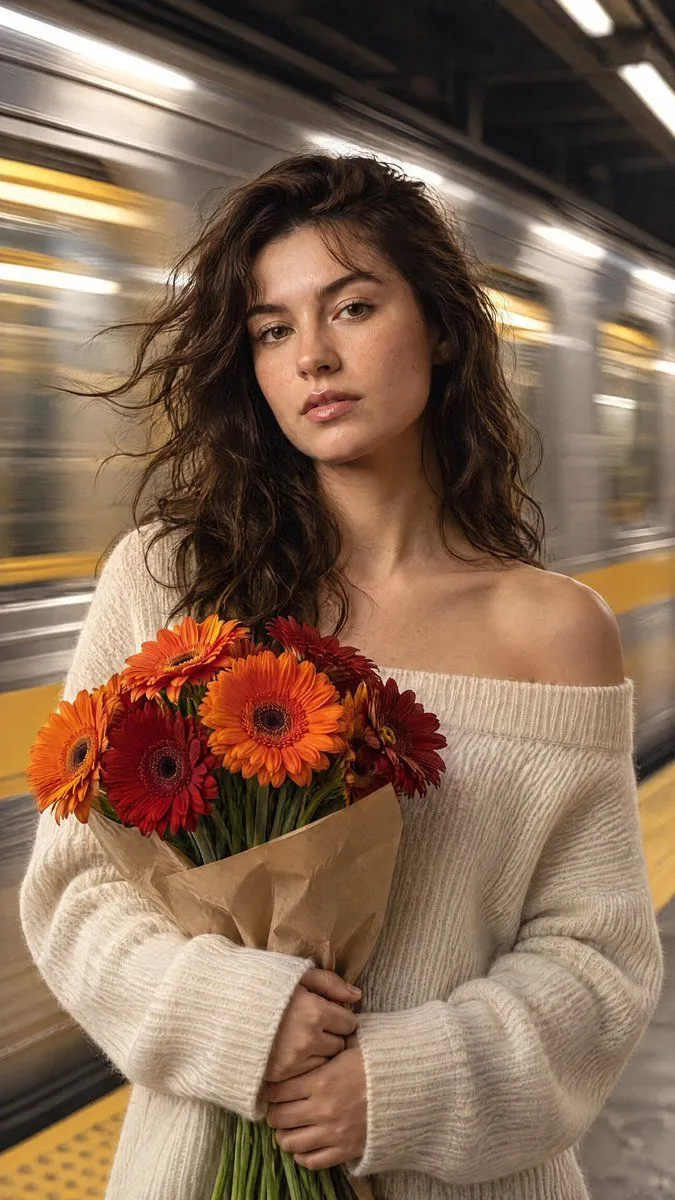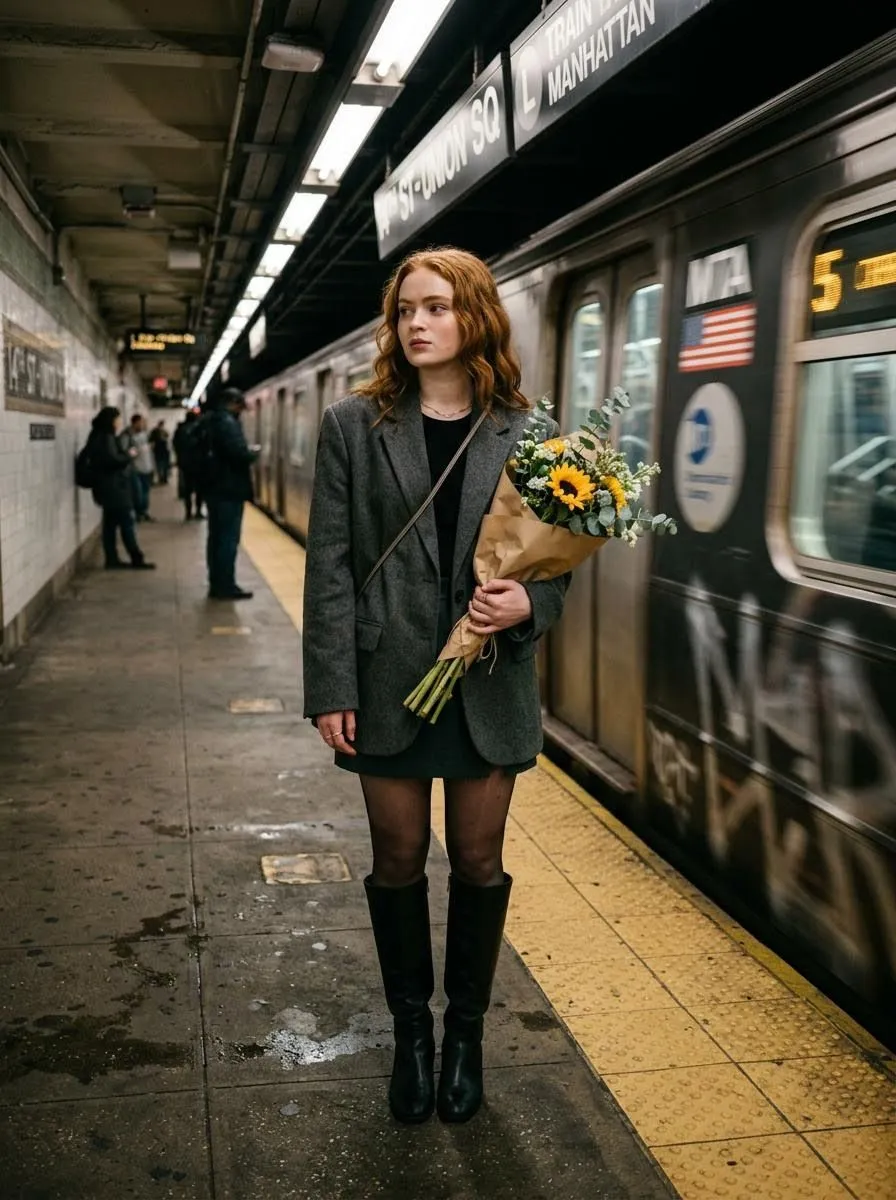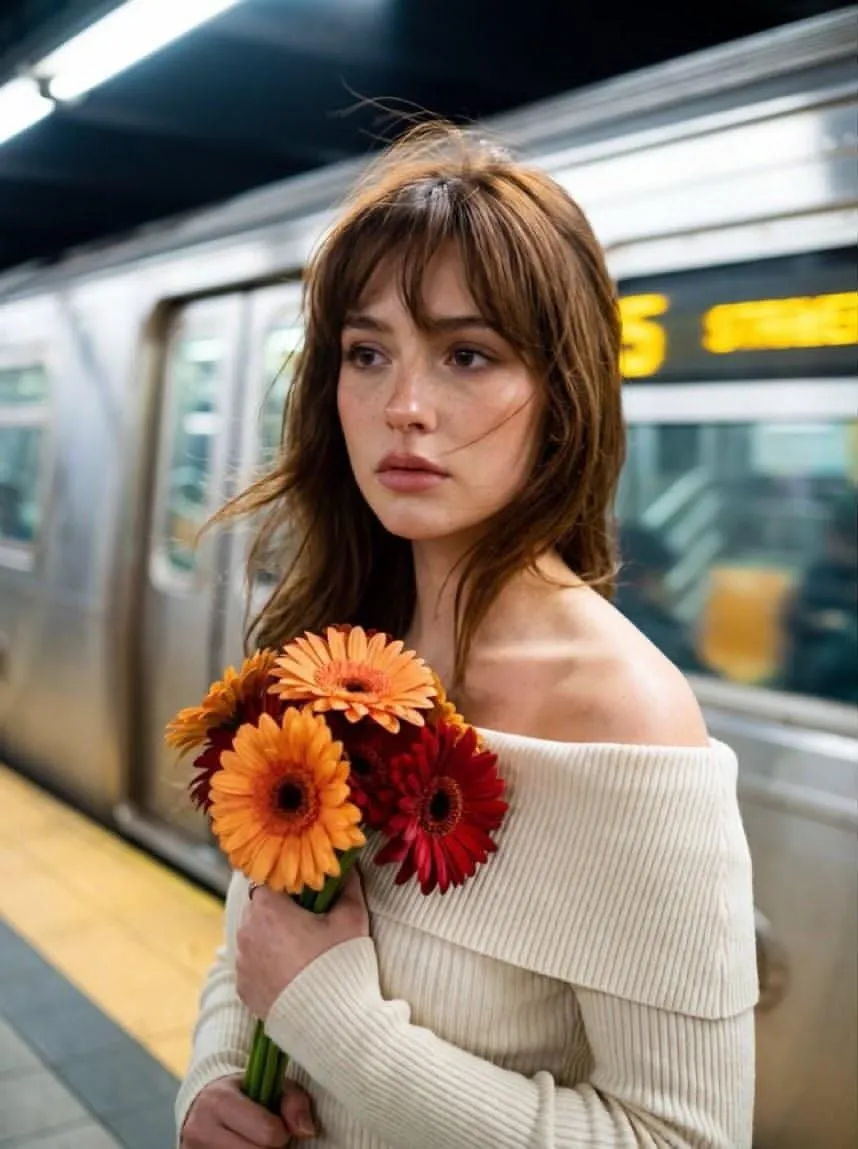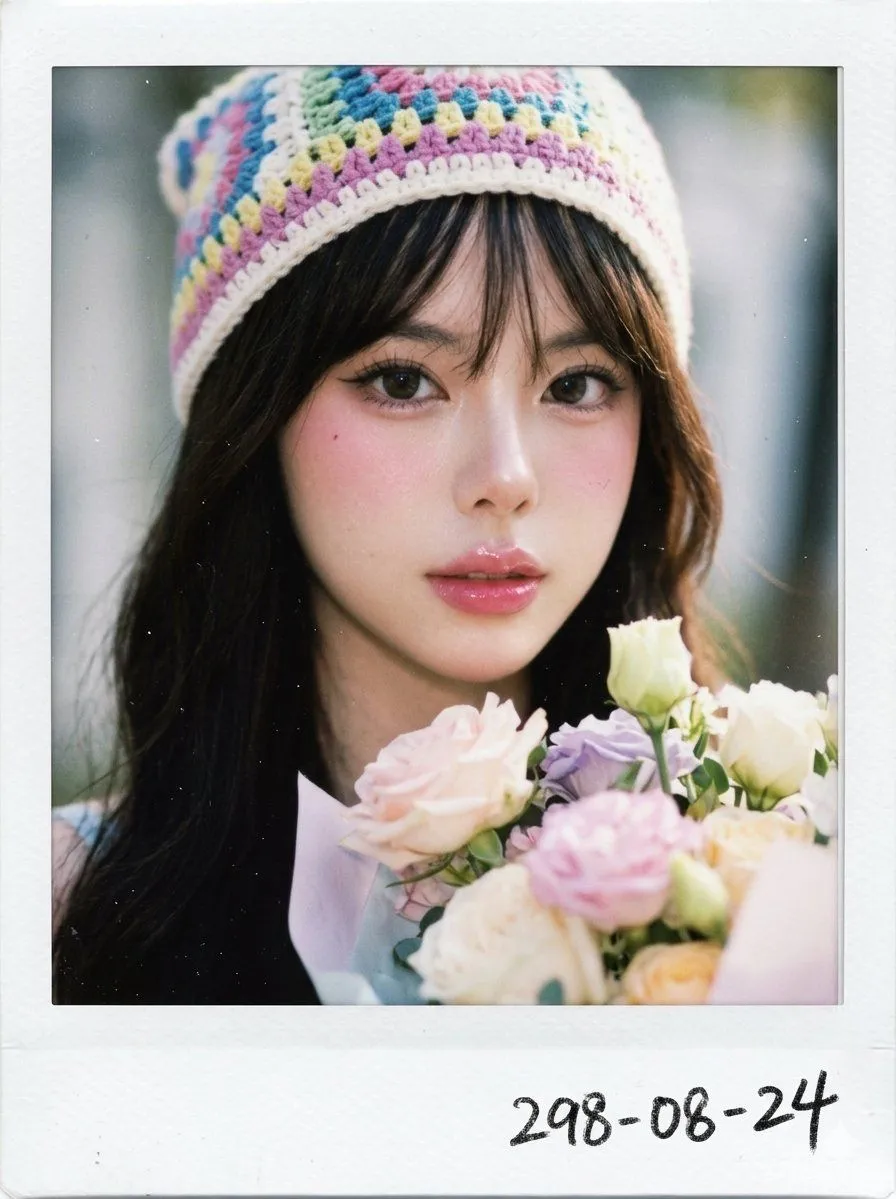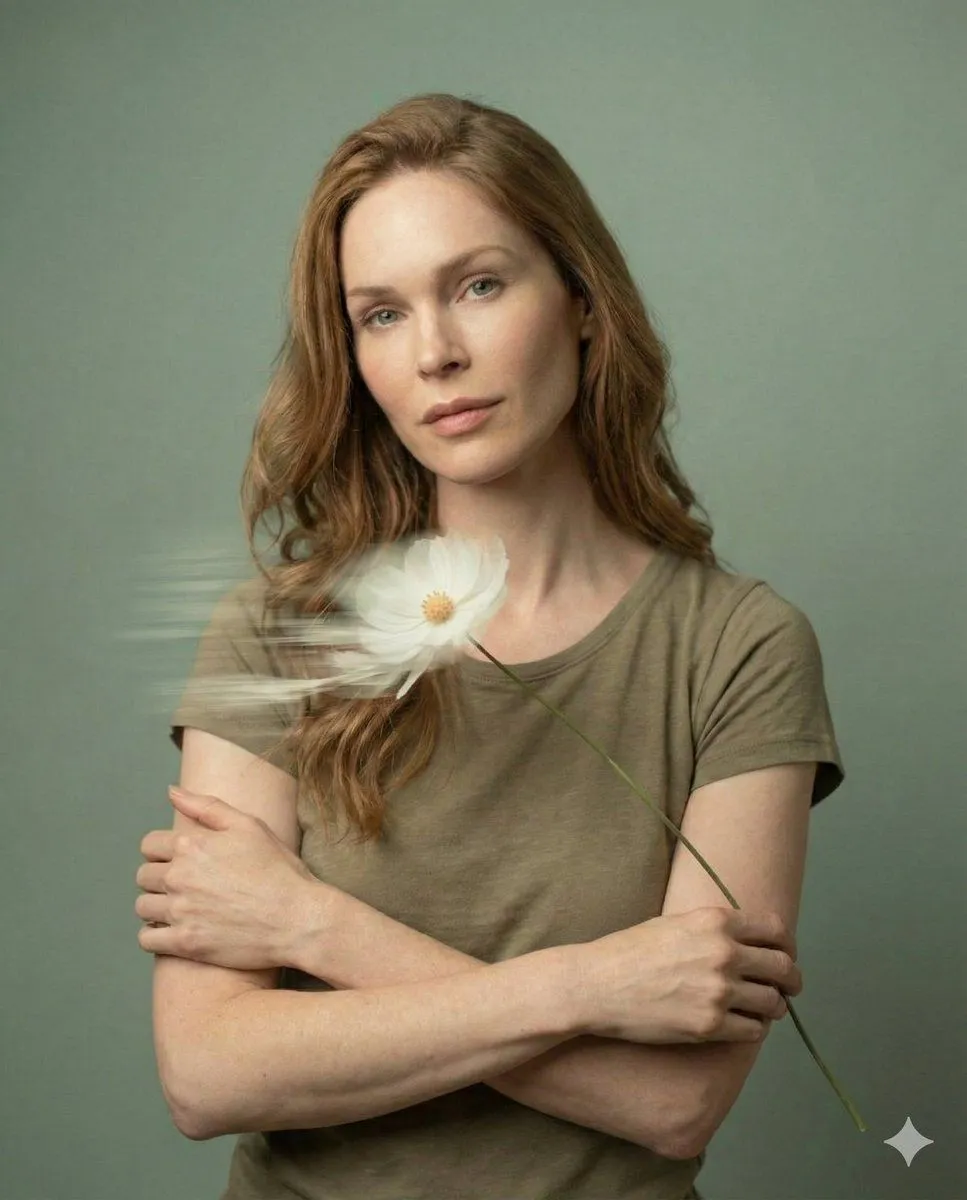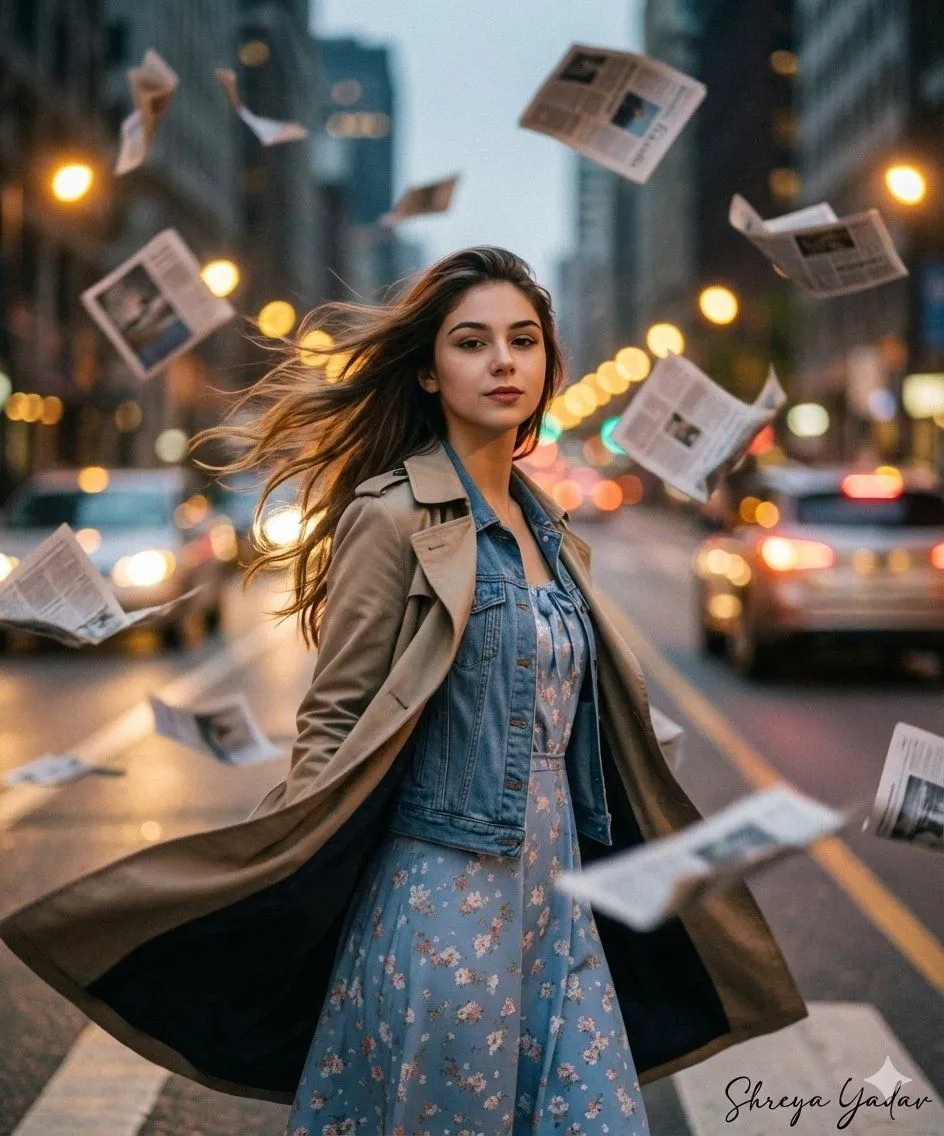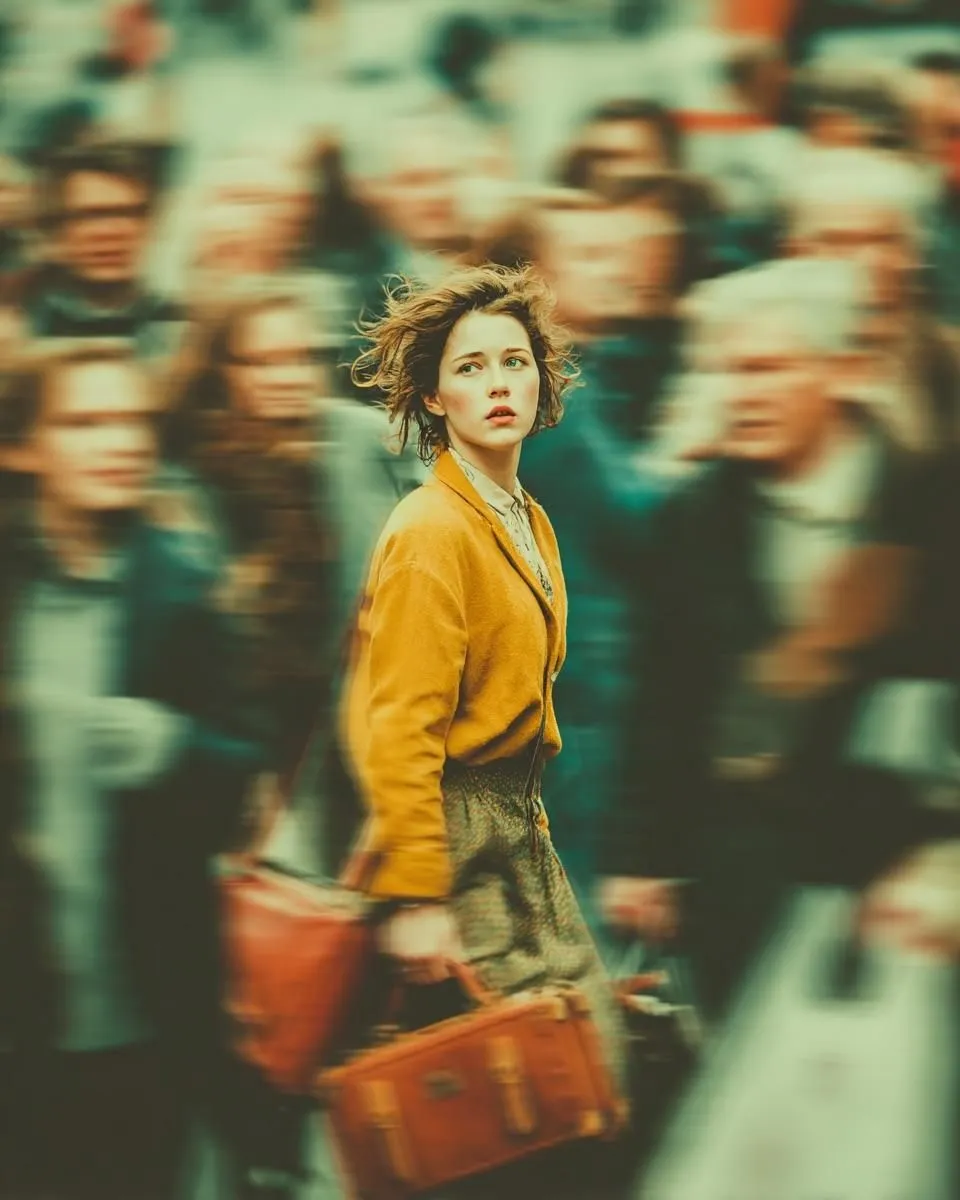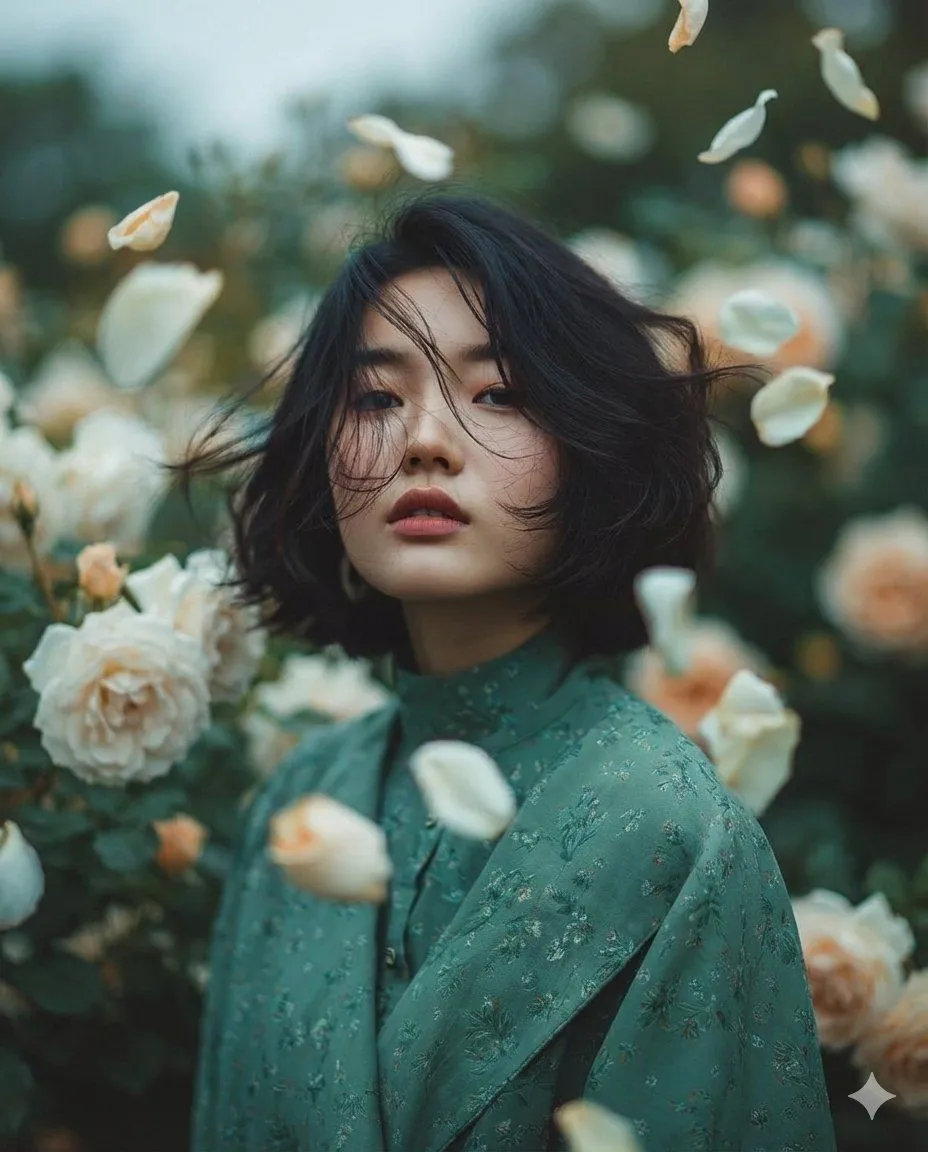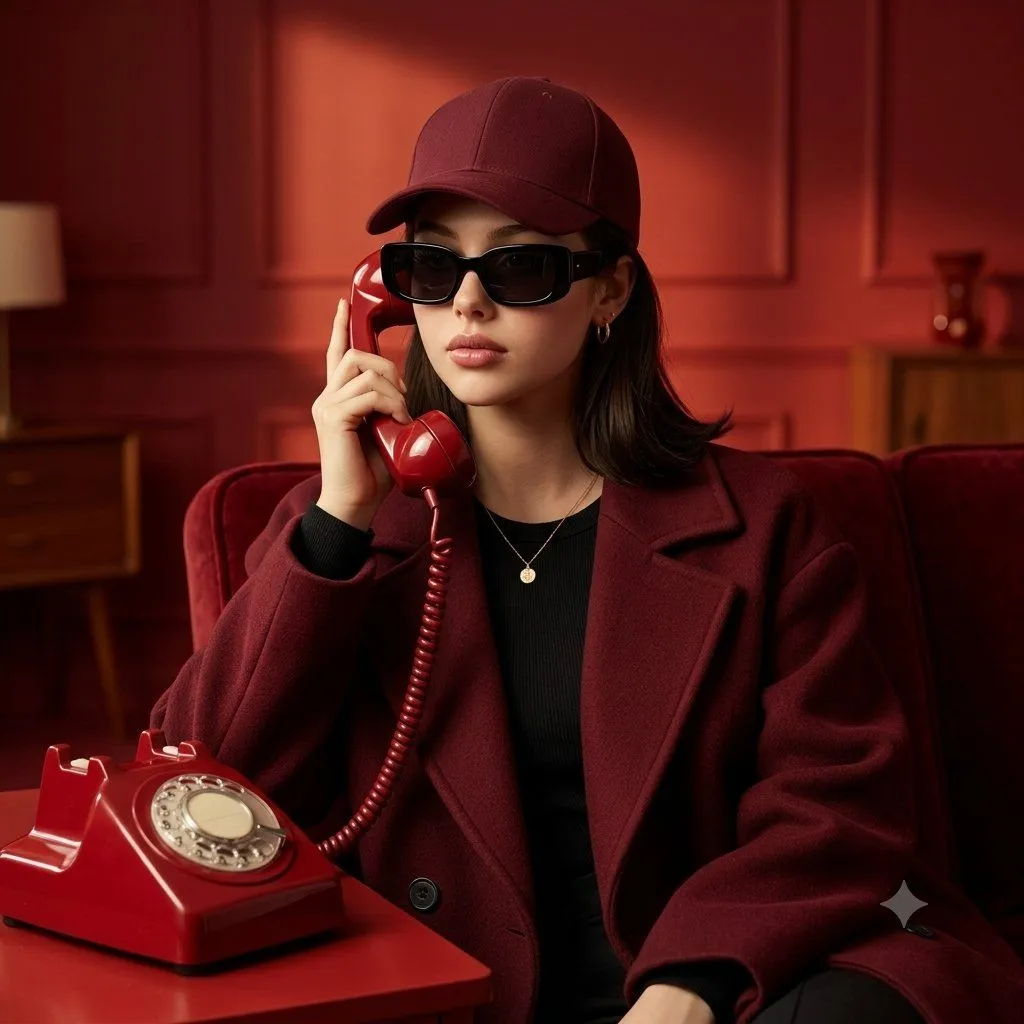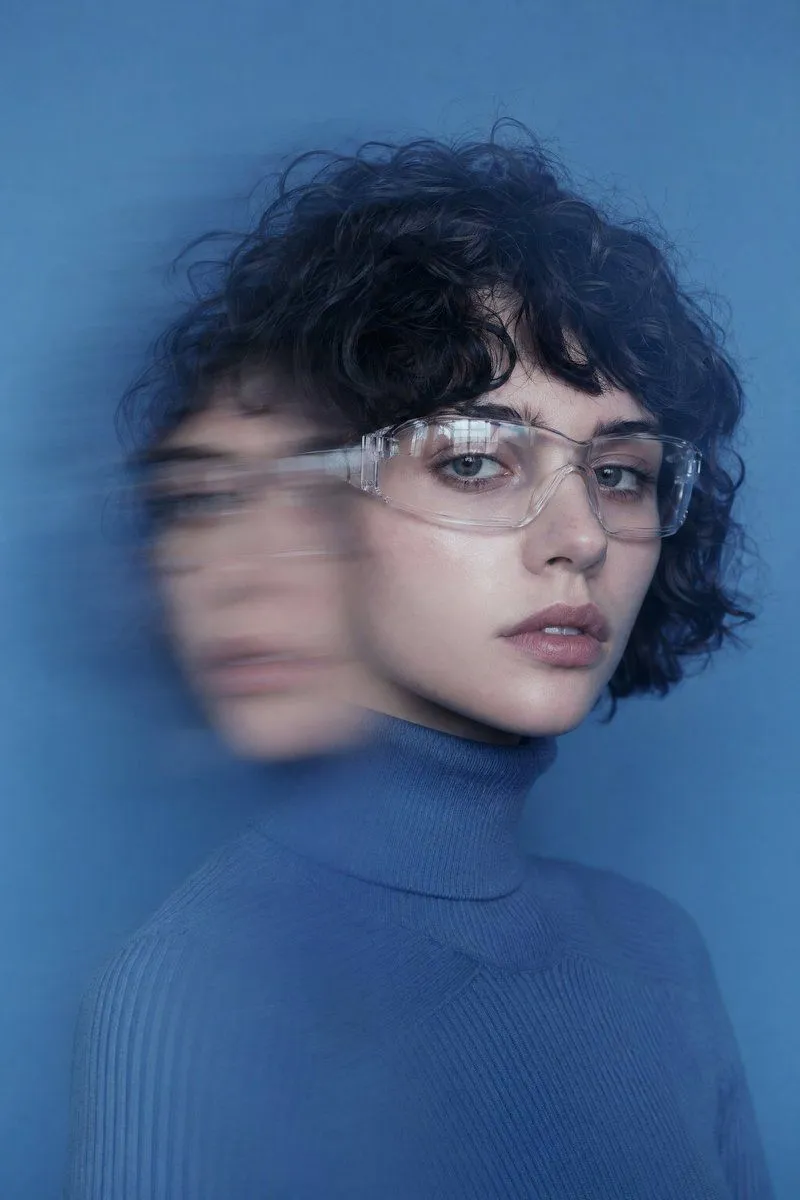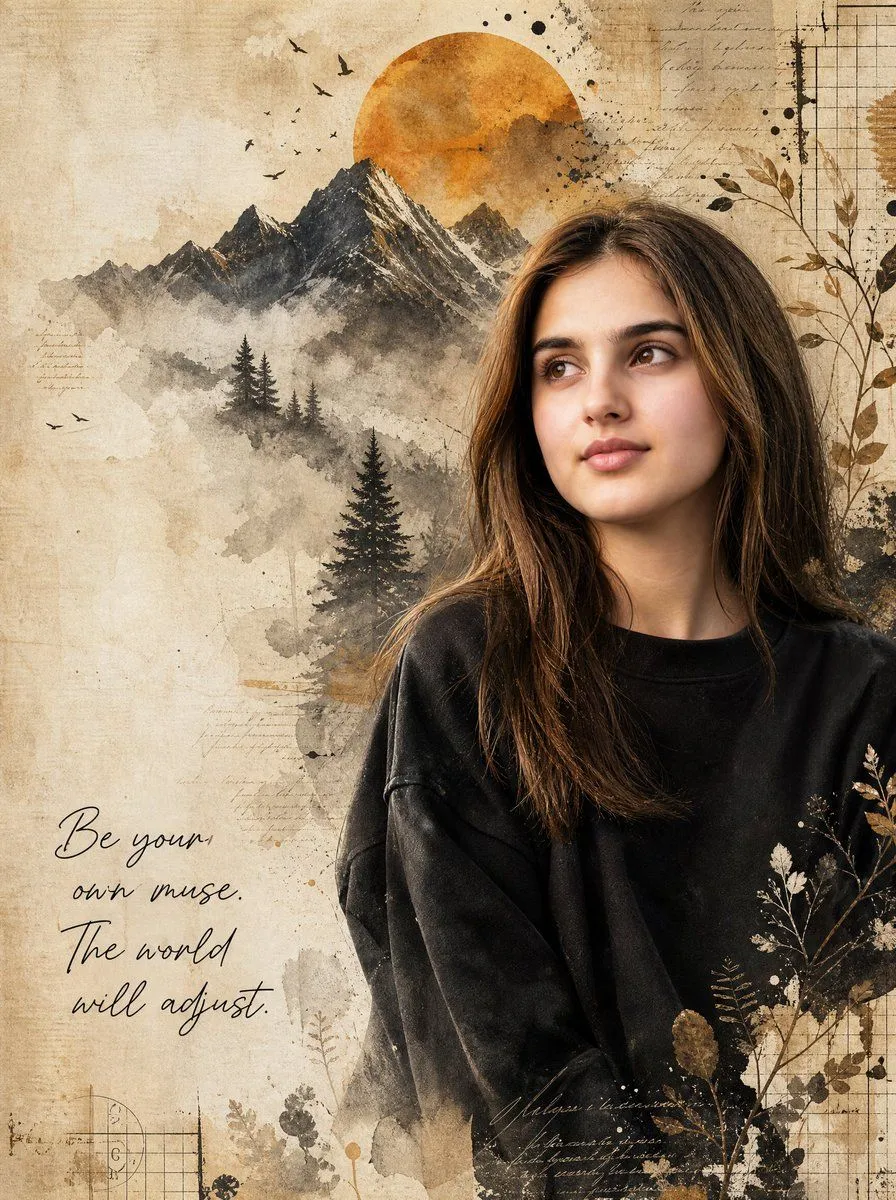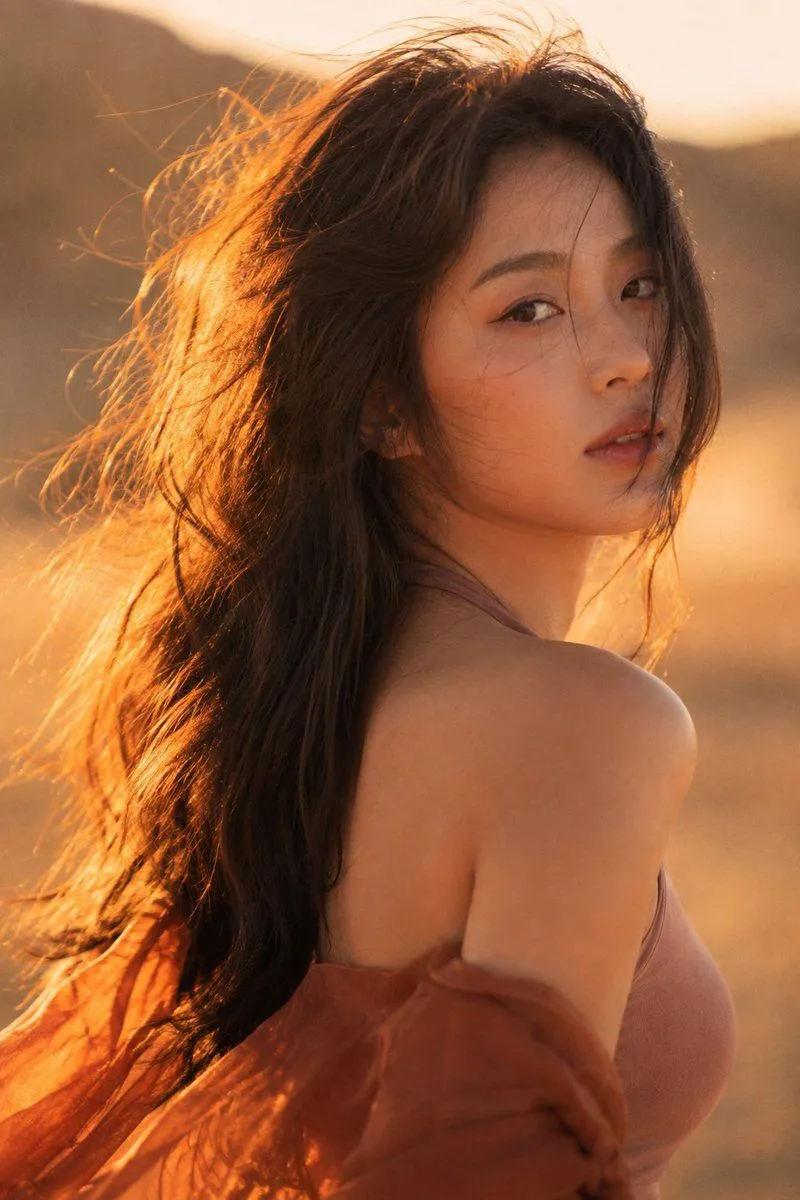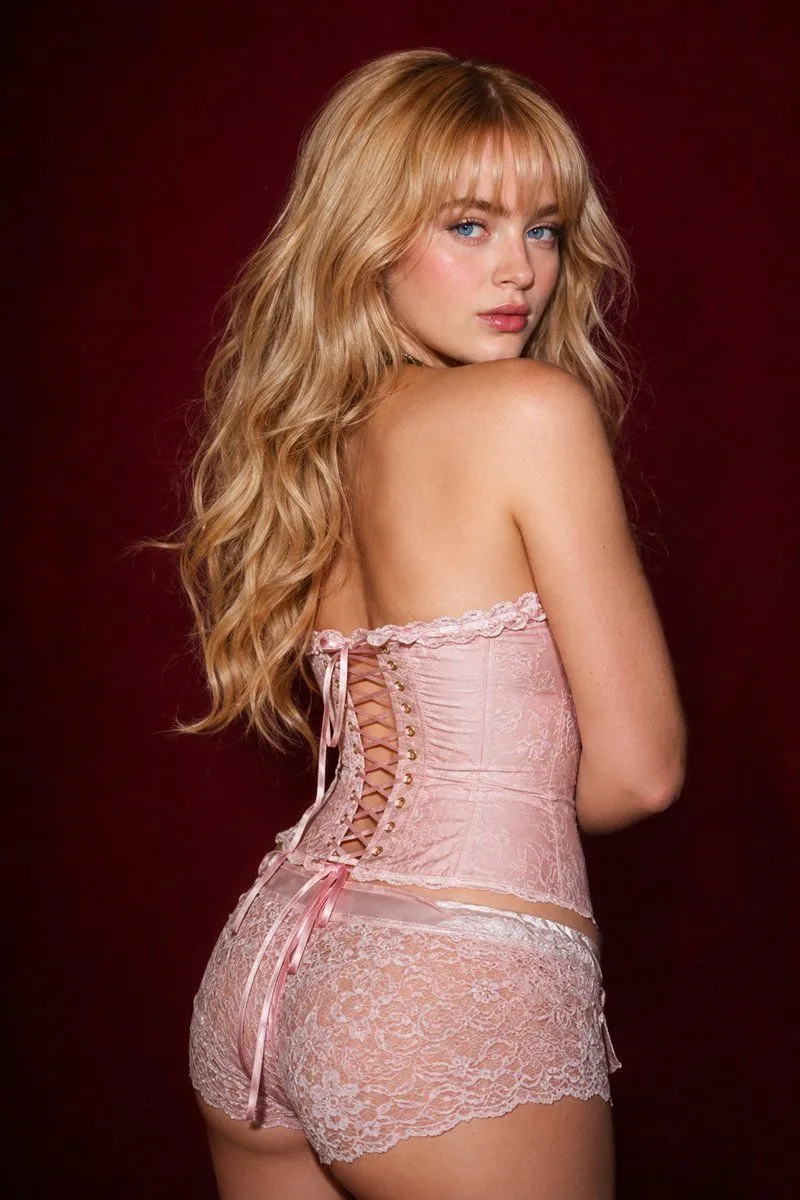
Made with GPT Image 2 in ChatGPT by Library Lifestyle. Promptclay never generates images.
Did it work?
No reports yet. Tell others if it worked for you.
Vintage Film Motion Portrait
Prompt
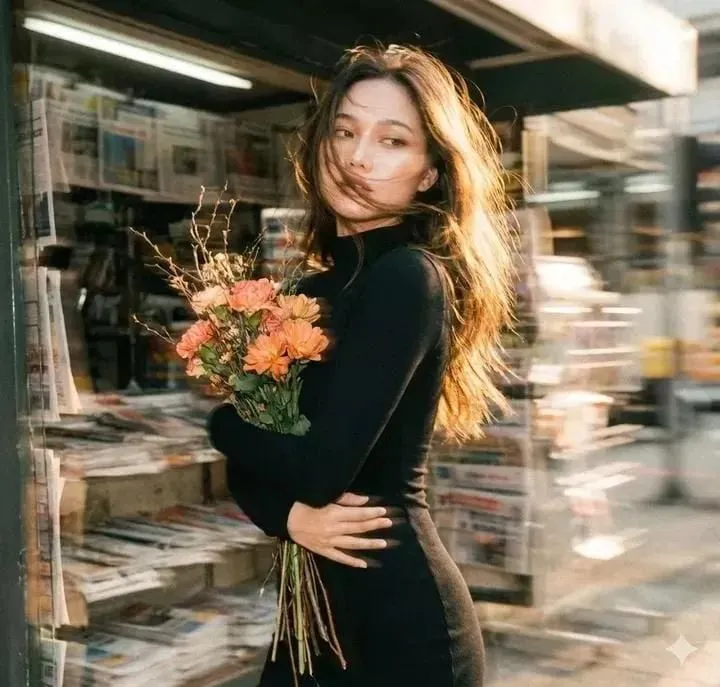
3 blanks to fillThe generated image uses the uploaded image as a reference for the character, wearing a {clothing}. A cluster of {accessories} lies beside an old newsstand, the grainy texture of vintage film interwoven, the blurred background with noticeable trailing shadows, and the double-image effect creating a fantastical atmosphere. {character}, carrying flowers, is shown in profile, her fair skin delicate and translucent. Her exquisite face is blurred with motion, the outline of her figure slightly swaying with the panning camera, the soft focus making the image even more hazy and languid. A warm-toned, low-saturation filter enhances the effect, her long, backlit hair glowing with a soft glow, the messy strands sweeping wildly across her jawline, the details concealing a captivating yet dangerous allure. Cute movements add dynamism, the motion blur blending with the film grain, creating a trendy, Instagram-worthy image while the blurred image outlines a dynamic scene full of story, cleverly balancing bewitching and sweetness.
Preview of your prompt
The generated image uses the uploaded image as a reference for the character, wearing a high-necked, tight-fitting black long-sleeved dress. A cluster of withered wood and orange-pink flowers lies beside an old newsstand, the grainy texture of vintage film interwoven, the blurred background with noticeable trailing shadows, and the double-image effect creating a fantastical atmosphere. A bewitchingly beautiful girl, carrying flowers, is shown in profile, her fair skin delicate and translucent. Her exquisite face is blurred with motion, the outline of her figure slightly swaying with the panning camera, the soft focus making the image even more hazy and languid. A warm-toned, low-saturation filter enhances the effect, her long, backlit hair glowing with a soft glow, the messy strands sweeping wildly across her jawline, the details concealing a captivating yet dangerous allure. Cute movements add dynamism, the motion blur blending with the film grain, creating a trendy, Instagram-worthy image while the blurred image outlines a dynamic scene full of story, cleverly balancing bewitching and sweetness.
DetailsVersions, settings and questions
Written for
What's in the prompt
- Subject
- Model
- GPT Image 2
If your face changes
keep my face exactly the sameQuestions
- Does this work in the ChatGPT app?
- Yes. Paste the prompt and attach your photo if it uses one.
- It changed my face. What do I do?
- Add "keep my face exactly the same" to the end and run it again.
- Can I use the images I make?
- Check the terms of the app you use. Promptclay never generates images and claims nothing you make.