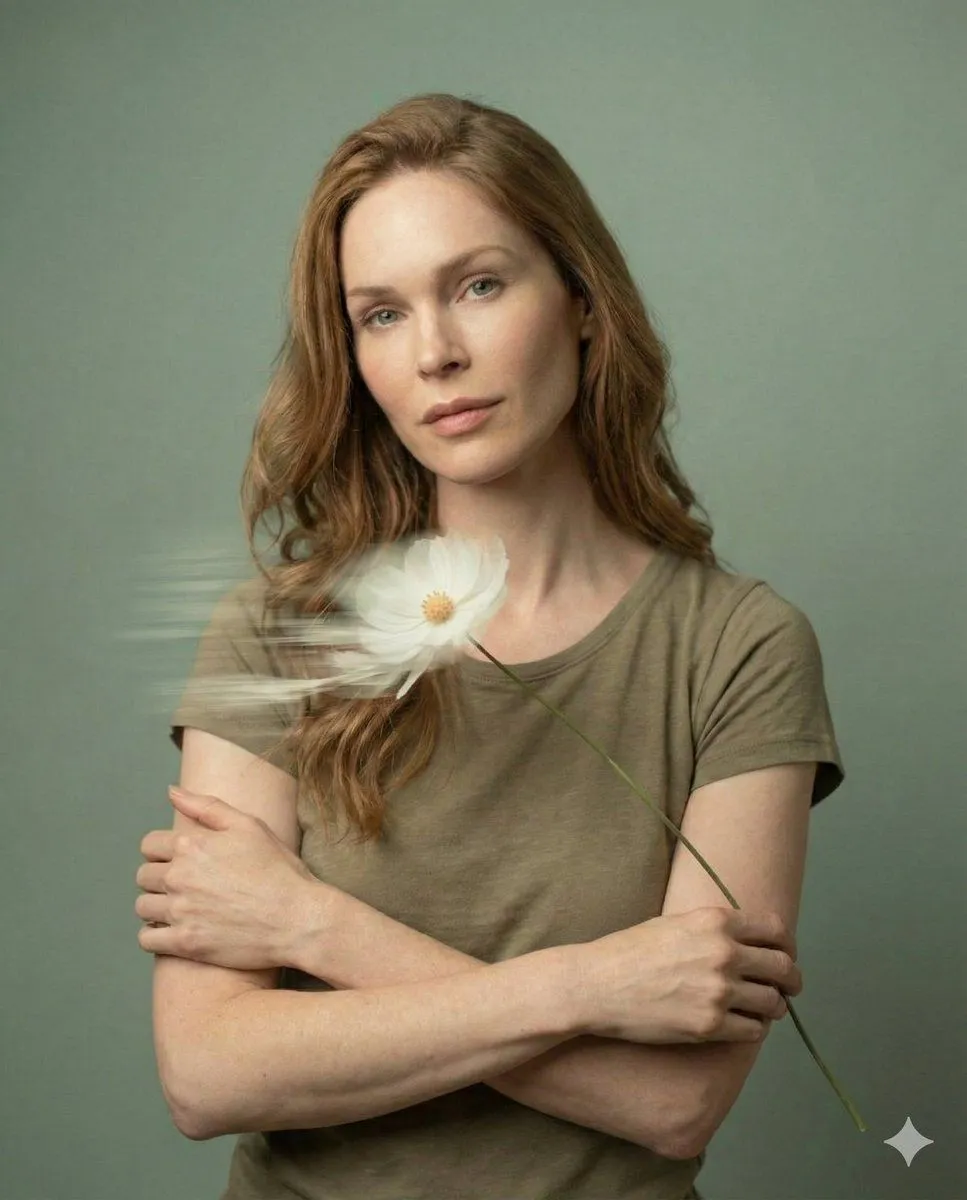
Dreamy Fine-Art Editorial Portrait with Double Exposure
"meta": "title": "Dreamy Fine-Art Editorial Portrait", "version": "1.0", "type": "image-generation-prompt", "quality_target": "ultra-high resolution 8K" , "reference": "face_identity": "use exact facial structure, proportions, and identity from the provided reference image", "identity_preservation": "high", "notes": "do not alter facial features, age, or likeness" , "subject": "description": "Young woman with soft, natural facial features", "expression": "calm, introspective, emotionally serene", "makeup": "minimal, natural skin-focused makeup", "pose": "front-facing or slight profile, relaxed posture" , "composition": "style": "editorial fine-art photography", "framing": "tight portrait crop", "depth_of_field": "shallow depth of field with cinematic softness", "aesthetic": "elegant, minimalist, painterly realism" , "lighting": "type": "gentle diffused natural light", "highlights": "soft smooth highlights on skin", "skin_texture": "natural texture preserved, no over-smoothing" , "background": "color_palette": "muted pastel background_color tones", "texture": "soft, seamless, non-distracting" , "foreground_effects": "elements": "delicate flowers drifting across the frame", "motion": "intentional slow-shutter motion blur", "light_effects": "soft streaks of light and dreamy bloom" , "artistic_effects": "double_exposure": "subtle and poetic, lightly layered across the face", "motion_blur": "soft, flowing, slow-shutter inspired", "mood": "dreamy, emotional, serene" , "rendering": "style": "ultra-realistic fine-art portrait", "sharpness": "sharp facial focus with soft cinematic falloff", "color_grading": "pastel, filmic, gentle contrast", "resolution": "8K ultra-HD", "detail_level": "extreme realism with painterly softness"