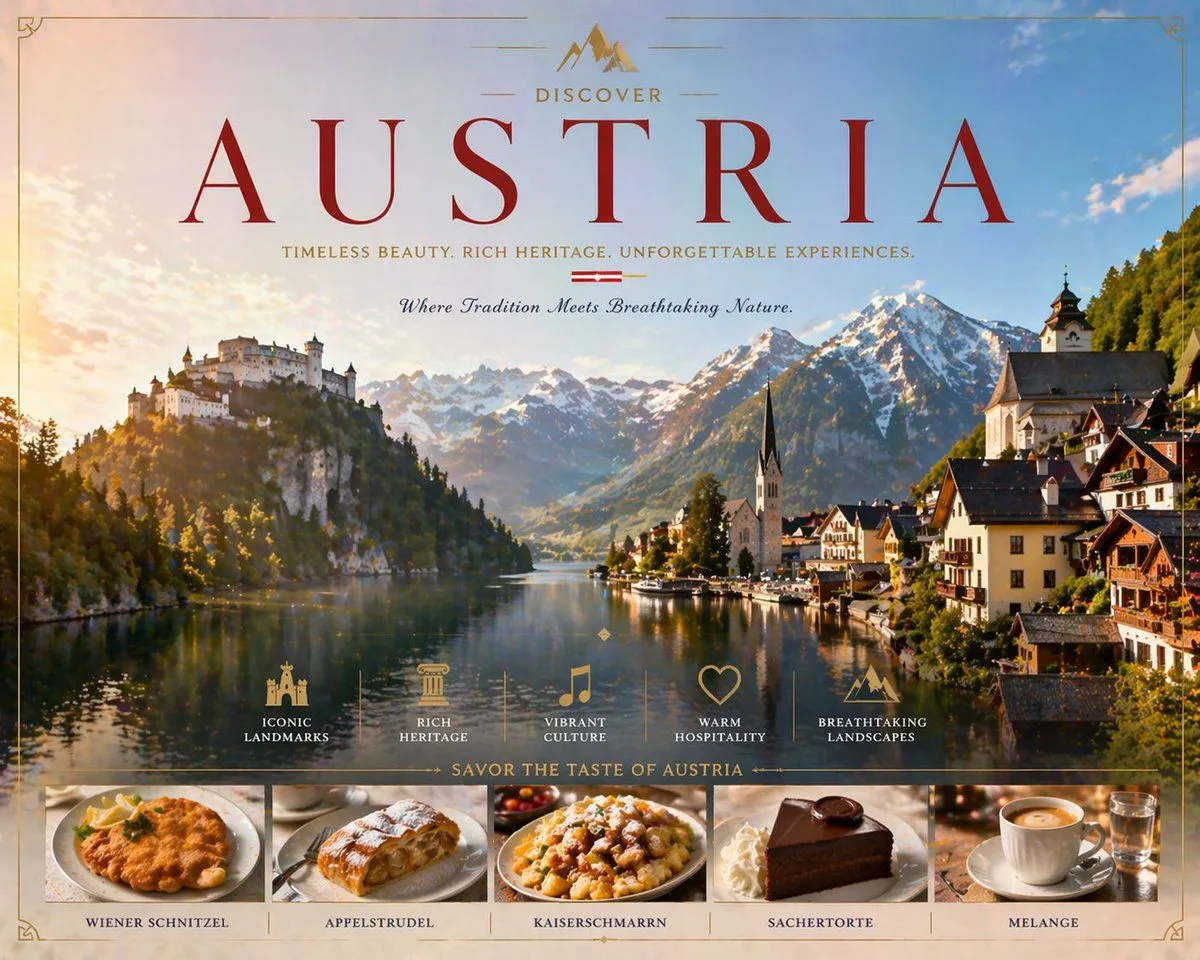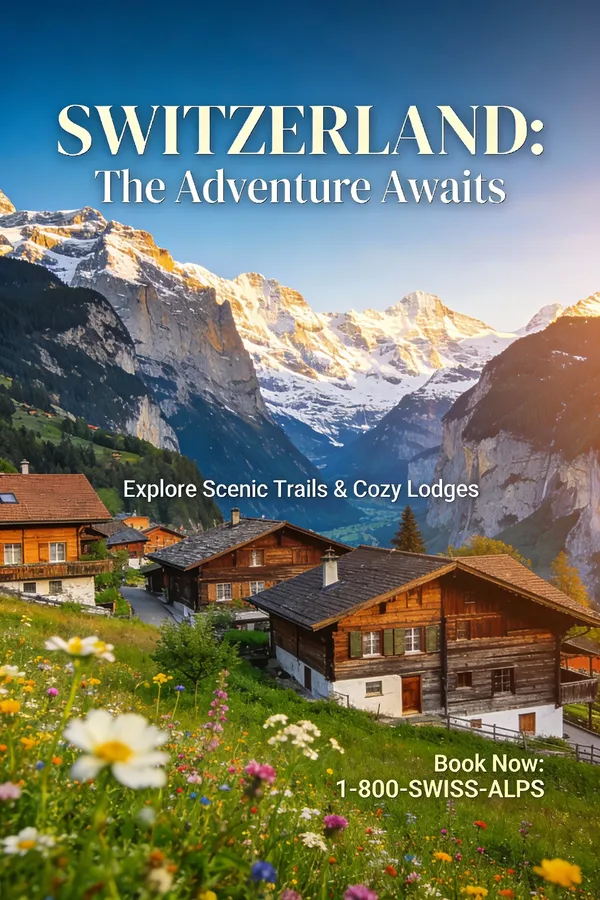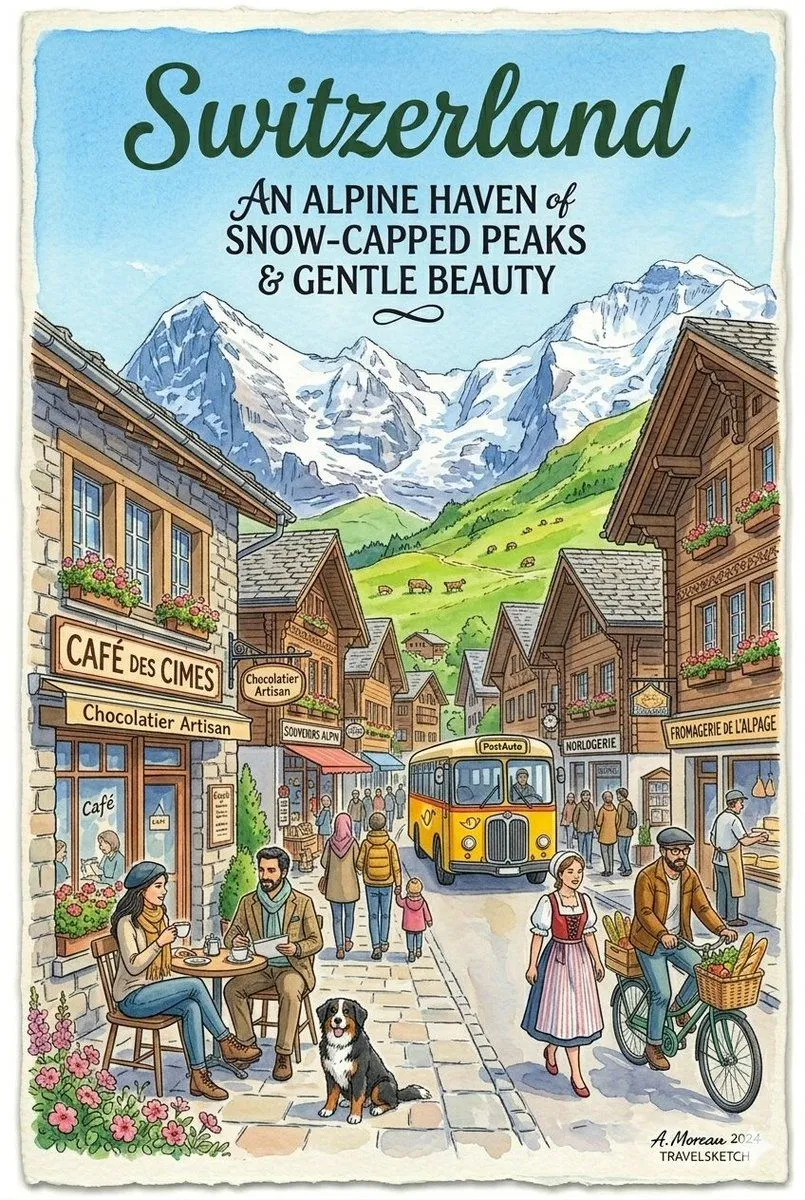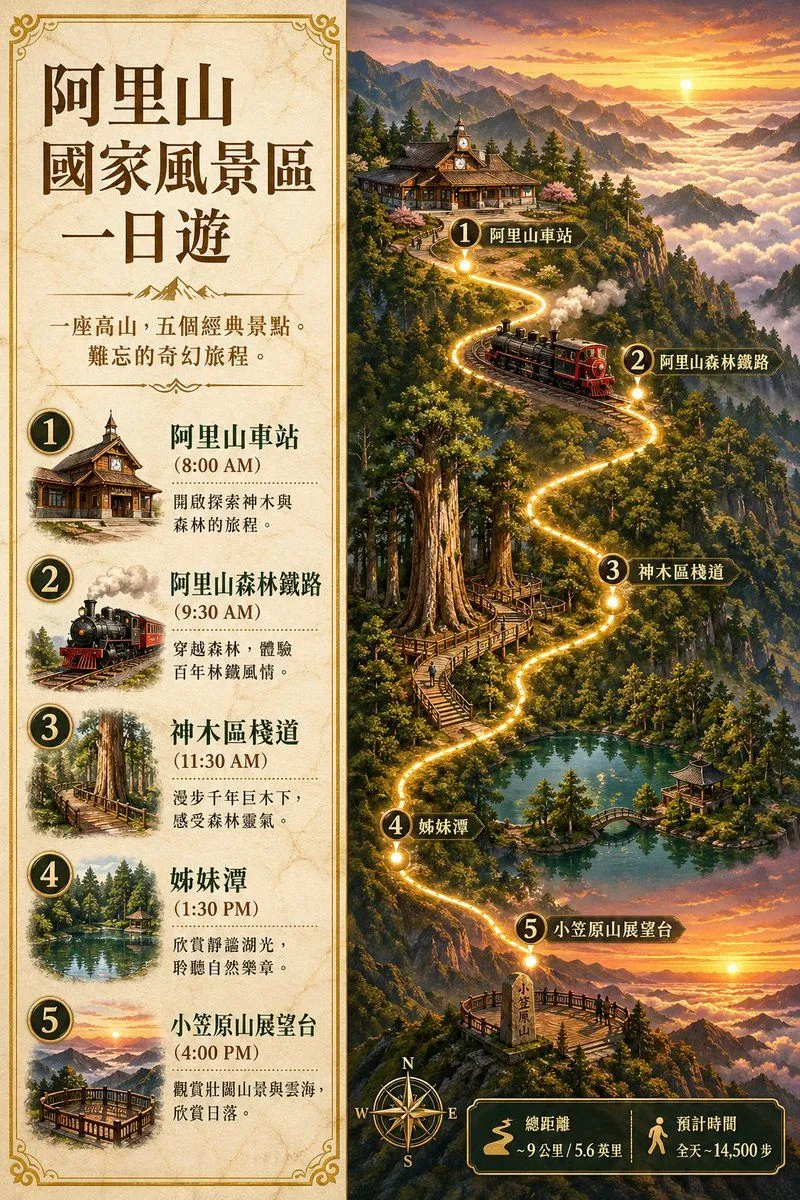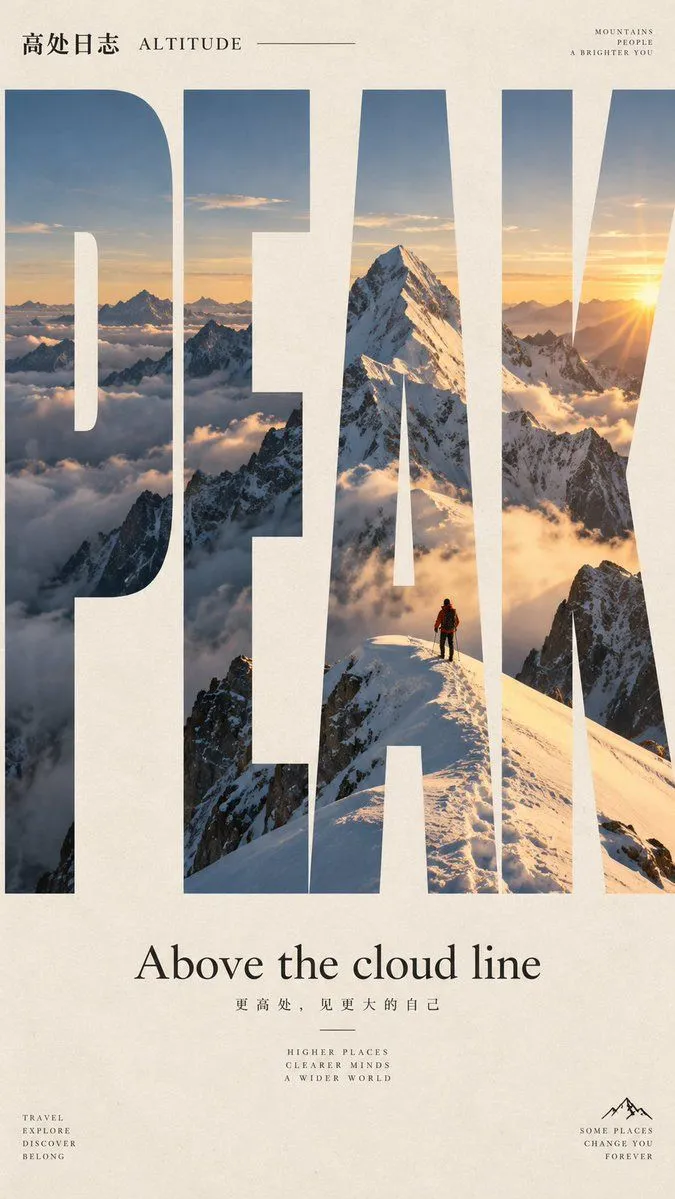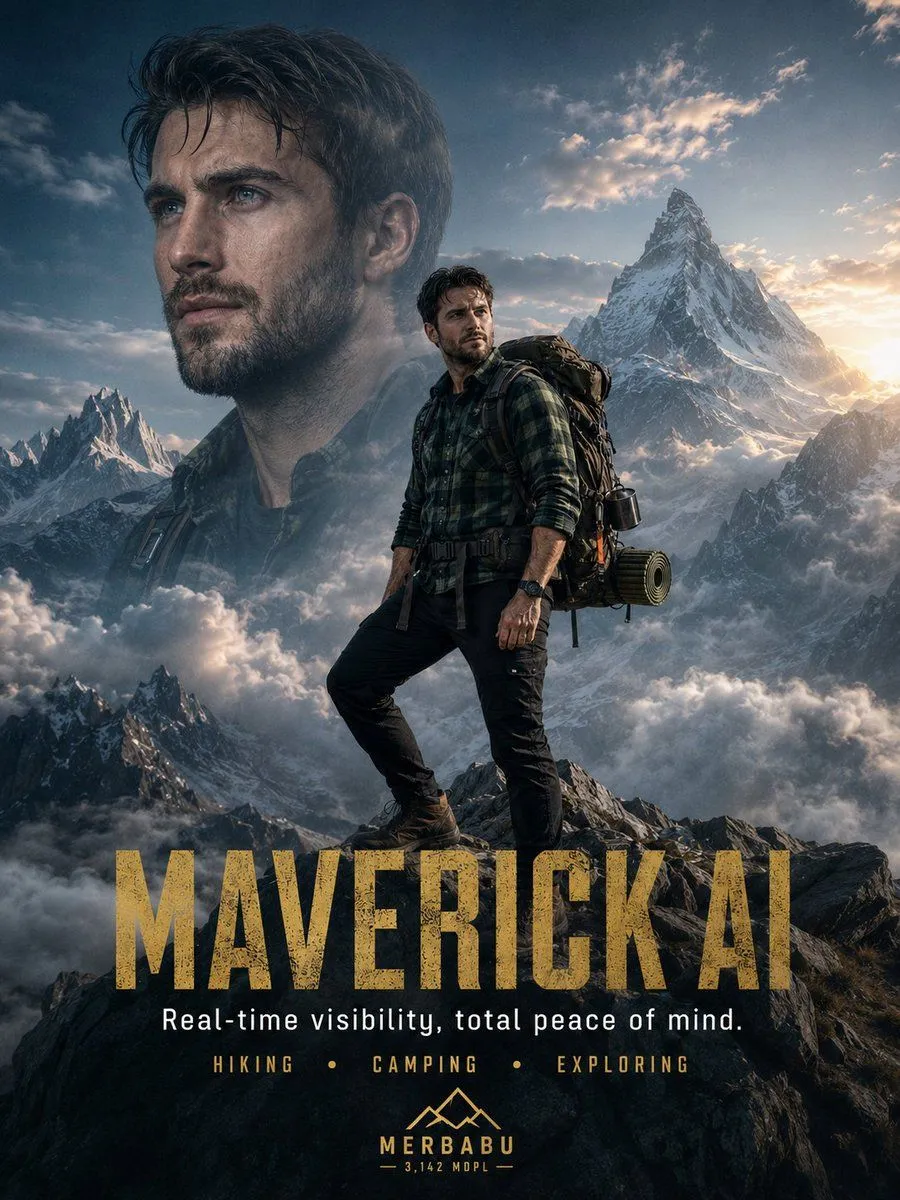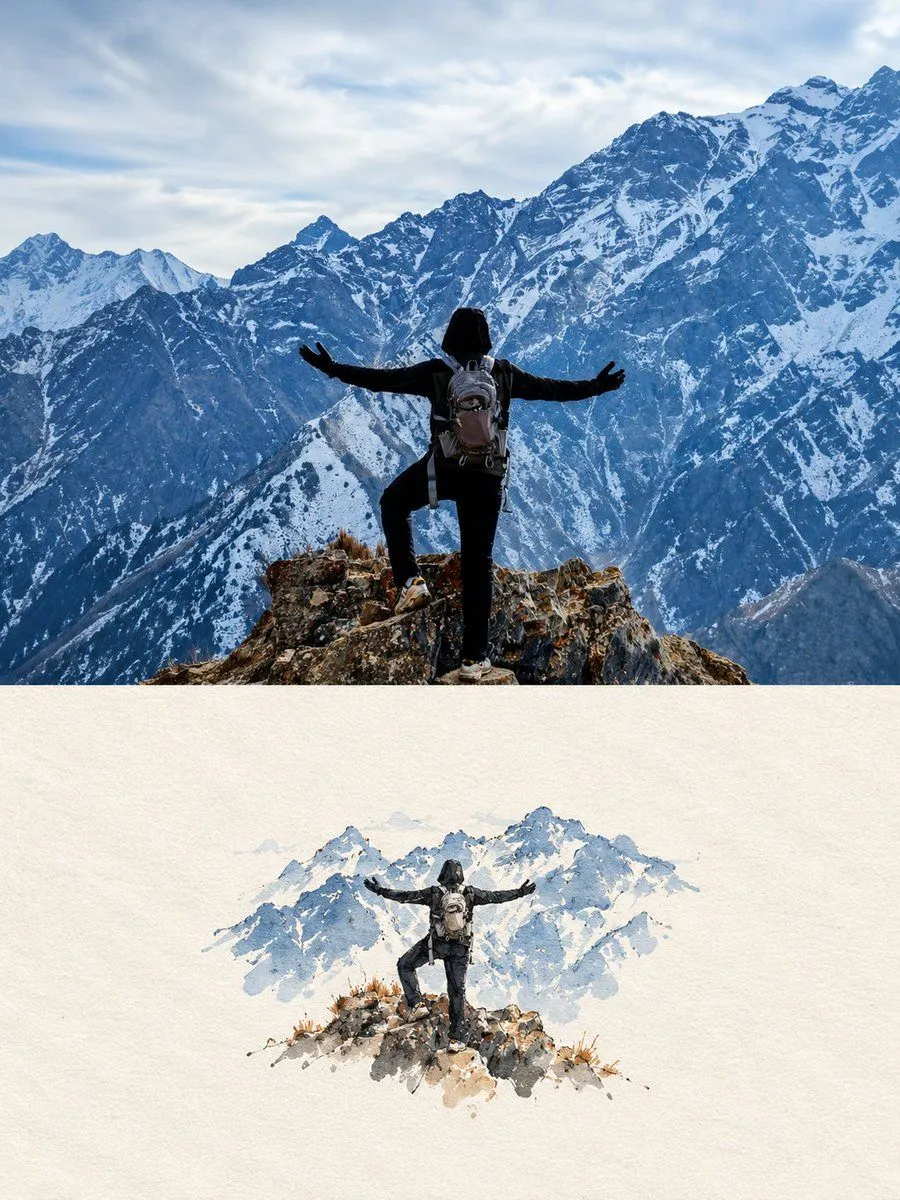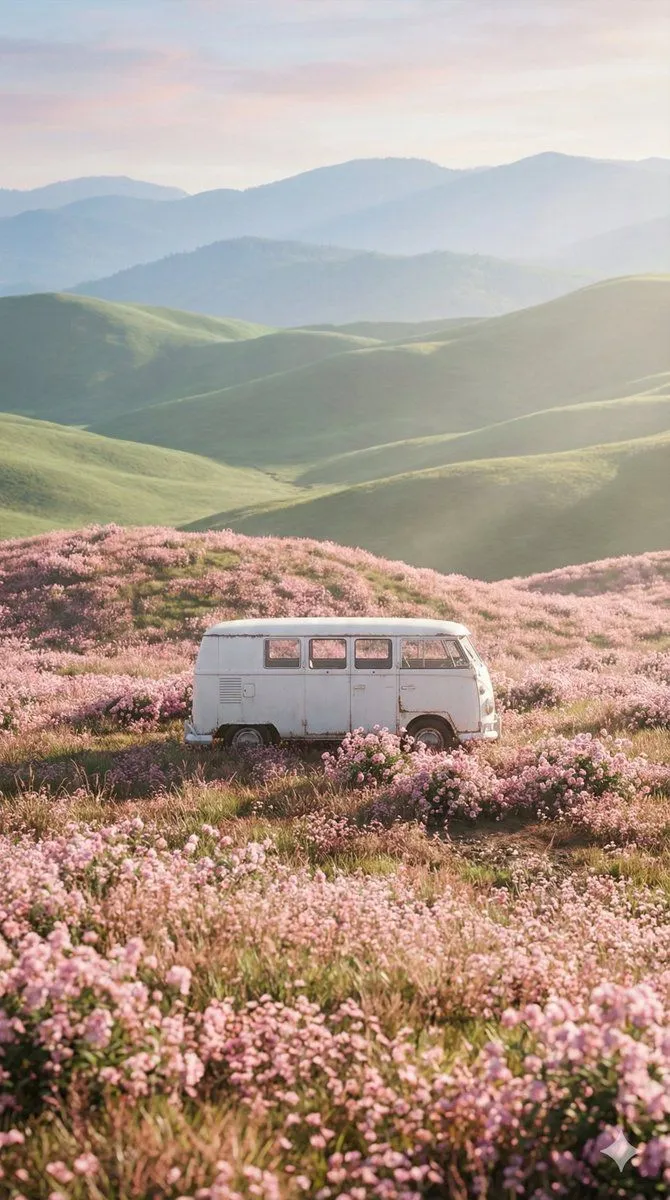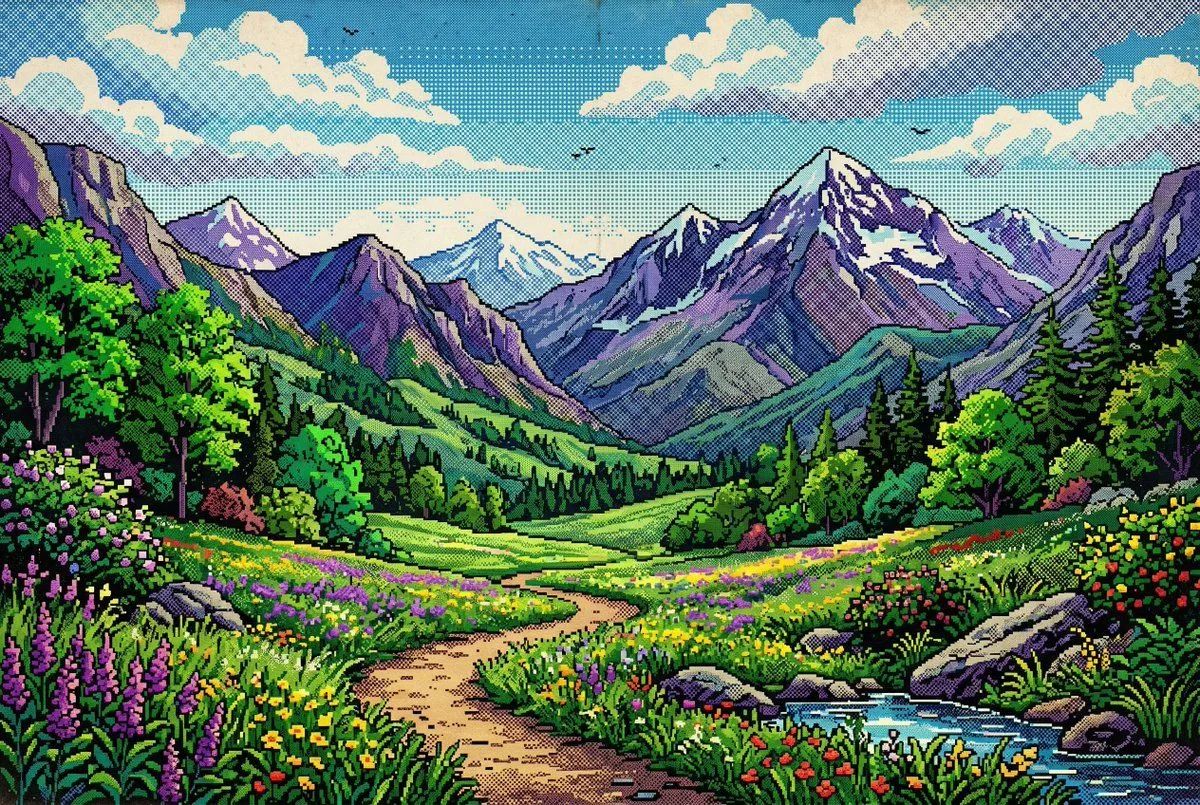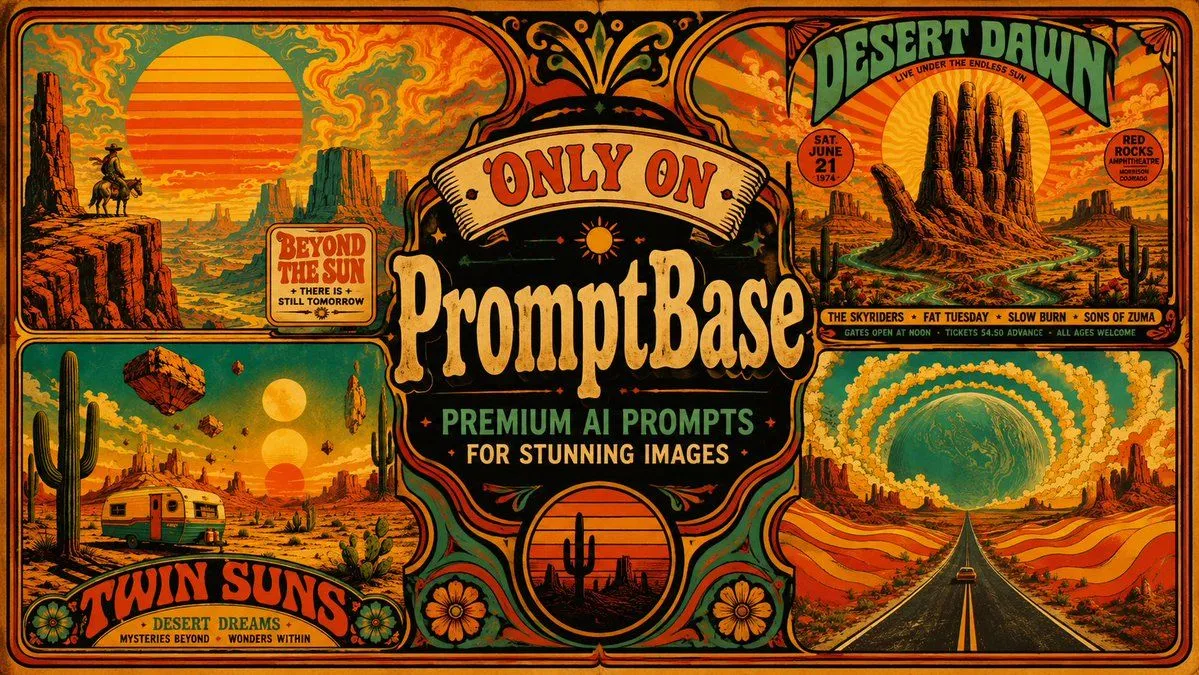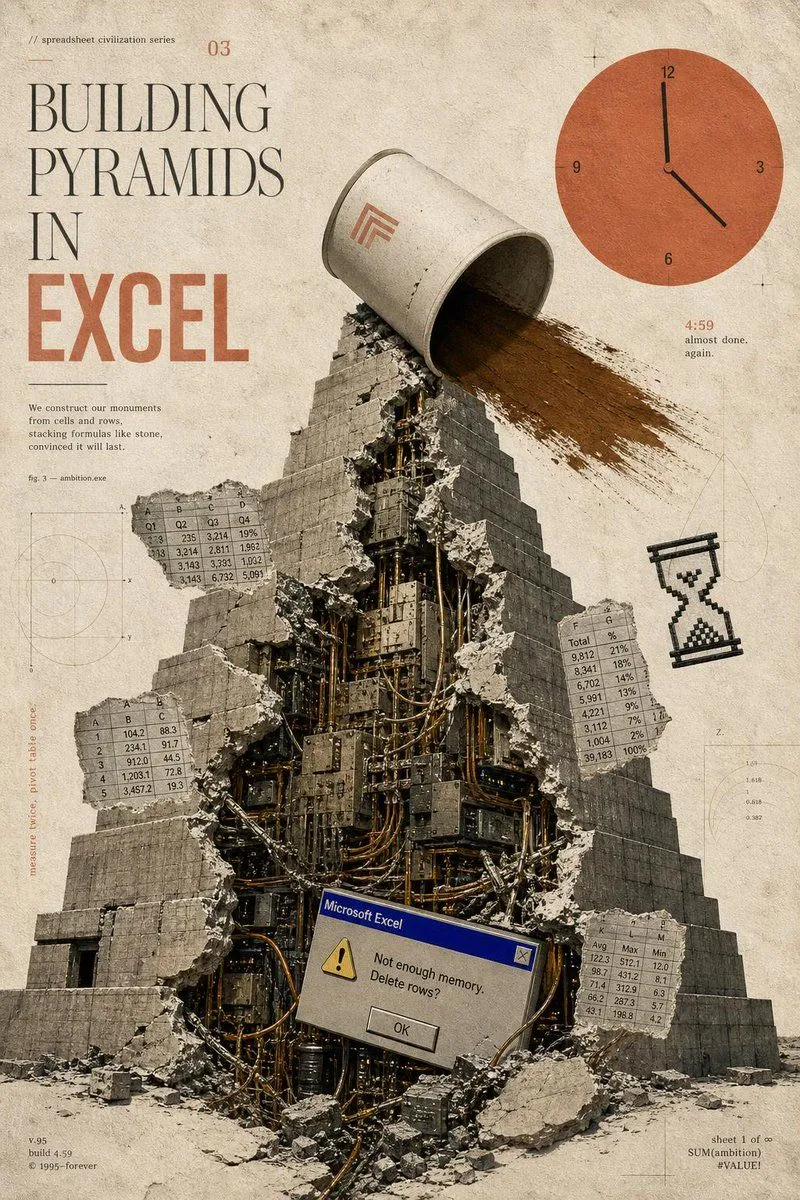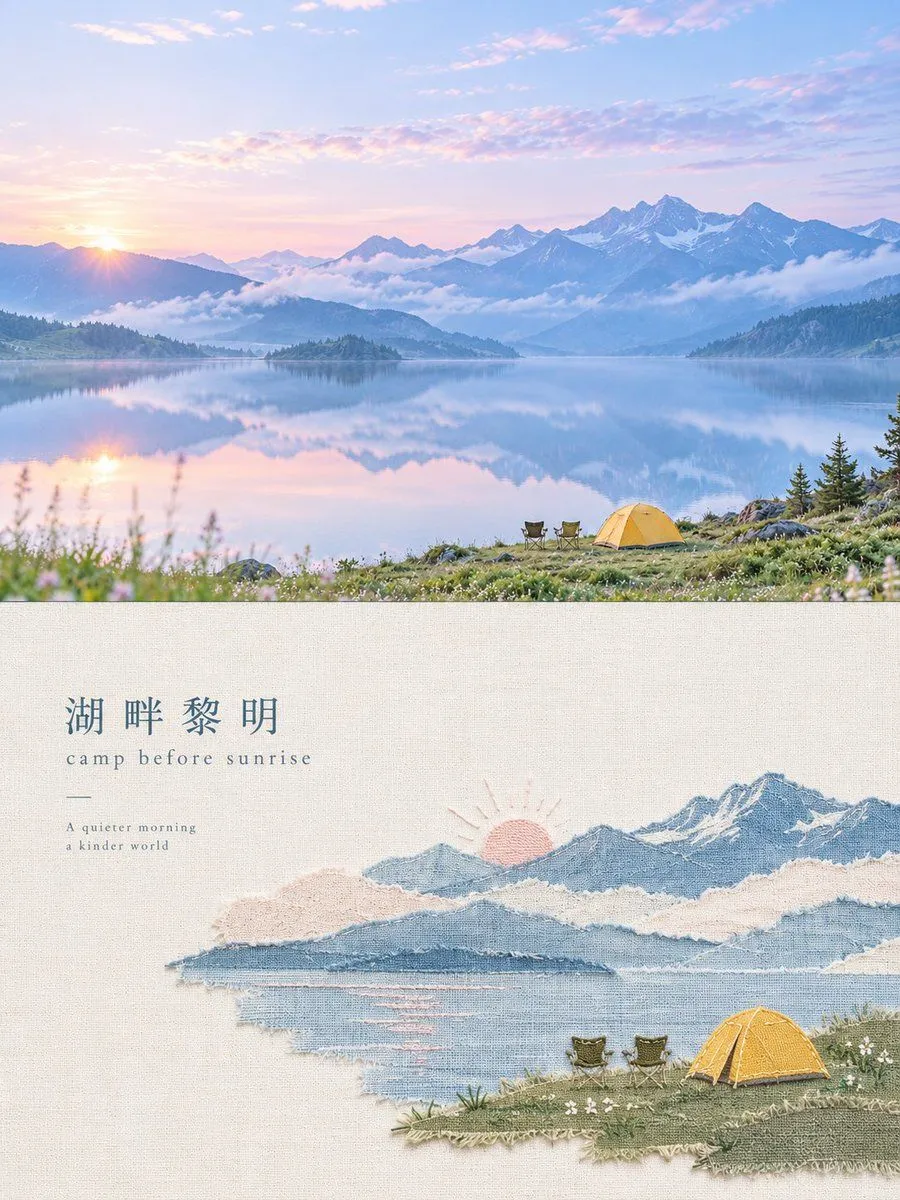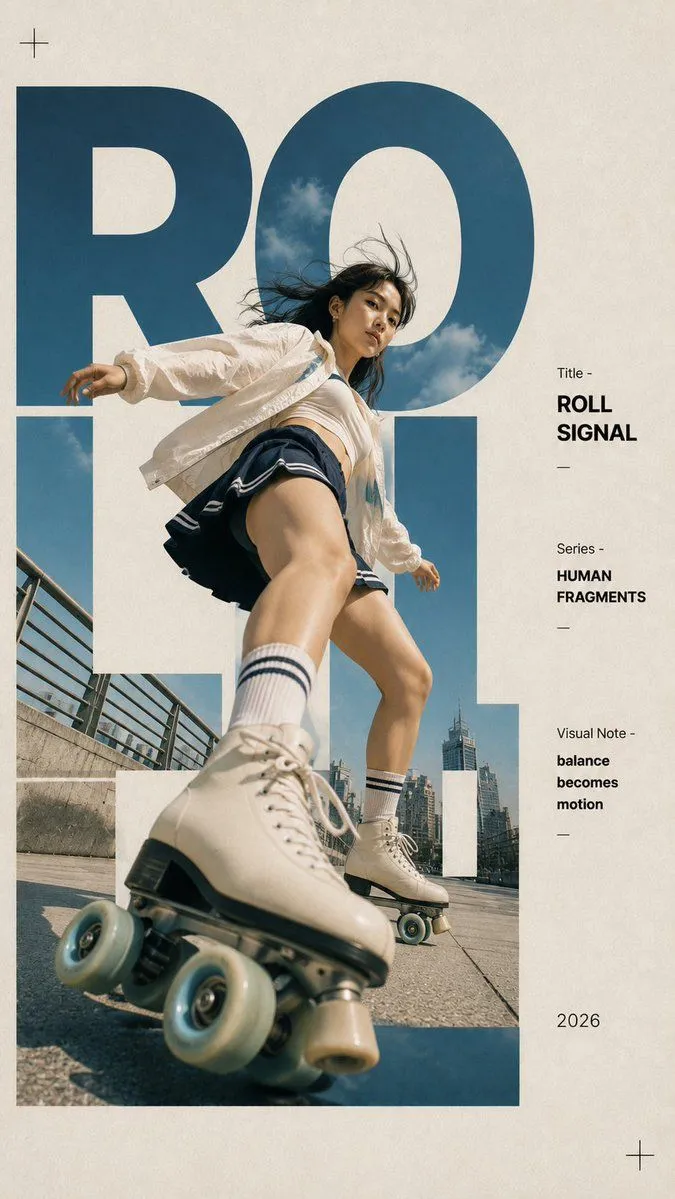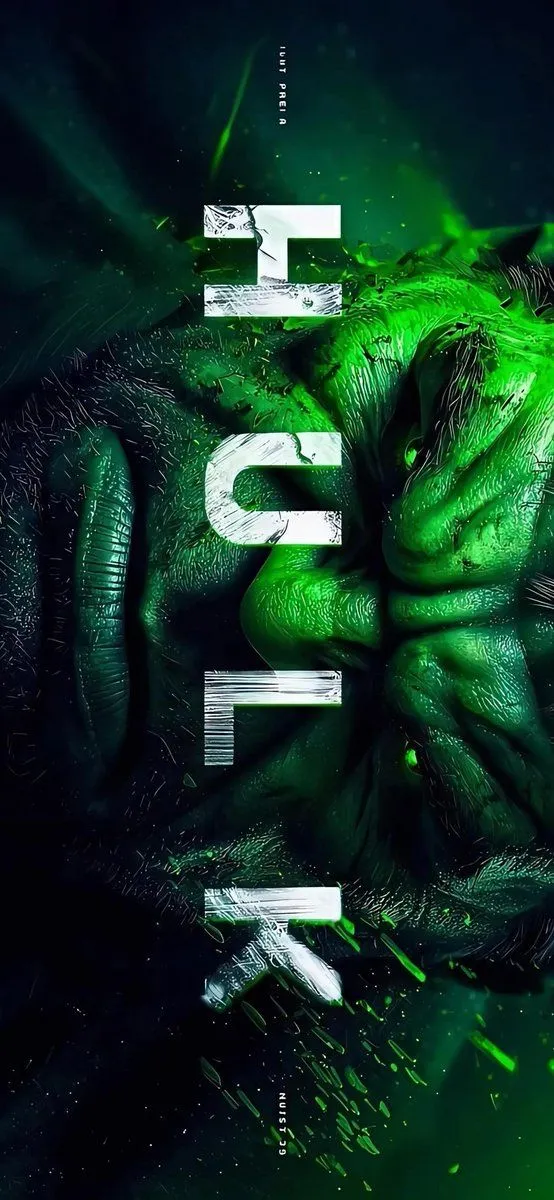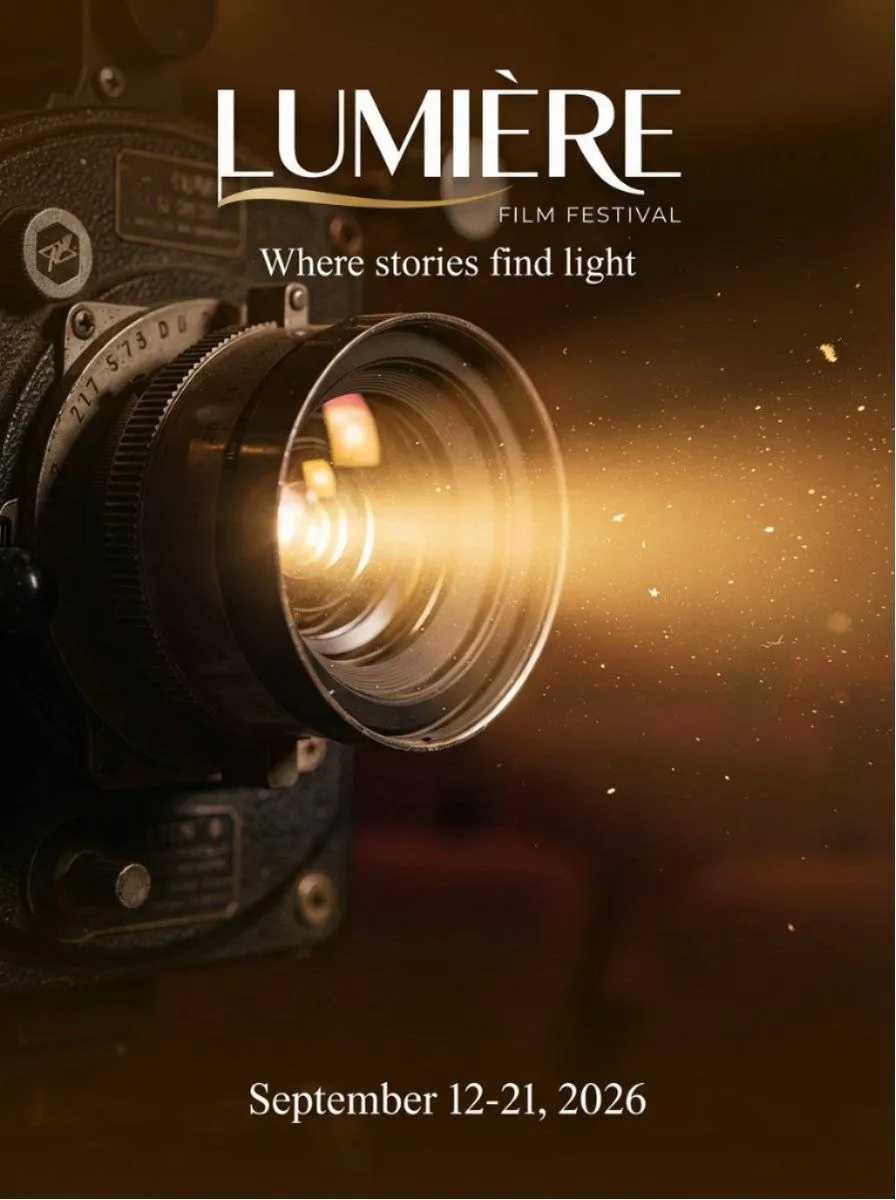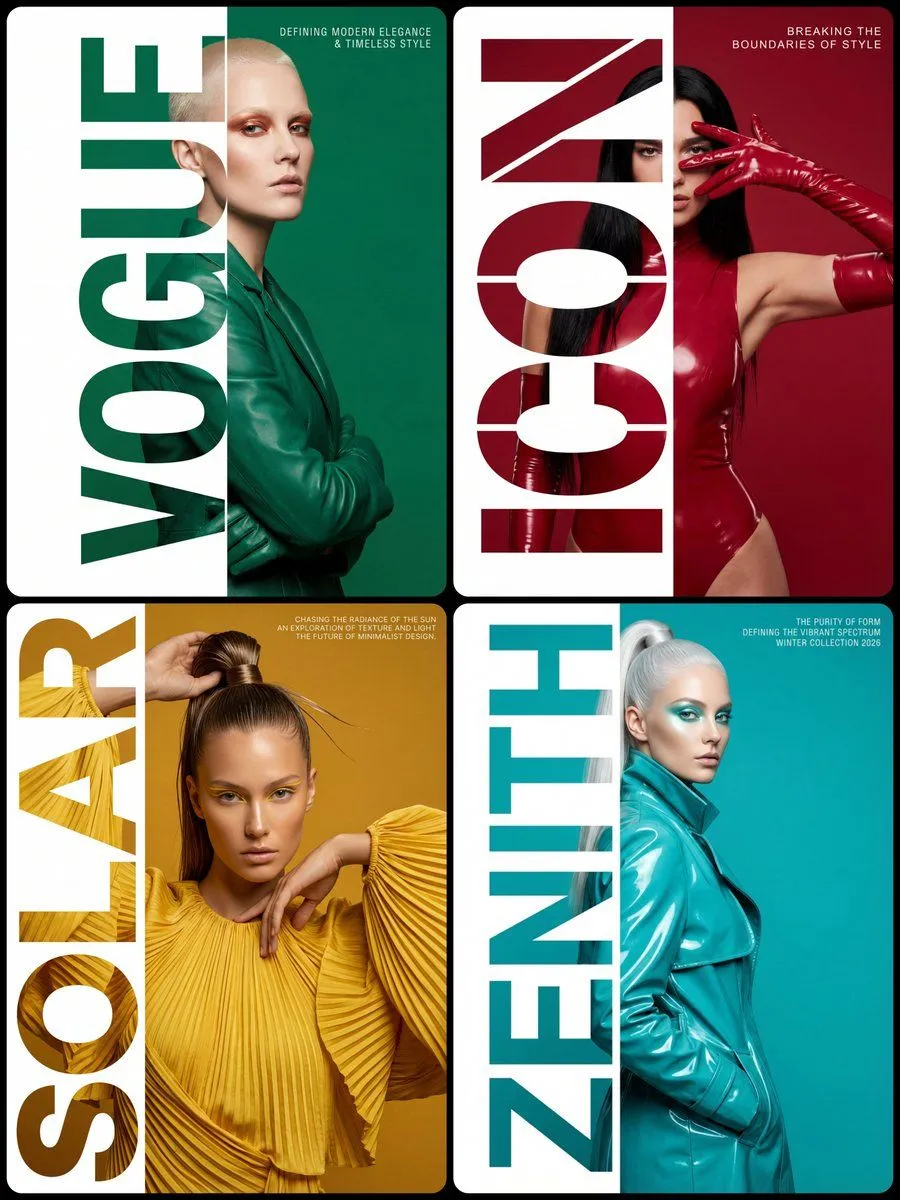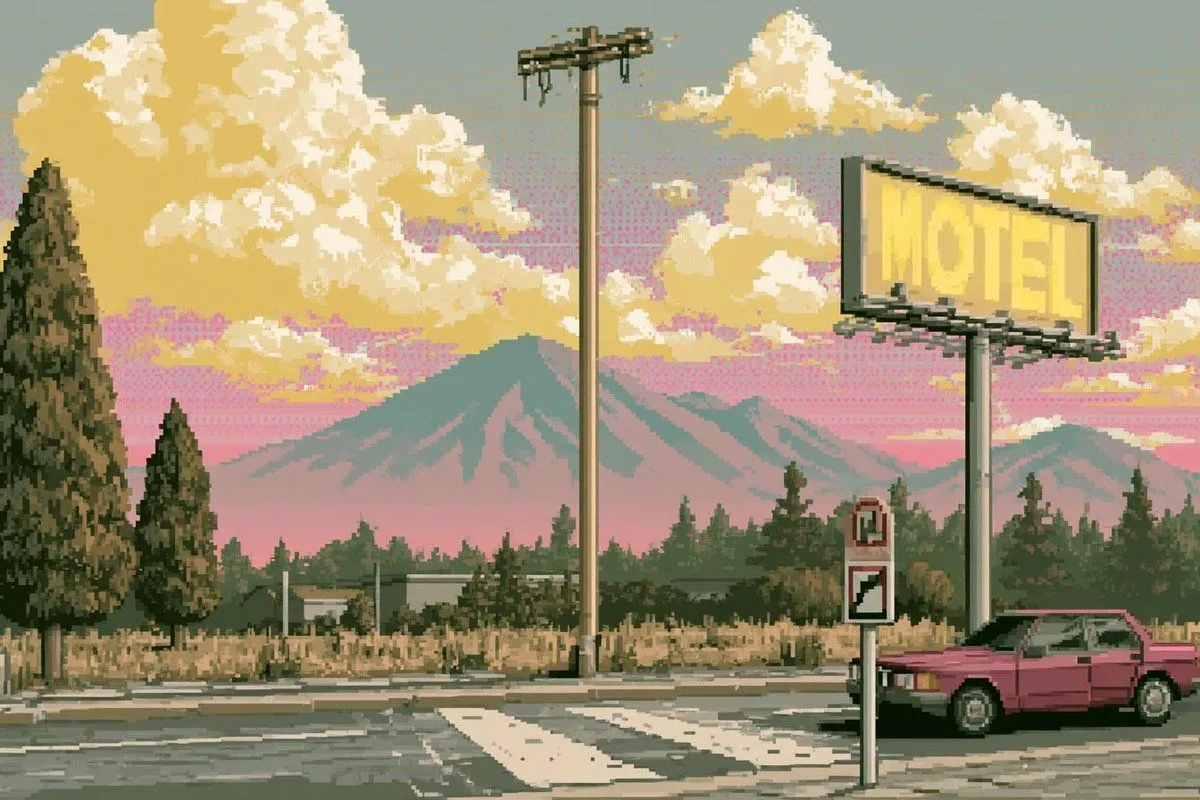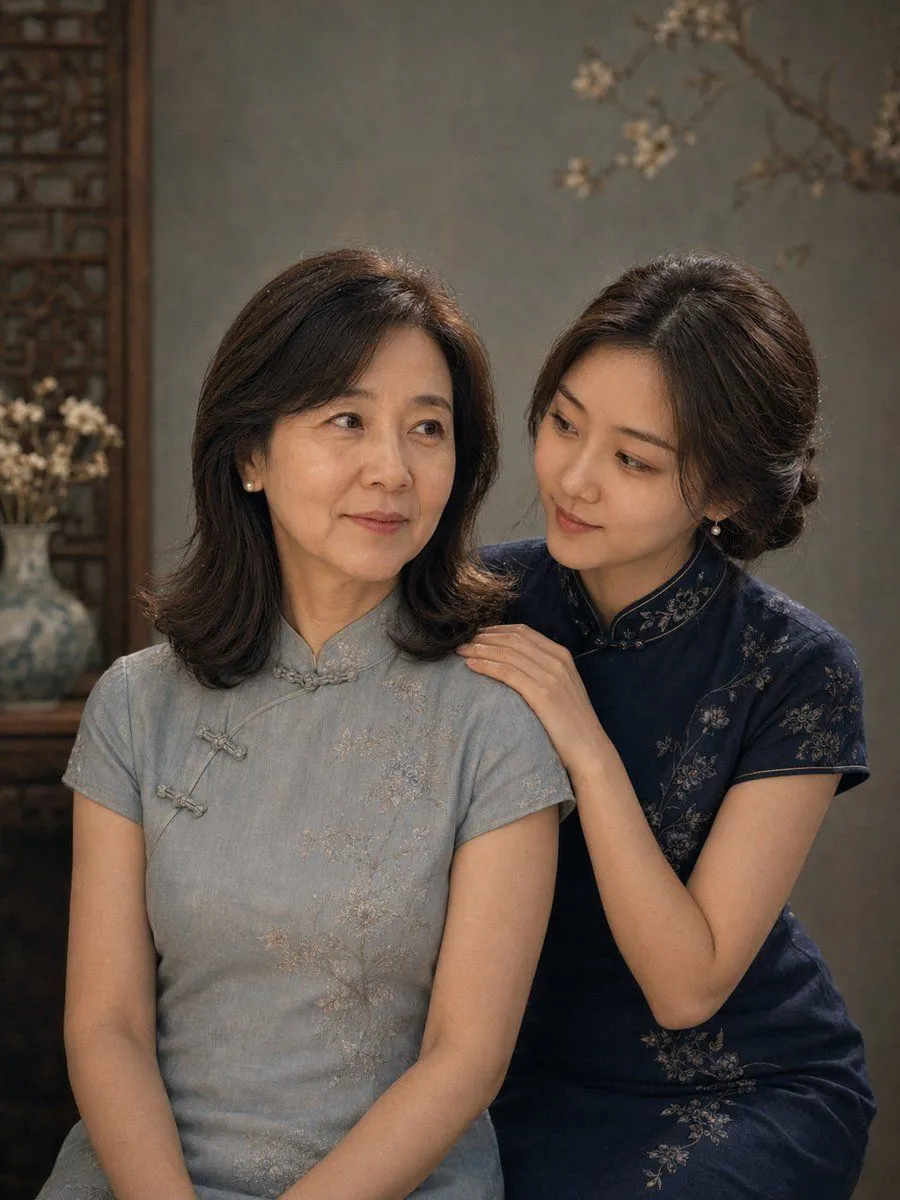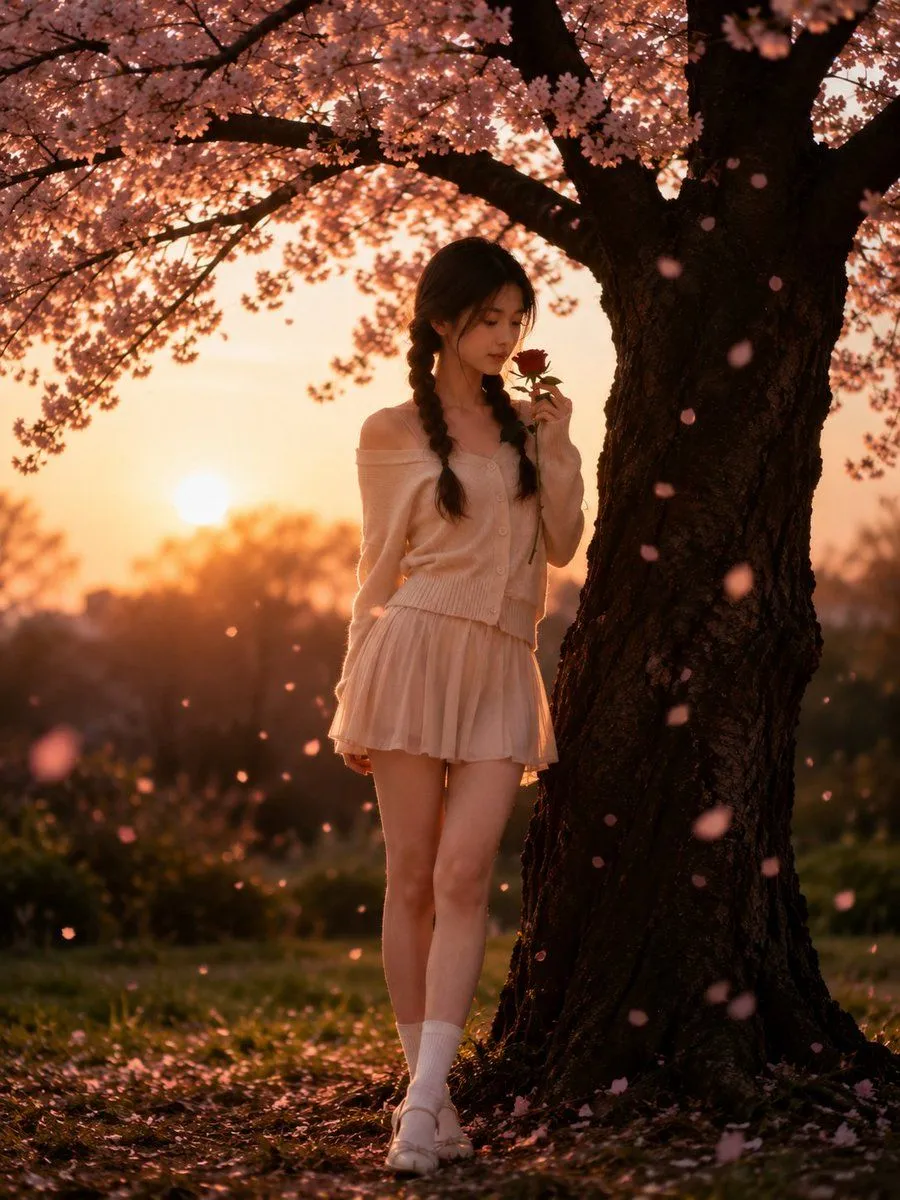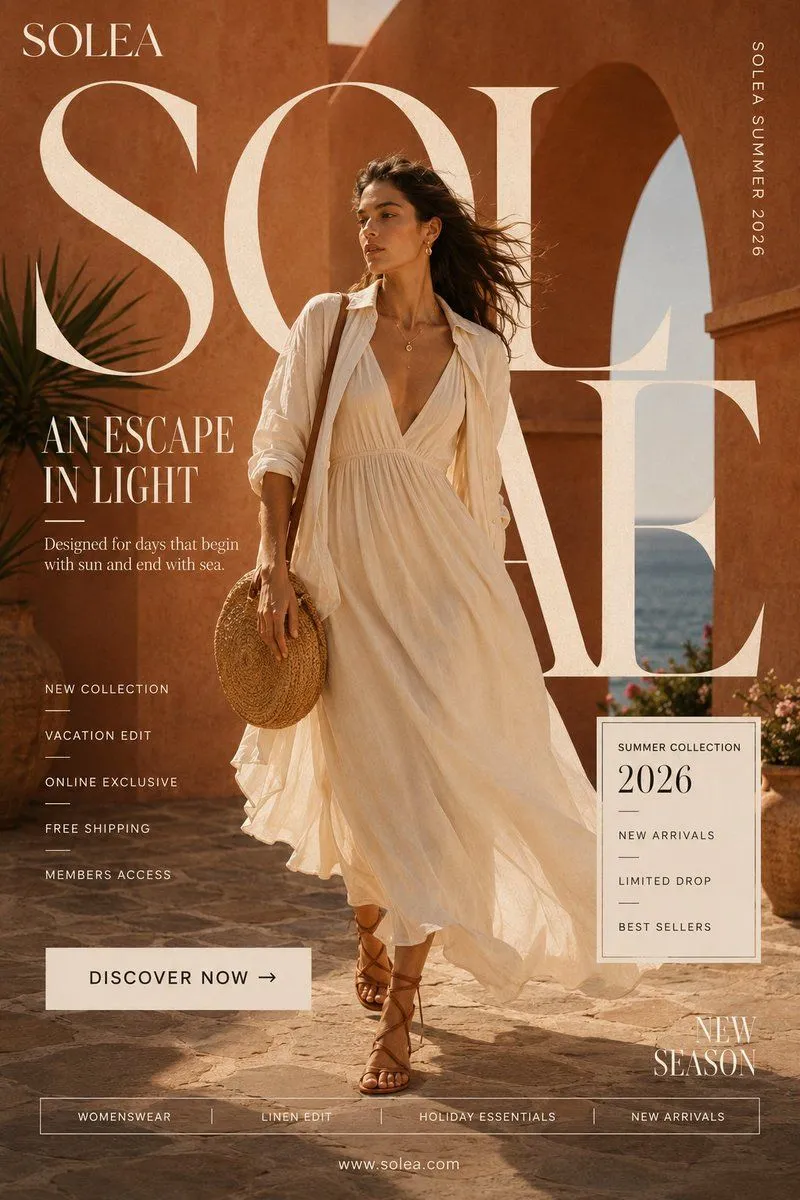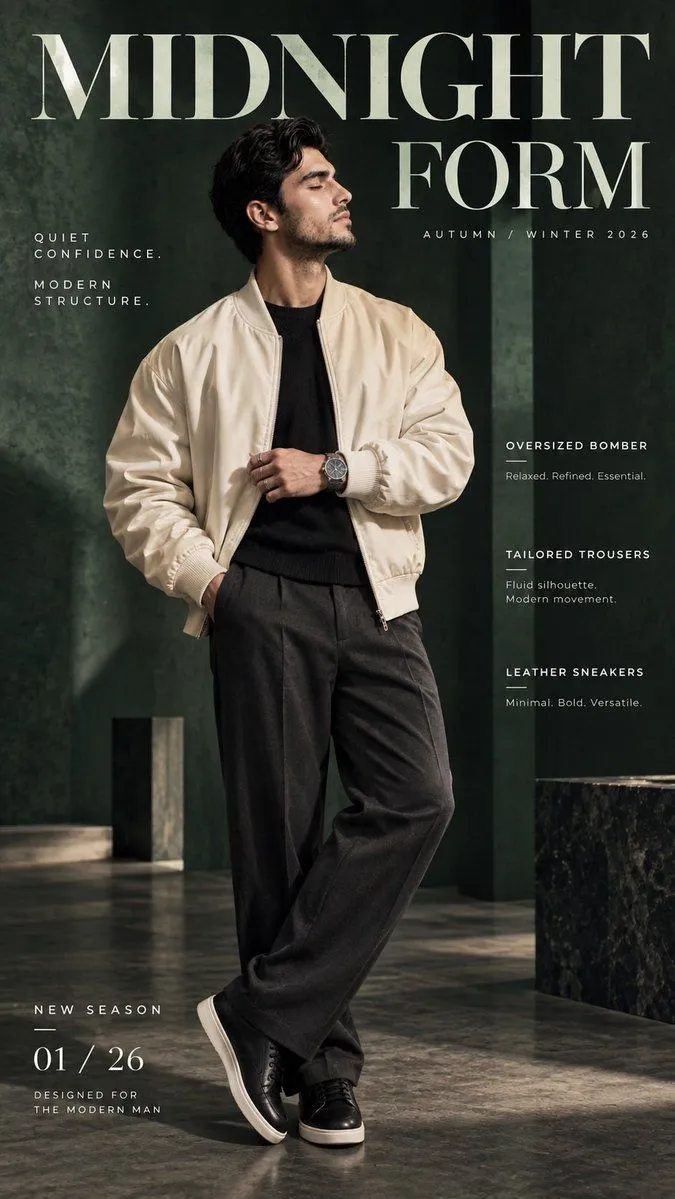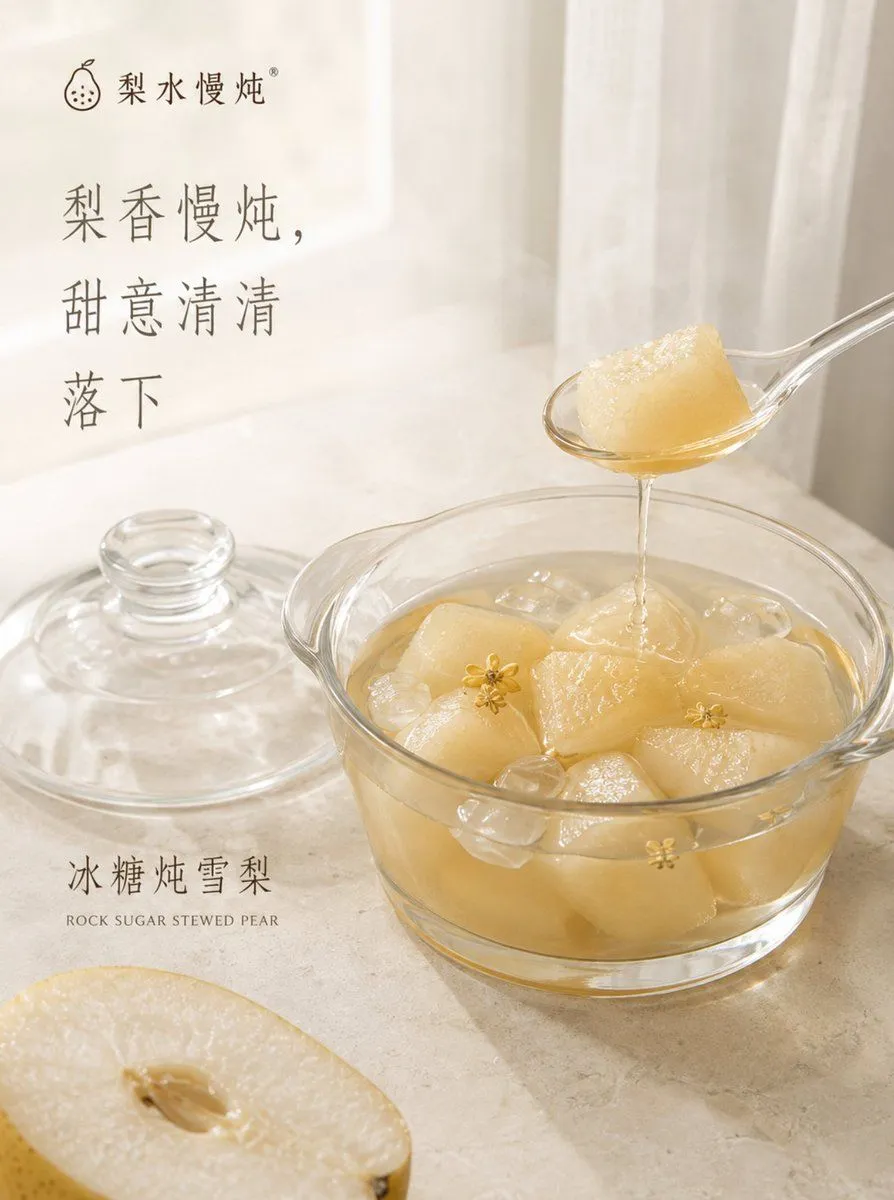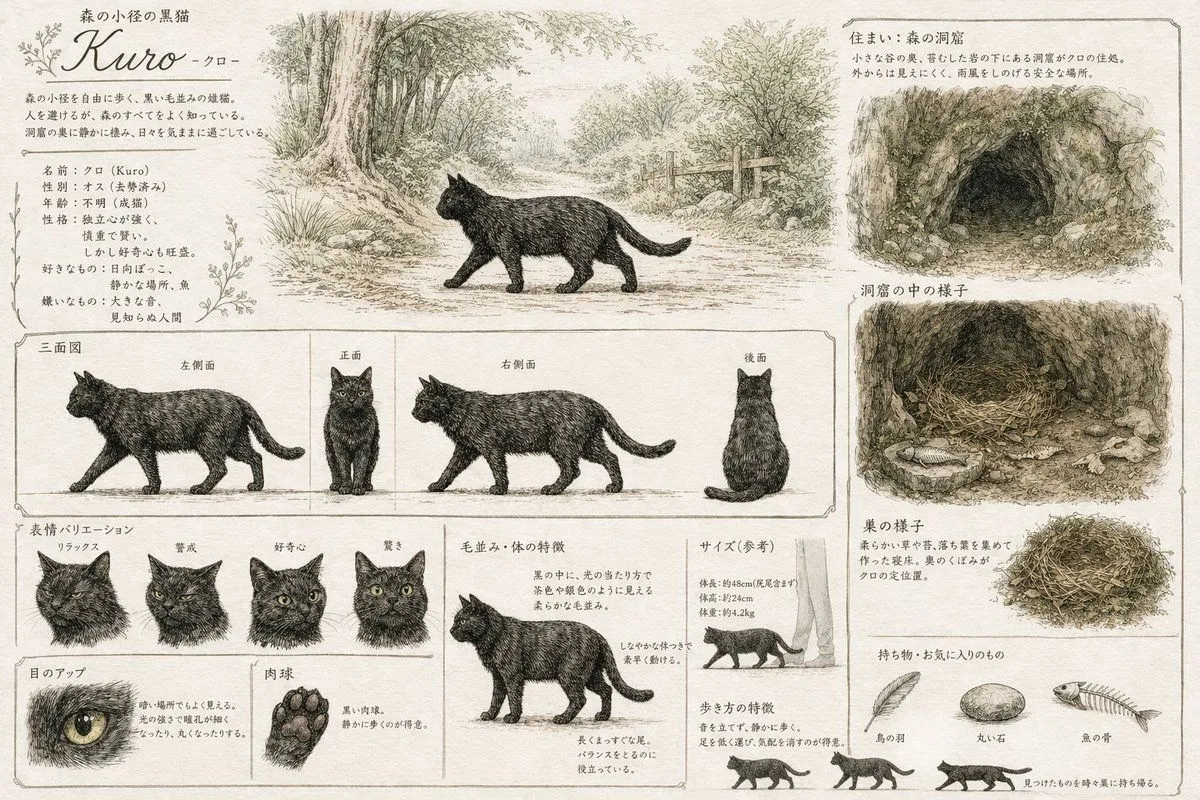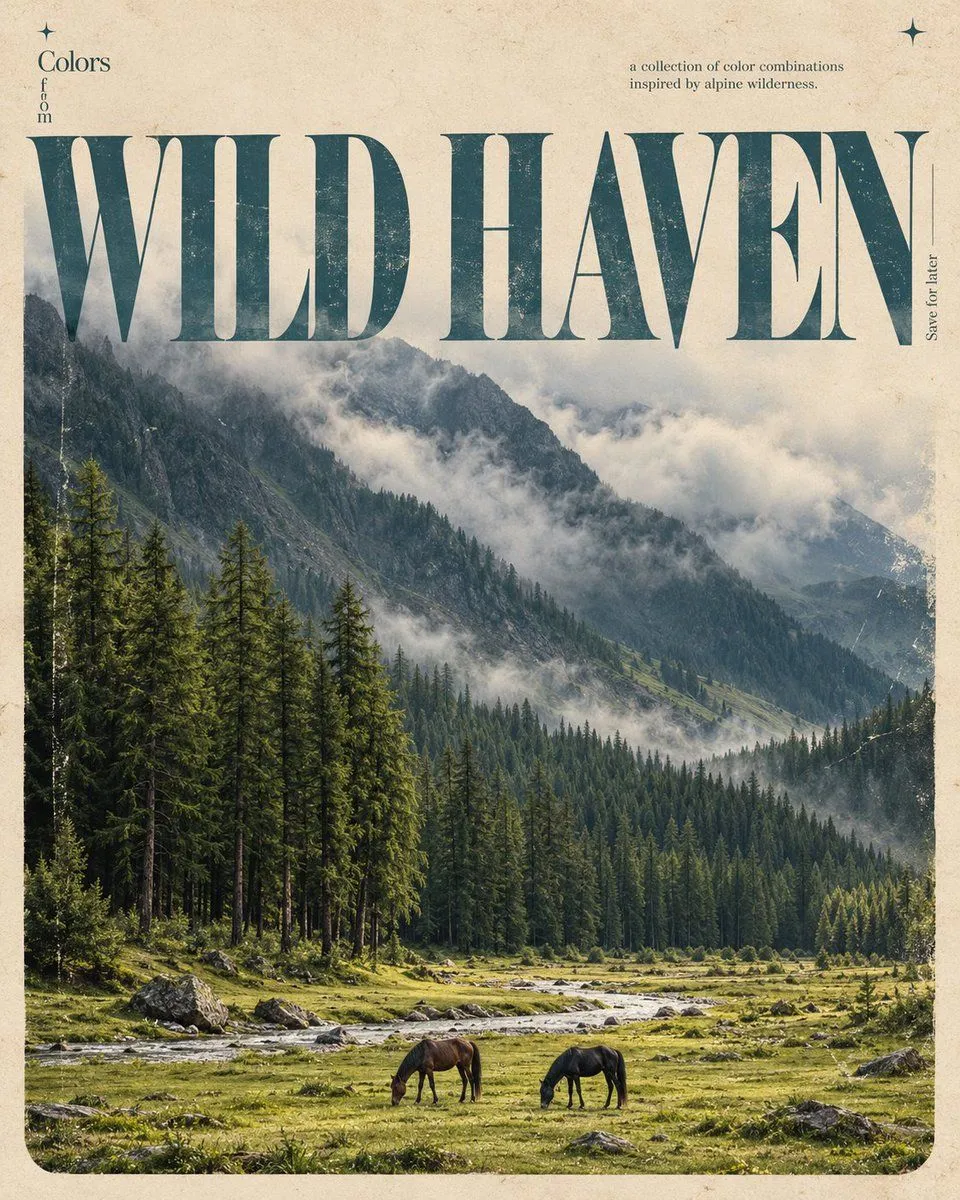
Made with GPT Image 2.5 in ChatGPT by Library Typography. Promptclay never generates images.
Vintage Editorial Poster Prompt
Prompt
Create a sophisticated, vintage-inspired editorial poster in a 4:5 vertical aspect ratio, using the uploaded image as the primary visual reference. UPLOADED IMAGE: Use the uploaded image to determine the subject, theme, and visual inspiration automatically. Identify its main subject and create a beautiful, photorealistic cinematic scene that represents it. Preserve the essential identity and meaning of the subject while artistically adapting the composition to match the poster design. POSTER DESIGN & LAYOUT: Create a warm, pale beige, aged-paper background with subtle paper fibers, fine grain, and authentic vintage print imperfections. Place a large rectangular photographic panel across most of the canvas, leaving a narrow beige border. Give the panel softly rounded bottom corners and a faded analog-film appearance. OVERSIZED TYPOGRAPHY: Automatically determine a short, elegant title based on the uploaded image's subject. Display that title in enormous, high-contrast serif typography across the upper third of the poster, stretching almost edge to edge. Use tall, refined letterforms, dramatic thick-and-thin strokes, and tight spacing. Color the headline muted dusty turquoise-blue with subtle photographic texture and weathered ink. Allow the letters to overlap the sky or upper portion of the photograph, blending typography and imagery into a sophisticated editorial composition. SMALL EDITORIAL DETAILS: Near the upper-left part of the title, add the small heading “Colors” with “from” arranged vertically underneath. Near the upper-right side, add a tiny, understated subtitle reading “a collection of color combinations / inspired by [DETECTED SUBJECT].” Add the vertical annotation “Save for later” beside the right edge of the headline. Place two tiny four-pointed turquoise star symbols near the top-left and top-right corners of the beige background. PHOTOGRAPHIC STYLE: Create a cinematic, photorealistic image inspired by the uploaded subject, with natural lighting, atmospheric depth, authentic textures, muted colors, subtle 35mm film grain, softly faded contrast, and a nostalgic analog-film finish. Automatically choose the appropriate environment, composition, colors, and atmosphere based on the uploaded image. Keep the main subject visually compelling and the photograph integrated naturally with the oversized typography. COLOR PALETTE: Warm cream, dusty turquoise-blue, muted sky blue, and naturally derived earthy tones that complement the uploaded image. Preserve the understated, timeless aesthetic of a premium independent design magazine. STRICT REQUIREMENTS: - Use the uploaded image as the subject reference; do not require the user to type a subject name. - Automatically detect the subject and generate a suitable title. - Create a new, theme-appropriate cinematic composition rather than simply placing the original image inside a frame. - Maintain the same vintage poster layout, oversized typography, beige margins, and editorial details.
DetailsVersions, settings and questions
Written for
What's in the prompt
- Subject
- Model
- GPT Image 2.5
If your face changes
keep my face exactly the sameQuestions
- Does this work in the ChatGPT app?
- Yes. Paste the prompt and attach your photo if it uses one.
- It changed my face. What do I do?
- Add "keep my face exactly the same" to the end and run it again.
- Can I use the images I make?
- Check the terms of the app you use. Promptclay never generates images and claims nothing you make.