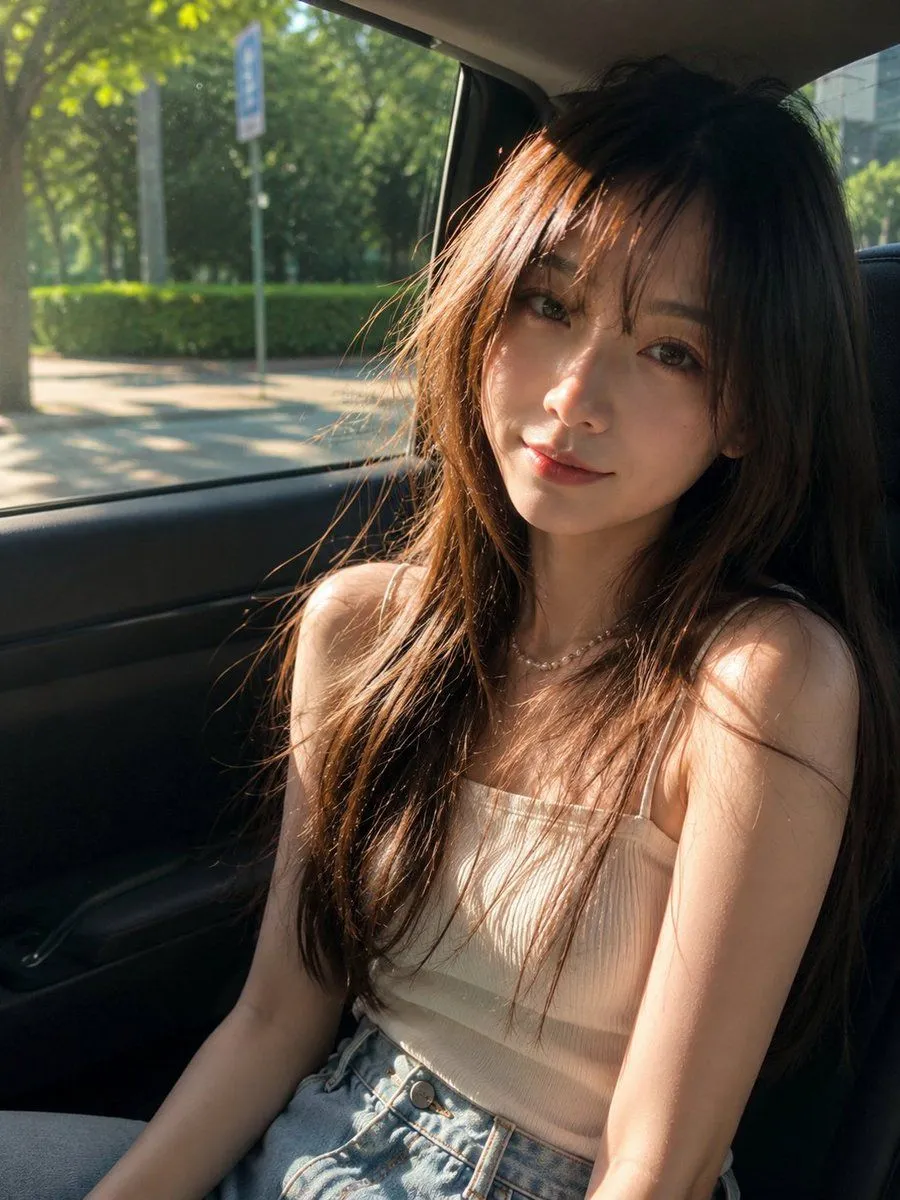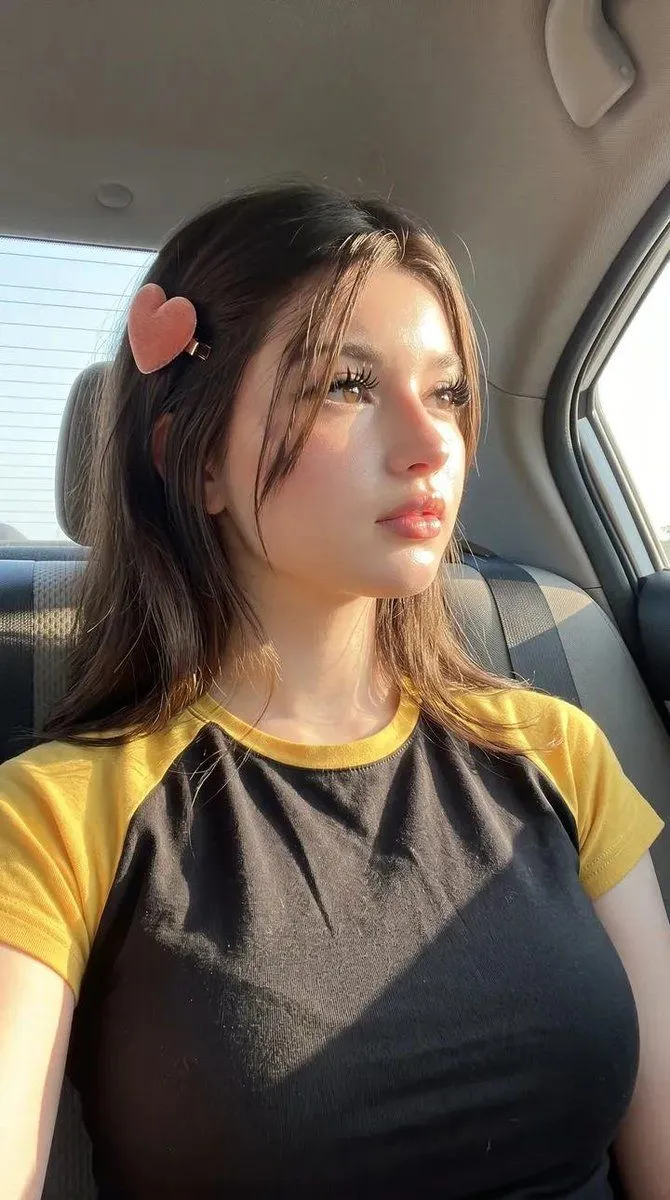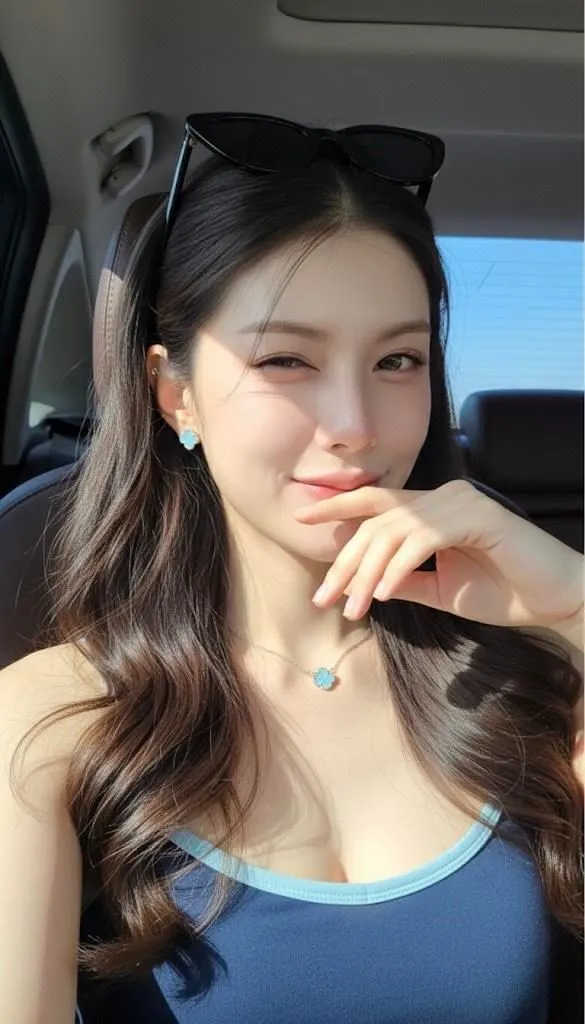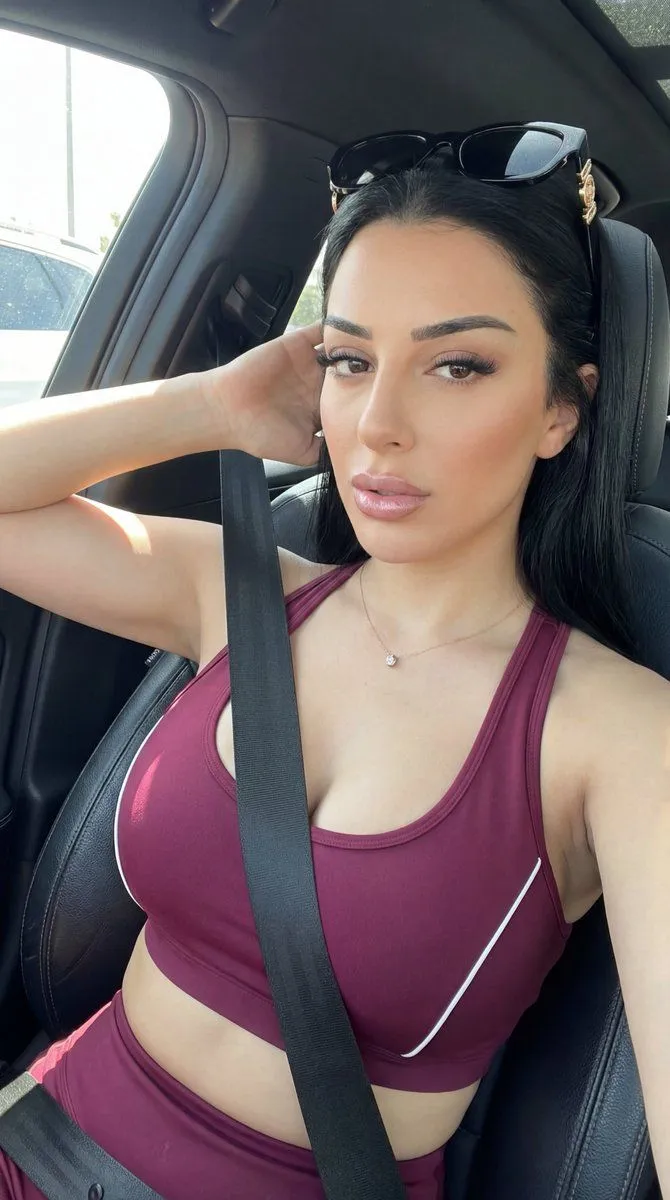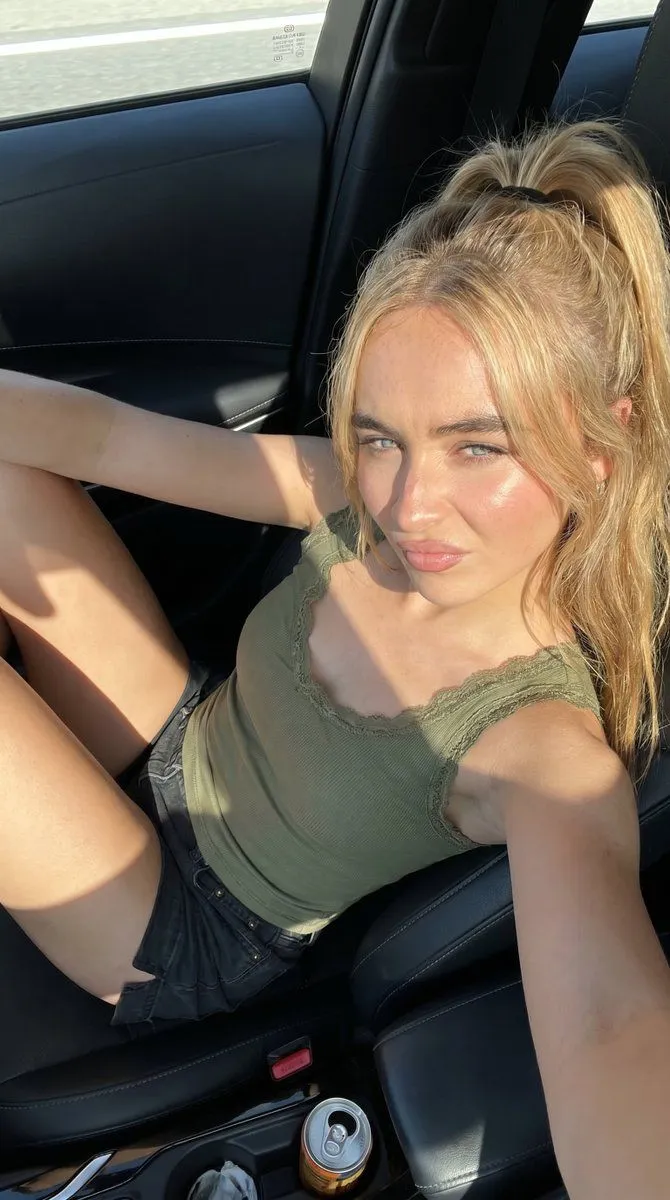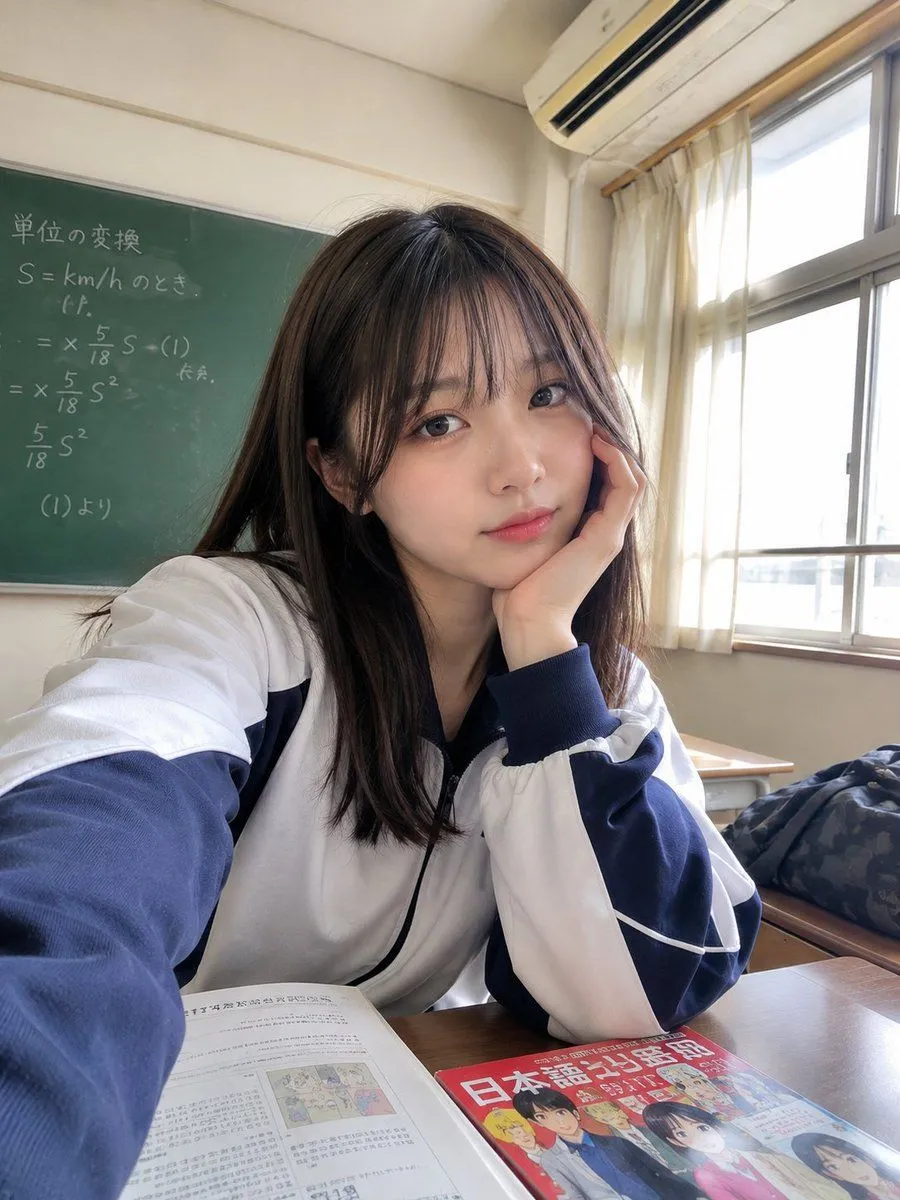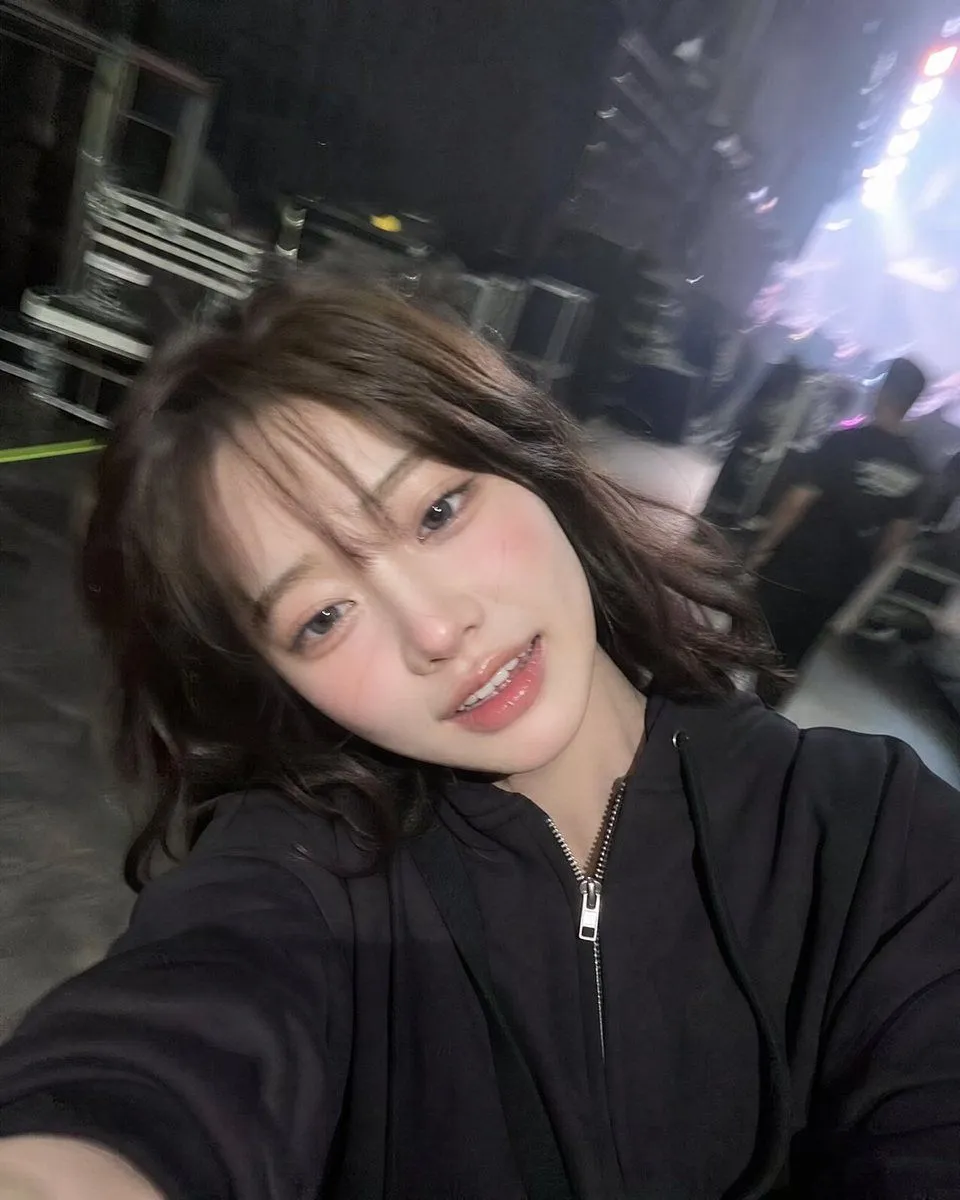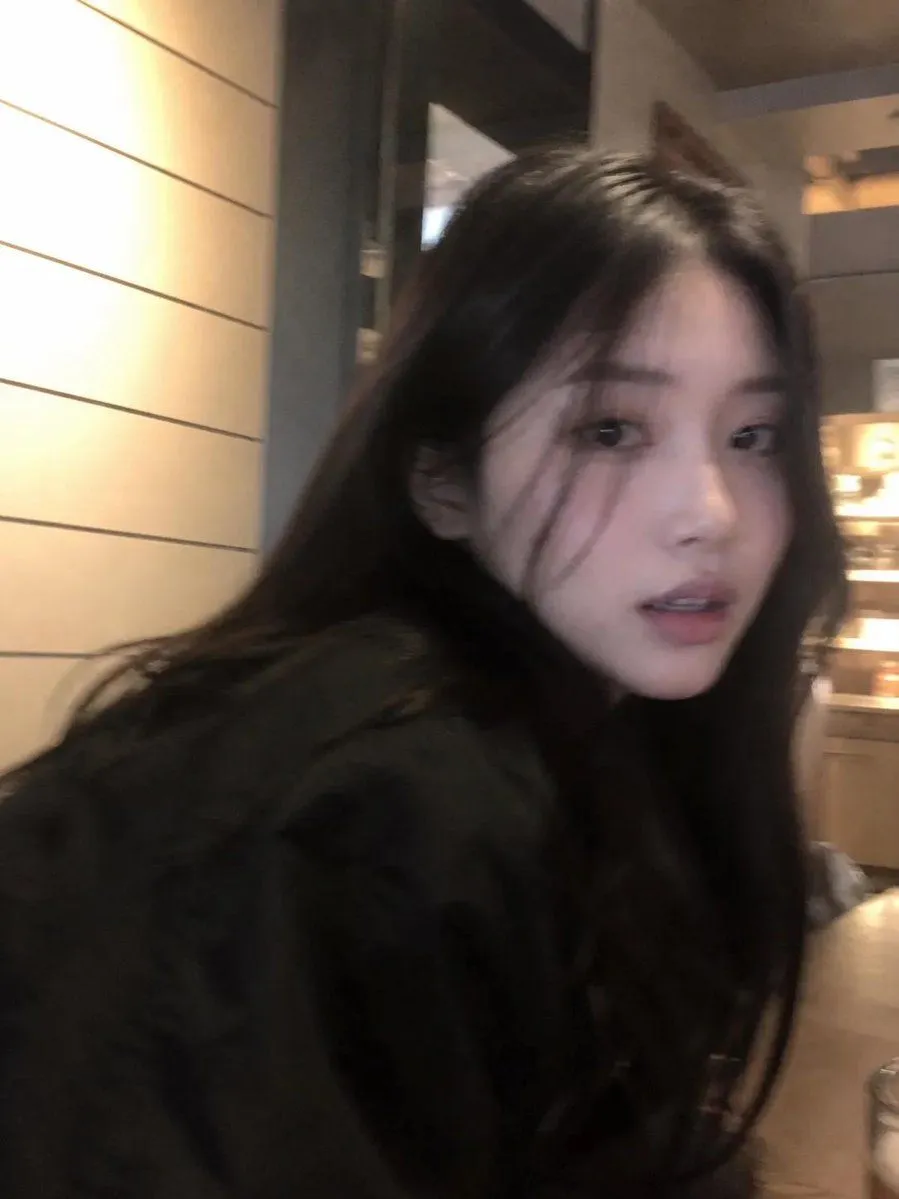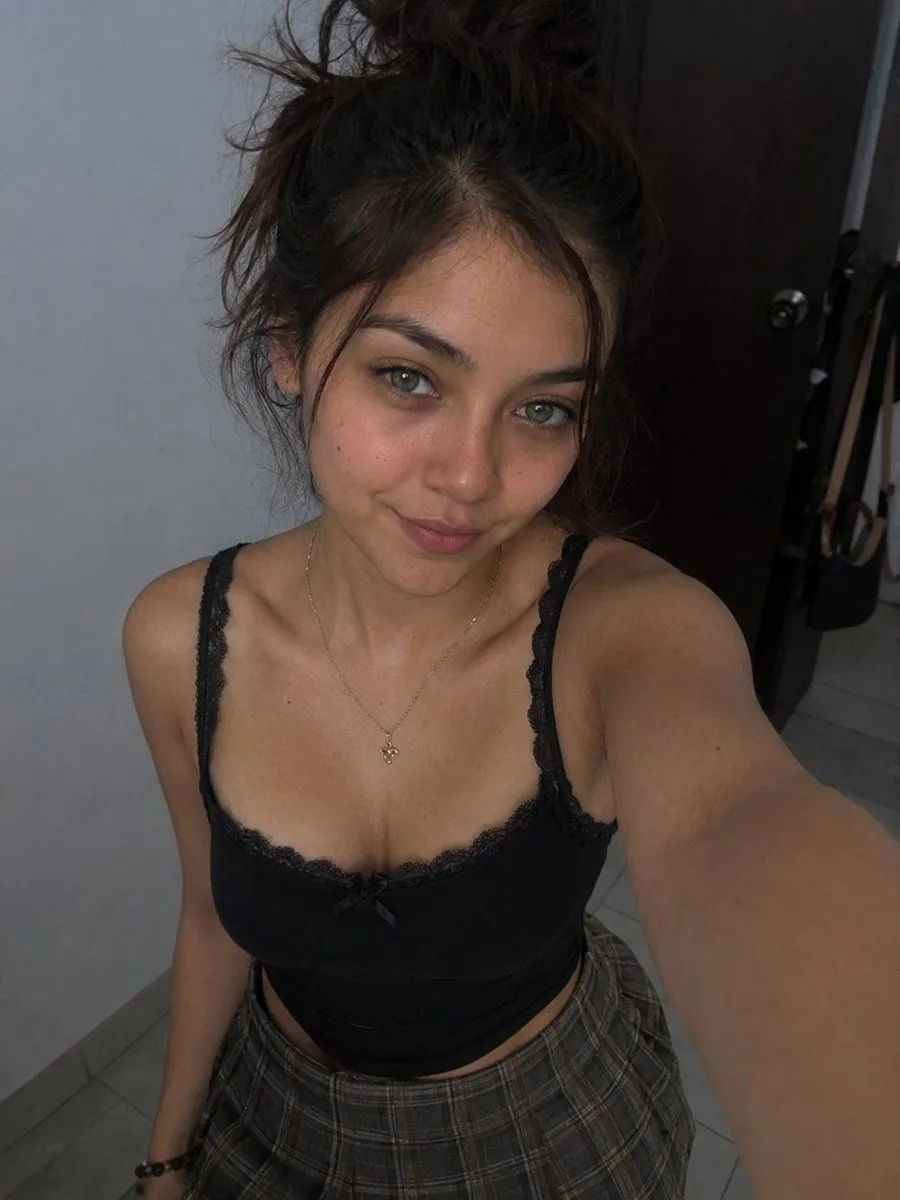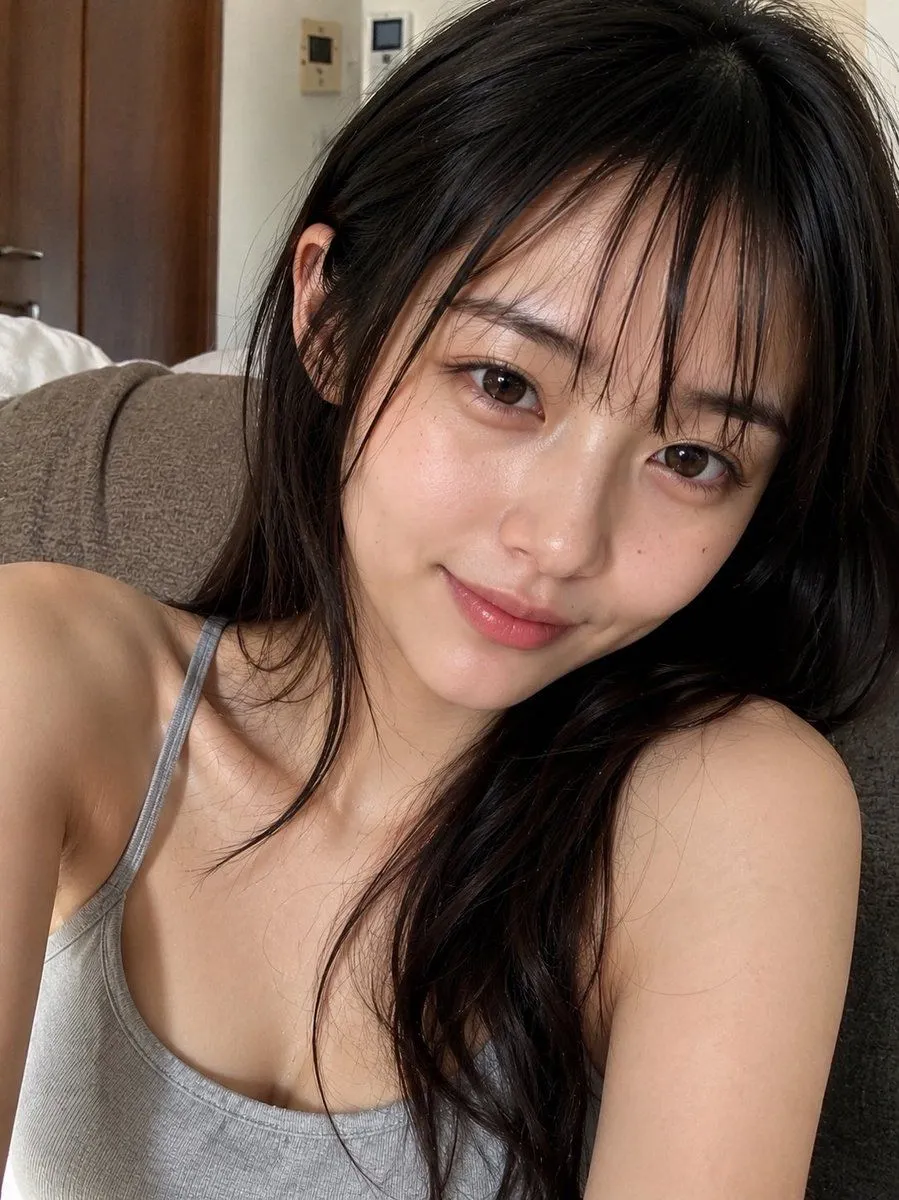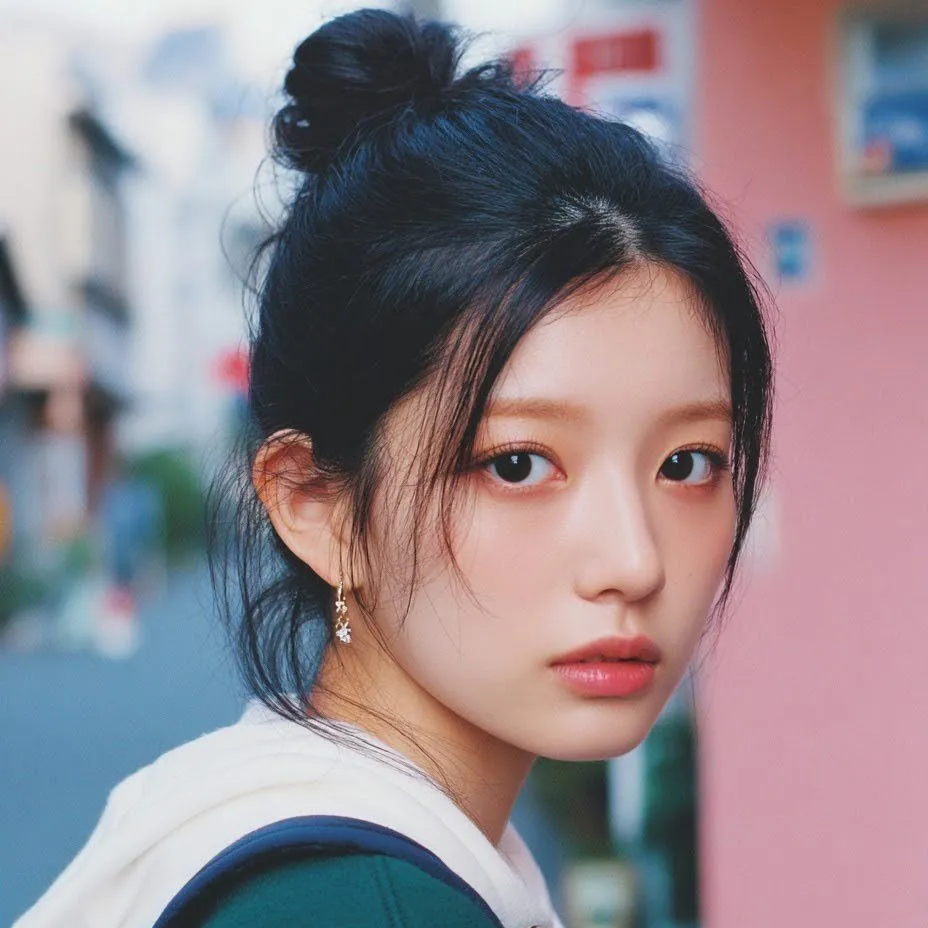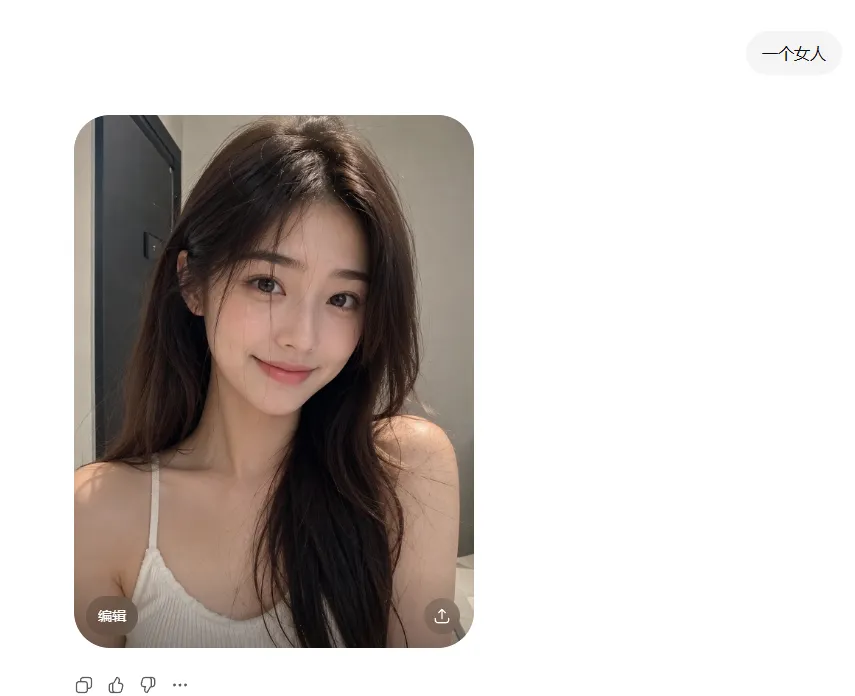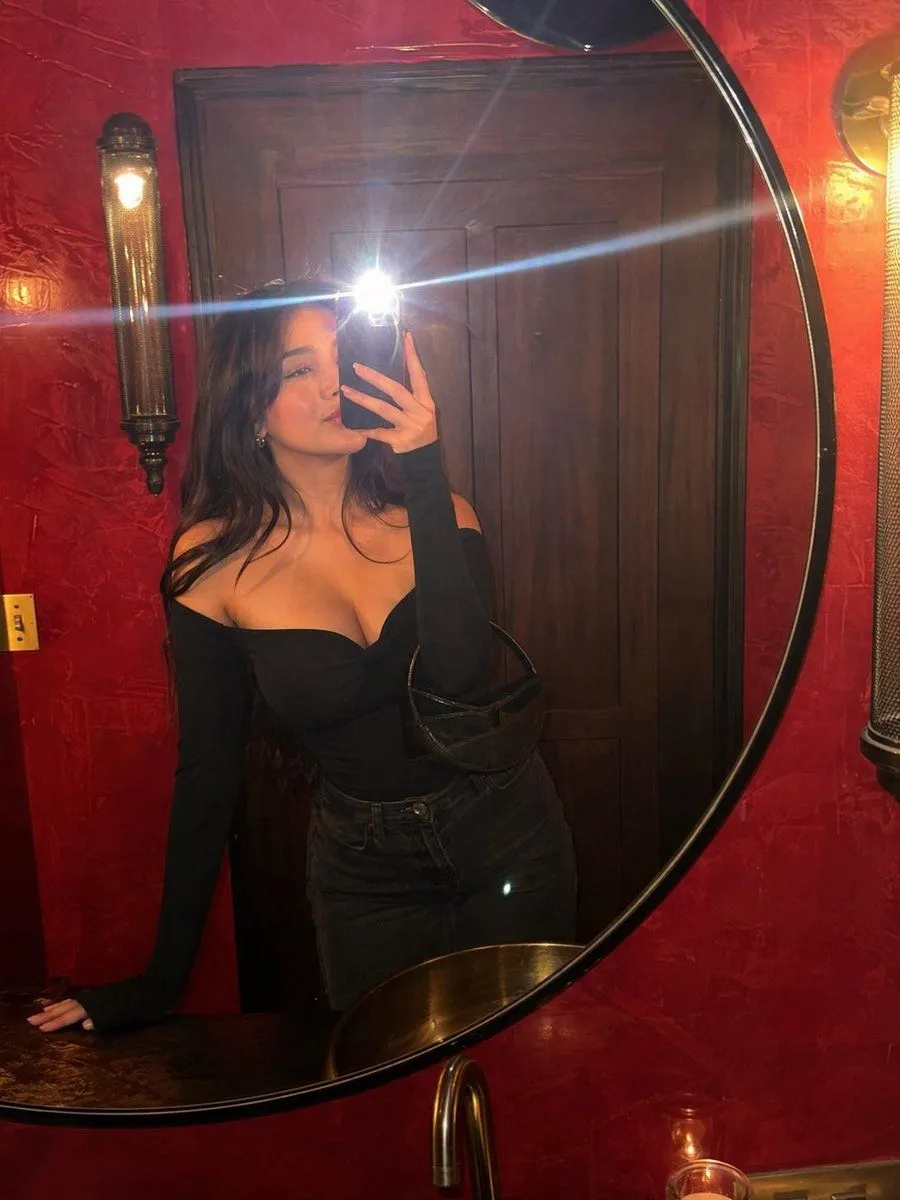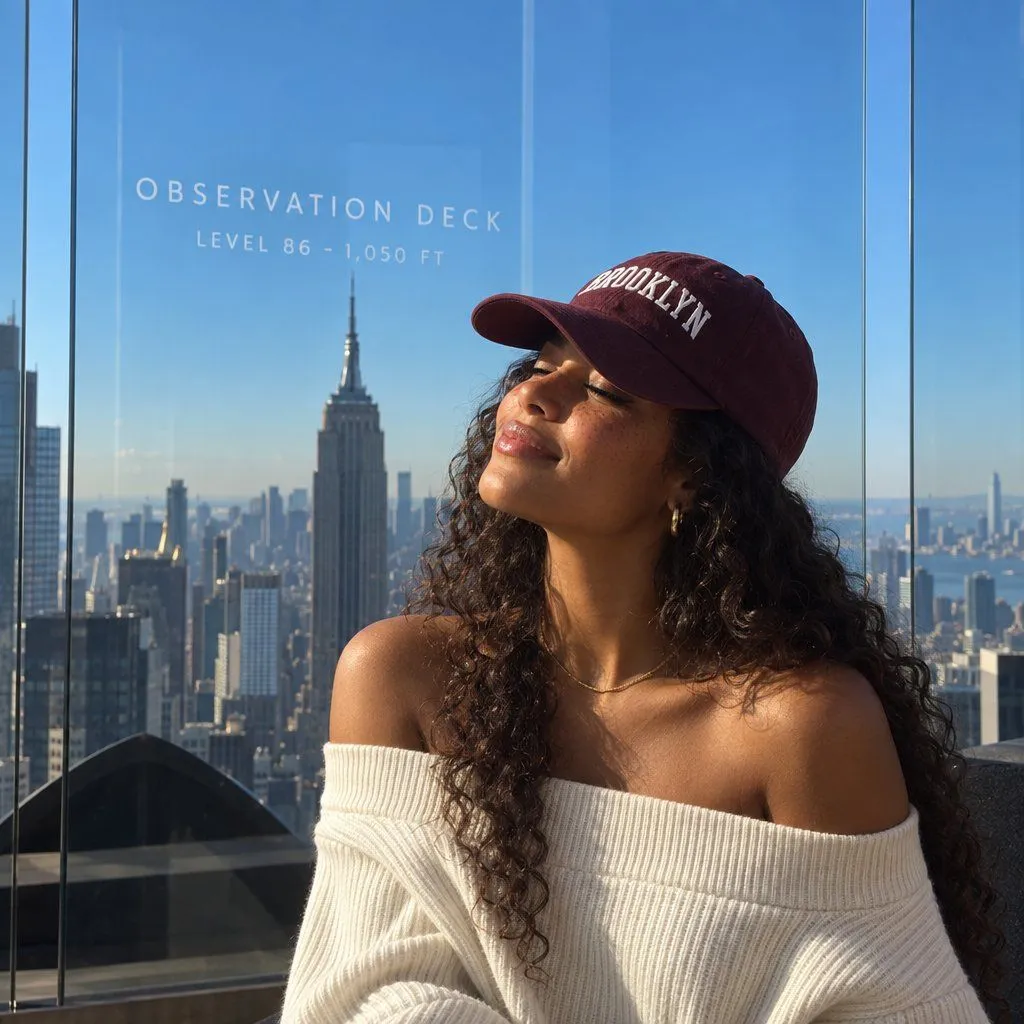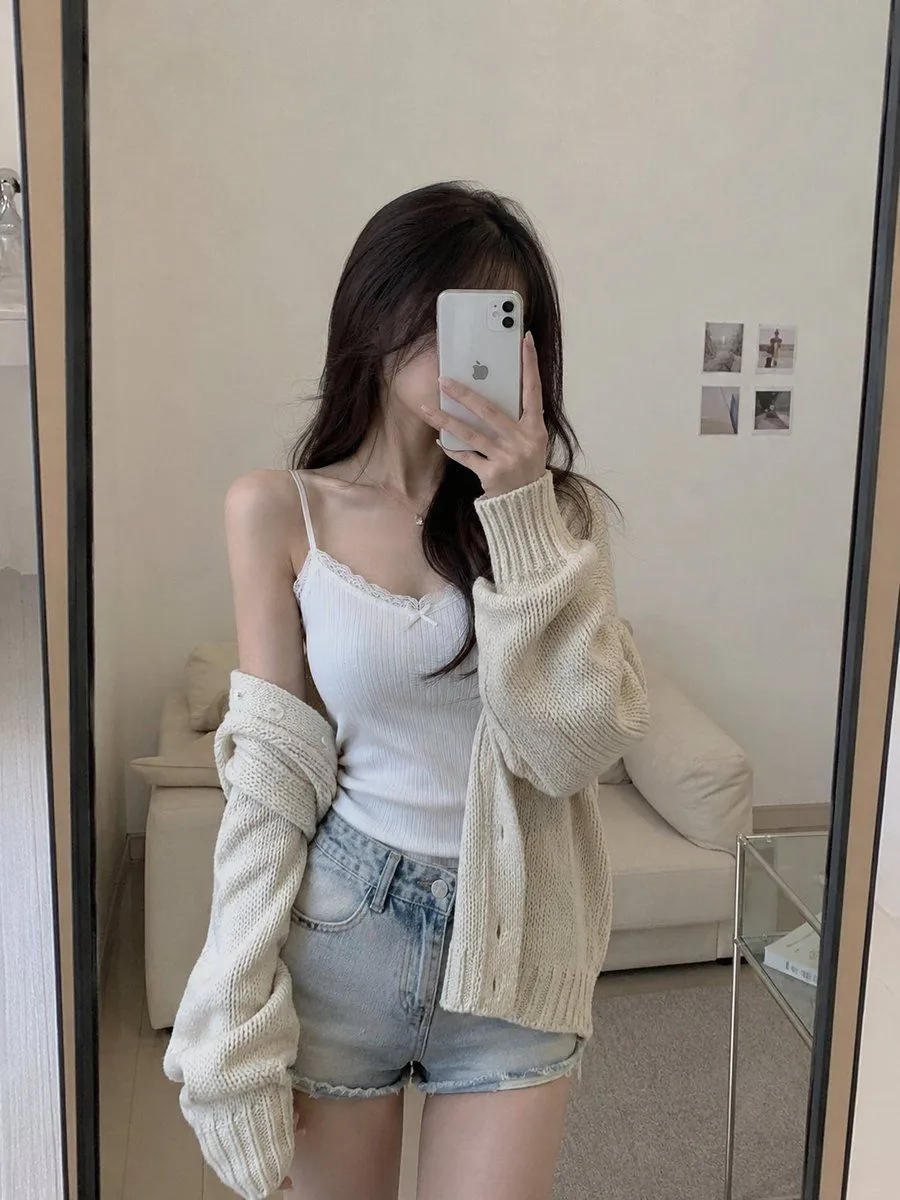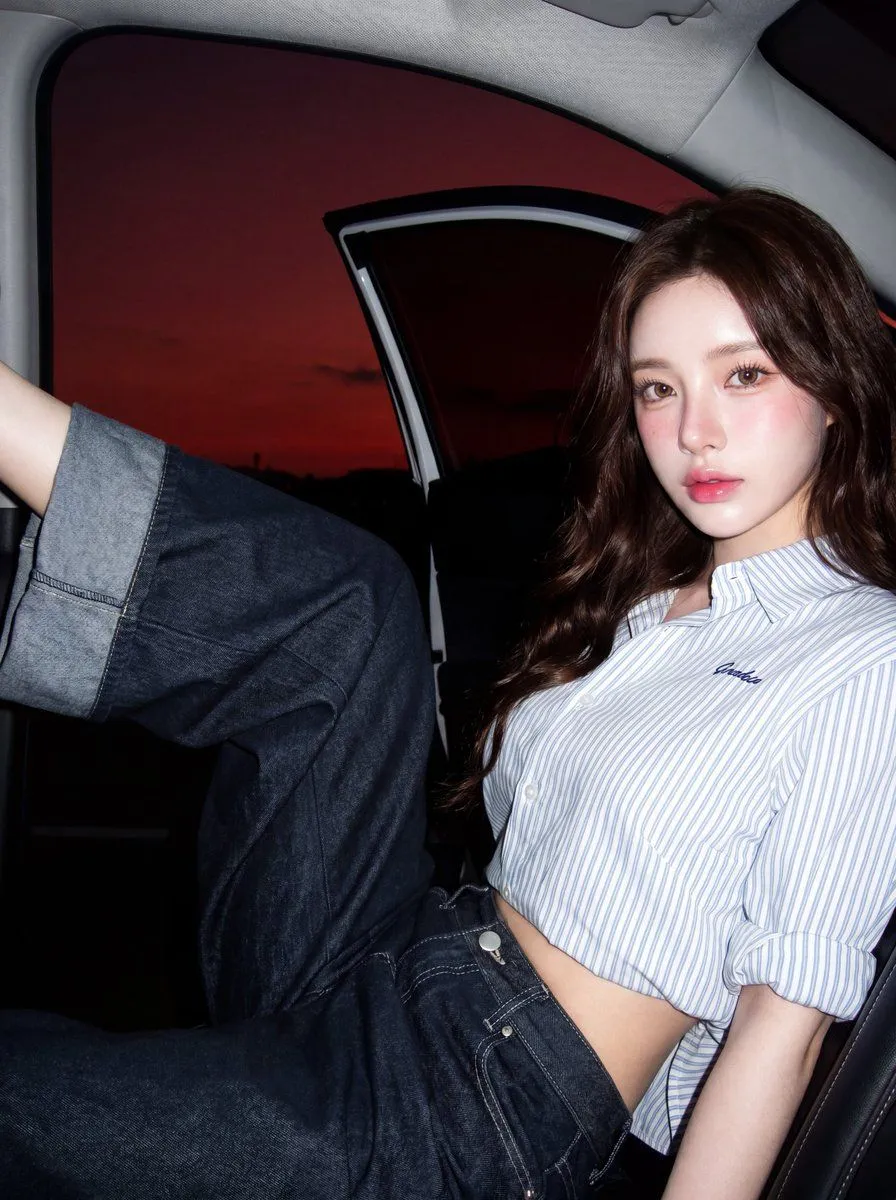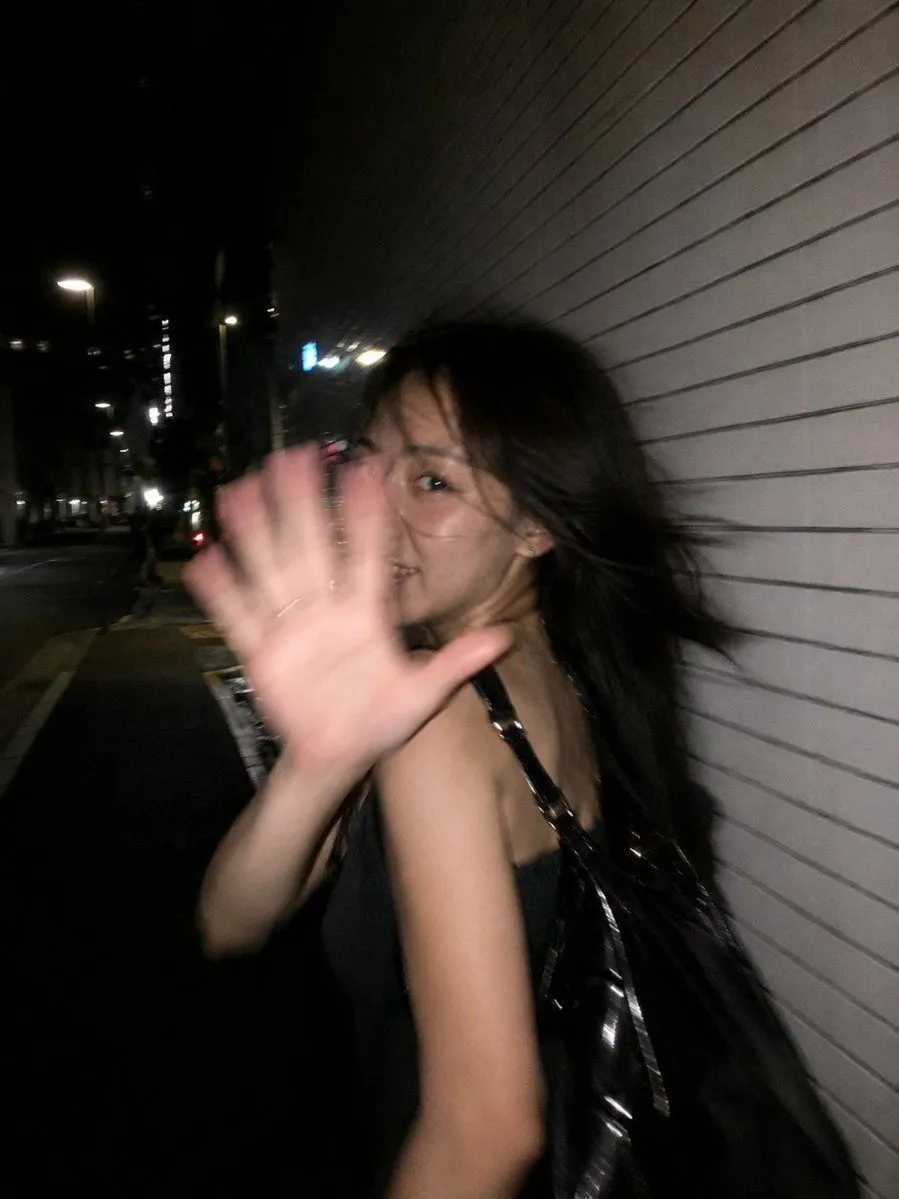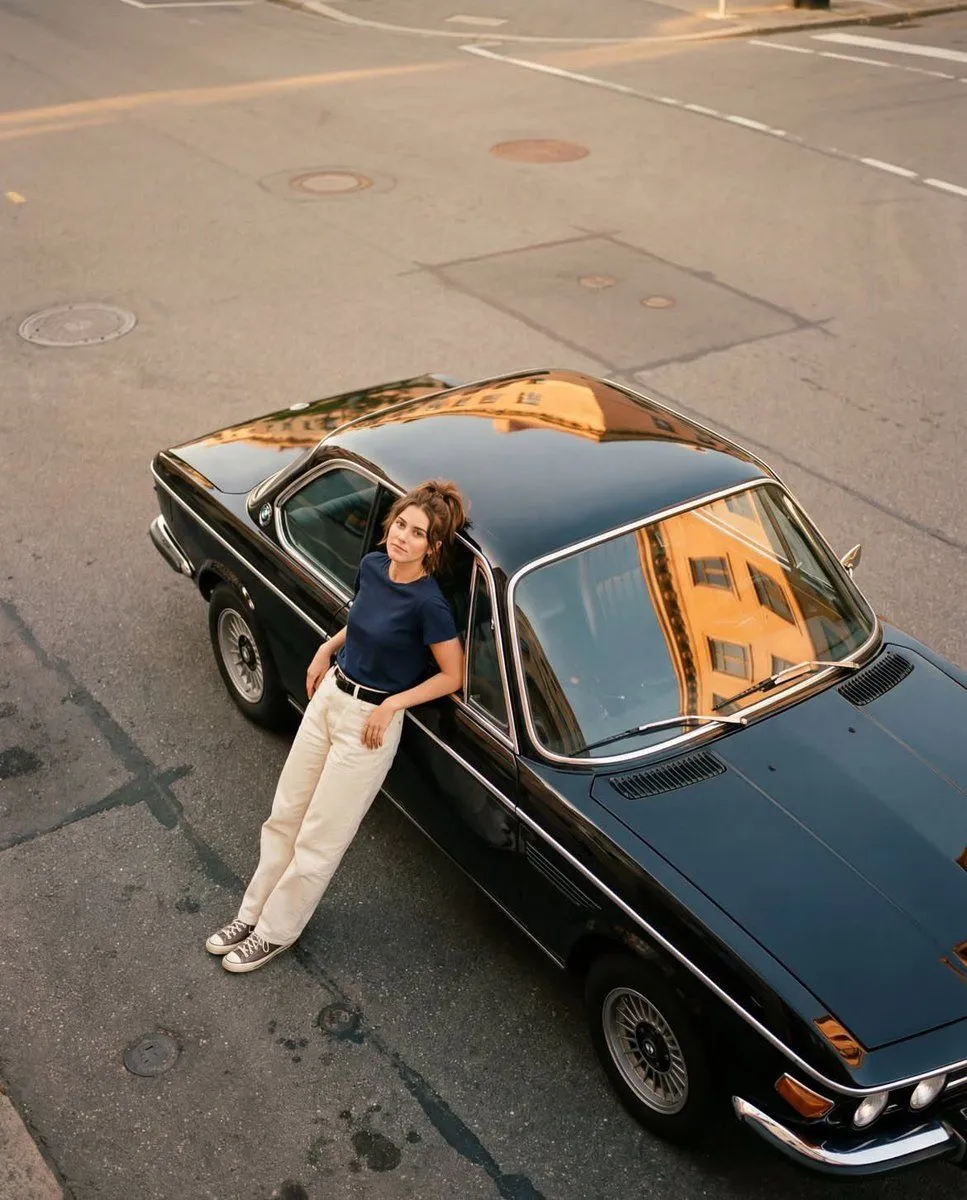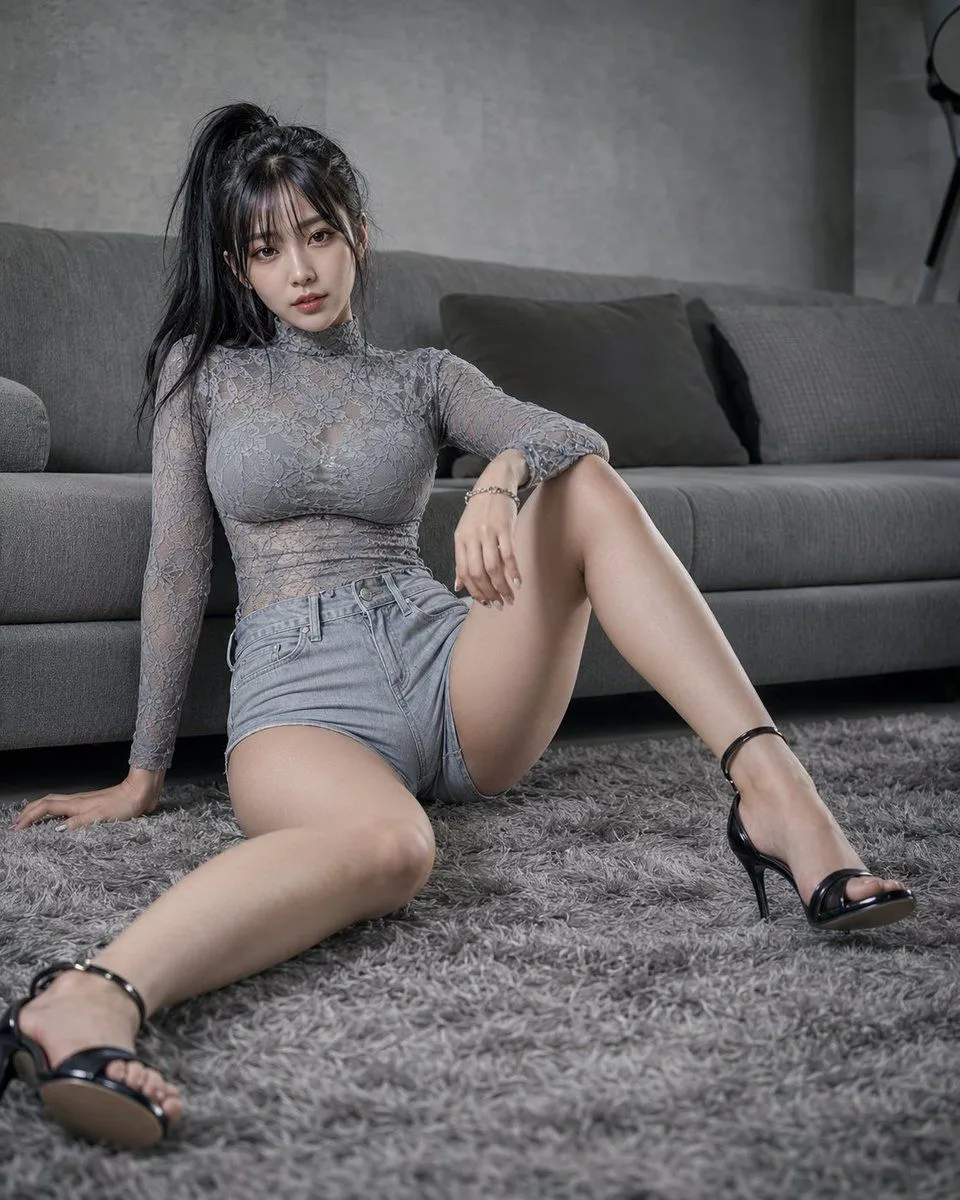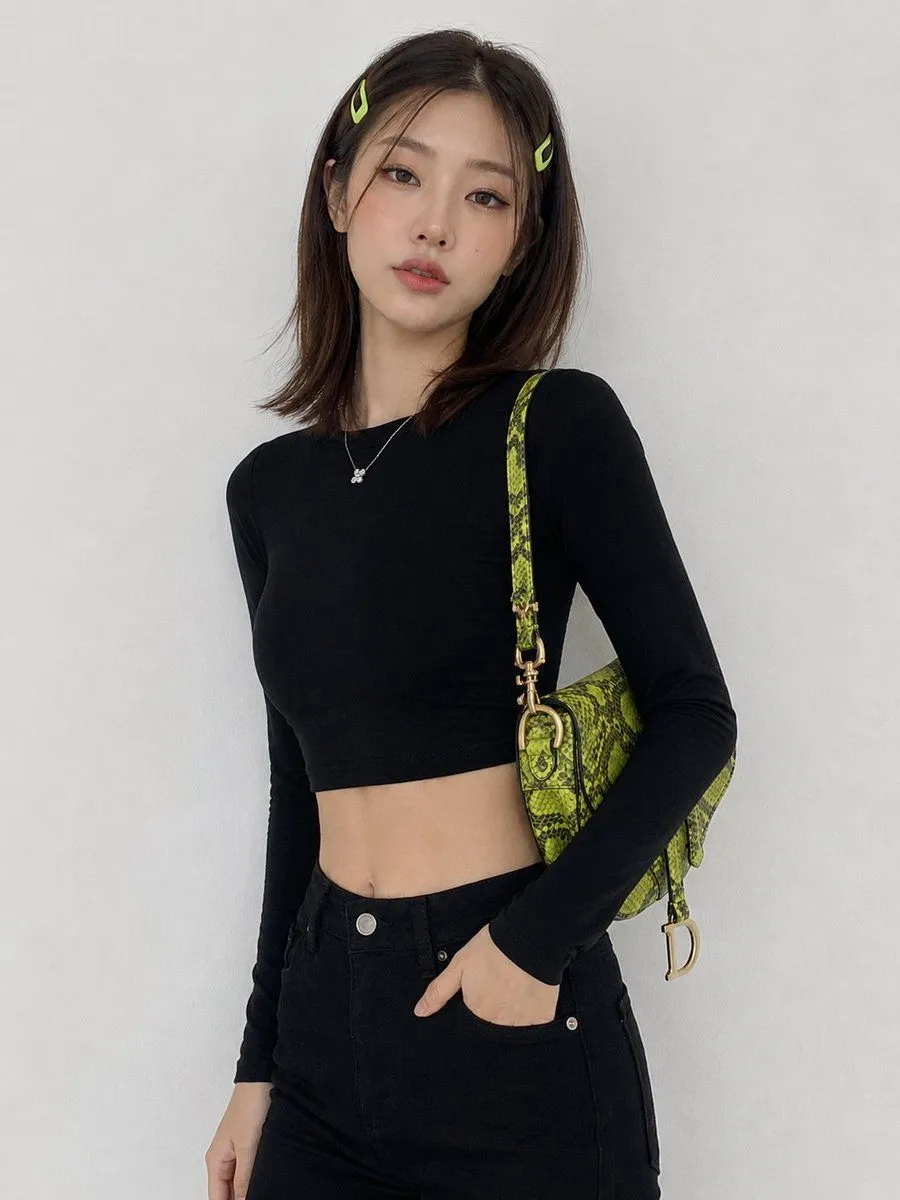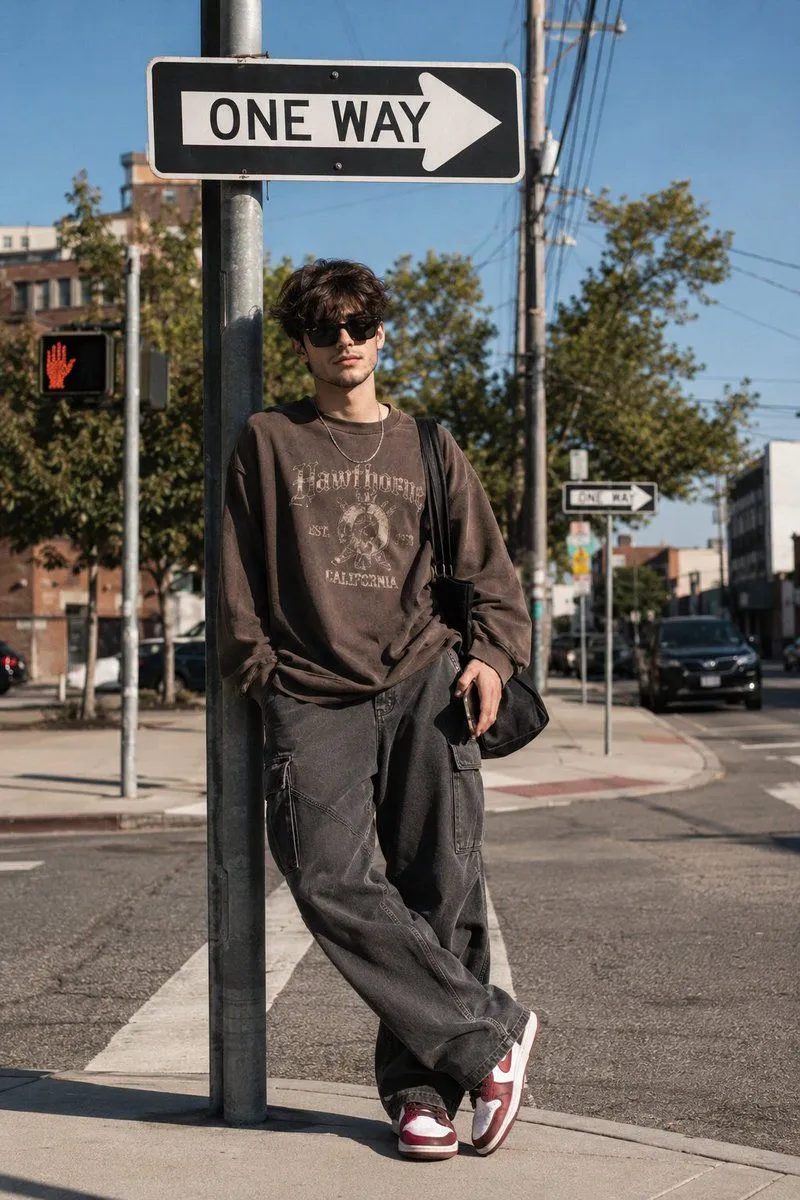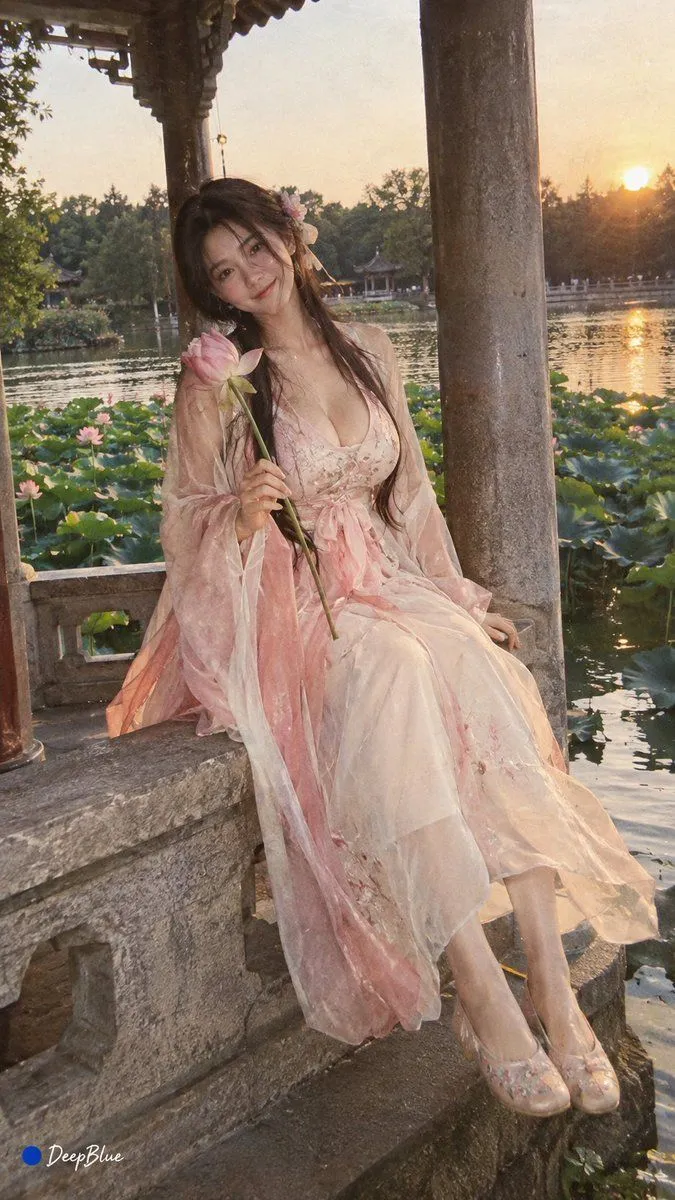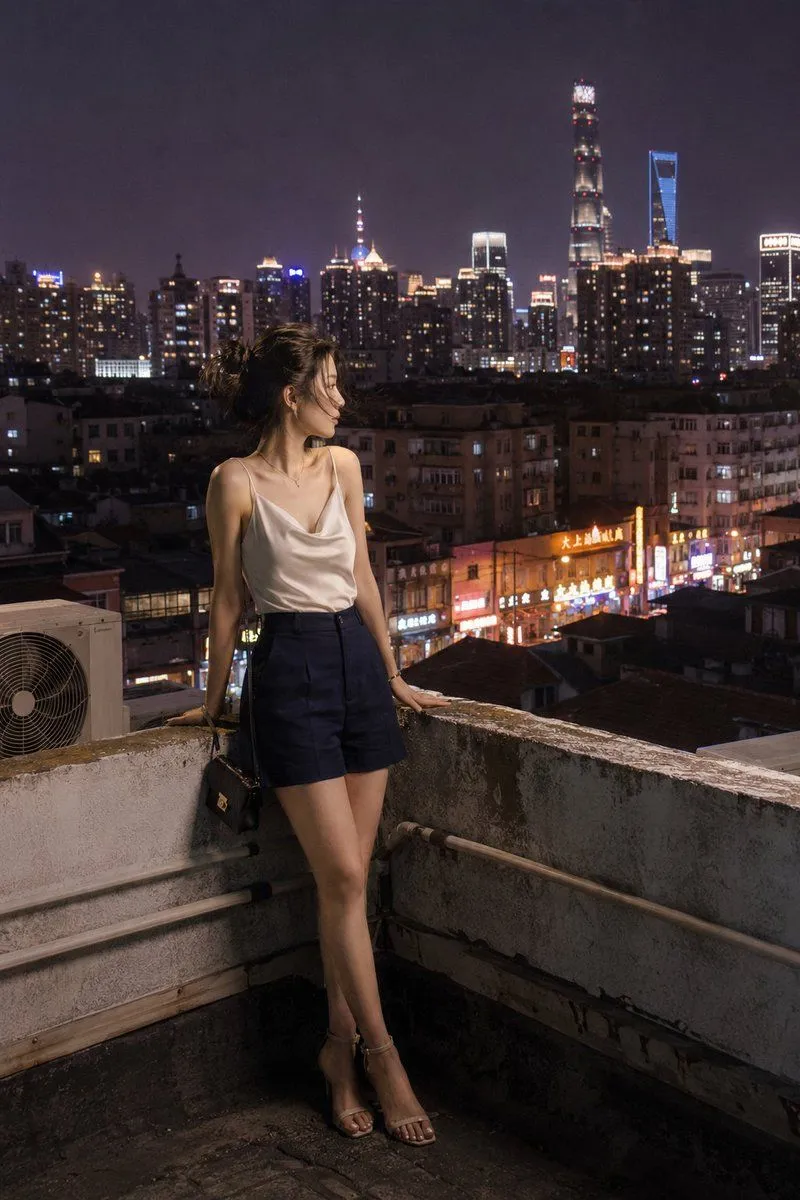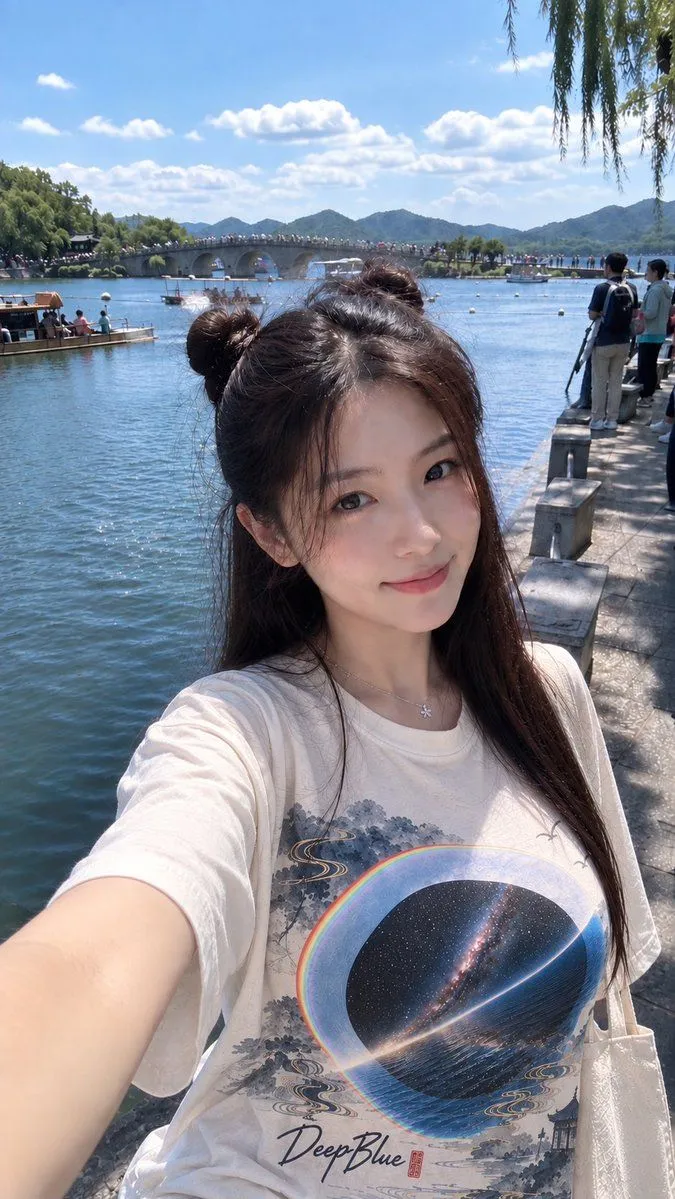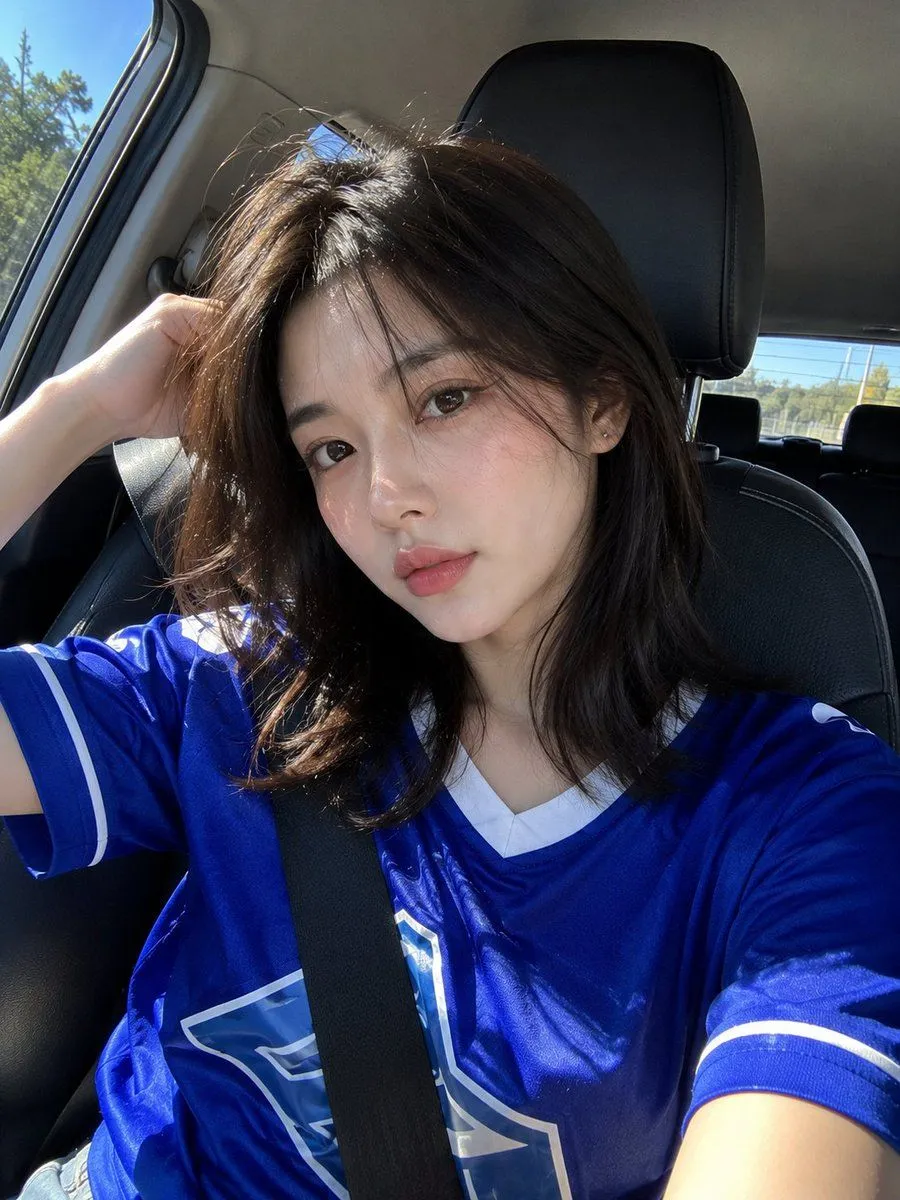
Made with GPT Image 2 in ChatGPT by Library Avatars. Promptclay never generates images.
Did it work?
No reports yet. Tell others if it worked for you.
Ultra-Realistic Smartphone Selfie
Prompt
3 blanks to fillUltra-realistic smartphone selfie, looks genuinely captured with a mobile phone, not a DSLR or AI render. A {subject_details}, loose face-framing strands partially covering one eye, large brown eyes, natural Korean makeup with soft pink blush and glossy rosy lips. Wearing a {clothing}, casual sporty aesthetic, and small silver stud earrings. Sitting in the {setting}, looking directly into the phone camera with a calm, confident expression. Bright natural sunlight streams through the car window, creating soft highlights on her hair and realistic shadows across her face. Car interior with black leather seats and blue sky visible through the window. Slight handheld framing, authentic front-camera perspective, natural phone HDR, realistic skin texture, fine hair strands, subtle digital noise, candid lifestyle aesthetic, Instagram-style selfie, high detail, photorealistic, looks like an unedited iPhone/mobile camera photo, no studio lighting, no watermark, no text, no logos, no AI-generated look.
Preview of your prompt
Ultra-realistic smartphone selfie, looks genuinely captured with a mobile phone, not a DSLR or AI render. A beautiful young East Asian woman with fair porcelain skin, soft ash-brown shoulder-length hair, loose face-framing strands partially covering one eye, large brown eyes, natural Korean makeup with soft pink blush and glossy rosy lips. Wearing a bright royal blue vintage-style football jersey with white accents, casual sporty aesthetic, and small silver stud earrings. Sitting in the front passenger seat of a modern car during a sunny afternoon, looking directly into the phone camera with a calm, confident expression. Bright natural sunlight streams through the car window, creating soft highlights on her hair and realistic shadows across her face. Car interior with black leather seats and blue sky visible through the window. Slight handheld framing, authentic front-camera perspective, natural phone HDR, realistic skin texture, fine hair strands, subtle digital noise, candid lifestyle aesthetic, Instagram-style selfie, high detail, photorealistic, looks like an unedited iPhone/mobile camera photo, no studio lighting, no watermark, no text, no logos, no AI-generated look.
DetailsVersions, settings and questions
Written for
What's in the prompt
- Subject
- Model
- GPT Image 2
If your face changes
keep my face exactly the sameQuestions
- Does this work in the ChatGPT app?
- Yes. Paste the prompt and attach your photo if it uses one.
- It changed my face. What do I do?
- Add "keep my face exactly the same" to the end and run it again.
- Can I use the images I make?
- Check the terms of the app you use. Promptclay never generates images and claims nothing you make.