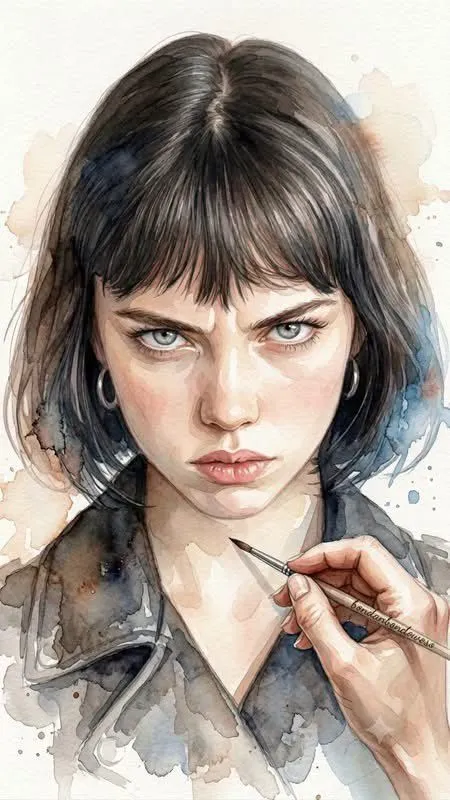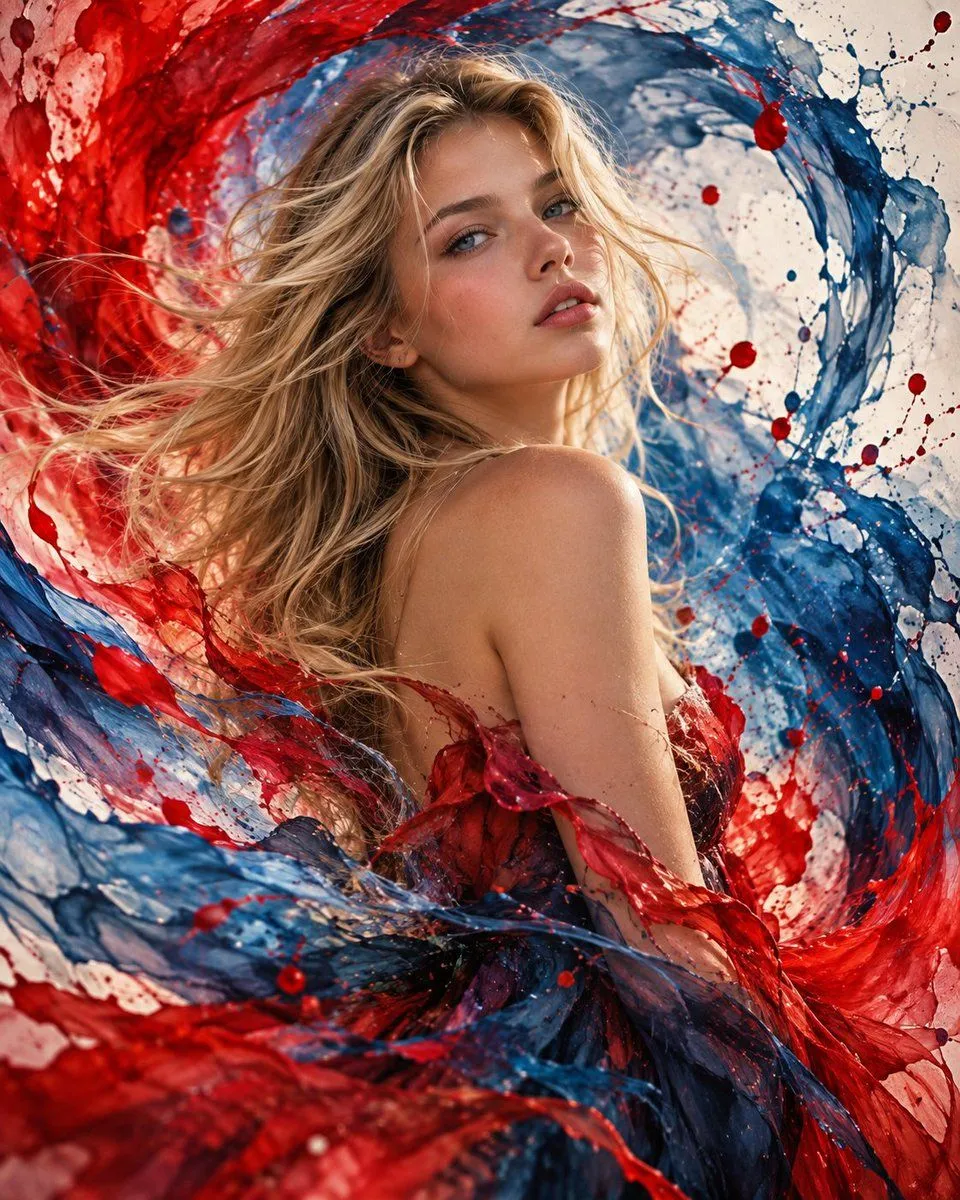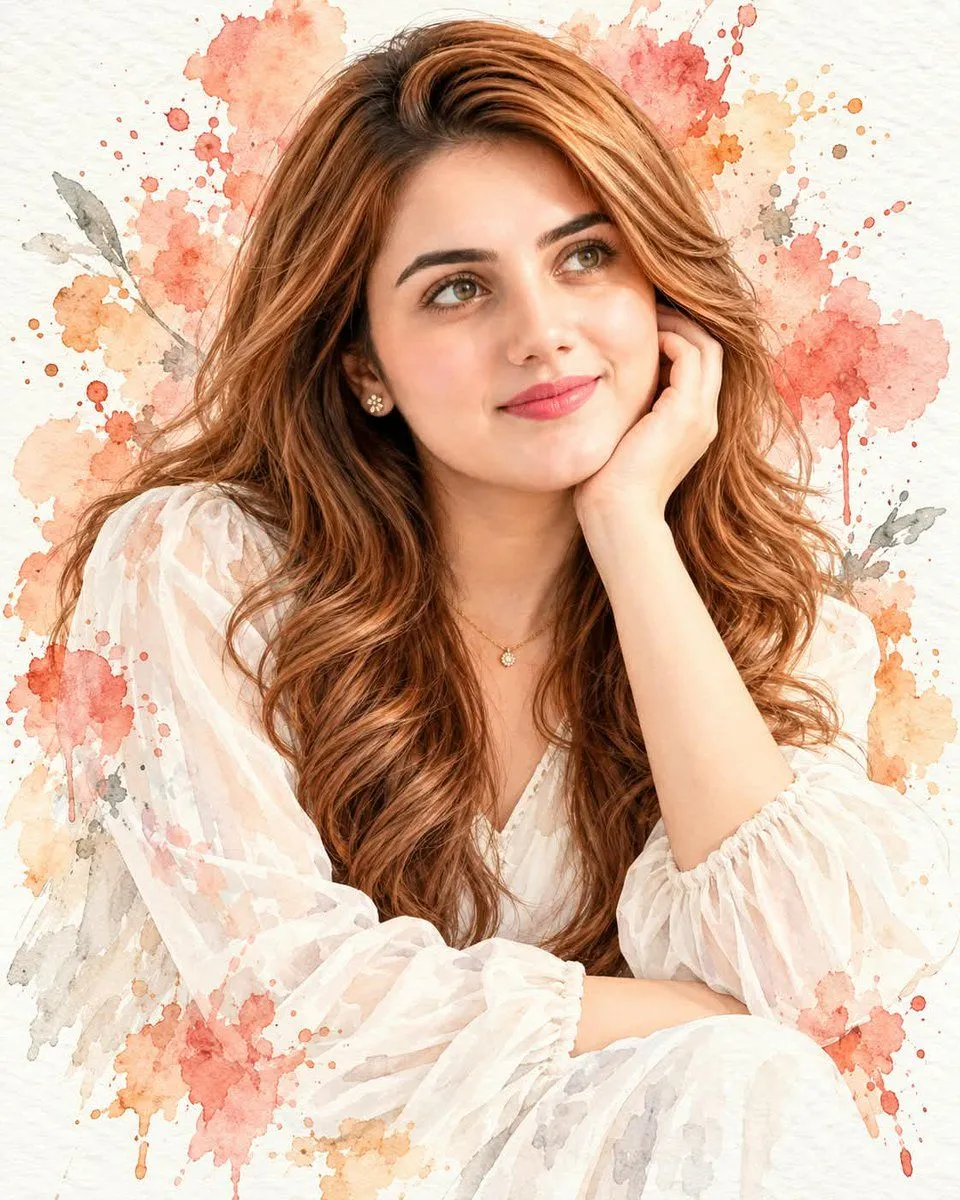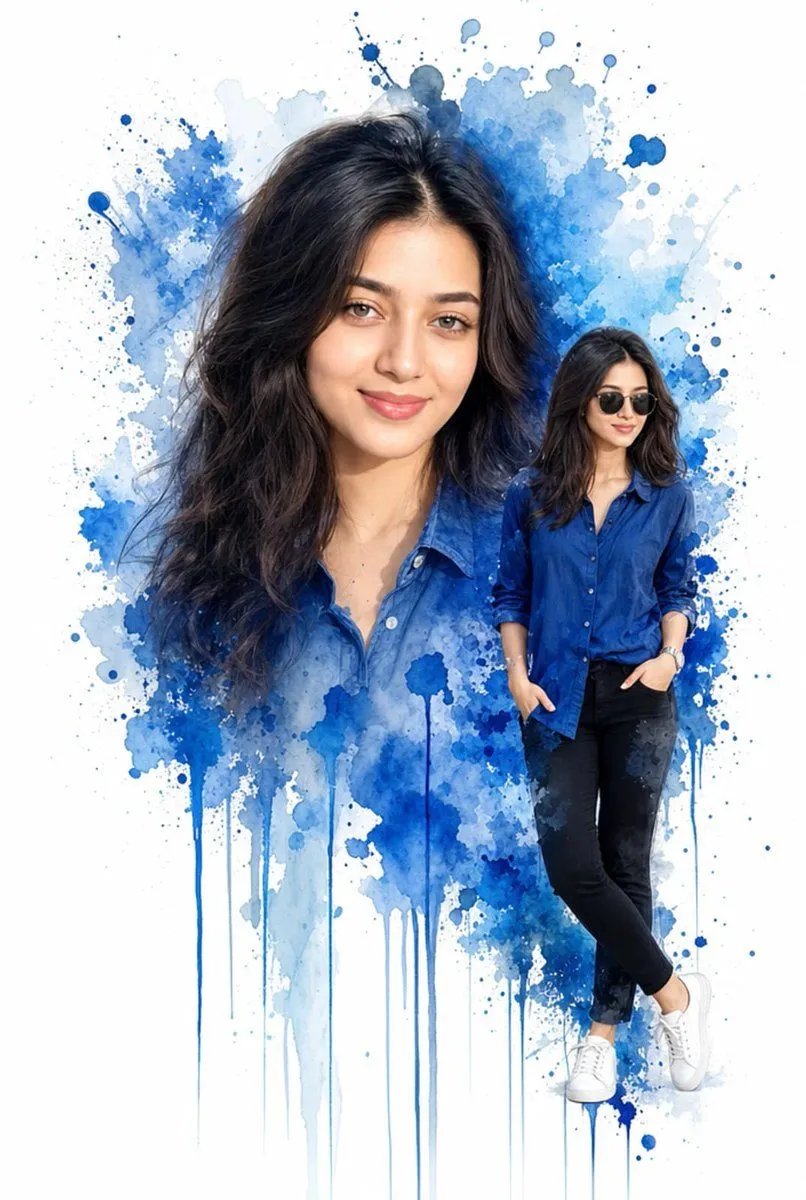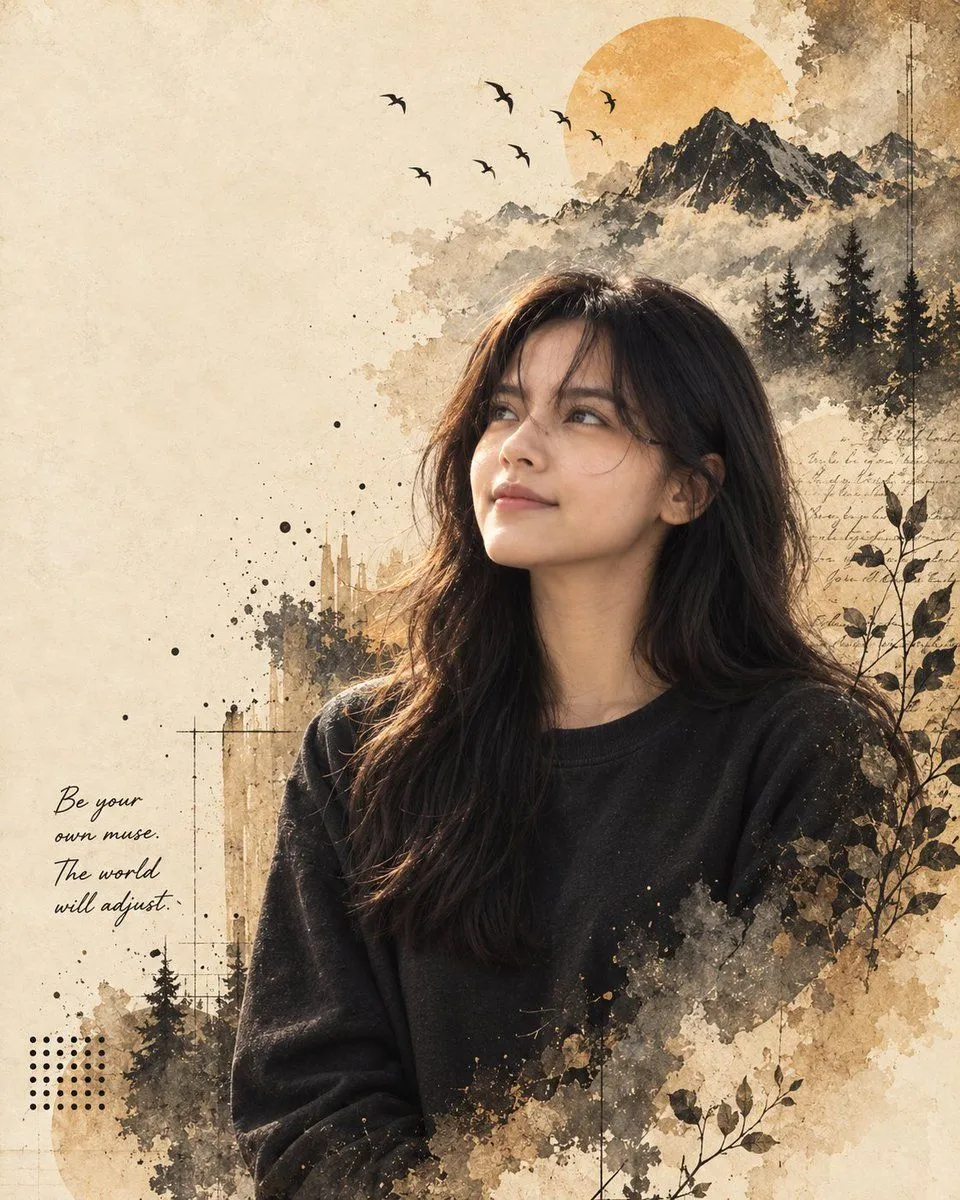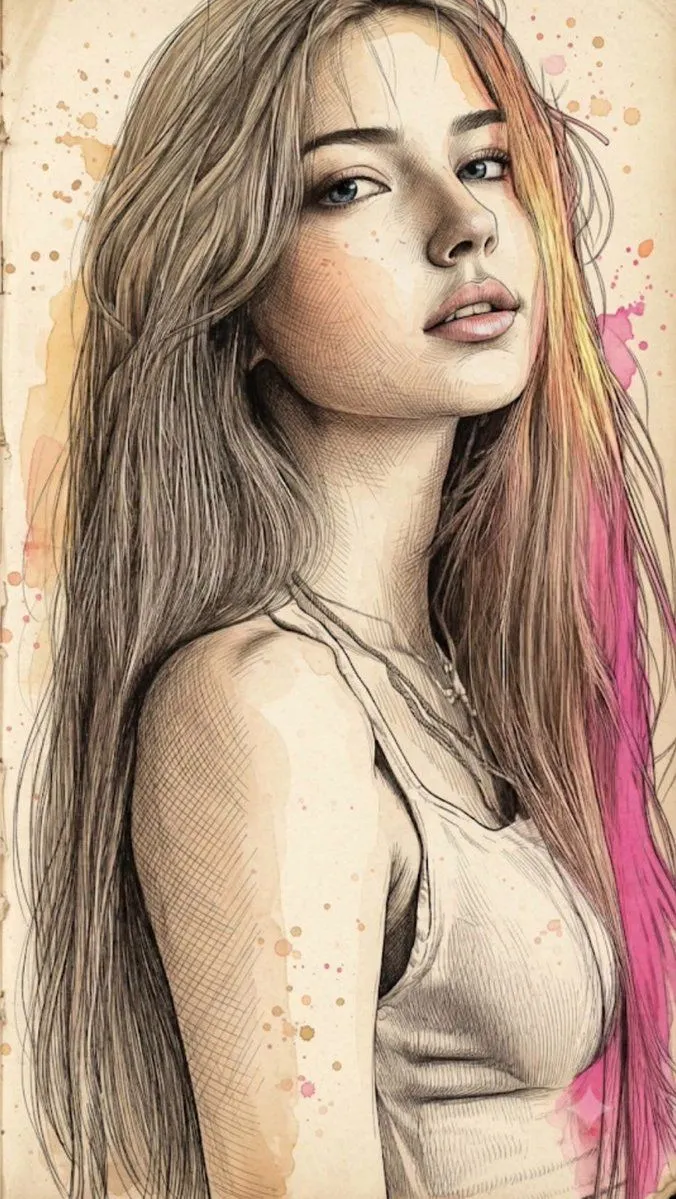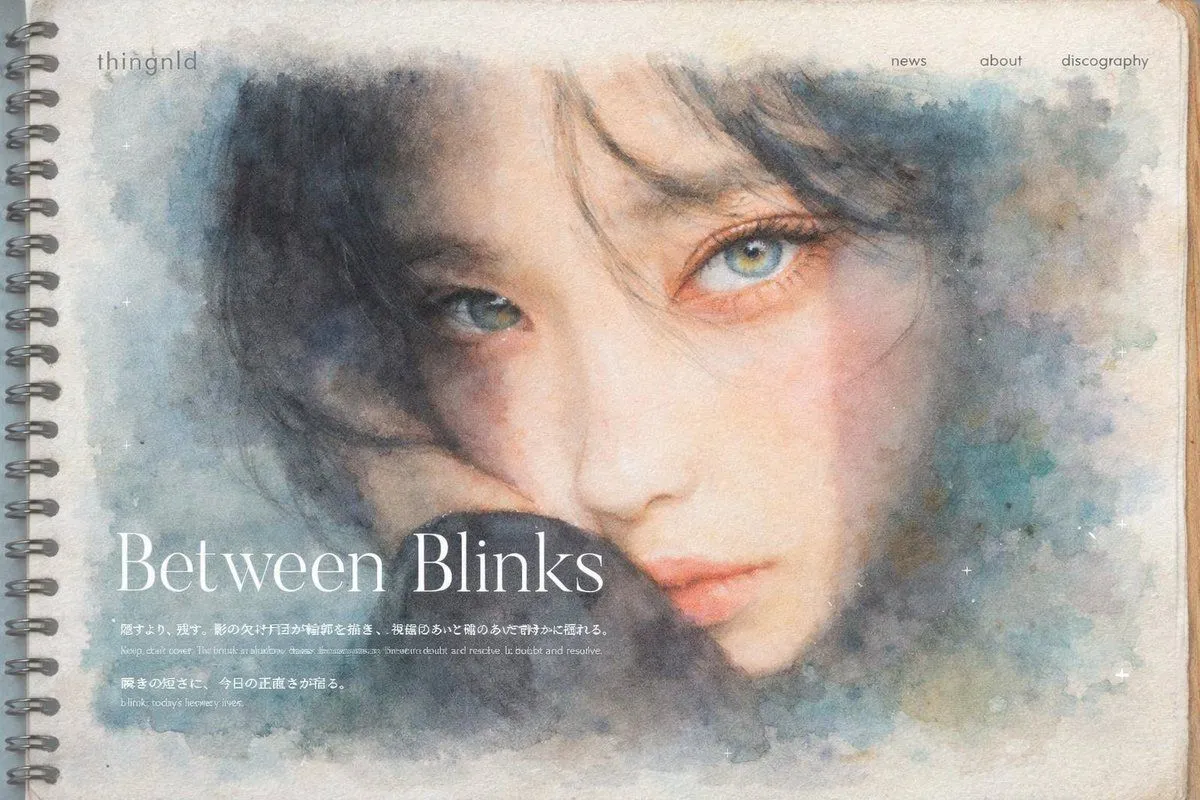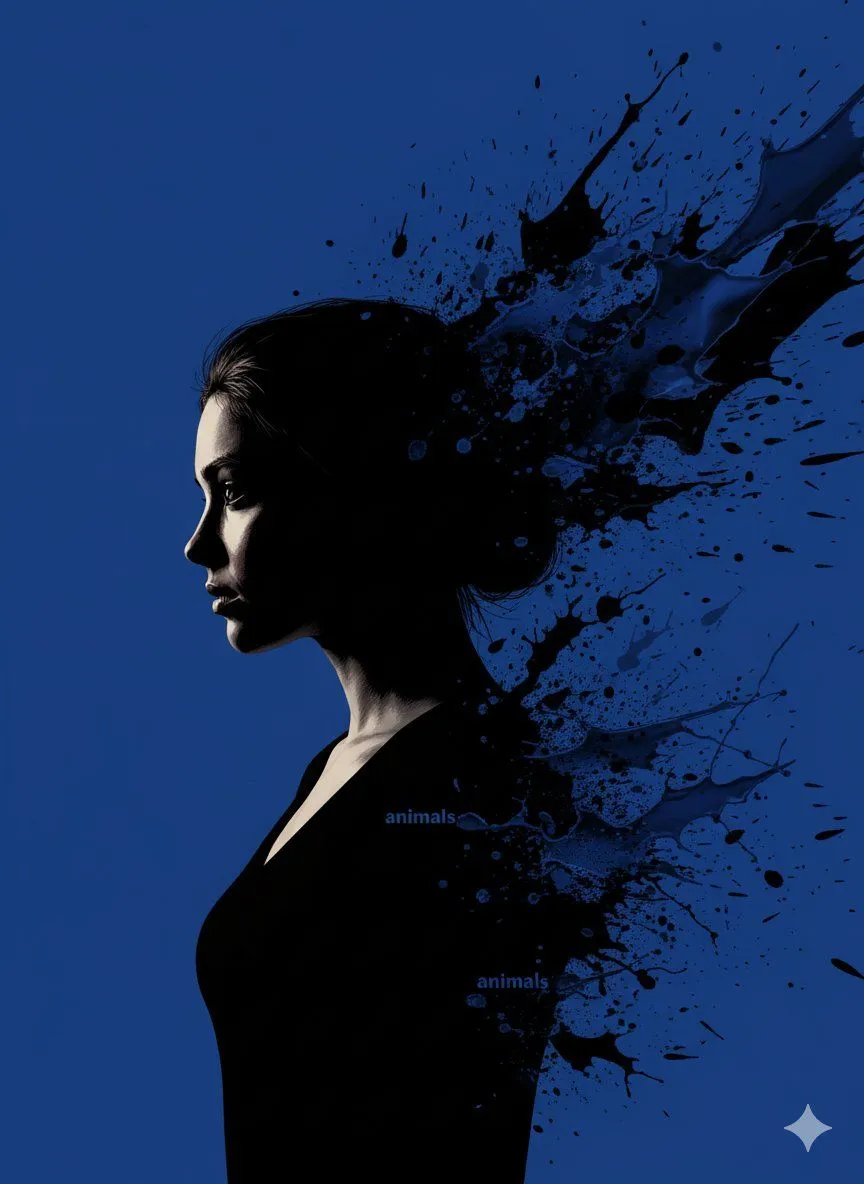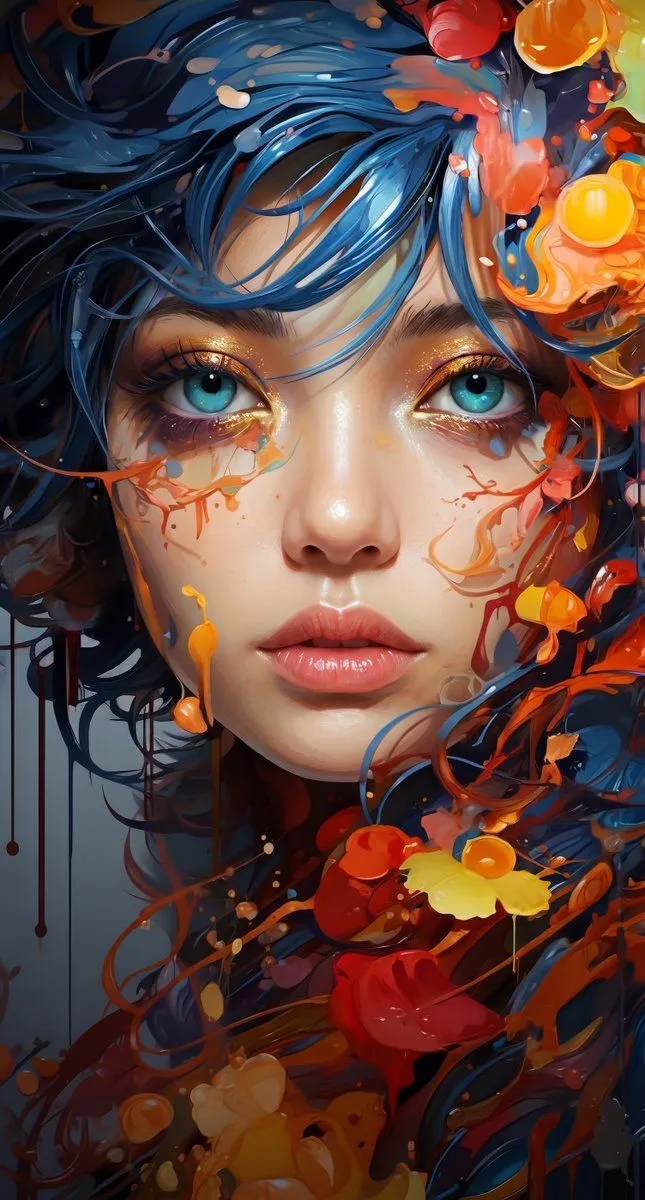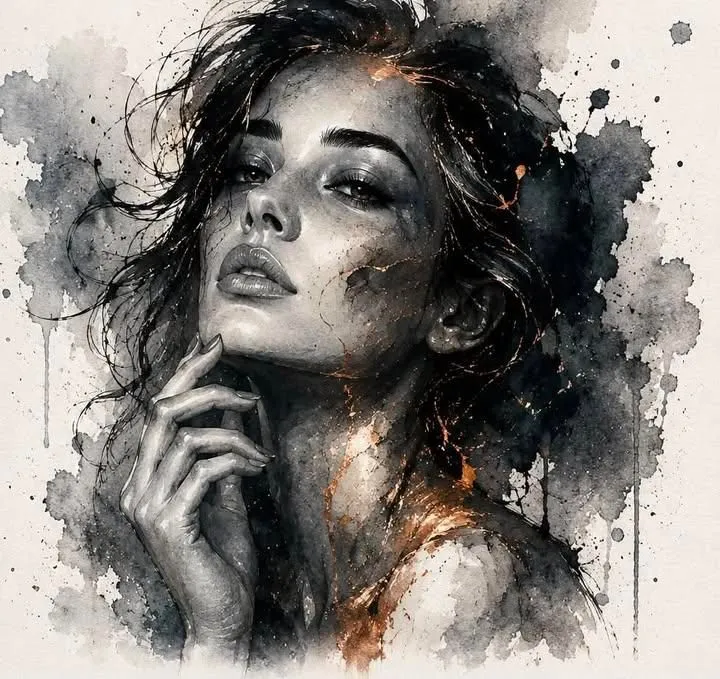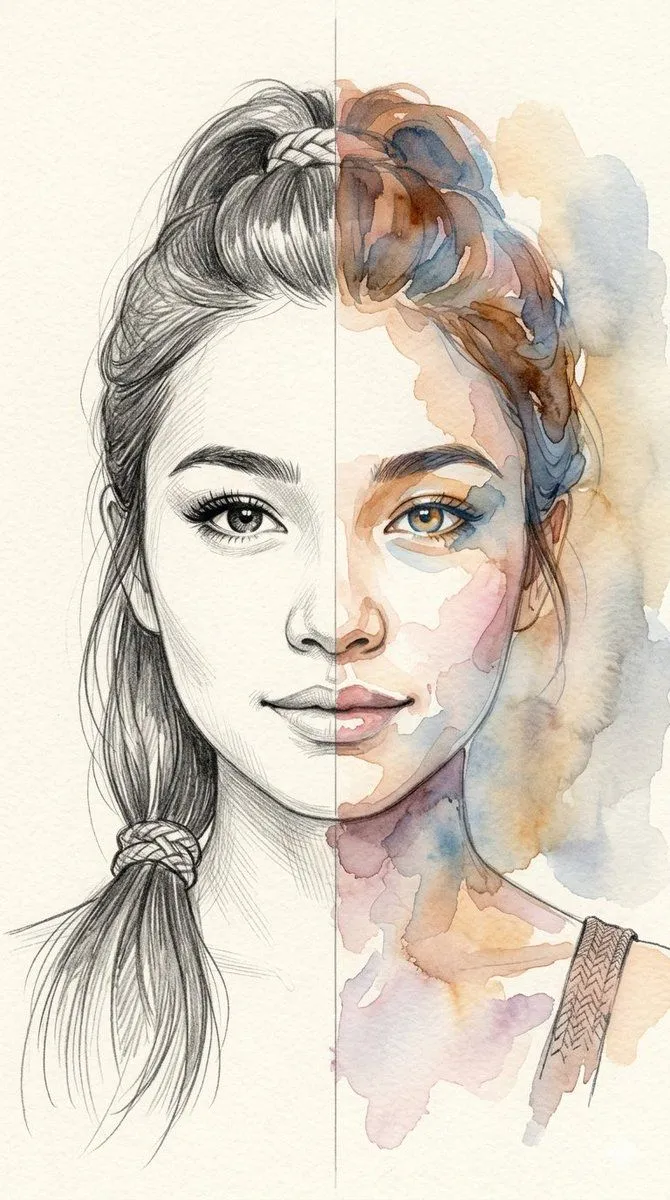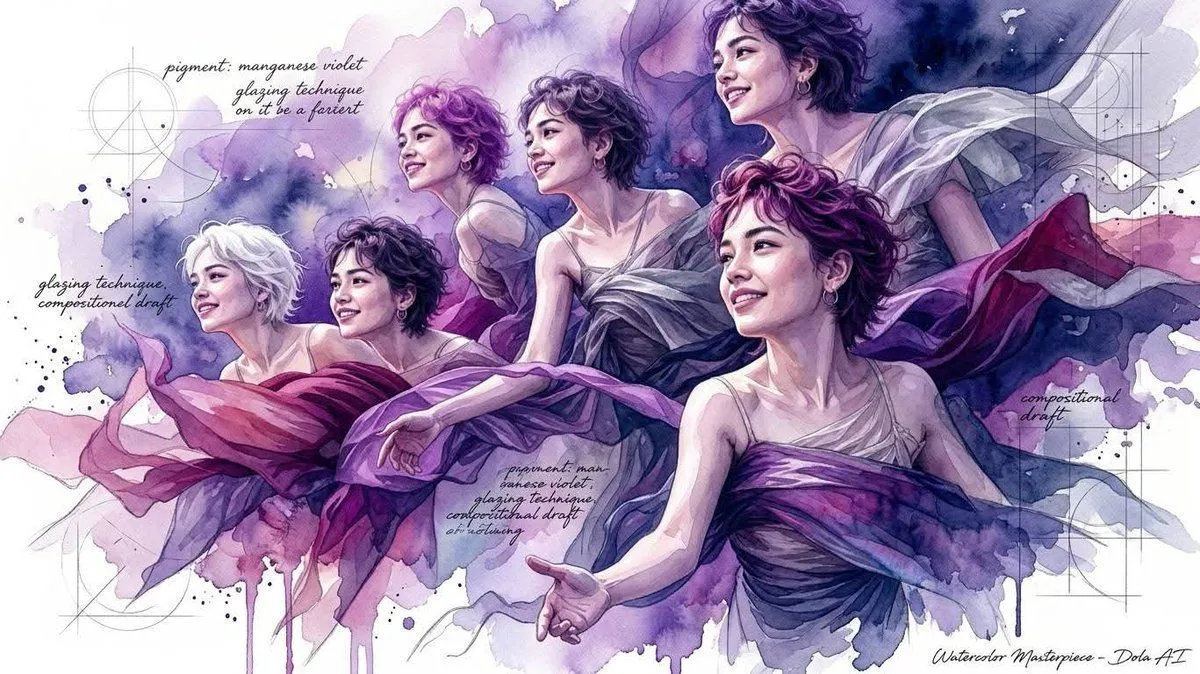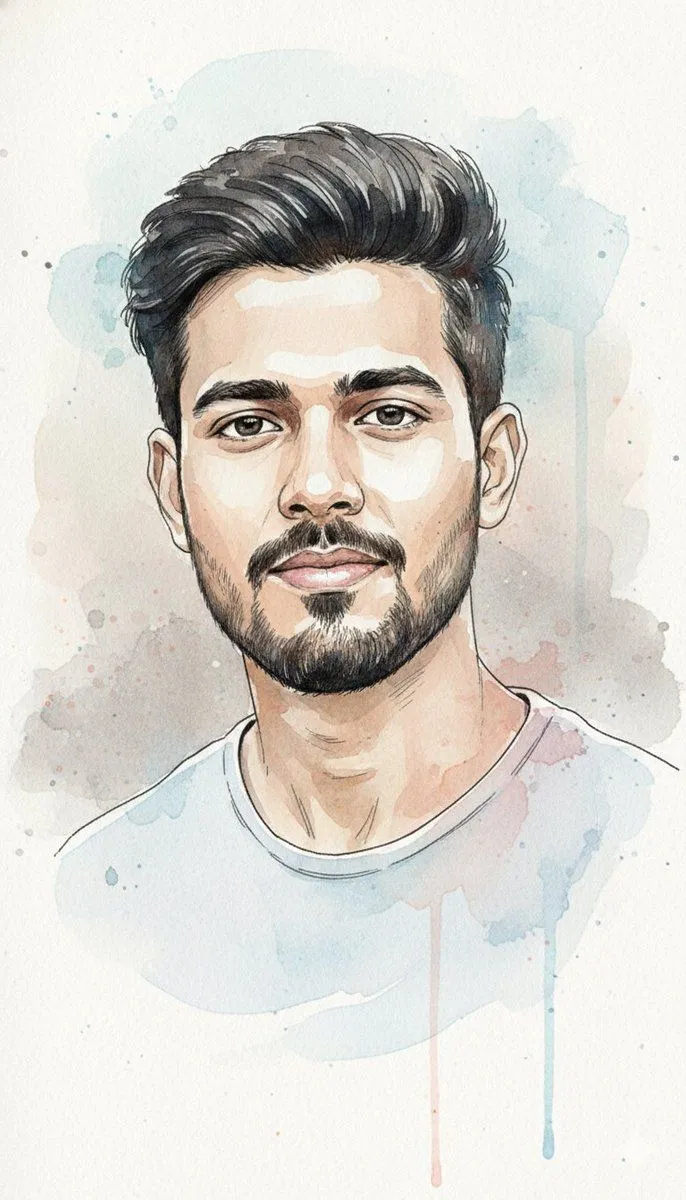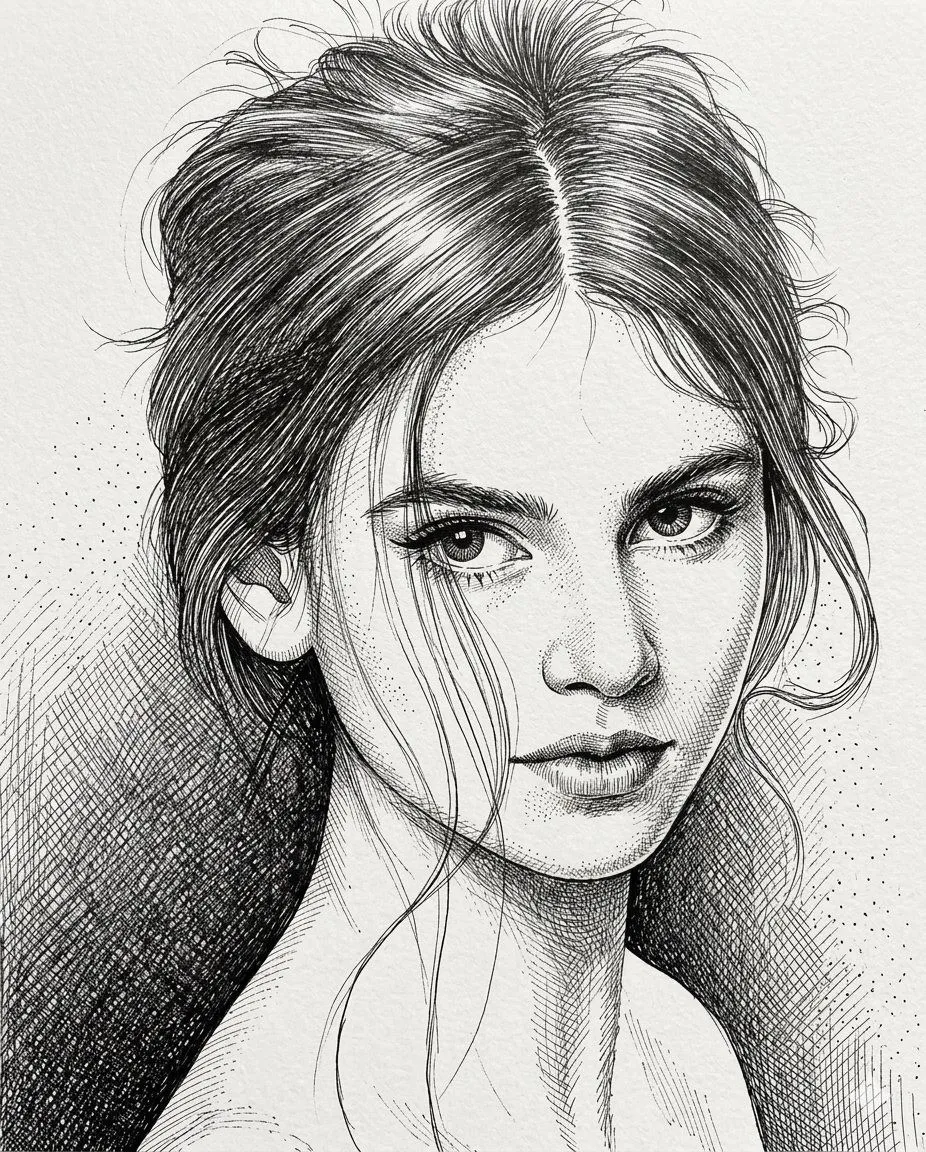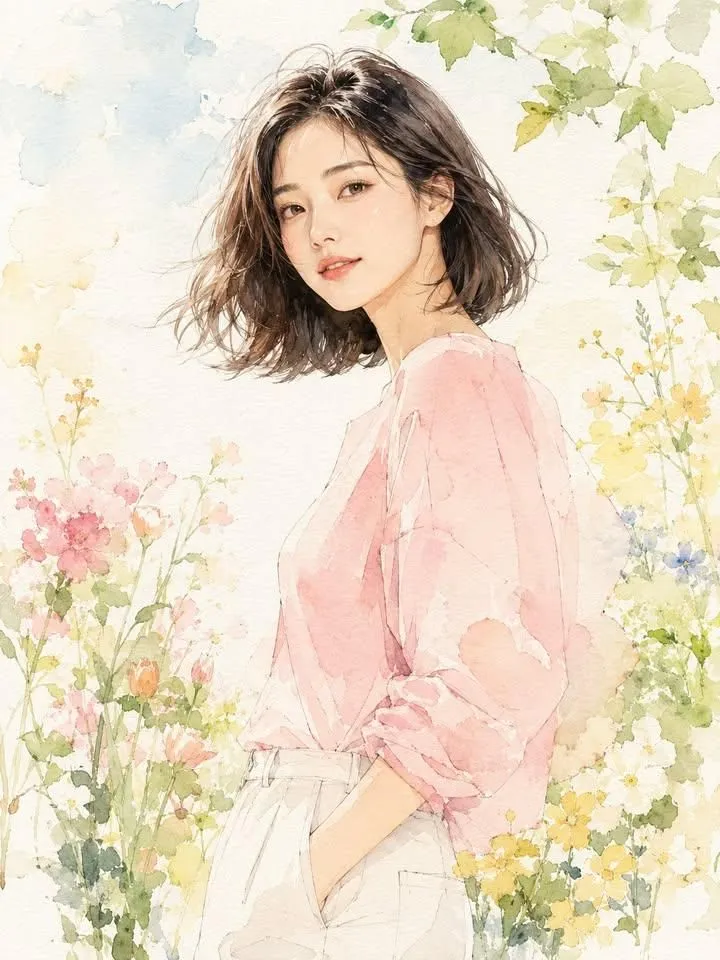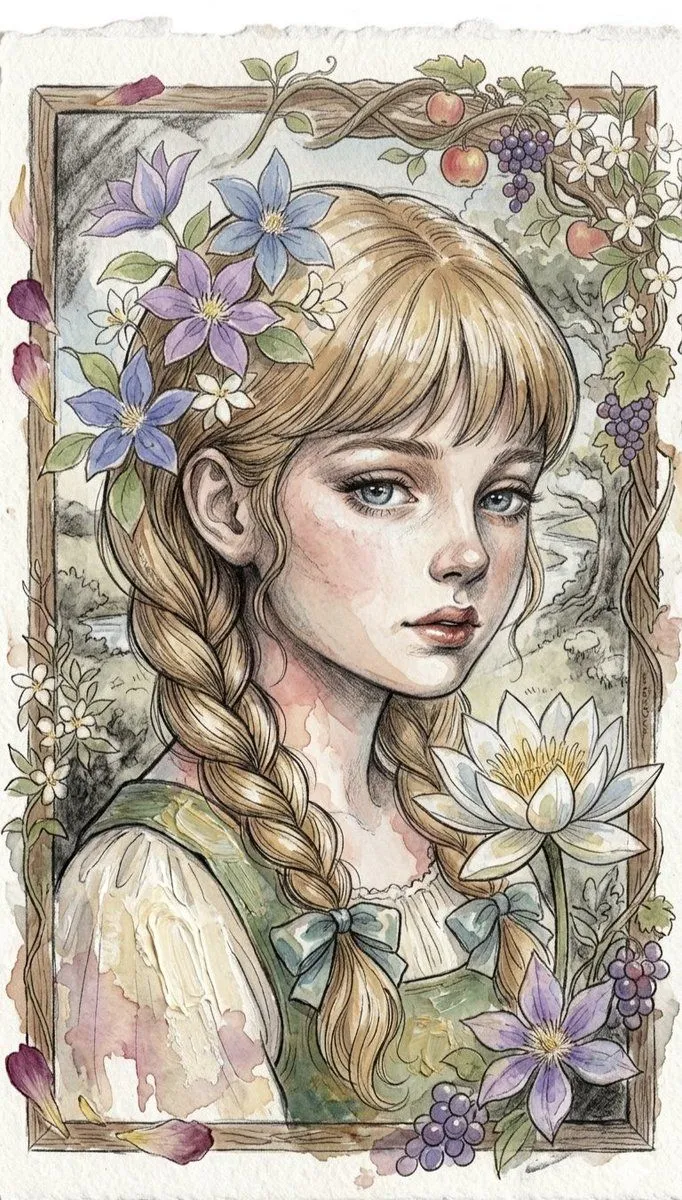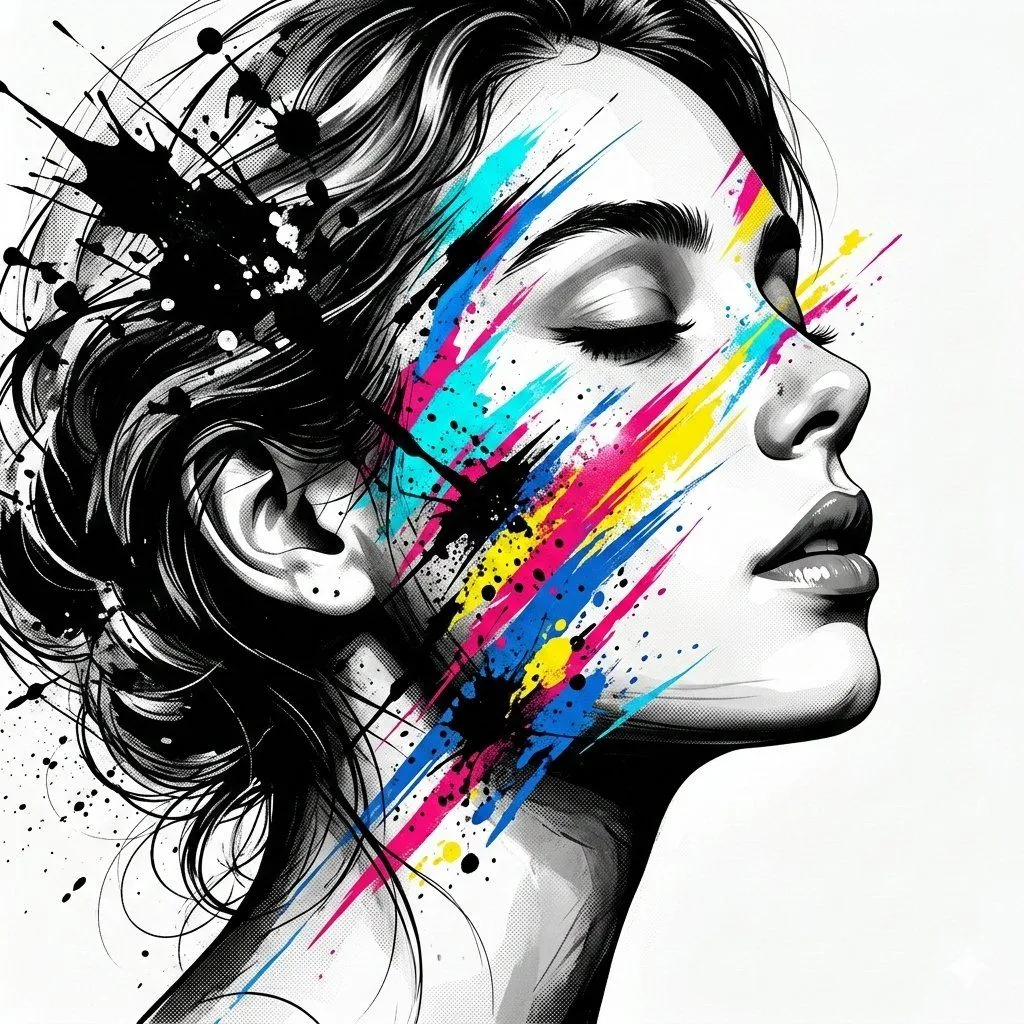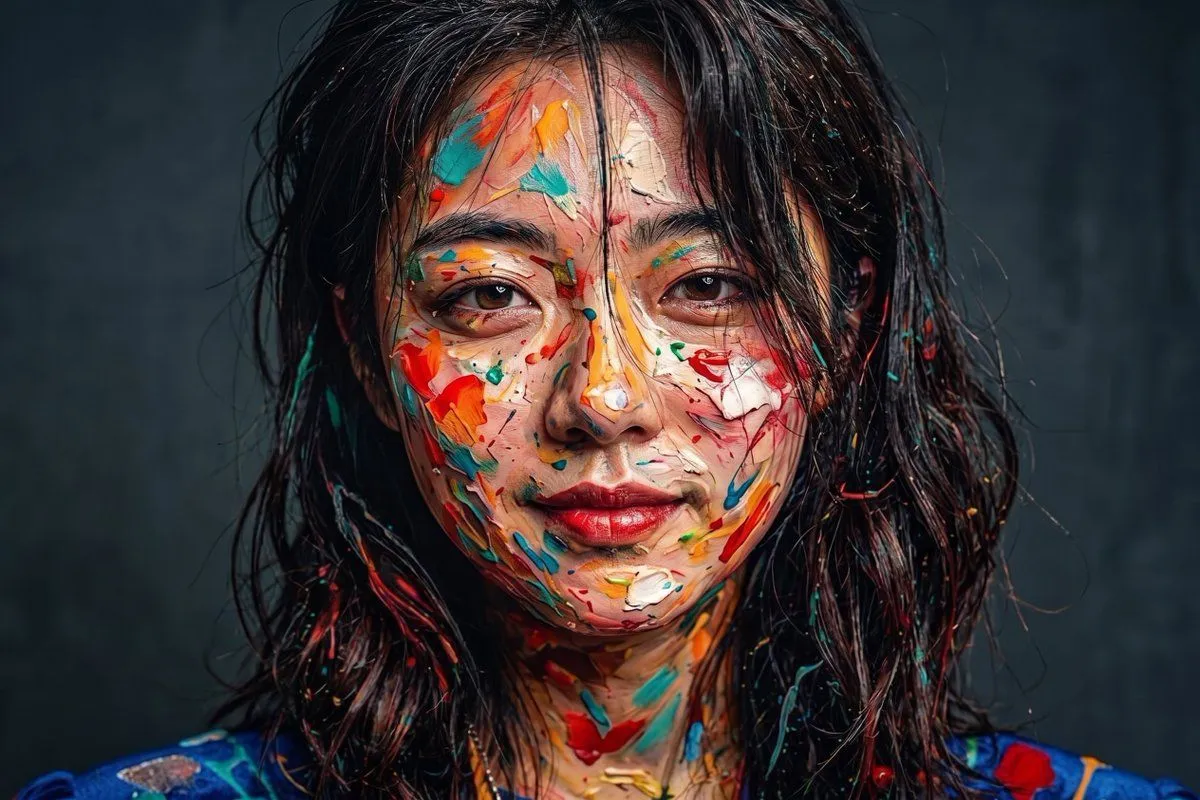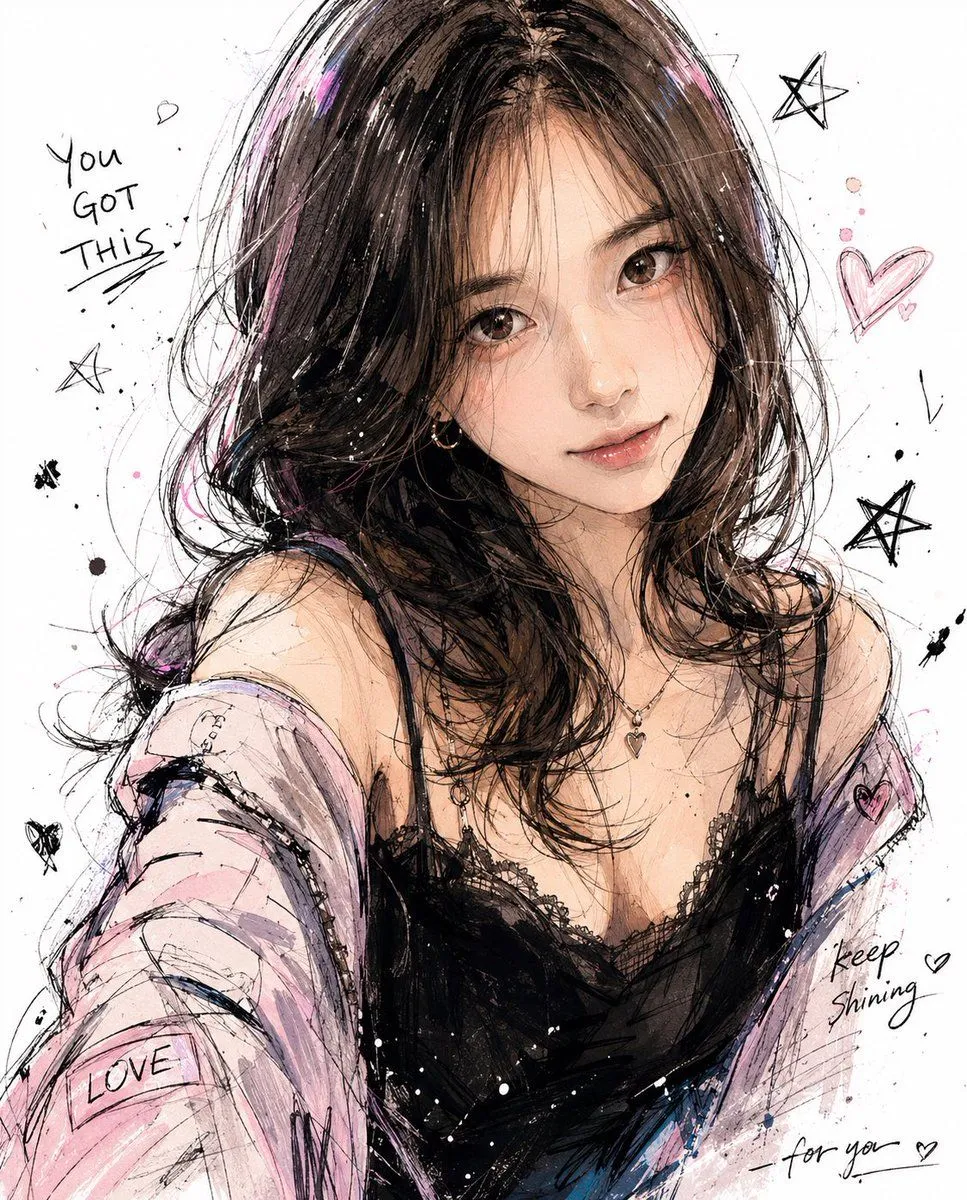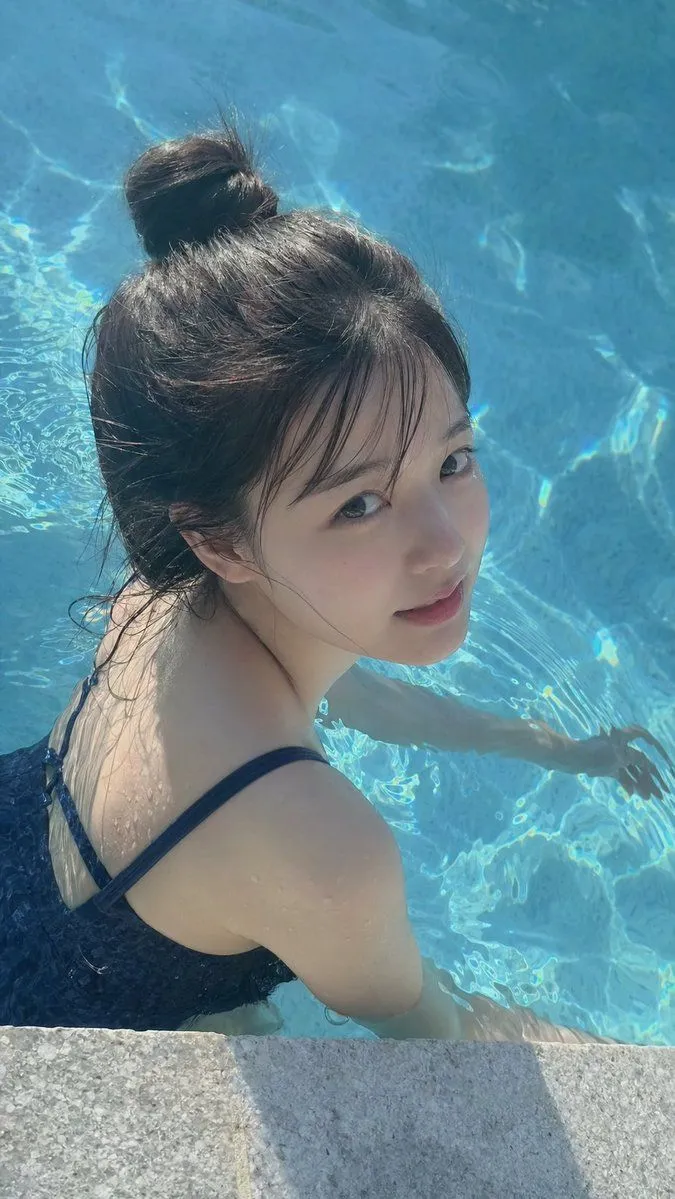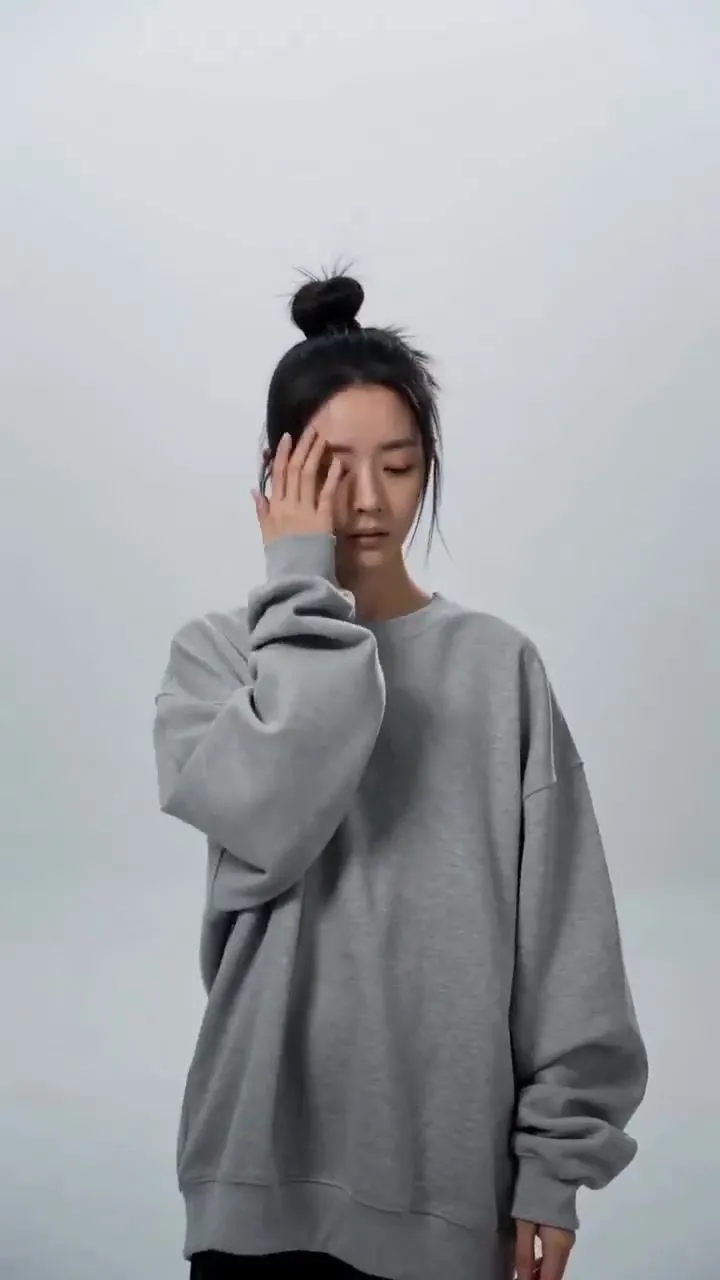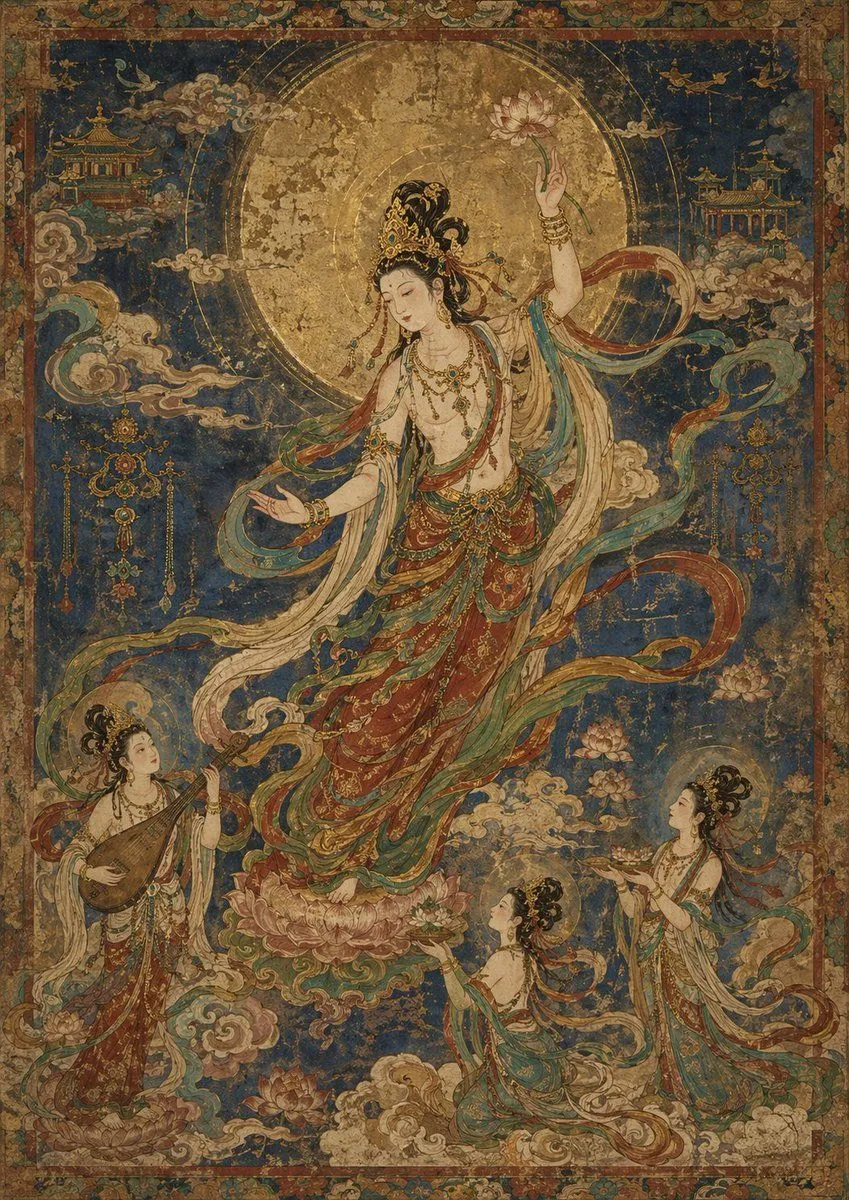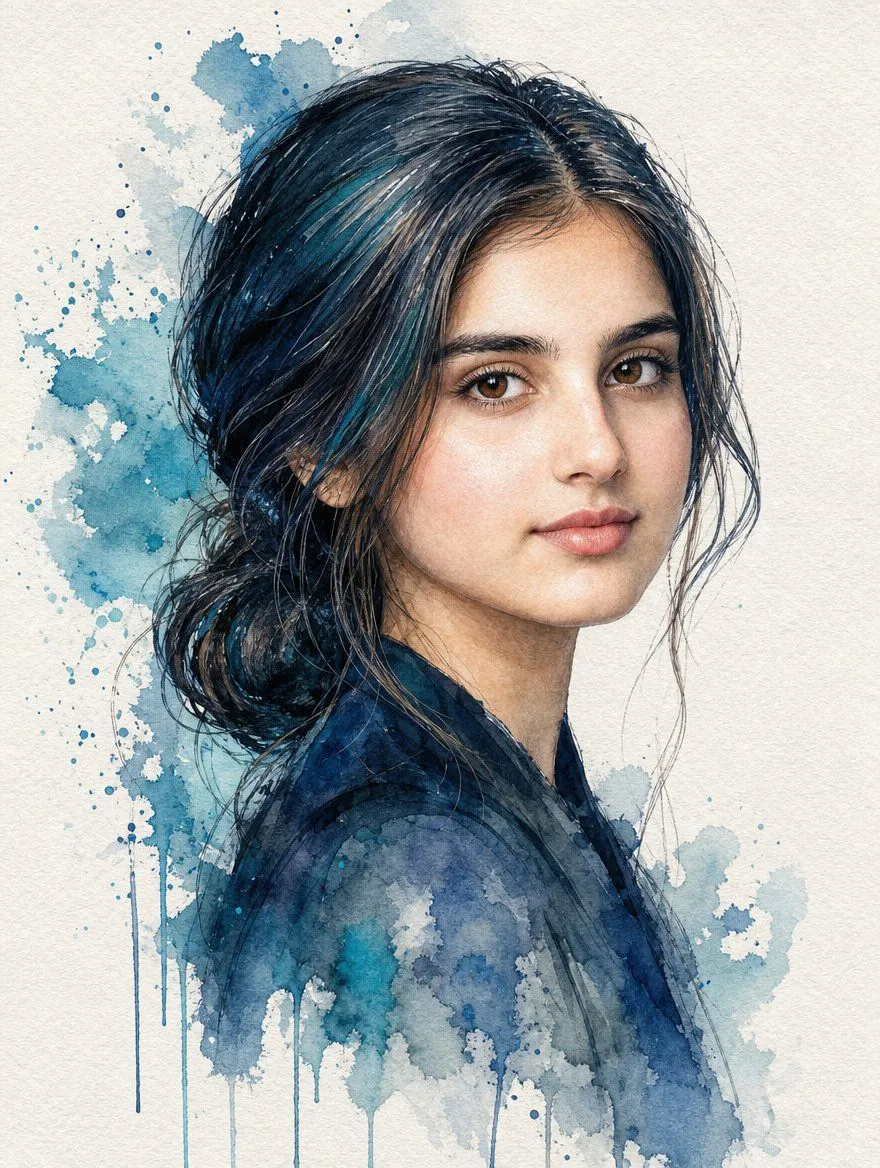
Made with GPT Image 2.5 in ChatGPT by Library Lifestyle. Promptclay never generates images.
Did it work?
No reports yet. Tell others if it worked for you.
Traditional Watercolor Portrait
Prompt
2 blanks to fillCreate a highly detailed traditional watercolor portrait of {subject}. The subject is shown in a refined three-quarter profile, looking directly at the viewer with a calm and gentle expression. She has {hair_color} styled in a loose, messy low bun with stray strands framing her face. Her skin is fair with natural texture, soft blush on the cheeks, and realistic lighting that highlights her features. She wears a simple dark garment that blends into the artistic style. The artwork should feature a distinct watercolor aesthetic with visible paper texture and organic edges. Use a palette of deep blues, teals, and slate grays for the clothing and background splashes, contrasting with the warm tones of the skin. Include expressive watercolor splatters, drips, and washes surrounding the figure, particularly behind the head and cascading down the torso, fading out towards the bottom. The background is a clean off-white canvas.
Preview of your prompt
Create a highly detailed traditional watercolor portrait of a beautiful young woman. The subject is shown in a refined three-quarter profile, looking directly at the viewer with a calm and gentle expression. She has dark brown hair styled in a loose, messy low bun with stray strands framing her face. Her skin is fair with natural texture, soft blush on the cheeks, and realistic lighting that highlights her features. She wears a simple dark garment that blends into the artistic style. The artwork should feature a distinct watercolor aesthetic with visible paper texture and organic edges. Use a palette of deep blues, teals, and slate grays for the clothing and background splashes, contrasting with the warm tones of the skin. Include expressive watercolor splatters, drips, and washes surrounding the figure, particularly behind the head and cascading down the torso, fading out towards the bottom. The background is a clean off-white canvas.
DetailsVersions, settings and questions
Written for
What's in the prompt
- Subject
- Model
- GPT Image 2.5
If your face changes
keep my face exactly the sameQuestions
- Does this work in the ChatGPT app?
- Yes. Paste the prompt and attach your photo if it uses one.
- It changed my face. What do I do?
- Add "keep my face exactly the same" to the end and run it again.
- Can I use the images I make?
- Check the terms of the app you use. Promptclay never generates images and claims nothing you make.