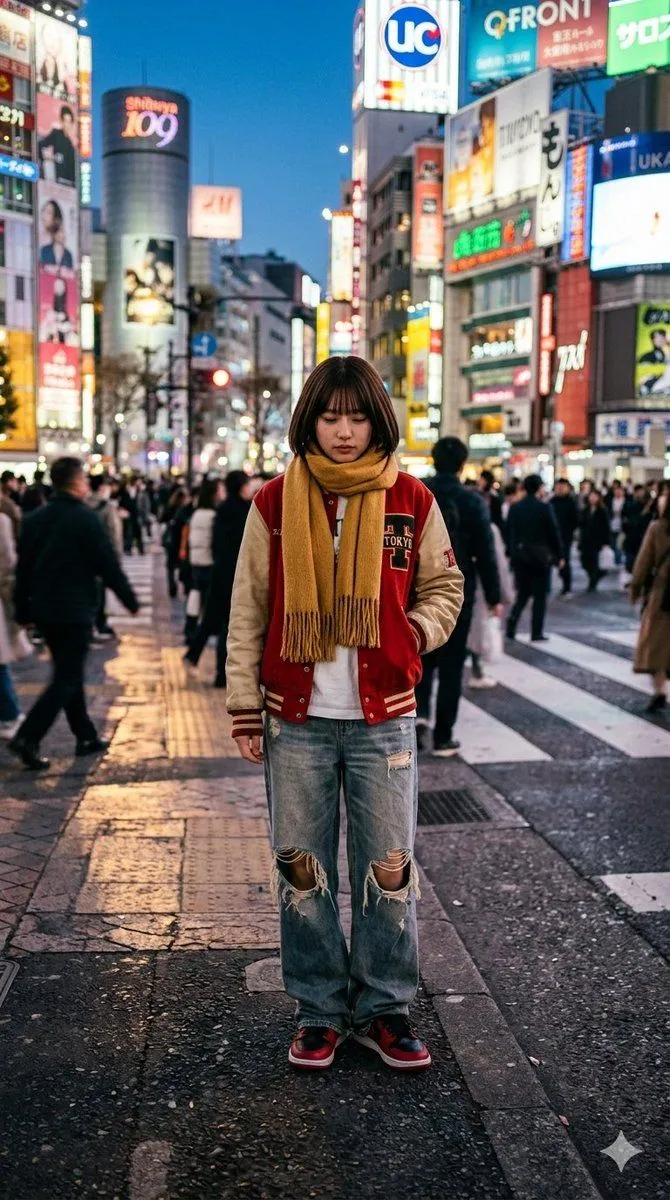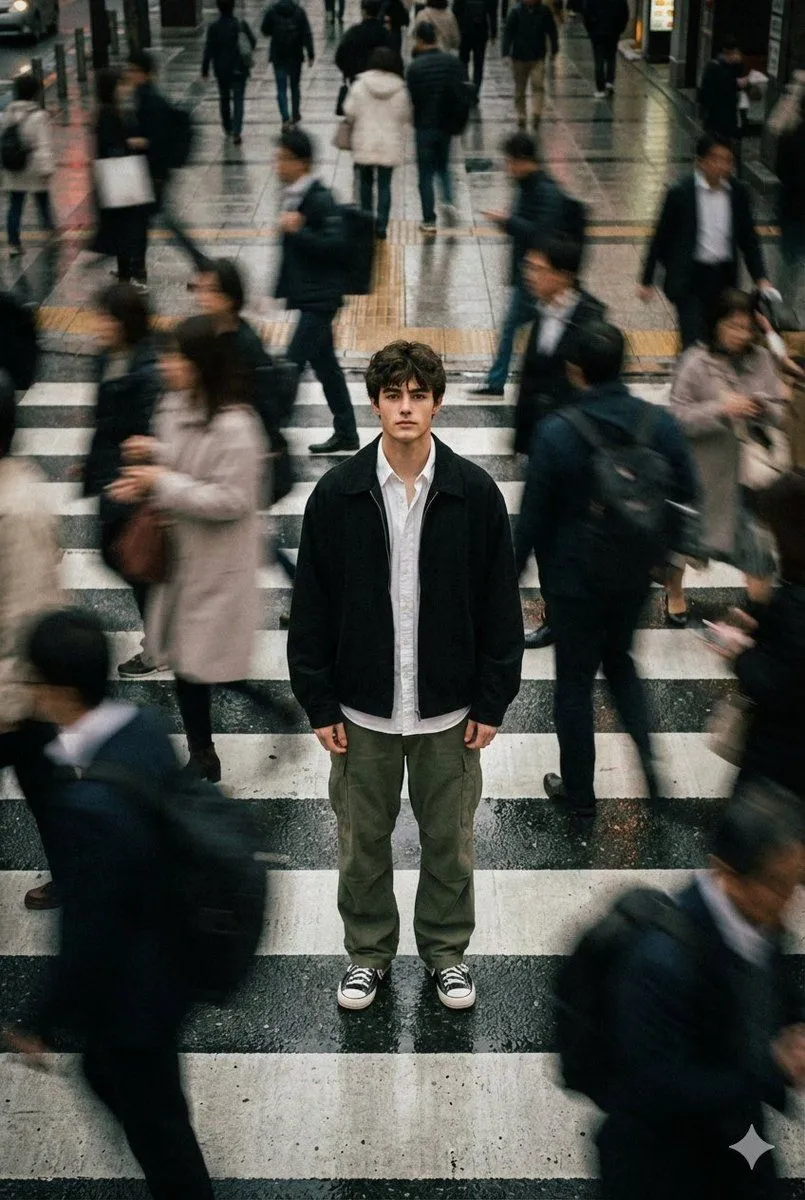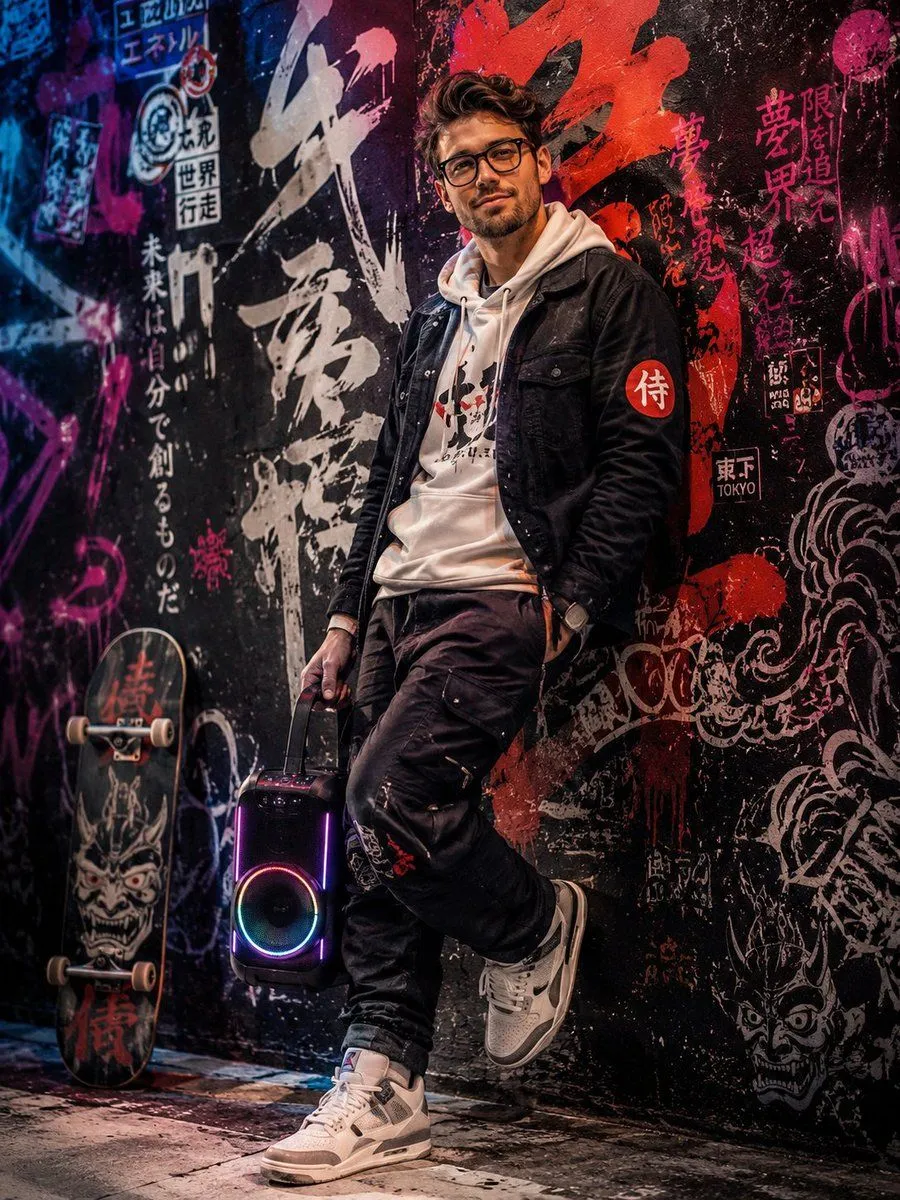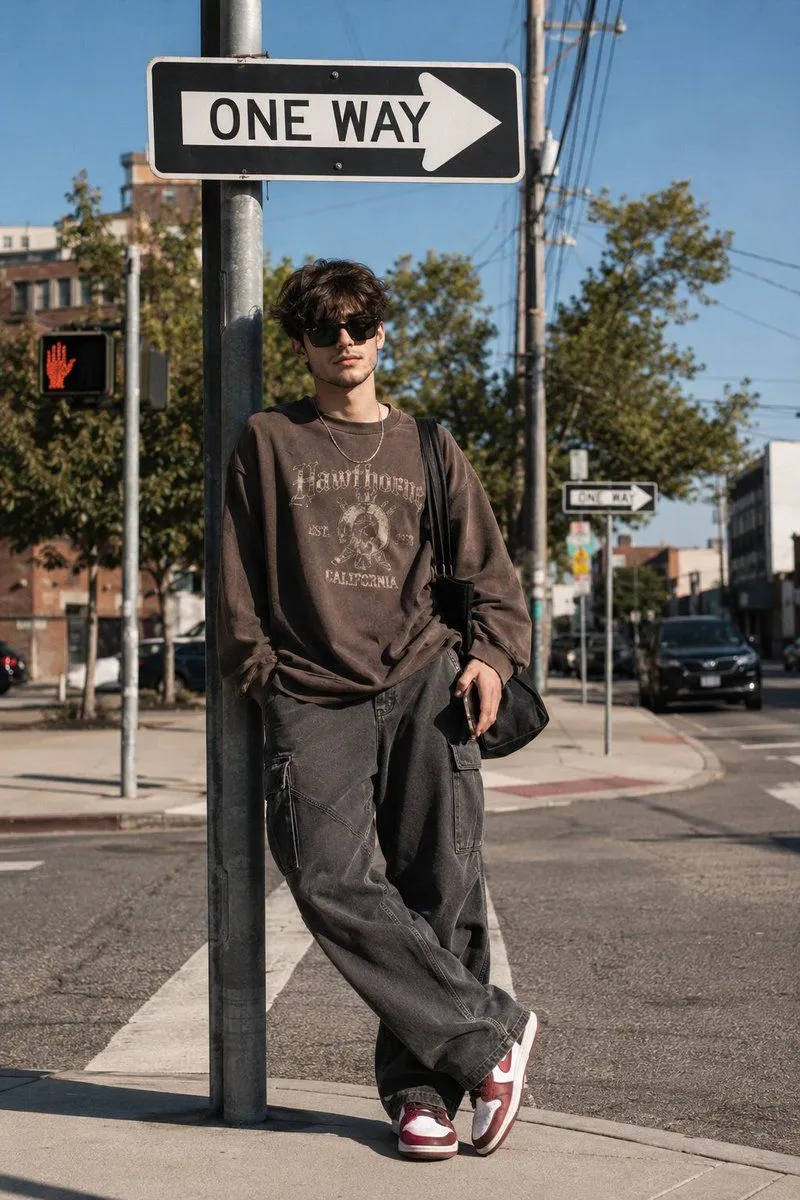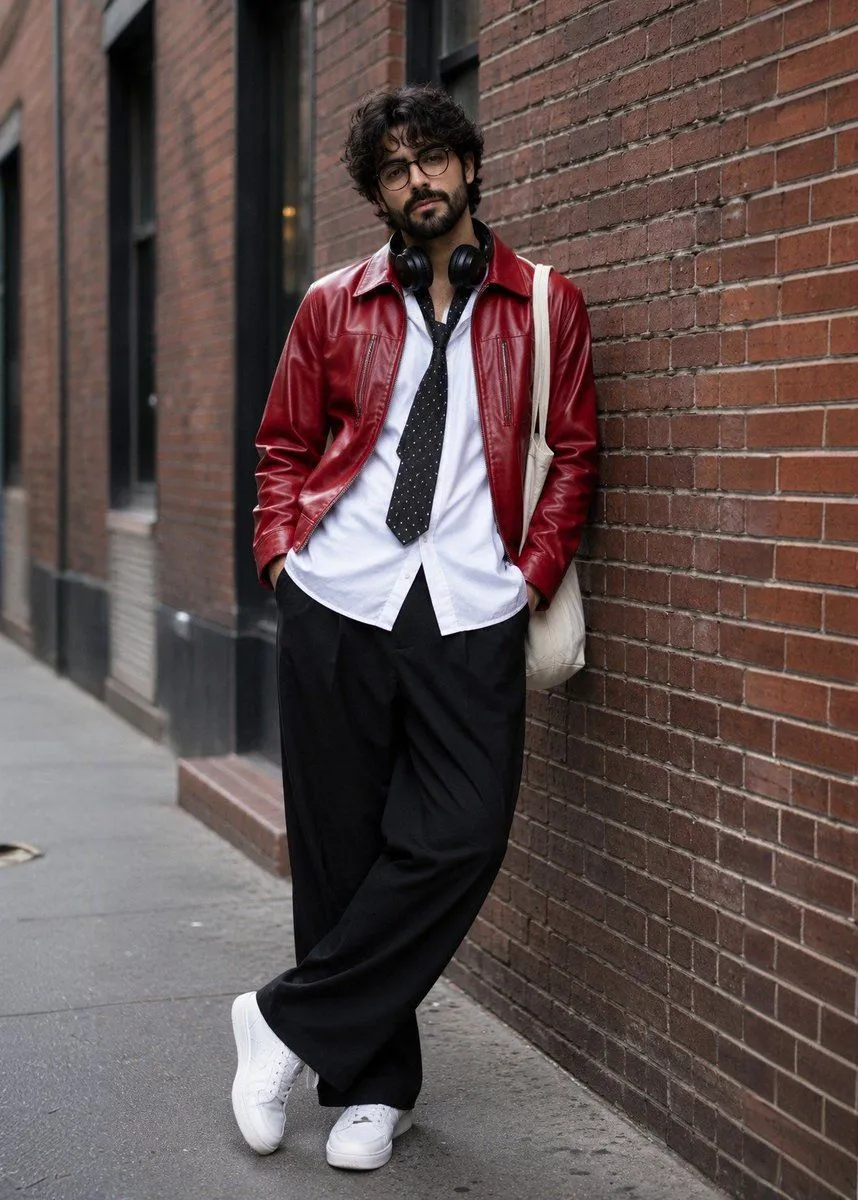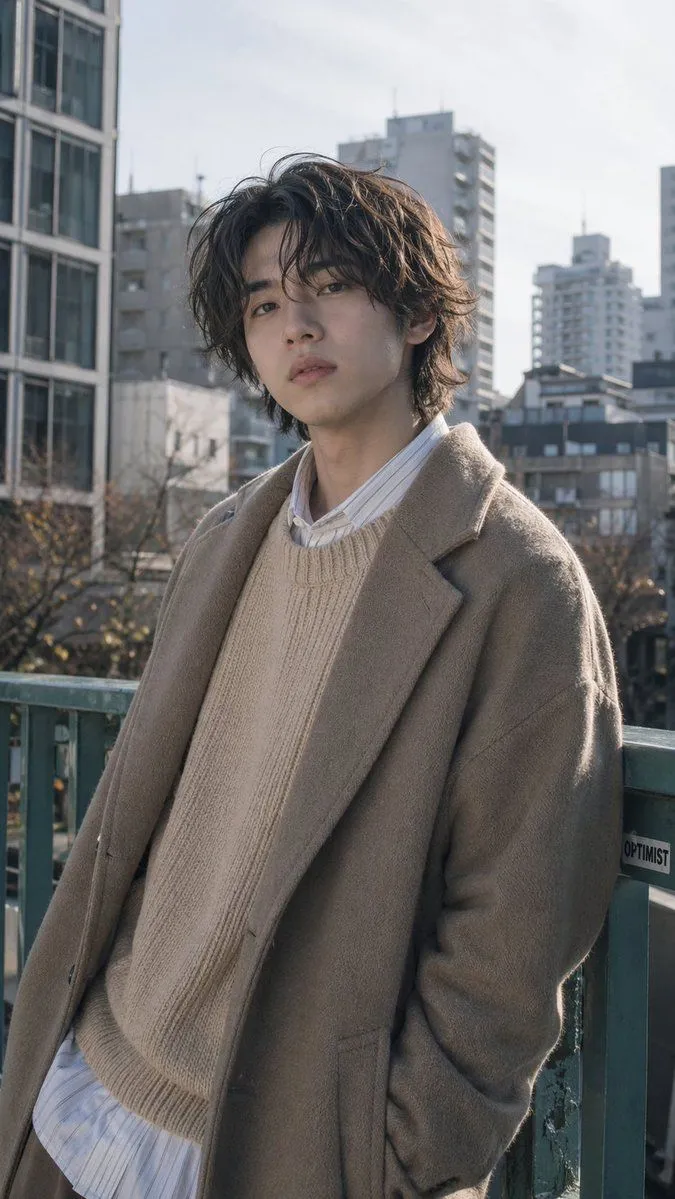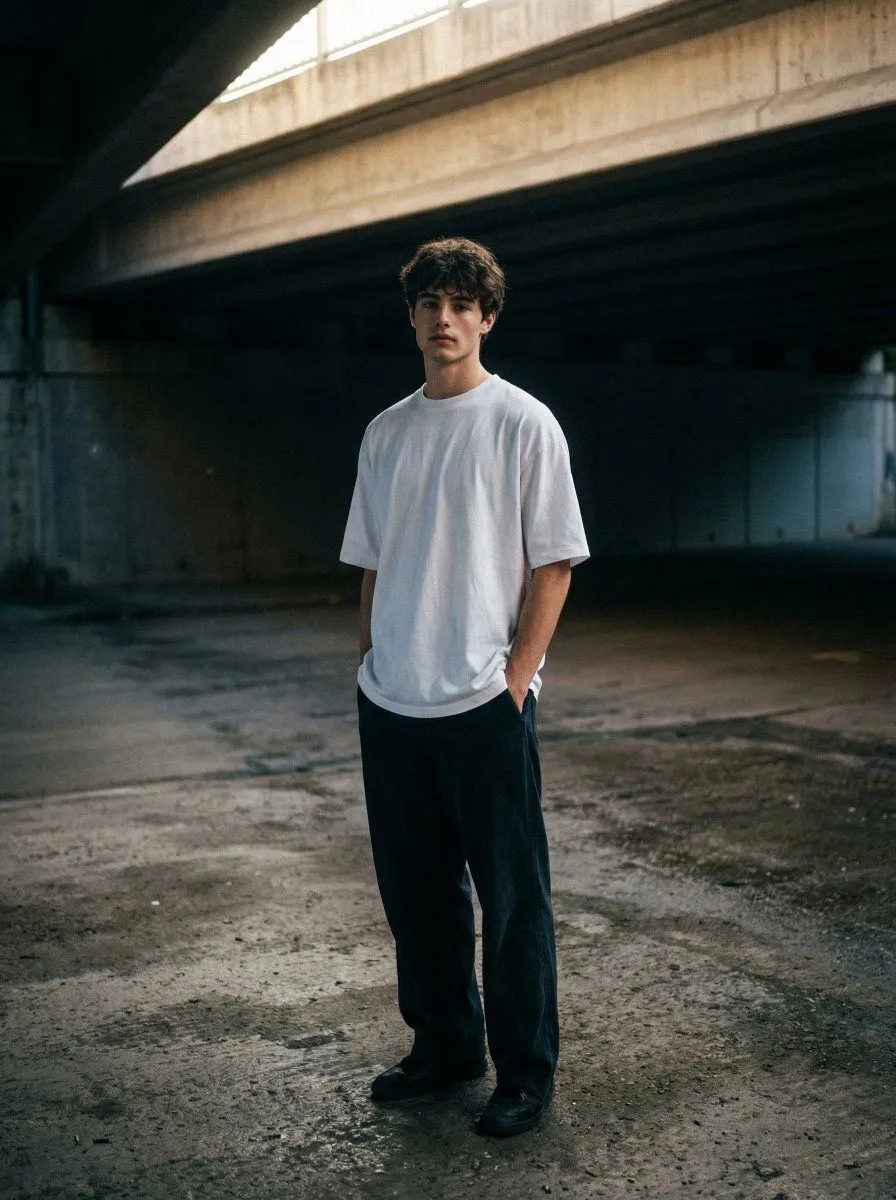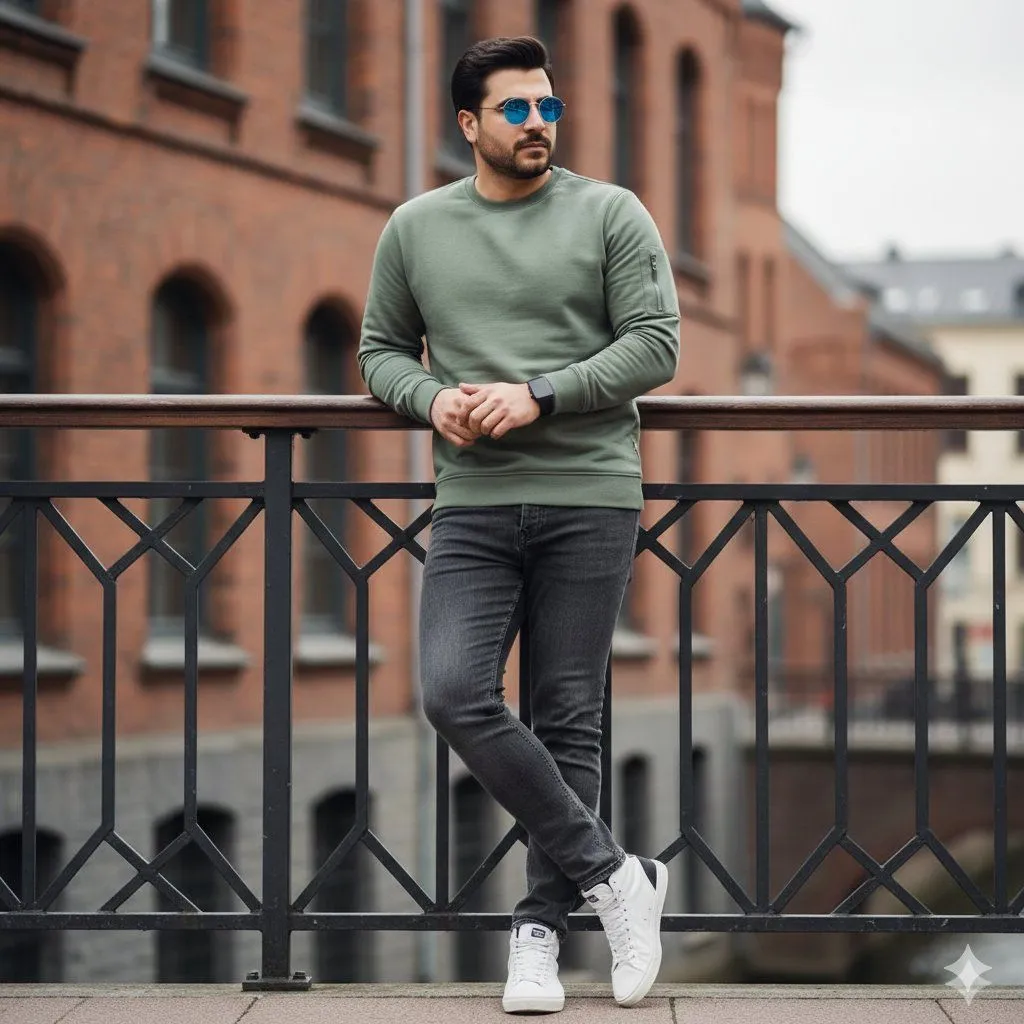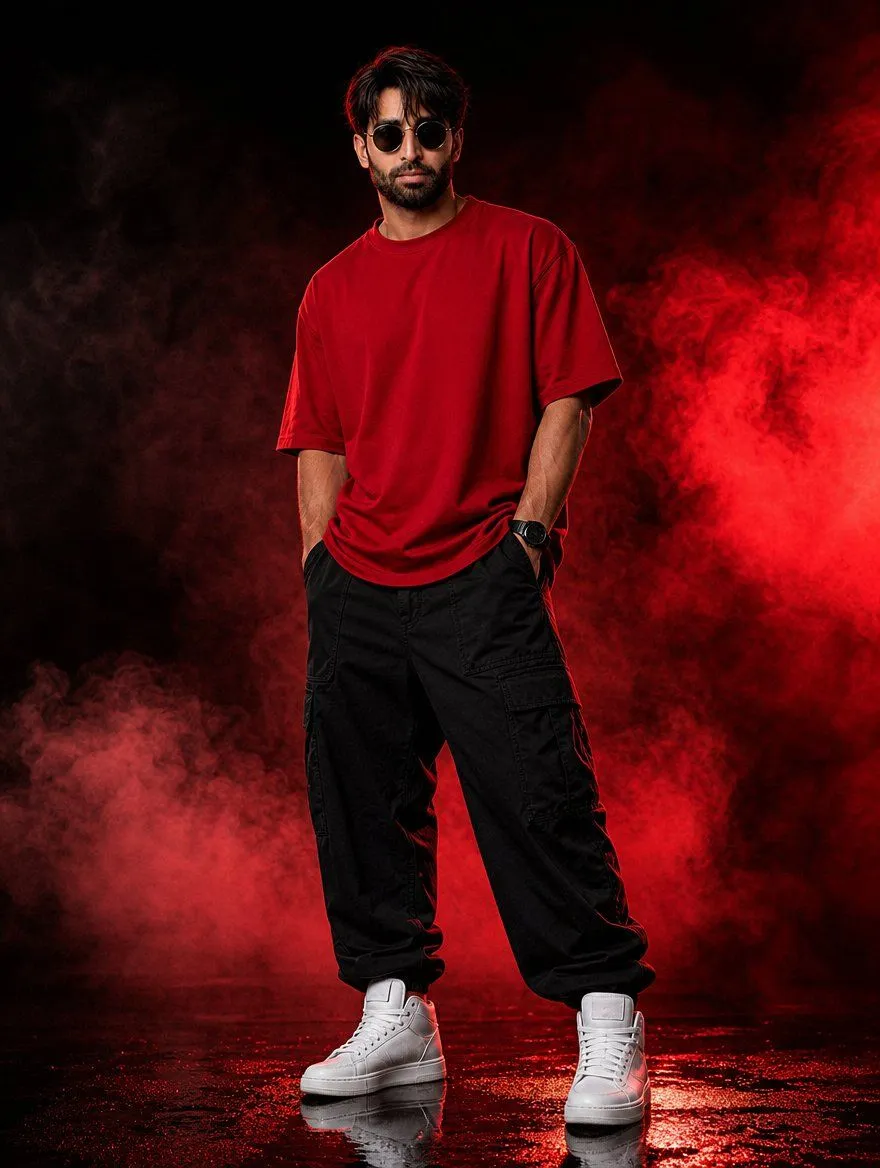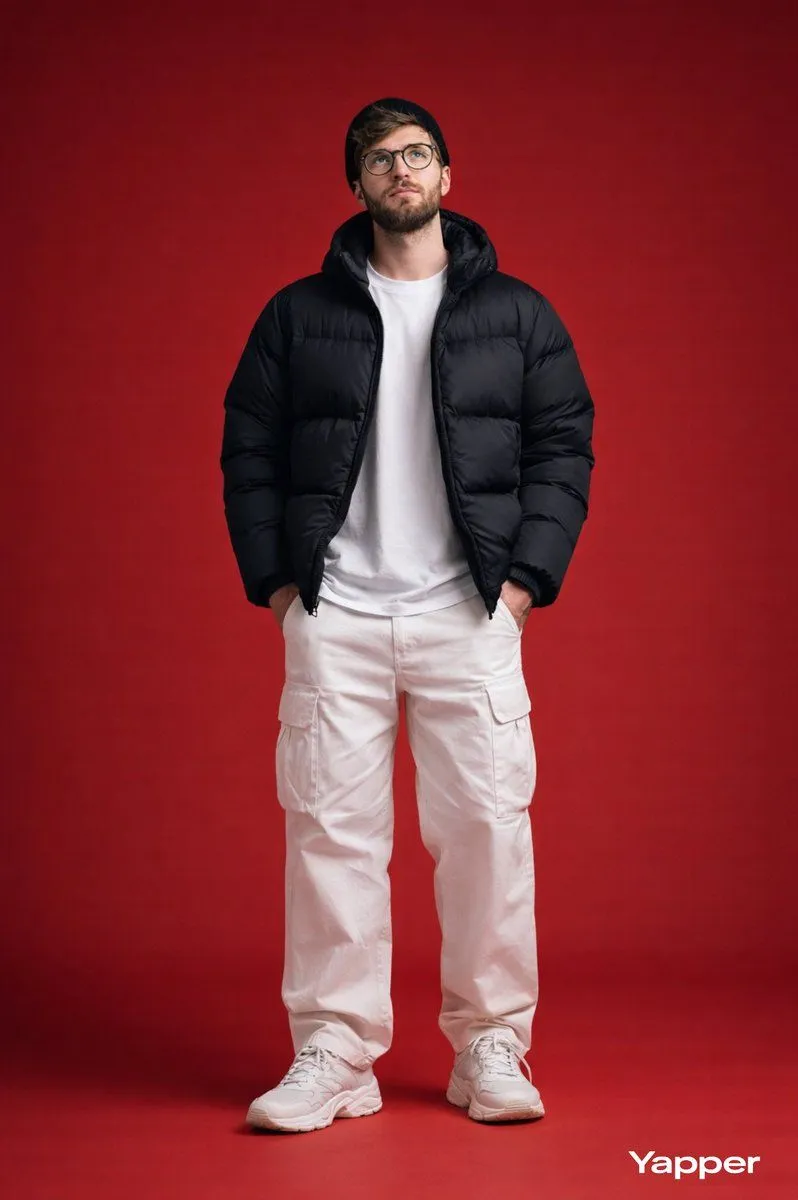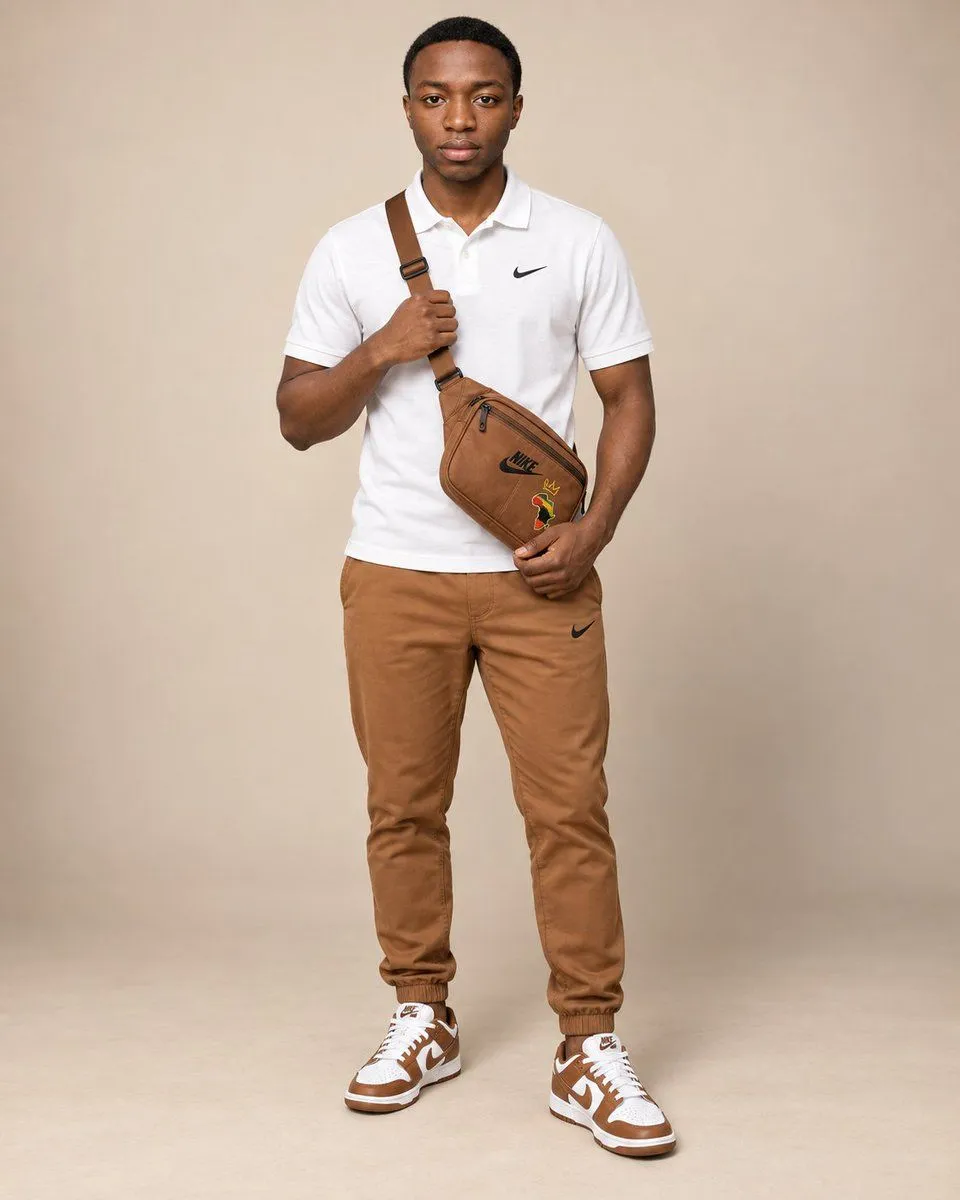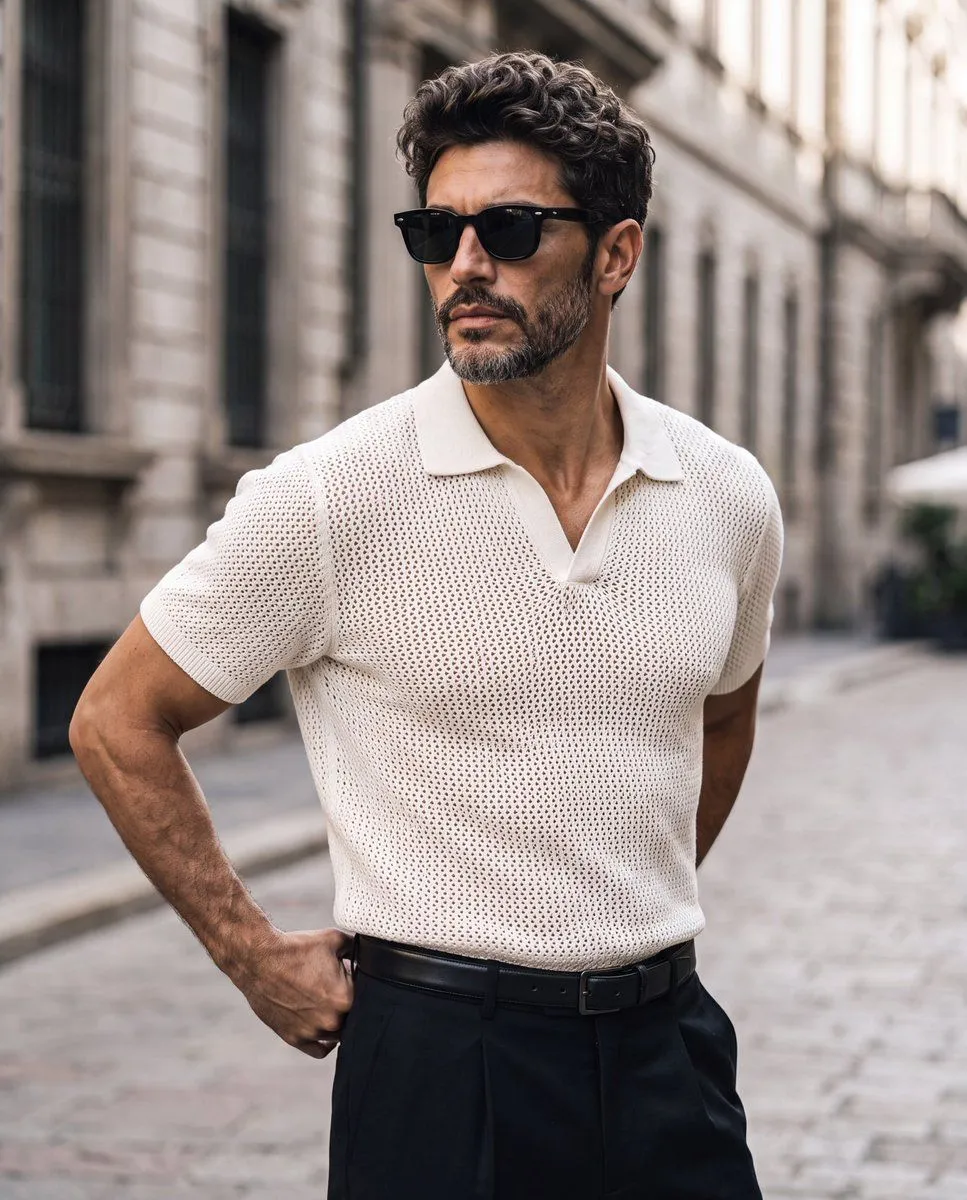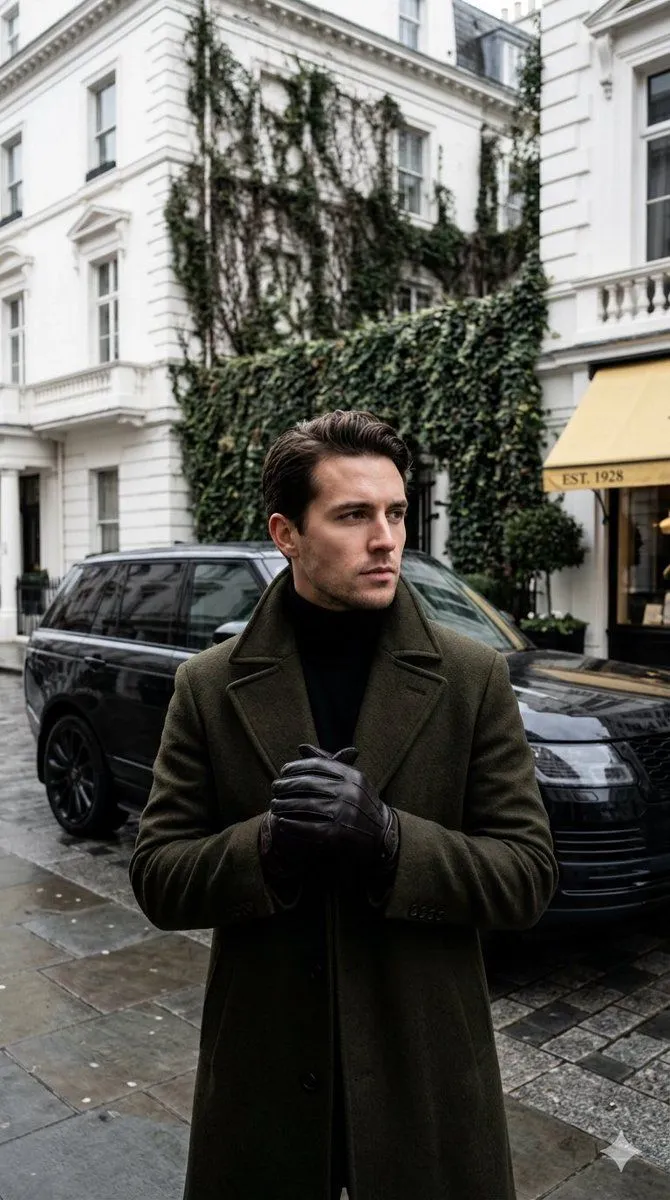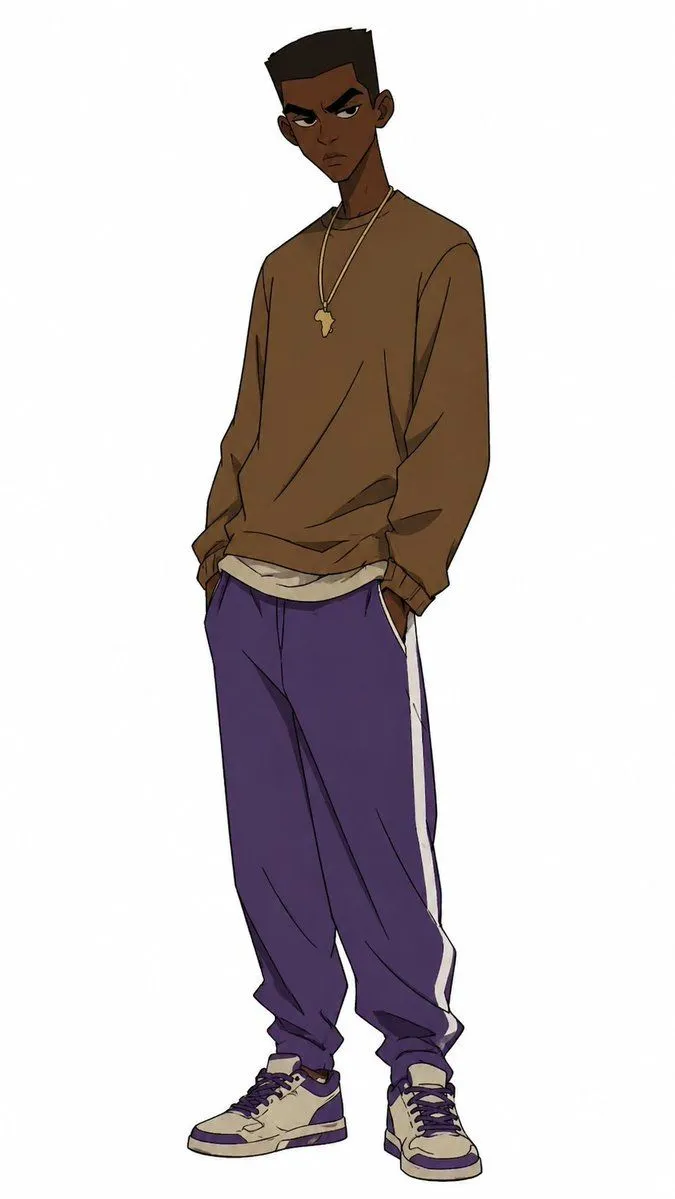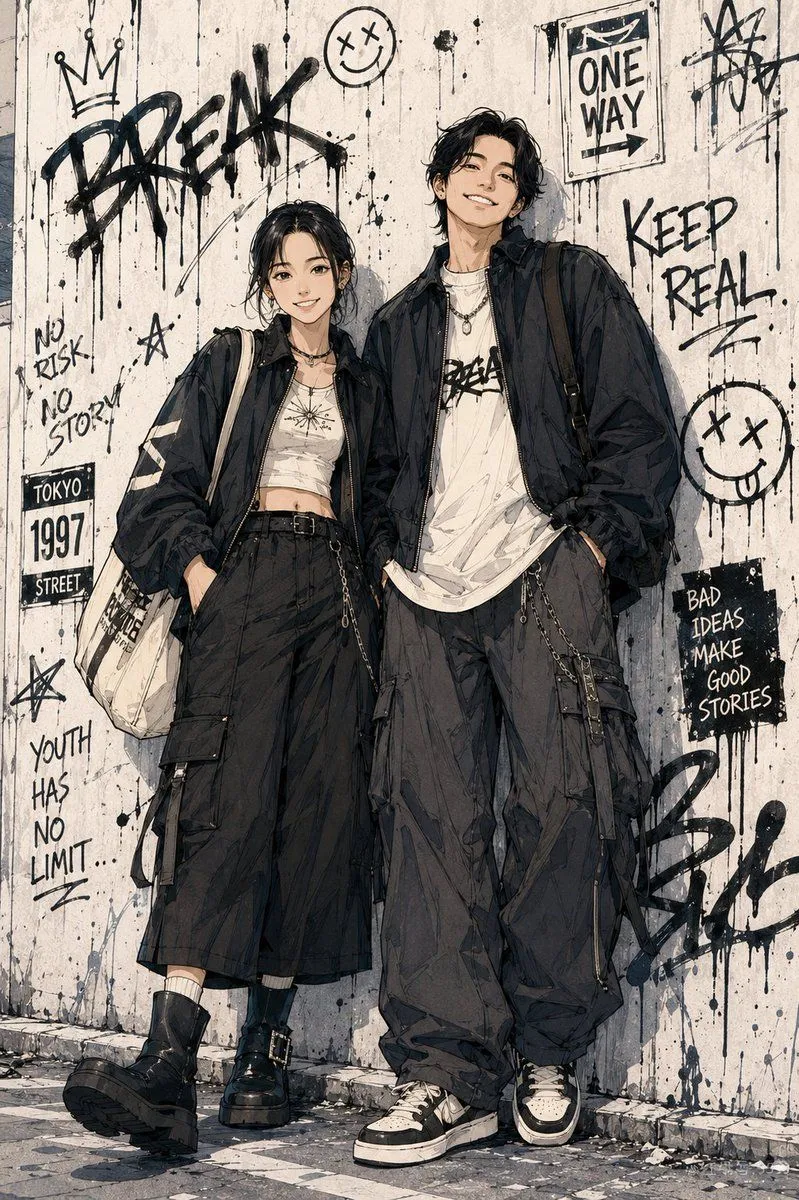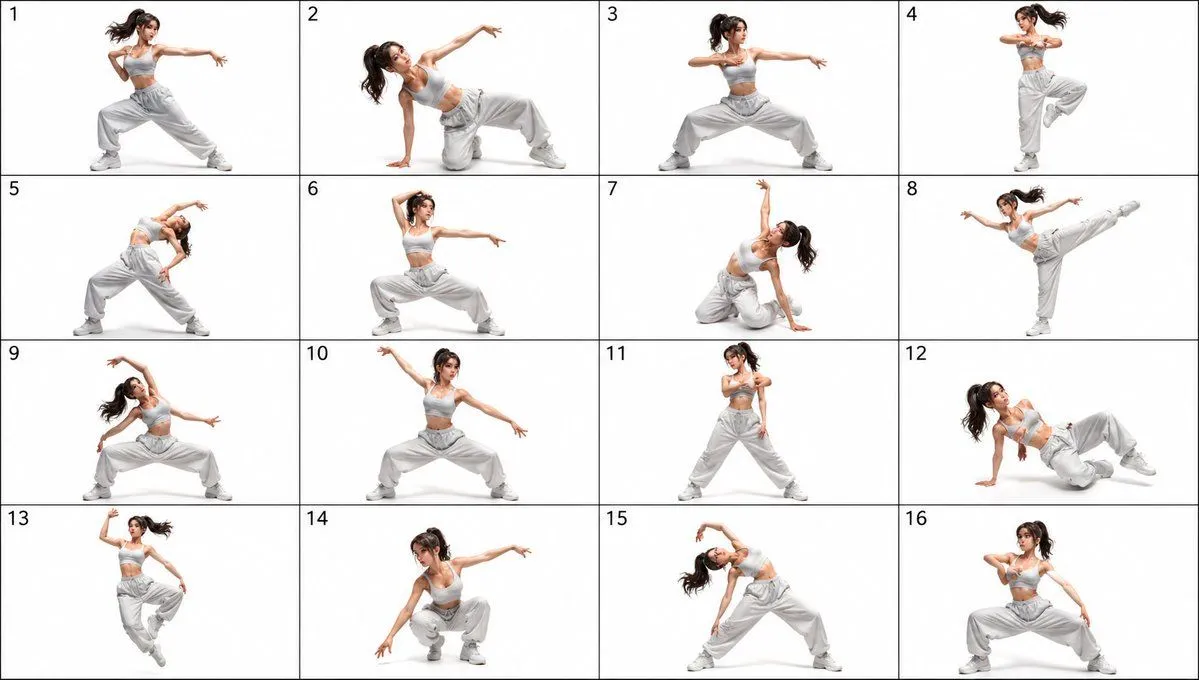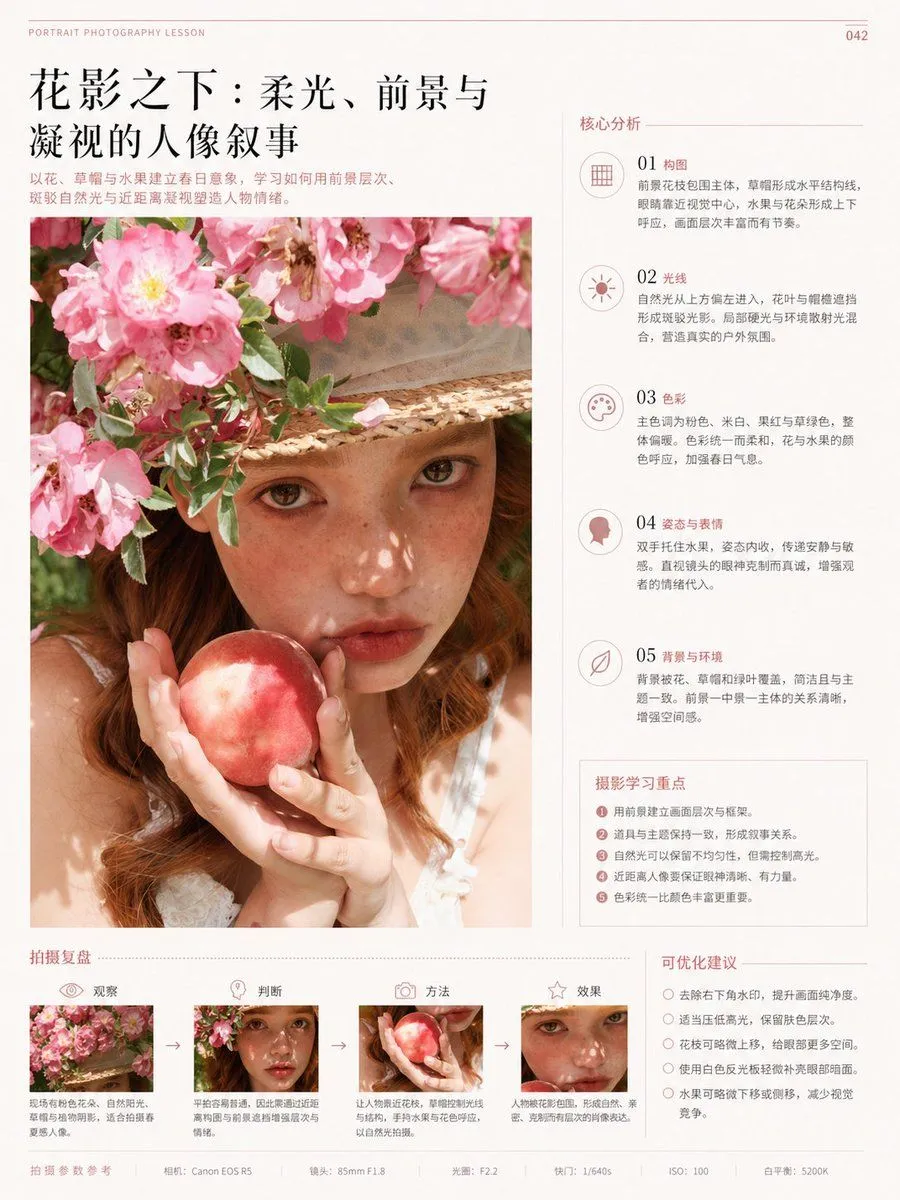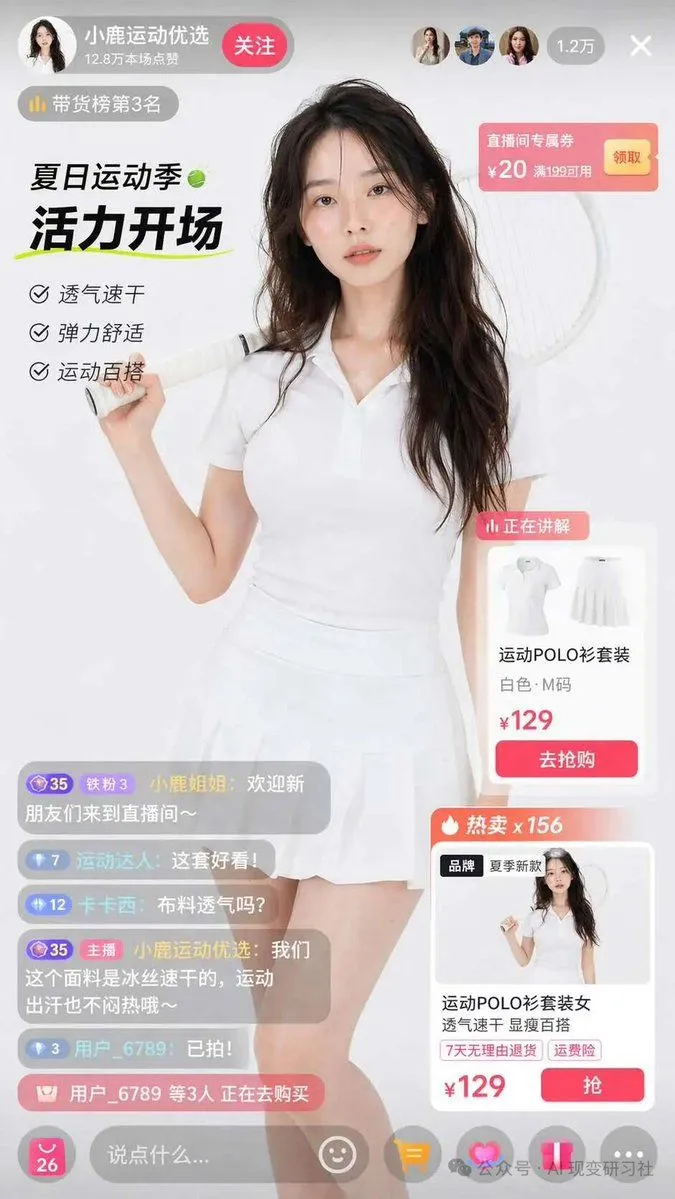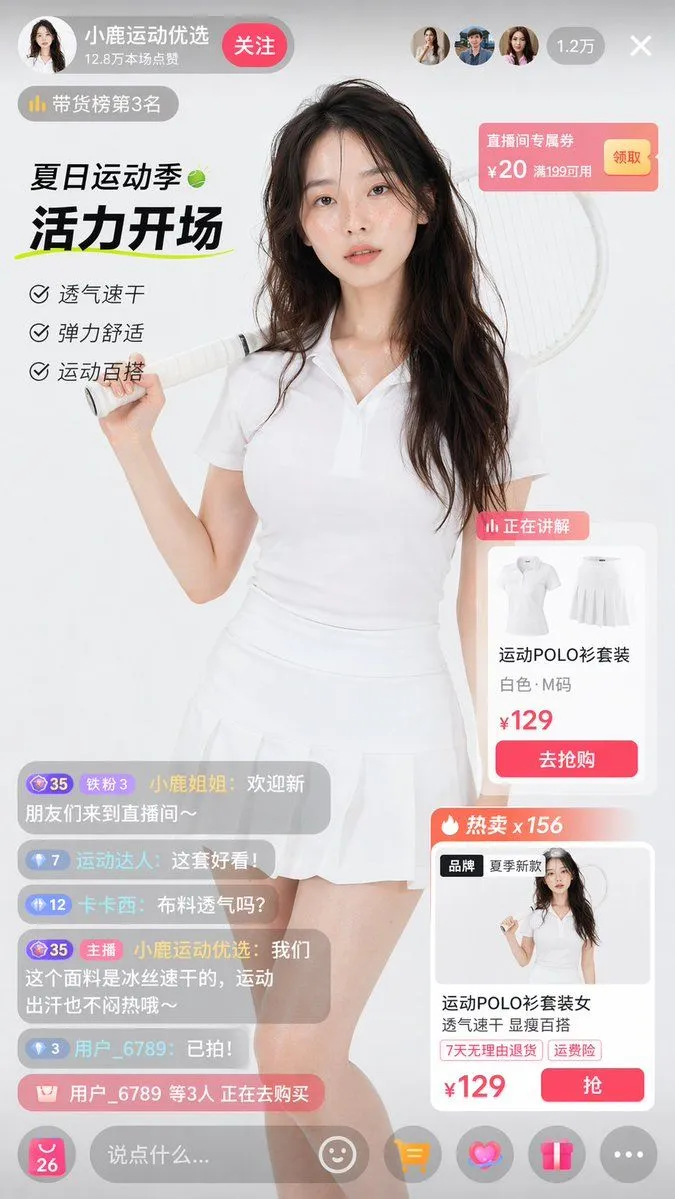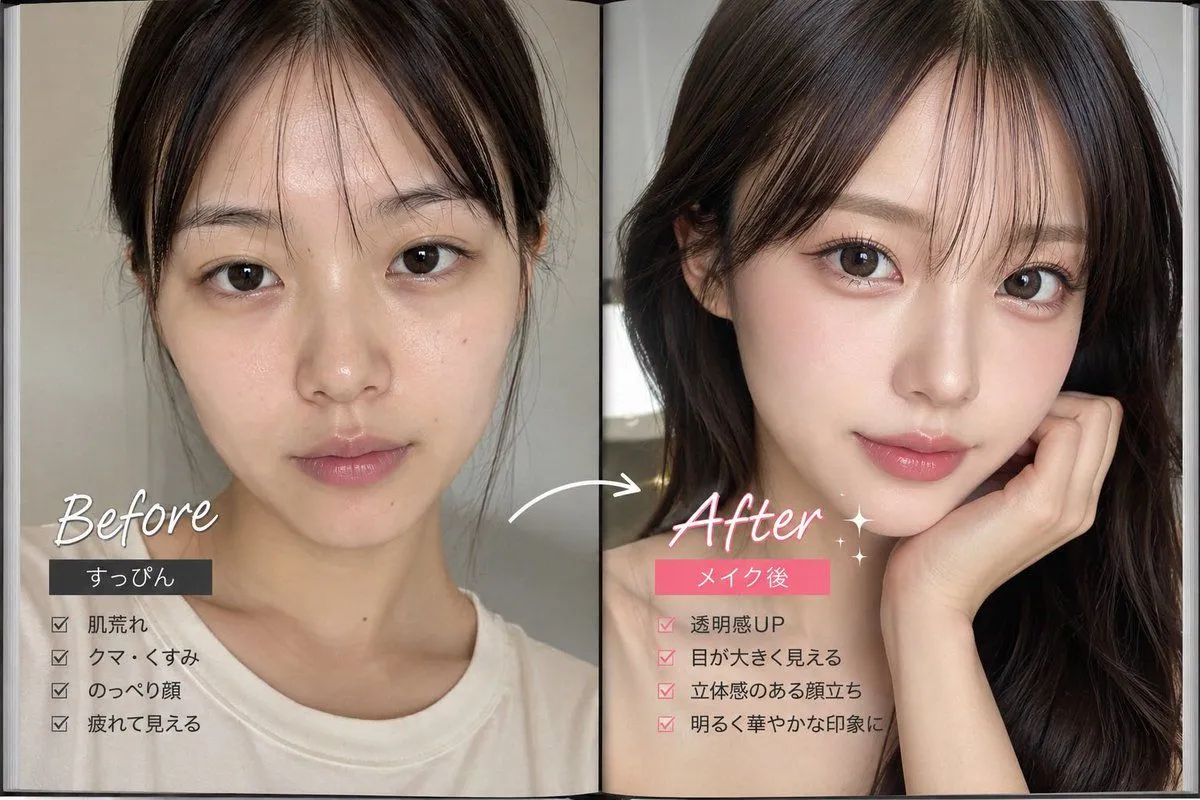
Made with GPT Image 2 in ChatGPT by Library Lifestyle. Promptclay never generates images.
Did it work?
No reports yet. Tell others if it worked for you.
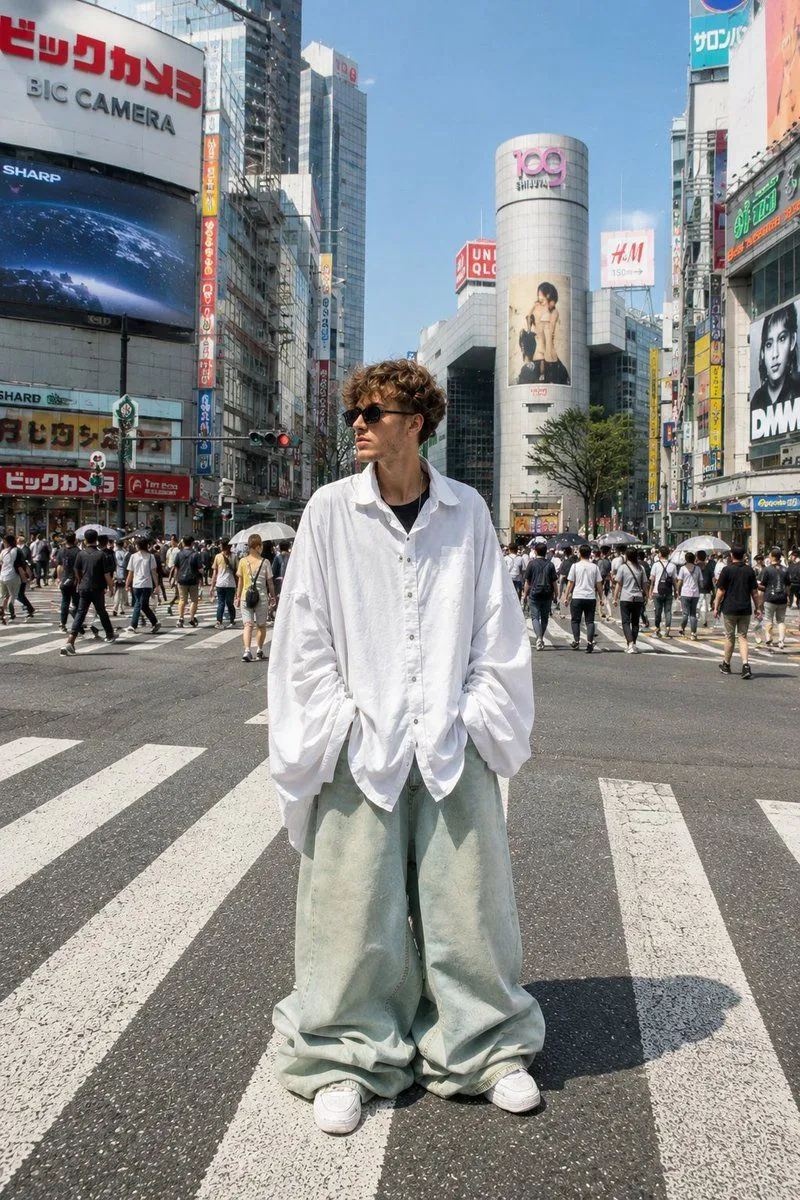
Tokyo Shibuya Streetwear Portrait
Prompt
2 blanks to fill{ "subject": { "reference_image": "uploaded_image", "preserve_identity": true, "description": "Use the uploaded image as the exact subject reference. Keep facial structure, hairstyle, beard, skin tone, body proportions, sunglasses, and overall appearance consistent with the reference." }, "outfit": { "style": "{clothing_style}", "shirt": "extra oversized white button-up shirt with exaggerated balloon sleeves", "pants": "ultra baggy pale sage green denim jeans pooling over sneakers", "footwear": "white chunky sneakers", "accessories": ["black sunglasses"] }, "location": { "city": "Tokyo, Japan", "area": "{location}", "environment": "busy urban street with crowds, billboards, Japanese signs, modern skyscrapers, and crosswalks" }, "pose": { "stance": "standing confidently in the middle of the crosswalk", "hands": "inside pockets", "expression": "calm, stylish, looking slightly away from camera" }, "camera": { "angle": "eye level", "framing": "full body portrait", "lens": "35mm", "depth_of_field": "moderate" }, "lighting": { "type": "natural daylight", "time": "bright afternoon", "quality": "soft sunlight with realistic shadows" }, "style": { "genre": "high-fashion street photography", "aesthetic": "Tokyo streetwear editorial", "realism": "photorealistic", "quality": "ultra detailed, 8k, sharp focus" }, "negative_prompt": [ "cartoon", "anime", "blurry face", "low resolution", "extra limbs", "distorted anatomy", "different hairstyle", "different face", "cropped feet", "text", "watermark", "logo" ] }
Preview of your prompt
{ "subject": { "reference_image": "uploaded_image", "preserve_identity": true, "description": "Use the uploaded image as the exact subject reference. Keep facial structure, hairstyle, beard, skin tone, body proportions, sunglasses, and overall appearance consistent with the reference." }, "outfit": { "style": "oversized avant-garde streetwear", "shirt": "extra oversized white button-up shirt with exaggerated balloon sleeves", "pants": "ultra baggy pale sage green denim jeans pooling over sneakers", "footwear": "white chunky sneakers", "accessories": ["black sunglasses"] }, "location": { "city": "Tokyo, Japan", "area": "Shibuya Crossing", "environment": "busy urban street with crowds, billboards, Japanese signs, modern skyscrapers, and crosswalks" }, "pose": { "stance": "standing confidently in the middle of the crosswalk", "hands": "inside pockets", "expression": "calm, stylish, looking slightly away from camera" }, "camera": { "angle": "eye level", "framing": "full body portrait", "lens": "35mm", "depth_of_field": "moderate" }, "lighting": { "type": "natural daylight", "time": "bright afternoon", "quality": "soft sunlight with realistic shadows" }, "style": { "genre": "high-fashion street photography", "aesthetic": "Tokyo streetwear editorial", "realism": "photorealistic", "quality": "ultra detailed, 8k, sharp focus" }, "negative_prompt": [ "cartoon", "anime", "blurry face", "low resolution", "extra limbs", "distorted anatomy", "different hairstyle", "different face", "cropped feet", "text", "watermark", "logo" ] }
DetailsVersions, settings and questions
Written for
What's in the prompt
- Subject
- Model
- GPT Image 2
If your face changes
keep my face exactly the sameQuestions
- Does this work in the ChatGPT app?
- Yes. Paste the prompt and attach your photo if it uses one.
- It changed my face. What do I do?
- Add "keep my face exactly the same" to the end and run it again.
- Can I use the images I make?
- Check the terms of the app you use. Promptclay never generates images and claims nothing you make.