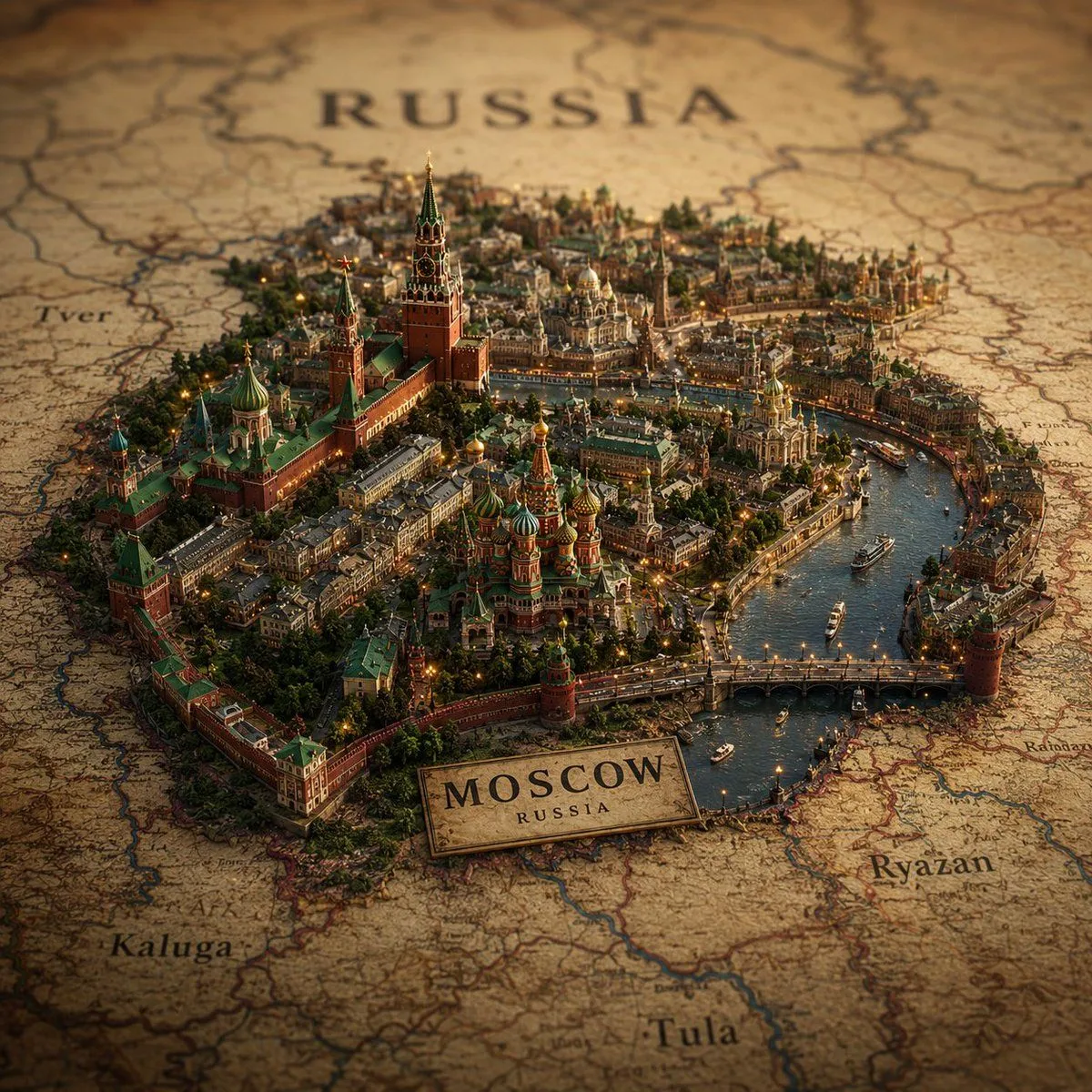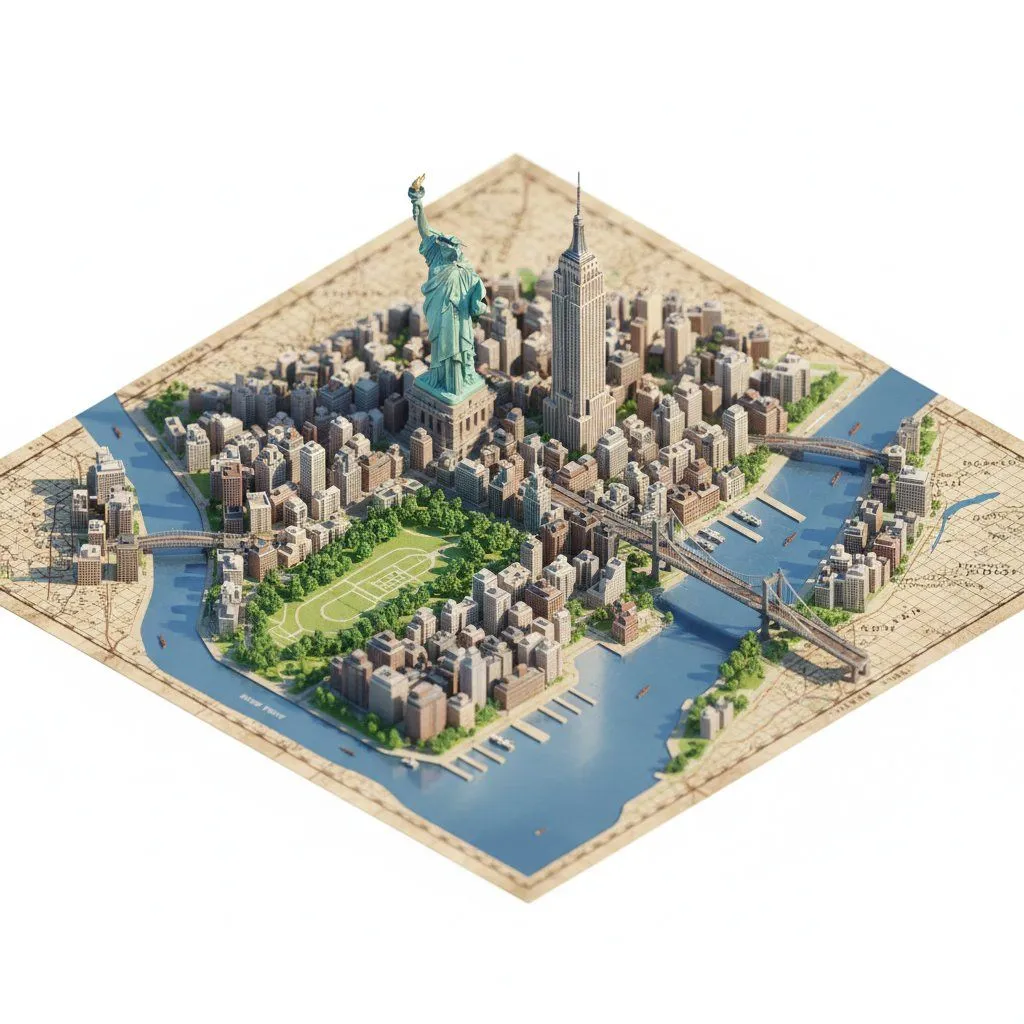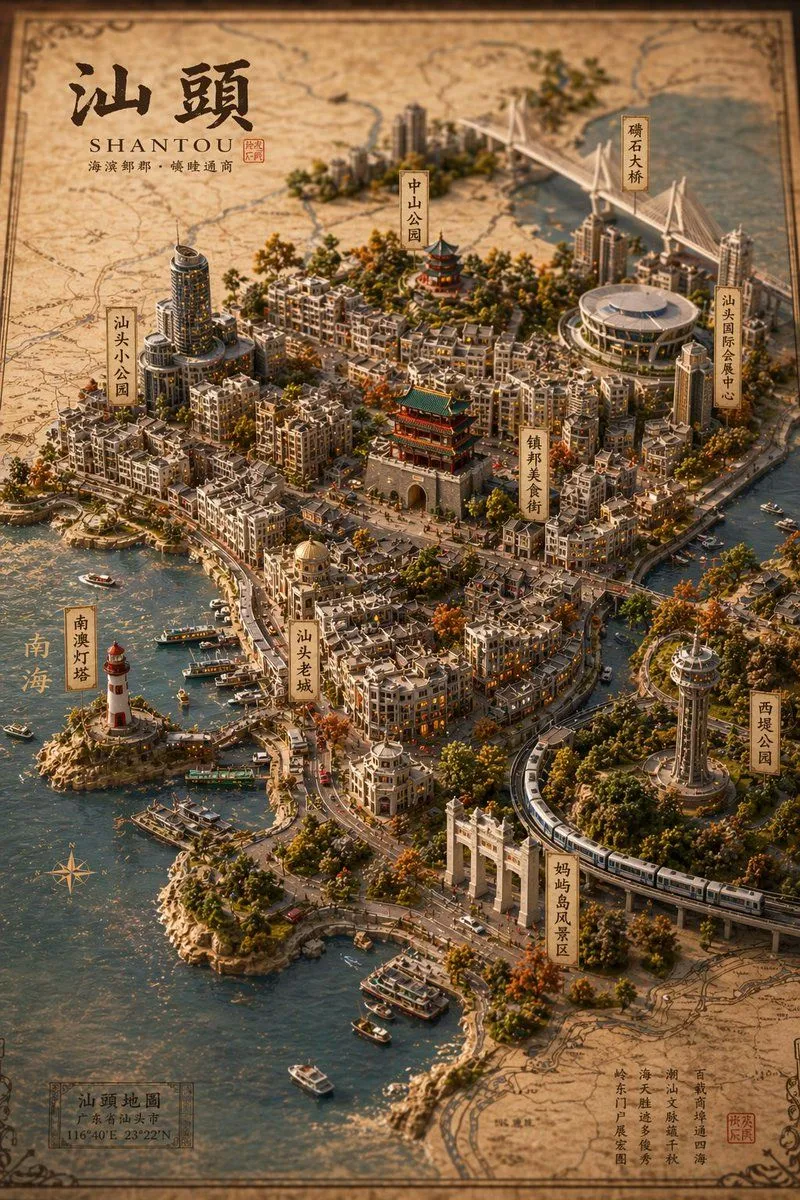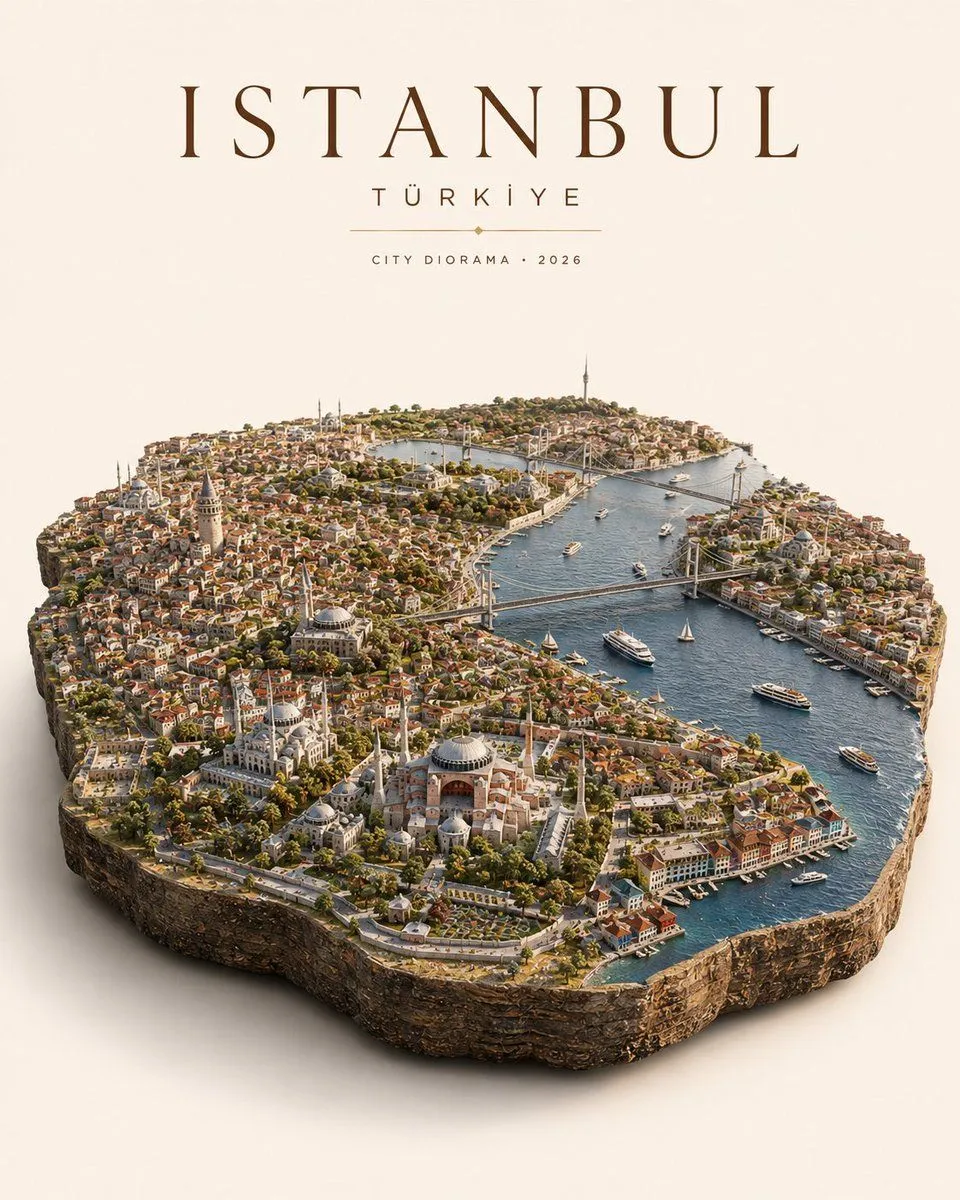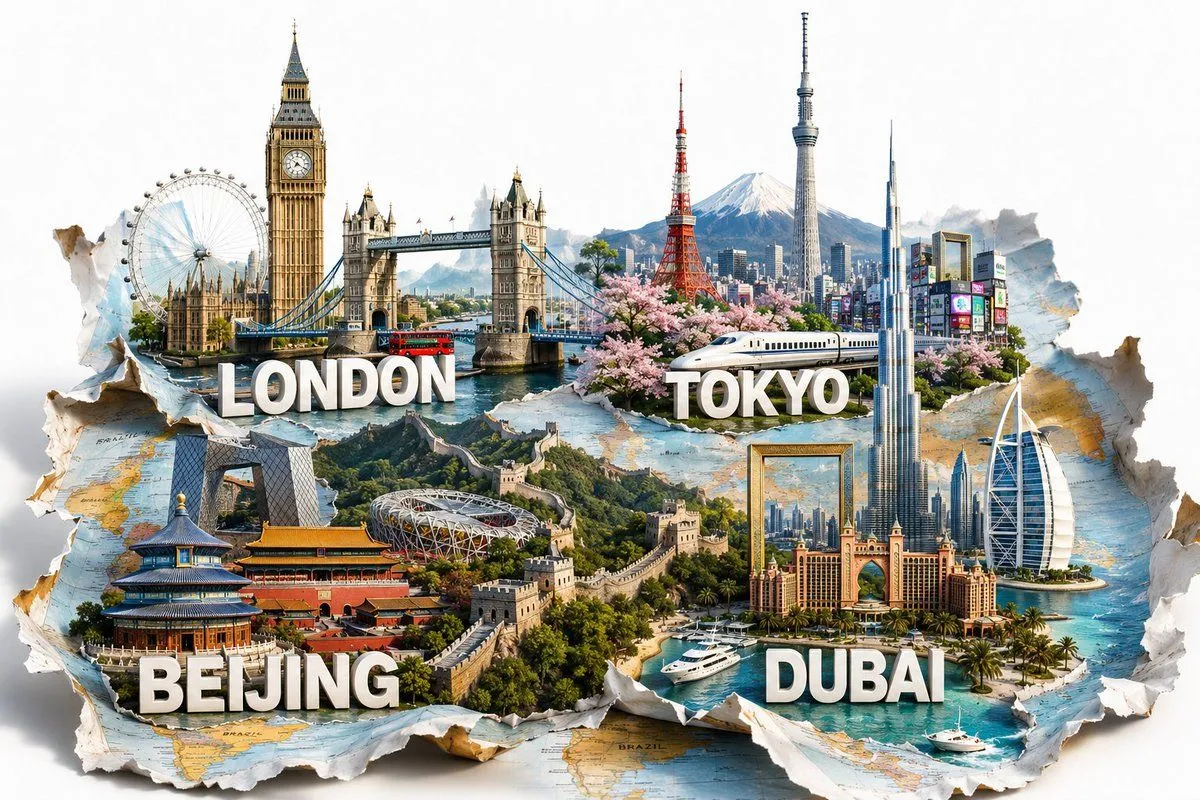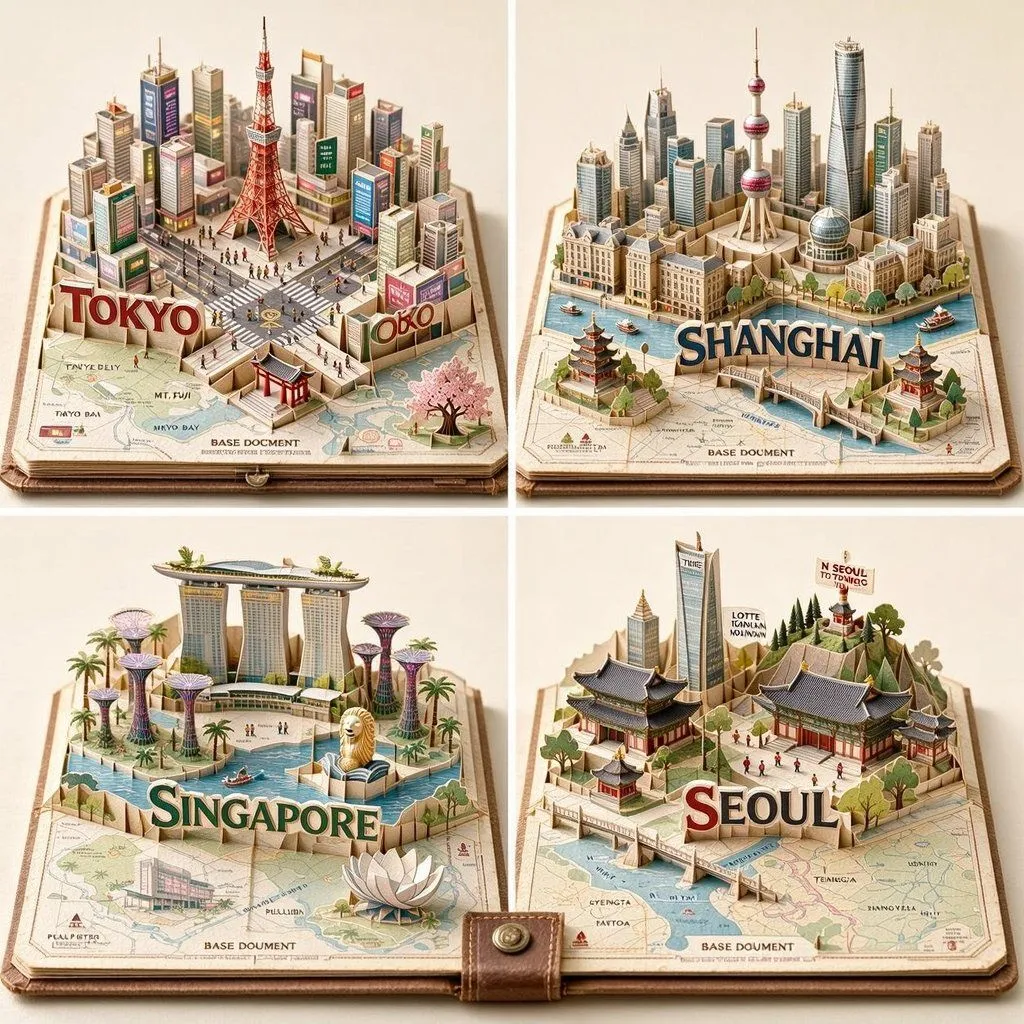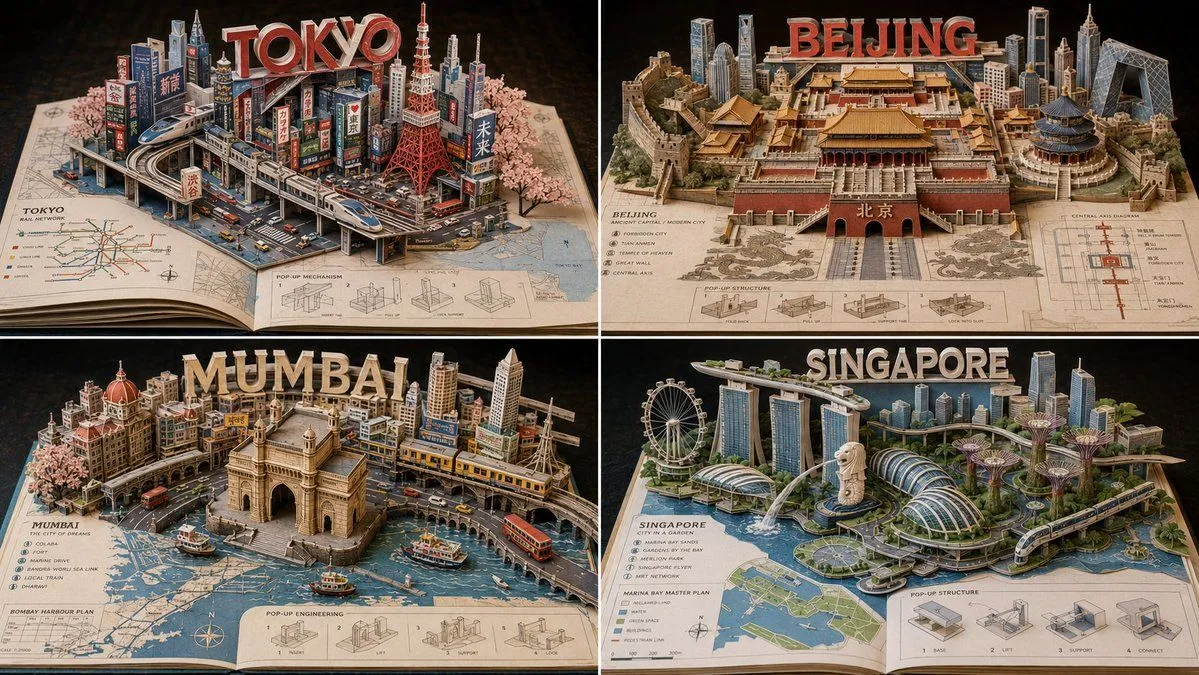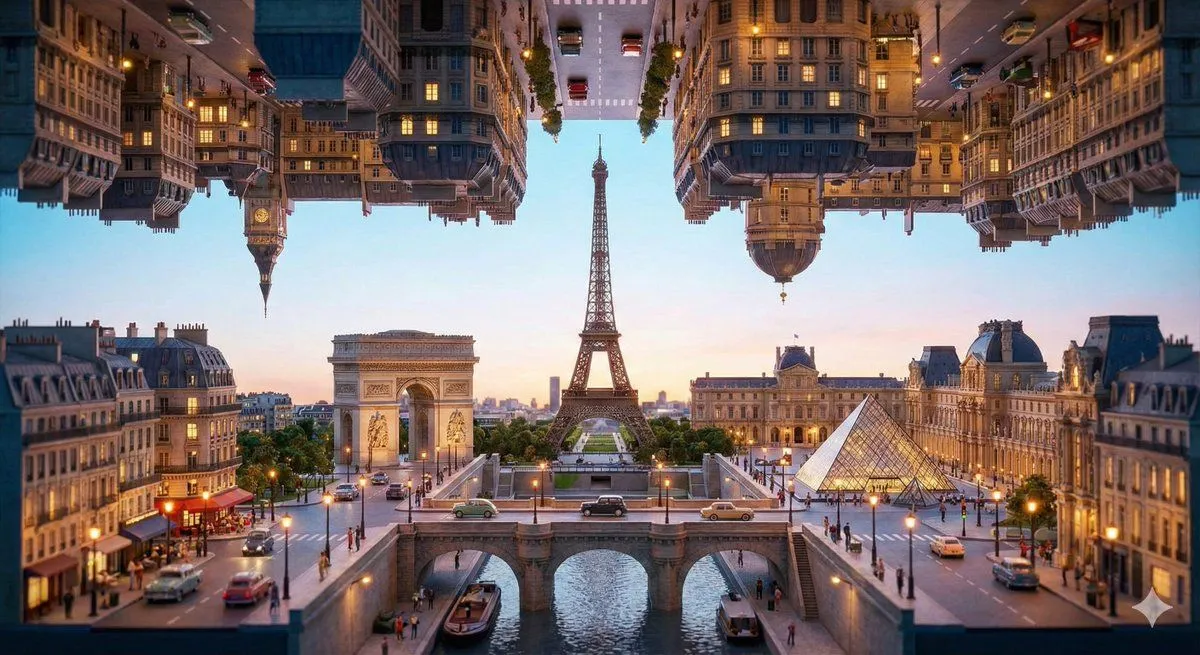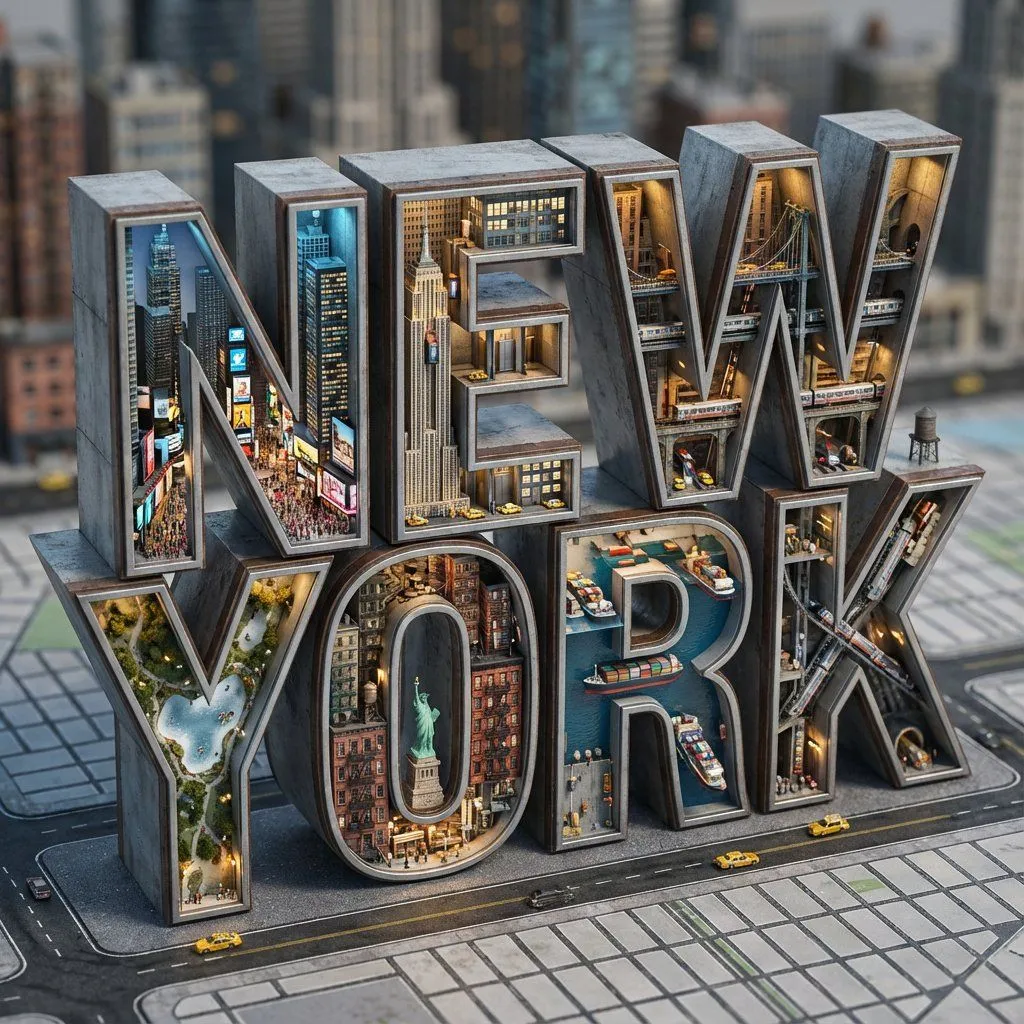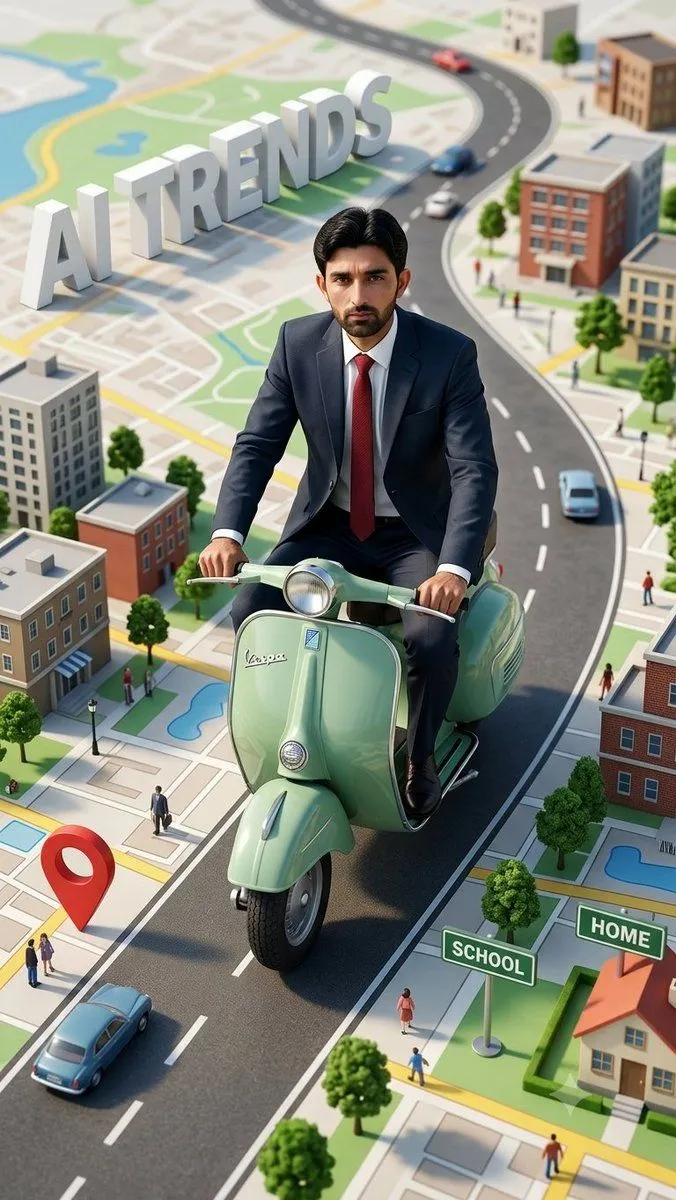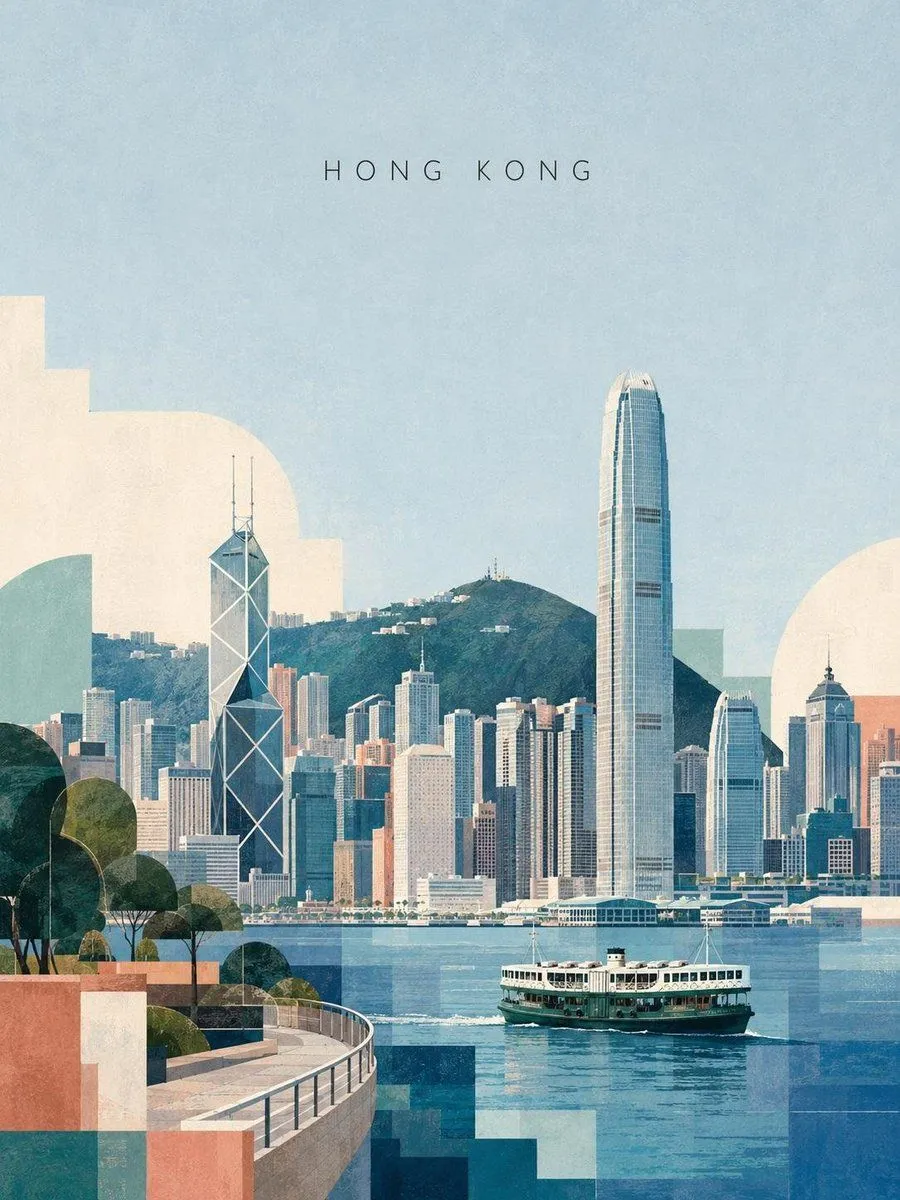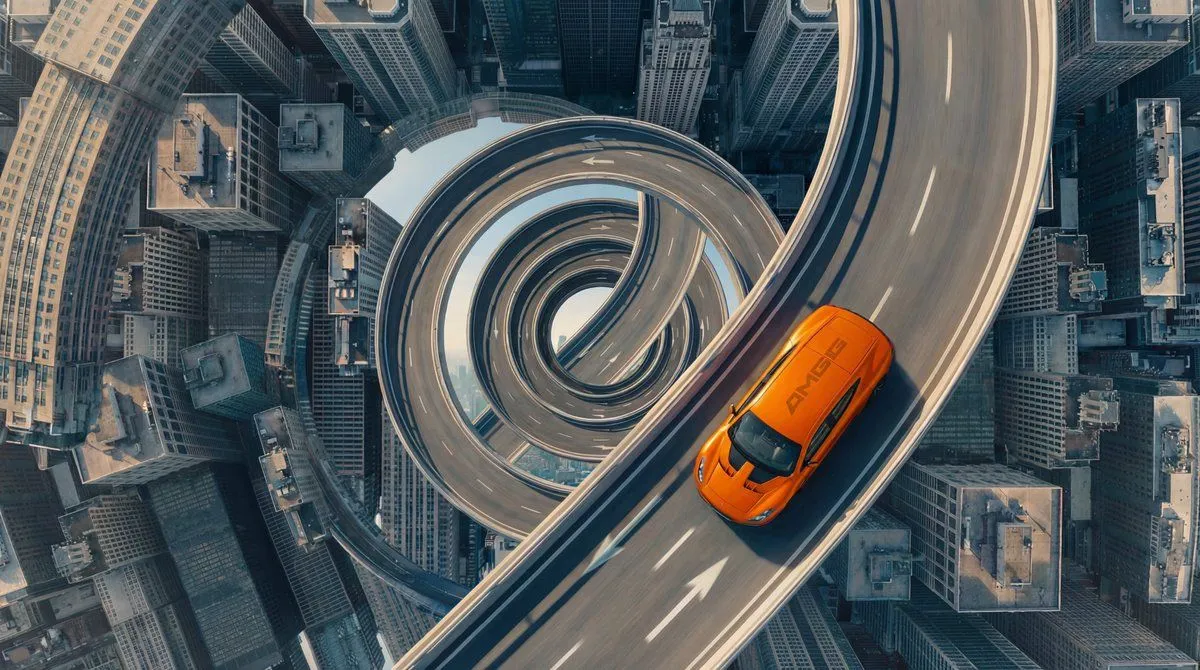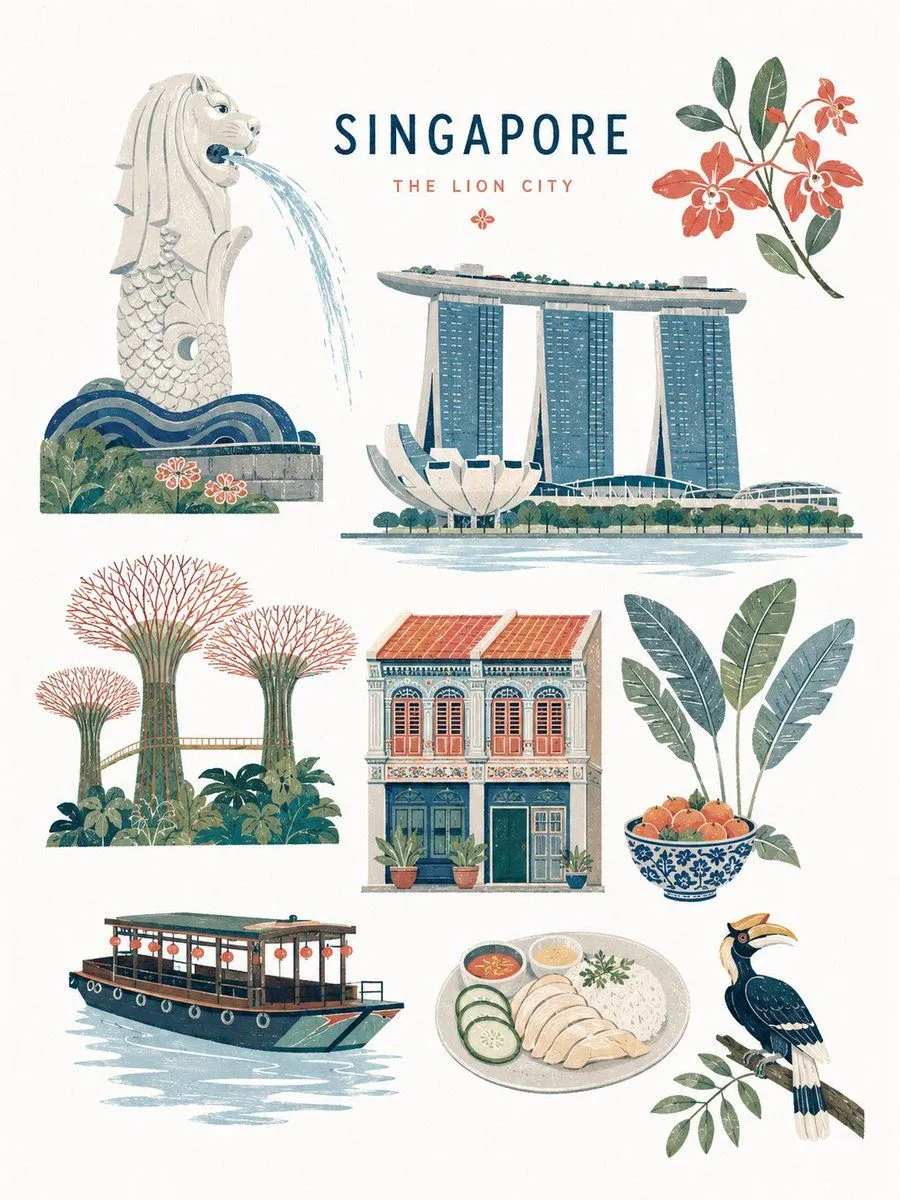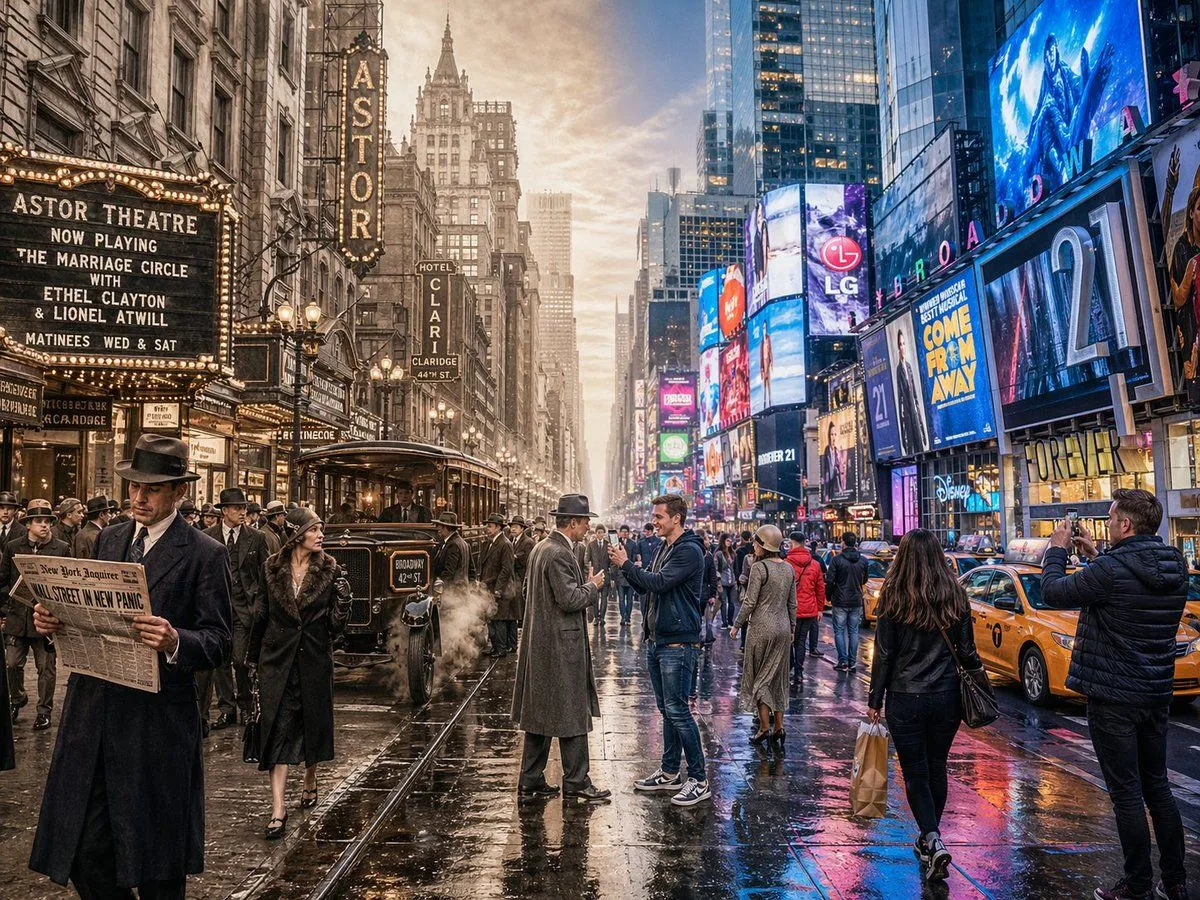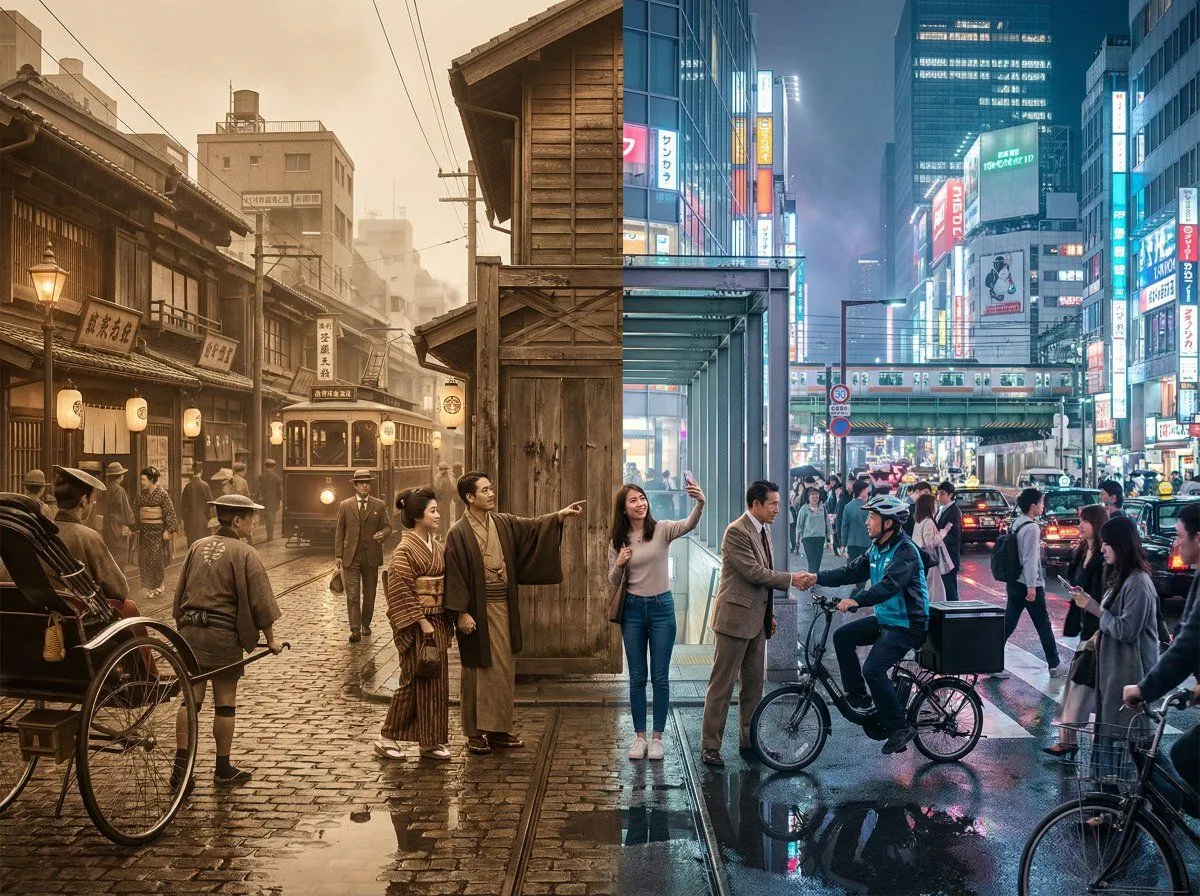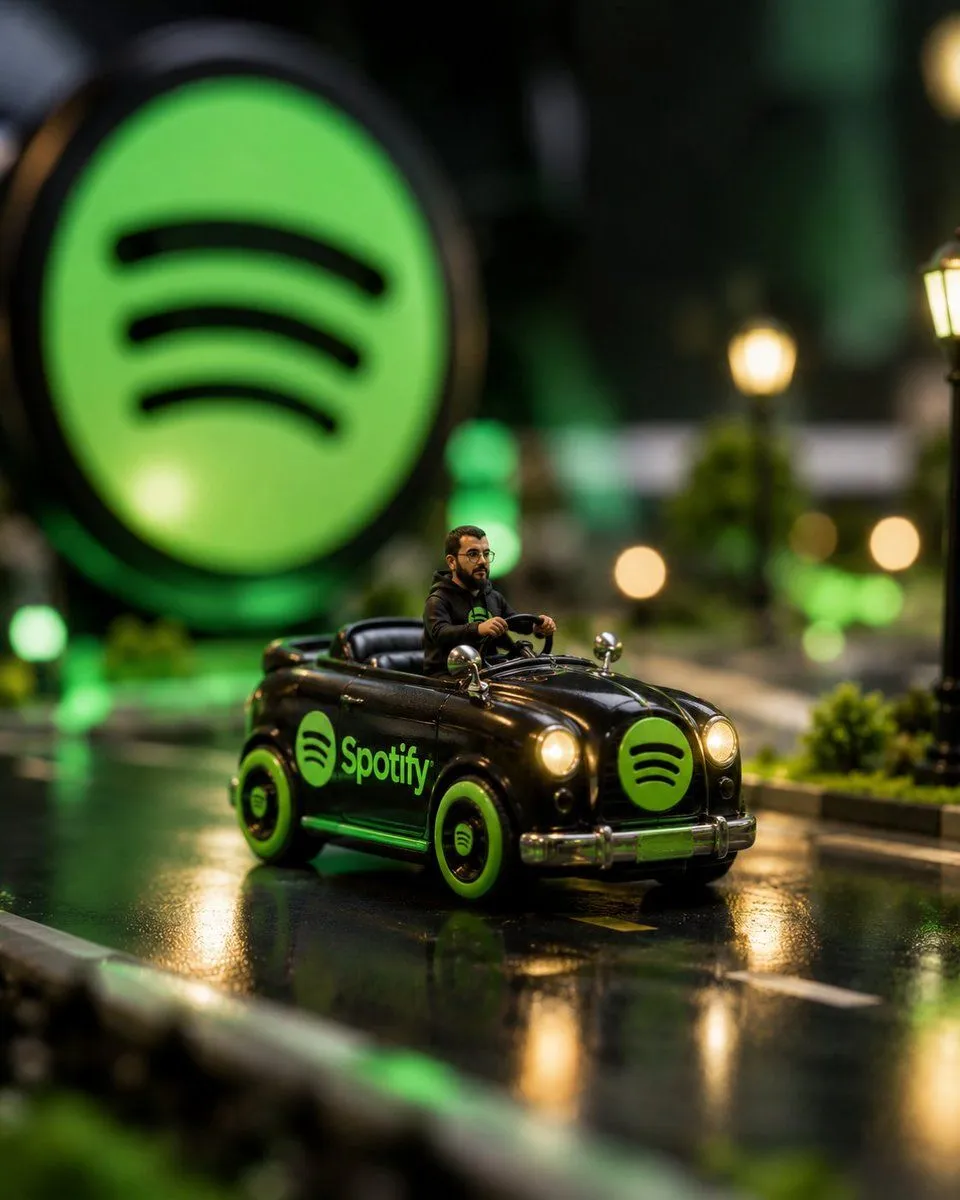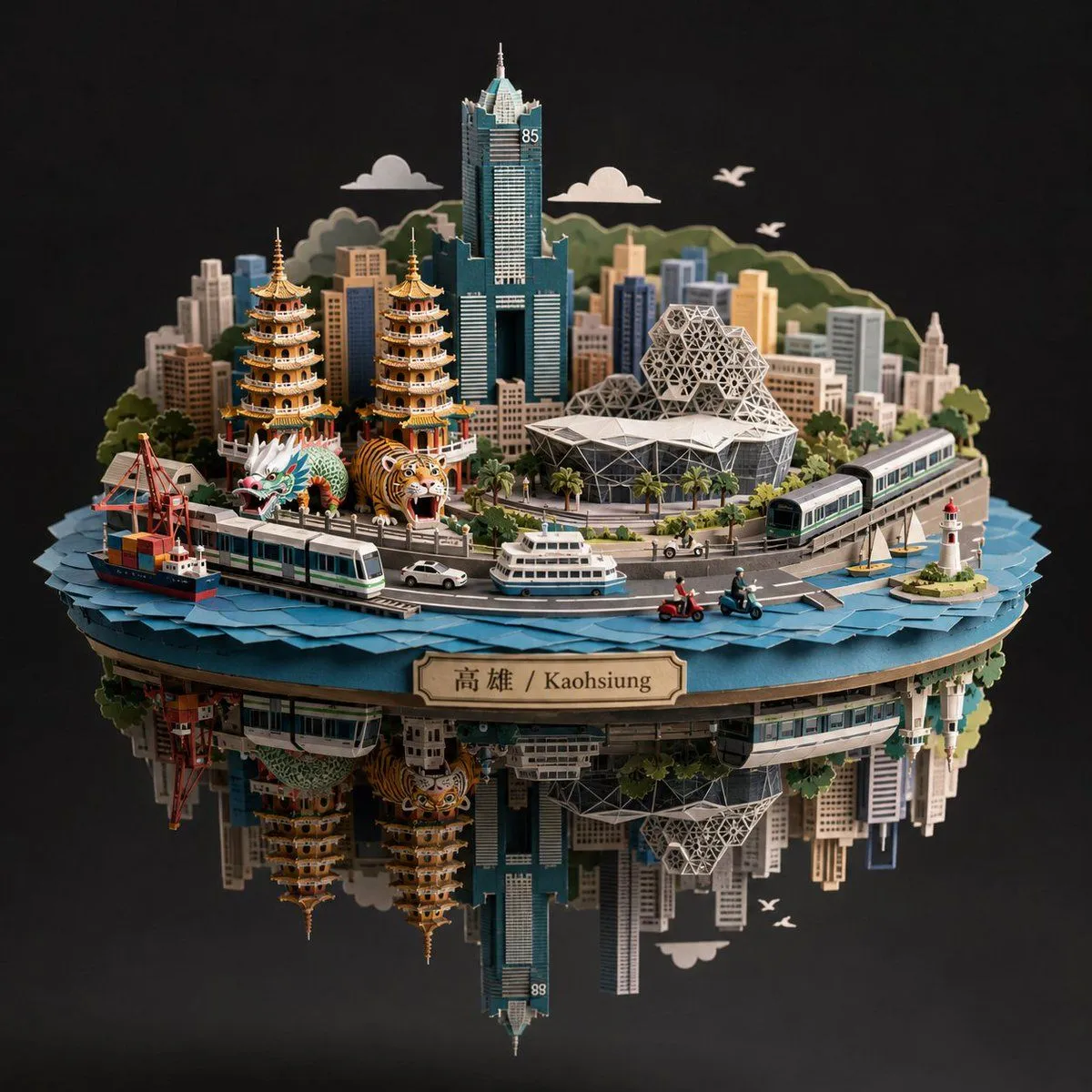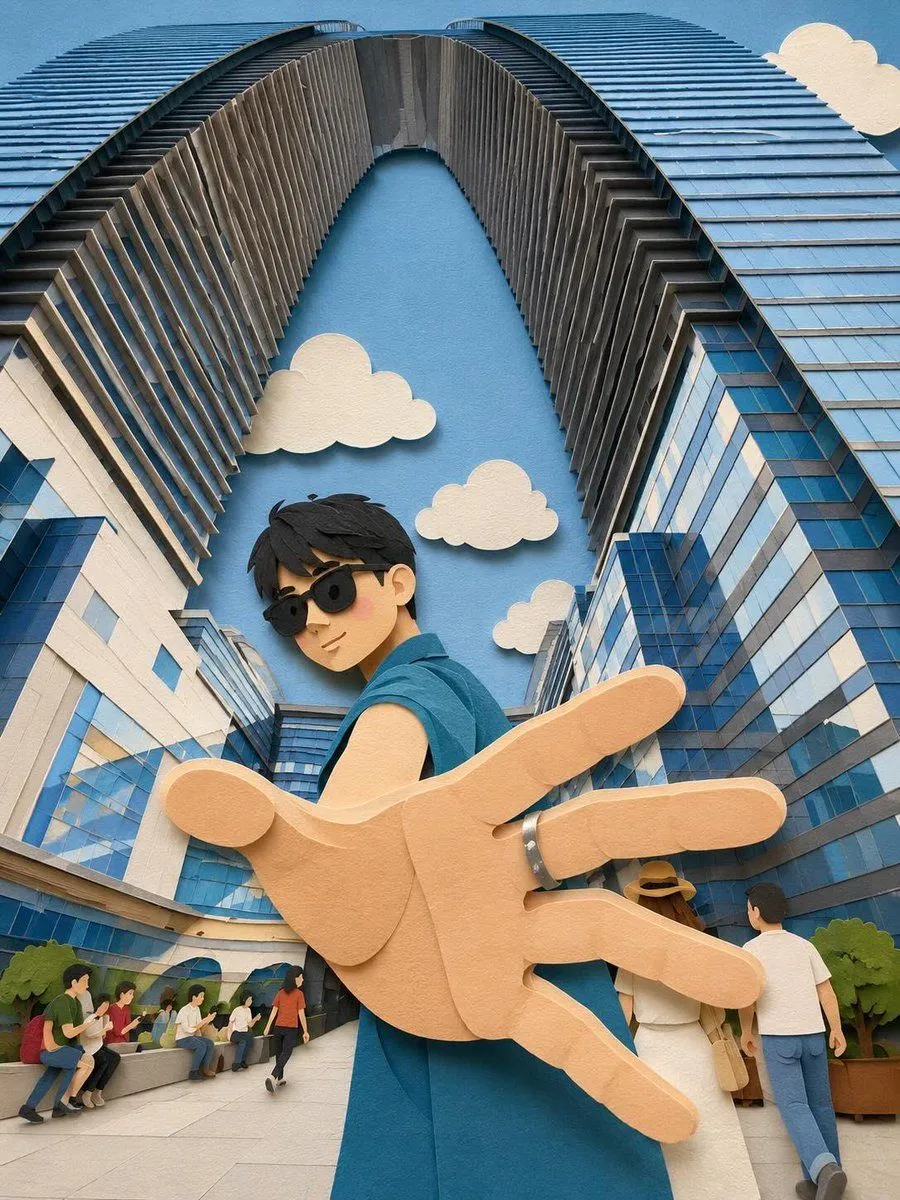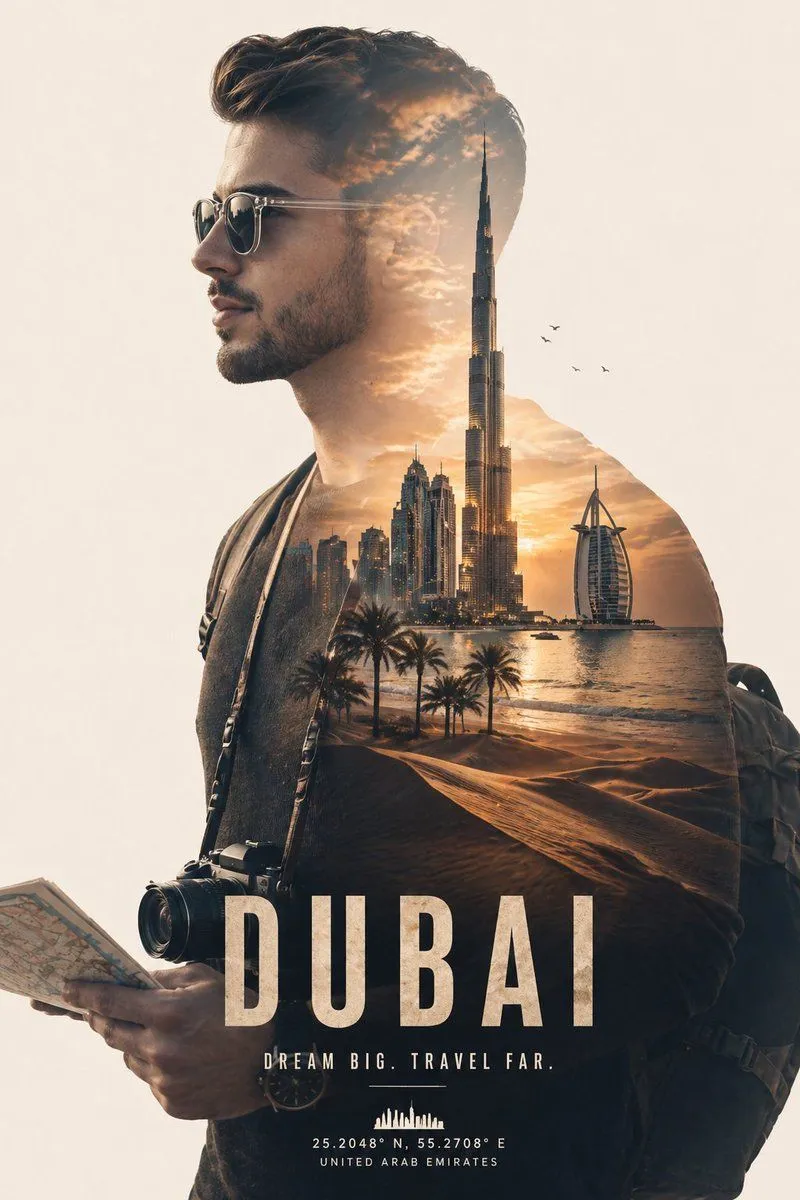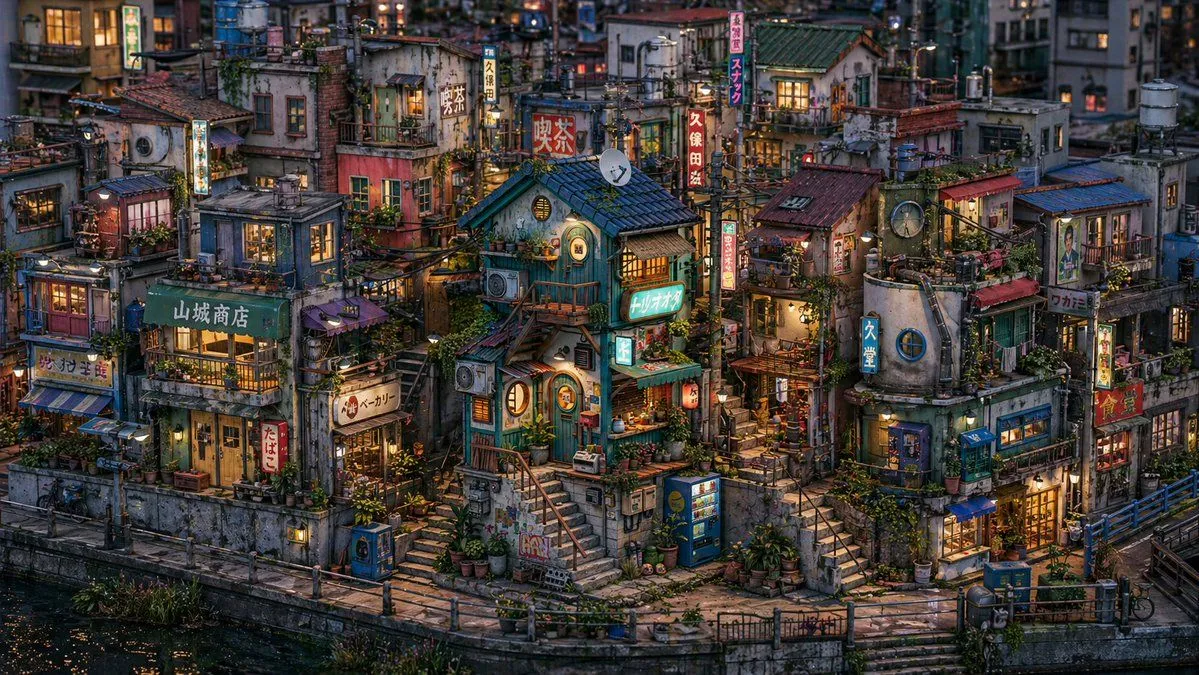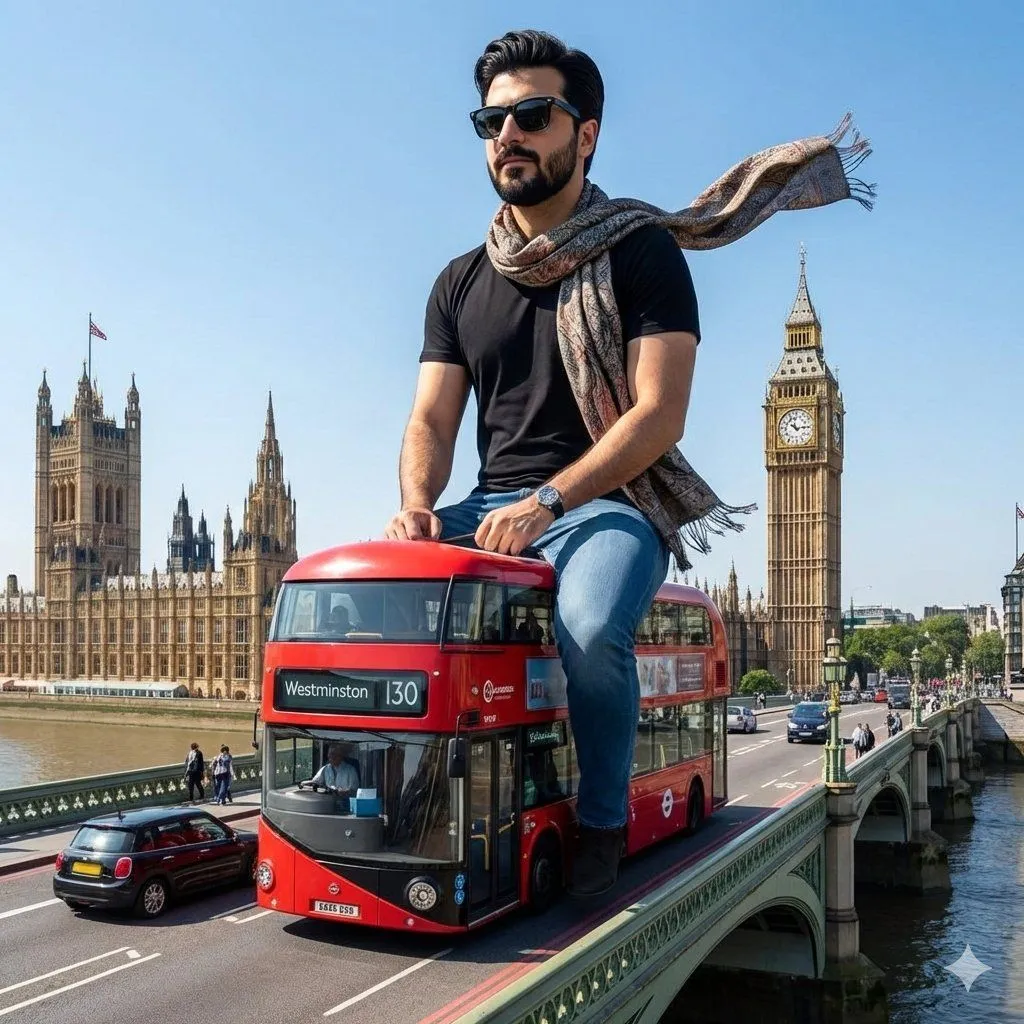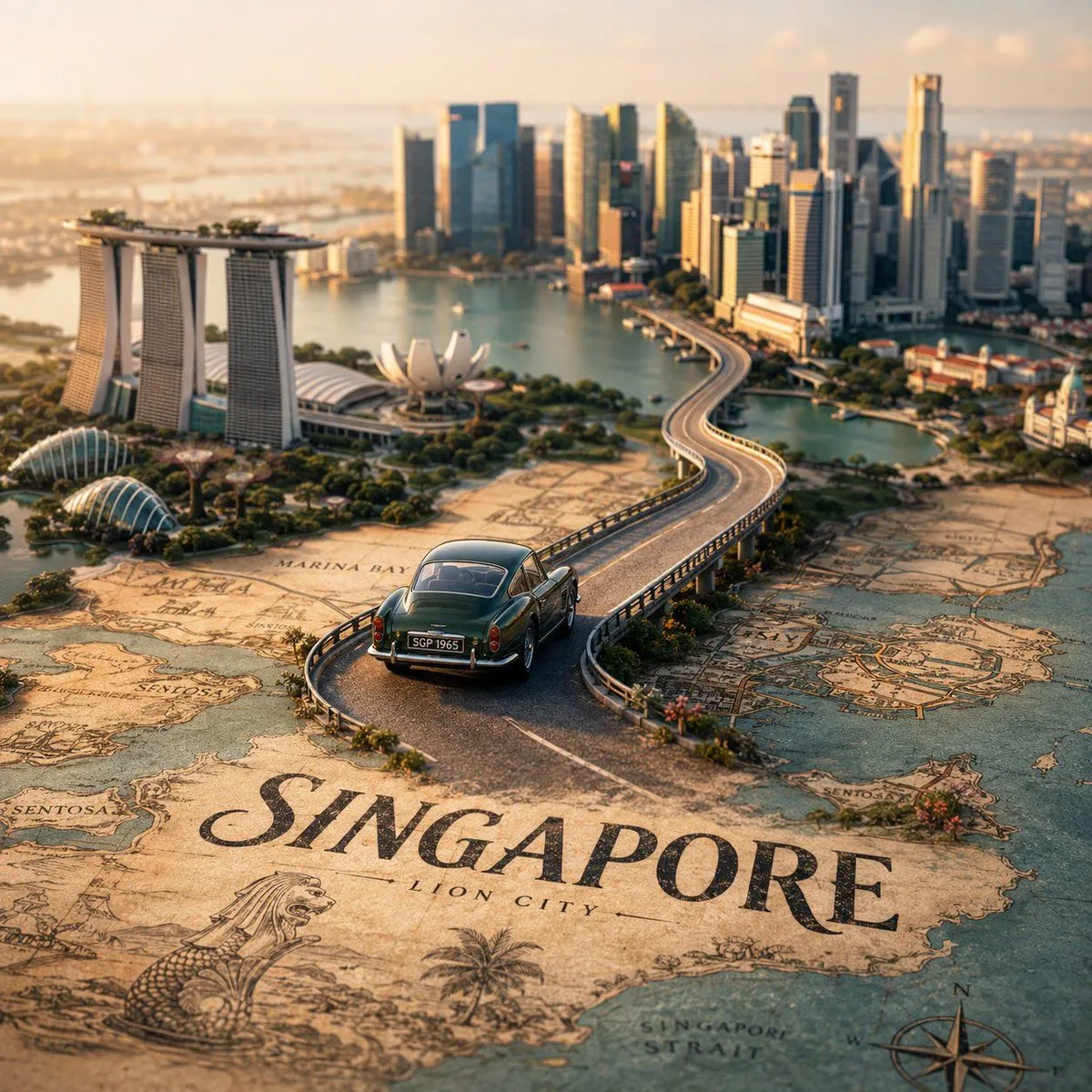
Made with GPT Image 2 in ChatGPT, collected by Library Lifestyle. Promptclay never generates images.
Did it work?
No reports yet. Tell others if it worked for you.
Tilt-Shift City Map Scene
Prompt
2 blanks to fillCreate a highly detailed cinematic miniature tilt-shift travel scene of {city} featuring a realistic {vehicle} driving along a winding elevated road that emerges naturally from a printed vintage-style city map. The road should curve dramatically toward the background skyline and landmarks of {city}, while the vehicle remains the clear focal point in the foreground. Blend the real city seamlessly with the illustrated map surface so the road appears integrated into the map itself. Include recognizable local landmarks, waterways, architecture, vegetation, and atmosphere associated with [CITY NAME], but keep the composition clean and uncluttered. Show large bold typography of “[CITY NAME]” printed directly on the map in the foreground. Use warm golden-hour lighting, shallow depth of field, realistic textures, cinematic shadows, aerial perspective, and photorealistic detail. The overall aesthetic should feel like a premium Instagram travel poster mixed with a miniature diorama. Aspect ratio 1:1
Preview of your prompt
Create a highly detailed cinematic miniature tilt-shift travel scene of [CITY NAME] featuring a realistic [VEHICLE NAME] driving along a winding elevated road that emerges naturally from a printed vintage-style city map. The road should curve dramatically toward the background skyline and landmarks of [CITY NAME], while the vehicle remains the clear focal point in the foreground. Blend the real city seamlessly with the illustrated map surface so the road appears integrated into the map itself. Include recognizable local landmarks, waterways, architecture, vegetation, and atmosphere associated with [CITY NAME], but keep the composition clean and uncluttered. Show large bold typography of “[CITY NAME]” printed directly on the map in the foreground. Use warm golden-hour lighting, shallow depth of field, realistic textures, cinematic shadows, aerial perspective, and photorealistic detail. The overall aesthetic should feel like a premium Instagram travel poster mixed with a miniature diorama. Aspect ratio 1:1
DetailsVersions, settings and questions
Written for
What's in the prompt
- Subject
- Model
- GPT Image 2
If your face changes
keep my face exactly the sameQuestions
- Does this work in the ChatGPT app?
- Yes. Paste the prompt and attach your photo if it uses one.
- It changed my face. What do I do?
- Add "keep my face exactly the same" to the end and run it again.
- Can I use the images I make?
- Check the terms of the app you use. Promptclay never generates images and claims nothing you make.