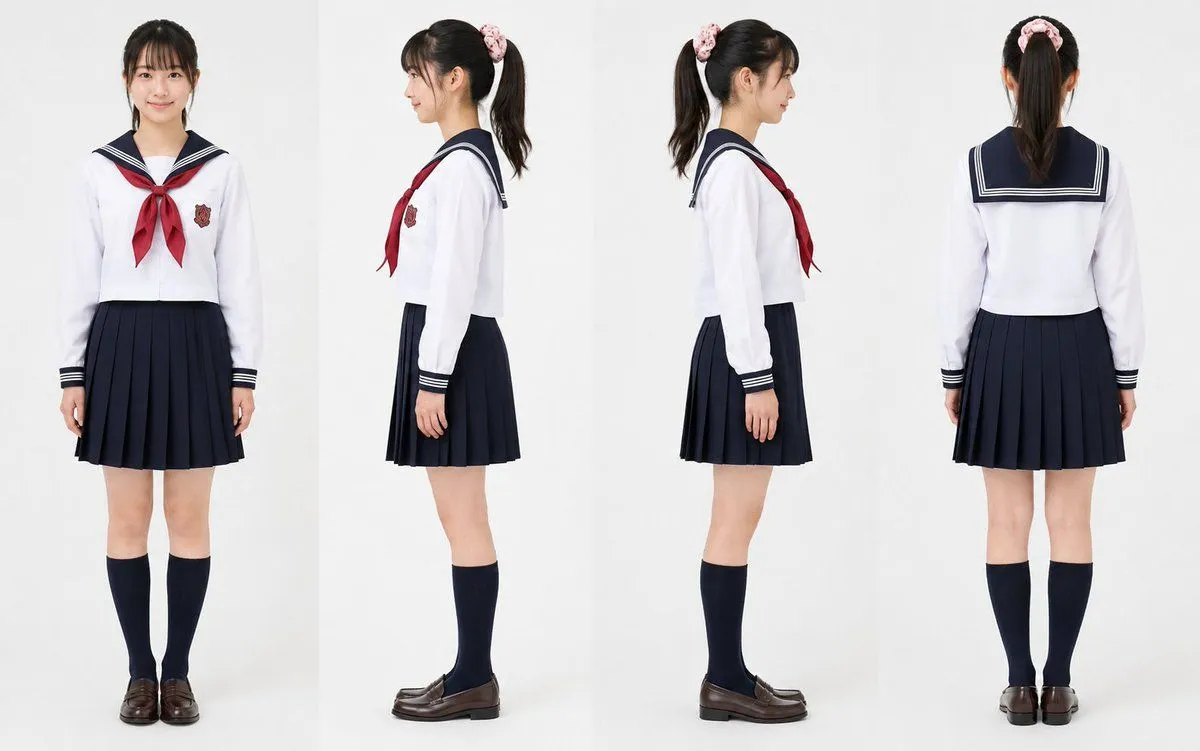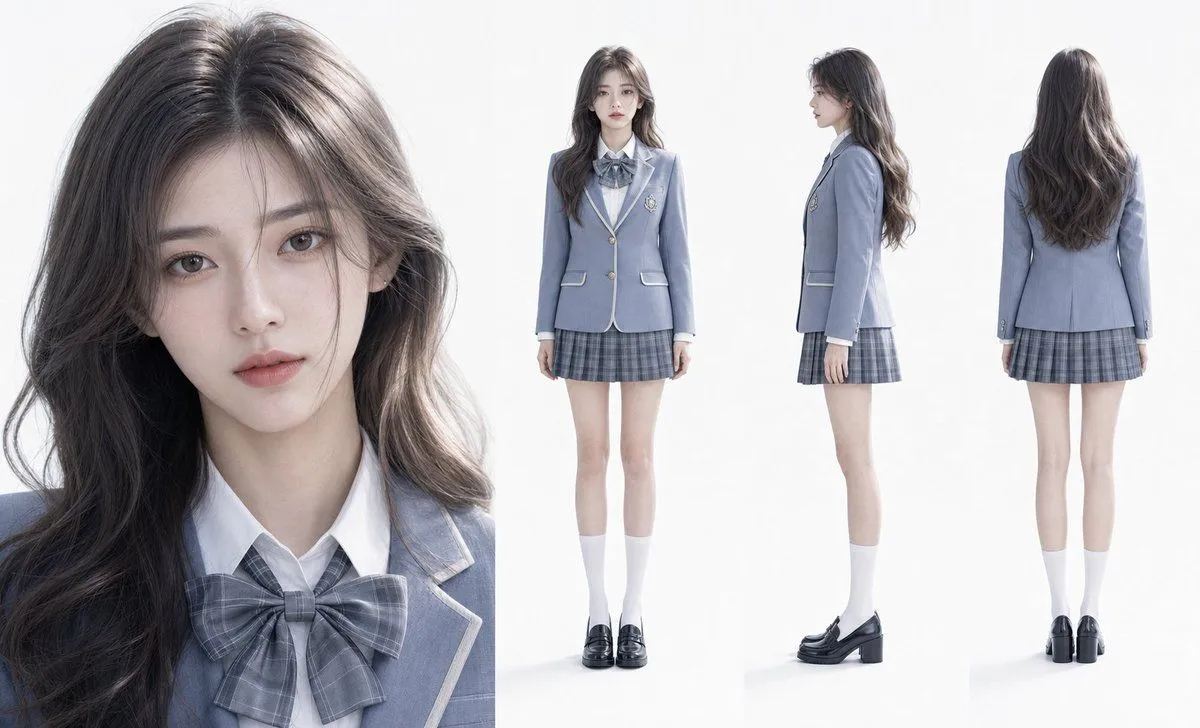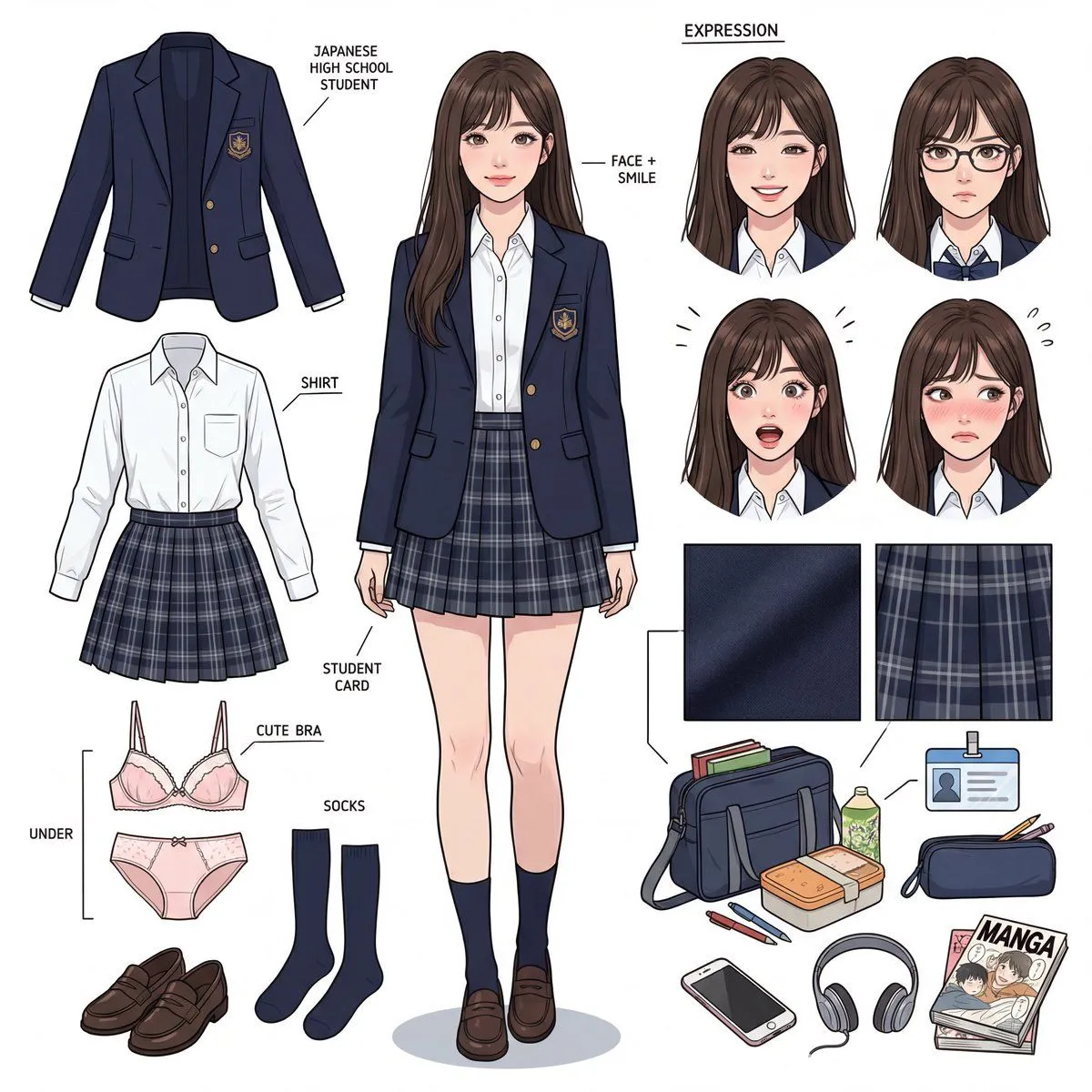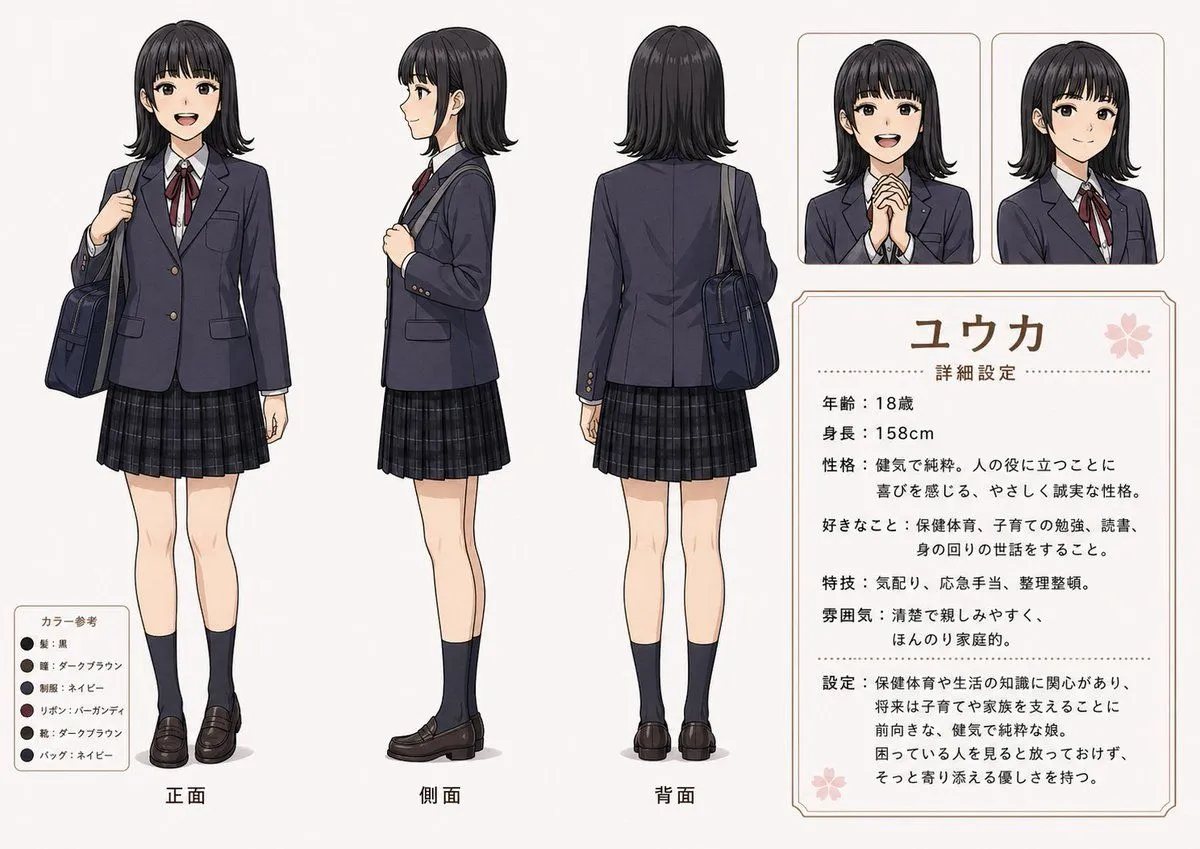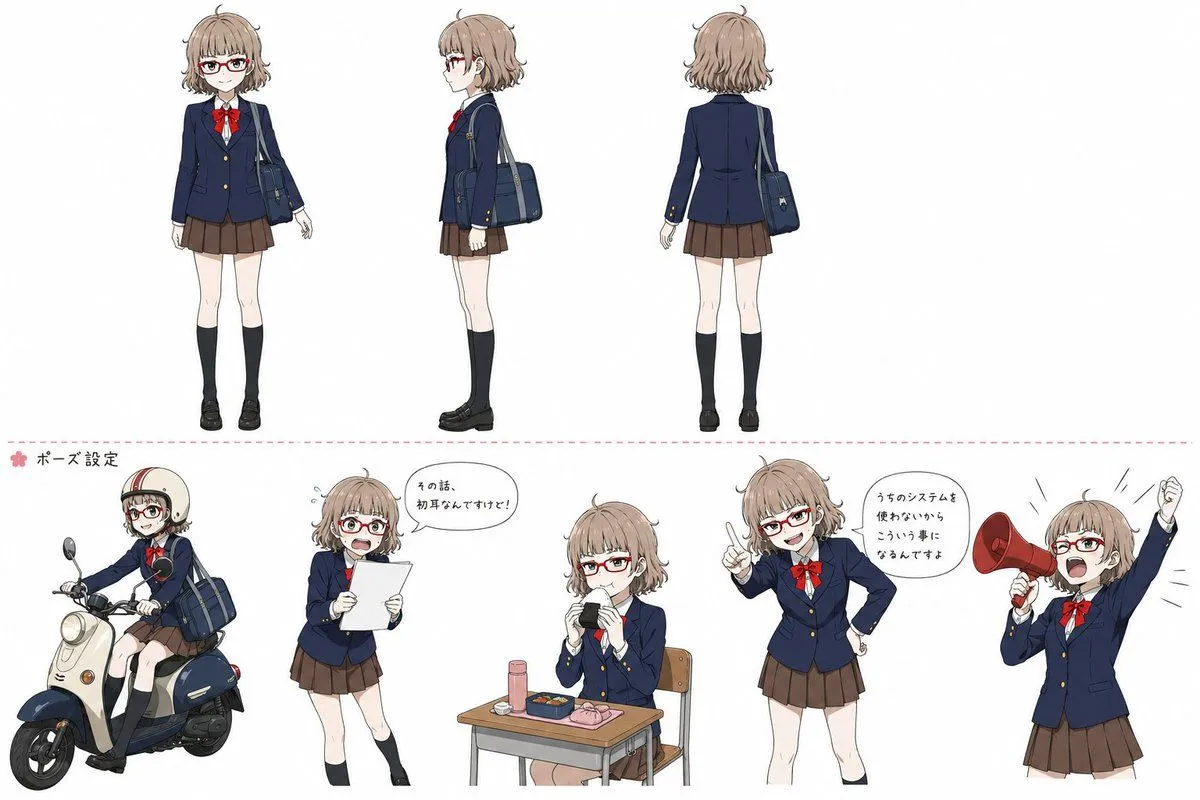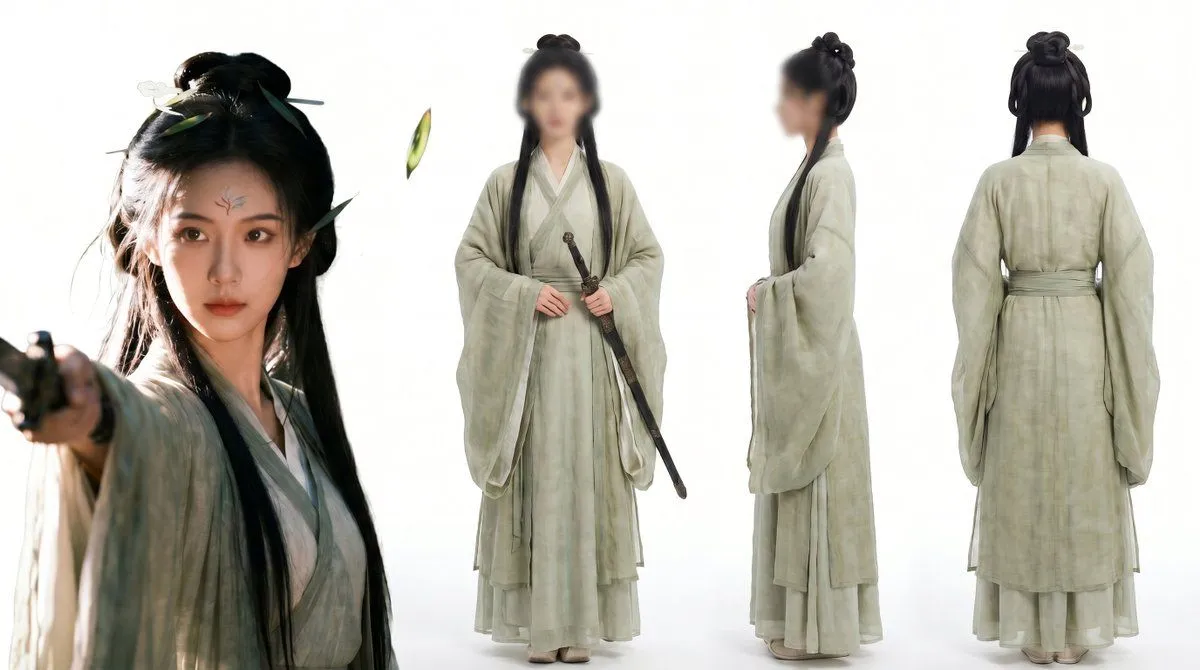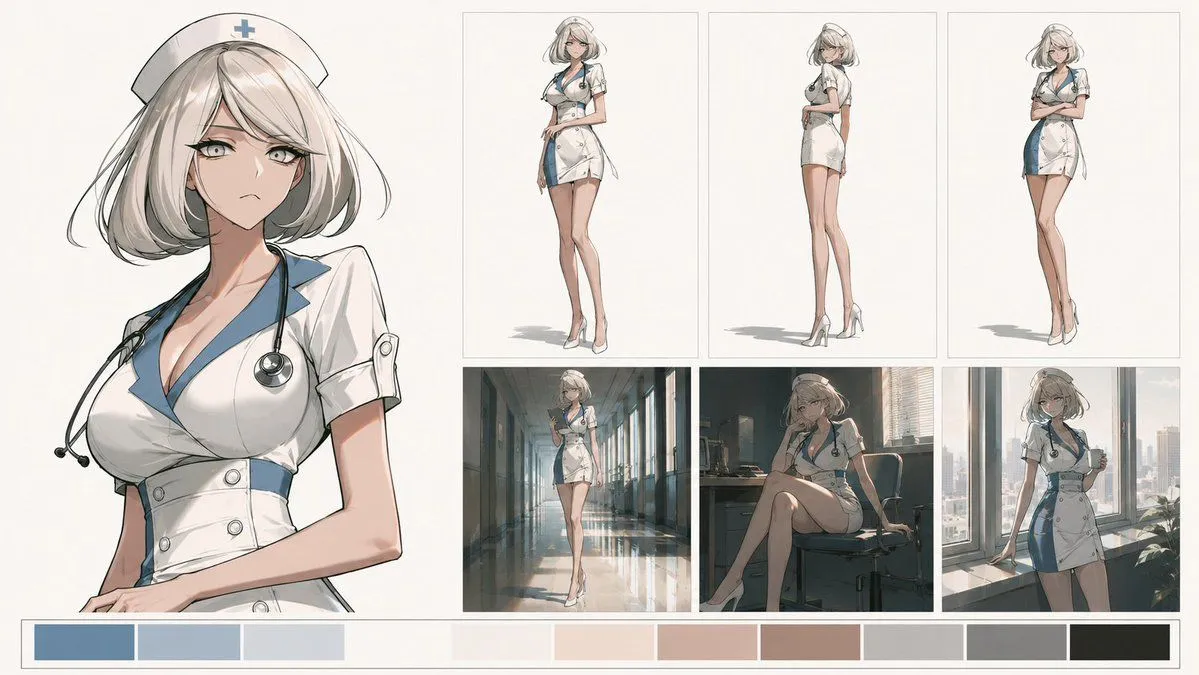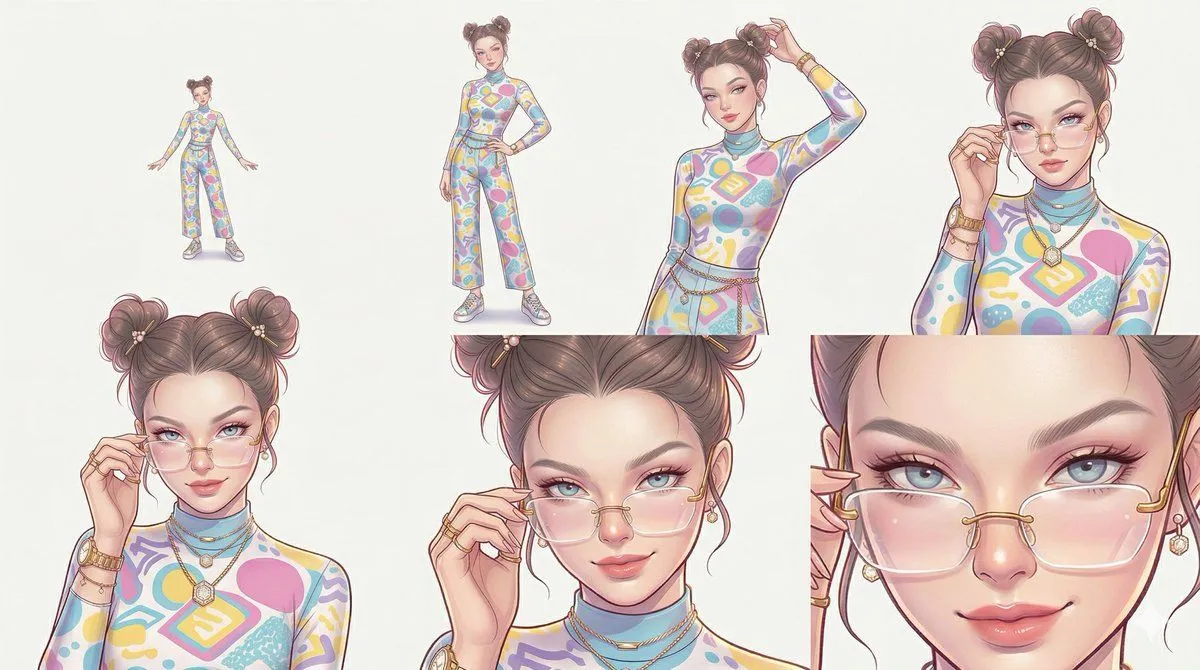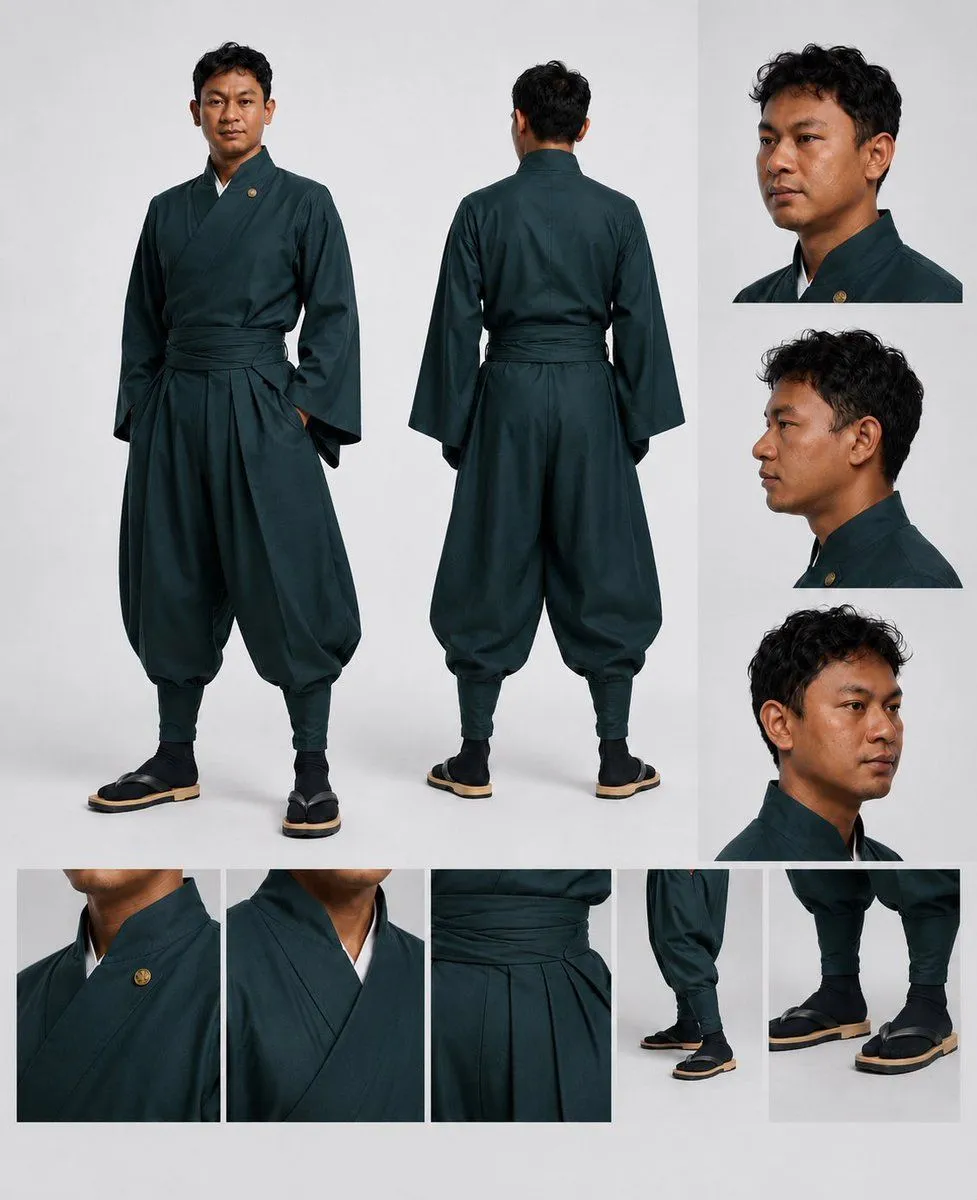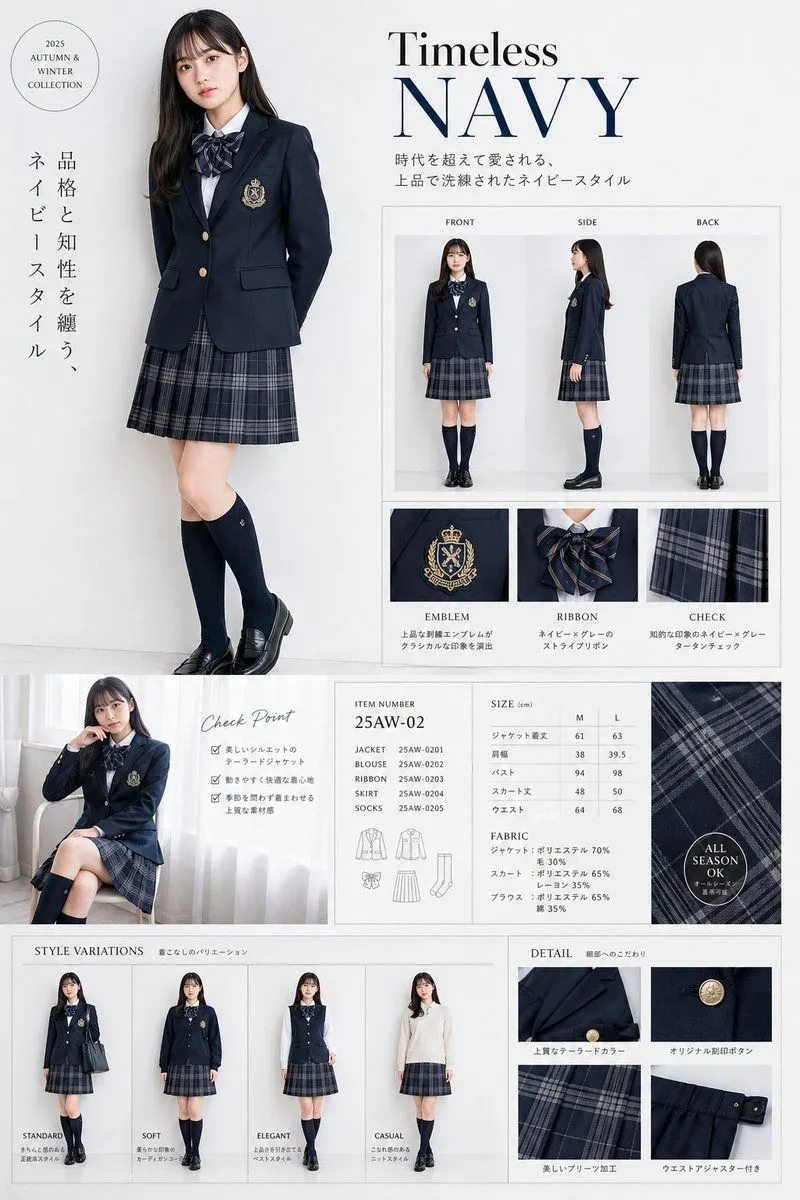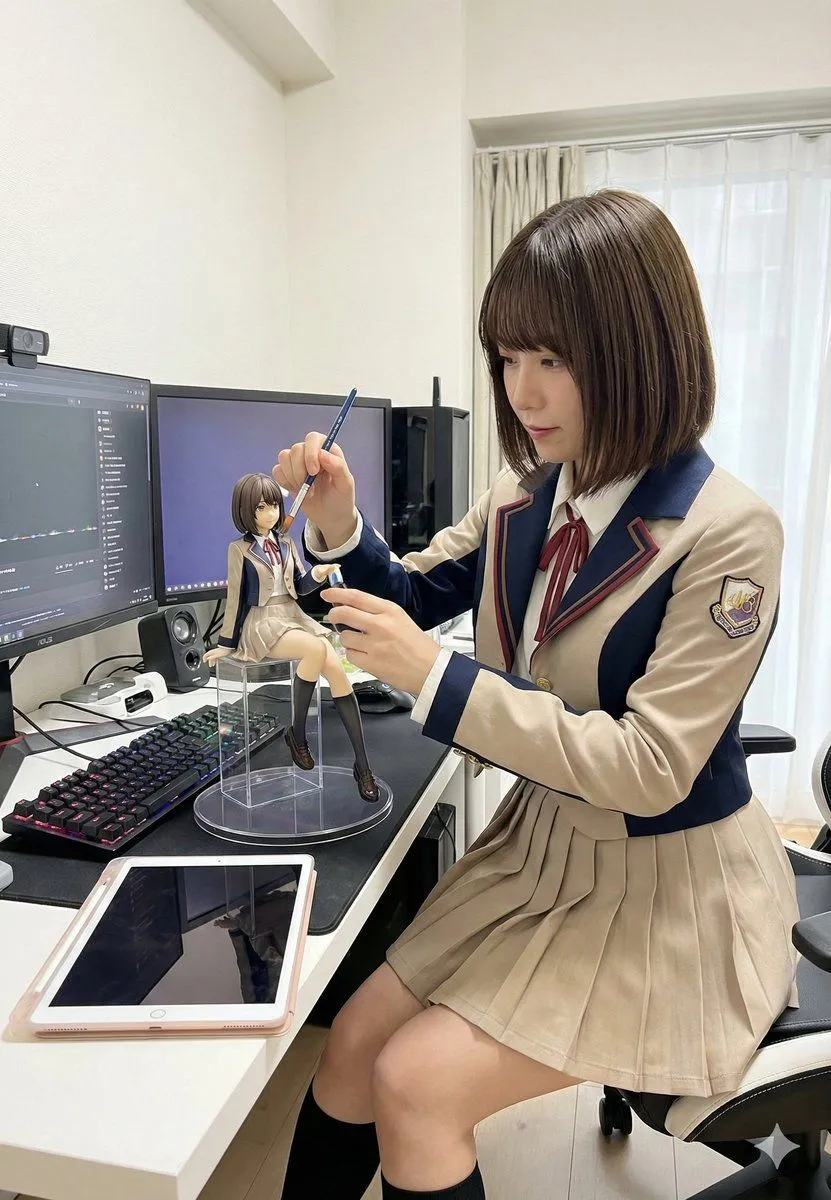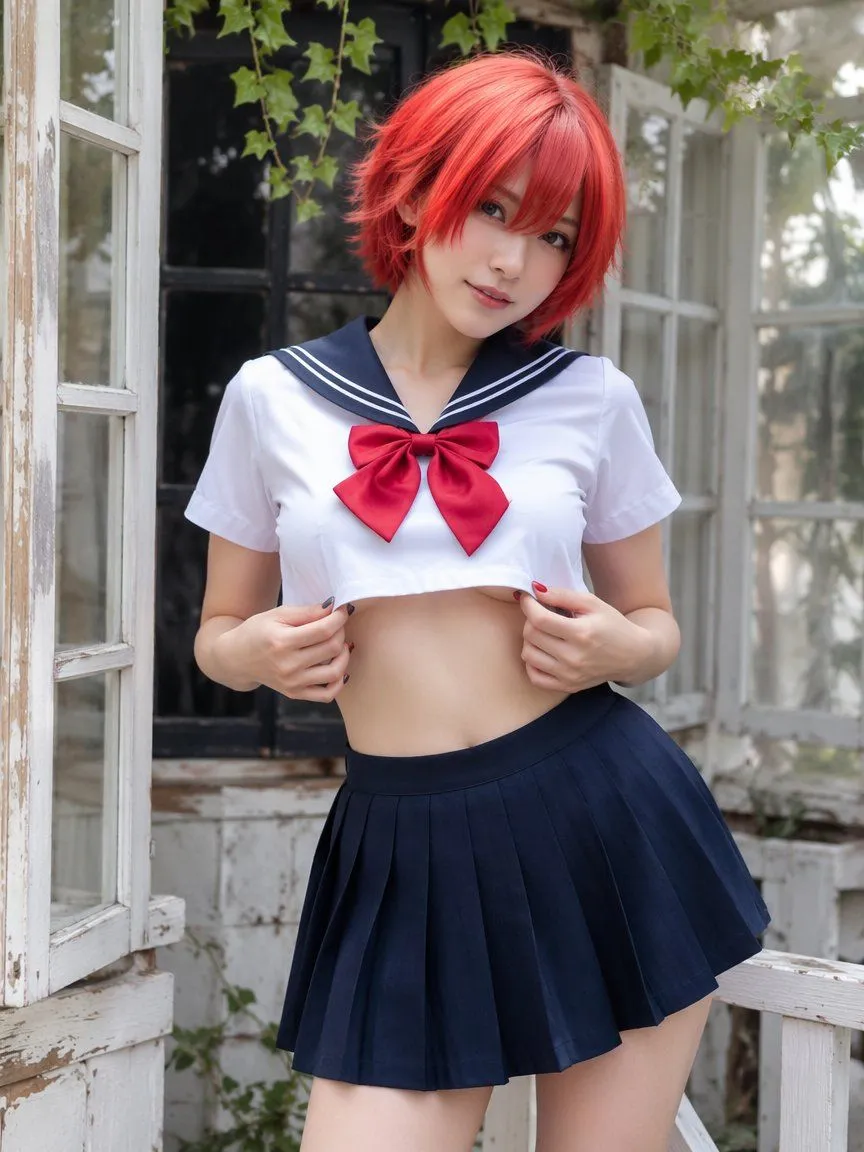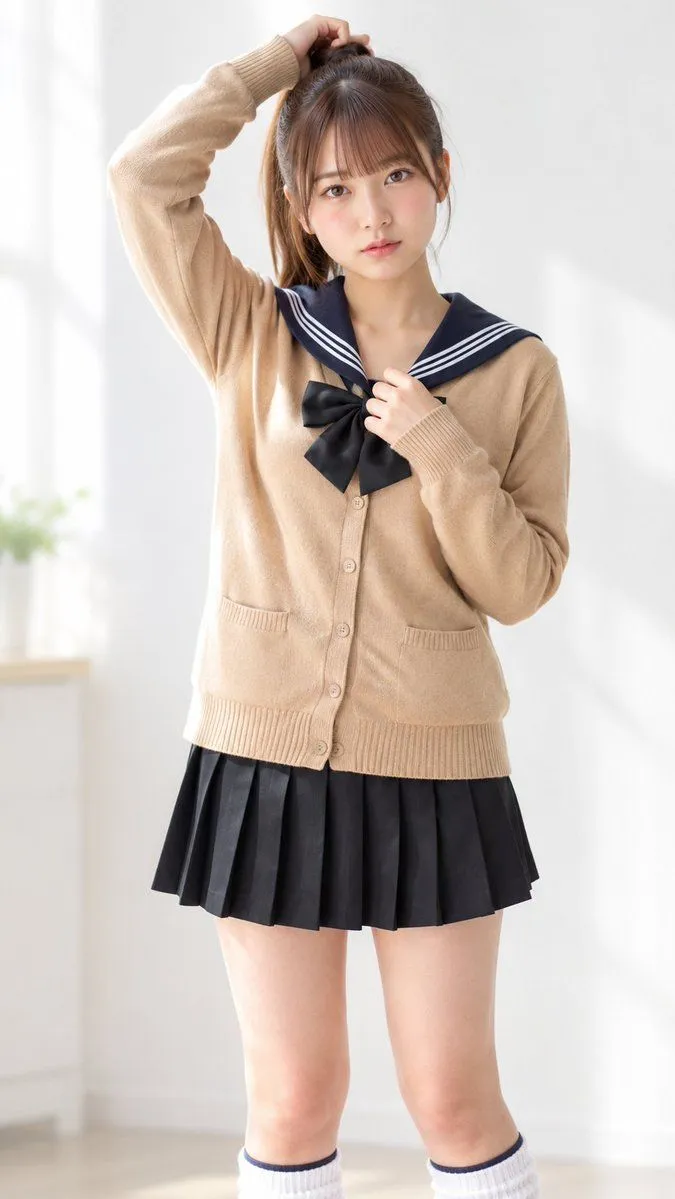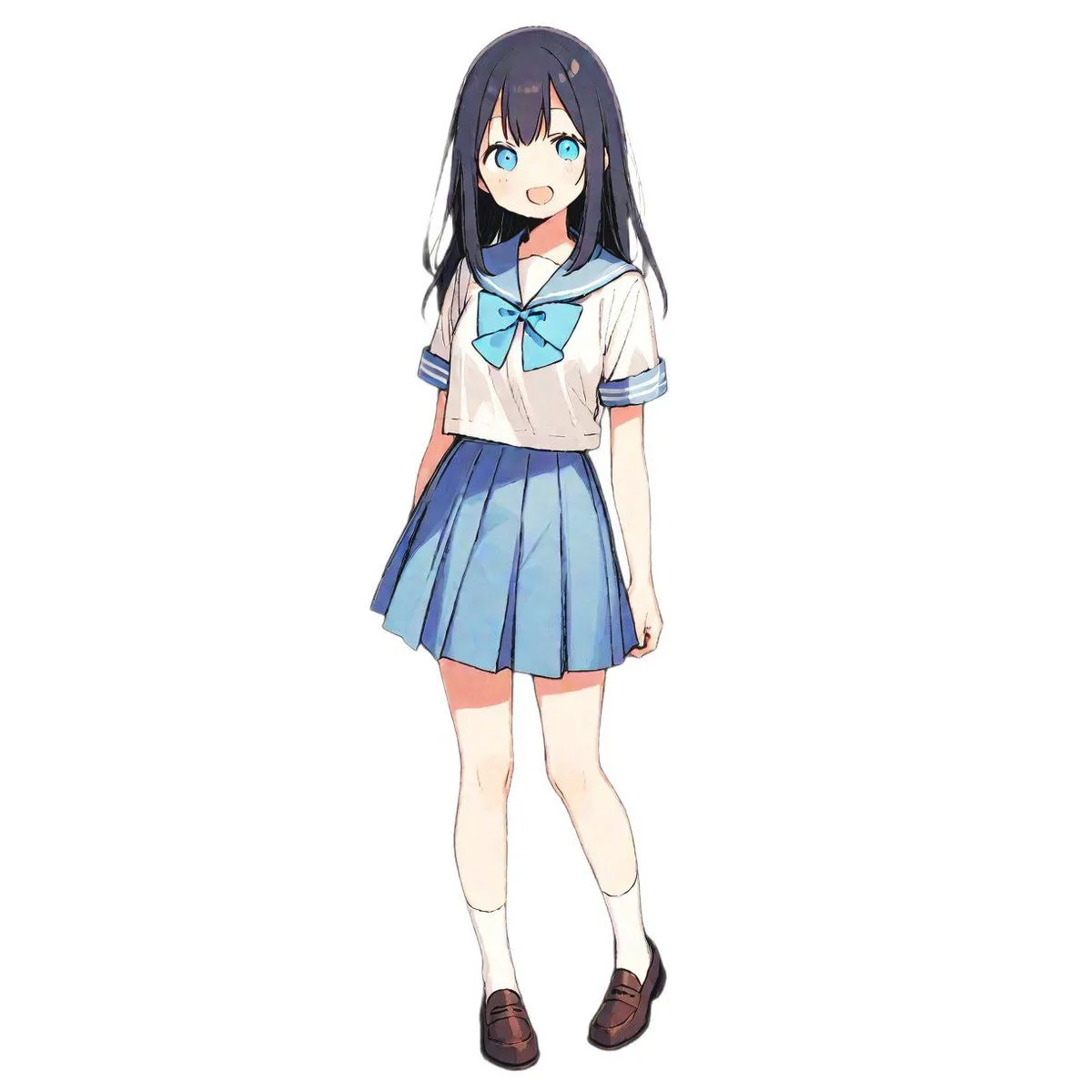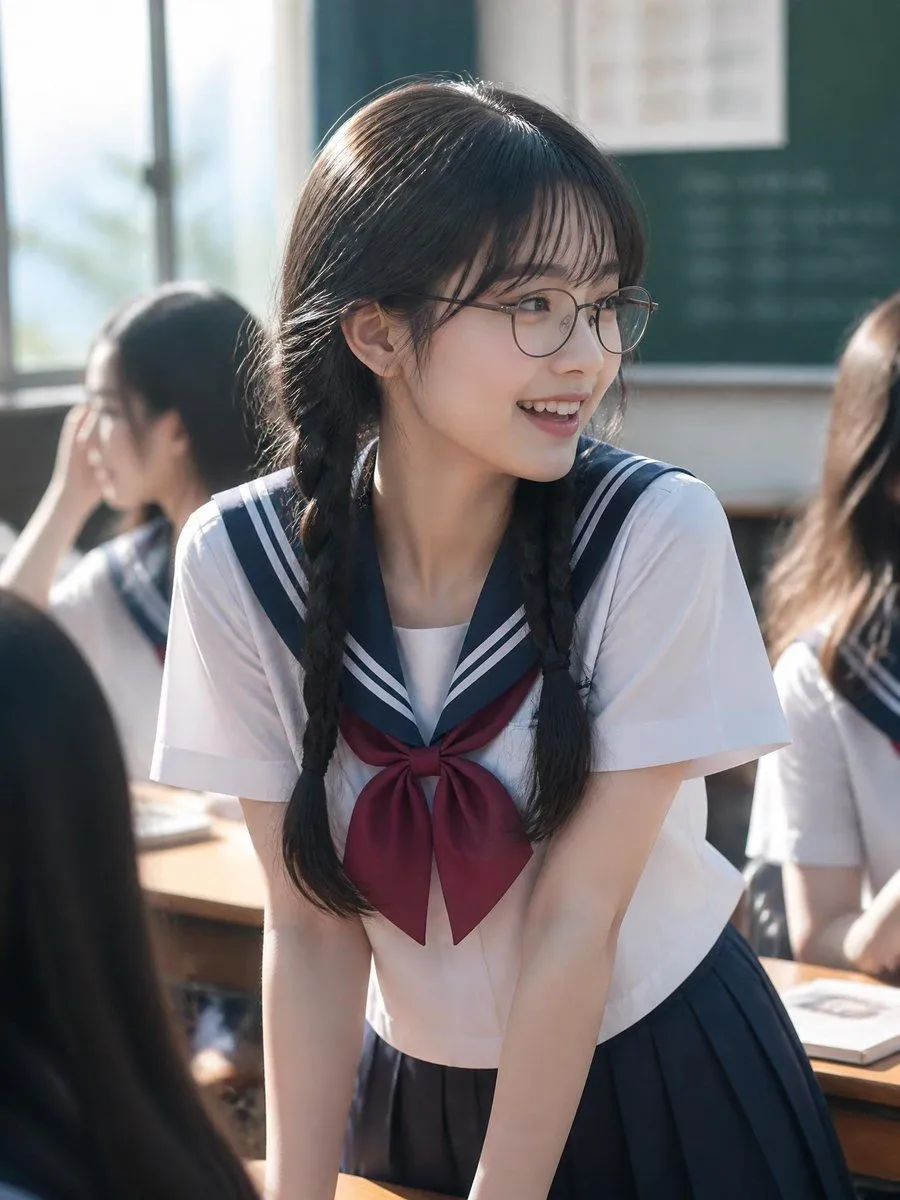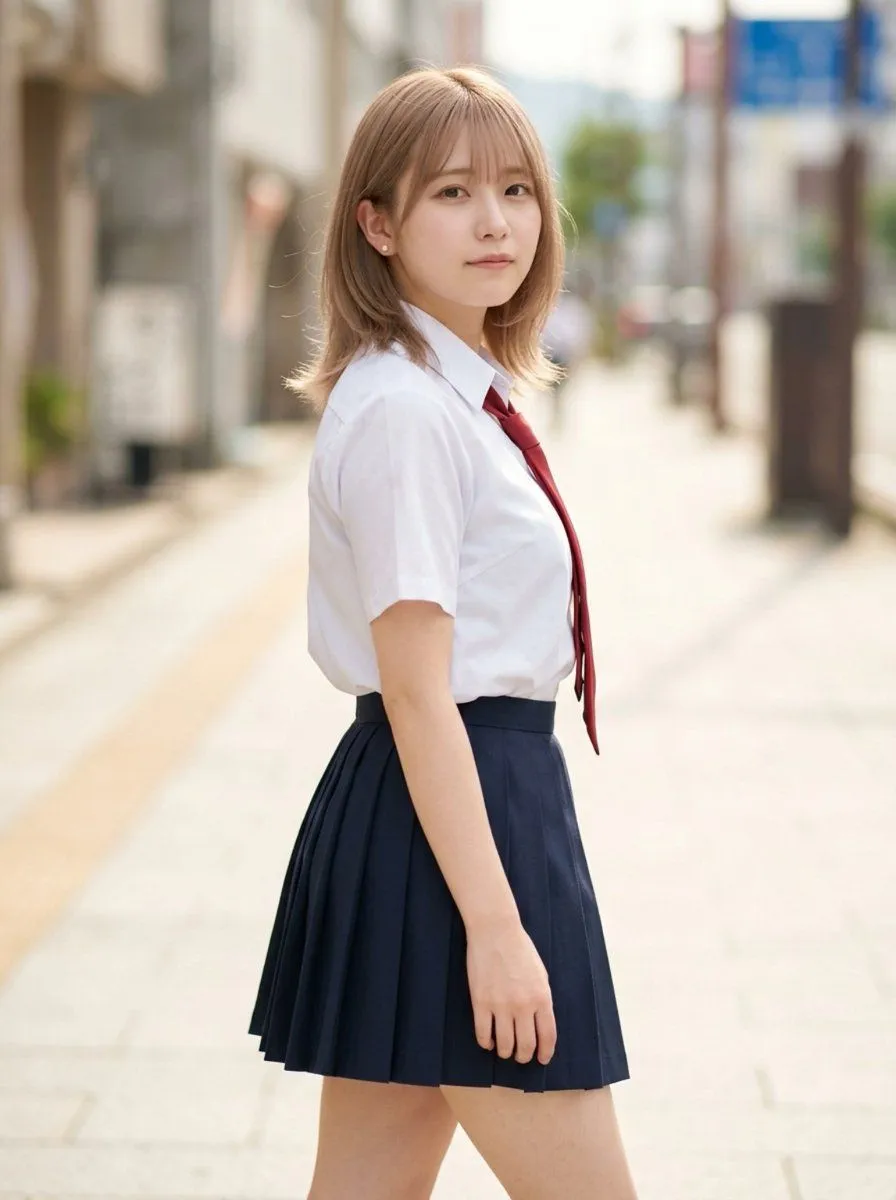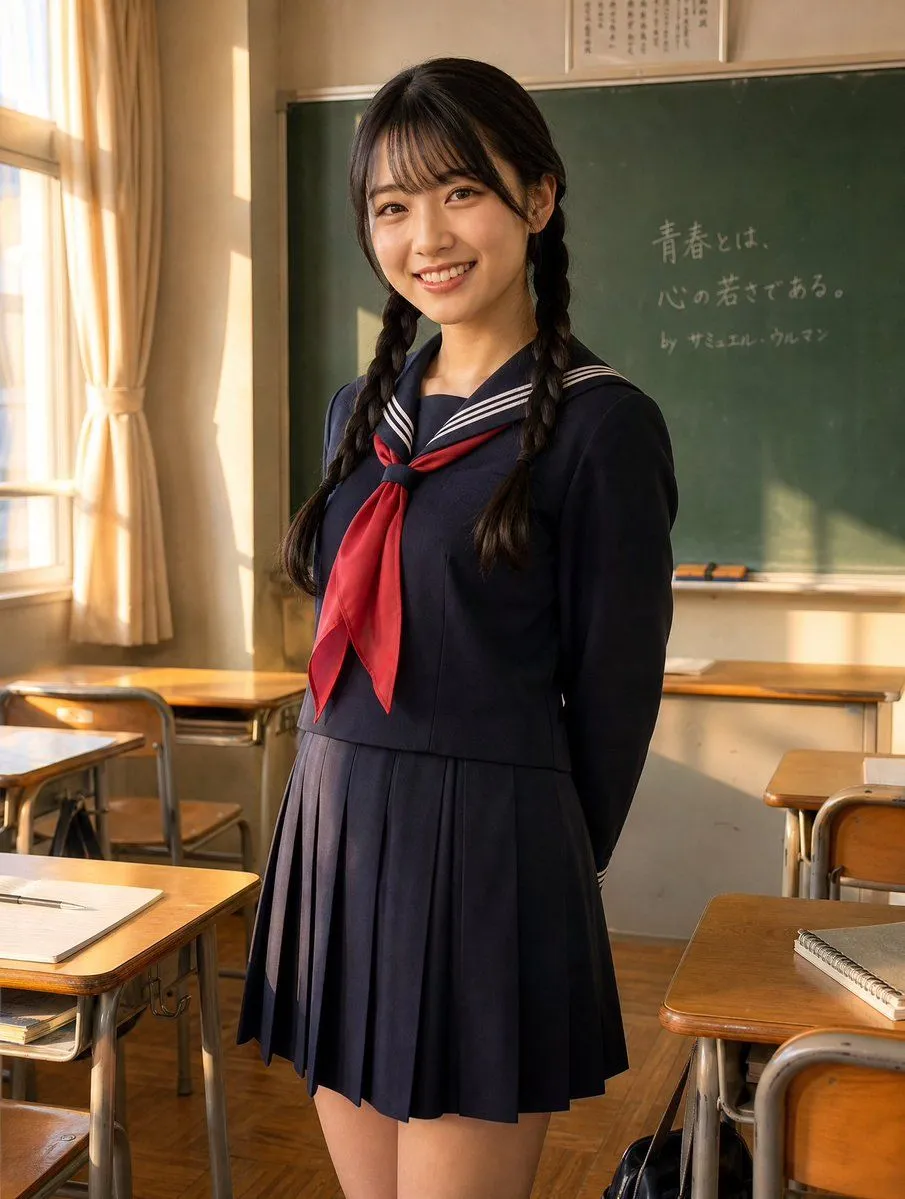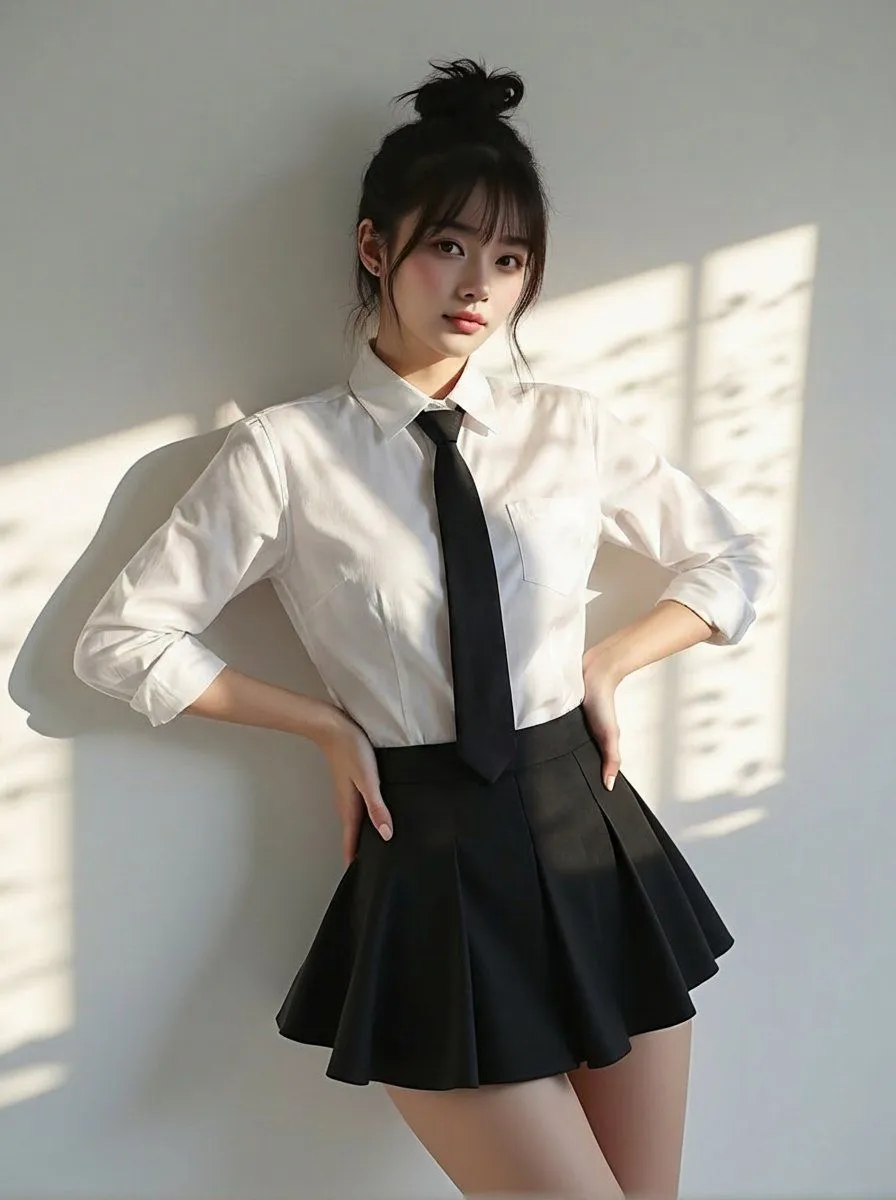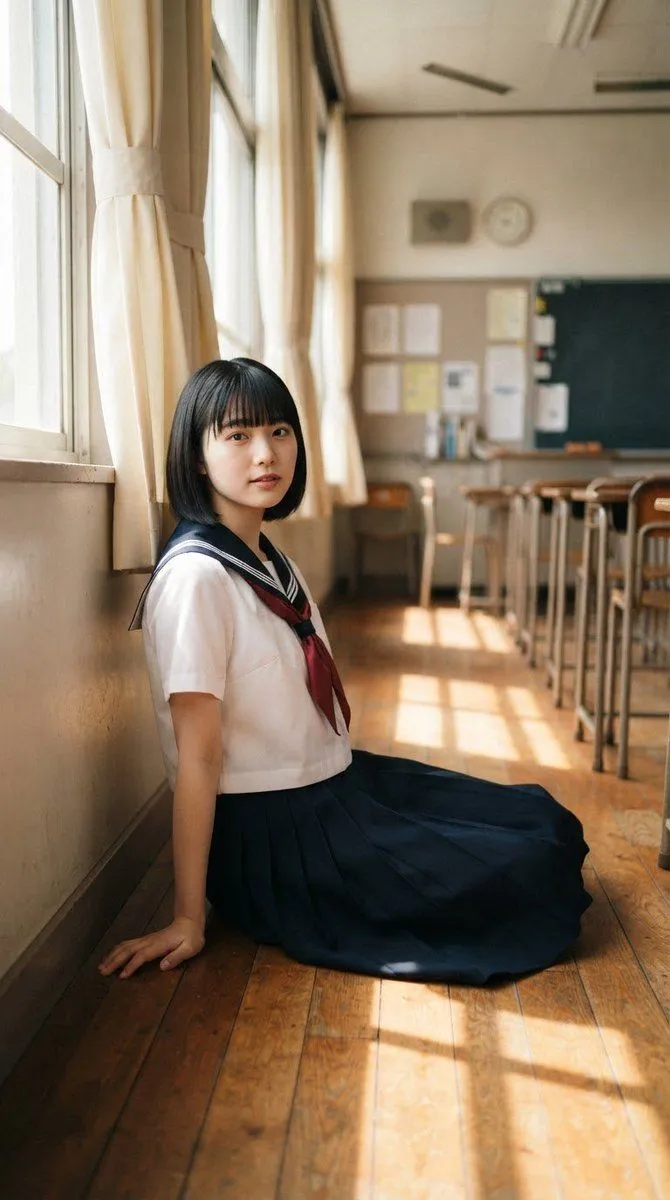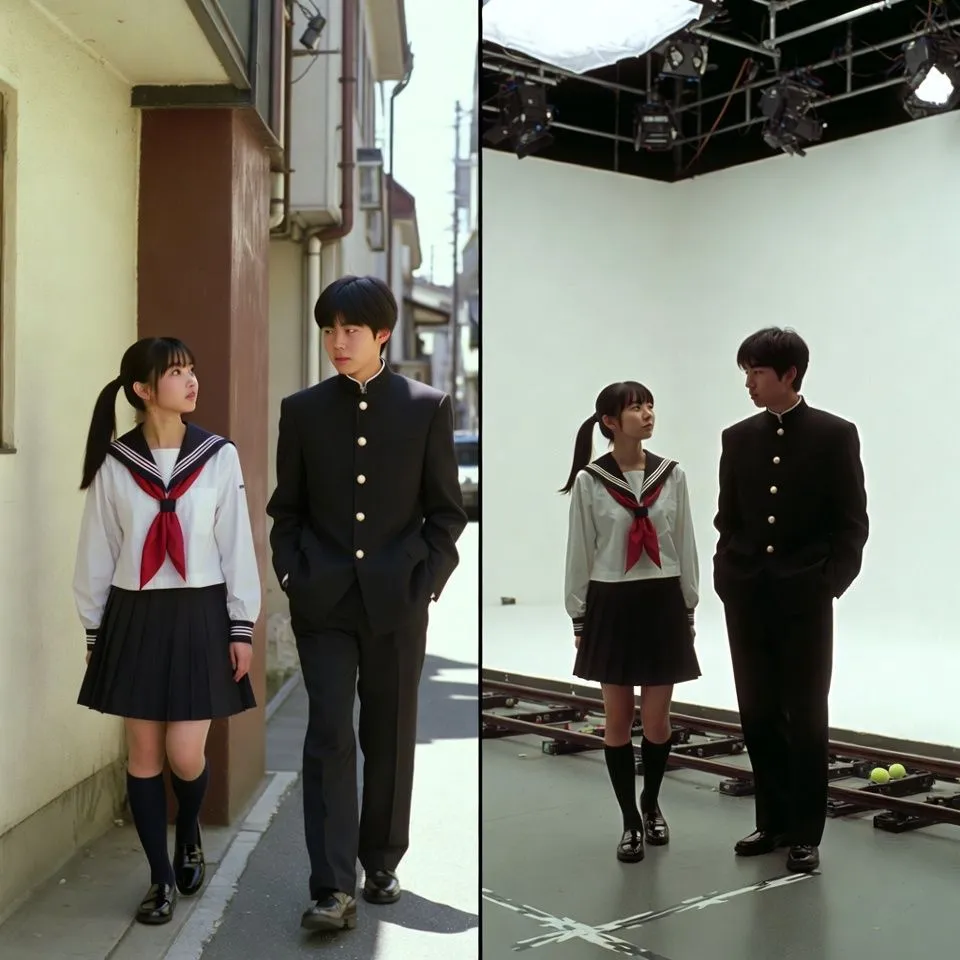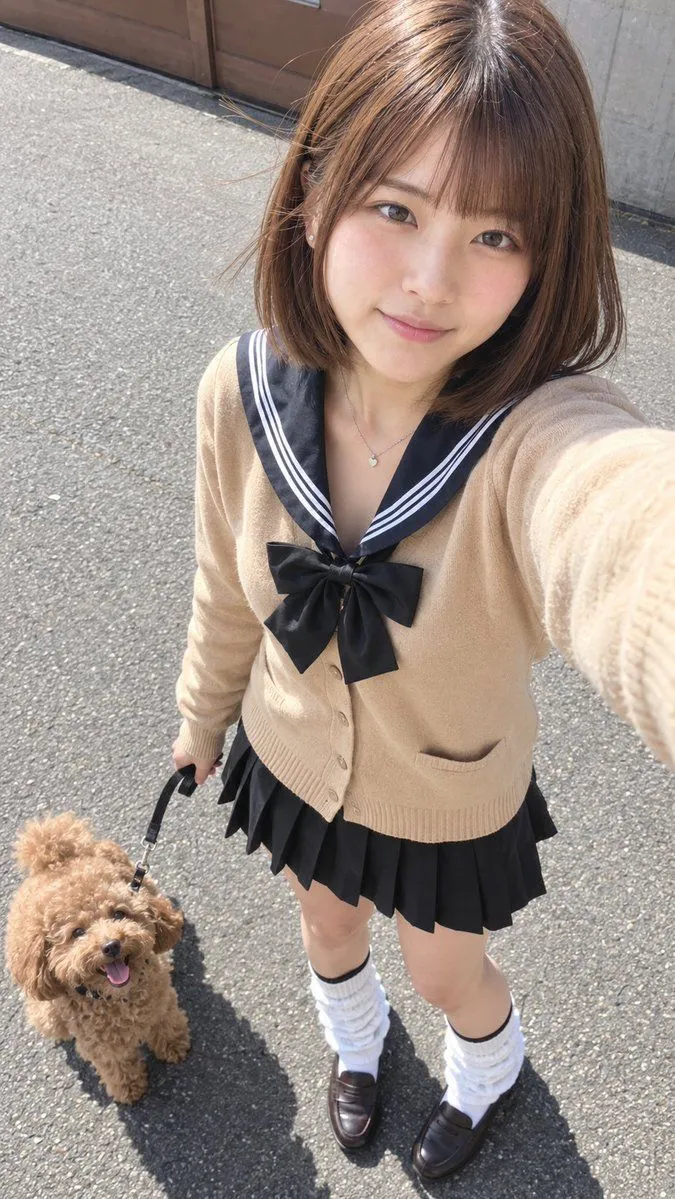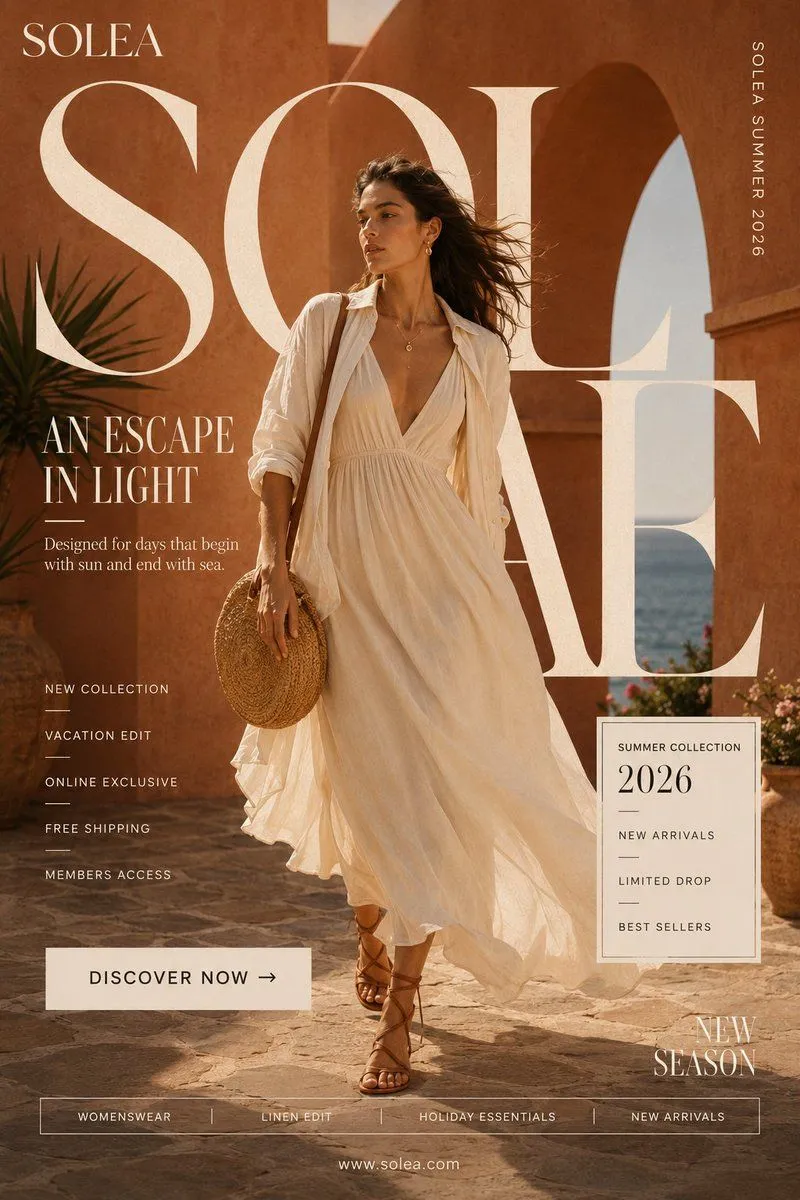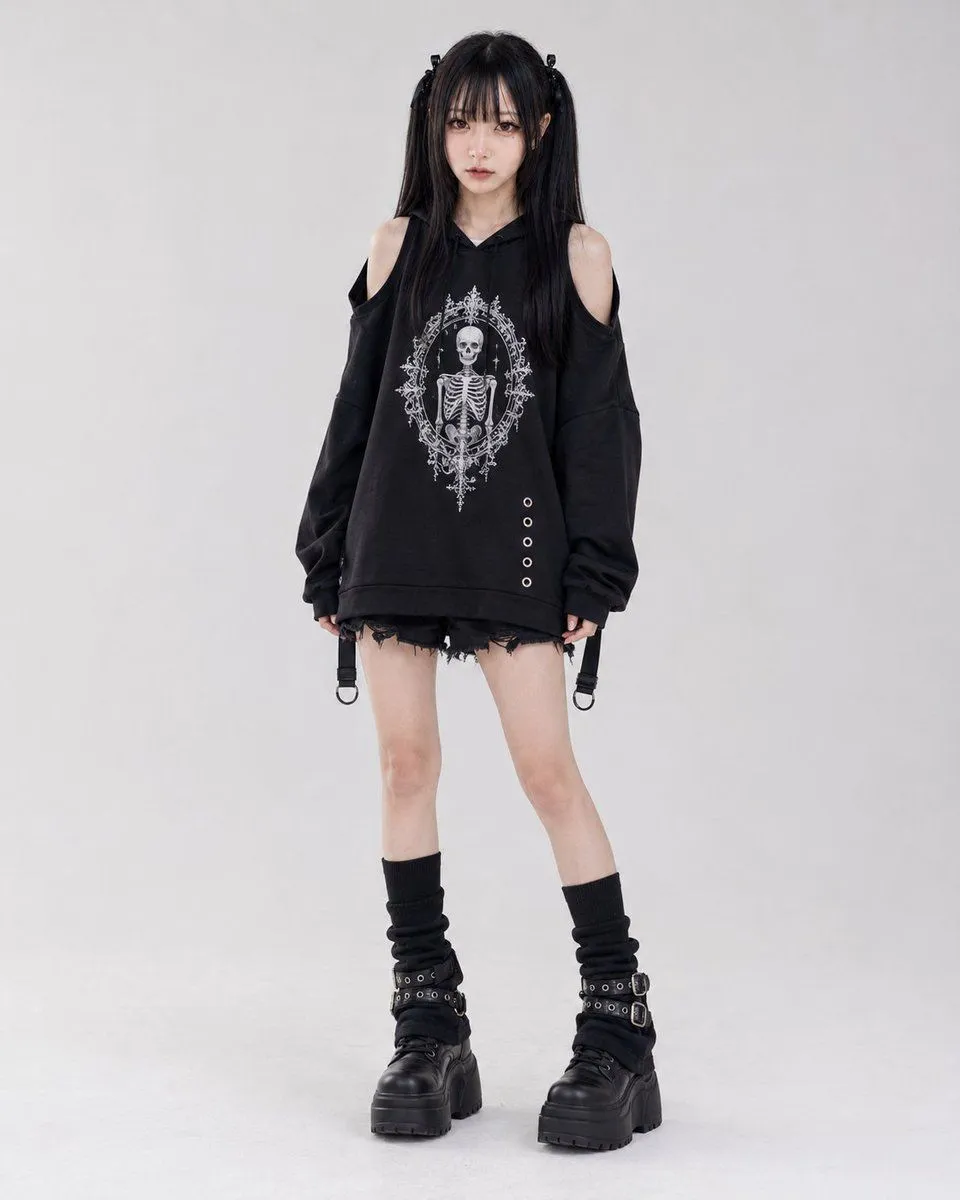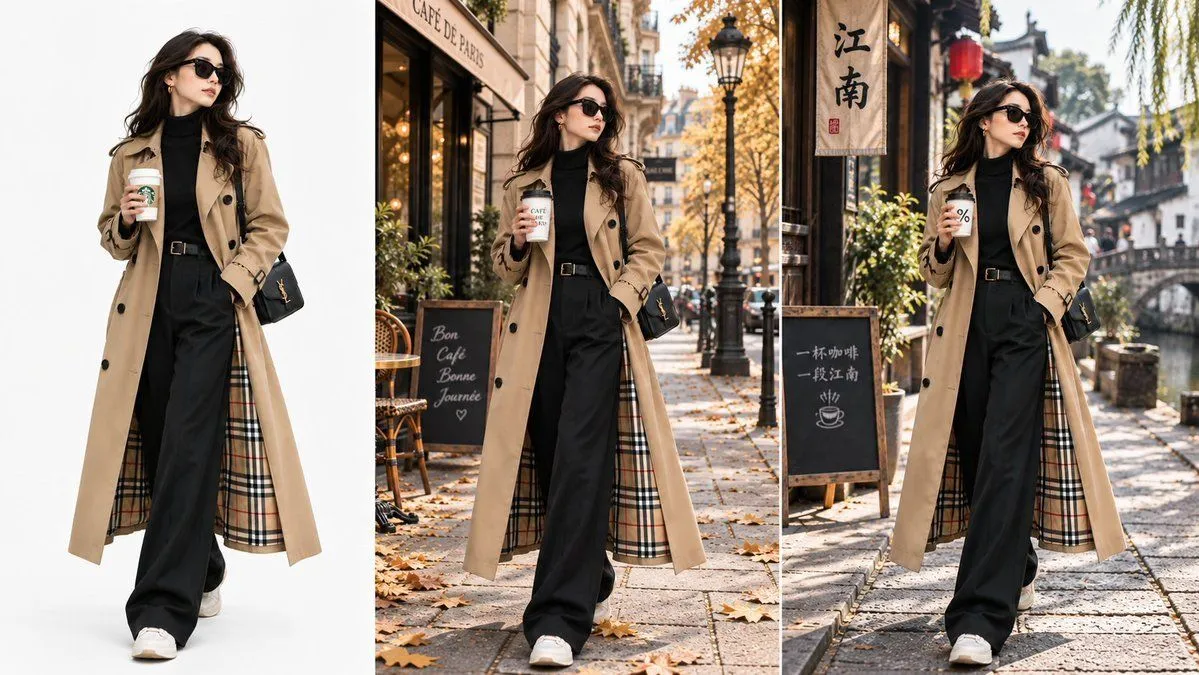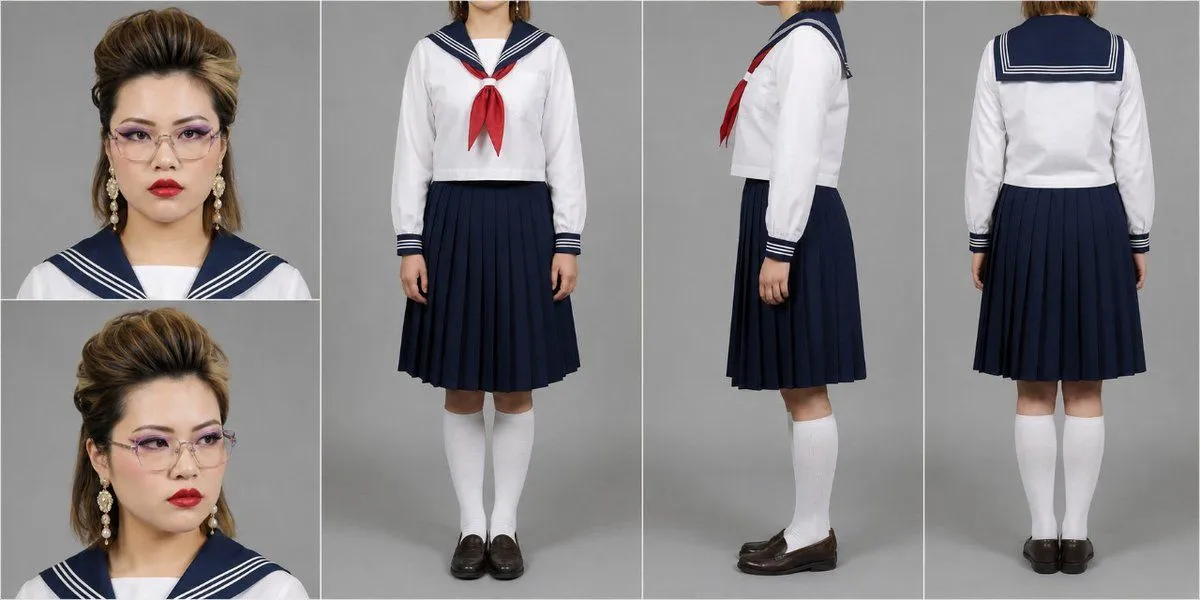
Made with GPT Image 2 in ChatGPT by Library Anime. Promptclay never generates images.
Three-View Character Reference Sheet Layout
Prompt
3 blanks to fillA {aspect_ratio} image. Divide the whole into left and right, with the left being 25% of the total width and the right being 75%. The right side is a 3:2 area using the full height, containing a three-view diagram on a {background_color} arranged side-by-side in the order of front, side, and back. The three-view diagrams should all be {standing_poses} where the full body is visible. However, in all three cuts, the top should be cut slightly below the jaw, showing only from the jaw down. Everything above the neck is completely out of frame, and the face, head, and hair are not shown at all. The left side is divided into two parts, top and bottom, with two squares of the same size. Both are close-ups of faces on a gray background. The top shows a serious expression facing the camera, and the bottom shows a face looking away. The three-view diagram on the right is configured for full-body costume verification.
Preview of your prompt
A 2:1 horizontal image. Divide the whole into left and right, with the left being 25% of the total width and the right being 75%. The right side is a 3:2 area using the full height, containing a three-view diagram on a gray background arranged side-by-side in the order of front, side, and back. The three-view diagrams should all be standing poses where the full body is visible. However, in all three cuts, the top should be cut slightly below the jaw, showing only from the jaw down. Everything above the neck is completely out of frame, and the face, head, and hair are not shown at all. The left side is divided into two parts, top and bottom, with two squares of the same size. Both are close-ups of faces on a gray background. The top shows a serious expression facing the camera, and the bottom shows a face looking away. The three-view diagram on the right is configured for full-body costume verification.
DetailsVersions, settings and questions
Written for
What's in the prompt
- Subject
- Model
- GPT Image 2
If your face changes
keep my face exactly the sameQuestions
- Does this work in the ChatGPT app?
- Yes. Paste the prompt and attach your photo if it uses one.
- It changed my face. What do I do?
- Add "keep my face exactly the same" to the end and run it again.
- Can I use the images I make?
- Check the terms of the app you use. Promptclay never generates images and claims nothing you make.
Did it work?
No reports yet. Tell others if it worked for you.