Tell us anything

An idea, a bug, something you love. We read every note.

⌘↵ to send. The page you're on comes along.

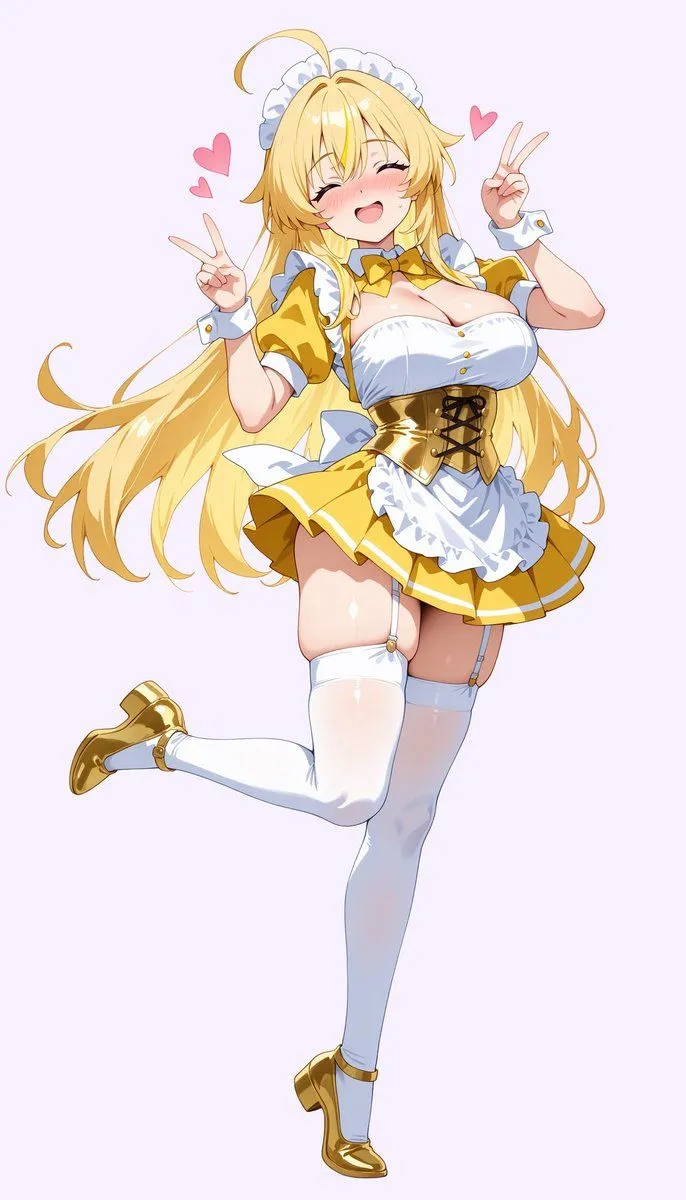
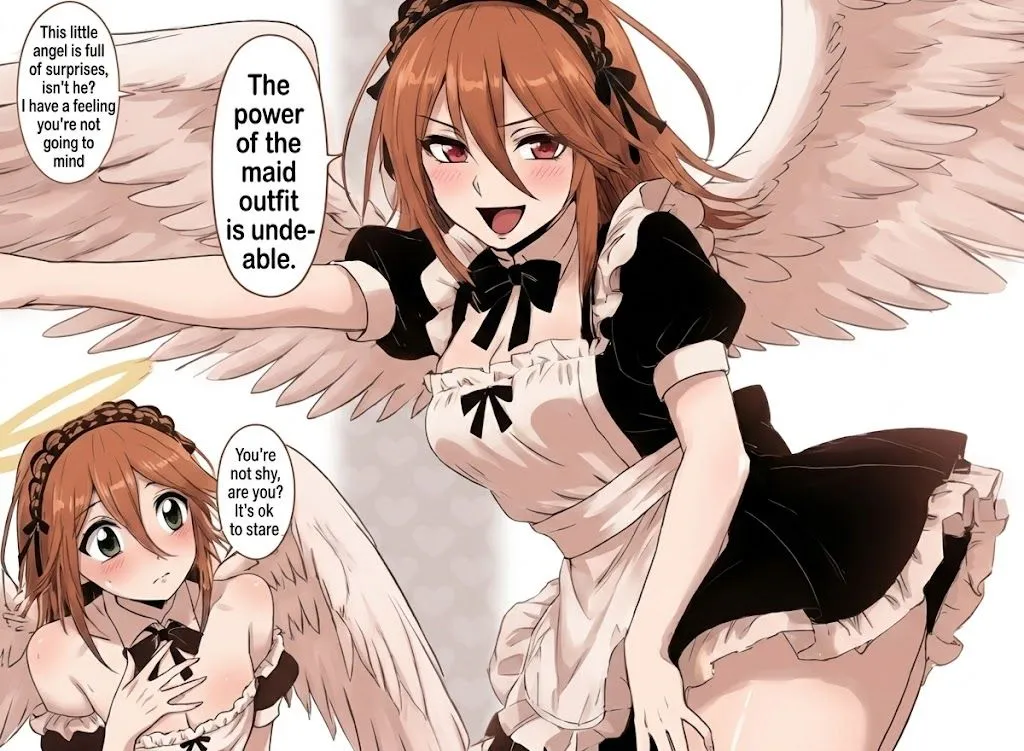
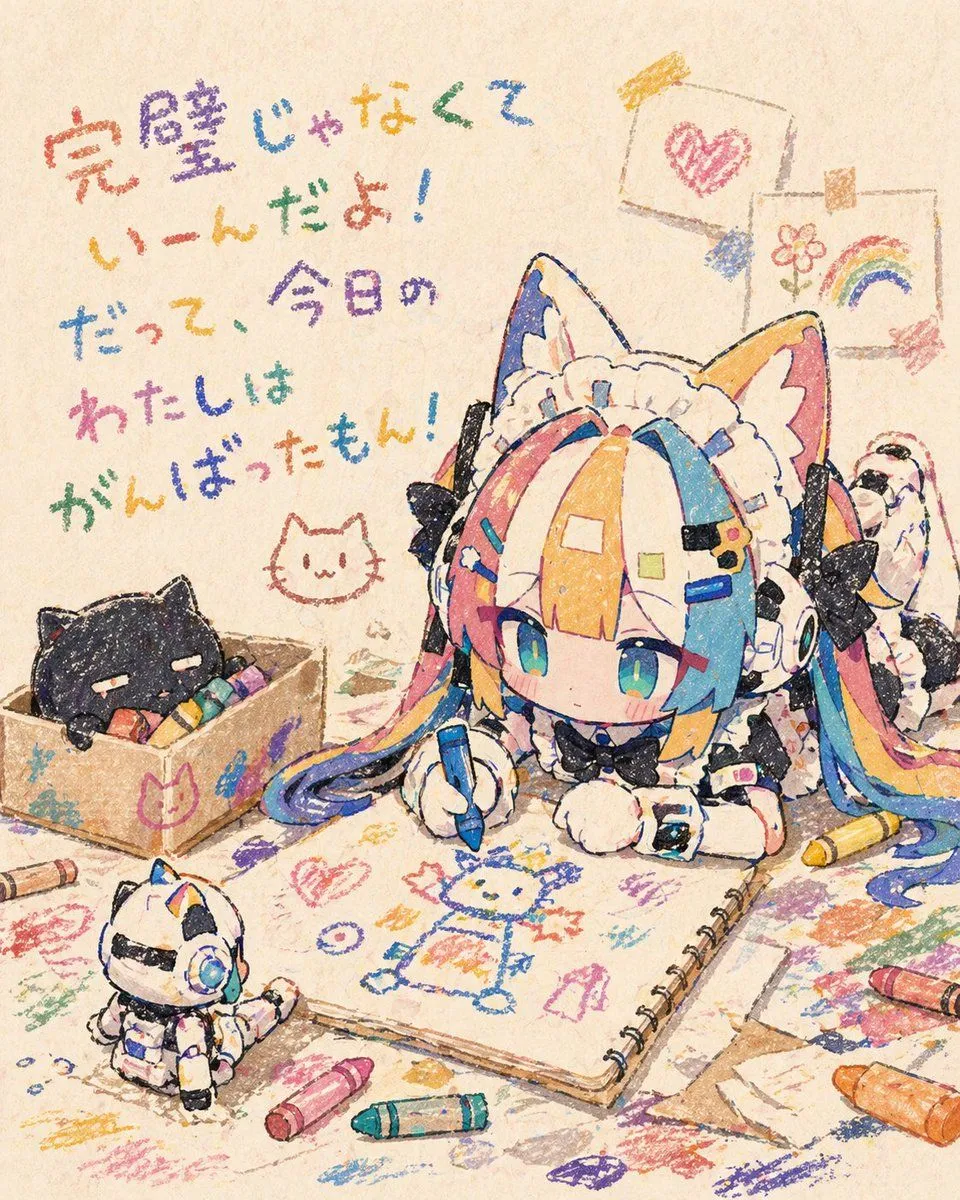
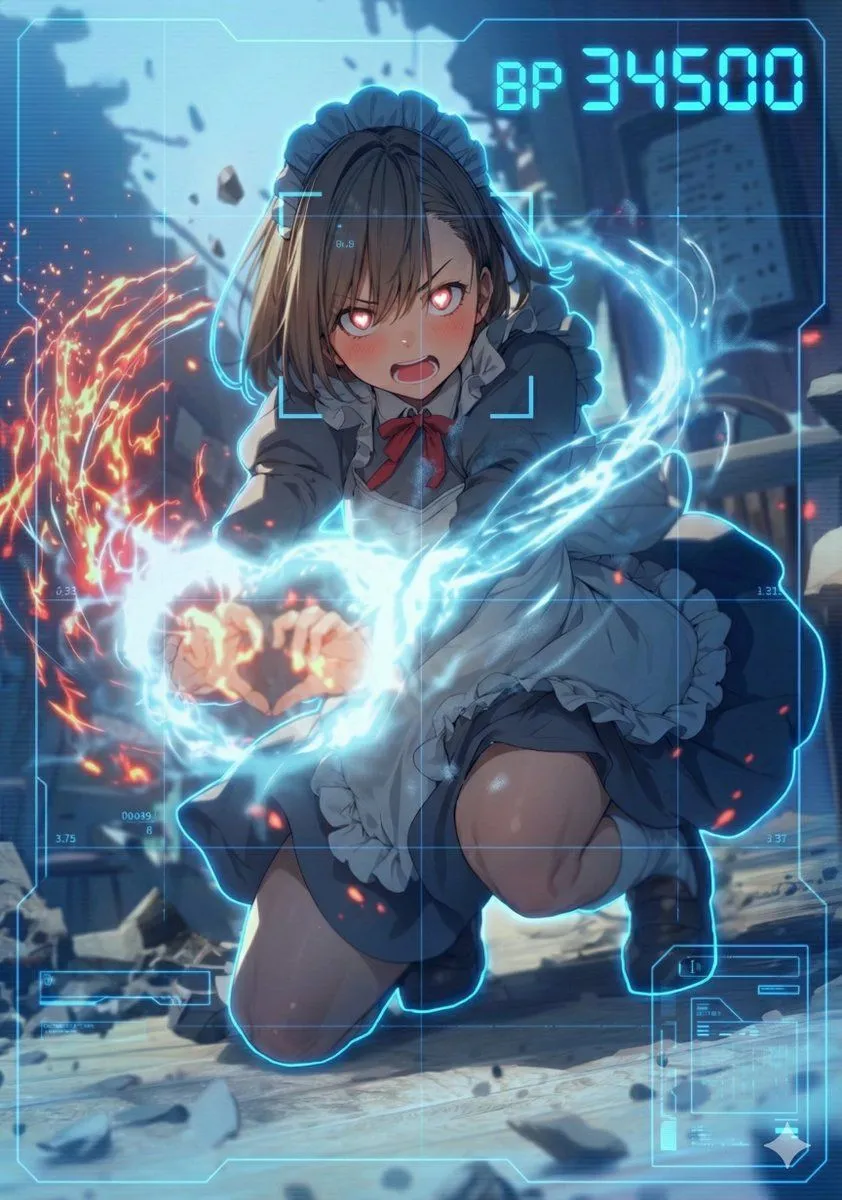
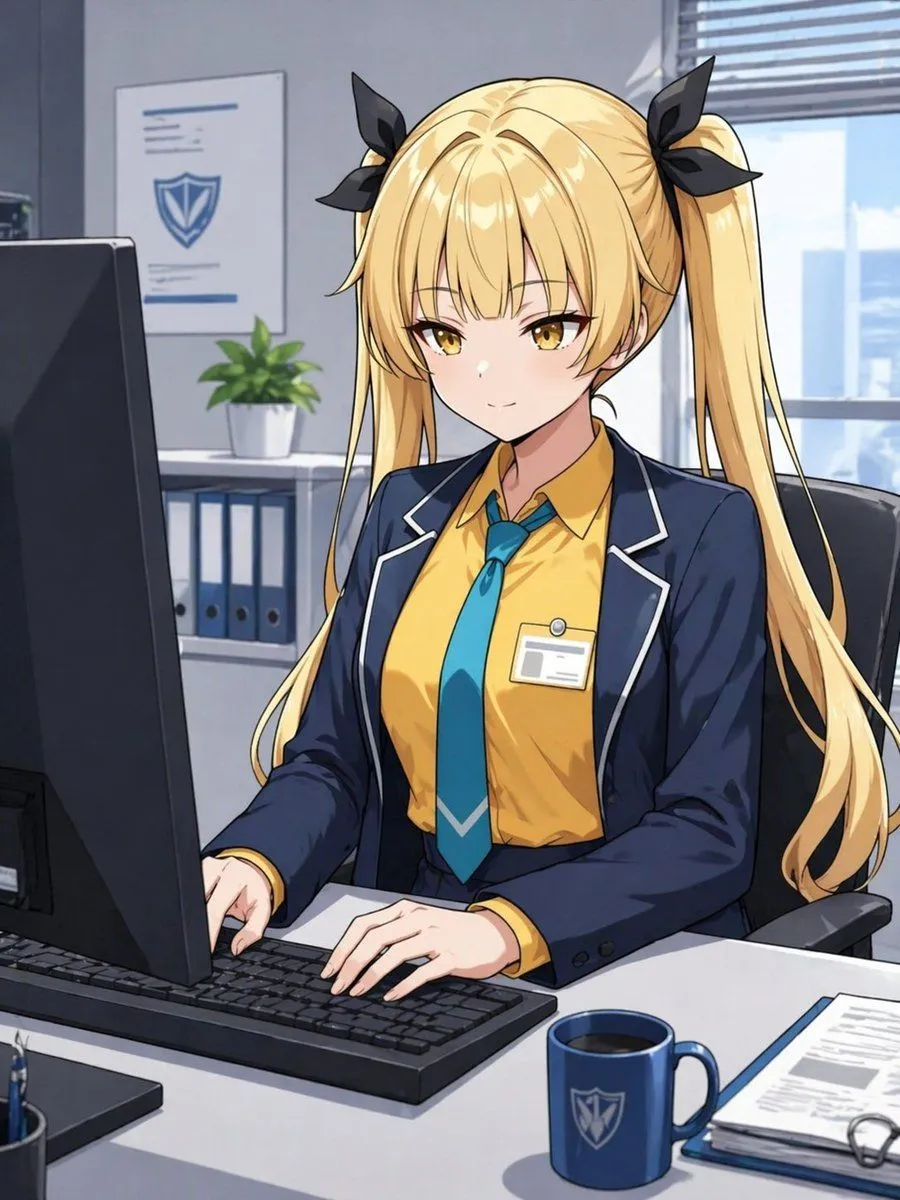
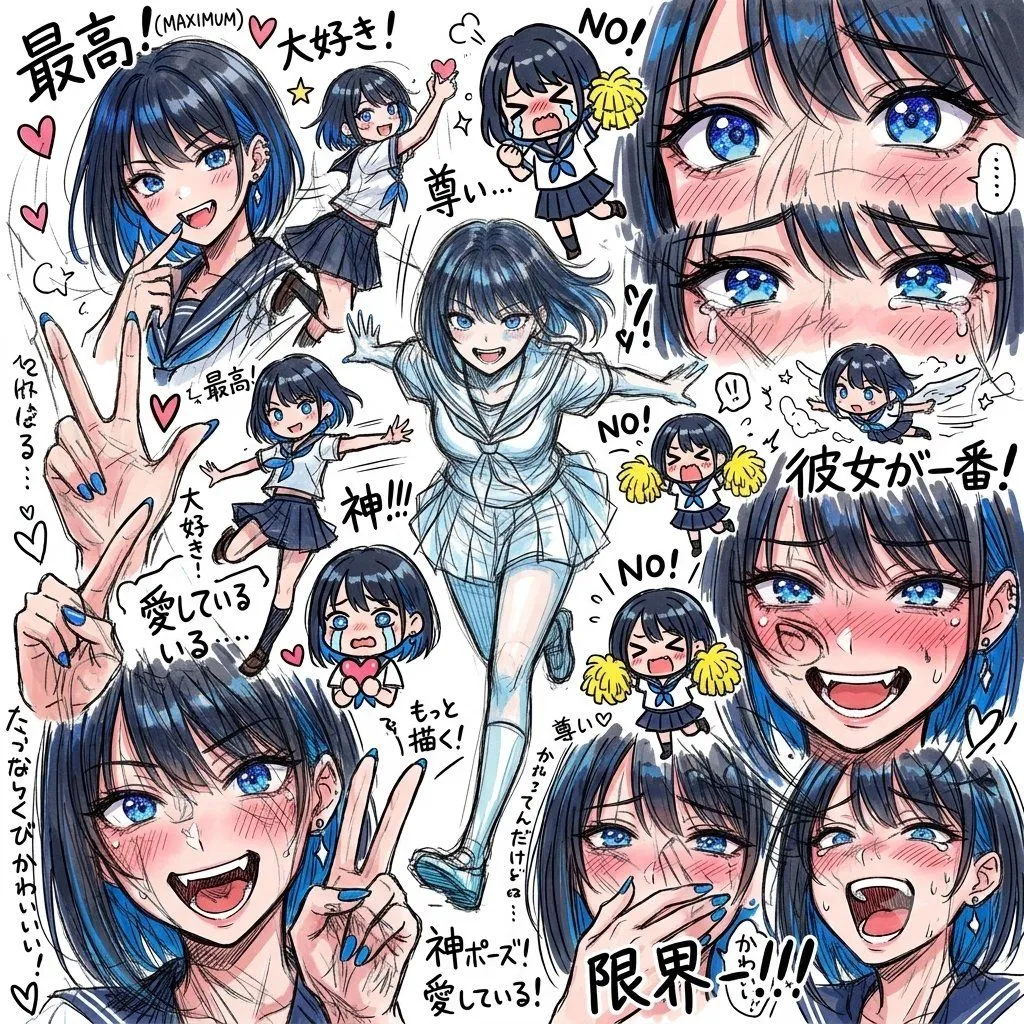
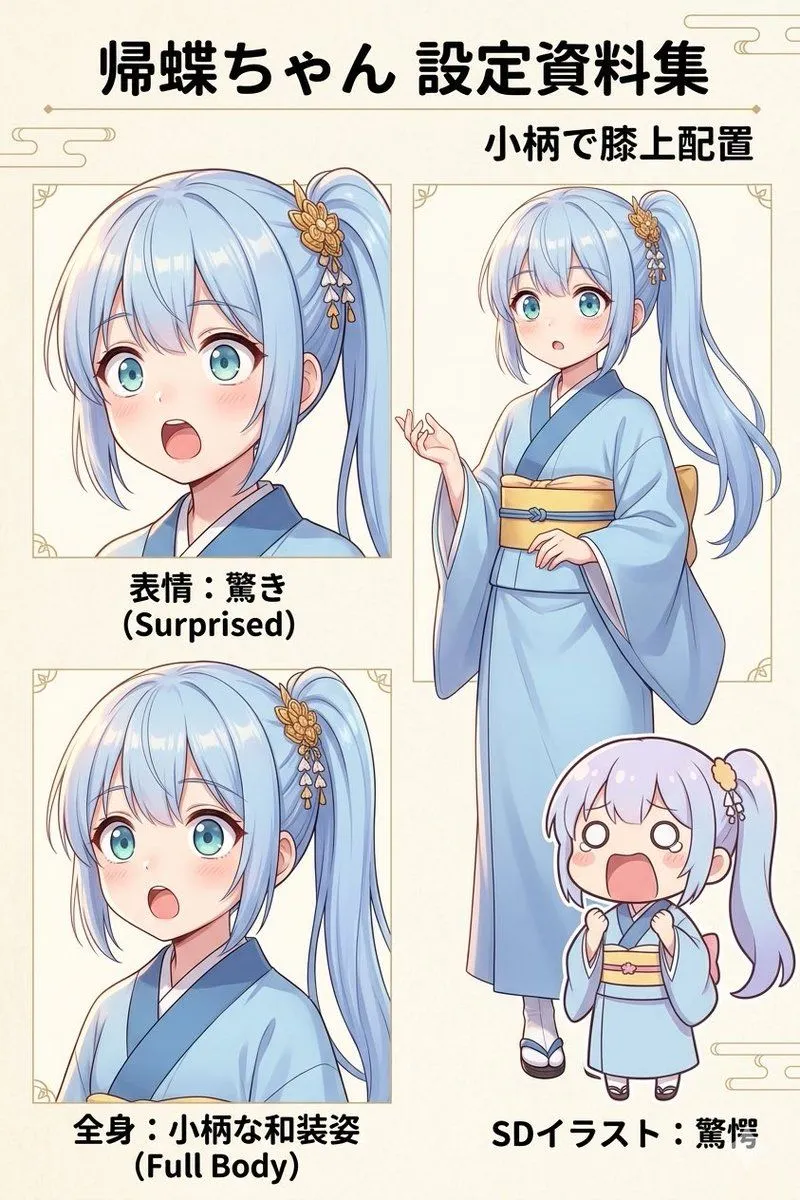
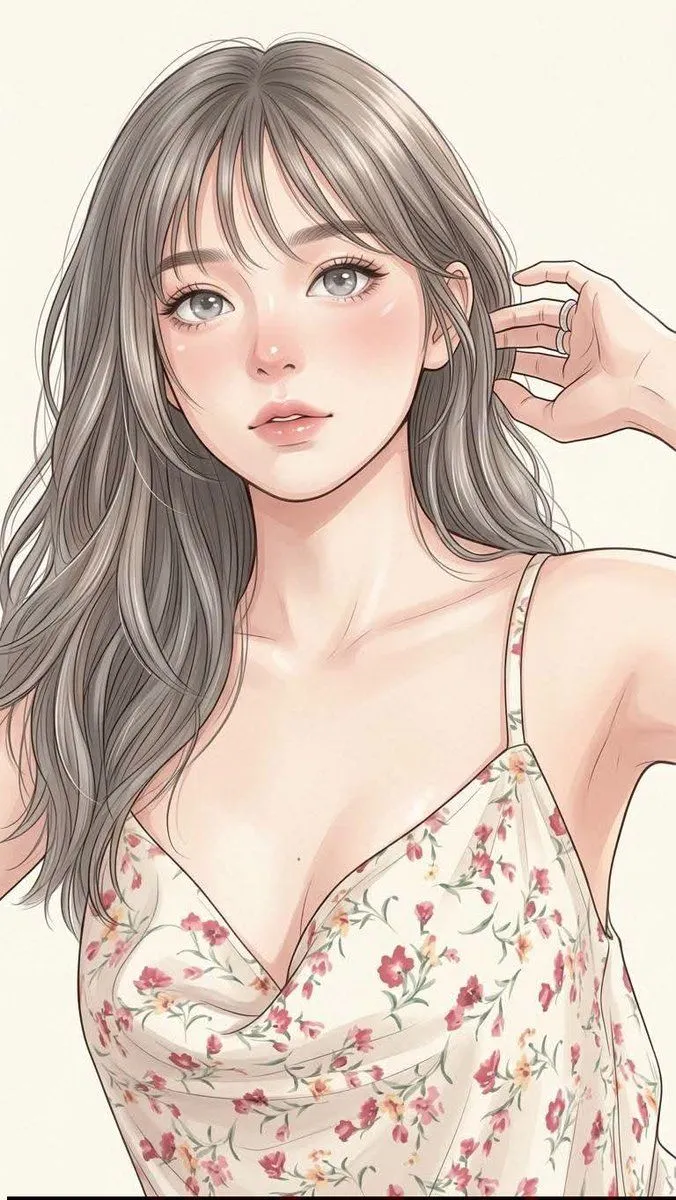
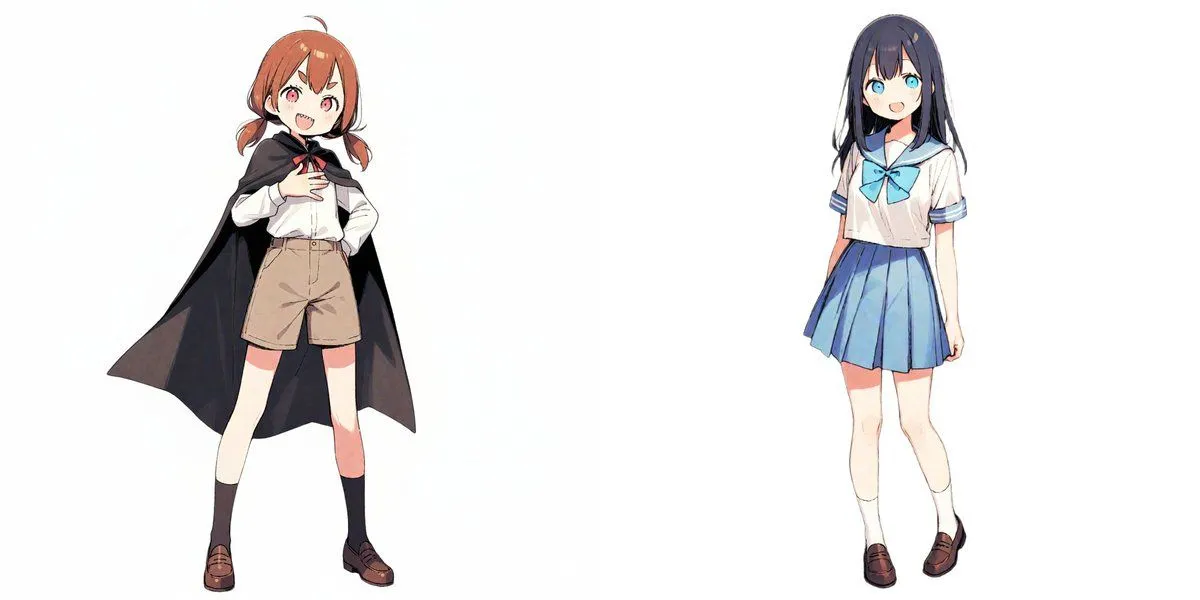
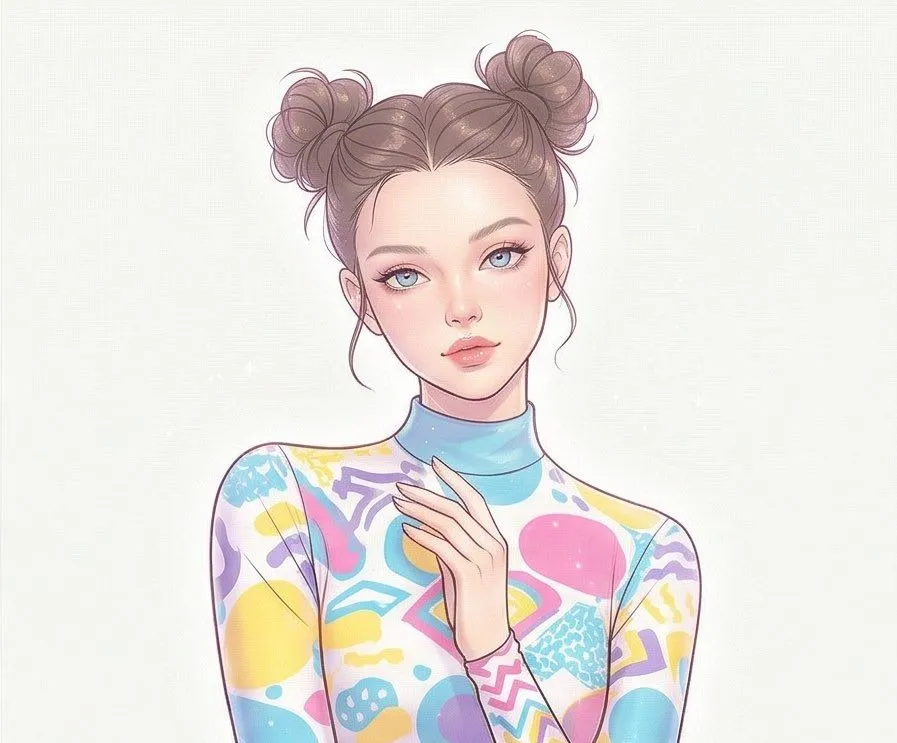
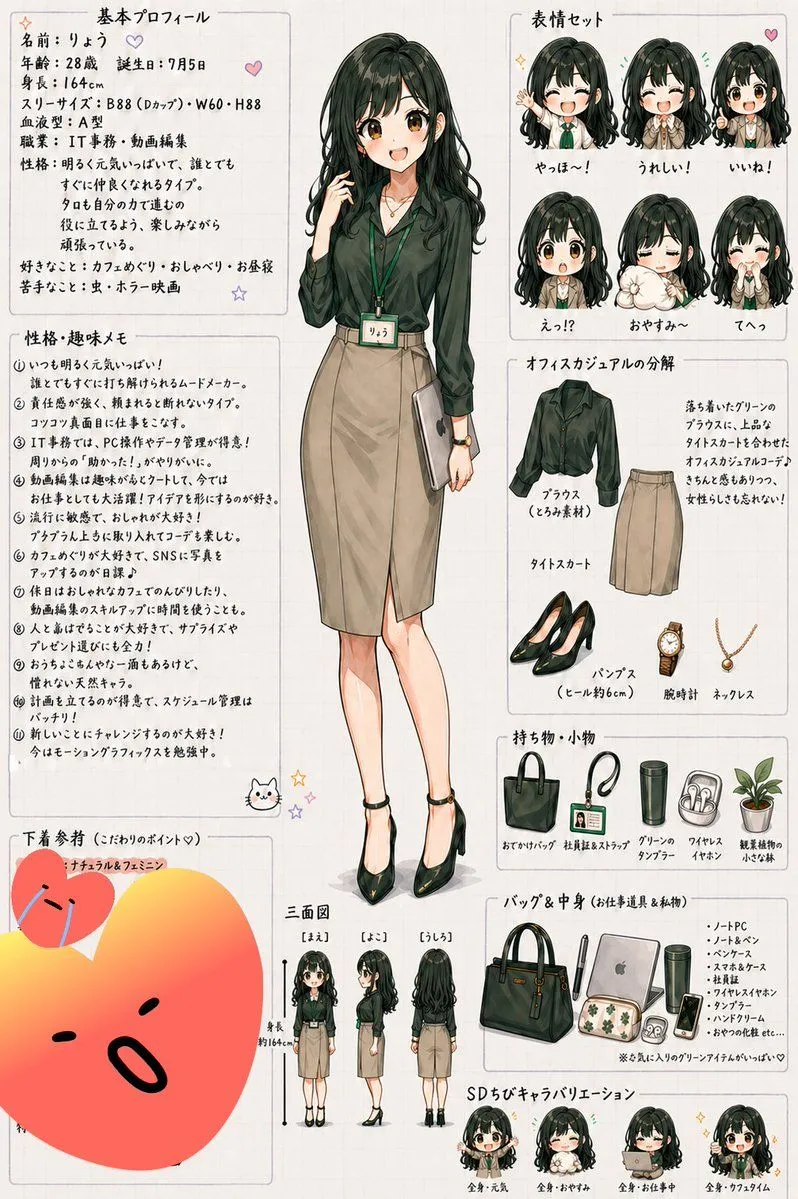
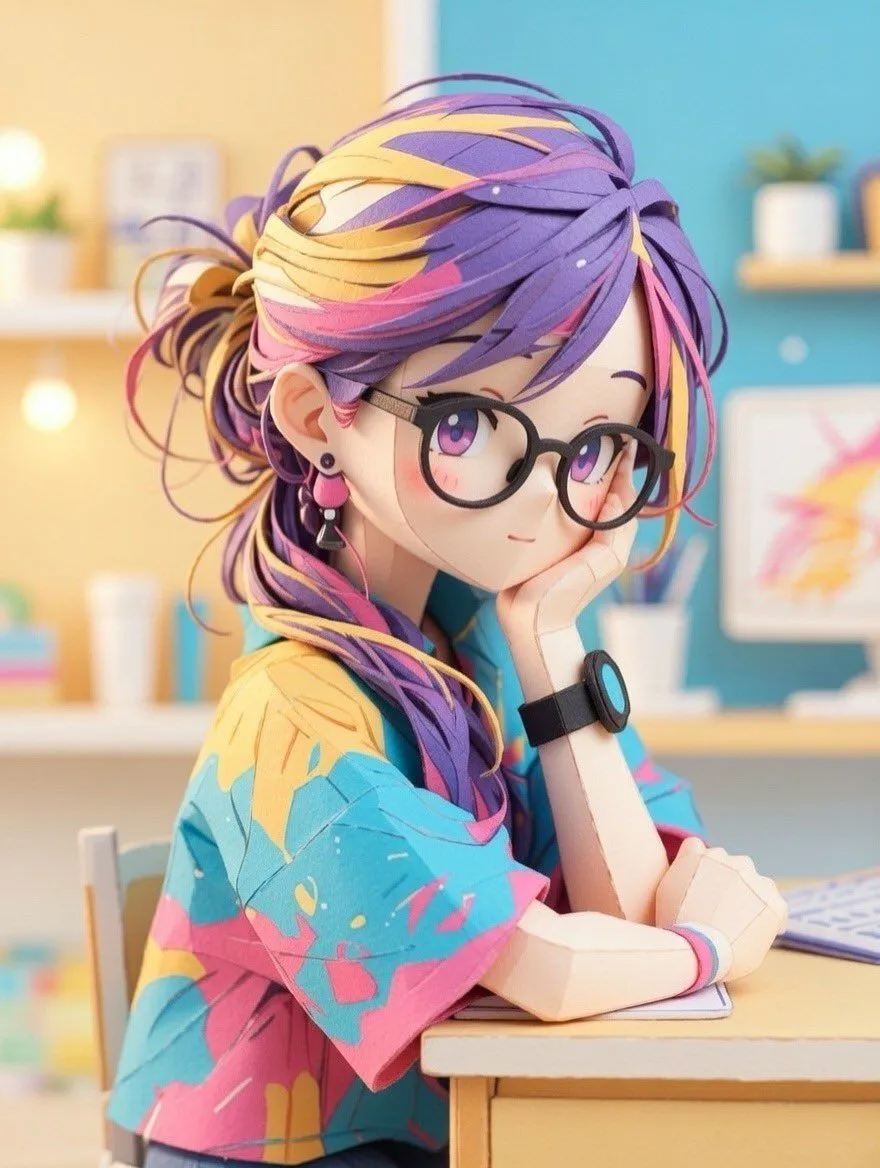
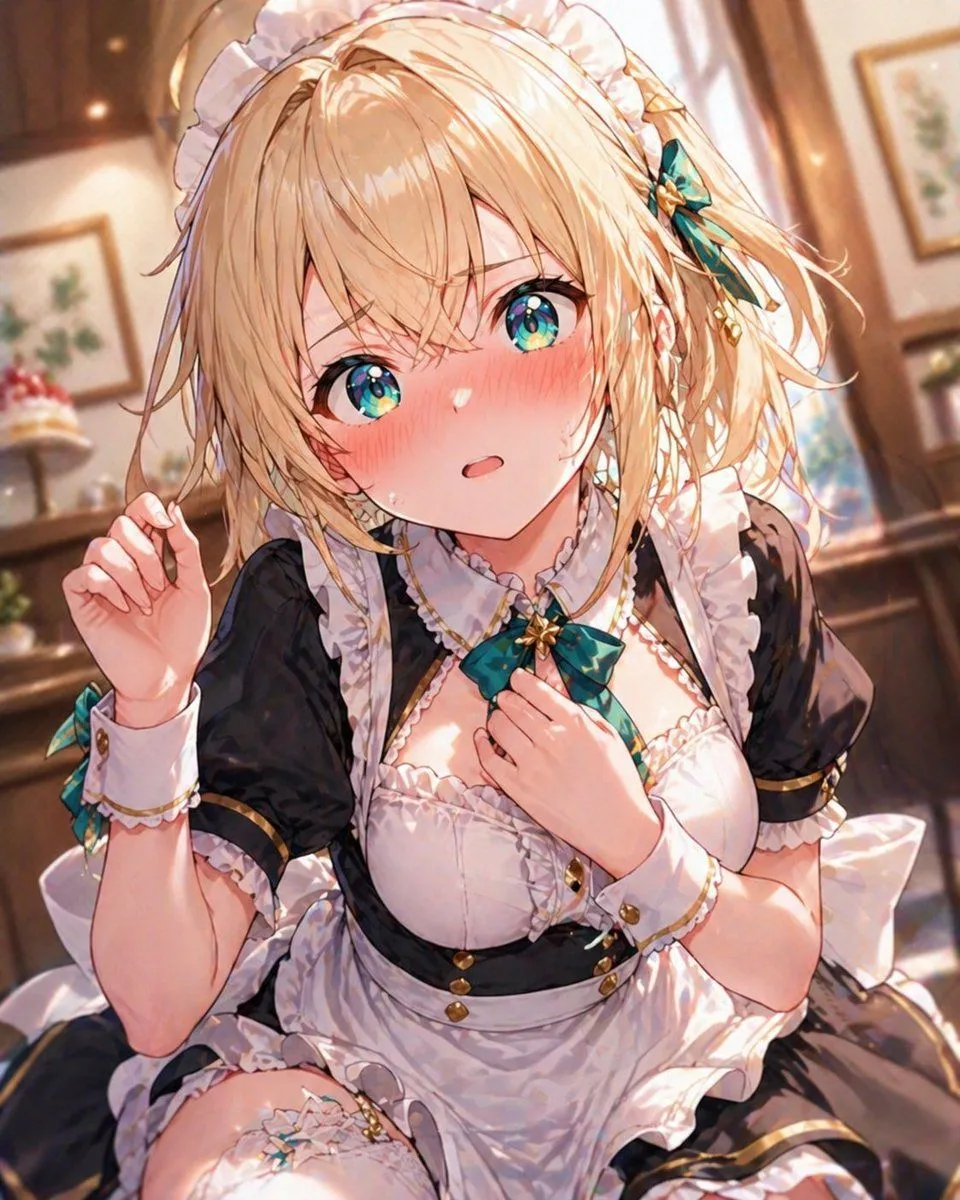
Texture and Style Variation Prompt

Made with Nano Banana Pro in Gemini by Library Art. Promptclay never generates images.

Did it work?

No reports yet. Tell others if it worked for you.

No comments yet. Be the first.

    Texture and Style Variation Prompt

    Nano Banana ProAI-generated

    Prompt

    3 blanks to fill

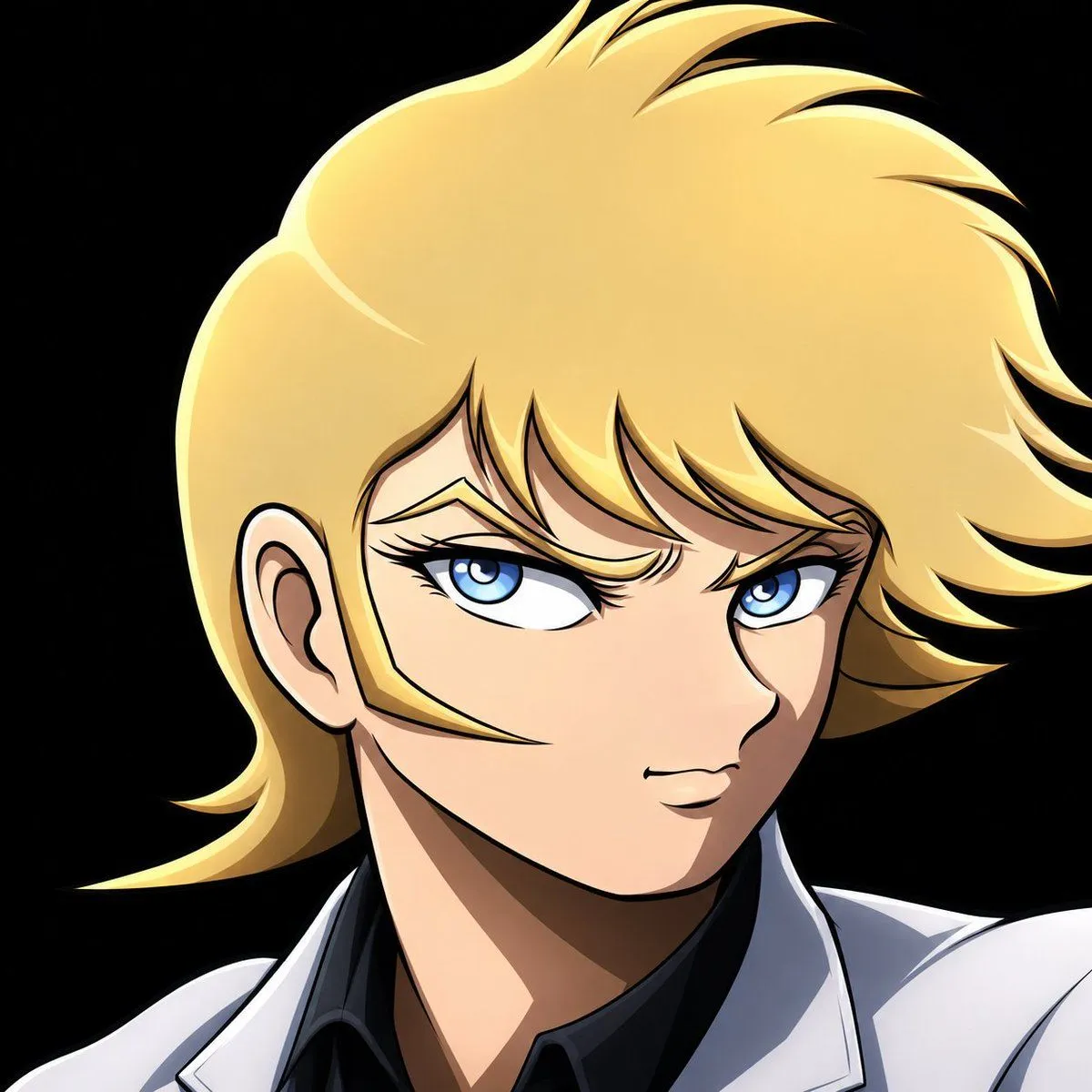
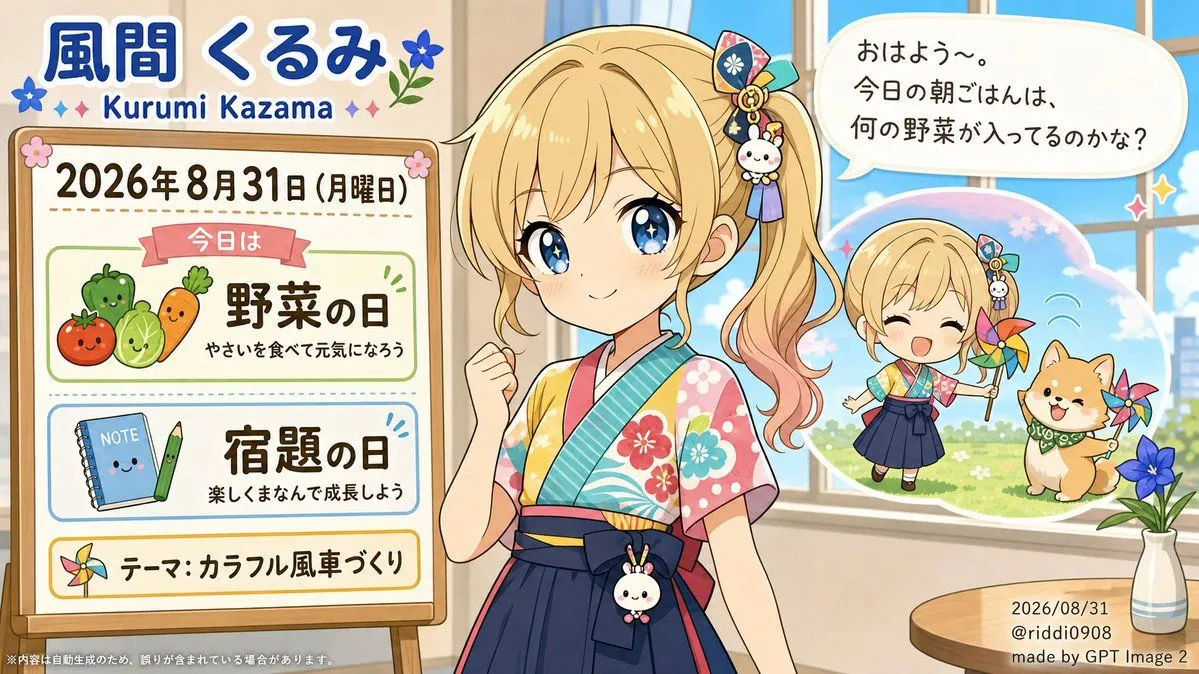
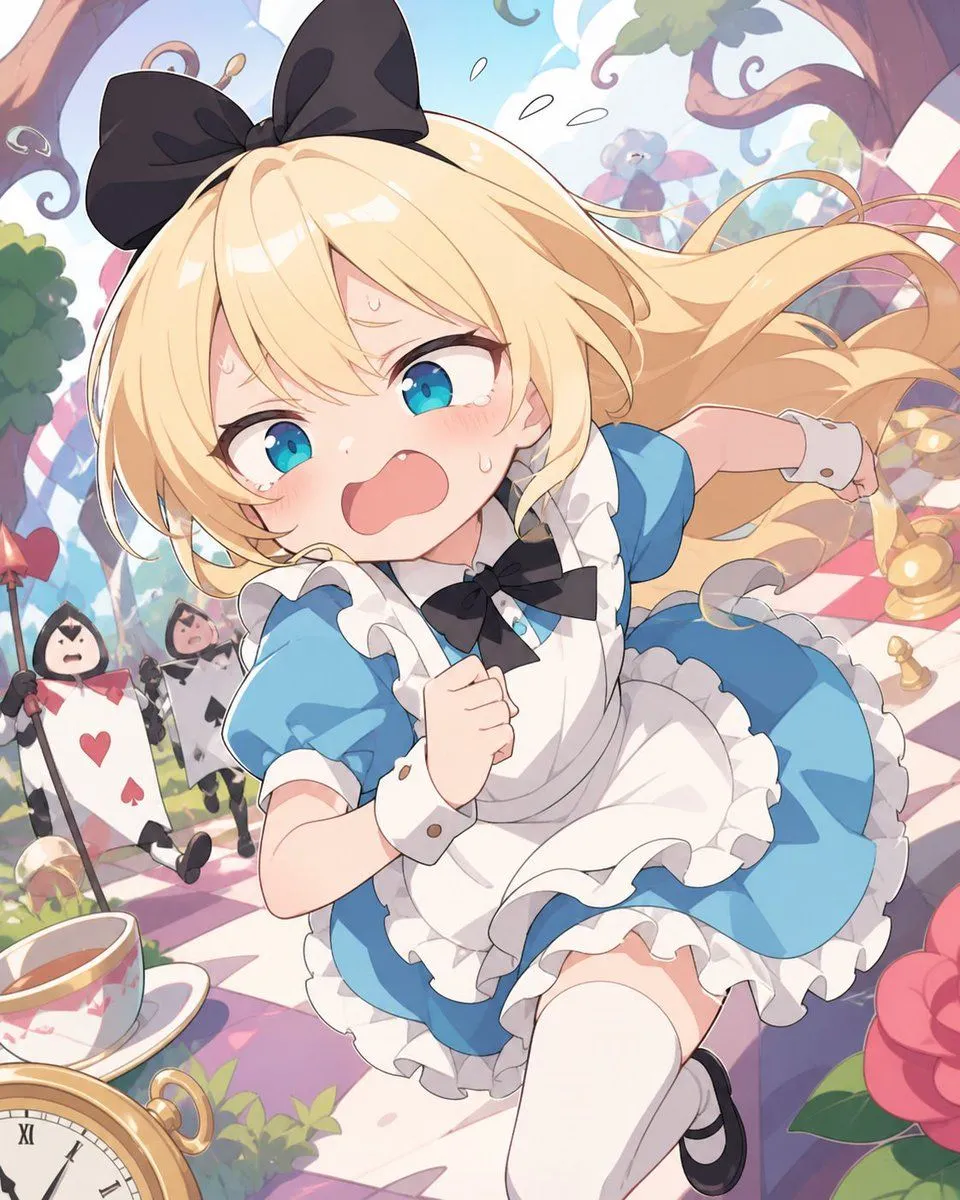
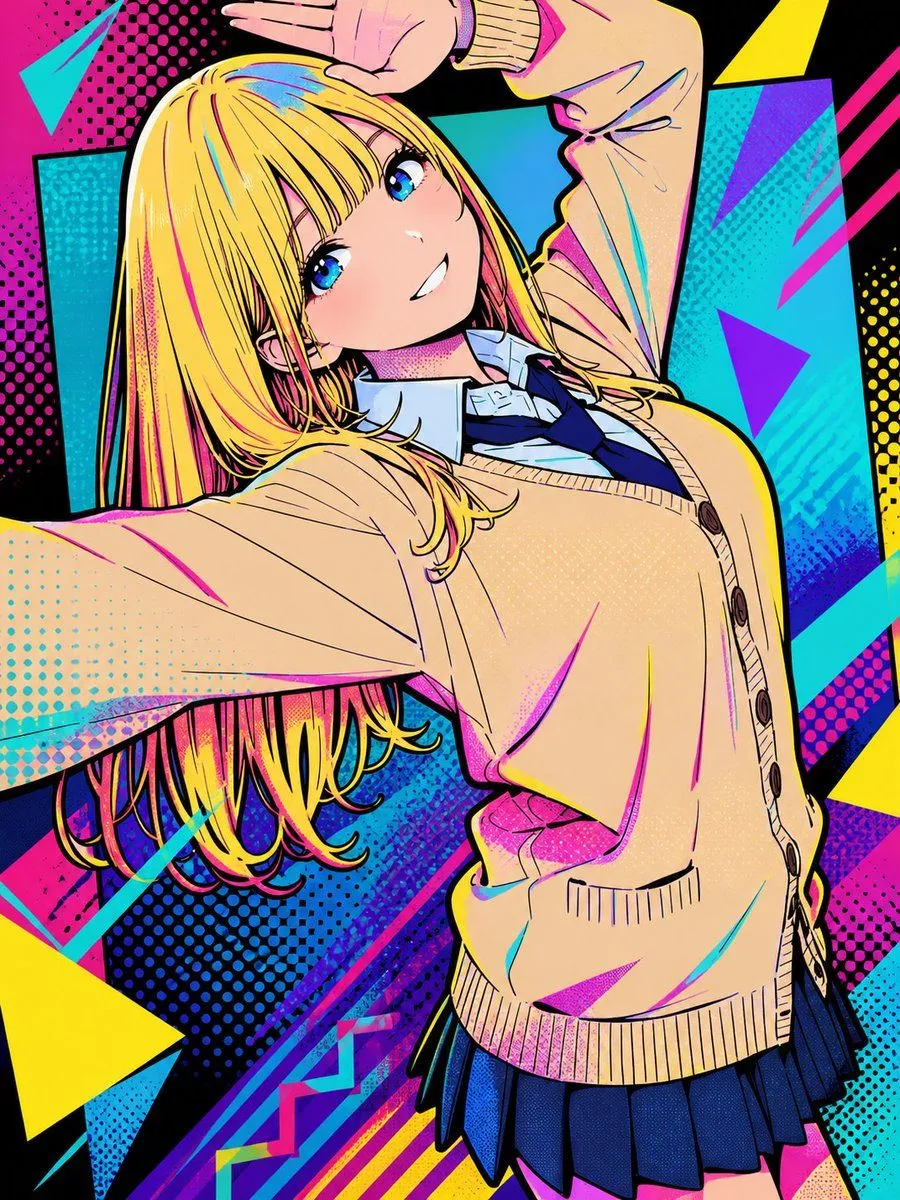
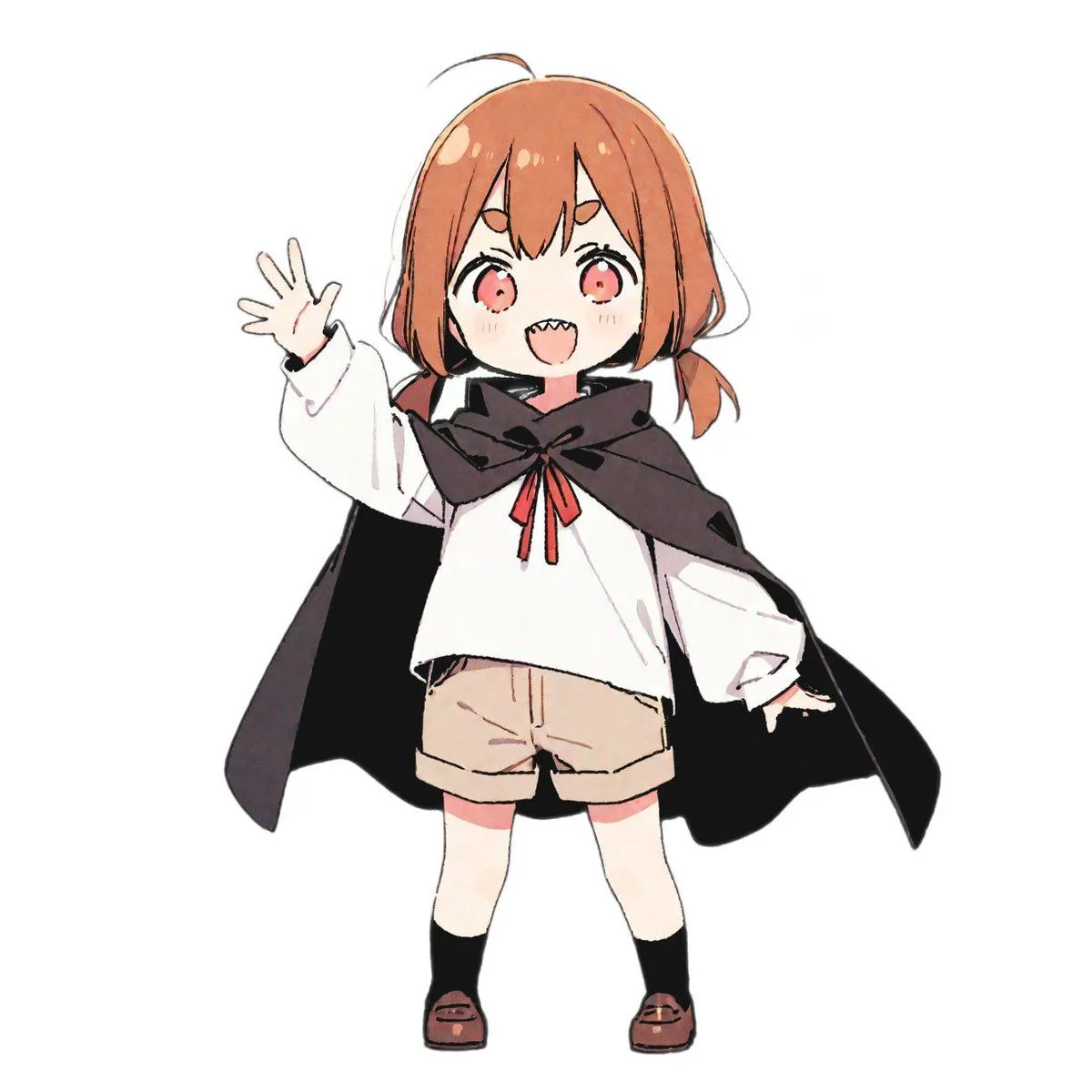
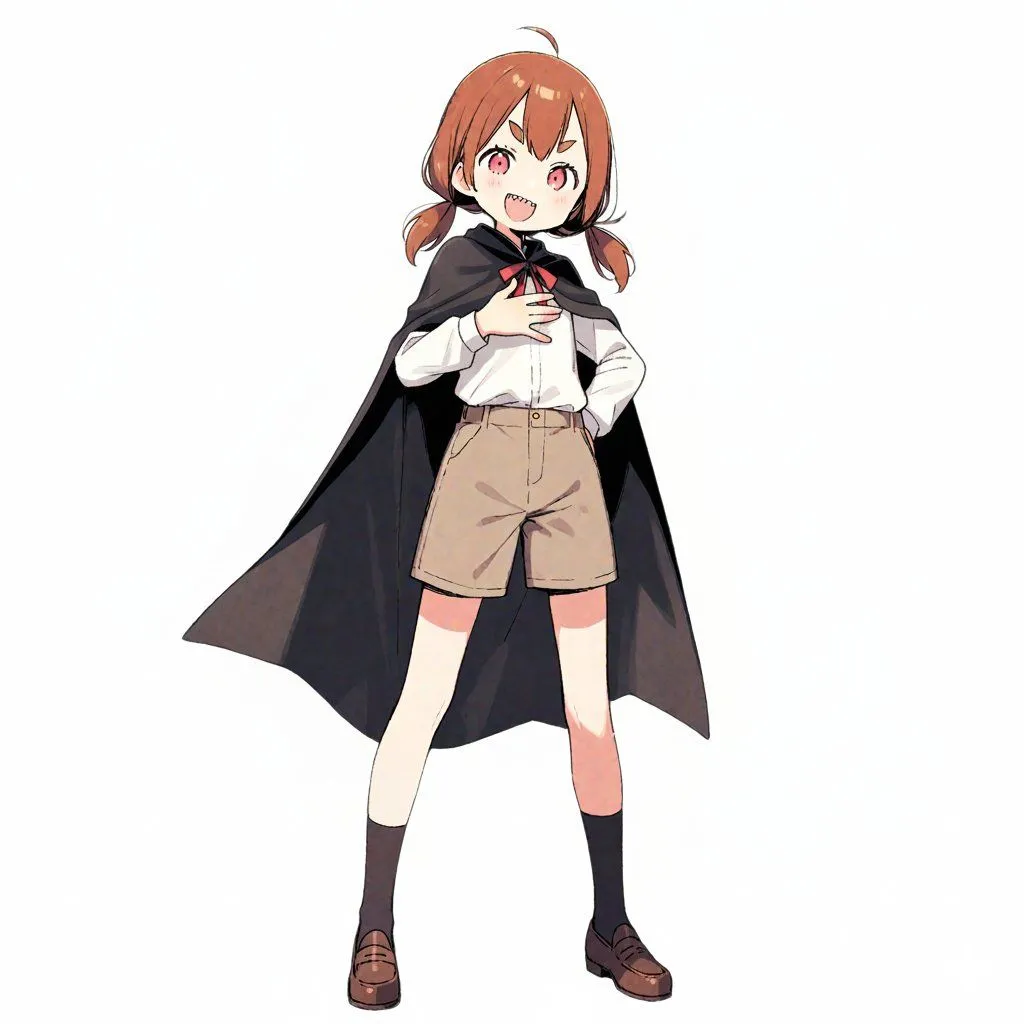
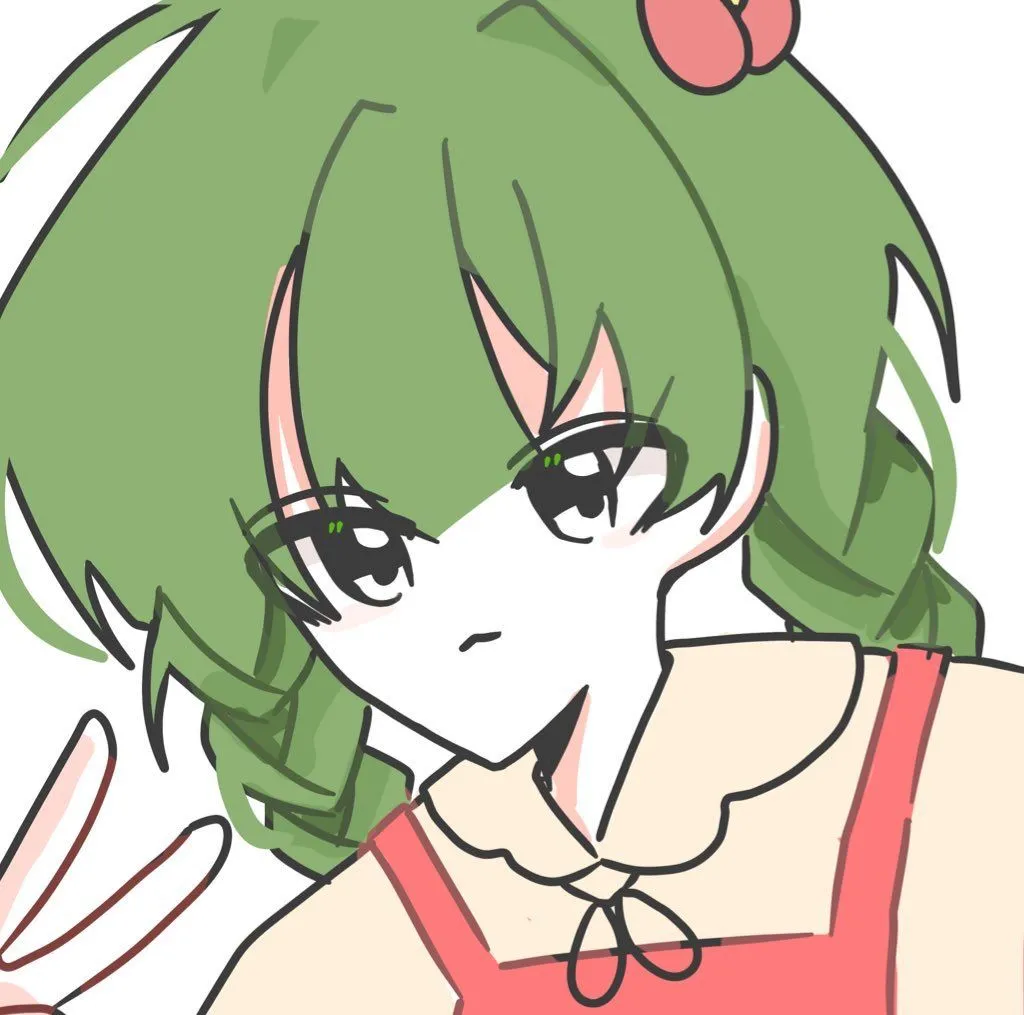
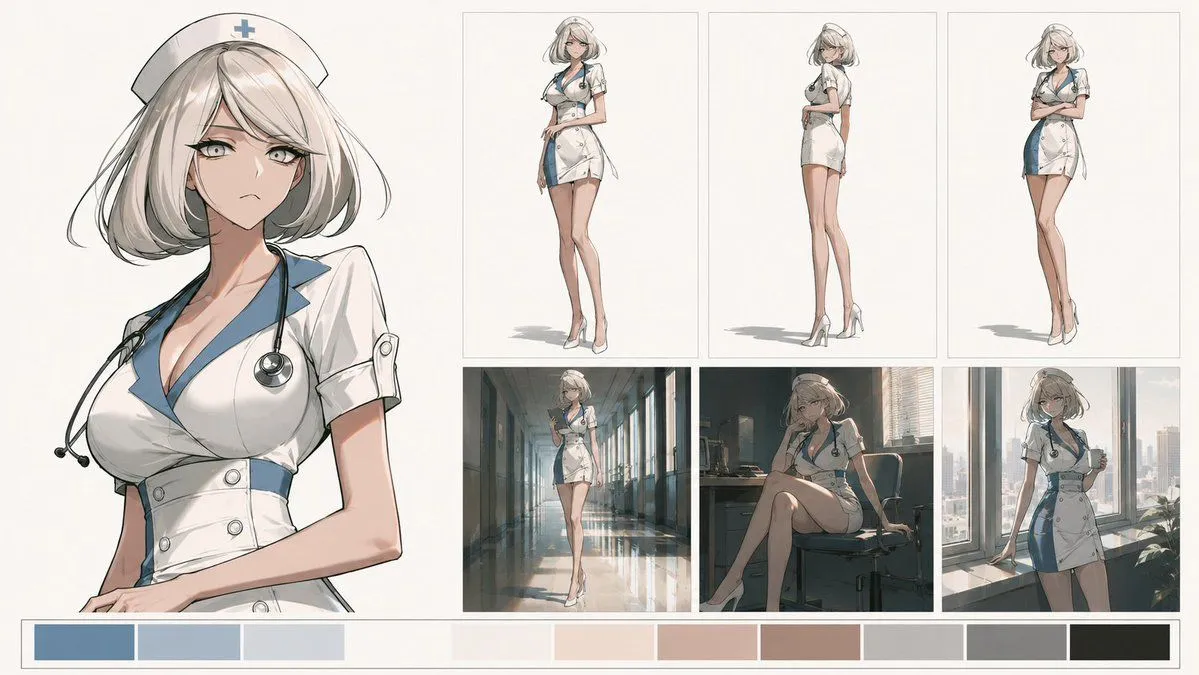
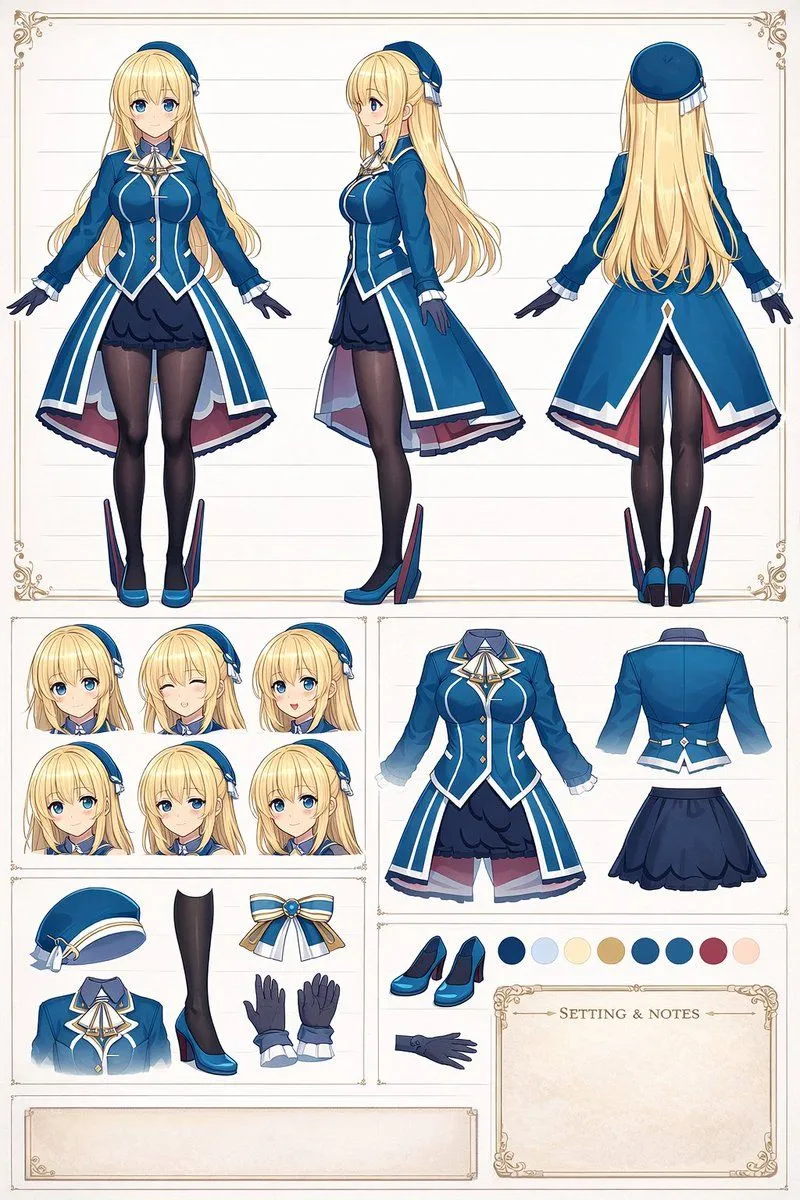
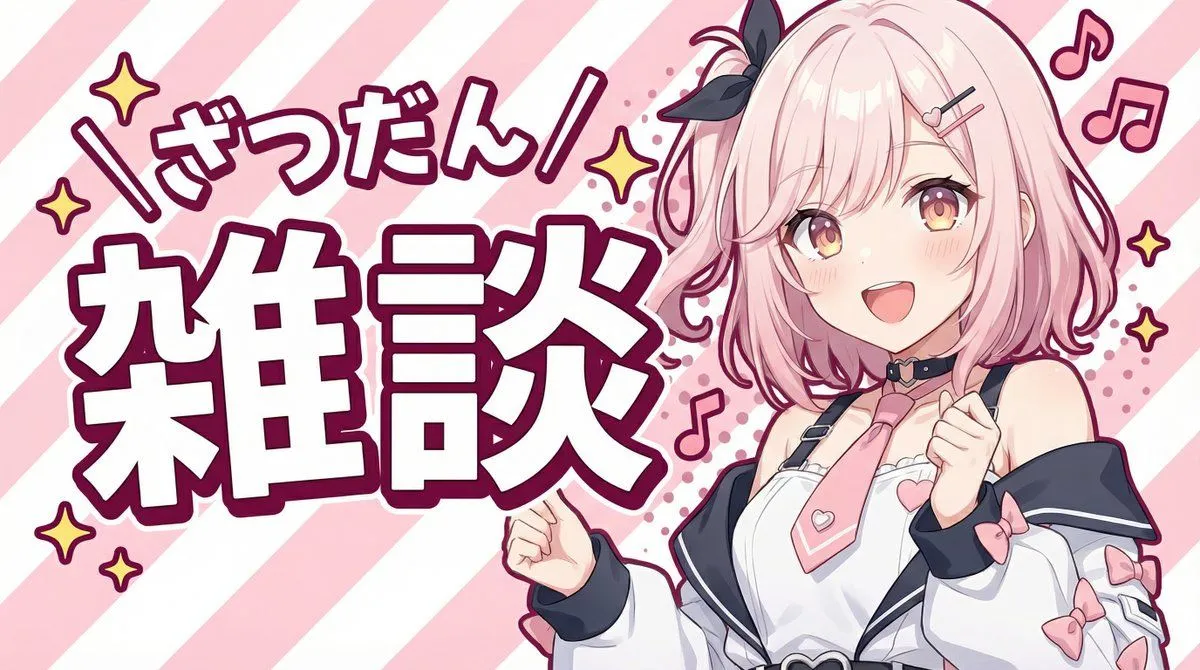
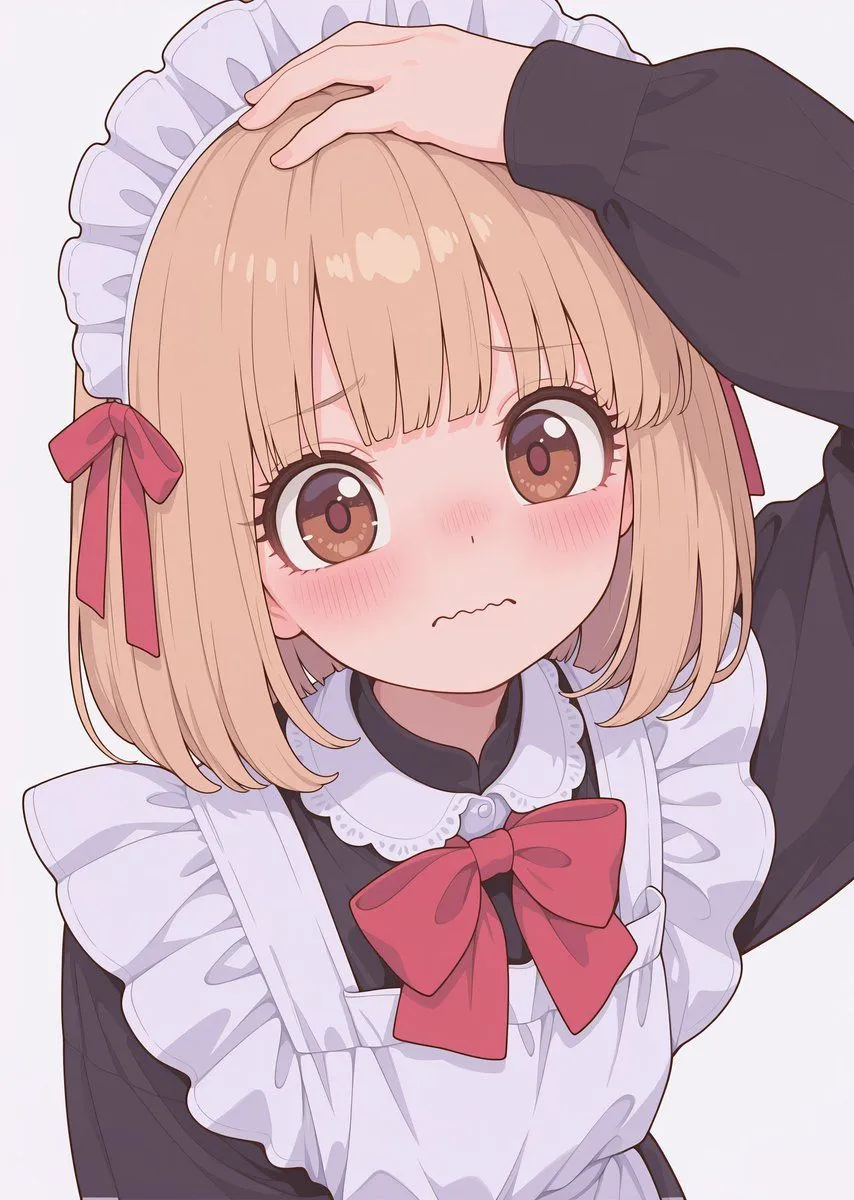
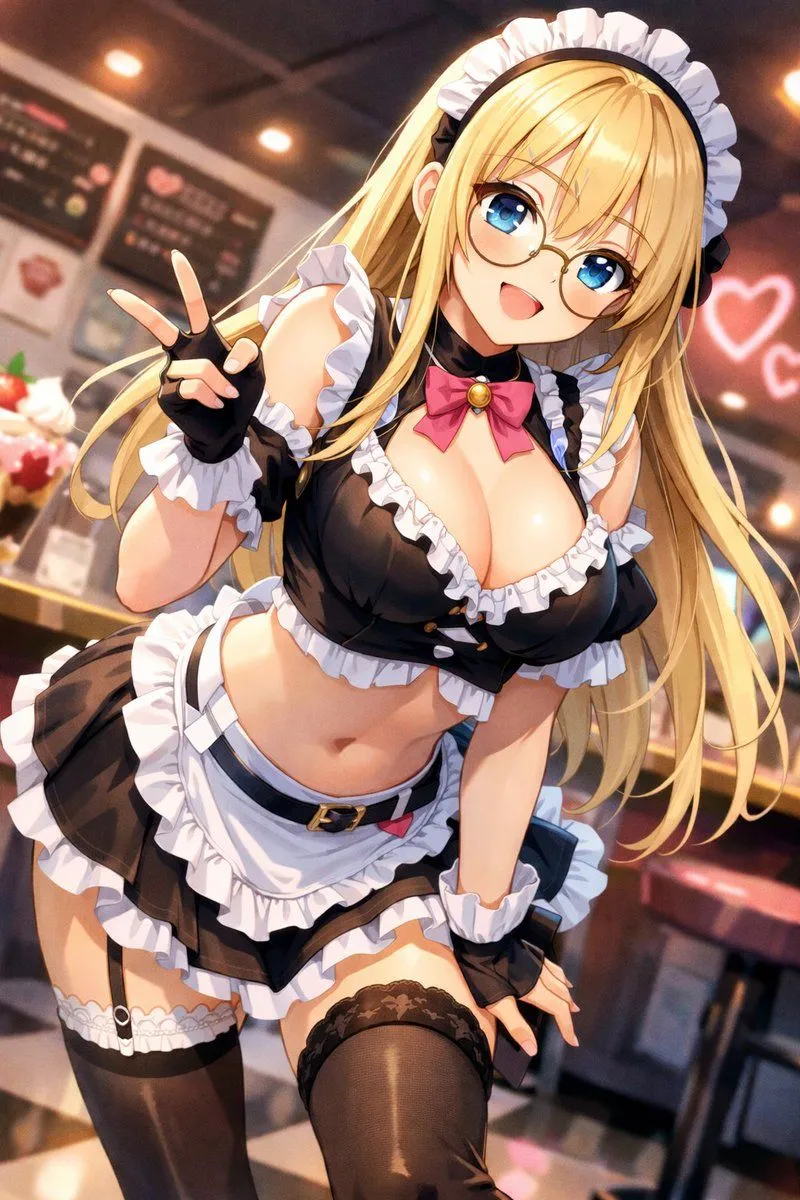
    Generate the first image with SD, add texture with NanoBananaPro 2nd image: to {texture_1} 3rd image: to {texture_2} 4th image: to {texture_3}

    Works in
    Gemini, ChatGPT
    Status
    Free to copy
    0
    DetailsVersions, settings and questions

    Written for

    What's in the prompt

    Subject
    Model
    Nano Banana Pro

    If your face changes

    keep my face exactly the same

    Questions

    Does this work in the Gemini app?
    Yes. Gemini runs Nano Banana, so paste the prompt and attach your photo if it uses one.
    It changed my face. What do I do?
    Add "keep my face exactly the same" to the end and run it again.
    Can I use the images I make?
    Check the terms of the app you use. Promptclay never generates images and claims nothing you make.
    Similar prompts

    See more
    • GPT-image 1.5 Test Prompt for a Detailed Scene
    • Blonde Maid in Warm Cafe
    • Anime Maid Transformation
    • Sharpening and Text Insertion Prompt
    • Chibi Cat Maid Crayon Art Scene
    • HUD battle power overlay for any character image
    • High-Quality Anime Style Colorization
    • Kurumi Kazama Morning Board
    • Panicked Alice in Wonderland Chase
    • Pop Art Street Style Conversion
    • 16-bit Retro Game Character Conversion Prompts
    • Character Robotization and Technical Diagram Prompt
    • ASCII Art of a Figure with a Small House
    • Artistic Character Reference Sheet
    • Flat Color 2D Game CG Illustration
    • Chaotic Anime Schoolgirl Fan Collage
    • Japanese Anime Character Sheet Prompt
    • Premium Anime Realism Illustration
    • Image-to-Snow Sculpture Conversion Prompt for Nano Banana Pro
    • Elegant Accessories Maximization Prompt for Nano Banana
    • Japanese Office Lady Character Sheet
    • Converting Images to Cute Paper Crafts with Grok and Nano Banana Pro
    • Anime Character Design Reference Sheet
    • YouTube thumbnail using a specific character for chat stream

    Show more

    Run it on your phone

    1. Prompt copiedRead it

      Generate the first image with SD, add texture with NanoBananaPro 2nd image: to {texture_1} 3rd image: to {texture_2} 4th image: to {texture_3}

    2. Open your app

    3. Paste and run

      Press and hold the message box, then tap Paste. Add your photo first if the prompt uses one. You may need to sign in.

    Texture and Style Variation Prompt