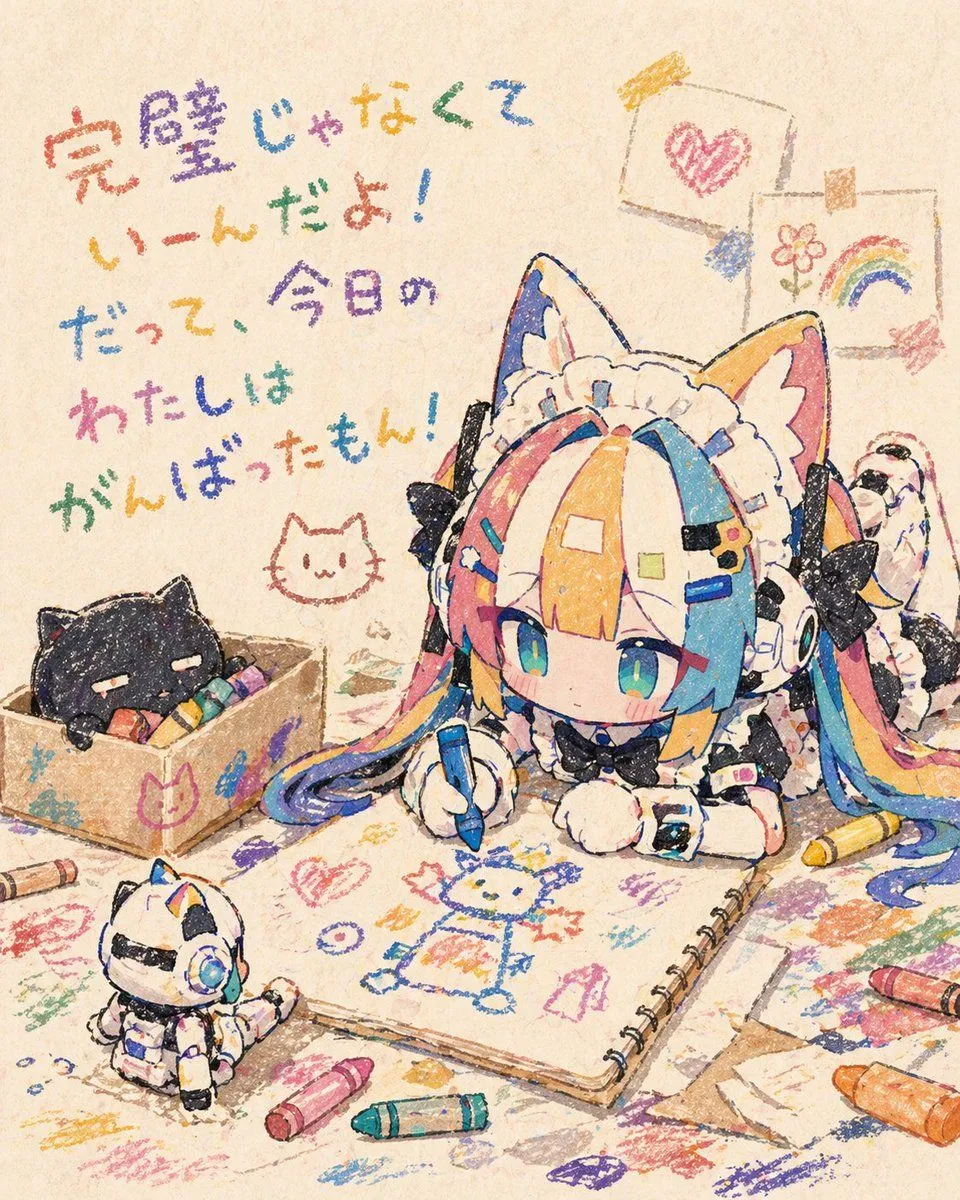
Chibi Cat Maid Crayon Art Scene
A warm, nostalgic anime illustration in a childlike crayon-drawing style on textured beige paper, featuring a super-deformed chibi cat-eared maid girl lying on her stomach and drawing in a large spiral sketchbook. She has oversized cat ears, a frilly white maid headband, twin tails, and multicolored hair in bright pastel rainbow sections of pink, blue, yellow, and orange, with large teal-blue eyes and a calm, focused expression. Her black-and-white maid outfit includes bows, lace, puffy sleeves, fluffy cuffs, and tiny decorative clips. She holds a blue crayon and is drawing a simple crayon character on the open sketchbook page. Around her is a messy tabletop or floor covered with colorful crayon scribbles and loose sheets of paper. Include exactly 6 visible crayons scattered around the scene in different colors, with no crayon box packaging prominently shown. On the left, place a small cardboard box containing a sleepy black cat nestled among crayons, and draw a simple cat-face doodle near it. In the lower left foreground, include 1 small toy-like white robot cat figure with blue accents sitting and watching. In the upper right background, hang exactly 2 children's drawings clipped to a string: one with a pink heart and one with a flower and rainbow. On the upper left, add large handwritten Japanese crayon text reading 「完璧じゃなくて いーんだよ! だって、今日の わたしは がんばったもん!」 in multicolored crayon lettering. Use soft lighting, cozy craft-room atmosphere, gentle grain, and intentionally rough waxy crayon texture throughout the entire image. Make it adorable, heartfelt, and handmade-looking, with visible uneven outlines and layered scribbles, but do not show realistic crayons being actively presented to the viewer.