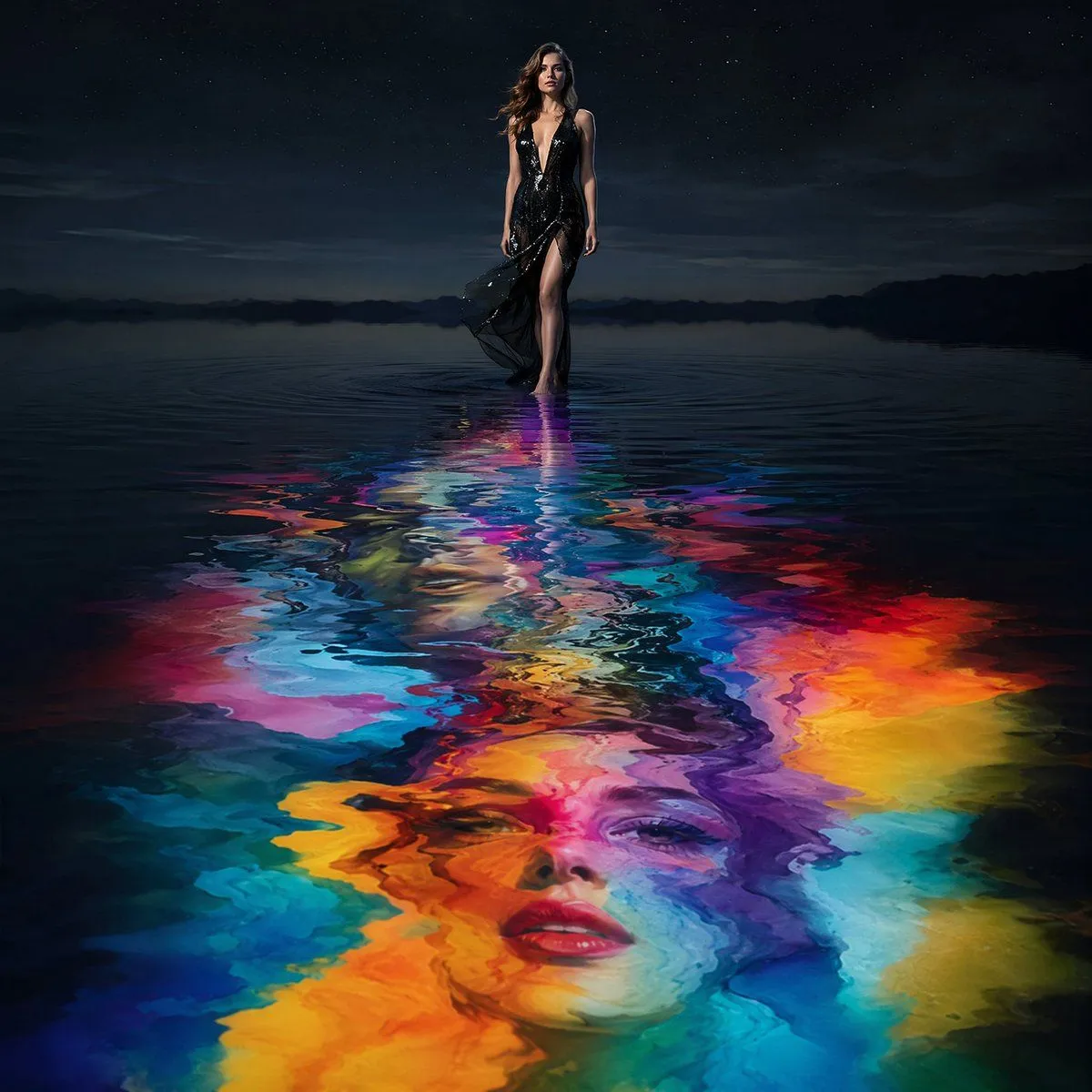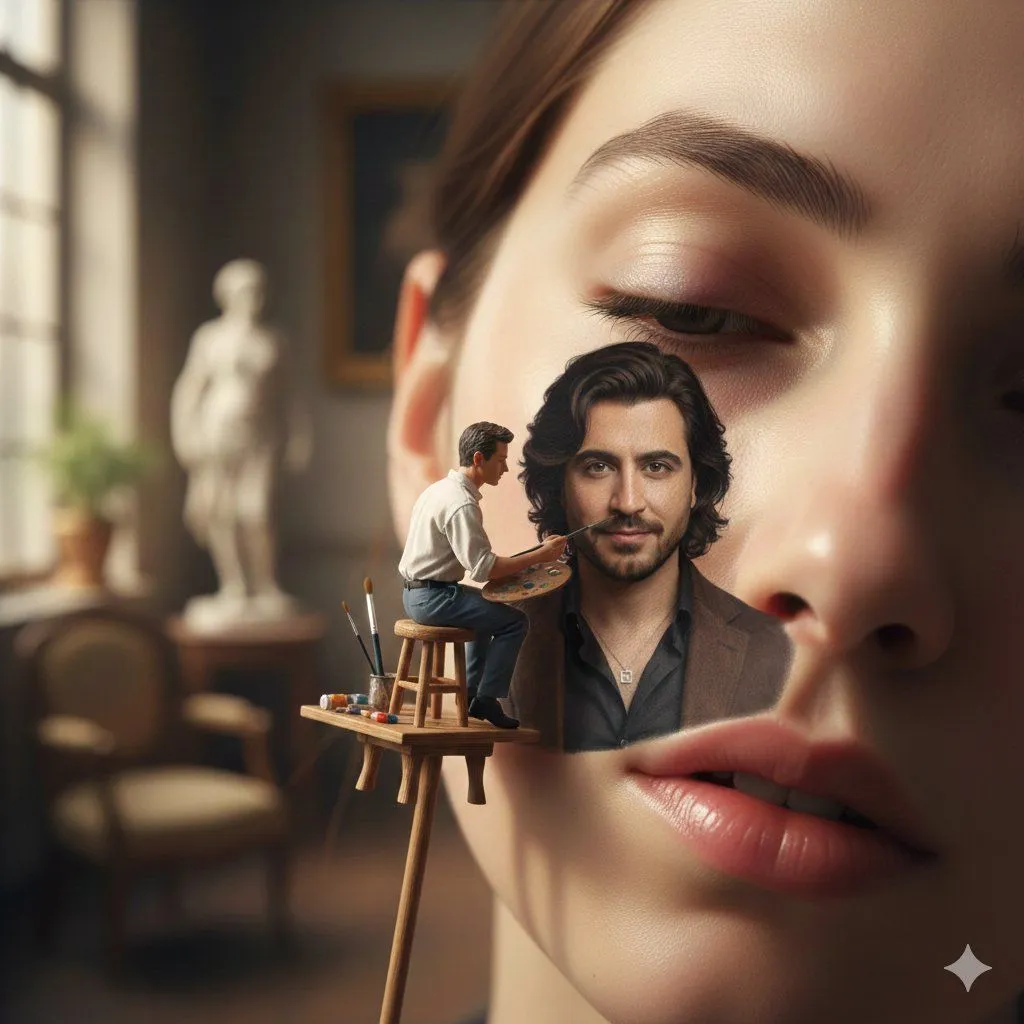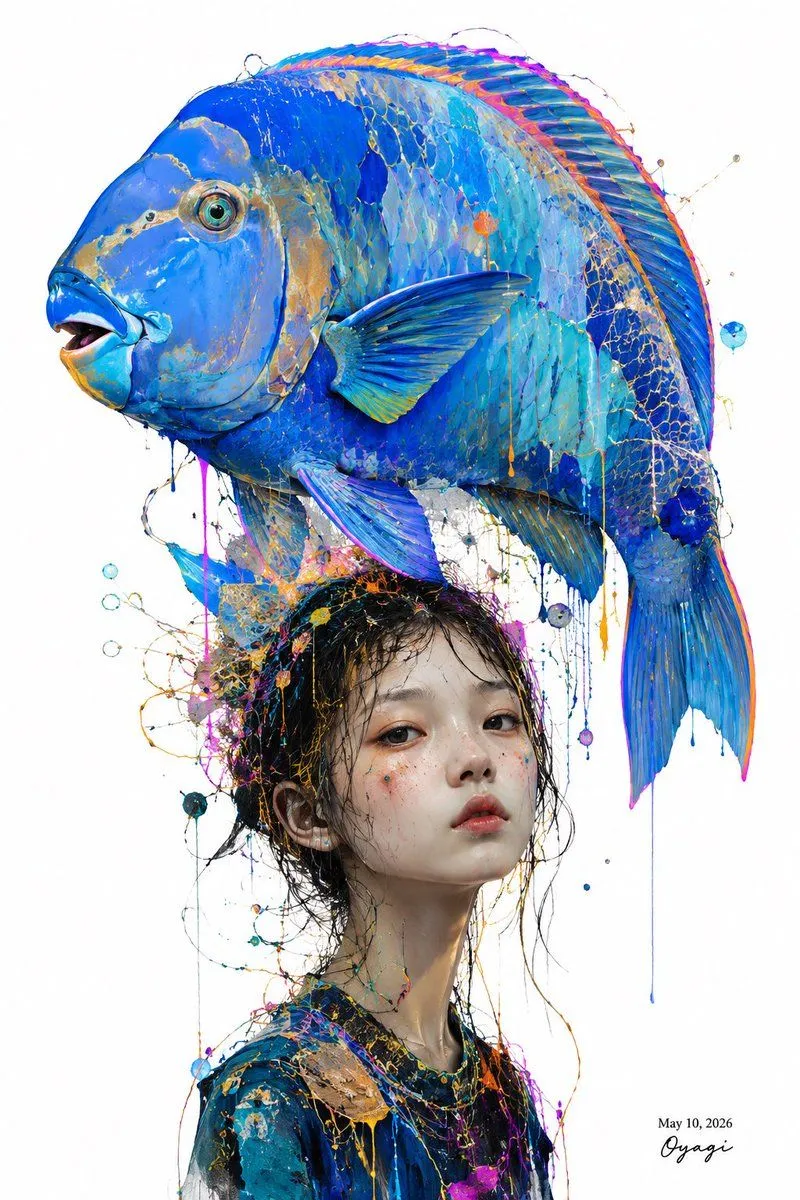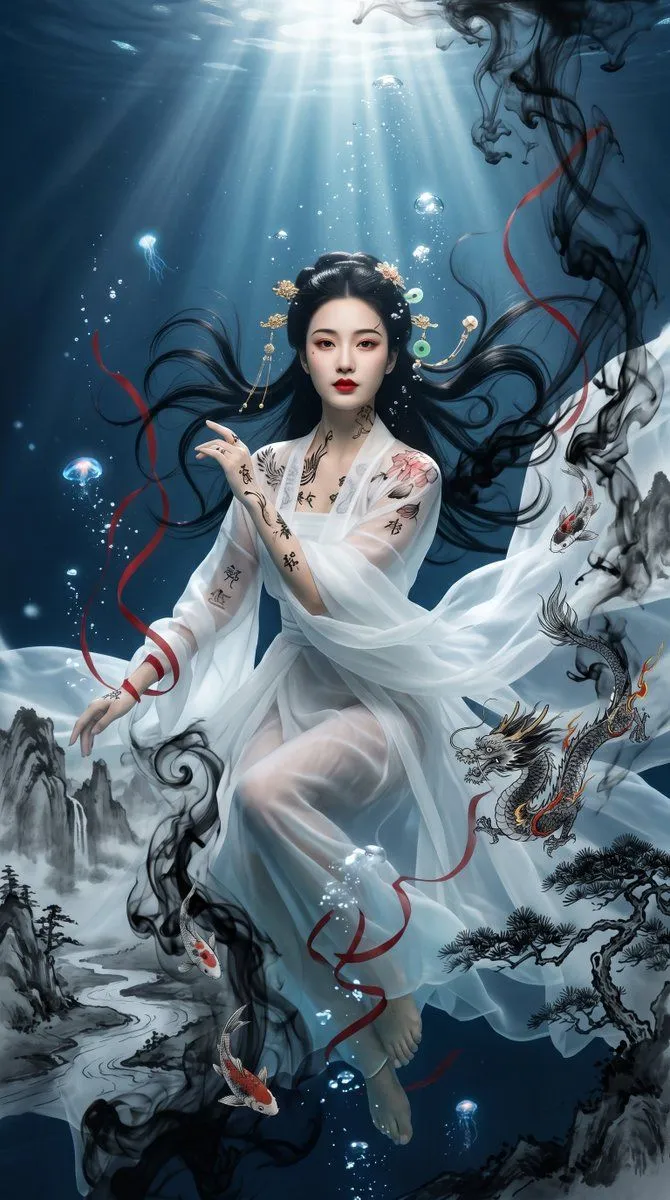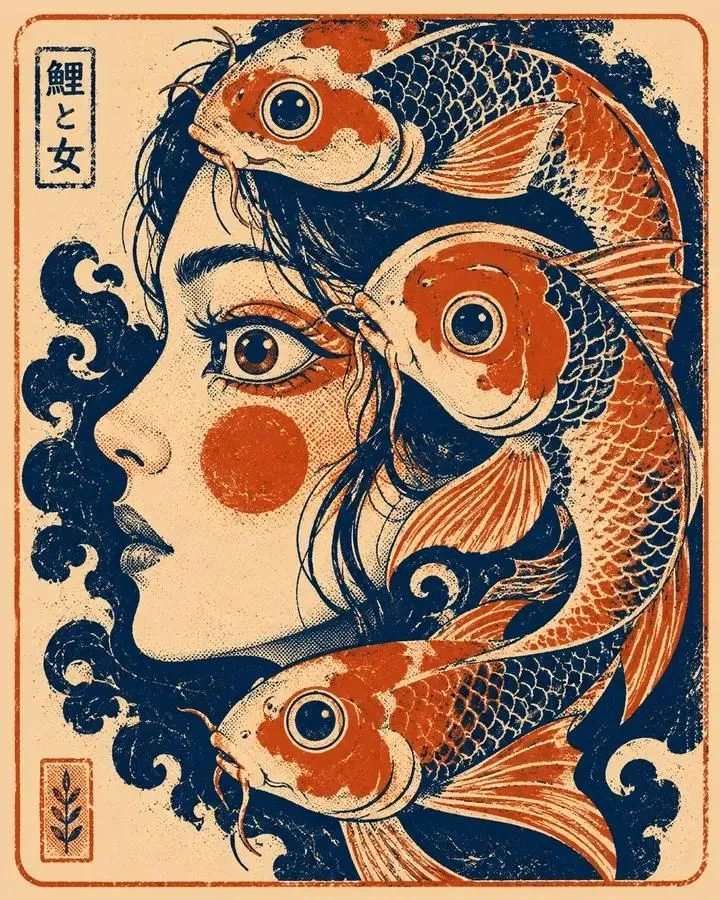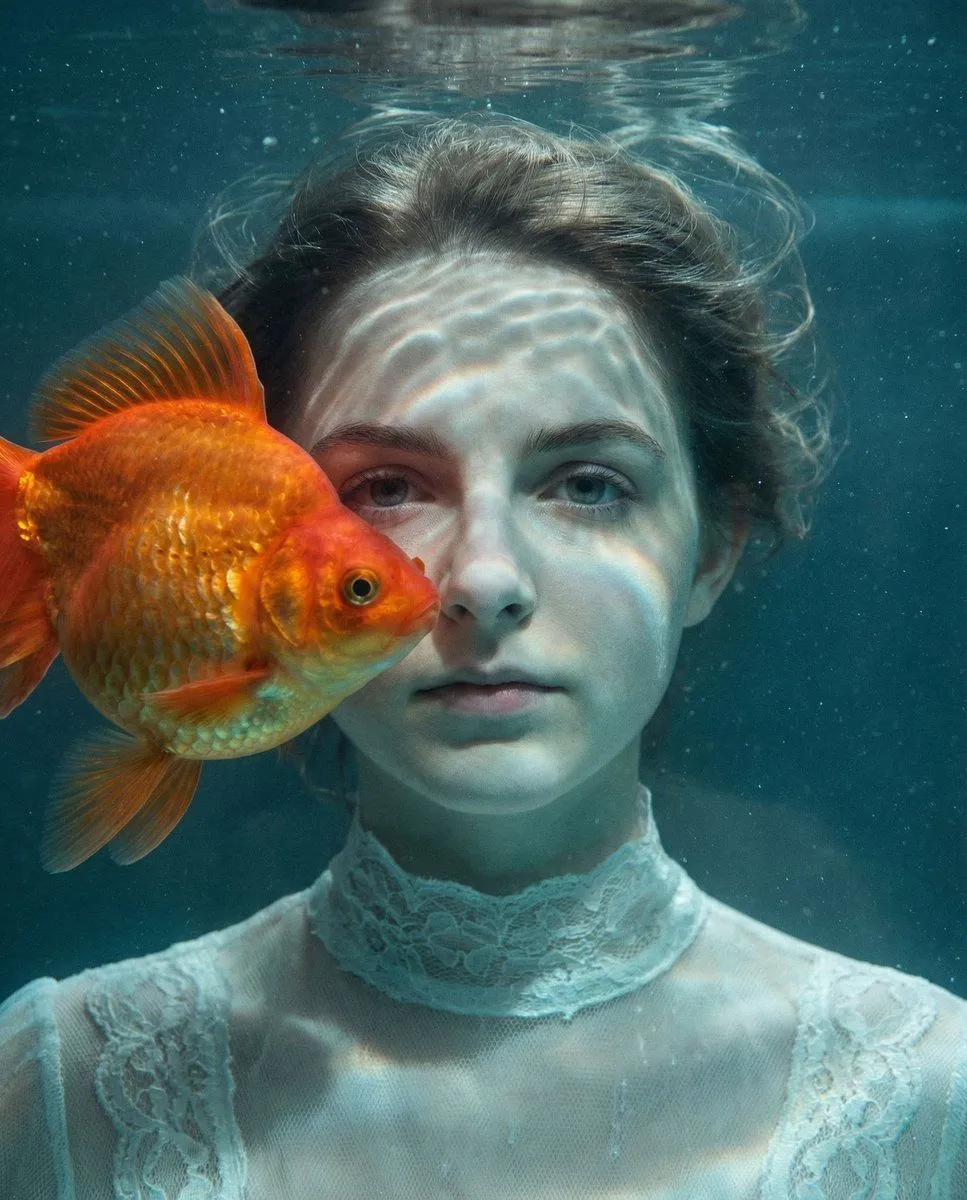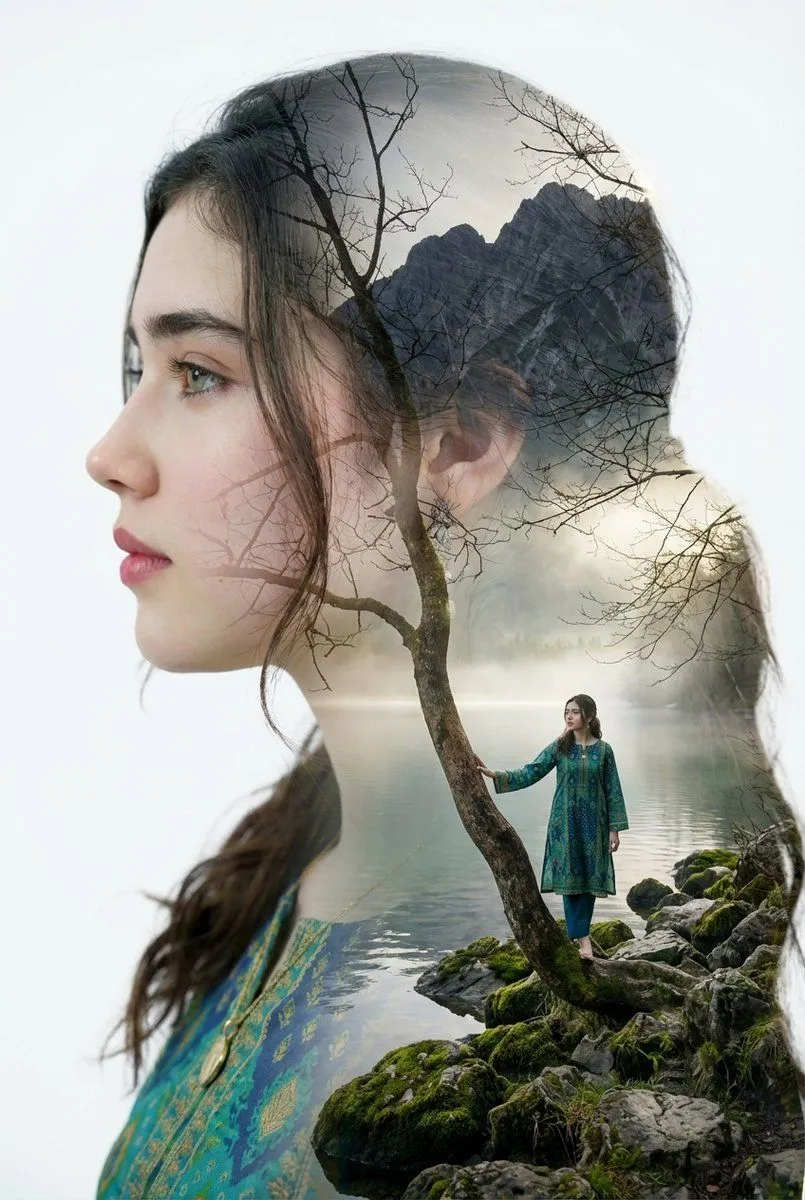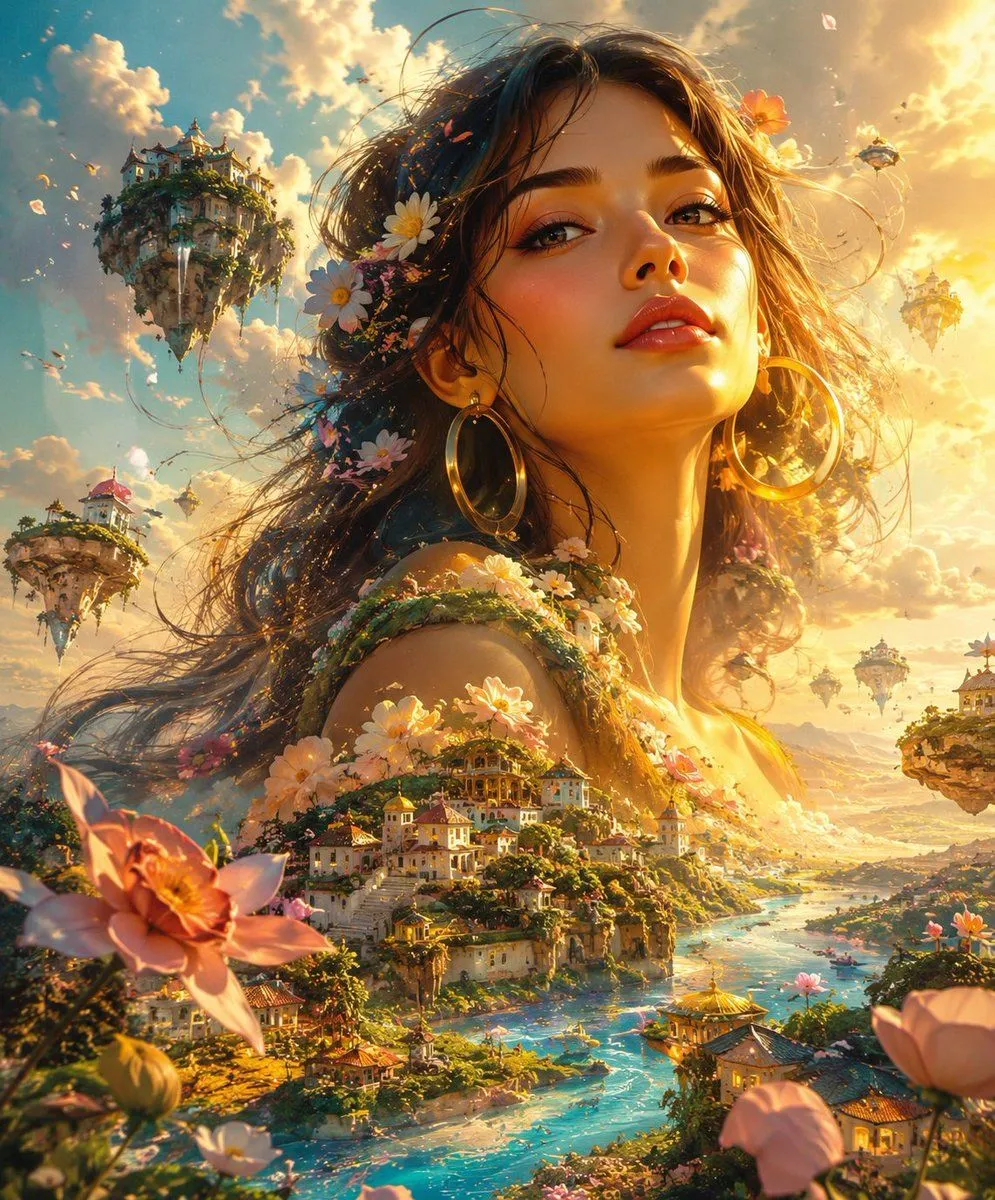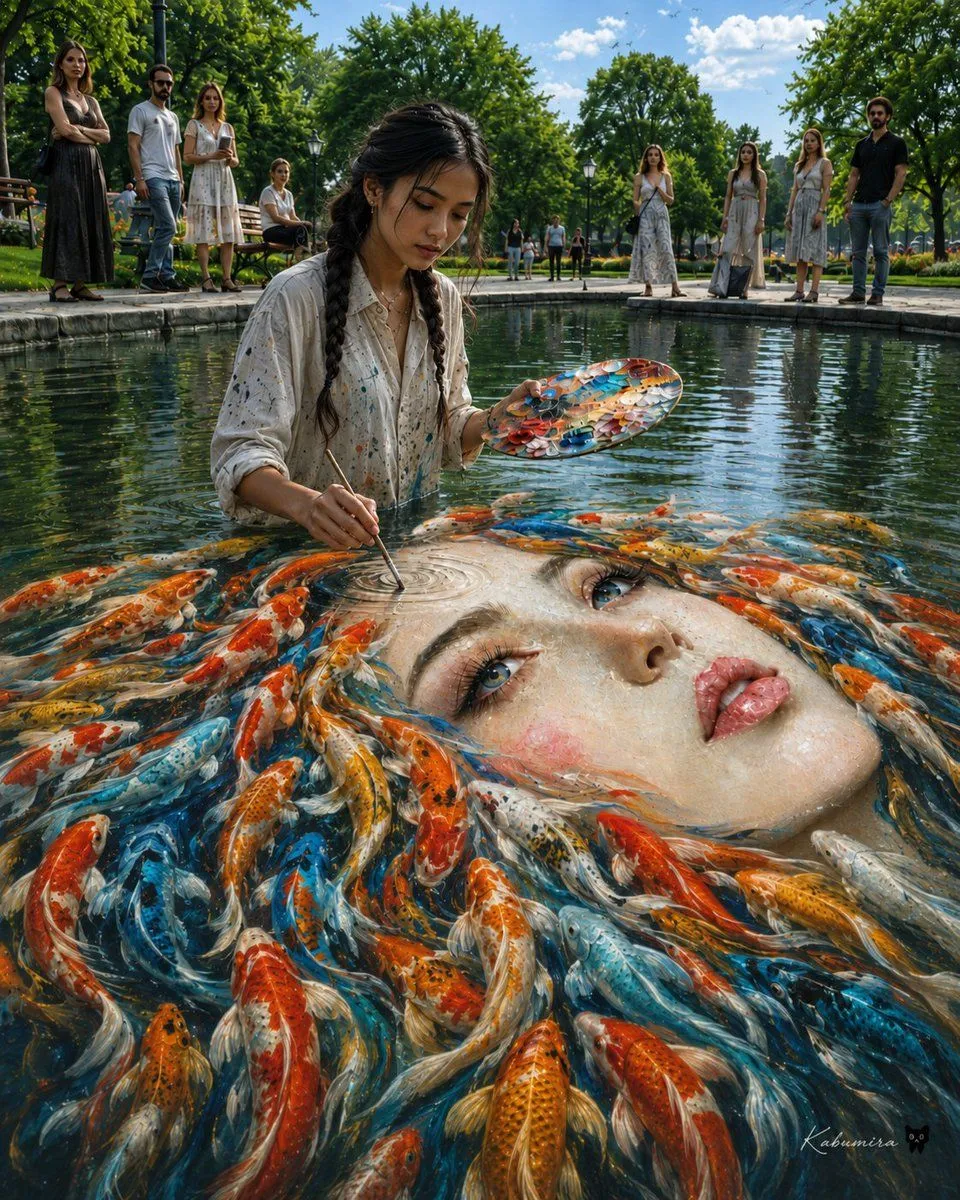
Made with GPT Image 2 in ChatGPT by Library Lifestyle. Promptclay never generates images.
Surreal Koi Pond Portrait Painter
Prompt
5 blanks to fillCreate a surreal photorealistic fine-art scene in a sunny city park: a young female painter, {artist_description}, stands waist-deep in a rectangular reflecting pond, calmly painting directly on the water with a thin brush in one hand and an oval paint palette in the other. The water surface is transformed into a gigantic floating portrait of {portrait_subject}; the portrait lies horizontally across the pond, its face emerging from ripples as if painted with liquid pigment. The portrait's hair is made from exactly 60 vivid koi fish swirling around the face in red, orange, white, gold, black-speckled, and electric blue patterns, their bodies blending into brushstrokes and reflections. The painter wears {artist_outfit}. Around the pond, include exactly 13 spectators plus the artist for 14 total visible people: on the left bank 4 spectators consisting of a woman in a black dress, a bearded man in sunglasses and a white T-shirt, a woman in a white summer dress, and one seated person on a bench; in the distant center background 4 small standing figures; on the right bank 5 spectators consisting of three women in pale dresses, one man in a black shirt, and one additional distant figure. Set the scene in {location} under bright midday sunlight with a blue sky and scattered white clouds. Use a low, wide-angle viewpoint from just above the water, with the enormous face dominating the foreground, the painter centered-left, and spectators framing the background. Style: ultra-detailed cinematic realism, magical surrealism, glossy water reflections, crisp koi scales, wet paint texture, natural skin detail, dramatic depth of field, vibrant colors, high dynamic range, 8k editorial photography look. Add a small subtle artist signature in the lower right reading {signature_text}. Avoid text labels, borders, UI elements, cartoons, and extra people beyond the specified count.
Preview of your prompt
Create a surreal photorealistic fine-art scene in a sunny city park: a young female painter, a young East Asian woman with long black braided hair, stands waist-deep in a rectangular reflecting pond, calmly painting directly on the water with a thin brush in one hand and an oval paint palette in the other. The water surface is transformed into a gigantic floating portrait of a beautiful pale-skinned woman's face with blue eyes, rosy cheeks, glossy lips, and flowing hair; the portrait lies horizontally across the pond, its face emerging from ripples as if painted with liquid pigment. The portrait's hair is made from exactly 60 vivid koi fish swirling around the face in red, orange, white, gold, black-speckled, and electric blue patterns, their bodies blending into brushstrokes and reflections. The painter wears an oversized off-white button-up shirt splattered with colorful paint. Around the pond, include exactly 13 spectators plus the artist for 14 total visible people: on the left bank 4 spectators consisting of a woman in a black dress, a bearded man in sunglasses and a white T-shirt, a woman in a white summer dress, and one seated person on a bench; in the distant center background 4 small standing figures; on the right bank 5 spectators consisting of three women in pale dresses, one man in a black shirt, and one additional distant figure. Set the scene in a lush green urban park with stone pond edges, benches, lampposts, manicured paths, and tall leafy trees under bright midday sunlight with a blue sky and scattered white clouds. Use a low, wide-angle viewpoint from just above the water, with the enormous face dominating the foreground, the painter centered-left, and spectators framing the background. Style: ultra-detailed cinematic realism, magical surrealism, glossy water reflections, crisp koi scales, wet paint texture, natural skin detail, dramatic depth of field, vibrant colors, high dynamic range, 8k editorial photography look. Add a small subtle artist signature in the lower right reading Kabumisa. Avoid text labels, borders, UI elements, cartoons, and extra people beyond the specified count.
DetailsVersions, settings and questions
Written for
What's in the prompt
- Subject
- Model
- GPT Image 2
If your face changes
keep my face exactly the sameQuestions
- Does this work in the ChatGPT app?
- Yes. Paste the prompt and attach your photo if it uses one.
- It changed my face. What do I do?
- Add "keep my face exactly the same" to the end and run it again.
- Can I use the images I make?
- Check the terms of the app you use. Promptclay never generates images and claims nothing you make.
Did it work?
No reports yet. Tell others if it worked for you.