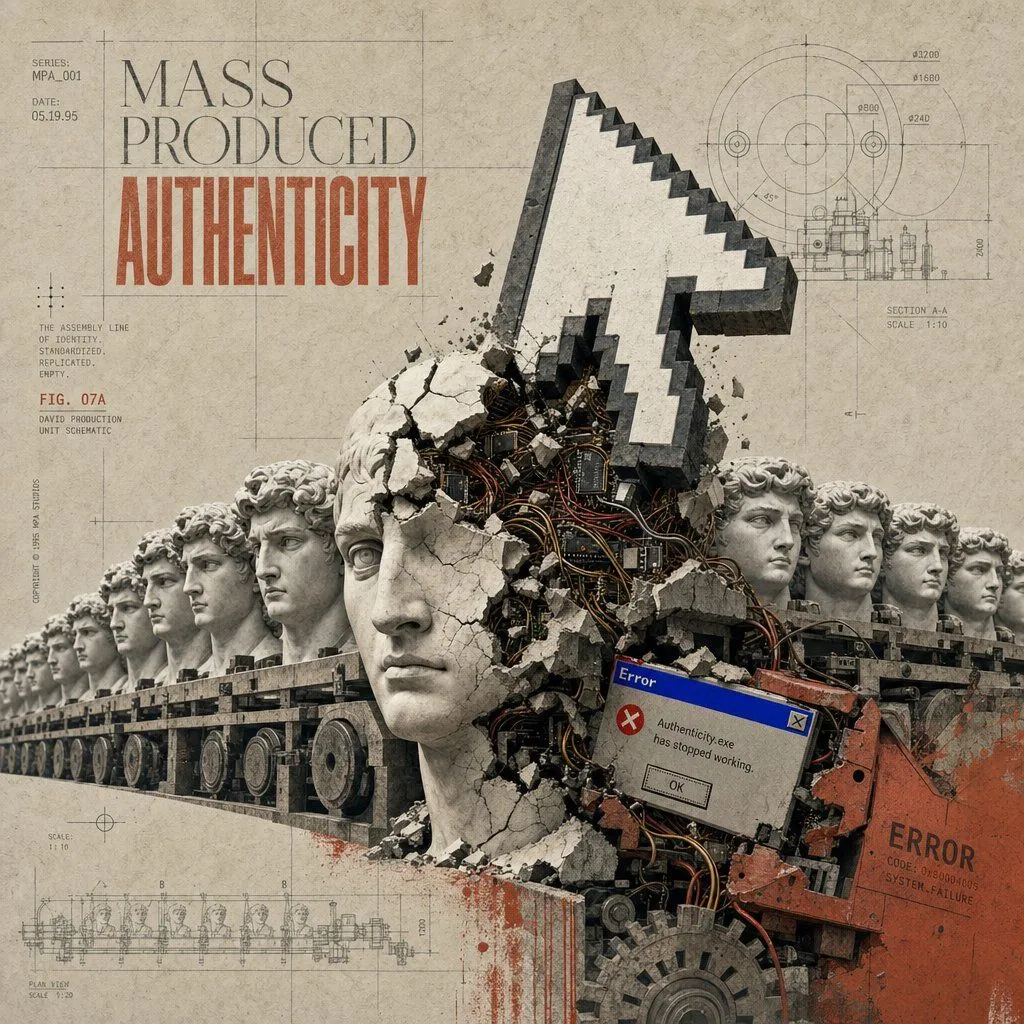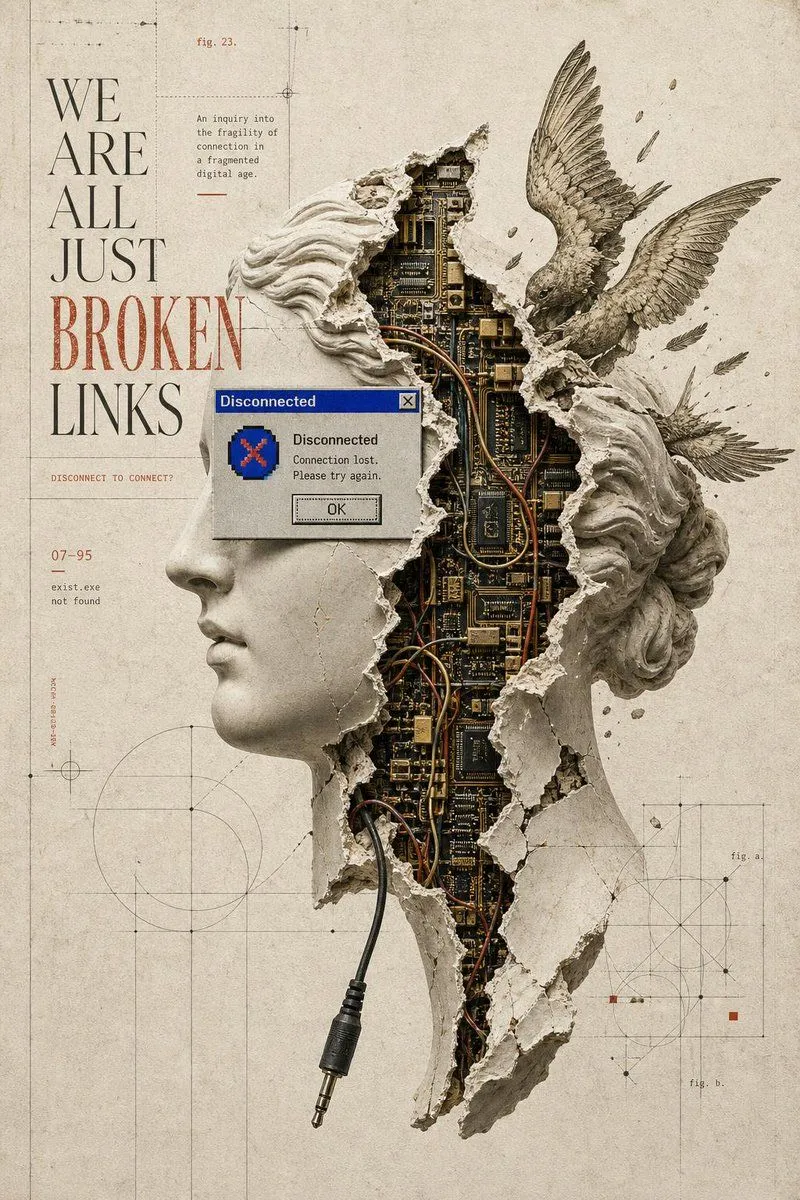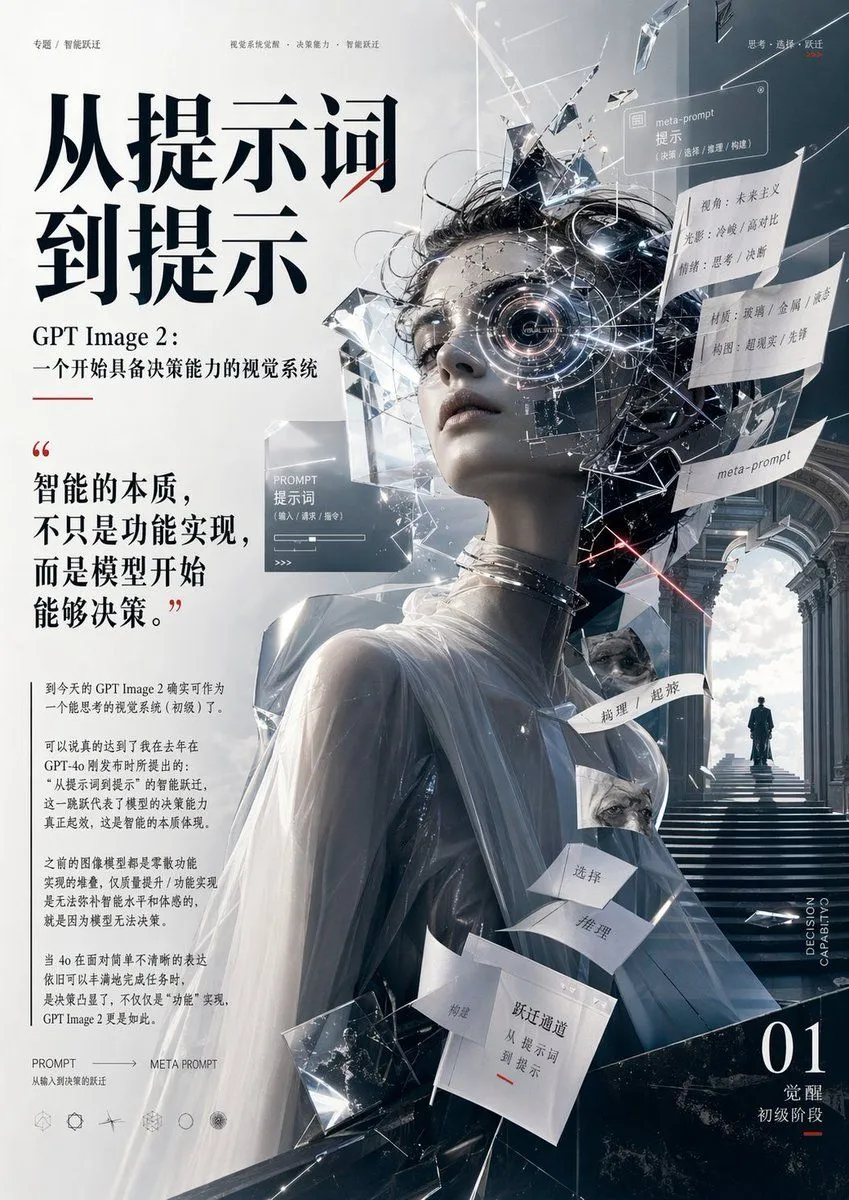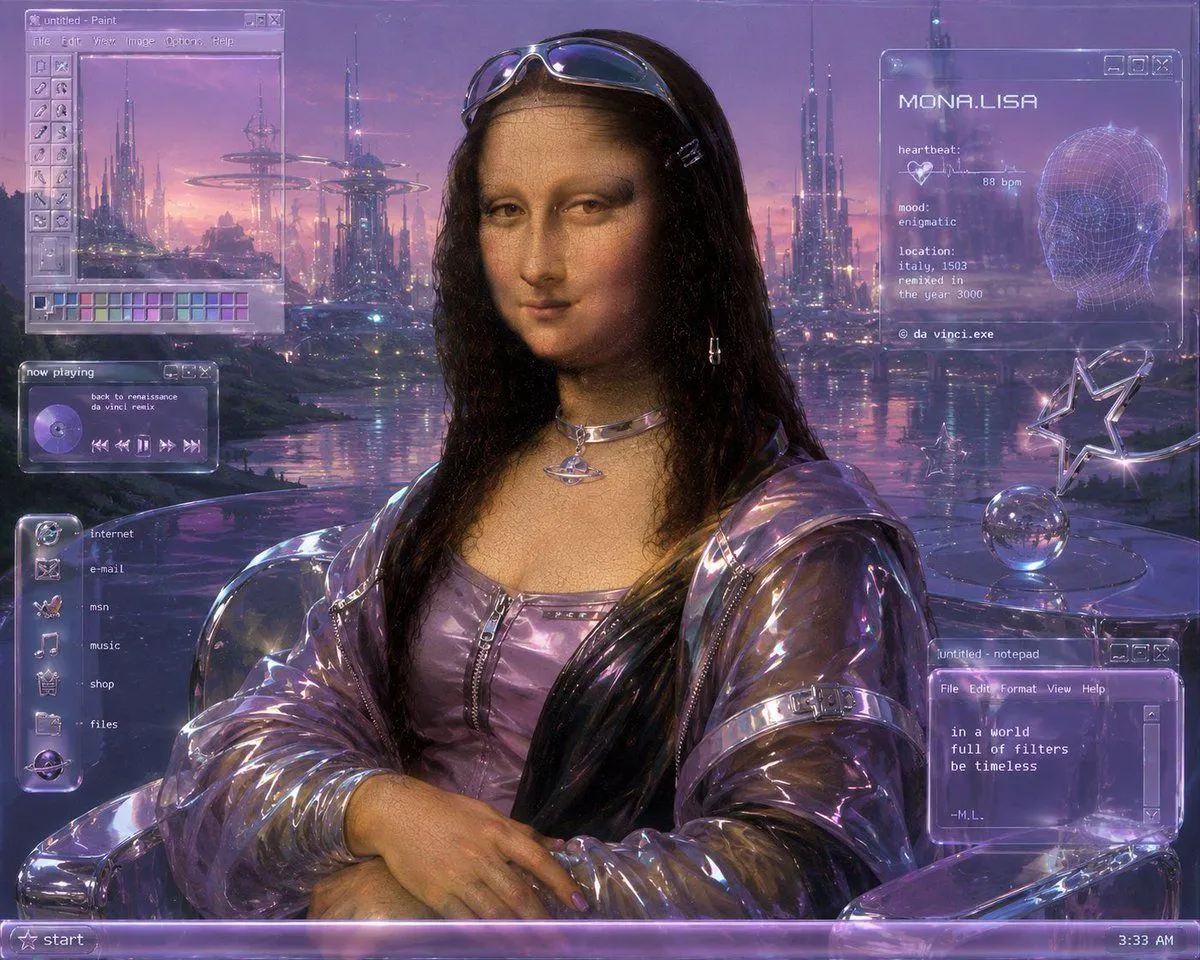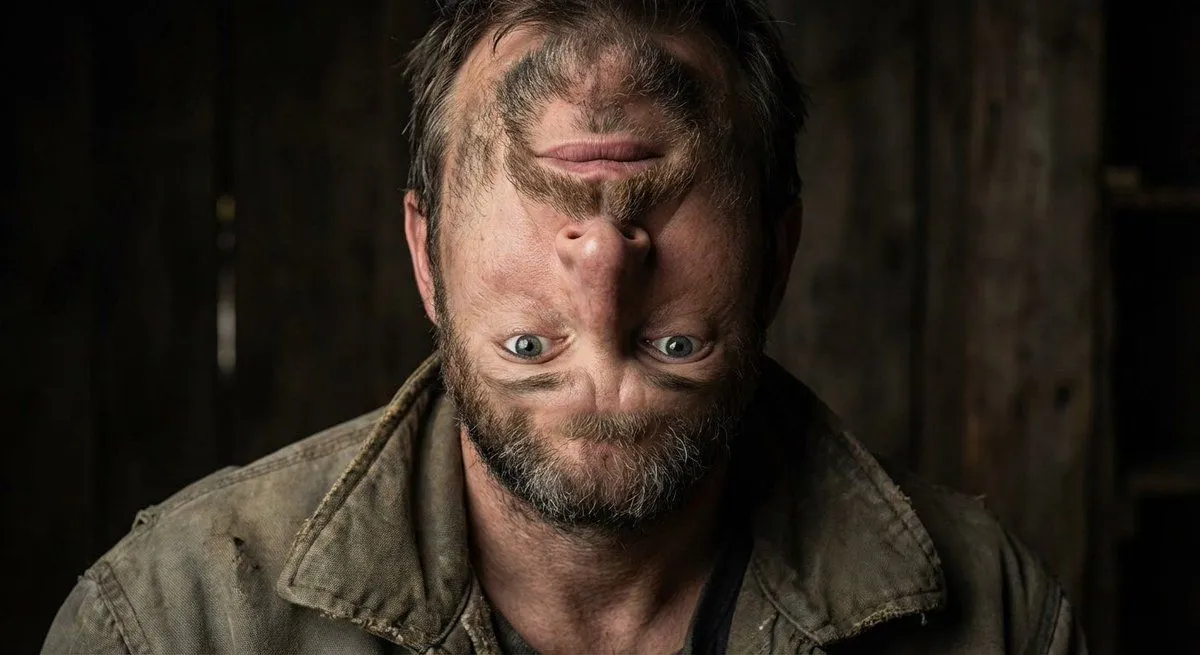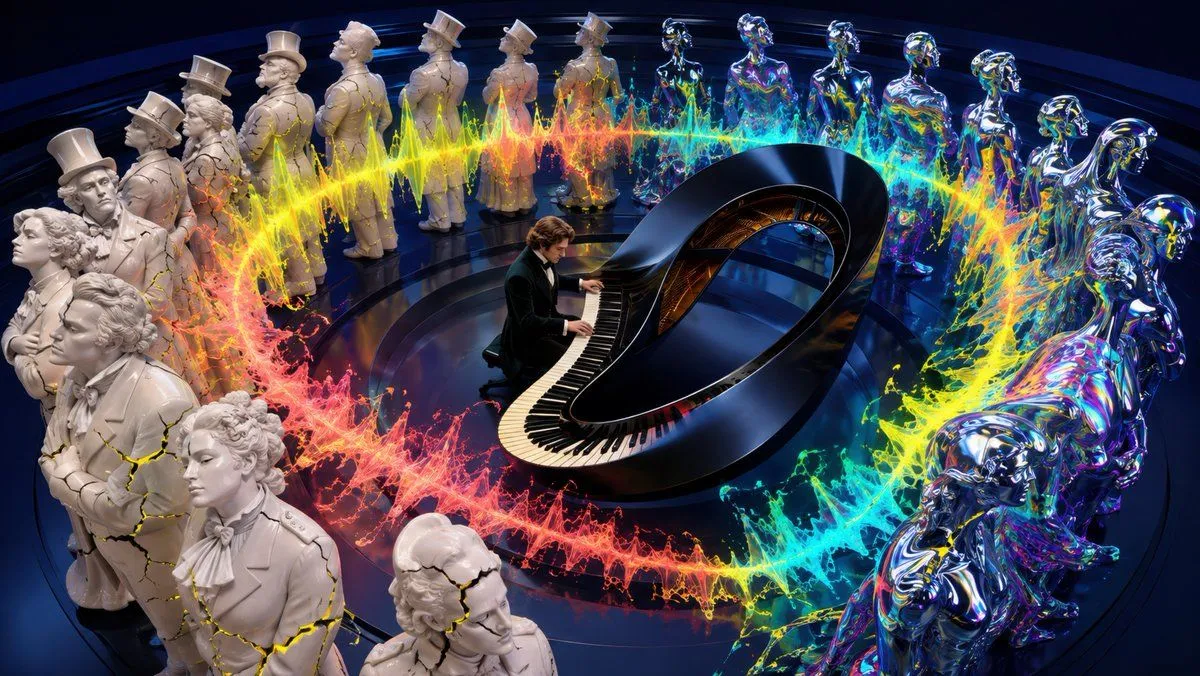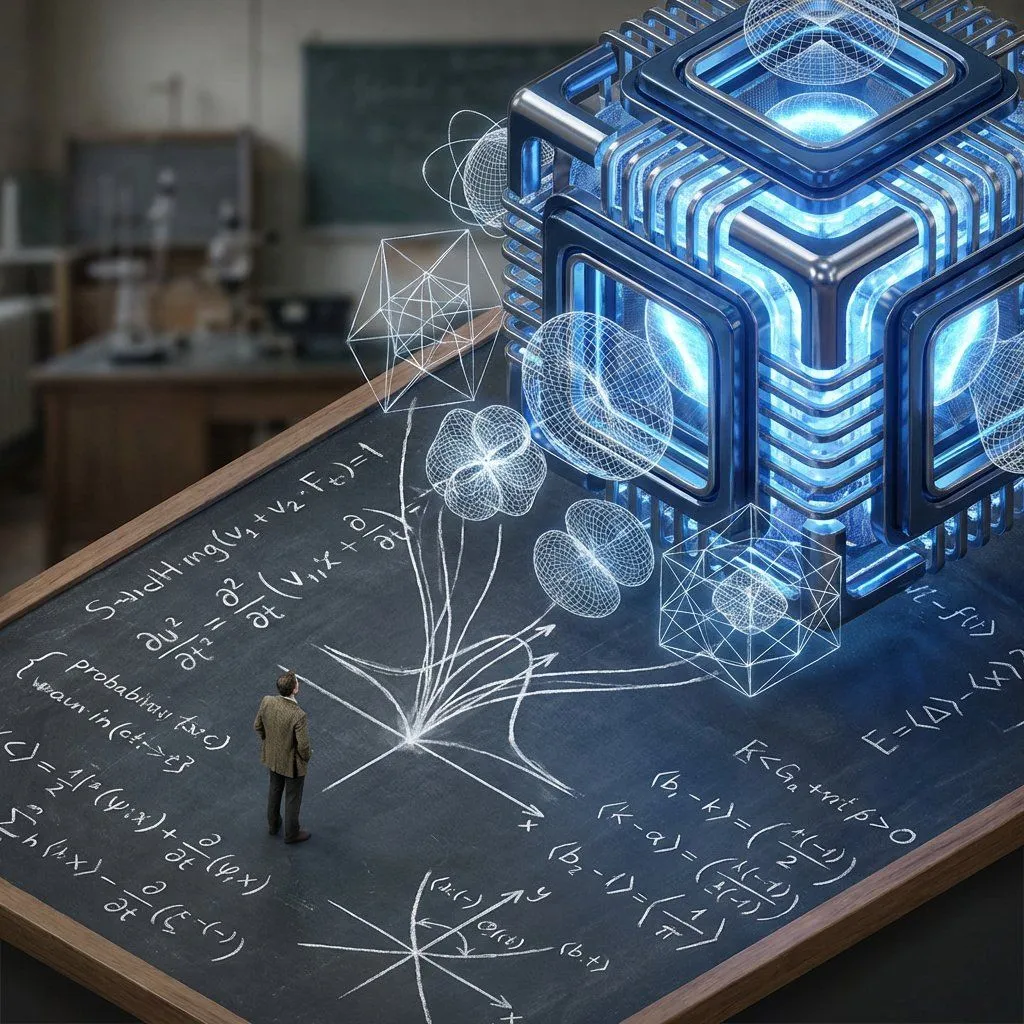
Made with GPT Image 2 in ChatGPT by Library Typography. Promptclay never generates images.
Surreal AI Error Renaissance Collage
Prompt
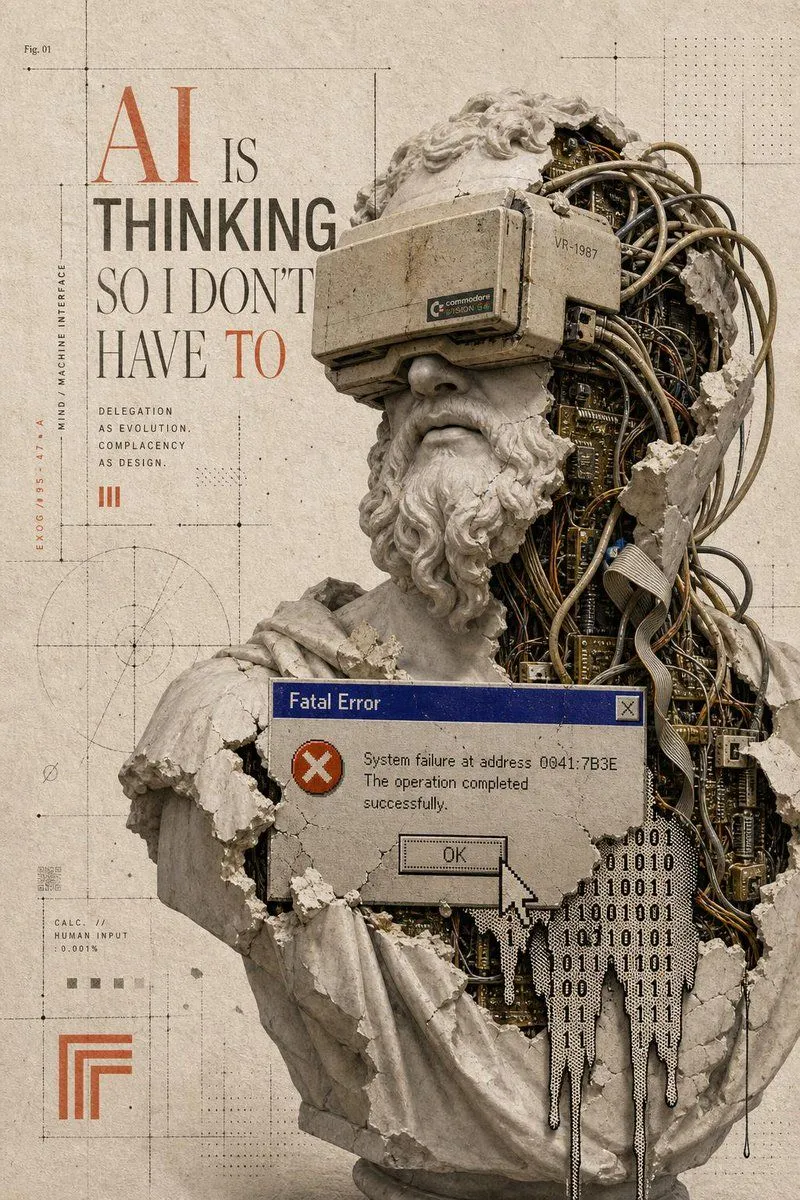
3 blanks to fillGoal: Create a vertical 9:16 museum-grade digital pop-surrealist collage about artificial intelligence, classical sculpture, and retro computer failure, titled {headline_text}. Canvas: Tall poster, 768×1152 or similar 2:3 vertical crop, aged warm ivory paper background with subtle stains, fibers, dust, speckles, fine cracks, faint grid lines, registration marks, dotted halftone fields, technical drafting lines, and archival museum-plate texture. Main subject: A large broken Renaissance-style marble bust occupying the right two-thirds of the poster, cropped close and extending from near the top edge to the bottom edge. The bust should resemble a classical bearded male philosopher with curled hair and draped robe, but the statue is shattered open. The left side remains pale cracked marble; the right side is hollowed out and packed with dense exposed machinery: tangled beige and black cables, circuit boards, ribbon cables, brass connectors, small chips, dark mechanical cavities, and fragments of plaster. Add chipped edges, crumbling stone, missing chunks, and dust. Place a flat opaque muted taupe square over the central face area, as if a neutral censor block or missing-image placeholder is covering the face. Central digital overlay: Add exactly 1 retro Windows 95-style error dialog box across the lower chest of the bust. It has a dark blue title bar reading {error_title}, a grey body, a red circular icon with a white X, a small close button in the top-right, and the message {error_message}. Include exactly 1 rectangular OK button and exactly 1 large pixelated white mouse cursor pointing at the OK button. Typography and small interface details: On the left side, set the main headline in a refined editorial mix of tall serif and bold condensed sans-serif typography. Make "AI" very large in burnt orange, "IS" smaller in dark grey, "THINKING" bold dark grey, and "SO I DON'T HAVE TO" in elegant tall serif with "TO" in burnt orange. Beneath it add a small uppercase text block of exactly 4 lines: "DELEGATION", "AS EVOLUTION.", "COMPLACENCY", "AS DESIGN." Add exactly 1 small orange roman numeral mark "III" below that. Along the far left margin include vertical microtext reading "EX06/95 47-A" and "MIND / MACHINE INTERFACE". Near the top-left add tiny label "Fig. 01". Near the lower-left add tiny technical text "CALC. // HUMAN INPUT 0.001%" plus small barcode-like marks and square swatches. Additional graphic elements: Include exactly 1 faint circular technical diagram in the lower-left quadrant, exactly 1 orange nested-corner geometric logo near the bottom-left, exactly 1 black dripping binary data cluster on the lower-right of the bust made from 0s and 1s, and several thin black drafting lines with crosshair ticks and dotted measurement guides distributed across the poster. Keep the background mostly empty on the left to emphasize editorial negative space. Visual style: Sophisticated conceptual mixed-media collage, antique museum catalog meets cybernetic ruin, high-detail photorealistic marble and electronics, restrained palette of ivory, stone grey, dark graphite, muted brass, burnt orange, dusty blue, and taupe. Lighting is soft and diffused, with realistic shadows and tactile paper grain. The mood is intellectual, eerie, satirical, and slightly apocalyptic. Constraints: Use no extra characters, no modern glossy UI, no neon cyberpunk lighting, no clean futuristic robot face, no watermark. Preserve the exact counted elements: 1 bust, 1 taupe face block, 1 error dialog, 1 OK button, 1 cursor, 1 binary drip cluster, 1 circular diagram, 1 orange nested-corner logo, 1 "III" mark, and 4 small delegation text lines.
Preview of your prompt
Goal: Create a vertical 9:16 museum-grade digital pop-surrealist collage about artificial intelligence, classical sculpture, and retro computer failure, titled AI IS THINKING SO I DON'T HAVE TO. Canvas: Tall poster, 768×1152 or similar 2:3 vertical crop, aged warm ivory paper background with subtle stains, fibers, dust, speckles, fine cracks, faint grid lines, registration marks, dotted halftone fields, technical drafting lines, and archival museum-plate texture. Main subject: A large broken Renaissance-style marble bust occupying the right two-thirds of the poster, cropped close and extending from near the top edge to the bottom edge. The bust should resemble a classical bearded male philosopher with curled hair and draped robe, but the statue is shattered open. The left side remains pale cracked marble; the right side is hollowed out and packed with dense exposed machinery: tangled beige and black cables, circuit boards, ribbon cables, brass connectors, small chips, dark mechanical cavities, and fragments of plaster. Add chipped edges, crumbling stone, missing chunks, and dust. Place a flat opaque muted taupe square over the central face area, as if a neutral censor block or missing-image placeholder is covering the face. Central digital overlay: Add exactly 1 retro Windows 95-style error dialog box across the lower chest of the bust. It has a dark blue title bar reading Fatal Error, a grey body, a red circular icon with a white X, a small close button in the top-right, and the message System failure at address 0041:7B3E The operation completed successfully.. Include exactly 1 rectangular OK button and exactly 1 large pixelated white mouse cursor pointing at the OK button. Typography and small interface details: On the left side, set the main headline in a refined editorial mix of tall serif and bold condensed sans-serif typography. Make "AI" very large in burnt orange, "IS" smaller in dark grey, "THINKING" bold dark grey, and "SO I DON'T HAVE TO" in elegant tall serif with "TO" in burnt orange. Beneath it add a small uppercase text block of exactly 4 lines: "DELEGATION", "AS EVOLUTION.", "COMPLACENCY", "AS DESIGN." Add exactly 1 small orange roman numeral mark "III" below that. Along the far left margin include vertical microtext reading "EX06/95 47-A" and "MIND / MACHINE INTERFACE". Near the top-left add tiny label "Fig. 01". Near the lower-left add tiny technical text "CALC. // HUMAN INPUT 0.001%" plus small barcode-like marks and square swatches. Additional graphic elements: Include exactly 1 faint circular technical diagram in the lower-left quadrant, exactly 1 orange nested-corner geometric logo near the bottom-left, exactly 1 black dripping binary data cluster on the lower-right of the bust made from 0s and 1s, and several thin black drafting lines with crosshair ticks and dotted measurement guides distributed across the poster. Keep the background mostly empty on the left to emphasize editorial negative space. Visual style: Sophisticated conceptual mixed-media collage, antique museum catalog meets cybernetic ruin, high-detail photorealistic marble and electronics, restrained palette of ivory, stone grey, dark graphite, muted brass, burnt orange, dusty blue, and taupe. Lighting is soft and diffused, with realistic shadows and tactile paper grain. The mood is intellectual, eerie, satirical, and slightly apocalyptic. Constraints: Use no extra characters, no modern glossy UI, no neon cyberpunk lighting, no clean futuristic robot face, no watermark. Preserve the exact counted elements: 1 bust, 1 taupe face block, 1 error dialog, 1 OK button, 1 cursor, 1 binary drip cluster, 1 circular diagram, 1 orange nested-corner logo, 1 "III" mark, and 4 small delegation text lines.
DetailsVersions, settings and questions
Written for
What's in the prompt
- Subject
- Model
- GPT Image 2
If your face changes
keep my face exactly the sameQuestions
- Does this work in the ChatGPT app?
- Yes. Paste the prompt and attach your photo if it uses one.
- It changed my face. What do I do?
- Add "keep my face exactly the same" to the end and run it again.
- Can I use the images I make?
- Check the terms of the app you use. Promptclay never generates images and claims nothing you make.
Did it work?
No reports yet. Tell others if it worked for you.