Tell us anything

An idea, a bug, something you love. We read every note.

⌘↵ to send. The page you're on comes along.

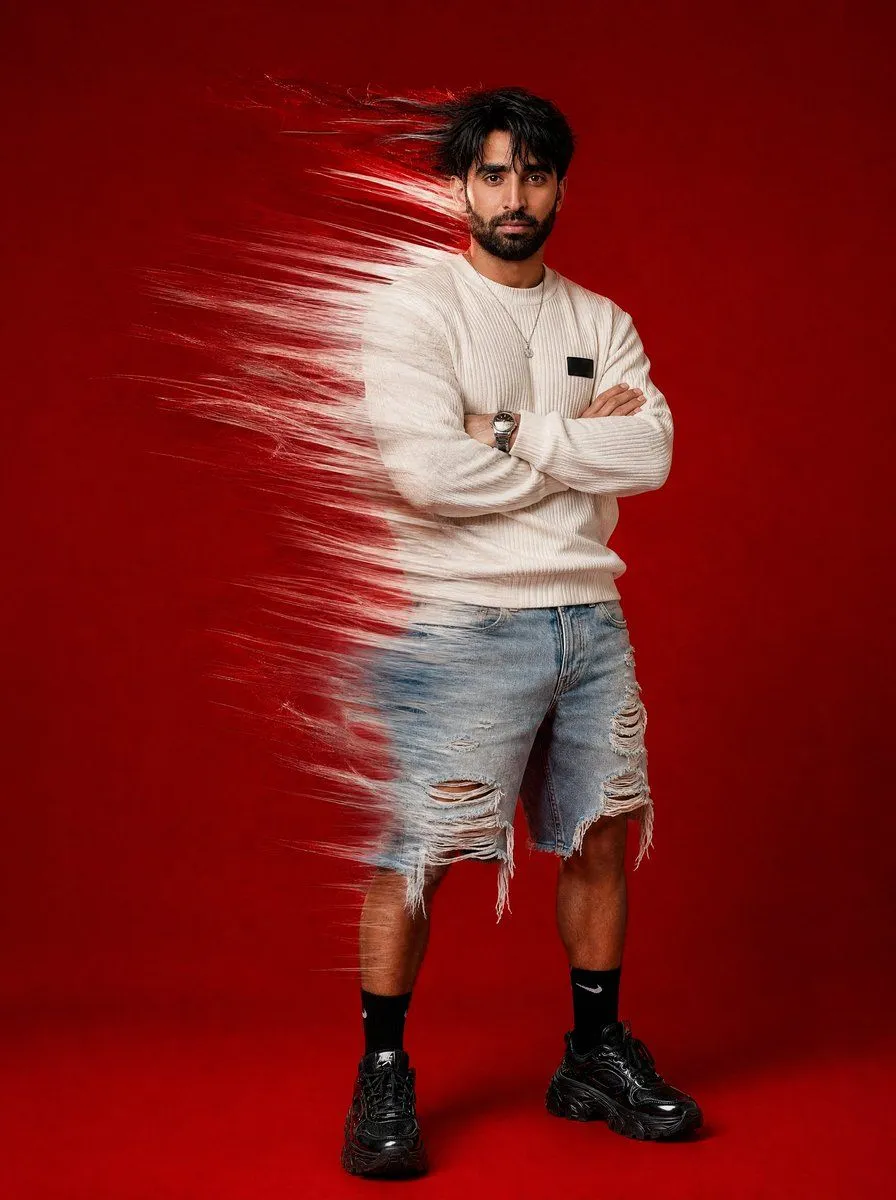
Stylish Man with Shatter Effect

Made with GPT Image 2.5 in ChatGPT by Library Lifestyle. Promptclay never generates images.

Did it work?

No reports yet. Tell others if it worked for you.

No comments yet. Be the first.

    Stylish Man with Shatter Effect

    GPT Image 2.53:4AI-generated

    Prompt

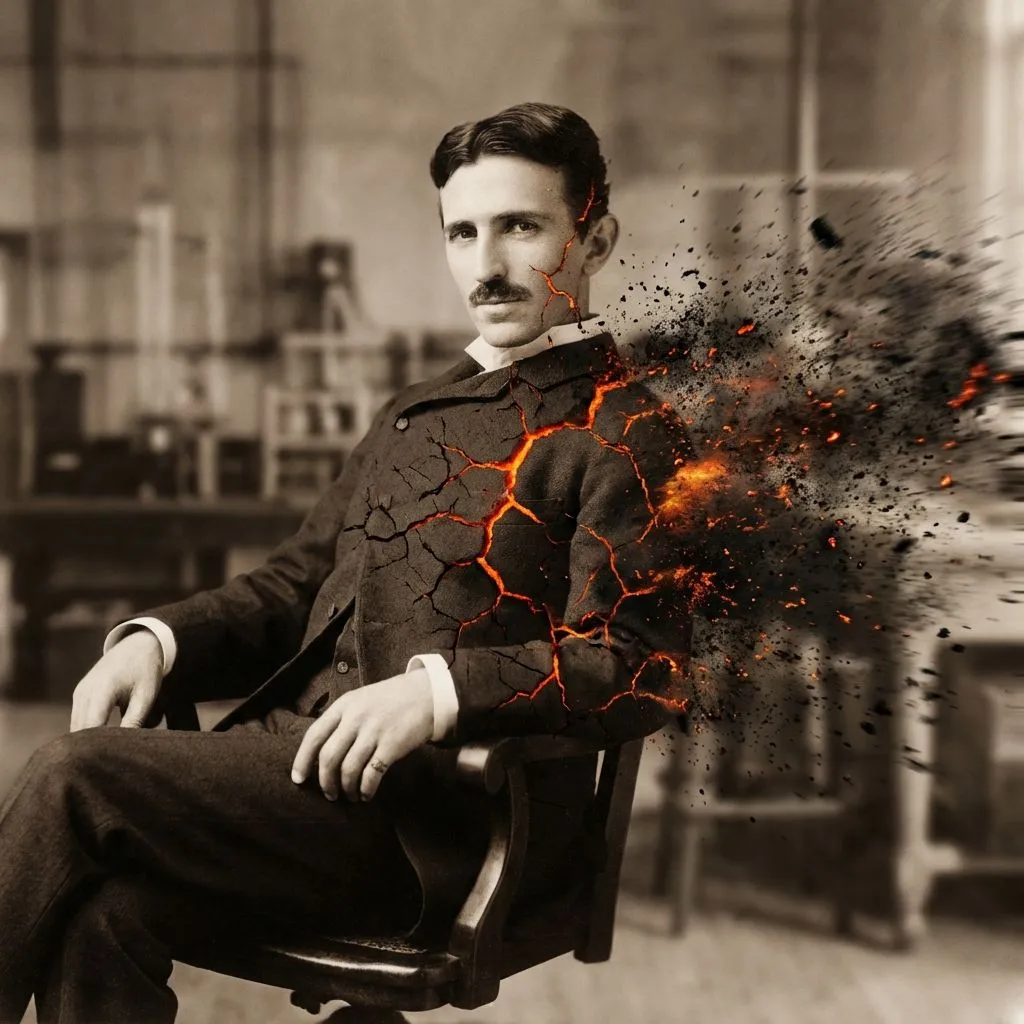
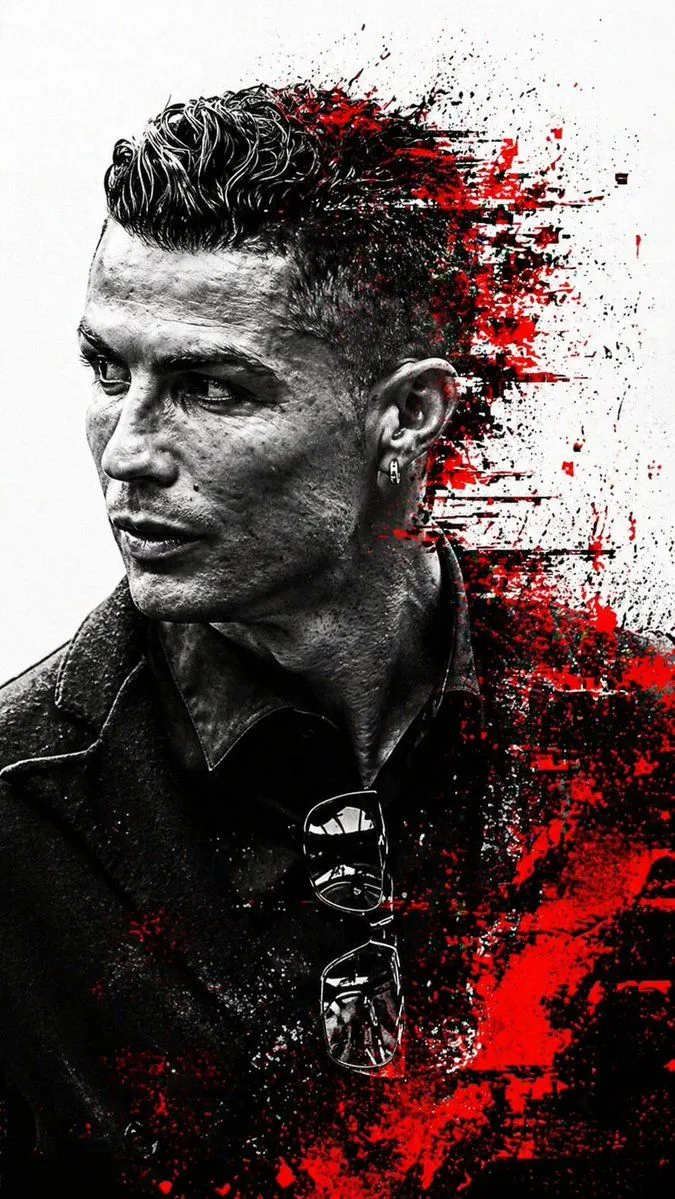
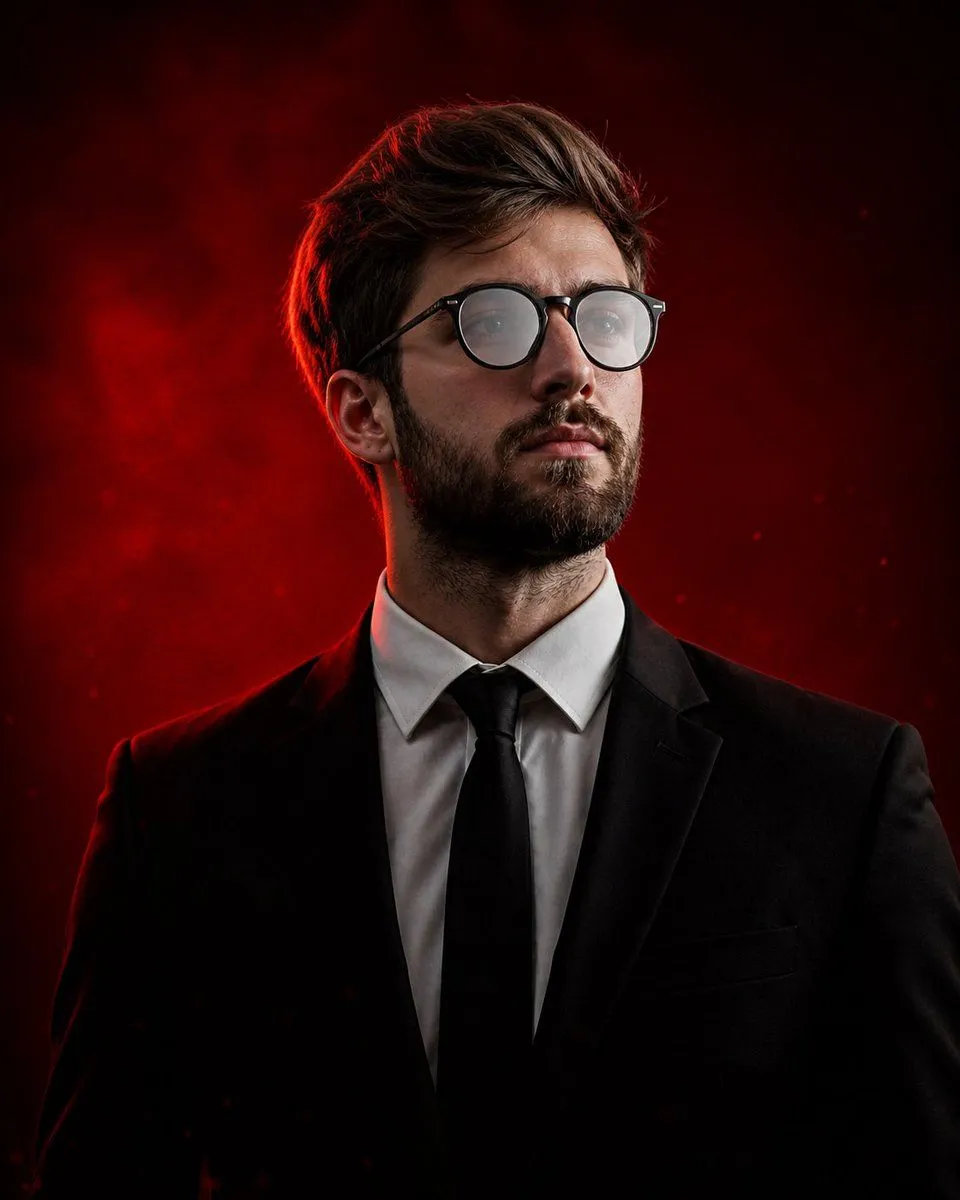
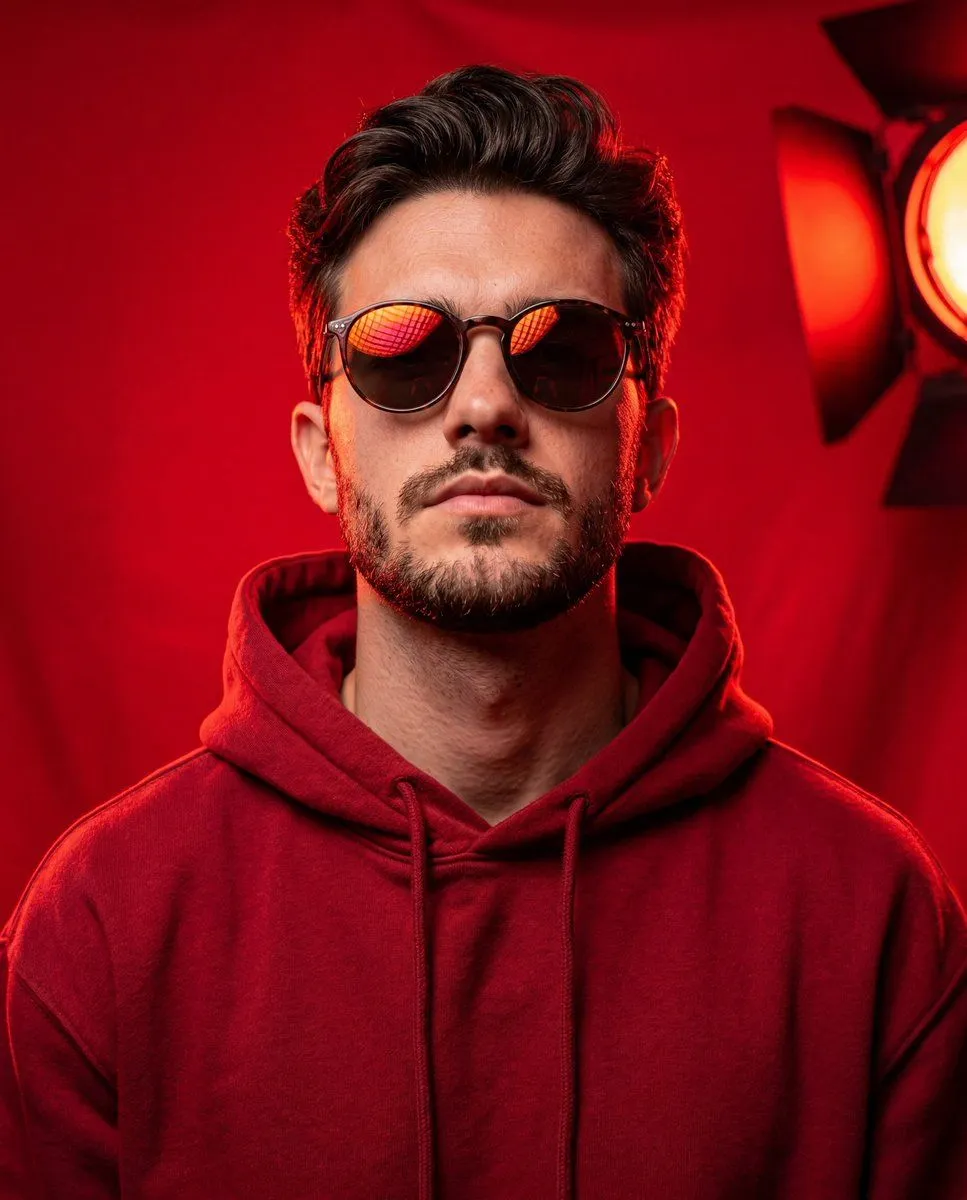
    A high-fashion, hyper-realistic studio editorial photograph featuring a stylish man with the uploaded face as reference, standing in a confident, arms-crossed pose against a vibrant, solid monochromatic crimson red backdrop. The subject is wearing a textured, cream-colored ribbed crewneck sweater with a small black rectangular patch on the left chest, paired with light-wash distressed denim shorts that have significant fraying and large rips at the knees. He wears black mid-calf socks with a white Nike swoosh logo and chunky black technical sneakers. A silver wristwatch is visible on his left wrist, and he has a thin silver necklace. His hair is dark, styled in a messy, wind-blown look. A dramatic visual effect is applied to the left side of his body (from the viewer's perspective), where the image appears to be 'shattered' or 'brushstroke-smudged' into streaks of white and red paint, creating a sense of motion or digital glitching that contrasts with the sharp focus of the rest of the figure.

    Works in
    ChatGPT, Gemini
    Status
    Free to copy
    0
    DetailsVersions, settings and questions

    Written for

    What's in the prompt

    Subject
    Model
    GPT Image 2.5

    If your face changes

    keep my face exactly the same

    Questions

    Does this work in the ChatGPT app?
    Yes. Paste the prompt and attach your photo if it uses one.
    It changed my face. What do I do?
    Add "keep my face exactly the same" to the end and run it again.
    Can I use the images I make?
    Check the terms of the app you use. Promptclay never generates images and claims nothing you make.
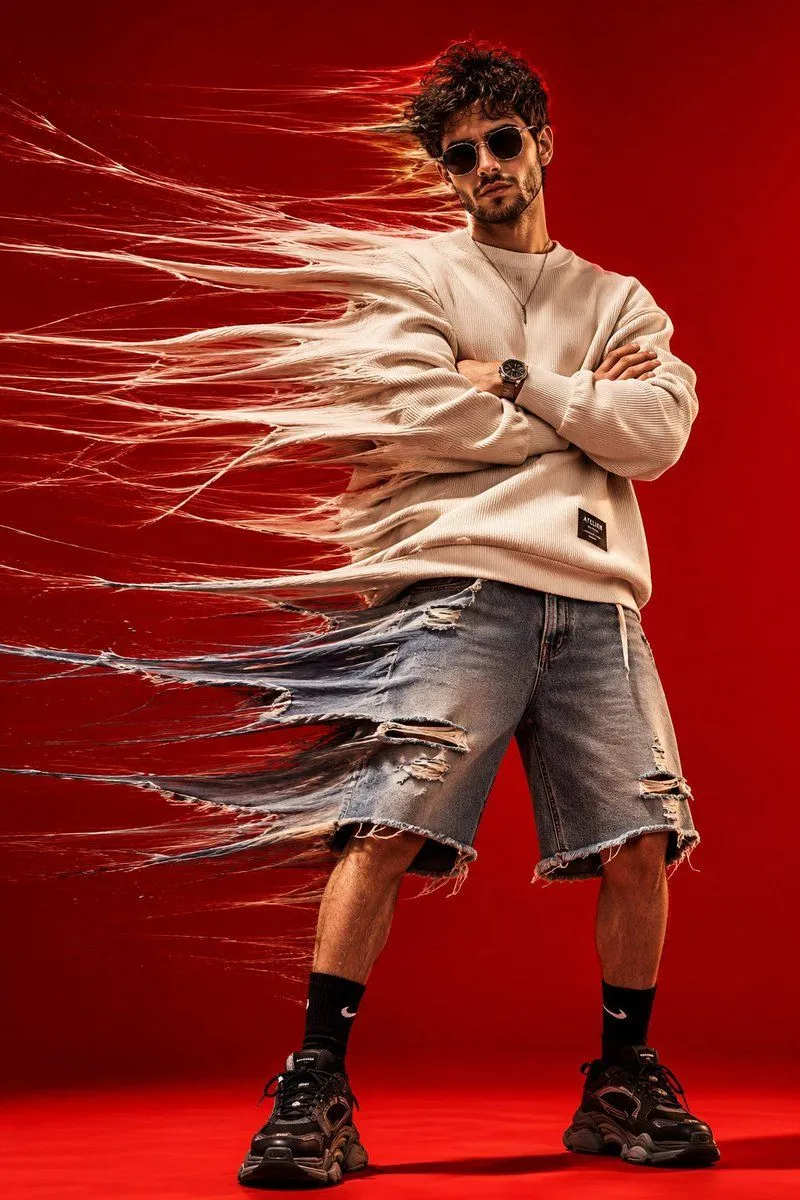
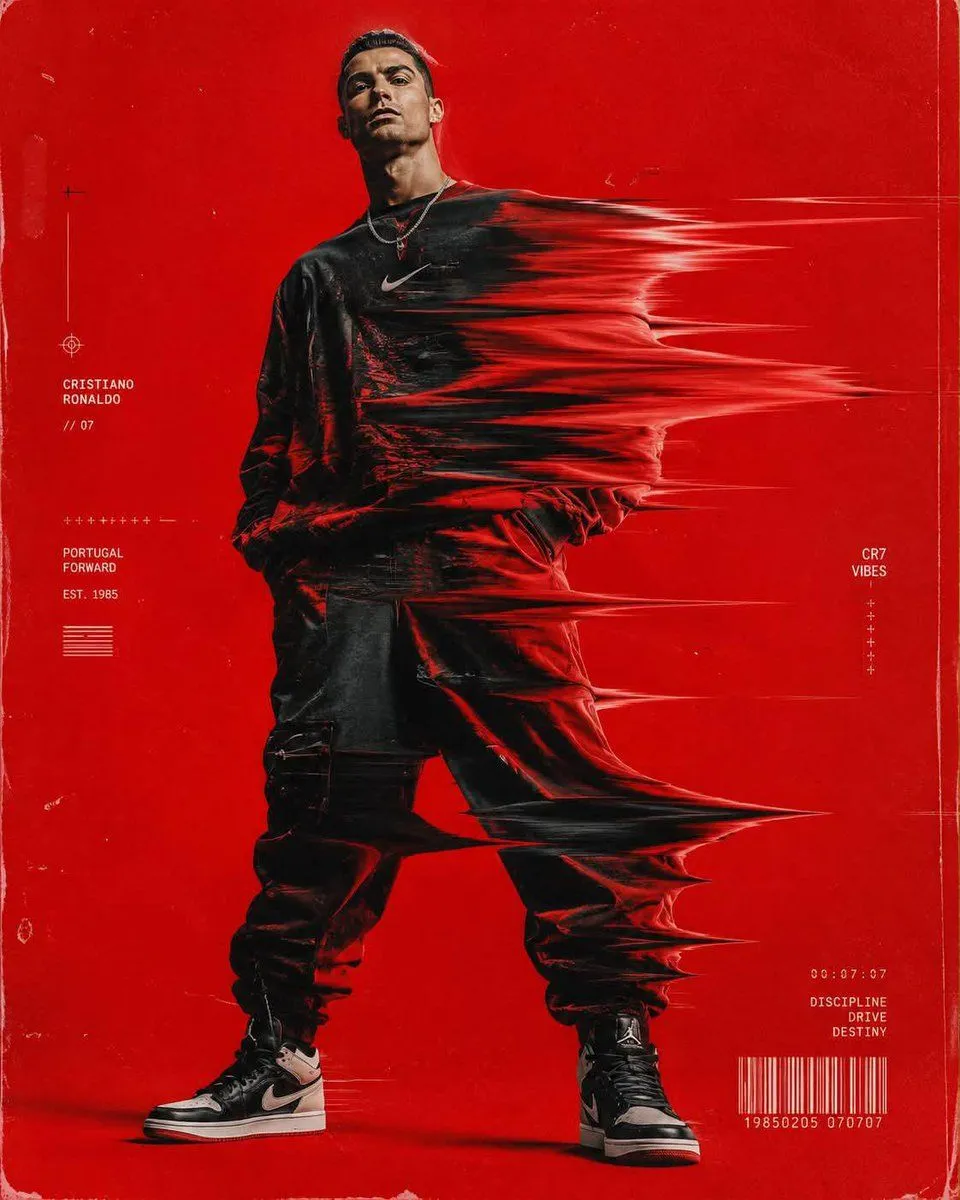
    Similar prompts

    See more
    • Conceptual Time-Stretch Fashion Photography
    • Ultra-Premium Cinematic Sports Glitch Poster
    • Hip-Hop Fashion Motion Streak Portrait
    • Editorial Fashion Glitch Portrait
    • Editorial Fashion Photography with Motion Blur
    • Red Smoke Streetwear Fashion Portrait
    • Disintegration Effect Function Prompt
    • Cyberpunk Glitch Profile Portrait
    • Cinematic Editorial Male Portrait
    • Bold Studio Portrait with Red Hoodie and Dark Sunglasses
    • Luxury Editorial B&W Portrait Transformation
    • High-Contrast Fashion Studio Portrait with Striped Shadows
    • High-Fashion Studio Portrait with Identity Lock
    • High-Fashion Multi-Exposure Portrait Prompt
    • High-Contrast Monochrome Studio Portrait of a Man
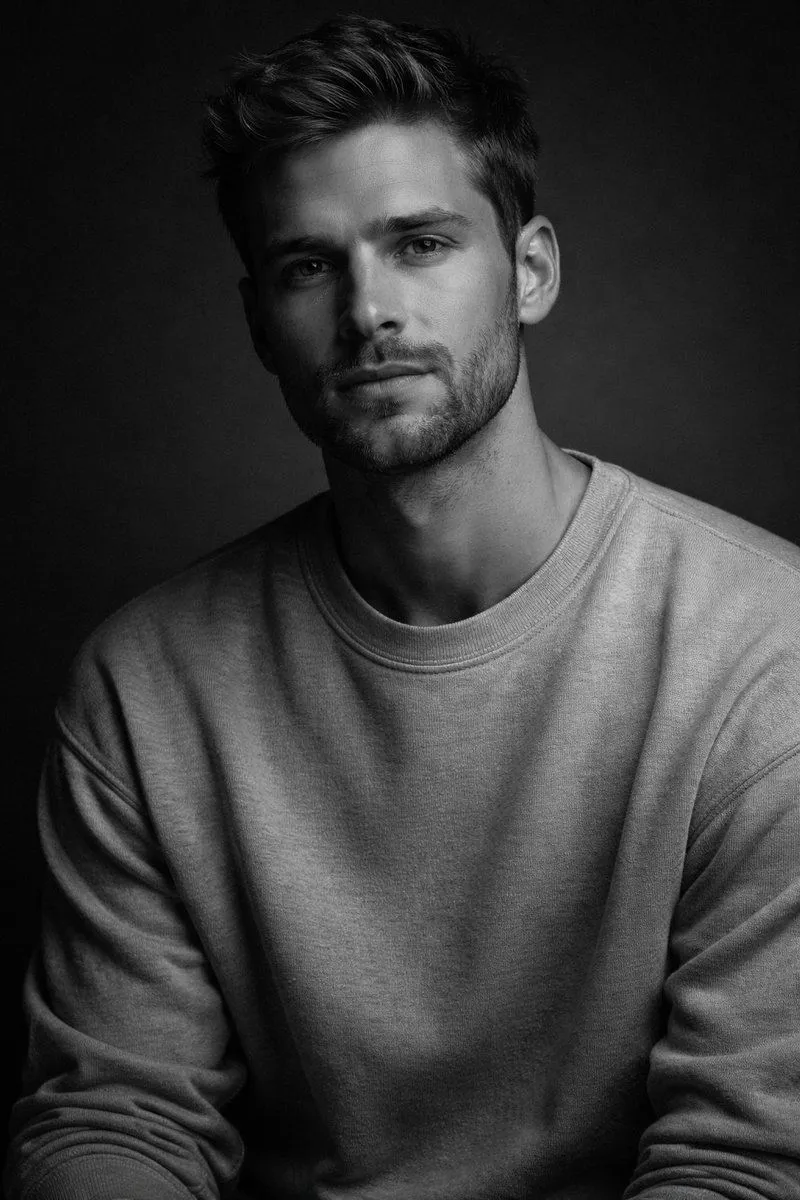
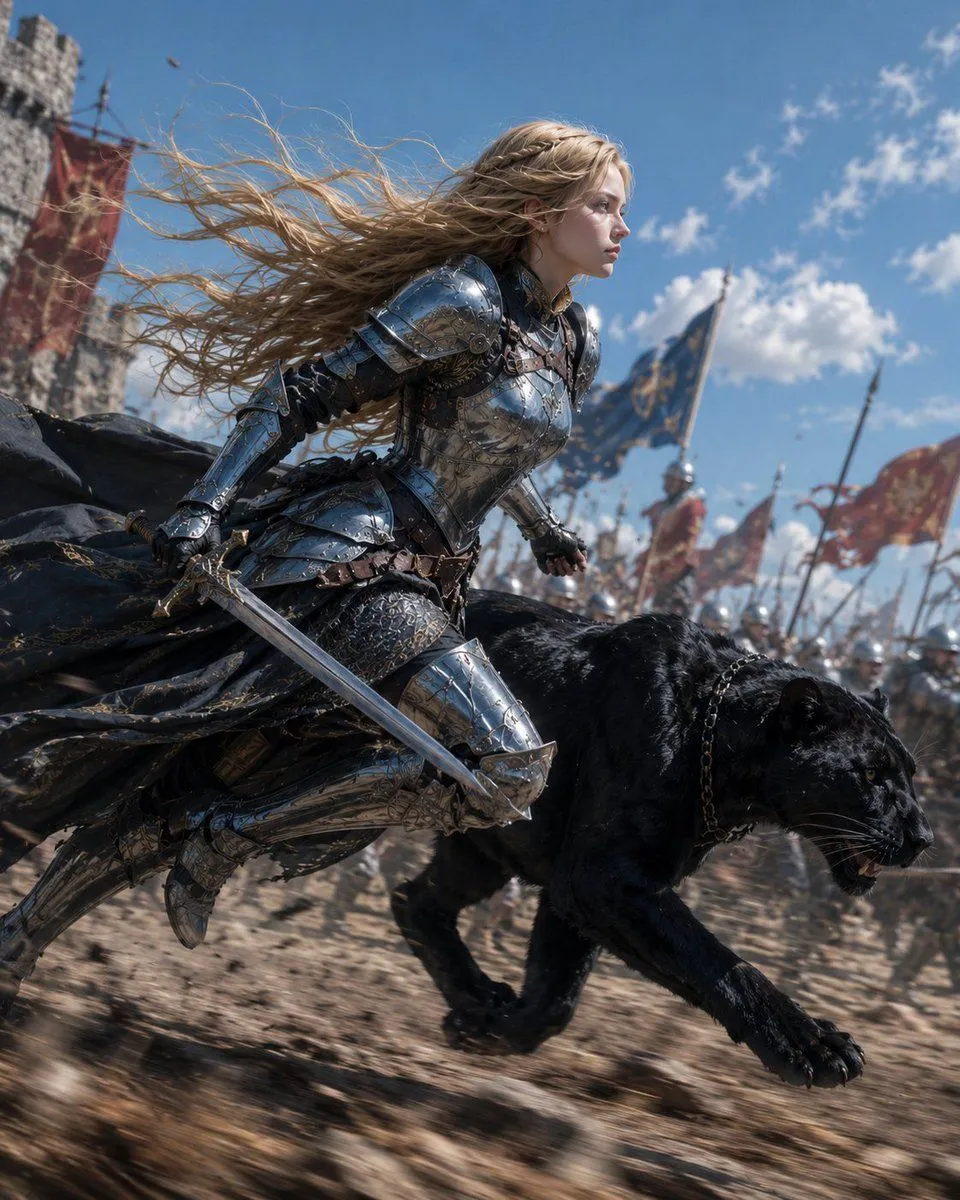
    • Blonde Knight and Black Panther Battle Charge
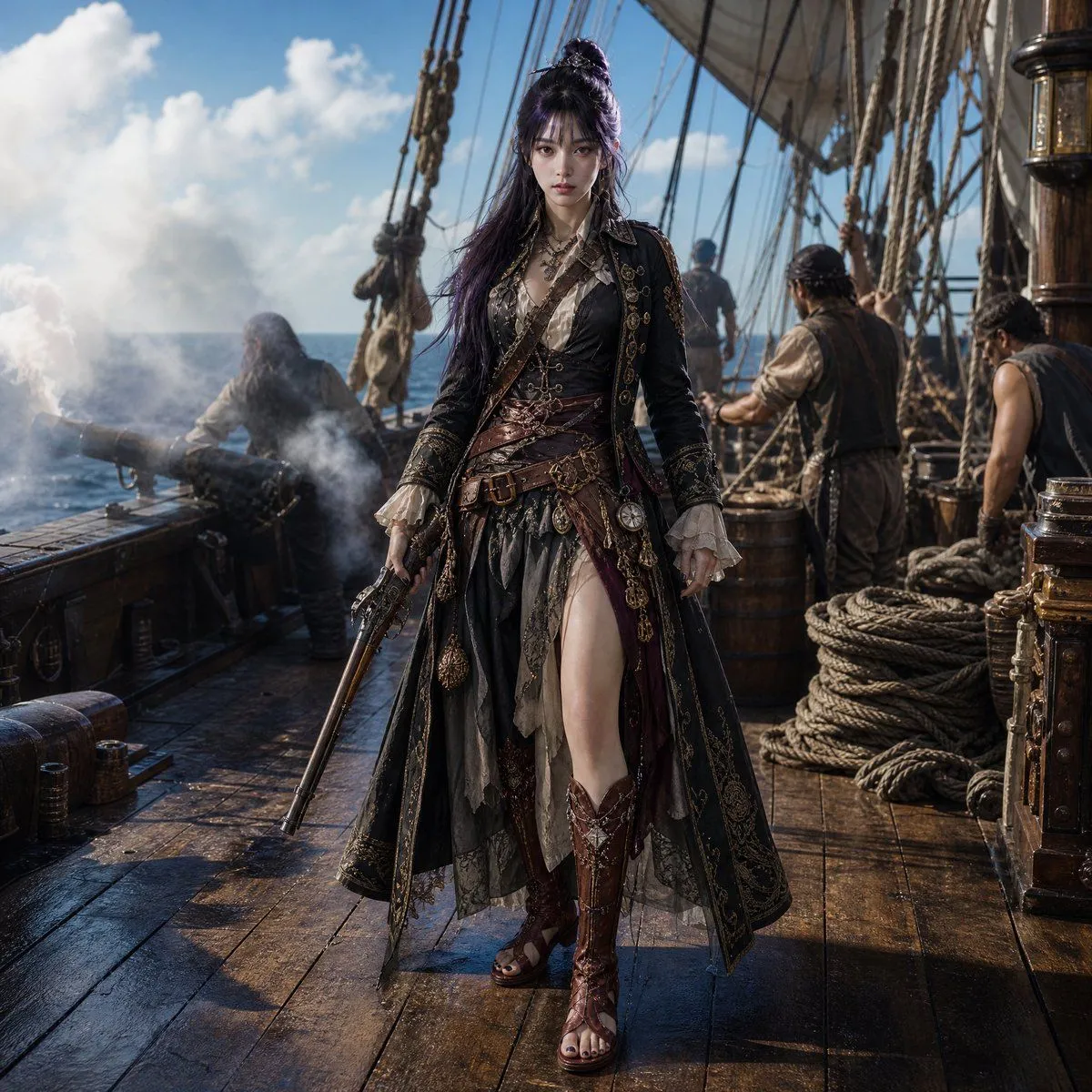
    • Cinematic Female Pirate Captain
    • Convenience Store Fight Scene
    • Japanese Creator Branding Poster
    • Luxury Arcade with Sunlight Patterns
    • Melancholic Storm Editorial Fashion
    • Pop Idol Typography Cover Art
    • Skyscraper Climbing Action Shot
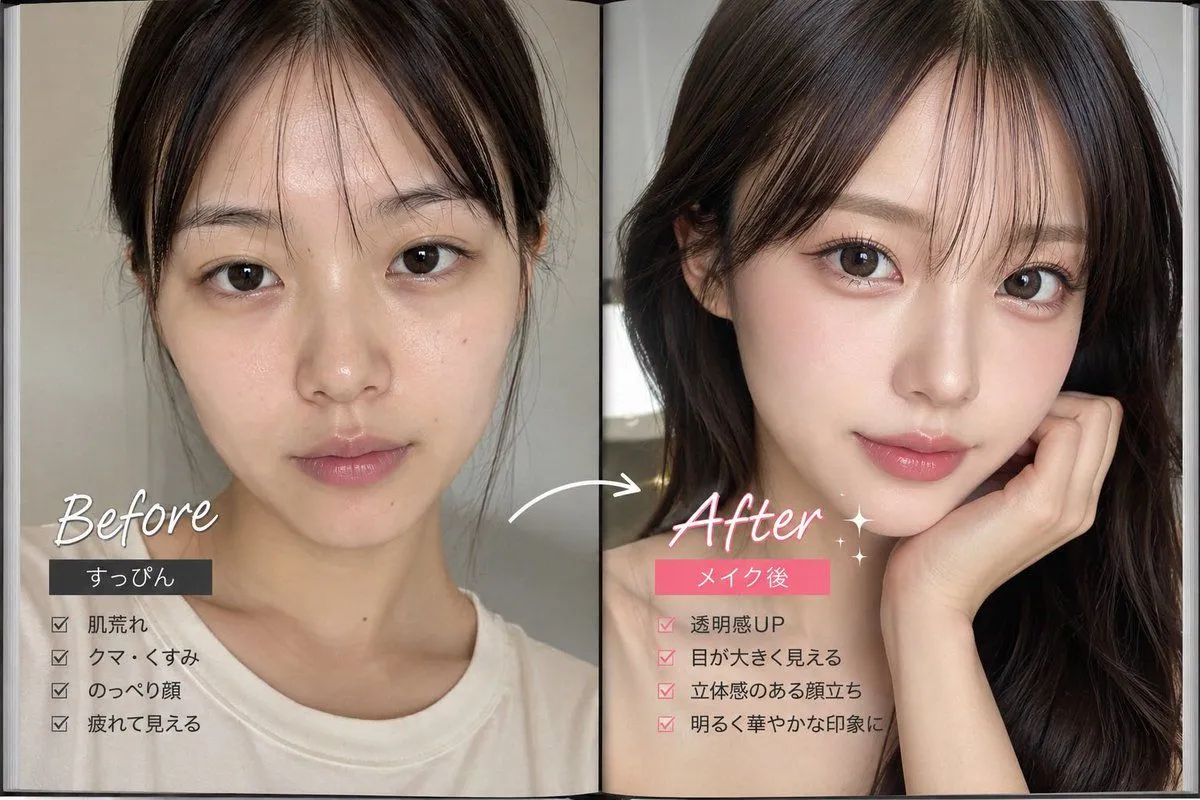
    • Makeup Before After Magazine Spread

    Show more

    Run it on your phone

    1. Prompt copiedRead it

      A high-fashion, hyper-realistic studio editorial photograph featuring a stylish man with the uploaded face as reference, standing in a confident, arms-crossed pose against a vibrant, solid monochromatic crimson red backdrop. The subject is wearing a textured, cream-colored ribbed crewneck sweater with a small black rectangular patch on the left chest, paired with light-wash distressed denim shorts that have significant fraying and large rips at the knees. He wears black mid-calf socks with a white Nike swoosh logo and chunky black technical sneakers. A silver wristwatch is visible on his left wrist, and he has a thin silver necklace. His hair is dark, styled in a messy, wind-blown look. A dramatic visual effect is applied to the left side of his body (from the viewer's perspective), where the image appears to be 'shattered' or 'brushstroke-smudged' into streaks of white and red paint, creating a sense of motion or digital glitching that contrasts with the sharp focus of the rest of the figure.

    2. Open your app

    3. Paste and run

      Press and hold the message box, then tap Paste. Add your photo first if the prompt uses one. You may need to sign in.

    Stylish Man with Shatter Effect