Tell us anything

An idea, a bug, something you love. We read every note.

⌘↵ to send. The page you're on comes along.

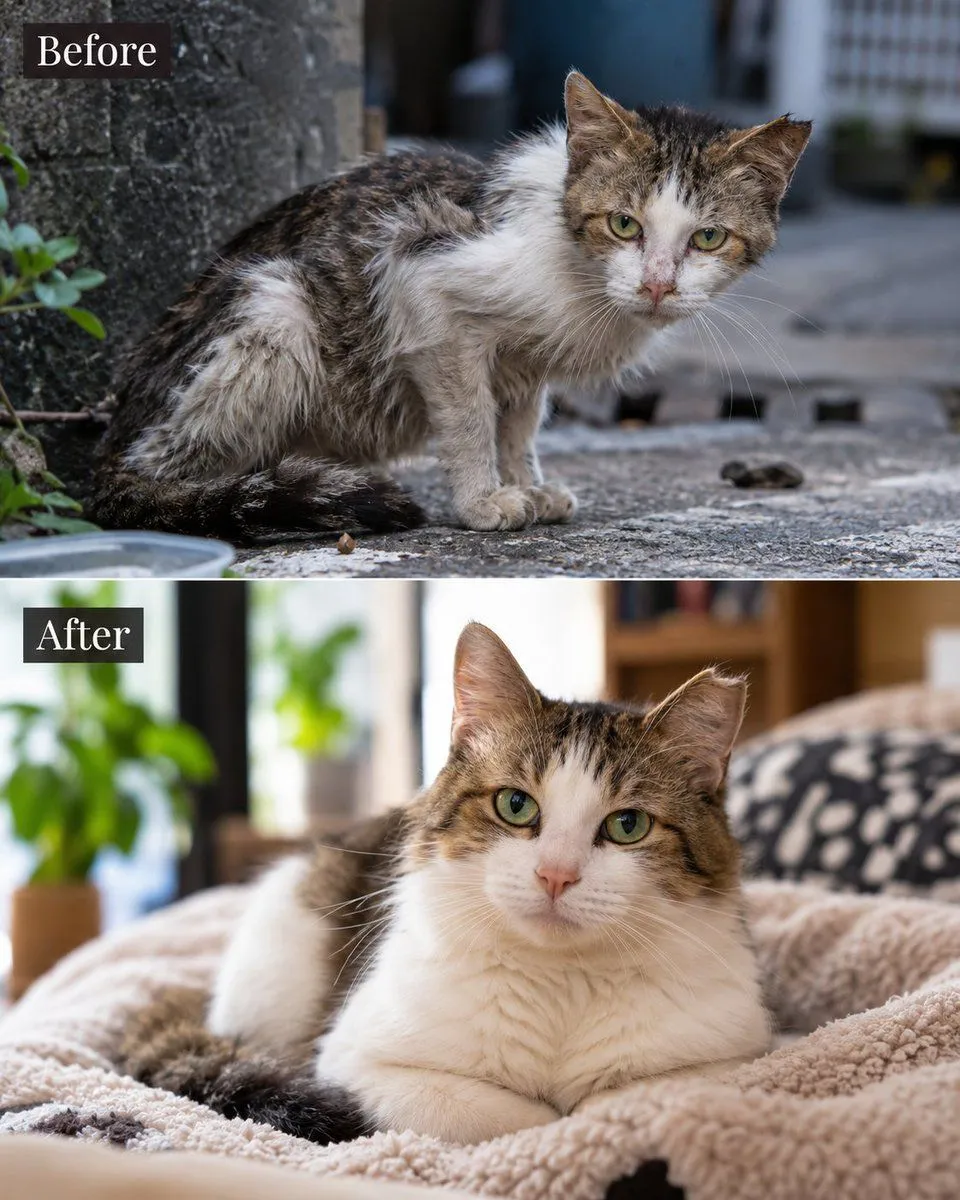
Stray Cat Rescue Before & After

Made with GPT Image 2.5 in ChatGPT by Library Lifestyle. Promptclay never generates images.

Did it work?

No reports yet. Tell others if it worked for you.

No comments yet. Be the first.

    Stray Cat Rescue Before & After

    GPT Image 2.54:5AI-generated

    Prompt

    Create a vertical split-screen comparison image showing the transformation of a stray cat. Top half: A scruffy, thin tabby and white cat with matted fur sits on rough concrete outdoors near a stone wall, looking wary and unkempt. Bottom half: The same cat, now healthy, plump, and fluffy with clean fur, rests comfortably on a soft beige fleece blanket indoors with a blurred background of houseplants and wooden furniture. Add a dark rectangular label in the top-left corner of each section reading 'Before' and 'After' respectively in white serif font.

    Works in
    ChatGPT, Gemini
    Status
    Free to copy
    0
    DetailsVersions, settings and questions

    Written for

    What's in the prompt

    Subject
    Model
    GPT Image 2.5

    If your face changes

    keep my face exactly the same

    Questions

    Does this work in the ChatGPT app?
    Yes. Paste the prompt and attach your photo if it uses one.
    It changed my face. What do I do?
    Add "keep my face exactly the same" to the end and run it again.
    Can I use the images I make?
    Check the terms of the app you use. Promptclay never generates images and claims nothing you make.

    Similar prompts

    See more
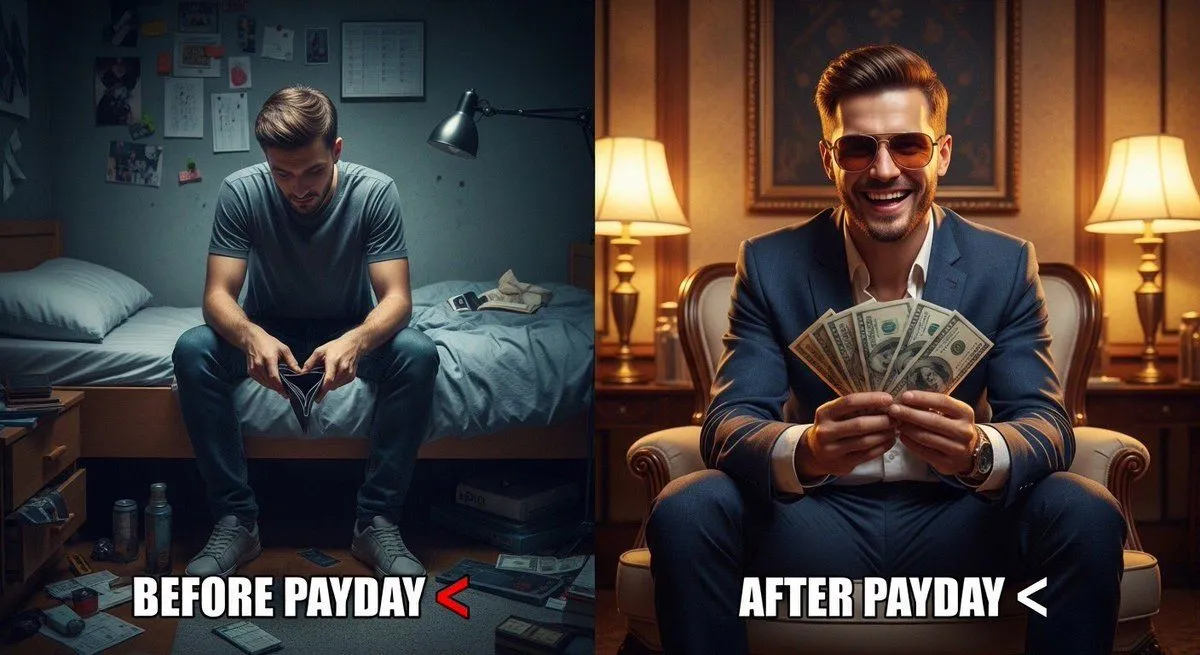
    • Split Scene 'Before and After Payday' Prompt for Nano Banana Pro
    • Artwork to 4K Photo Transformation Prompt
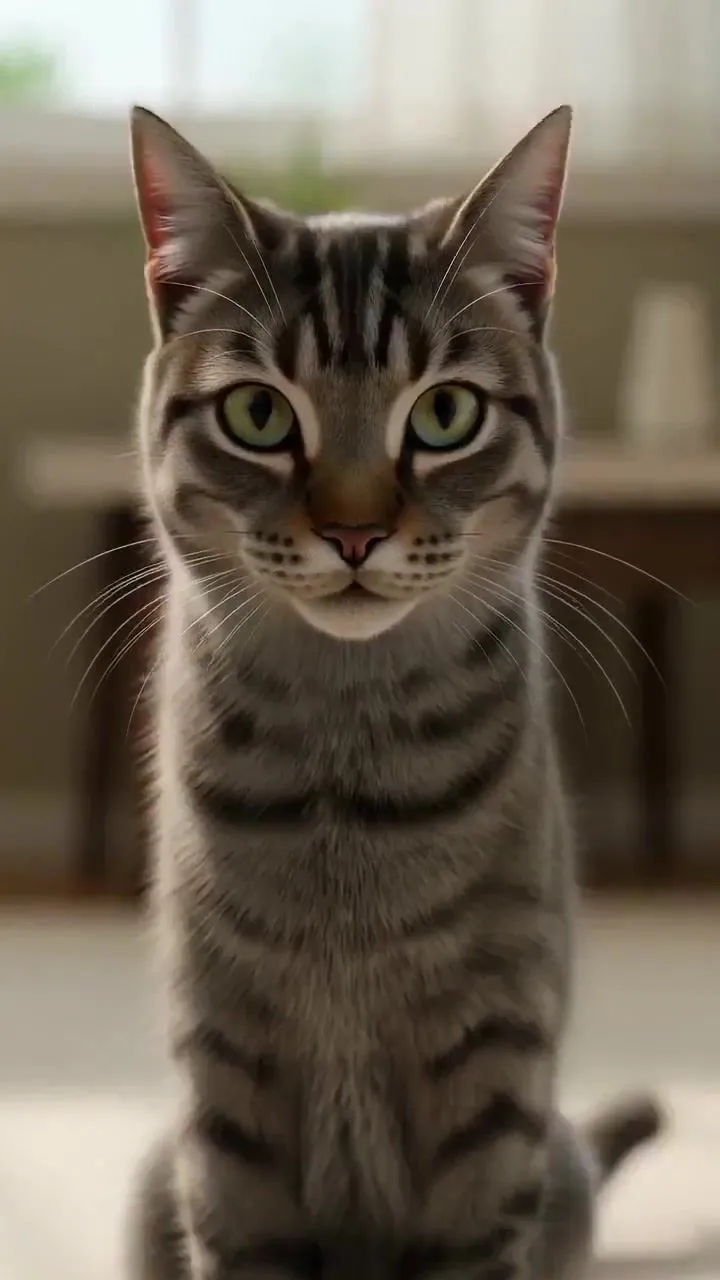
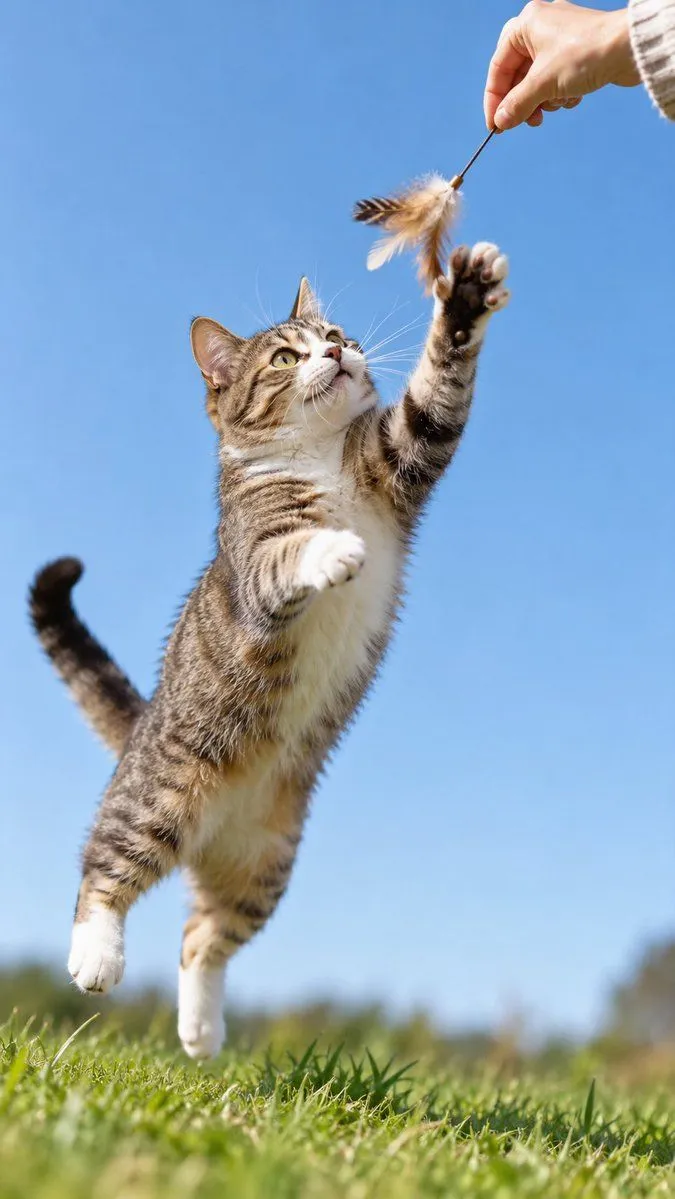
    • Cool Cat Landing ActionVideo, 0:24
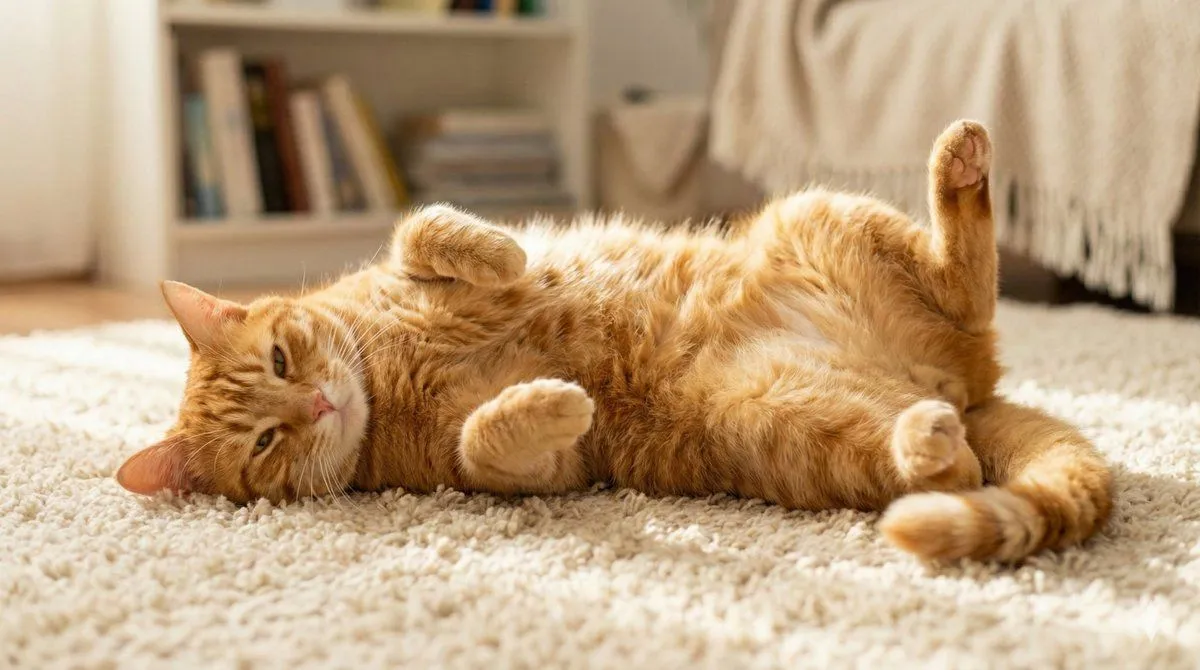
    • Cute Cat Photo Prompt
    • Wildlife Dynamic Photography Prompt Template
    • Generate black-and-white storyboards from an image
    • Low-Fi Candid Night Snapshot with Cat
    • Excited Dogs Greeting VideoVideo, 0:06
    • Cat Drinking from Forest Stream
    • Nano Banana Pro branded header (duplicate)
    • Vintage Photo to Graphite Sketch
    • Pet Apparel Replacement Mockup
    • Text-to-Image Prompt: Curious Cat in Autumn Leaves
    • Quiet vs Abandoned Train Station Comparison
    • Social Media Pet Avatar Creator
    • Fluffy Pirate Cat Captain Portrait
    • Grimm's Fairy Tale Woodcut Poster
    • Cute Floating Glossy Space Tabby Cat
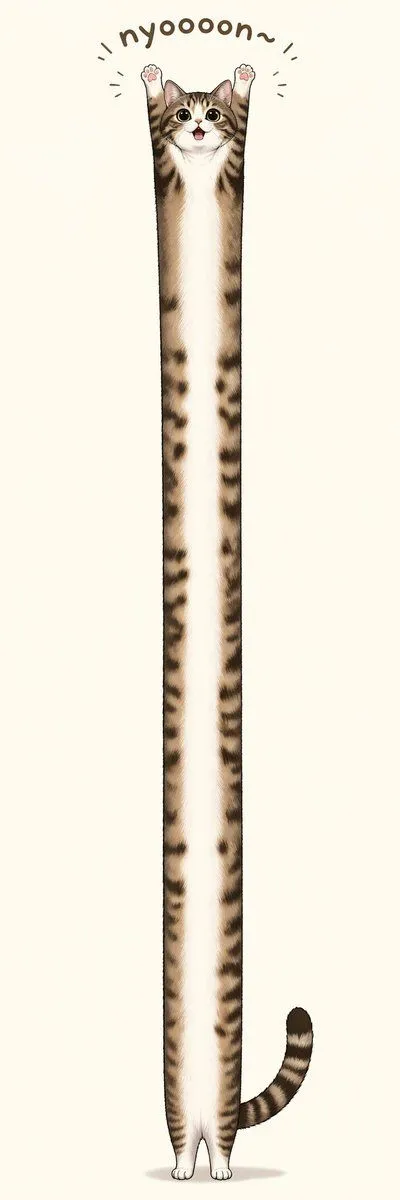
    • Long Stretching Tabby Cat
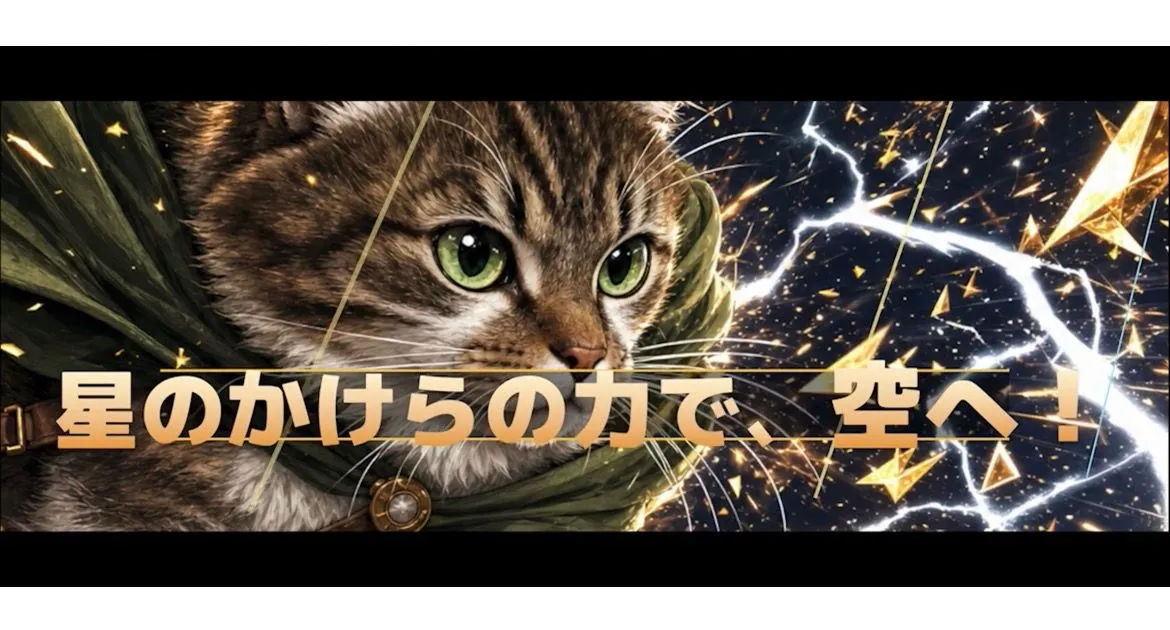
    • Heroic Cat RPG Cut-In Banner
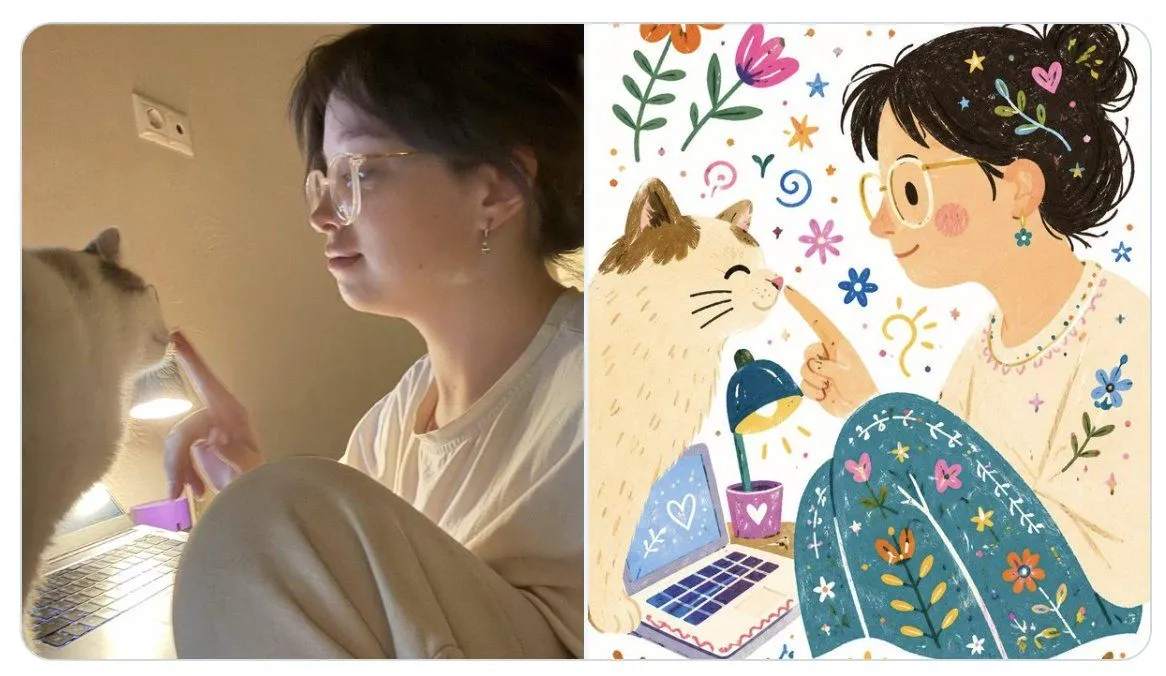
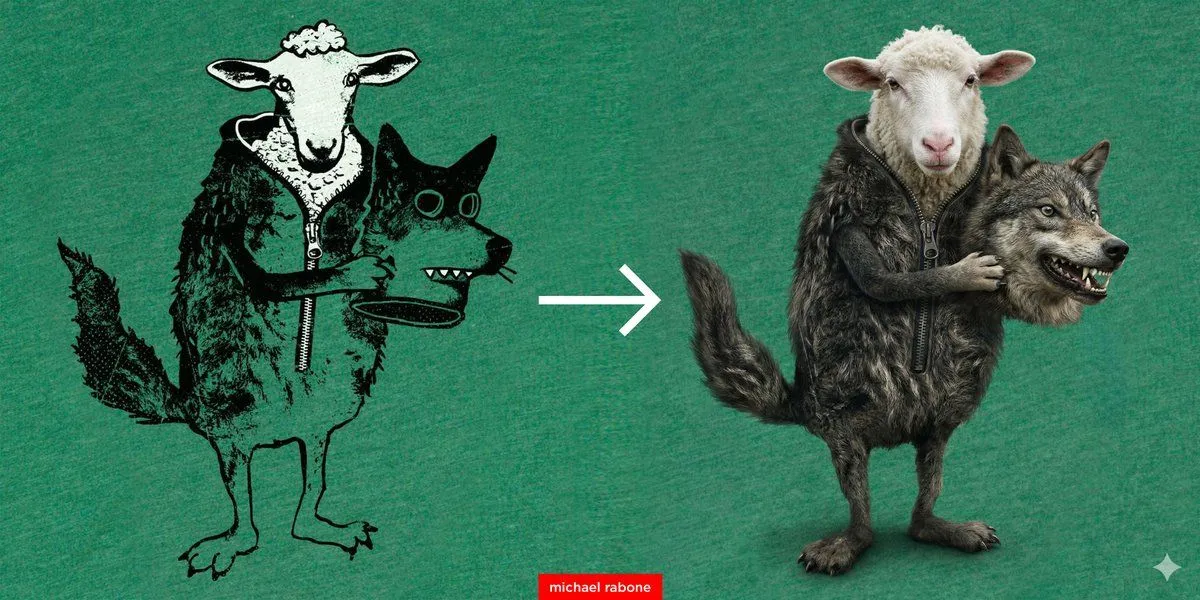
    • Photo to Folk Flat Illustration Comparison
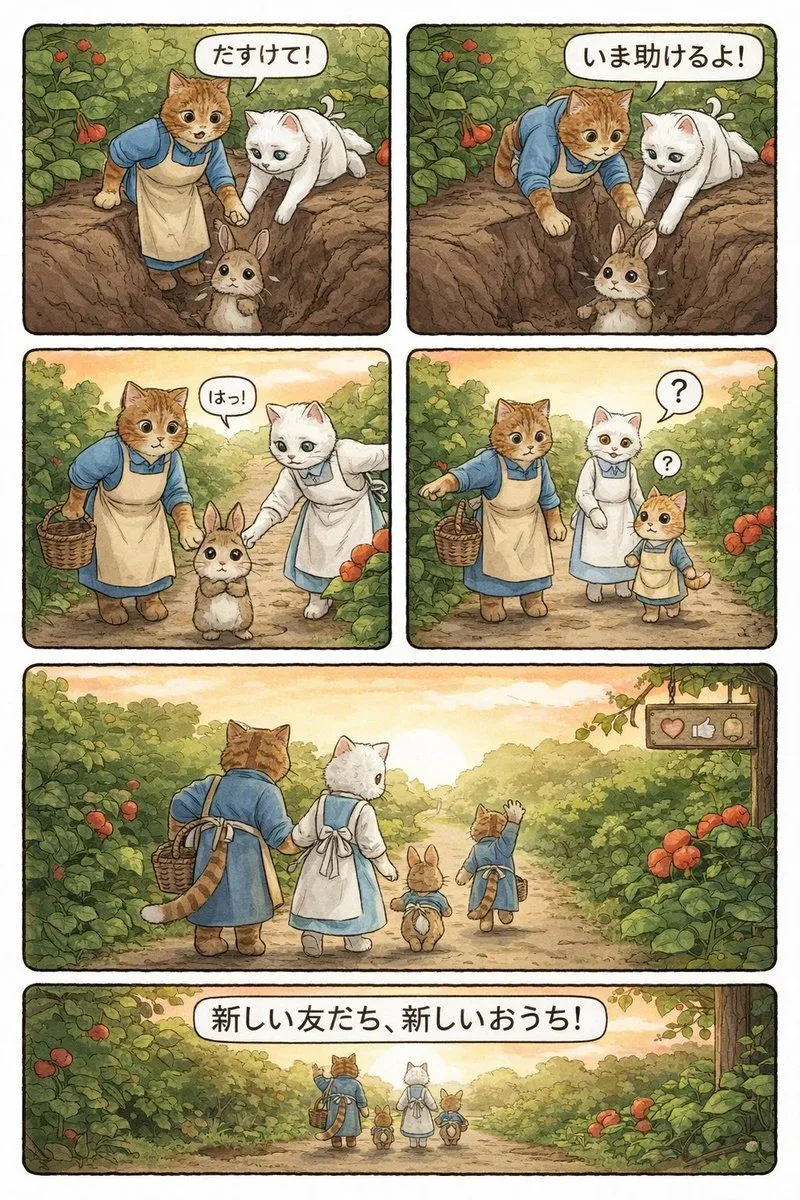
    • Converting Video to 4-Panel Manga
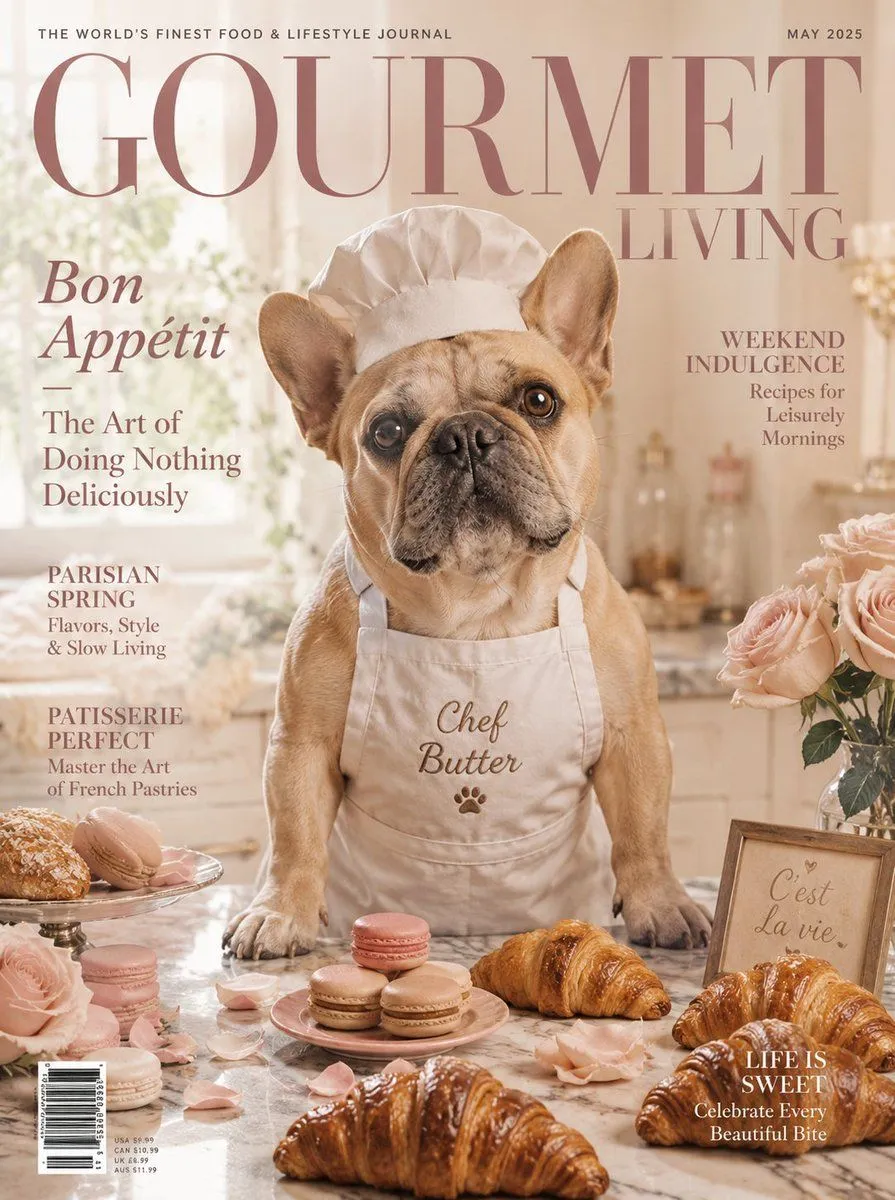
    • French Bulldog Pastry Chef Magazine Cover
    • Live E-commerce UI Mockup

    Show more

    Run it on your phone

    1. Prompt copiedRead it

      Create a vertical split-screen comparison image showing the transformation of a stray cat. Top half: A scruffy, thin tabby and white cat with matted fur sits on rough concrete outdoors near a stone wall, looking wary and unkempt. Bottom half: The same cat, now healthy, plump, and fluffy with clean fur, rests comfortably on a soft beige fleece blanket indoors with a blurred background of houseplants and wooden furniture. Add a dark rectangular label in the top-left corner of each section reading 'Before' and 'After' respectively in white serif font.

    2. Open your app

    3. Paste and run

      Press and hold the message box, then tap Paste. Add your photo first if the prompt uses one. You may need to sign in.

    Stray Cat Rescue Before & After