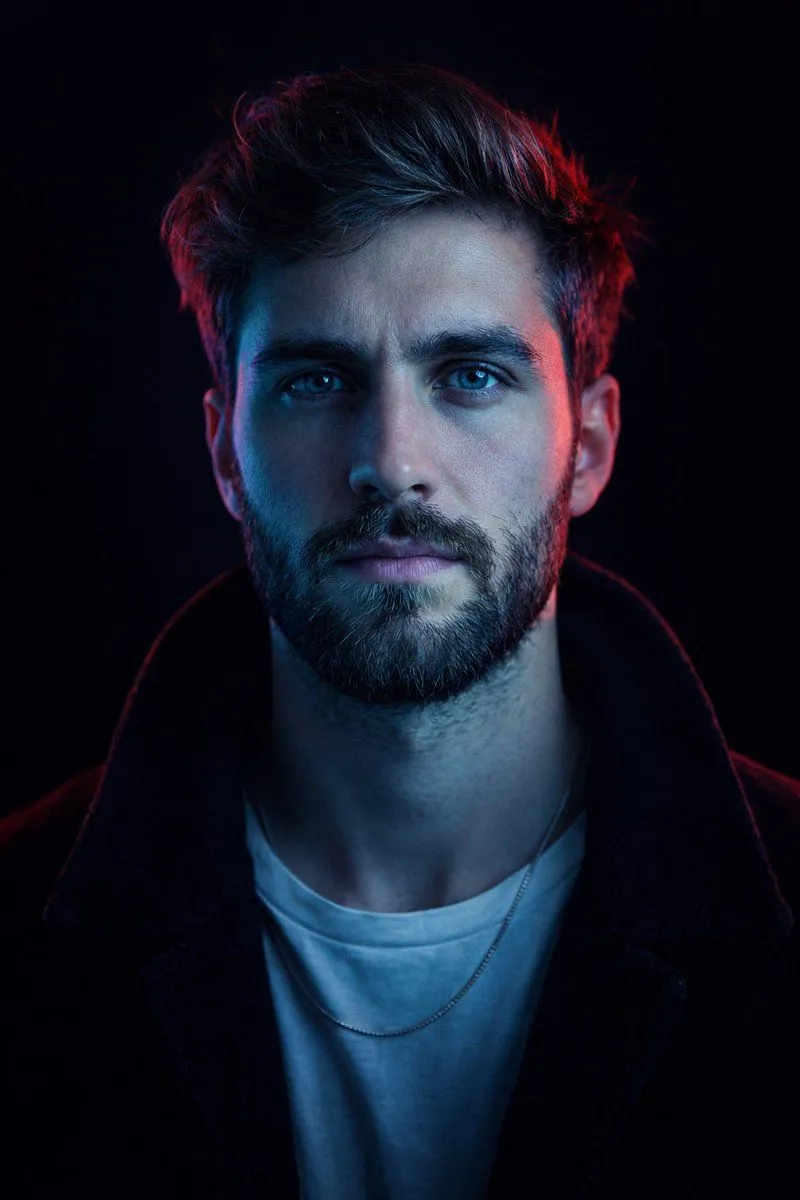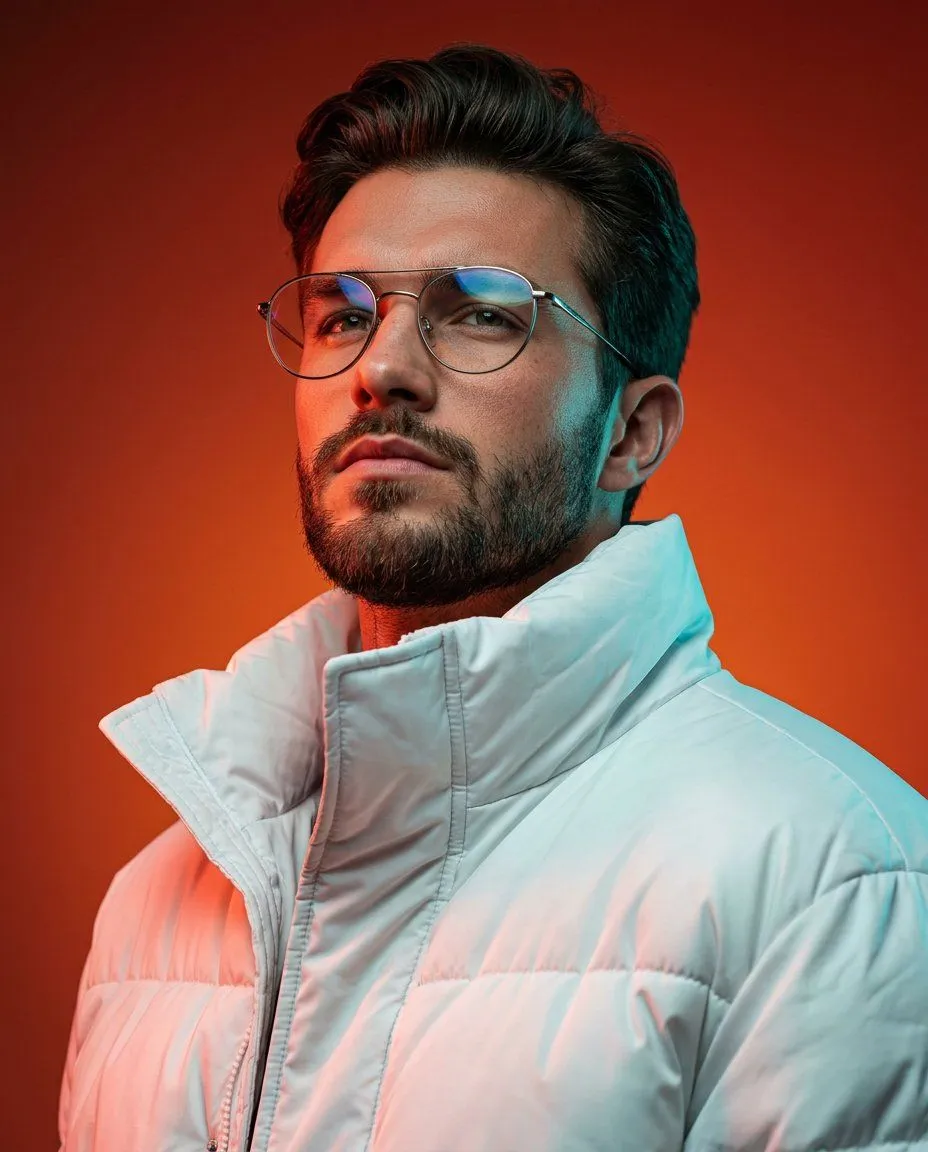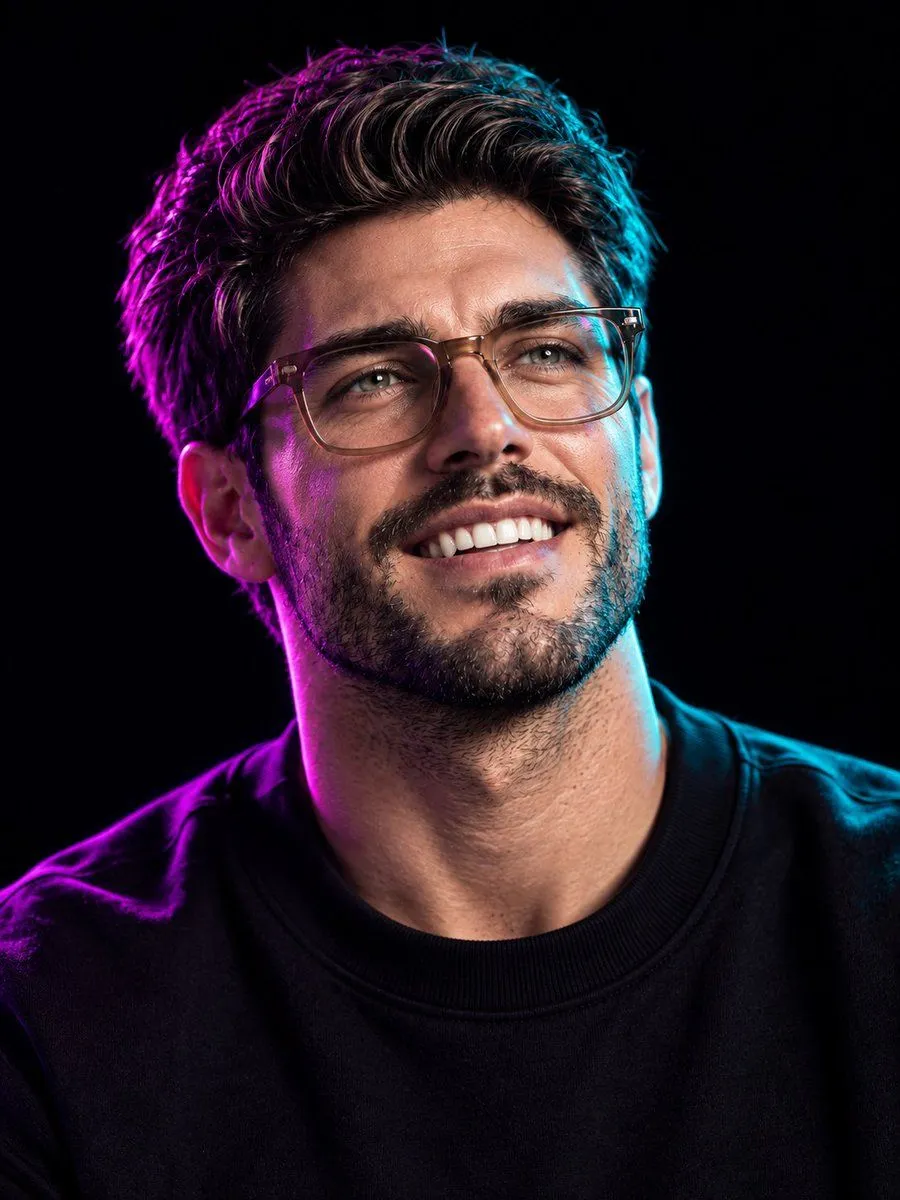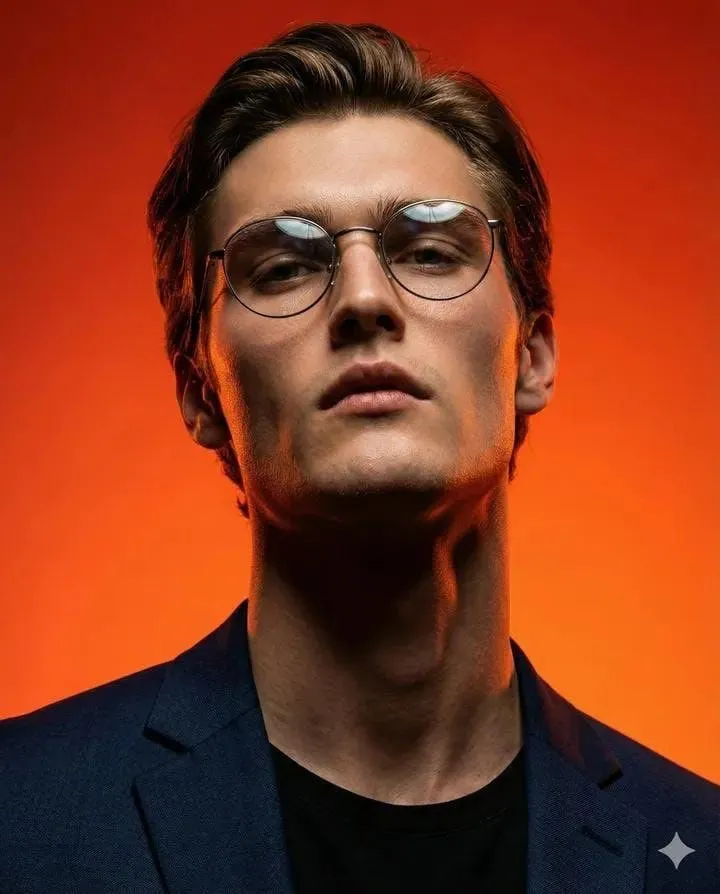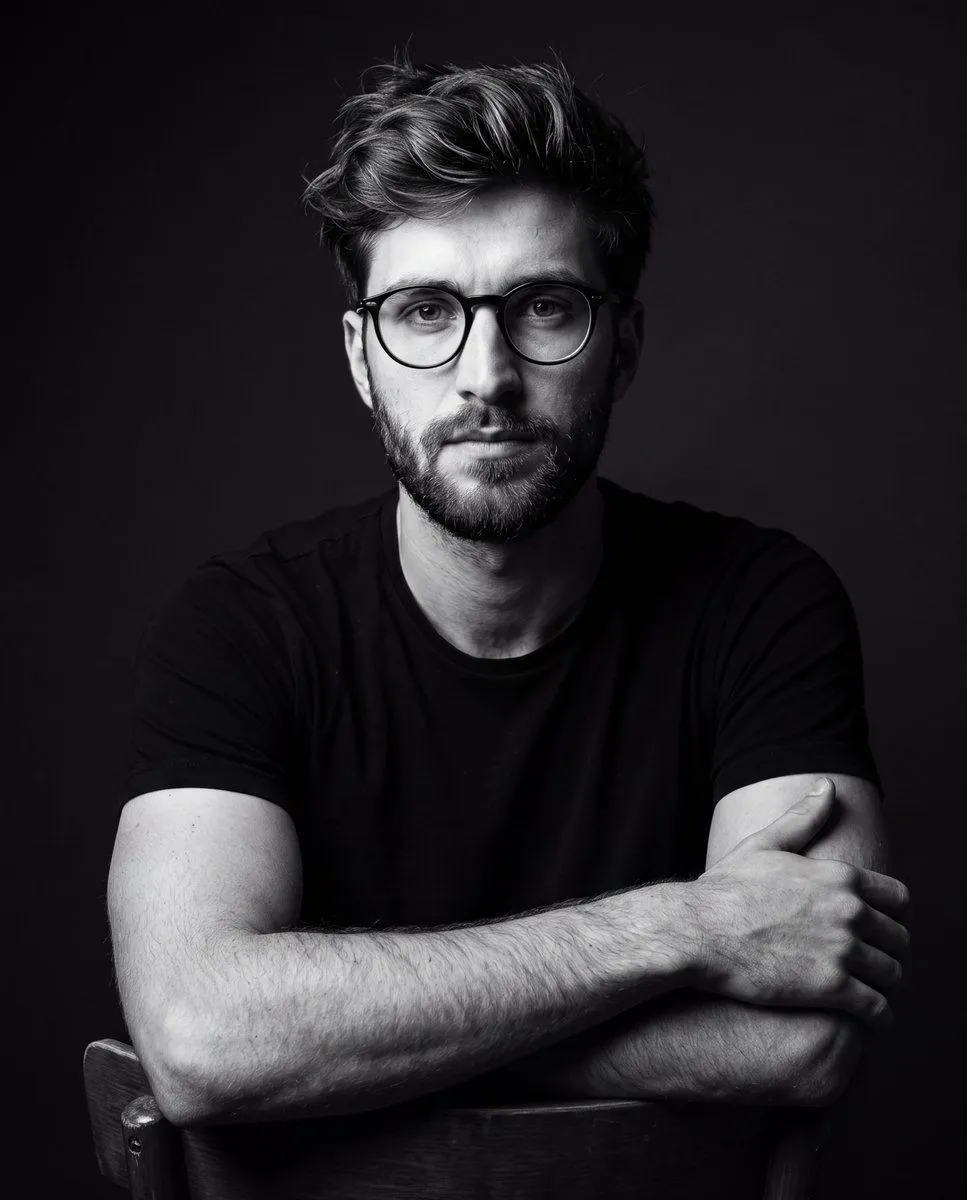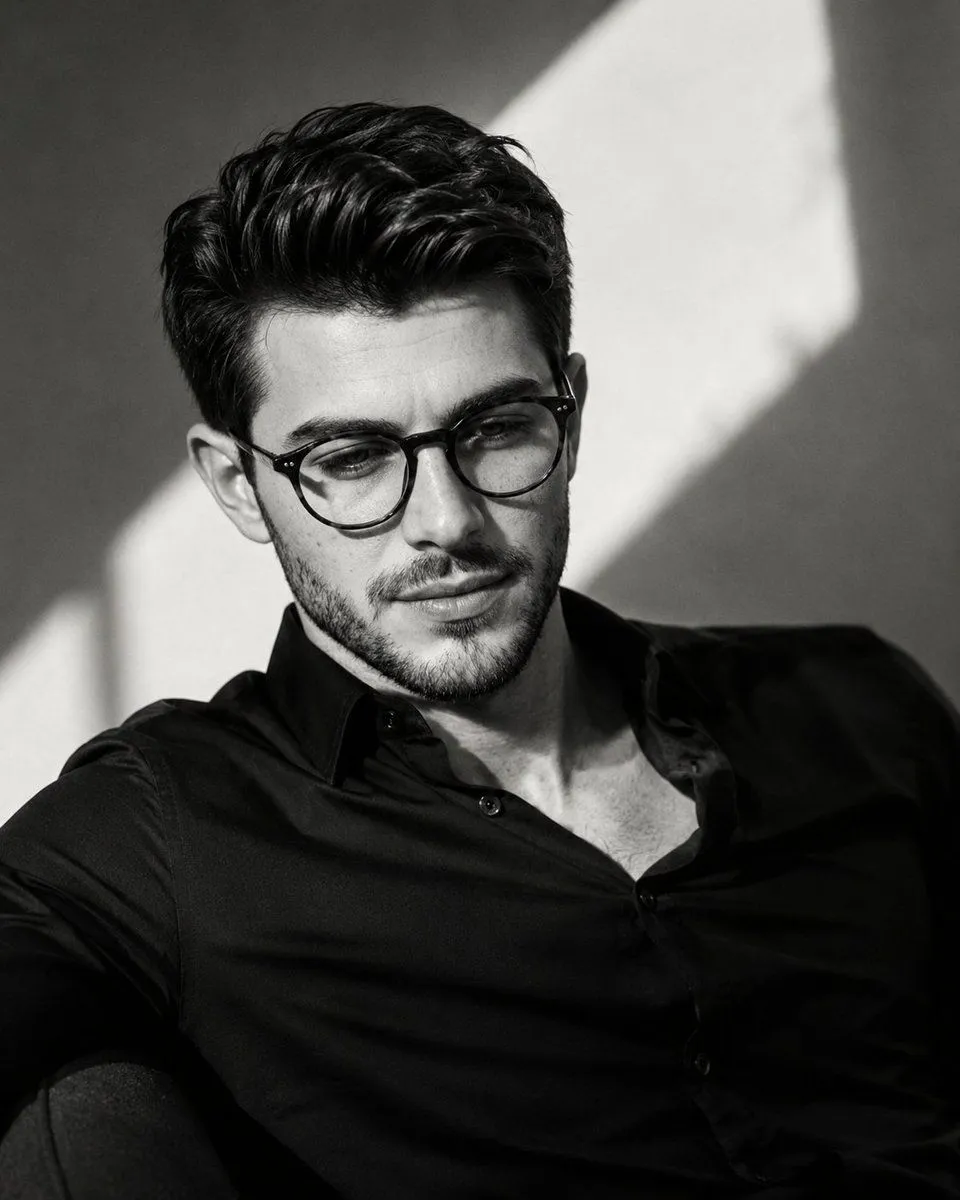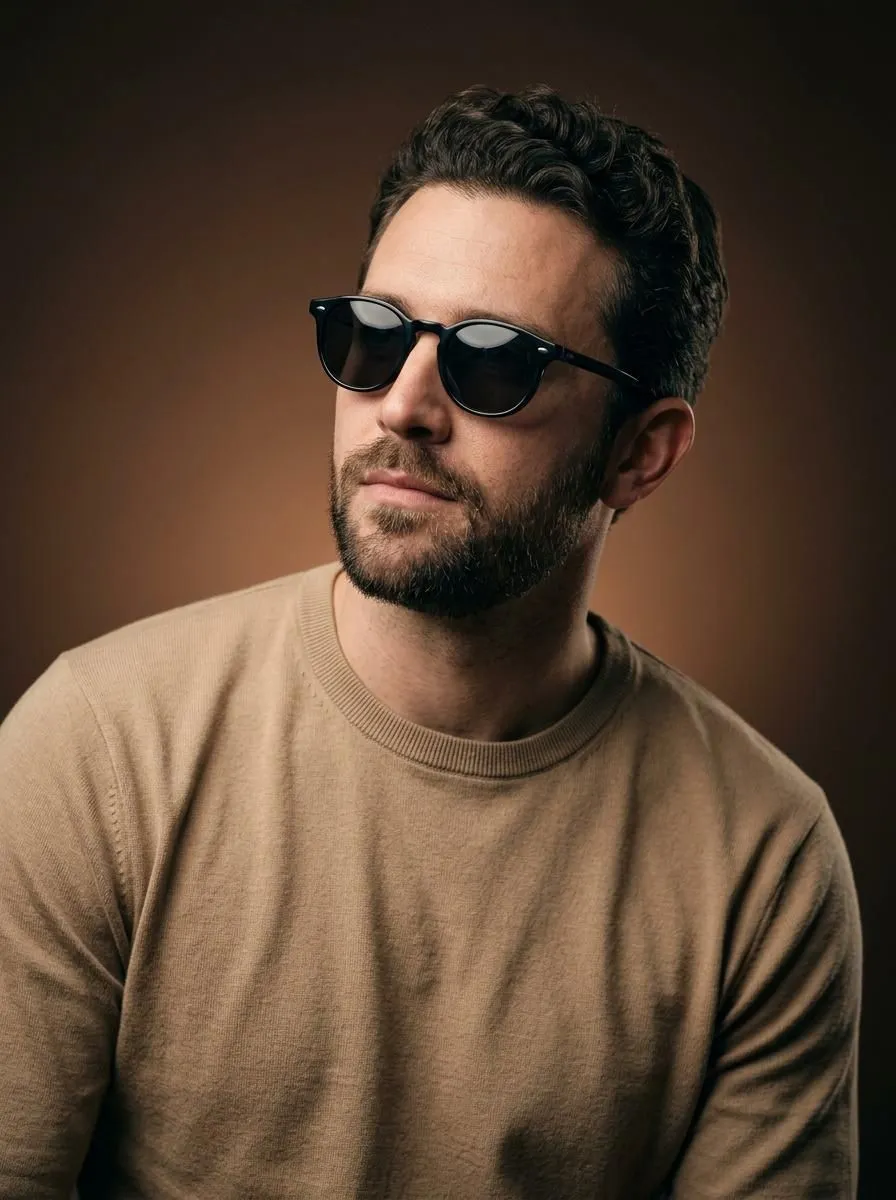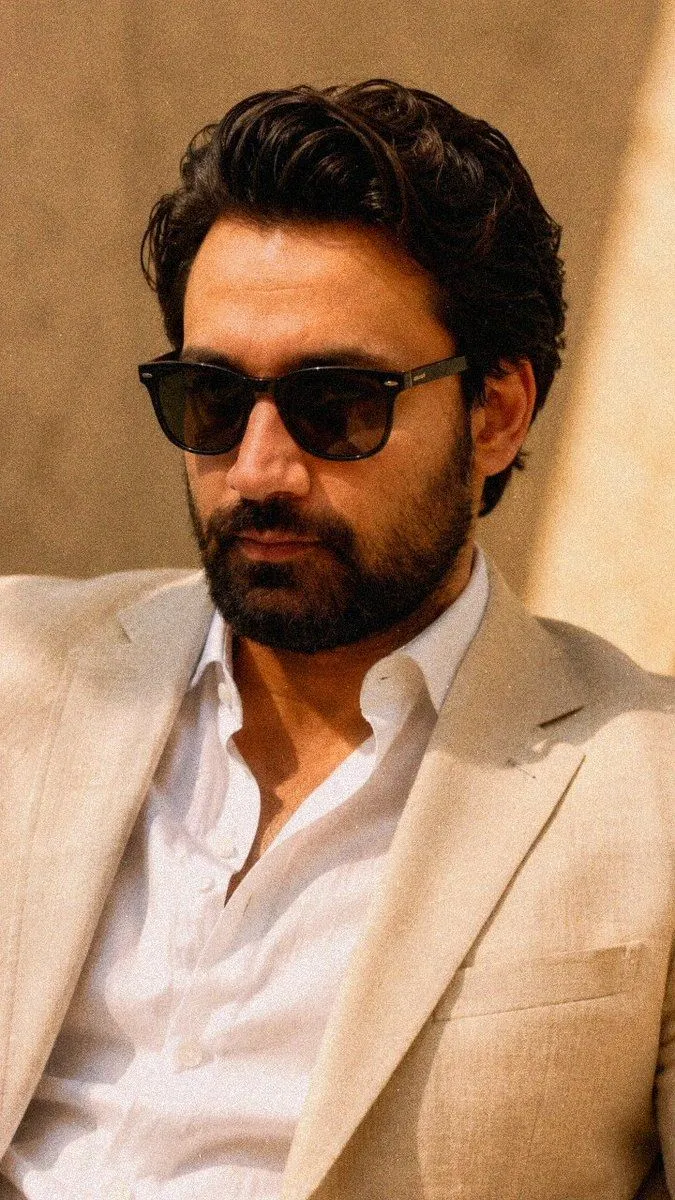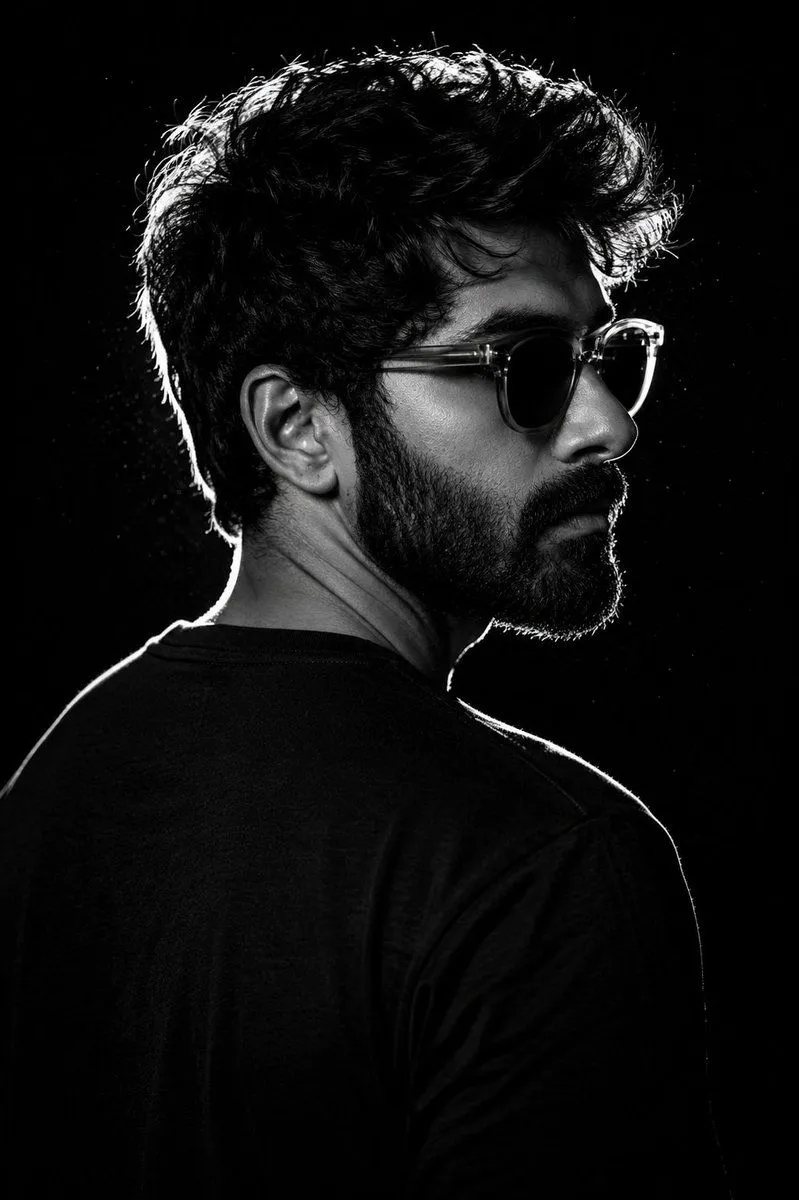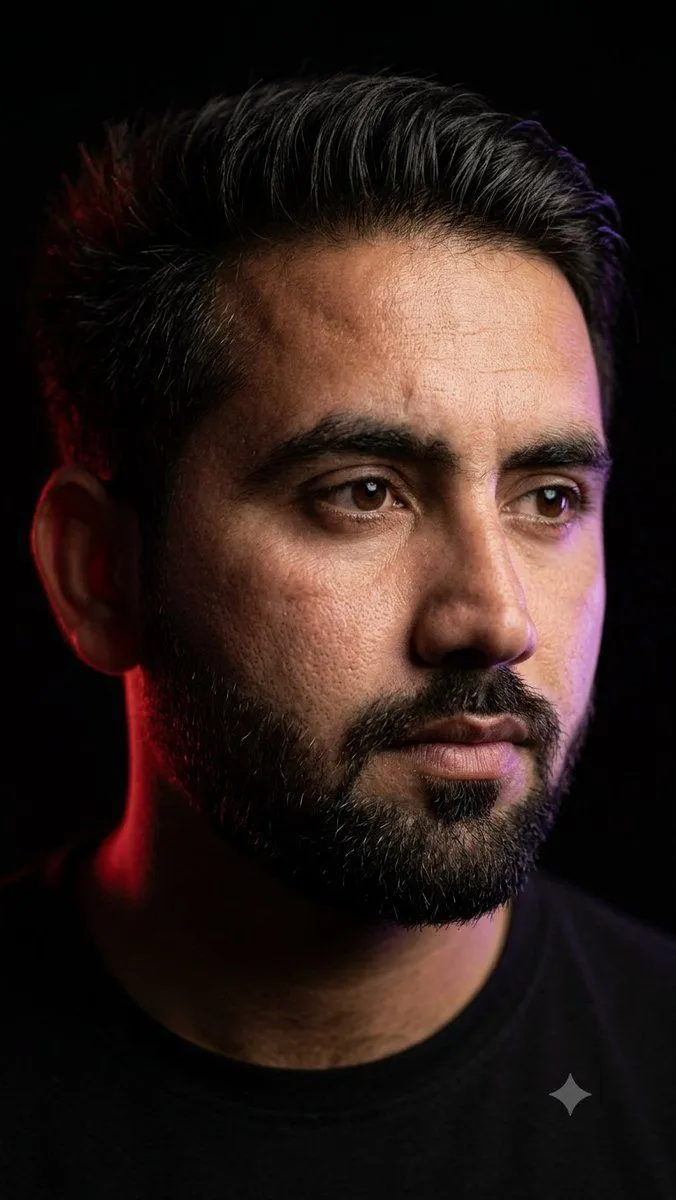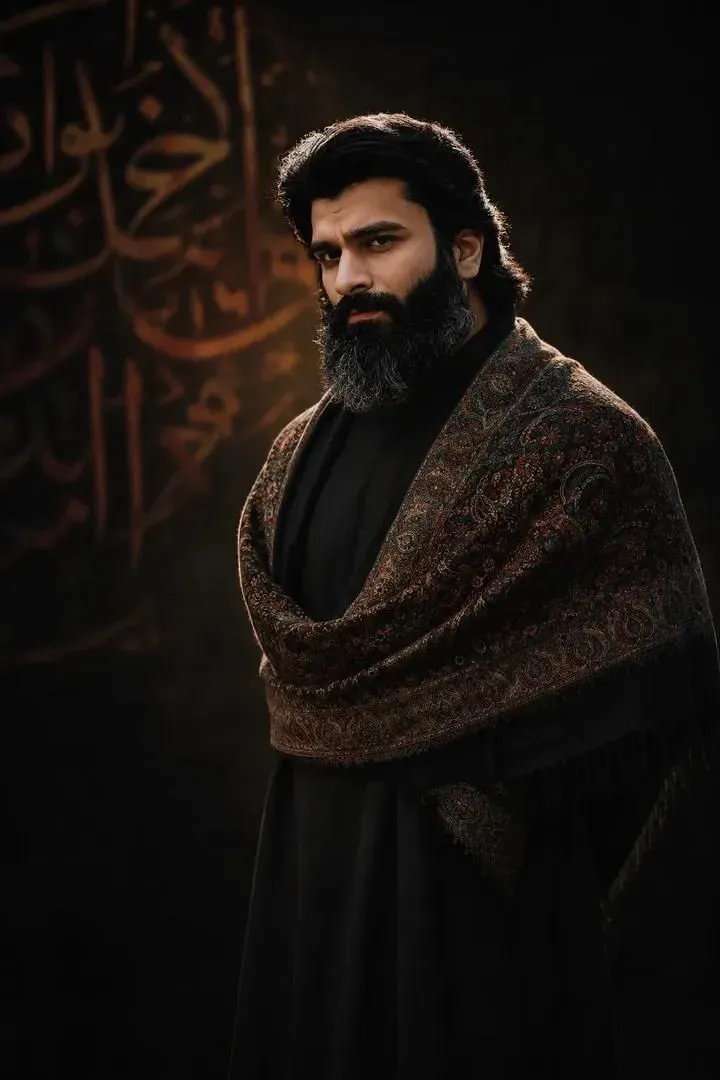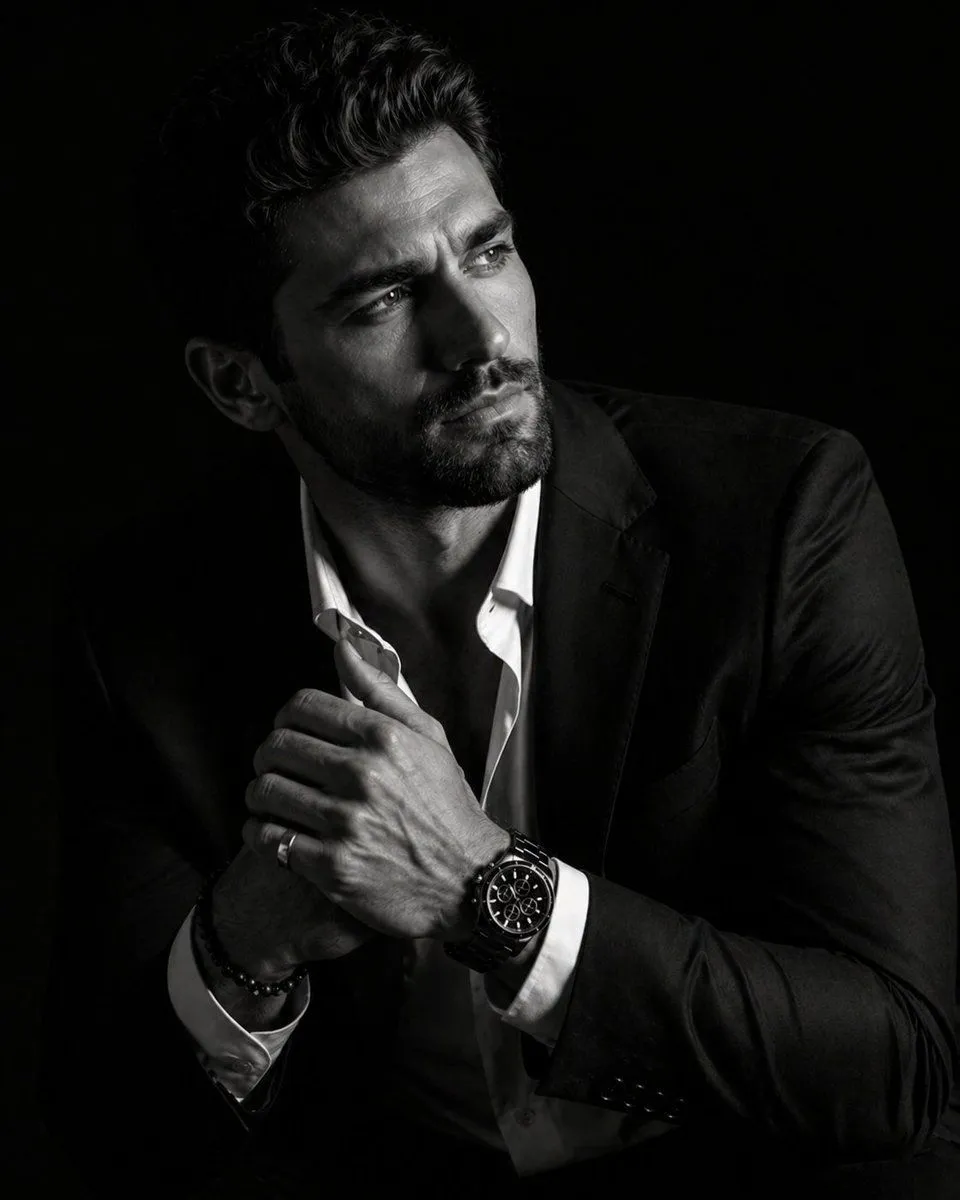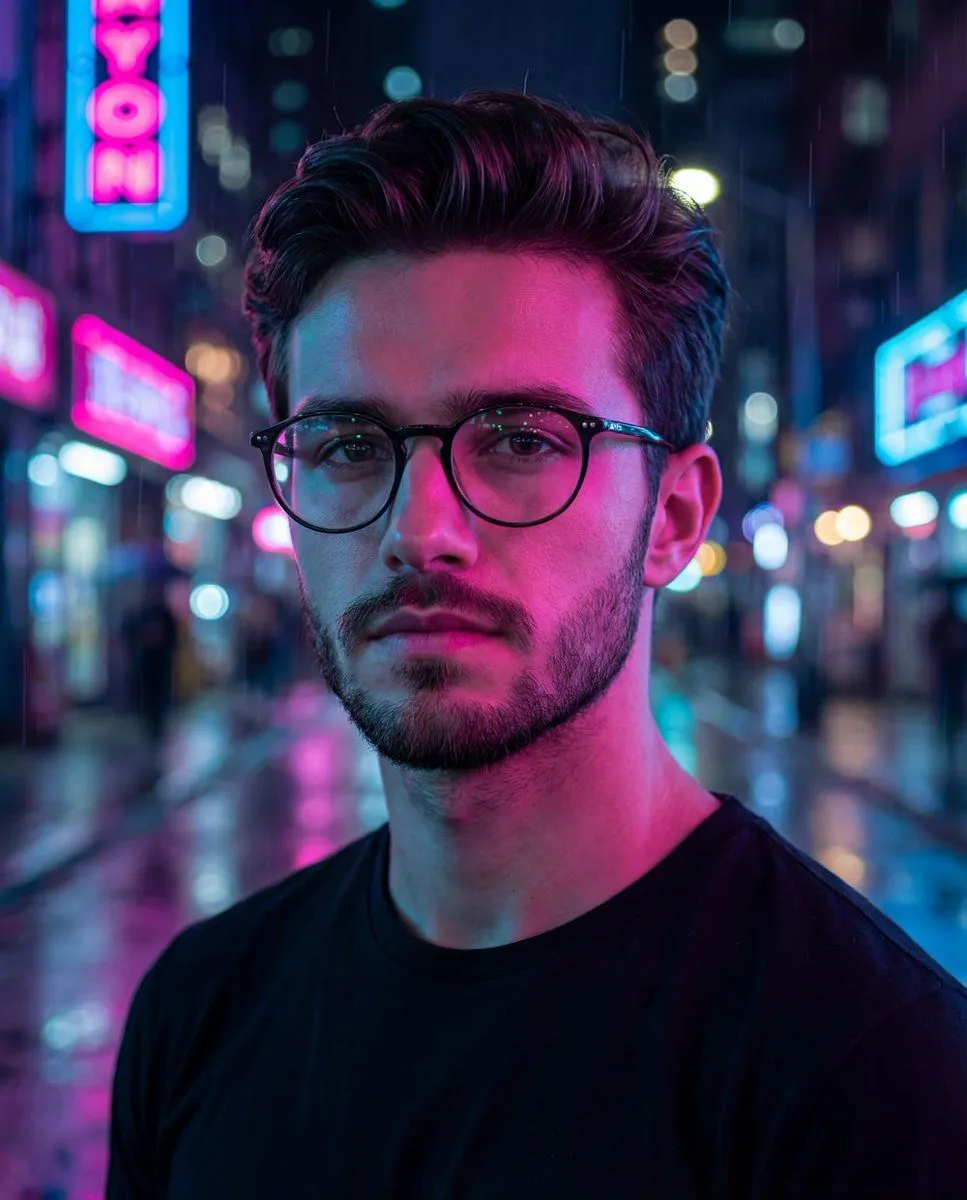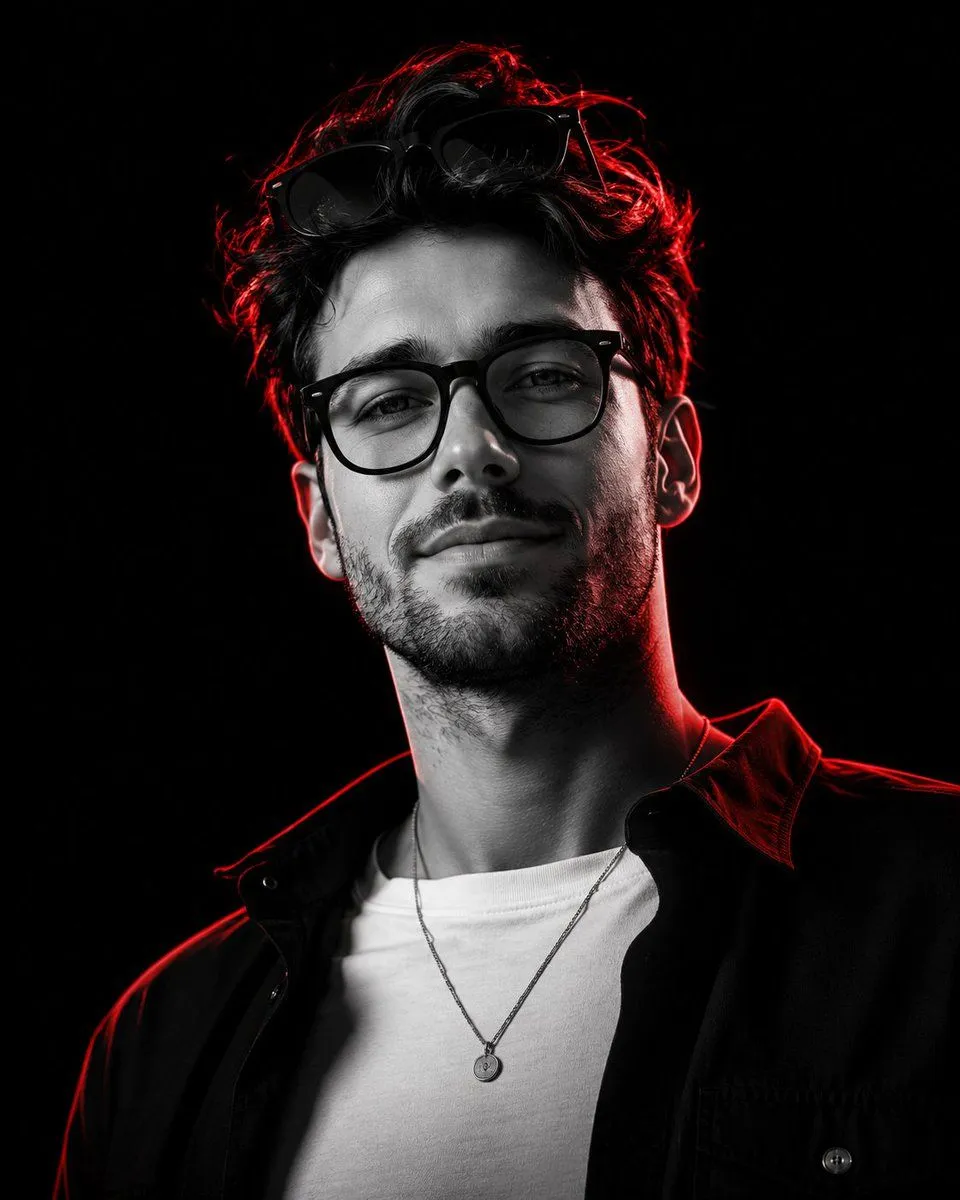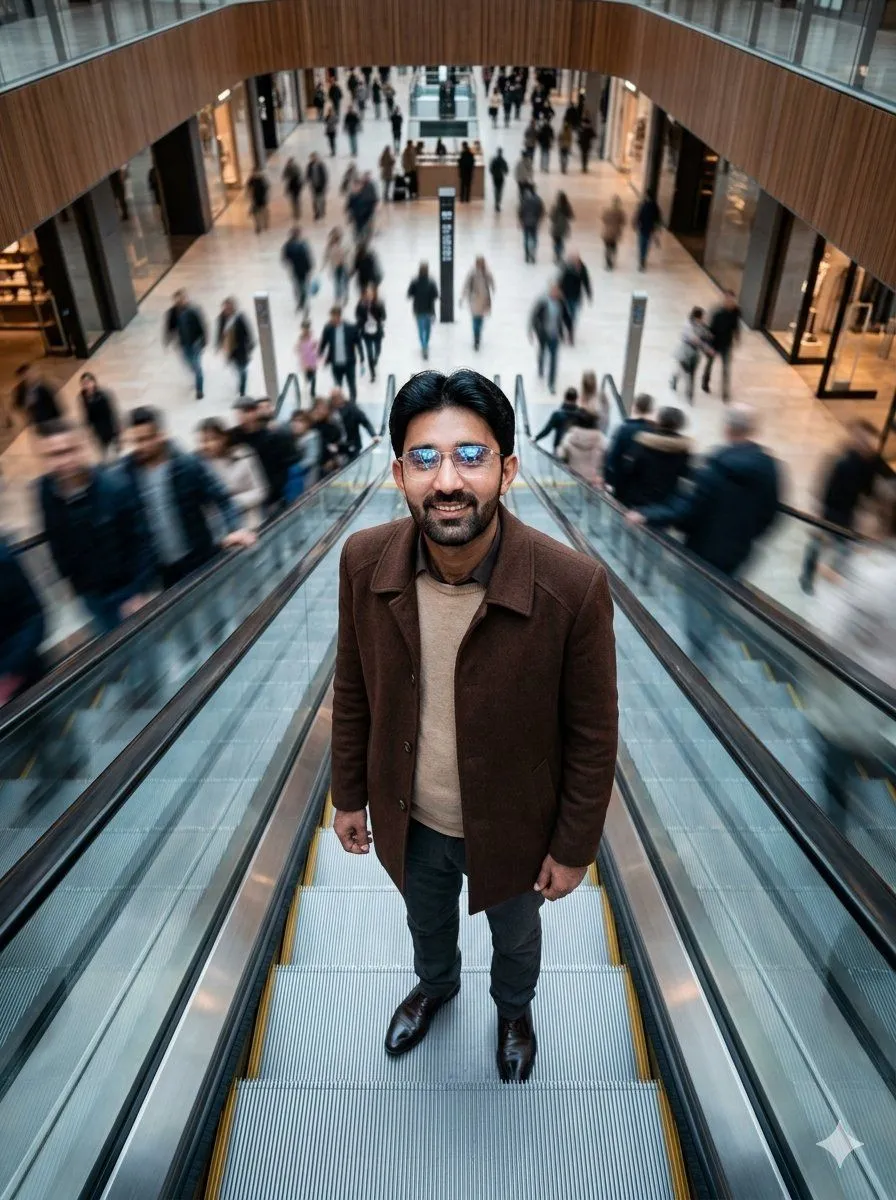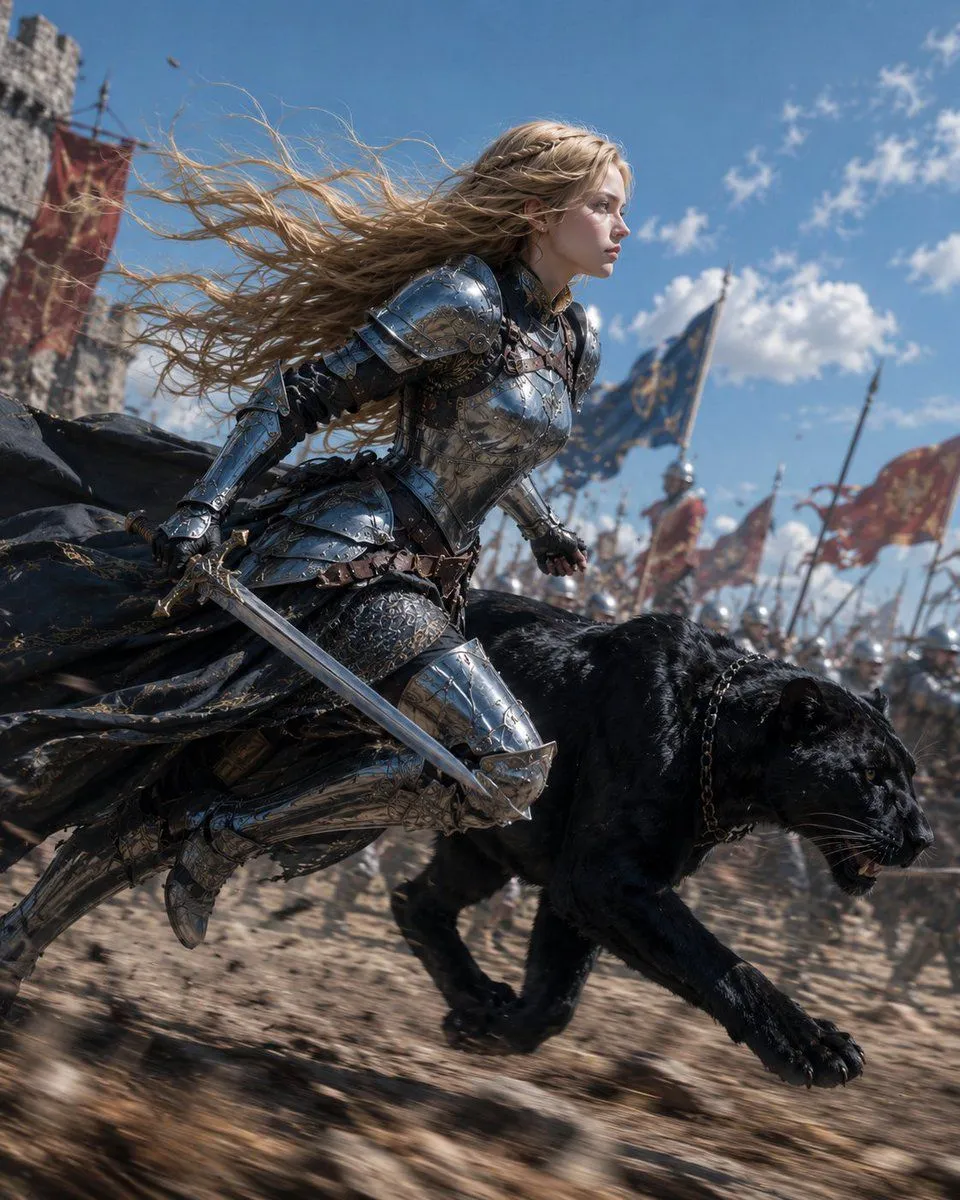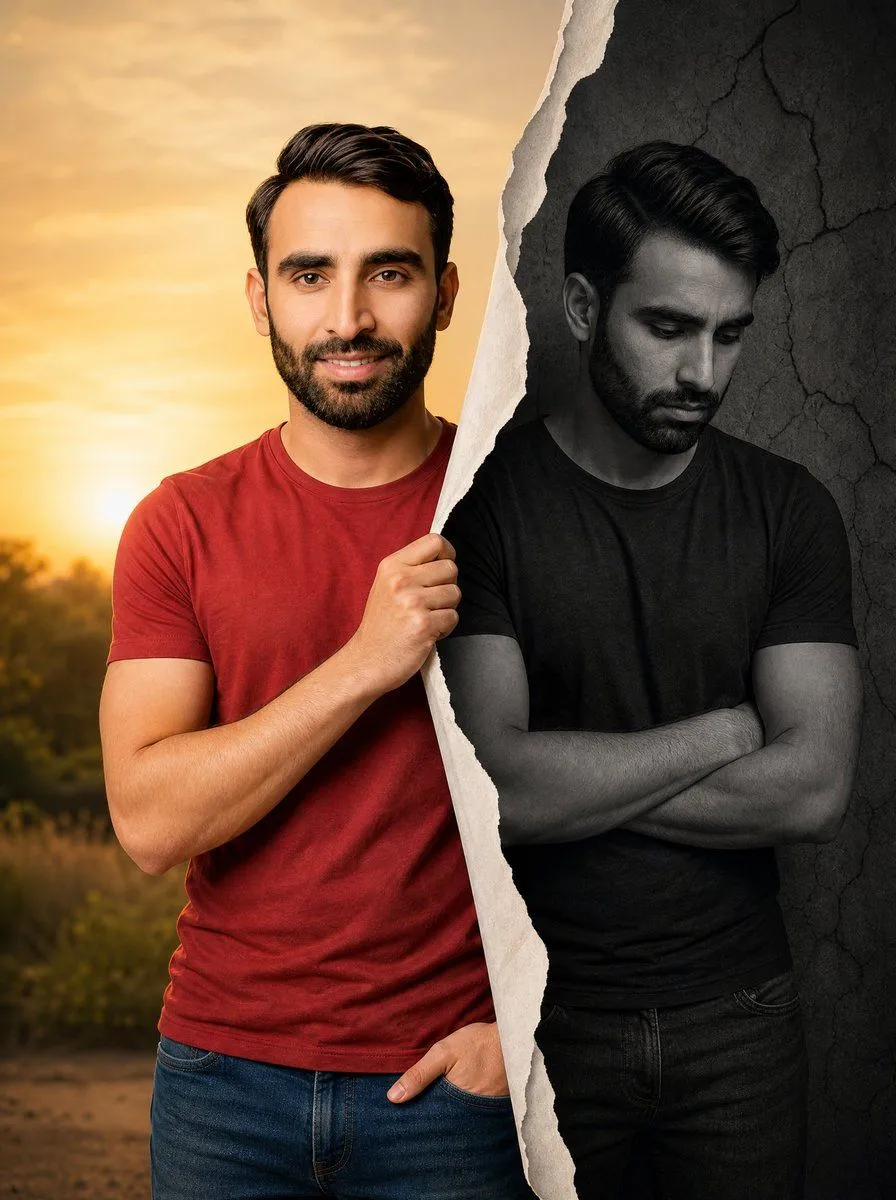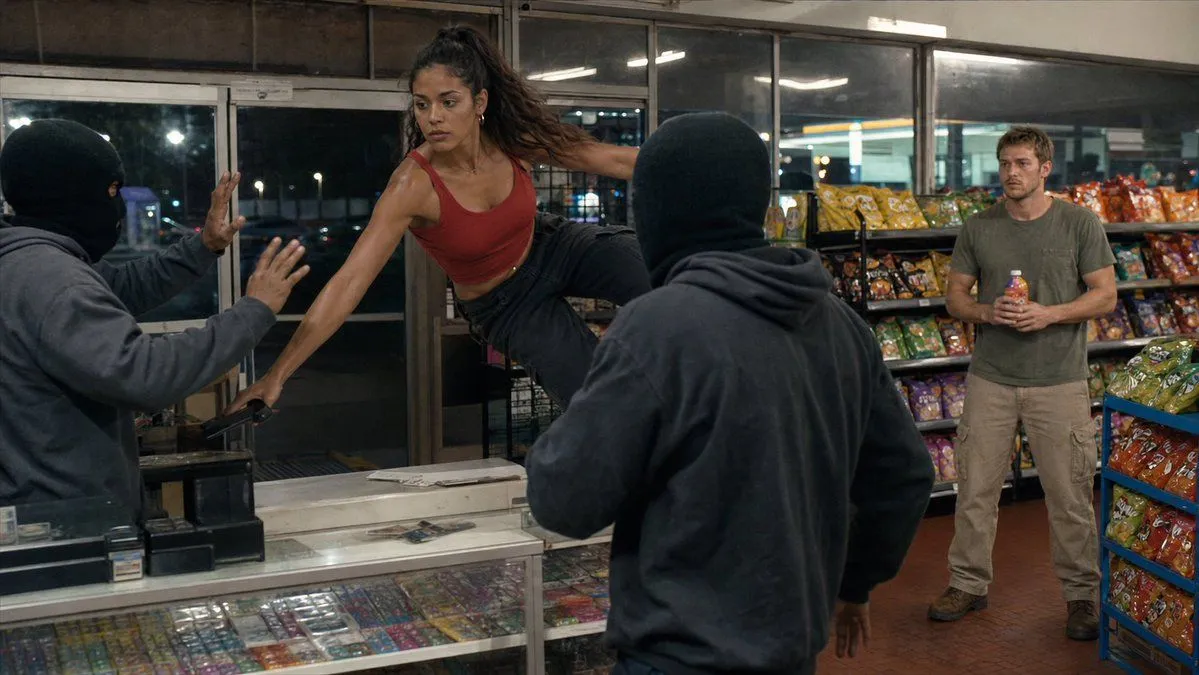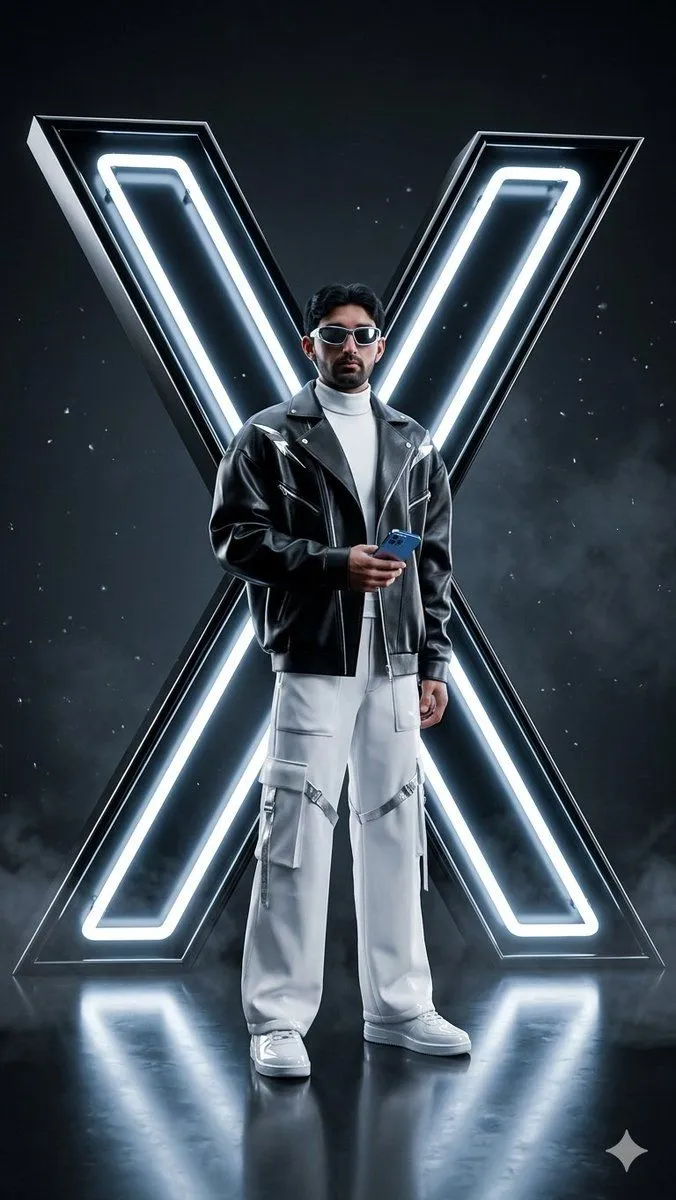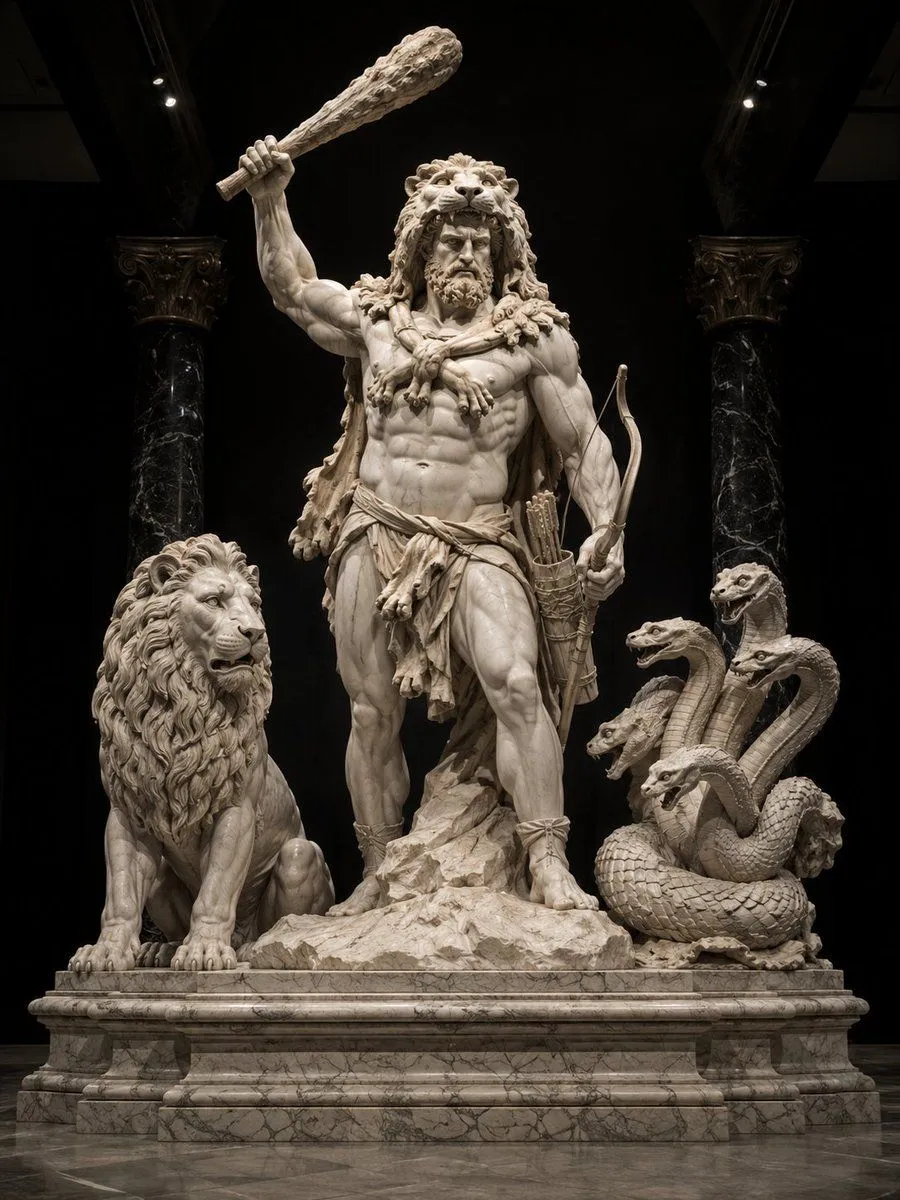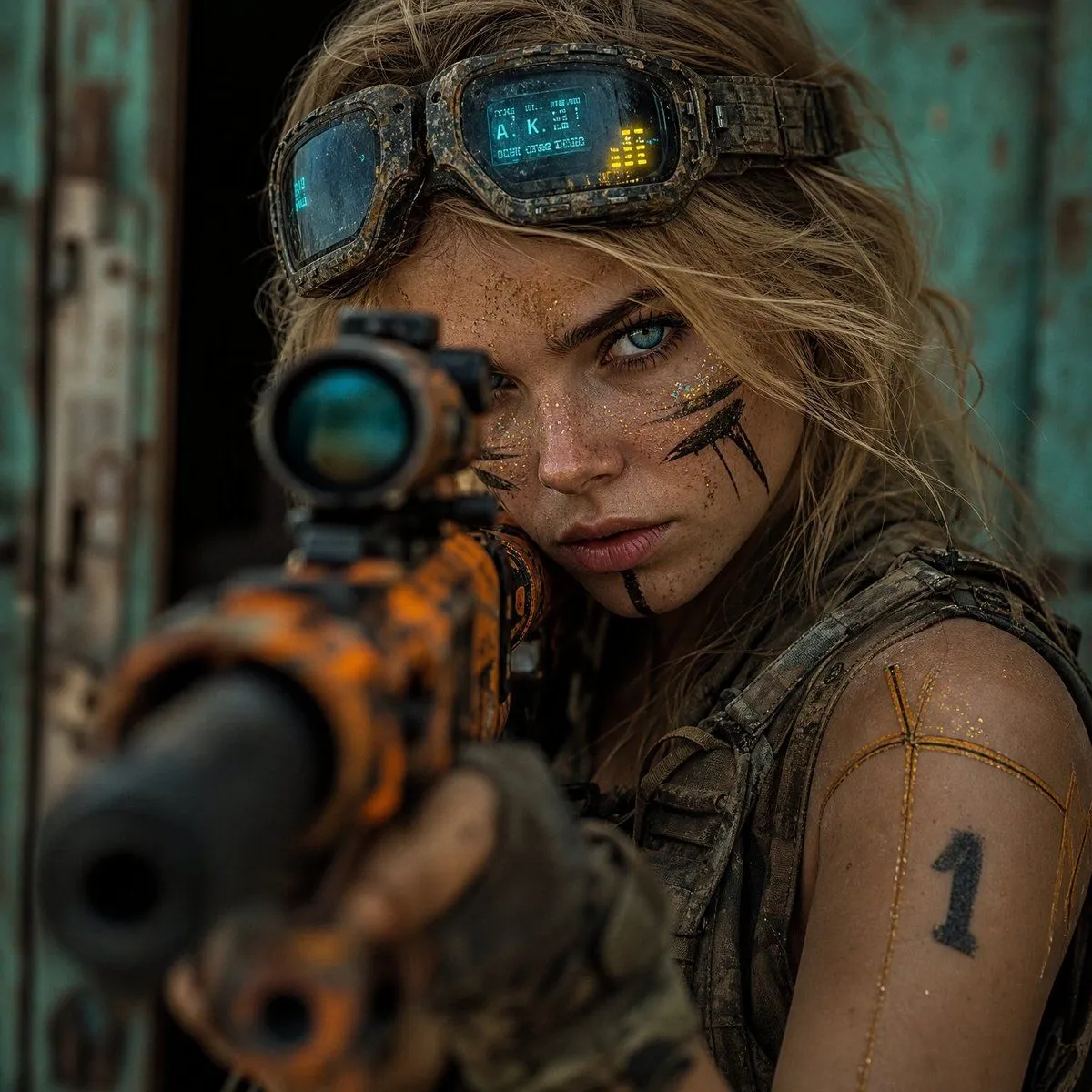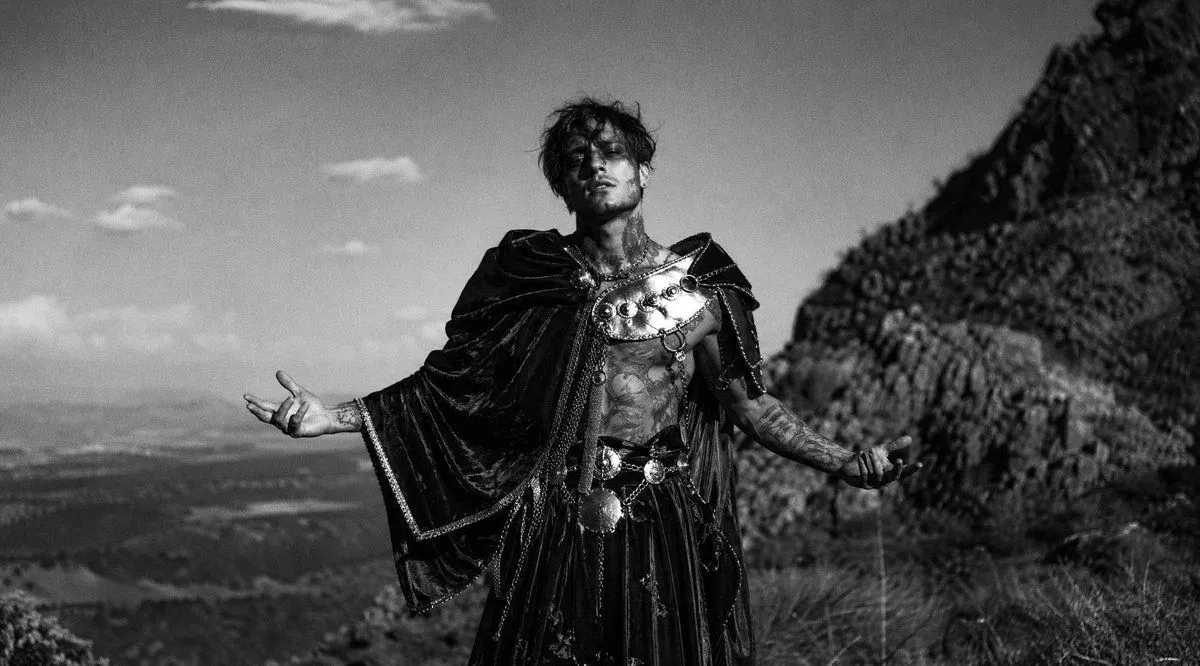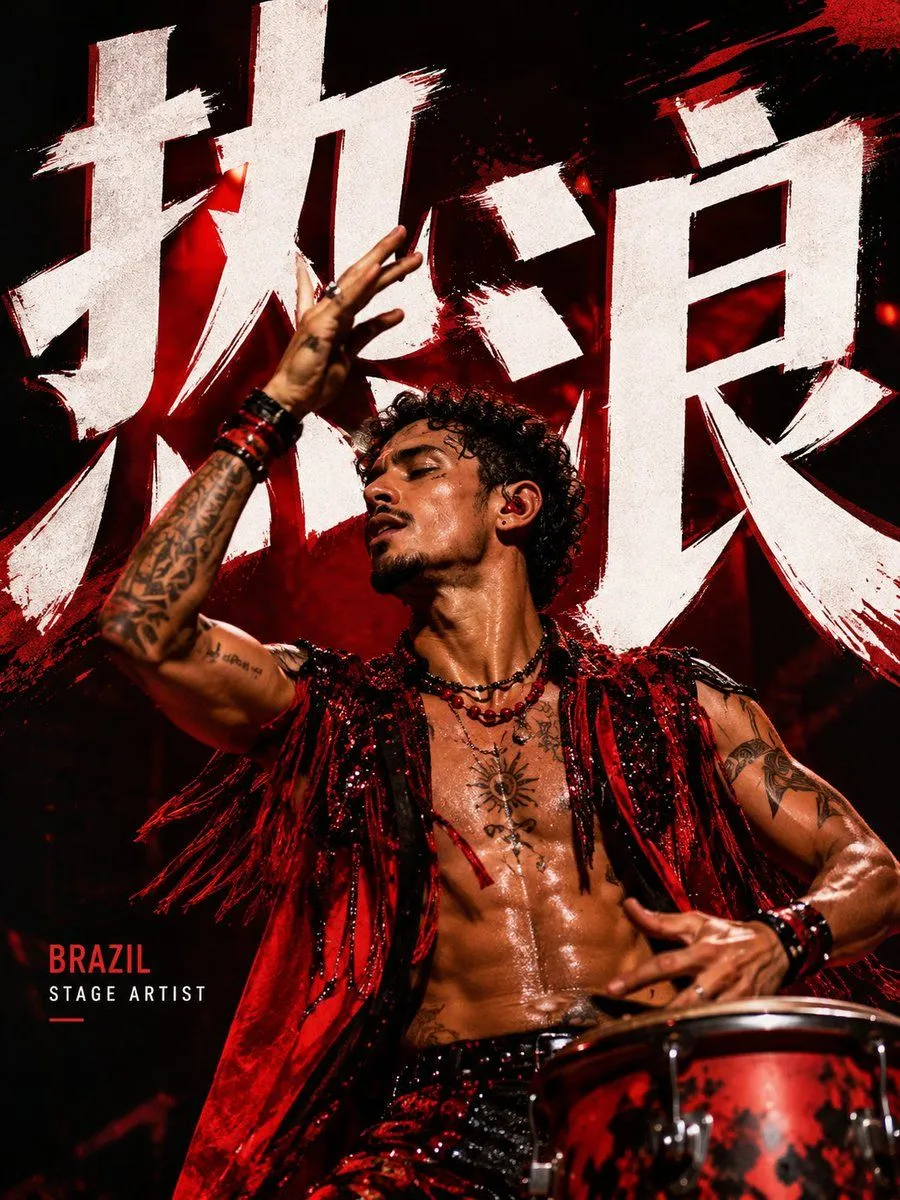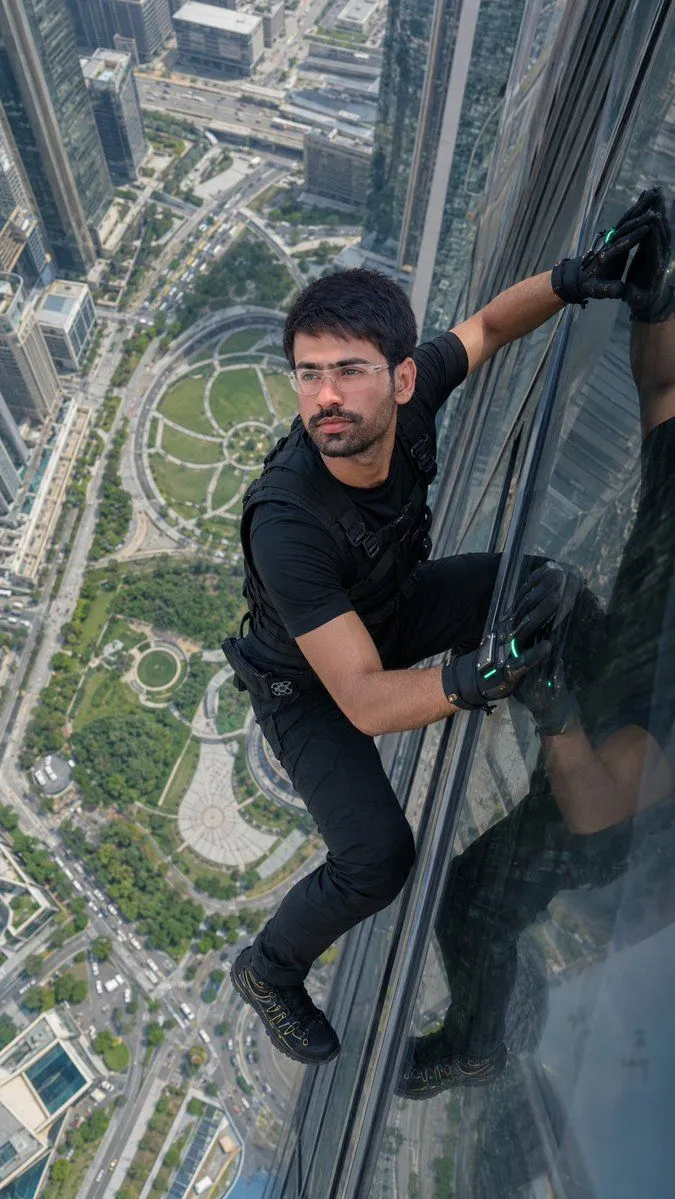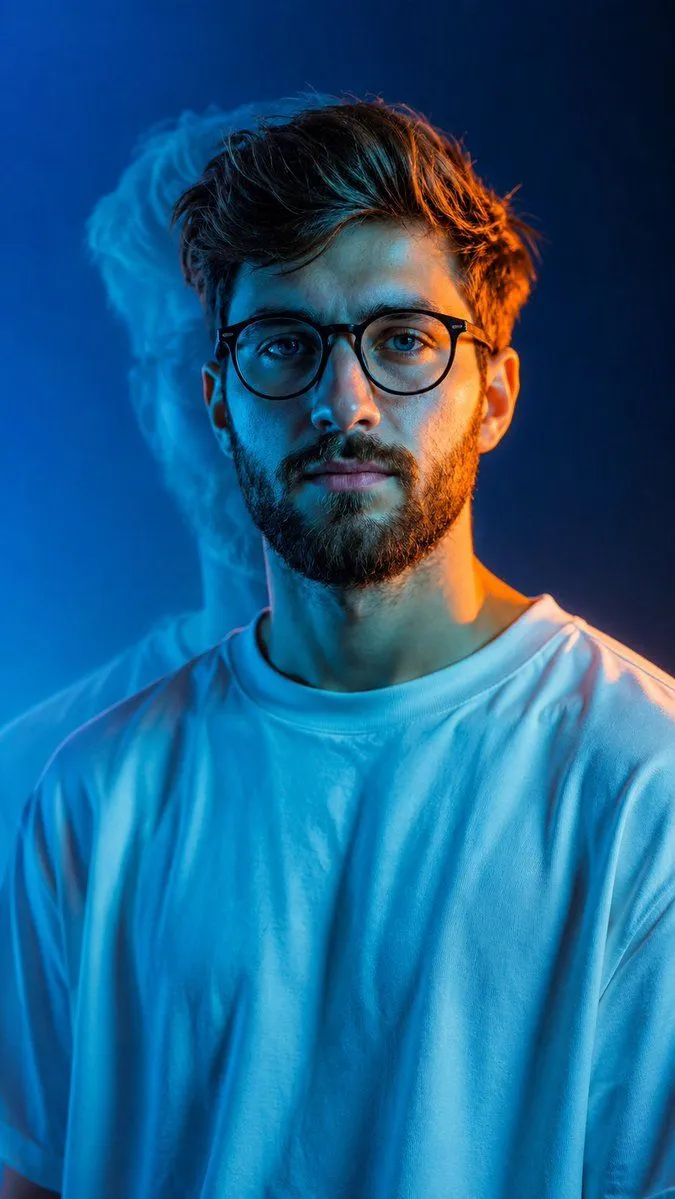
Made with GPT Image 2 in ChatGPT by Library Avatars. Promptclay never generates images.
Split-Lighting Fashion Portrait
Prompt
3 blanks to fillCreate an ultra-photorealistic cinematic studio portrait based on the reference image. {subject_description}, centered in a 9:16 vertical frame, wearing an {clothing}, natural masculine face, realistic skin texture, detailed hair, calm confident expression. Use dramatic {lighting_colors} split lighting: cool cyan light across the face and shirt, warm orange rim light along the opposite side of the face, hair, ear, and shoulder. Add a soft offset blue ghost-like shadow silhouette behind him. Clean electric-blue gradient background, subtle atmospheric glow, realistic fabric folds, natural skin pores, shallow depth of field, cinematic teal-orange color grading, soft bloom, subtle film grain, HDR, professional fashion photography, 8K ultra-realistic detail.
Preview of your prompt
Create an ultra-photorealistic cinematic studio portrait based on the reference image. Young South Asian man, centered in a 9:16 vertical frame, wearing an oversized plain white T-shirt, natural masculine face, realistic skin texture, detailed hair, calm confident expression. Use dramatic blue/cyan and warm orange split lighting: cool cyan light across the face and shirt, warm orange rim light along the opposite side of the face, hair, ear, and shoulder. Add a soft offset blue ghost-like shadow silhouette behind him. Clean electric-blue gradient background, subtle atmospheric glow, realistic fabric folds, natural skin pores, shallow depth of field, cinematic teal-orange color grading, soft bloom, subtle film grain, HDR, professional fashion photography, 8K ultra-realistic detail.
DetailsVersions, settings and questions
Written for
What's in the prompt
- Subject
- Model
- GPT Image 2
If your face changes
keep my face exactly the sameQuestions
- Does this work in the ChatGPT app?
- Yes. Paste the prompt and attach your photo if it uses one.
- It changed my face. What do I do?
- Add "keep my face exactly the same" to the end and run it again.
- Can I use the images I make?
- Check the terms of the app you use. Promptclay never generates images and claims nothing you make.