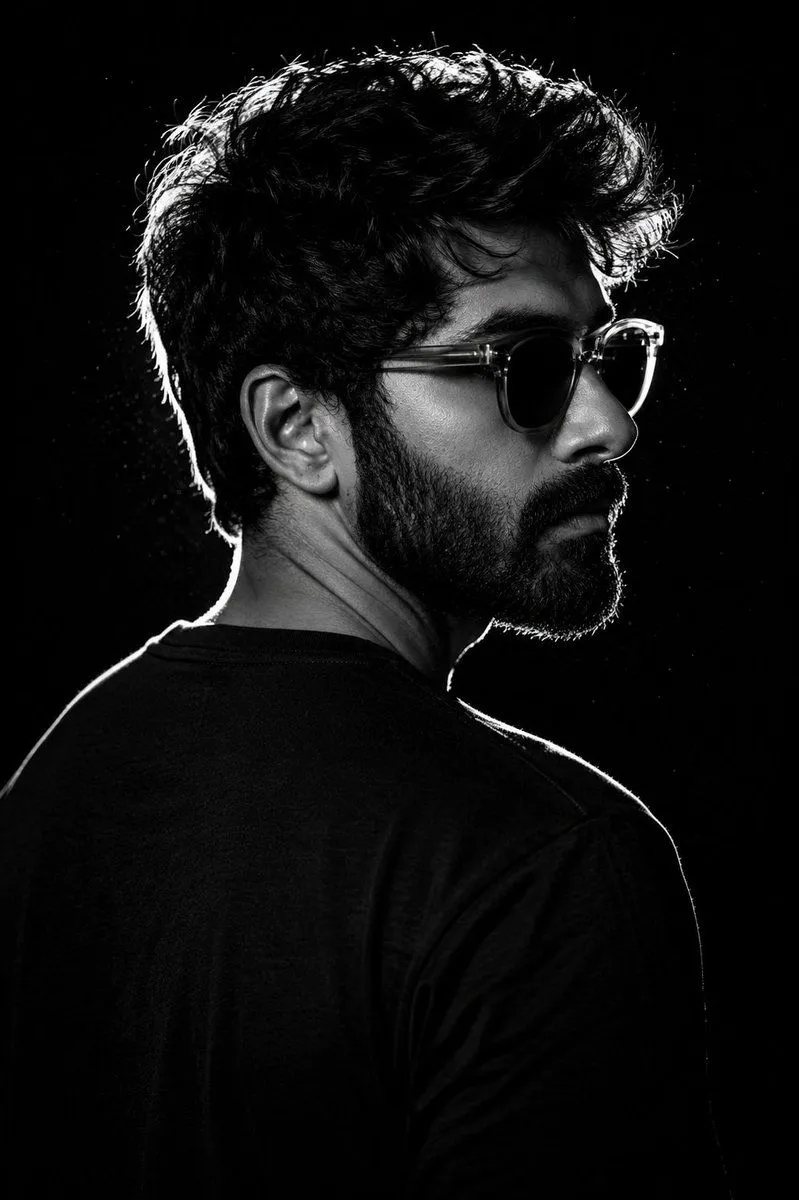
Chiaroscuro Rim-Lit Male Portrait
A dramatic high-contrast studio portrait of a subject, captured in a close-up vertical composition against a completely black background. The subject is photographed in a strong side-profile pose, body turned away from the camera while his head rotates slightly over the shoulder toward the right side of the frame, creating a cinematic and contemplative mood. He wears accessories with glossy reflections and subtle texture visible inside the semi-transparent frames. His expression is calm, serious, and introspective. The portrait uses intense back rim-lighting from behind and slightly above, creating a bright glowing edge around the contours of the hair, ear, beard, nose bridge, shoulder, and neckline. Most of the face remains in deep shadow, producing a striking chiaroscuro effect. Tiny illuminated dust particles are faintly visible around the rim-lit hair, enhancing the atmospheric studio realism. The subject wears a clothing with subtle woven fabric texture and visible shoulder seams softly highlighted by the rim light. The black clothing blends seamlessly into the dark background while maintaining edge definition through controlled highlights. Shot with an 85mm prime portrait lens at eye level using a shallow depth of field, keeping the eye area, beard texture, and glasses crisp while allowing softer focus toward the edges. The entire image should maintain rich monochrome tones with deep blacks, sharp white highlights, and clean neutral grayscale transitions. Ultra-realistic monochrome portrait photography, cinematic studio lighting, luxury editorial aesthetic, dramatic rim-light profile shot, detailed salt-and-pepper beard texture, fashion magazine quality, moody masculine portrait, fine skin texture, minimalist black background, premium artistic photography style.